
Line0 Overview
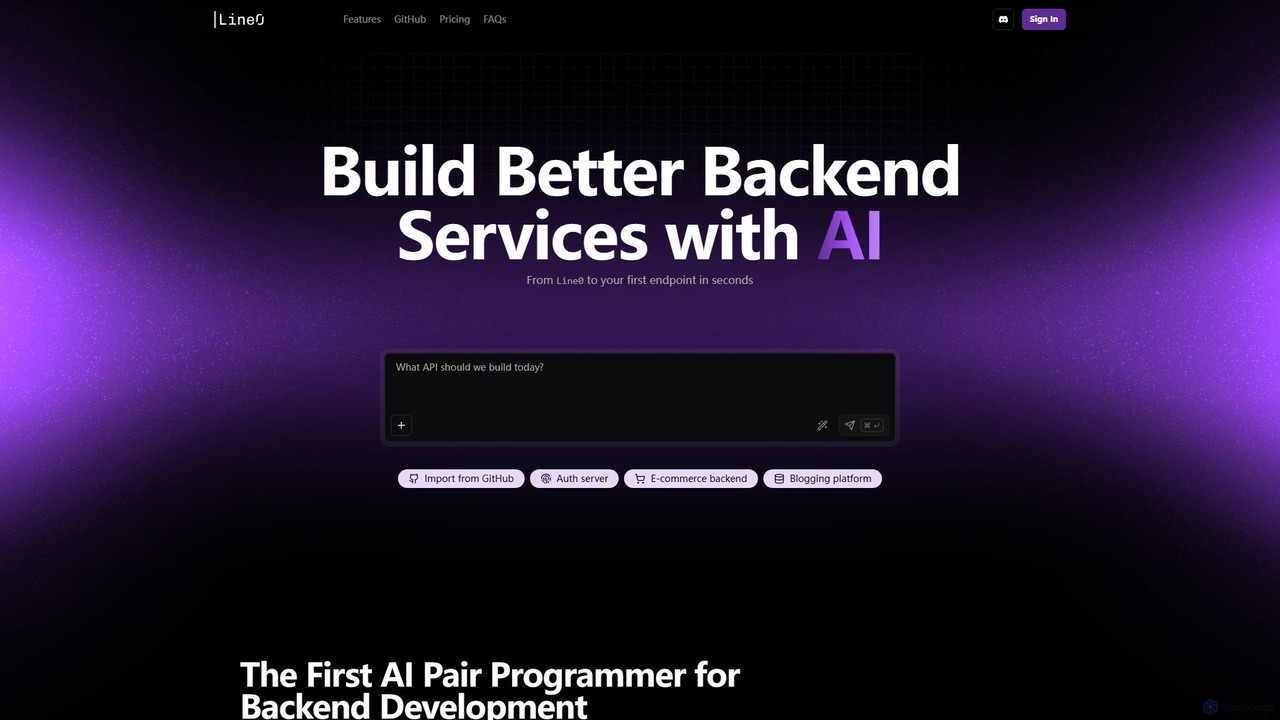
Line0 is a cutting-edge AI-powered platform that revolutionizes backend development. It acts as an intelligent pair programmer, specifically tailored to build robust and production-ready backend services. By leveraging natural language processing, Line0 enables developers to describe the functionality they need, and the AI handles the complex task of writing the code. This dramatically reduces development time from weeks or months to mere minutes, allowing teams to focus on innovation rather than boilerplate code.
The platform is built around an integrated development environment that combines code generation, editing, and version control into a single, seamless experience. With Line0, you can start from scratch or import an existing GitHub repository to enhance your project with AI-driven capabilities. The core philosophy is to simplify the development process without sacrificing control, providing developers with full ownership and editability of the generated code.
How to use Line0
Using Line0 is designed to be an intuitive and straightforward process:
- Sign Up and Connect: Get started by signing in with your GitHub or Google account. Connect your GitHub account to enable seamless code synchronization.
- Start a Project: You can either create a new project from scratch or import an existing repository from GitHub. For each project, you can select a specific branch to work on, ensuring a clean Git history.
- Describe Your Needs: In the chat-based interface, describe the backend feature you want to build in natural language. For example, you could write "create an event reminder service" or "build a user authentication endpoint with email and password".
- Generate and Refine: Line0 generates the code based on your description. You can use simple commands like pressing 'Tab' to autocomplete prompts or use the "Enhance" feature to give more detailed instructions.
- Edit in the IDE: Review and modify the generated code directly within Line0's full-featured in-browser code editor. You have complete control over the entire project's codebase.
- Sync with GitHub: All code is automatically and continuously synced with your connected GitHub repository. Any changes you commit to GitHub are also pulled back into Line0, keeping both environments perfectly in sync.
- Test Your API (Coming Soon): With the upcoming built-in API client, you'll be able to test newly generated APIs directly in the browser with zero setup, hot-reloading on every code change, and a live database preview.
Core Features of Line0
- AI Pair Programmer for Backend: Specializes in generating high-quality, production-ready code for backend services and APIs.
- Natural Language Interface: Build complex functionality by simply describing it in plain English, eliminating the need for complex prompt engineering.
- Two-Way GitHub Sync: Seamlessly connect, import, and sync code with your GitHub repositories, ensuring your codebase is always up-to-date and under your control.
- In-Browser Code Editor: A complete IDE in your browser allows for direct editing and management of the entire project code.
- Chat-Based Feature Development: Organize your project by building each feature in a separate, dedicated chat, which helps the AI produce more accurate results.
- Support for Existing Projects: Import your current backend projects into Line0 to accelerate development and add new features with AI assistance.
- Built-in API Client (Coming Soon): An integrated tool for instant API testing, featuring hot-reloads and a live database preview without needing external tools like Postman.
Use Cases for Line0
Line0 is ideal for a wide range of backend development tasks:
- Rapid Prototyping: Quickly build and validate backend logic for new applications and ideas.
- Microservice Development: Effortlessly generate standalone services like health checks, file upload handlers, or event-driven reminders.
- API Endpoint Creation: Add new API endpoints to existing applications, such as user management, data processing, or third-party integrations.
- Accelerating Startup MVPs: Enable small teams and solo founders to build the backend for their Minimum Viable Product (MVP) at a fraction of the typical time and cost.
- Learning and Education: A great tool for developers learning new backend frameworks, as it shows how natural language requirements translate into functional code.
Advantages of Line0
The primary advantage of Line0 is the massive boost in speed and efficiency. It streamlines the entire backend workflow, from ideation to a functional endpoint. By handling boilerplate and complex logic, it frees up developers to focus on higher-level architecture and unique business features. The seamless GitHub integration ensures that developers retain full ownership and control over their code, fitting perfectly into existing CI/CD pipelines. Furthermore, its simplicity makes backend development more accessible to a broader range of developers.
Pricing and Plans
Line0 offers a flexible pricing structure to suit different needs:
- Free Plan: Ideal for getting started and personal projects. Includes daily message limits, the ability to create up to 10 public projects, GitHub sync, and the in-browser editor. Cost: $0/month.
- Plus Plan: Recommended for professionals and teams. Offers higher monthly limits (150 messages/month), unlimited private projects and chats, the ability to import from GitHub, and email support. Cost: $17/month + local tax (billed yearly).
- Pro Plan: Designed for power users and businesses with high-volume needs. Includes everything in Plus, with a significantly higher message limit (2000 messages/month) and priority access during busy periods. Cost: $170/month + local tax (billed yearly).
Traffic
Latest traffic
Status
Monthly traffic trend
- 2025-9: 1.2K
- 2026-1: 2.0K
- 2026-2: 1.5K
- 2026-3: 413
- 2026-4: 0
- 2026-5: 746
Geography
Top 5 countries / regions
- 🇺🇸United States100.0%
Line0 Alternatives
Amplication
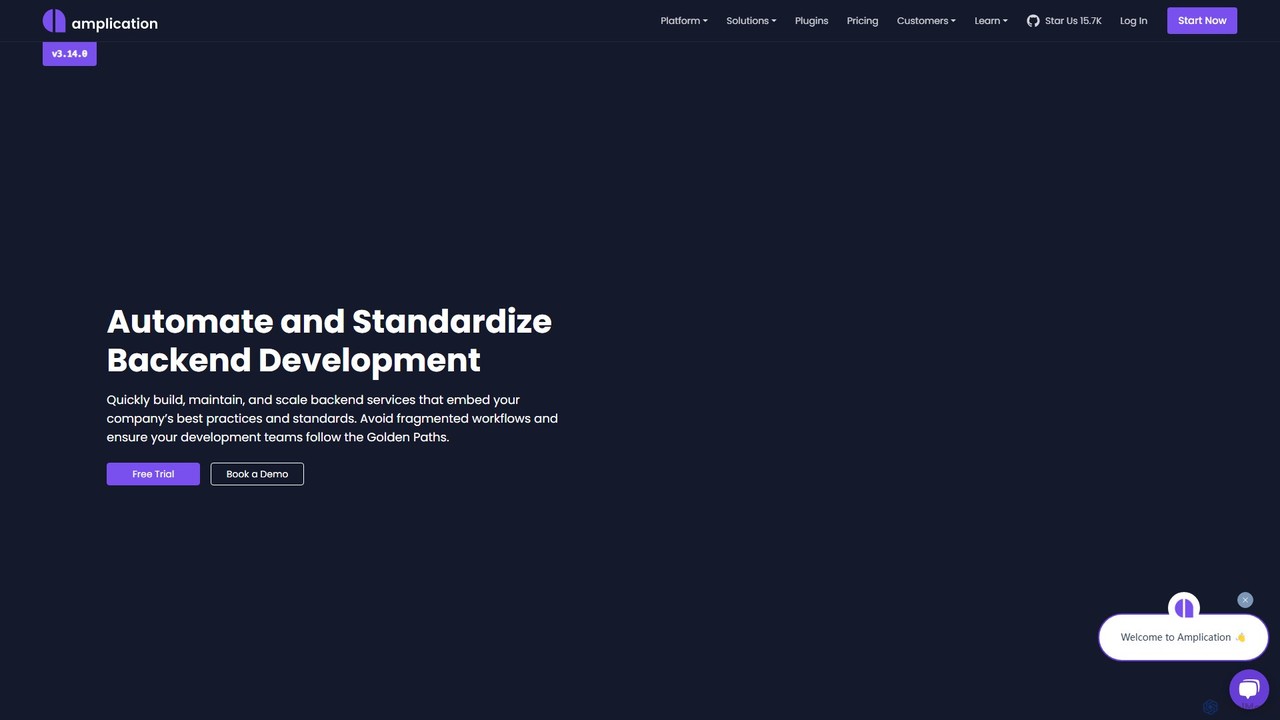
Amplication is an AI-powered backend development platform that standardizes and automates the creation of backend services. It empowers platform engineering teams to define 'Golden Paths' with live templates, enabling developers to rapidly build, maintain, and scale secure, compliant, and consistent microservices and applications.
Backend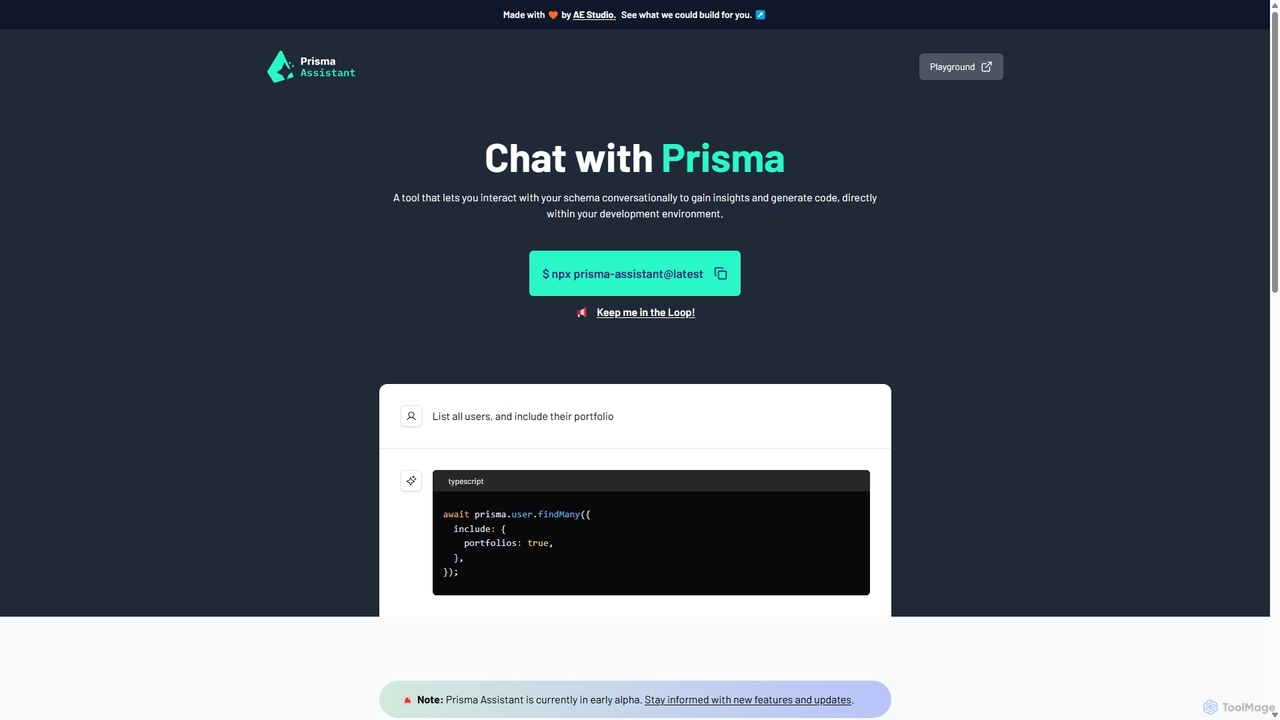
Prisma Assistant
Prisma Assistant is an AI-powered tool for developers that enables conversational interaction with your Prisma schema. Run it locally to gain insights, ask questions in natural language, and automatically generate Prisma queries and mutations, significantly speeding up your backend development workflow.
Ai Coding
Project IDX
Project IDX, now evolving into Firebase Studio, is a cloud-based, AI-powered workspace for full-stack, multi-platform application development. It offers a pre-configured environment with AI code assistance, integrated multi-platform previews, and seamless Firebase integration. Ideal for developers looking to build, test, and deploy web and mobile apps faster, without local setup complexities.
Paas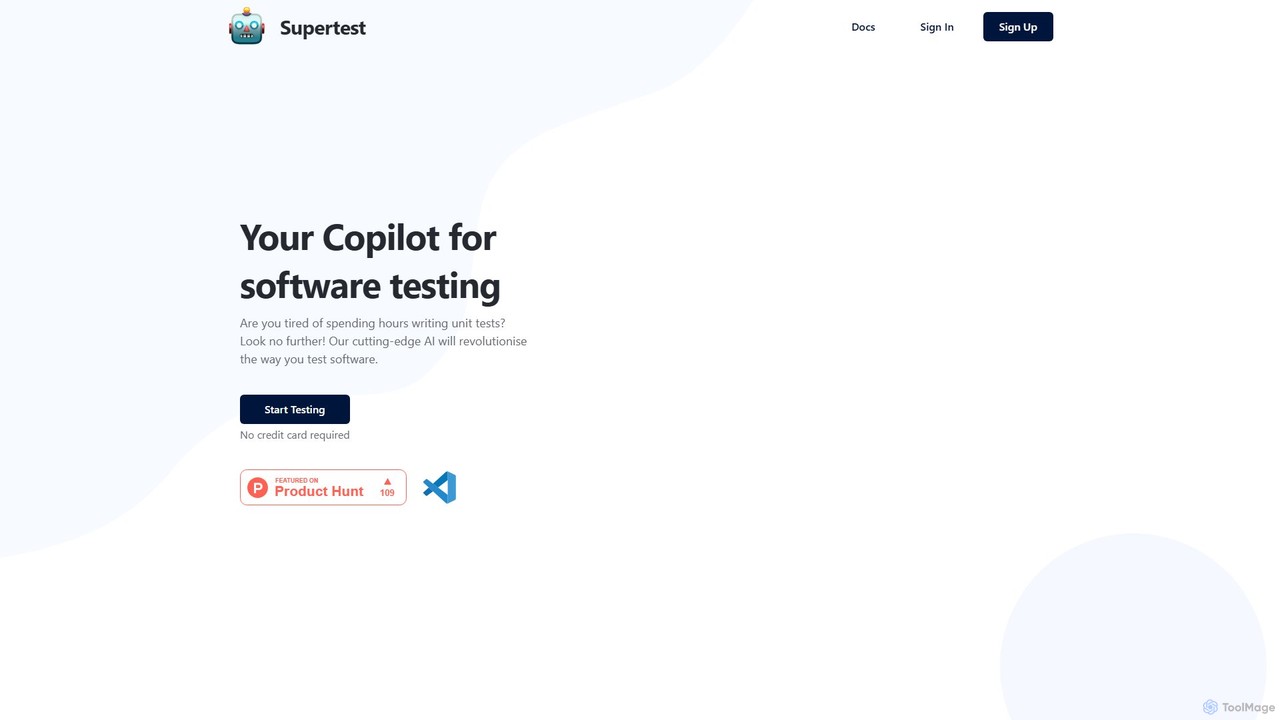
supertest
Supertest is an AI-powered copilot for software testing that integrates directly into VS Code. It automates the creation of unit tests, allowing developers to generate comprehensive tests with a single click, significantly speeding up the development workflow and improving code quality.
Code Generation
Neurelo
Neurelo was an innovative AI-powered Backend-as-a-Service (BaaS) platform designed to drastically simplify and accelerate backend development. It automatically generated production-ready REST and GraphQL APIs from a database schema, empowering developers to build scalable applications in a fraction of the time by handling database management, migrations, and API creation.
ApiLine0 Categories
Line0 Embed Widget
Copy this embed code to place the badge on your blog, article, or product site and send readers directly to this ToolMage detail page.

Related AI tools
Codegen
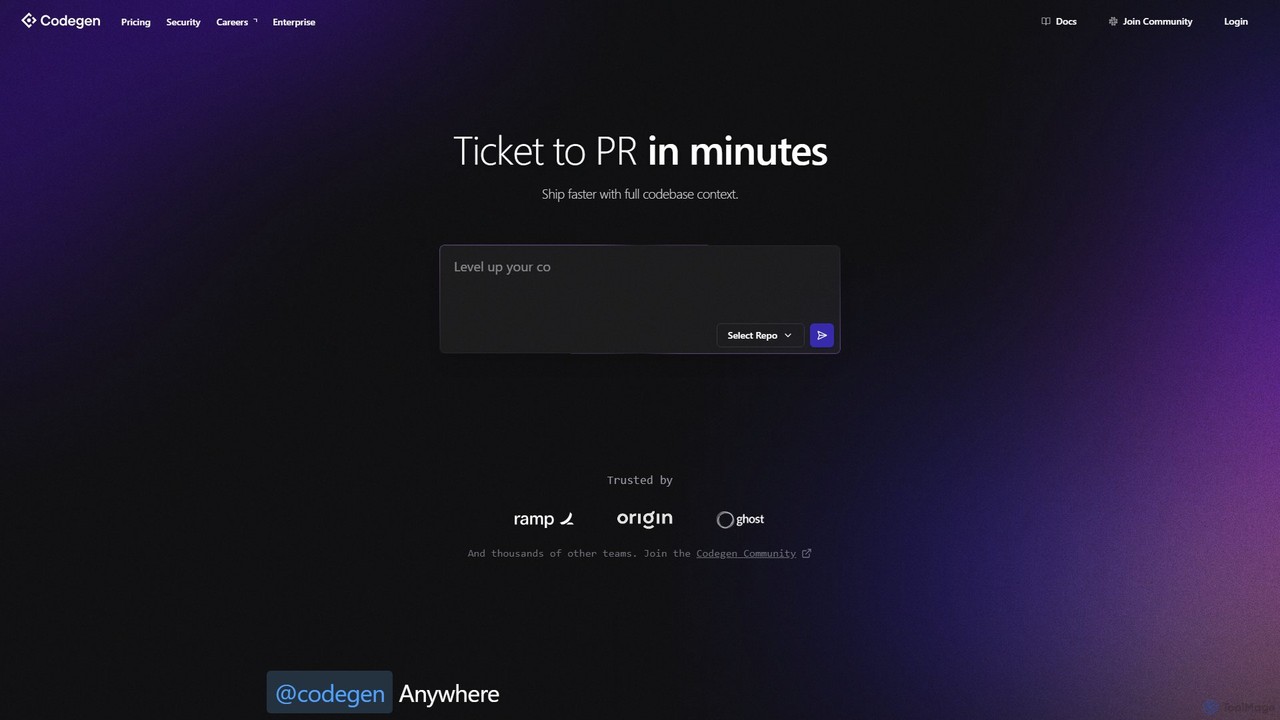
Codegen is an AI software engineering agent that accelerates development by transforming tickets into pull requests in minutes. It integrates with your existing tools like GitHub, Slack, and JIRA, using full codebase context to automate coding, fix bugs, and review code, effectively 10x-ing your team's productivity.
Version Control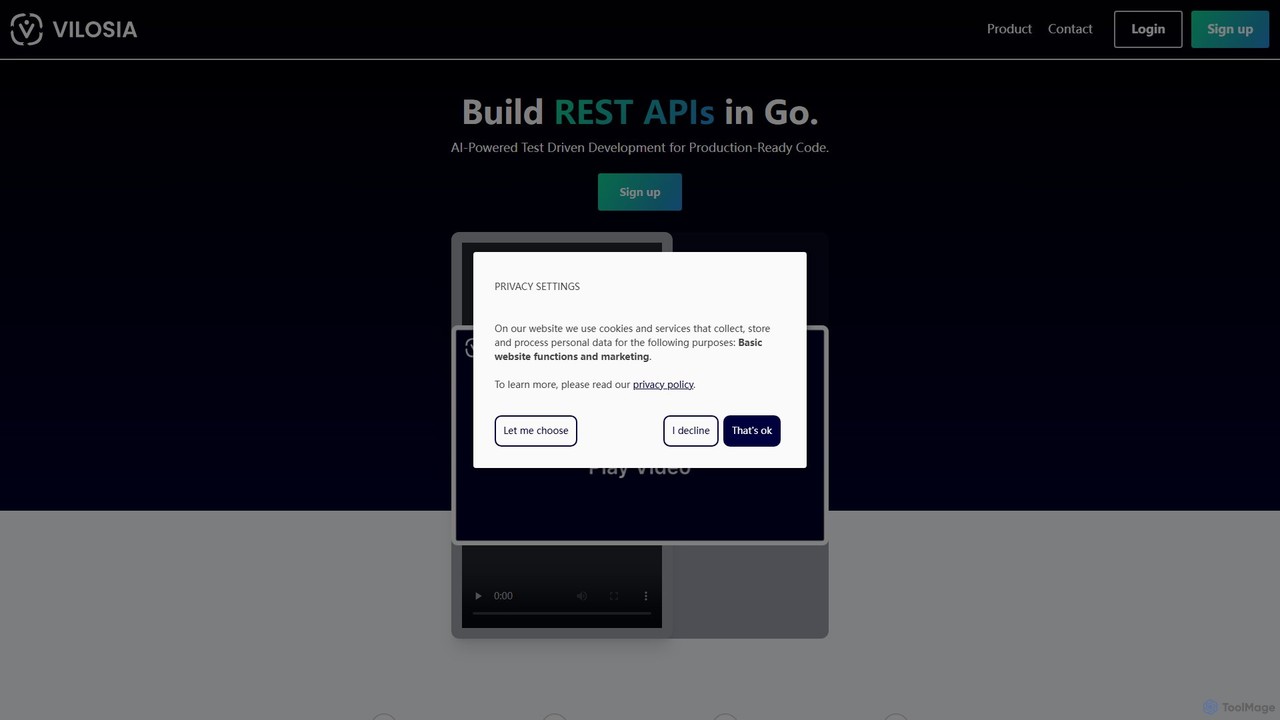
Vilosia
Vilosia is an AI-powered platform designed for professional software teams to accelerate the development of REST APIs in Go. By describing an endpoint in natural language, users can automatically generate comprehensive test cases and production-ready code, streamlining the Test-Driven Development (TDD) process and simplifying microservice creation and migration.
Code Generation
Jyek
Jyek is an AI agent platform that understands objectives, creates execution plans, uses tools, and delivers verifiable results for complex, multi-step tasks.
AutomationAmplication
Amplication is an AI-powered backend development platform that standardizes and automates the creation of backend services. It empowers platform engineering teams to define 'Golden Paths' with live templates, enabling developers to rapidly build, maintain, and scale secure, compliant, and consistent microservices and applications.
BackendPrisma Assistant
Prisma Assistant is an AI-powered tool for developers that enables conversational interaction with your Prisma schema. Run it locally to gain insights, ask questions in natural language, and automatically generate Prisma queries and mutations, significantly speeding up your backend development workflow.
Ai Coding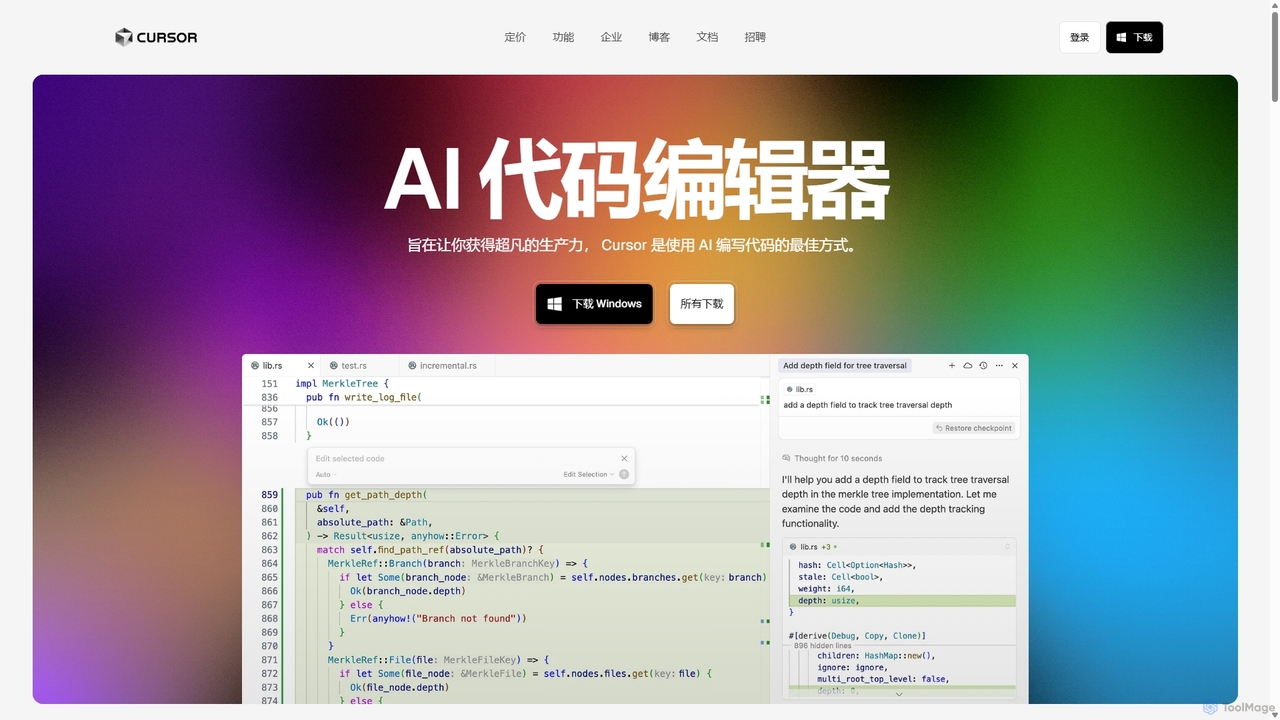
Cursor
Cursor is an AI-first code editor designed for pair-programming with artificial intelligence. Built as a fork of VS Code, it offers a familiar environment supercharged with advanced AI capabilities for code generation, editing, debugging, and codebase comprehension, aiming to significantly boost developer productivity.
Code Assistant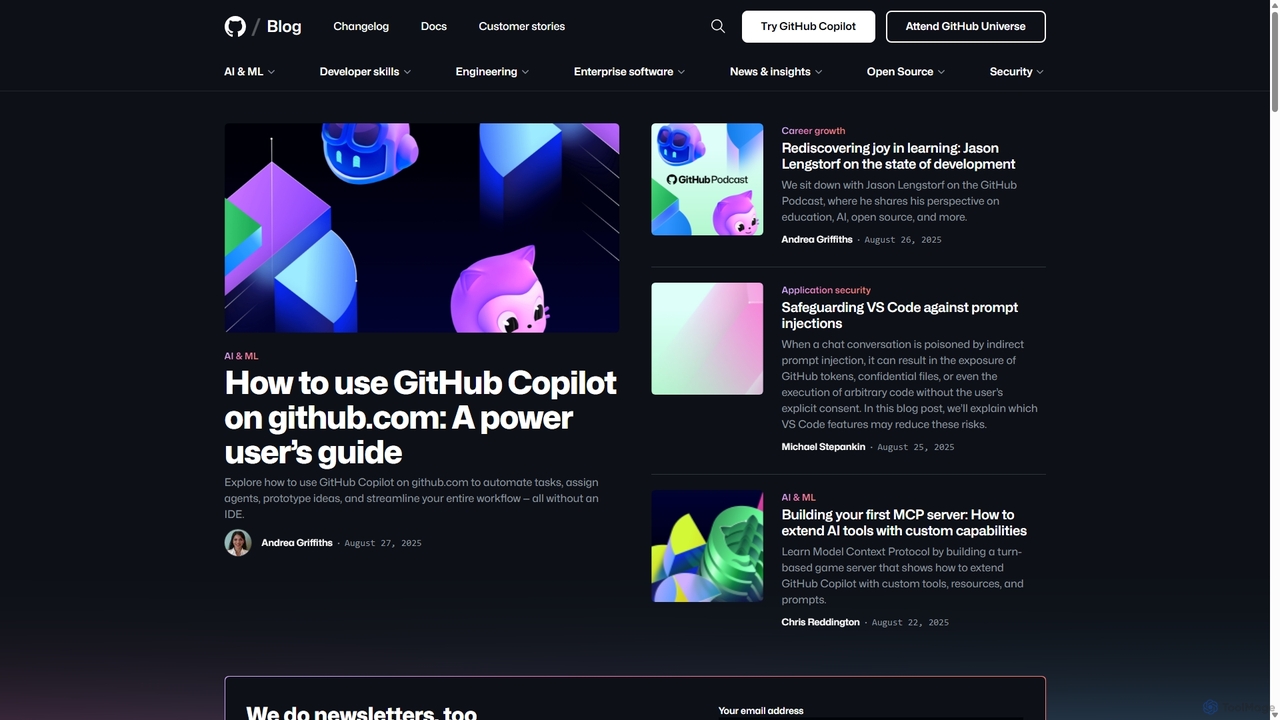
GitHub Copilot
GitHub Copilot is an AI pair programmer that offers intelligent code completions and suggestions directly in your editor. It helps you write code faster, learn new languages, and stay in the flow by turning natural language prompts into coding suggestions across dozens of languages.
Code Generation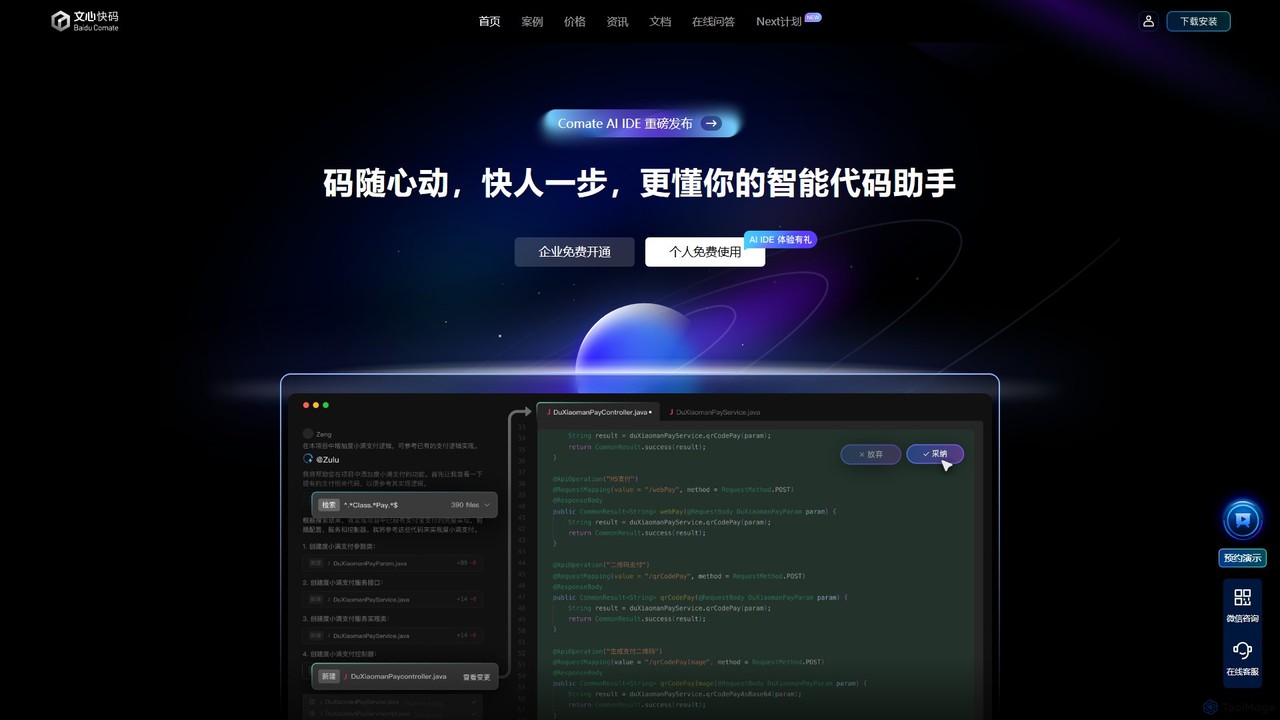
Baidu Comate
Baidu Comate is an intelligent AI code assistant powered by Baidu's Wenxin large language model. It integrates seamlessly into IDEs like VS Code and JetBrains to provide real-time code completion, code generation from natural language, bug fixing, and unit test creation, significantly boosting developer productivity.
Code Generation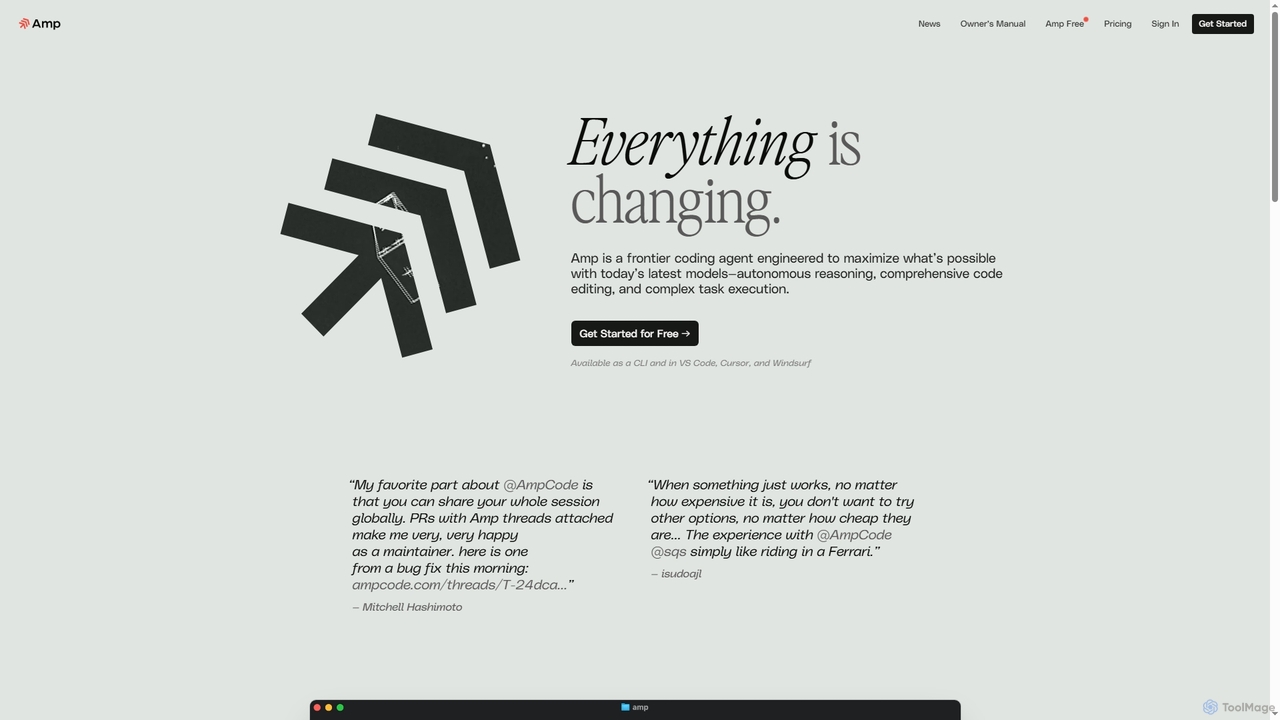
Amp
Amp is a frontier AI coding agent designed for developers. It operates as a CLI and within IDEs like VS Code, automating complex tasks such as code editing, debugging, and refactoring. Amp leverages the latest AI models to provide autonomous reasoning and execution, enhancing developer productivity through features like subagents, an Oracle for complex analysis, and deep IDE integration.
Code Assistant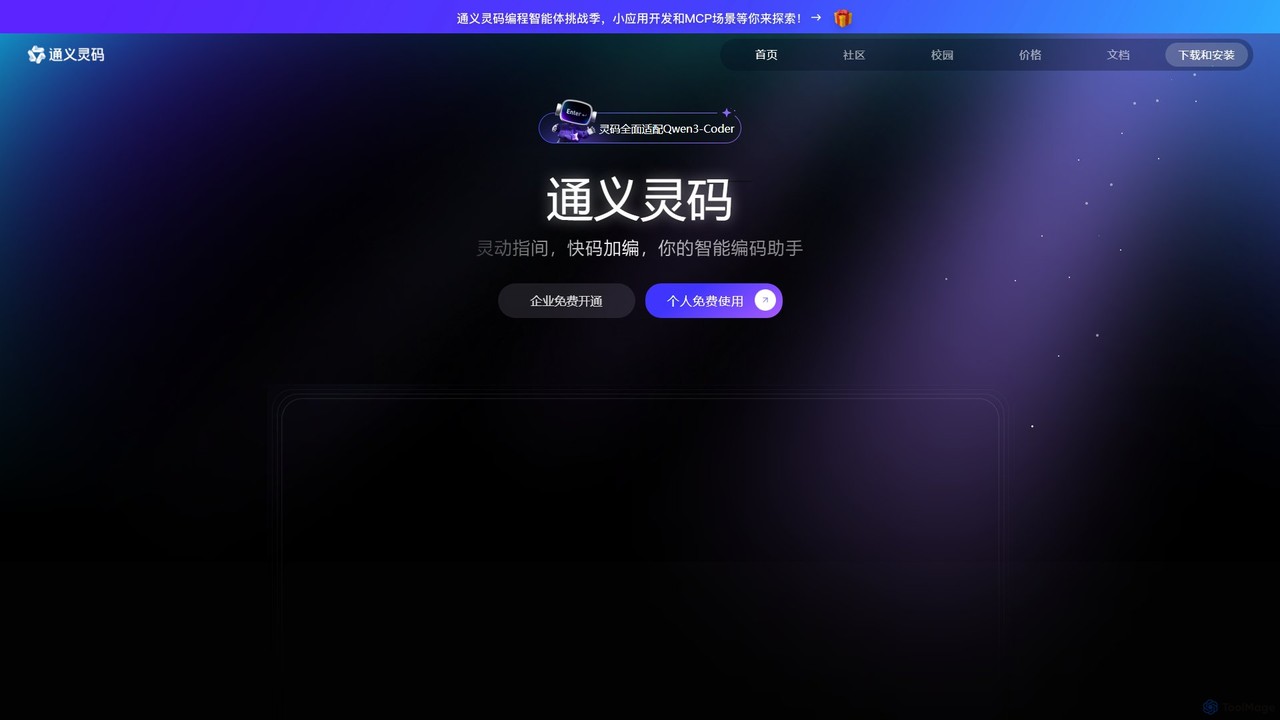
Lingma
Lingma is an AI-powered coding assistant from Alibaba Cloud, designed to enhance developer productivity. It offers intelligent code generation, real-time completion, code explanation, error diagnosis, and an autonomous programming agent that can handle complex coding tasks across multiple files. It supports over 200 languages and integrates seamlessly with major IDEs.
Programming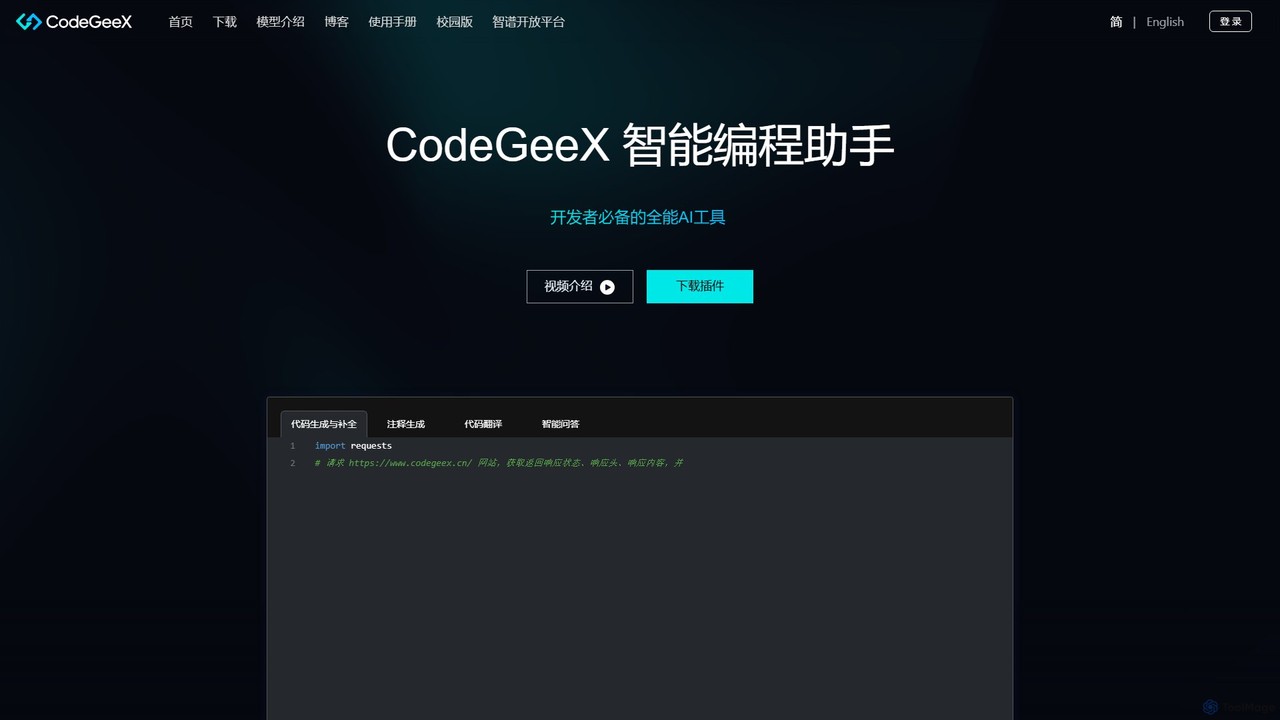
CodeGeeX
CodeGeeX is a powerful, free AI-powered coding assistant designed to boost developer productivity. It offers intelligent code generation and completion, code translation across multiple languages, automatic comment generation, and an interactive Q&A feature, all seamlessly integrated into your favorite IDE.
Code Generation
All Hands AI (OpenHands)
All Hands AI (OpenHands) is a leading open-source AI coding agent designed to automate software development. It helps engineers with tasks like code reviews, refactoring, bug fixing, and test generation. Available as a flexible SaaS, self-hosted, or open-source solution, it integrates with tools like GitHub and GitLab to accelerate development cycles and improve code quality.
Code Generation
Devgen
Devgen is an AI-powered coding assistant designed to accelerate the software development lifecycle. It helps developers write better code faster by providing intelligent code generation, completion, refactoring, and automated testing, directly within their IDE.
Code Assistant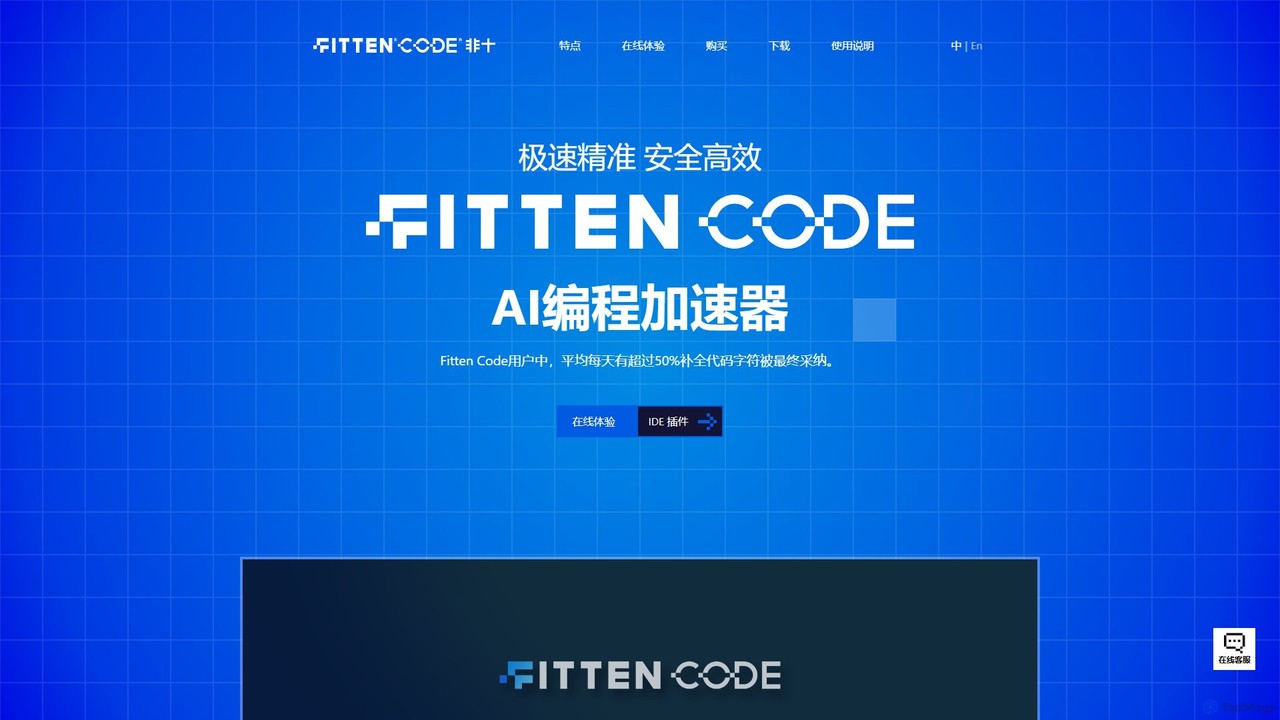
Fitten Code
Fitten Code is a next-generation AI programming assistant designed to accelerate software development. It offers ultra-fast code completion, intelligent Q&A, automated unit test generation, and code optimization. Built by a Tsinghua PhD team, it supports major IDEs and languages, significantly boosting developer productivity while ensuring data privacy.
Code Generation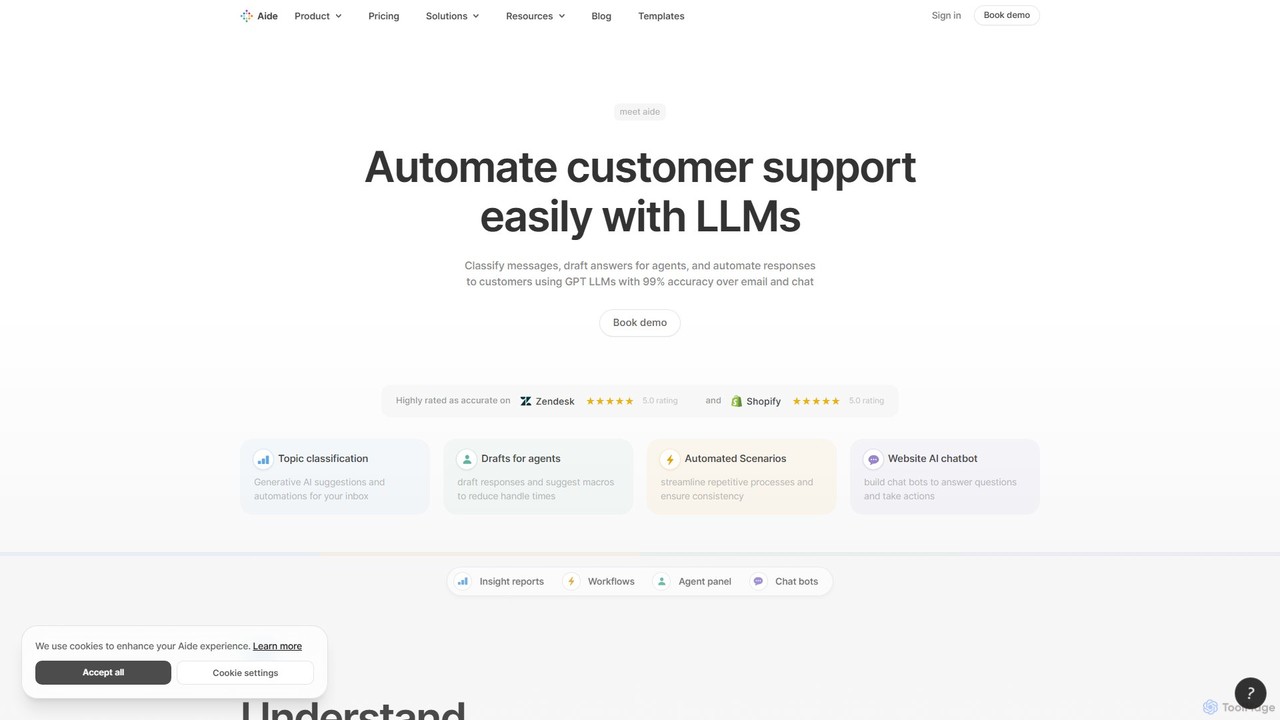
Aide
Aide is an AI-powered multi-agent coding assistant that automates software development directly within your GitHub workflow. It interprets GitHub issues, autonomously generates code, creates pull requests, and iterates based on your feedback, effectively acting as a team of AI engineers on your codebase.
Code Generation
Line0 Comments (0)
Sign in to comment.
Sign inNo comments yet.