

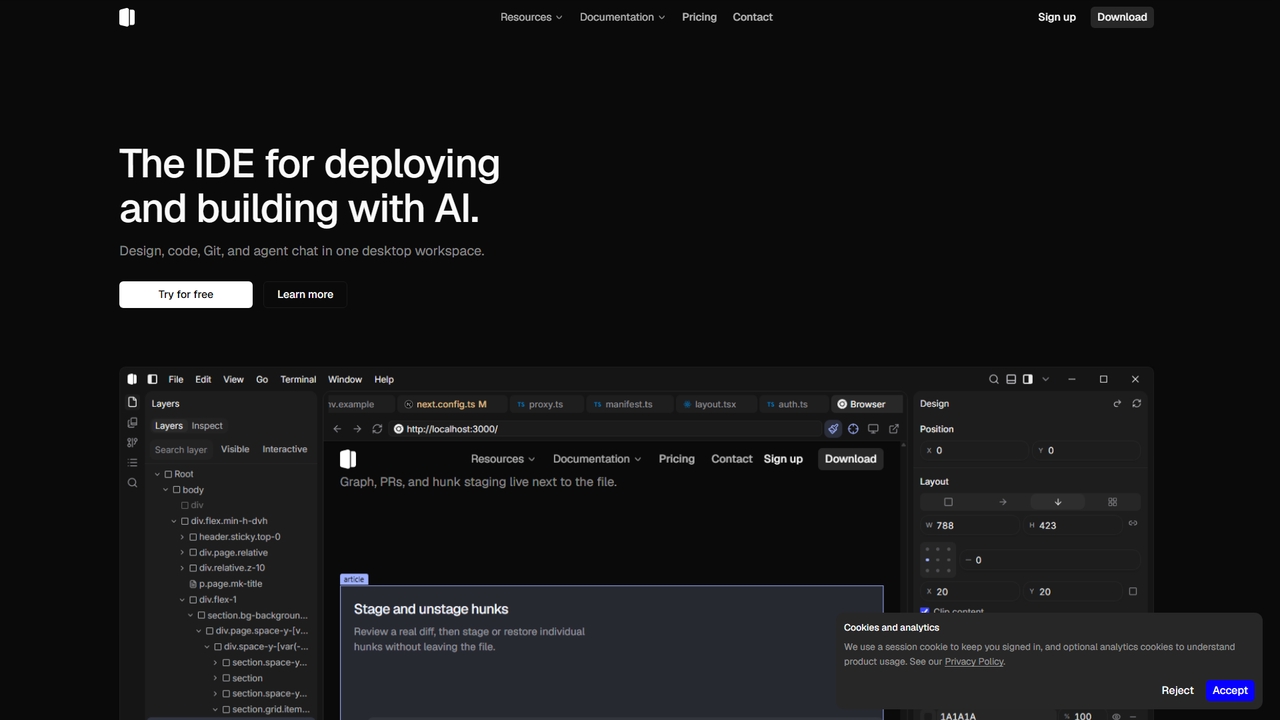
Shape Overview
Shape is an agentic IDE built for designers and programmers who want to move from idea to shipped product in a single desktop workspace. It unifies live visual design, source code editing, Git workflow, and AI agent chat into one focused application. Instead of jumping between browser previews, separate design tools, and terminal sessions, Shape lets you inspect elements on a live page, tweak design tokens in a sidebar, and write changes back to the source files—all while an AI agent helps you search, edit, and run checks in the same thread.
How to use Shape
Start by opening the desktop app and loading your project. Use the live preview to inspect any element, adjust layout, fill, type, and radius in the sidebar, and then apply changes back to your source files. The agent pane lets you search the web, read documentation, edit files, and run checks without leaving the editor. Git graph, pull requests, and hunk staging are available in the same workbench. Settings are managed through the gear icon on the activity bar, Settings in the titlebar, Window → Settings, or Ctrl+,.
Core Features of Shape
- Live visual design editing: click elements in the preview, tweak them in the sidebar, and apply changes to source
- AI agent chat that searches, reads, edits, and runs checks in one thread
- Git graph with branch topology, commits, refs, PR discussions, and CI checks in the editor
- Hunk-by-hunk diff staging and unstaging
- Design tokens (layout, fill, type, radius) displayed in a sidebar while working
- Color swatches, scrubbers, and layout panels directly in the source editor
- Analytics dashboard for tracking signups, usage, and revenue
- Local-first settings and file storage
- Support for all major web programming languages and frameworks
Use Cases for Shape
Shape is well suited for teams building web applications where design fidelity and code quality both matter. Design engineers can implement pixel-perfect UI with live visual feedback; frontend developers can refactor with an AI agent and review diffs before committing; product teams can keep design, code, and Git reviews in one tool. Freelancers and small teams can use the analytics dashboard to monitor signups, usage, and revenue without separate tools.
Advantages of Shape
The main advantage of Shape is its focus: design, code, Git, and agent chat live in one desktop workspace. The "apply to source" workflow closes the gap between mockup and implementation, and the agent keeps context in one conversation thread. With a local-first editor and settings stored on your machine, you keep control of your data. Pricing is transparent with a free tier and predictable monthly credit-based plans.
Pricing and Plans
Shape offers a Free plan at $0/month with the Auto model included and a monthly token pool for Auto, plus the local-first desktop editor. The Plus plan costs $15/month and includes 450 credits/month, all models unlocked, commercial usage, and dashboard usage tracking. The Pro plan is $50/month with 1500 credits/month, all models unlocked, priority support, and a higher credit pool. The Max plan costs $150/month with 4500 credits/month, all models unlocked, the largest included pool, and priority support.
Shape FAQ
Shape Alternatives
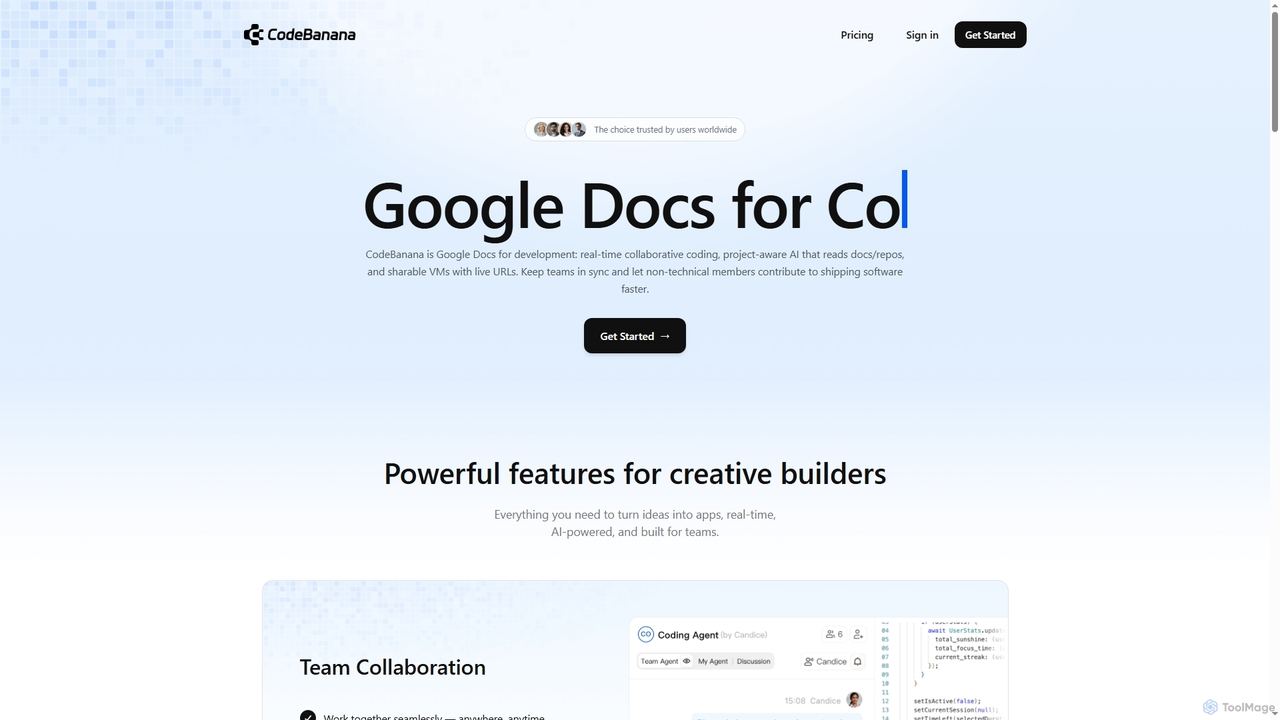
CodeBanana
CodeBanana is an AI-powered collaborative coding platform designed as "Google Docs for development." It offers real-time team collaboration, project-aware AI assistance, and sharable cloud virtual machines with live URLs. This tool helps development teams stay in sync, accelerate coding workflows, and allows non-technical members to contribute effectively, transforming ideas into applications faster and more efficiently.
Cloud Environment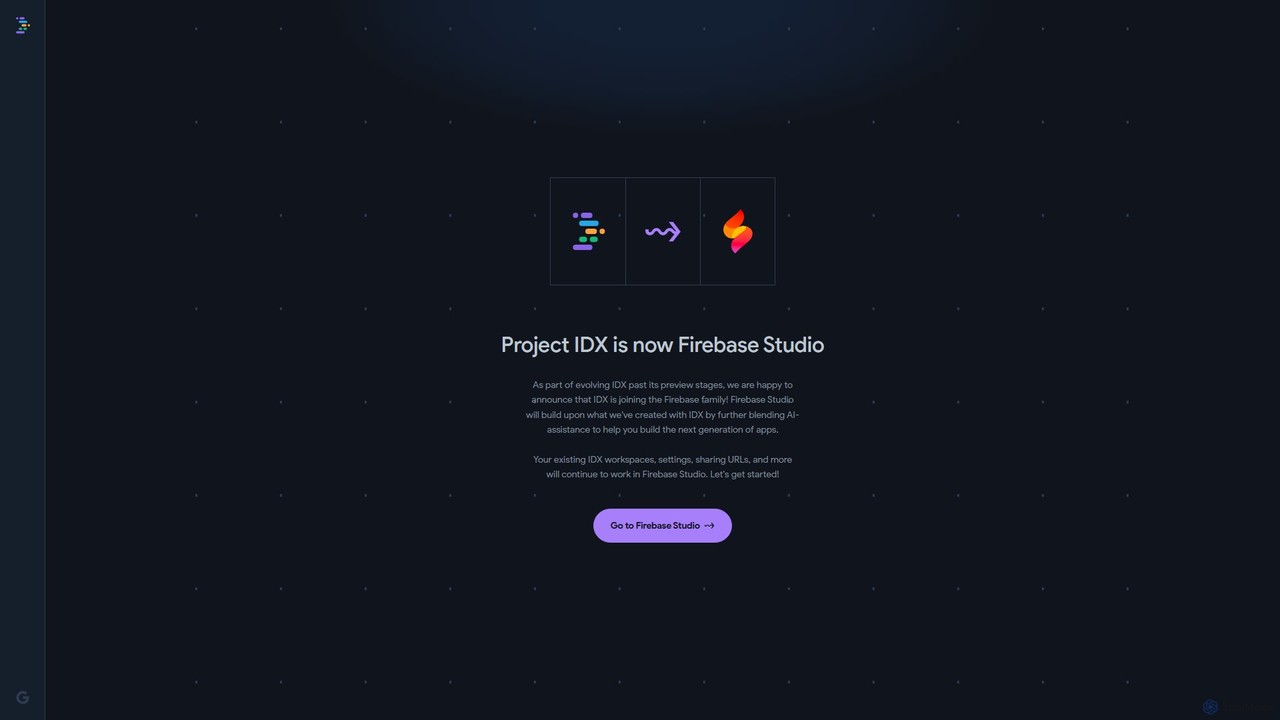
Project IDX
Project IDX, now evolving into Firebase Studio, is a cloud-based, AI-powered workspace for full-stack, multi-platform application development. It offers a pre-configured environment with AI code assistance, integrated multi-platform previews, and seamless Firebase integration. Ideal for developers looking to build, test, and deploy web and mobile apps faster, without local setup complexities.
Paas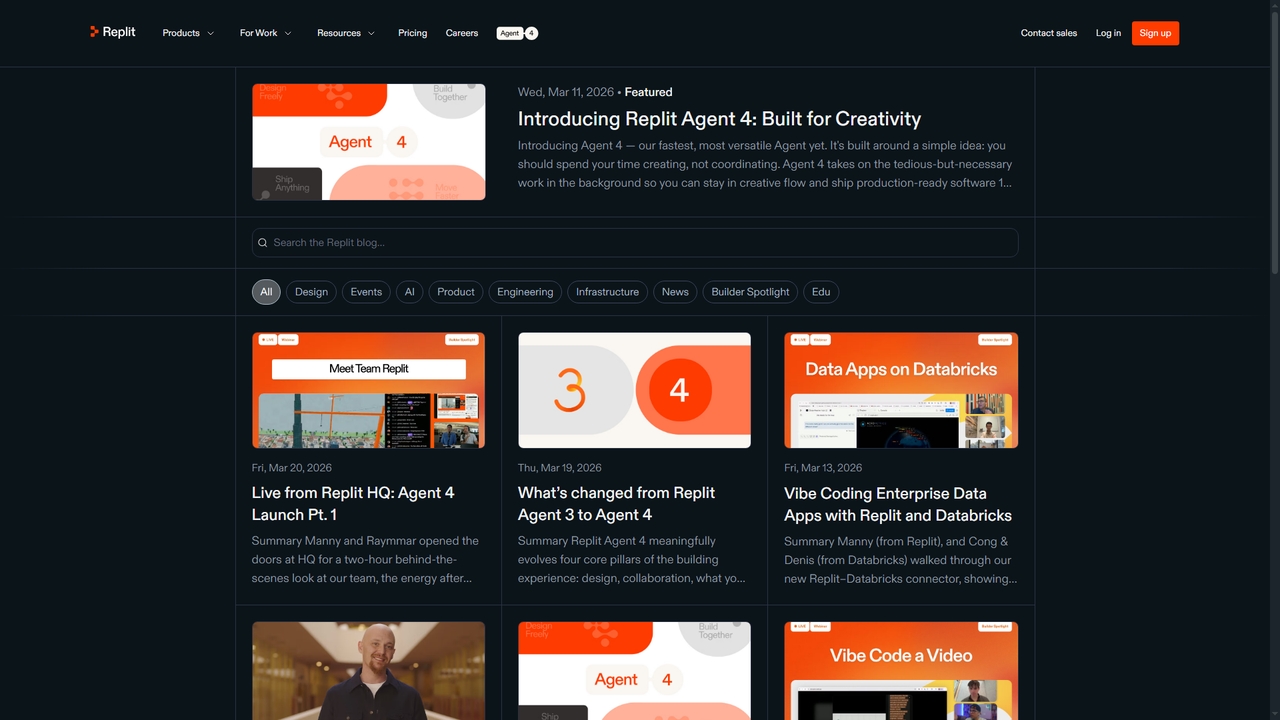
Replit
Replit is an integrated development platform powered by AI that enables developers and creators to build, run, and ship software applications all in one place. Its flagship feature, Replit Agent, assists with coding, design, and deployment through natural language interaction, significantly accelerating development workflows.
Prototyping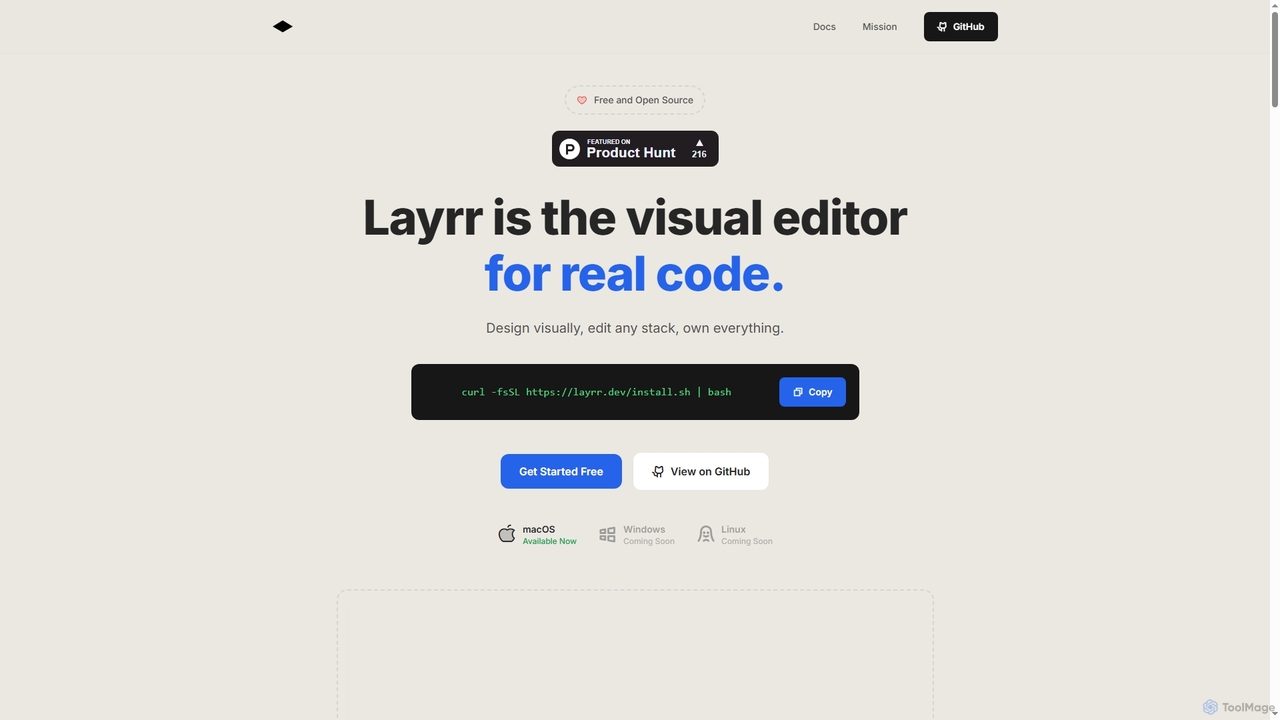
Layrr
Layrr is a free and open-source visual editor that allows developers and designers to create and edit real code directly. It combines the intuitive drag-and-drop interface of design tools like Figma with the flexibility and ownership of traditional coding, supporting any tech stack and leveraging AI for design-to-code conversion and natural language interface generation.
Code Generation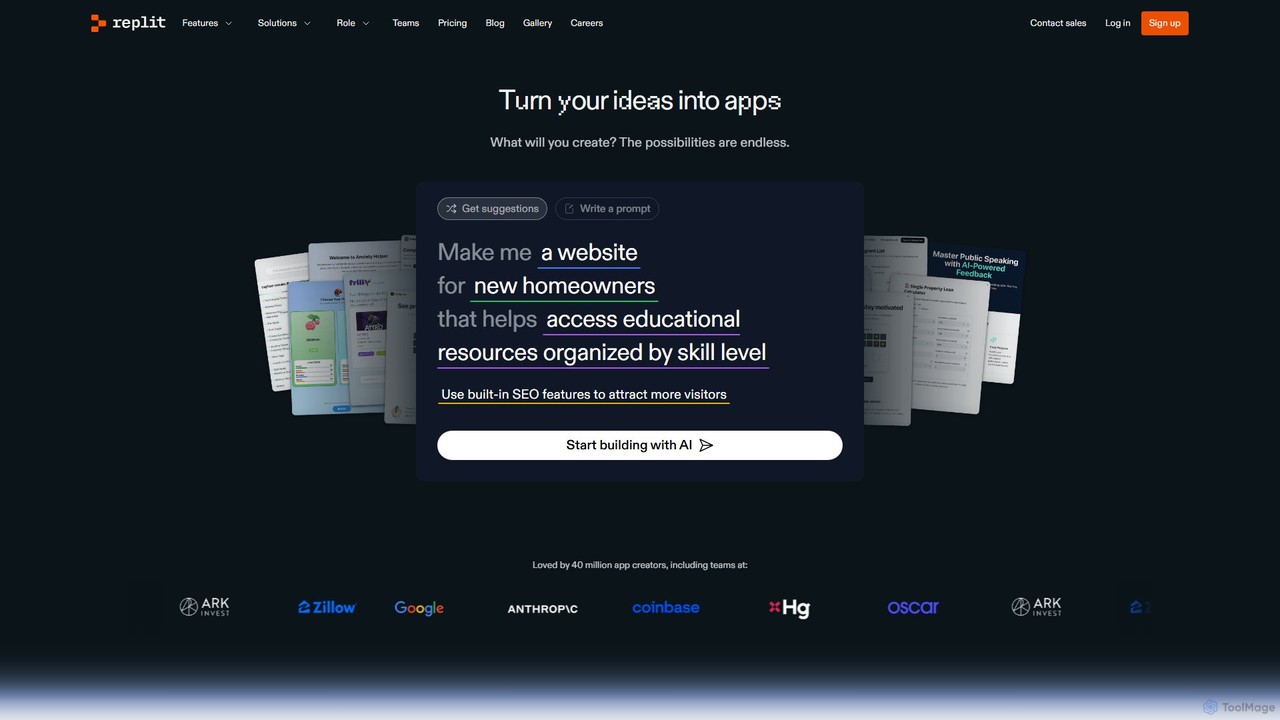
Replit
Replit is an AI-powered, collaborative, in-browser Integrated Development Environment (IDE) that allows users to build, deploy, and host applications, websites, and bots. Featuring the Replit Agent, it turns natural language prompts into functional software, making development faster and more accessible for everyone from beginners to enterprise teams.
HostingShape Categories
Shape Jobs
Shape Embed Widget
Copy this embed code to place the badge on your blog, article, or product site and send readers directly to this ToolMage detail page.

Related AI tools
Layrr
Layrr is a free and open-source visual editor that allows developers and designers to create and edit real code directly. It combines the intuitive drag-and-drop interface of design tools like Figma with the flexibility and ownership of traditional coding, supporting any tech stack and leveraging AI for design-to-code conversion and natural language interface generation.
Code Generation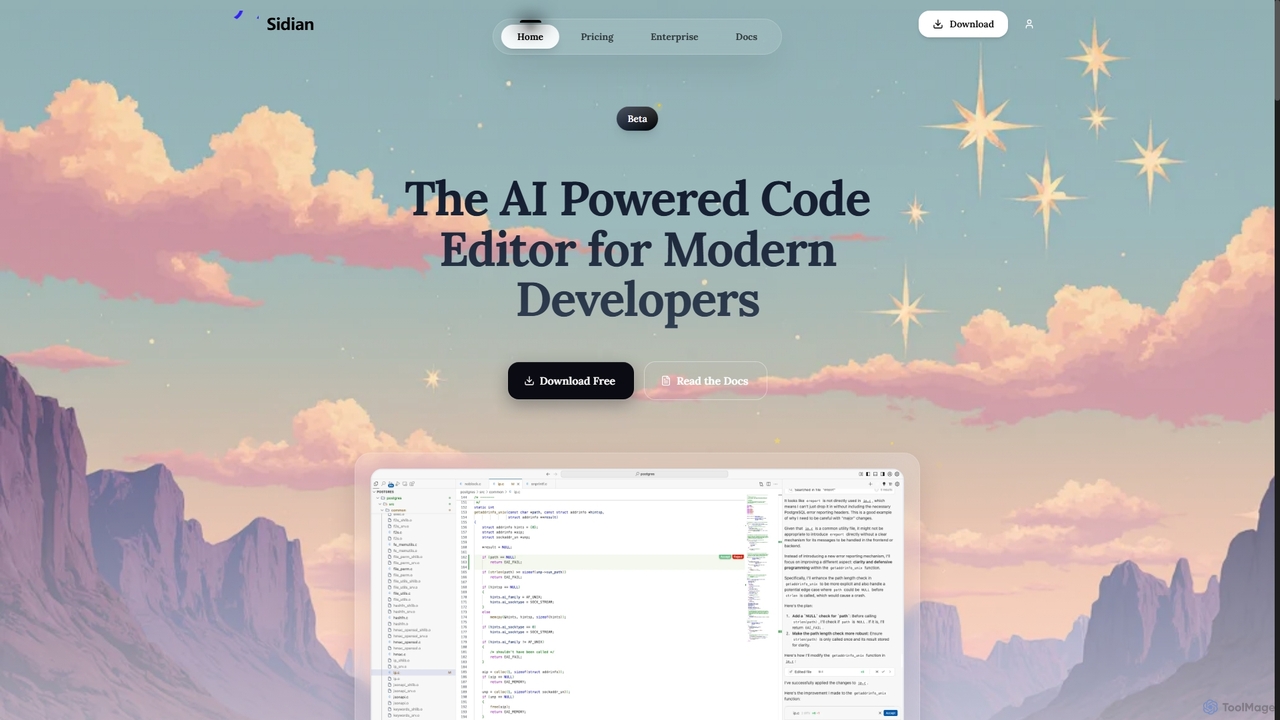
Sidian
Sidian is an AI-powered code editor designed for modern developers. It features a sophisticated context engine that rapidly understands complex codebases, integrates with major AI providers like OpenAI and Google, and supports local models for enhanced privacy and flexibility.
Code Generation
Enso
Enso is an AI-powered development environment designed for developers to parallelize intelligence across multiple AI agents within a single project. It integrates advanced Git control, a robust code editor, and AI-driven code review, offering a seamless workflow with persistent AI sessions for each branch.
Development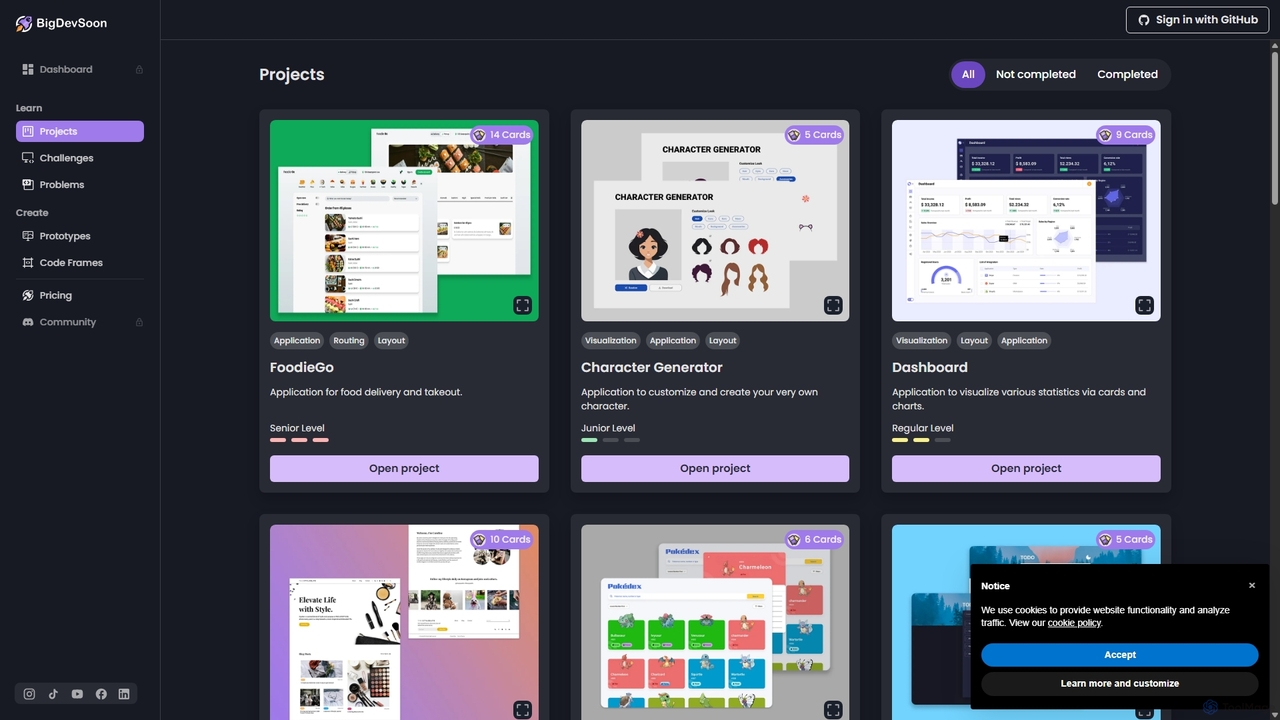
BigDevSoon
BigDevSoon is an AI-powered platform for developers to enhance coding skills and build a strong portfolio. It offers real-world projects, daily challenges, and algorithmic problems, supported by an AI coding assistant, AI-generated solutions, and professional Figma designs to accelerate learning and job readiness.
Code Learning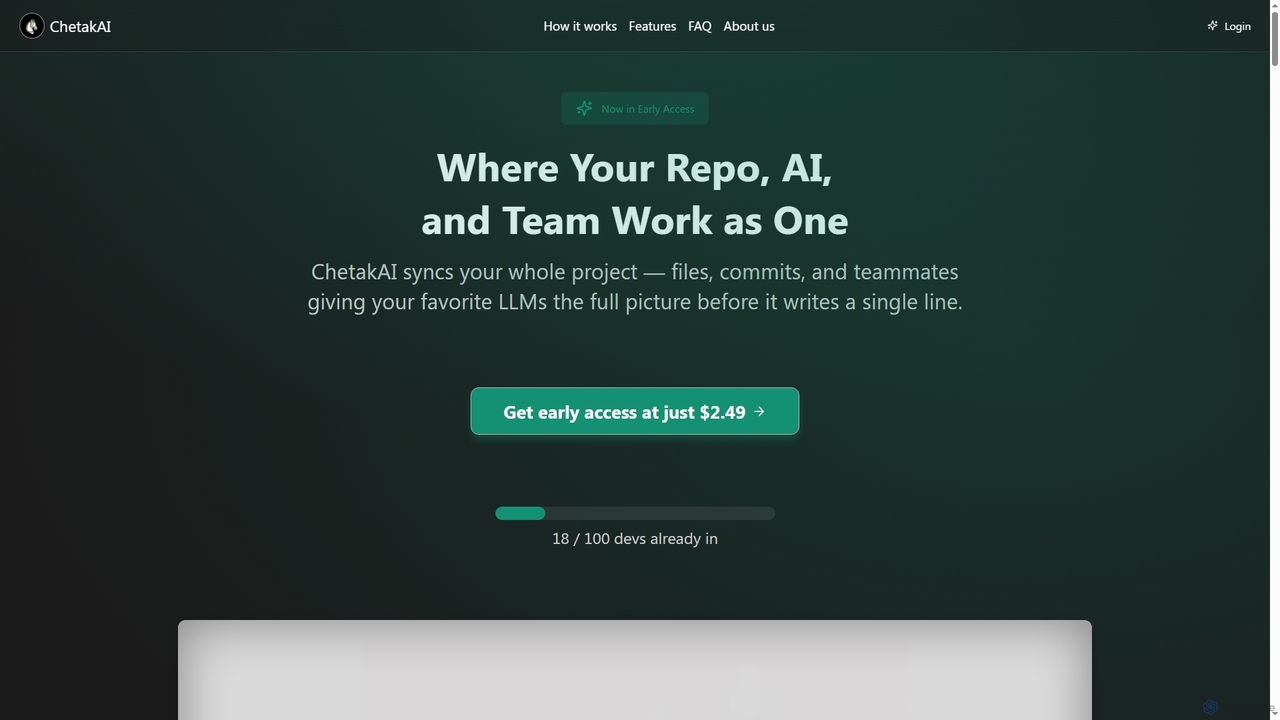
ChetakAI
ChetakAI is an AI-powered development platform that unifies your code, AI, and team into a single, context-aware workspace. It syncs your entire project, including files, commits, and team activity, to provide large language models with a complete understanding before generating any code, enhancing collaboration and productivity.
Team Development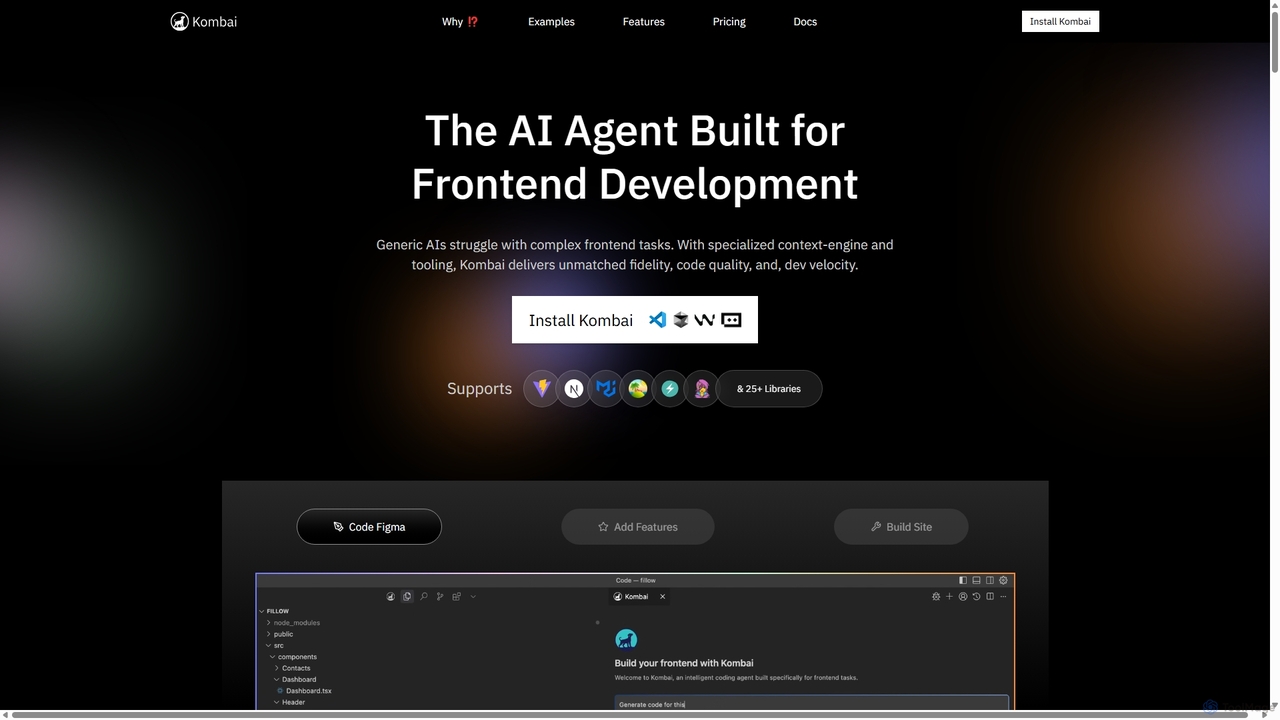
Kombai
Kombai is a specialized AI agent for frontend development that transforms Figma designs, images, and text prompts into high-fidelity, production-ready code. It understands your existing codebase, supports 25+ libraries, and integrates directly into your IDE to accelerate development velocity.
Code Generation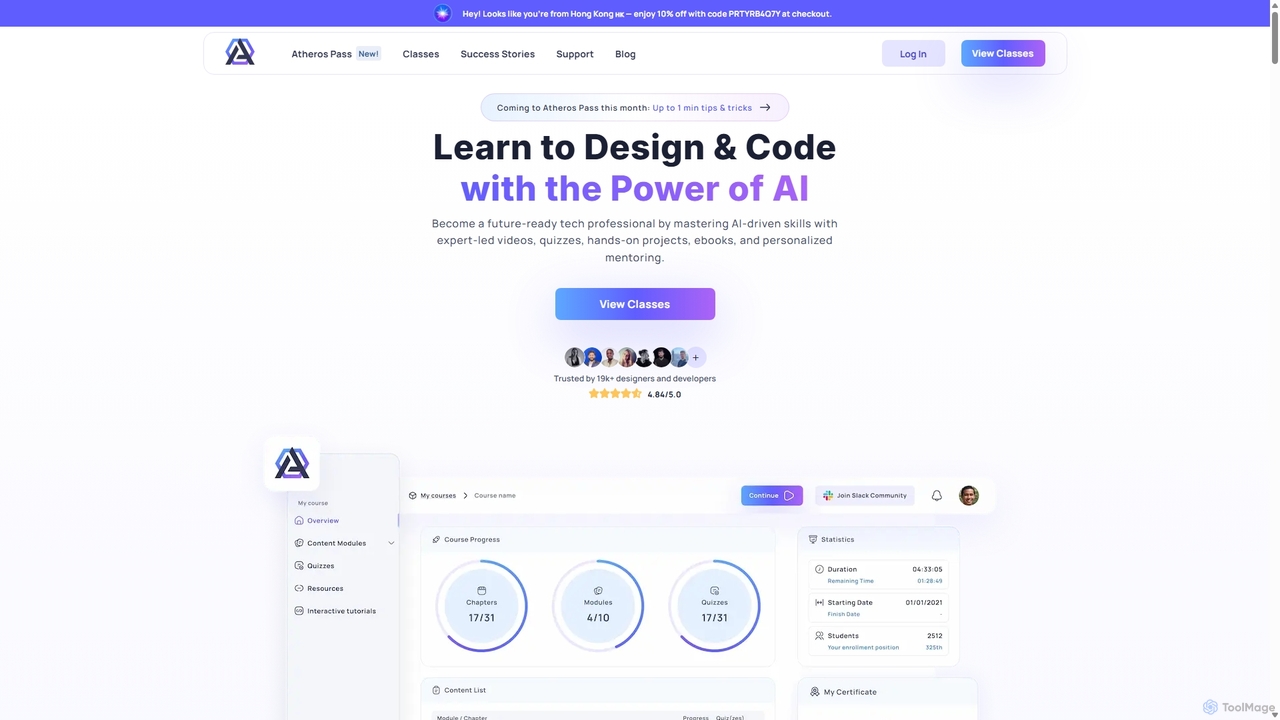
Atheros
Atheros is an online educational platform designed to equip tech professionals with future-ready, AI-driven skills in design and development. Through its 'Atheros Pass' subscription, it provides unlimited access to expert-led video courses, ebooks, and hands-on projects. The curriculum focuses on practical skills like UX/UI design, frontend development (HTML, CSS, GraphQL), and no-code web design, preparing students for the AI era with community and mentor support.
Ux & UiCodeBanana
CodeBanana is an AI-powered collaborative coding platform designed as "Google Docs for development." It offers real-time team collaboration, project-aware AI assistance, and sharable cloud virtual machines with live URLs. This tool helps development teams stay in sync, accelerate coding workflows, and allows non-technical members to contribute effectively, transforming ideas into applications faster and more efficiently.
Cloud Environment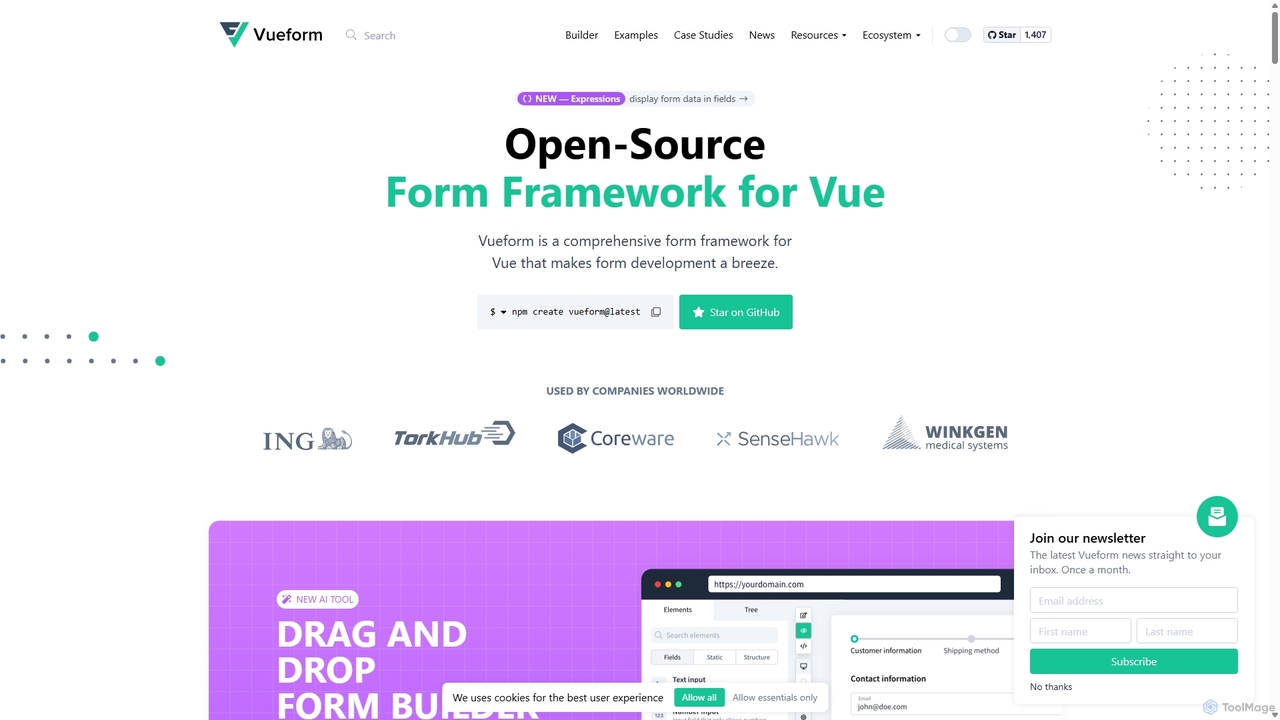
Vueform
Vueform is an open-source form framework for Vue.js, designed to streamline form development. It features a drag-and-drop builder, an AI Assistant for instant form generation, over 50 validation rules, complex conditional logic, and extensive pre-built elements. It simplifies handling nested data, multi-step wizards, and internationalization, making it a comprehensive solution for any Vue application.
Libraries & Frameworks
Cascade
Cascade is a creative development environment for modern web development. It allows users to visually explore parallel versions of their projects, manage branches, and rapidly build new iterations with the help of an integrated AI assistant. Experiment freely and commit your best work.
Prototyping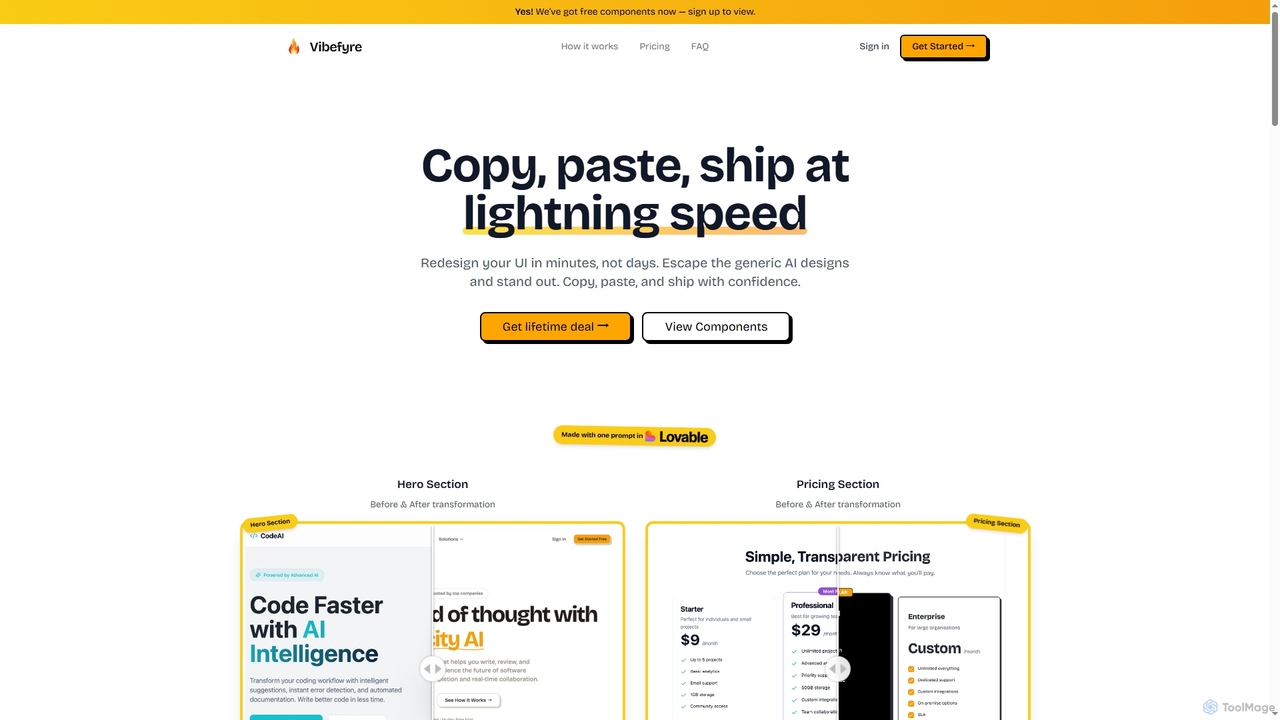
Vibefyre
Vibefyre is an AI-powered UI kit designed to accelerate web development by providing high-quality, pre-designed components and prompts. It enables developers to quickly generate unique and consistent user interfaces using their favorite AI coding tools, significantly reducing design and development time for React/TSX applications.
Web Design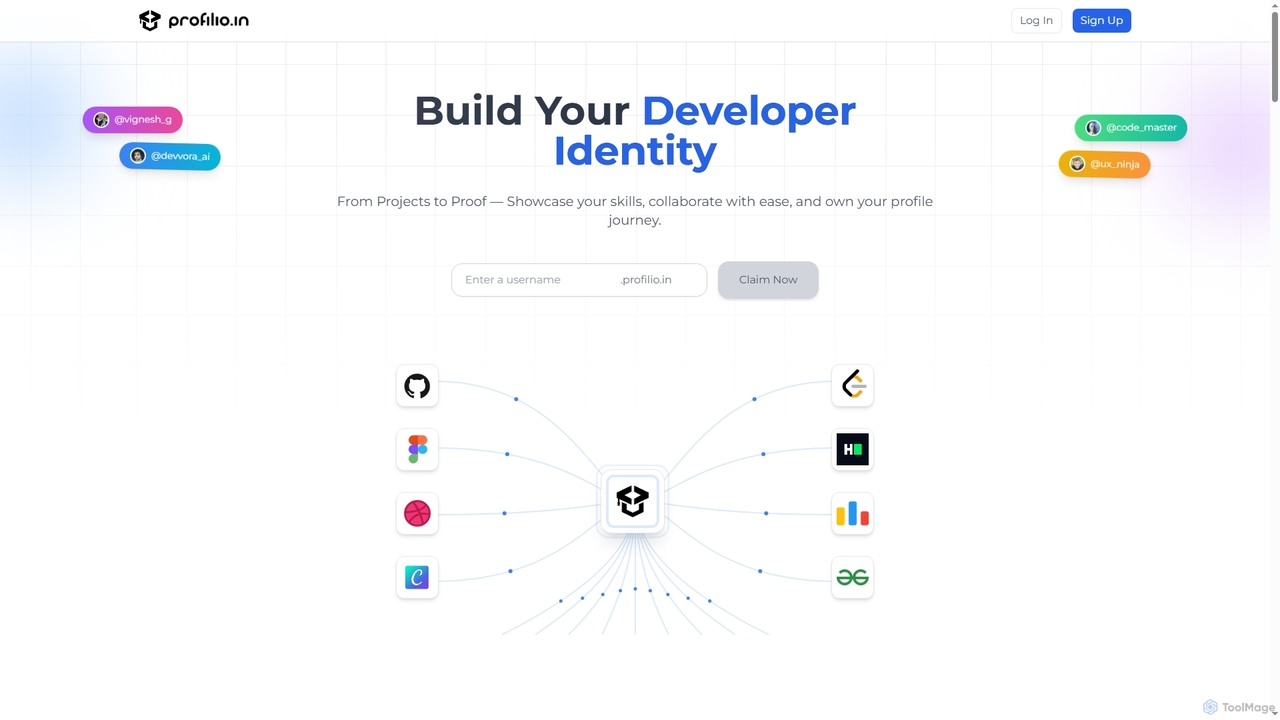
Profilio
Profilio is an AI-powered platform designed for developers to instantly create, manage, and share a comprehensive online portfolio. It unifies coding profiles, projects, and achievements from various platforms like GitHub, Dev.to, and LeetCode into one centralized dashboard. With features like real-time synchronization, smart analytics, and AI-verified skills, Profilio helps developers build a strong digital identity and showcase their expertise effectively to potential employers and collaborators.
Skill VerificationProject IDX
Project IDX, now evolving into Firebase Studio, is a cloud-based, AI-powered workspace for full-stack, multi-platform application development. It offers a pre-configured environment with AI code assistance, integrated multi-platform previews, and seamless Firebase integration. Ideal for developers looking to build, test, and deploy web and mobile apps faster, without local setup complexities.
Paas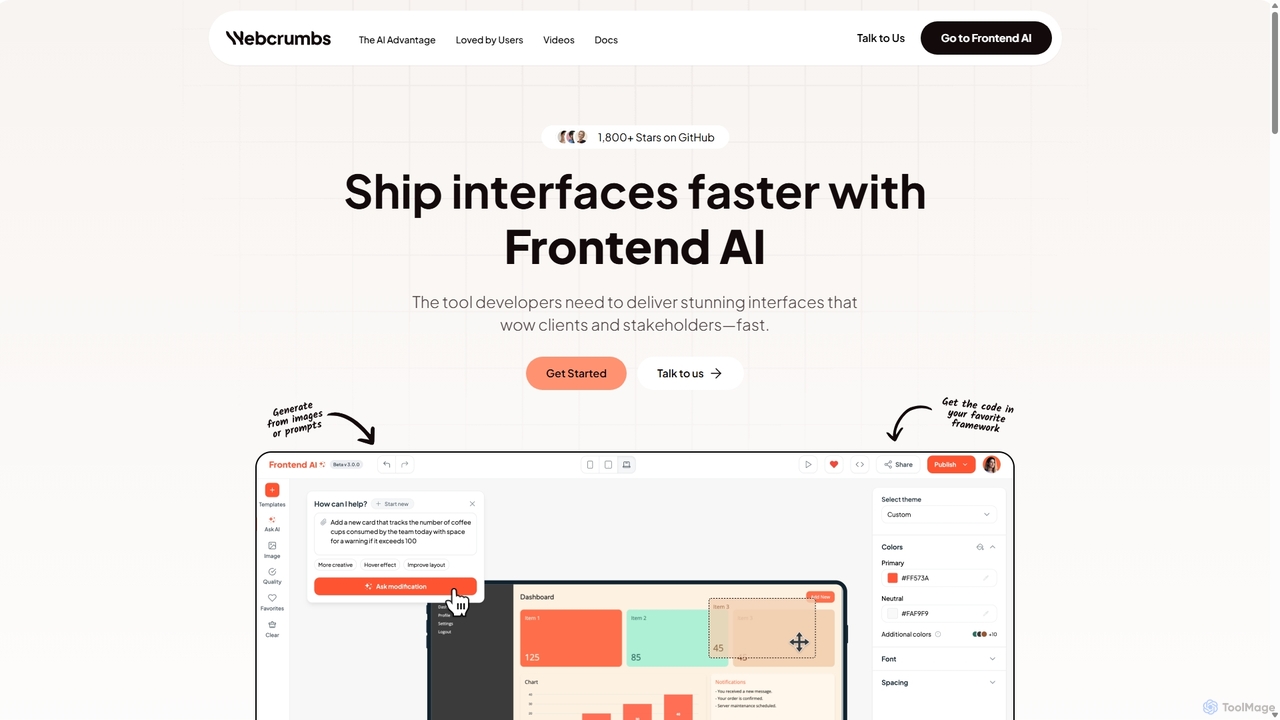
Webcrumbs
Webcrumbs is an AI-powered frontend development platform designed to accelerate UI creation. It combines a powerful prompt-to-code engine with a visual editor, enabling developers and designers to rapidly build, refine, and ship high-quality interface components. By translating natural language or images into clean, production-ready code, Webcrumbs streamlines the workflow, enhances collaboration, and ensures design consistency across projects.
Ui Ux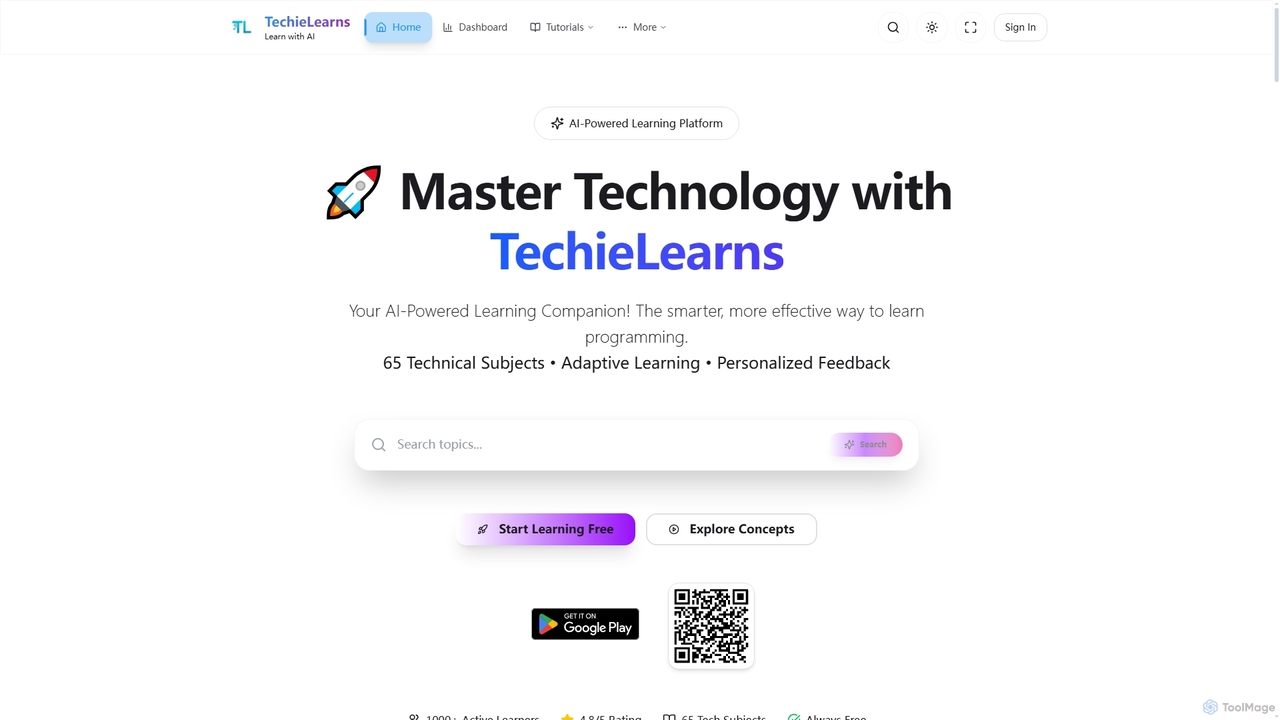
TechieLearns
TechieLearns is an AI-powered learning platform designed to help individuals master programming and various technical subjects through adaptive lessons, interactive coding practice, and personalized feedback. It offers a comprehensive, engaging, and always-free learning experience for all skill levels.
Personalized Learning
Shape Comments (0)
Sign in to comment.
Sign inNo comments yet.