KarmaBox
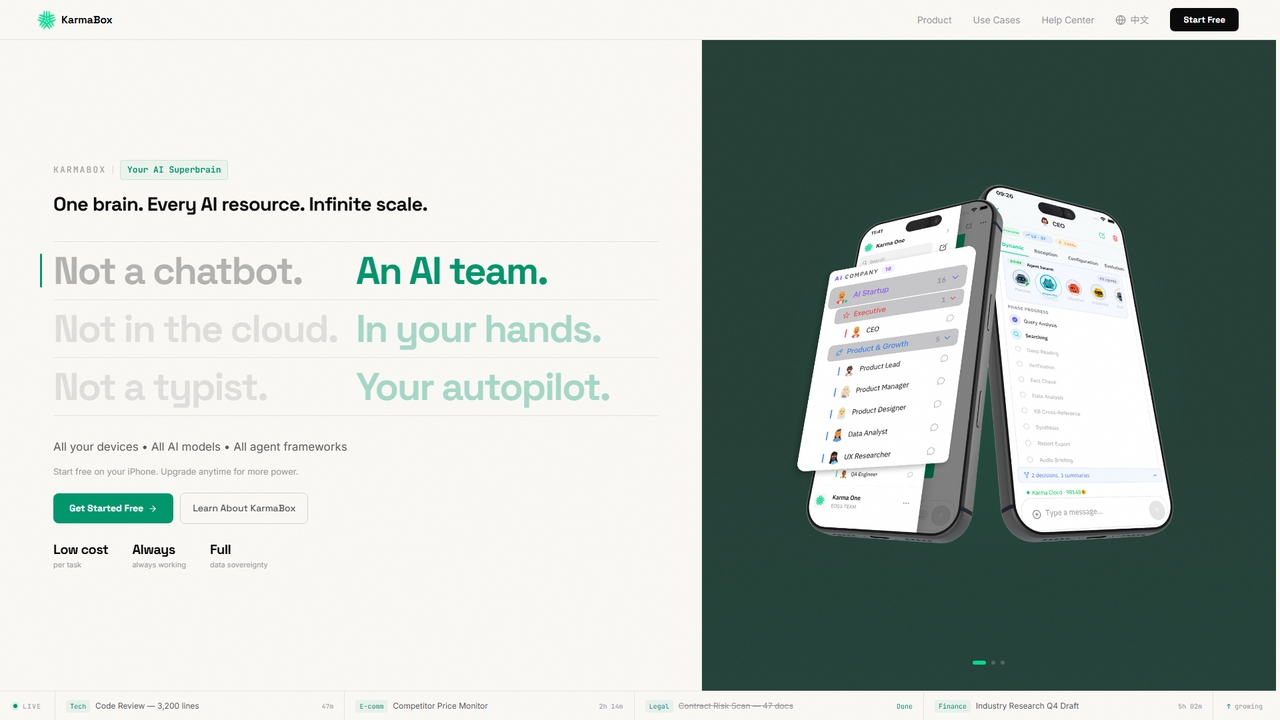
KarmaBox is a sovereign AI foundry app that unifies all AI tools, models, and agents into one private, …
KarmaBox is a sovereign AI foundry app that unifies all AI tools, models, and agents into one private, always-on superbrain on your iPhone, enabling parallel task execution and persistent memory.
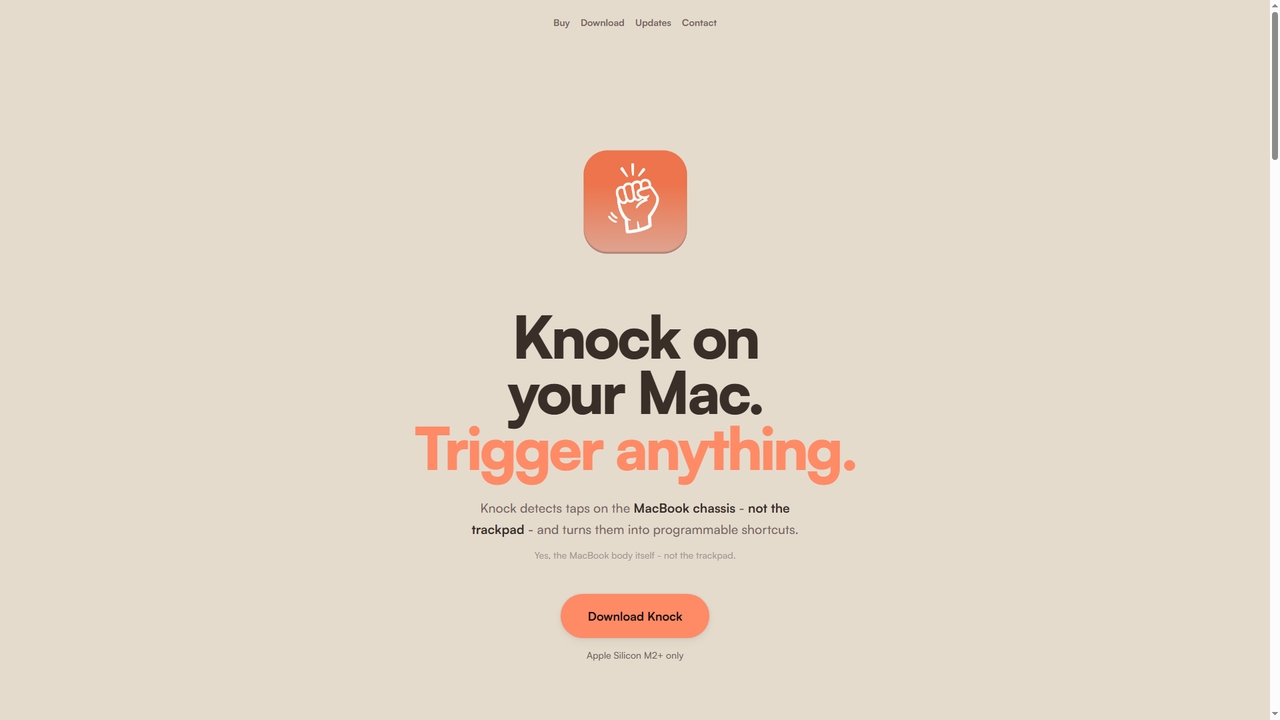
Knock
Knock is a macOS utility that transforms your MacBook into a gesture-sensitive interface. By detecting taps on the …
Knock is a macOS utility that transforms your MacBook into a gesture-sensitive interface. By detecting taps on the laptop's chassis using the built-in accelerometer, Knock allows you to trigger custom shortcuts, launch applications, run scripts, or control system functions—all without touching the keyboard or trackpad. It's designed to boost productivity for Apple Silicon Mac users.
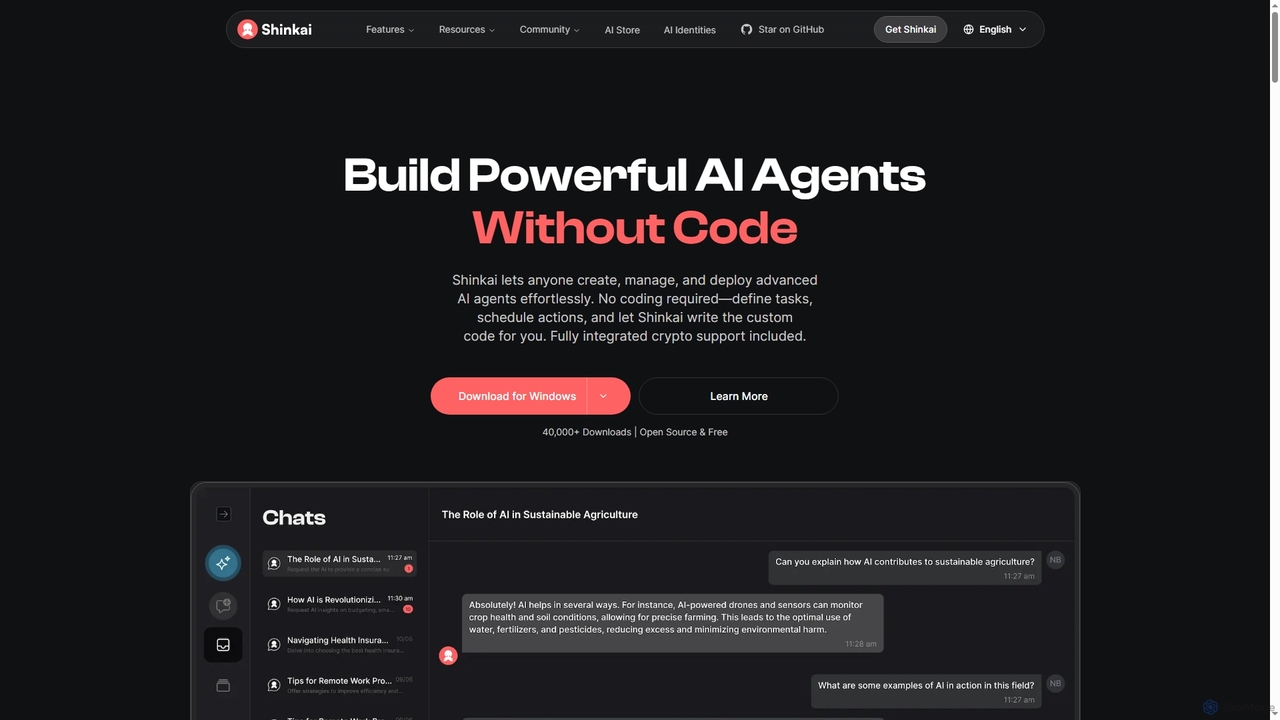
Shinkai
Shinkai is an open-source, no-code platform that empowers users to create, manage, and deploy powerful AI agents locally. …
Shinkai is an open-source, no-code platform that empowers users to create, manage, and deploy powerful AI agents locally. It supports both cloud and local AI models, offers integrated crypto functionalities, and enables secure, decentralized peer-to-peer interactions, making advanced AI automation accessible to everyone.
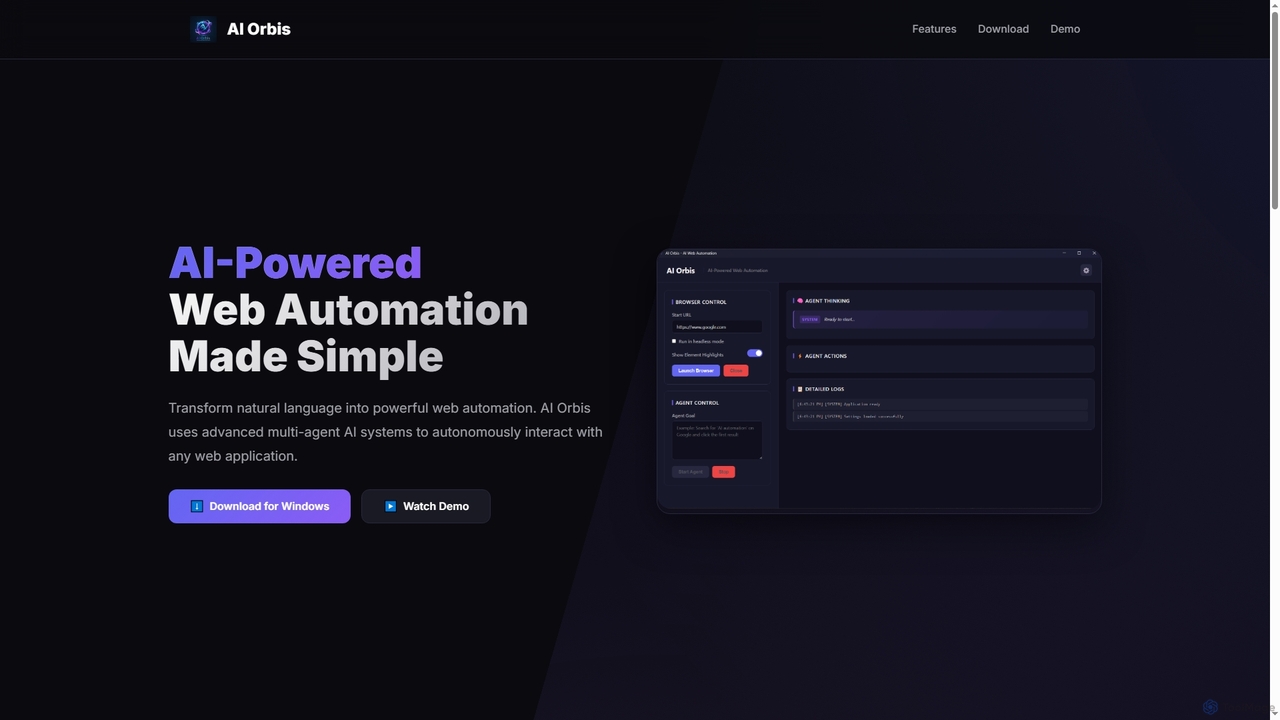
AI Orbis
AI Orbis is a free, AI-powered web automation agent that transforms natural language into powerful, autonomous browser actions. …
AI Orbis is a free, AI-powered web automation agent that transforms natural language into powerful, autonomous browser actions. It uses advanced multi-agent AI systems to intelligently interact with any web application, simplifying complex online tasks without requiring any coding.
Riffo
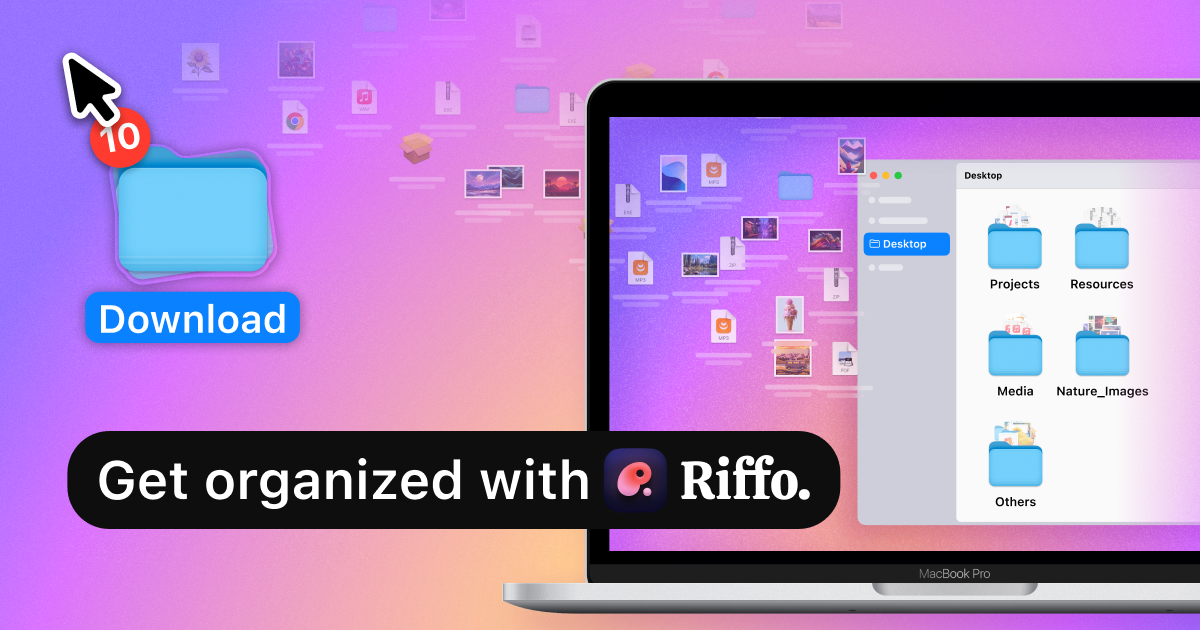
Riffo is an AI-powered file management tool for Mac that automatically renames and organizes your files. It intelligently …
Riffo is an AI-powered file management tool for Mac that automatically renames and organizes your files. It intelligently analyzes file content, including text in images and documents, to generate descriptive names and sort them into relevant subfolders, transforming a cluttered desktop into an organized digital workspace.
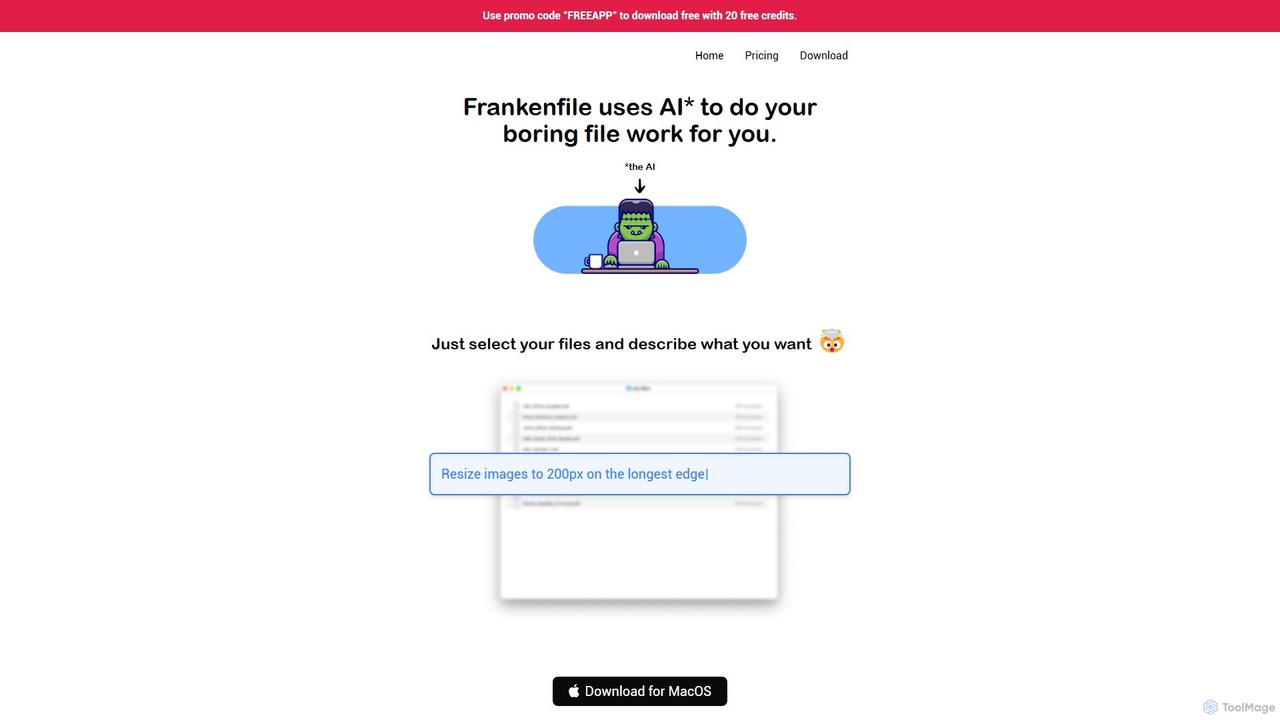
Frankenfile
Frankenfile is an AI-powered assistant for MacOS that automates your file management tasks. Simply describe what you want …
Frankenfile is an AI-powered assistant for MacOS that automates your file management tasks. Simply describe what you want to do in plain English, and the app handles complex operations on images, videos, audio, and PDFs. It runs entirely locally, ensuring your files remain private and secure.
Sigmabrowser
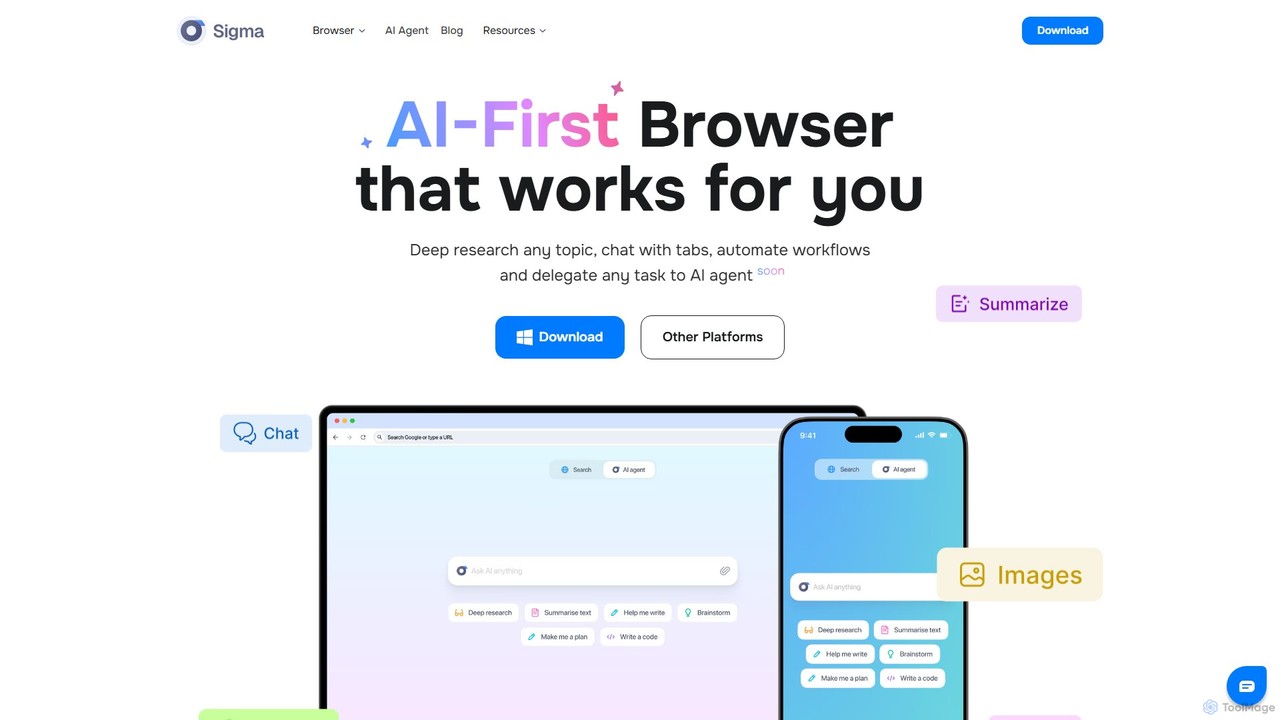
Sigmabrowser is an AI-first browser built on Chromium, designed to automate workflows and enhance productivity. It features an …
Sigmabrowser is an AI-first browser built on Chromium, designed to automate workflows and enhance productivity. It features an autonomous AI Agent to handle tasks, SigmaGPT for in-browser chat and content generation, and robust privacy protections. It integrates a suite of AI tools for research, writing, and more, transforming your web interaction into an intelligent, efficient experience.
About Automation
AI Automation tools are platforms designed to execute repetitive tasks and orchestrate complex workflows across various applications without manual intervention. These tools leverage APIs and AI logic to connect different software, enabling data to move and actions to be triggered based on predefined rules. They are essential for streamlining business processes, reducing human error, and freeing up teams to focus on more strategic work. Many platforms offer a visual, no-code or low-code interface, making automation accessible to non-developers.
Core Features
- Workflow Builder: Visually design multi-step automated processes using triggers and actions.
- App Connectors: A vast library of pre-built integrations to connect with thousands of cloud applications and services.
- Conditional Logic: Create sophisticated workflows with rules, filters, and branching paths based on specific conditions.
- Data Mapping: Transfer and transform data between different applications automatically.
- Execution Monitoring: Track the history of workflow runs, identify errors, and debug issues in real-time.
Use Cases
AI Automation tools are widely used across departments like marketing, sales, IT, and HR. For instance, a marketing team can automate social media posting whenever a new blog is published. A sales team can automatically sync new leads from a web form to their CRM and trigger a welcome email sequence. IT departments use them to route support tickets and manage user provisioning.
How to Choose
When selecting an AI Automation tool, first evaluate its integration library to ensure it supports the apps you use. Consider the complexity of workflows you need to build; some tools excel at simple linear tasks, while others support complex conditional logic. Assess the user interface—whether you need a simple no-code builder or a more advanced platform. Finally, compare pricing models, which are often based on the number of tasks or active workflows.
AutomationUse Cases
Automate Social Media Content Distribution
A content marketer needs to ensure every new blog post gets maximum visibility. Instead of manually creating and scheduling posts for each platform, they use an automation tool. The workflow is triggered when a new item appears in the blog's RSS feed. The tool then automatically takes the post's title and link, uses an AI writing integration to generate a concise summary for Twitter and a longer one for LinkedIn, and schedules them to be published at optimal engagement times. This saves several hours per week and ensures consistent content promotion.
Streamline Sales Lead Management
A sales team receives leads from various sources, including website forms, webinars, and social media. To prevent leads from falling through the cracks, they set up an automation. When a new lead is submitted via a form, the tool instantly adds them to the CRM, assigns them to a sales representative based on territory, and sends a personalized welcome email. The workflow can also include a delay, and if the lead hasn't been contacted after 24 hours, it sends a notification to the sales manager. This ensures rapid response times and accountability.
Automate IT Support Ticket Routing
An IT department handles numerous support requests daily via email. To manage the queue efficiently, they use an automation tool to parse incoming emails. The tool identifies keywords in the subject line or body (e.g., 'password reset', 'VPN issue', 'new hardware'). Based on these keywords, it automatically creates a ticket in their helpdesk system, assigns it to the appropriate specialist (e.g., network team, hardware support), and sets a priority level. This eliminates the manual triage process, reduces response times, and ensures requests are handled by the correct expert from the start.
Automate Employee Onboarding Processes
An HR manager is responsible for onboarding new hires, a process involving many repetitive administrative tasks. They build an automation workflow that triggers when a candidate is marked as 'Hired' in the applicant tracking system (ATS). The workflow automatically creates user accounts in Google Workspace and Slack, sends a welcome email with first-day information, adds the new hire to relevant calendars for orientation meetings, and creates a task for the IT department to prepare their equipment. This ensures a smooth, consistent, and error-free onboarding experience for every new employee.
Sync Customer Data Across Platforms
A business uses a CRM to manage sales, an email marketing platform for newsletters, and a billing system for payments. Keeping customer information consistent across these systems is a major challenge. An automation tool is used to create a two-way sync. When a customer's contact details are updated in the CRM, the automation instantly updates the corresponding record in the email marketing platform and billing system. Conversely, if a customer unsubscribes from an email list, their marketing preference is updated in the CRM. This ensures data integrity and a single source of truth for customer information.
Generate and Distribute Regular Reports
A project manager needs to provide weekly progress reports to stakeholders. This used to involve manually pulling data from a project management tool, a time-tracking app, and a budget spreadsheet, then compiling it into an email. Now, an automation runs every Friday afternoon. It fetches the number of completed tasks, total hours logged, and budget spent from the respective applications. It then formats this data into a clean summary and posts it to a dedicated Slack channel for all stakeholders to see. This process ensures timely, accurate, and effortless reporting.