ToolMage
Sign in

Best 104 Scheduling AI tools for Productivity

Popular Scheduling AI tools in Productivity include Publer, Cal.com, OnceHub, GoodTime, SocialPilot, Typegrow, Morgen, Postel, Flick, and Clinicminds, helping you work more efficiently.

blabigo
Freemium

blabigo

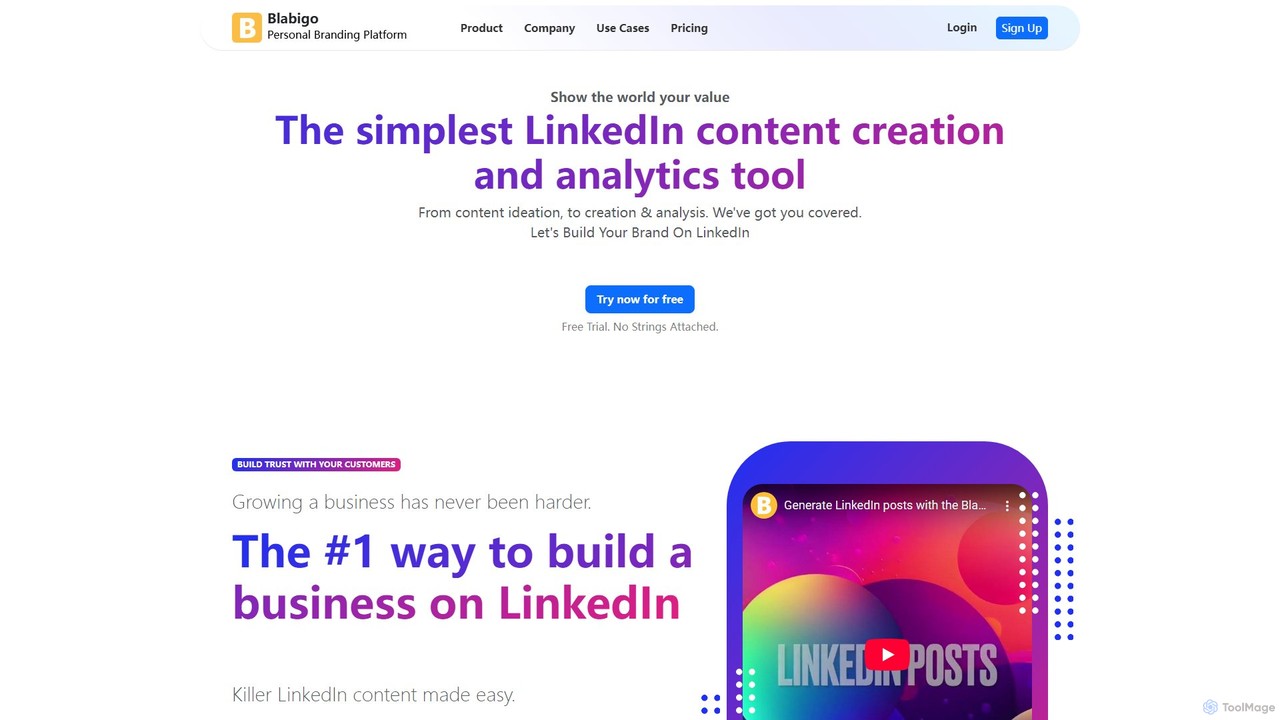
Blabigo is an AI-powered, all-in-one platform for LinkedIn growth. It helps users create, format, schedule, and analyze content, build personal brands, and run employee advocacy programs to maximize reach and engagement.

Employee Engagement
Visits 58KFavorites 146Likes 136
EverlynAI
Freemium

EverlynAI

EverlynAI is your intelligent personal assistant designed to streamline your daily workflow. It manages your schedule, triages emails, drafts communications, and automates repetitive tasks, allowing you to focus on what truly matters. It learns your habits and preferences to provide proactive and personalized support.

Email Assistant
Visits 6.5KFavorites 132Likes 113
DrDoGood
Freemium

DrDoGood

DrDoGood is a comprehensive telehealth platform providing 24/7 access to doctors, therapists, and specialists via video or in-person consultations. It uses AI to help users understand lab reports and find the right care. The platform allows for managing appointments, prescriptions, health records, and vitals for the entire family, with a focus on making quality healthcare accessible, particularly in regions like Africa.

Mental Health
Visits 8.5KFavorites 126Likes 113
ViralPulse
Freemium

ViralPulse

ViralPulse is an AI-powered social media post generator that creates ready-to-use content based on real-time industry news and trends. It automates content creation for Facebook, Instagram, X, and LinkedIn, delivering posts, images, and videos directly to your inbox. It's designed for busy entrepreneurs, small businesses, and marketers to maintain a consistent and engaging online presence effortlessly.

Automation
Visits 8.8KFavorites 108Likes 108
CalendarGenie
Free

CalendarGenie

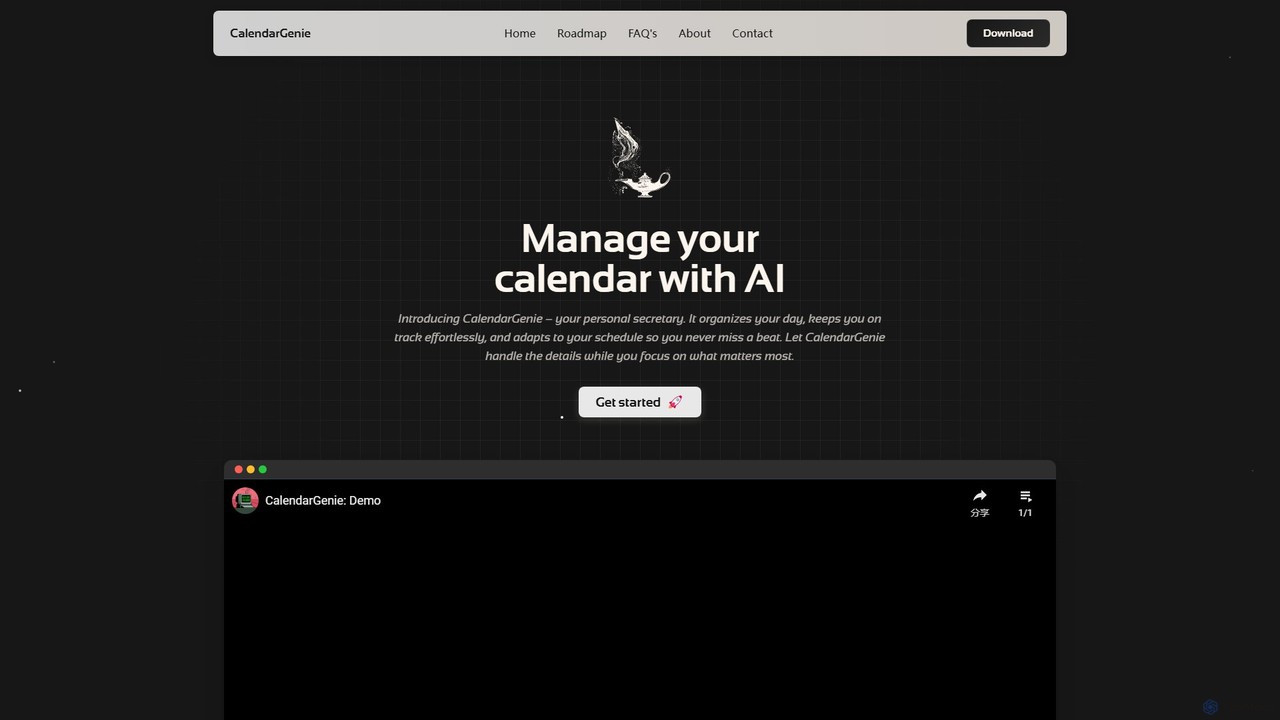
CalendarGenie is a free, AI-powered calendar assistant that acts as your personal secretary. Effortlessly manage your schedule by creating, modifying, and deleting events using simple, natural language prompts. It integrates with Google Calendar to streamline your day, adapt to your routine, and help you focus on what matters most.

Assistant
Visits 5.6KFavorites 140Likes 144
Axle Health
Paid

Axle Health

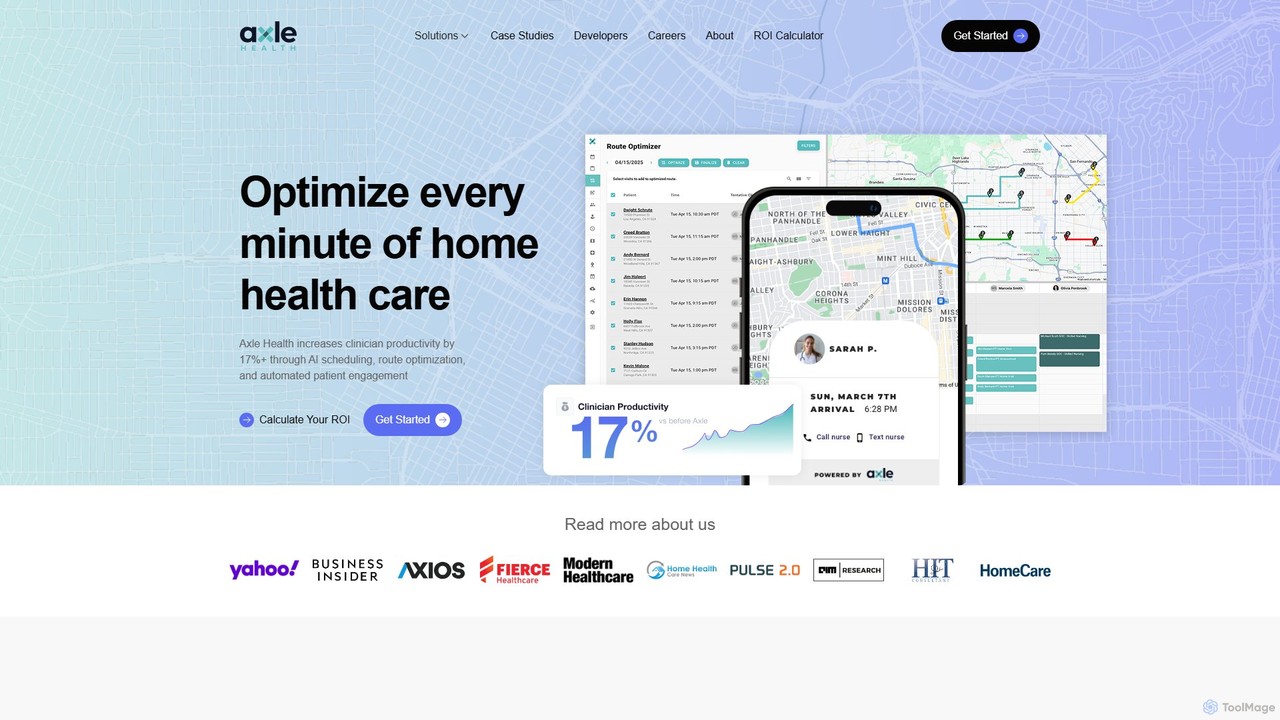
Axle Health is an AI-powered platform for home healthcare agencies, designed to optimize operations and increase efficiency. It leverages AI for intelligent scheduling, route optimization, and automated patient engagement, resulting in a 17%+ increase in clinician productivity, reduced drive time, and fewer missed appointments. The platform provides real-time visibility into field operations and seamlessly integrates with existing EMR systems.

Logistics
Visits 43.9KFavorites 117Likes 127
Scheduled
Freemium

Scheduled

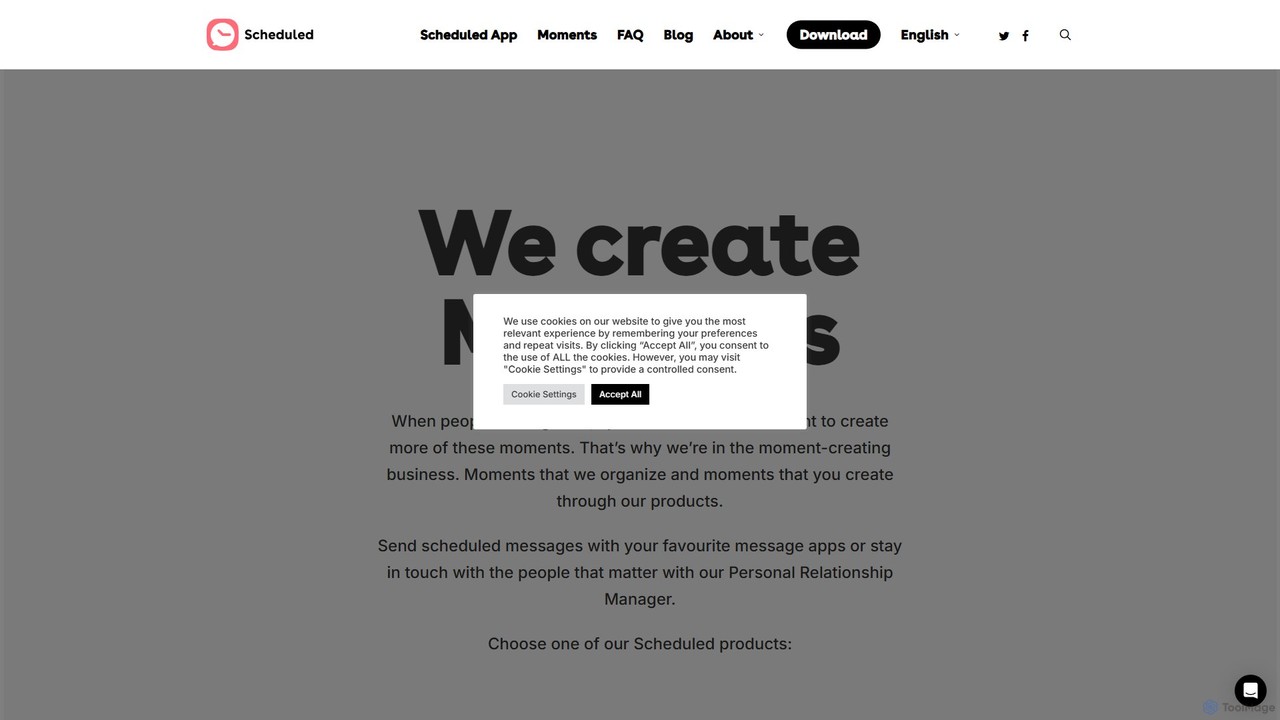
Scheduled is a powerful message scheduling app that helps you stay in touch with important people in your life. Automate sending messages via WhatsApp, iMessage, SMS, Telegram, and more. Never forget a birthday, anniversary, or important follow-up again. Ideal for both personal and professional use.

Messaging
Visits 15.6KFavorites 165Likes 176
Atomic
Paid

Atomic

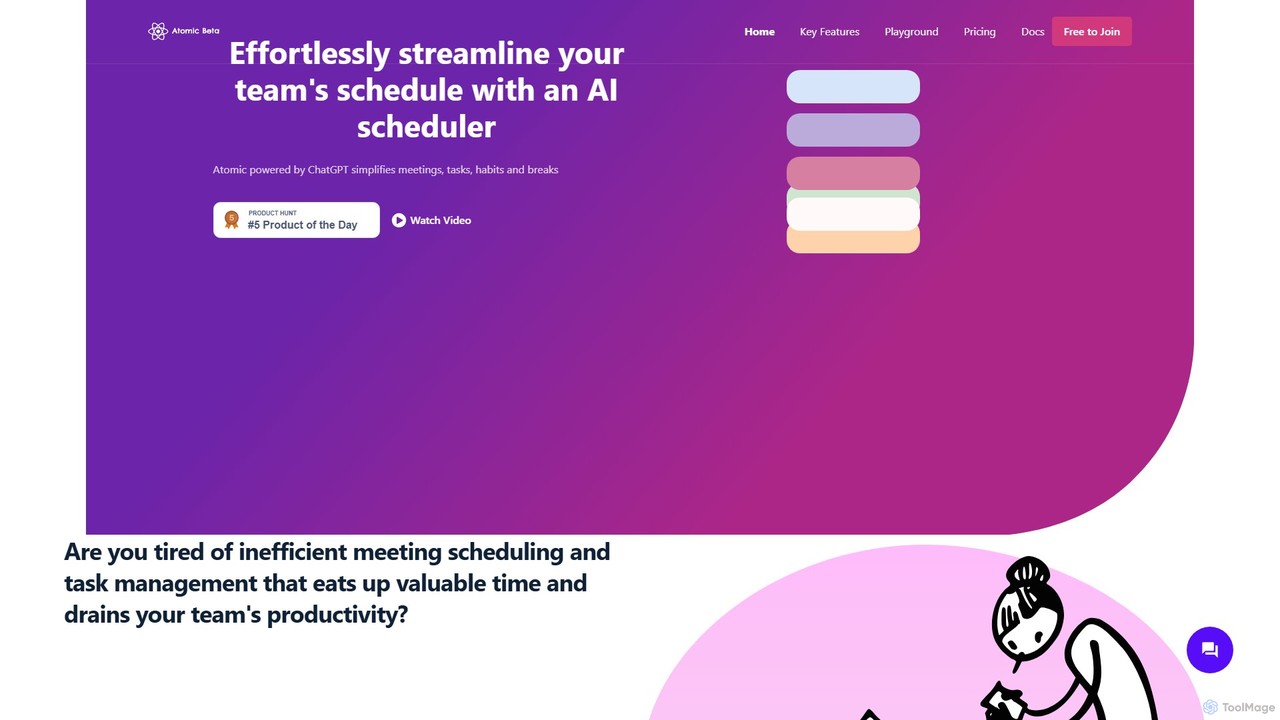
Atomic is a ChatGPT-powered AI scheduler designed to streamline team schedules. It automates the process of organizing meetings, managing tasks, and scheduling breaks, considering everyone's availability and priorities. By eliminating back-and-forth communication, Atomic helps teams boost productivity and achieve a better work-life balance.

Team Collaboration
Visits 5.7KFavorites 136Likes 128

About Scheduling

AI Scheduling tools are applications that automate the process of arranging meetings and appointments. They use AI algorithms, particularly machine learning and natural language processing, to analyze calendars, understand user preferences, and identify optimal meeting times for all participants. This technology eliminates the tedious back-and-forth communication typically required for coordination, directly boosting productivity by freeing up valuable time. Many advanced tools can also manage complex group scheduling, handle different time zones seamlessly, and automate rescheduling.

Core Features

  • Intelligent Availability Analysis: Automatically scans all participants' calendars to suggest the best mutually available time slots.
  • Natural Language Scheduling: Allows users to book meetings by typing or speaking commands in plain language, such as "Schedule a call with Jane for next week."
  • Automated Booking Pages: Provides a personal, shareable link where others can view your availability and book a time that works for them.
  • Automated Reminders & Follow-ups: Sends automatic confirmations, reminders, and follow-up emails to reduce no-shows and ensure preparedness.
  • Time Zone Detection: Automatically detects and converts time zones for all participants, preventing confusion for global teams.

Use Cases

These tools are widely used by sales teams for booking demos, recruiters for coordinating interviews, and consultants for managing client appointments. They are also valuable for executives and project managers who need to organize meetings with multiple internal and external stakeholders, simplifying complex logistical challenges.

How to Choose

When selecting an AI Scheduling tool, consider its integration capabilities with your existing calendar, CRM, and video conferencing software. Evaluate the level of automation and customization it offers, from simple booking links to complex workflow rules. Also, assess the user interface's intuitiveness and the pricing model, whether it's based on per-user subscription or feature tiers.

Featured tool rankings

Scheduling use cases

1

Automating Sales Demo Bookings

A Sales Development Representative (SDR) needs to schedule product demos with dozens of potential leads each week. Instead of engaging in lengthy email chains to find a suitable time, the SDR includes an AI scheduling link in their outreach emails. Prospects can click the link, view the SDR's real-time availability synced with their calendar, and book a 30-minute slot that works for them. The tool automatically creates the calendar event for both parties and sends a confirmation with a video conference link, reducing scheduling time by over 80%.

2

Streamlining Candidate Interview Coordination

A recruiter needs to schedule a panel interview for a candidate with three different team members. Manually checking everyone's availability would be time-consuming. Using an AI scheduling tool, the recruiter selects the required attendees and the interview duration. The tool analyzes all internal calendars, identifies common free slots, and presents them to the recruiter. The recruiter then sends a booking link with these pre-selected times to the candidate, who can choose the most convenient option. This automates the entire coordination process, ensuring a faster and more professional candidate experience.

3

Managing Client Appointments for Consultants

A freelance business consultant offers various services, such as 1-hour strategy sessions and 30-minute check-ins. They use an AI scheduling tool to create different event types, each with its own duration and price. They embed their scheduling page on their website. Potential clients can browse services, see the consultant's real-time availability, book a session, and even pay for it upfront through an integrated payment gateway. The tool automatically blocks the time on the consultant's calendar and sends custom confirmation emails, creating a seamless, professional booking system.

4

Coordinating Cross-Functional Team Meetings

A project manager needs to schedule a weekly sync meeting with members from engineering, marketing, and design departments, all of whom have packed and conflicting schedules. Instead of a poll or email thread, the manager uses an AI scheduler that integrates with the company's internal calendar system. The tool analyzes the schedules of all 10 required attendees and proposes the top three time slots where everyone is available. The manager simply picks one, and the event is automatically added to everyone's calendar, saving significant administrative effort each week.

5

Optimizing Customer Support Call Scheduling

A customer support agent resolves a complex issue and needs to schedule a follow-up call with the customer. The agent uses an AI scheduling tool integrated with their CRM. They generate a one-time booking link that is only valid for the next 48 hours and send it to the customer. The customer can then pick a time that suits them without any back-and-forth. The tool automatically logs the scheduled call in the CRM under the customer's ticket, ensuring all communication is tracked and providing a seamless service experience.

6

Personal Time Management and Focus Blocking

A busy executive wants to protect blocks of 'focus time' in their calendar while still remaining available for important meetings. They use an AI scheduling assistant to set rules, such as 'always keep 9-11 AM free for deep work' and 'only allow 3 meetings per day'. When others try to book a meeting using their scheduling link, the AI only shows times that comply with these rules. It can also automatically find and block out focus time based on the executive's weekly patterns, proactively managing their schedule to optimize for productivity and prevent burnout.

Scheduling FAQ

What are AI Scheduling tools?

AI Scheduling tools are software applications that automate the process of finding and booking meeting times. Unlike traditional calendars, they use artificial intelligence to analyze the availability of all participants, understand priorities, and suggest optimal time slots. They effectively act as a personal assistant for coordination, eliminating the need for back-and-forth emails to arrange appointments.

How do AI Scheduling tools differ from standard calendar apps?

Standard calendar apps (like Google Calendar or Outlook Calendar) are passive tools for manually creating and viewing events. AI Scheduling tools are active assistants that work on top of these calendars. Their key differences are:

  • Automation: AI schedulers automate the finding of mutual availability, while standard calendars require you to do it manually.
  • Intelligence: They can understand natural language requests (e.g., "find a time next week") and learn your scheduling preferences.
  • External Sharing: They provide easy-to-share booking links for people outside your organization to schedule time with you.
How to choose the right AI Scheduling tool?

To choose the right tool, evaluate these factors based on your needs:

  • Integrations: Does it connect seamlessly with your primary calendar (Google, Outlook, Apple), video conferencing tools (Zoom, Teams), and other software like CRMs (Salesforce)?
  • Customization: Can you customize your booking page with your brand, set buffer times between meetings, and create different event types with unique rules?
  • Team Features: If you're part of a team, does it support round-robin scheduling, collective availability, or centralized billing?
  • User Experience: Is the interface intuitive for you and for the people booking time with you? A simple, clean booking process is crucial.
What are the main benefits of using an AI Scheduling tool?

The primary benefits are significant time savings and increased productivity. By automating coordination, users can save hours each week. Other key advantages include:

  • Reduced Human Error: Eliminates double-bookings and time zone mistakes.
  • Improved Attendee Experience: Provides a simple, professional way for clients or candidates to book time.
  • Lower No-Show Rates: Automated reminders significantly decrease the chances of participants forgetting an appointment.
  • Valuable Insights: Some tools provide analytics on meeting patterns, helping you optimize your time management.
Who can benefit most from AI Scheduling tools?

While anyone who schedules meetings can benefit, these tools are particularly valuable for professionals who frequently coordinate with people outside their organization. Key user groups include:

  • Sales Teams: For booking demos and follow-up calls with prospects.
  • Recruiters: For coordinating interviews between candidates and hiring managers.
  • Consultants and Freelancers: For allowing clients to book and pay for sessions.
  • Customer Success Managers: For scheduling training and support calls with clients.
  • Executives and Managers: For offloading the administrative task of managing a complex calendar.