ToolMage
Sign in

Best 28 Task Automation AI tools for Productivity

Popular Task Automation AI tools in Productivity include Orum, SearchAtlas, Air, FlashIntel, Codiga, Needle, Bytebot, Kilo Code, Salesfinity, and SEOCopilot, helping you work more efficiently.

Bytebot

Bytebot

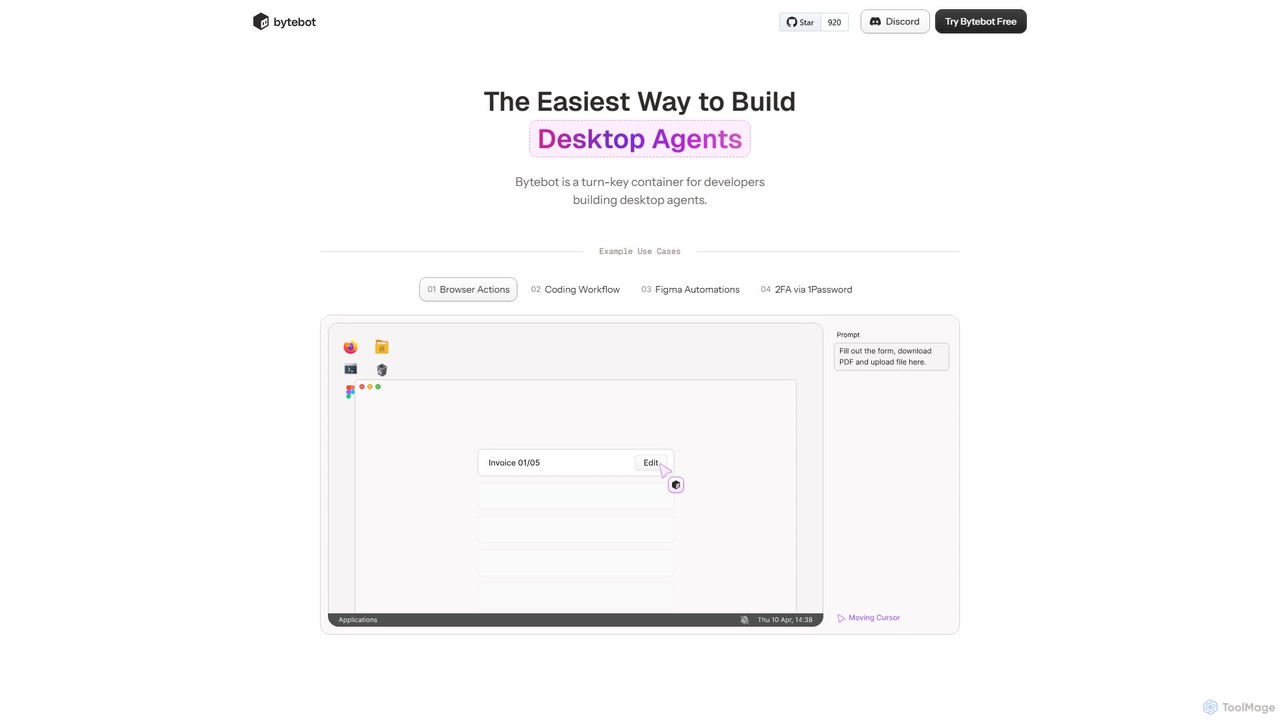
Bytebot is a developer platform for building, deploying, and managing AI-powered desktop agents. These agents automate complex tasks across any application by mimicking human interactions with the keyboard, mouse, and screen, moving beyond browser-only limitations.

Desktop Agent
Visits 18.2KFavorites 135Likes 118
Codiga

Codiga

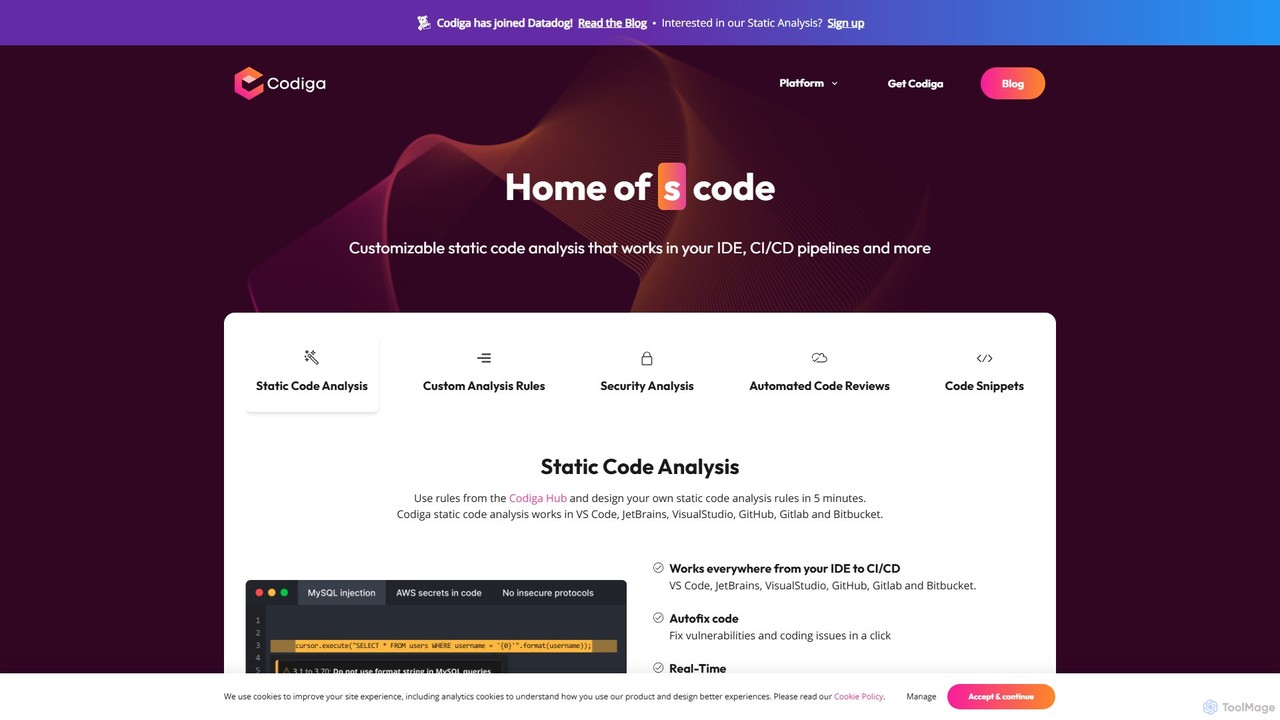
Codiga is a static code analysis platform that helps developers write better and more secure code in real-time. It integrates directly into IDEs and CI/CD pipelines, offering automated code reviews, security scanning, and one-click fixes. NOTE: Codiga was acquired by Datadog and its standalone services were discontinued.

Code Quality
Visits 34KFavorites 125Likes 130
RiteBoost
Freemium

RiteBoost

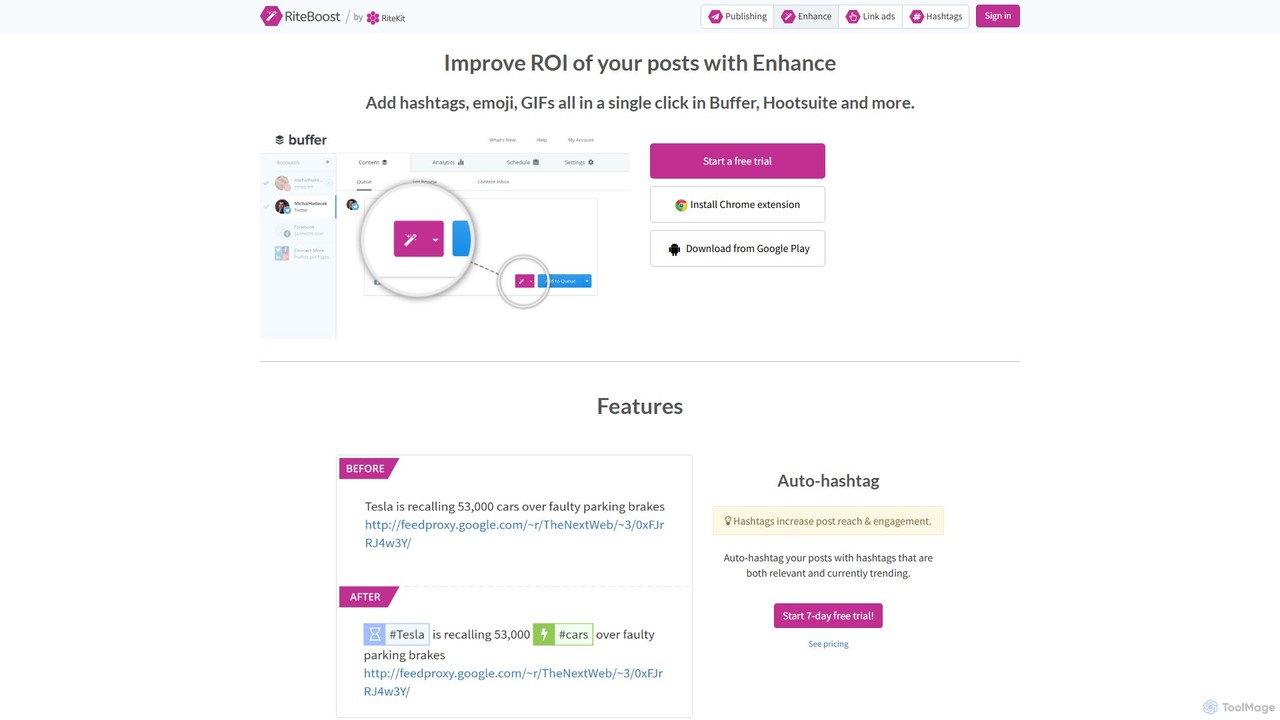
RiteBoost is an AI-powered social media enhancement tool that improves the ROI of your posts in a single click. It integrates with platforms like Buffer and Hootsuite to automatically add optimal hashtags, emojis, images, and link CTAs, saving time and boosting engagement.

Content Curation
Visits 6.1KFavorites 110Likes 115
Kilo Code
Freemium

Kilo Code

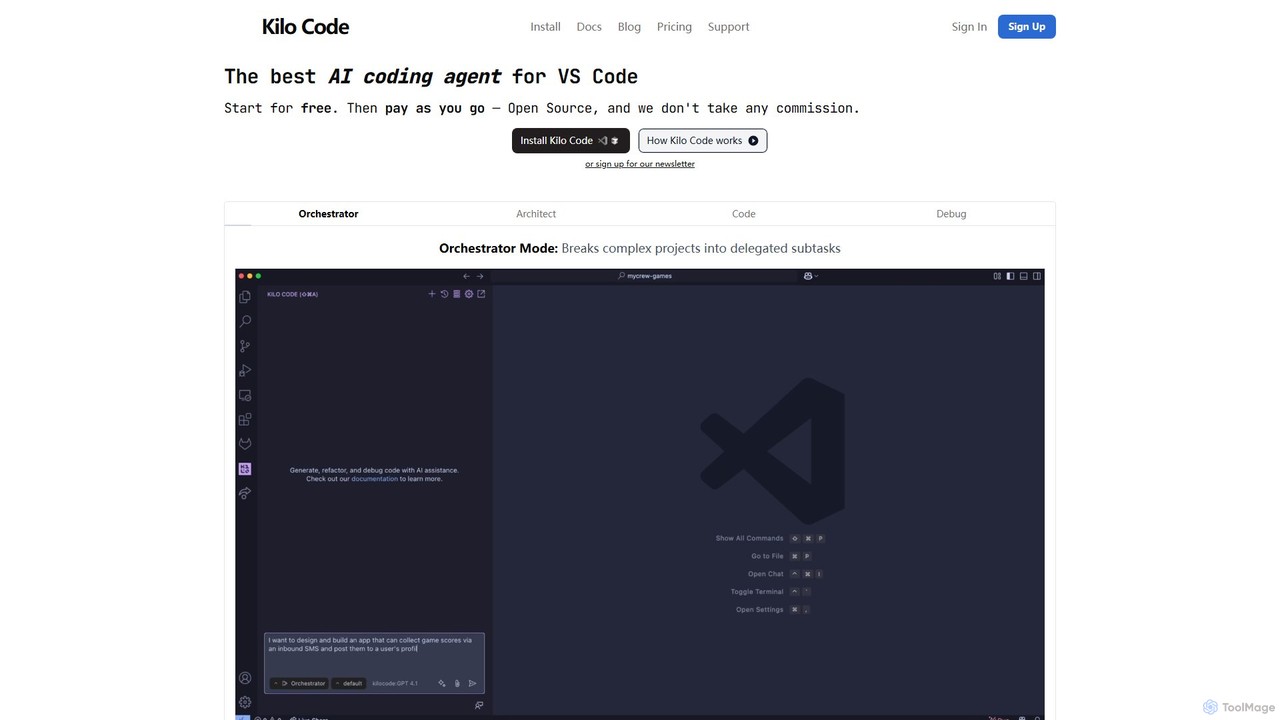
Kilo Code is a powerful, open-source AI coding agent for VS Code. It features a multi-agent system (Orchestrator, Architect, Code, Debug) to automate complex development tasks, from design to debugging. It's highly customizable, context-aware, and prioritizes user privacy with a "bring your own key" model and no data training.

Code Assistant
Visits 16.2KFavorites 112Likes 113

About Task Automation

Task Automation tools are a class of software that uses AI to connect different applications and automate repetitive workflows, often without requiring code. They operate on a trigger-and-action basis, where an event in one app (the trigger) automatically initiates a predefined task (the action) in another. This allows users to streamline processes like data entry, notifications, and file management, freeing up time for more strategic work. As a key component of the Productivity category, these tools excel at bridging the gap between disparate software systems, creating a unified and efficient digital ecosystem.

Core Features

  • Visual Workflow Builder: An intuitive, often drag-and-drop, interface for designing multi-step automation sequences.
  • App Integration Library: An extensive collection of pre-built connectors for thousands of popular SaaS applications and services.
  • Conditional Logic: The ability to create complex workflows with 'if-then' rules, filters, and branching paths.
  • Data Transformation: Tools to format, parse, and manipulate data as it moves between different applications.
  • Real-time Monitoring & Logs: Dashboards for tracking workflow executions, successes, and errors to ensure reliability.

Use Cases

These tools are widely used across various departments. Marketing teams automate lead nurturing campaigns, sales teams sync CRM data with communication platforms, and operations managers streamline internal reporting and approval processes. They are particularly valuable for any role involving repetitive, multi-app tasks.

How to Choose

When selecting a Task Automation tool, evaluate the number and type of app integrations available. Consider the complexity of workflows you need to build, the platform's ease of use for non-technical users, and the pricing model, which is often based on the number of tasks executed or active workflows.

Featured tool rankings

Task Automation use cases

1

Automate Social Media Content Publishing

A social media manager responsible for multiple platforms can automate content distribution. By setting up a workflow, a new blog post published on a website (the trigger) automatically generates a formatted post with a link and image. This post is then scheduled across LinkedIn, Twitter, and Facebook (the actions). This process eliminates the need for manual posting to each platform, saving several hours per week and ensuring consistent and timely content delivery to the audience.

2

Streamline Sales Lead Management

A sales operations team can automate the entire lead capture and assignment process. When a potential customer fills out a contact form on the company website (trigger), an automation instantly creates a new lead in the CRM (e.g., Salesforce), assigns it to the appropriate sales representative based on territory rules, and sends a notification to that representative via Slack. This ensures immediate lead follow-up, eliminates manual data entry errors, and significantly improves lead conversion rates by reducing response time.

3

Sync Project Management with Team Communication

A project manager can keep their team aligned by connecting a project management tool like Asana with a communication platform like Slack. An automation can be set up so that whenever a new task is created in a specific Asana project (trigger), a message detailing the task, assignee, and due date is automatically posted to the relevant Slack channel (action). Similarly, task completions can trigger celebratory messages. This keeps all stakeholders informed in real-time without needing to constantly switch between applications, improving team visibility and reducing status update meetings.

4

Automate Customer Support Ticket Routing

A customer support manager can use task automation to intelligently route incoming support requests. When a new email arrives in the support inbox (e.g., Gmail or Zendesk), an AI-powered workflow can parse the email's content to identify keywords like 'billing' or 'technical issue' (trigger). Based on these keywords, the ticket is automatically assigned to the correct department, tagged with an appropriate priority level, and a new entry is created in a tracking spreadsheet (actions). This system ensures faster response times and that tickets are handled by the most qualified agents from the start.

5

Generate Invoices from Timesheet Data

A freelancer or small agency owner can automate their monthly billing cycle. They can set up a scheduled workflow that runs on the last day of each month (trigger). The automation pulls billable hours for each client from a time-tracking app like Toggl, calculates the total amount due based on a predefined rate, and then generates a draft invoice in an accounting software like QuickBooks or Xero (actions). This eliminates tedious administrative work, reduces the risk of billing errors, and ensures timely invoicing to maintain healthy cash flow.

6

Aggregate Data for Business Reports

A business analyst can automate the collection of data for weekly performance reports. A workflow can be scheduled to run every Monday morning (trigger). It connects to various data sources like Google Analytics, a CRM, and social media ad platforms via their APIs. The automation pulls key metrics (e.g., website traffic, new leads, ad spend) and compiles them into a single, consolidated Google Sheet or a data visualization tool (actions). This provides a consistent and up-to-date view of business performance, saving hours of manual data gathering and enabling faster, more informed decision-making.

Task Automation FAQ

What is AI Task Automation?

AI Task Automation refers to software that connects different applications and services to automate multi-step tasks and workflows without manual intervention. These tools operate on a 'trigger and action' principle, where an event in one app triggers a corresponding action in another. For example, receiving a new email attachment in Gmail (trigger) can automatically save that file to a specific Dropbox folder (action). They are designed to handle repetitive processes, saving time and reducing human error.

How do I choose the right Task Automation tool?

To choose the right tool, consider these factors:

  • App Integrations: Ensure the tool supports the specific applications you use daily (e.g., your CRM, email client, project management software).
  • Workflow Complexity: Determine if you need simple two-step automations or complex workflows with conditional logic, filters, and multiple paths.
  • Ease of Use: Look for a tool with an intuitive visual builder, especially if you don't have a technical background.
  • Pricing Model: Compare pricing based on the number of tasks you expect to run per month, the number of users, and the features included in each plan.
What's the difference between Task Automation and Project Management tools?

Task Automation tools and Project Management tools serve different primary purposes, though they often work together. Task Automation tools act as a bridge *between* different applications, moving data and triggering actions across your software stack. Their main function is integration and process automation. In contrast, Project Management tools are designed to organize tasks, deadlines, and collaboration *within* a single platform. They help teams plan and track work, but typically don't automate processes that span multiple, separate applications without the help of a task automation tool.

Can I use Task Automation without coding skills?

Yes, absolutely. The primary advantage of most modern task automation tools is their no-code or low-code approach. They provide intuitive, visual interfaces where you can connect applications and build workflows by dragging and dropping elements or selecting from menus. While some advanced platforms may offer features for developers to write custom scripts, the core functionality is designed to be accessible to everyone, regardless of their technical expertise.

What are some common examples of tasks I can automate?

Task automation can be applied to a wide range of business and personal processes. Some common examples include:

  • Saving email attachments from Gmail directly to a Google Drive or Dropbox folder.
  • Posting new blog articles from your website to all your social media channels simultaneously.
  • Adding new customers from your e-commerce platform (e.g., Shopify) to your email marketing list (e.g., Mailchimp).
  • Creating a new task in your project management tool (e.g., Trello) whenever a specific type of email is received.
  • Getting a Slack notification for new sales leads from your CRM.