ToolMage
Sign in

Best 33 Text To Speech AI tools for Productivity

Popular Text To Speech AI tools in Productivity include NaturalReader, ElevenReader, Peech, Crikk, Vexub, Voice Out, MyVocal.ai, Readvox, GPT Reader, and Clearly Reader, helping you work more efficiently.

Crikk
Freemium

Crikk

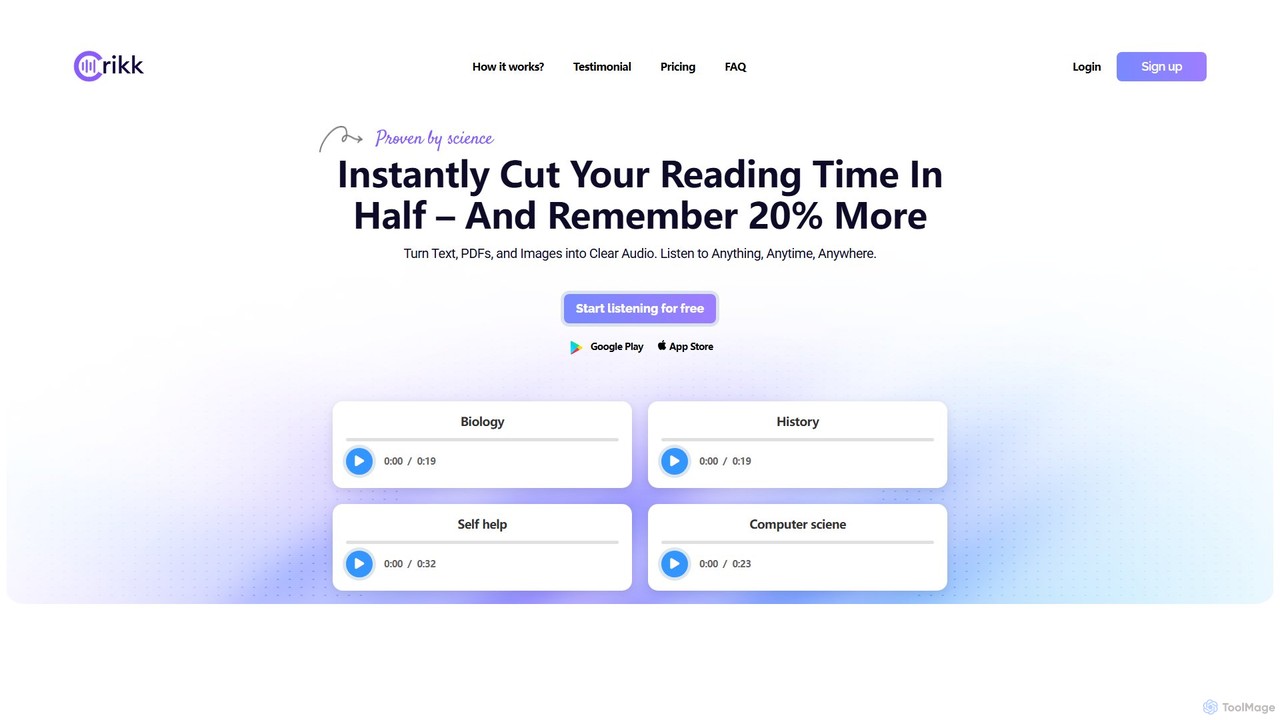
Crikk is an AI-powered text-to-speech tool that converts documents, PDFs, and even images into natural-sounding audio. It's designed to enhance learning, boost productivity, and create professional voiceovers. With features like synchronized text highlighting, adjustable playback speed, and support for over 90 languages, Crikk makes it easy to listen to any content, anytime, anywhere, on web, Android, and iOS devices.

Voice Generation
Visits 340.5KFavorites 129Likes 133
GPT Reader
Free

GPT Reader

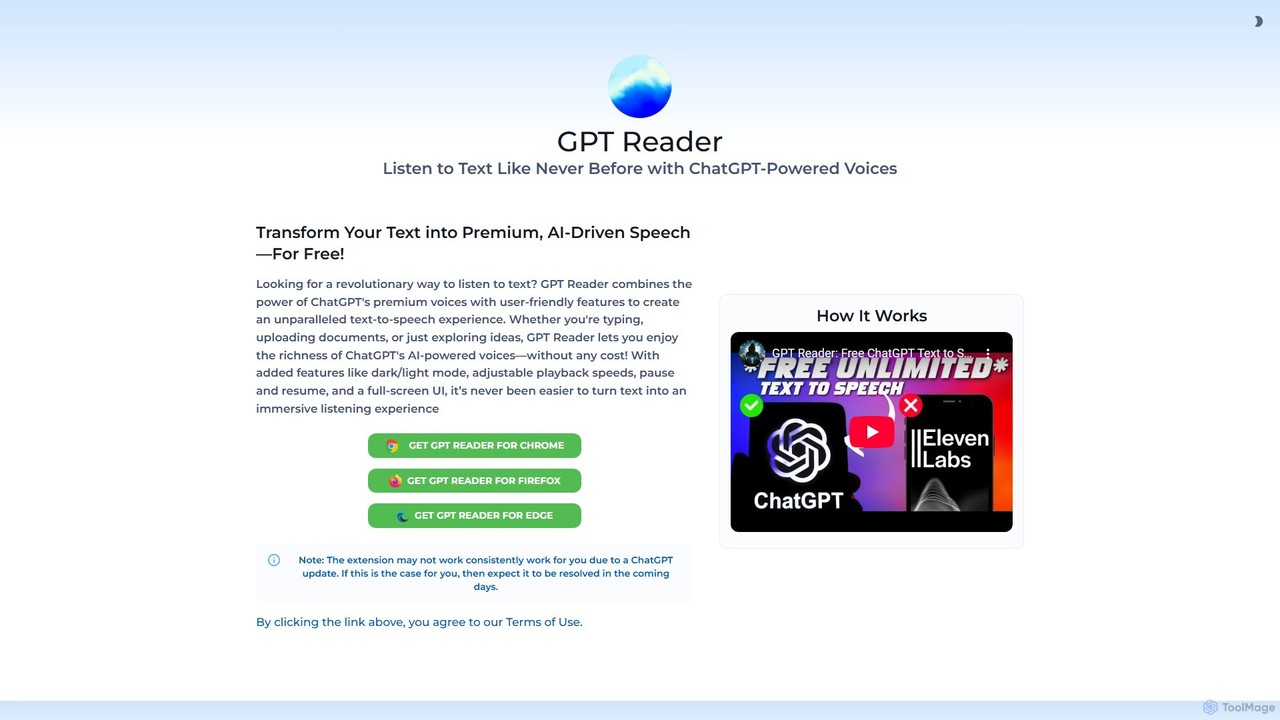
A free text-to-speech browser extension that uses premium, natural-sounding voices from ChatGPT. Convert articles, documents, and any selected text into high-quality audio for enhanced productivity and accessibility.

Screen Reader
Visits 50.8KFavorites 136Likes 143
Fenvox
Freemium

Fenvox

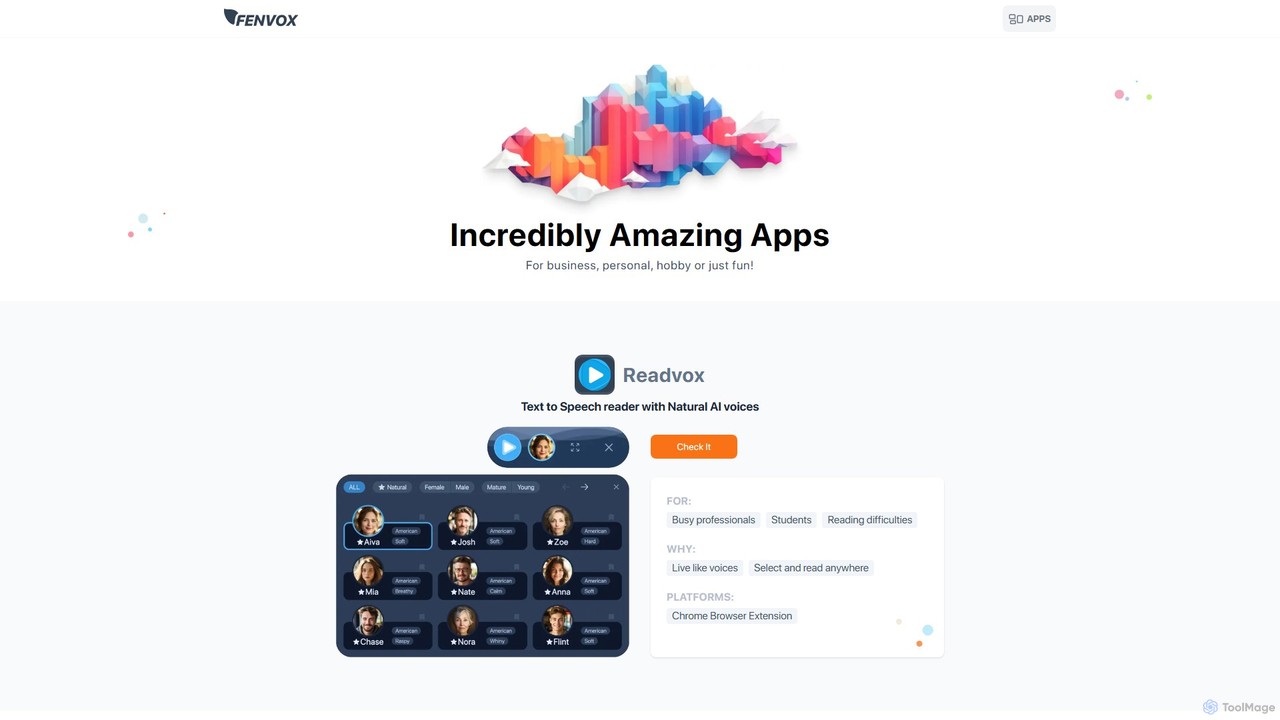
Fenvox is a versatile suite of applications designed for business, creativity, and personal productivity. It offers a range of tools, from team activity analytics and text-to-speech readers to creative generators for artists and handy toolkits for developers. Each app is crafted to solve specific problems and enhance workflows across different domains.

Web Development
Visits 7.4KFavorites 149Likes 160
Vocu AI
Freemium

Vocu AI

Vocu AI is a pioneering hyper-realistic AI voice synthesis and instant cloning platform. It leverages a state-of-the-art voice model to generate natural, emotionally expressive audio. Clone any voice in seconds with a short sample, create multilingual content, and explore a unique AI Voice Marketplace.

Voice Cloning
Visits 10.5KFavorites 115Likes 117
article2audio
Freemium

article2audio

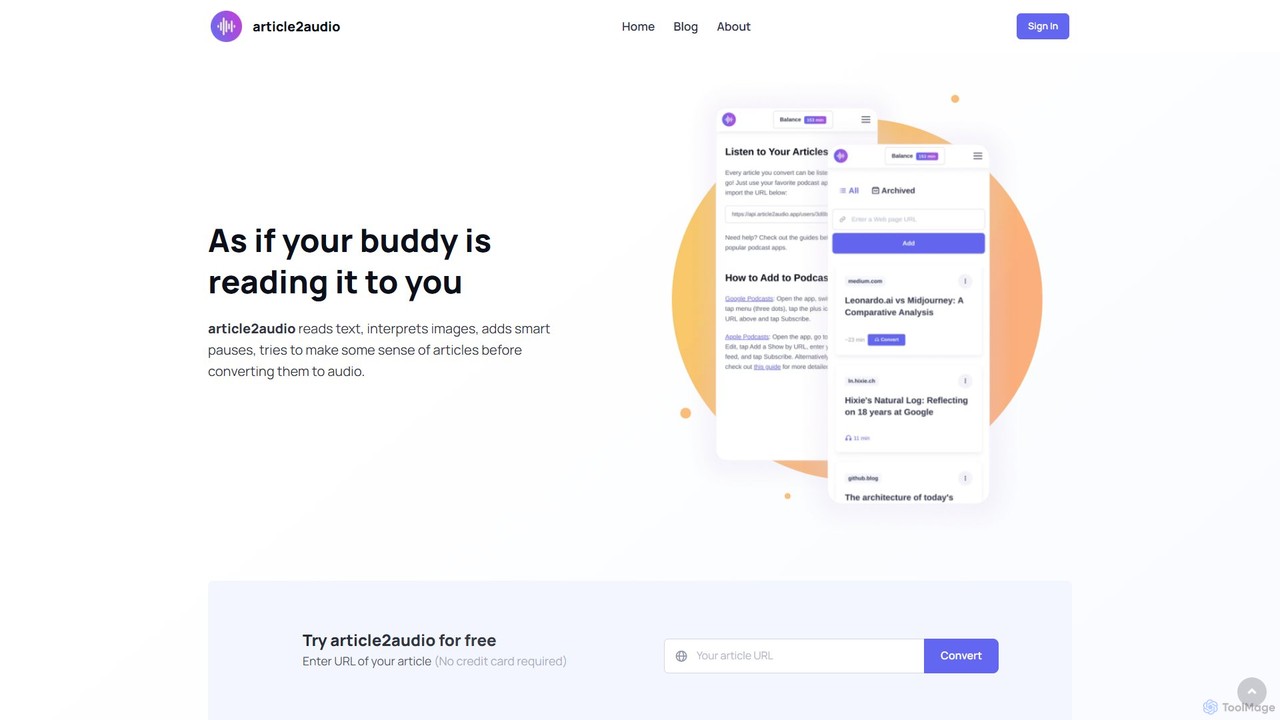
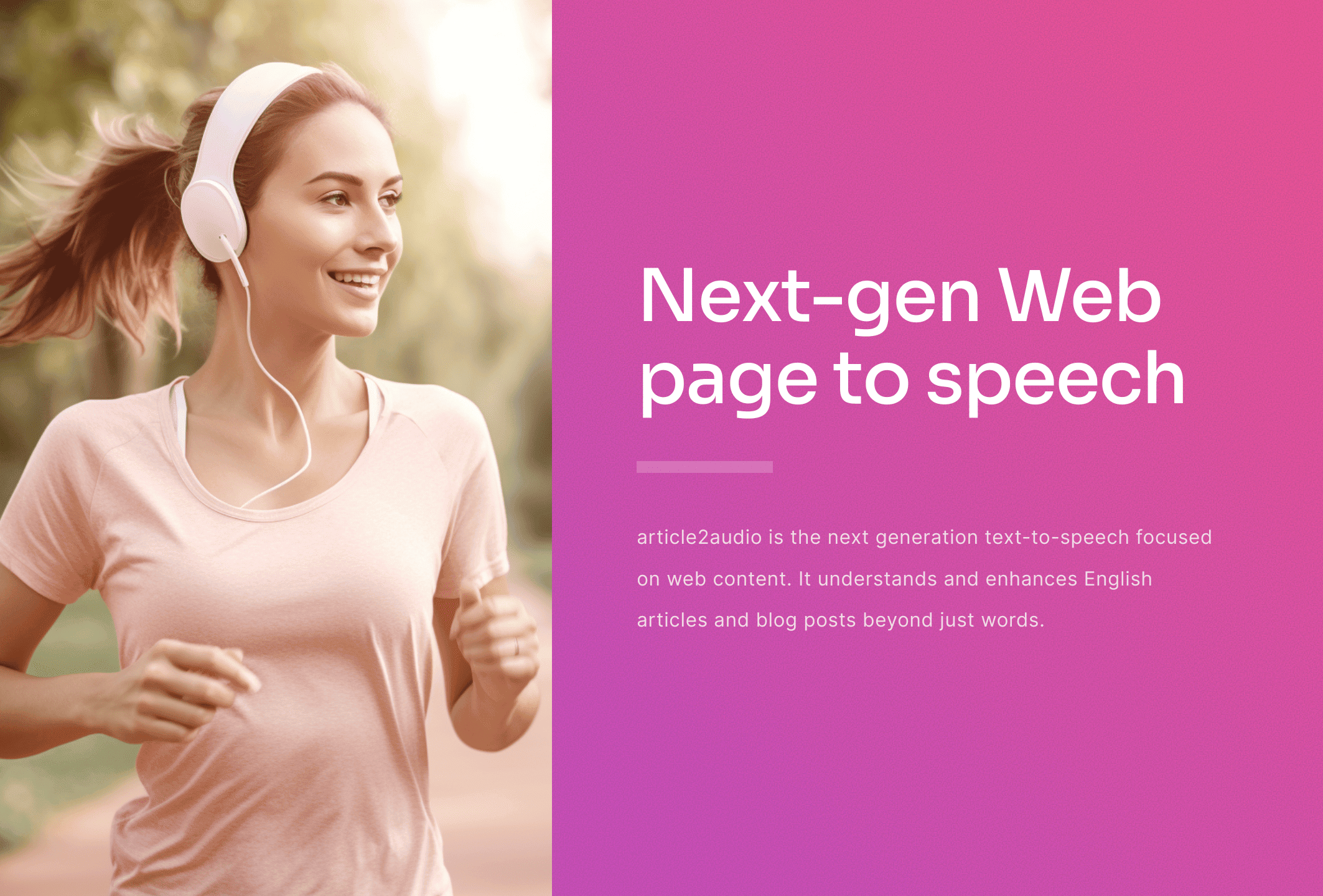
article2audio is an advanced AI-powered text-to-speech tool that converts online articles into natural, human-like audio. It goes beyond simple narration by interpreting images, summarizing tables, and handling complex text like code. This makes listening to web content more engaging and informative, as if a friend were reading it to you. Ideal for turning your reading list into a personal podcast.

Voice Generation
Visits 9.4KFavorites 195Likes 194
echovoiceai
Freemium

echovoiceai

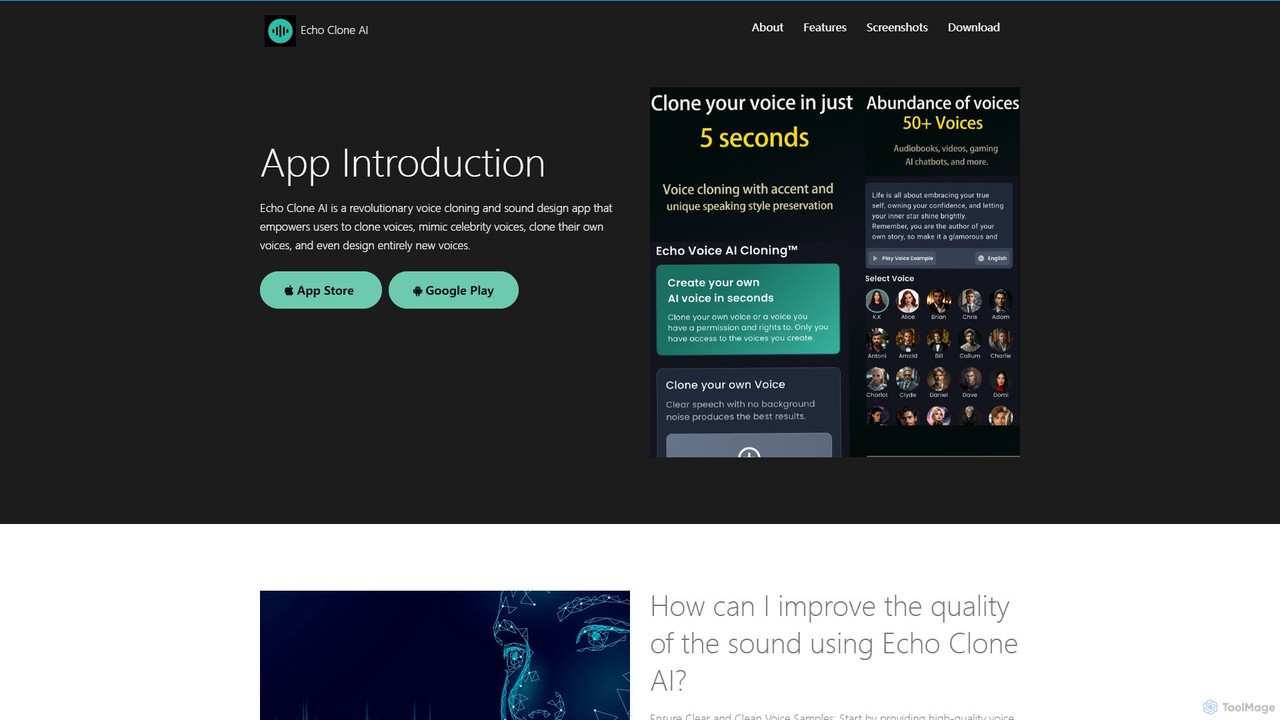
echovoiceai is a powerful AI voice application that specializes in voice cloning and design. It allows users to clone celebrity voices from a library of over 80 options, create a digital replica of their own voice, or design entirely new voices by adjusting parameters like pitch and timbre. It's designed for content creators, gamers, and anyone looking for creative audio tools.

Voice Cloning
Visits 10.4KFavorites 120Likes 114
readit
Freemium

readit

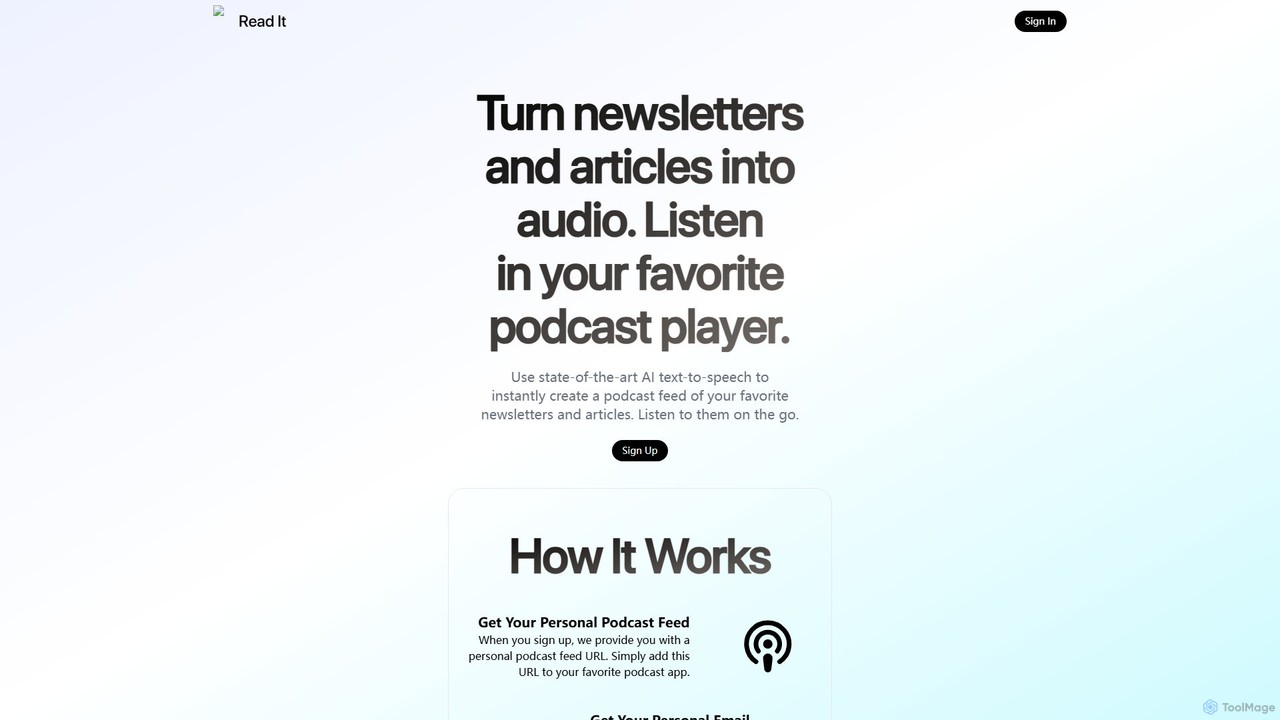
readit transforms your favorite newsletters and web articles into a personal podcast. Using advanced AI text-to-speech, it converts written content into high-quality audio. Simply forward emails or use the browser bookmarklet to add content, and listen in your preferred podcast app. Perfect for catching up on your reading list while commuting, exercising, or multitasking.

Reading Aid
Visits 5.9KFavorites 117Likes 116
Speak4Me
Freemium

Speak4Me

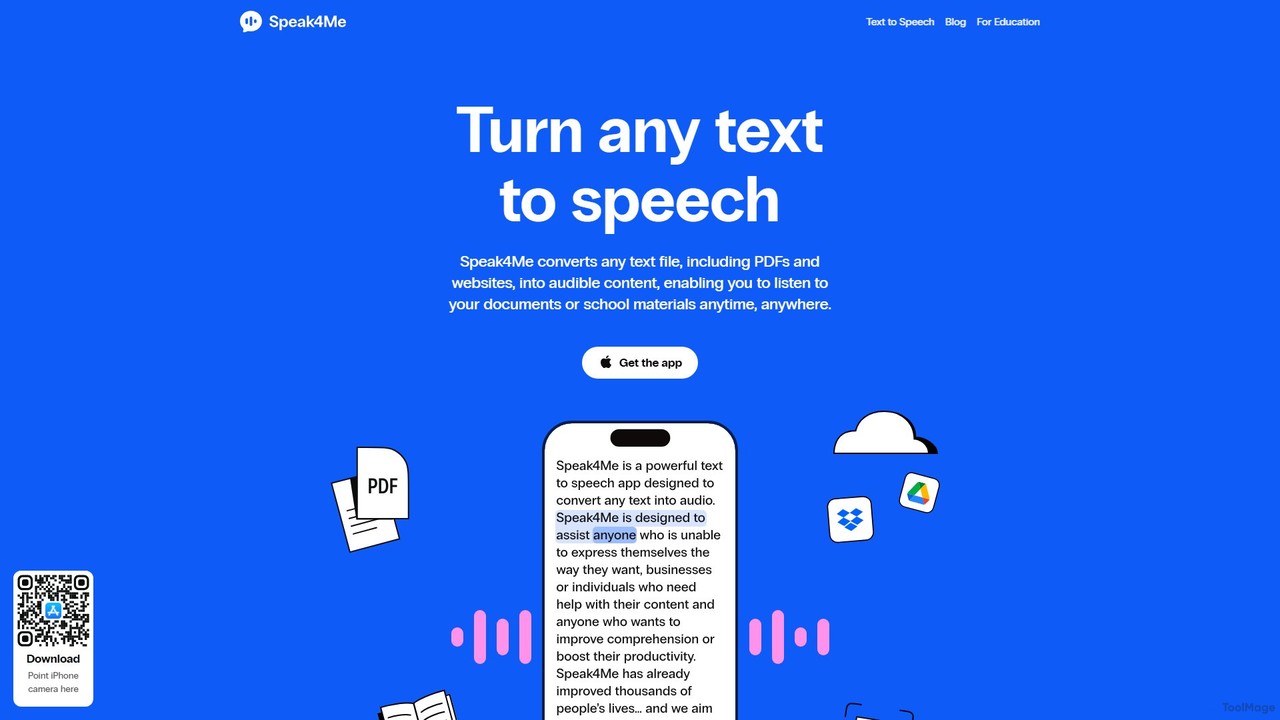
Speak4Me is an advanced text-to-speech iOS app that converts any text from documents, websites, or scanned pages into natural-sounding audio. It features AI-powered chat for summarizing and querying documents, seamless cloud integration, and robust accessibility tools for users with dyslexia or ADHD. Listen to content on the go, increase productivity, and enhance your reading and learning experience.

Assistive Technology
Visits 12.7KFavorites 145Likes 155
MyVocal.ai
Freemium

MyVocal.ai

MyVocal.ai is a powerful AI voice platform for instant voice cloning, AI singing, and multi-language text-to-speech. Clone your voice in minutes to create realistic voiceovers, generate expressive song covers, and speak in multiple languages with emotional nuance.

Voice Cloning
Visits 58.1KFavorites 137Likes 130

About Text To Speech

Text To Speech (TTS) tools are a class of AI-powered software that convert written text into natural-sounding spoken audio. They utilize advanced neural networks to synthesize human-like voices, analyzing text for context, intonation, and pronunciation. This technology makes digital content accessible, facilitates multitasking by allowing hands-free listening, and provides a powerful medium for content creation like audiobooks and voiceovers. Modern TTS tools offer a wide range of voices, languages, and emotional tones, moving far beyond robotic monotones.

Core Features

  • Multiple Voices & Languages: Access a diverse library of natural-sounding male and female voices across numerous languages, dialects, and accents.
  • Voice Customization: Adjust audio output by controlling parameters like speech rate, pitch, volume, and inserting pauses.
  • SSML Support: Use Speech Synthesis Markup Language (SSML) for advanced control over emphasis, pronunciation, and intonation.
  • Audio File Export: Download the generated speech in standard formats like MP3 and WAV for use in various projects and platforms.
  • API Access: Integrate TTS functionality directly into applications, websites, and workflows for automated, real-time audio generation.

Use Cases

These tools are widely used by content creators for producing video voiceovers and podcasts, educators for creating accessible e-learning materials, and developers for building voice user interfaces. Businesses also leverage TTS for customer service applications, such as Interactive Voice Response (IVR) systems and public announcements.

How to Choose

When selecting a Text To Speech tool, evaluate the voice quality and naturalness by listening to samples. Confirm it supports your required languages and accents. Assess the level of customization available, including SSML support. Finally, consider the pricing model (e.g., per character, subscription) and whether API access is offered for integration needs.

Featured tool rankings

Text To Speech use cases

1

Creating Voiceovers for Video Content

A video creator needs a clear, consistent voiceover for a promotional video but lacks professional recording equipment. They paste the script into a Text To Speech tool, select a preferred voice, adjust the pacing and emphasis using customization features, and then export the final audio file. This process generates a high-quality, error-free audio track in minutes, ready to be synchronized with the video. It saves significant time and cost compared to hiring a voice actor, while ensuring a professional and consistent narration across multiple videos.

2

Developing Accessible Learning Materials

An instructional designer is creating an online course that must be accessible to students with visual impairments. They use a Text To Speech tool to convert all written content, including lesson plans and quizzes, into audio files. These audio versions are then embedded alongside the text on the learning platform. This makes the course compliant with accessibility standards like WCAG and provides a flexible learning option for all students. It improves comprehension and engagement by offering an alternative way to consume the material.

3

Producing Audiobooks and Podcasts

An independent author wants to convert their e-book into an audiobook to reach a wider audience but cannot afford studio production. Using an advanced Text To Speech platform, they can select an emotionally expressive voice that fits the book's genre. They process the book chapter by chapter, using SSML tags to control pacing, add dramatic pauses, and ensure correct pronunciation of character names. The result is a complete, professional-sounding audiobook produced at a fraction of the traditional cost, opening up a new revenue stream.

4

Automating Customer Service Voice Messages

A call center manager needs to frequently update the voice prompts for their Interactive Voice Response (IVR) system. Instead of scheduling recording sessions with a voice actor for every change, they use a TTS API. When business hours or promotional messages change, they simply update the text string in their system. The API instantly generates a new, clear, and consistent audio prompt. This ensures customers always receive accurate information, reduces operational overhead, and allows for dynamic, real-time updates to the IVR menu.

5

Prototyping Voice User Interfaces (VUI)

A UX designer is creating a voice-controlled smart home application. To test the user experience and dialogue flow, they need to hear how the system's responses will sound. Instead of complex coding, they use a Text To Speech tool to quickly generate audio clips for each potential response. These clips are integrated into a prototype, allowing the team and test users to experience the voice interaction realistically. This enables rapid iteration and refinement of the VUI design before committing significant development resources.

6

Personal Content Consumption and Proofreading

A researcher needs to review dozens of academic papers. To combat eye strain and multitask, they use a TTS application to listen to the articles while commuting. The natural-sounding voice makes complex information easier to absorb. Later, when writing their own paper, they use the same tool to listen to their draft. Hearing the text read aloud helps them catch grammatical errors, awkward phrasing, and typos that their eyes might have missed, significantly improving the quality of the final document.

Text To Speech FAQ

What is a Text To Speech (TTS) tool?

A Text To Speech (TTS) tool is a type of assistive technology that converts written digital text into spoken audio. Modern TTS tools use sophisticated AI and neural networks to generate voices that are highly natural and human-like, capable of conveying different tones and emotions. Unlike basic screen readers, advanced TTS platforms offer extensive customization, including a wide choice of voices, languages, accents, and control over speech parameters like speed and pitch. They are primarily used for creating voiceovers, making content accessible, and personal productivity.

How to choose the right Text To Speech tool?

To choose the right TTS tool, consider these key factors:

  • Voice Quality and Naturalness: Listen to voice samples. Do they sound robotic or human-like? Look for tools using neural AI for the most realistic output.
  • Language and Accent Support: Ensure the tool offers the specific languages, dialects, and accents you need for your target audience.
  • Customization and Control: Check for options to adjust speed, pitch, and volume. For advanced use, look for SSML support to control emphasis and pronunciation.
  • Usage Limits and Pricing: Understand the pricing model. Is it a monthly subscription, pay-per-character, or a one-time purchase? Be aware of any character limits.
  • Integration and API: If you need to automate audio generation, verify that the tool provides a well-documented API.
What is the difference between Text To Speech and Speech To Text?

The key difference lies in the direction of conversion. Text To Speech (TTS) converts written text into spoken audio; it essentially makes a computer read text aloud. Its primary use is generating audio content. In contrast, Speech To Text (STT), also known as transcription or voice recognition, does the exact opposite. It converts spoken audio into written text. Its main purpose is to capture and document spoken words, such as in meeting transcriptions or voice commands for a digital assistant.

What are the main applications for Text To Speech technology?

Text To Speech technology has a wide range of applications across various industries:

  • Content Creation: Generating professional voiceovers for YouTube videos, corporate training modules, podcasts, and advertisements without needing a human voice actor.
  • Accessibility: Helping individuals with visual impairments or reading disabilities like dyslexia to consume written content such as websites, books, and documents.
  • E-Learning: Creating audio versions of lessons and educational materials to cater to auditory learners and enhance engagement.
  • Customer Service: Powering automated phone systems (IVR) and public announcement systems with clear, consistent, and easily updatable voice prompts.
  • Prototyping: Allowing developers and designers to quickly test voice user interfaces (VUI) for applications and smart devices.
How realistic can AI-generated voices sound?

Modern AI-generated voices can sound remarkably realistic and are often difficult to distinguish from human narration. This is due to the use of neural networks and deep learning, which allow the AI to learn the complex patterns of human speech, including intonation, rhythm, and emphasis. High-end TTS tools can even replicate specific emotions like joy or sadness, and some offer voice cloning capabilities to create a digital replica of a specific person's voice. While subtle nuances can sometimes still be a challenge, the quality has advanced far beyond the robotic, monotonous voices of the past.