ToolMage
Sign in

Best 372 Writing Assistant for Writing

Popular Writing Assistant in Writing include Google Gemini, doubao, Microsoft Copilot, Quark, Kimi, Qwen, Genspark, Yuanbao, Gauth, and NoteGPT, helping you work more efficiently.

DapperGPT
Freemium

DapperGPT

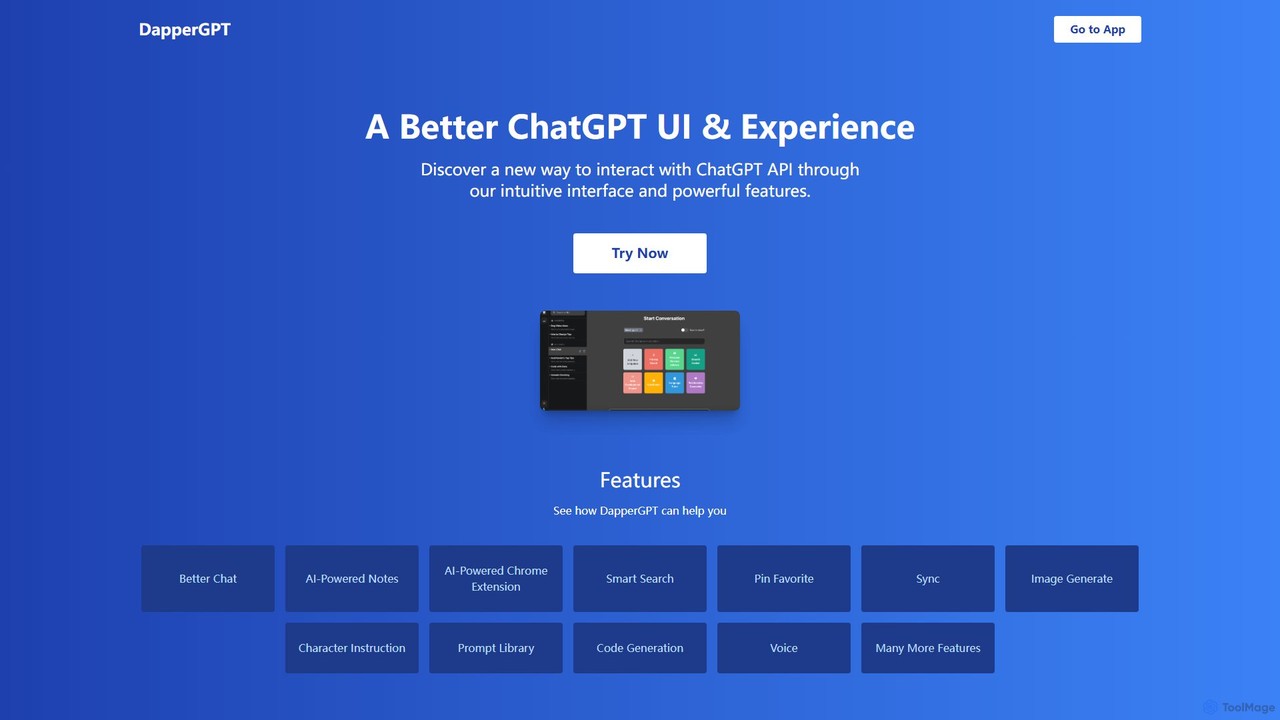
DapperGPT is an advanced user interface for the ChatGPT API, designed to enhance your interaction with OpenAI's models. It offers a more intuitive and feature-rich experience, including a powerful Chrome extension, AI-powered notes, smart search, voice-to-text, image generation, and a comprehensive prompt library. It operates on a freemium model, requiring your own OpenAI API key for usage, with premium features available through a one-time purchase or team plan.

Code Assistant
Visits 6KFavorites 175Likes 161
Klarity
Freemium

Klarity

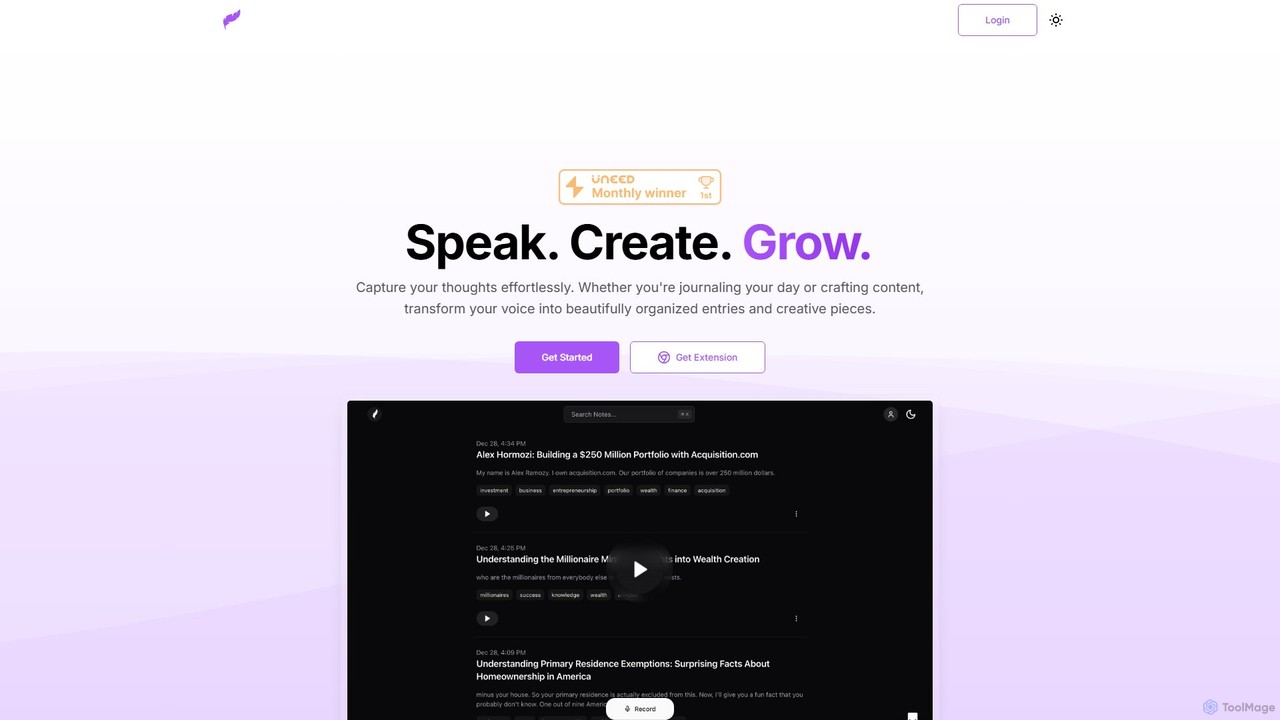
Klarity is an AI-powered note-taking assistant that transforms your voice into structured text. Effortlessly capture thoughts, meeting notes, lecture content, and creative ideas, and automatically organize them. It integrates seamlessly with productivity tools like Notion, Obsidian, and Readwise to supercharge your workflow.

Transcription
Visits 6KFavorites 86Likes 92
Ghostwrite
Freemium

Ghostwrite

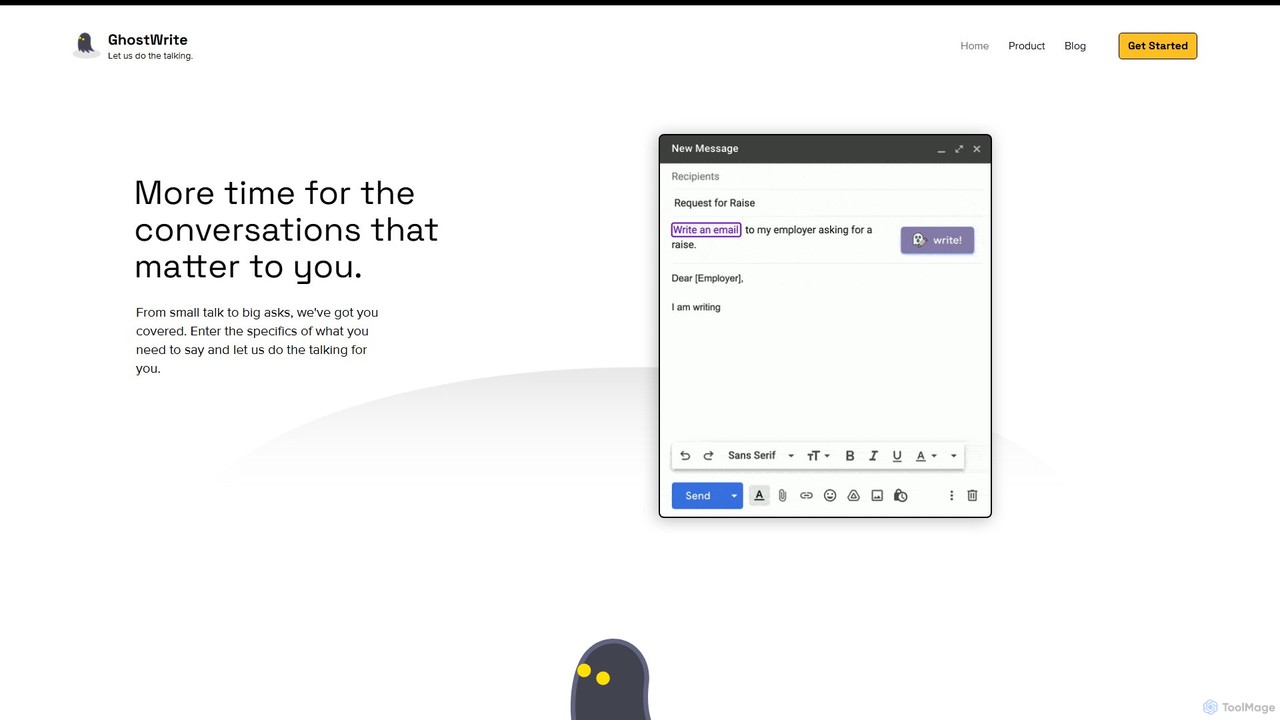
Ghostwrite is an AI-powered email writing assistant designed to save you time and enhance your communication. Simply provide a brief prompt, and its AI, "Inky," will draft professional, clear, and context-aware emails for you. It learns your writing style over time, helping you overcome writer's block, manage networking, and communicate with confidence. Ideal for professionals, students, and anyone tired of writing emails.

Sales
Visits 18.5KFavorites 125Likes 135
Prompt Genie
Freemium

Prompt Genie

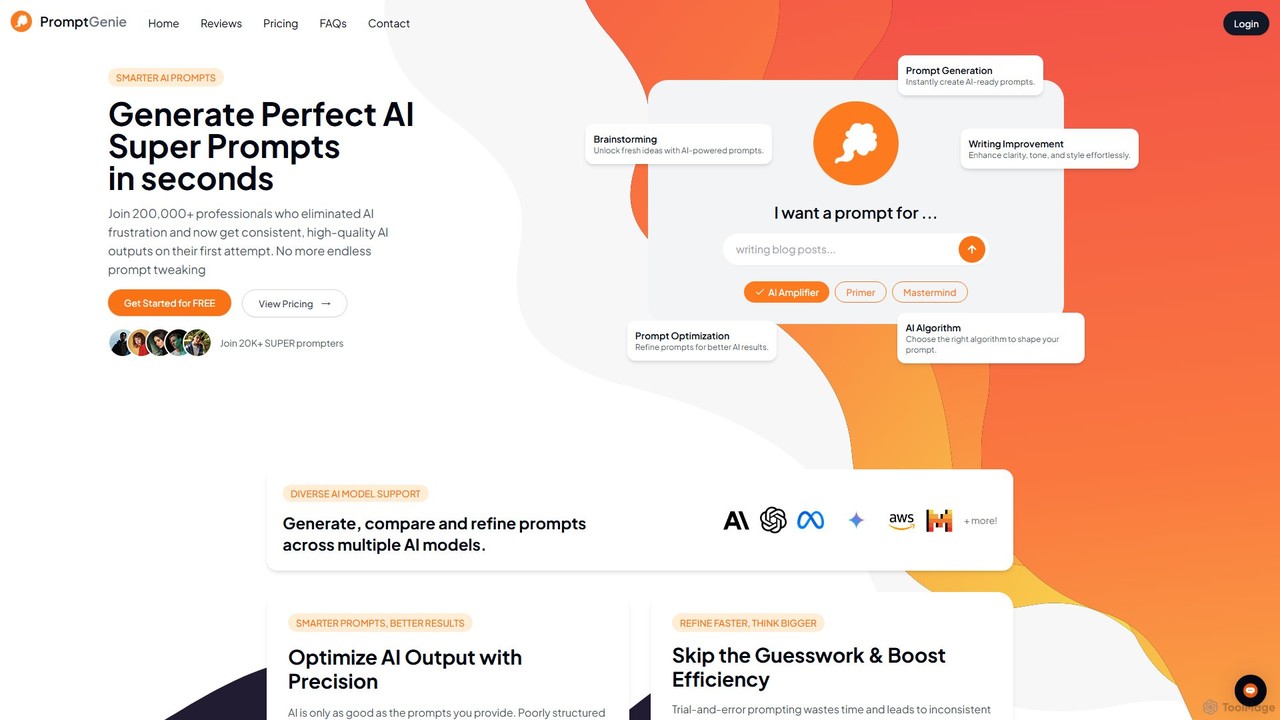
Prompt Genie is an AI-powered tool that transforms simple ideas into high-quality, detailed "Super Prompts" for models like ChatGPT, Gemini, and Claude. It helps over 200,000 professionals eliminate guesswork, save time, and achieve consistent, superior AI-generated results on the first try. It functions like a "Grammarly for prompts," optimizing your inputs for maximum clarity and effectiveness.

Content Creation
Visits 170.1KFavorites 128Likes 125
Promptmatic
Freemium

Promptmatic

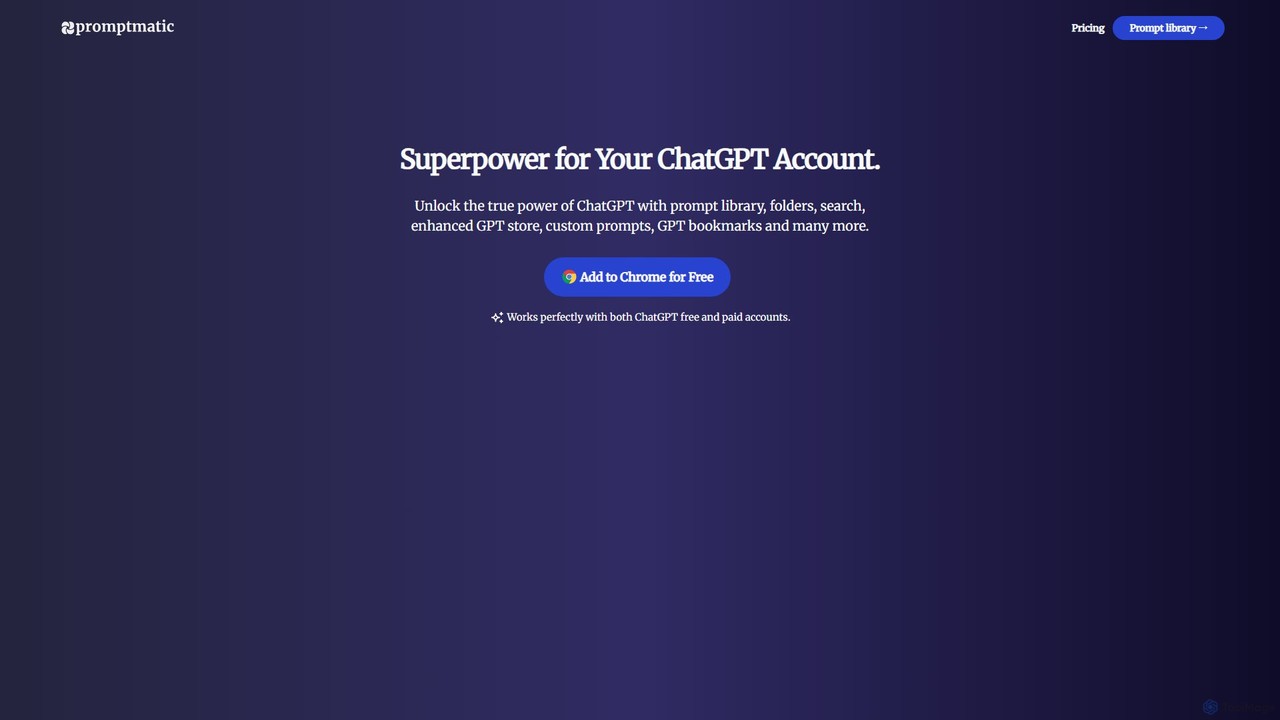
Promptmatic is a powerful Google Chrome extension for ChatGPT, designed to enhance your AI interactions. It features a massive library of over 2900 prompts, a smart prompt editor, a GPT bookmark manager, and extensive customization options for roles, styles, and tones. It streamlines your workflow, making you more productive and efficient when using ChatGPT for professional tasks.

Chrome Extensions
Visits 102.8KFavorites 156Likes 165
MAILE
Freemium

MAILE

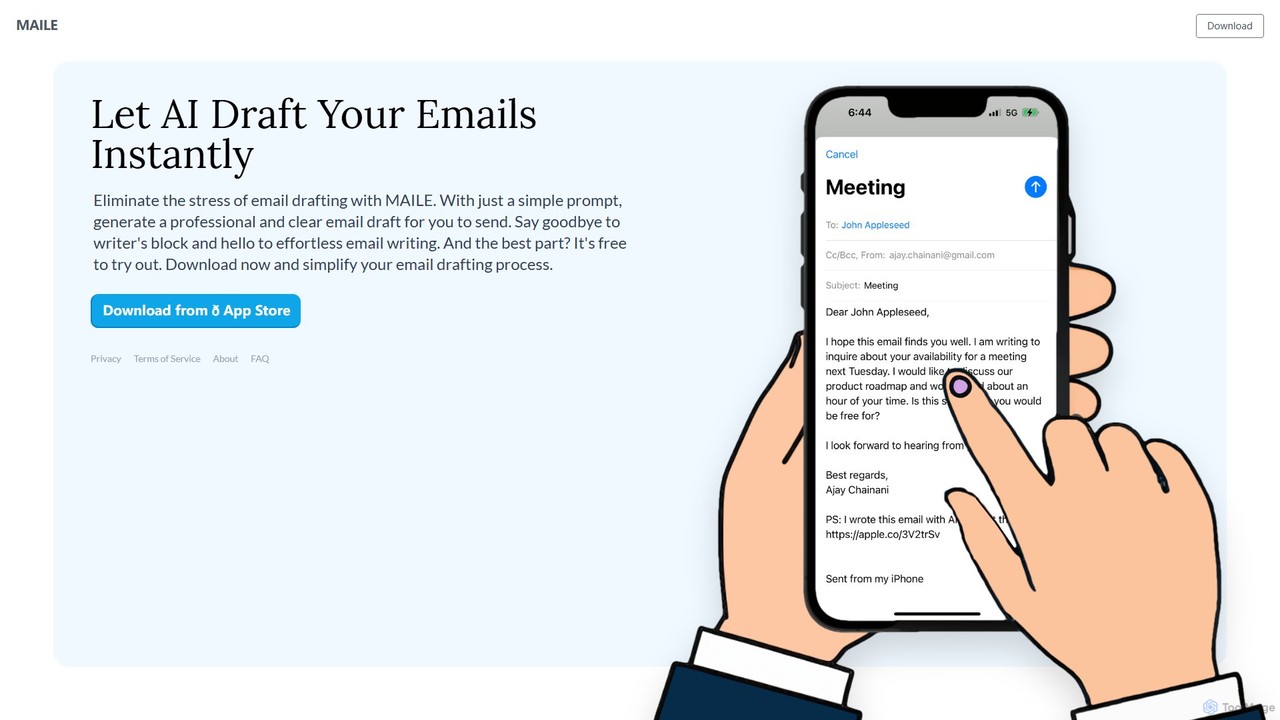
MAILE is an AI-powered email writing assistant for iPhone that instantly drafts professional emails from simple prompts. It allows tone customization, integrates with Gmail and Apple Mail, and supports multiple languages. Ideal for professionals, busy individuals, and non-native English speakers to save time and enhance communication. Free to try.

Email
Visits 9KFavorites 135Likes 132
Chat Got
Freemium

Chat Got

Chat Got is an all-in-one AI chat platform that provides access to multiple leading large language models like GPT-4, Claude, and Gemini in a single, unified interface. It simplifies the process of interacting with different AIs, allowing users to switch between models seamlessly to find the best one for any task, from writing and coding to research and brainstorming.

All In One
Visits 7.4KFavorites 139Likes 143
OpenGPT
Freemium

OpenGPT

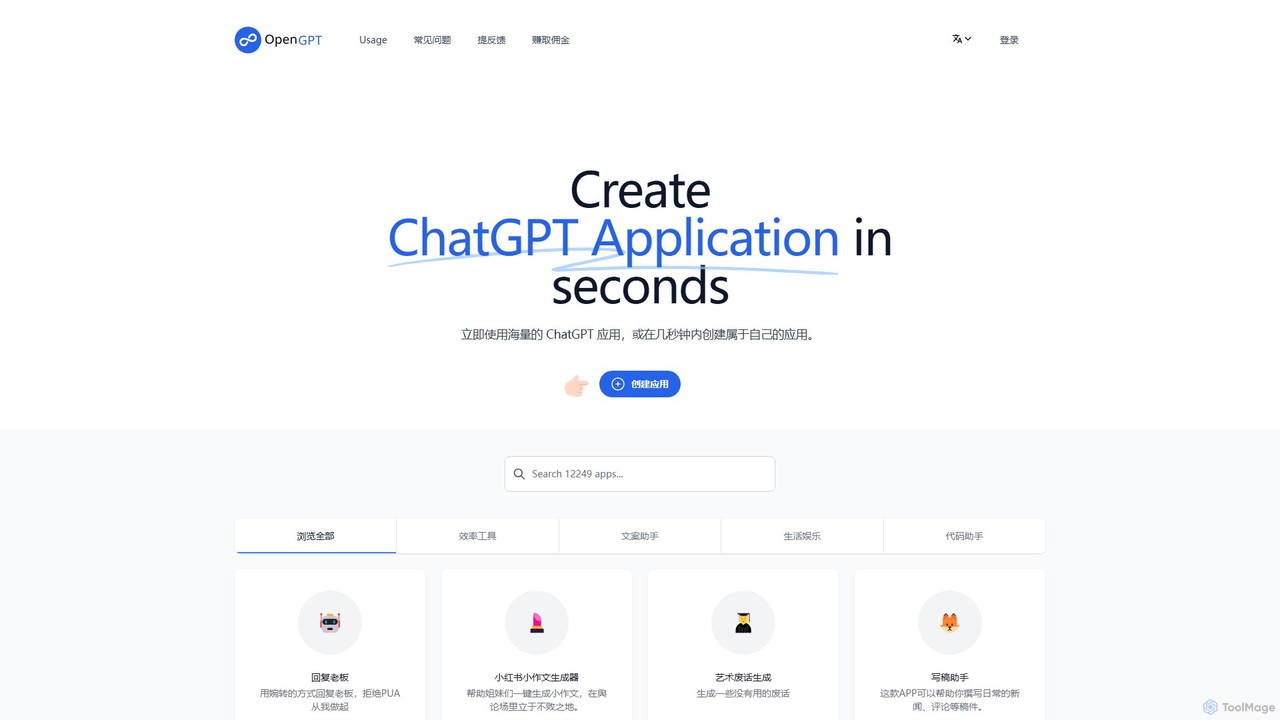
OpenGPT is a no-code platform that allows users to create and share custom ChatGPT-powered applications in seconds. It offers a vast library of pre-built apps for tasks like content creation, social media marketing, professional writing, and entertainment. Users can either leverage existing tools or build their own specialized AI assistants by simply providing instructions, making advanced AI accessible to everyone without any coding knowledge.

Generators
Visits 12.4KFavorites 159Likes 158
AppFlowy
Freemium

AppFlowy

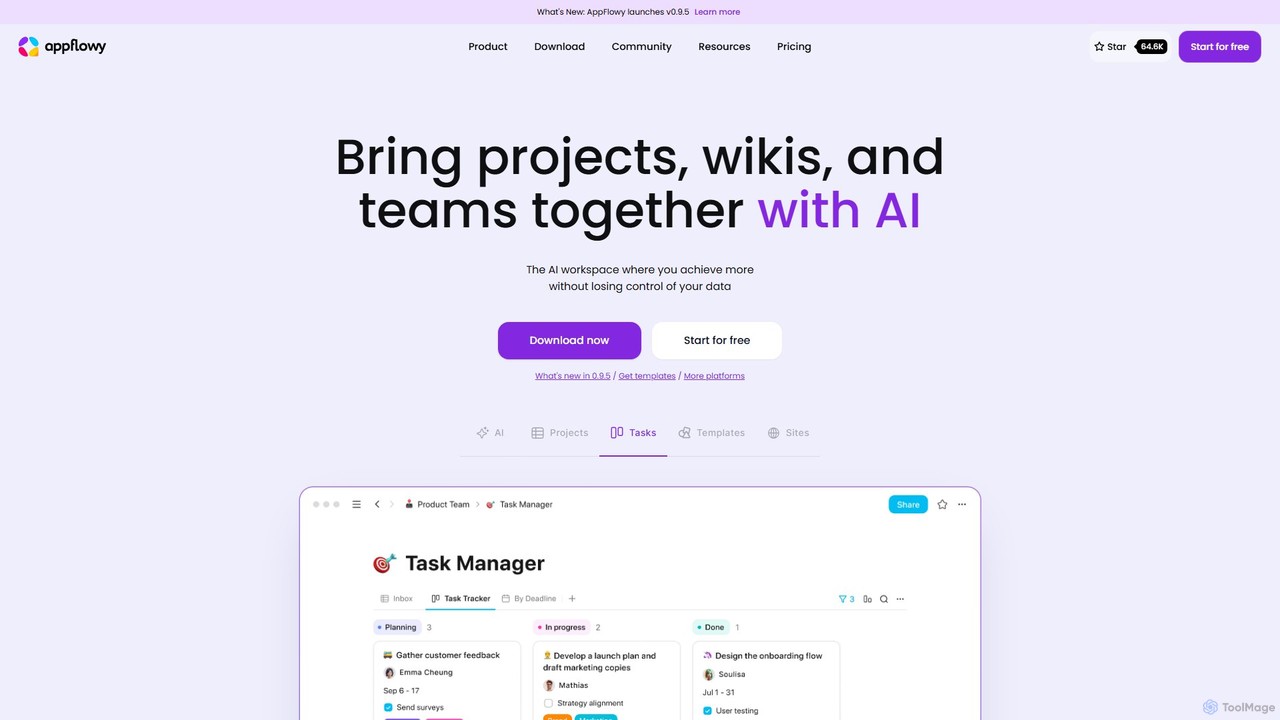
AppFlowy is a secure, open-source AI workspace designed for projects, wikis, and teams. It offers a privacy-first alternative to tools like Notion, allowing users to own their data through self-hosting and offline capabilities. It integrates powerful AI for writing, search, and task automation, supporting both local and cloud-based models.

Documentation
Visits 181KFavorites 139Likes 127
Companion AI
Free

Companion AI

Companion AI is a free macOS desktop application that centralizes your favorite AI assistants like ChatGPT, Gemini, Claude, and Midjourney. Access and switch between multiple AIs instantly from your menu bar, streamlining your workflow and boosting productivity without browser tab clutter.

Code Assistant
Visits 58.8KFavorites 134Likes 139
CoSpaceGPT
Freemium

CoSpaceGPT

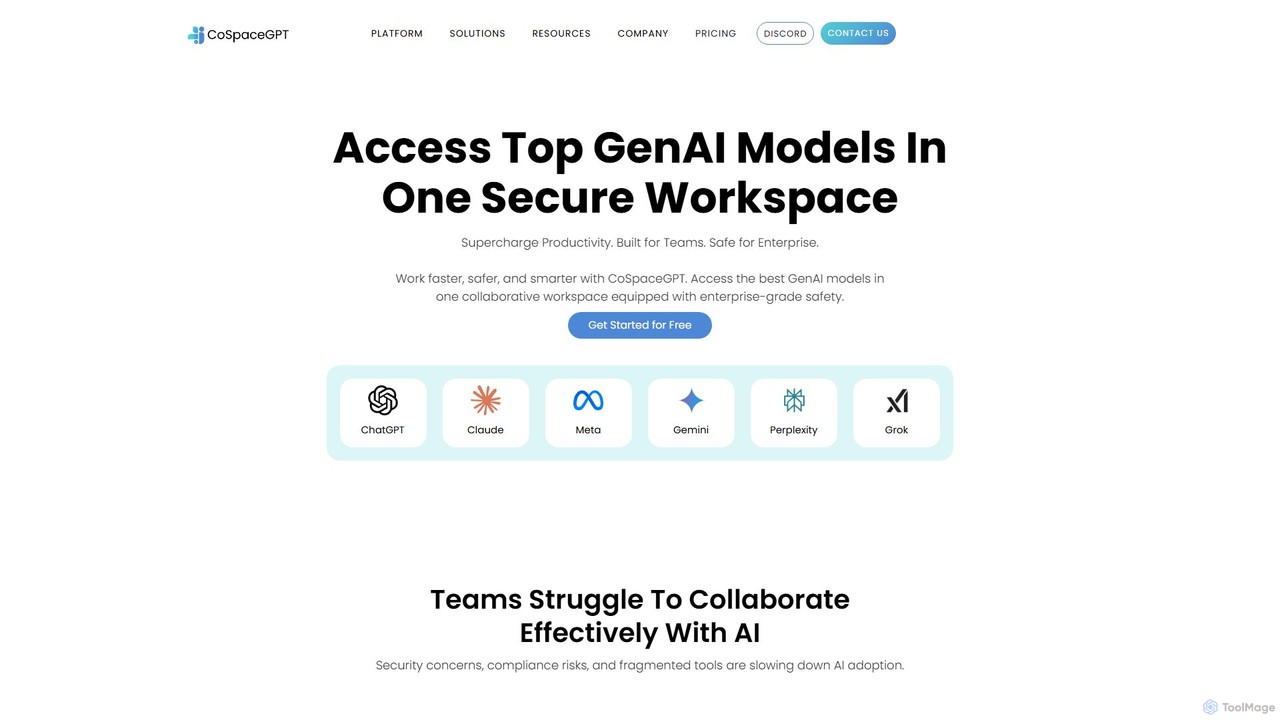
CoSpaceGPT is a secure, all-in-one GenAI workspace designed for teams. It provides unified access to top AI models like GPT-4, Claude, and Gemini, enabling seamless collaboration on shared projects. Users can build custom AI assistants, leverage project-specific knowledge bases, and ensure enterprise-grade security, boosting productivity while protecting sensitive data.

All In One
Visits 6.5KFavorites 127Likes 140
Wity
Freemium

Wity

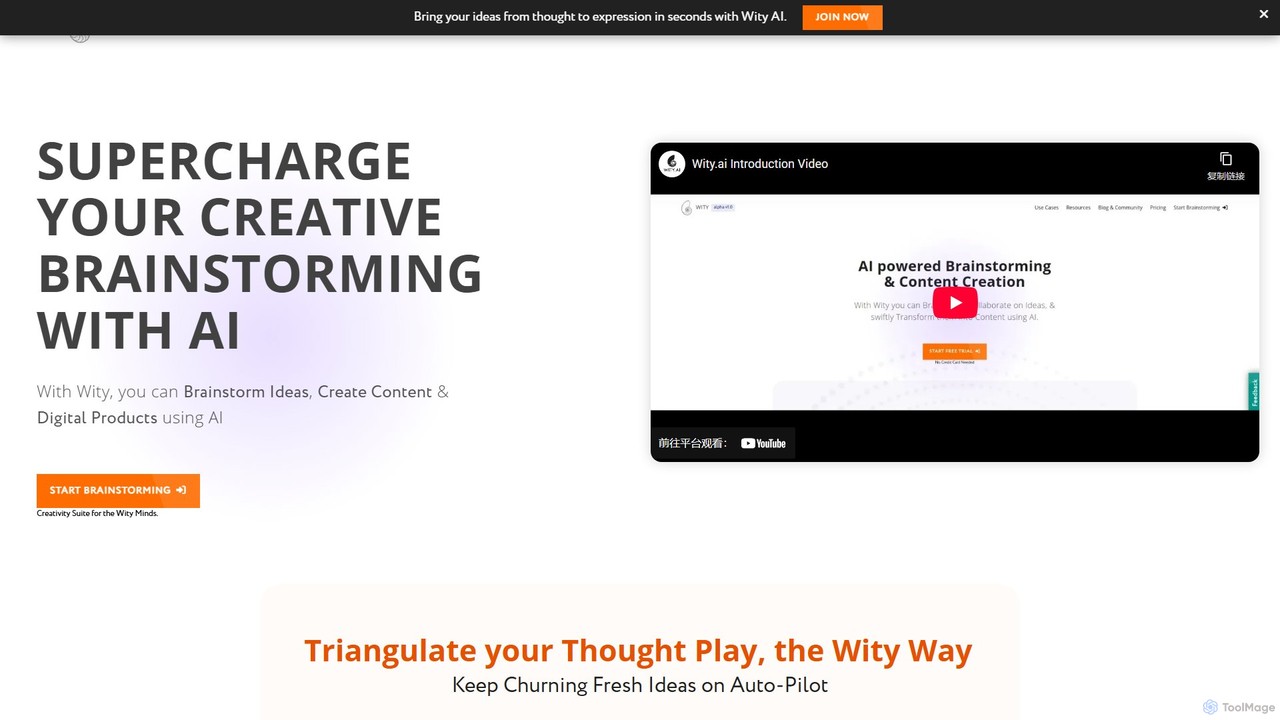
Wity is an AI-powered platform designed to supercharge creative brainstorming and content creation. It helps users transform abstract ideas into structured content, digital products, and marketing strategies using visual ideation tools, the Snowflake Method, and customizable AI agents.

Logo Generator
Visits 10KFavorites 152Likes 177
Promptify
Freemium

Promptify

Promptify is an all-in-one AI platform designed to enhance creativity and productivity. It offers a vast library of prompt templates, an intuitive Prompt Builder for custom needs, powerful GPTs for workflow automation, and a seamless Chrome extension for on-the-go assistance with models like ChatGPT and Claude.

Workflow Automation
Visits 6.7KFavorites 124Likes 121
360 Bangong
Freemium

360 Bangong

360 Bangong is an all-in-one AI-powered office and creative suite developed by 360. It integrates a vast array of tools for writing, image generation and editing, video creation, PDF conversion, and design, aiming to significantly boost productivity for professionals, students, and content creators.

Image Generator
Visits 75.6KFavorites 157Likes 162
askanyai.com
Freemium

askanyai.com

askanyai.com is a powerful, all-in-one AI platform that provides seamless access to multiple leading language models like GPT-4 and Claude. Ask complex questions, generate high-quality content, write code, or brainstorm ideas through a single, intuitive conversational interface. It's designed to boost productivity for students, writers, developers, and professionals by consolidating the power of various AIs into one convenient tool.

Assistant
Visits 5.9KFavorites 124Likes 111
Personal.ai
Freemium

Personal.ai

Personal.ai is a platform for creating your own personal AI model. By training it on your unique data, notes, and communications, you build a digital twin that thinks, writes, and recalls information like you. It's designed for professionals, creators, and teams to scale their authentic voice, automate content, and access their personal knowledge base.

Chatbot
Visits 60.2KFavorites 166Likes 151
DatingKiller
Freemium

DatingKiller

DatingKiller is a free AI-powered toolkit designed to enhance your dating life. It offers over 10 features, including an AI message generator, profile description creator, photo analyzer, and catfish detector, to help you optimize your profile, improve communication, and navigate the online dating world with confidence.

Dating
Visits 6KFavorites 154Likes 128
Maximo AI
Freemium

Maximo AI

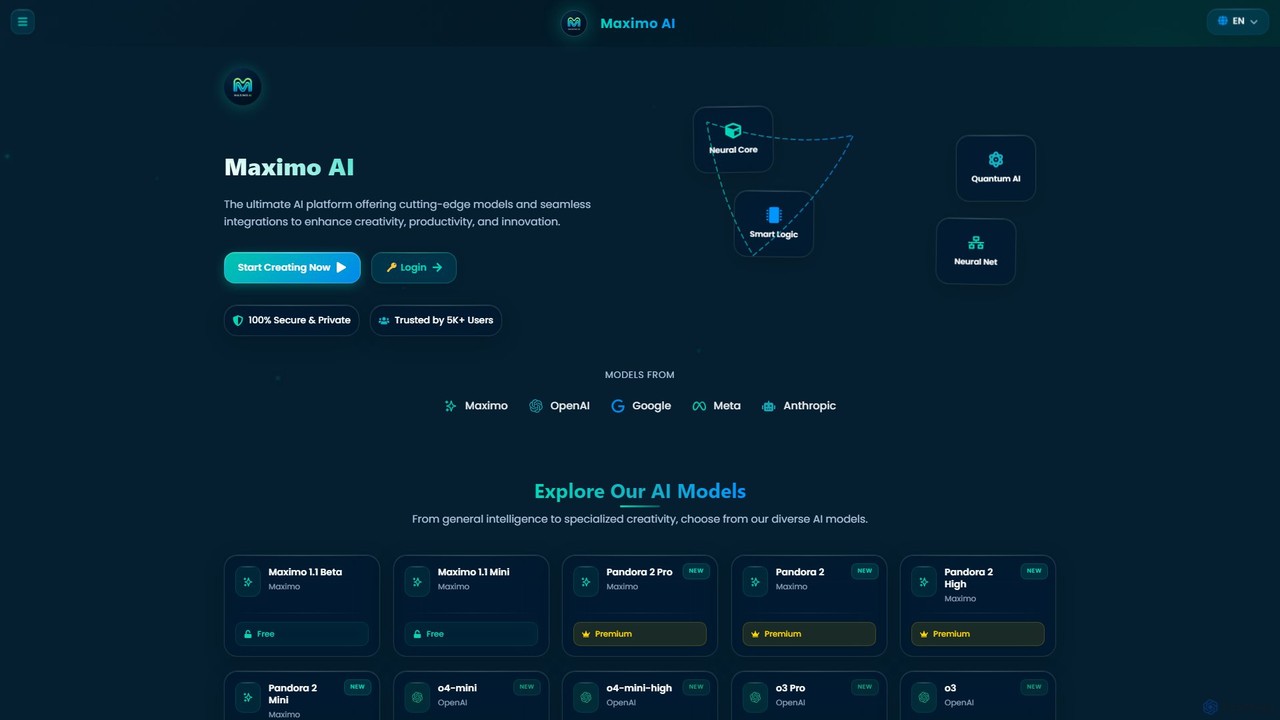
Maximo AI is an advanced, all-in-one multi-modal AI platform that provides access to over 20 leading AI models, including GPT-4o, Claude 4, Gemini 2.5, and Llama 4. It's designed to supercharge your workflow by integrating AI chat, image generation, code assistance, and analysis of PDFs, audio, and video into a single, seamless interface. Enhance your creativity and productivity with this powerful AI toolkit.

Code Assistant
Visits 6.6KFavorites 126Likes 120
Prompt Perfect
Freemium

Prompt Perfect

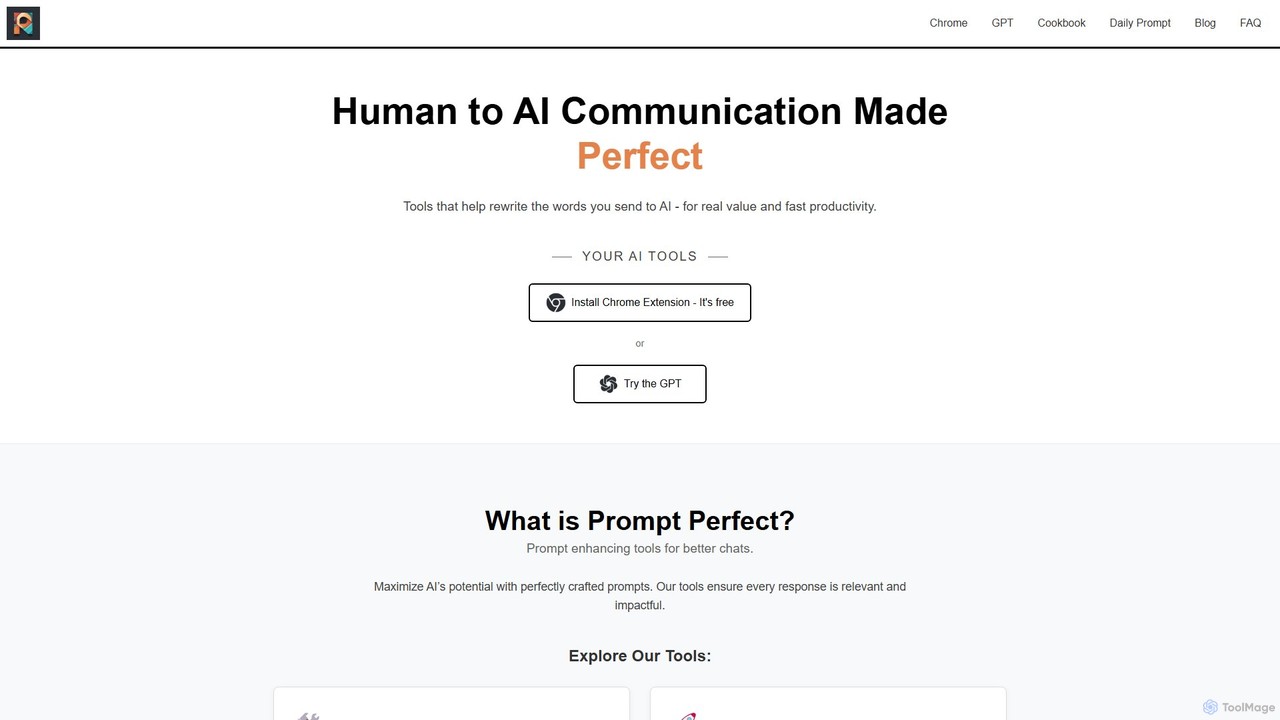
Prompt Perfect is an AI-powered suite, featuring a Chrome Extension and a GPT, designed to optimize your prompts for superior results across major AI platforms like ChatGPT, Gemini, and Claude. It refines, enhances, and manages your prompts to unlock more precise, creative, and effective AI-generated content, boosting productivity for writers, researchers, and professionals.

Research
Visits 101KFavorites 114Likes 138
Mochii
Freemium

Mochii

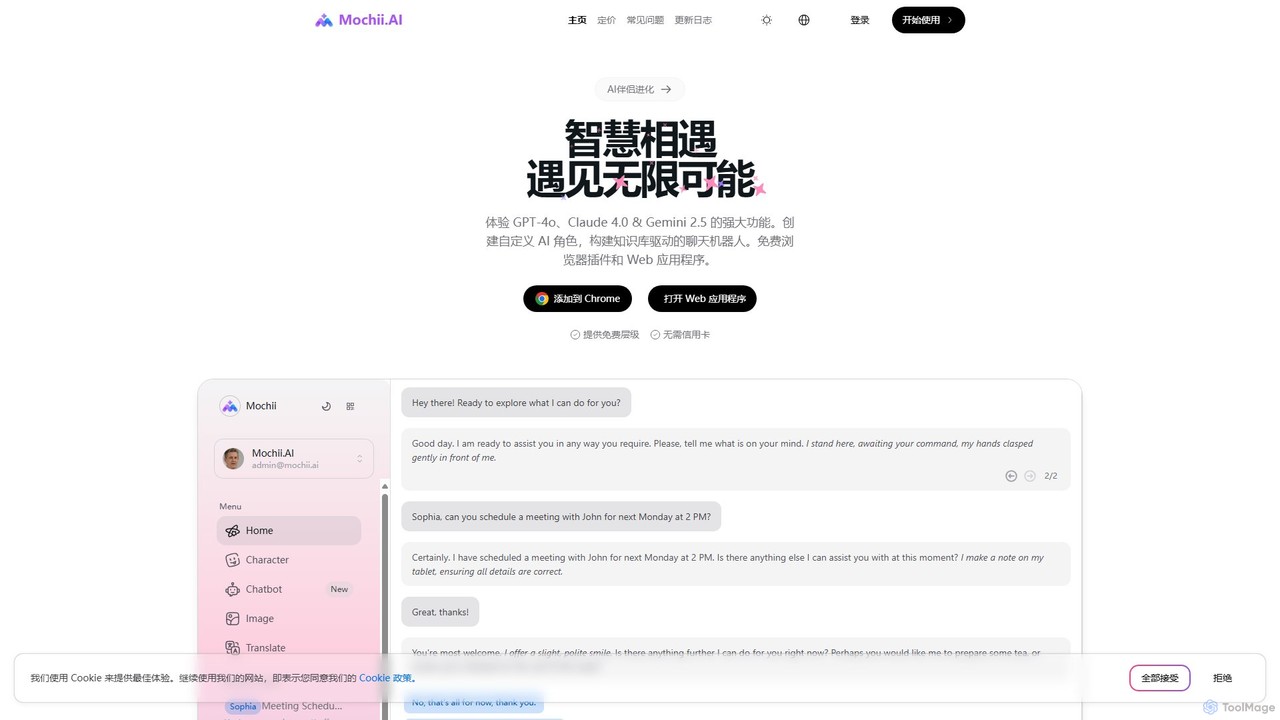
Mochii is an all-in-one AI assistant that integrates leading models like GPT-4o, Claude, and Gemini into a seamless browser extension and web app. It enhances productivity by offering features like document analysis, web browsing, AI chatbot building, and customizable AI roles. A generous free tier provides access to advanced AI capabilities for everyone.

Productivity
Visits 55.2KFavorites 132Likes 131
Merlin AI
Freemium

Merlin AI

Merlin AI is an all-in-one browser extension powered by ChatGPT and other advanced models like Claude. It acts as your personal AI assistant, seamlessly integrating into your workflow to help with writing, summarizing, coding, and more, directly on any website.

Chrome Extensions
Visits 6KFavorites 111Likes 120
TellMe
Freemium

TellMe

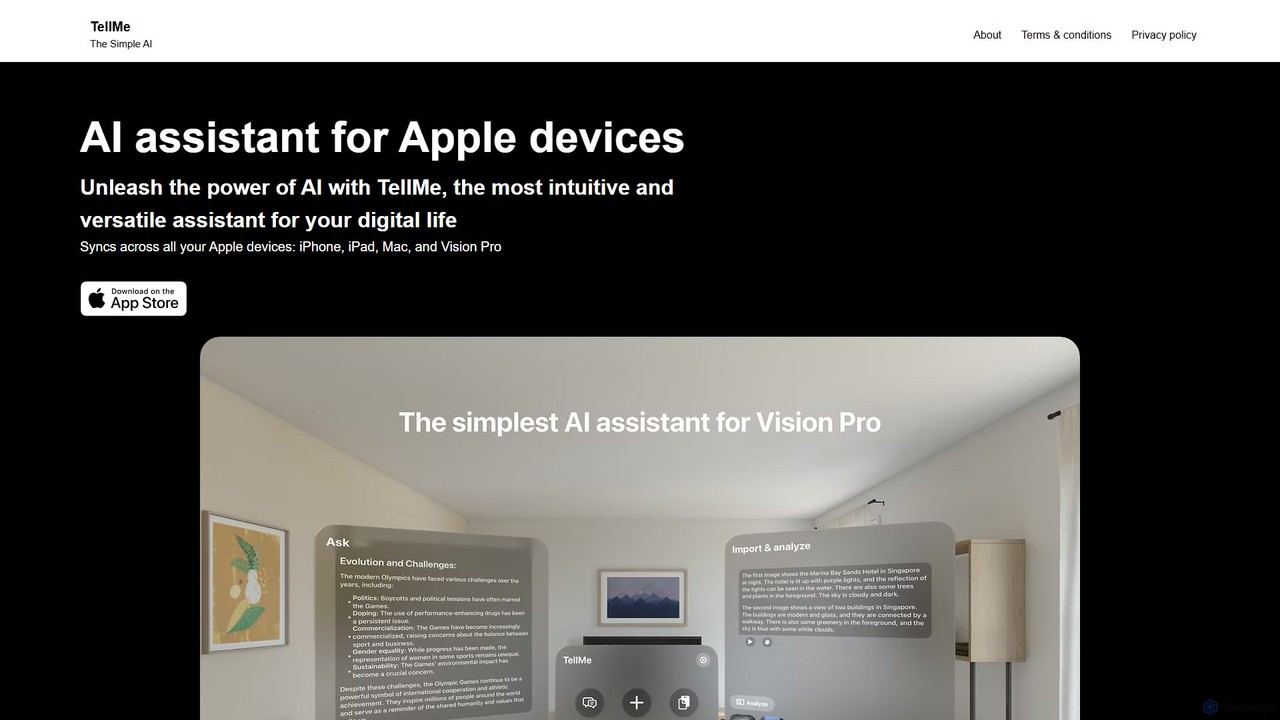
TellMe is an intelligent AI assistant designed exclusively for the Apple ecosystem. It offers seamless synchronization across iPhone, iPad, Mac, and Vision Pro, providing an intuitive and versatile tool to enhance productivity, streamline tasks, and simplify your digital life.

Ecosystem
Visits 7.3KFavorites 147Likes 164
Echobase
Freemium

Echobase

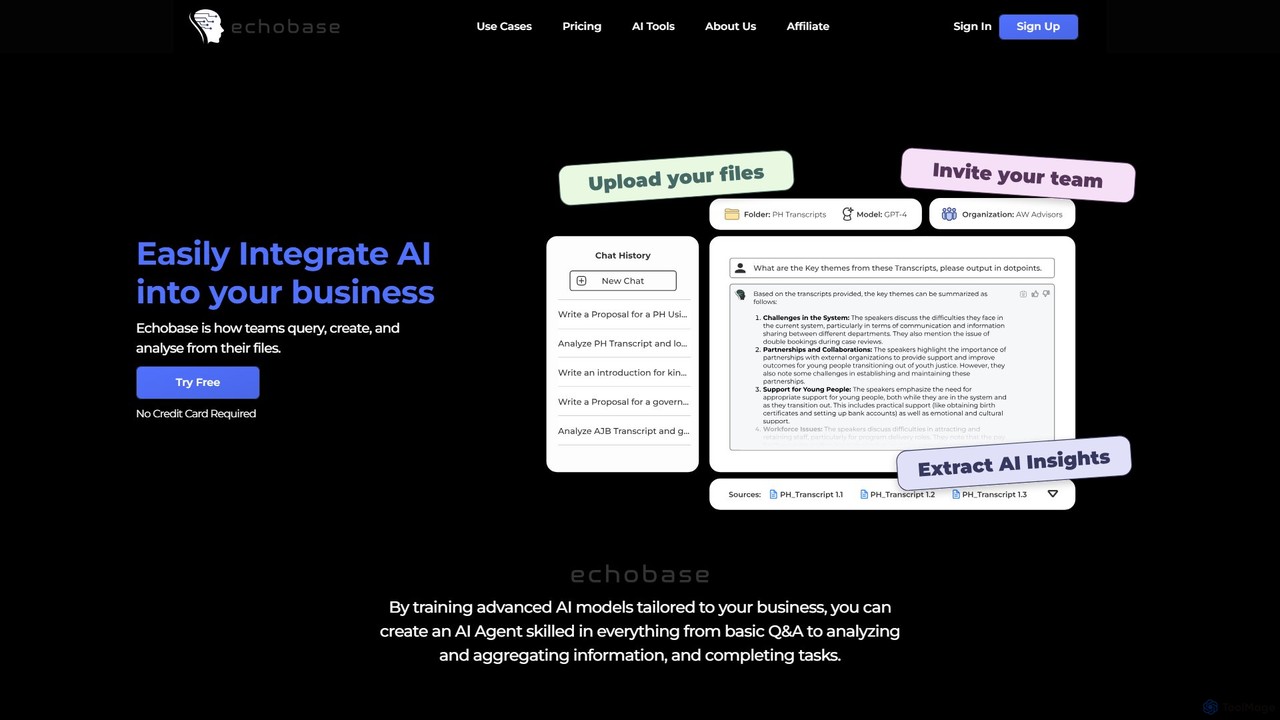
Echobase is a no-code platform that enables businesses to create custom AI agents trained on their own data. Upload files or sync cloud storage to build a secure knowledge base, then query, analyze, and generate content. It's like having a private, expert ChatGPT for your entire organization to boost productivity and streamline workflows.

Customer Support
Visits 7.4KFavorites 152Likes 128
WappGPT
Paid

WappGPT

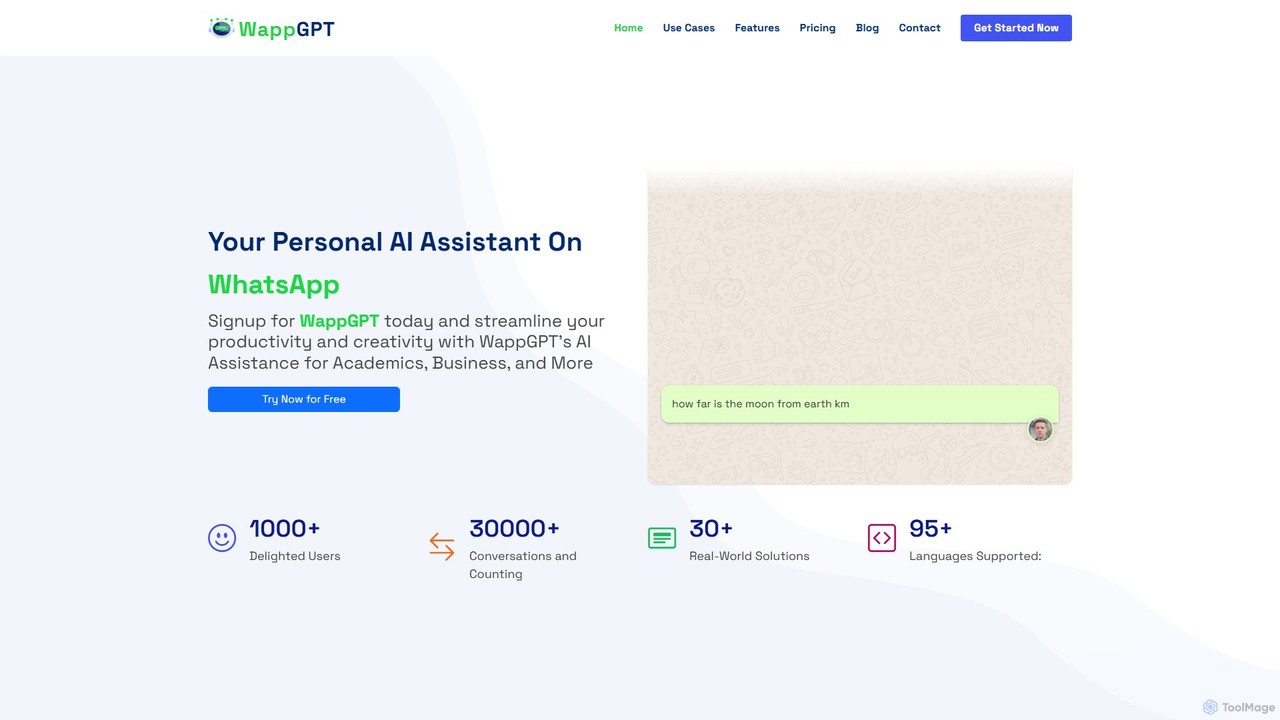
WappGPT is a powerful AI assistant that integrates OpenAI's ChatGPT and DALL-E 2 directly into your WhatsApp. Get instant answers, generate creative content, compose emails, translate languages, and create custom AI images, all within your favorite messaging app to boost productivity.

Learning Assistant
Visits 8.6KFavorites 137Likes 158

About Writing Assistant

Writing Assistants are AI-powered tools designed to enhance the quality, clarity, and style of existing text. They utilize Natural Language Processing (NLP) to analyze sentences, identifying errors in grammar, spelling, punctuation, and syntax. Beyond simple proofreading, these assistants provide suggestions for improving sentence structure, adjusting tone, and increasing readability. This helps users communicate more effectively and professionally in any context, from business emails to academic papers.

Core Features

  • Advanced Grammar & Punctuation Check: Identifies and corrects complex grammatical errors, not just basic typos.
  • Style & Tone Adjustment: Offers suggestions to rephrase sentences to be more formal, confident, friendly, or concise.
  • Clarity & Readability Analysis: Simplifies complex sentences, removes jargon, and improves the overall flow of the text.
  • Sentence Rephrasing & Completion: Provides alternative ways to phrase ideas and helps overcome writer's block.
  • Plagiarism Detection: Scans text against online sources to ensure originality.

Use Cases

Writing Assistants are widely used by professionals for crafting error-free emails and reports, students for proofreading academic essays, and marketers for refining ad copy and social media posts. Non-native speakers also rely on these tools to improve their fluency and sound more natural in their writing.

How to Choose

When selecting a Writing Assistant, consider its integration capabilities (e.g., browser extensions, desktop apps), the range of languages it supports, and the depth of its stylistic suggestions. Also, evaluate the user interface for ease of use and compare pricing models, as some offer free basic checks while others provide advanced team features via subscription.

Featured tool rankings

Writing Assistant use cases

1

Polishing Business Communication

A project manager needs to send a critical project update to stakeholders. They use a Writing Assistant to review their draft. The tool corrects a few subtle grammatical errors, suggests rephrasing a complex sentence for better clarity, and adjusts the tone to be more confident and professional. The final email is clear, concise, and error-free, ensuring the message is received positively and without misunderstanding, strengthening professional credibility.

2

Proofreading Academic Papers

A university student is finalizing their thesis. Before submission, they run the entire document through a Writing Assistant. The tool helps identify inconsistent terminology, flags sentences that are too long and complex, and checks for potential unintentional plagiarism. It also ensures the paper adheres to a formal academic tone. This process significantly improves the paper's quality, allowing the student to submit their work with confidence.

3

Optimizing Marketing & Blog Content

A content marketer drafts a new blog post. Using a Writing Assistant integrated into their editor, they check the text for readability. The assistant suggests breaking up long paragraphs, replacing passive voice with active voice for a more engaging tone, and simplifying industry jargon for a broader audience. This ensures the final content is not only grammatically correct but also optimized for reader engagement and SEO performance.

4

Assisting Non-Native English Speakers

An employee whose first language is not English needs to write a proposal for an international client. They use a Writing Assistant to check for common grammatical mistakes and awkward phrasing. The tool suggests more natural-sounding idioms and sentence structures, helping them convey their ideas clearly and professionally. This boosts their confidence and ensures their writing accurately reflects their expertise, free from language barriers.

5

Maintaining Brand Voice Consistency

A marketing team uses a Writing Assistant with a built-in style guide feature. This ensures that all content produced by different team members—from website copy to press releases—adheres to the company's specific terminology, tone, and formatting rules. The assistant automatically flags non-compliant language and suggests approved alternatives, streamlining the editing process and ensuring a consistent and professional brand identity across all channels.

6

Streamlining Personal Writing Tasks

An individual is drafting a cover letter for a job application. They use a Writing Assistant browser extension to quickly check for typos and grammatical errors. The tool also suggests stronger action verbs to replace weaker ones, making their experience sound more impactful. In just a few minutes, the cover letter is transformed from a simple draft into a polished, professional document that makes a strong first impression on recruiters.

Writing Assistant FAQ

What is an AI Writing Assistant?

An AI Writing Assistant is a software tool that uses artificial intelligence to help users improve their writing in real-time. Unlike tools that generate content from scratch, an assistant focuses on enhancing existing text by correcting grammar, improving style and tone, increasing clarity, and checking for plagiarism. They act as an intelligent proofreader and style coach, accessible directly within your browser or text editor.

How is a Writing Assistant different from an AI Content Generator?

The key difference lies in their primary function. A Writing Assistant enhances and refines text that a human has already written, focusing on correctness, clarity, and style. An AI Content Generator creates new, original text from a user's prompt or keywords. Think of an assistant as an editor, while a generator is an author. You use an assistant to polish your own work, and a generator to create a first draft or new ideas.

What are the key features to look for in a Writing Assistant?

When choosing a Writing Assistant, look for these essential features:

  • Comprehensive Corrections: It should go beyond basic spell-checking to catch complex grammar, punctuation, and syntax errors.
  • Style and Tone Suggestions: The ability to suggest rephrasing for different contexts (e.g., formal, casual, confident) is highly valuable.
  • Integration: Look for seamless integration with your workflow, such as browser extensions, Microsoft Word add-ins, or desktop apps.
  • Multi-language Support: If you write in more than one language, ensure the tool provides robust support for them.
  • Plagiarism Checker: A built-in plagiarism detector is crucial for academic and professional writing.
Who can benefit from using a Writing Assistant?

A wide range of individuals can benefit from a Writing Assistant. Students can use it to proofread essays and avoid plagiarism. Professionals can ensure their emails, reports, and presentations are clear and error-free. Content creators and marketers can refine their copy for better engagement. Non-native speakers can improve their fluency and confidence. Essentially, anyone who writes regularly can use these tools to enhance the quality and impact of their communication.

Do Writing Assistants replace human editors?

Writing Assistants are powerful tools, but they do not fully replace human editors. They excel at identifying objective errors in grammar, spelling, and syntax, and can offer excellent stylistic suggestions based on algorithms. However, a human editor provides nuanced understanding of context, audience, and creative intent that AI may miss. Assistants are best used as a first line of defense to catch errors and improve drafts, while human editors are invaluable for final, high-stakes polishing.