ToolMage
Sign in
Checkget
Code Assistant · 1.2K monthly visits

Checkget is a smart assistant browser extension for ChatGPT, enabling users to access AI capabilities on any website with a simple keyboard shortcut (Cmd/Alt+K). It streamlines workflows by eliminating the need to switch tabs, offering context-aware assistance for tasks like writing, summarizing, translating, and code explanation.


VS
typegpt
Code Assistant · 3.7K monthly visits

typegpt is a lightweight browser extension that integrates ChatGPT into any text box on the internet. Use simple commands to generate, translate, or code directly in your workflow, using your own API key for maximum cost-efficiency and control.

Checkget vs typegpt: pricing, features, traffic, and use cases

Compare Checkget and typegpt across positioning, pricing, traffic, and user feedback using structured factual data.

Updated Aug 12, 2026

Product overview

Checkget Product overview

Checkget is a smart assistant browser extension for ChatGPT, enabling users to access AI capabilities on any website with a simple keyboard shortcut (Cmd/Alt+K). It streamlines workflows by eliminating the need to switch tabs, offering context-aware assistance for tasks like writing, summarizing, translating, and code explanation.

Preview

typegpt Product overview

typegpt is a lightweight browser extension that integrates ChatGPT into any text box on the internet. Use simple commands to generate, translate, or code directly in your workflow, using your own API key for maximum cost-efficiency and control.

Preview

Detailed feature comparison

FeatureCheckgettypegpt
Primary categoryCode AssistantCode Assistant
Added2025-08-042025-08-12
PricingFreemiumPaid
Official websitewww.checkget.compavandongare.gumroad.com
Product typeBrowser extensionBrowser extension
Performance data
User ratingNot verifiedNot verified
Comments00
Monthly visits1.2K3.7K
Monthly growth290.3%Not verified
Favorites105107
DetailsView detailsView details

Checkget vs typegpt monthly traffic

Compare Checkget and typegpt by monthly reach, traffic trend, visit depth, top regions, and acquisition sources.

How to interpret the traffic data

In the Checkget vs typegpt monthly traffic comparison, Checkget currently shows 1.2K visits and typegpt shows 3.7K; typegpt has about 3 times the visible traffic of Checkget, an absolute difference of about 2.5K visits. This reflects visible reach, not feature quality or paid users.

Only Checkget has complete third-party traffic details; typegpt uses visits recorded inside ToolMage. These scopes cannot estimate market share directly, and on-site views should not be treated as the product’s total website traffic.

Checkget monthly traffic:

Latest traffic

Monthly visits
1.2K
Avg. visit duration
0:54
Pages per visit
3
Bounce rate
0%
Data updated 2026-06-15

Monthly traffic trend

  • 2025/8: 57 Monthly visits
  • 2025/9: 309 Monthly visits
  • 2026/3: 0 Monthly visits
  • 2026/4: 0 Monthly visits
  • 2026/5: 1.2K Monthly visits

typegpt monthly traffic:

Latest traffic

Monthly visits
3.7K
Traffic-based selection guidance: The current traffic scope is not sufficient for a reliable product ranking. Treat monthly visits as a market-interest signal, then decide using taxonomy, use cases, pricing, and a like-for-like trial rather than reading exposure as product capability.

Usage comparison

Compare the core capabilities of Checkget and typegpt

Checkget Core features

Code Assistant
Browser Extension
Writing Assistant
Search

typegpt Core features

Code Assistant
Browser Extension
Writing Assistant

Use cases

Checkget Use cases

browser extension
code assistant
productivity
workflow automation
ai writer
ChatGPT assistant
grammar checker
text summarizer
translator

typegpt Use cases

browser extension
code assistant
productivity
workflow automation
BYOK
chatgpt
OpenAI
text editor
writing assistant

Checkget vs typegpt:In-depth comparison and selection guidance

First decide whether the products solve the same kind of need

This in-depth Checkget vs typegpt comparison uses only the product records, taxonomy, audience, traffic, and community signals available on this page. Checkget is primarily listed under “Code Assistant”, while typegpt is primarily listed under “Code Assistant”, so the first decision is whether your actual task matches their recorded scope.

The structured fields currently show these decision-relevant differences: Pricing (Checkget: Freemium; typegpt: Paid); Monthly visits (Checkget: 1.2K; typegpt: 3.7K); Favorites (Checkget: 105; typegpt: 107); Website (Checkget: www.checkget.com; typegpt: pavandongare.gumroad.com); Added (Checkget: 2025-08-04; typegpt: 2025-08-12). These facts are more useful for selection than brand visibility alone.

What market visibility and monthly traffic mean

In the Checkget vs typegpt monthly traffic comparison, Checkget currently shows 1.2K visits and typegpt shows 3.7K; typegpt has about 3 times the visible traffic of Checkget, an absolute difference of about 2.5K visits. This reflects visible reach, not feature quality or paid users.

Only Checkget has complete third-party traffic details; typegpt uses visits recorded inside ToolMage. These scopes cannot estimate market share directly, and on-site views should not be treated as the product’s total website traffic.

The current traffic scope is not sufficient for a reliable product ranking. Treat monthly visits as a market-interest signal, then decide using taxonomy, use cases, pricing, and a like-for-like trial rather than reading exposure as product capability.

Product positioning, use cases, and roles

Checkget and typegpt currently overlap in shared categories: Code Assistant, Browser Extension, and Writing Assistant; shared tags: browser extension, code assistant, productivity, and workflow automation. This can place both on the same shortlist, but it does not prove equal implementation, depth, or cost.

Checkget's unique categories/tags are Search, ai writer, ChatGPT assistant, grammar checker, text summarizer, and translator; typegpt's are BYOK, chatgpt, OpenAI, text editor, and writing assistant. These unique fields are the strongest differentiators: validate the product whose recorded scope matches the task instead of following traffic alone.

What ratings, comments, and favorites can tell you

Checkget has no verified rating, 0 comments, 105 favorites, and 95 likes;typegpt has no verified rating, 0 comments, 107 favorites, and 143 likes。

Neither product has enough rating or comment samples for a credible reputation ranking.

Selection guidance by actual need

When to evaluate Checkget first

Put Checkget on the priority trial list when the task aligns with “Code Assistant” and especially Search, ai writer, ChatGPT assistant, grammar checker, text summarizer, and translator. This follows recorded positioning and does not imply unlisted capabilities are absent.

Checkget also currently records: pricing is freemium, product type is browser extension, 1.2K verified monthly visits, no verified user rating. Verify any hard requirement around price, platform, or reach before trial, and do not let sparse review data substitute for testing.

When to evaluate typegpt first

Put typegpt on the priority trial list when the task aligns with “Code Assistant” and especially BYOK, chatgpt, OpenAI, text editor, and writing assistant. This follows recorded positioning and does not imply unlisted capabilities are absent.

typegpt also currently records: pricing is paid, product type is browser extension, 3.7K on-site monthly views, no verified user rating. Verify any hard requirement around price, platform, or reach before trial, and do not let sparse review data substitute for testing.

How to validate the recommendation before deciding

The available data describes positioning, public visibility, and community signals, but it cannot prove output quality, speed, integration effort, privacy, or long-term cost in your workflow. Before deciding, run the same representative tasks in Checkget and typegpt, then record completion time, accuracy, manual corrections, and the real paid threshold. A like-for-like trial turns this comparison into a defensible adoption decision.

Comparison FAQ

How should I choose between Checkget and typegpt?
Compare positioning, pricing, taxonomy, and traffic maturity, then verify the latest details on each official website.
Where does this comparison data come from?
The factual baseline is derived from product, taxonomy, traffic, and community data. Reviewed editorial conclusions show their source and verification date.
What do unknown fields mean?
Unknown means there is not enough reliable evidence; the page does not fill gaps with assumptions.

Related AI tools

Mochii
Freemium

Mochii

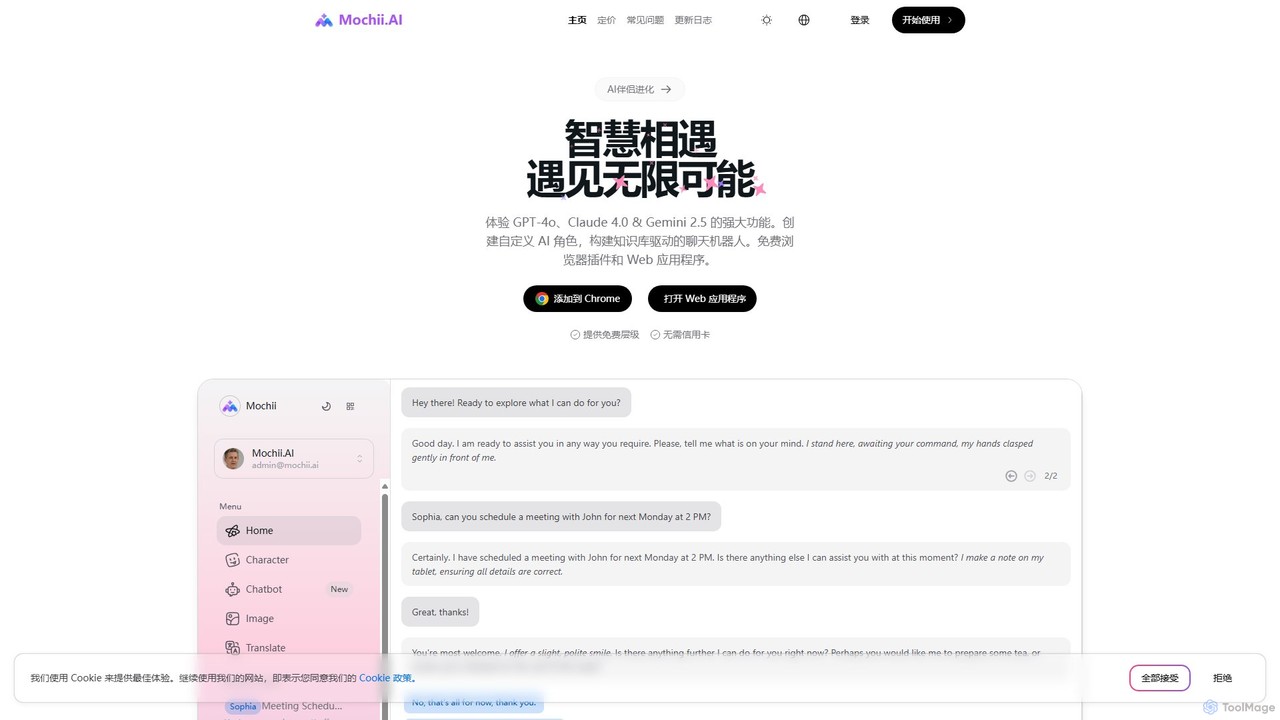
Mochii is an all-in-one AI assistant that integrates leading models like GPT-4o, Claude, and Gemini into a seamless browser extension and web app. It enhances productivity by offering features like document analysis, web browsing, AI chatbot building, and customizable AI roles. A generous free tier provides access to advanced AI capabilities for everyone.

Productivity
Visits 52.9KFavorites 119Likes 113
Prompt Selected
Free

Prompt Selected

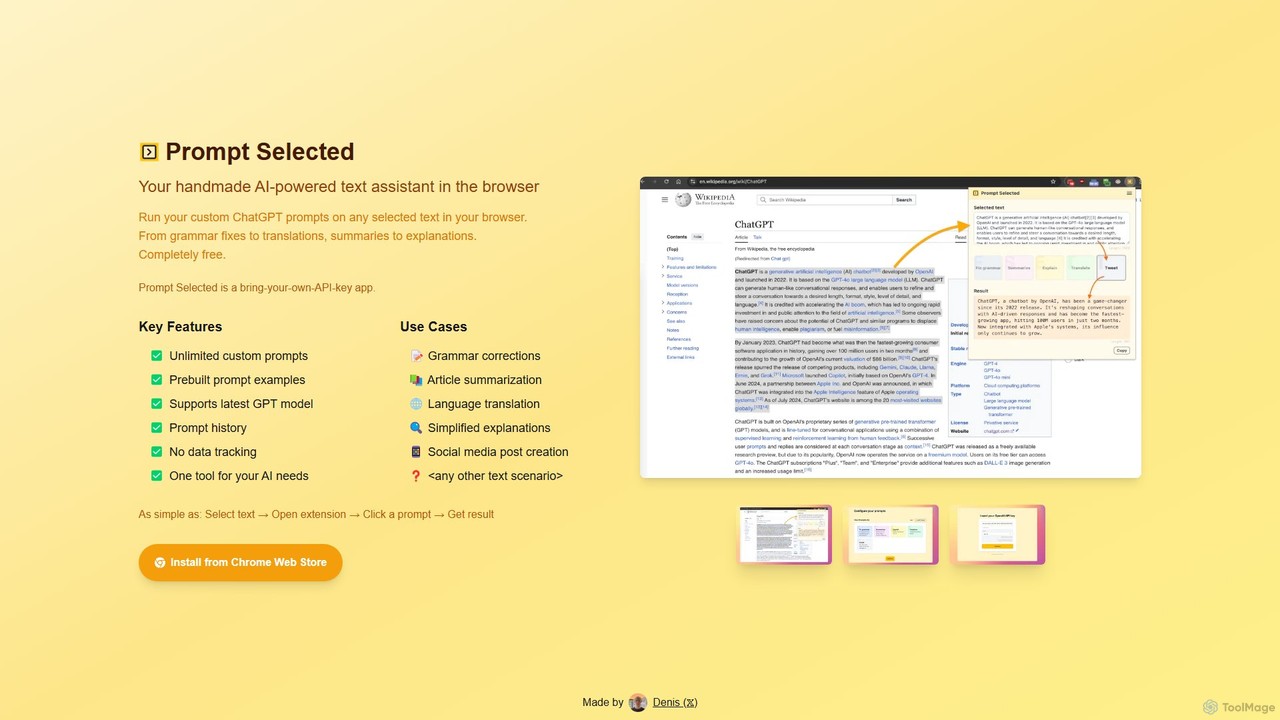
A free, privacy-focused Chrome extension that acts as your personal AI text assistant. Run unlimited custom ChatGPT prompts on any selected text directly in your browser for tasks like summarization, translation, and grammar correction using your own API key.

Prompt Engineering
Visits 3.6KFavorites 154Likes 144
Quick Access Ai
Paid

Quick Access Ai

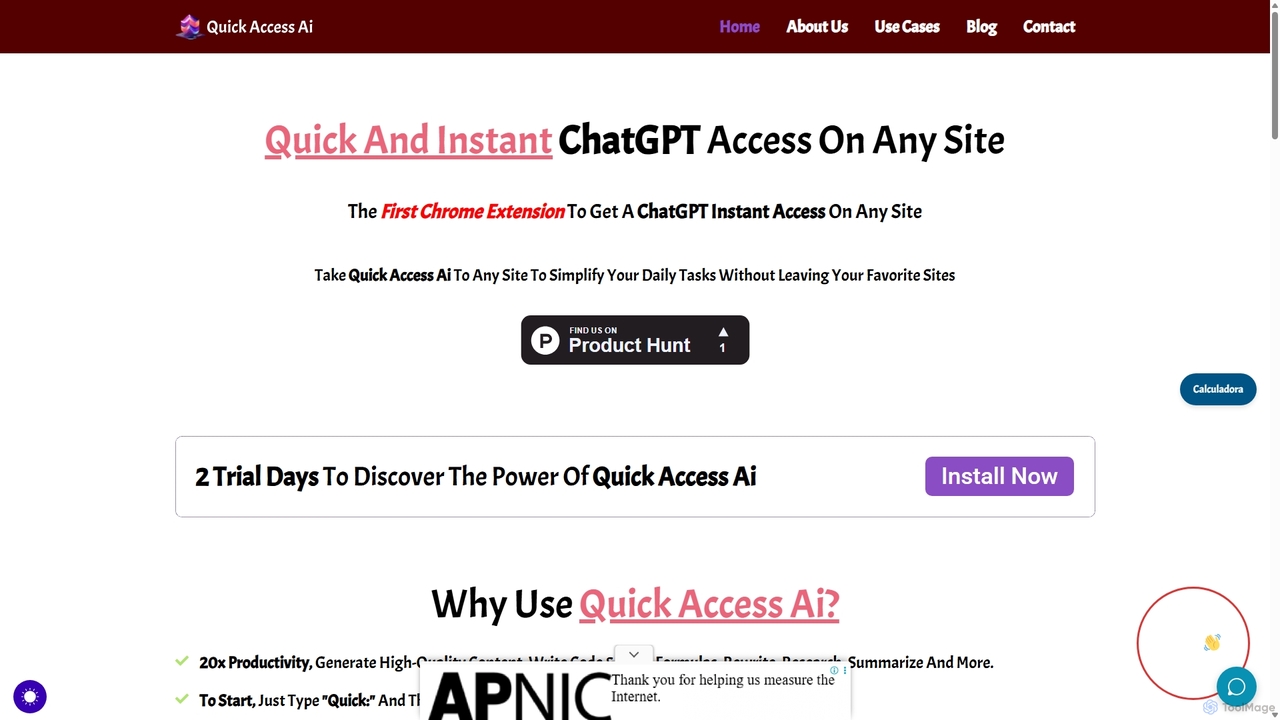
Quick Access Ai is a Chrome extension that provides instant access to ChatGPT on any website. By simply typing a command, users can generate content, write code, summarize text, and perform research without switching tabs. It aims to boost productivity by integrating AI assistance directly into your existing workflow, making daily tasks faster and more efficient.

Code Assistant
Visits 3.6KFavorites 140Likes 116
Magic Tool AI
Freemium

Magic Tool AI

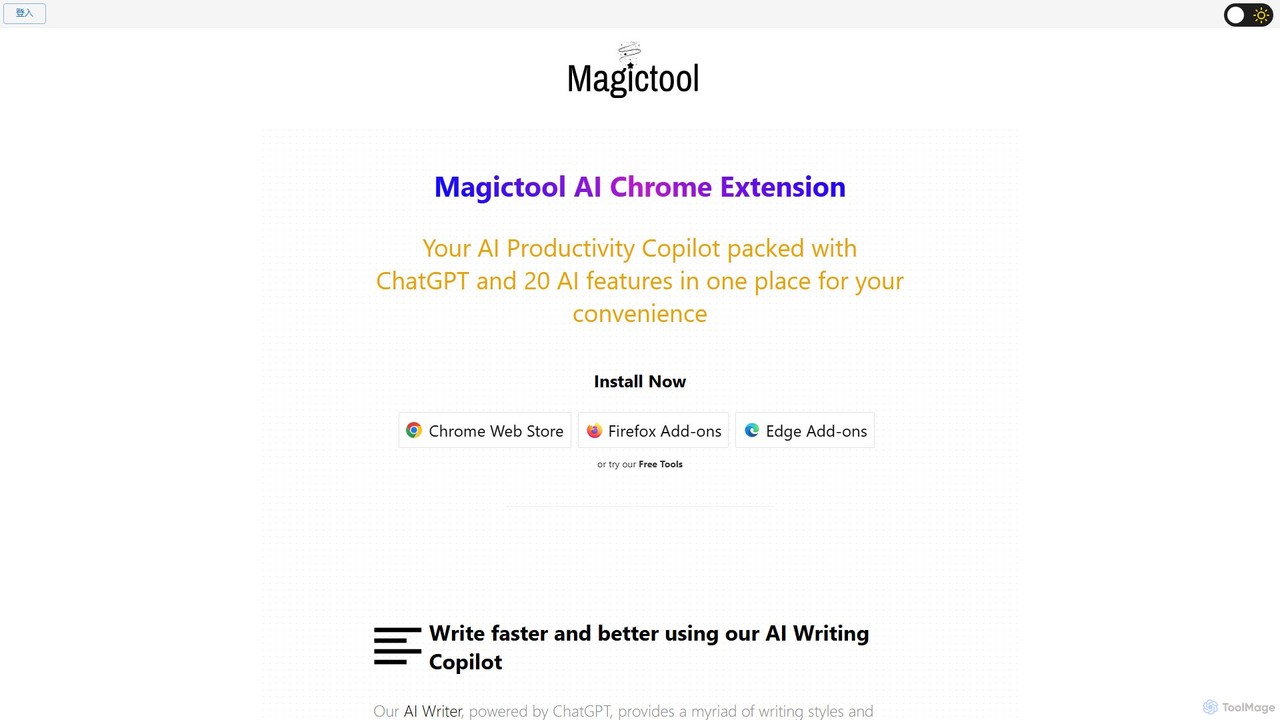
Magic Tool AI is an all-in-one productivity browser extension that integrates ChatGPT and over 20 AI features. It acts as your personal copilot, helping you write better and faster, summarize YouTube videos and articles, chat with PDFs, scrape web data, generate images, and much more, all within your browser.

Browser Extension
Visits 116.6KFavorites 107Likes 111
Vidix
Freemium

Vidix

Vidix is a powerful AI assistant for macOS designed to boost productivity. It allows users to create custom AI agents, assign them shortcodes, and activate them in any application to automate tasks, process text, and streamline workflows seamlessly.

Code Assistant
Visits 6.1KFavorites 98Likes 104
ChatsNow
Freemium

ChatsNow

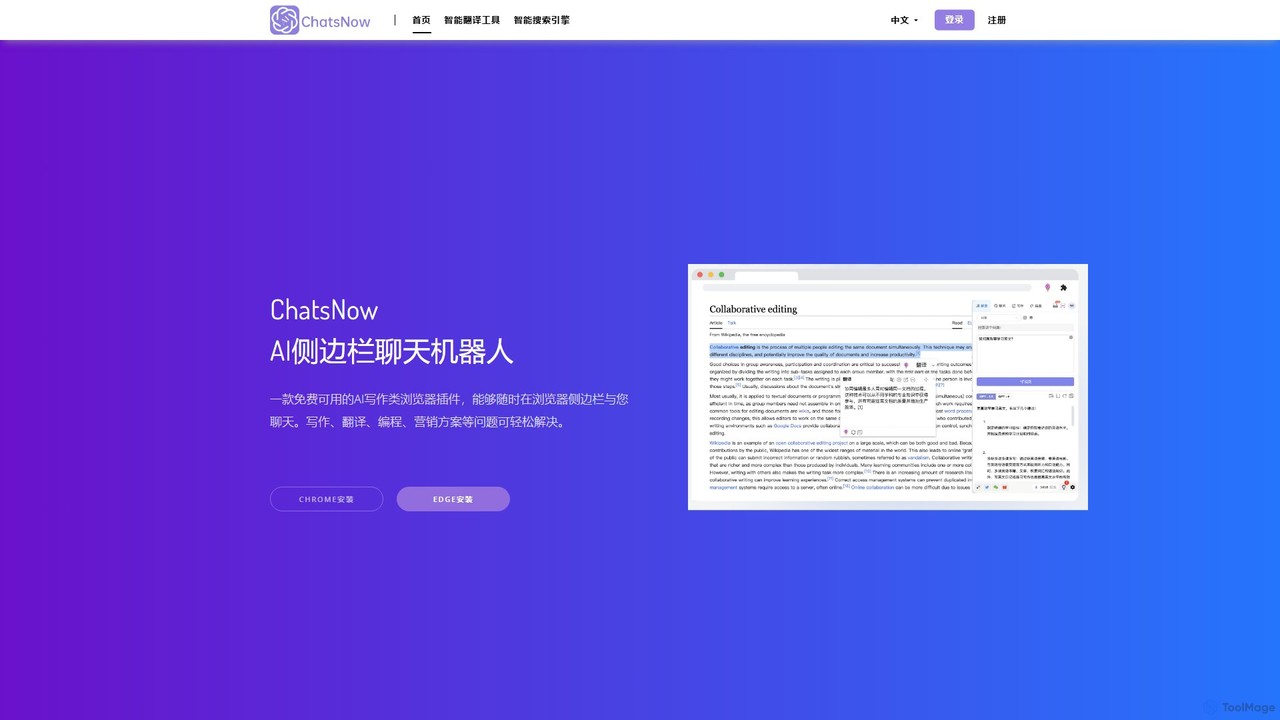
ChatsNow is a versatile AI sidebar assistant for Chrome and Edge. It integrates a powerful chatbot, writer, and image generator directly into your browser. Instantly get answers, summarize web pages, draft emails, create marketing copy, or generate images from text prompts. With a library of prompt templates and the ability to work with selected text, ChatsNow streamlines your workflow for studying, working, and creative tasks, boosting your productivity across the web.

Ai Assistant
Visits 6KFavorites 112Likes 105
Beamcast
Freemium

Beamcast

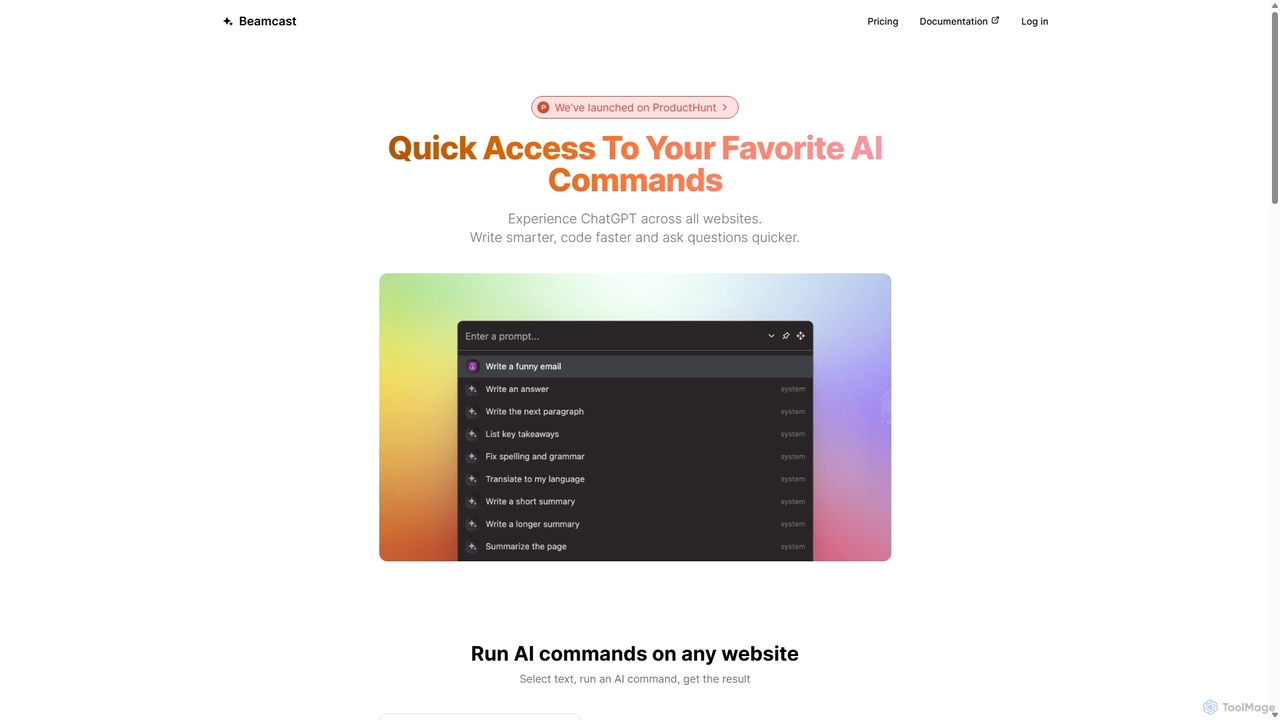
A browser extension that puts ChatGPT and Gemini at your fingertips. Select text on any website to run built-in or custom AI commands for writing, coding, and quick answers, streamlining your workflow and boosting productivity without ever leaving the page.

Search
Visits 3.7KFavorites 117Likes 118
RewriteBar
Freemium

RewriteBar

RewriteBar is a native macOS menu bar app that acts as your personal AI writing assistant. It works seamlessly across all applications, allowing you to instantly correct grammar, change tone, translate text, summarize content, and more with a simple keyboard shortcut. It supports over 12 AI providers, including local models for ultimate privacy, offering a powerful and flexible writing enhancement experience.

Code Assistant
Visits 19.3KFavorites 102Likes 114
GPTPLUS
Freemium

GPTPLUS

GPTPLUS is a powerful browser extension that integrates ChatGPT as a convenient sidebar. It offers one-click text processing, a rich library of prompt templates, and advanced AI assistance for writing, translation, and research directly within your browser, boosting productivity and streamlining your workflow.

Browser Extensions
Visits 9.4KFavorites 109Likes 106
AI Toolbar
Freemium

AI Toolbar

AI Toolbar is a powerful Chrome extension that acts as your personal virtual assistant. It integrates AI directly into your browser, allowing you to respond to emails, summarize and translate text, generate content, and use voice commands on any webpage with a single click. Trusted by over 70,000 professionals, it's designed to dramatically boost your productivity and streamline your workflow.

Paraphraser
Visits 4.6KFavorites 139Likes 140
GeniusAiHub
Freemium

GeniusAiHub

GeniusAiHub is an all-in-one AI platform designed to boost productivity and creativity. It integrates a suite of powerful tools for content creation, image generation, code assistance, and data analysis into a single, intuitive workspace. Ideal for marketers, developers, and creators, it streamlines complex workflows and replaces the need for multiple separate AI applications.

Image Generation
Visits 3.6KFavorites 129Likes 139
Ethertext
Freemium

Ethertext

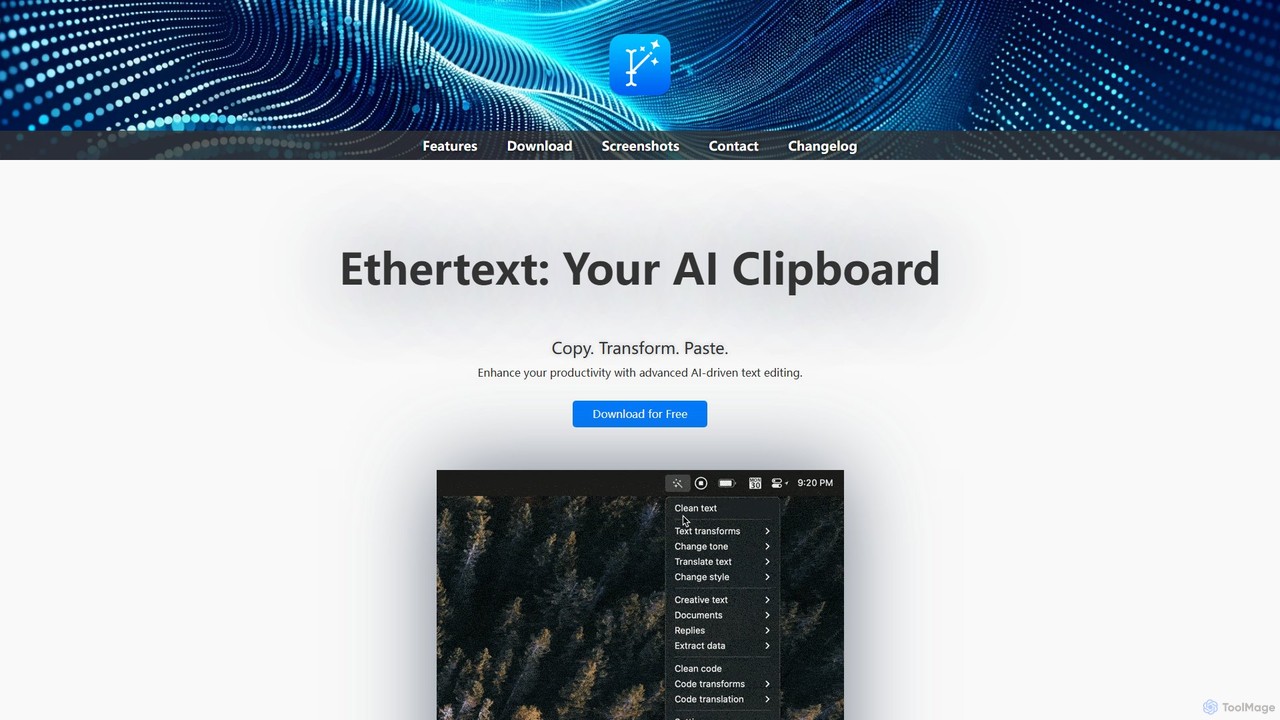
Ethertext is an AI-powered clipboard assistant for macOS that supercharges your productivity. It allows you to instantly transform, edit, and enhance any text you copy. With support for major AI models like OpenAI, Gemini, and Claude, as well as local models via Ollama, it offers powerful text and code manipulation, a smart memory feature, and seamless integration into your daily workflow through keyboard shortcuts.

Code Assistant
Visits 3.6KFavorites 115Likes 117
fusionai
Freemium

fusionai

FusionAI is an all-in-one AI platform that integrates content generation, image creation, and code assistance. It's designed to streamline workflows for marketers, developers, and creators by providing a unified suite of powerful, intelligent tools in a single workspace.

Generative Ai
Visits 3.5KFavorites 94Likes 98
Clippit AI
Freemium

Clippit AI

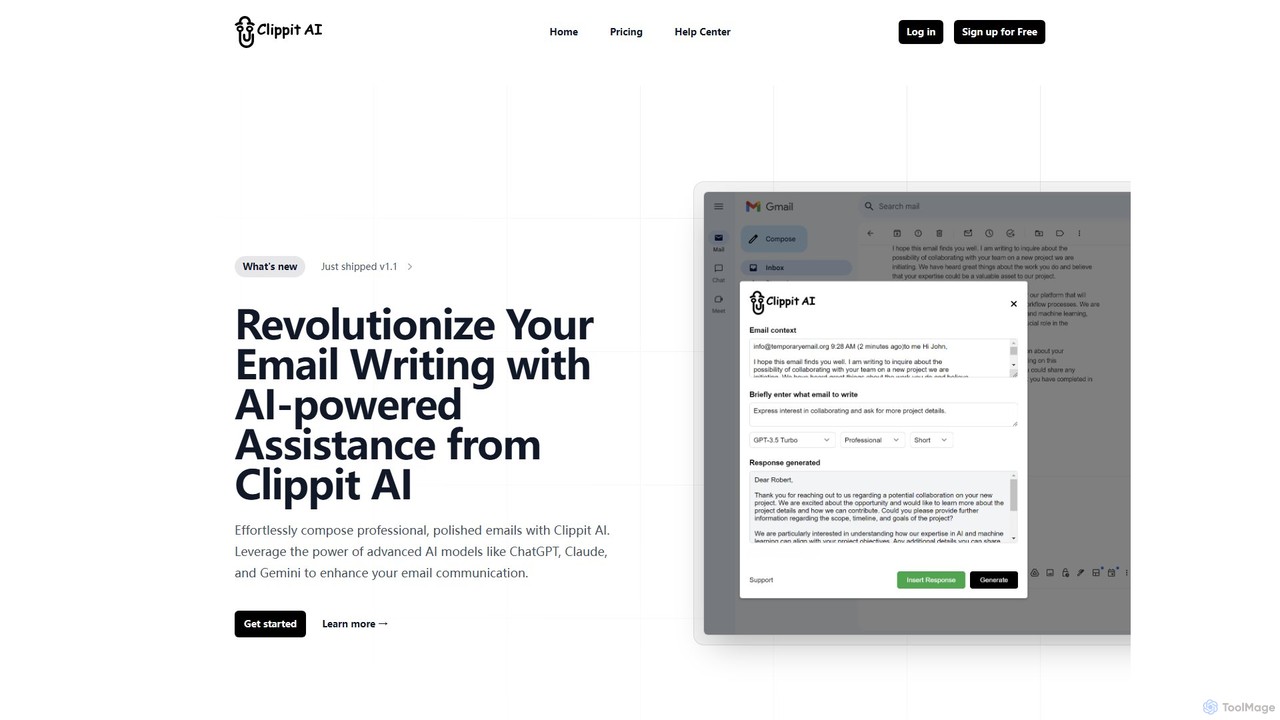
Clippit AI is a powerful browser extension that revolutionizes your email writing. By leveraging advanced AI models like ChatGPT, Claude, and Gemini, it helps you effortlessly compose professional, polished, and context-aware emails directly within your workflow. From drafting replies to refining your tone, Clippit AI enhances your productivity and communication quality, saving you valuable time.

Sales
Visits 3.5KFavorites 124Likes 124
heyalice
Paid

heyalice

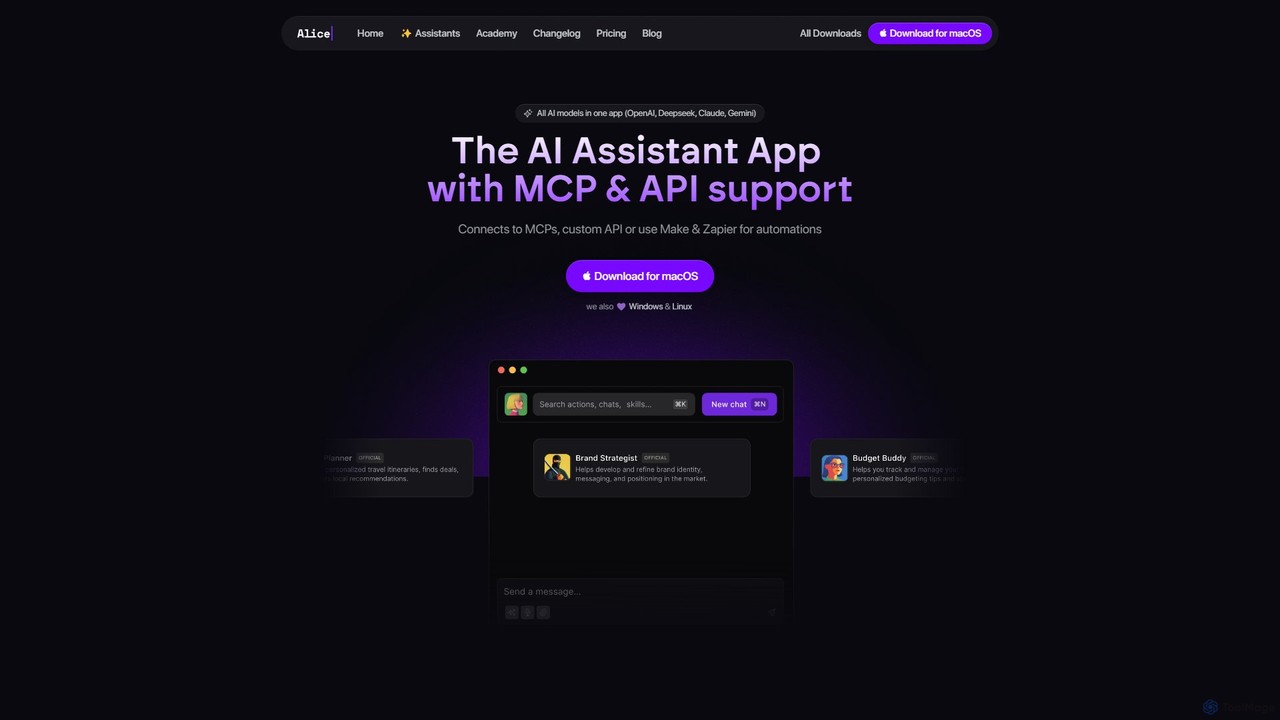
heyalice is a personal AI assistant for your desktop (macOS, Windows, Linux) that centralizes top AI models like GPT-4o and Claude 3.5. It enhances productivity through customizable assistants, reusable prompts (Skills), and seamless integration with automation tools like Zapier and Make. Bring your own API keys to control costs and work faster with powerful keyboard shortcuts, all within a privacy-focused, local application.

Code Assistant
Visits 23.6KFavorites 101Likes 112