ToolMage
Sign in
aiflowchart
Visualization · 462 monthly visits

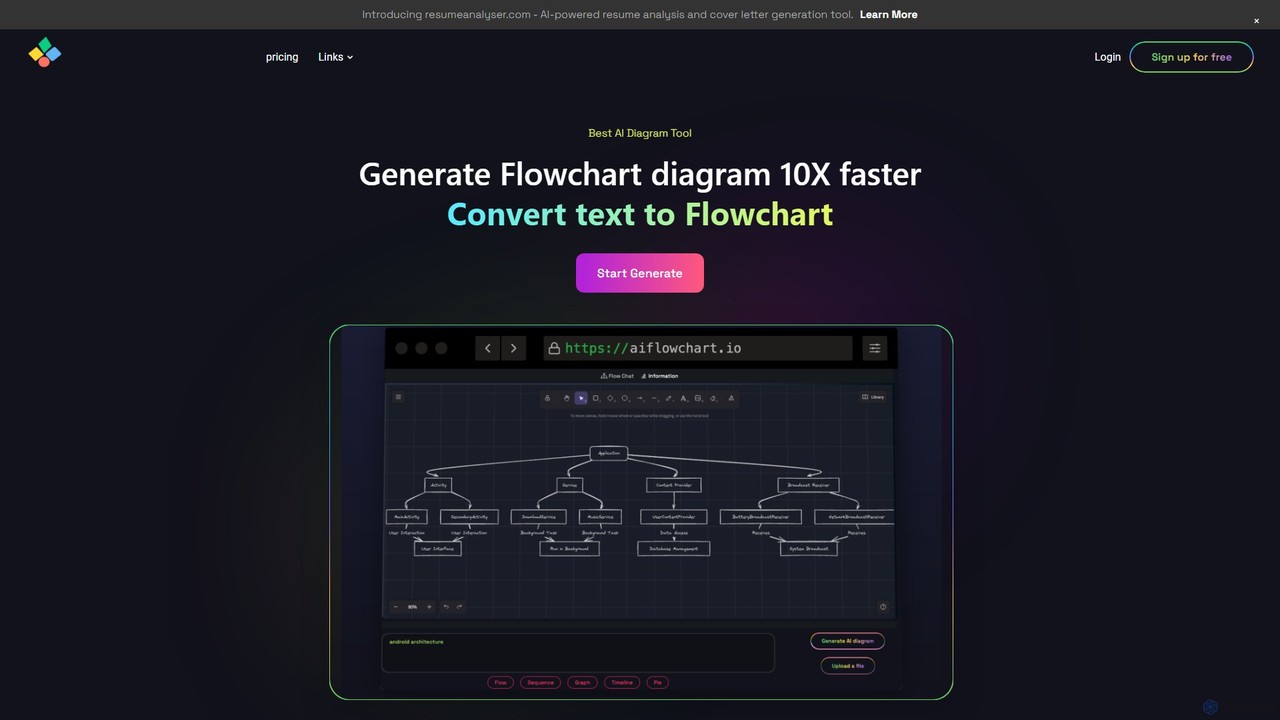
An AI-powered diagramming tool that automatically generates flowcharts, sequence diagrams, pie charts, and more from text, PDFs, or blog content. It leverages models like GPT-4o to create unique, customizable diagrams with explanations, saving users significant time and effort.
VS
Docugram
Project Management · 3K monthly visits

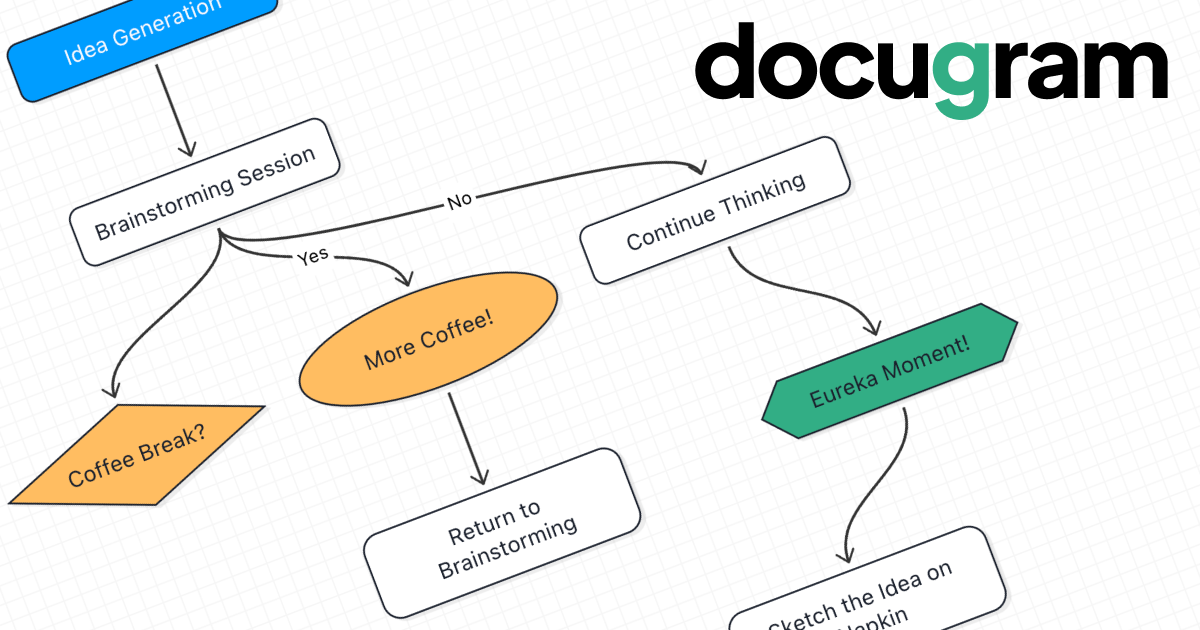
Docugram is an AI-powered tool that instantly transforms text documents, notes, and prompts into clear, editable diagrams and flowcharts. It streamlines workflows by converting complex information from formats like Word, Excel, and PDF into visual maps, enhancing productivity for professionals in project management, development, and business analysis.

aiflowchart vs Docugram: pricing, features, traffic, and use cases

Compare aiflowchart and Docugram across positioning, pricing, traffic, and user feedback using structured factual data.

Updated Aug 18, 2026

Product overview

aiflowchart Product overview

An AI-powered diagramming tool that automatically generates flowcharts, sequence diagrams, pie charts, and more from text, PDFs, or blog content. It leverages models like GPT-4o to create unique, customizable diagrams with explanations, saving users significant time and effort.
Preview

Docugram Product overview

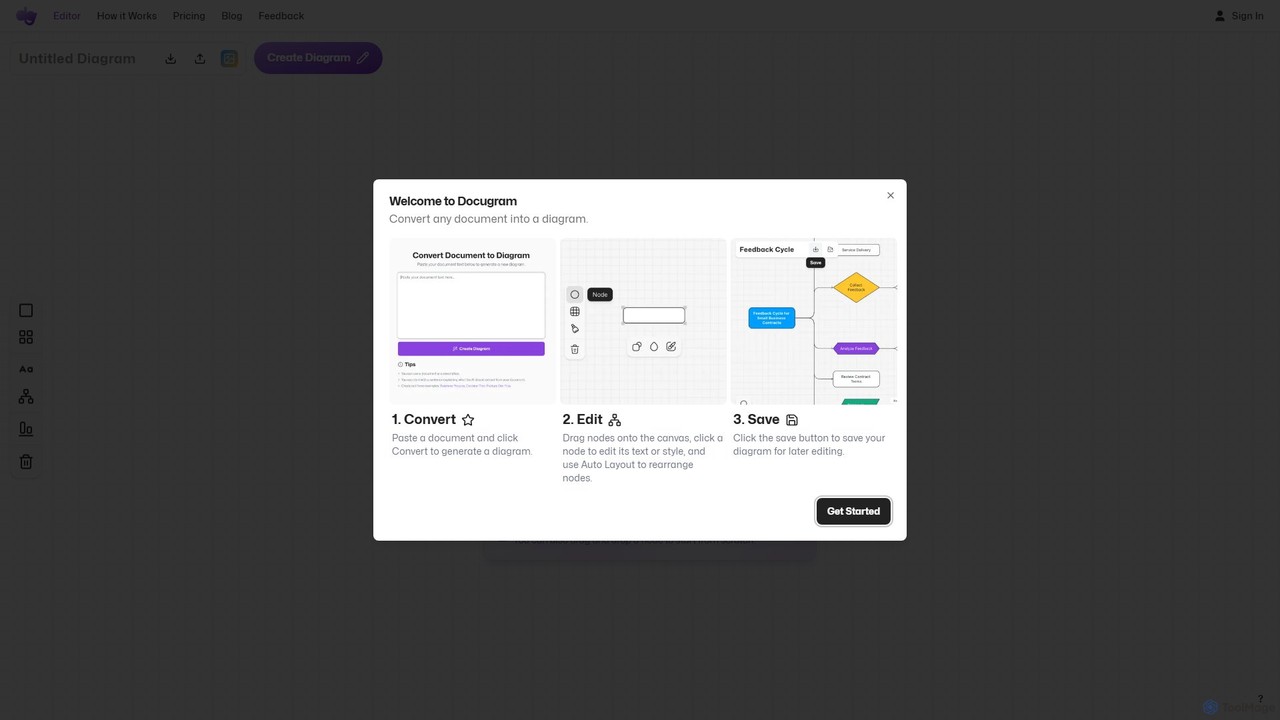
Docugram is an AI-powered tool that instantly transforms text documents, notes, and prompts into clear, editable diagrams and flowcharts. It streamlines workflows by converting complex information from formats like Word, Excel, and PDF into visual maps, enhancing productivity for professionals in project management, development, and business analysis.

Preview

Detailed feature comparison

FeatureaiflowchartDocugram
Primary categoryVisualizationProject Management
Added2025-08-012025-08-01
PricingFreemiumFreemium
Official websiteaiflowchart.iodocugram.app
Product typeWebsiteWebsite
Performance data
User ratingNot verifiedNot verified
Comments00
Monthly visits4623K
Monthly growth-77.4%50.6%
Favorites87109
DetailsView detailsView details

aiflowchart vs Docugram monthly traffic

Compare aiflowchart and Docugram by monthly reach, traffic trend, visit depth, top regions, and acquisition sources.

How to interpret the traffic data

In the aiflowchart vs Docugram monthly traffic comparison, aiflowchart currently shows 462 visits and Docugram shows 3K; Docugram has about 6.5 times the visible traffic of aiflowchart, an absolute difference of about 2.5K visits. This reflects visible reach, not feature quality or paid users.

Both tools provide verified traffic details, so monthly trends, visit depth, regions, and acquisition sources can be compared on the same basis.

aiflowchart monthly traffic:

Latest traffic

Monthly visits
462
Avg. visit duration
0:54
Pages per visit
2.34
Bounce rate
32.81%
Data updated 2026-06-11

Monthly traffic trend

  • 2025/9: 9.2K Monthly visits
  • 2026/1: 2.1K Monthly visits
  • 2026/2: 1.7K Monthly visits
  • 2026/3: 1.5K Monthly visits
  • 2026/4: 2K Monthly visits
  • 2026/5: 462 Monthly visits

Top regions

Top 5 countries/regions
Country/regionPercentageTraffic
🇮🇳India100%462

Search keywords

ai generated diagramsflow diagram gamma aihow to convert pdf file to diagramtext to high level s diagramturn a text flow diagram to a image

Docugram monthly traffic:

Latest traffic

Monthly visits
3K
Avg. visit duration
0:26
Pages per visit
1.53
Bounce rate
48.23%
Data updated 2026-06-15

Monthly traffic trend

  • 2025/9: 3.7K Monthly visits
  • 2026/1: 2.3K Monthly visits
  • 2026/2: 2.9K Monthly visits
  • 2026/3: 3K Monthly visits
  • 2026/4: 2K Monthly visits
  • 2026/5: 3K Monthly visits

Top regions

Top 5 countries/regions
Country/regionPercentageTraffic
🇺🇸United States59.42%1.8K
🇷🇺Russia40.58%1.2K

Search keywords

ai flowchartflowchart generatorfree ai flowchart generatorhow do u upload a pdf on flowchartскачать доксграмм на пк
Traffic-based selection guidance: If public market visibility is an important first-pass criterion, investigate Docugram first. The final choice should still follow taxonomy, use case, and a real trial because higher traffic does not prove broader capabilities or better workflow fit.

Usage comparison

Compare the core capabilities of aiflowchart and Docugram

aiflowchart Core features

Visualization
Diagramming
Planning
Study Tools

Docugram Core features

Visualization
Diagramming
Project Management
Workflow Automation

Use cases

aiflowchart Use cases

AI diagram
data visualization
mind map
process mapping
text to diagram
chatgpt
diagram maker
flowchart generator
gpt-4o
sequence diagram

Docugram Use cases

AI diagram
data visualization
mind map
process mapping
text to diagram
business process
diagram generator
flowchart maker
project management
workflow automation

aiflowchart vs Docugram:In-depth comparison and selection guidance

First decide whether the products solve the same kind of need

This in-depth aiflowchart vs Docugram comparison uses only the product records, taxonomy, audience, traffic, and community signals available on this page. aiflowchart is primarily listed under “Visualization”, while Docugram is primarily listed under “Project Management”, so the first decision is whether your actual task matches their recorded scope.

The structured fields currently show these decision-relevant differences: Primary category (aiflowchart: Visualization; Docugram: Project Management); Monthly visits (aiflowchart: 462; Docugram: 3K); Monthly growth (aiflowchart: -77.4%; Docugram: 50.6%); Favorites (aiflowchart: 87; Docugram: 109); Website (aiflowchart: aiflowchart.io; Docugram: docugram.app). These facts are more useful for selection than brand visibility alone.

What market visibility and monthly traffic mean

In the aiflowchart vs Docugram monthly traffic comparison, aiflowchart currently shows 462 visits and Docugram shows 3K; Docugram has about 6.5 times the visible traffic of aiflowchart, an absolute difference of about 2.5K visits. This reflects visible reach, not feature quality or paid users.

Both tools provide verified traffic details, so monthly trends, visit depth, regions, and acquisition sources can be compared on the same basis.

If public market visibility is an important first-pass criterion, investigate Docugram first. The final choice should still follow taxonomy, use case, and a real trial because higher traffic does not prove broader capabilities or better workflow fit.

Product positioning, use cases, and roles

aiflowchart and Docugram currently overlap in shared categories: Visualization and Diagramming; shared tags: AI diagram, data visualization, mind map, process mapping, and text to diagram. This can place both on the same shortlist, but it does not prove equal implementation, depth, or cost.

aiflowchart's unique categories/tags are Planning, Study Tools, chatgpt, diagram maker, flowchart generator, gpt-4o, and sequence diagram; Docugram's are Project Management, Workflow Automation, business process, diagram generator, flowchart maker, project management, and workflow automation. These unique fields are the strongest differentiators: validate the product whose recorded scope matches the task instead of following traffic alone.

What ratings, comments, and favorites can tell you

aiflowchart has no verified rating, 0 comments, 87 favorites, and 84 likes;Docugram has no verified rating, 0 comments, 109 favorites, and 109 likes。

Neither product has enough rating or comment samples for a credible reputation ranking.

Selection guidance by actual need

When to evaluate aiflowchart first

Put aiflowchart on the priority trial list when the task aligns with “Visualization” and especially Planning, Study Tools, chatgpt, diagram maker, flowchart generator, and gpt-4o. This follows recorded positioning and does not imply unlisted capabilities are absent.

aiflowchart also currently records: pricing is freemium, product type is website, 462 verified monthly visits, no verified user rating. Verify any hard requirement around price, platform, or reach before trial, and do not let sparse review data substitute for testing.

When to evaluate Docugram first

Put Docugram on the priority trial list when the task aligns with “Project Management” and especially Project Management, Workflow Automation, business process, diagram generator, flowchart maker, and project management. This follows recorded positioning and does not imply unlisted capabilities are absent.

Docugram also currently records: pricing is freemium, product type is website, 3K verified monthly visits, no verified user rating. Verify any hard requirement around price, platform, or reach before trial, and do not let sparse review data substitute for testing.

How to validate the recommendation before deciding

The available data describes positioning, public visibility, and community signals, but it cannot prove output quality, speed, integration effort, privacy, or long-term cost in your workflow. Before deciding, run the same representative tasks in aiflowchart and Docugram, then record completion time, accuracy, manual corrections, and the real paid threshold. A like-for-like trial turns this comparison into a defensible adoption decision.

Comparison FAQ

How should I choose between aiflowchart and Docugram?
Compare positioning, pricing, taxonomy, and traffic maturity, then verify the latest details on each official website.
Where does this comparison data come from?
The factual baseline is derived from product, taxonomy, traffic, and community data. Reviewed editorial conclusions show their source and verification date.
What do unknown fields mean?
Unknown means there is not enough reliable evidence; the page does not fill gaps with assumptions.

Related AI tools

splotch
Freemium

splotch

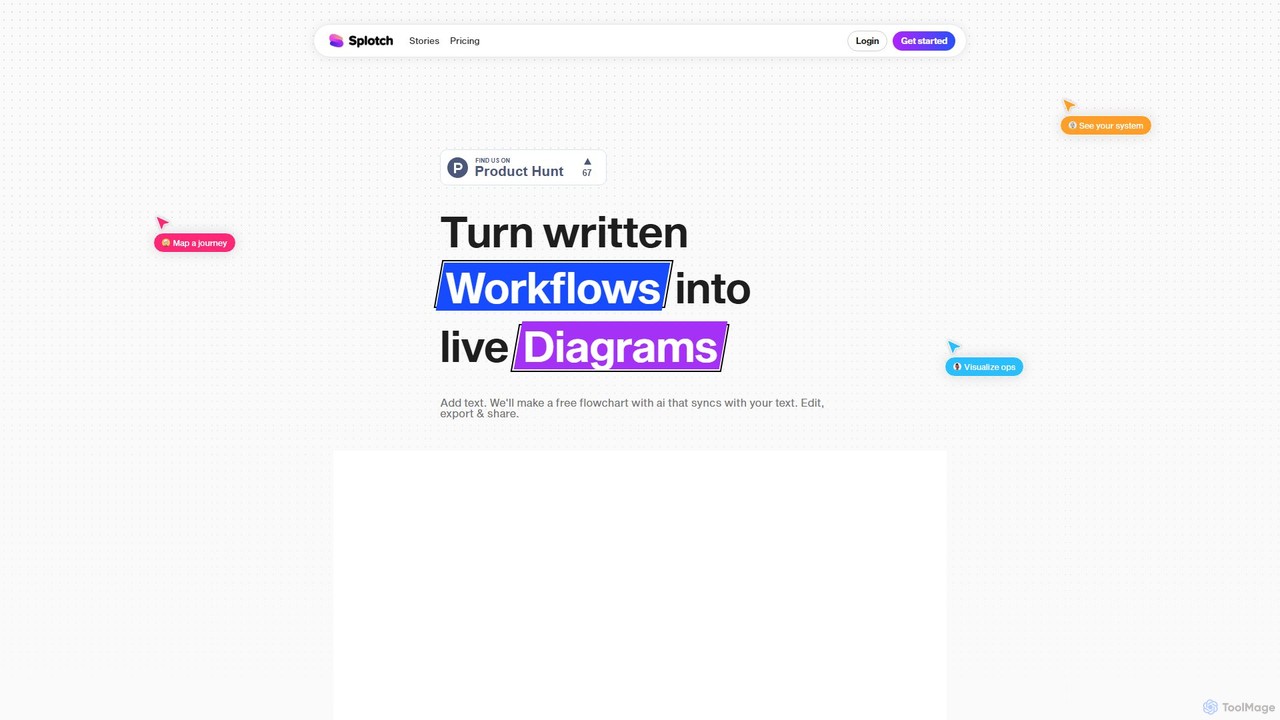
splotch is an AI-powered diagramming tool that automatically converts written text, processes, and workflows into clear, editable flowcharts and diagrams. It features a unique two-way sync, ensuring your text and visuals are always aligned, streamlining communication and process documentation.

Process Management
Visits 4.9KFavorites 108Likes 102
Lucidchart
Freemium

Lucidchart

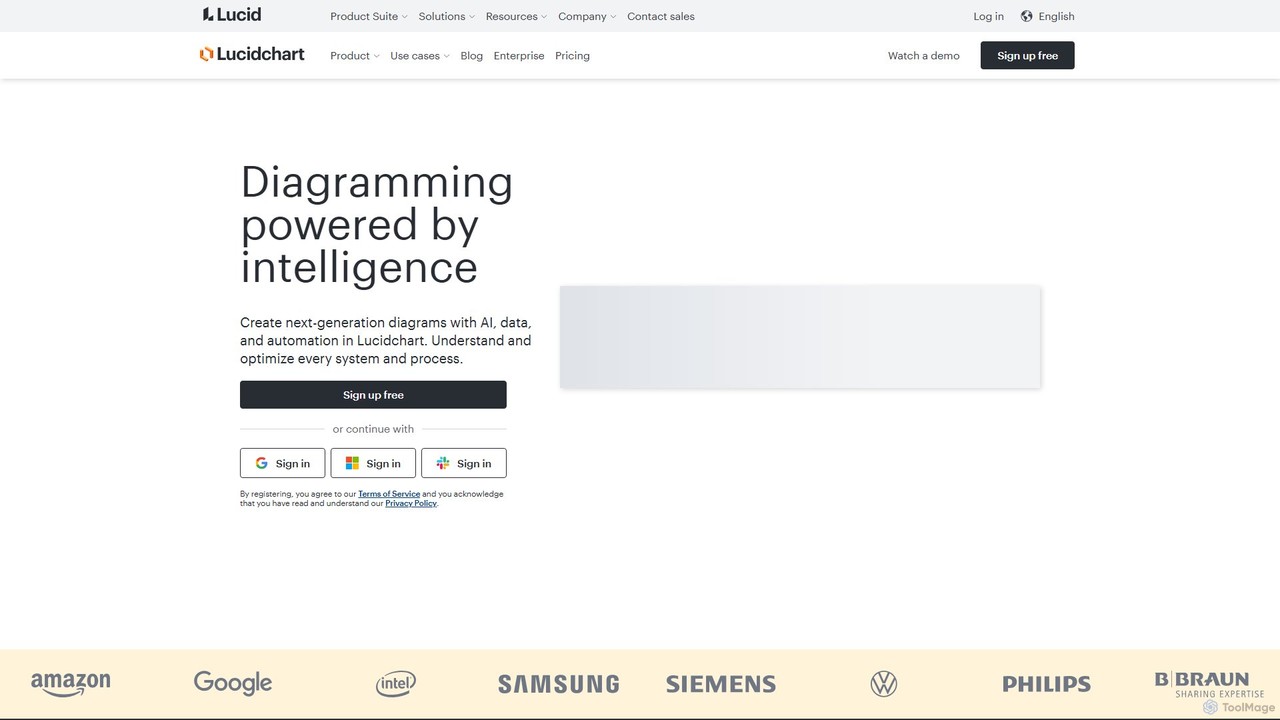
Lucidchart is an intelligent diagramming and visual collaboration platform that uses AI, data automation, and real-time teamwork to help users visualize complex systems, processes, and ideas. It enables teams to create professional flowcharts, org charts, network diagrams, and more, fostering clarity and driving innovation.

Project Management
Visits 2.4MFavorites 128Likes 115
EdrawMax
Freemium

EdrawMax

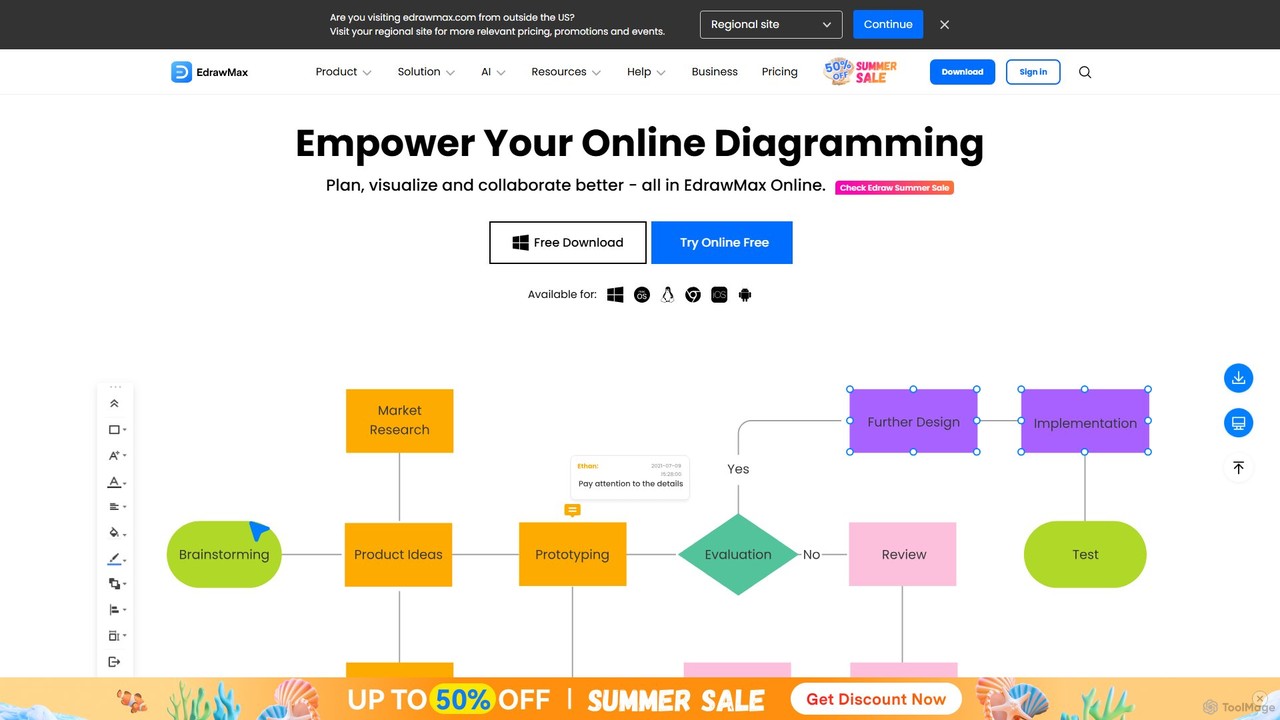
EdrawMax is an all-in-one, AI-powered diagramming tool for creating over 210 types of diagrams, from flowcharts to floor plans. It combines intuitive drag-and-drop functionality with advanced AI features like one-click diagram generation, content analysis, and OCR. Ideal for teams and individuals, it facilitates real-time collaboration, offers extensive templates, and serves as a powerful Visio alternative for visualizing ideas and workflows.

Project Management
Visits 531.2KFavorites 140Likes 126
Diagramming AI
Freemium

Diagramming AI

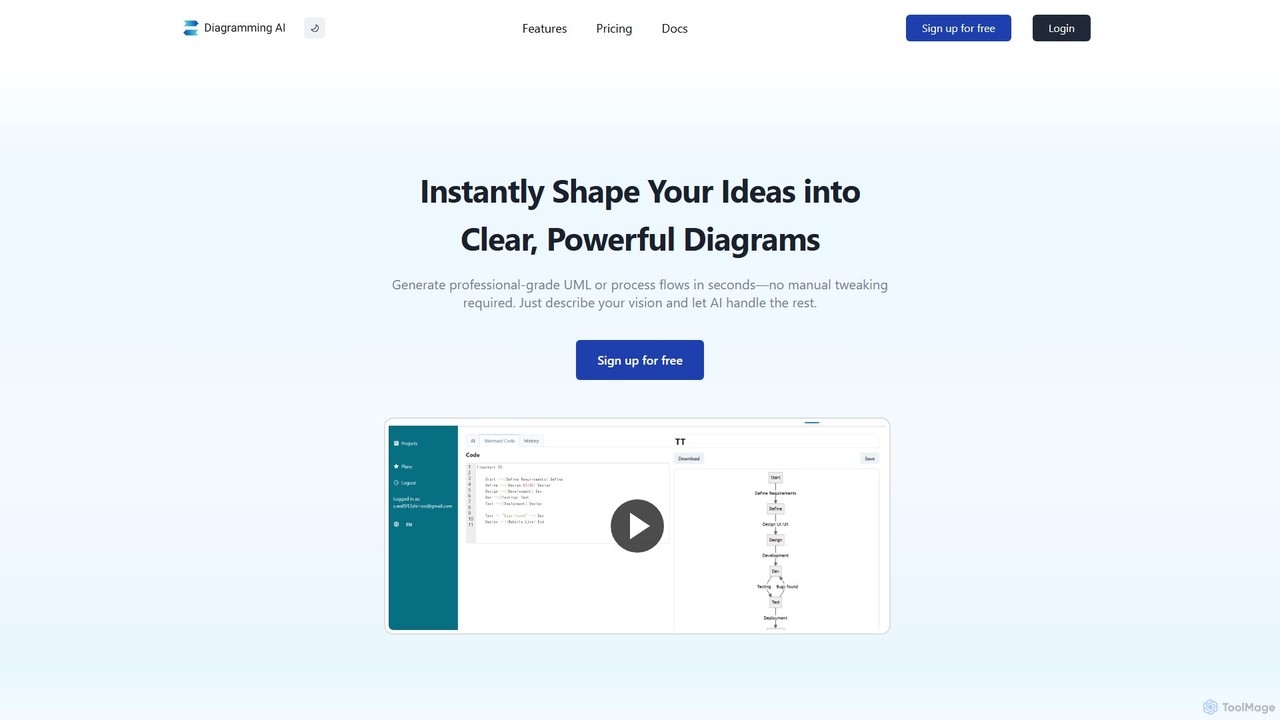
Diagramming AI is an advanced AI-powered platform that instantly generates and edits a wide range of diagrams from text, URLs, or images. It supports popular formats like Mermaid, PlantUML, and Graphviz, and features an intuitive AI chat for real-time modifications and a visual editor integration with Excalidraw for precise adjustments.

Visualization
Visits 26.6KFavorites 113Likes 105
ChatUML
Freemium

ChatUML

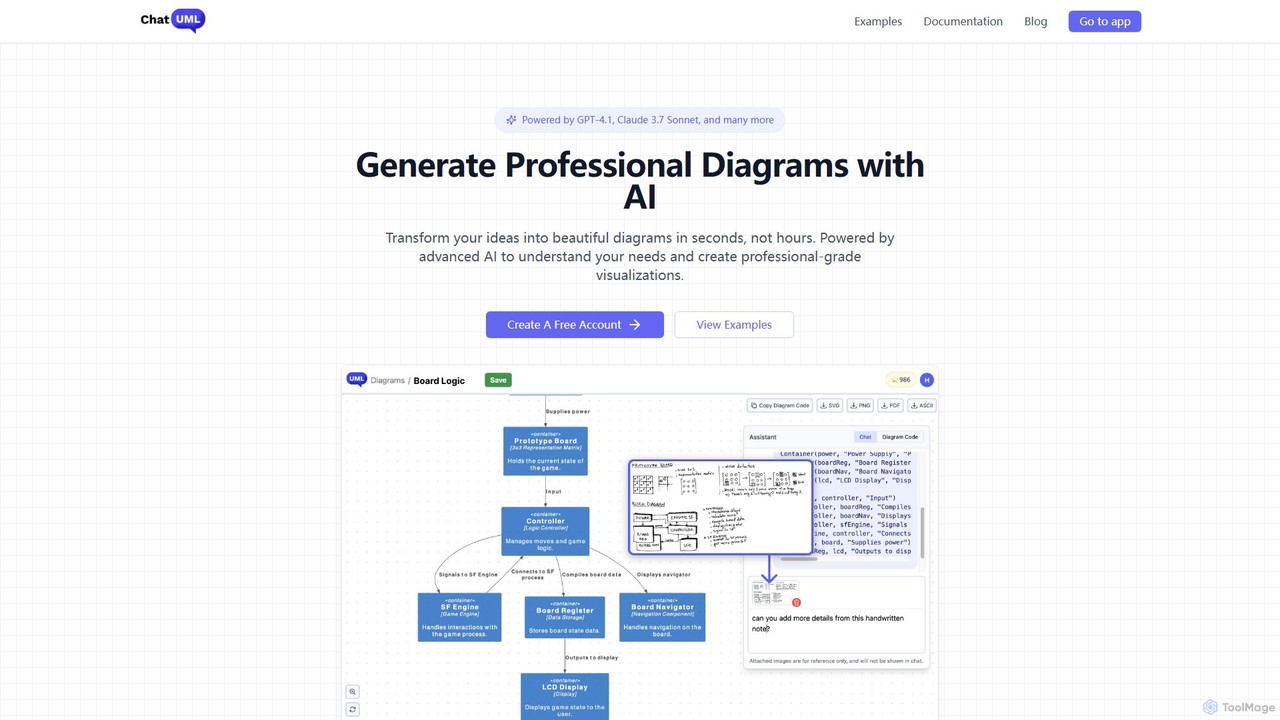
ChatUML is an AI-powered diagram generator that transforms text descriptions, hand-drawn sketches, and even website content into professional diagrams in seconds. Leveraging models like GPT-4.1 and Claude 3, it supports various formats including UML, C4 architecture, mind maps, and more, streamlining the visualization process for developers, project managers, and creative teams.

Planning
Visits 25.8KFavorites 104Likes 113
DiagramGPT
Free

DiagramGPT

DiagramGPT is an AI-powered tool that transforms natural language text prompts into various diagrams. By leveraging GPT technology and Mermaid syntax, it allows users to effortlessly generate flowcharts, sequence diagrams, and more, simply by describing what they want to visualize. It's an ideal solution for developers, project managers, and students who need to create professional diagrams quickly without manual drawing.

Process Management
Visits 4.2KFavorites 140Likes 147
Edrawsoft
Freemium

Edrawsoft

Edrawsoft is a comprehensive suite of AI-powered visual tools for diagramming, mind mapping, and project management. It includes EdrawMax for all-in-one diagram creation, EdrawMind for brainstorming, and EdrawProj for Gantt charts. With AI assistance, users can automatically generate flowcharts, org charts, and more from text, beautify designs with a single click, and collaborate seamlessly across platforms. It's a powerful Visio alternative for individuals, teams, and enterprises.

Project Management
Visits 4.2KFavorites 129Likes 130
Mermaid Online
Paid

Mermaid Online

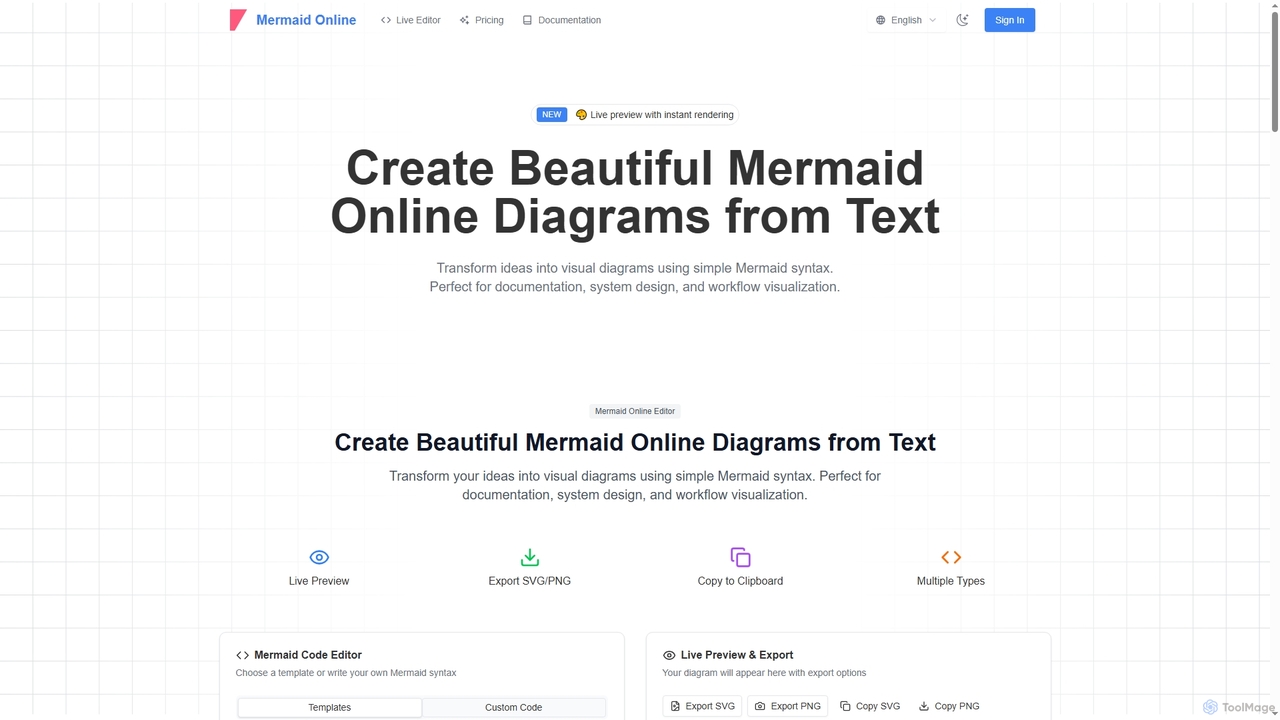
Mermaid Online is an advanced web-based editor and AI-powered diagram generator that transforms text descriptions and Mermaid syntax into professional visual diagrams. It supports various diagram types, offers real-time preview, and flexible export options, streamlining documentation and system design workflows for individuals and teams.

Text To Diagram
Visits 177.8KFavorites 104Likes 102
Creately
Freemium

Creately

Creately is an AI-powered visual collaboration and work management platform. It combines intelligent diagramming, online whiteboarding, and data-driven project management on a single smart canvas, helping teams brainstorm, plan, and execute projects more effectively.

Planning
Visits 1MFavorites 116Likes 113
Edraw.AI
Freemium

Edraw.AI

Edraw.AI is an AI-powered visual collaboration platform that enables users to create diagrams, mind maps, flowcharts, and other visuals with ease. It combines a user-friendly interface with powerful AI tools for generation, analysis, and design. Featuring real-time collaboration, an extensive library of templates and symbols, it's designed to boost productivity for teams in project management, IT, marketing, education, and more. Get started for free and transform your ideas into professional visuals.

Visualization
Visits 379.7KFavorites 106Likes 100
MindmapAI
Freemium

MindmapAI

MindmapAI is an advanced AI-powered platform that transforms ideas, PDFs, YouTube videos, and web URLs into structured, visual mind maps. It automates information analysis and organization, enabling users to quickly grasp complex topics, brainstorm effectively, and collaborate with teams in real-time. Ideal for students, professionals, and creators looking to enhance productivity and clarity.

Project Management
Visits 5.1KFavorites 102Likes 112
Text to Flowchart
Freemium

Text to Flowchart

An AI-powered tool that instantly transforms plain text descriptions into professional, well-structured flowcharts and diagrams. Ideal for developers, business analysts, and students, it simplifies the visualization of processes, algorithms, and workflows without requiring design skills.

Process Management
Visits 4.2KFavorites 124Likes 111
Napkin AI
Freemium

Napkin AI

Napkin AI is a visual AI tool that transforms your text into professional business visuals like diagrams, infographics, flowcharts, and mind maps. It's designed for effortless business storytelling, allowing users to create compelling, editable visuals directly from their content without needing any design skills. Ideal for presentations, reports, and social media.

Infographics
Visits 1.8MFavorites 99Likes 97
Taskade
Freemium

Taskade

Taskade is an AI-powered unified workspace designed to supercharge team productivity. It combines task management, note-taking, mind mapping, and real-time collaboration with a workforce of autonomous AI agents. Build, train, and deploy AI agents to automate workflows, conduct research, and turn ideas into action, all within a single, synchronized platform available on all your devices.

Workflow Automation
Visits 691.1KFavorites 160Likes 147
aigraphmaker
Freemium

aigraphmaker

aigraphmaker is an AI-powered platform that transforms raw data and text prompts into a wide variety of professional and interactive charts and diagrams. It enables users, from beginners to experts, to effortlessly create stunning visualizations like bar charts, mind maps, flowcharts, and knowledge graphs in seconds, without any coding or design skills required.

Analytics
Visits 28.7KFavorites 145Likes 129