Finsheet is a powerful add-on for Excel and Google Sheets, providing institutional-grade financial data directly into your spreadsheets. Access over 30 years of historical and real-time data for global stocks, ETFs, forex, and cryptocurrencies. With simple, no-code functions, investors and analysts can easily perform market research, build financial models, and monitor portfolios without leaving their favorite spreadsheet application.

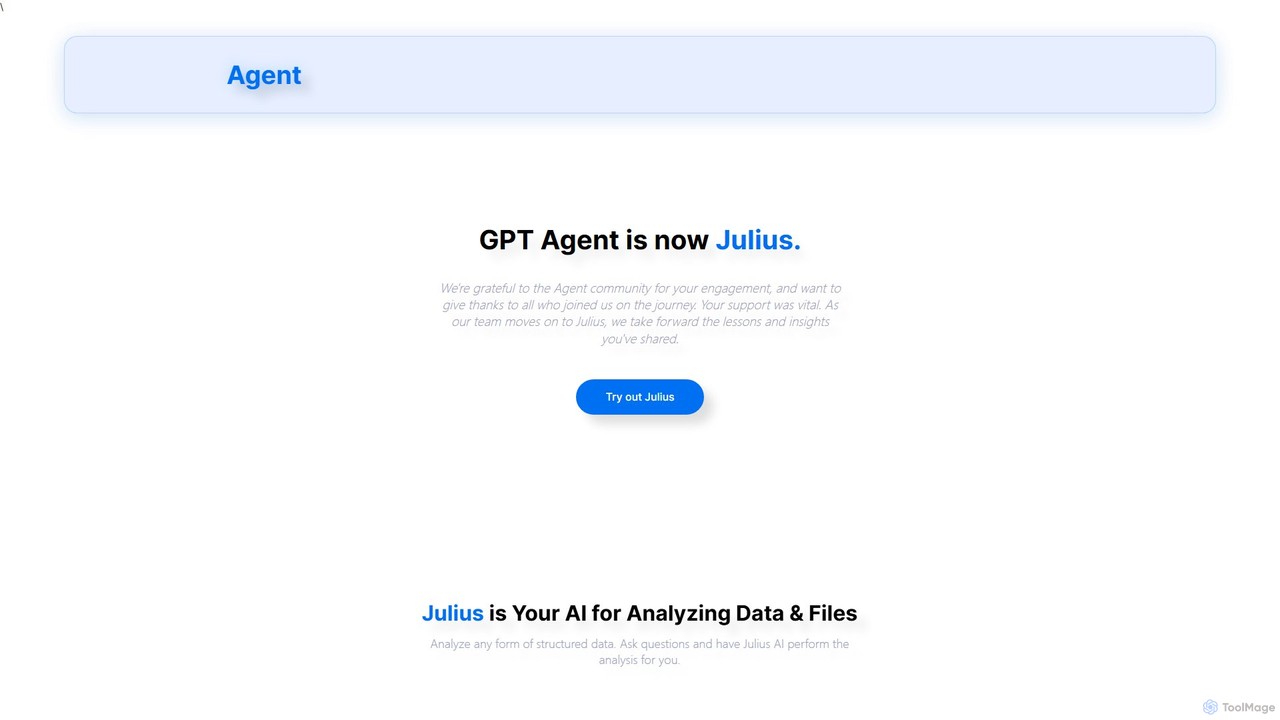
gptagent has rebranded to Julius, an AI data analyst that allows you to analyze data and files using natural language. Upload structured data, ask questions, and instantly generate visualizations, perform statistical analysis, and build models without writing any code. It transforms complex data tasks into simple conversations.
Product overview
Finsheet Product overview
Finsheet is a powerful add-on for Excel and Google Sheets, providing institutional-grade financial data directly into your spreadsheets. Access over 30 years of historical and real-time data for global stocks, ETFs, forex, and cryptocurrencies. With simple, no-code functions, investors and analysts can easily perform market research, build financial models, and monitor portfolios without leaving their favorite spreadsheet application.

gptagent Product overview
gptagent has rebranded to Julius, an AI data analyst that allows you to analyze data and files using natural language. Upload structured data, ask questions, and instantly generate visualizations, perform statistical analysis, and build models without writing any code. It transforms complex data tasks into simple conversations.
Detailed feature comparison
| Feature | Finsheet | gptagent |
|---|---|---|
| Primary category | Market Data | Business Intelligence |
| Added | 2025-08-01 | 2025-08-03 |
| Pricing | Freemium | Freemium |
| Official website | finsheet.io | www.gptagent.com |
| Product type | Browser extension | Website |
| Performance data | ||
| User rating | Not verified | Not verified |
| Comments | 0 | 0 |
| Monthly visits | 25K | 4.2K |
| Monthly growth | 6.8% | Not verified |
| Favorites | 105 | 136 |
| Details | View details | View details |
Finsheet vs gptagent monthly traffic
Compare Finsheet and gptagent by monthly reach, traffic trend, visit depth, top regions, and acquisition sources.
How to interpret the traffic data
In the Finsheet vs gptagent monthly traffic comparison, Finsheet currently shows 25K visits and gptagent shows 4.2K; Finsheet has about 5.9 times the visible traffic of gptagent, an absolute difference of about 20.8K visits. This reflects visible reach, not feature quality or paid users.
Only Finsheet has complete third-party traffic details; gptagent uses visits recorded inside ToolMage. These scopes cannot estimate market share directly, and on-site views should not be treated as the product’s total website traffic.
Finsheet monthly traffic:
Latest traffic
Monthly traffic trend
- 2025/9: 14.5K Monthly visits
- 2026/1: 31.1K Monthly visits
- 2026/2: 41.5K Monthly visits
- 2026/3: 23.2K Monthly visits
- 2026/4: 23.4K Monthly visits
- 2026/5: 25K Monthly visits
Top regions
Top 5 countries/regions
| Country/region | Percentage | Traffic |
|---|---|---|
| 🇺🇸United States | 90.01% | 22.5K |
| 🇮🇳India | 3.77% | 942 |
| 🇮🇩Indonesia | 2.52% | 630 |
| 🇩🇪Germany | 2.1% | 525 |
| 🇨🇦Canada | 1.6% | 400 |
Traffic sources
| Source type | Percentage | Traffic |
|---|---|---|
| Direct | 80.84% | 20.2K |
| Referral | 19.16% | 4.8K |
Search keywords
gptagent monthly traffic:
Latest traffic
Usage comparison
Compare the core capabilities of Finsheet and gptagent
Finsheet Core features
gptagent Core features
Use cases
Finsheet Use cases
gptagent Use cases
Finsheet vs gptagent:In-depth comparison and selection guidance
First decide whether the products solve the same kind of need
This in-depth Finsheet vs gptagent comparison uses only the product records, taxonomy, audience, traffic, and community signals available on this page. Finsheet is primarily listed under “Market Data”, while gptagent is primarily listed under “Business Intelligence”, so the first decision is whether your actual task matches their recorded scope.
The structured fields currently show these decision-relevant differences: Primary category (Finsheet: Market Data; gptagent: Business Intelligence); Product type (Finsheet: Browser extension; gptagent: Website); Monthly visits (Finsheet: 25K; gptagent: 4.2K); Favorites (Finsheet: 105; gptagent: 136); Website (Finsheet: finsheet.io; gptagent: www.gptagent.com). These facts are more useful for selection than brand visibility alone.
What market visibility and monthly traffic mean
In the Finsheet vs gptagent monthly traffic comparison, Finsheet currently shows 25K visits and gptagent shows 4.2K; Finsheet has about 5.9 times the visible traffic of gptagent, an absolute difference of about 20.8K visits. This reflects visible reach, not feature quality or paid users.
Only Finsheet has complete third-party traffic details; gptagent uses visits recorded inside ToolMage. These scopes cannot estimate market share directly, and on-site views should not be treated as the product’s total website traffic.
The current traffic scope is not sufficient for a reliable product ranking. Treat monthly visits as a market-interest signal, then decide using taxonomy, use cases, pricing, and a like-for-like trial rather than reading exposure as product capability.
Product positioning, use cases, and roles
Finsheet and gptagent currently overlap in shared categories: Data Analysis and Spreadsheets; shared tags: data analysis and excel. This can place both on the same shortlist, but it does not prove equal implementation, depth, or cost.
Finsheet's unique categories/tags are Market Data, cryptocurrency, finance, financial data, forex, Google Sheets, investment, and portfolio tracking; gptagent's are Business Intelligence, No Code, AI assistant, business intelligence, data visualization, forecasting, julius, and machine learning. These unique fields are the strongest differentiators: validate the product whose recorded scope matches the task instead of following traffic alone.
What ratings, comments, and favorites can tell you
Finsheet has no verified rating, 0 comments, 105 favorites, and 125 likes;gptagent has no verified rating, 0 comments, 136 favorites, and 137 likes。
Neither product has enough rating or comment samples for a credible reputation ranking.
Selection guidance by actual need
When to evaluate Finsheet first
Put Finsheet on the priority trial list when the task aligns with “Market Data” and especially Market Data, cryptocurrency, finance, financial data, forex, and Google Sheets. This follows recorded positioning and does not imply unlisted capabilities are absent.
Finsheet also currently records: pricing is freemium, product type is browser extension, 25K verified monthly visits, no verified user rating. Verify any hard requirement around price, platform, or reach before trial, and do not let sparse review data substitute for testing.
When to evaluate gptagent first
Put gptagent on the priority trial list when the task aligns with “Business Intelligence” and especially Business Intelligence, No Code, AI assistant, business intelligence, data visualization, and forecasting. This follows recorded positioning and does not imply unlisted capabilities are absent.
gptagent also currently records: pricing is freemium, product type is website, 4.2K on-site monthly views, no verified user rating. Verify any hard requirement around price, platform, or reach before trial, and do not let sparse review data substitute for testing.
How to validate the recommendation before deciding
The available data describes positioning, public visibility, and community signals, but it cannot prove output quality, speed, integration effort, privacy, or long-term cost in your workflow. Before deciding, run the same representative tasks in Finsheet and gptagent, then record completion time, accuracy, manual corrections, and the real paid threshold. A like-for-like trial turns this comparison into a defensible adoption decision.
Comparison FAQ
How should I choose between Finsheet and gptagent?
Where does this comparison data come from?
What do unknown fields mean?
Related AI tools

PredictEasy
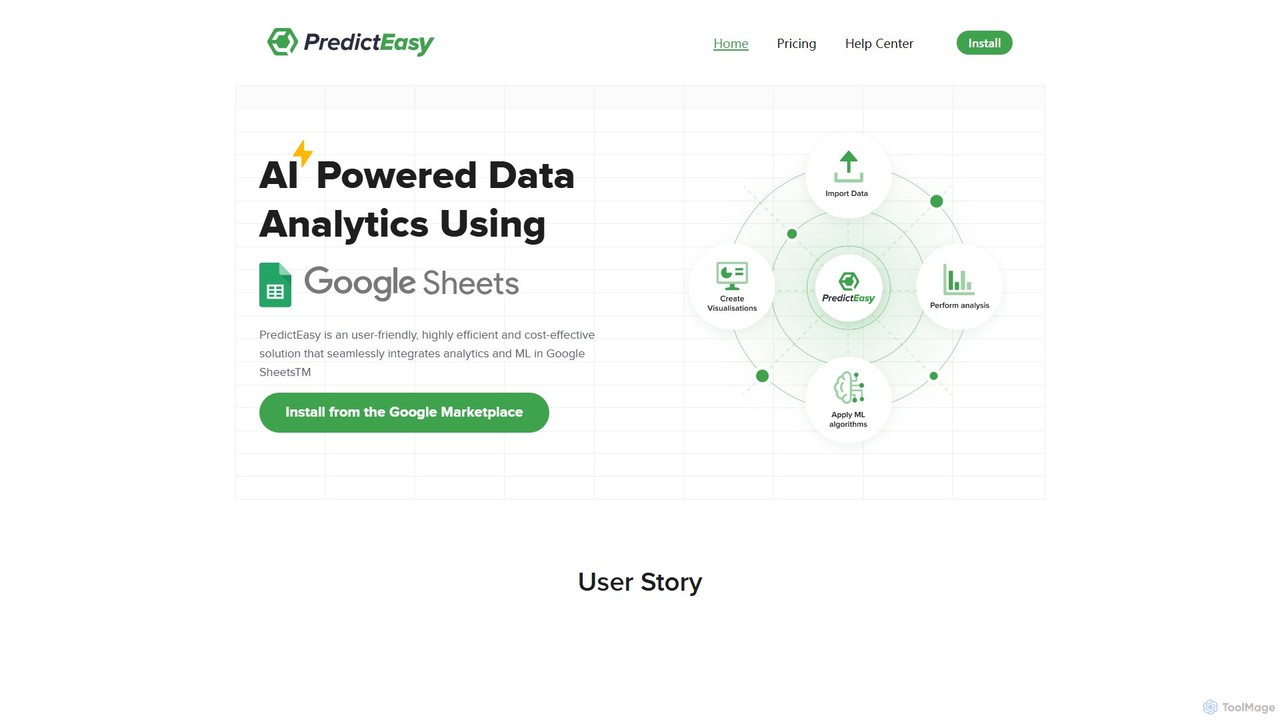
PredictEasy is a powerful no-code AI add-on for Google Sheets that democratizes data analytics. It allows users to perform advanced tasks like predictive modeling, time-series forecasting, NLP, and statistical analysis with just a few clicks. Ideal for business professionals, researchers, and data analysts, it transforms your spreadsheet into a sophisticated data science tool, enabling data-driven decisions without writing any code.
Business Intelligence
GRID
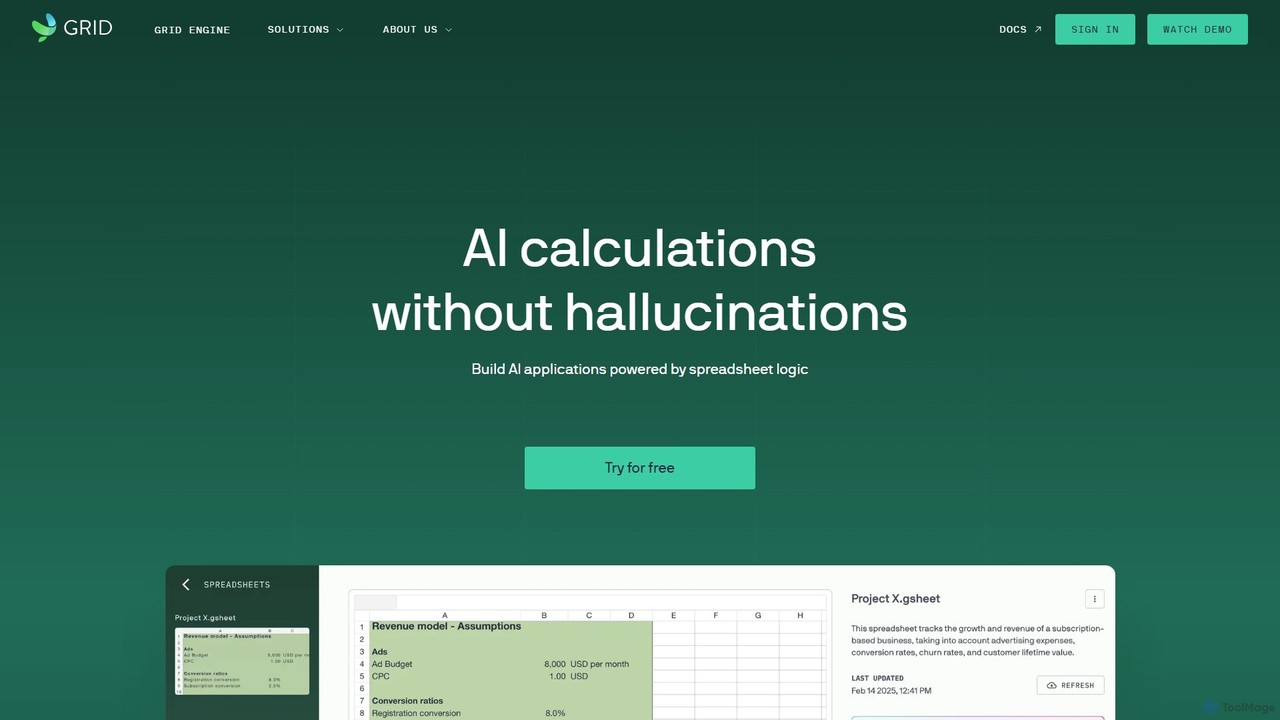
GRID is an AI-first platform that transforms your existing spreadsheets into powerful, interactive web applications and AI-driven tools. It leverages the logic and data within your Excel and Google Sheets files to build reliable calculators, dashboards, and models that can be queried using natural language, eliminating AI hallucinations.
Business Intelligence
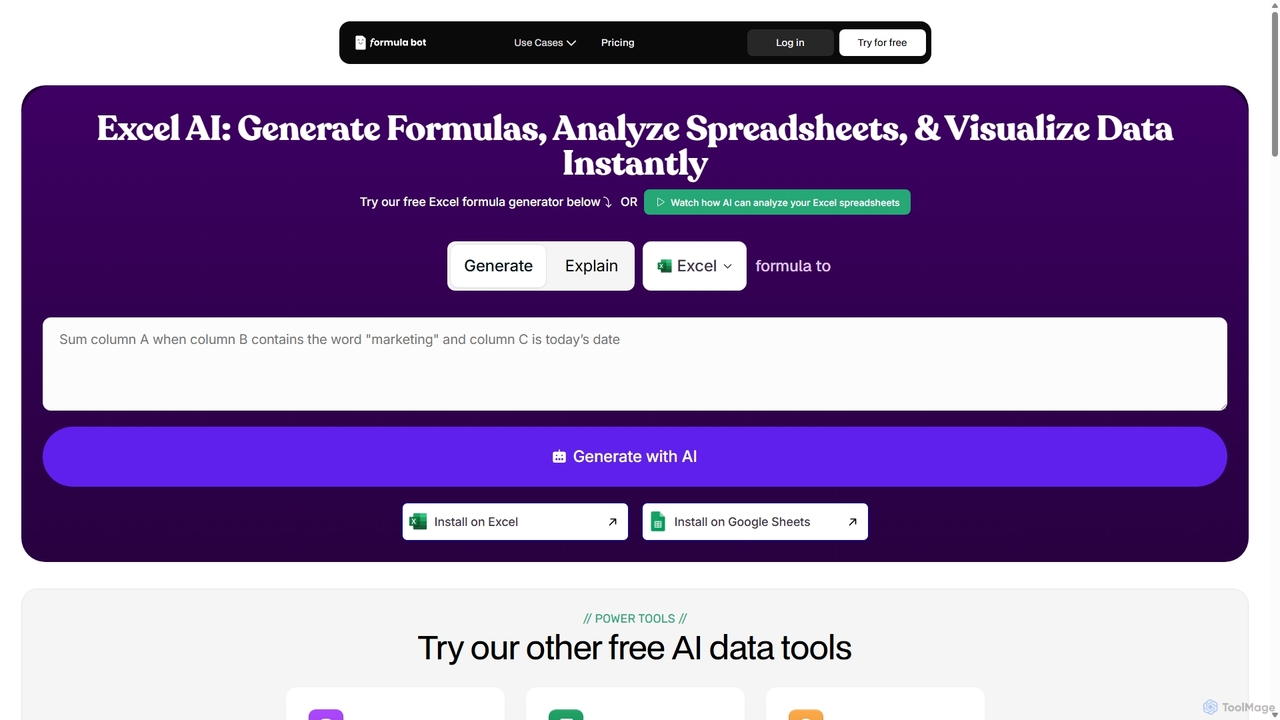
Formula Bot
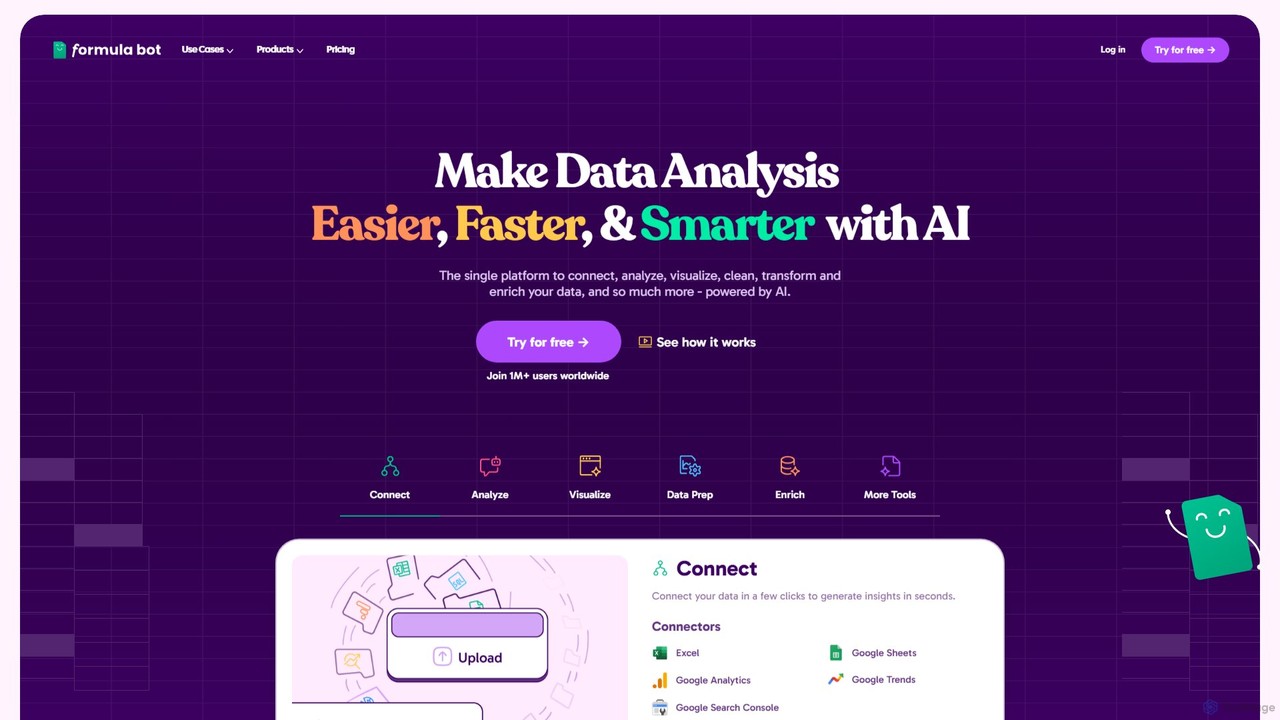
Formula Bot is an AI-powered data analysis platform that simplifies working with spreadsheets and data. It allows users to generate Excel formulas, SQL queries, and VBA code from simple text instructions, analyze data through a conversational chat interface, and automate tasks like data cleaning and enrichment.
Data Visualization
Ajelix
Ajelix is an AI-powered suite of tools designed to enhance productivity for Excel and Google Sheets users. It acts as an AI data analyst, automating tasks, generating formulas and VBA scripts, creating insightful reports, and providing advanced data analysis through a simple chat interface.
Business Intelligence
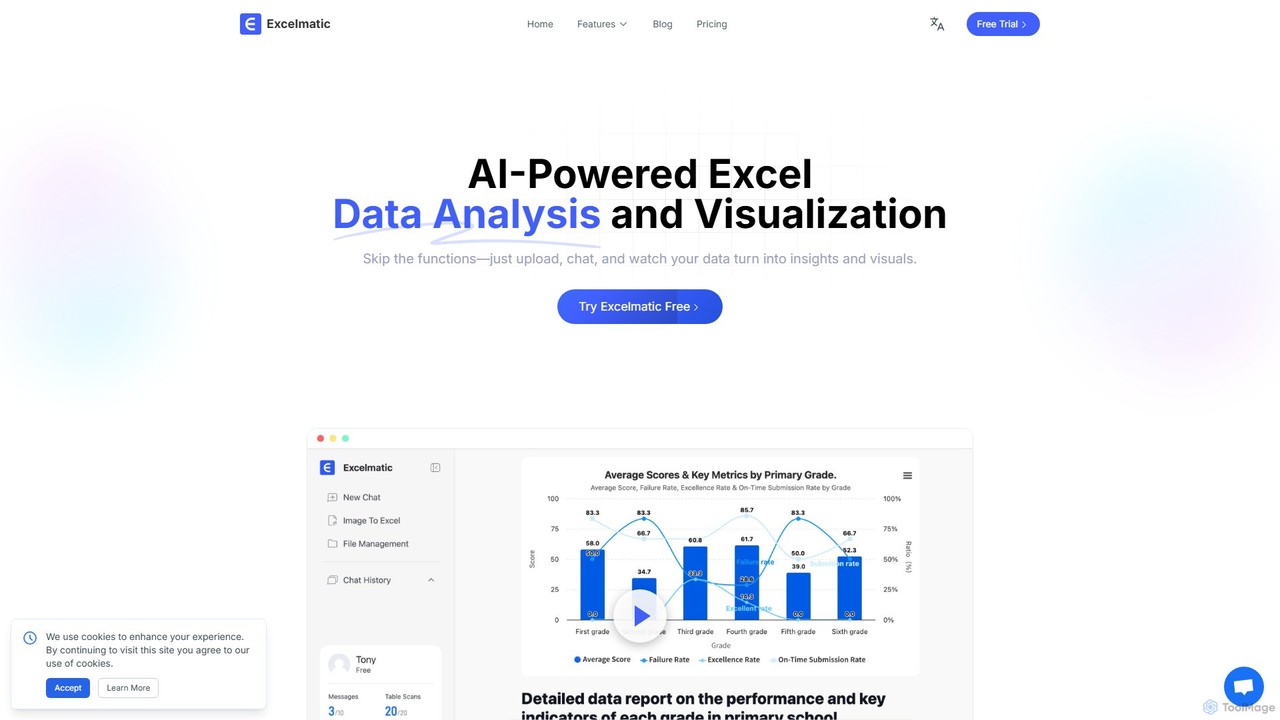
excelmatic
Excelmatic is an AI-powered assistant that transforms your Excel and spreadsheet tasks. Simply upload your data, ask questions in plain English, and instantly get data analysis, visualizations, and generated formulas. It's a no-code solution designed to automate data cleaning, chart creation, and insight discovery, making data accessible to everyone.
Business Intelligence
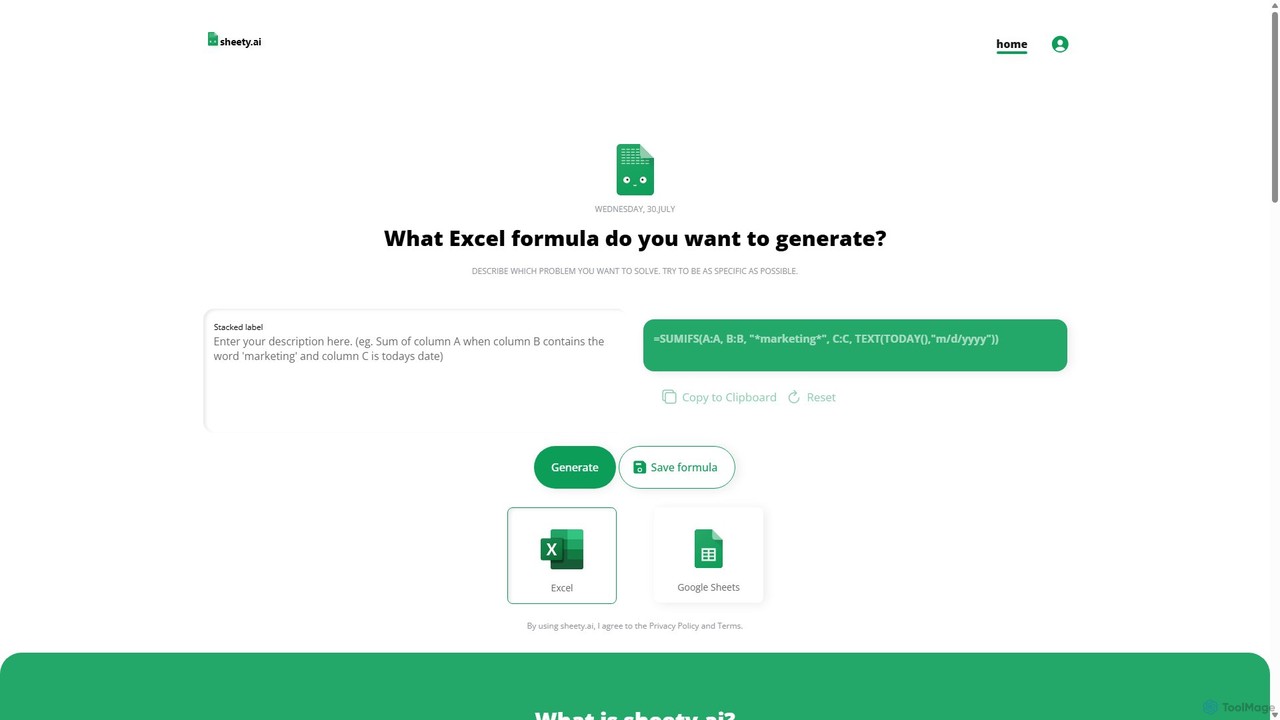
sheety.ai
sheety.ai is an AI-powered tool that instantly generates complex spreadsheet formulas for Excel and Google Sheets from natural language descriptions. Simply describe the problem you want to solve, and the AI will provide the correct formula, saving you time and eliminating the need to memorize syntax. It's designed for everyone from students to financial analysts, boosting productivity and data accuracy.
Data Processing
Sheetplus
Sheetplus is an AI-powered toolkit designed to supercharge your spreadsheet experience in Google Sheets and Excel. By leveraging natural language, it allows users to generate complex formulas, clean and analyze data, automate tasks, and extract insights without writing code. It acts as an intelligent assistant, making data management faster, more intuitive, and accessible to everyone, regardless of their technical expertise.
Automation
Sourcetable
Sourcetable is an AI-powered spreadsheet that combines the functionality of traditional spreadsheets with an AI data analyst. It allows users to connect to live data sources, ask questions in plain English, generate formulas, create charts, and automate reports. By integrating AI, Python, and SQL capabilities directly into the spreadsheet interface, Sourcetable empowers users of all skill levels to perform complex data analysis, cleaning, and visualization tasks effortlessly, turning raw data into actionable insights in seconds.
No Code
AIColumns
AIColumns is an AI-powered data assistant that supercharges your spreadsheets. It integrates seamlessly with platforms like Google Sheets and Excel, allowing you to use natural language to clean data, generate complex formulas, create visualizations, and uncover actionable insights instantly.
Intelligence
ChatExcel
ChatExcel is an AI-powered data analysis tool that allows users to process spreadsheets and analyze data through a simple chat interface. It automates tasks like data cleaning, merging, and analysis, and generates over 100 types of charts and visualizations from natural language commands. No coding or complex formulas required, boosting productivity by up to 90%.
Business Intelligence
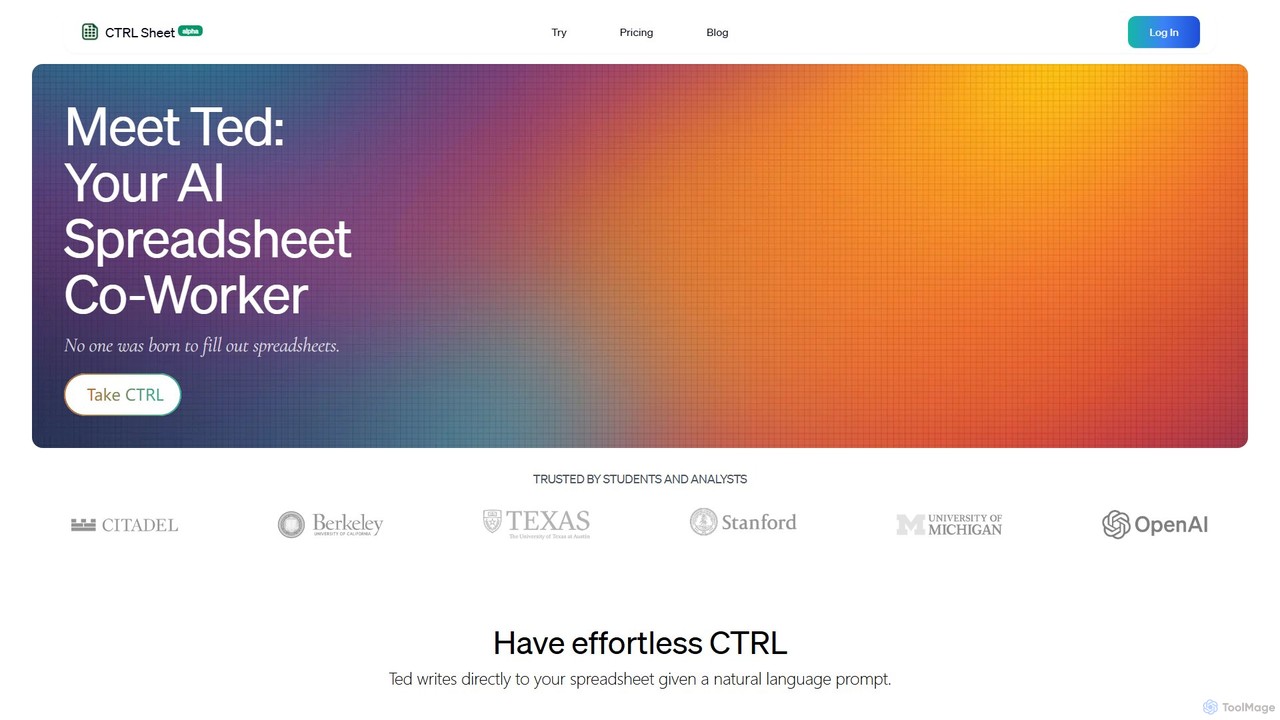
CTRL Sheet
CTRL Sheet is an AI-powered spreadsheet co-worker named Ted that automates data tasks. It allows users to interact with spreadsheets using natural language, extract data from various files like PDFs and images, and generate complex formulas effortlessly. It's designed to save time and reduce errors for students, analysts, and professionals.
Task Automation
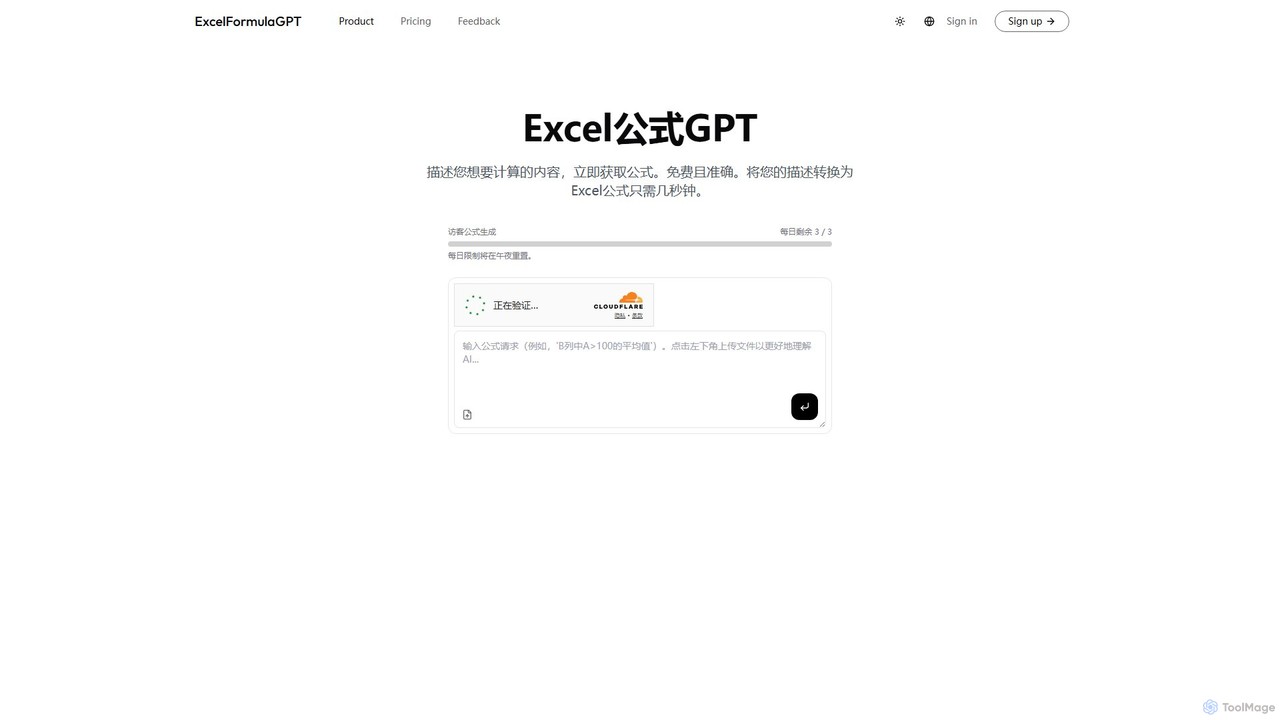
excelformulagpt
excelformulagpt is an AI-powered tool that instantly converts natural language descriptions into complex Excel and Google Sheets formulas. It helps users save time, reduce errors, and boost productivity without needing to memorize complex syntax. Features include formula generation, context-aware suggestions from uploaded files, and formula explanations.
Automation
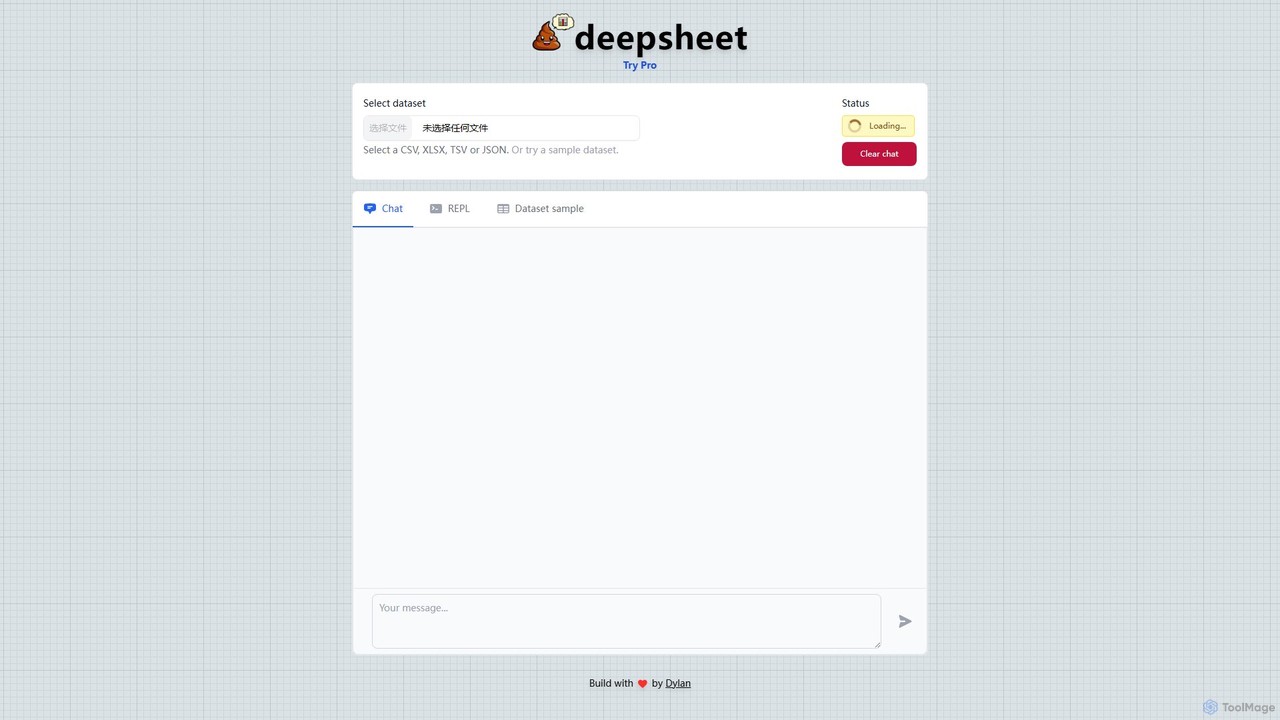
deepsheet
deepsheet is an AI-powered data analysis tool that allows users to interact with spreadsheets and datasets using natural language. Upload CSV, XLSX, or JSON files and ask questions in a chat interface to get insights, generate visualizations, and perform data transformations without writing code.
3D
ExcelFormulaBot
ExcelFormulaBot is an AI-powered tool that generates complex Excel and Google Sheets formulas from text instructions in seconds. It also analyzes data, creates charts, generates VBA/SQL code, and explains formulas, making spreadsheet tasks faster and more accessible for everyone, from beginners to experts.
Data Analysis
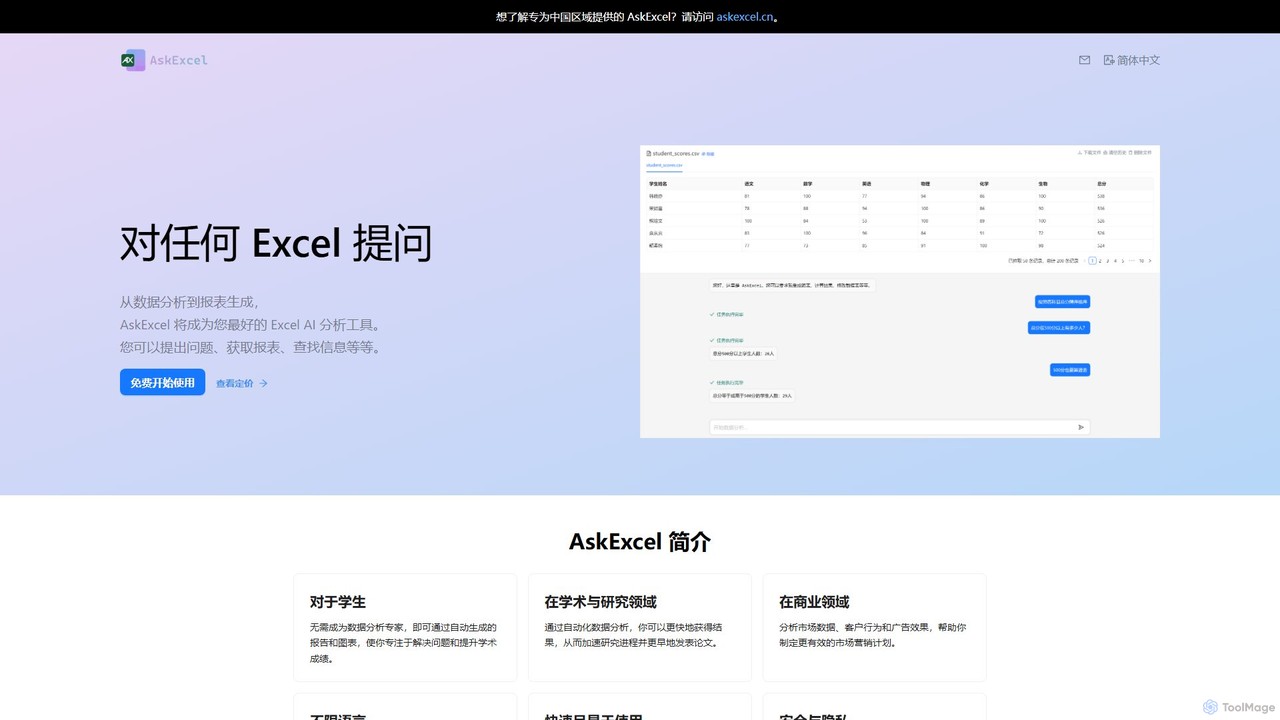
AskExcel
AskExcel is an AI-powered data analysis tool that transforms your Excel spreadsheets into interactive conversations. Simply upload your file, ask questions in natural language, and instantly receive data analysis, reports, and visualizations without writing any formulas or code.
Business Intelligence