ToolMage
Sign in
PDF AI Sheet
Extraction · 4.2K monthly visits

A Google Sheet add-on that allows you to chat with and extract information from multiple PDF documents in bulk directly within your spreadsheets. Automate data analysis and research by asking questions to your PDFs using a simple formula.

VS
Sheetplus
Automation · 958 monthly visits

Sheetplus is an AI-powered toolkit designed to supercharge your spreadsheet experience in Google Sheets and Excel. By leveraging natural language, it allows users to generate complex formulas, clean and analyze data, automate tasks, and extract insights without writing code. It acts as an intelligent assistant, making data management faster, more intuitive, and accessible to everyone, regardless of their technical expertise.

PDF AI Sheet vs Sheetplus: pricing, features, traffic, and use cases

Compare PDF AI Sheet and Sheetplus across positioning, pricing, traffic, and user feedback using structured factual data.

Updated Aug 20, 2026

Product overview

PDF AI Sheet Product overview

A Google Sheet add-on that allows you to chat with and extract information from multiple PDF documents in bulk directly within your spreadsheets. Automate data analysis and research by asking questions to your PDFs using a simple formula.

Preview

Sheetplus Product overview

Sheetplus is an AI-powered toolkit designed to supercharge your spreadsheet experience in Google Sheets and Excel. By leveraging natural language, it allows users to generate complex formulas, clean and analyze data, automate tasks, and extract insights without writing code. It acts as an intelligent assistant, making data management faster, more intuitive, and accessible to everyone, regardless of their technical expertise.

Preview

Detailed feature comparison

FeaturePDF AI SheetSheetplus
Primary categoryExtractionAutomation
Added2025-09-152025-09-12
PricingFreemiumFreemium
Official websitepdfaisheet.comsheetplus.ai
Product typeBrowser extensionWebsite
Performance data
User ratingNot verifiedNot verified
Comments00
Monthly visits4.2K958
Monthly growthNot verified13.6%
Favorites122113
DetailsView detailsView details

PDF AI Sheet vs Sheetplus monthly traffic

Compare PDF AI Sheet and Sheetplus by monthly reach, traffic trend, visit depth, top regions, and acquisition sources.

How to interpret the traffic data

In the PDF AI Sheet vs Sheetplus monthly traffic comparison, PDF AI Sheet currently shows 4.2K visits and Sheetplus shows 958; PDF AI Sheet has about 4.3 times the visible traffic of Sheetplus, an absolute difference of about 3.2K visits. This reflects visible reach, not feature quality or paid users.

Only Sheetplus has complete third-party traffic details; PDF AI Sheet uses visits recorded inside ToolMage. These scopes cannot estimate market share directly, and on-site views should not be treated as the product’s total website traffic.

PDF AI Sheet monthly traffic:

Latest traffic

Monthly visits
4.2K

Sheetplus monthly traffic:

Latest traffic

Monthly visits
958
Avg. visit duration
0:07
Pages per visit
2
Bounce rate
0%
Data updated 2026-06-15

Monthly traffic trend

  • 2025/8: 101 Monthly visits
  • 2025/9: 569 Monthly visits
  • 2026/2: 0 Monthly visits
  • 2026/3: 0 Monthly visits
  • 2026/4: 843 Monthly visits
  • 2026/5: 958 Monthly visits

Search keywords

sheetplus
Traffic-based selection guidance: The current traffic scope is not sufficient for a reliable product ranking. Treat monthly visits as a market-interest signal, then decide using taxonomy, use cases, pricing, and a like-for-like trial rather than reading exposure as product capability.

Usage comparison

Compare the core capabilities of PDF AI Sheet and Sheetplus

PDF AI Sheet Core features

Spreadsheets
Extraction
Analysis

Sheetplus Core features

Spreadsheets
Automation
No Code

Use cases

PDF AI Sheet Use cases

automation
Google Sheets
spreadsheet
AI chatbot
bulk processing
data extraction
document analysis
financial analysis
legal tech
pdf
research tool

Sheetplus Use cases

automation
Google Sheets
spreadsheet
business intelligence
data analysis
data cleaning
excel
formula generator
no-code
productivity
text analysis

Best suited roles

PDF AI Sheet Best suited roles

Business Owner
Data Analyst
Financial Analyst
Marketing Manager
Researcher
Student
HR Manager
Legal Assistant

Sheetplus Best suited roles

Business Owner
Data Analyst
Financial Analyst
Marketing Manager
Researcher
Student
Accountant
Operations Manager
Project Manager
Sales Representative

PDF AI Sheet vs Sheetplus:In-depth comparison and selection guidance

First decide whether the products solve the same kind of need

This in-depth PDF AI Sheet vs Sheetplus comparison uses only the product records, taxonomy, audience, traffic, and community signals available on this page. PDF AI Sheet is primarily listed under “Extraction”, while Sheetplus is primarily listed under “Automation”, so the first decision is whether your actual task matches their recorded scope.

The structured fields currently show these decision-relevant differences: Primary category (PDF AI Sheet: Extraction; Sheetplus: Automation); Product type (PDF AI Sheet: Browser extension; Sheetplus: Website); Monthly visits (PDF AI Sheet: 4.2K; Sheetplus: 958); Favorites (PDF AI Sheet: 122; Sheetplus: 113); Website (PDF AI Sheet: pdfaisheet.com; Sheetplus: sheetplus.ai). These facts are more useful for selection than brand visibility alone.

What market visibility and monthly traffic mean

In the PDF AI Sheet vs Sheetplus monthly traffic comparison, PDF AI Sheet currently shows 4.2K visits and Sheetplus shows 958; PDF AI Sheet has about 4.3 times the visible traffic of Sheetplus, an absolute difference of about 3.2K visits. This reflects visible reach, not feature quality or paid users.

Only Sheetplus has complete third-party traffic details; PDF AI Sheet uses visits recorded inside ToolMage. These scopes cannot estimate market share directly, and on-site views should not be treated as the product’s total website traffic.

The current traffic scope is not sufficient for a reliable product ranking. Treat monthly visits as a market-interest signal, then decide using taxonomy, use cases, pricing, and a like-for-like trial rather than reading exposure as product capability.

Product positioning, use cases, and roles

PDF AI Sheet and Sheetplus currently overlap in shared categories: Spreadsheets; shared tags: automation, Google Sheets, and spreadsheet; shared roles: Business Owner, Data Analyst, Financial Analyst, Marketing Manager, Researcher, and Student. This can place both on the same shortlist, but it does not prove equal implementation, depth, or cost.

PDF AI Sheet's unique categories/tags are Extraction, Analysis, AI chatbot, bulk processing, data extraction, document analysis, financial analysis, and legal tech; Sheetplus's are Automation, No Code, business intelligence, data analysis, data cleaning, excel, formula generator, and no-code. These unique fields are the strongest differentiators: validate the product whose recorded scope matches the task instead of following traffic alone.

What ratings, comments, and favorites can tell you

PDF AI Sheet has no verified rating, 0 comments, 122 favorites, and 108 likes;Sheetplus has no verified rating, 0 comments, 113 favorites, and 127 likes。

Neither product has enough rating or comment samples for a credible reputation ranking.

Selection guidance by actual need

When to evaluate PDF AI Sheet first

Put PDF AI Sheet on the priority trial list when the task aligns with “Extraction” and especially Extraction, Analysis, AI chatbot, bulk processing, data extraction, and document analysis, or the users include HR Manager and Legal Assistant. This follows recorded positioning and does not imply unlisted capabilities are absent.

PDF AI Sheet also currently records: pricing is freemium, product type is browser extension, 4.2K on-site monthly views, no verified user rating. Verify any hard requirement around price, platform, or reach before trial, and do not let sparse review data substitute for testing.

When to evaluate Sheetplus first

Put Sheetplus on the priority trial list when the task aligns with “Automation” and especially Automation, No Code, business intelligence, data analysis, data cleaning, and excel, or the users include Accountant, Operations Manager, Project Manager, and Sales Representative. This follows recorded positioning and does not imply unlisted capabilities are absent.

Sheetplus also currently records: pricing is freemium, product type is website, 958 verified monthly visits, no verified user rating. Verify any hard requirement around price, platform, or reach before trial, and do not let sparse review data substitute for testing.

How to validate the recommendation before deciding

The available data describes positioning, public visibility, and community signals, but it cannot prove output quality, speed, integration effort, privacy, or long-term cost in your workflow. Before deciding, run the same representative tasks in PDF AI Sheet and Sheetplus, then record completion time, accuracy, manual corrections, and the real paid threshold. A like-for-like trial turns this comparison into a defensible adoption decision.

Comparison FAQ

How should I choose between PDF AI Sheet and Sheetplus?
Compare positioning, pricing, taxonomy, and traffic maturity, then verify the latest details on each official website.
Where does this comparison data come from?
The factual baseline is derived from product, taxonomy, traffic, and community data. Reviewed editorial conclusions show their source and verification date.
What do unknown fields mean?
Unknown means there is not enough reliable evidence; the page does not fill gaps with assumptions.

Related AI tools

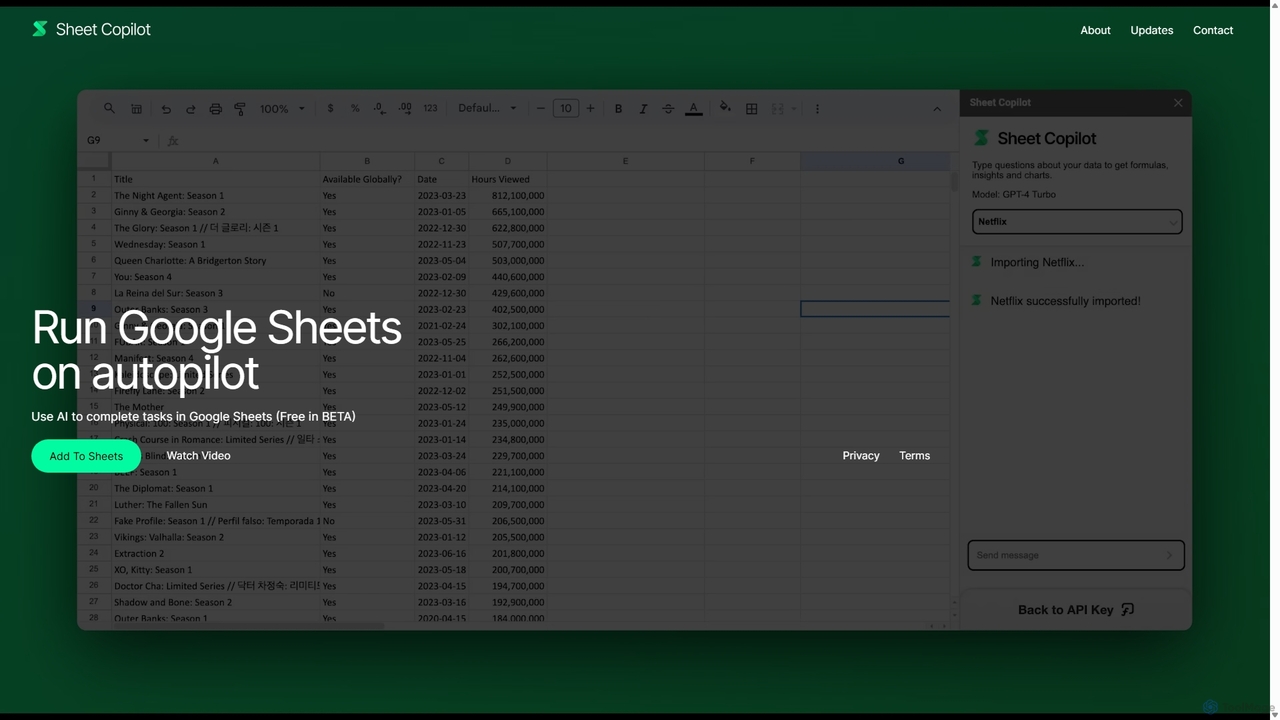
Sheet Copilot
Free

Sheet Copilot

Sheet Copilot is an AI-powered assistant that automates tasks and answers questions directly within Google Sheets. By using natural language commands, you can clean data, generate formulas, create summaries, and analyze information without writing complex functions. It's currently free in beta and operates using your own OpenAI API key for enhanced privacy and security.

Automation
Visits 11.9KFavorites 157Likes 148
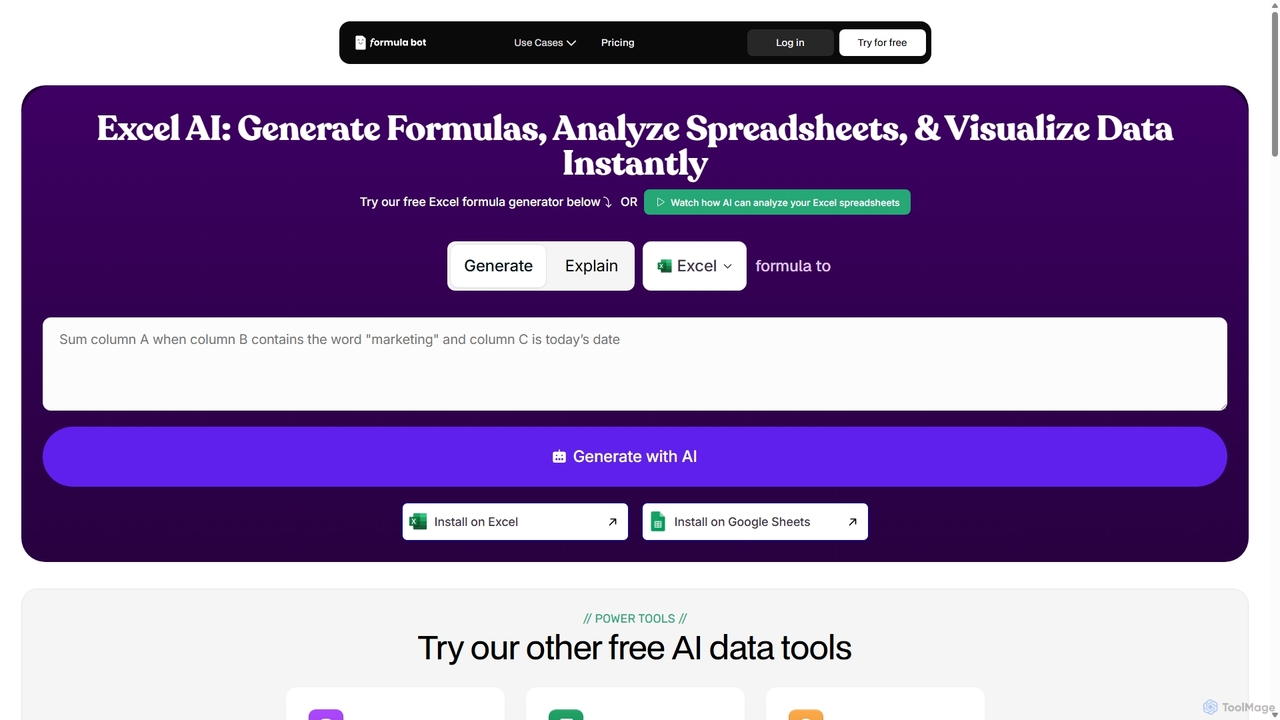
ExcelFormulaBot
Freemium

ExcelFormulaBot

ExcelFormulaBot is an AI-powered tool that generates complex Excel and Google Sheets formulas from text instructions in seconds. It also analyzes data, creates charts, generates VBA/SQL code, and explains formulas, making spreadsheet tasks faster and more accessible for everyone, from beginners to experts.

Data Analysis
Visits 4.2KFavorites 125Likes 95
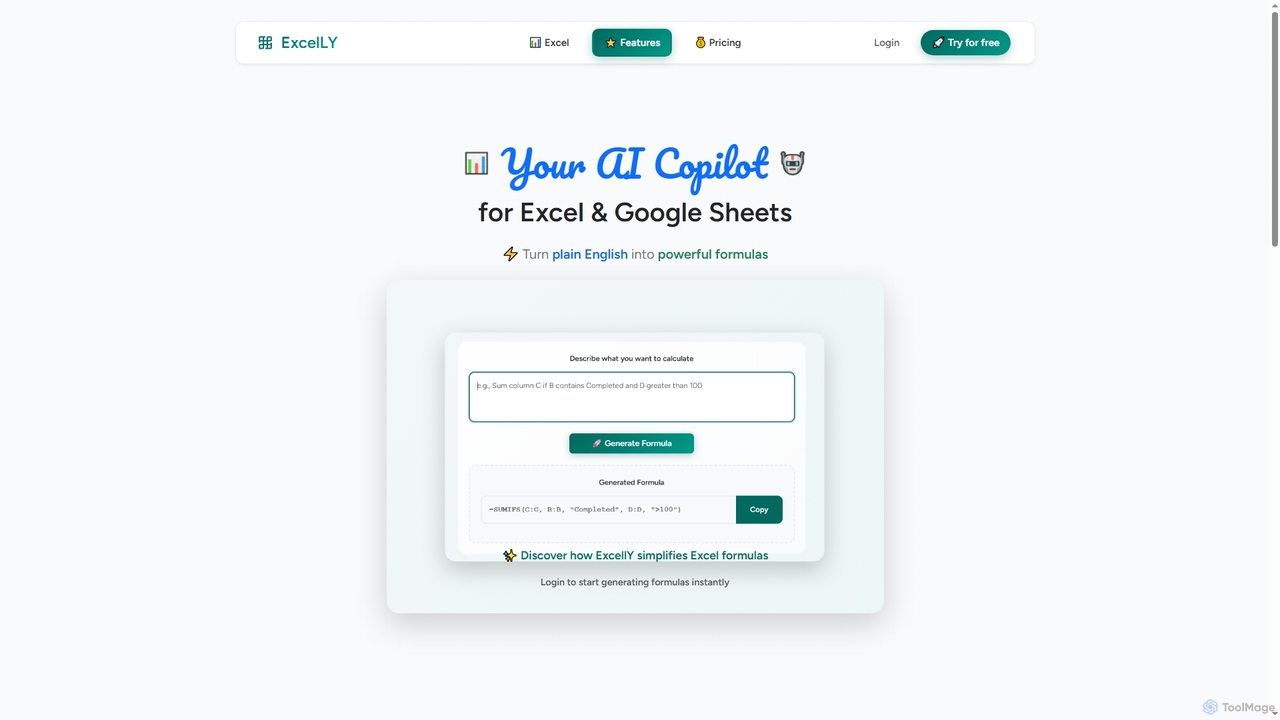
Excelly
Freemium

Excelly

Excelly is an AI copilot for Excel and Google Sheets that transforms plain English descriptions into complex formulas instantly. It also provides step-by-step explanations, boosting productivity and simplifying spreadsheet tasks for users of all skill levels.

Formula Generation
Visits 4.3KFavorites 132Likes 130
Metatable
Freemium

Metatable

Metatable is an AI-powered data assistant that revolutionizes how you interact with spreadsheets and tabular data. Simply use natural language prompts to clean, analyze, transform, and visualize your data instantly. It eliminates complex formulas and manual tasks, making data analysis accessible to everyone, from data analysts to business managers.

Analytics
Visits 4.2KFavorites 151Likes 150
GPT Workspace
Freemium

GPT Workspace

GPT Workspace integrates AI-powered features directly into Google Workspace applications like Docs, Sheets, Slides, and Gmail. It enhances productivity by automating content creation, data analysis, email drafting, and document editing, allowing users to leverage the power of models like GPT-4o seamlessly within their existing workflow.

Document Management
Visits 276.7KFavorites 113Likes 114
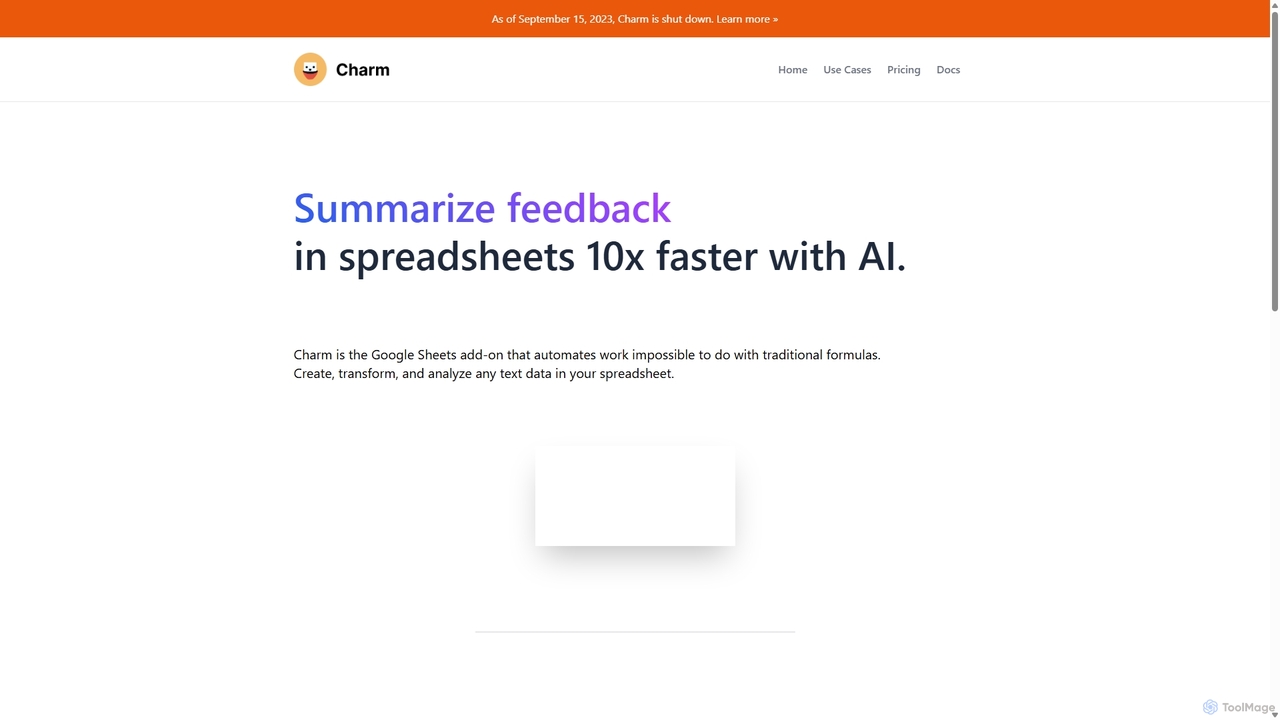
Charm
Paid

Charm

Charm was an AI-powered assistant integrated directly into Google Sheets as an add-on. It was designed to automate complex text-based tasks, such as cleaning messy data, generating content, summarizing text, and classifying information, without requiring traditional formulas or coding. Please note: Charm was officially shut down on September 15, 2023.

Automation
Visits 6.4KFavorites 102Likes 92
Smartpaste
Freemium

Smartpaste

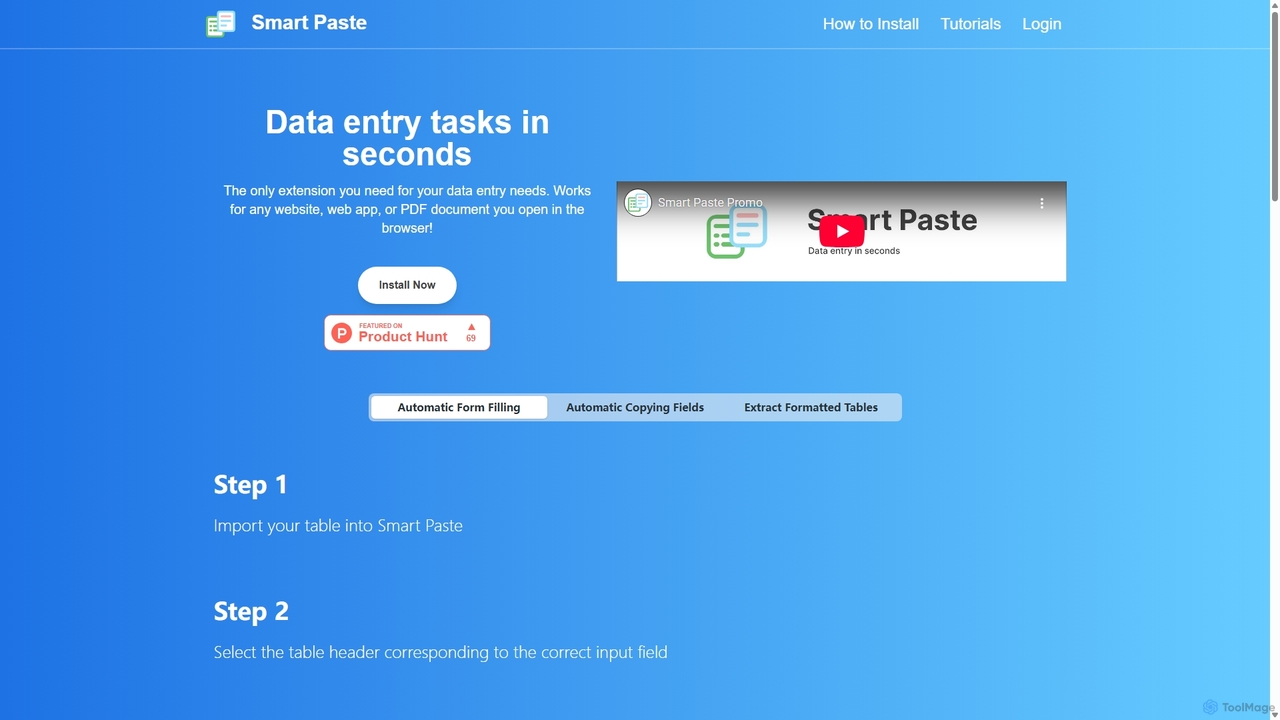
smartpaste is a powerful browser extension designed to automate data entry tasks. It allows users to effortlessly extract tables and specific data fields from any website or PDF, and instantly paste them into spreadsheets. It also automates form filling from your data, saving hours of manual work and reducing errors, all while ensuring your data remains secure on your computer.

Chrome Extensions
Visits 5.7KFavorites 117Likes 131
Feishu Base
Freemium

Feishu Base

Feishu Base is an AI-powered no-code platform that combines the flexibility of a spreadsheet with the power of a database. It enables teams to build custom business systems, automate workflows, and analyze data through intuitive dashboards without writing any code. It's designed for seamless collaboration and data management.

Data Analysis
Visits 39KFavorites 84Likes 89
Formula Bot
Freemium

Formula Bot

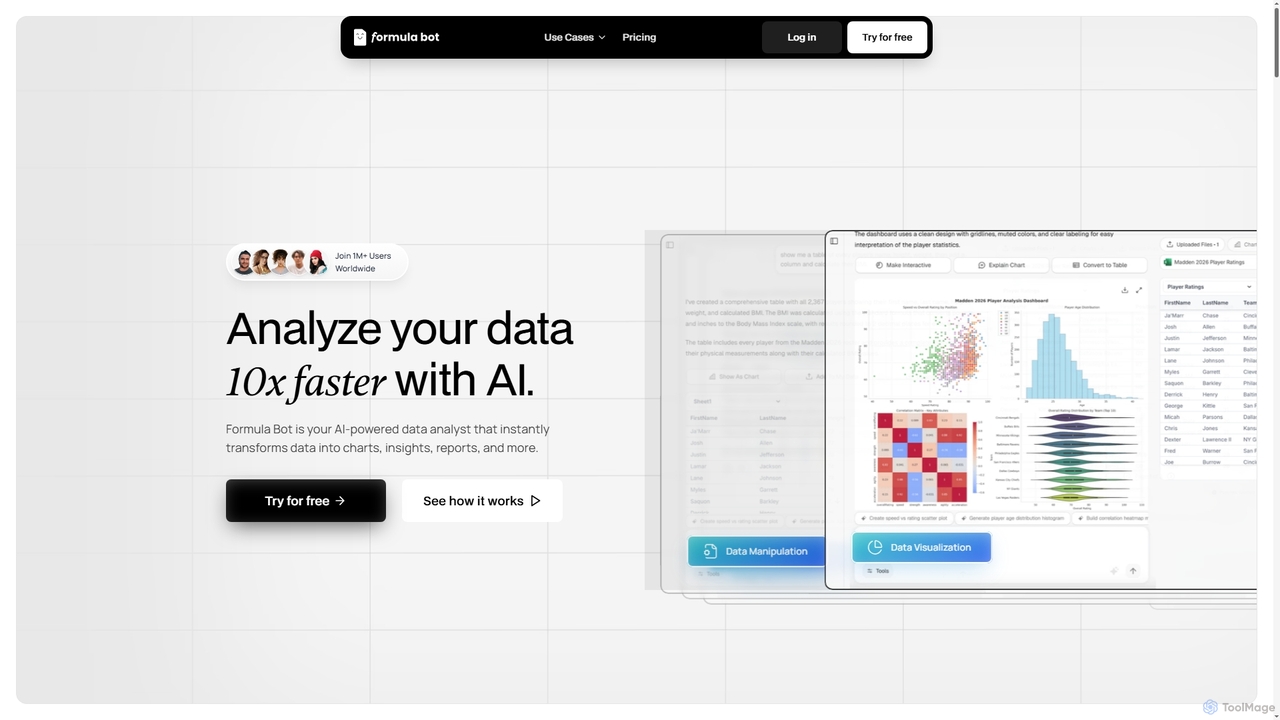
Formula Bot is an AI-powered data analyst that instantly transforms raw data into actionable insights, stunning charts, and comprehensive reports. It also offers specialized AI tools for generating Excel formulas, converting PDFs to Excel, and providing step-by-step homework assistance across various subjects, streamlining data handling and learning processes for users worldwide.

Visualization
Visits 7.7KFavorites 109Likes 98
SheetSavvy AI
Freemium

SheetSavvy AI

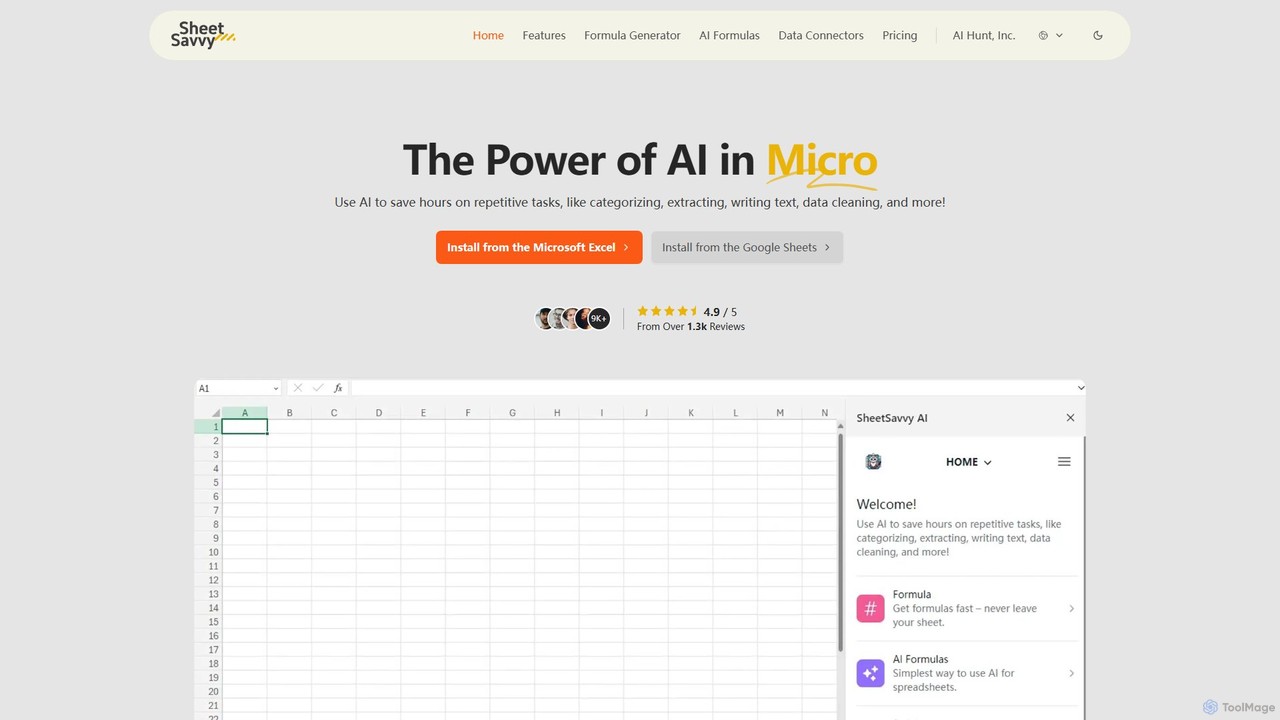
SheetSavvy AI is an AI-powered assistant for Google Sheets and Microsoft Excel, designed to automate repetitive tasks. It features a formula generator, AI-driven formulas for data cleaning and analysis, and seamless data connectors to import live data, significantly boosting spreadsheet productivity.

Finance
Visits 4.1KFavorites 110Likes 116
XPDF AI
Freemium

XPDF AI

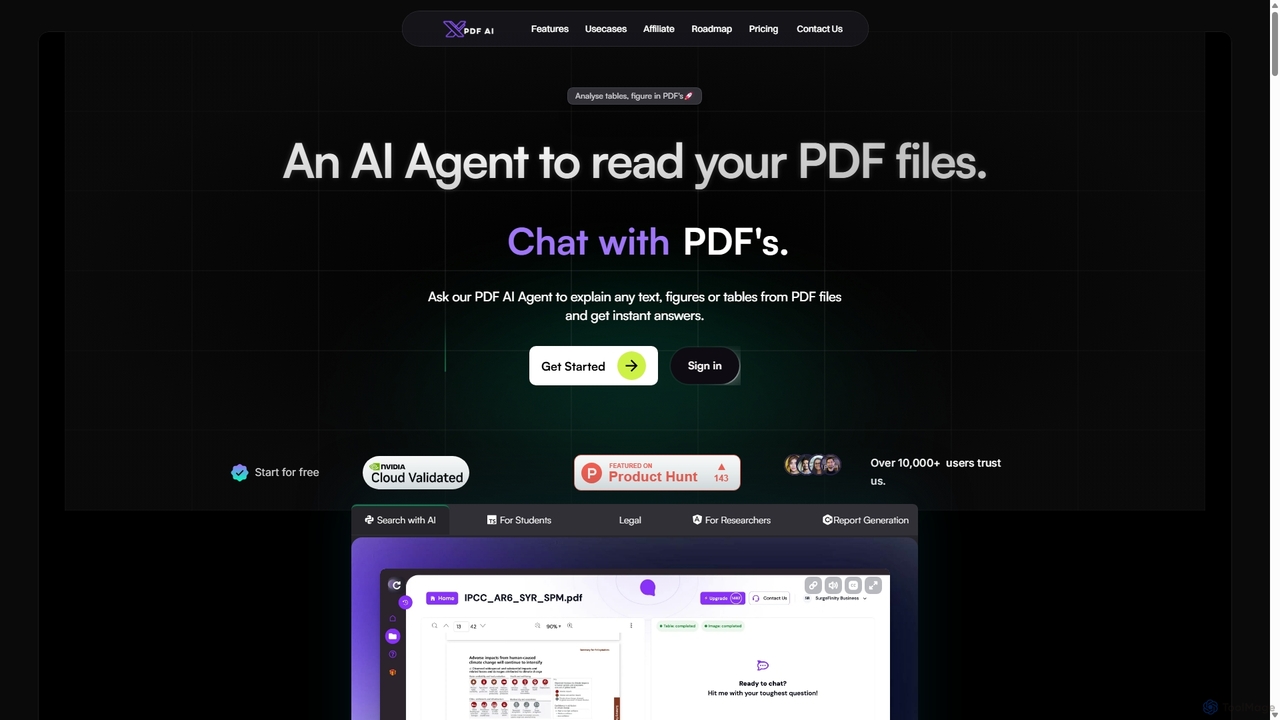
xPDF AI is a personal AI assistant that transforms your interaction with PDF documents. Chat with any PDF, ask questions, and get instant answers from text, tables, and figures. It features multimodal analysis, an AI summarizer, report generation, and a voice-activated interface, making it an essential tool for students, researchers, and professionals to quickly extract insights and boost productivity.

Data Extraction
Visits 4.2KFavorites 108Likes 118
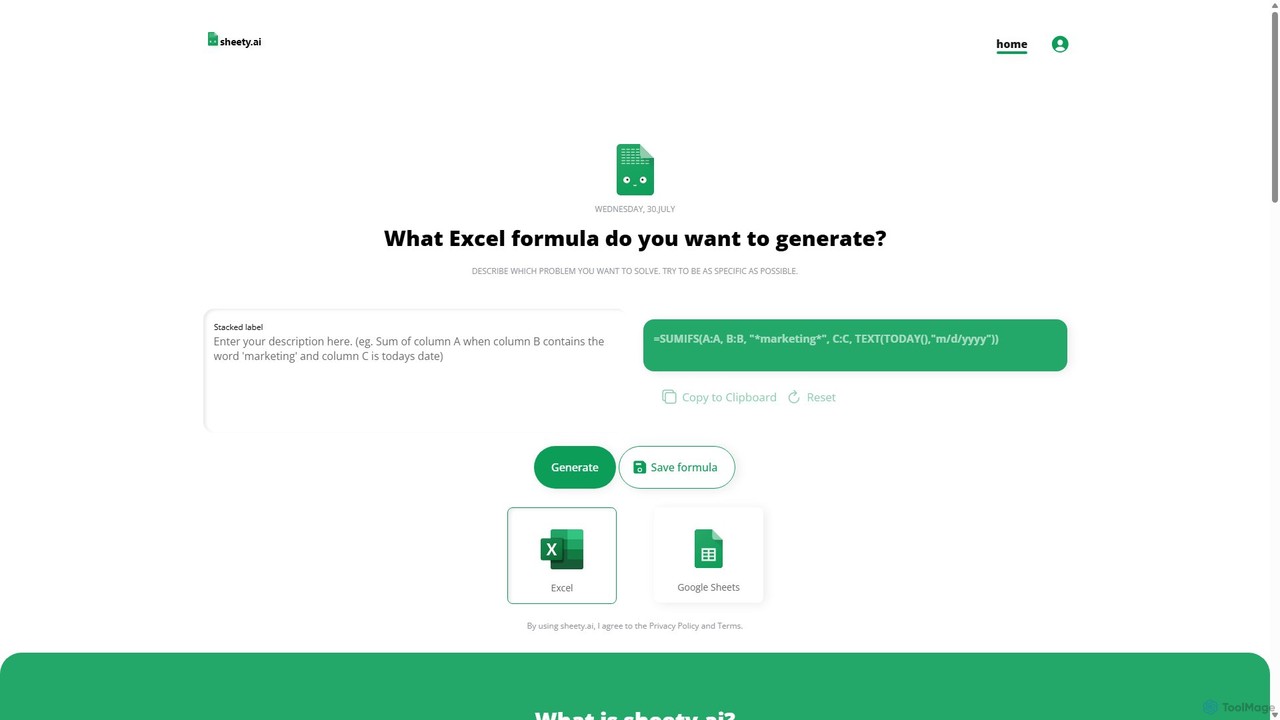
sheety.ai
Freemium

sheety.ai

sheety.ai is an AI-powered tool that instantly generates complex spreadsheet formulas for Excel and Google Sheets from natural language descriptions. Simply describe the problem you want to solve, and the AI will provide the correct formula, saving you time and eliminating the need to memorize syntax. It's designed for everyone from students to financial analysts, boosting productivity and data accuracy.

Data Processing
Visits 7.1KFavorites 116Likes 142
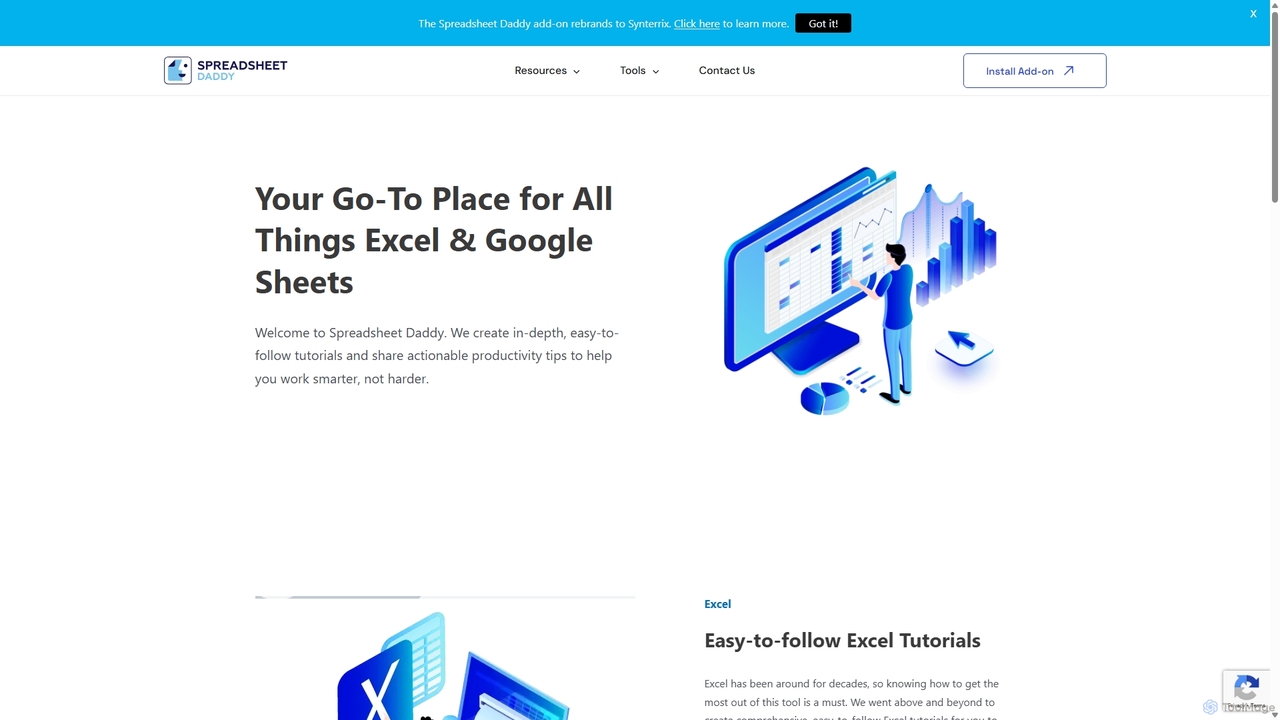
Spreadsheet Daddy

Spreadsheet Daddy

Spreadsheet Daddy is an advanced AI-driven add-on for Google Sheets that automates complex tasks. It allows users to generate formulas, Apps Script, and regular expressions from simple text prompts. The tool also excels at bulk content generation, data analysis, and even allows for the creation of custom AI models, transforming your spreadsheet into a powerful productivity hub.

Low Code No Code
Visits 22.7KFavorites 104Likes 112
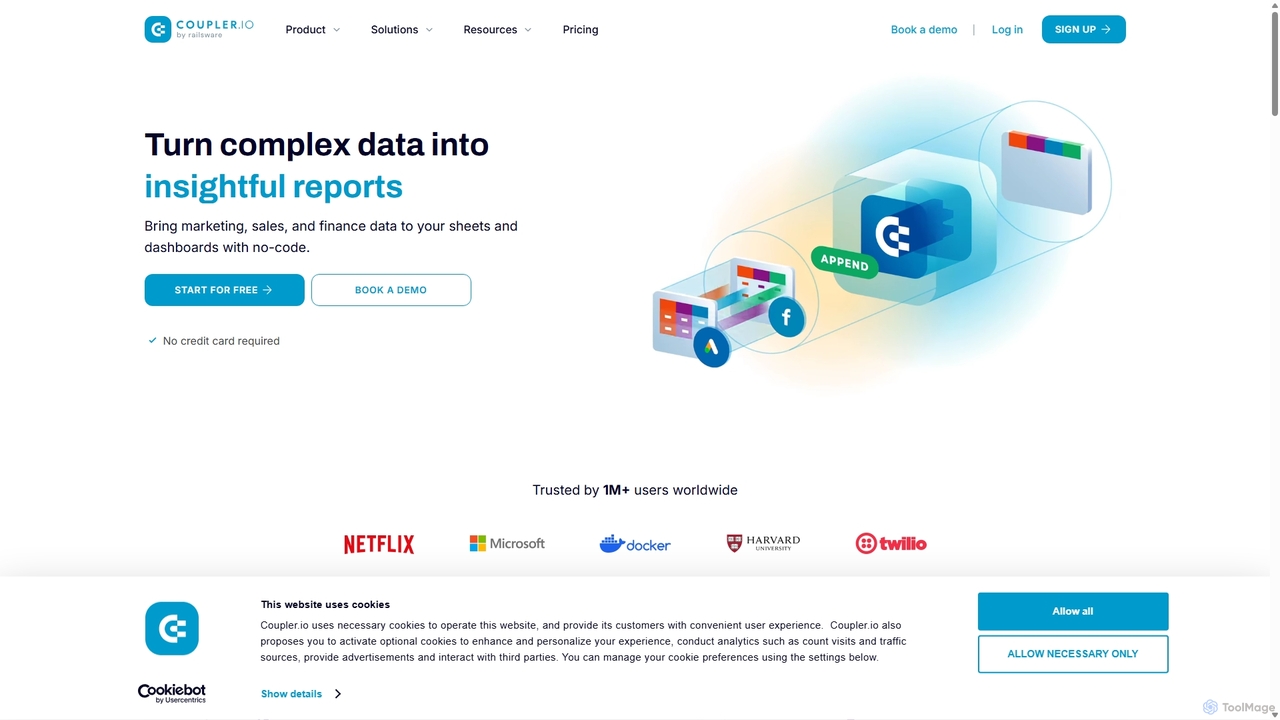
Coupler.io
Freemium

Coupler.io

Coupler.io is a no-code data analytics and automation platform that helps businesses connect disparate data sources from marketing, sales, and finance apps to spreadsheets, data warehouses, or BI tools. It automates data collection, transforms raw data into analysis-ready formats, and provides AI-powered insights and pre-built dashboard templates for faster, smarter decision-making.

Business Intelligence
Visits 251.9KFavorites 140Likes 110
PDF Interact
Freemium

PDF Interact

PDF Interact is an AI-powered chat assistant that transforms how you engage with your documents. Simply upload a PDF and ask questions in natural language to get instant answers, summaries, and key insights. Ideal for students, researchers, and professionals looking to save time and analyze complex information efficiently.

Data Analysis
Visits 4.1KFavorites 124Likes 121