ToolMage
Sign in

Best 676 Development AI tools

Popular Development AI tools include Lobe, Lovable, Wix Studio, Vercel, Supabase, Perchance, Base44, Replit, Unity, and MDN Web Docs, helping you work more efficiently.

Elodin

Elodin

Elodin is an advanced aerospace platform offering GPU-accelerated simulation software and AI-capable hardware to design, test, and deploy autonomous systems like drones and satellites. It provides a comprehensive ecosystem for engineers to accelerate development from concept to flight with high-fidelity physics and real-time control.

Simulation
Visits 10KFavorites 123Likes 123

Sparkable
Freemium

Sparkable

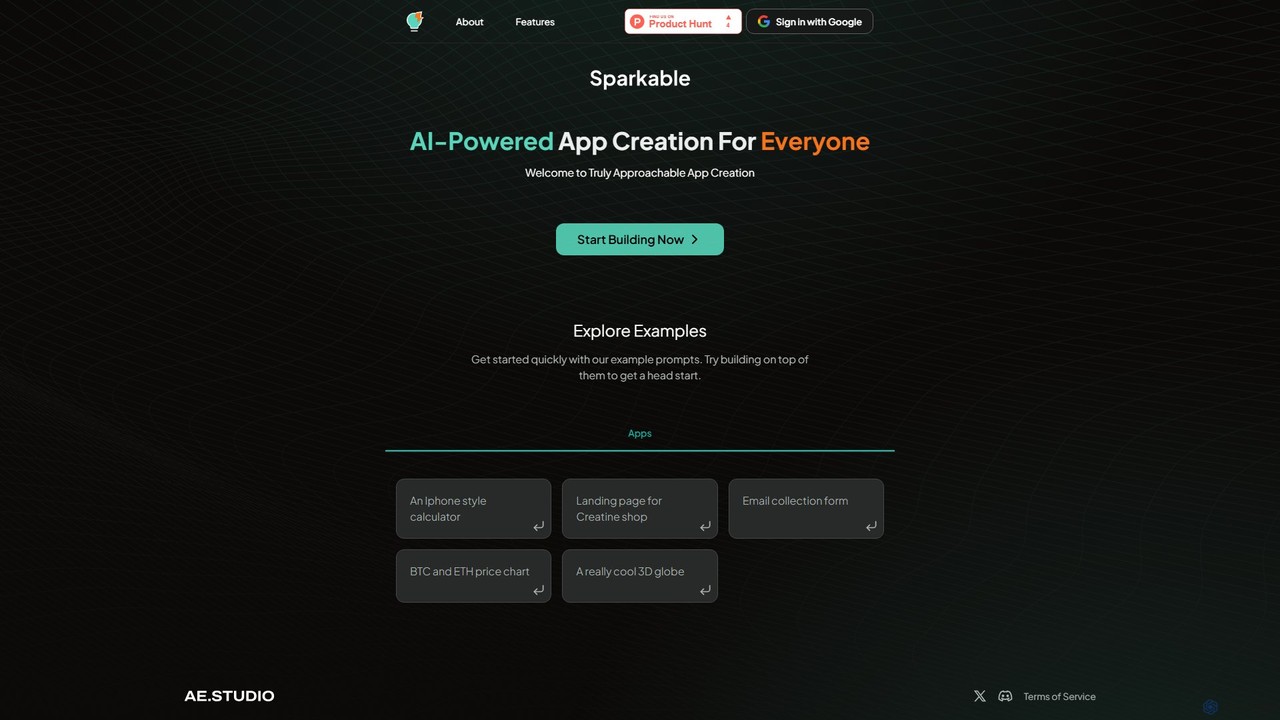
An AI-powered platform that enables anyone to create web applications and components using simple text prompts. It translates natural language descriptions into functional code, making app development accessible, fast, and intuitive for both beginners and developers.

Low Code No Code
Visits 6.1KFavorites 146Likes 135
XenonStack
Paid

XenonStack

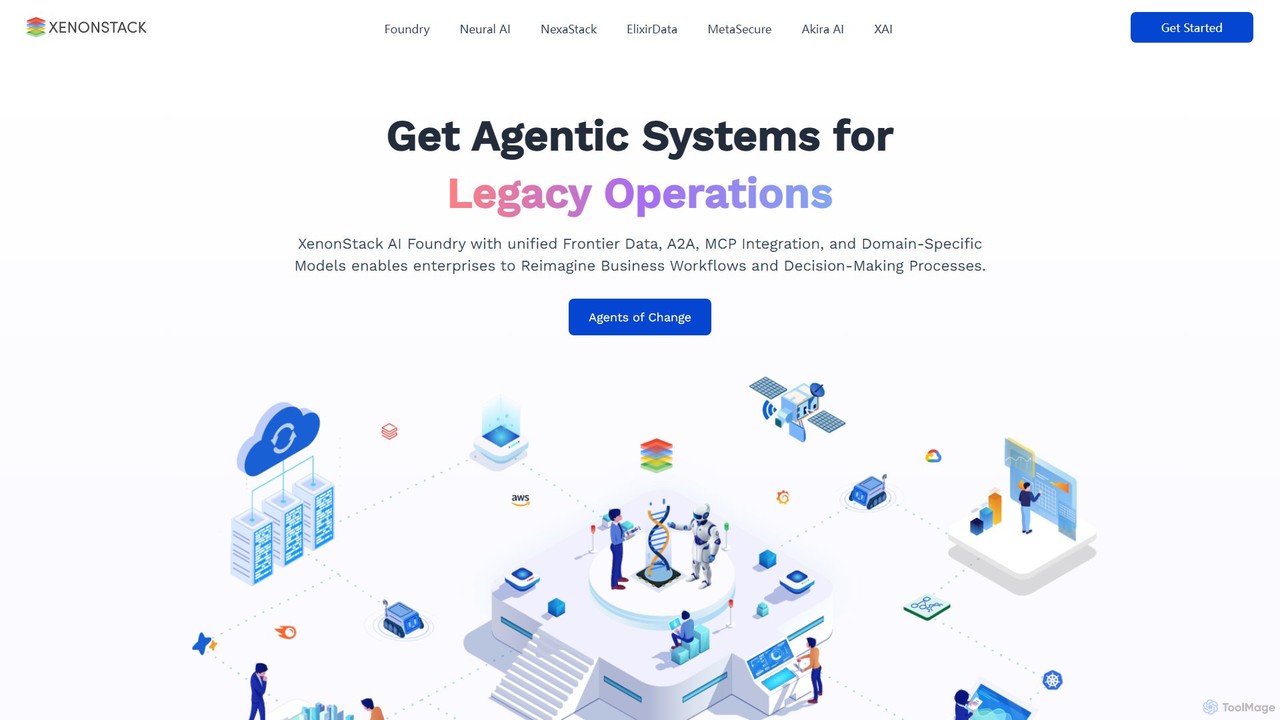
XenonStack is an enterprise-grade AI platform designed to build, deploy, and manage Agentic AI systems. It provides a comprehensive 'Data Foundry' and a suite of tools to automate complex workflows, enhance decision-making, and ensure responsible AI governance. It empowers businesses to transform their operations through autonomous, intelligent agents.

Enterprise Solutions
Visits 64.3KFavorites 131Likes 136
haddock
Freemium

haddock

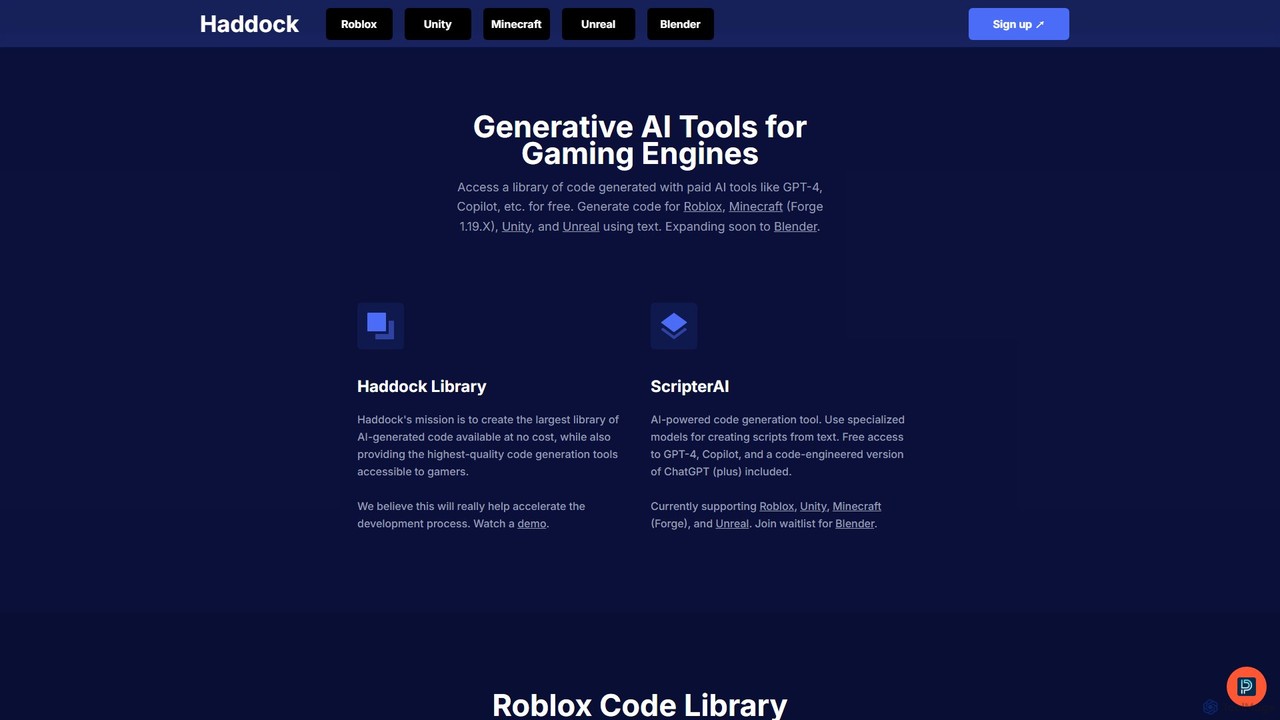
Haddock is a generative AI platform designed to accelerate game development. It offers a vast, free library of AI-generated code for engines like Roblox, Unity, Unreal, and Minecraft. With its ScripterAI tool, developers can generate high-quality, engine-specific scripts from simple text prompts, leveraging models like GPT-4 and Copilot to streamline prototyping, learning, and overall development workflows.

Code Assistant
Visits 9.8KFavorites 147Likes 145
CalStudio
Paid

CalStudio

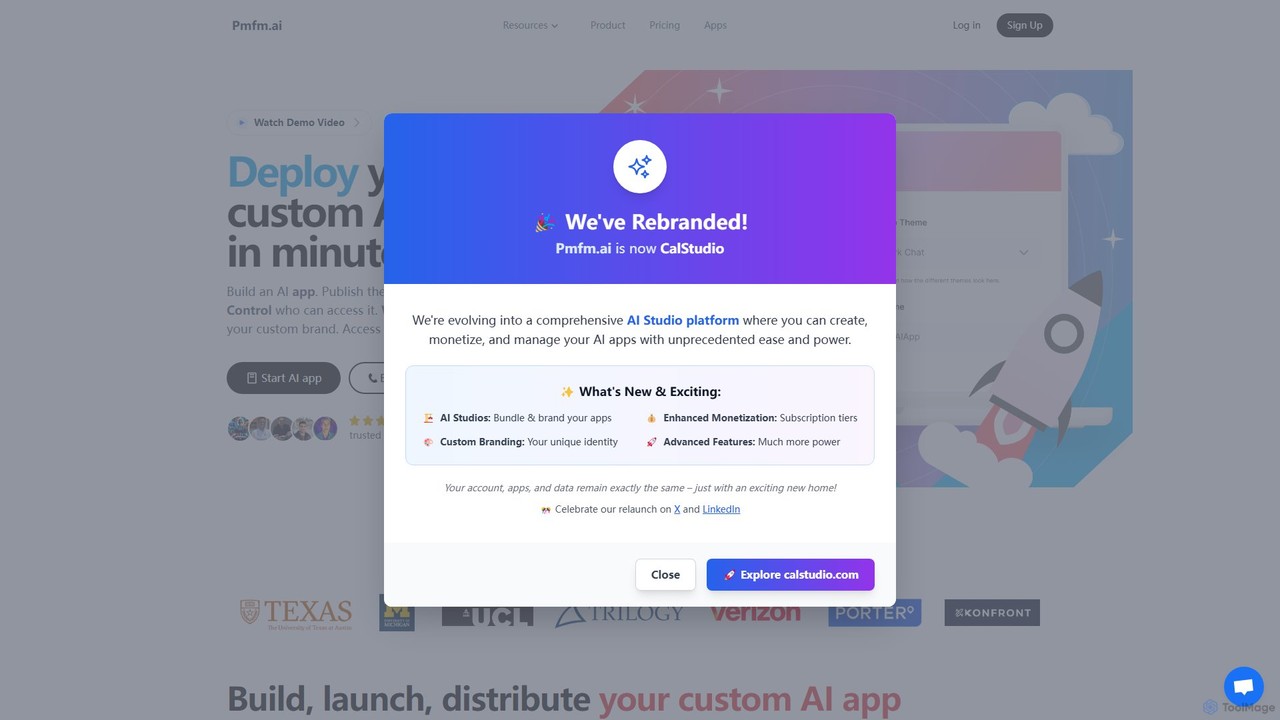
CalStudio is a no-code platform that empowers entrepreneurs, businesses, and creators to build, launch, and monetize custom AI applications. Easily create AI chatbots, assistants, and tools using models like GPT-4, Claude 3, and Gemini, then embed them on your website, integrate with payment systems, and deploy on custom domains without writing a single line of code.

Saas
Visits 5.6KFavorites 149Likes 143
Flatlogic
Freemium

Flatlogic

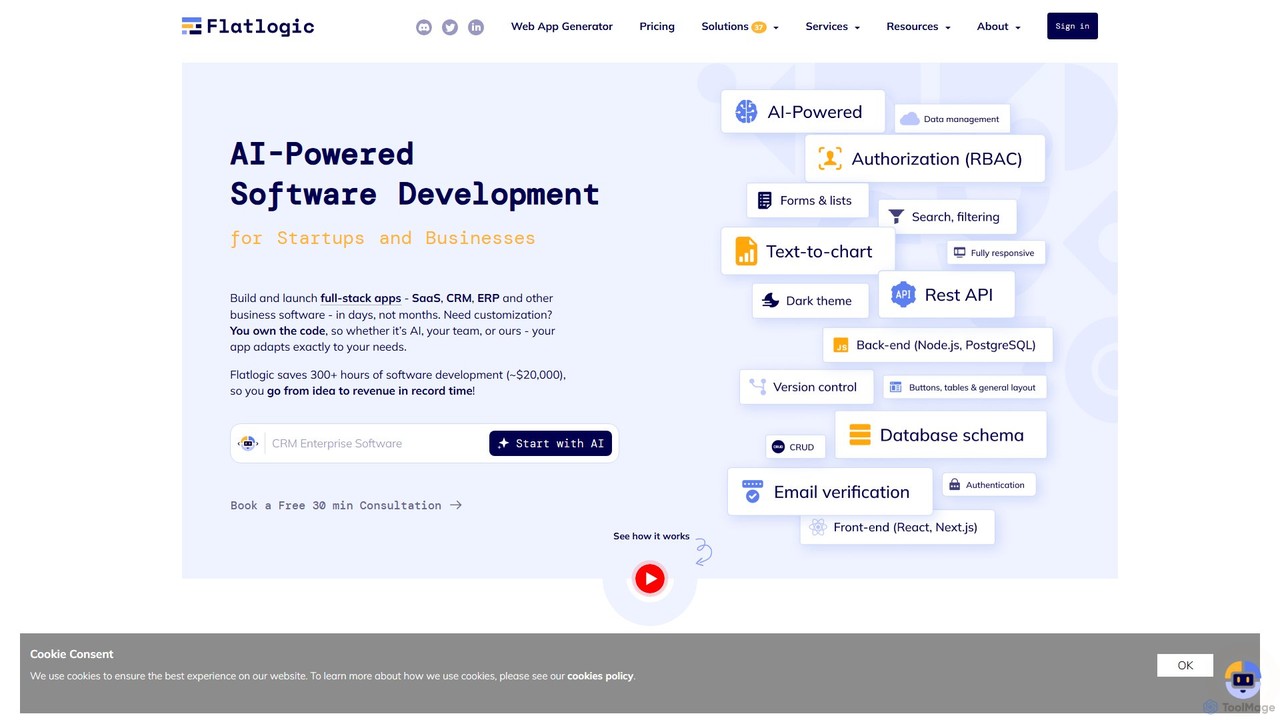
Flatlogic is an AI-powered platform that accelerates web application development for startups and businesses. It generates full-stack applications (SaaS, CRM, ERP) with clean, production-ready code in days, not months. Users own the source code, ensuring full customization and avoiding vendor lock-in, while benefiting from one-click deployment and a modern tech stack.

Application Builder
Visits 60.2KFavorites 135Likes 141
Colab
Freemium

Colab

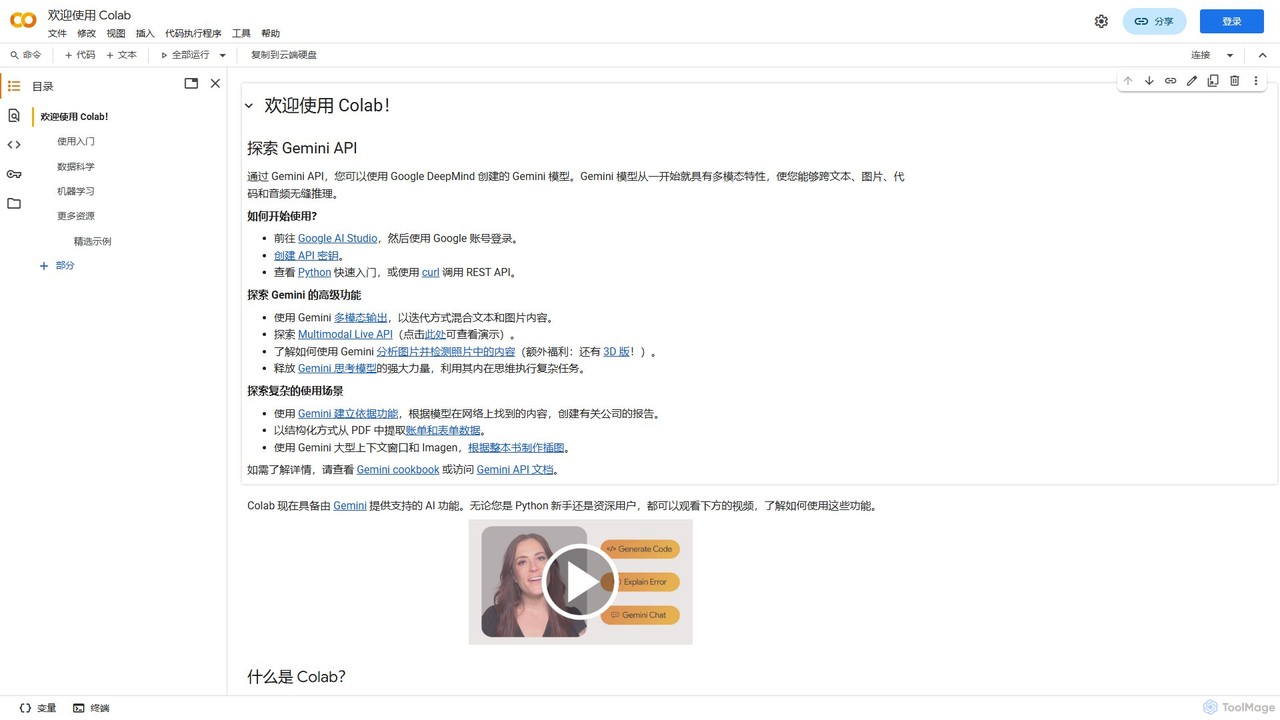
Colab (Google Colaboratory) is a free, browser-based interactive environment that allows you to write and execute Python code. It requires no setup and provides free access to powerful computing resources like GPUs and TPUs. Ideal for students, data scientists, and AI researchers, Colab facilitates machine learning, data analysis, and education, with seamless collaboration and Google Drive integration.

Data Science
Visits 5.7KFavorites 130Likes 141
Koxy AI
Freemium

Koxy AI

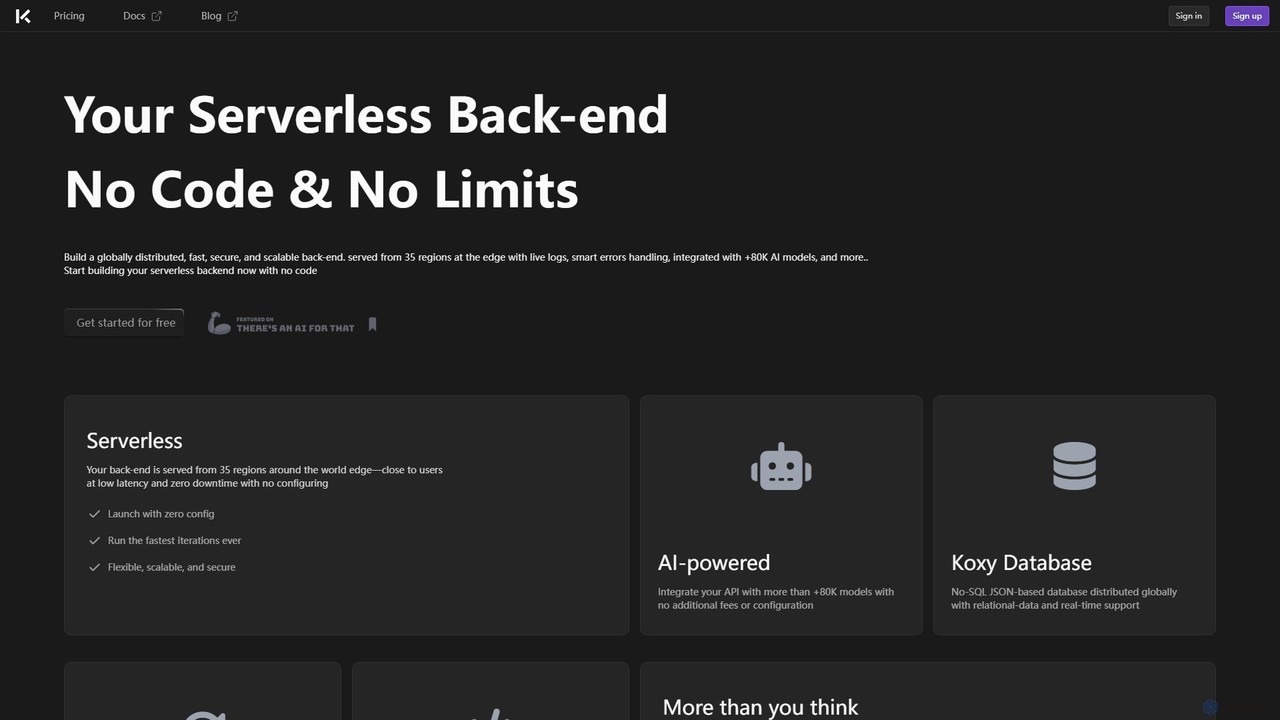
Koxy AI is a no-code platform for building AI-powered, serverless back-ends. It enables developers and creators to build globally distributed, fast, and scalable applications by integrating with over 80,000 AI models, a real-time No-SQL database, and custom cloud functions without writing complex back-end code.

Backend
Visits 11.3KFavorites 108Likes 107
CodeFlying
Freemium

CodeFlying

CodeFlying is an AI-powered development platform that automatically generates software, mini-programs, and web applications from a single sentence. It empowers innovators and non-technical users to build and deploy functional apps using natural language, drastically reducing development time and complexity.

App Builder
Visits 39.5KFavorites 100Likes 93
softlite
Freemium

softlite

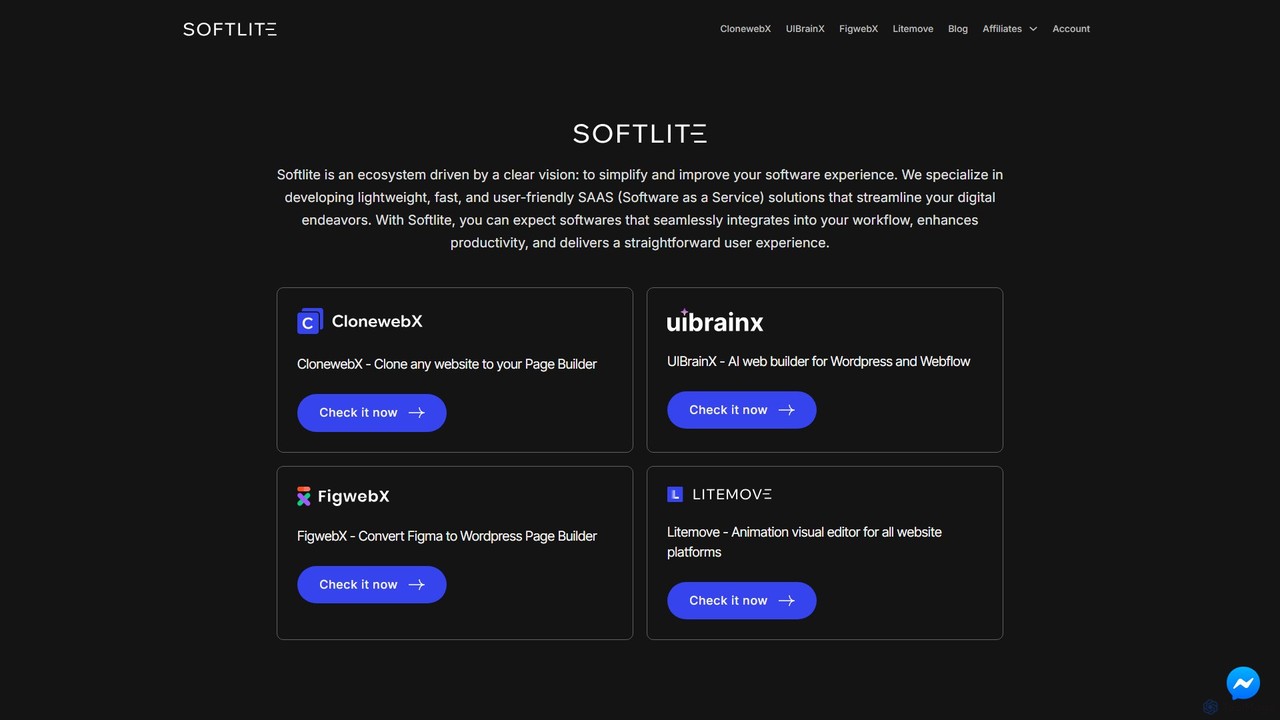
Softlite is an ecosystem of lightweight, fast, and user-friendly SaaS solutions designed to streamline web development. It offers a suite of powerful tools, including an AI website builder (UIBrainX), a website cloner (ClonewebX), and a Figma-to-WordPress converter (FigwebX). These tools empower developers, designers, and marketers to build, clone, and animate websites with unprecedented speed and efficiency, often without writing any code.

Web Design
Visits 92.6KFavorites 140Likes 105
SaaS Boilerplates
Freemium

SaaS Boilerplates

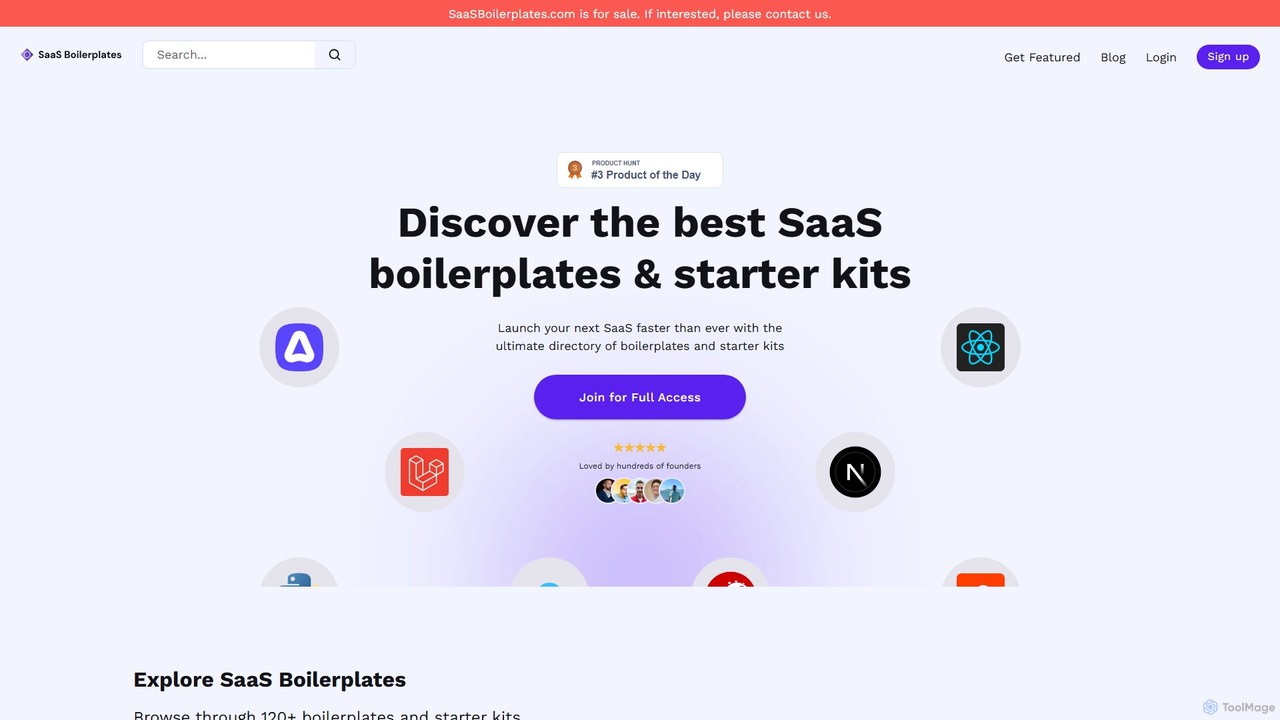
An extensive directory of SaaS boilerplates and starter kits designed to help developers and founders launch their applications faster. Browse, filter, and compare over 120 options across various tech stacks like Next.js, Svelte, Django, and Ruby on Rails to find the perfect foundation for your next project.

Startup Tools
Visits 7.1KFavorites 142Likes 143
Rollout AI
Freemium

Rollout AI

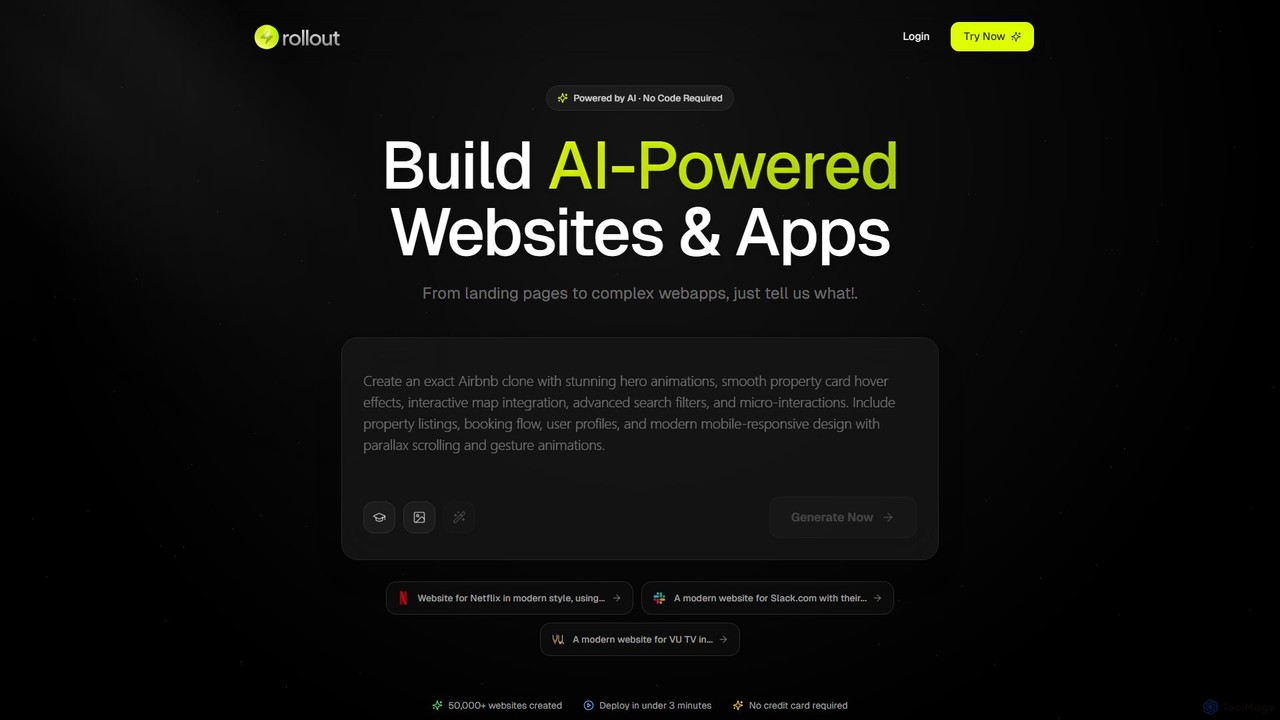
Rollout AI is a no-code, AI-powered website and landing page builder. Simply describe your vision in any language, and the AI will generate a professional, mobile-responsive website in minutes. It features AI-driven design and copywriting, allowing for instant edits and regeneration. Users can export the final code, making it ideal for rapid prototyping, startups, and creating production-ready sites without any coding skills.

Website Builder
Visits 6.2KFavorites 133Likes 149
News Image Creator - Python Source Code
Paid

News Image Creator - Python Source Code

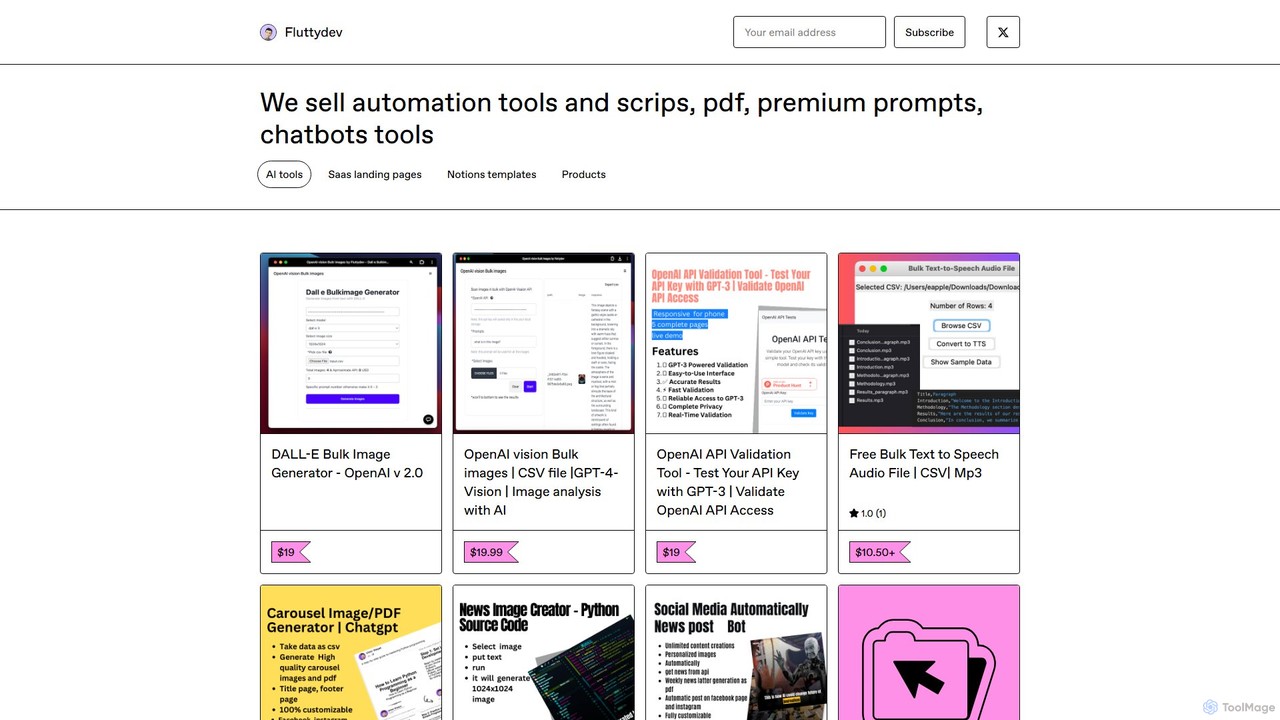
A Python source code package for developers and content creators to automatically generate news-style images with custom text overlays. It offers advanced options for bulk creation, AI-powered topic generation via OpenAI, and social media automation.

Code Libraries
Visits 5.6KFavorites 141Likes 149
Bifrost
Freemium

Bifrost

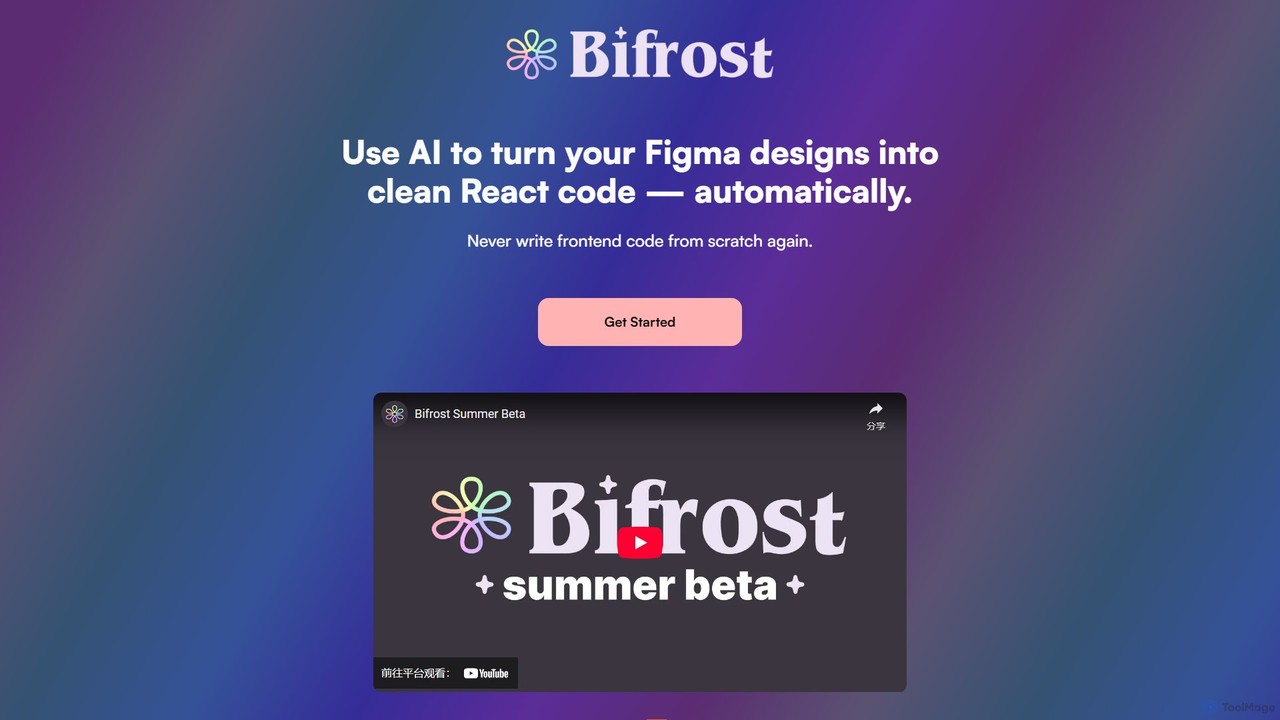
Bifrost is an AI-powered tool that automatically converts Figma designs into clean, production-ready React code. It streamlines the design-to-development workflow, saving significant engineering time and empowering teams to build and iterate on UIs faster than ever before.

Design To Code
Visits 6.1KFavorites 135Likes 145
Replit
Freemium

Replit

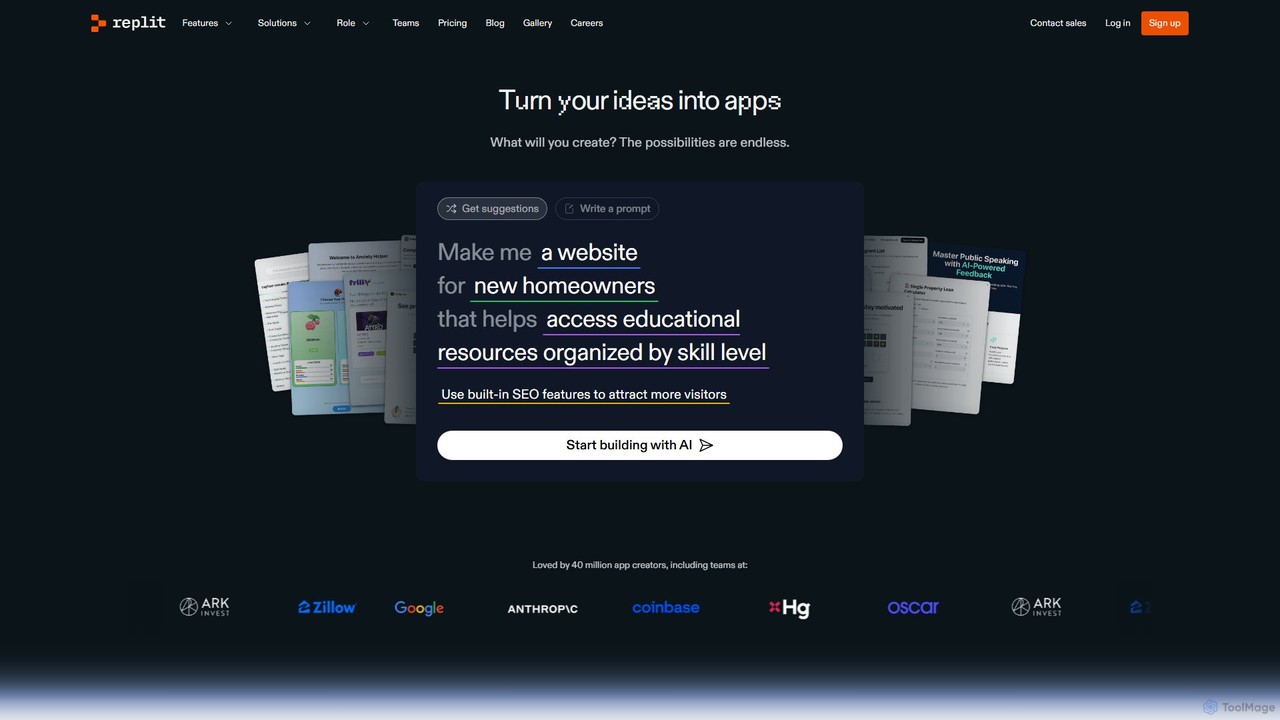
Replit is an AI-powered, collaborative, in-browser Integrated Development Environment (IDE) that allows users to build, deploy, and host applications, websites, and bots. Featuring the Replit Agent, it turns natural language prompts into functional software, making development faster and more accessible for everyone from beginners to enterprise teams.

Hosting
Visits 13.6MFavorites 147Likes 150
Modulify
Freemium

Modulify

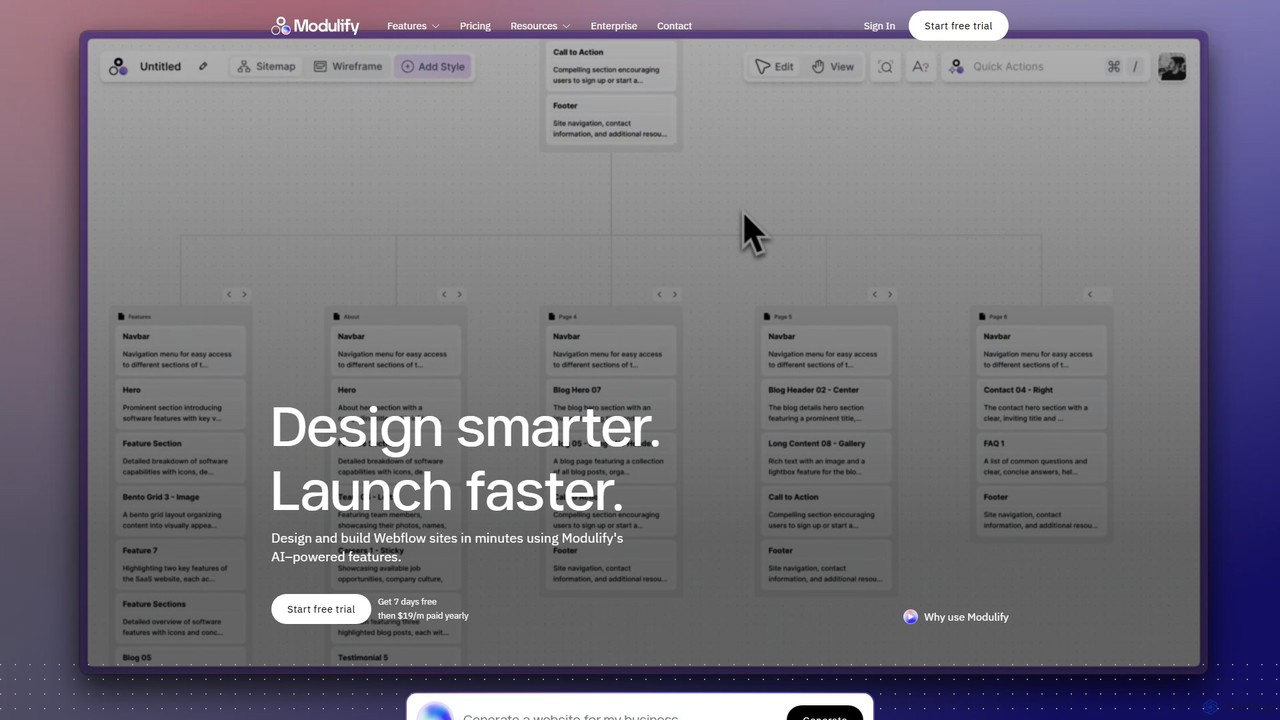
Modulify is an AI-powered website builder designed to accelerate the Webflow design process. It enables users to generate sitemaps, wireframes, and fully styled, responsive websites from simple text prompts. Ideal for freelancers, creative agencies, and businesses, it streamlines development from idea to launch in minutes.

Website Builder
Visits 29KFavorites 138Likes 135
WP Zone
Paid

WP Zone

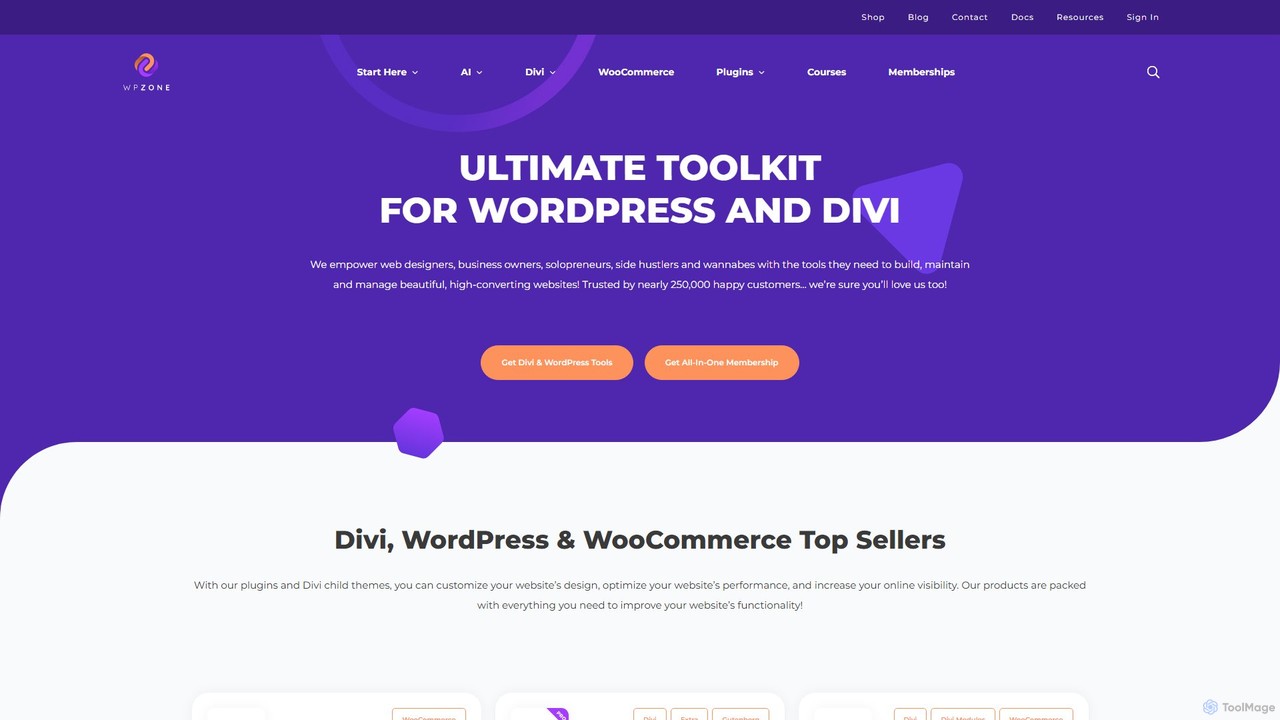
WP Zone is the ultimate toolkit for WordPress and Divi users, offering a comprehensive suite of plugins, themes, layouts, and courses. It empowers web designers, business owners, and developers to build, manage, and optimize high-converting websites with ease. With a focus on extending the functionality of Divi and WooCommerce, WP Zone provides everything from advanced e-commerce reporting and page-building enhancements to extensive icon packs and professionally designed child themes, trusted by over 250,000 users.

Web Design
Visits 39.8KFavorites 153Likes 148
deploysaas
Freemium

deploysaas

deploysaas is an all-in-one platform that simplifies and accelerates the deployment of SaaS applications. It provides developers with pre-built boilerplate, automated CI/CD pipelines, and scalable cloud infrastructure, enabling them to launch their products in minutes instead of weeks.

Deployment
Visits 5.6KFavorites 110Likes 104
DhiWise
Freemium

DhiWise

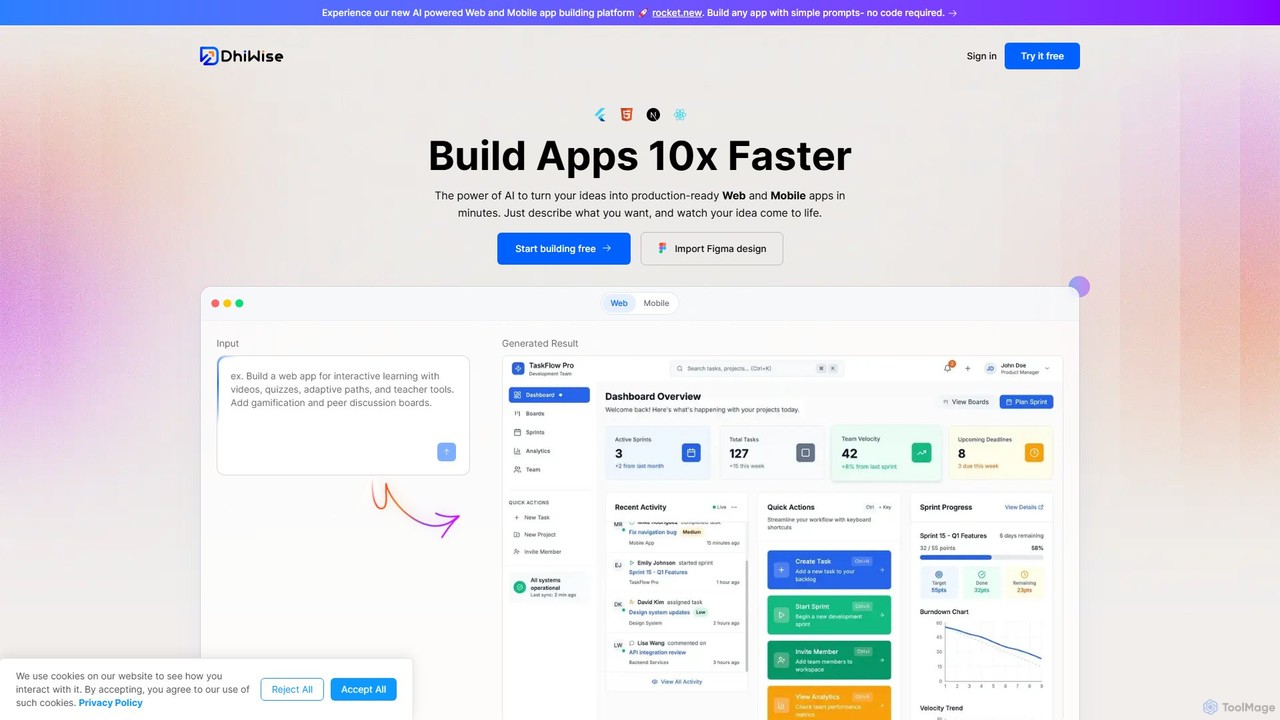
DhiWise is an AI-powered development platform that accelerates the creation of web and mobile applications. It transforms your ideas, natural language prompts, or Figma designs into high-quality, production-ready code in minutes. Supporting frameworks like Flutter and modern web technologies, DhiWise automates boilerplate tasks, enabling developers to build and deploy apps 10x faster.

Design To Code
Visits 210.1KFavorites 125Likes 130
Dropbase
Freemium

Dropbase

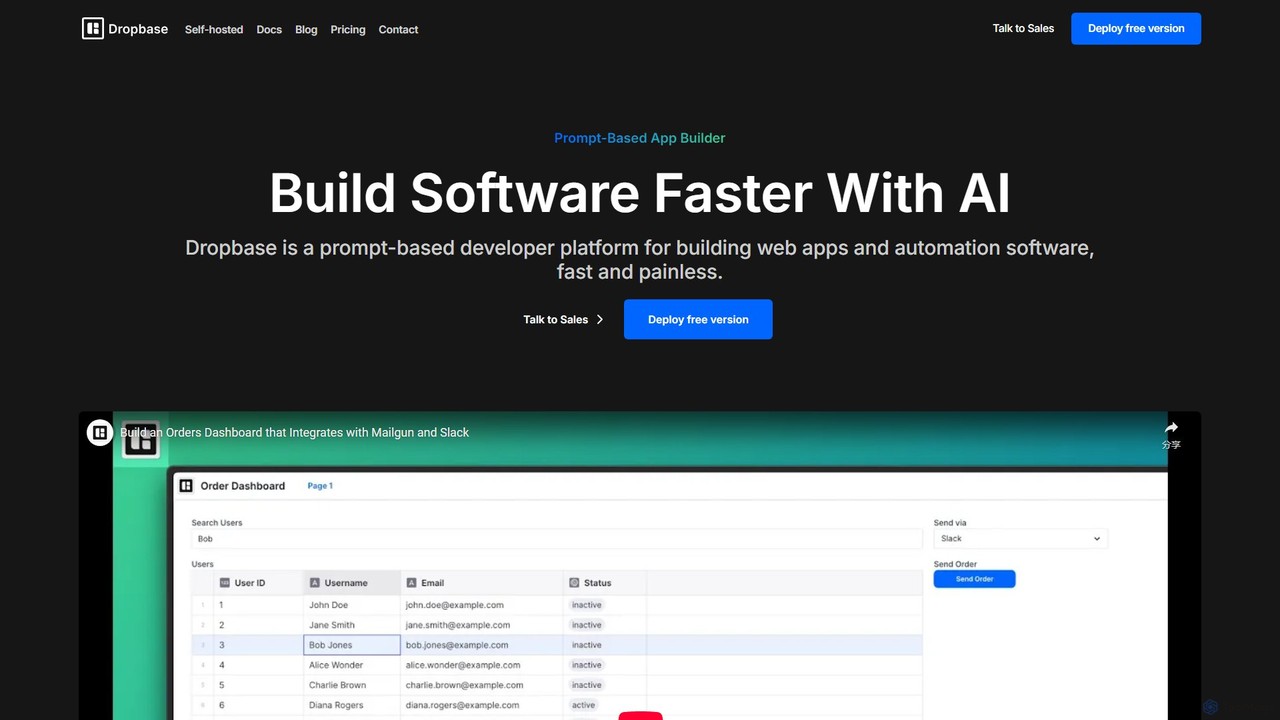
Dropbase is an AI-powered, prompt-based application builder designed for Python developers. It enables the rapid creation of internal tools, admin panels, and database editors directly within your existing codebase. By leveraging AI for code generation and providing essential UI components, Dropbase accelerates development, offers full Python flexibility, and ensures security with self-hosting options.

Database
Visits 5.6KFavorites 152Likes 154
CopyCoder
Paid

CopyCoder

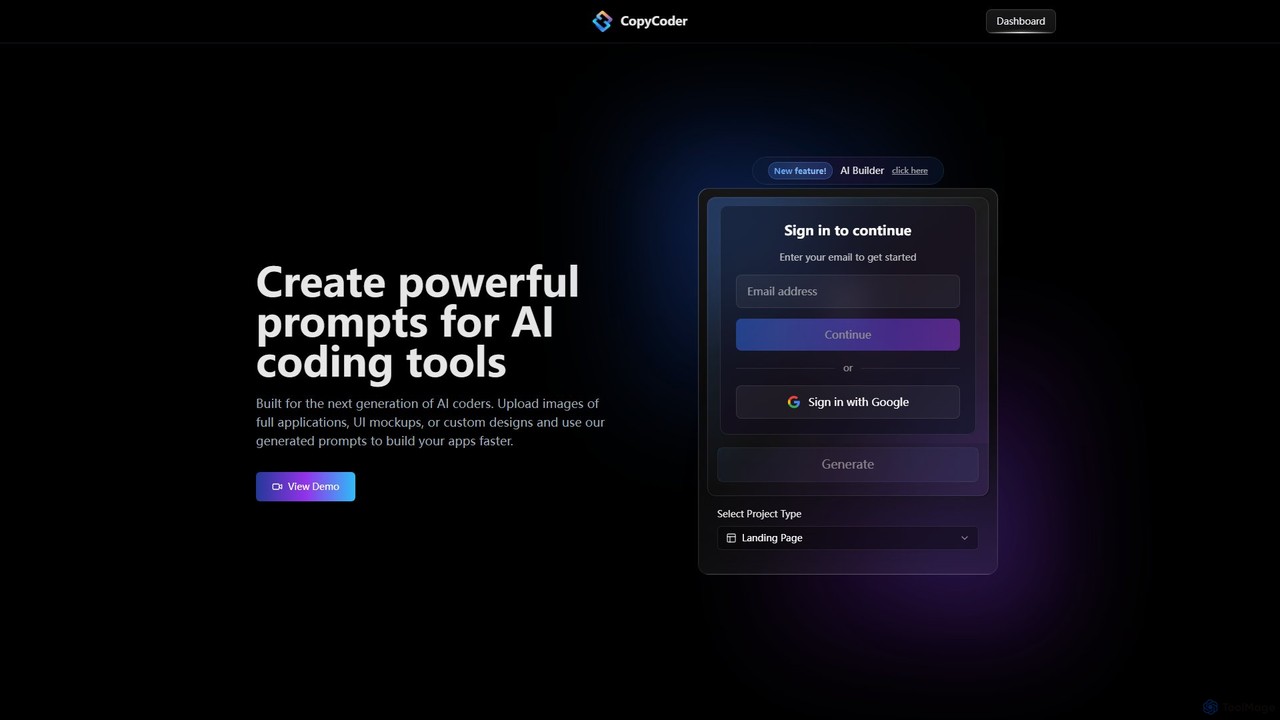
CopyCoder is an AI-powered tool designed for developers that converts UI designs, mockups, and images into powerful, structured prompts for AI coding assistants like Cursor. It streamlines the development process by bridging the gap between visual design and code generation, enabling faster app building.

Design To Code
Visits 6.3KFavorites 142Likes 132
Prismic
Freemium

Prismic

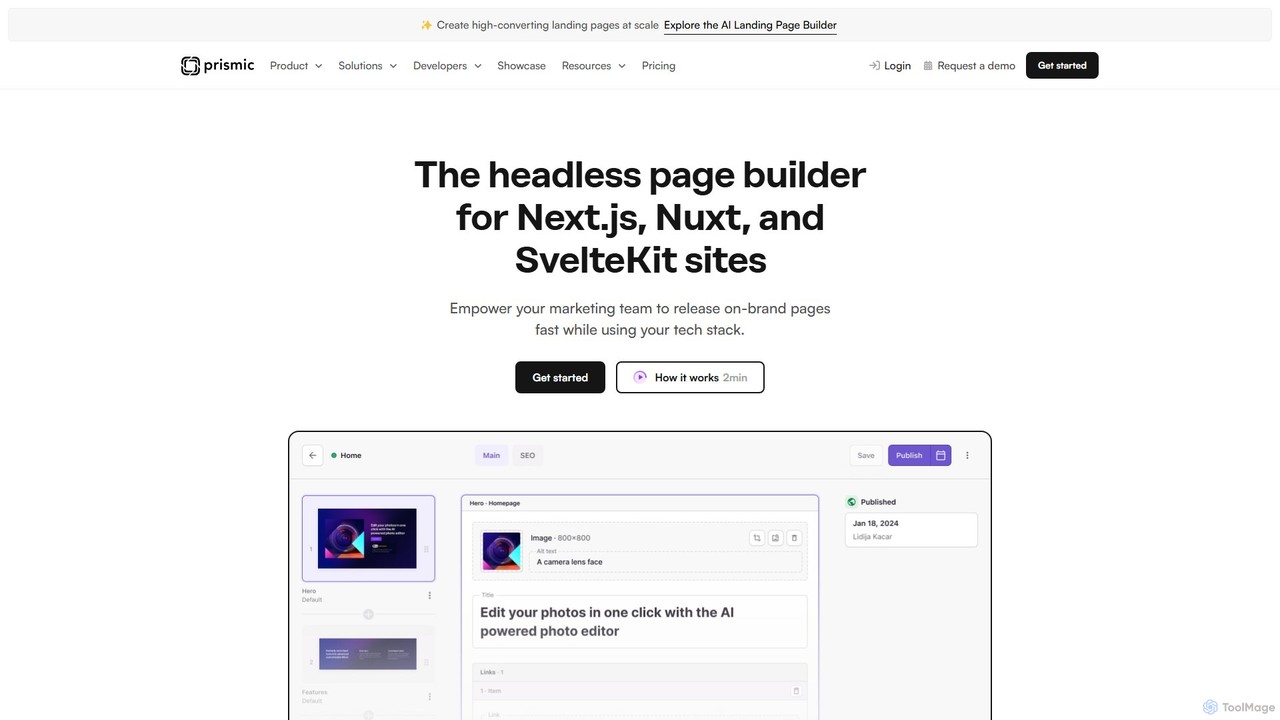
Prismic is an AI-powered headless page builder designed for modern web frameworks like Next.js, Nuxt, and SvelteKit. It empowers marketing teams to independently create and manage on-brand web pages using a visual, drag-and-drop editor. Developers build reusable components (Slices) with their preferred tech stack, ensuring brand consistency and freeing up development time. AI features accelerate content creation, translation, and optimization, bridging the gap between marketers and developers for faster, more efficient website development.

Headless Cms
Visits 1.2MFavorites 149Likes 155
Unshackled
Paid

Unshackled

Unshackled is a comprehensive training system by Anthony Hayes that teaches you how to build, launch, and sell your own no-code AI tools. Learn to generate tool ideas, use AI prompts to create software, write sales copy, and build a profitable 'Digital ATM'—a buyer's list for recurring revenue. This program is designed for entrepreneurs and marketers without any coding experience, enabling them to ship products quickly and compete in the digital market.

Entrepreneurship
Visits 7.1KFavorites 112Likes 114
Noodl
Freemium

Noodl

Noodl is an AI-powered low-code platform designed for creating sophisticated web and mobile applications. It combines a visual, node-based editor with an AI assistant that generates code, making it ideal for both non-coders and experienced developers. Build everything from simple prototypes to full-stack applications with unprecedented speed and flexibility.

Code Generation
Visits 16.2KFavorites 120Likes 108

About Development

AI Development tools are a class of software that leverages artificial intelligence to automate, accelerate, and enhance the software development lifecycle. These tools utilize large language models (LLMs) and machine learning to assist with tasks like code generation, debugging, and automated testing. They empower developers to build applications faster, reduce human error, and focus on complex architectural challenges. By integrating directly into Integrated Development Environments (IDEs), they act as intelligent coding partners for programmers.

Core Features

  • AI Code Completion & Generation: Suggests or writes entire code blocks, functions, and classes based on natural language prompts or existing code context.
  • Automated Debugging & Error Analysis: Identifies bugs in real-time, suggests potential fixes, and explains complex errors to speed up troubleshooting.
  • Code Refactoring & Optimization: Analyzes existing code and recommends improvements for better performance, readability, and maintainability.
  • Natural Language to Code/SQL: Translates plain language descriptions into executable code, complex SQL queries, or shell commands.
  • Automated Test Case Generation: Creates relevant unit tests and integration tests based on the code's logic and functional requirements.

Use Cases

AI Development tools are widely used by individual developers, agile teams, and large enterprises. They are applied in web development, mobile app creation, data science, and embedded systems. Common scenarios include rapid prototyping of new features, maintaining large and complex legacy codebases, and accelerating the onboarding process for new developers by providing contextual code explanations.

How to Choose

When selecting an AI Development tool, evaluate its integration with your preferred IDE (e.g., VS Code, JetBrains). Consider the programming languages it supports and the accuracy of its code suggestions. For enterprise use, critically assess its security and privacy policies regarding your codebase, and check for options like on-premise deployment or policies that prevent training on private data.

Featured tool rankings

Development use cases

1

Accelerate API Endpoint Development

A backend developer is tasked with creating a new set of RESTful API endpoints for a user management module. Instead of writing all the boilerplate code manually, they use an AI development tool. By providing a natural language prompt like 'Create a POST endpoint for user registration with email, password, and name fields, including validation and database insertion', the tool generates the complete controller logic, data validation rules, and database model interaction code. This reduces initial development time by over 60%, allowing the developer to focus on business logic and security hardening.

2

Automate Code Review and Refactoring

A software team lead integrates an AI development tool into their CI/CD pipeline. When a developer submits a pull request, the AI tool automatically scans the new code. It identifies potential bugs, performance bottlenecks (like inefficient database queries), and deviations from coding standards. The tool leaves comments directly on the pull request with specific suggestions for refactoring, such as simplifying a complex function or using a more efficient algorithm. This automates the first pass of code review, saving senior developers' time and ensuring a consistent level of code quality across the team.

3

Debug Complex Legacy Code

A maintenance engineer needs to fix a critical bug in a large, poorly documented legacy system. The original developers are no longer with the company. The engineer uses an AI development tool to understand the codebase. By highlighting a complex function, the AI explains its purpose, inputs, outputs, and side effects in plain English. When an error occurs, the engineer feeds the stack trace to the AI, which analyzes it and pinpoints the likely root cause, suggesting specific lines of code to investigate. This transforms a multi-day investigation into a task that can be completed in a few hours.

4

Generate Comprehensive Unit Tests

A developer has just finished writing a new data processing function but needs to ensure its reliability by creating thorough unit tests. Using an AI development tool, they right-click the function and select 'Generate Tests'. The AI analyzes the function's logic, including its parameters, return types, and edge cases (e.g., null inputs, empty arrays). It then automatically generates a suite of unit tests covering successful paths, failure scenarios, and boundary conditions. The developer can review and refine these tests, achieving 90%+ code coverage in a fraction of the time it would take to write them manually.

5

Translate Natural Language to SQL Queries

A data analyst needs to pull a specific report from a complex database with dozens of interconnected tables. They are not an SQL expert and writing the query would be time-consuming and error-prone. Instead, they use an AI development tool and type a request in plain English: 'Show me the total sales revenue for each product category in the last quarter, sorted from highest to lowest, for customers in North America'. The tool instantly generates an optimized, multi-join SQL query that correctly retrieves the requested data, saving the analyst hours of work and potential errors.

6

Onboard New Developers Faster

A junior developer joins a team and is assigned to a project with a massive, complex codebase. To get up to speed, they use an AI development tool as a learning aid. When they encounter an unfamiliar section of code, they can ask the AI to 'explain this code'. The tool provides a step-by-step breakdown of the logic, defines variables, and clarifies the function's overall purpose within the application. This self-service learning process significantly reduces the amount of time they need to ask senior developers for help, allowing them to become productive contributors to the project much more quickly.

Development FAQ

What are AI Development tools?

AI Development tools are software applications that integrate artificial intelligence to assist programmers throughout the software development lifecycle. They act as intelligent assistants within a developer's coding environment. Key functions include automatically generating code from natural language, providing advanced code completion, identifying and suggesting fixes for bugs, and creating unit tests. Unlike traditional tools, they use machine learning models to understand context and intent, helping to increase productivity and improve code quality.

How to choose the right AI Development tool?

Choosing the right tool depends on your specific needs. Consider these factors:

  • IDE & Language Support: Ensure the tool integrates seamlessly with your primary Integrated Development Environment (e.g., VS Code, JetBrains) and supports your main programming languages.
  • Functionality: Determine if you need a tool primarily for code generation, debugging, testing, or a combination. Some tools excel in specific areas.
  • Security & Privacy: For corporate use, this is critical. Check if the tool offers on-premise deployment or has a strict policy against training its models on your private code.
  • Performance: The tool should provide suggestions quickly without slowing down your IDE. Look for user reviews regarding performance and resource consumption.
What's the difference between AI code completion and traditional IntelliSense?

The primary difference lies in their underlying technology and capability. Traditional IntelliSense relies on static analysis of your code and its libraries. It suggests completions based on defined classes, methods, and variables, which is helpful but limited to what already exists. In contrast, AI code completion uses large language models (LLMs) trained on vast amounts of code. This allows it to understand the context and intent of your code, enabling it to generate entirely new, multi-line blocks of code, complete complex logic, and even write code based on a natural language comment. It's predictive and generative, not just reflective of existing definitions.

Can AI Development tools replace human developers?

No, AI development tools are designed to augment, not replace, human developers. They excel at automating repetitive and time-consuming tasks, such as writing boilerplate code, finding simple bugs, or generating standard tests. This frees up developers to focus on higher-level tasks that require critical thinking, creativity, and architectural design. Developers are still essential for understanding business requirements, designing complex systems, making strategic decisions, and overseeing the entire development process. The tools act as powerful assistants, making developers more efficient and effective.

Are AI Development tools secure for proprietary code?

Security is a primary concern, and the answer varies by tool. Many cloud-based AI tools may use your code snippets to improve their models, which can be a risk for proprietary information. However, reputable providers for enterprise customers offer specific solutions to address this:

  • Private or On-Premise Deployment: Some tools can be hosted on your own servers, ensuring your code never leaves your network.
  • Zero Data Retention Policies: Many services have policies where your code is only processed ephemerally to generate a response and is never stored or used for training.
  • Data Anonymization: Some tools may use telemetry but anonymize or remove any sensitive or proprietary information from the data they collect.

It is crucial to thoroughly review the privacy policy and terms of service of any AI development tool before using it with sensitive codebases.