ToolMage
Sign in

Best 179 Image Editing AI tools

Popular Image Editing AI tools include Joyfun, Nano Banana, VisualGPT, AILab Tools, AIEnhancer, Face AI, LightX Editor, Floor Plan, Imagefree, and Nano-Banana, helping you work more efficiently.

Nanobanana Google
Paid

Nanobanana Google

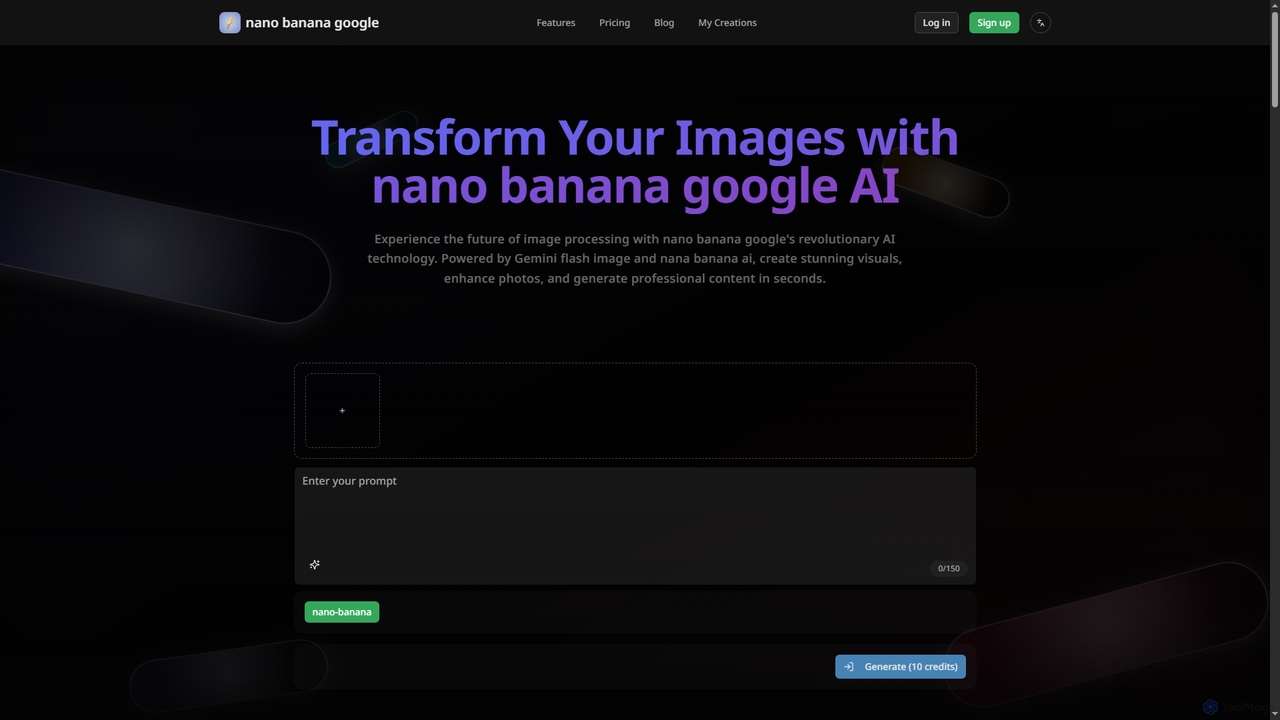
Nanobanana Google is an advanced AI image processing platform powered by Gemini Flash Image and Nana Banana AI. It enables users to generate stunning visuals, enhance photos, apply artistic styles, and automate image tasks with unparalleled efficiency and quality.

Generation
Visits 5.6KFavorites 143Likes 140
Hairfilter
Freemium

Hairfilter

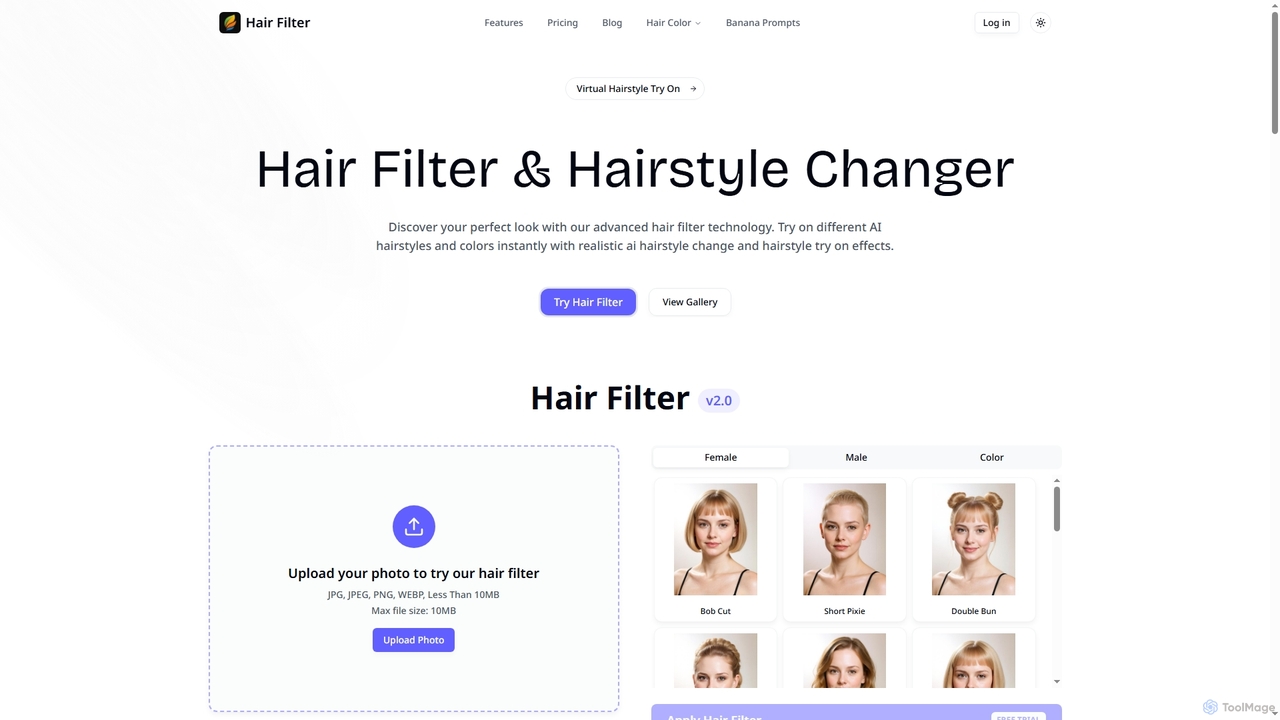
Hairfilter is an advanced AI-powered virtual hairstyle try-on tool that allows users to instantly experiment with various hairstyles and colors. Upload a photo, choose from a vast library of AI-generated styles, and see realistic transformations in seconds. It's perfect for beauty enthusiasts, salon clients, stylists, and social media influencers looking to visualize new looks effortlessly.

Virtual Try On
Visits 7.1KFavorites 129Likes 124
Novaimg
Freemium

Novaimg

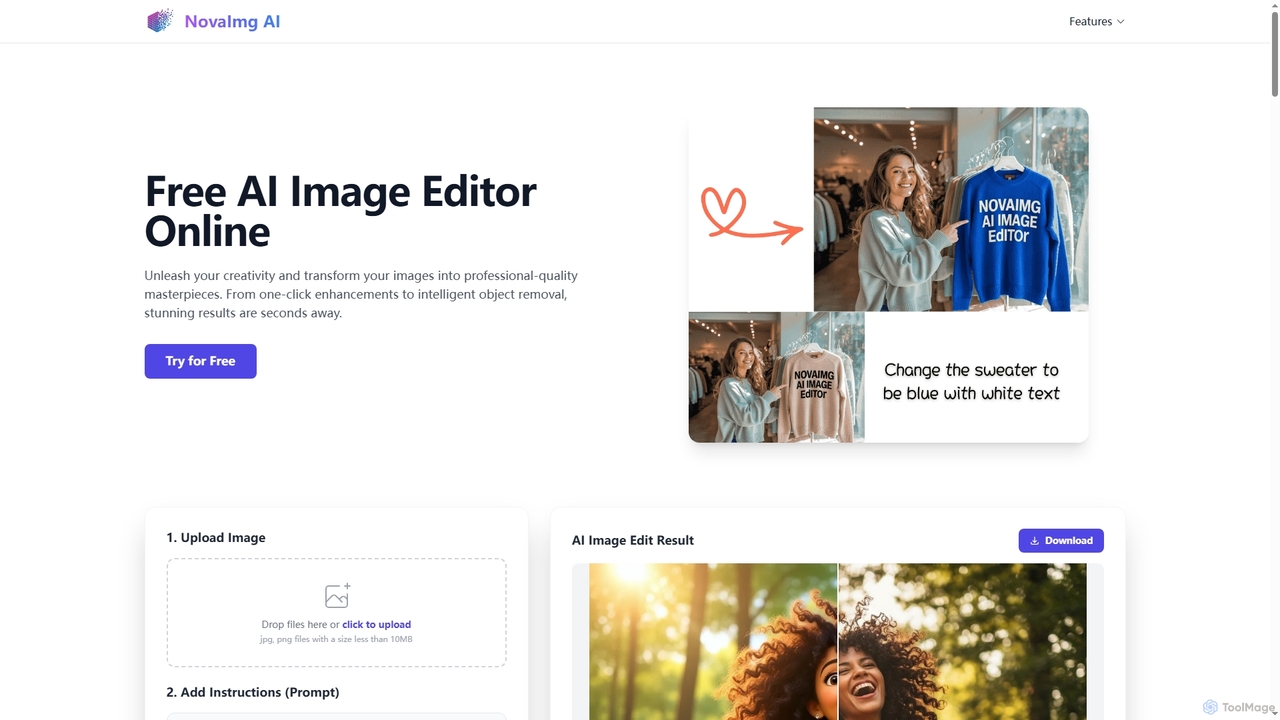
Novaimg is a versatile online AI tool suite for transforming and enhancing visual content. It offers a range of features including AI image editing with text prompts, 4K image upscaling, realistic face swapping for photos, videos, and GIFs, and an intelligent watermark remover. Designed for ease of use, Novaimg helps users create professional-quality images and videos for social media, e-commerce, and creative projects, often for free or with generous daily limits.

Graphic Design
Visits 27KFavorites 92Likes 86
NanoBanana
Freemium

NanoBanana

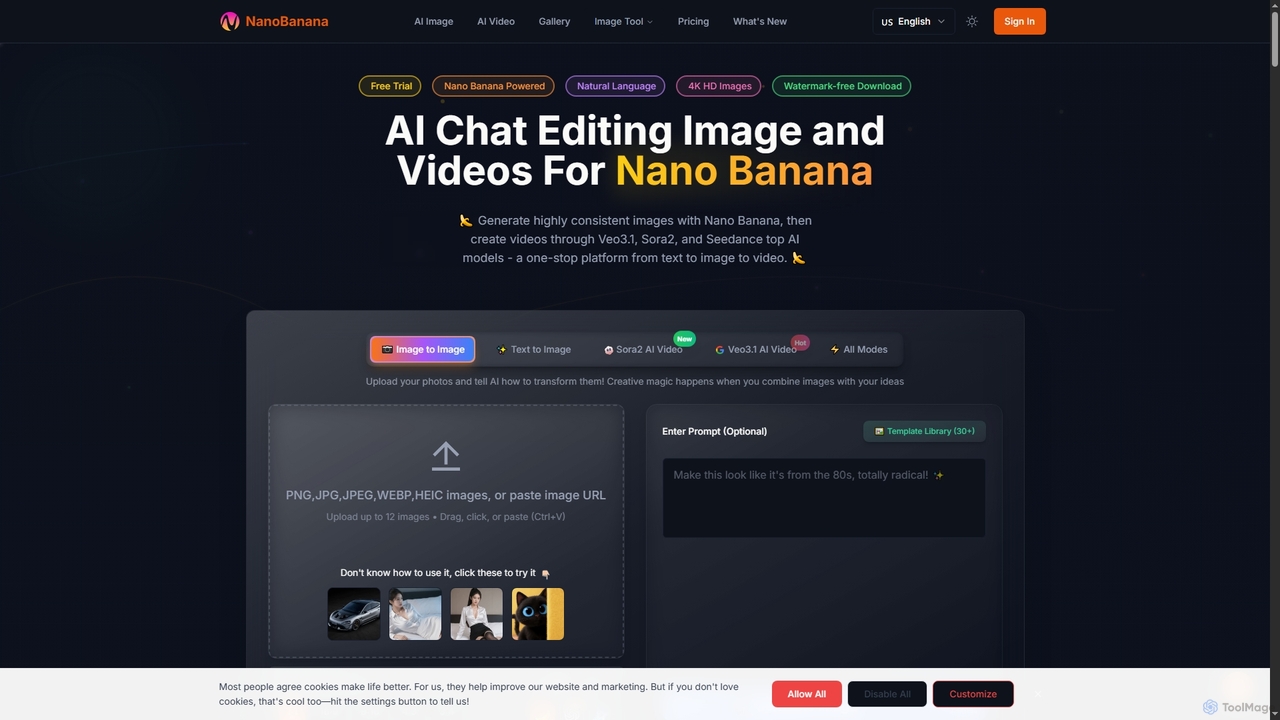
NanoBanana is an advanced AI-powered platform for generating and editing images and videos using natural language. It offers lightning-fast creation, high-resolution outputs, and a wide array of creative modes, making professional-quality visual content accessible to everyone from beginners to seasoned creators.

Digital Art
Visits 269.6KFavorites 132Likes 147
4FashionAI
Paid

4FashionAI

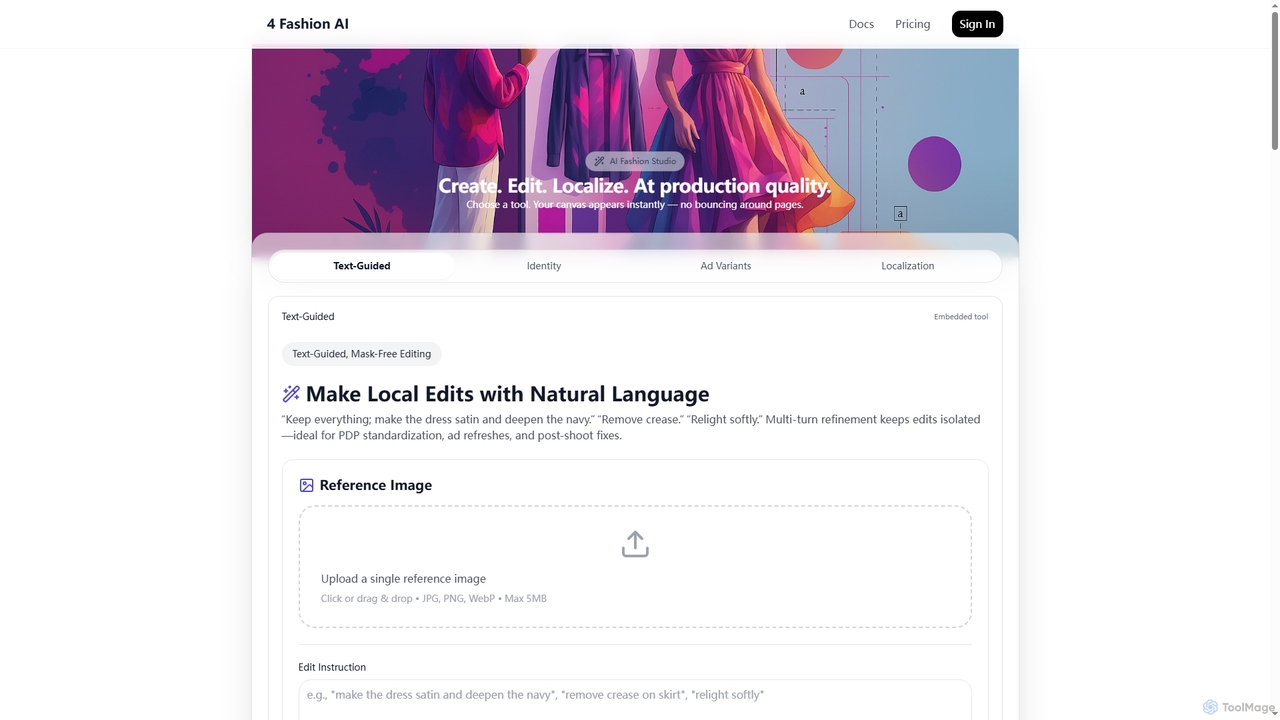
4FashionAI is an advanced AI platform for the fashion industry, offering tools for virtual try-on, outfit generation, and model creation. It enables users to transform garments, localize models, create ad variants, and perform mask-free image edits using natural language, streamlining fashion content creation from concept to campaign with studio-grade visuals.

3D
Visits 7.1KFavorites 120Likes 116
Seedream 4
Paid

Seedream 4

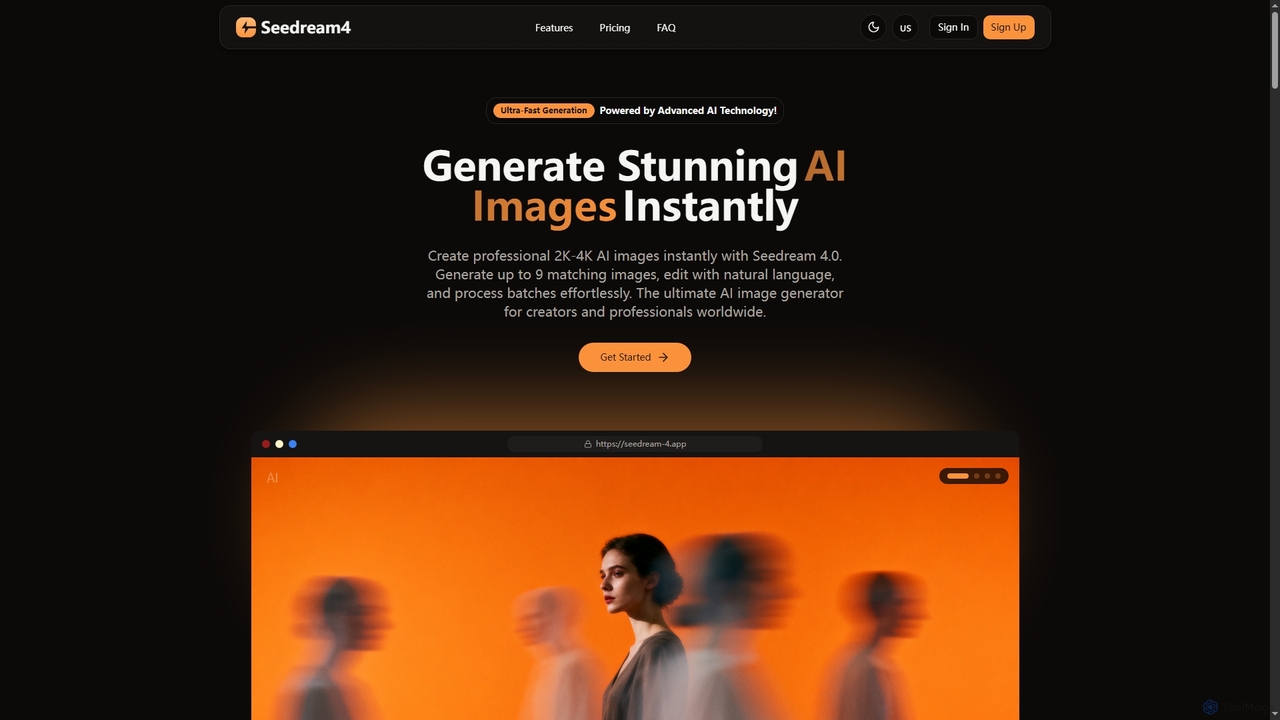
Seedream 4 is a professional AI image generator and editor developed by ByteDance, capable of producing ultra-fast, highly realistic, and detailed images up to 4K resolution. It offers advanced features like text-to-image, image-to-image, creative upscaling, and multi-image generation, making it a powerful tool for digital artists and content creators.

Digital Art
Visits 5.6KFavorites 113Likes 128
Nano Banana
Freemium

Nano Banana

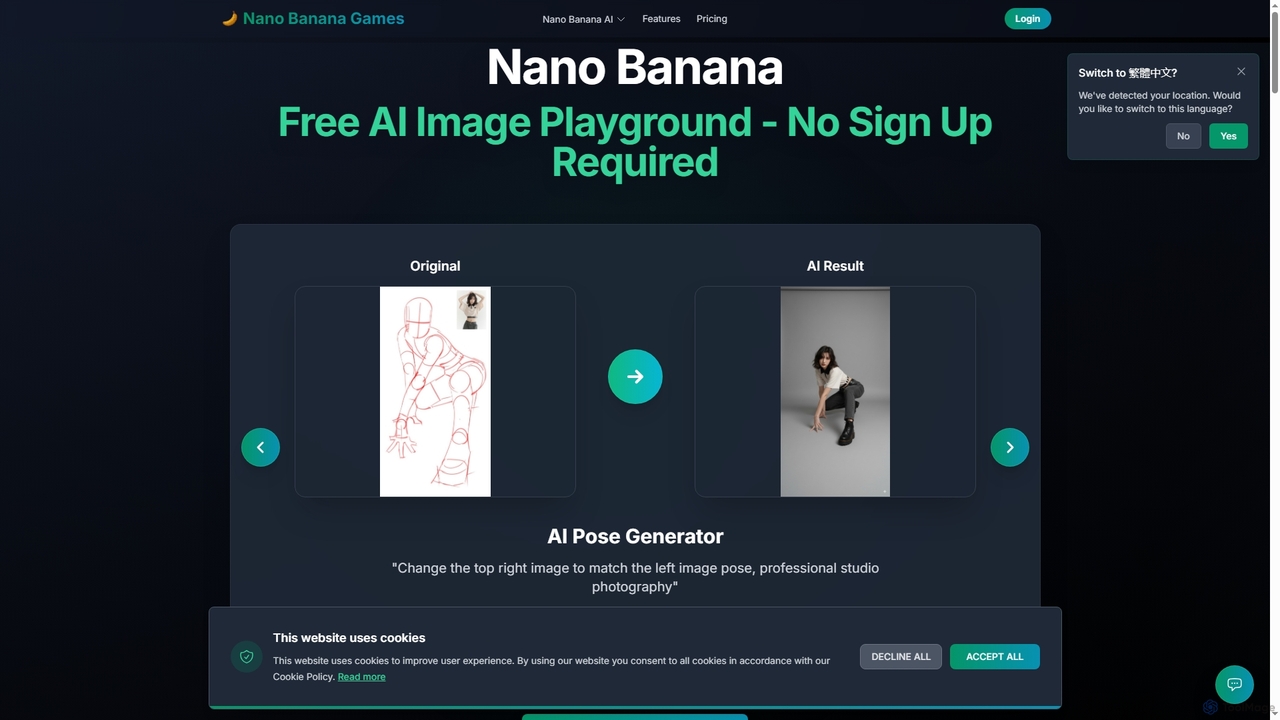
Nano Banana is a versatile AI image playground offering a suite of tools for creative image transformation. It enables users to generate dynamic poses, perform face swaps, enhance photos, replace backgrounds, and create custom AI figurines, 3D figurines, and miniature worlds from their images, often without requiring a sign-up.

Digital Art
Visits 7.6KFavorites 114Likes 131
AIEnhancer
Freemium

AIEnhancer

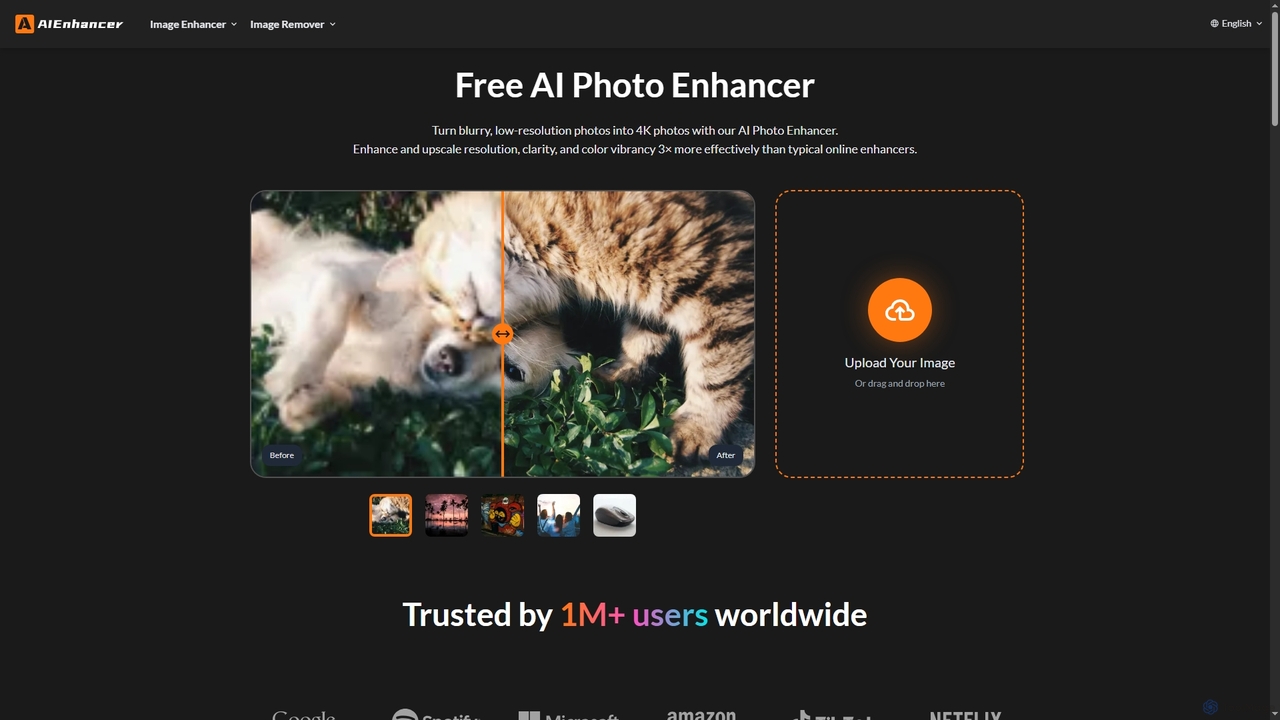
AIEnhancer is a powerful online AI tool that transforms and perfects images. It enhances resolution, restores old photos, removes blur and noise, sharpens details, converts to HD, and precisely removes backgrounds, making professional-grade photo editing accessible and effortless for everyone.

Background Removal
Visits 797.6KFavorites 146Likes 140

Privacy Wala
Paid

Privacy Wala

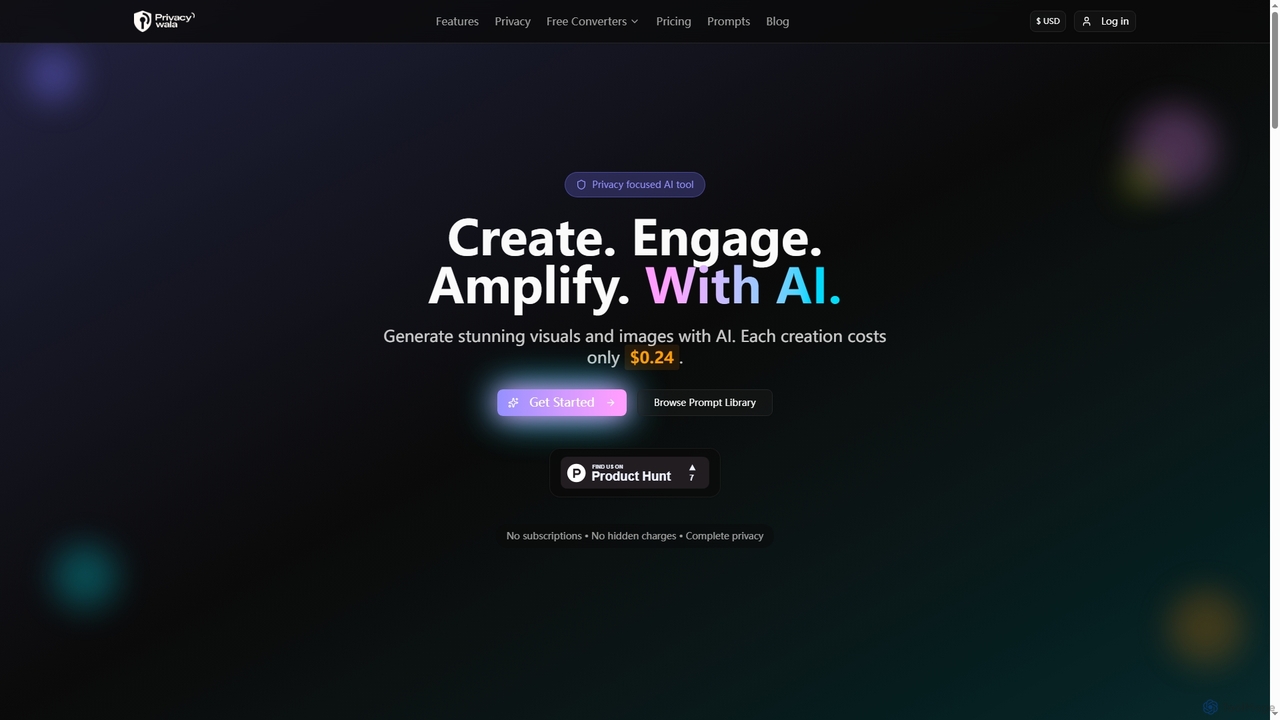
Privacy Wala is a privacy-first AI image generator that allows users to create stunning visuals, enhance images, and remove backgrounds without compromising their data. It offers a transparent pay-per-creation model, ensuring no subscriptions or hidden charges, and guarantees that user data is never stored, reused, or used for AI training.

Background Removal
Visits 7.9KFavorites 162Likes 151
Nana Banana
Freemium

Nana Banana

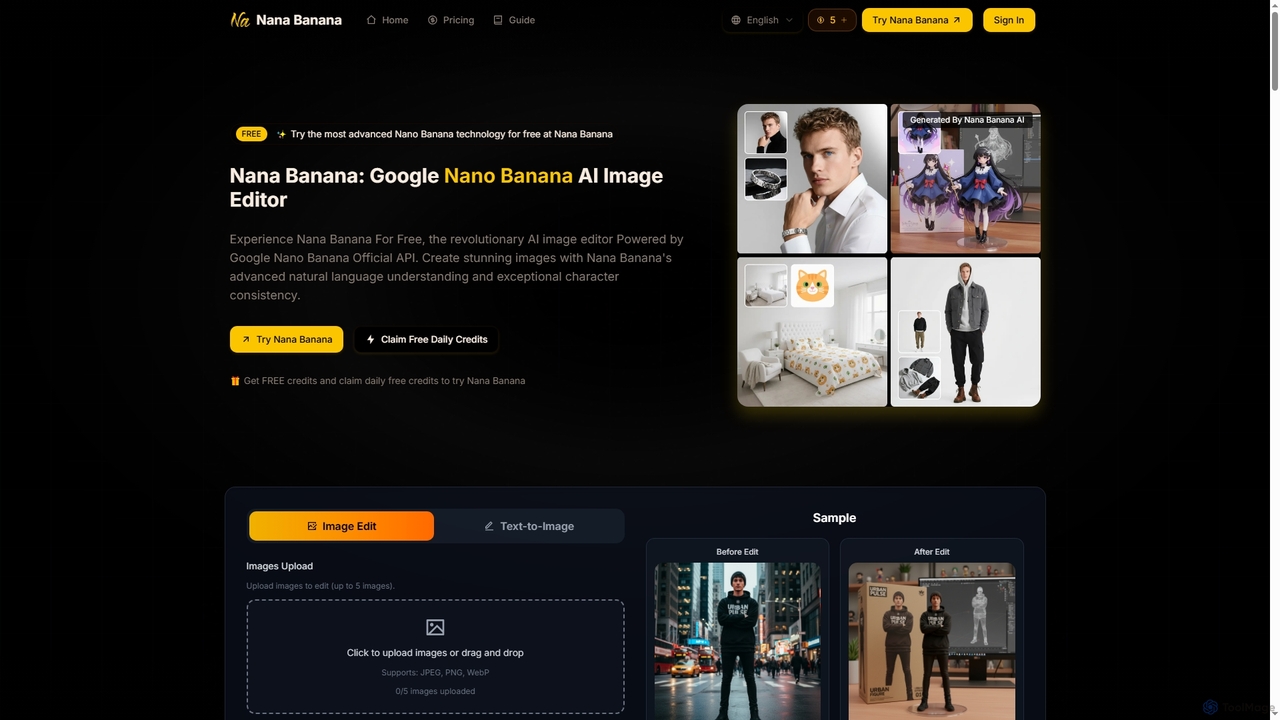
Nana Banana is an advanced AI image editor and generator powered by Google's cutting-edge Gemini 2.5 Flash Image model. It enables users to create stunning visuals from text prompts or by editing existing images with exceptional natural language understanding, character consistency, and one-shot editing capabilities, delivering professional-grade 4K+ output rapidly.

Graphic Design
Visits 7.3KFavorites 124Likes 119
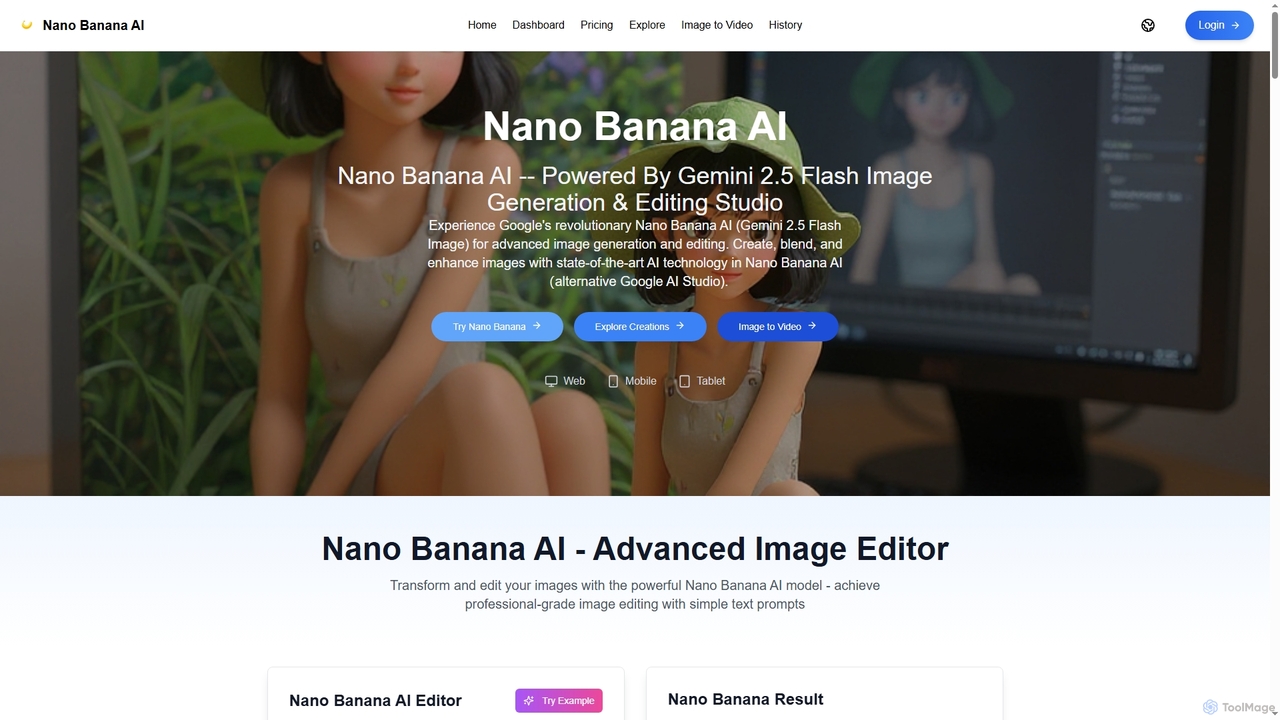
Nano Banana AI
Freemium

Nano Banana AI

Nano Banana AI is an advanced image generation and editing studio powered by Google's Gemini 2.5 Flash Image technology. It enables users to create, blend, and enhance images with simple text prompts, offering features like one-shot perfect generation, lightning-fast processing, consistent character editing, and face completion technology for professional-grade visual content.

Digital Art
Visits 11.2KFavorites 140Likes 140
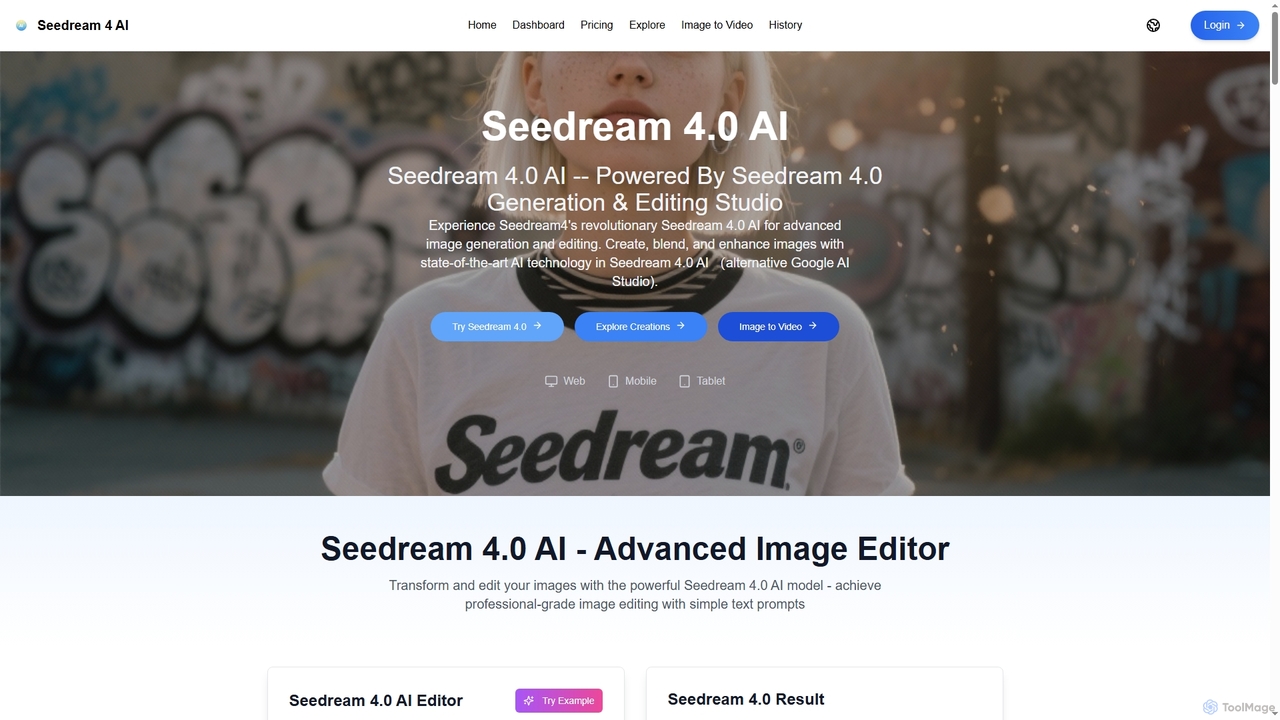
Seedream 4.0 AI
Freemium

Seedream 4.0 AI

Seedream 4.0 AI is an advanced image generation and editing studio powered by state-of-the-art AI. It allows users to create, blend, enhance, and transform images from text prompts or existing uploads with exceptional clarity, perfect ID preservation, and rapid generation speeds, ideal for both hobbyists and professionals.

Graphic Design
Visits 5.6KFavorites 142Likes 158
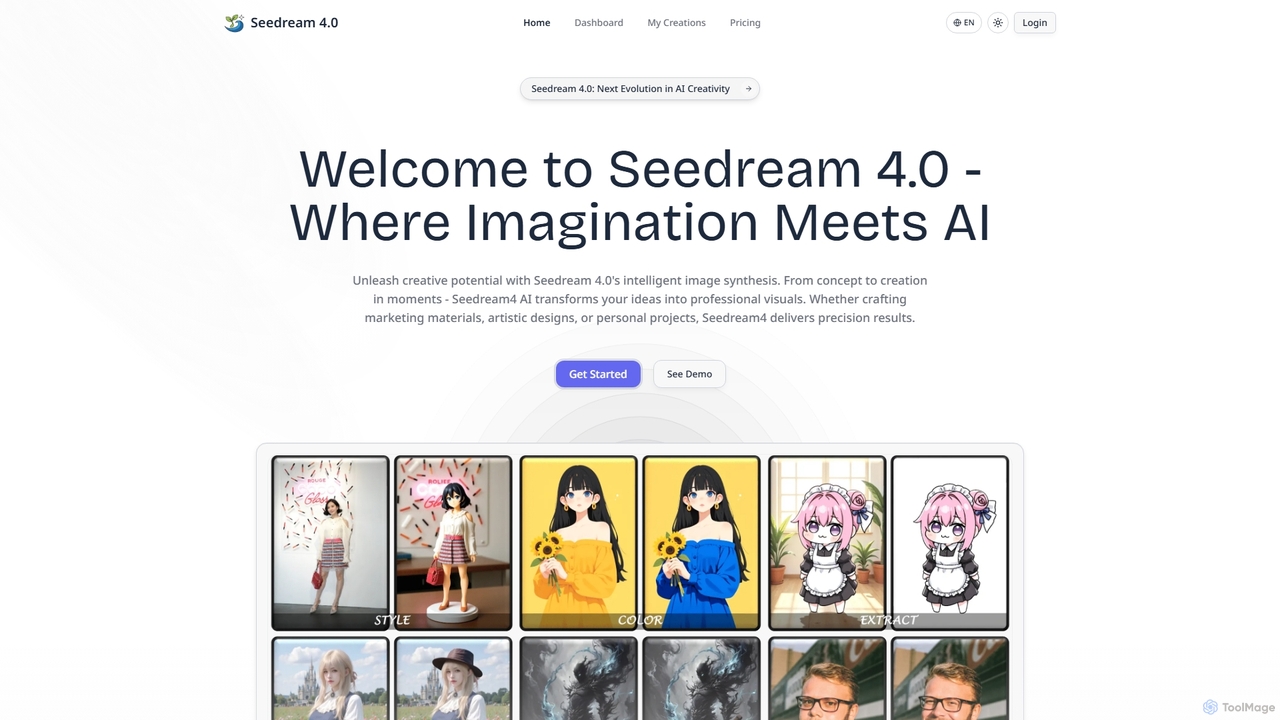
Seedream4
Paid

Seedream4

Seedream4 is a next-generation AI image generator and editor that transforms ideas into professional visuals with unprecedented speed and quality. It offers multimodal creation, advanced editing, and 4K resolution output, making it an all-in-one creative hub for diverse needs.

Photo Enhancement
Visits 21.6KFavorites 109Likes 115
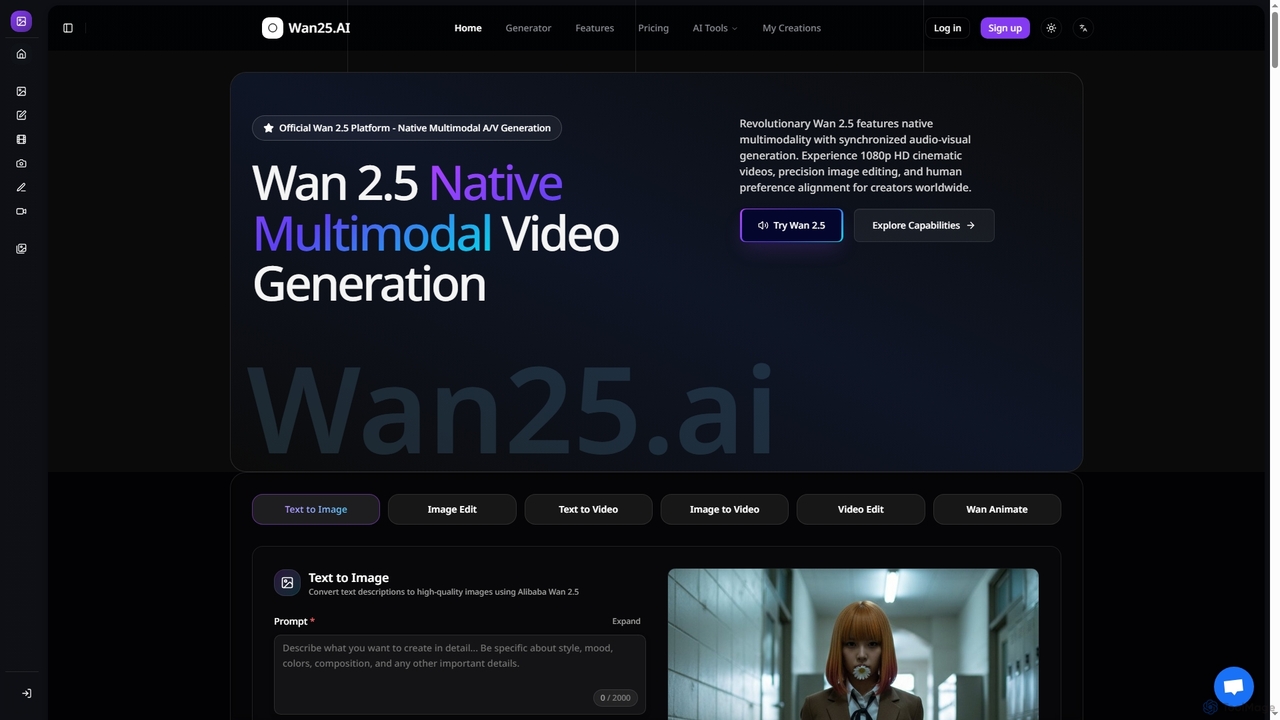
Wan25
Paid

Wan25

Wan25 is a revolutionary native multimodal AI platform for synchronized audio-visual content generation. It creates 1080p HD cinematic videos, high-quality images, and offers advanced editing capabilities from text or images. Leveraging a unified architecture and RLHF, Wan25 delivers professional-grade results with high fidelity and human preference alignment for creators and researchers.

Ai Content Creation
Visits 42.4KFavorites 122Likes 114
Mockuplabs
Freemium

Mockuplabs

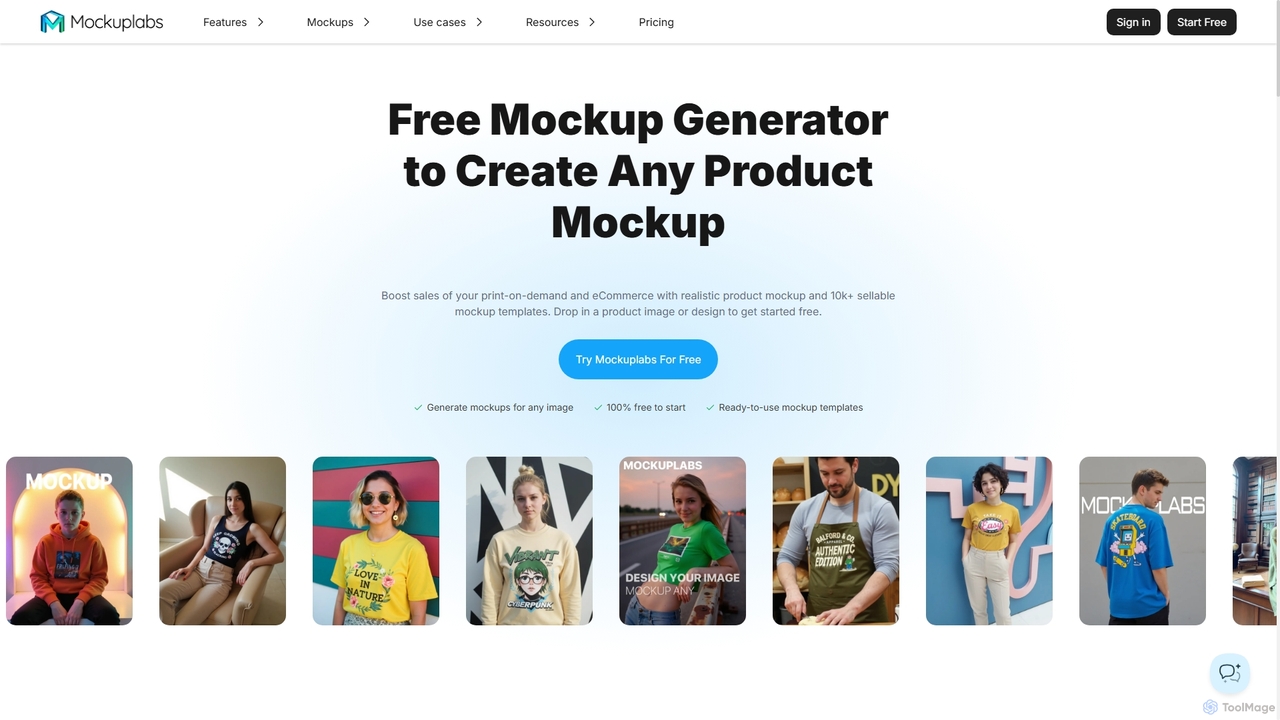
Mockuplabs is an AI-powered mockup generator designed to help e-commerce sellers, print-on-demand businesses, and designers create realistic product visuals quickly. It offers a suite of tools for generating, editing, and customizing mockups, including AI color changing, all-over print application, and image enhancement features.

Mockup Generation
Visits 59.5KFavorites 156Likes 156
Sora2ai
Paid

Sora2ai

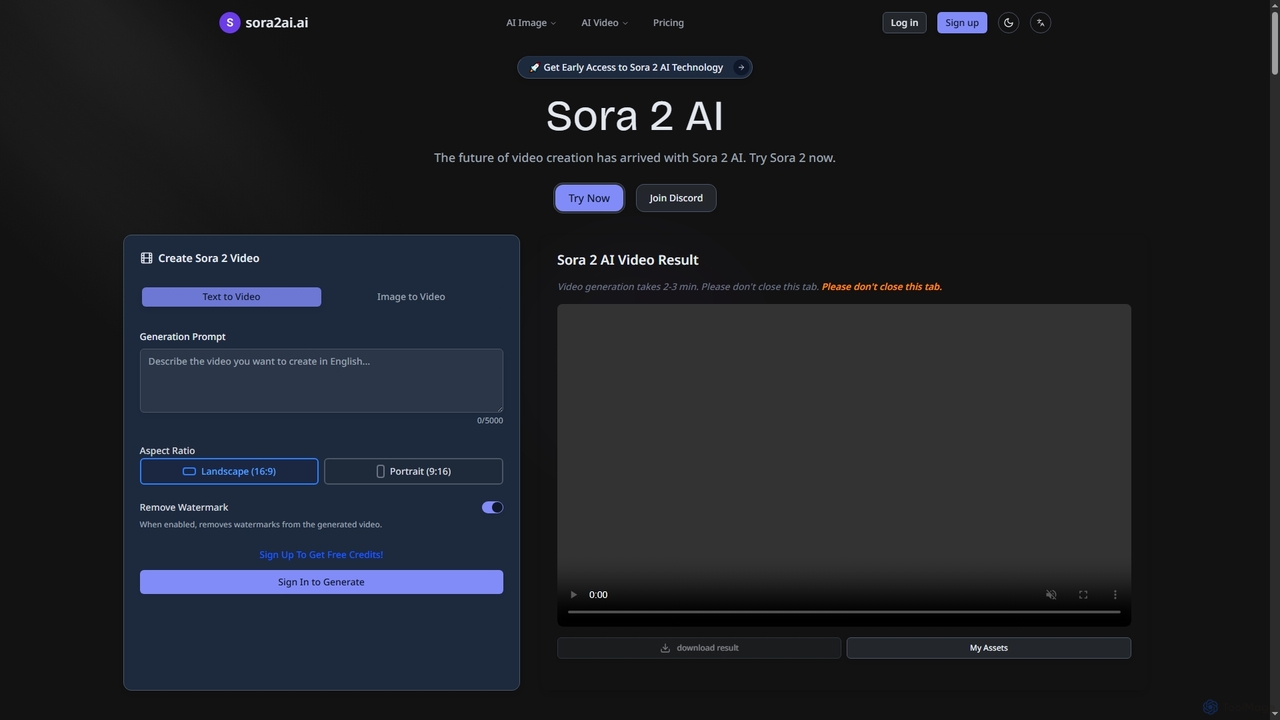
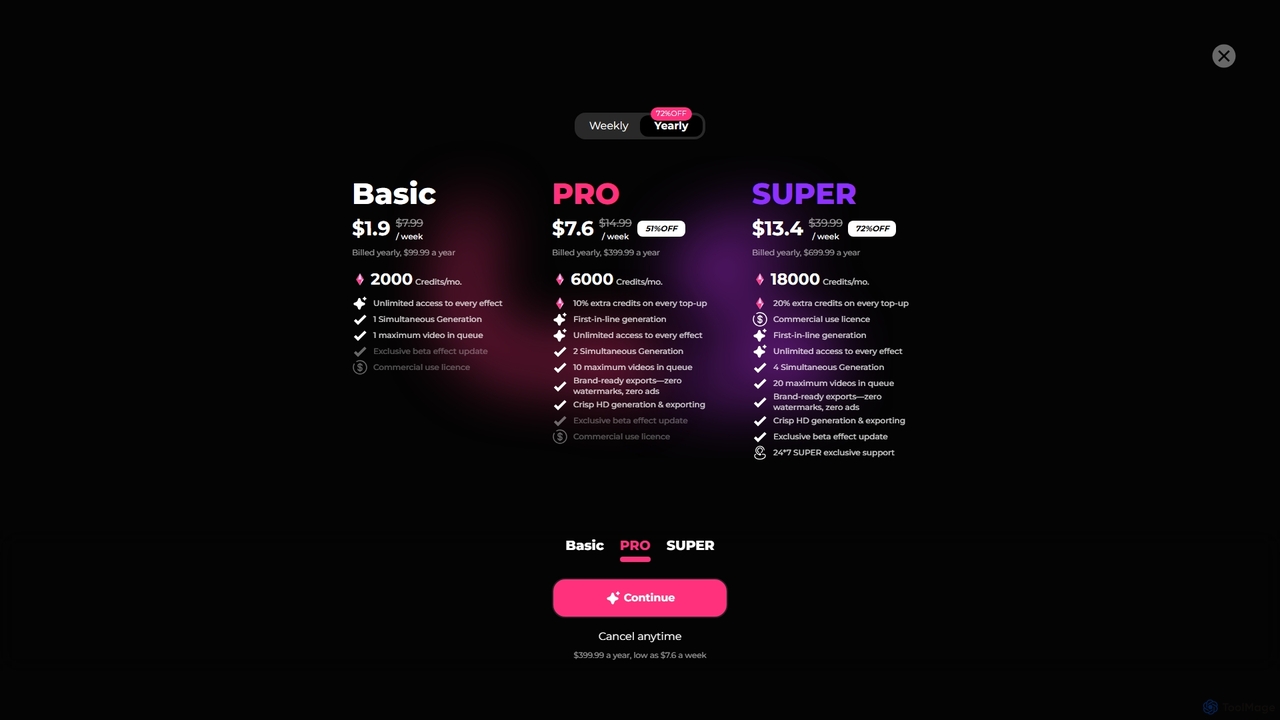
Sora2ai is a comprehensive AI creative platform offering early access to advanced AI video and image generation. It integrates cutting-edge models like Sora 2 for 20-second continuous video generation with unique cameos and native audio, Google's Veo 3 for cinematic videos, and NanoBanana for powerful image editing, providing a unified workflow for diverse creative needs.

Content Creation
Visits 5.6KFavorites 156Likes 151
Bunnie AI
Freemium

Bunnie AI

Bunnie AI is an advanced AI video generator that transforms photos into dynamic, ready-to-share videos using a vast library of over 1000 templates. It offers next-gen motion effects, body shaping, and AI clothes changing features, designed for quick, high-quality content creation without complex editing, making professional video creation accessible to everyone.

3D
Visits 19.8KFavorites 113Likes 98
Nano Banana
Freemium

Nano Banana

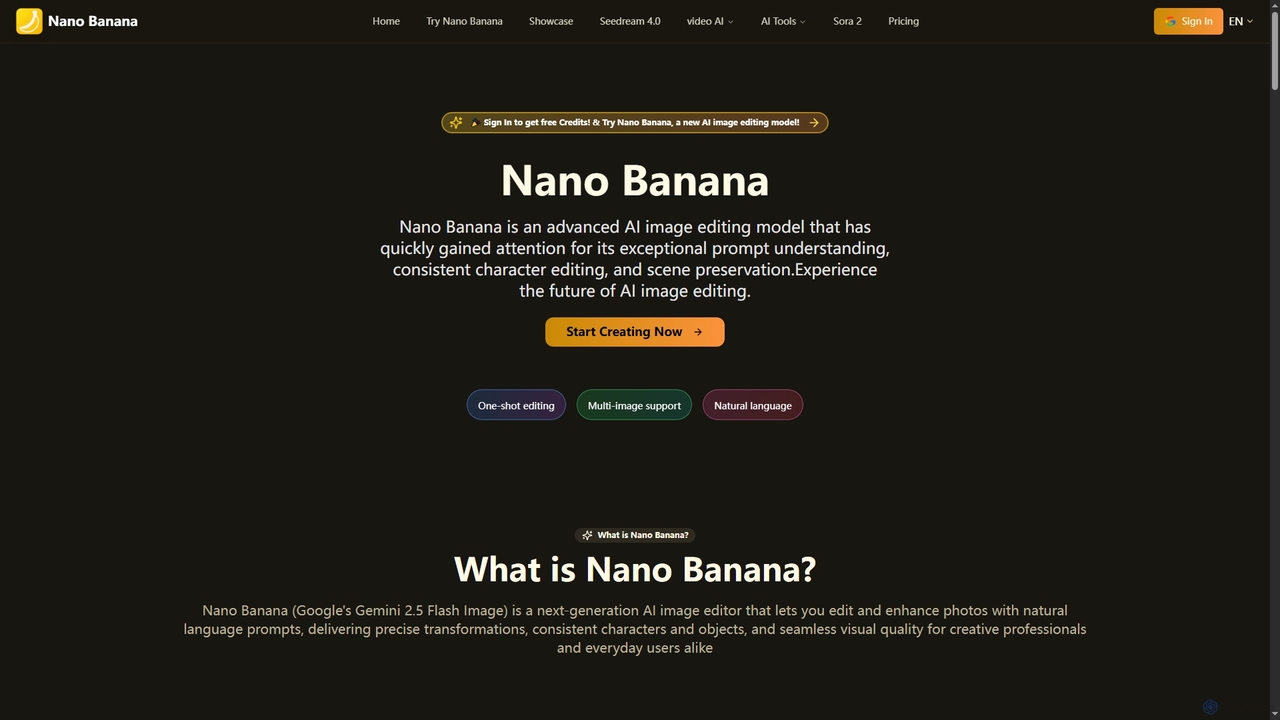
Nano Banana is an advanced AI image editing model that transforms photos with natural language prompts. It excels in precise transformations, maintaining consistent characters, and preserving scene integrity, making professional-grade image editing accessible to creators and everyday users alike.

Generative Art
Visits 1.5MFavorites 139Likes 162
Nano-Banana
Freemium

Nano-Banana

Nano-Banana is an advanced online AI image editor that empowers users to create and modify images with text prompts, offering features like generation, inpainting, style transfer, and outpainting. It ensures character consistency and scene coherence with fast, studio-quality results.

Photo Editor
Visits 280.8KFavorites 145Likes 147
AI Banana
Paid

AI Banana

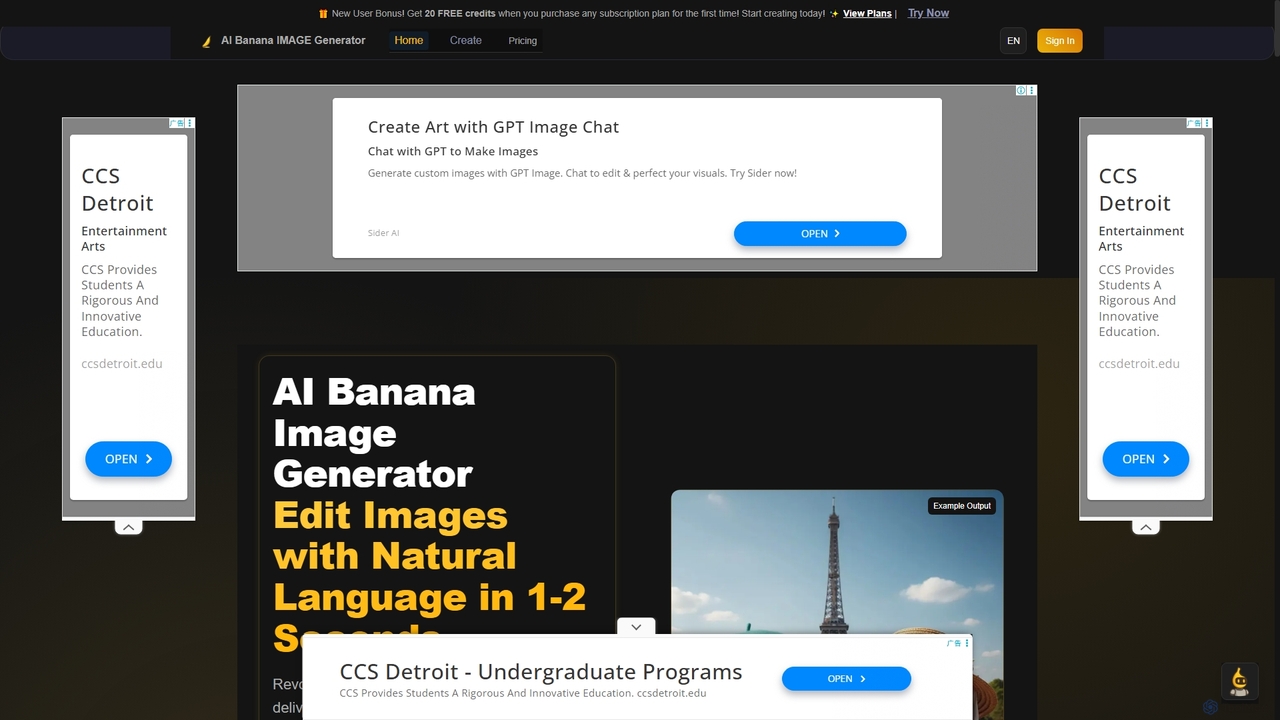
AI Banana is a revolutionary AI image generator and editor powered by Nano Banana AI technology, enabling users to create and modify images with natural language in 1-2 seconds. It offers 95% identity preservation and multi-image story creation, making professional visual content accessible without technical editing skills.

Creative Tools
Visits 10.9KFavorites 135Likes 117
Joyfun
Free

Joyfun

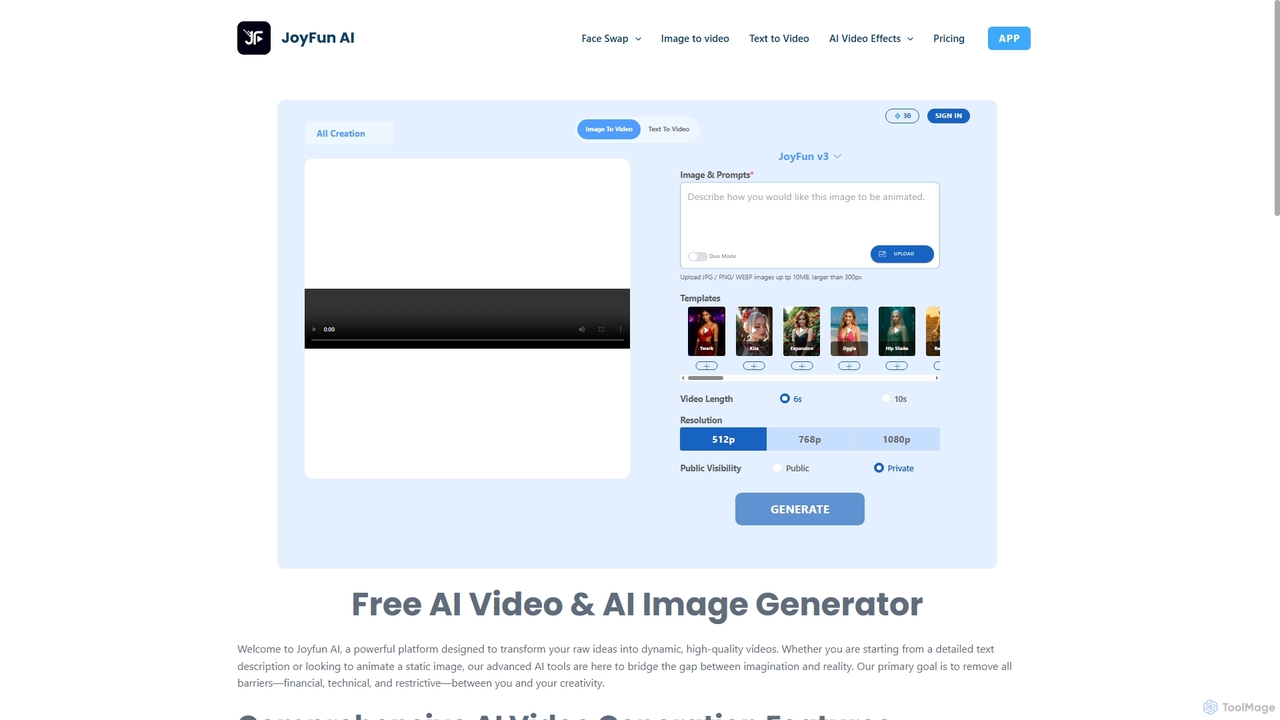
Joyfun is a powerful, free, and unlimited AI platform for generating high-quality videos from text or images, and performing advanced face swaps in both photos and videos. It integrates a vast library of top-tier AI models, offering unparalleled creative freedom without requiring sign-ups or subscriptions.

Animation
Visits 1.8MFavorites 86Likes 92
Seedream 4 AI
Freemium

Seedream 4 AI

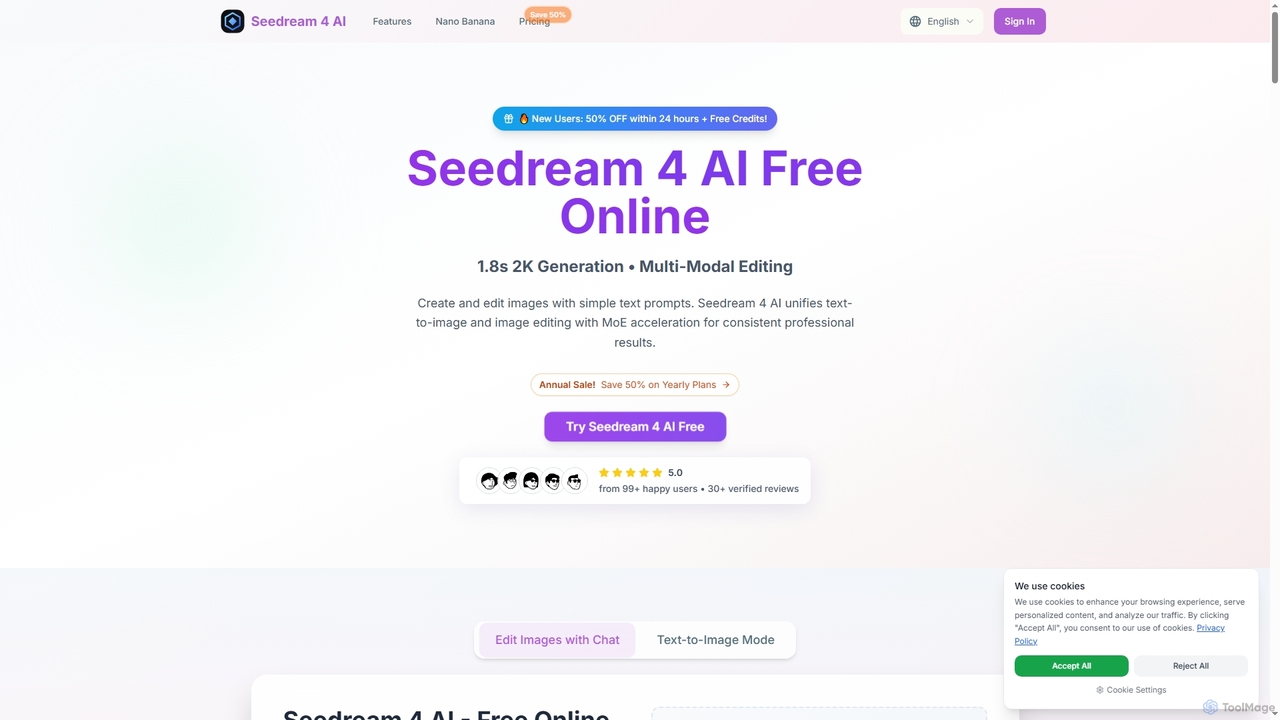
Seedream 4 AI is an advanced online tool for lightning-fast AI image generation and editing. It transforms text prompts into stunning 2K visuals in approximately 1.8 seconds, offering multi-modal editing capabilities and diverse artistic styles for professional results.

Creative Asset Creation
Visits 5.5KFavorites 97Likes 93
Nano Banana
Freemium

Nano Banana

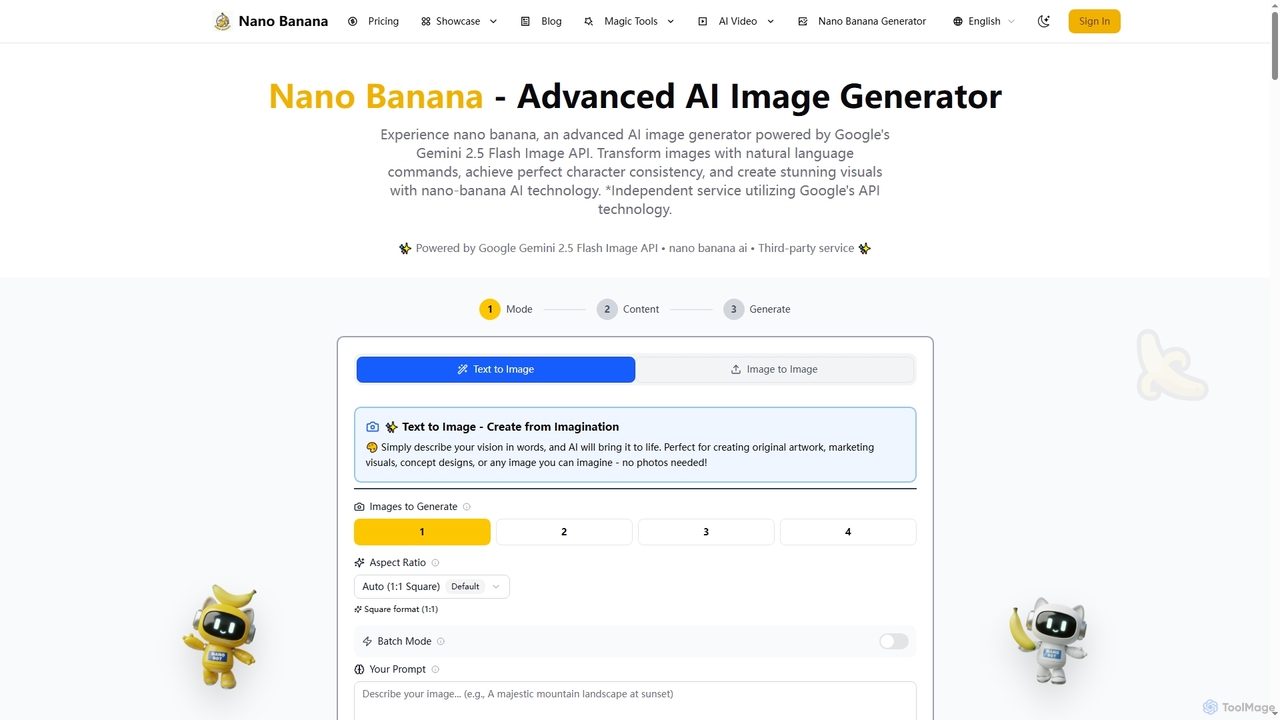
Nano Banana is an advanced AI image generator powered by Google's Gemini 2.5 Flash Image API. It enables users to create and transform stunning visuals with natural language commands, ensuring perfect character consistency and scene preservation for professional-grade content.

Creative Asset Generation
Visits 291.7KFavorites 135Likes 164
VideoPop
Paid

VideoPop

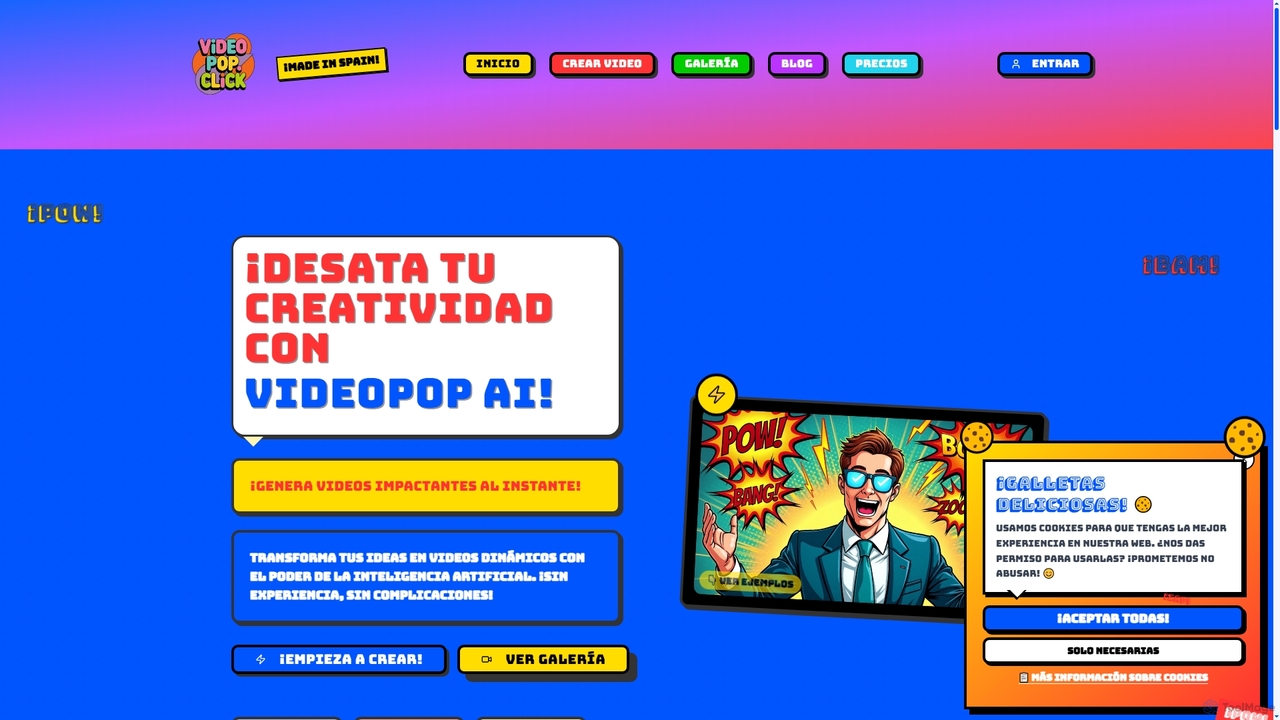
VideoPop is an AI-powered video generator that transforms text and images into dynamic, engaging short videos instantly. Designed for ease of use, it allows anyone to create vibrant content for social media, marketing, or personal memories without prior video editing experience. Leverage advanced AI to bring your ideas and photos to life with special effects and animations.

3D
Visits 5.6KFavorites 106Likes 114

About Image Editing

AI Image Editing tools are a class of software that leverages artificial intelligence to automate and enhance the process of image manipulation. These tools utilize deep learning models and computer vision to understand the context and content of an image, enabling complex edits with simple commands. They empower users of all skill levels, from professionals to beginners, to perform tasks like object removal, background replacement, and quality enhancement in a fraction of the time required by traditional methods. This technology significantly streamlines creative workflows and makes professional-grade photo editing more accessible.

Core Features

  • Object Removal & Inpainting: Intelligently erase unwanted objects, people, or text, and seamlessly reconstruct the background.
  • Background Management: Automatically detect and remove or replace the background of an image with a single click.
  • AI Upscaling & Enhancement: Increase image resolution without losing quality, reduce noise, sharpen details, and correct colors.
  • Generative Fill & Outpainting: Add, extend, or replace parts of an image using simple text prompts to generate new content.
  • Style Transfer: Apply the artistic style of one image to another, creating unique visual effects.

Use Cases

AI Image Editing tools are widely used across various industries. In e-commerce, they are essential for creating clean, consistent product photos by batch-removing backgrounds. Marketers and social media managers use them to quickly adapt visuals for different platforms and create engaging content. Professional photographers and designers integrate these tools into their workflows to accelerate retouching and compositing tasks.

How to Choose

When selecting an AI Image Editing tool, first consider your primary need: are you focused on restoration, creative generation, or bulk processing? Evaluate the tool's specific feature set and its performance on your typical images. Also, consider the user interface's ease of use, integration with other software like Photoshop, and the pricing model—whether it's a subscription, a one-time purchase, or a credit-based system.

Featured tool rankings

Image Editing use cases

1

E-commerce Product Photo Optimization

An e-commerce store manager needs to upload hundreds of new product photos to their website, each requiring a clean, white background for a professional and consistent look. Instead of manually tracing each product in traditional software, which could take hours, they use an AI image editor. They upload the entire batch of photos, and the tool's 'Batch Background Removal' feature automatically detects the product in each image and removes the background in seconds. The result is a complete set of ready-to-use product images with transparent backgrounds, saving over 95% of the editing time and ensuring a uniform appearance across the online store.

2

Creative Social Media Content Adaptation

A social media manager has a high-quality landscape photograph for a campaign but needs to create versions for Instagram Stories (9:16) and square posts (1:1). Instead of awkwardly cropping the image and losing important context, they use an AI tool with 'Generative Outpainting'. The tool intelligently extends the top and bottom of the image, generating new, contextually appropriate background that matches the original photo's style and lighting. This allows the manager to create perfectly formatted visuals for each platform without compromising the original composition, all within minutes.

3

Restoring and Colorizing Old Family Photos

A user finds a collection of old, damaged family photos that are scratched, faded, and in black and white. They want to restore these precious memories for a family album. Using an AI image editing tool, they first apply an 'AI Photo Restoration' feature. The tool automatically detects and repairs scratches, removes creases, and enhances facial details. Next, they use the 'AI Colorize' function, which analyzes the black-and-white image and applies realistic, historically appropriate colors. The final result is a set of vibrant, clear, and restored color photos that bring the past to life, a task that would have required a specialist and significant cost previously.

4

Enhancing Real Estate Photography

A real estate agent has photos of a property taken on an overcast day, making the listing look dull and uninviting. To attract more potential buyers, they use an AI image editor. With a 'Sky Replacement' tool, they instantly swap the gloomy, grey sky with a bright, sunny one. They also use an 'AI Enhancement' feature to automatically adjust brightness, contrast, and color balance, making the property's interior and exterior look more vibrant. Finally, they use the 'Object Removal' tool to erase a distracting car from the driveway. These quick edits transform mediocre photos into professional, appealing marketing assets in minutes, increasing the property's online appeal.

5

Accelerating a Photographer's Retouching Workflow

A portrait photographer has a session with 50 final images that need retouching, including skin smoothing, blemish removal, and color correction. This process would typically take a full day of manual work. By using an AI-powered editing suite, the photographer can apply a consistent set of enhancements across all photos simultaneously. The AI intelligently detects faces and skin, applies natural-looking smoothing without losing texture, and automatically corrects for lighting inconsistencies. The photographer can then make minor, final adjustments where needed. This approach reduces the total retouching time from eight hours to under one, allowing them to deliver final images to clients faster and take on more projects.

6

Creating Conceptual Art for a Project Pitch

A game designer needs to create concept art for a new character but lacks advanced drawing skills. They use an AI image editor's 'Generative Fill' feature. They start with a simple sketch or a stock photo of a person. Then, they select areas like the clothing and armor and enter text prompts such as 'add futuristic silver armor with glowing blue lines' or 'change shirt to a rugged leather tunic'. The AI generates multiple high-quality variations of these elements directly onto the image, allowing the designer to rapidly iterate on ideas and produce a compelling, professional-looking concept visual for their pitch deck without needing to be an expert artist.

Image Editing FAQ

What are AI Image Editing tools?

AI Image Editing tools are software applications that use artificial intelligence, particularly deep learning and computer vision, to automate or simplify complex image manipulation tasks. Unlike traditional editors that require manual step-by-step actions, AI tools can understand image content to perform actions with a single click or a text prompt. Key features often include automatic background removal, intelligent object erasing (inpainting), resolution upscaling, photo restoration, and generative fill, where new content is created from text descriptions.

How do I choose the right AI Image Editor?

Choosing the right AI Image Editor depends on your specific needs. Consider the following factors:

  • Primary Use Case: Determine if you need a tool for professional retouching, creative content generation, e-commerce batch processing, or photo restoration. Different tools specialize in different areas.
  • Feature Set: Check if the tool offers the specific functions you require, such as high-quality background removal, generative fill, AI upscaling, or specific artistic filters.
  • Ease of Use: Evaluate the user interface. Some tools are designed for beginners with one-click solutions, while others offer more advanced controls for professionals.
  • Pricing Model: Compare pricing structures. Options include monthly/annual subscriptions, one-time purchases, or pay-as-you-go credit systems, which may be better for occasional use.
  • Integration: If you use other software like Adobe Photoshop or Figma, check if the AI tool offers a plugin for a seamless workflow.
What is the difference between AI image editors and traditional software like Photoshop?

The primary difference lies in the workflow and level of automation. Traditional software like Adobe Photoshop is a powerful, tool-based editor that requires users to have technical skills and perform actions manually (e.g., using the Pen Tool to trace an object). AI image editors, on the other hand, are task-based. They automate complex processes into single actions. For example, instead of manually selecting a background, an AI tool does it automatically. While Photoshop is increasingly integrating AI features, standalone AI editors are often faster and more accessible for specific, repetitive tasks, whereas Photoshop offers deeper, more granular control for complex creative projects.

Can AI image editors completely replace professional designers or photographers?

AI image editors are best viewed as powerful assistants rather than replacements for creative professionals. They excel at automating time-consuming, technical, and repetitive tasks, which frees up designers and photographers to focus on the creative aspects of their work, such as composition, storytelling, and client communication. While AI can generate impressive results and lower the barrier to entry for basic editing, it currently lacks the nuanced understanding, artistic intent, and contextual awareness that a professional brings to a project. They are tools that enhance productivity, not eliminate the need for human creativity and expertise.

What are the main functions of AI Image Editing tools?

AI Image Editing tools offer a range of powerful functions designed to simplify complex edits. The most common ones include:

  • Background Removal: Automatically isolates the main subject and removes the background, ideal for product photos and portraits.
  • Object Removal (Inpainting): Lets you 'paint over' an unwanted object, and the AI intelligently fills the space with a plausible background.
  • Image Upscaling: Increases the resolution and size of an image using AI to predict and generate new pixel data, resulting in a sharper image than traditional resizing.
  • Generative Fill/Outpainting: Allows users to add or replace elements within an image or extend its borders using text prompts.
  • Photo Restoration & Colorization: Repairs damage like scratches and creases in old photos and can add realistic color to black-and-white images.