ToolMage
Sign in

Best 36 Asset Management AI tools for Productivity

Popular Asset Management AI tools in Productivity include istockphoto, Envato Elements, Icons8, 58pic, IconScout, Upscayl, Image-Upscaling.net, Monotype, Lummi, and Kive, helping you work more efficiently.

QuickSight
Freemium

QuickSight

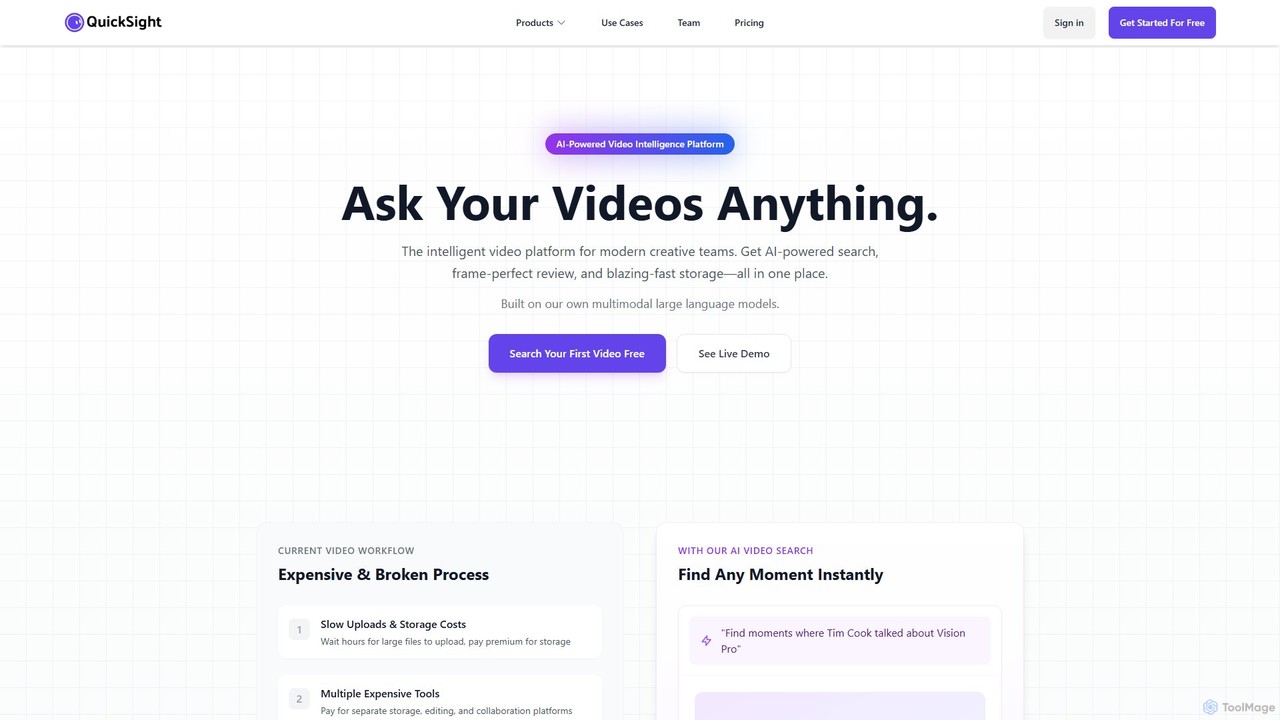
QuickSight is an AI-powered video intelligence platform for creative teams. It uses proprietary multimodal large language models to make video libraries instantly searchable via natural language. It combines AI search, frame-perfect review, and high-speed storage into a single, cost-effective solution. Users can find specific moments, transcribe content, and collaborate on video reviews with unparalleled speed and accuracy, streamlining the entire video workflow.

Content Creation
Visits 7.1KFavorites 137Likes 135
Kive
Freemium

Kive

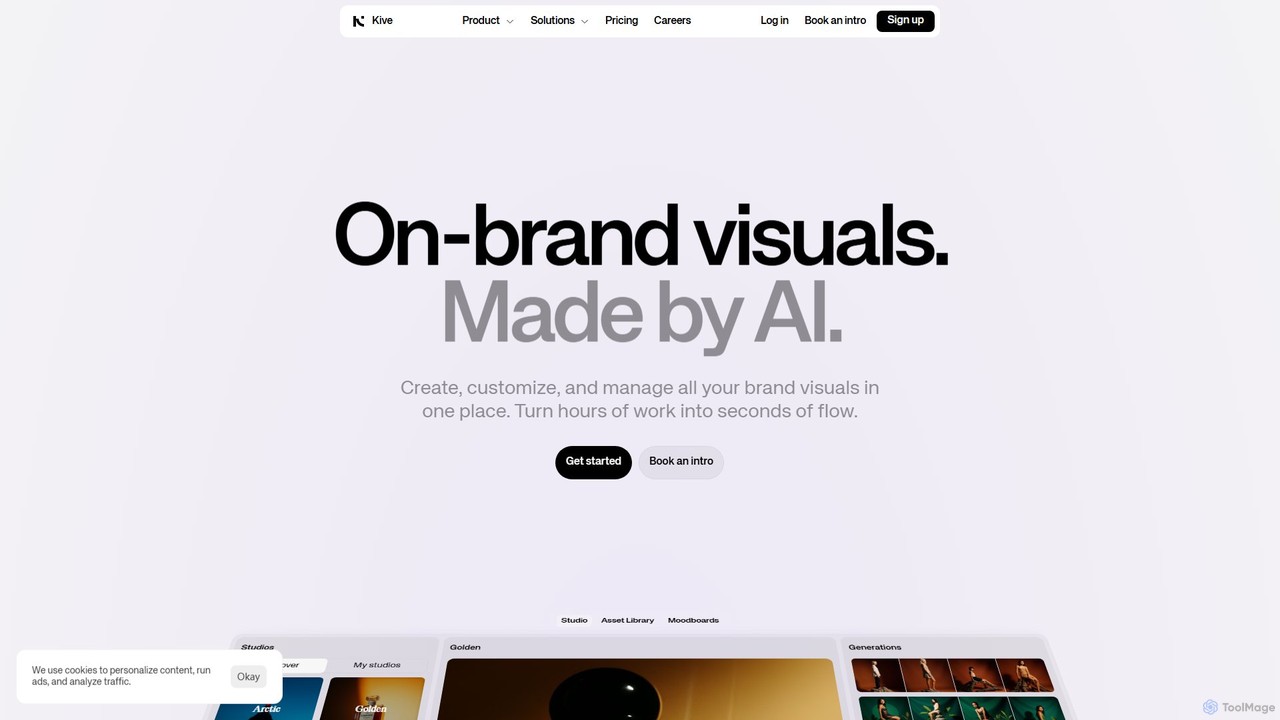
Kive is an all-in-one AI-powered platform designed for brands, agencies, and creatives to generate, manage, and scale on-brand visual content. It combines AI image and video generation with a smart creative asset management system. Users can create professional product shots, lifestyle images, and videos from text prompts, integrate real products into AI scenes, and organize everything in a searchable library without manual tagging.

Image Generator
Visits 381.7KFavorites 160Likes 160
Fracttal
Paid

Fracttal

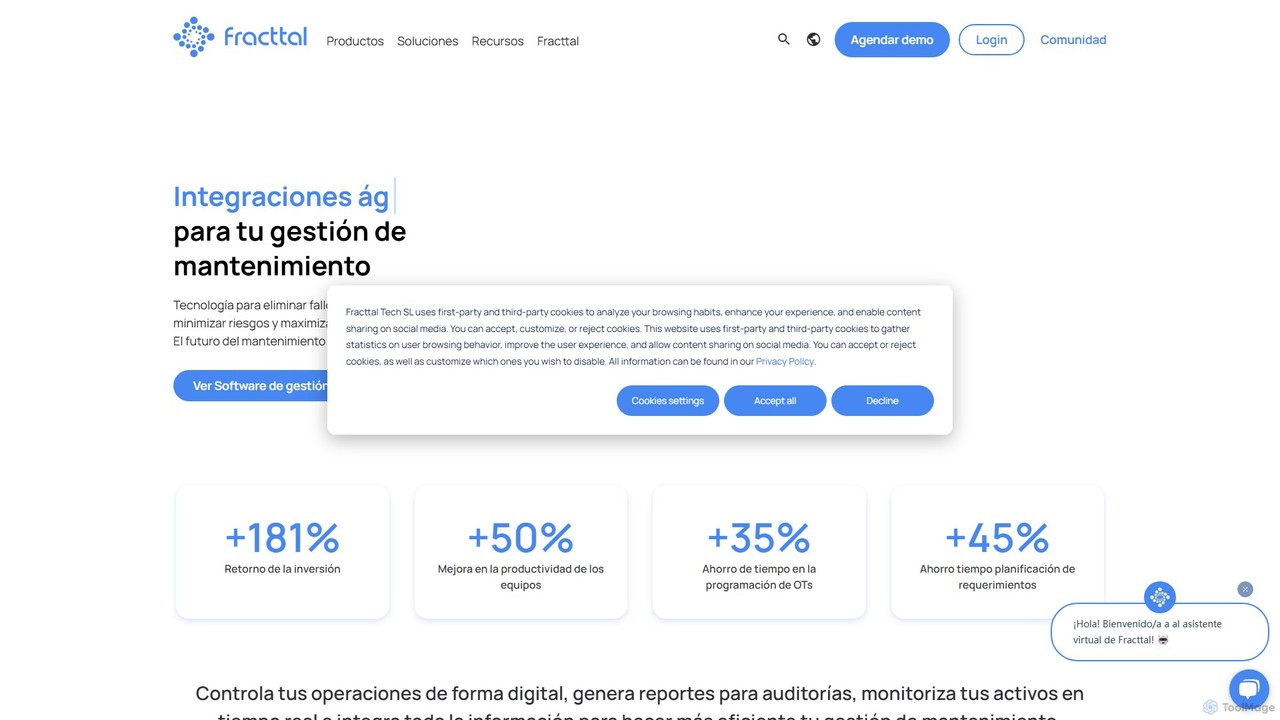
Fracttal is an AI-powered maintenance management platform (CMMS/EAM) designed to optimize asset performance and operational efficiency. It combines predictive maintenance, IoT device integration, and an AI assistant to help businesses reduce failures, cut costs, and maximize asset uptime across various industries.

Maintenance Management
Visits 279.1KFavorites 172Likes 157
Pictographic
Freemium

Pictographic

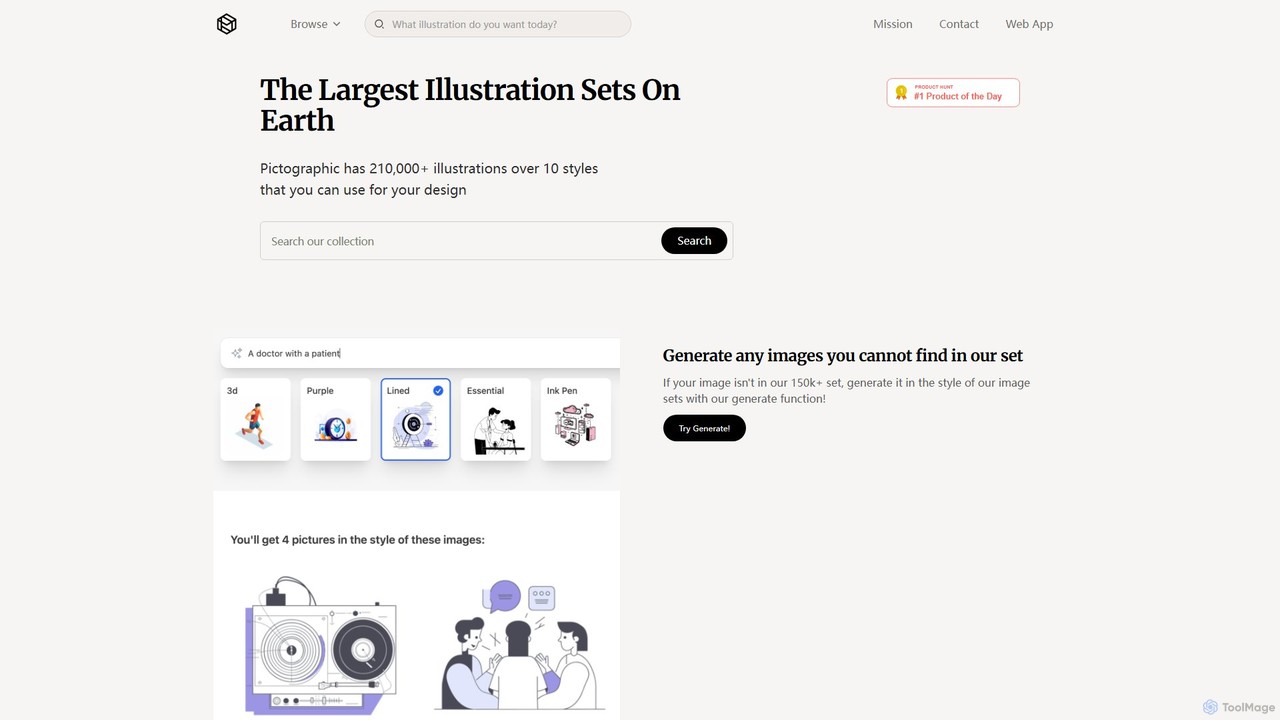
Pictographic offers a massive library of over 210,000 illustrations across 10+ styles, complemented by an AI image generator. Users can search the extensive collection or generate new, style-consistent visuals on demand. With a Figma plugin, SVG color customization, and flexible plans, it's a comprehensive resource for designers, marketers, and creators seeking high-quality, customizable graphics for any project.

Illustration
Visits 7KFavorites 110Likes 119
Estimote
Paid

Estimote

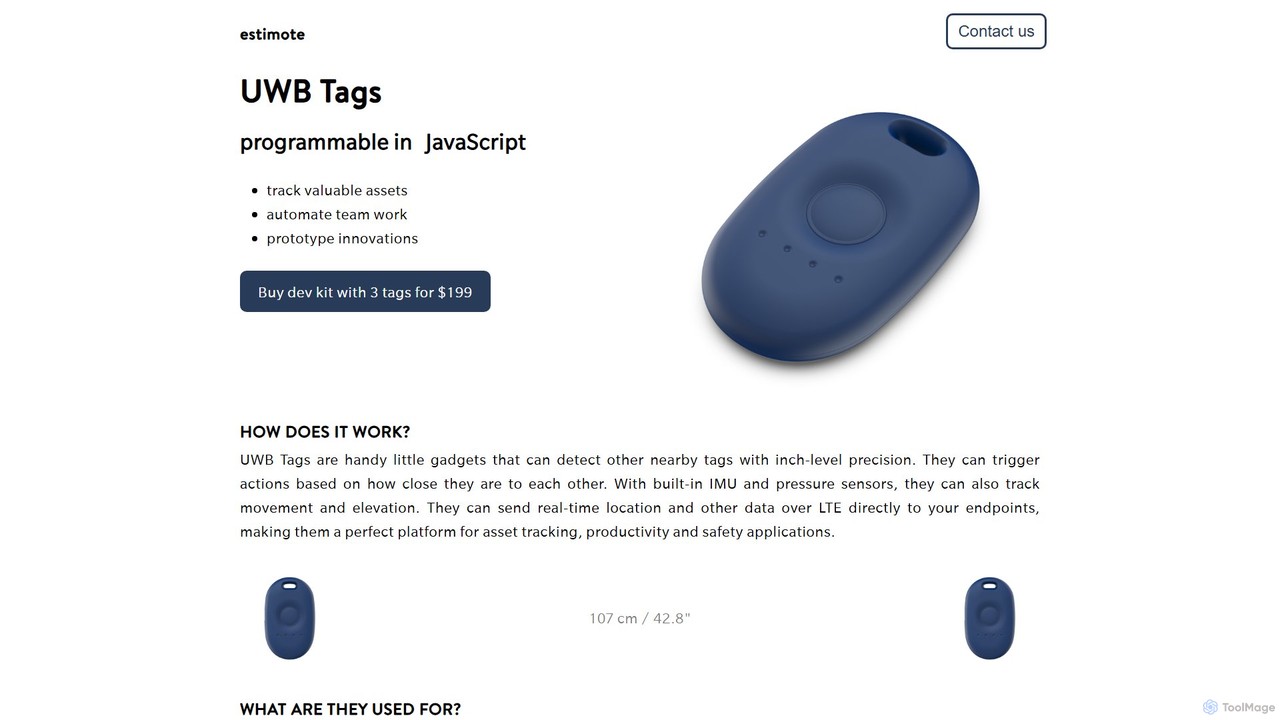
Estimote provides advanced UWB (Ultra-Wideband) tags for inch-level precision location tracking and IoT applications. These programmable devices, equipped with sensors and LTE connectivity, enable developers to build sophisticated asset tracking, automation, and safety solutions using JavaScript. They are designed for rapid prototyping and scalable deployment across various industries.

Hardware Api
Visits 14.7KFavorites 99Likes 100
Picture Picker
Freemium

Picture Picker

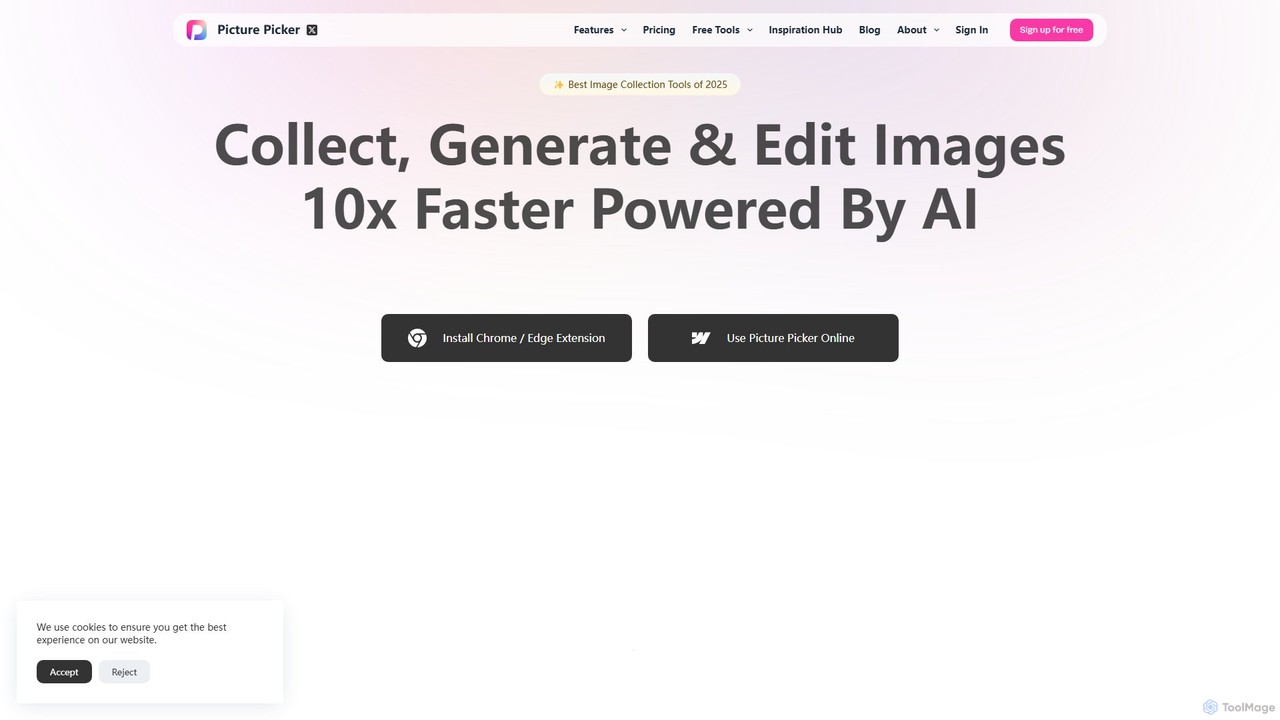
Picture Picker is an AI-powered tool designed for creatives to collect, organize, and search for images 10x faster. With a browser extension for one-click collection, it automatically categorizes images using AI, allows for natural language search, and generates color palettes. It centralizes all your visual inspiration in a smart, accessible cloud library, streamlining the entire creative workflow from discovery to execution.

Inspiration
Visits 14.1KFavorites 104Likes 126
Imagga
Freemium

Imagga

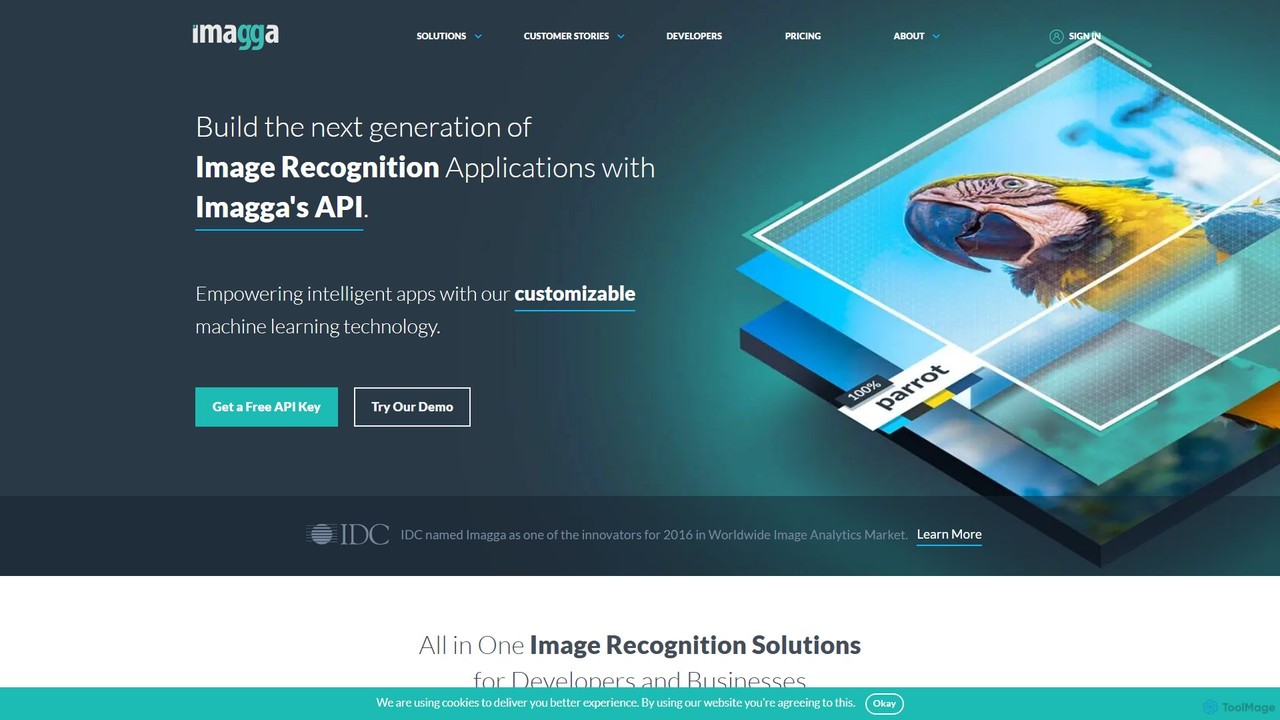
Imagga offers a comprehensive suite of image recognition and computer vision AI tools via a powerful API. It enables developers and businesses to implement features like automatic image tagging, visual search, content moderation, facial recognition, and color analysis. Ideal for automating image organization, enhancing product discovery, and ensuring platform safety.

Computer Vision
Visits 35.1KFavorites 107Likes 110
Binded
Freemium

Binded

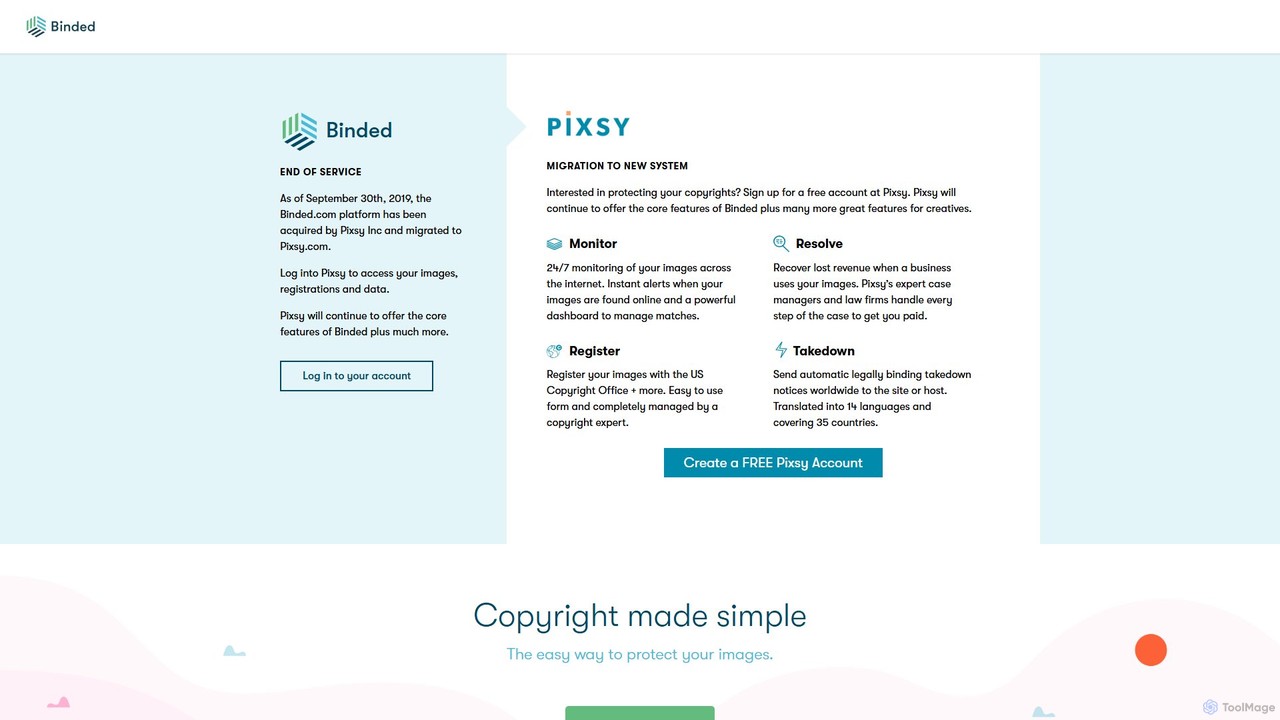
Binded was a pioneering copyright protection service using blockchain technology to create immutable records for creative works. It has since been acquired by and integrated into Pixsy, a comprehensive platform for image monitoring, infringement detection, and revenue recovery for creators.

Photography
Visits 10.3KFavorites 165Likes 169
mastermallow
Freemium

mastermallow

mastermallow is an AI-powered creative suite that helps businesses and creators build cohesive brand identities. Effortlessly generate logos, color palettes, social media assets, and marketing visuals, turning your ideas into professional designs with a unique visual system.

Branding
Visits 5.9KFavorites 104Likes 126
58pic
Freemium

58pic

58pic (千图网) is a comprehensive creative asset platform integrating a massive library of design templates, stock photos, and videos with powerful AI tools. It offers an AI poster generator, AI image generator, and smart cutout, catering to designers, marketers, and businesses with a focus on commercially licensed content.

Image Generator
Visits 1.7MFavorites 153Likes 153
istockphoto
Freemium

istockphoto

iStockphoto is a leading royalty-free stock media platform, offering millions of human-created photos, videos, and illustrations. It now integrates a powerful suite of AI tools, allowing users to generate unique, commercially safe images and perform advanced edits like background replacement, object removal, and image extension directly on the platform. This hybrid approach combines high-quality, legally-protected assets with the speed and flexibility of AI.

Image Generation
Visits 27.1MFavorites 130Likes 128
De.Fi
Freemium

De.Fi

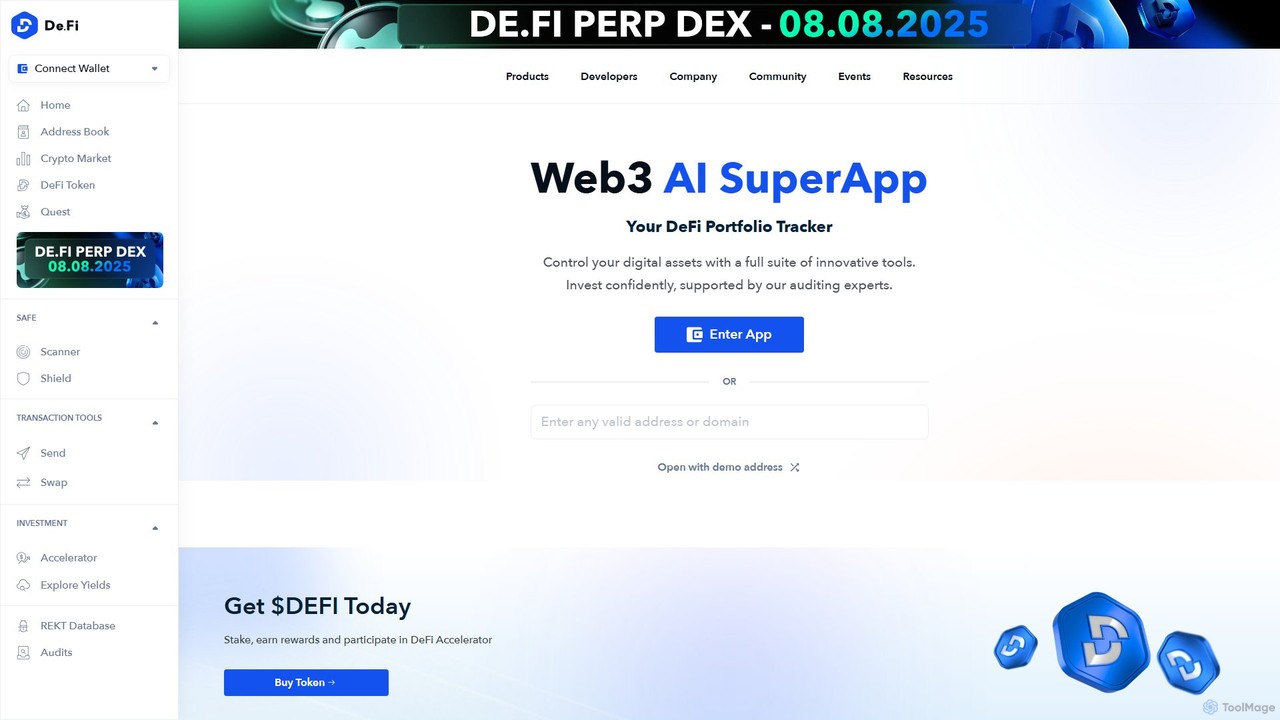
De.Fi is an all-in-one Web3 SuperApp featuring an AI-powered crypto antivirus and a comprehensive DeFi portfolio tracker. It enables users to manage assets, scan smart contracts for risks, revoke dangerous permissions, and discover yield farming opportunities across over 45 blockchains. It's designed to make DeFi safer and more accessible for everyone, from beginners to expert investors.

Crypto
Visits 146.8KFavorites 115Likes 138

About Asset Management

AI Asset Management tools are intelligent systems for organizing, searching, and distributing digital files. Using technologies like computer vision and natural language processing, these platforms automatically analyze and tag assets such as images, videos, and documents. This enables teams to instantly find the right content through advanced search, eliminating manual organization and boosting creative productivity. They serve as a centralized, searchable hub for all of an organization's valuable digital resources.

Core Features

  • Automatic Tagging & Metadata: AI analyzes content to generate relevant keywords, descriptions, and categories.
  • Intelligent Search: Go beyond filenames with visual search, object recognition, and text-in-document search.
  • Duplicate Detection: Identifies and flags identical or visually similar assets to maintain a clean library.
  • Content Insights: Analyzes asset usage and performance to inform content strategy.
  • Automated Workflows: Triggers actions like approvals or notifications based on asset metadata or status.

Applicable Scenarios

These tools are essential for marketing teams managing brand collateral, e-commerce businesses organizing product imagery, and media companies cataloging vast video libraries. Development teams also use them to manage design systems and code repositories, ensuring consistency and reusability across projects.

Selection Criteria

When selecting a tool, evaluate the types of assets it supports (e.g., video, 3D models). Assess the accuracy of its AI features like auto-tagging and search. Consider its integration capabilities with your existing software stack (like Adobe Creative Cloud or a CMS), and review its security protocols and user permission settings to ensure data safety.

Featured tool rankings

Asset Management use cases

1

Centralize Marketing Campaign Assets

A marketing team for a global brand manages thousands of assets per campaign, including logos, ad creatives, and videos. Using an AI Asset Management tool, all new assets are uploaded to a central repository. The AI automatically tags each file with relevant data like campaign name, region, asset type, and even recognizes objects and text within images. When a regional manager needs a specific ad variation, they can use semantic search like 'blue background summer campaign ad for France' instead of browsing through complex folder structures, saving hours of search time each week.

2

Streamline E-commerce Product Photography

An online fashion retailer handles over 50,000 product images. An AI asset management system is used to automate the entire workflow. As new photos are uploaded, the AI identifies the product SKU from the filename, tags the image with attributes like 'dress', 'red', 'cotton', and 'summer collection', and detects if the image is a front view, side view, or detail shot. This structured data allows the e-commerce platform to automatically populate product pages and enables powerful filtering options for customers, significantly reducing manual data entry and improving the shopping experience.

3

Manage Video Production Footage

A media production house generates terabytes of raw video footage. Finding specific clips for editing is a major bottleneck. By ingesting all footage into an AI asset management platform, the system automatically transcribes all spoken dialogue, performs object recognition to identify people, locations, and brands, and generates scene descriptions. An editor can then search for 'CEO speaking about Q3 results at the conference' or 'drone shot of the coastline at sunset' and instantly receive all relevant clips, reducing clip discovery time from hours to minutes.

4

Organize a Corporate Document Repository

A large enterprise's legal department needs to manage tens of thousands of contracts, reports, and compliance documents. An AI asset management tool with NLP capabilities is deployed. It automatically scans each document, extracts key information like contract dates, party names, and monetary values, and categorizes them by document type. A lawyer can then perform complex searches such as 'all NDAs signed with Company X in 2022 that are expiring in the next 90 days'. The system provides instant, accurate results, ensuring compliance and saving significant legal review time.

5

Maintain Brand Consistency Across Teams

A company with multiple departments and international offices struggles with brand consistency. An AI asset management system acts as the single source of truth for all brand assets. It uses AI to detect outdated logos or off-brand colors in new uploads and flags them for review. The platform provides collections of pre-approved assets for different use cases (e.g., 'Social Media Kit', 'Presentation Templates'). This ensures that every employee, regardless of location, uses the most current and on-brand materials, strengthening the company's visual identity and preventing brand dilution.

6

Accelerate Game Development Asset Search

A game development studio maintains a massive library of 3D models, textures, and sound effects. An AI asset management tool is integrated into their development pipeline. A level designer can use visual search by uploading a sketch of a desired object (e.g., a 'rusty sci-fi crate') and the AI will find visually similar 3D models in the library. The system also auto-tags sound files with descriptions like 'footsteps on gravel' or 'laser blast'. This intelligent search capability allows developers to find and reuse existing assets rapidly, speeding up the creation of game worlds and reducing redundant work.

Asset Management FAQ

What is AI Asset Management?

AI Asset Management refers to software platforms that use artificial intelligence to organize, categorize, and search for digital assets like images, videos, and documents. Unlike simple cloud storage, these tools add an intelligence layer. They automatically generate metadata (tags) by analyzing content, enable searching by what's inside an image or video, and can detect duplicate files to keep libraries clean. Their primary goal is to make finding and reusing digital content fast and efficient for teams.

How does AI Asset Management differ from cloud storage like Google Drive?

The key difference is the intelligence layer. Cloud storage (like Google Drive or Dropbox) is primarily for storing and sharing files based on folder structures and filenames. AI Asset Management, on the other hand, understands the content of the files. It offers features that cloud storage typically lacks:

  • Content-Aware Search: Search for 'beach sunset' and find relevant images, regardless of their filename.
  • Automatic Tagging: AI automatically adds descriptive keywords, saving hours of manual work.
  • Version Control & Duplicate Detection: Manages asset history and prevents library clutter.
  • Usage Analytics: Provides insights into which assets are most popular or effective.

In essence, cloud storage is a digital filing cabinet, while AI Asset Management is an intelligent library.

Who needs an AI Asset Management tool?

Any organization or individual that creates and manages a significant volume of digital assets can benefit. This is particularly true for:

  • Marketing and Creative Teams: To manage brand assets, campaign materials, and stock photography, ensuring brand consistency and quick access.
  • E-commerce Businesses: To organize thousands of product images and videos, linking them with product data.
  • Media and Production Companies: To catalog vast libraries of video footage, audio files, and finished productions.
  • Large Enterprises: To create a central, searchable repository for documents, training materials, and internal communications.

If your team spends too much time searching for files or recreating assets they can't find, an AI Asset Management tool can provide a strong return on investment.

What are the key features to look for in an AI Asset Management tool?

When evaluating tools, focus on these core AI-driven features:

  • Quality of Auto-Tagging: How accurate and relevant are the tags generated by the AI for your specific assets (e.g., industry-specific terms)?
  • Advanced Search Capabilities: Does it support visual similarity search, text recognition in images (OCR), and filtering by AI-generated metadata like color or objects?
  • Integration Options: Can it connect seamlessly with the tools your team already uses, such as Adobe Creative Suite, Figma, or your Content Management System (CMS)?
  • Scalability and Performance: Can the system handle your current and future asset volume without slowing down?
  • Customization and Control: Can you customize the AI models, create custom metadata fields, and set granular user permissions?
How can AI Asset Management improve team productivity?

AI Asset Management directly boosts productivity by minimizing time wasted on non-creative tasks. Instead of manually searching through folders, team members can use intelligent search to find the exact asset they need in seconds. This accelerates workflows for content creation, marketing campaigns, and product development. Furthermore, by preventing the recreation of lost assets and ensuring brand consistency, it reduces rework and streamlines the approval process. It transforms the asset library from a passive storage unit into an active, intelligent resource that empowers creativity and efficiency.