ToolMage
Sign in

Best 204 Assistant for Productivity

Popular Assistant in Productivity include Google Gemini, doubao, Microsoft Copilot, Kimi, Yuanbao, Z.ai, Ollama, Monica, ChatGLM, and Sider, helping you work more efficiently.

Nami AI
Freemium

Nami AI

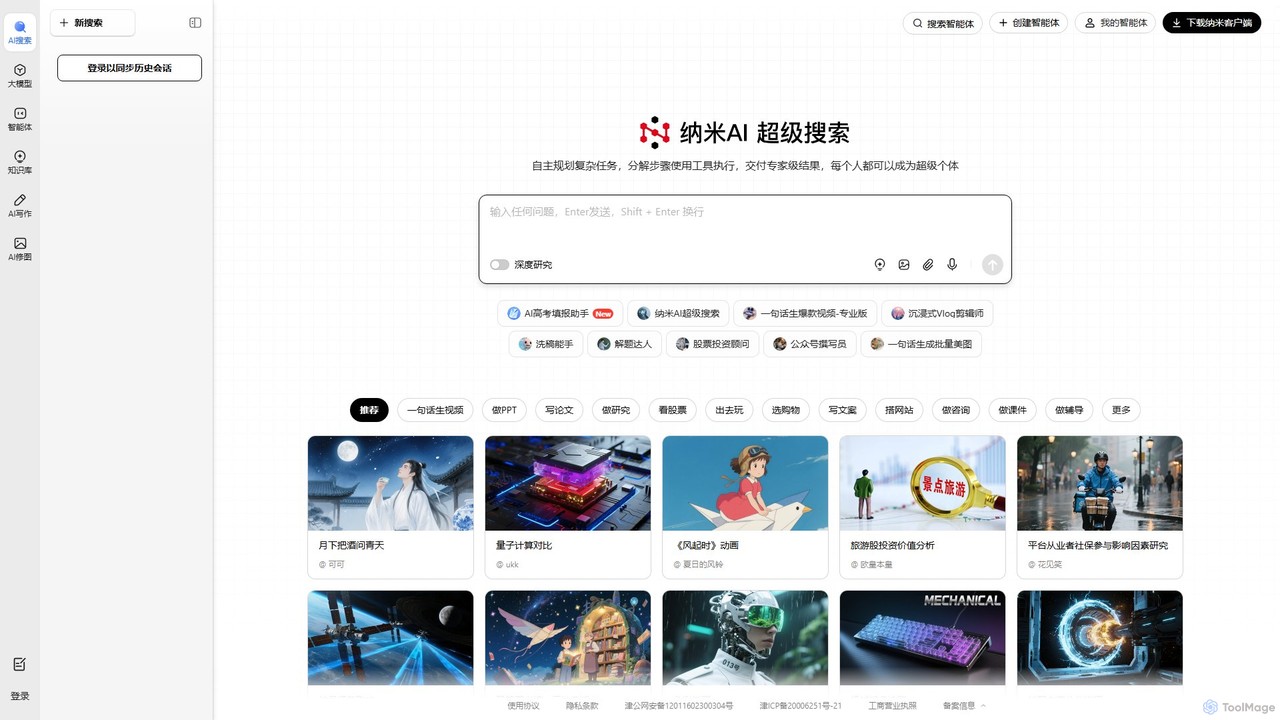
Nami AI is a powerful AI platform featuring an advanced AI search engine and intelligent agents. It automates complex tasks like in-depth research, multi-modal content creation (text, images, videos), and data analysis, transforming simple prompts into expert-level results.

Assistant
Visits 1.8MFavorites 149Likes 151
19pine
Paid

19pine

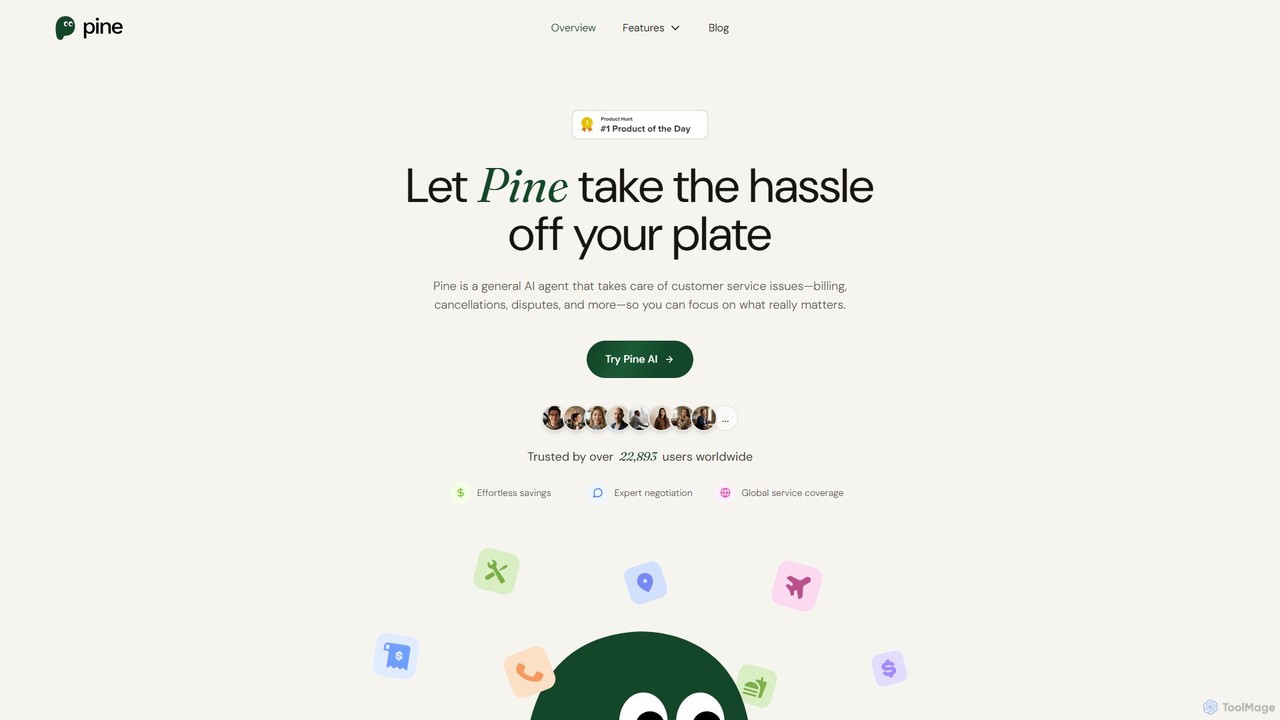
19pine is an AI-powered personal assistant that handles all your customer service interactions. It negotiates to lower your bills, cancels unwanted subscriptions, disputes incorrect charges, and waits on hold for you, saving you significant time, money, and stress.

Automation
Visits 168.9KFavorites 128Likes 117
Chatbox AI
Freemium

Chatbox AI

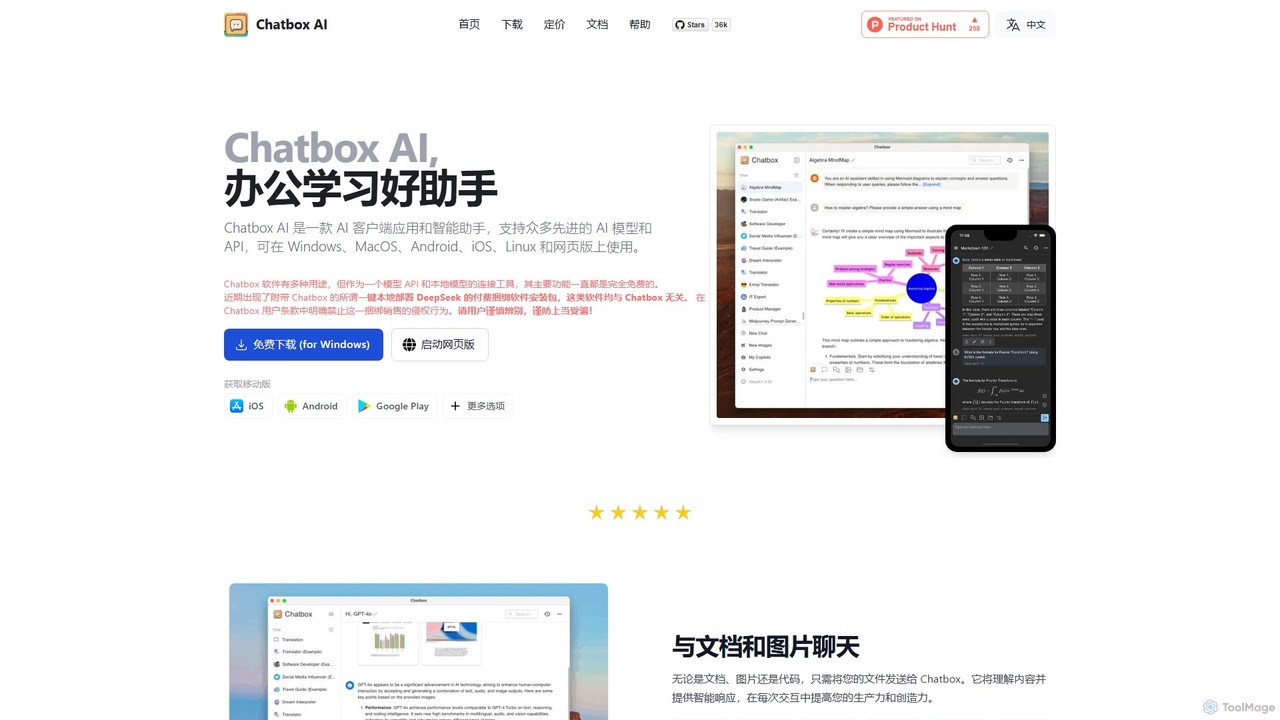
Chatbox AI is a powerful, cross-platform AI client for desktop and mobile. It integrates chat with documents, images, and code, offers real-time web search, AI image generation, and prioritizes user privacy with local data storage. Use your own API keys or subscribe to their all-in-one service.

Writing
Visits 861.4KFavorites 128Likes 148
Interviews.chat
Freemium

Interviews.chat

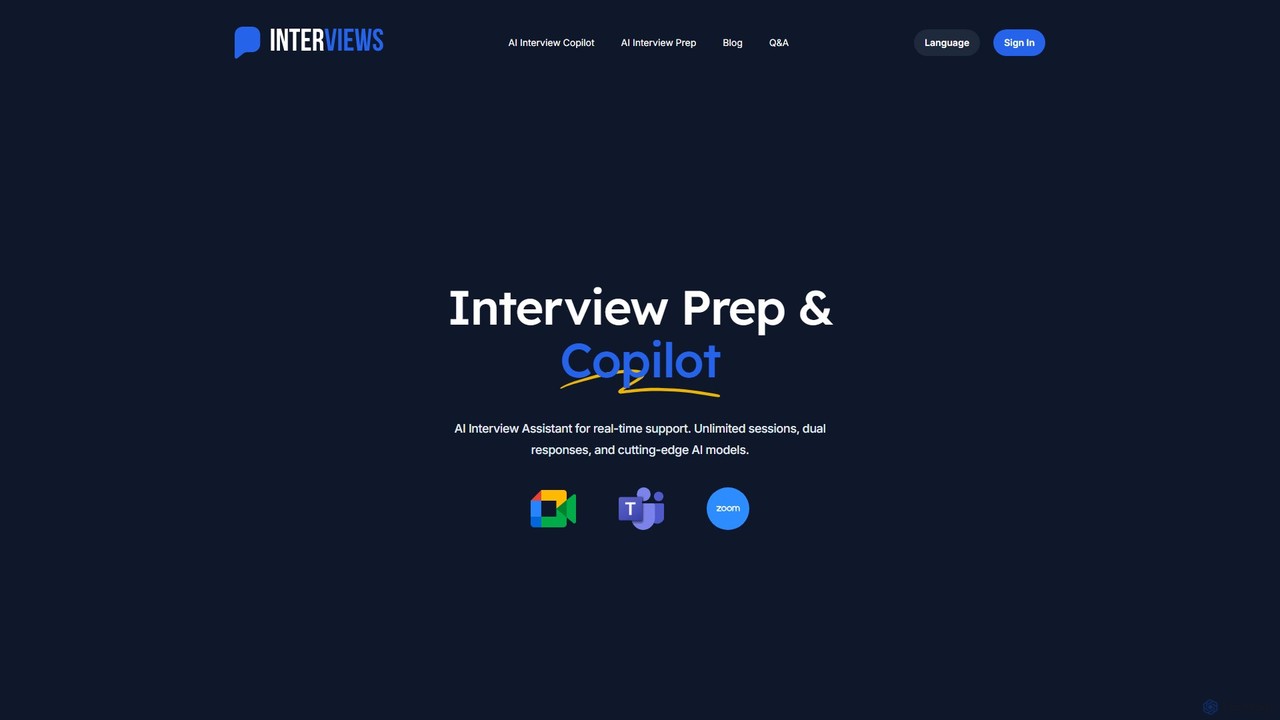
Interviews.chat is an AI-powered interview copilot and preparation platform. It offers real-time suggestions during live interviews, personalized mock interviews based on your resume, and instant feedback. It helps job seekers build confidence and master both technical and behavioral questions to land their dream job.

Interview Preparation
Visits 126.3KFavorites 125Likes 136
doubao
Freemium

doubao

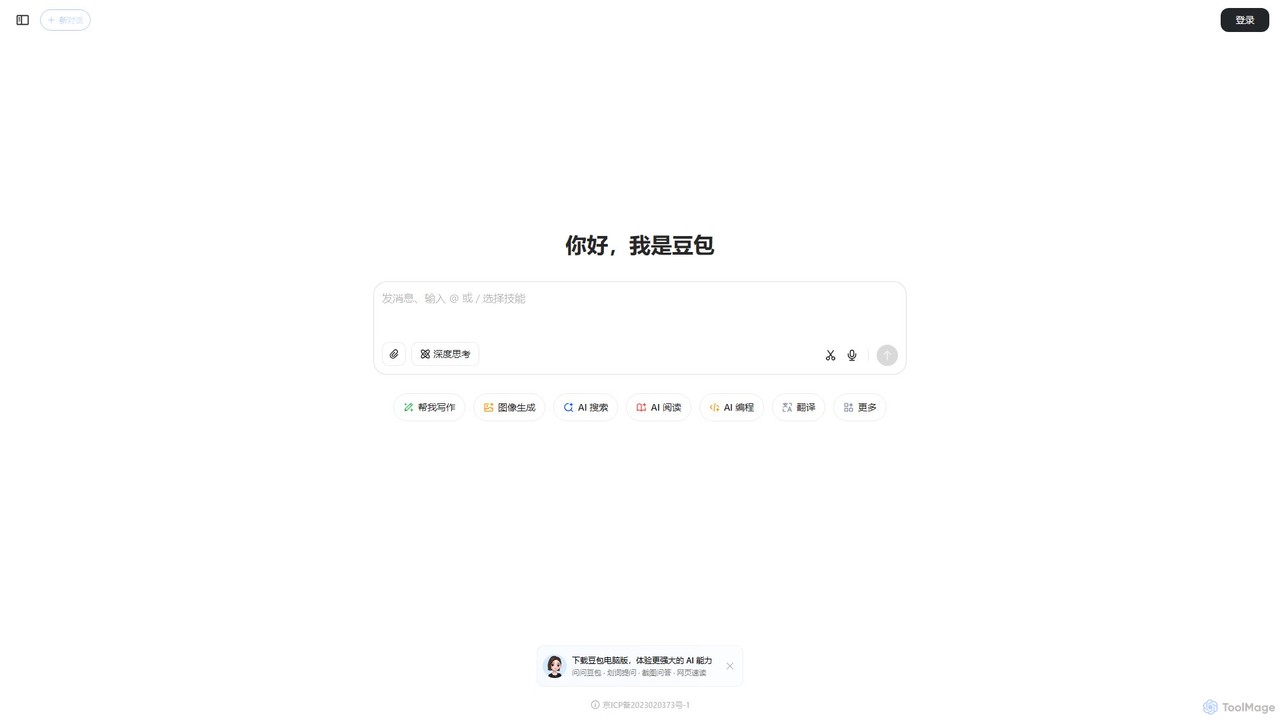
Doubao is a powerful AI smart assistant developed by ByteDance. It excels at conversation, content creation, coding, and more. With a user-friendly interface and multi-modal capabilities (text, voice, image), it serves as a versatile tool for productivity, learning, and daily tasks, available for free on both web and mobile platforms.

Code Assistant
Visits 161.3MFavorites 148Likes 129
aceit
Freemium

aceit

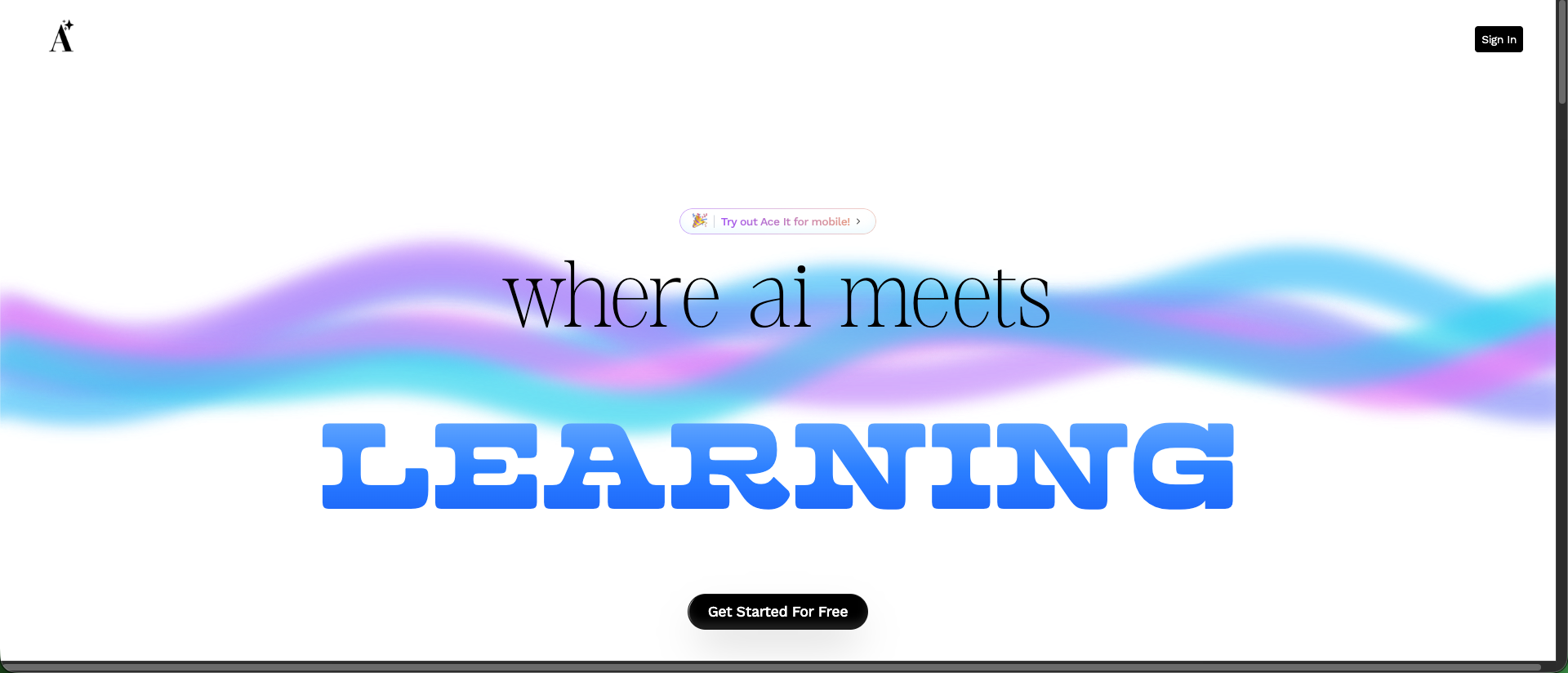
aceit is an AI-powered productivity and learning assistant designed to help students and professionals excel. It streamlines tasks like writing, research, and presentation preparation by generating high-quality content, summarizing complex information, and creating personalized study aids, enabling users to achieve their goals with greater efficiency and quality.

Study
Visits 7.3KFavorites 118Likes 109
WorkGPT
Freemium

WorkGPT

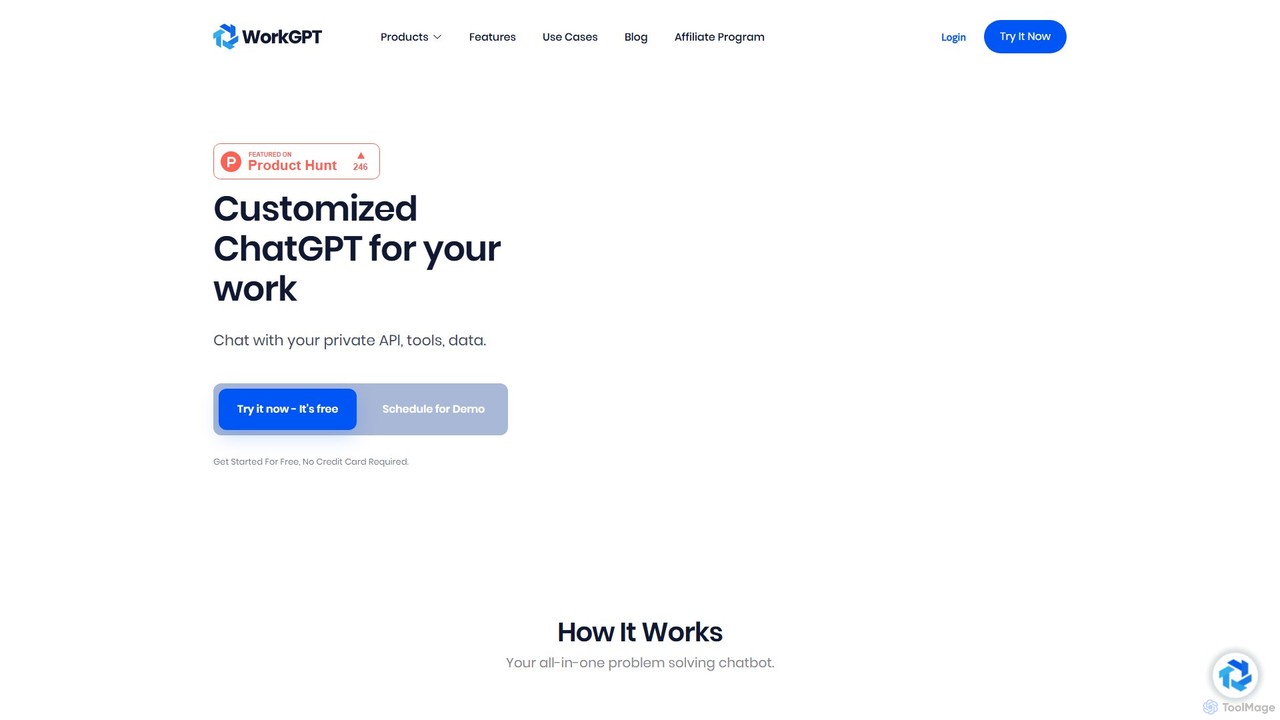
WorkGPT is a powerful AI platform that allows you to build custom ChatGPT-like agents and chatbots tailored for your work. It functions as an all-in-one problem-solving tool, enabling you to automate tasks, analyze data, and enhance productivity by creating AI assistants trained on your specific knowledge base.

Automation
Visits 7.4KFavorites 121Likes 122
Gnius.ai
Freemium

Gnius.ai

Gnius.ai is an advanced AI-powered knowledge engine and creative partner designed to assist professionals, researchers, and creators. It seamlessly integrates research, content generation, and data analysis into a single, intuitive platform, transforming complex information into actionable insights and high-quality content.

Data Analysis
Visits 3.5MFavorites 133Likes 141
Beloga
Freemium

Beloga

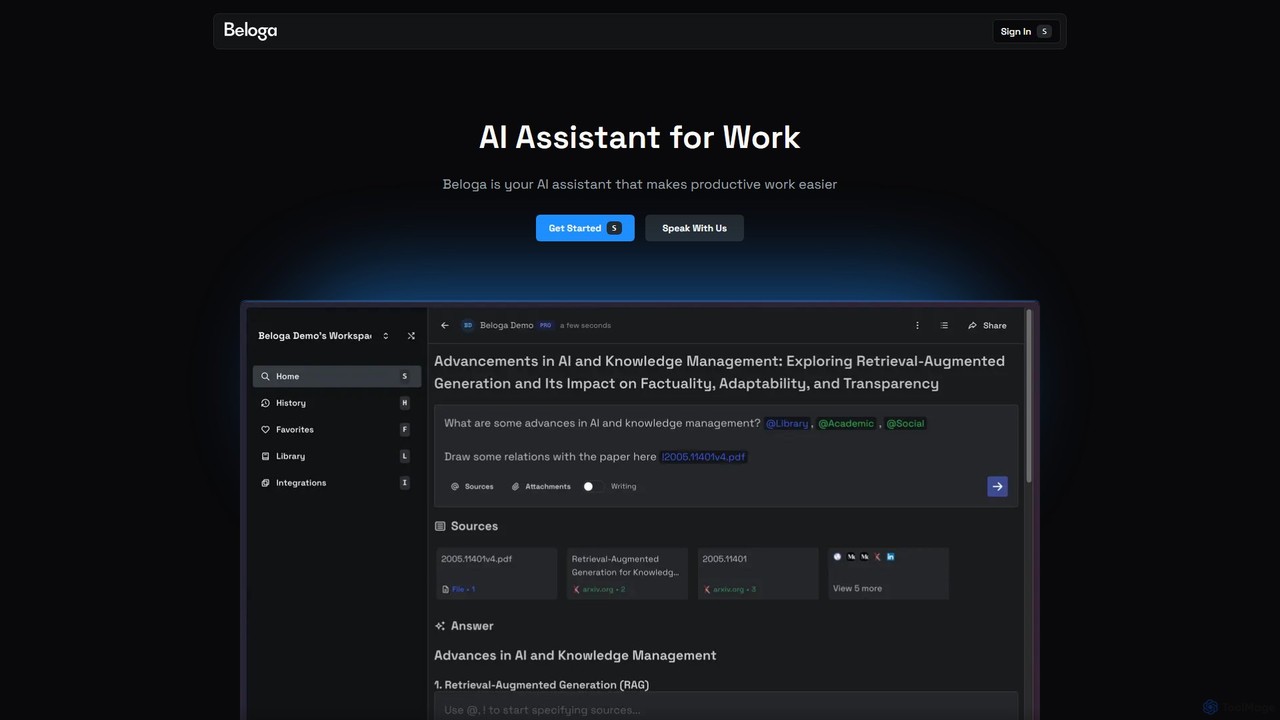
Beloga is an AI-powered productivity platform that integrates multiple large language models (like GPT-4o, Claude 3, Gemini 1.5) into a seamless workflow. Through its command spotlight interface, users can perform intelligent searches, automate tasks, and access personalized knowledge bases, boosting efficiency for individuals and teams.

Code Assistant
Visits 5.7KFavorites 136Likes 135
anygpt.app
Freemium

anygpt.app

anygpt.app is a powerful desktop utility that allows you to access GPT-4, Claude, and other large language models from any application on your computer. Simply use a keyboard shortcut to instantly get AI assistance for writing, coding, summarizing, and more, seamlessly integrating AI into your daily workflow.

Coding Assistant
Visits 5.6KFavorites 170Likes 170
Nextoffer
Freemium

Nextoffer

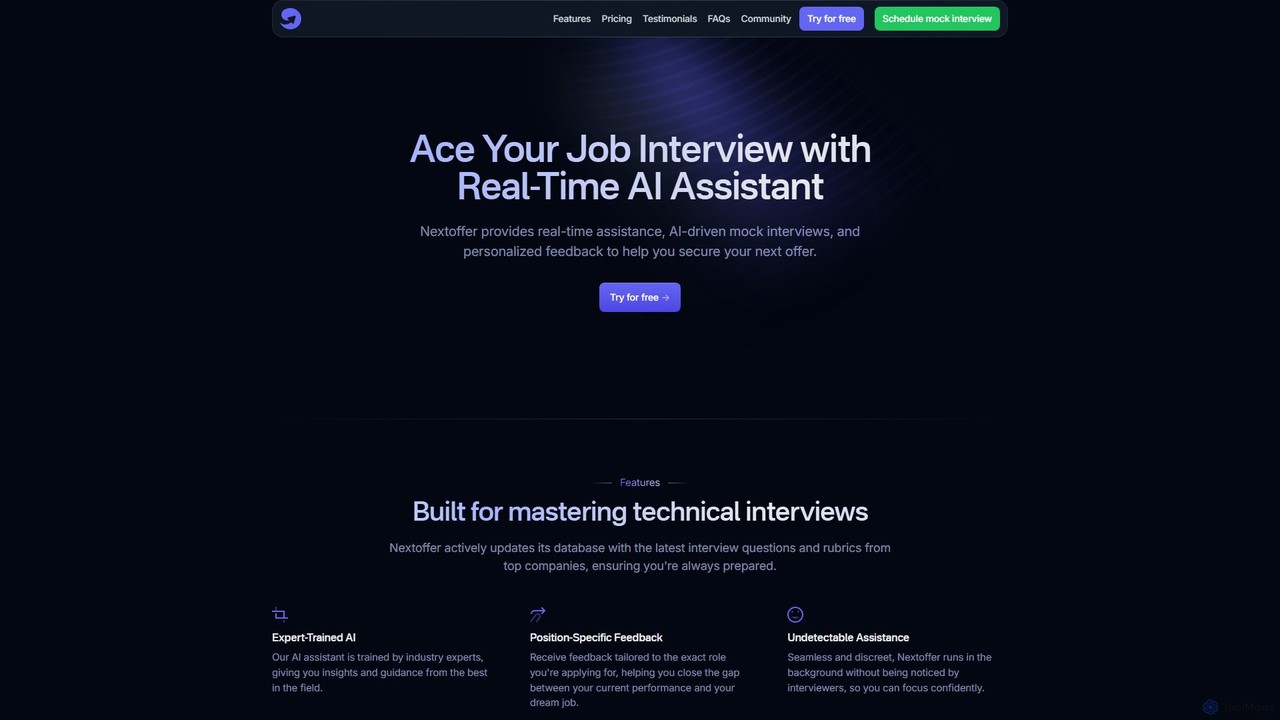
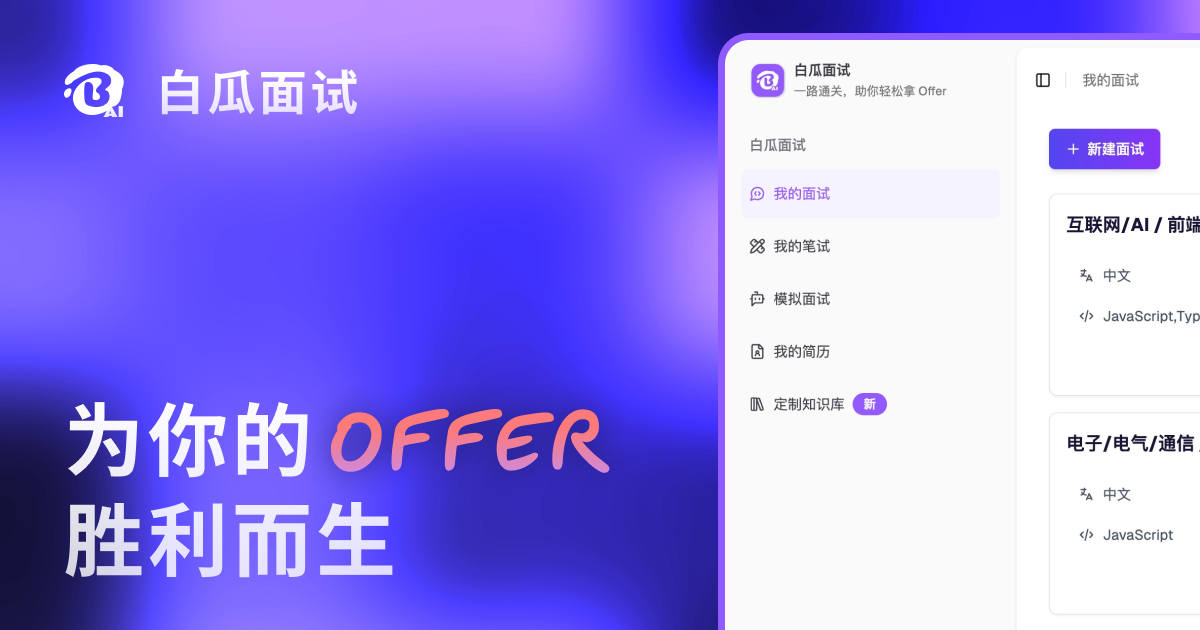
Nextoffer is a real-time AI interview assistant designed to help you ace your job interviews. It provides AI-driven mock interviews, personalized feedback based on your resume and job description, and undetectable, real-time assistance for technical and behavioral questions.

Interview Preparation
Visits 5.9KFavorites 123Likes 110
getmagicmate
Freemium

getmagicmate

getmagicmate is an all-in-one AI-powered assistant designed to boost productivity and creativity. It helps users with content creation, code generation, brainstorming, and task automation, acting as a versatile digital partner for professionals, developers, and creators.

Code Assistant
Visits 5.7KFavorites 153Likes 172
OpenCraft AI
Freemium

OpenCraft AI

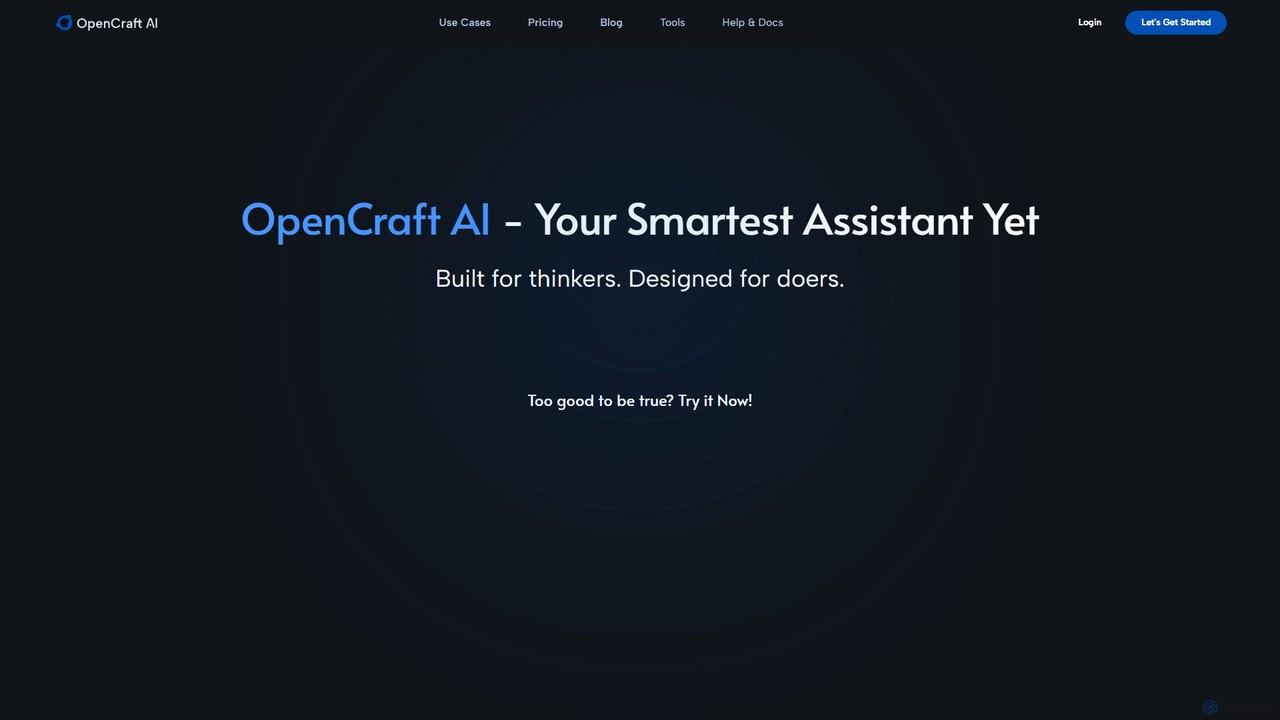
OpenCraft AI is an all-in-one AI workspace for professionals, integrating multiple AI models like GPT and Gemini with a unified file hub. It offers deep reasoning, real-time document editing, and context-aware responses to streamline research, content creation, and complex workflows.

Document Management
Visits 14.6KFavorites 105Likes 132
OpenGPT
Freemium

OpenGPT

OpenGPT is an all-in-one AI ecosystem and community platform. It features a comprehensive GPTs Store for custom AI applications, a Prompt Marketplace for creators, and direct access to leading models like Gemini Pro, ChatGPT-4, DALL-E 3, and Imagen 2 for chat, image, and video generation.

Marketplace
Visits 6.5KFavorites 144Likes 137
negosai
Freemium

negosai

negosai is an AI-powered negotiation co-pilot designed to help sales, procurement, and business professionals achieve superior deal outcomes. It provides data-driven strategy generation, real-time assistance, and in-depth counterparty analysis to empower users in any negotiation scenario.

Deal Management
Visits 5.6KFavorites 120Likes 126
AIQ Interview Cheatsheet
Freemium

AIQ Interview Cheatsheet

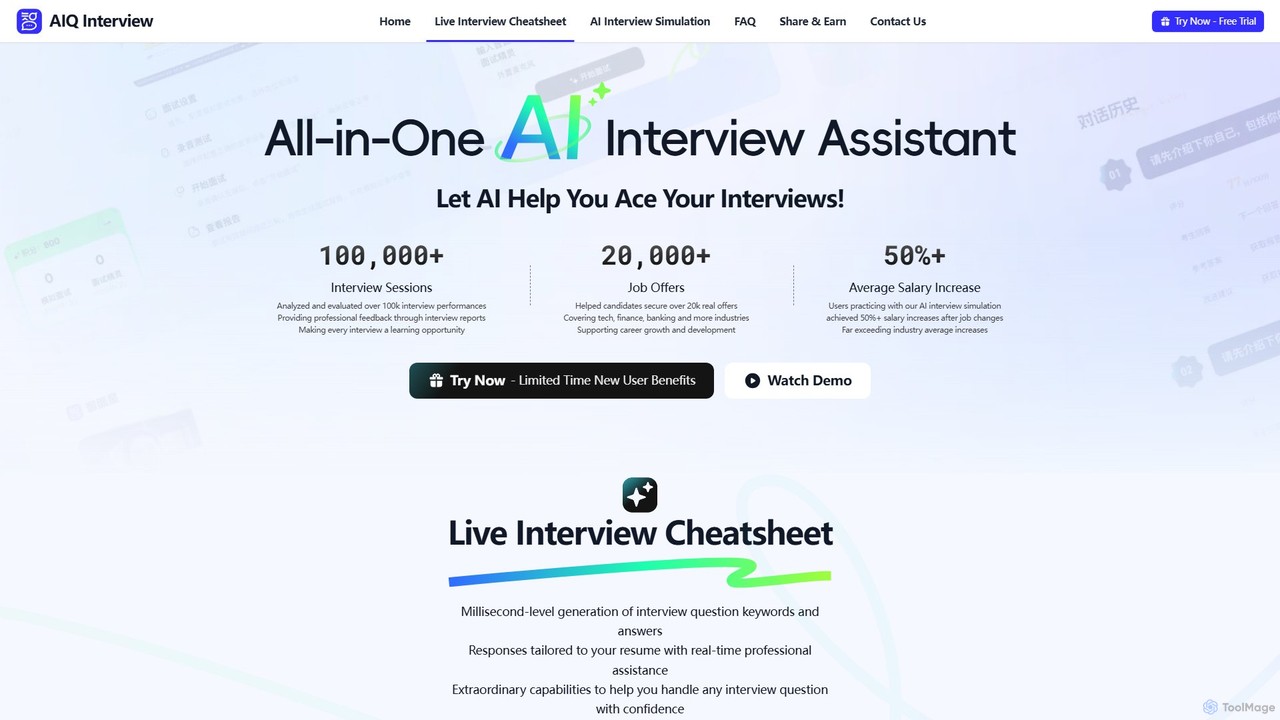
AIQ Interview Cheatsheet is an all-in-one AI-powered interview assistant designed to help you ace job interviews. It offers a real-time cheatsheet that provides instant, resume-tailored answers during live calls, and an AI simulation with over 80,000 questions for practice. By analyzing your performance and providing professional feedback, AIQ helps boost your confidence, improve your answers, and significantly increase your chances of landing your dream job across any industry.

Interview Preparation
Visits 5.7KFavorites 148Likes 149
iChatWithGPT
Freemium

iChatWithGPT

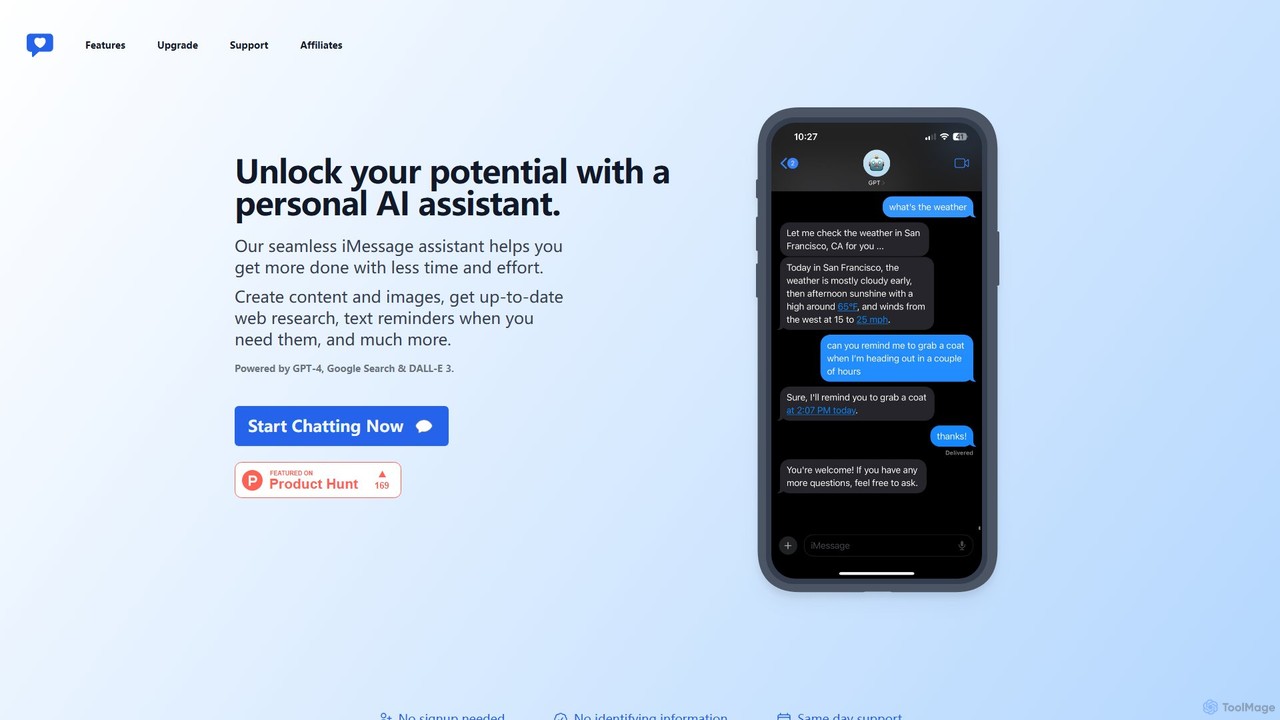
A personal AI assistant integrated directly into iMessage, powered by GPT-4, DALL-E 3, and Google Search. Create content, generate images, get real-time web research, and set text reminders without leaving your messaging app. Accessible across the entire Apple ecosystem.

Chatbot
Visits 10.3KFavorites 140Likes 127
Yesber
Freemium

Yesber

Yesber is a powerful all-in-one AI platform designed for businesses and creators. It integrates content generation, an intelligent chat assistant, image creation, and workflow automation to boost productivity. Effortlessly create marketing copy, blog posts, and social media content, streamlining your creative process and helping you achieve your goals faster.

Image Generator
Visits 5.6KFavorites 125Likes 110
usevacay
Freemium

usevacay

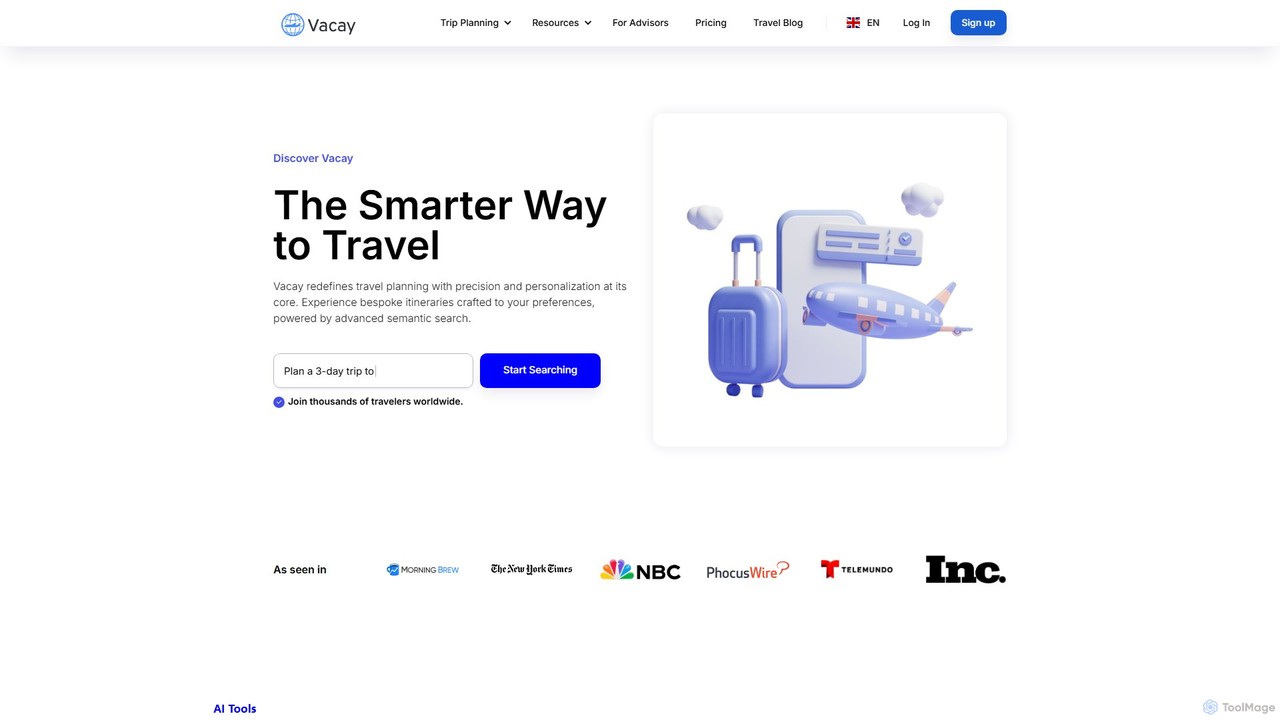
usevacay is an AI-powered travel platform that redefines trip planning. Using advanced semantic search and a conversational chatbot, it creates personalized itineraries, offers bespoke recommendations for hotels, flights, and activities, and provides curated travel guides. It caters to individual travelers and professional agents, focusing on user-centric discovery rather than commissions.

Leisure
Visits 14.9KFavorites 143Likes 158
GPTBox
Paid

GPTBox

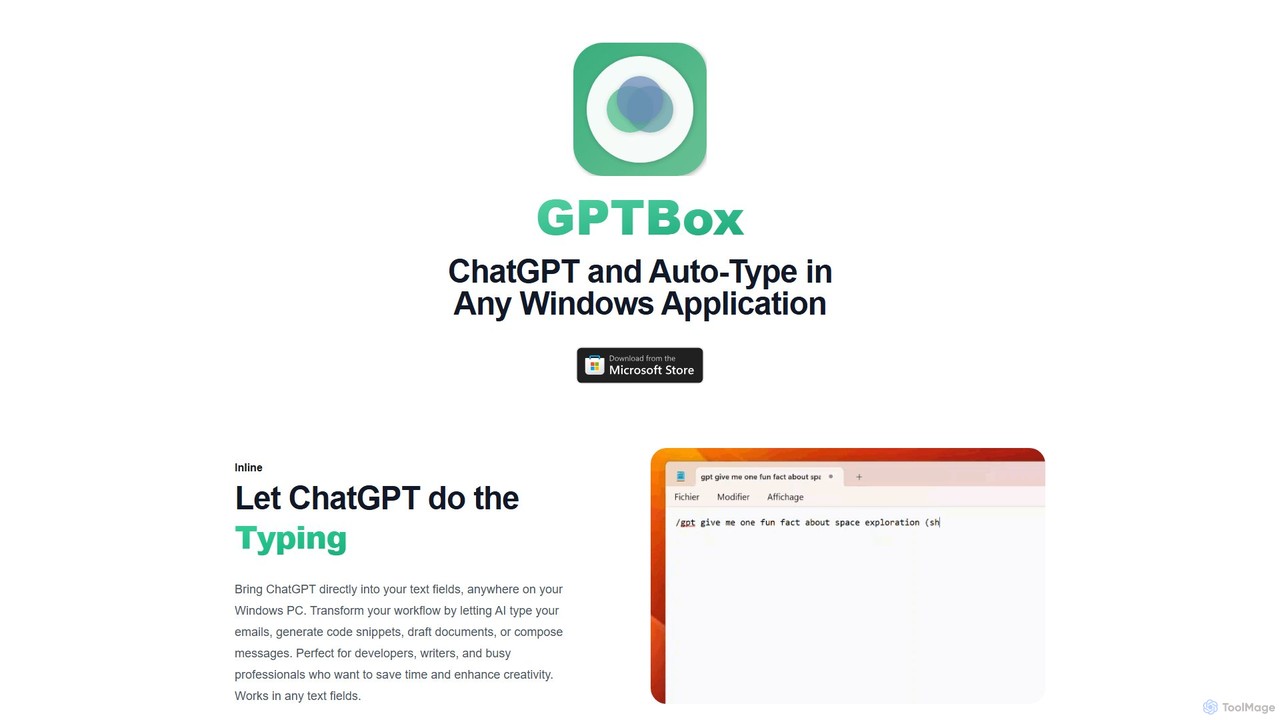
GPTBox is a native Windows application that seamlessly integrates ChatGPT and DeepSeek into your taskbar. It allows you to access AI assistance from anywhere on your PC with a simple keyboard shortcut and use an inline auto-type feature to draft emails, write code, and generate content directly in any text field. Designed for developers, writers, and professionals, it boosts productivity by embedding AI into your daily workflow.

Code Assistant
Visits 6.3KFavorites 140Likes 147
joiai
Freemium

joiai

joiai is an intelligent AI-powered assistant designed to streamline creative and professional tasks. It helps users brainstorm ideas, generate high-quality content, manage projects, and automate workflows, making complex work more efficient and enjoyable.

Content Creation
Visits 7.5KFavorites 136Likes 124
OfferIN
Freemium

OfferIN

OfferIN is an AI-powered interview and written test assistant designed for job seekers. It provides real-time, AI-generated answers and solutions during online interviews and assessments. Using a unique dual-device system, it helps users confidently tackle technical algorithms, behavioral questions, and various aptitude tests, significantly boosting their chances of securing an offer.

Interview Preparation
Visits 8.9KFavorites 125Likes 133
TravelBot
Freemium

TravelBot

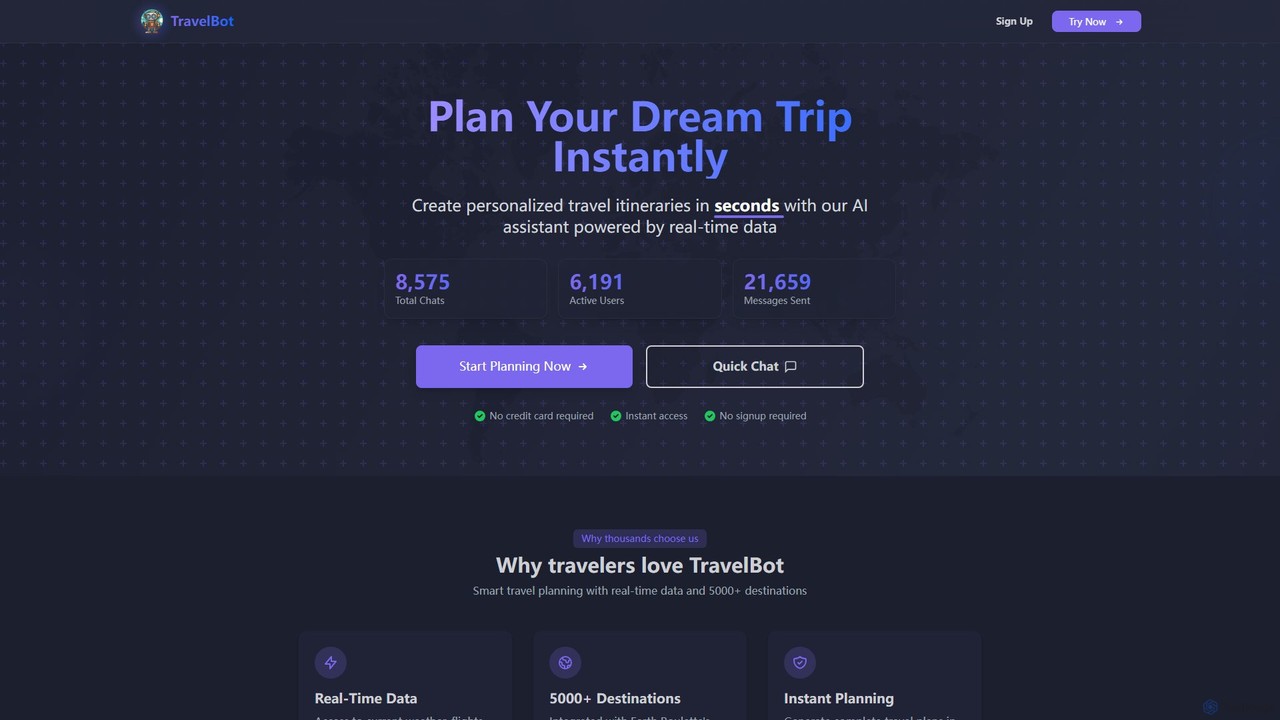
TravelBot is an AI-powered virtual travel assistant that instantly generates personalized travel itineraries. Leveraging real-time data for flights, hotels, and weather, it helps users plan their dream trips to over 5,000 destinations in seconds, saving time and uncovering hidden gems.

Assistant
Visits 5.8KFavorites 130Likes 114
ikiblast
Freemium

ikiblast

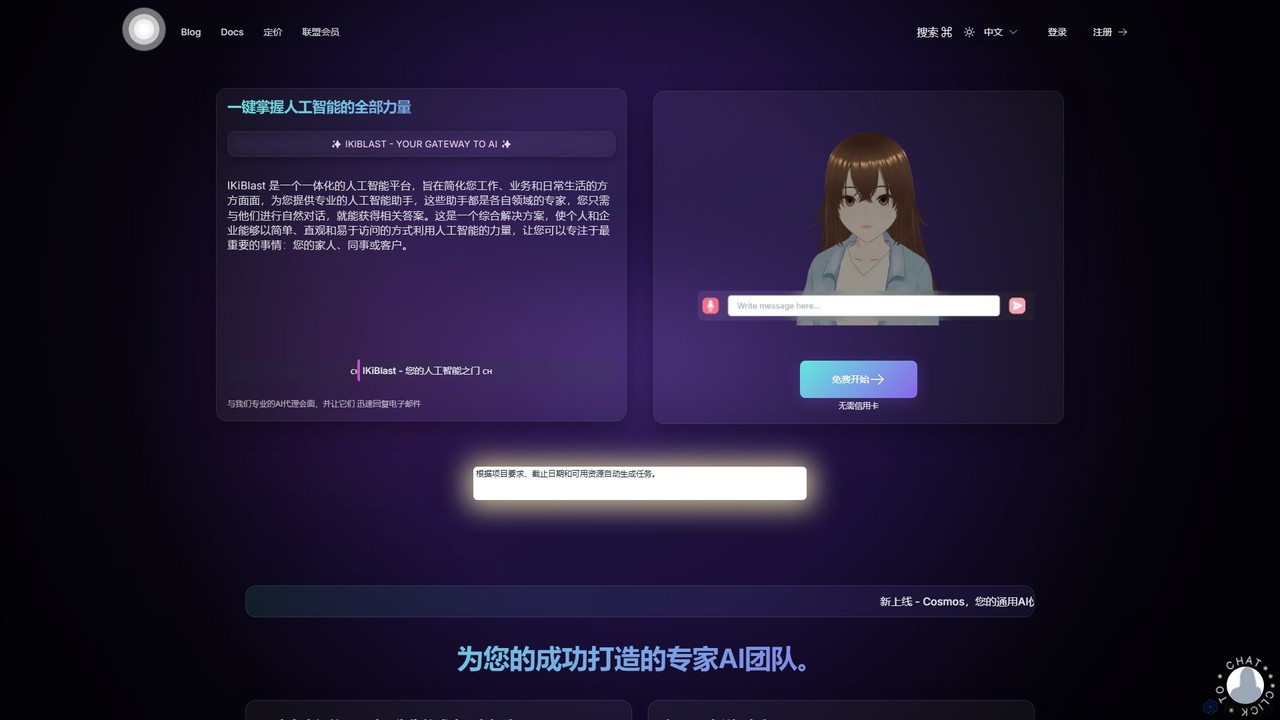
ikiblast is an all-in-one AI platform featuring a suite of specialized AI assistants for business, marketing, writing, and daily life. It simplifies complex tasks through natural language chat, boosts productivity with expert agents, and offers a private, browser-based AI for secure data processing.

Management
Visits 5.7KFavorites 144Likes 152

About Assistant

AI Assistants are intelligent software tools designed to proactively manage tasks, organize information, and automate workflows for individuals and teams. They leverage natural language processing (NLP) and machine learning to understand user requests, learn preferences, and interact with other applications. These assistants act as a central command hub within your productivity suite, streamlining daily operations from scheduling meetings to summarizing important documents, ultimately enhancing personal and professional efficiency.

Core Features

  • Intelligent Scheduling: Automatically finds and books meeting times by analyzing the calendars of all participants.
  • Task Automation: Creates and executes workflows for repetitive tasks like sending follow-up emails or generating reports.
  • Information Synthesis: Summarizes long emails, articles, and meeting transcripts to provide key insights quickly.
  • Cross-App Integration: Connects seamlessly with calendars, email clients, CRMs, and project management tools to centralize control.
  • Natural Language Commands: Allows users to delegate tasks and request information using conversational language.

Use Cases

AI Assistants are widely used by busy professionals, executives, and sales teams to manage complex schedules and communications. Project managers utilize them to automate status updates and track action items from meetings. Freelancers and small business owners also rely on them to handle client communications and administrative tasks efficiently.

How to Choose

When selecting an AI Assistant, consider the depth of its integration with your existing tools (e.g., Google Workspace, Microsoft 365, Slack). Evaluate its automation capabilities and customization options to ensure it fits your workflow. Also, assess the user interface's intuitiveness and the platform's security and privacy policies, especially when handling sensitive data.

Featured tool rankings

Assistant use cases

1

Automated Meeting Scheduling and Follow-up

For a sales manager juggling multiple client meetings, an AI Assistant automates the entire scheduling process. Instead of back-and-forth emails, the assistant is given a command like 'Find a 30-minute slot with Client X next week.' It accesses both calendars, proposes available times, and sends the invitation once confirmed. After the meeting, it can automatically generate a summary from a recording and create follow-up tasks in the CRM, ensuring no opportunity is missed and saving hours of administrative work each week.

2

Personalized Daily Briefing Preparation

A busy executive starts their day with a personalized briefing prepared by their AI Assistant. Overnight, the assistant scans their inbox, identifies urgent emails, summarizes key points from long threads, and flags items requiring immediate attention. It cross-references this with their calendar to highlight the day's most critical meetings and provides context, such as recent correspondence with attendees. This consolidated report is delivered via email or a dedicated dashboard, allowing the executive to be fully prepared in minutes instead of spending the first hour sorting through information.

3

Streamlining Project Communication and Task Tracking

A project manager uses an AI Assistant integrated with their communication and project management tools. During a video conference, the assistant transcribes the conversation in real-time. After the meeting, it automatically identifies action items, decisions, and deadlines mentioned. It then drafts a summary email for all attendees and creates corresponding tasks in the project management software (e.g., Asana, Jira), assigning them to the correct team members. This eliminates manual note-taking and ensures that all action items are captured and tracked, improving team alignment and accountability.

4

Managing Client Inquiries and Communications

A freelancer or a small consulting firm uses an AI Assistant to manage their client communication inbox. The assistant automatically sorts incoming emails by client or urgency. For common inquiries like requests for proposals or service details, it can draft a reply using predefined templates, which the freelancer can then review and send. It also schedules follow-up reminders if a client hasn't responded, ensuring timely communication and preventing potential leads from being forgotten. This system allows the freelancer to focus on billable work rather than administrative overhead.

5

Efficient Research and Information Gathering

A market analyst or student uses an AI Assistant to accelerate their research process. They can ask the assistant to 'find and summarize the top five recent articles on the impact of AI in retail.' The assistant scours the web, identifies relevant sources, and provides concise summaries of each, complete with links to the original articles. It can also help organize this information, creating a structured document or a mind map of key findings. This transforms a multi-hour research task into a focused, minutes-long activity, allowing the user to spend more time on analysis and interpretation.

6

Personal Travel and Itinerary Planning

A frequent traveler uses their AI Assistant to plan a business trip. They forward their flight and hotel confirmation emails to the assistant. The assistant automatically parses the details and creates a consolidated itinerary in their calendar, including flight numbers, check-in times, and hotel addresses. They can then ask it to 'find a highly-rated Italian restaurant near my hotel for Tuesday night' or 'add a 1-hour meeting with the local team on Wednesday morning.' The assistant handles all the scheduling and adds events to the calendar, creating a seamless and organized travel plan with minimal effort.

Assistant FAQ

What is an AI Assistant?

An AI Assistant is a software tool that uses artificial intelligence to help users manage daily tasks and workflows proactively. Unlike simple apps, it can understand natural language commands, learn user habits, and automate actions across multiple platforms like email, calendars, and project management software. Its primary goal is to act as a personalized productivity partner that anticipates needs and streamlines operations.

How to choose the right AI Assistant?

To choose the right AI Assistant, evaluate these four key areas:

  • Integration Ecosystem: Ensure it connects seamlessly with the apps you use daily (e.g., Google Workspace, Microsoft 365, Slack, Salesforce).
  • Automation Capabilities: Check if it can handle the complexity of workflows you need to automate, from simple reminders to multi-step processes.
  • User Interface (UI): The interface should be intuitive and easy to use without a steep learning curve.
  • Security and Privacy: Verify its data handling policies and security certifications, especially if it will access sensitive company or personal information.
What's the difference between an AI Assistant and a standard task manager?

The key difference lies in proactivity and integration. A standard task manager (like a to-do list app) is a passive tool that requires you to manually input, organize, and check off tasks. An AI Assistant, however, is proactive. It can automatically create tasks from your emails, schedule meetings by coordinating calendars, and synthesize information for you. It acts as an orchestrator across your apps, whereas a task manager is typically a standalone tool for tracking duties.

What are the key features of a modern AI Assistant?

Modern AI Assistants typically offer a suite of features designed to enhance productivity. Key features include:

  • Natural Language Processing (NLP): The ability to understand and process commands given in everyday human language.
  • Contextual Awareness: Remembering past interactions and preferences to provide more personalized and relevant assistance.
  • Workflow Automation: Building and executing multi-step routines, such as 'when a new client signs up, create a folder and send a welcome email.'
  • Deep Integration: Connecting with a wide range of third-party applications to act as a central hub for your digital tools.
Who can benefit most from using an AI Assistant?

While anyone can benefit, certain roles see a significant impact from using an AI Assistant. These include:

  • Executives and Managers: For managing complex schedules, preparing for meetings, and delegating administrative tasks.
  • Sales Professionals: To automate meeting scheduling, log activities in a CRM, and manage follow-ups with leads.
  • Project Managers: For tracking action items, automating status reports, and facilitating team communication.
  • Freelancers and Entrepreneurs: To handle client communications, manage invoicing, and streamline administrative work, allowing more focus on core business activities.