ToolMage
Sign in

Best 108 Meeting Assistant for Productivity

Popular Meeting Assistant in Productivity include Otter.ai, Fathom, Fireflies.ai, Read.ai, tldv, Lindy, Cluely, Fyxer, LockedIn AI, and Noota, helping you work more efficiently.

Convictional
Paid

Convictional

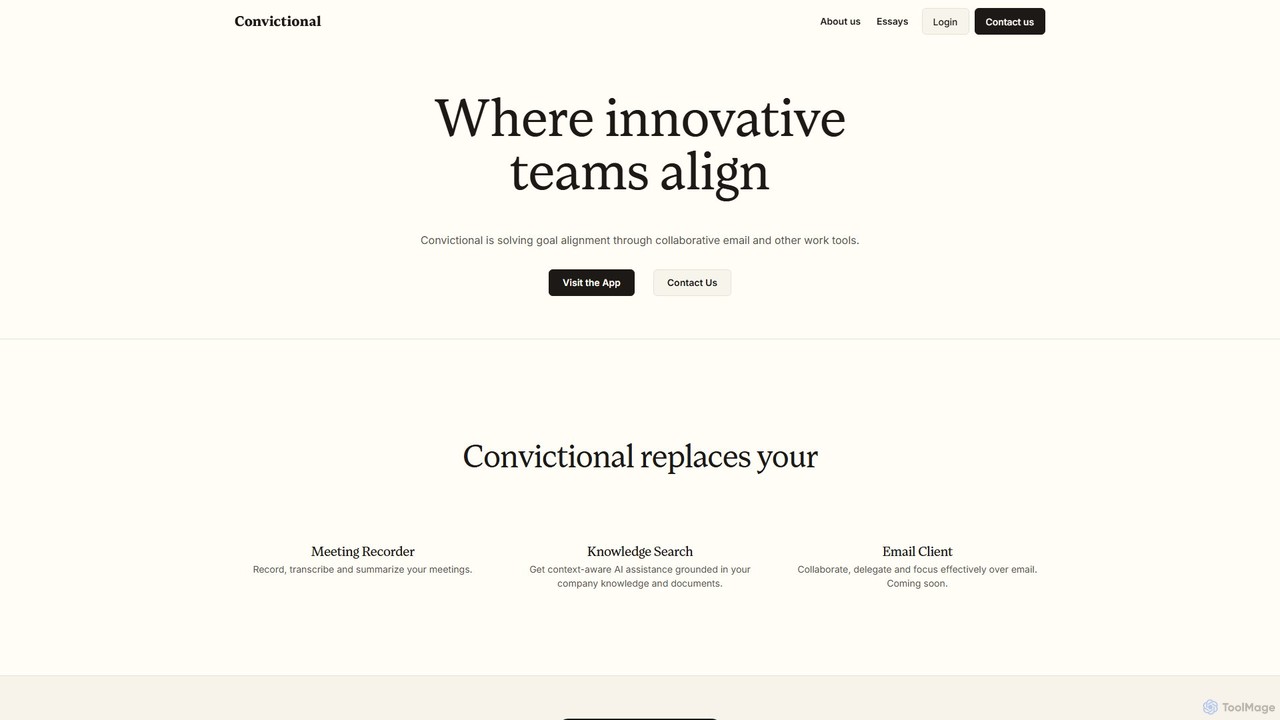
Convictional is an AI-powered collaboration suite designed for business teams to enhance goal alignment, decision-making, and productivity. It integrates tools like an AI meeting recorder, a context-aware knowledge search, and a collaborative email client to centralize information and streamline workflows.

Knowledge Management
Visits 6KFavorites 149Likes 131
Leexi
Freemium

Leexi

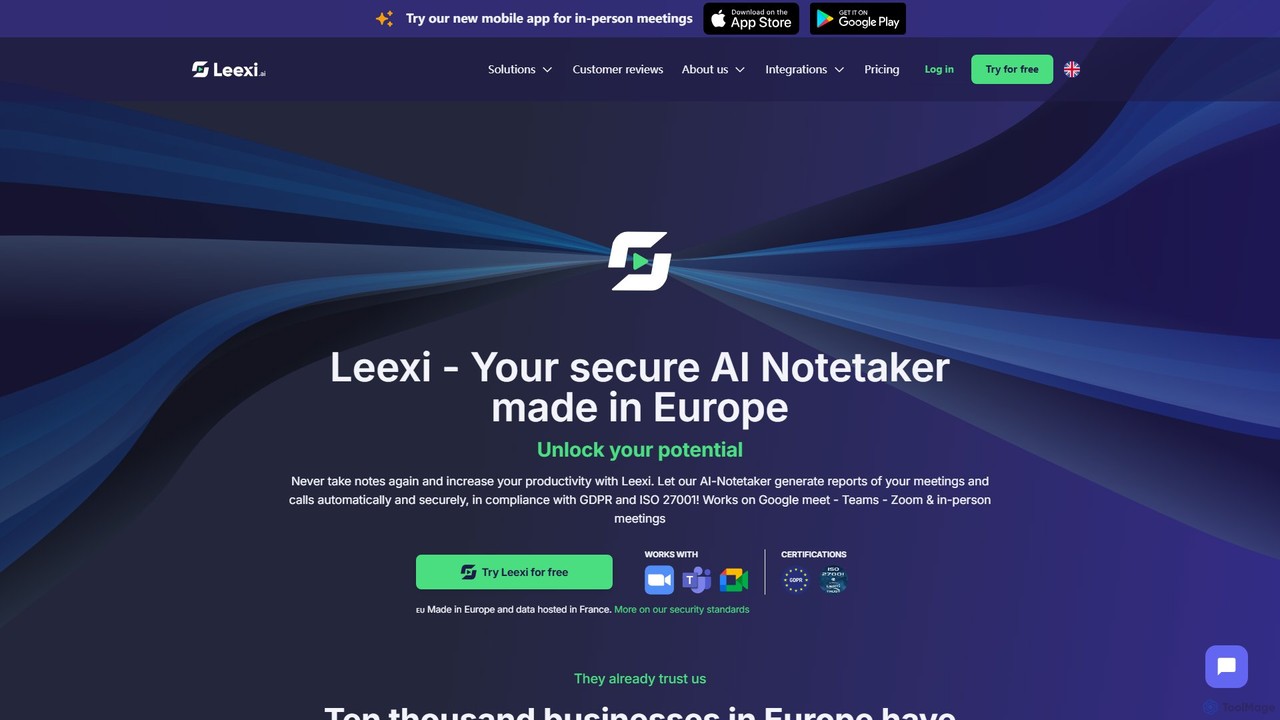
Leexi is a secure, European-based AI meeting assistant that automates note-taking. It records, transcribes, and summarizes your calls and meetings from platforms like Zoom, Teams, and Google Meet, as well as in-person conversations. It identifies action items, integrates with your CRM, and provides a secure, GDPR and ISO 27001 compliant environment to boost your team's productivity.

Recruiting
Visits 88.4KFavorites 153Likes 150
Spoke.ai
Freemium

Spoke.ai

Spoke.ai is an AI-powered communication assistant that transforms team conversations into actionable intelligence. It integrates with platforms like Slack to automatically summarize discussions, track decisions, and identify action items, helping teams stay aligned, reduce noise, and accelerate their workflow.

Team Collaboration
Visits 9.1KFavorites 142Likes 152
Huddles
Paid

Huddles

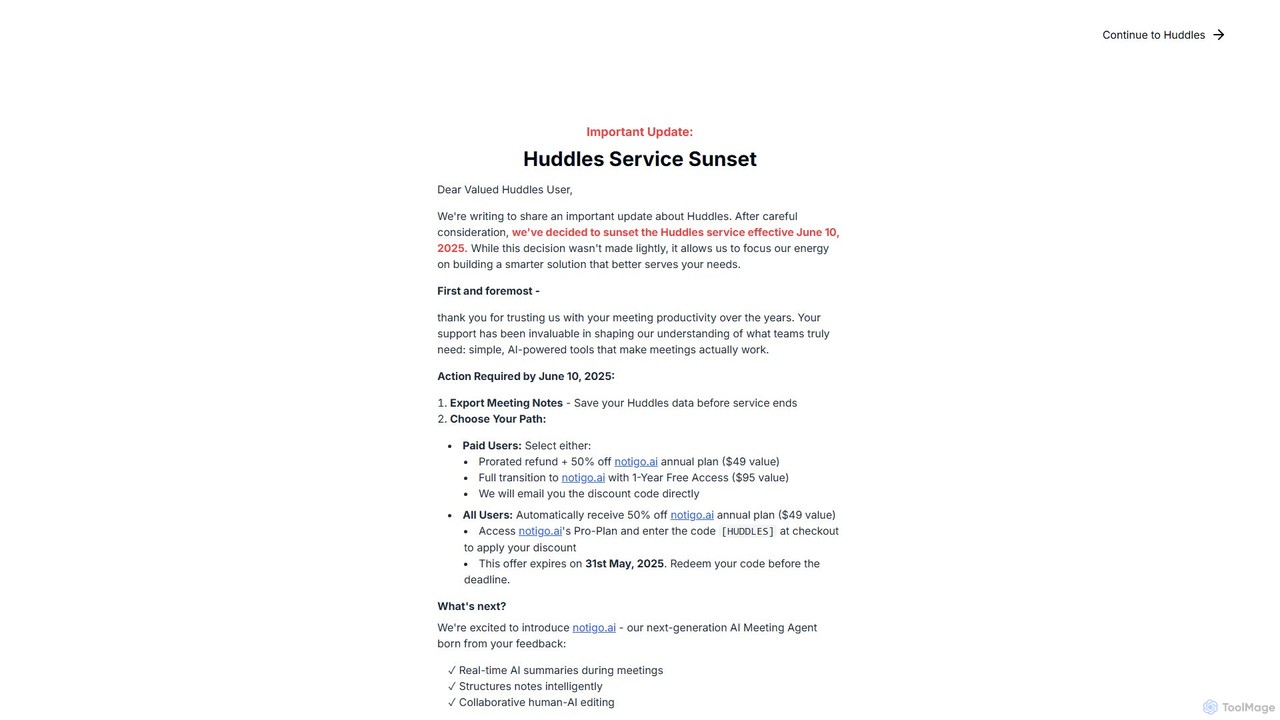
Huddles was an AI-powered meeting productivity tool designed to generate real-time summaries and capture key points, ensuring no critical information was missed. Please note: The Huddles service is being sunsetted on June 10, 2025, and is evolving into a more advanced solution, notigo.ai. This new platform builds upon Huddles' foundation to offer enhanced AI features for smarter meetings.

Collaboration
Visits 13.1KFavorites 135Likes 141
Mirtilla
Freemium

Mirtilla

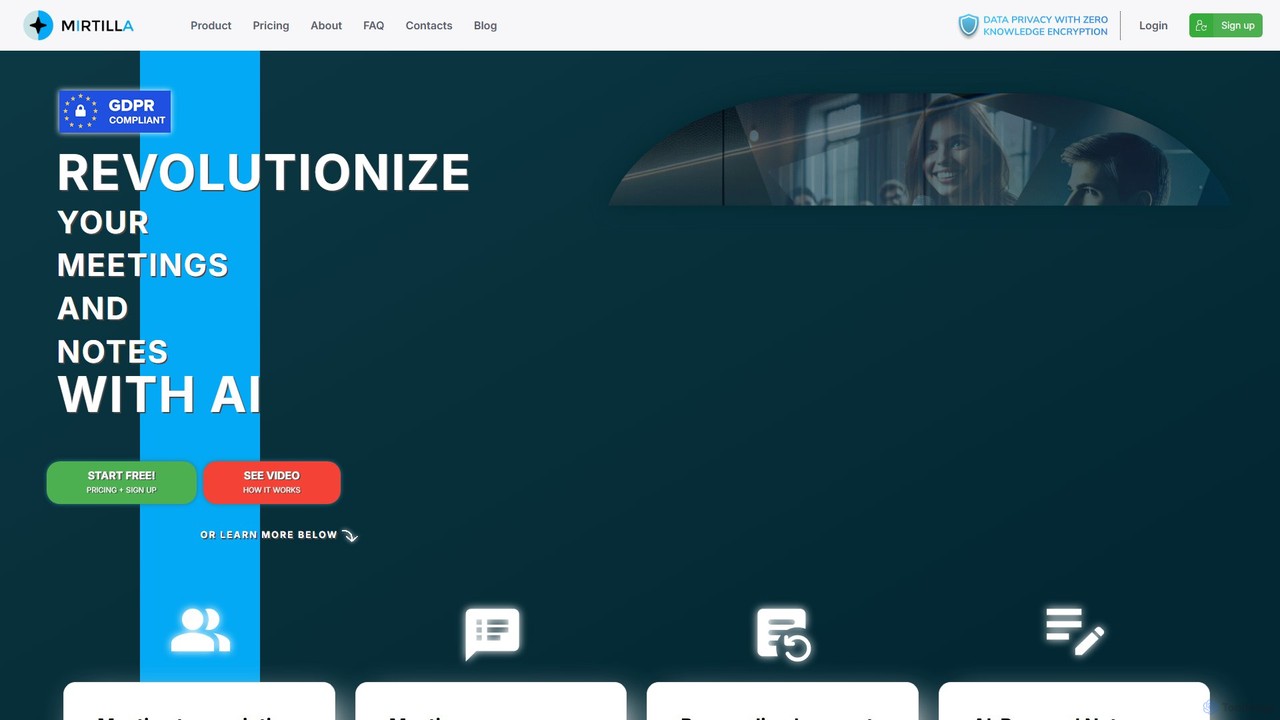
Mirtilla is an AI-powered companion that revolutionizes your meetings and notes. It offers secure transcription, instant summarization, and intelligent note-taking, all protected by zero-knowledge encryption. Transform your audio/video files into actionable insights, minutes, and organized, searchable notes.

Meeting Assistant
Visits 6.8KFavorites 131Likes 137
Claap
Freemium

Claap

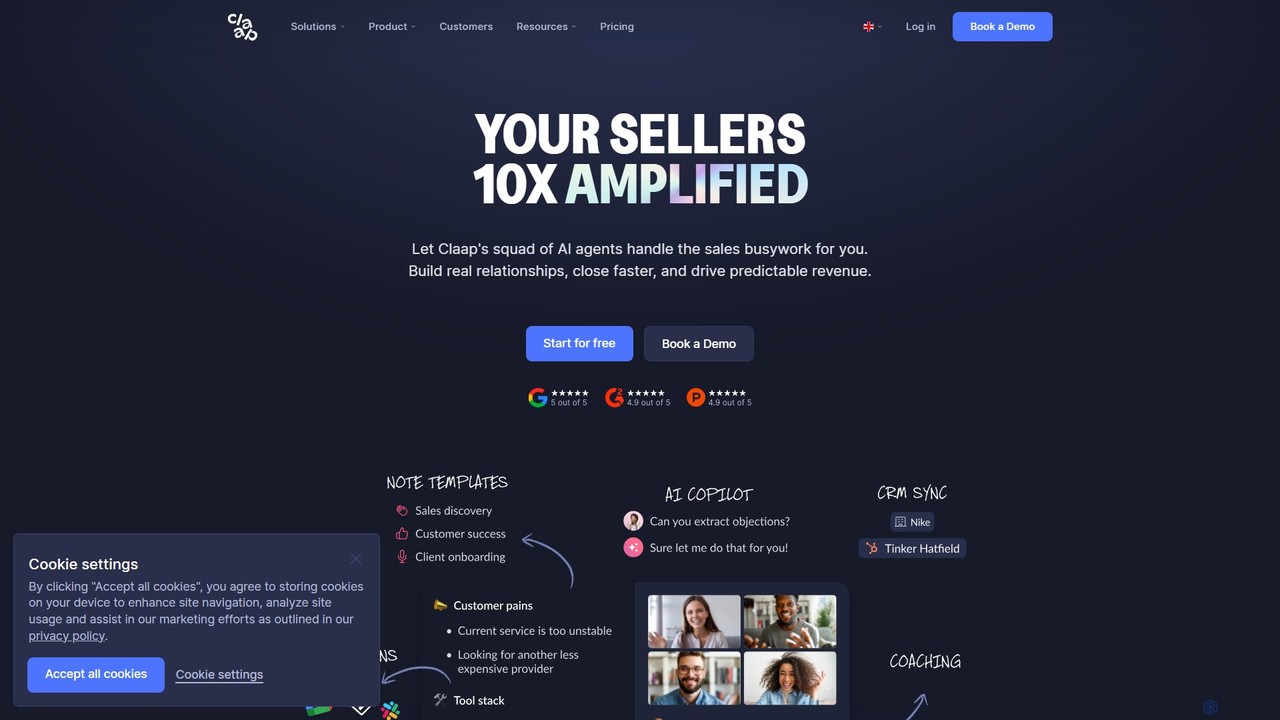
Claap is an AI-powered meeting and sales intelligence platform that automatically records, transcribes, and summarizes video meetings. It helps sales teams automate administrative tasks, understand deal-winning patterns, and accelerate rep onboarding, turning conversations into actionable insights.

Feedback Management
Visits 157.7KFavorites 128Likes 133
Salesify
Freemium

Salesify

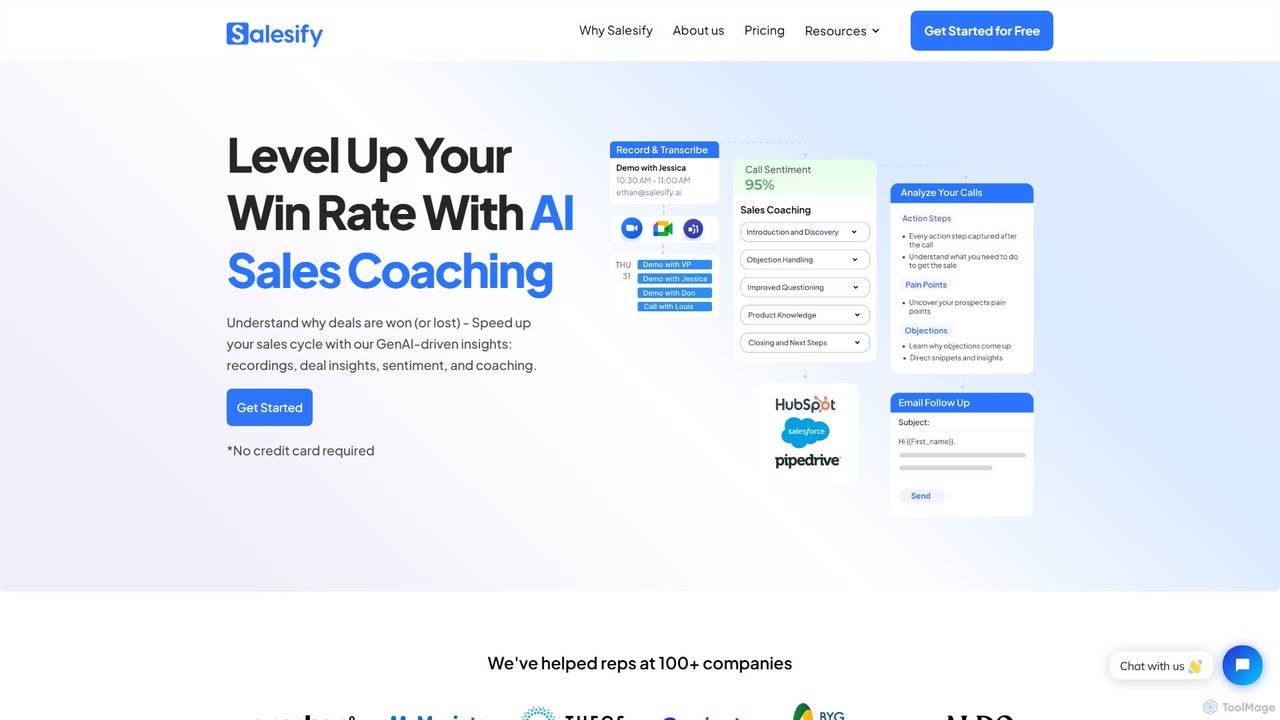
Salesify is an AI-powered sales coaching platform designed to enhance sales team performance. It records and transcribes sales calls, providing GenAI-driven insights into deal progress, customer sentiment, and key objections. By offering actionable coaching feedback and automating personalized follow-up emails, Salesify helps teams understand why deals are won or lost, accelerate sales cycles, and significantly boost conversion rates. It integrates directly with Zoom to streamline the entire process from call to coaching.

Meeting Assistant
Visits 11.6KFavorites 136Likes 129
LockedIn AI
Freemium

LockedIn AI

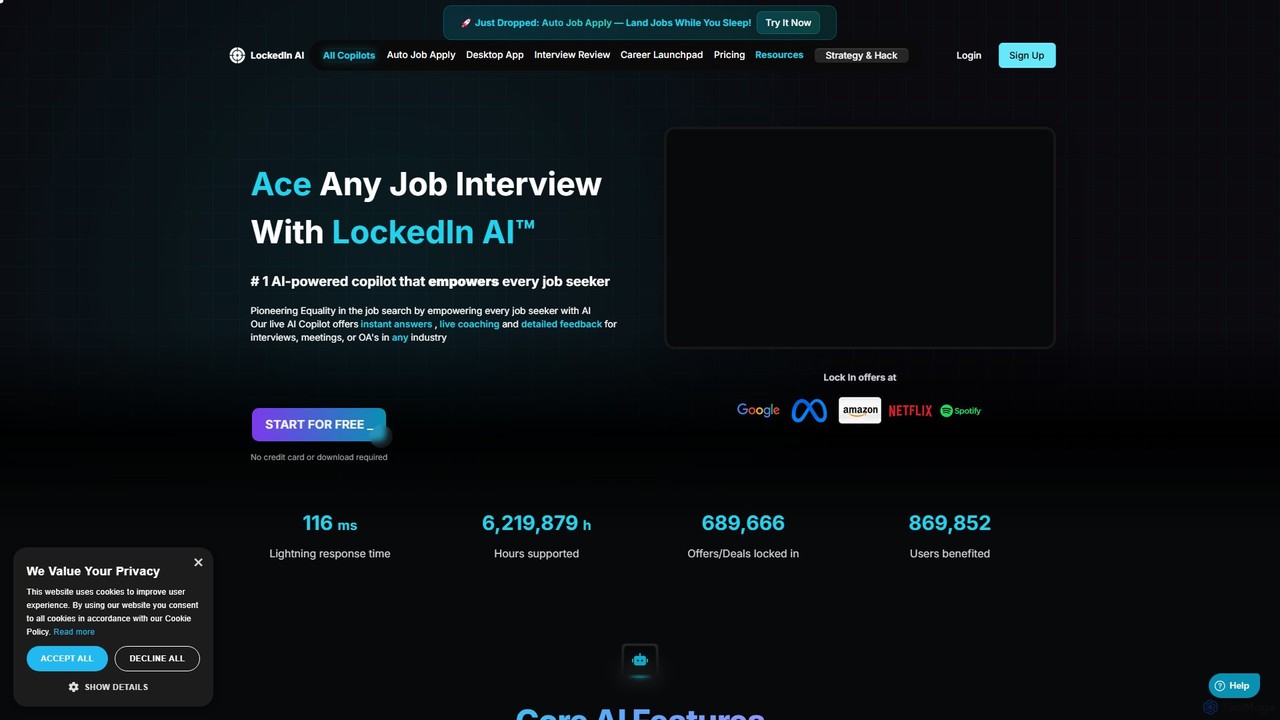
LockedIn AI is a comprehensive AI copilot for job seekers. It offers real-time interview coaching, an automated job application tool, a coding assistant, and a meeting copilot. Supporting over 42 languages, it helps users ace interviews, streamline their job search, and land their dream job faster.

Job Search
Visits 439.5KFavorites 137Likes 157
korus
Freemium

korus

Korus is an AI-powered conversation intelligence platform designed for sales teams. It records, transcribes, and analyzes customer calls and meetings to provide actionable insights. Korus helps sales managers coach their teams, improve sales execution, and gain deep visibility into deal health and pipeline risks, ultimately driving revenue growth.

Analytics
Visits 6KFavorites 140Likes 143
Vemo
Freemium

Vemo

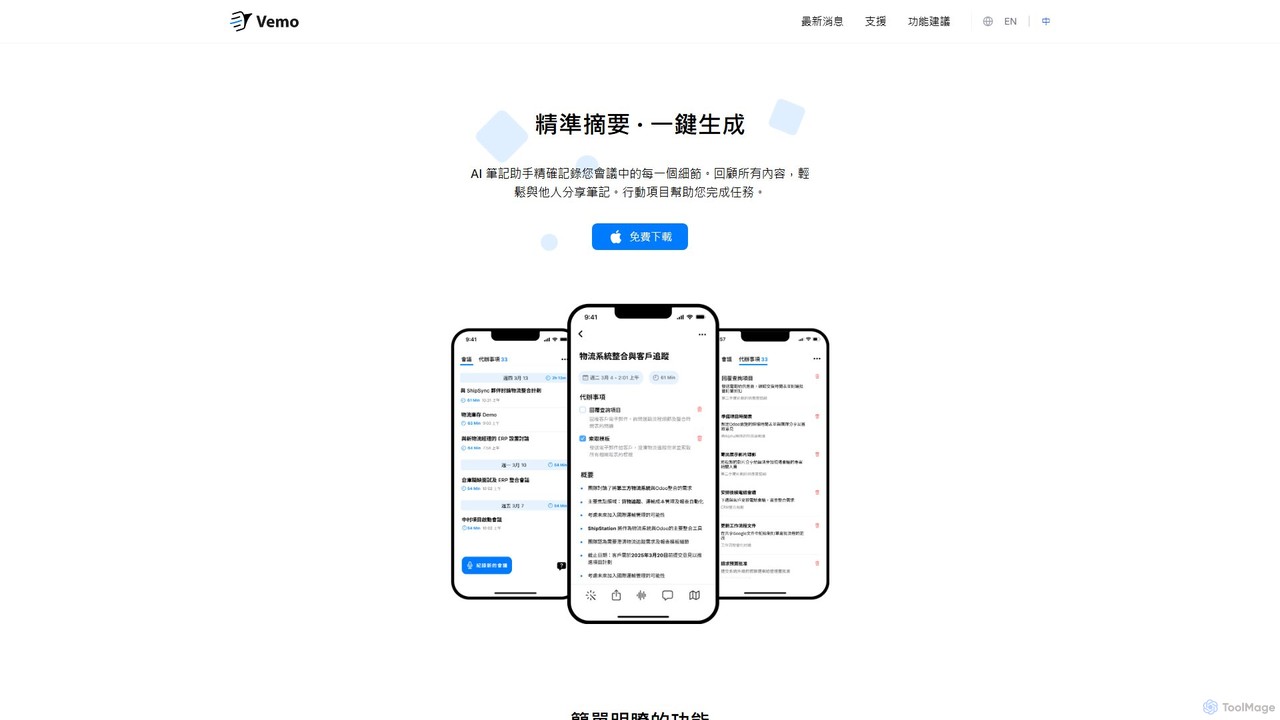
Vemo is an AI-powered meeting assistant that records, transcribes, and summarizes your conversations with high accuracy. It automatically identifies action items and creates to-do lists, allowing you to focus on the discussion without worrying about taking notes. Features include voice-based editing and an AI assistant for querying meeting details.

Transcription
Visits 8.2KFavorites 131Likes 138
Spacebar
Freemium

Spacebar

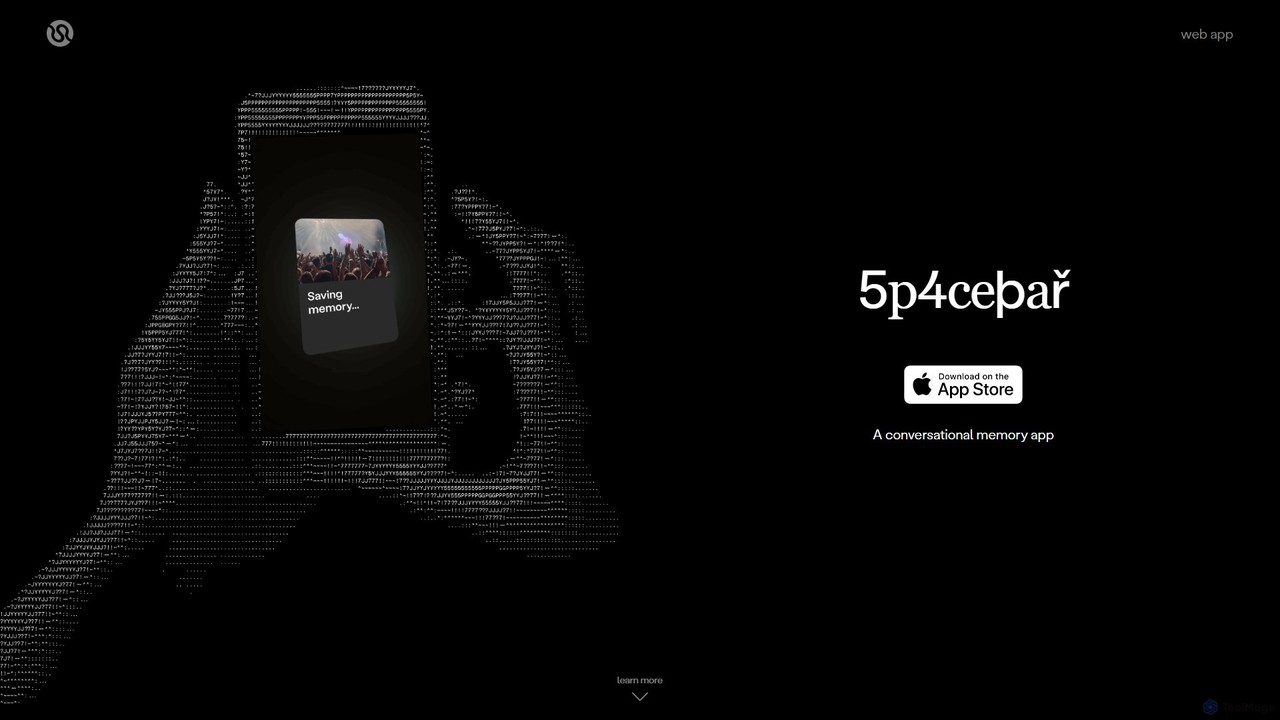
Spacebar is an AI-powered conversational memory app that captures, transcribes, and summarizes real-life audio. It allows you to stay present in conversations while it securely records and organizes your moments. Transform your audio into actionable content like emails, project briefs, or even code with a single click.

Speech To Text
Visits 7.5KFavorites 159Likes 164
Poised
Freemium

Poised

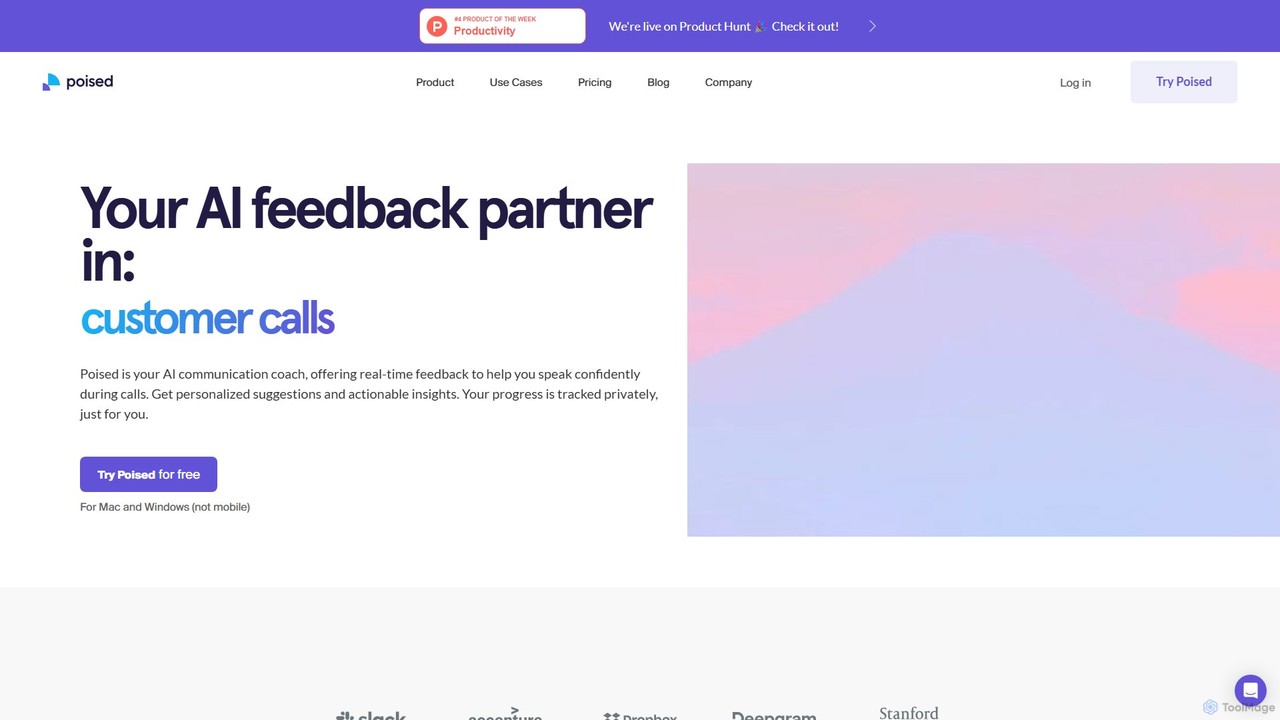
Poised is an AI-powered communication coach that provides real-time feedback during online meetings. It helps professionals improve their speaking skills by analyzing confidence, clarity, pace, and filler words, offering private, actionable insights to enhance communication effectiveness on platforms like Zoom, Teams, and Google Meet.

Professional Development
Visits 100.2KFavorites 143Likes 133

About Meeting Assistant

Meeting Assistants are AI-powered tools designed to automate and enhance the entire meeting lifecycle, from preparation to follow-up. They utilize natural language processing (NLP) to record, transcribe, and analyze conversations in real-time. This process generates accurate transcripts, concise summaries, and automatically identified action items, allowing participants to focus on the discussion rather than manual note-taking. As a specialized category within Productivity, these assistants integrate deeply with calendars and communication platforms to create a seamless workflow.

Core Features

  • Real-time Transcription: Instantly converts spoken words into text with high accuracy and speaker identification.
  • AI-Generated Summaries: Automatically creates concise summaries highlighting key topics, decisions, and outcomes.
  • Action Item Detection: Intelligently identifies and lists tasks, deadlines, and assigned owners from the conversation.
  • Collaborative Workspace: Provides a platform to review, edit, and share transcripts, notes, and highlights with team members.
  • Seamless Integration: Connects with popular calendar, video conferencing, and project management tools for a unified workflow.

Use Cases

Meeting Assistants are widely used by project managers for tracking team syncs, sales teams for analyzing client calls, and UX researchers for synthesizing interview data. They are particularly valuable for remote and hybrid teams, ensuring that everyone, regardless of location or time zone, has access to a clear record of discussions and decisions. Executive assistants also use them to streamline the process of creating official meeting minutes.

How to Choose

When selecting a Meeting Assistant, consider the transcription accuracy and the number of languages it supports. Evaluate the quality and customizability of its AI-generated summaries. Check its integration capabilities with your existing tools like Slack, Asana, or Salesforce. Finally, review its security and data privacy policies, especially if you handle sensitive information, to ensure compliance with standards like GDPR or SOC 2.

Featured tool rankings

Meeting Assistant use cases

1

Automate Sales Call Follow-ups

A sales representative uses a Meeting Assistant during a client demo call. The tool transcribes the entire conversation in real-time and identifies key client questions and feature requests. After the call, the AI generates a concise summary and extracts all action items, such as 'Send proposal by Friday' or 'Follow up with technical specs.' The representative can then use this summary to draft a personalized follow-up email in minutes and sync the action items directly to their CRM, reducing post-call administrative work by over 70%.

2

Streamline Project Management Meetings

A project manager leads a weekly team sync for a complex project. The Meeting Assistant records and transcribes the session, automatically identifying speakers. During the meeting, decisions are made and tasks are assigned. The assistant captures these as action items with assignees. Immediately after the meeting, the project manager can share the AI-generated summary and the list of tasks directly into the team's project management tool, like Asana or Jira. This ensures perfect alignment, creates accountability, and eliminates the need for someone to manually take and distribute minutes.

3

Capture Insights from User Research Interviews

A UX researcher conducts several one-on-one interviews to gather feedback on a new product feature. Instead of frantically typing notes, they use a Meeting Assistant to record and transcribe each session. After the interviews, the researcher can search across all transcripts for specific keywords like 'confusing,' 'frustrating,' or 'love this.' The AI can also help identify recurring themes and sentiment. This accelerates the data synthesis process, allowing the product team to quickly pinpoint common user pain points and positive feedback, leading to more informed design decisions.

4

Facilitate Inclusive Remote & Hybrid Meetings

A global team holds a critical meeting across multiple time zones. Some members cannot attend live. The Meeting Assistant ensures no one is left out by providing a full, searchable transcript and an AI-generated summary shortly after the meeting ends. For non-native English speakers attending live, the real-time transcription feature acts as captions, improving comprehension. This creates a single source of truth, promotes information equity, and ensures all team members, regardless of their location or schedule, are fully informed and can contribute asynchronously.

5

Document and Summarize Board Meetings

An executive assistant is responsible for creating accurate minutes for a formal board meeting. Using a Meeting Assistant, they can generate a precise, time-stamped transcript that serves as the official record. The AI summary provides a high-level overview of key discussions, motions, and resolutions. This dual output allows the assistant to quickly draft formal minutes by cross-referencing the summary with the detailed transcript for exact quotes and context. The process significantly reduces the time required for documentation while increasing the accuracy and defensibility of the meeting record.

6

Enhance Online Learning and Academic Seminars

A university student attends an online lecture series on a complex subject. They use a Meeting Assistant to transcribe the lectures in real-time. This allows them to focus fully on the professor's explanations and visual aids without the distraction of taking notes. Later, when studying for an exam, the student can quickly search the entire series of transcripts for key terms or concepts. The AI-generated summaries for each lecture also serve as excellent revision guides, helping to reinforce key learning points and improve overall academic performance.

Meeting Assistant FAQ

What is an AI Meeting Assistant?

An AI Meeting Assistant is a software tool that uses artificial intelligence to automate administrative tasks associated with meetings. Its primary function is to record, transcribe, and analyze meeting conversations. Beyond simple transcription, it intelligently generates summaries, identifies key decisions, and extracts actionable tasks. This allows all participants to engage fully in the discussion, knowing that a detailed and searchable record is being created automatically, improving both productivity and accountability.

How to choose the right Meeting Assistant?

To choose the right Meeting Assistant, consider these four key factors:

  • Accuracy and Language Support: Does the tool accurately transcribe conversations in your primary language, including industry-specific jargon and various accents?
  • Integration Capabilities: Does it connect seamlessly with your existing workflow tools, such as your calendar (Google, Outlook), video conferencing platform (Zoom, Teams), and project management software (Asana, Jira)?
  • Quality of AI Features: Evaluate the usefulness of its AI-generated summaries and action items. A good tool should capture the nuances of the conversation, not just list keywords.
  • Security and Compliance: Ensure the provider has robust security measures and complies with data privacy regulations like GDPR or SOC 2, especially if you discuss confidential information.
What's the difference between a Meeting Assistant and a transcription tool?

The primary difference lies in intelligence and scope. A basic transcription tool simply converts audio to text. An AI Meeting Assistant does much more. It not only transcribes but also analyzes the content to provide value-added insights. Key differentiators include:

  • AI Summaries: Meeting Assistants create concise summaries, while transcription tools provide only the full text.
  • Action Item Detection: Assistants identify tasks and assignees automatically.
  • Speaker Identification: They can distinguish between different speakers in the conversation.
  • Workflow Integration: They are designed to integrate with other productivity apps, turning meeting outcomes into actions within your existing systems.

In short, a transcription tool creates a record, while a Meeting Assistant makes that record actionable and intelligent.

What are the key features of a Meeting Assistant?

While features vary between tools, most high-quality Meeting Assistants offer a core set of capabilities designed to cover the entire meeting lifecycle:

  • Live Transcription & Recording: Captures the conversation in real-time as both audio and text.
  • Speaker Identification: Attributes spoken text to the correct participant.
  • AI-Powered Summaries: Automatically generates summaries in various formats (e.g., paragraphs, bullet points).
  • Action Item & Topic Detection: Extracts tasks, decisions, and key topics discussed.
  • Searchable Archive: Creates a library of all past meetings, allowing you to search for information across conversations.
  • Integrations: Connects to tools like Google Calendar, Zoom, Slack, and Salesforce to automate workflows.
Who can benefit from using a Meeting Assistant?

A wide range of professionals can benefit from a Meeting Assistant. Key users include:

  • Project Managers: To track decisions and action items from team syncs and ensure accountability.
  • Sales Teams: To analyze client calls, capture customer needs, and automate CRM updates.
  • UX Researchers & Product Managers: To easily synthesize qualitative data from user interviews.
  • Consultants & Agencies: To maintain a clear record of client meetings and deliverables.
  • Remote & Hybrid Teams: To ensure information parity and keep asynchronous team members in the loop.
  • Executive Assistants: To streamline the creation of official meeting minutes.

Essentially, anyone who frequently participates in meetings and wants to make them more productive and actionable can find significant value in these tools.