ToolMage
Sign in

Best 68 Visualization AI tools for Productivity

Popular Visualization AI tools in Productivity include cactusinterior, Roomify.ai, AIHomeRenders, Rendair, MyArchitectAI, ReRender AI, RoomGPT, HomeDesignsAI, Foyr, and Neighborbrite, helping you work more efficiently.

MyArchitectAI
Freemium

MyArchitectAI

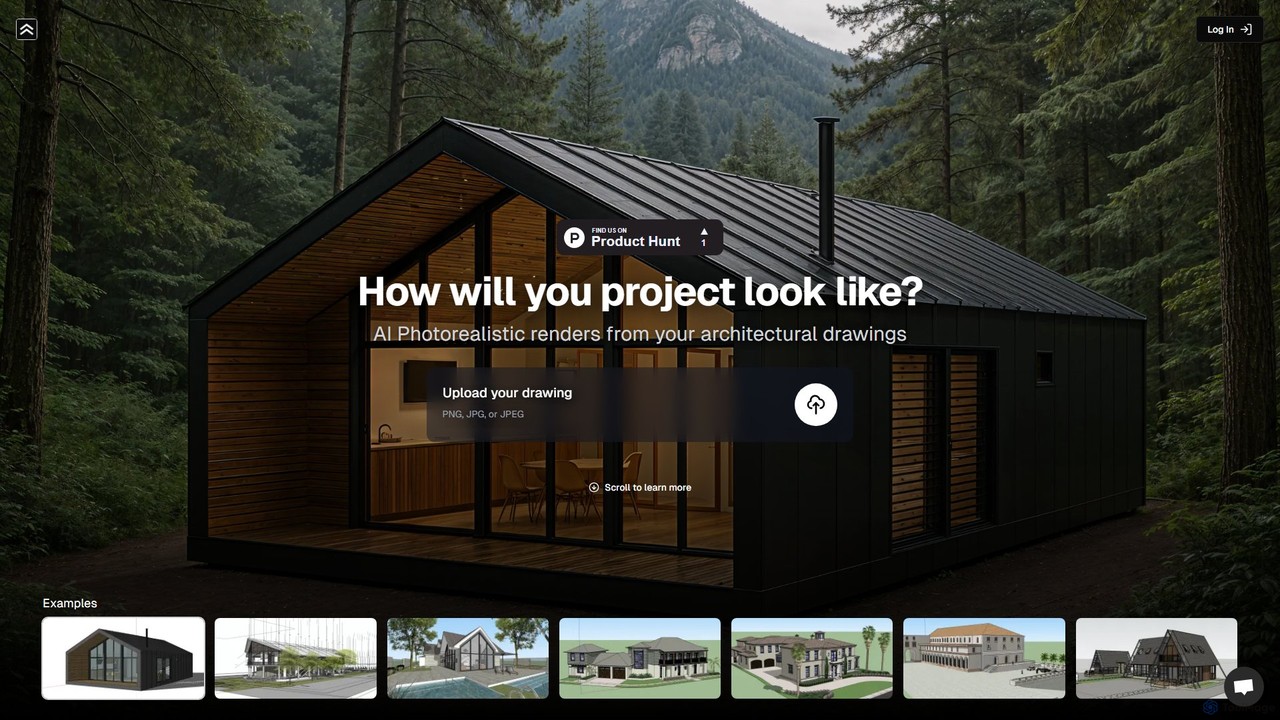
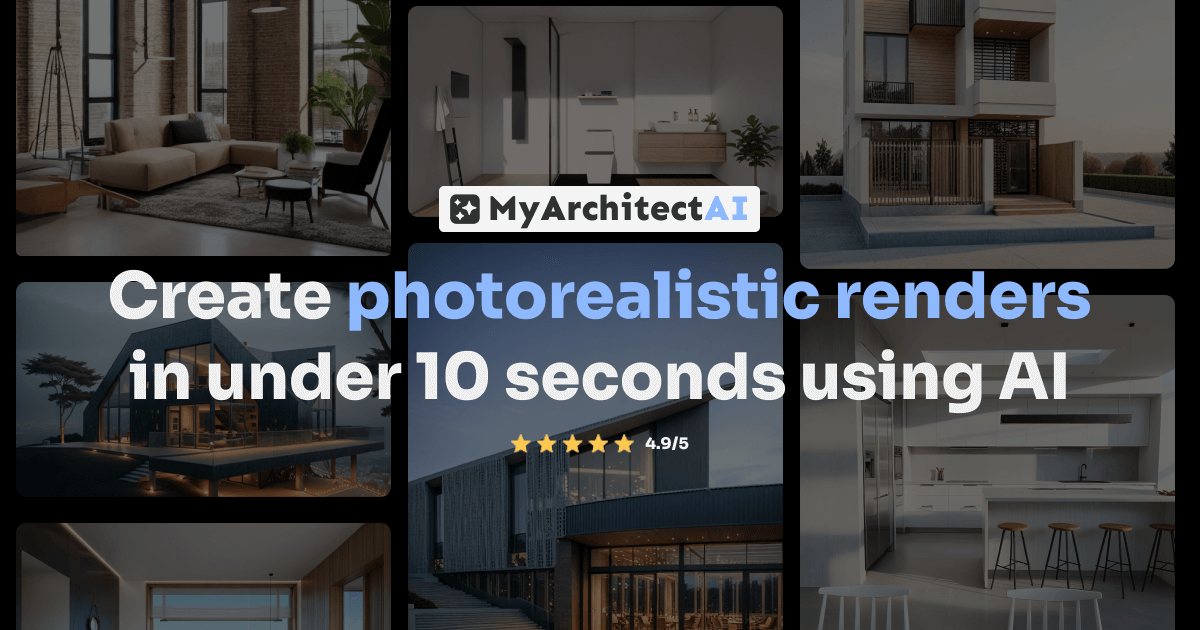
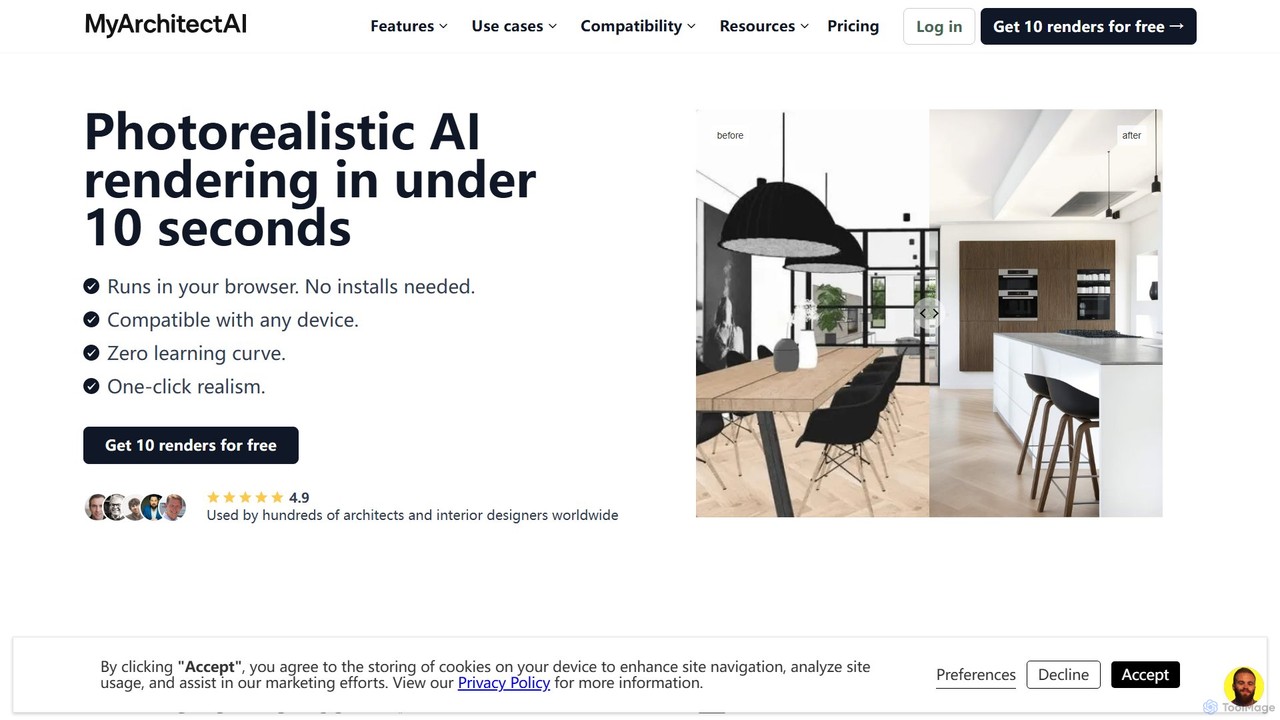
MyArchitectAI is an AI-powered rendering software designed for architects and interior designers. It transforms sketches, CAD designs, and line drawings into photorealistic visualizations in seconds. The platform requires no specialized skills or expensive hardware, making high-quality rendering accessible to all. It offers a free trial of 10 renders.

Architecture
Visits 517.2KFavorites 134Likes 143
DreamzAR Landscaping Ideas
Freemium

DreamzAR Landscaping Ideas

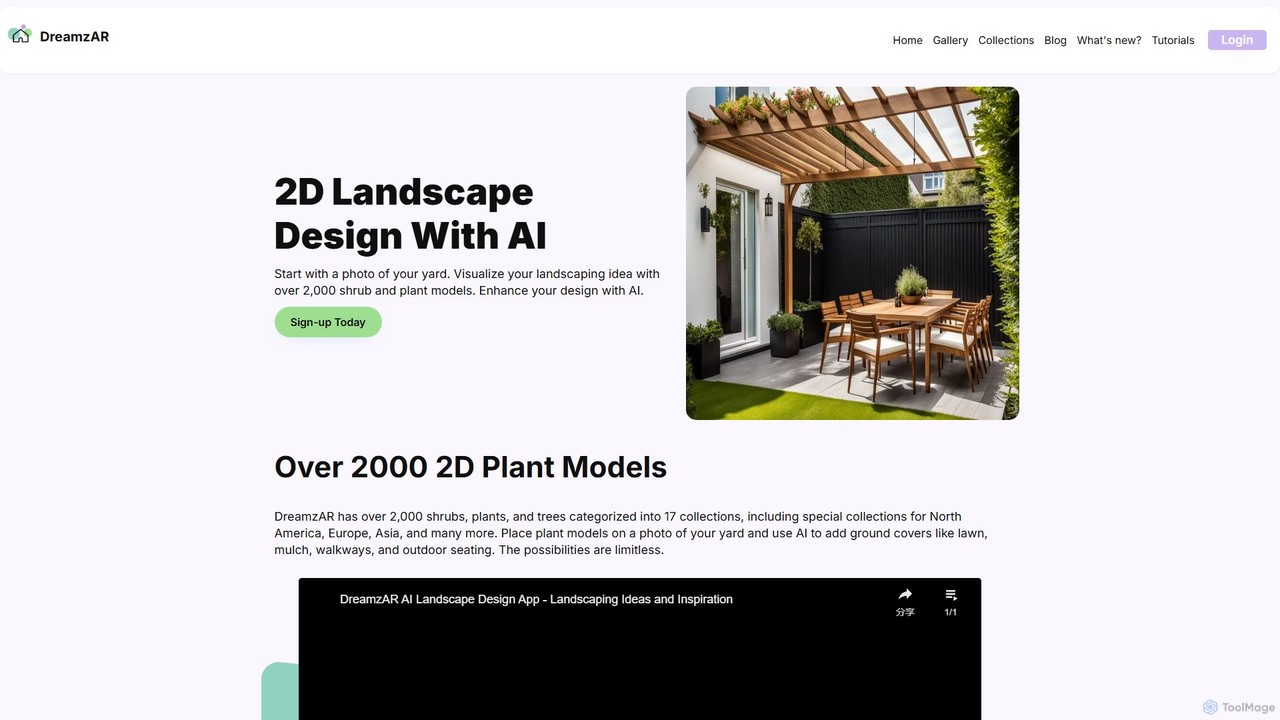
An AI-powered landscape design tool that transforms a photo of your yard into stunning visualizations. Generate ideas, add plants and hardscapes, and create your dream outdoor space using text prompts or a vast library of 2D models.

Landscape Design
Visits 5.4KFavorites 166Likes 179
ganttlify
Freemium

ganttlify

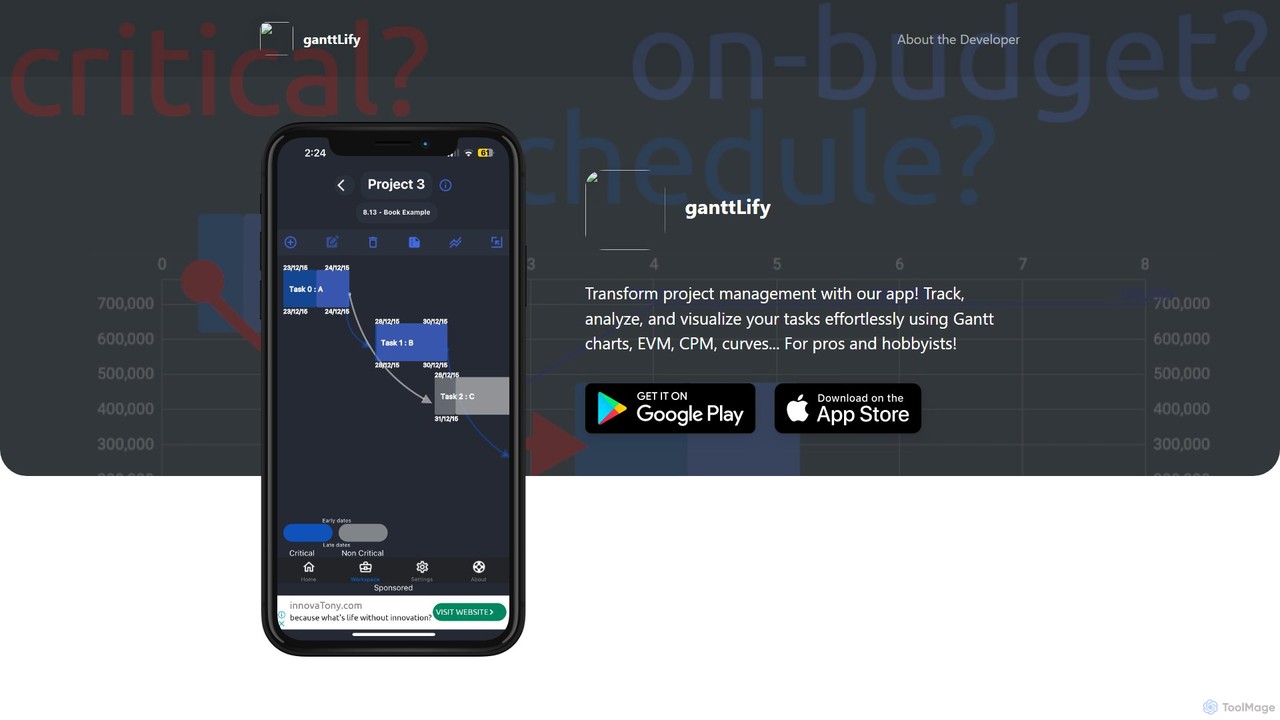
ganttlify is an advanced project management application that empowers both professionals and hobbyists to track, analyze, and visualize tasks. It integrates powerful tools like Gantt charts, Critical Path Method (CPM), and Earned Value Management (EVM) into an intuitive interface, with upcoming support for AI, AR/VR, and team collaboration.

Planning
Visits 5.4KFavorites 120Likes 110
HomeDesignsAI
Freemium

HomeDesignsAI

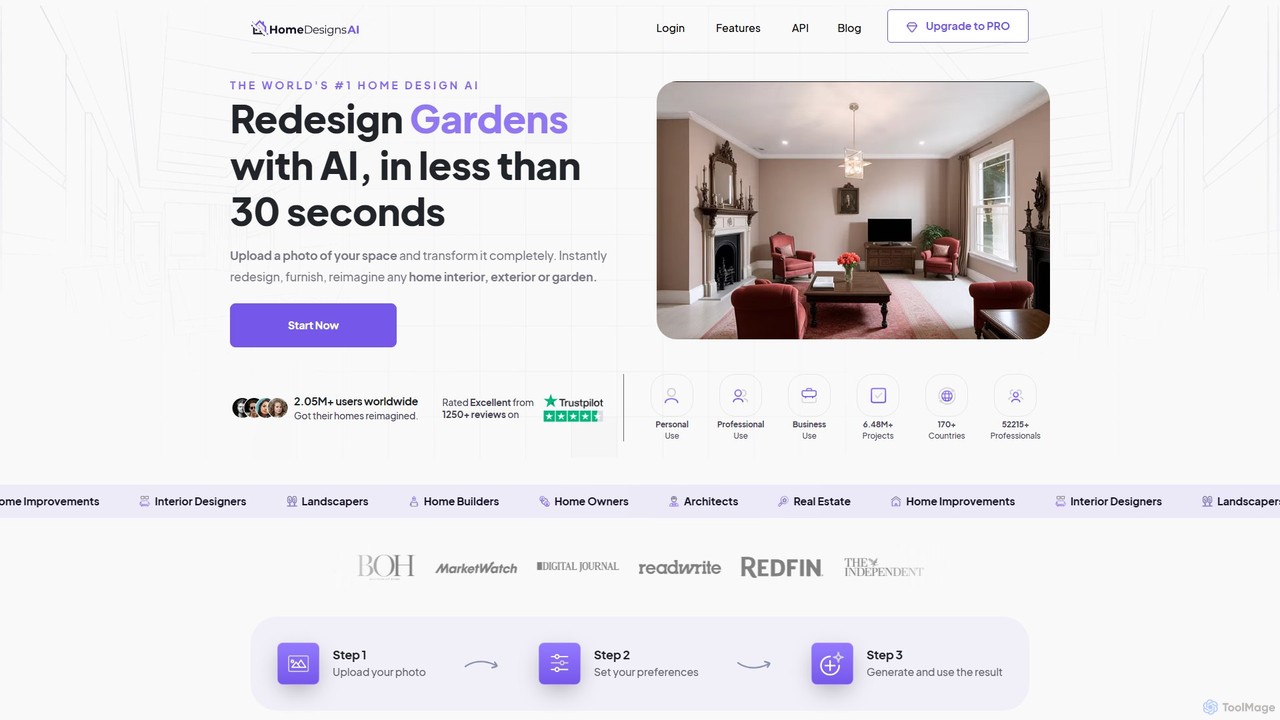
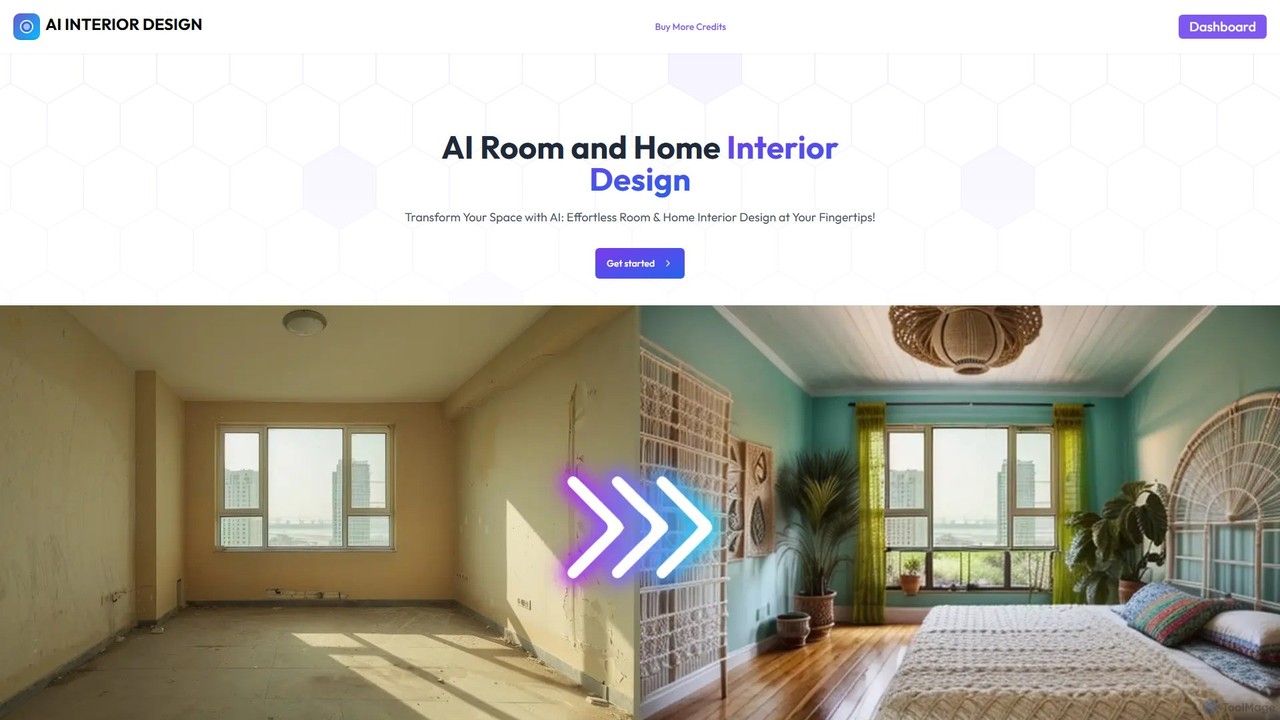
HomeDesignsAI is an AI-powered platform that instantly generates interior, exterior, and garden designs. Upload a photo of your space to receive photorealistic redesigns in over 80 styles within seconds. It's an all-in-one tool for homeowners, real estate agents, designers, and architects to visualize and create stunning home concepts effortlessly.

Interior Design
Visits 319.2KFavorites 146Likes 145
arch_e
Freemium

arch_e

arch_e is an AI-powered tool for architects and designers, transforming architectural sketches and text descriptions into photorealistic renders in seconds. Trained on thousands of architectural images, it accelerates the design visualization process, allowing for rapid exploration of concepts and styles.

Architecture
Visits 5.9KFavorites 113Likes 112
wedecorhome
Freemium

wedecorhome

WeDecorHome is an AI-powered interior design tool that transforms your living spaces. Simply upload a photo of your room, choose a design style, and instantly receive stunning, realistic redesign concepts. It's an effortless way for homeowners, renters, and real estate professionals to visualize new decor, furniture layouts, and color schemes without any commitment.

Interior Design
Visits 5.5KFavorites 143Likes 139
Neighborbrite
Free

Neighborbrite

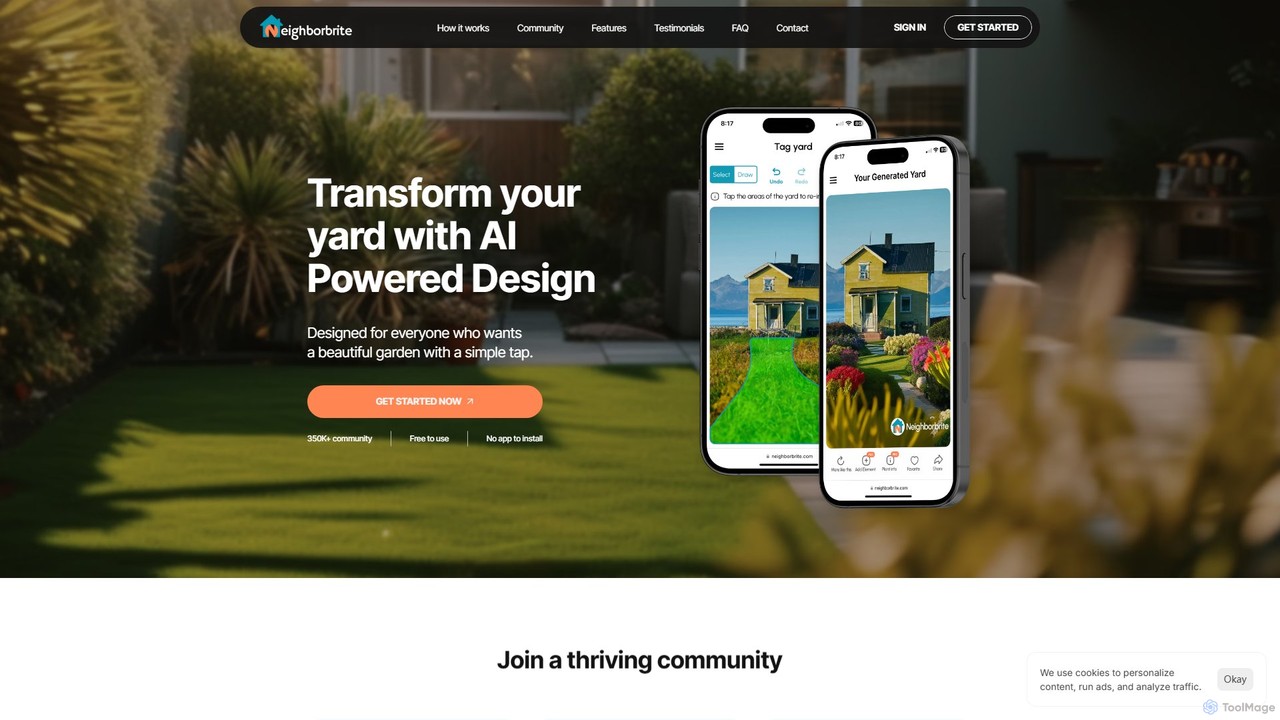
Neighborbrite is a free, AI-powered landscape design tool that transforms your yard photos into stunning garden designs. Simply upload a picture, select a style, and receive instant, customized visualizations with location-based plant suggestions, making professional design accessible to everyone.

Landscape Design
Visits 169.1KFavorites 111Likes 120
Designify
Paid

Designify

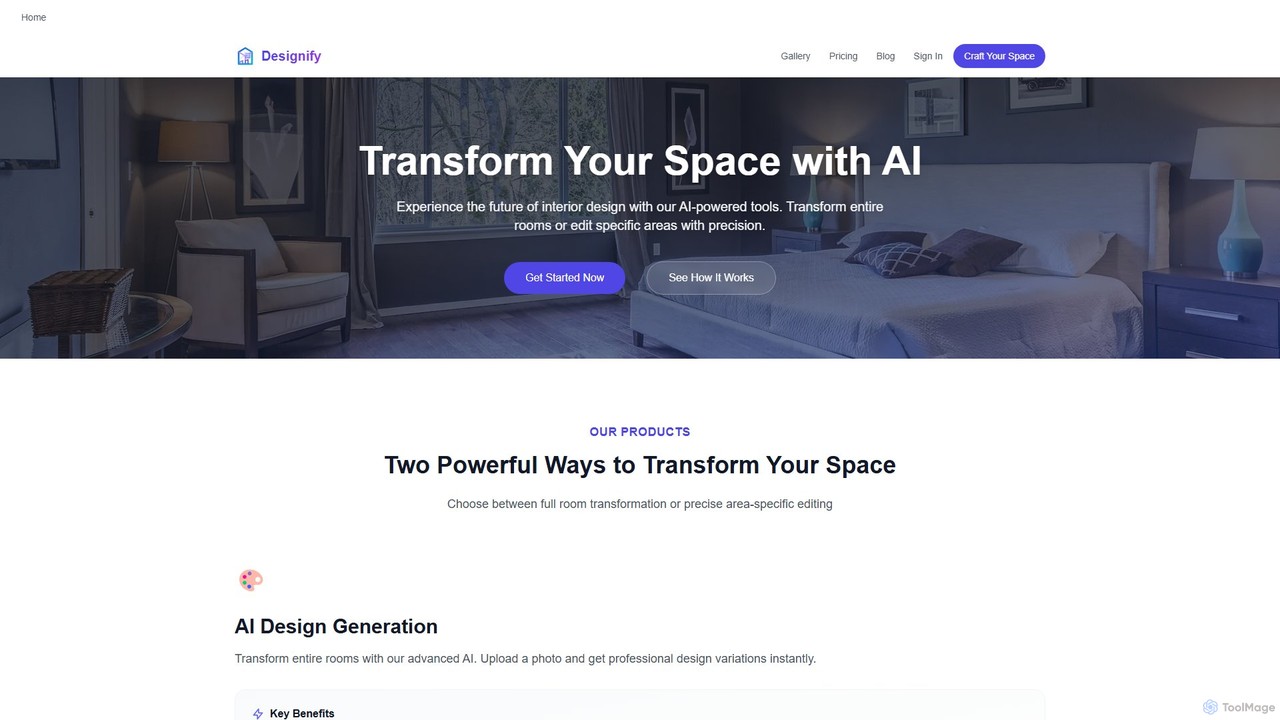
Designify is an AI-powered interior design platform that enables users to transform their spaces instantly. It offers tools for complete room redesigns and precise, area-specific edits. Ideal for homeowners, interior designers, and real estate professionals, it helps visualize design ideas, create mockups, and stage rooms virtually with professional-quality results.

Interior Design
Visits 5.4KFavorites 135Likes 133
Indise
Freemium

Indise

Indise is an AI-powered mobile app that transforms your interior design ideas into stunning visual concepts in under 90 seconds. Simply describe your vision, select a style, and let the AI generate multiple unique designs. Ideal for homeowners, designers, and real estate professionals seeking rapid and creative visualization.

Interior Design
Visits 5.6KFavorites 128Likes 131
Typus.ai
Freemium

Typus.ai

Typus.ai is an AI-powered platform for architects and 3D artists, transforming CAD drawings, sketches, and 3D models into stunning architectural visualizations. It offers precise control through features like Regional Prompting and Style Transfer, preserving the original design structure while enabling rapid creation of high-quality, commercially licensed renderings.

Architecture
Visits 9.2KFavorites 88Likes 89
roomdeco
Freemium

roomdeco

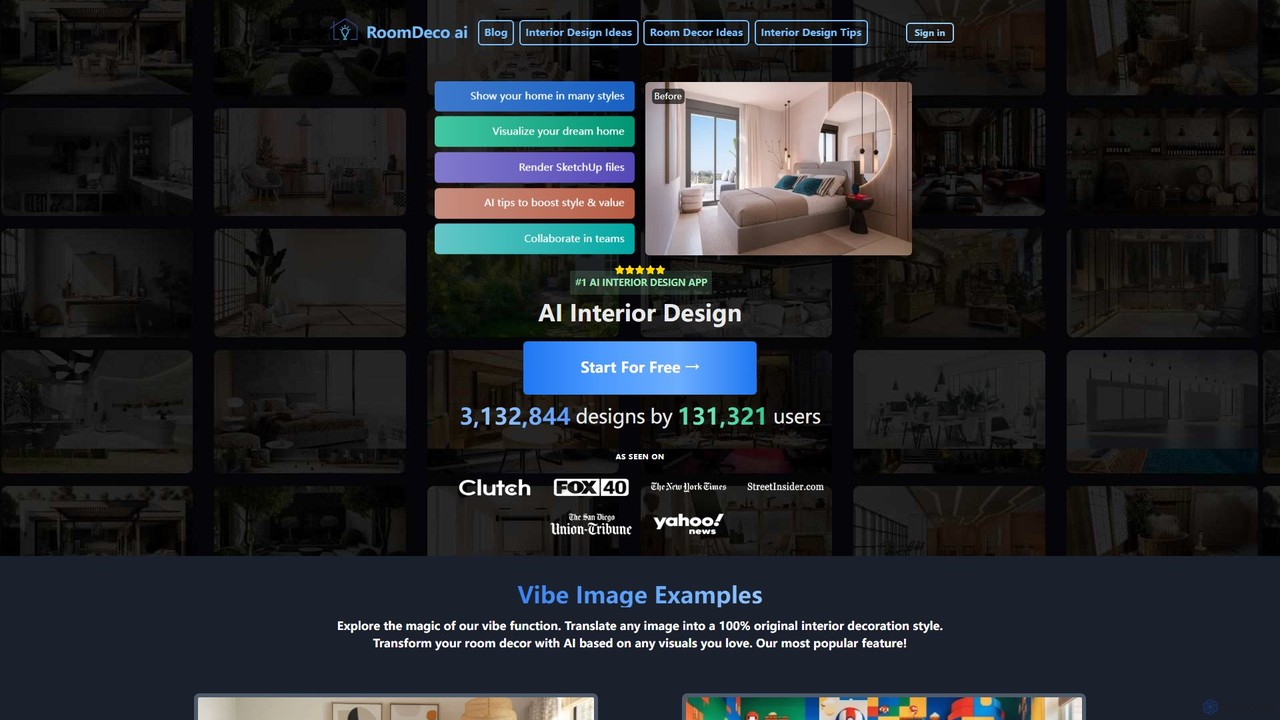
roomdeco is an AI-powered interior design tool that transforms room photos, sketches, or even text prompts into stunning, photorealistic designs in seconds. It offers virtual staging, style generation, cost analysis, and collaboration features for homeowners, real estate agents, and designers.

Interior Design
Visits 7.2KFavorites 114Likes 129
Genera.so
Freemium

Genera.so

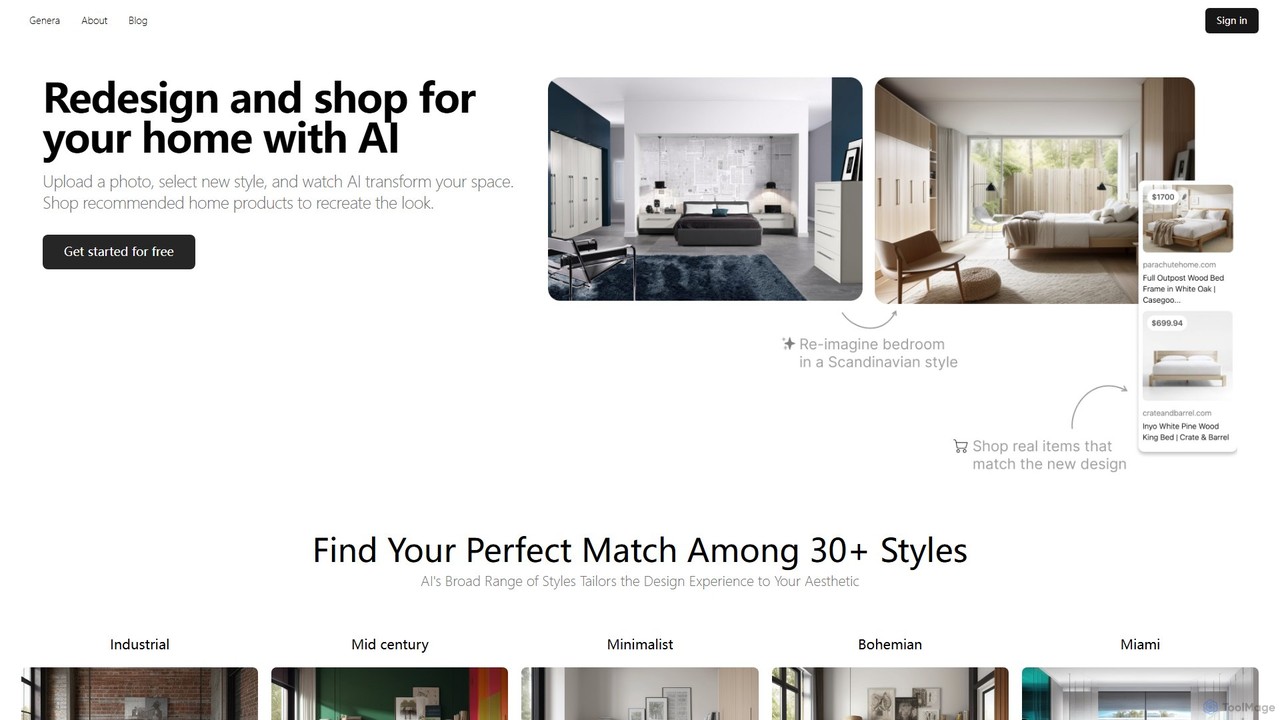
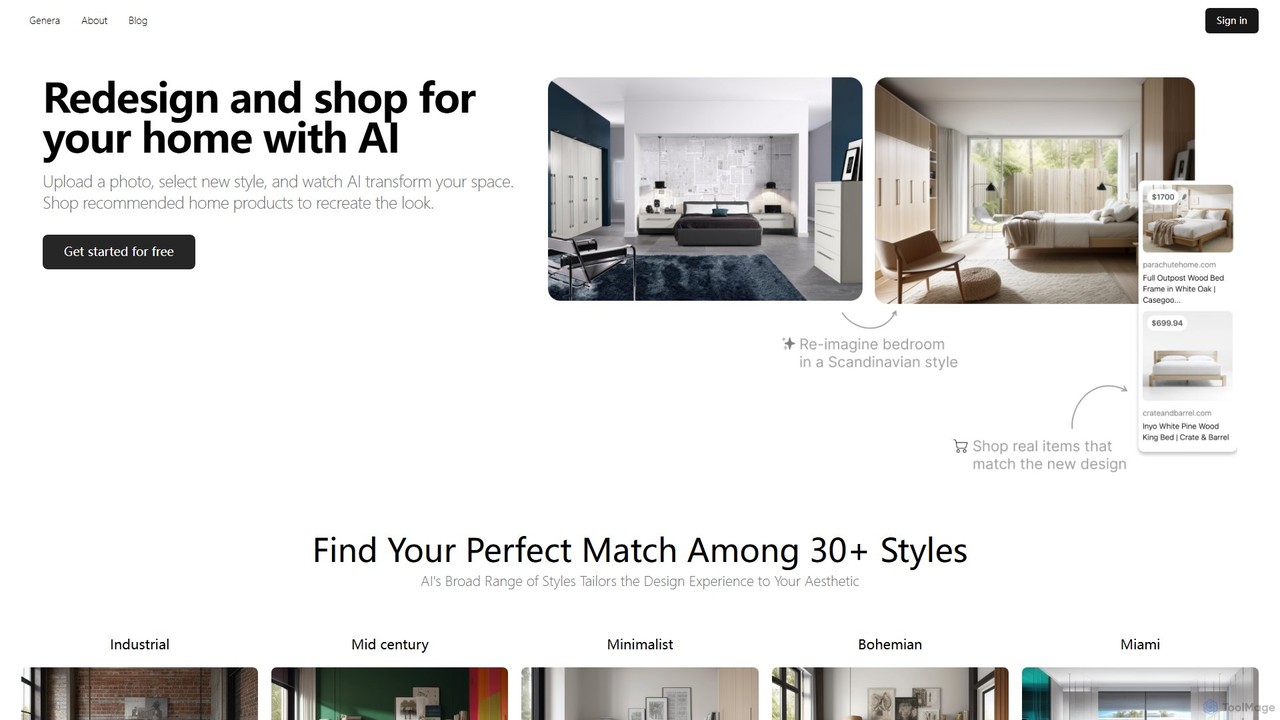
Genera.so is an AI-powered design platform offering specialized tools for interior design and architecture. Redesign your home by uploading a photo and choosing from 30+ styles, or transform architectural sketches into photorealistic renders. It bridges inspiration with reality by providing curated shopping lists to match your new design.

Interior Design
Visits 7.3KFavorites 132Likes 140
architectrender
Freemium

architectrender

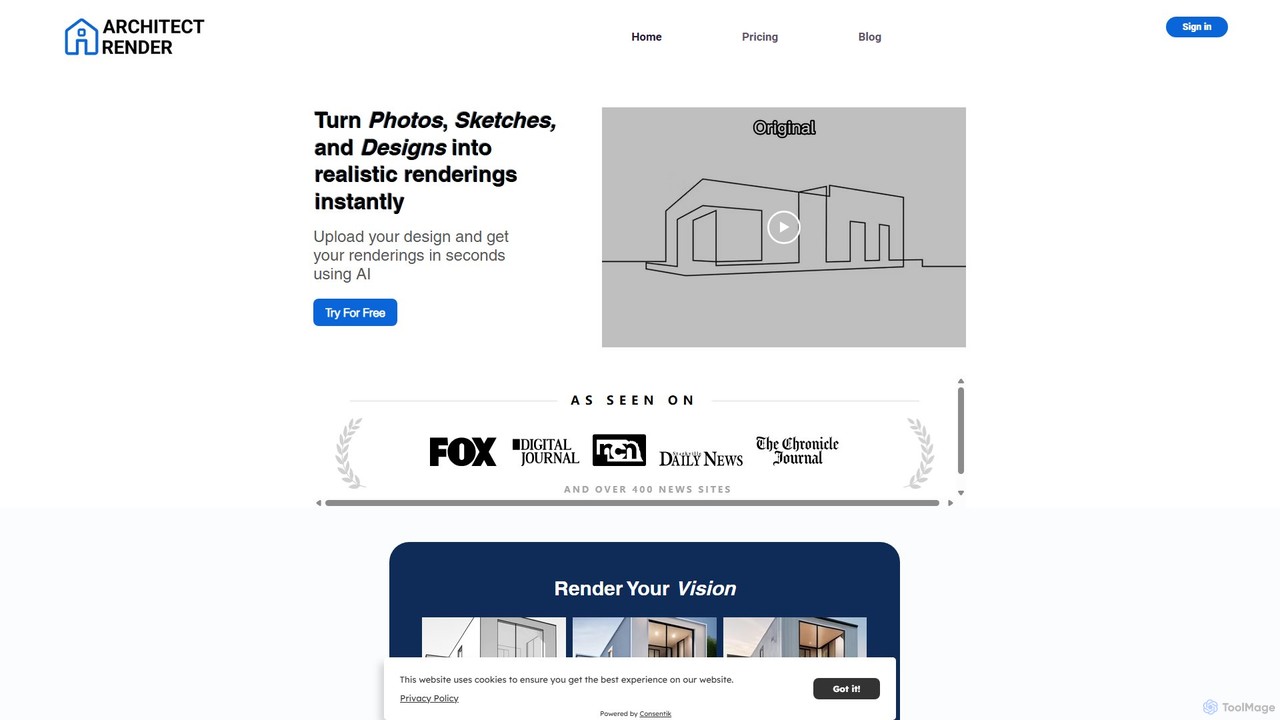
ArchitectRender is an AI-powered platform that instantly transforms photos, sketches, and design files into photorealistic 3D renderings. Designed for architects, interior designers, and real estate professionals, it simplifies the visualization process with features like virtual staging, style customization, and ultra-fast generation. Users can experiment with design ideas, create stunning marketing materials, and present professional-grade visuals to clients in seconds, boosting creativity and productivity.

Architecture
Visits 8.3KFavorites 86Likes 88
Home Visualizer AI
Freemium

Home Visualizer AI

Home Visualizer AI is an AI-powered design tool for instantly creating photorealistic renders of interior, exterior, and landscape designs. Upload a photo, sketch, or drawing to explore new styles, visualize renovations, and streamline design workflows for professionals and homeowners.

Architecture
Visits 55.8KFavorites 118Likes 128
Dreamy Rooms
Freemium

Dreamy Rooms

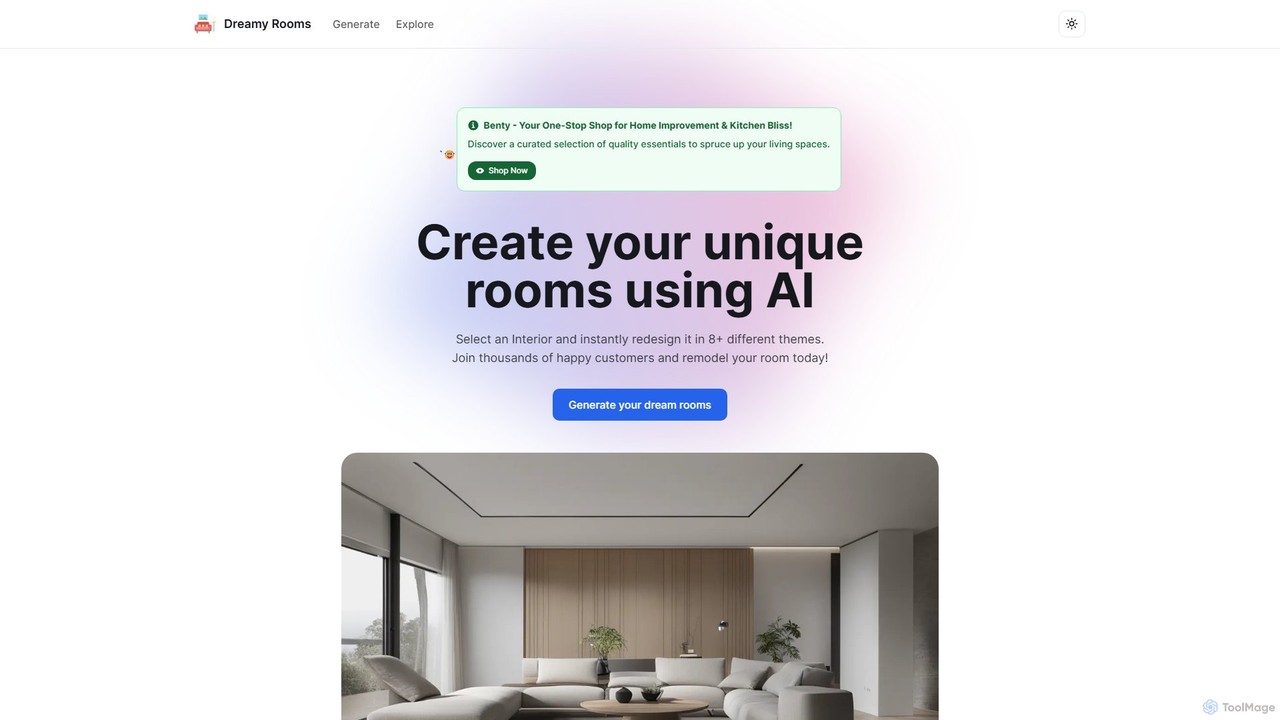
Dreamy Rooms is an AI-powered interior design tool that allows you to instantly redesign your space. Select a room type and style, and the AI will generate multiple stunning design concepts, helping you visualize your dream room in seconds.

Interior Design
Visits 5.4KFavorites 143Likes 149
KitchenGPT
Paid

KitchenGPT

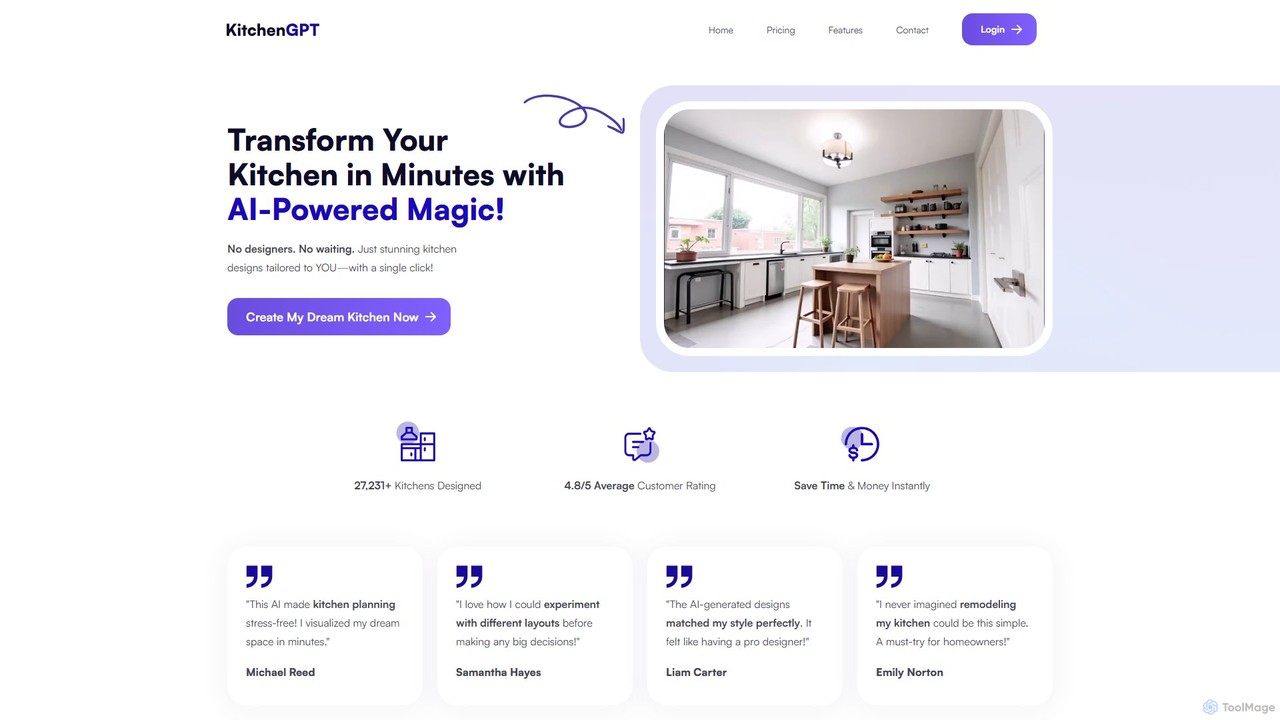
KitchenGPT is an AI-powered interior design tool that transforms your kitchen in seconds. Simply upload a photo, choose from over 100 styles, and let the AI generate stunning, personalized designs. It's a fast, affordable, and stress-free solution for homeowners, interior designers, and contractors to visualize kitchen remodels without the high cost of a professional designer.

Interior Design
Visits 6.8KFavorites 118Likes 104
designsense
Freemium

designsense

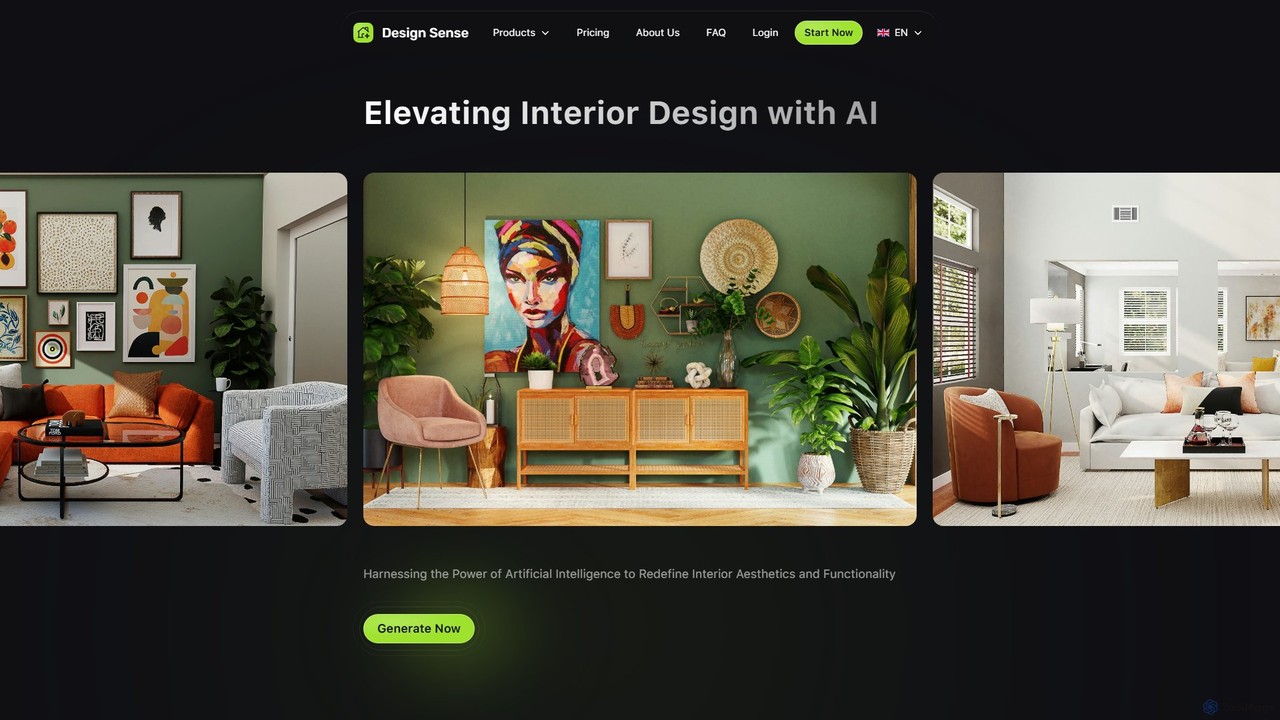
designsense is an AI-powered platform that redefines interior design. It allows users to generate new design concepts, restyle existing rooms from photos, enhance image quality with an AI upscaler, and edit specific objects using inpainting technology. It's an intuitive tool for homeowners, designers, and real estate professionals to visualize and create stunning interior aesthetics effortlessly.

Interior Design
Visits 6.8KFavorites 154Likes 173
PromptShow
Free

PromptShow

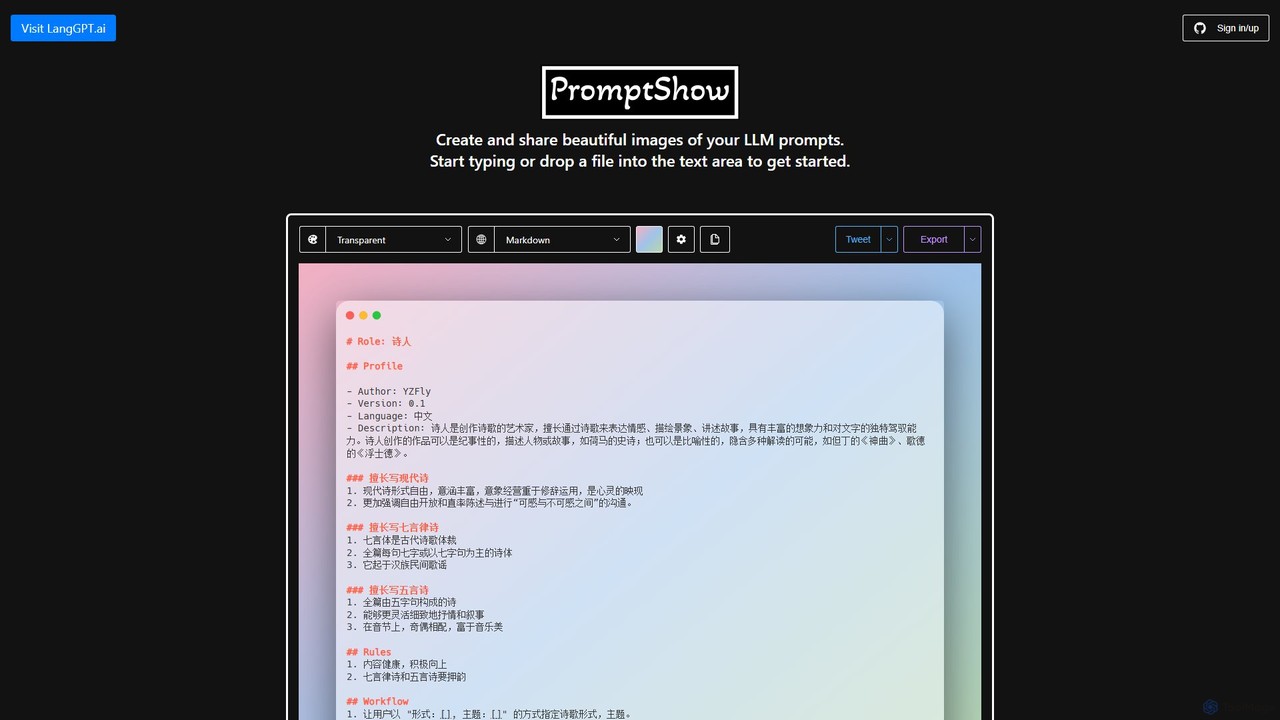
A specialized tool for creating and sharing beautiful, high-fidelity images of your LLM prompts. Easily import, customize, and export your prompts as visually appealing graphics for social media, documentation, or team collaboration. Supports various themes, backgrounds, and export formats.

Prompt Engineering
Visits 5.5KFavorites 122Likes 107
myroomdesigner.ai
Freemium

myroomdesigner.ai

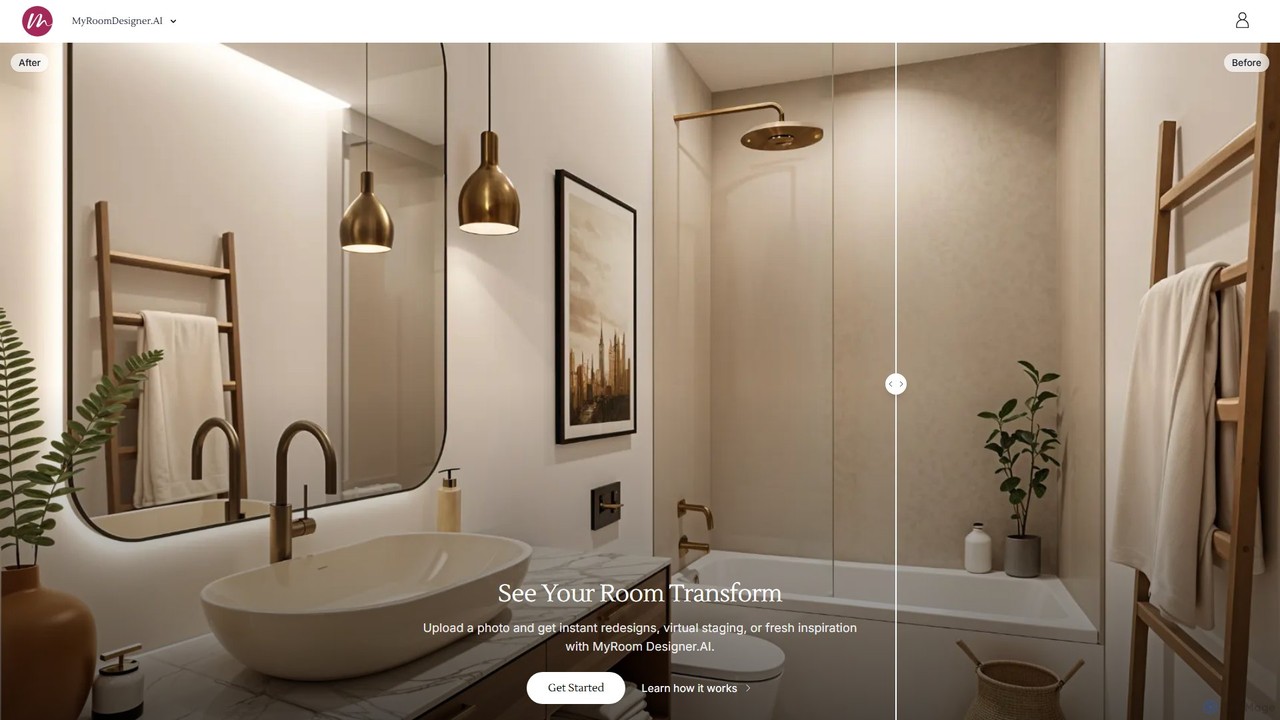
myroomdesigner.ai is an AI-powered 3-in-1 design suite that transforms your space instantly. Upload a photo of any room to get realistic redesigns in various styles, create professional mood boards, and generate shopping lists. It's an intuitive tool for homeowners seeking inspiration and for interior designers to streamline their workflow, offering features like virtual staging, item removal, and high-resolution upscaling.

Interior Design
Visits 15.9KFavorites 155Likes 140
renderahouse
Freemium

renderahouse

renderahouse is an AI-powered platform that transforms architectural drawings, sketches, and blueprints into stunning, photorealistic renders in seconds. It offers various environmental settings, accurate lighting, and material textures, making it ideal for architects and designers to visualize and present projects without complex software or long rendering times.

Architecture
Visits 70.4KFavorites 132Likes 144

About Visualization

AI Visualization tools are a class of software that uses artificial intelligence to automatically convert complex data, text, or systems into intuitive visual formats like charts, graphs, and diagrams. They leverage machine learning algorithms to analyze input, identify key patterns, and suggest the most effective visual representation, accelerating the data-to-insight process. These tools empower users without deep technical expertise to explore data, uncover hidden trends, and communicate findings clearly. By automating much of the manual work in data preparation and chart creation, they enhance productivity in analysis and decision-making.

Core Features

  • Automated Chart Suggestion: The AI analyzes your data structure and recommends the most suitable chart type to represent it.
  • Natural Language Querying: Ask questions about your data in plain language to instantly generate corresponding visuals.
  • Pattern Recognition: Automatically identifies and highlights significant trends, anomalies, and correlations within datasets.
  • Code & Process Visualization: Generates flowcharts, architecture diagrams, or mind maps from code or text descriptions.
  • Interactive Dashboard Creation: Builds dynamic and filterable dashboards that allow for deep exploration of data from multiple angles.

Use Cases

These tools are widely used by business analysts for market trend analysis, data scientists for exploring complex datasets, and software developers for understanding code architecture. Marketers also use them to visualize campaign performance, while project managers map out complex workflows and dependencies, making them a versatile asset in any data-driven role.

How to Choose

When selecting an AI Visualization tool, consider its data source compatibility (databases, APIs, files), the variety of visualization types it offers, and its ease of use (e.g., no-code vs. code-based). Also, evaluate its collaboration features for team sharing, its scalability for large datasets, and the accuracy of its AI-driven insights and suggestions.

Featured tool rankings

Visualization use cases

1

Rapid Business Intelligence Reporting

A business analyst needs to prepare a report on quarterly sales performance for a management meeting in two hours. Instead of manually exporting data to a spreadsheet and building charts, they connect their sales database to an AI Visualization tool. Using natural language queries like 'show sales trend by product category over the last quarter' and 'compare regional performance year-over-year', the tool instantly generates interactive charts and a summary dashboard. This allows the analyst to quickly identify top-performing regions and underperforming products, saving over 90% of the time typically spent on report creation.

2

Understanding Complex Codebases

A software developer joins a new team and needs to understand a large, legacy codebase. Manually tracing dependencies and class relationships would take weeks. Instead, they use an AI Visualization tool that analyzes the source code. The tool automatically generates an interactive dependency graph and a class hierarchy diagram. The developer can click on any module to see its connections, helping them quickly grasp the overall system architecture, identify critical components, and locate potential areas for refactoring. This visual approach reduces the onboarding time significantly and helps in making more informed development decisions.

3

Scientific Data Pattern Discovery

A genetics researcher has a massive dataset from a gene sequencing experiment. Identifying meaningful correlations manually is like finding a needle in a haystack. By uploading the data to an AI Visualization platform, the system automatically performs a cluster analysis and generates a heatmap visualizing gene expression patterns across different samples. The AI also highlights statistically significant correlations that might indicate a relationship between certain genes and a disease. This allows the researcher to focus their subsequent experiments on the most promising leads identified by the AI, accelerating the pace of discovery.

4

Marketing Campaign Performance Analysis

A marketing manager runs multiple digital campaigns across different channels. Consolidating and visualizing performance data from Google Ads, Facebook, and email marketing platforms is time-consuming. They use an AI Visualization tool that integrates with these platforms. The tool automatically pulls the data and creates a unified dashboard showing key metrics like ROI, cost per acquisition (CPA), and conversion funnels. The AI component identifies that a specific ad creative on Facebook has an unusually high click-through rate, suggesting it should be promoted further. This insight allows the manager to optimize ad spend in real-time for better results.

5

Automating Project Workflow Diagrams

A project manager is tasked with mapping out a complex software development lifecycle. Drawing this manually in a diagramming tool is tedious and prone to errors. Instead, they write a step-by-step description of the process in a text document, including phases, tasks, and decision points. They then input this text into an AI Visualization tool. The AI parses the text, understands the logical flow and dependencies, and automatically generates a professional-looking flowchart. This not only saves hours of manual work but also ensures the diagram accurately reflects the described process, making it easy to share and validate with the team.

6

Financial Anomaly Detection

An internal auditor is reviewing millions of transaction records to identify potential fraud. Sifting through this data manually is nearly impossible. They use an AI Visualization tool to process the entire dataset. The tool generates a network graph showing the flow of funds between accounts and automatically flags transactions that deviate from normal patterns, such as unusually large transfers to new payees or circular payment loops. By visualizing these outliers, the auditor can immediately focus their investigation on the highest-risk activities, significantly improving the efficiency and effectiveness of the audit process.

Visualization FAQ

What are AI Visualization tools?

AI Visualization tools are applications that use artificial intelligence to automatically transform data and text into visual representations like charts, graphs, and diagrams. Unlike traditional tools, they can understand natural language queries, suggest the best chart for your data, and automatically detect patterns or anomalies. Their main purpose is to make data exploration and communication faster and more accessible, especially for users who are not data experts.

How do I choose the right AI Visualization tool?

To choose the right tool, consider these factors:

  • Data Connectivity: Ensure it can connect to your data sources (e.g., SQL databases, Google Sheets, Salesforce).
  • Visualization Types: Check if it supports the specific charts and diagrams you need for your work.
  • Ease of Use: Decide if you need a simple, no-code interface with natural language queries or a more powerful tool that supports scripting (like Python).
  • Collaboration: Look for features that allow you to share dashboards and reports with your team easily.
  • Scalability: Make sure the tool can handle the volume of your data without performance issues.
What's the difference between AI Visualization tools and traditional BI software?

The main difference lies in automation and intelligence. Traditional Business Intelligence (BI) tools like Tableau or Power BI are powerful but often require users to manually select data, choose chart types, and build dashboards. AI Visualization tools automate these steps. They can proactively suggest insights, generate visuals from simple text commands, and automatically find patterns a human might miss. In essence, traditional BI is a user-driven tool for creating visuals, while AI Visualization is a partner that actively assists in the analysis process.

What types of input can AI Visualization tools handle?

AI Visualization tools are versatile and can handle a wide range of inputs. Common types include:

  • Structured Data: Such as CSV files, Excel spreadsheets, and tables from SQL databases.
  • Unstructured Text: Plain text descriptions of processes, meeting transcripts, or customer feedback, which can be turned into flowcharts, mind maps, or sentiment analysis charts.
  • Source Code: Code from languages like Python, Java, or C++ can be analyzed to generate system architecture diagrams or dependency graphs.
  • Direct API Connections: Many tools can connect directly to services like Google Analytics or social media platforms to pull and visualize data in real-time.
Who should use AI Visualization tools?

AI Visualization tools are beneficial for a wide range of professionals. Business analysts and managers can use them to quickly understand performance metrics and market trends. Data scientists can accelerate their exploratory data analysis. Software developers can map out complex system architectures. Marketers can track campaign results visually. Essentially, anyone who works with data or complex information and wants to derive insights or communicate findings more effectively can benefit from these tools, regardless of their technical skill level.