ToolMage
Sign in

Best 185 Utilities AI tools

Popular Utilities AI tools include Apkpure, Truecaller, Wondershare, Image to Text, EaseUS, Quicktools by Picsart, Tenorshare, PDF Candy, TinyWow, and PictureThis, helping you work more efficiently.

VN Translator
Freemium

VN Translator

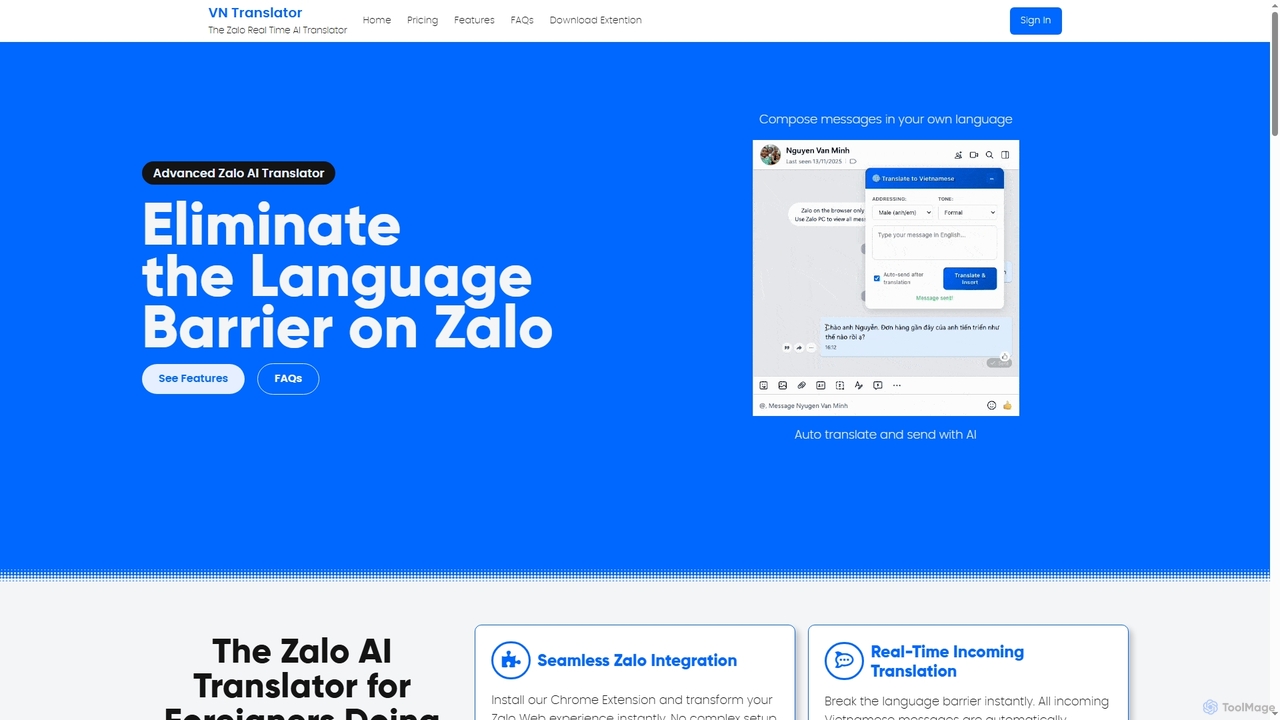
VN Translator is an advanced AI-powered Chrome extension designed for real-time Zalo translation, specifically for expats and businesses in Vietnam. It breaks language barriers by automatically translating incoming Vietnamese messages and allowing users to compose replies in their native language, ensuring culturally accurate communication.

International Business
Visits 6.2KFavorites 51Likes 67
ChatMod
Free

ChatMod

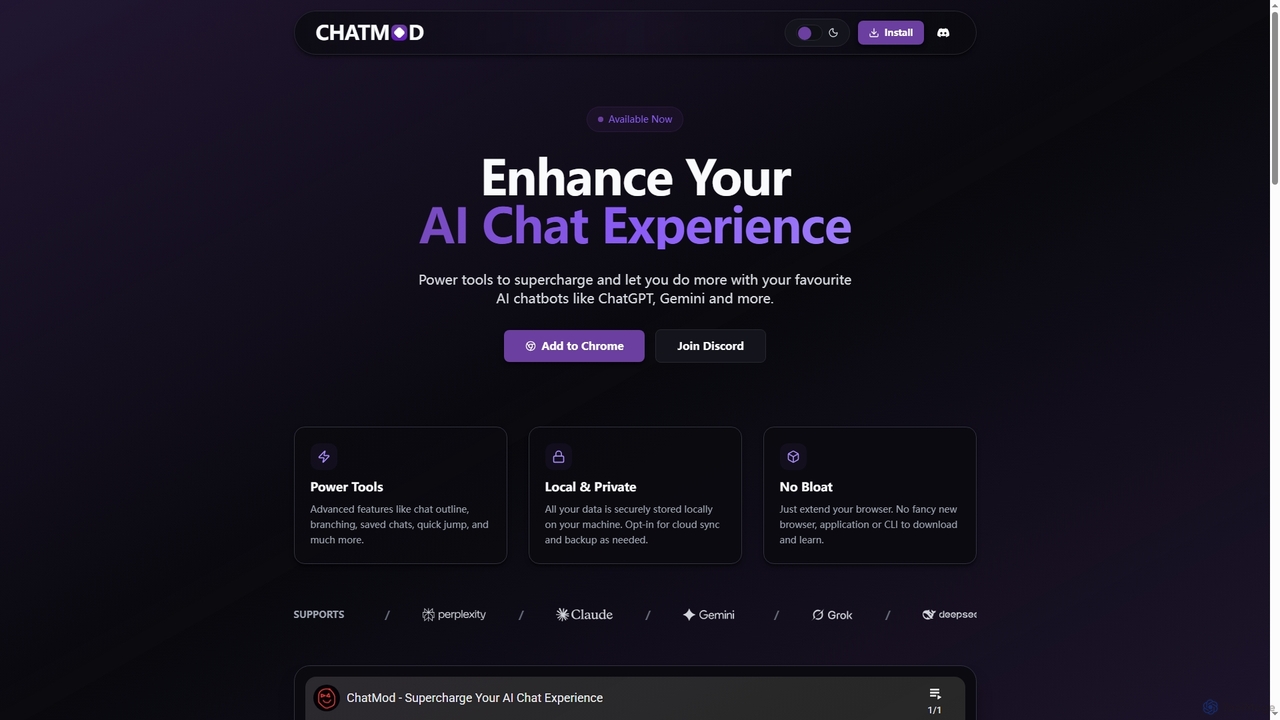
ChatMod is a powerful browser extension designed to supercharge your AI chat experience across platforms like ChatGPT, Gemini, Perplexity, and more. It offers advanced features for chat organization, navigation, and productivity, all while keeping your data local and private.

Chat Management
Visits 5.5KFavorites 130Likes 123
MyTask AI
Freemium

MyTask AI

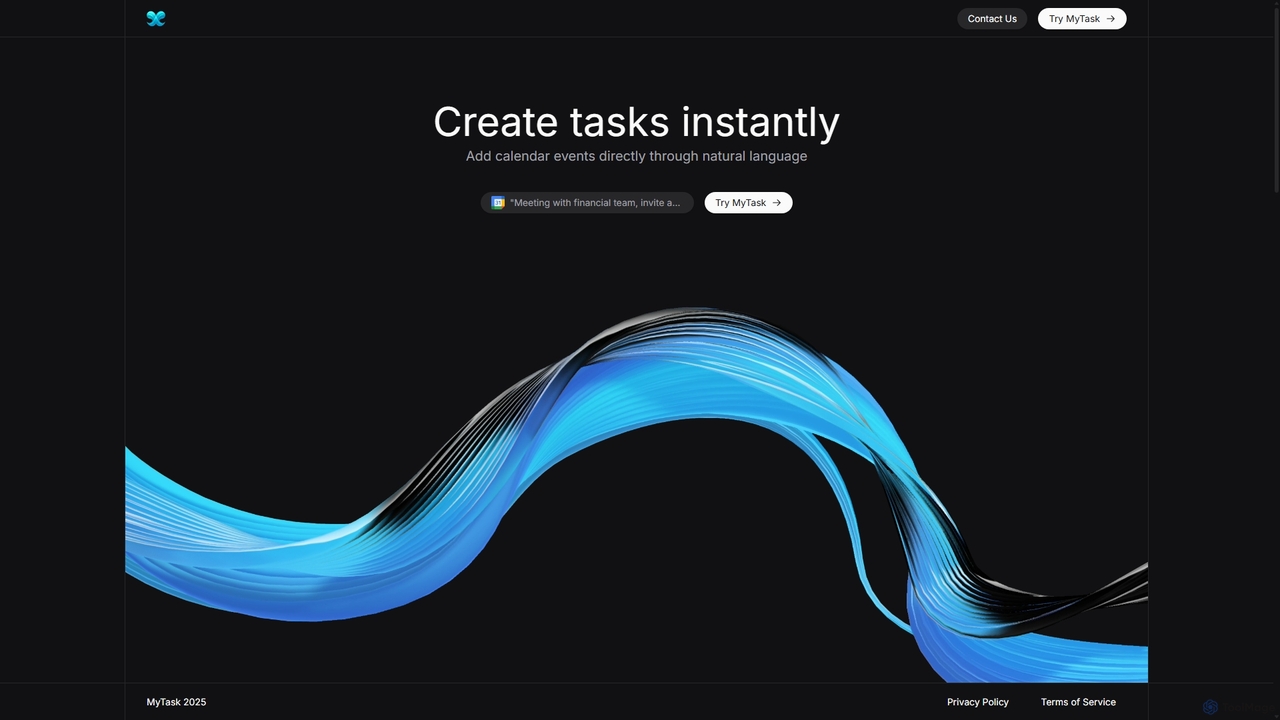
MyTask AI is a productivity tool that uses AI to instantly create, edit, and delete Google Calendar events through natural language commands. Streamline your scheduling and save time without ever leaving your current browser tab.

Scheduling
Visits 5.5KFavorites 167Likes 160
NotesCmdr
Paid

NotesCmdr

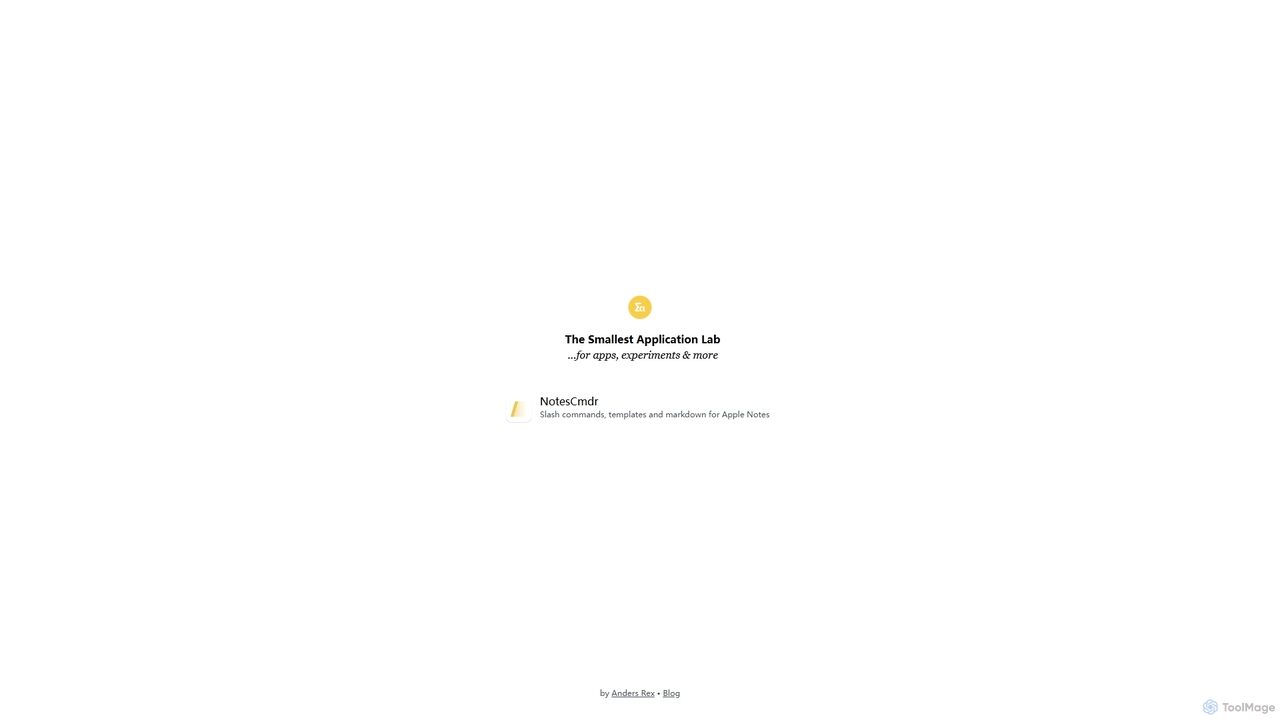
NotesCmdr is a powerful macOS extension designed to supercharge the native Apple Notes app. It enhances your note-taking workflow by adding features like slash commands for rapid formatting, a dynamic template system, an inline calculator, and intuitive Markdown-style shortcuts. It's the perfect tool for students, professionals, and anyone looking to boost their productivity within the Apple ecosystem.

Note Taking
Visits 6.7KFavorites 128Likes 142
PhraseClip
Freemium

PhraseClip

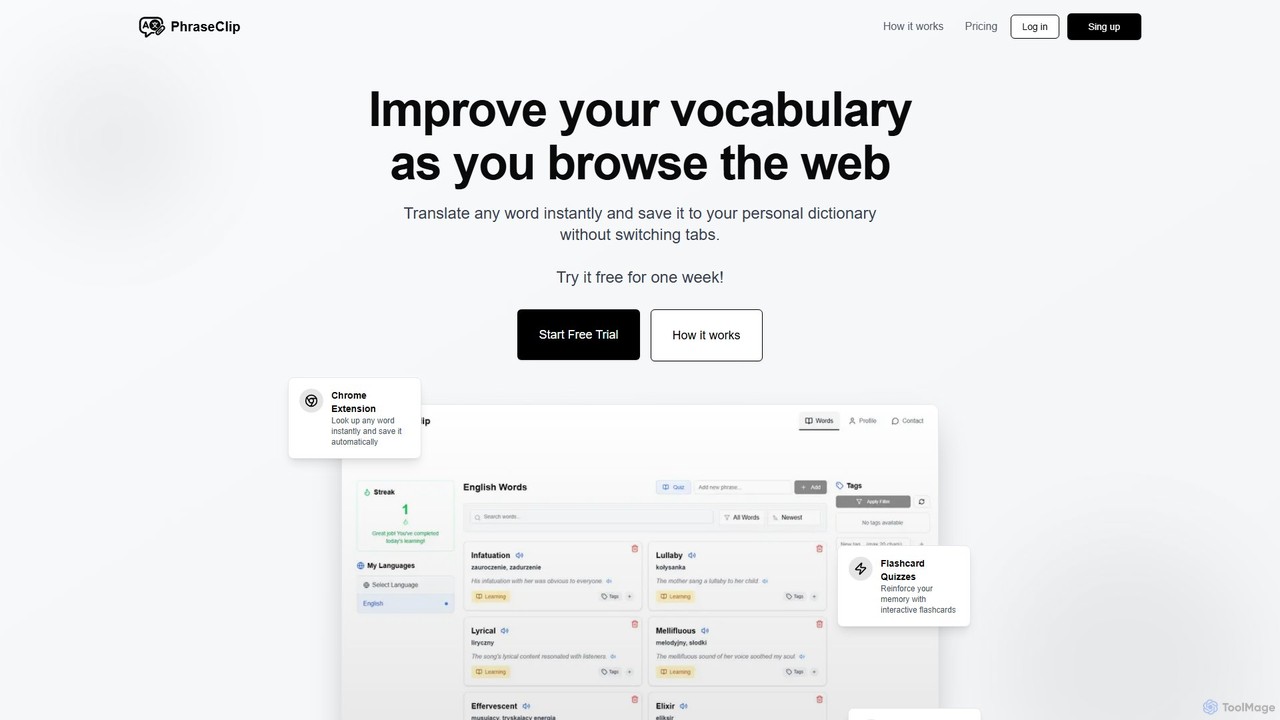
PhraseClip is a Chrome extension for language learners to expand their vocabulary while browsing. Instantly translate any word on any site with two clicks and save it to your personal dictionary. Each saved word includes AI-generated example sentences and pronunciation. Reinforce your learning with interactive flashcard quizzes and track your progress seamlessly, turning new words into long-term memory without interrupting your reading flow.

Language Learning
Visits 5.5KFavorites 120Likes 129
Pixelcode
Paid

Pixelcode

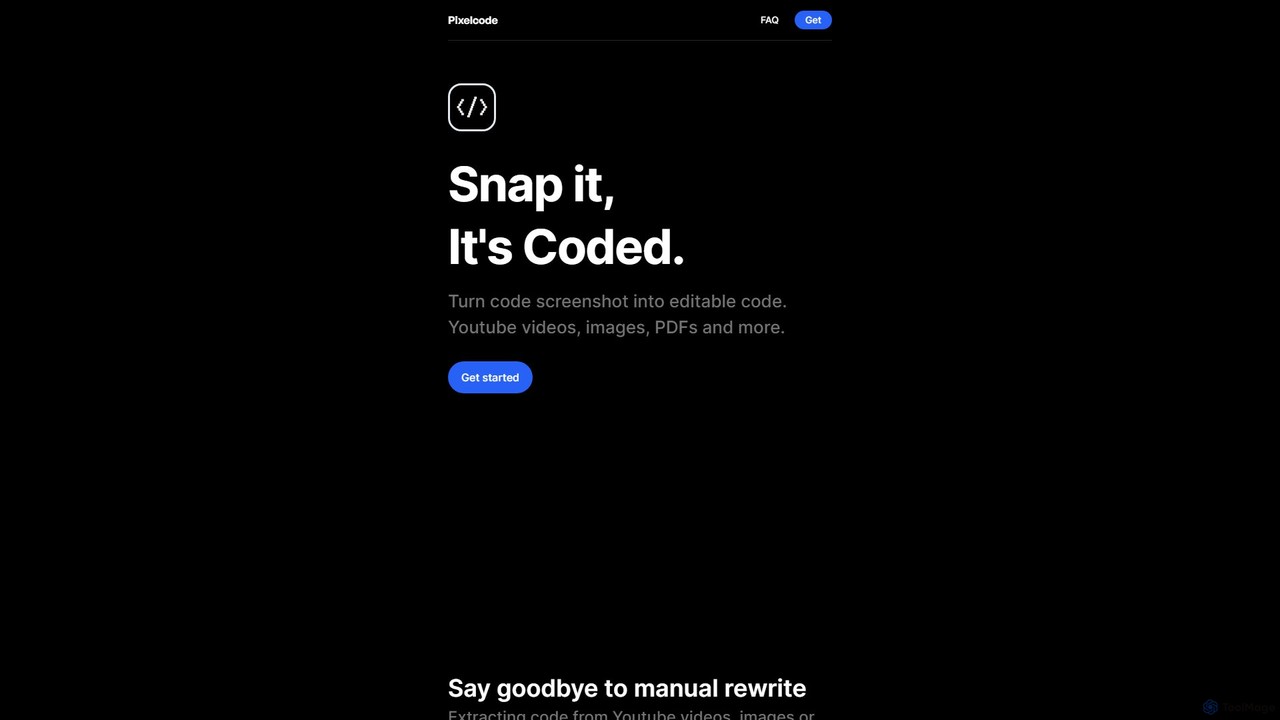
Pixelcode is a powerful AI-driven Chrome extension that instantly converts code from screenshots, YouTube videos, images, and PDFs into editable text. It supports over 30 programming languages, accurately preserves original formatting, and copies the code directly to your clipboard. This tool is designed to eliminate manual retyping, prevent errors, and dramatically boost developer productivity.

Code Assistant
Visits 5.5KFavorites 132Likes 137
chatgpt2pdf
Paid

chatgpt2pdf

A Chrome extension that allows you to save and export your ChatGPT conversations as high-quality PDF files with a single click. Easily archive, share, and document your AI interactions for professional, academic, or personal use.

Chrome Extensions
Visits 5.3KFavorites 127Likes 121
Hitab
Freemium

Hitab

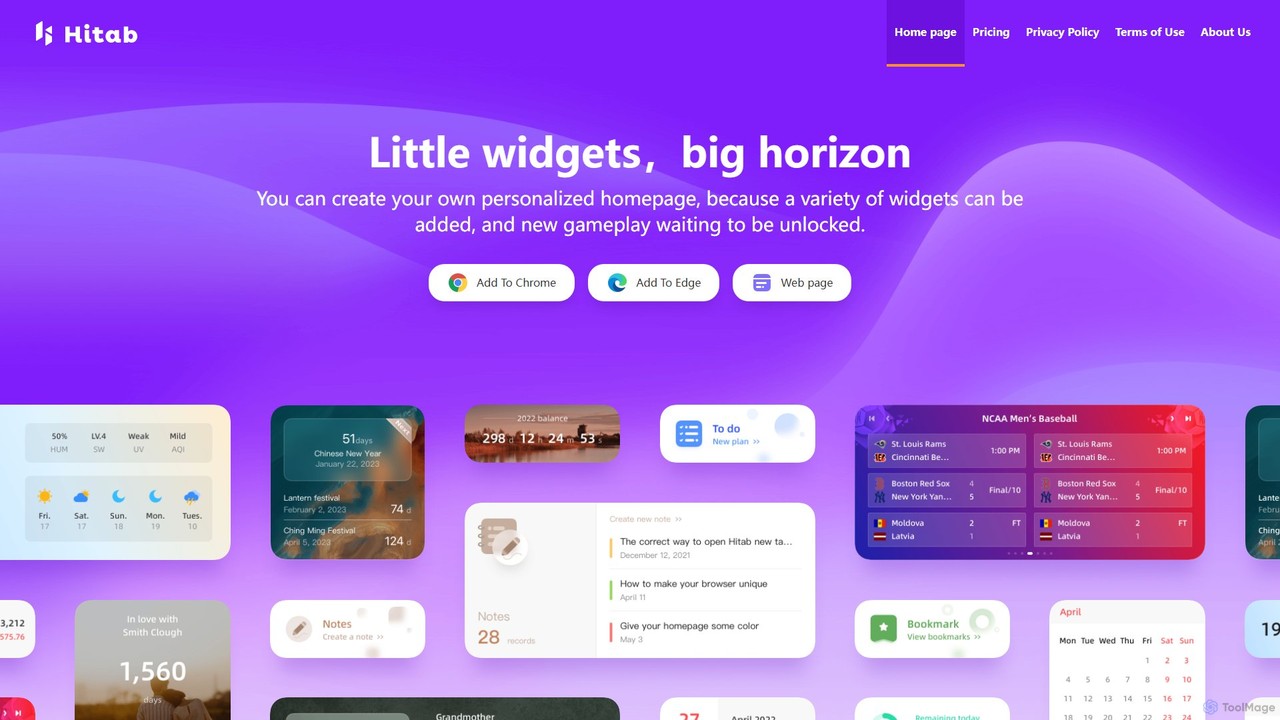
Hitab is a powerful browser extension that transforms your new tab page into a personalized and productive dashboard. It allows users to add a variety of widgets like notes, to-do lists, weather, and countdowns. With extensive customization options, including drag-and-drop widgets, custom icons, and a vast library of HD wallpapers, Hitab helps you create a beautiful, efficient, and unique homepage tailored to your needs.

Homepage
Visits 5.4KFavorites 123Likes 115
Trimbox
Paid

Trimbox

Trimbox is an AI-powered Gmail plugin designed for ultimate inbox management. It allows you to unsubscribe from mailing lists and delete all past emails from any sender with a single click, all while ensuring your privacy by processing data directly on your device.

Email Management
Visits 72.7KFavorites 140Likes 140
Ai Form Filler
Free

Ai Form Filler

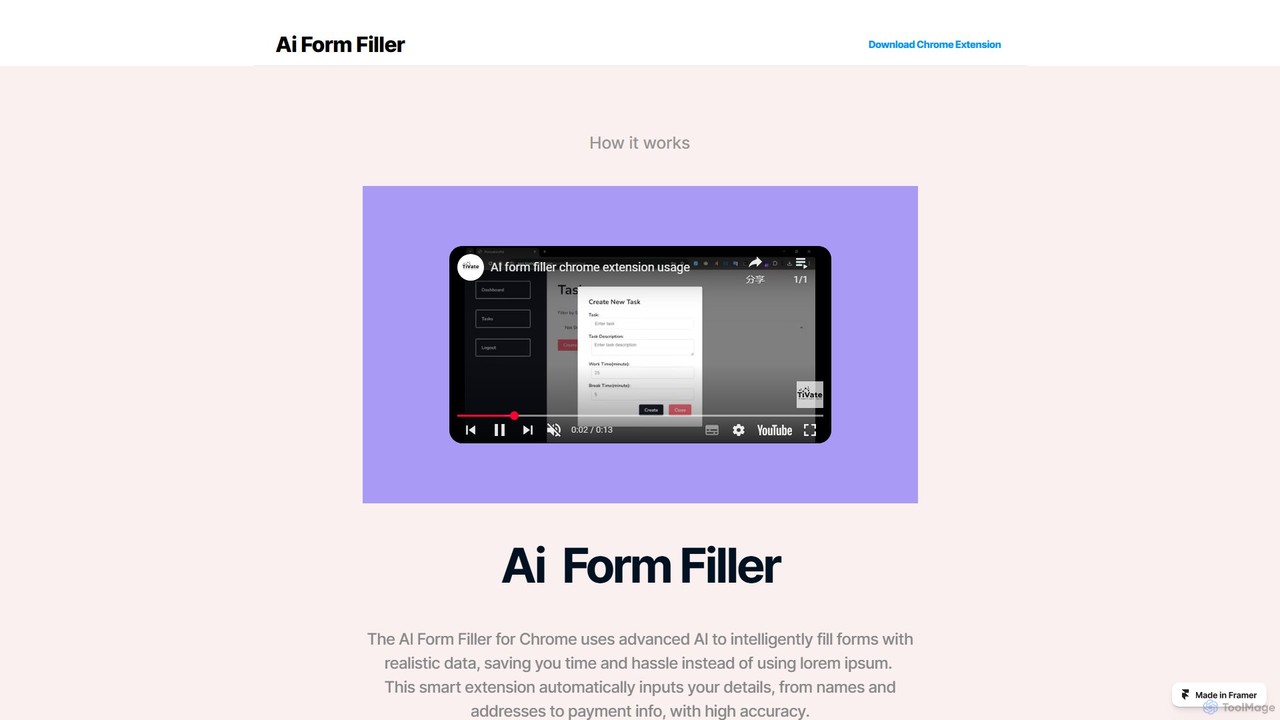
Ai Form Filler is an intelligent Chrome extension that automates the tedious process of filling out online forms. Using AI, it accurately recognizes and completes fields for names, addresses, payment information, and more with a single click. Securely manage multiple profiles to save time and reduce errors during online checkouts, registrations, and applications.

Chrome Extensions
Visits 5.6KFavorites 120Likes 97
SiriGPT
Paid

SiriGPT

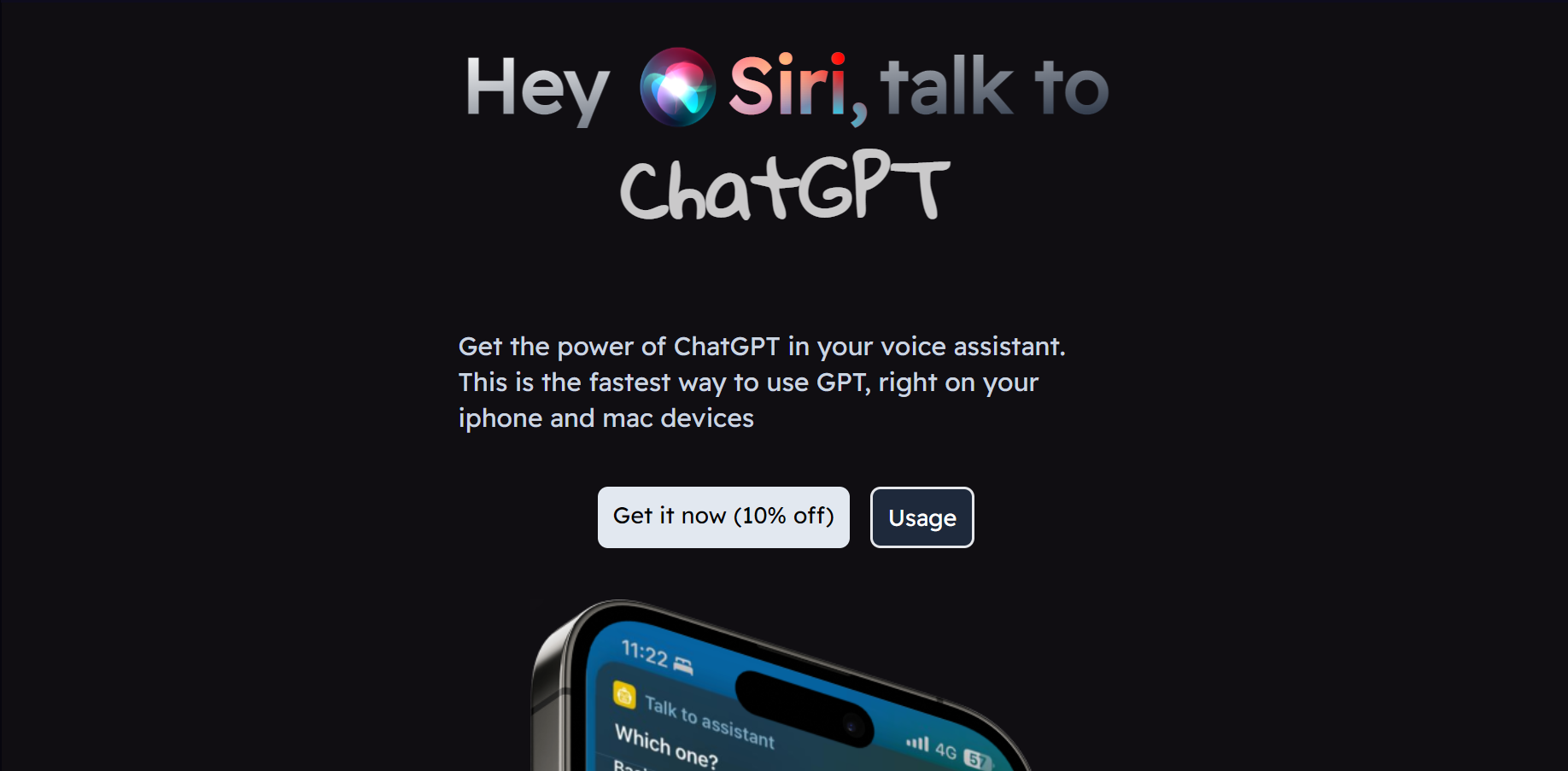
SiriGPT enhances your Apple experience by integrating the power of ChatGPT directly into Siri. This Apple Shortcut allows you to have advanced, voice-controlled conversations with a powerful AI on your iPhone and Mac. Get instant answers, brainstorm ideas, or chat with custom AI personas, all hands-free using the familiar 'Hey Siri' command. It's the fastest and most seamless way to access GPT on your Apple devices.

Personal Assistant
Visits 5.3KFavorites 166Likes 151
AI Tab Group
Freemium

AI Tab Group

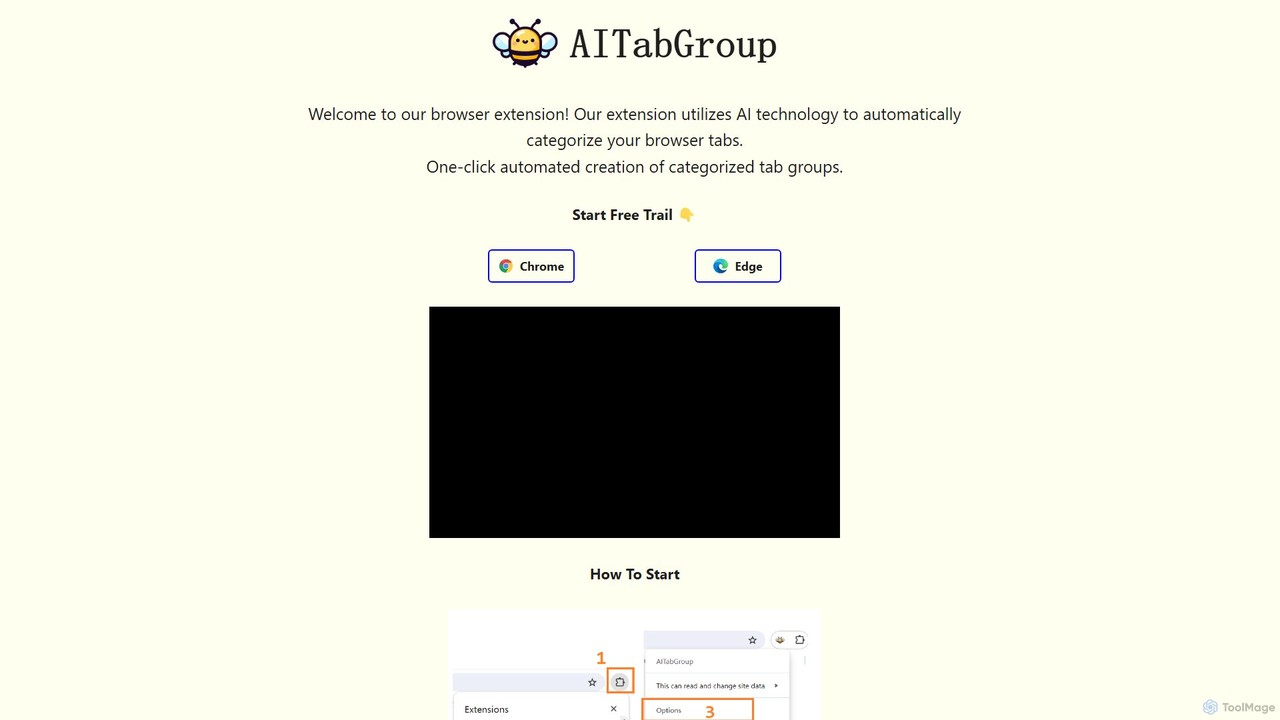
AI Tab Group is an intelligent browser extension for Chrome and Edge that uses AI to automatically categorize and group your open tabs. With a single click, it eliminates tab clutter, organizes your workspace, and boosts productivity. Pro features include hierarchical views and exporting sessions to Markdown or bookmarks.

Browser Extension
Visits 6.8KFavorites 122Likes 139

About Utilities

Utilities are AI-powered tools designed to enhance efficiency, automate routine tasks, and provide specialized assistance across various digital workflows. These tools leverage advanced AI capabilities, such as natural language processing, machine learning, and computer vision, to understand context, process data, and execute actions intelligently. By streamlining operations and reducing manual effort, AI utilities empower users to save time, improve accuracy, and unlock new capabilities in their daily tasks and professional projects.

Core Features

  • Automated Task Execution: Automate repetitive digital tasks like data entry, file organization, or content scheduling.
  • Data Processing & Organization: Efficiently sort, categorize, and analyze large volumes of data for better insights.
  • Content Enhancement: Improve the quality of text, images, or audio through AI-driven suggestions and modifications.
  • Intelligent Search & Retrieval: Find specific information faster and more accurately across documents and databases.
  • Workflow Integration: Seamlessly connect with existing software and platforms to create cohesive work environments.

Use Cases

AI utilities find application across diverse sectors, from individual productivity to large-scale enterprise operations. They are invaluable for professionals seeking to optimize their digital footprint, content creators aiming for perfection, and businesses striving for operational excellence. Typical scenarios include automating administrative chores, enhancing creative output, and simplifying complex data management processes.

How to Choose

When selecting an AI utility, consider its specific functionality to ensure it addresses your exact needs. Evaluate its integration capabilities with your current software ecosystem for seamless workflow. Assess the ease of use and learning curve, as well as its scalability and performance to handle your anticipated workload. Finally, prioritize tools with robust security and privacy measures to protect your data.

Featured tool rankings

Utilities use cases

1

Automating Data Entry for Administrative Tasks

Administrative professionals often spend significant time on repetitive data entry. AI utilities can automatically extract information from documents, emails, or spreadsheets and input it into databases or CRM systems, drastically reducing manual effort and minimizing errors. This frees up staff to focus on more strategic tasks, improving overall office efficiency.

2

Intelligent Document Summarization for Research

Researchers and analysts frequently deal with vast amounts of text. AI utilities can quickly read through lengthy reports, articles, or legal documents and generate concise summaries, highlighting key points and critical information. This accelerates the research process, allowing users to grasp core concepts faster and make informed decisions.

3

Enhanced Content Proofreading and Style Checking

Content creators, marketers, and writers can leverage AI utilities for advanced proofreading beyond basic grammar checks. These tools can analyze writing style, suggest improvements for clarity and conciseness, detect plagiarism, and ensure brand voice consistency across various content pieces, elevating the quality of written communication.

4

Batch Image Optimization and Resizing for Web Assets

Web developers and designers often need to process numerous images for websites or applications. AI utilities can automatically optimize image file sizes, resize them to specific dimensions, and even remove backgrounds in bulk. This ensures fast loading times, consistent visual quality, and significantly speeds up asset preparation workflows.

5

Smart Email Management and Prioritization

Busy professionals receive a high volume of emails daily. AI utilities can intelligently categorize incoming messages, flag urgent communications, filter out spam, and even draft quick replies based on context. This helps users manage their inboxes more effectively, ensuring important emails are addressed promptly and reducing digital clutter.

6

Code Refactoring and Quality Check for Developers

Software developers can utilize AI utilities to improve code quality and maintainability. These tools can analyze code for potential bugs, suggest refactoring opportunities to optimize performance, enforce coding standards, and even generate documentation. This leads to cleaner, more efficient codebases and faster development cycles.

Utilities FAQ

What are AI Utilities?

AI Utilities are software tools that use artificial intelligence to perform specific, often routine, tasks more efficiently and intelligently than traditional methods. They are designed to automate, optimize, or enhance various digital processes, ranging from data management and content creation to personal productivity and development workflows. Their core purpose is to simplify complex operations and save users time and effort.

How do I choose the best AI Utility for my needs?

To choose the best AI utility, first identify your specific problem or task you want to automate or enhance. Then, evaluate tools based on their core functionality and how well it aligns with your requirements. Consider integration capabilities with your existing software, ease of use, and the tool's scalability. Finally, check user reviews, pricing models, and the vendor's commitment to security and data privacy.

What are the main benefits of using AI Utilities?

The main benefits of using AI Utilities include significant time savings by automating repetitive tasks, improved accuracy due to reduced human error, and enhanced productivity across various workflows. They can also unlock new capabilities, such as intelligent data analysis or advanced content generation, allowing users to achieve results that would be difficult or impossible manually. Ultimately, they streamline operations and optimize resource allocation.

What are some common types of AI Utility tools?

Common types of AI Utility tools include smart assistants for scheduling and email management, AI-powered grammar and writing assistants, data extraction and processing tools, image and video optimization utilities, code analysis and refactoring tools, and intelligent search engines. These tools span various categories, each designed to address specific pain points in digital work and personal life.

Can AI Utility tools integrate with my existing software?

Many AI Utility tools are designed with integration in mind. They often offer APIs, plugins, or direct connectors to popular platforms like CRM systems, project management software, content management systems, and cloud storage services. This allows for seamless data flow and workflow automation, ensuring that the AI utility enhances rather than disrupts your existing digital ecosystem. Always check the tool's documentation for specific integration options.