ToolMage
Sign in

Best 1,920 Video AI tools

Popular Video AI tools include Adobe, OpenAI, VidCap, labs.google/fx, Google Labs, Shutterstock, Vimeo, CapCut, ElevenLabs, and Manus, helping you work more efficiently.

AI Video API
Paid

AI Video API

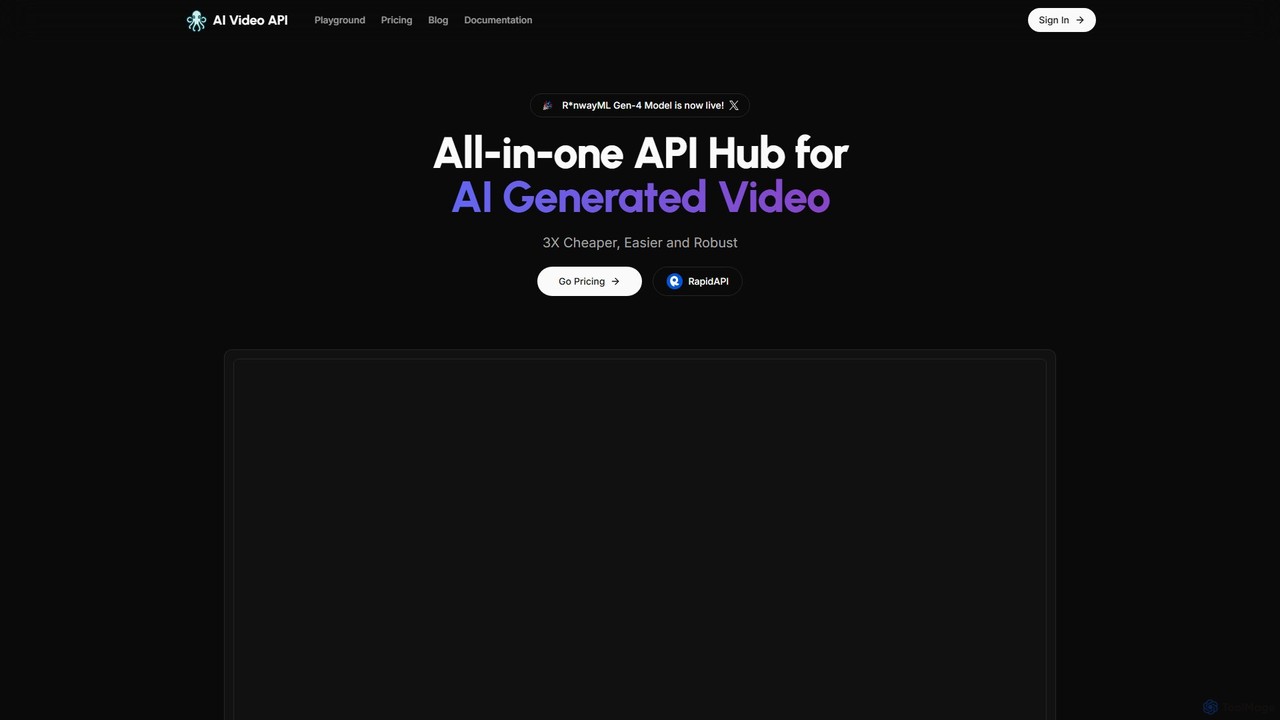
An all-in-one API hub for developers to integrate advanced AI video generation into their applications. It offers text-to-video, image-to-video, and extended video lengths up to 36 seconds, focusing on affordability, scalability, and ease of use with support for the latest models like RunwayML Gen-4.

Api
Visits 11.5KFavorites 125Likes 120
Sphere
Freemium

Sphere

Sphere is an AI-powered mobile app for iOS that enables real estate agents to create immersive 3D virtual tours of properties using only their smartphone. It eliminates the need for expensive equipment or professional photographers, offering a fast, cost-effective solution to enhance property listings, increase buyer engagement, and close deals faster.

3D & Ar
Visits 6.7KFavorites 103Likes 106
swapper_ai
Freemium

swapper_ai

swapper_ai is an advanced AI-powered tool for creating realistic face swaps in images and videos. With a user-friendly interface, it allows anyone to seamlessly exchange faces in just a few clicks. Ideal for content creators, marketers, and individuals looking to create fun and engaging visual content with high-quality, natural-looking results.

Entertainment
Visits 5.6KFavorites 135Likes 134
Lens
Freemium

Lens

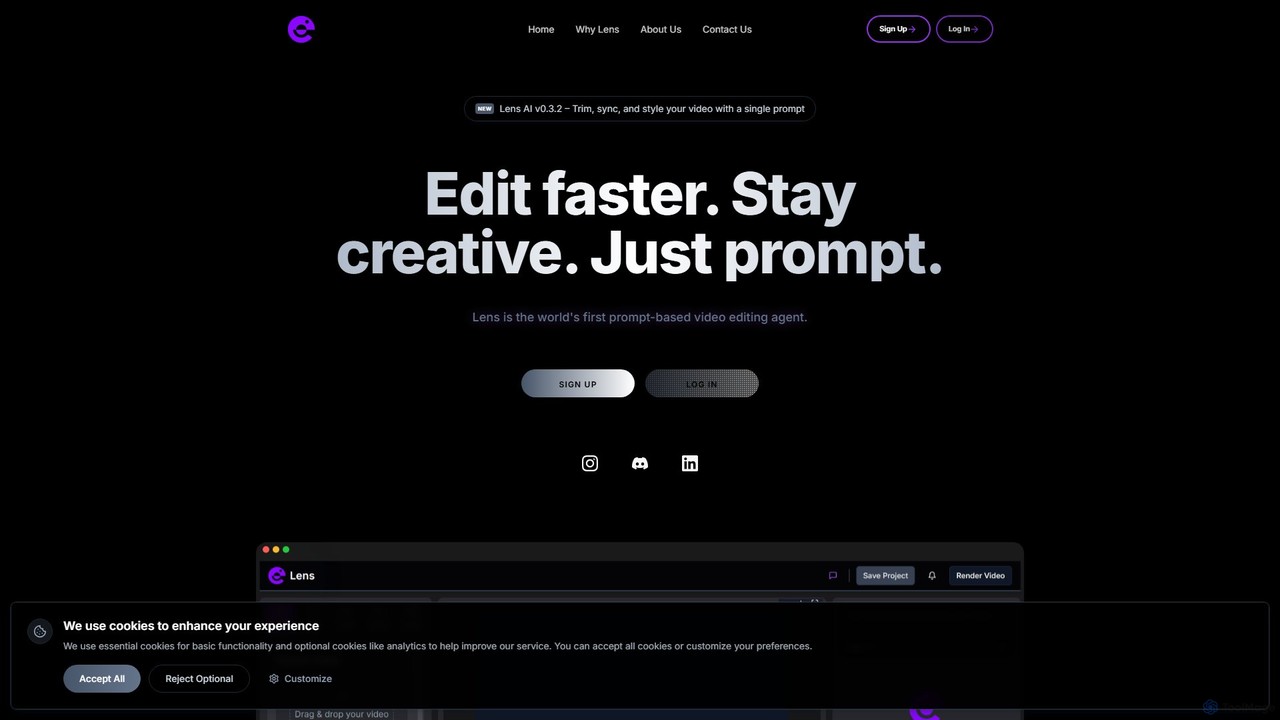
Lens is the world's first prompt-based video editing agent, designed to revolutionize the editing process. It allows creators to trim, sync, and style videos using simple text commands, eliminating the need for complex timelines and manual tasks. Focus on your creativity while Lens handles the heavy lifting, making video editing faster, more intuitive, and accessible to everyone.

Social Media
Visits 5.5KFavorites 140Likes 136
Mindstamp
Freemium

Mindstamp

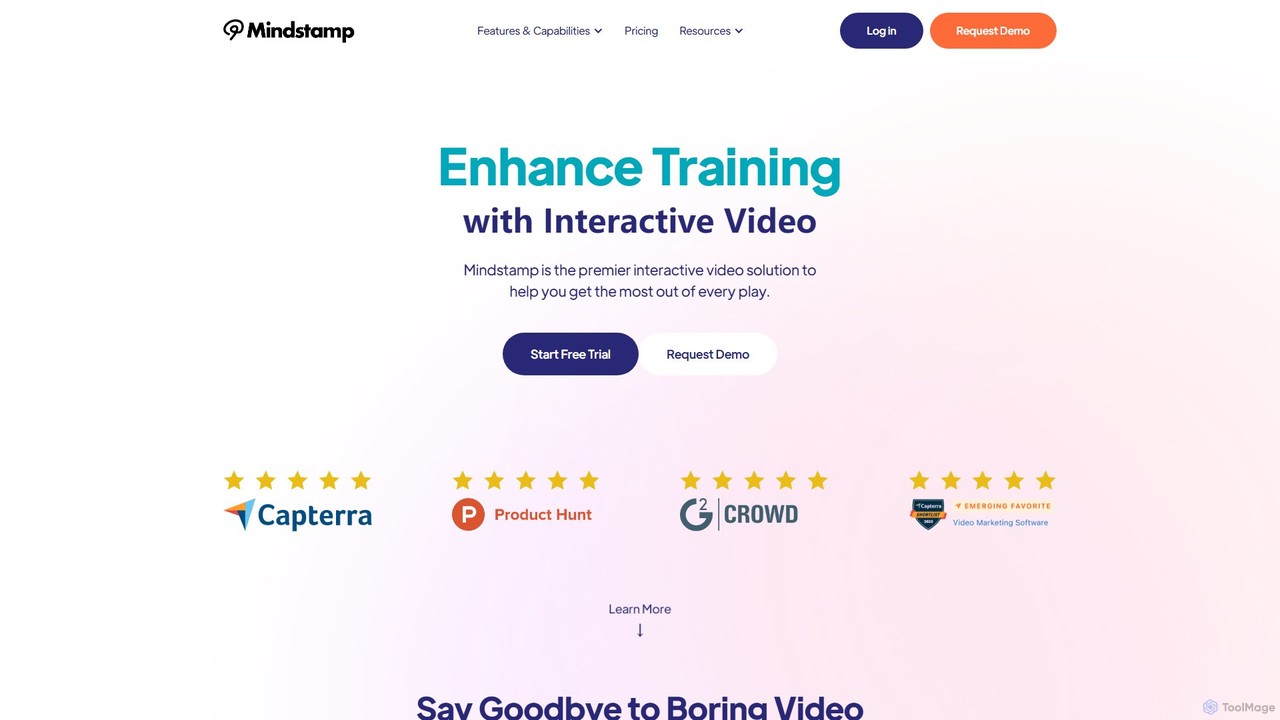
Mindstamp is a leading interactive video platform that transforms passive video content into engaging, two-way experiences. It allows users to add clickable buttons, questions, hotspots, lead capture forms, and branching logic directly into their videos, making them ideal for marketing, sales, training, and education.

E Learning
Visits 36.5KFavorites 129Likes 137
Perchance AI
Freemium

Perchance AI

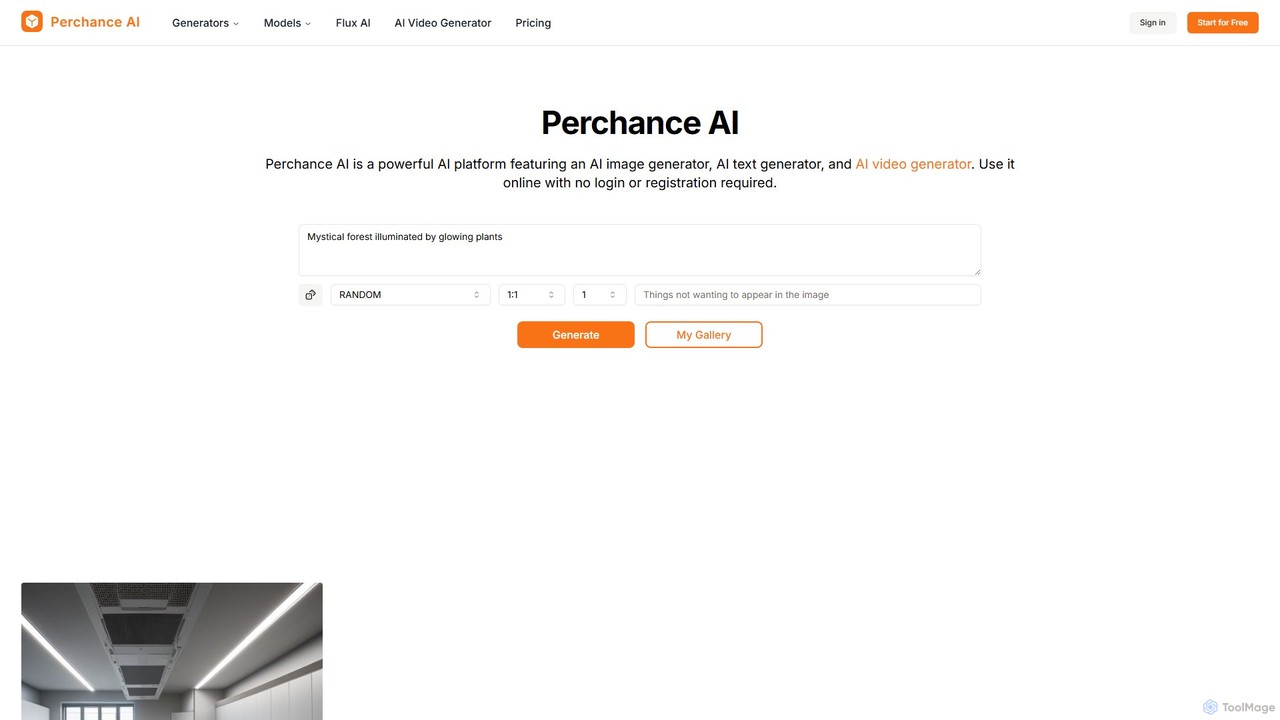
Perchance AI is a versatile and free-to-use platform offering a suite of AI-powered tools, including an image generator, text generator, and video generator. It supports advanced models like Flux and SDXL, allowing users to create high-quality visuals, art, and content instantly from text prompts. With over 18 specialized generators for comics, logos, characters, and more, it serves artists, designers, and marketers without requiring any login or registration for free use.

Logo Design
Visits 35.4KFavorites 167Likes 169
wan21ai
Freemium

wan21ai

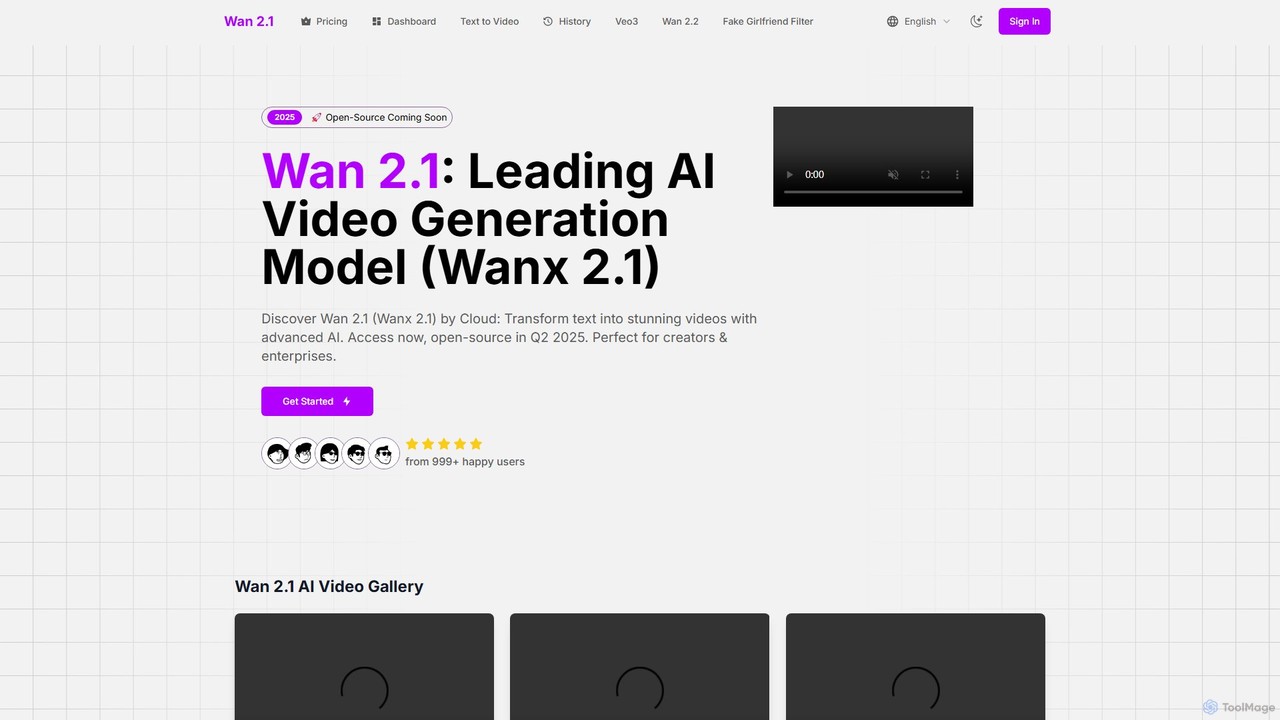
wan21ai (Wanx 2.1) is a leading AI video generation model from Alibaba Cloud that transforms text prompts into stunning, high-quality 1080p videos. Designed for creators, marketers, and enterprises, it offers high efficiency, multilingual support, and over 100 artistic styles. Its advanced technology ensures realistic visuals and complex motion, making video creation simple and accessible for everyone.

Generative Art
Visits 5.5KFavorites 144Likes 130
anyoneswap
Freemium

anyoneswap

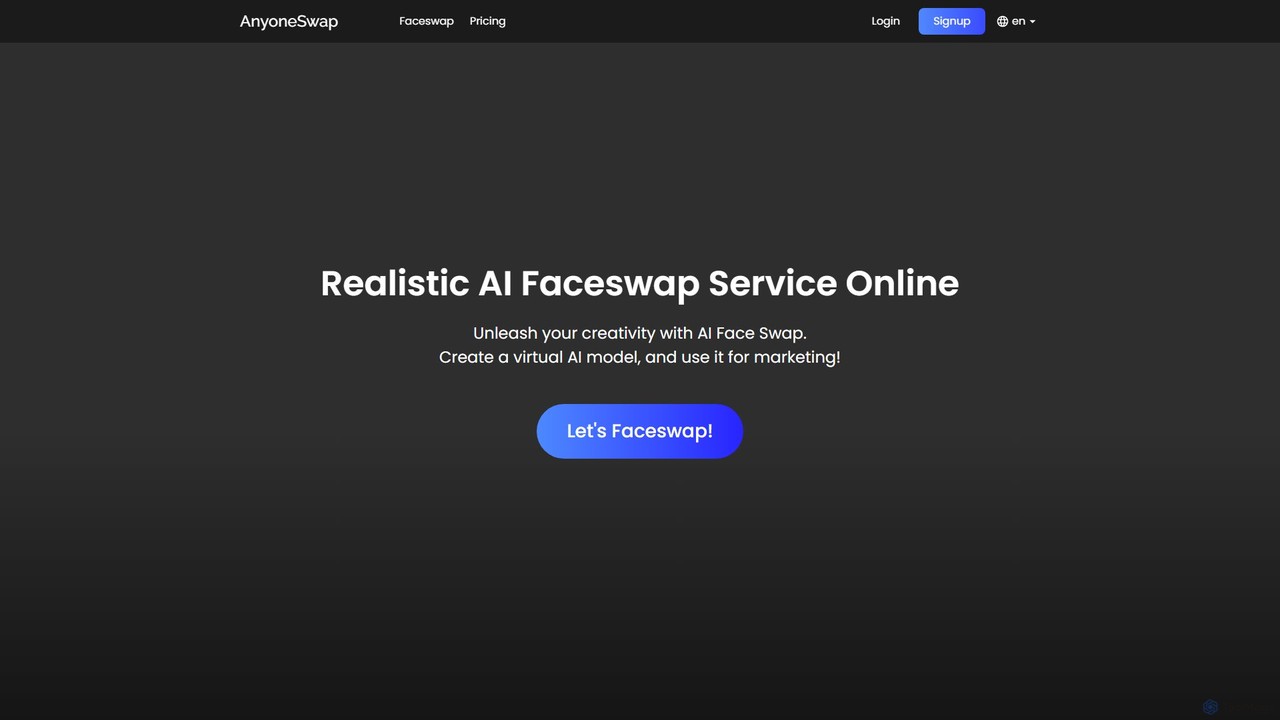
Anyoneswap is a user-friendly online AI tool for creating realistic face swaps in photos, videos, and GIFs. With just a few clicks, you can replace faces in your media, generating high-quality, seamless results in seconds. It's accessible on both PC and mobile browsers, offering free trials and affordable pricing plans for creative content creation, marketing, and personal entertainment.

3D
Visits 5.5KFavorites 143Likes 129
Rebellis AI
Freemium

Rebellis AI

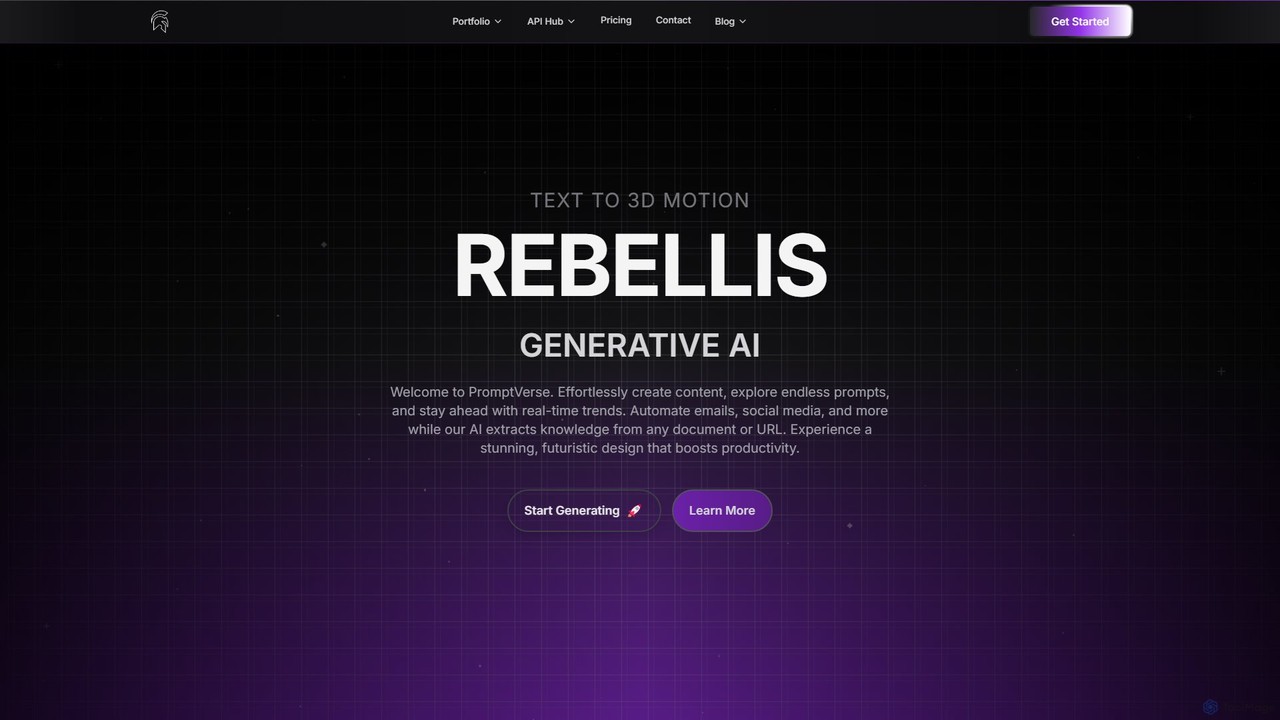
Rebellis AI is a generative AI platform that transforms simple text prompts into high-quality 3D character animations in seconds. Designed for game developers and animators, it streamlines the creative process by offering seamless integration with major platforms like Unity, Blender, and Roblox. Users can customize animations and export them in various standard formats, making it an accessible yet powerful tool for bringing characters to life.

3D Animation
Visits 5.5KFavorites 167Likes 167
Webcam Motion Capture
Freemium

Webcam Motion Capture

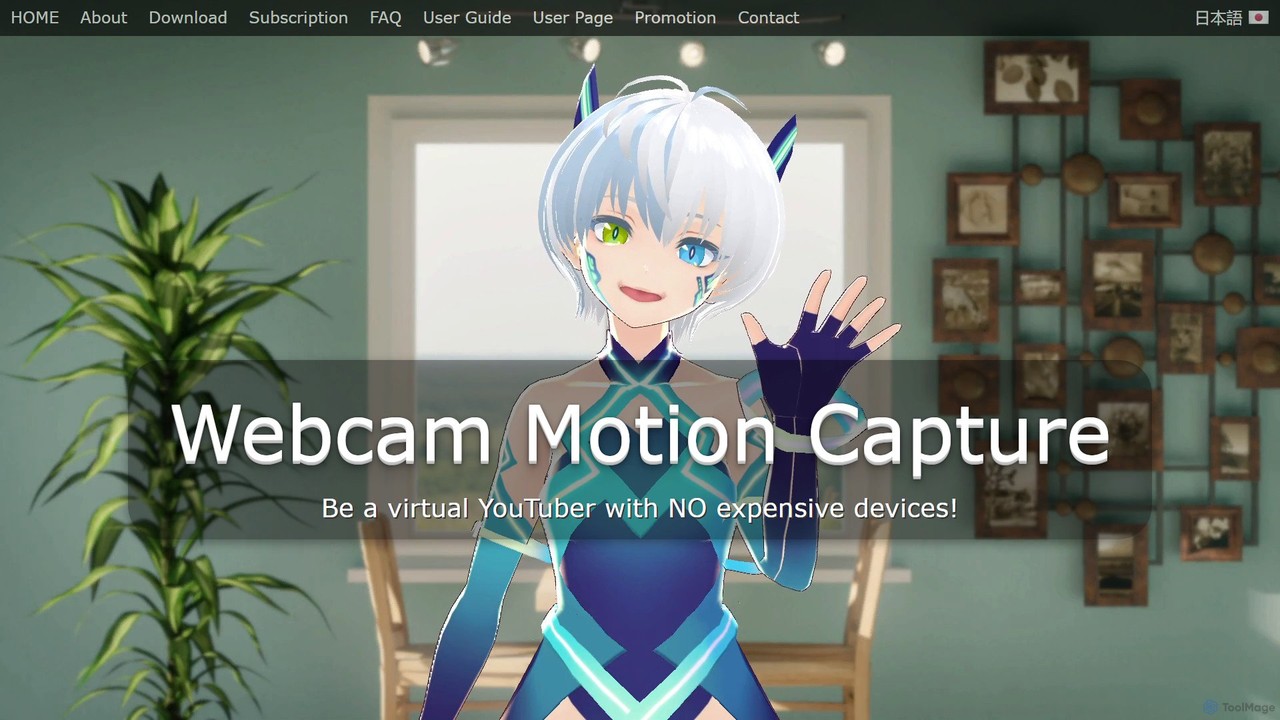
An AI-powered application that enables real-time hand, body, and facial motion capture using only a standard webcam. It allows users to animate 3D VRM avatars for VTubing, live streaming, and video creation without needing expensive, specialized hardware. Supports Windows and macOS.

Motion Capture
Visits 54.1KFavorites 138Likes 127
kwikmotion
Paid

kwikmotion

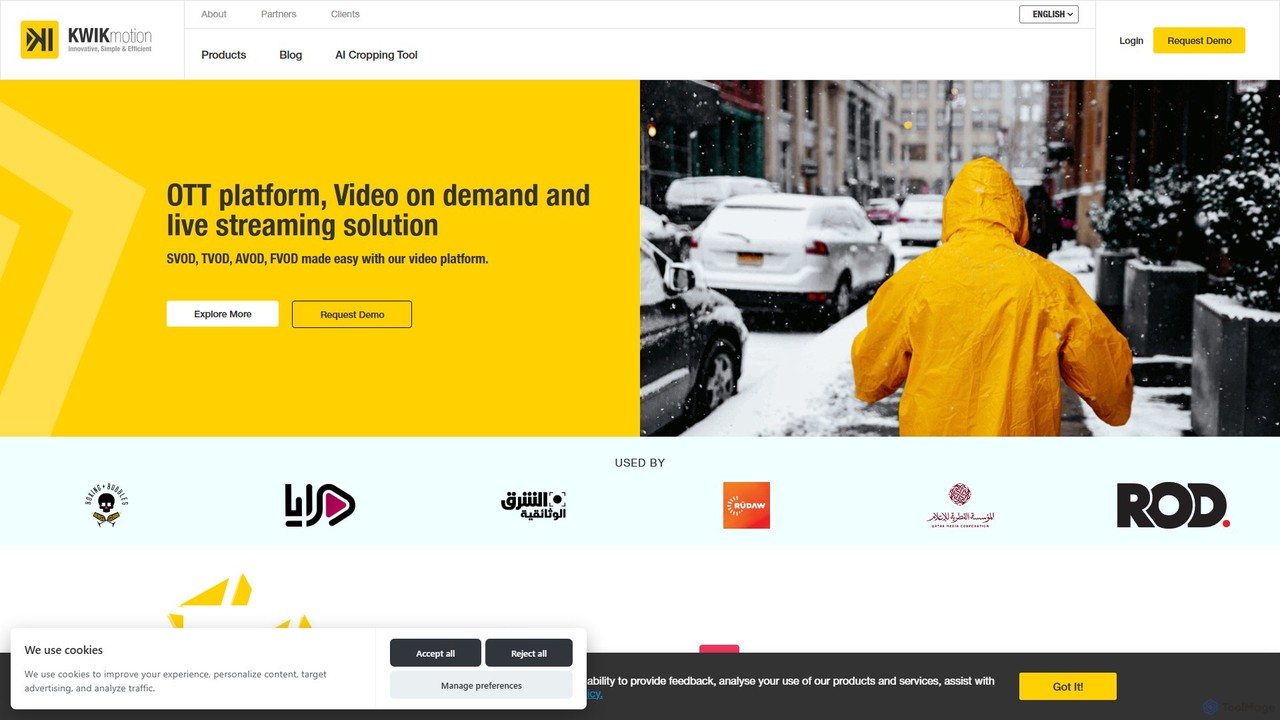
kwikmotion is an all-in-one, AI-powered video platform for broadcasters and media companies. It provides end-to-end solutions for OTT, VOD, and live streaming, including a comprehensive CMS, multi-format monetization, a cloud-based editor, advanced analytics, and AI-driven features like real-time multilingual captions.

Content Management
Visits 40.4KFavorites 110Likes 104
Online Audio Converter
Freemium

Online Audio Converter

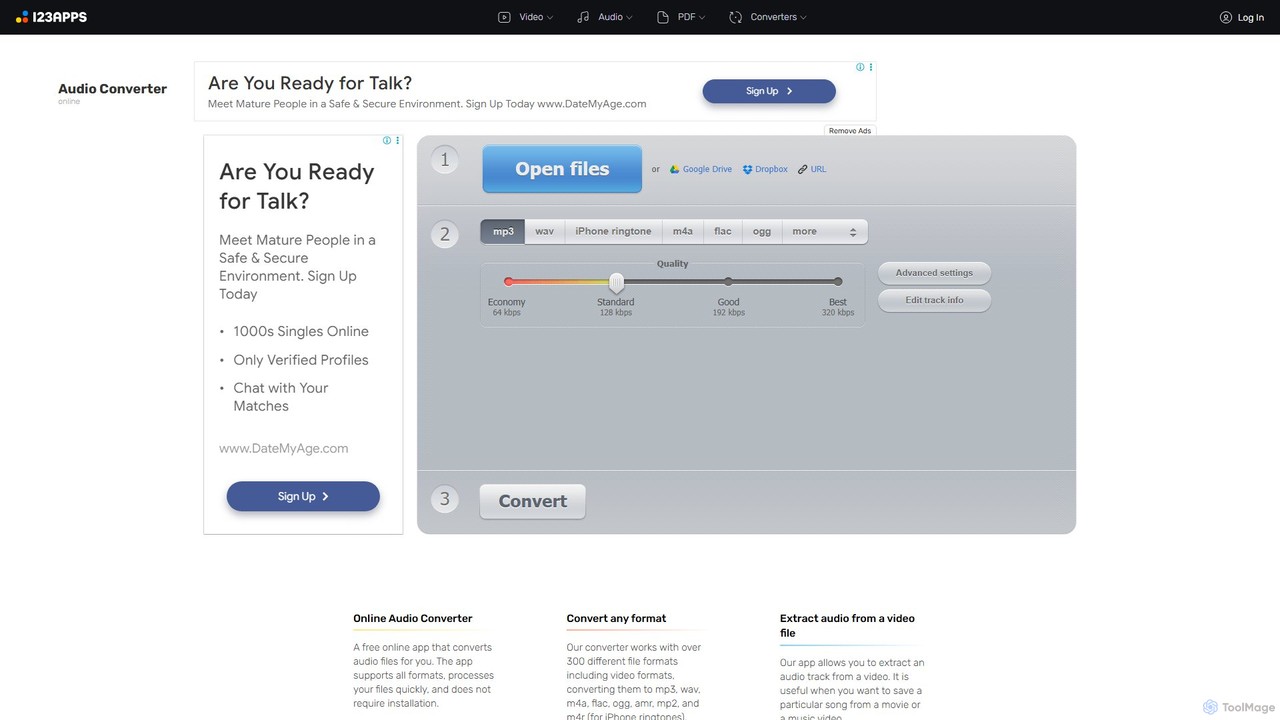
A versatile and free web-based tool for converting audio files. It supports over 300 formats, extracts audio from videos, and allows for advanced customization of quality, bitrate, and channels. Features include batch conversion, ID3 tag editing, and cloud integration, all within a secure, browser-based interface.

Audio Editing
Visits 4.1MFavorites 129Likes 124
experiencewelcome
Paid

experiencewelcome

An AI-powered webinar platform for marketers. It helps create beautifully branded virtual events and automatically repurposes long-form webinar content into short, shareable video clips. It focuses on maximizing engagement, streamlining workflows through CRM integrations, and scaling content creation to increase ROI.

Repurposing
Visits 11.8KFavorites 115Likes 131
lueurai
Paid

lueurai

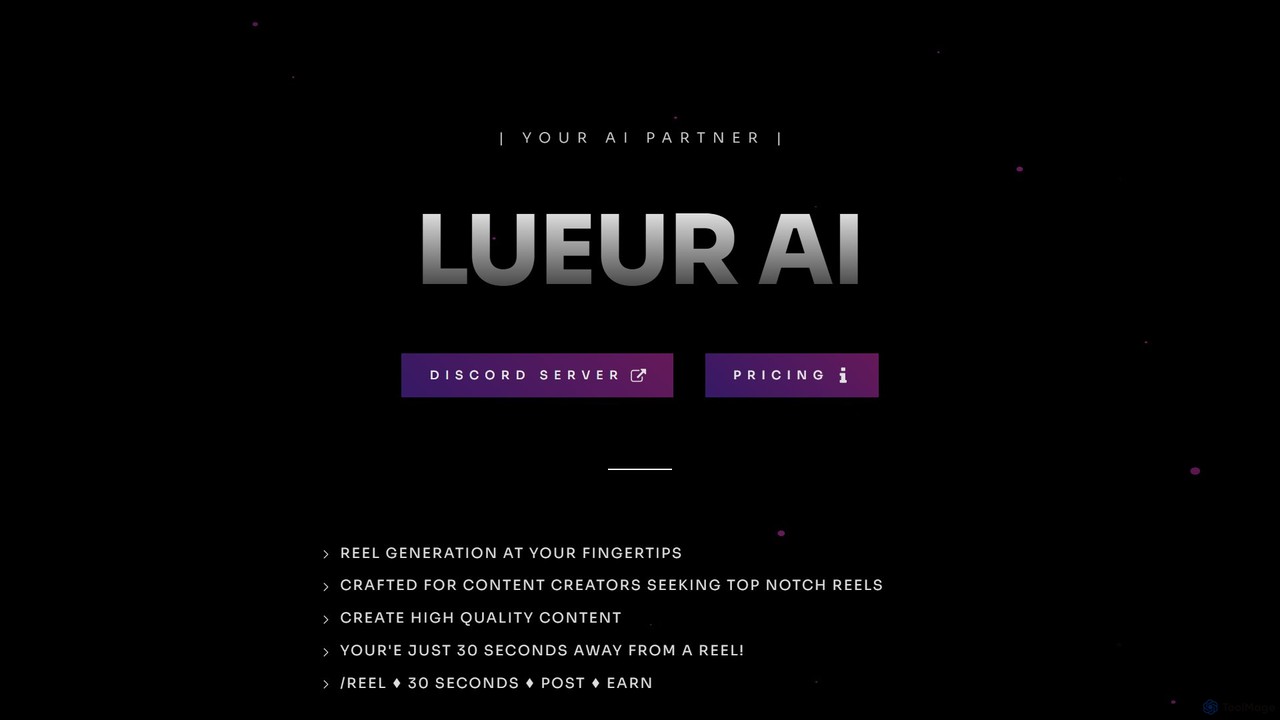
lueurai is an AI-powered video generation tool that creates high-quality, engaging short-form videos and reels in just 30 seconds. Operating via Discord, it's designed for content creators and marketers to effortlessly produce content from URLs or text, complete with voice-overs and dynamic captions.

Automation
Visits 5.6KFavorites 126Likes 128
Lightricks
Freemium

Lightricks

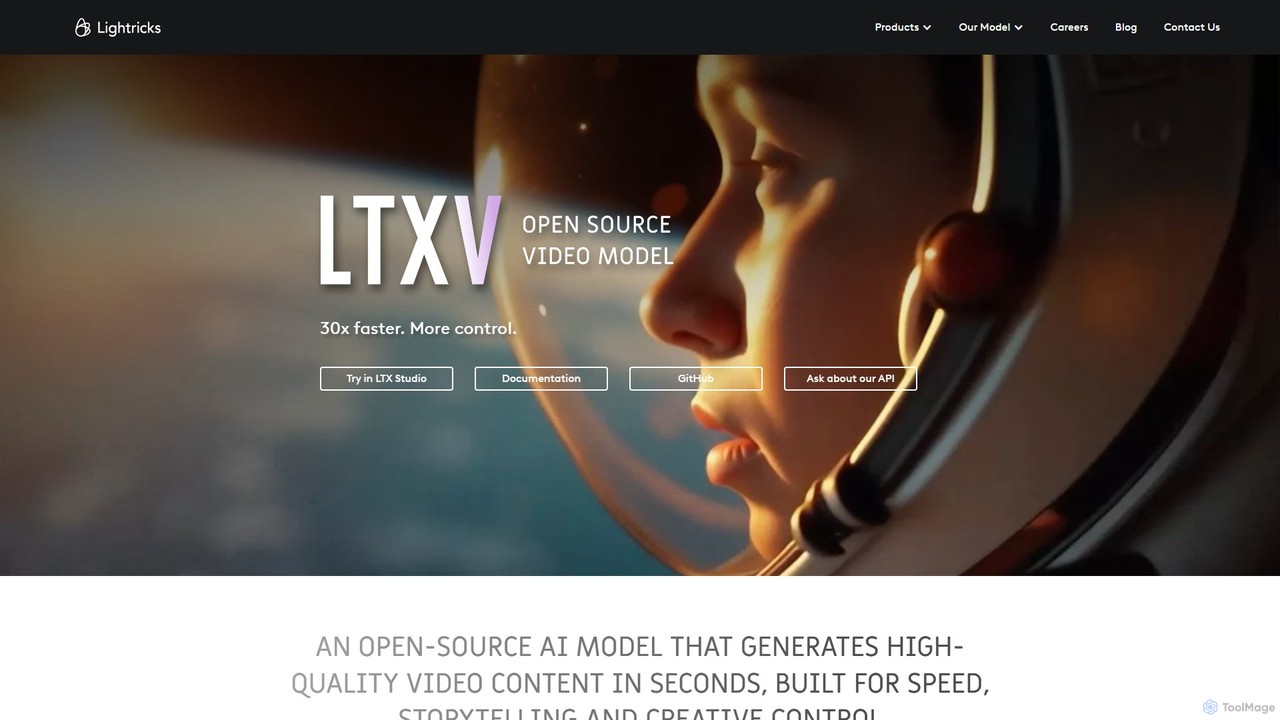
Lightricks is an AI-first company that develops a powerful suite of creative applications for photo and video editing. Its flagship products, including Facetune, Photoleap, Videoleap, and the groundbreaking LTX Studio, empower creators and brands to produce stunning visual content using cutting-edge generative AI technology, bridging the gap between imagination and creation.

Image Editing
Visits 352.6KFavorites 97Likes 113
ScreenStory
Freemium

ScreenStory

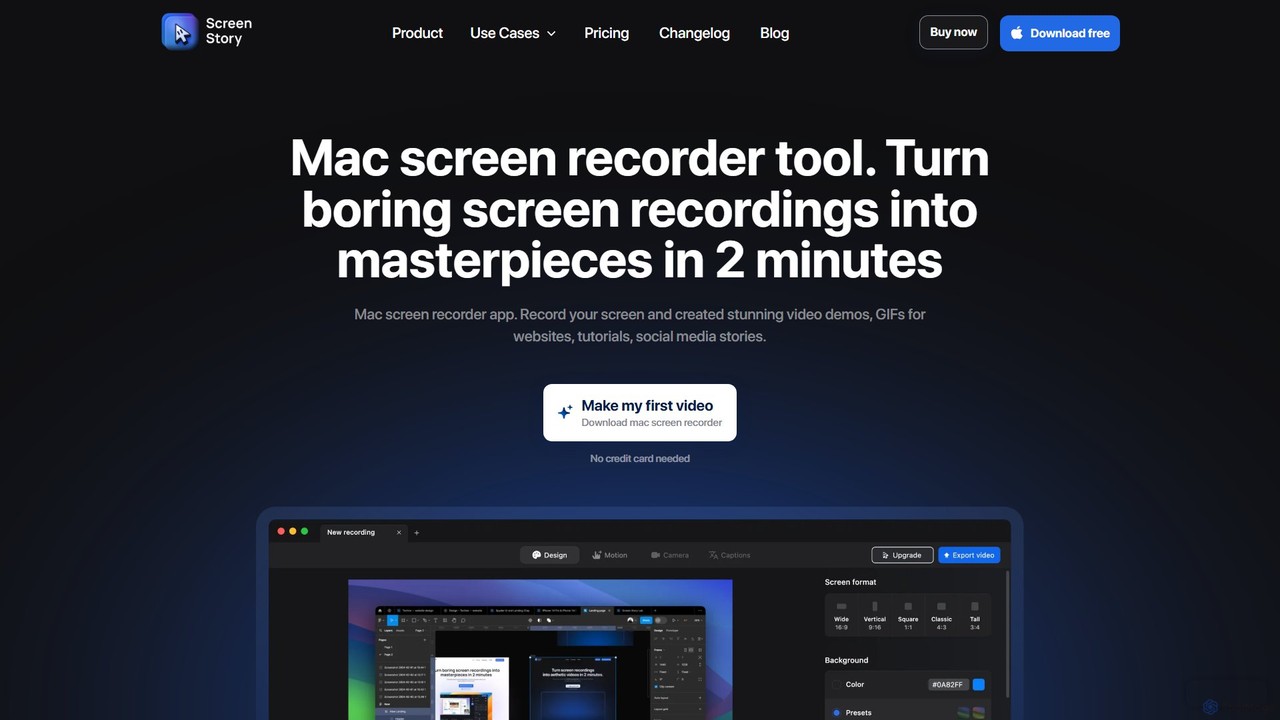
ScreenStory is an intelligent screen recording app for macOS that automatically transforms standard screen captures into polished, professional-looking videos. It adds dynamic zooms, smooth cursor movements, and motion blur without manual editing. Ideal for creating engaging product demos, tutorials, and marketing content, it simplifies video production for users of all skill levels.

Tutorials
Visits 15.6KFavorites 111Likes 137
Animoto
Freemium

Animoto

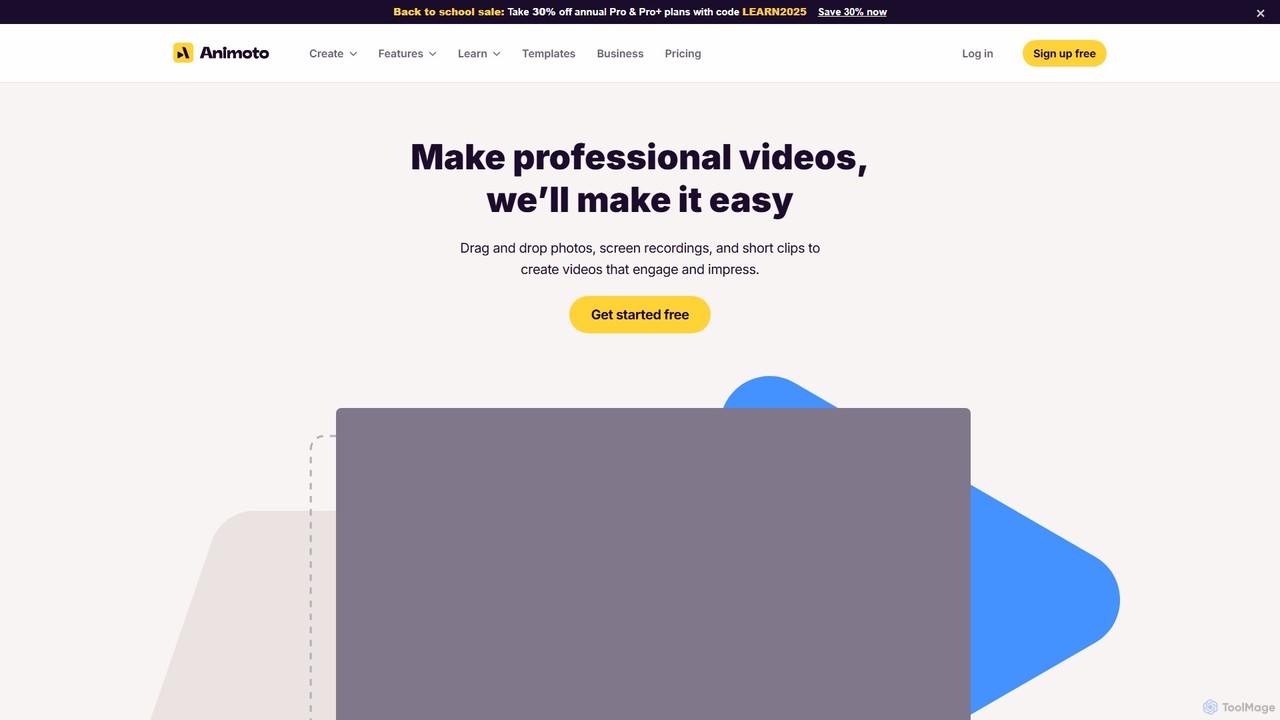
Animoto is an intuitive online video maker that enables users to create professional-quality videos with ease. Using a drag-and-drop interface, you can combine photos, video clips, and screen recordings. It offers a vast library of templates, licensed music, and stock media from Getty Images, making it ideal for marketing, business communications, and personal projects without requiring any prior editing experience.

Corporate Communications
Visits 355.8KFavorites 158Likes 154
VoiceCheap
Freemium

VoiceCheap

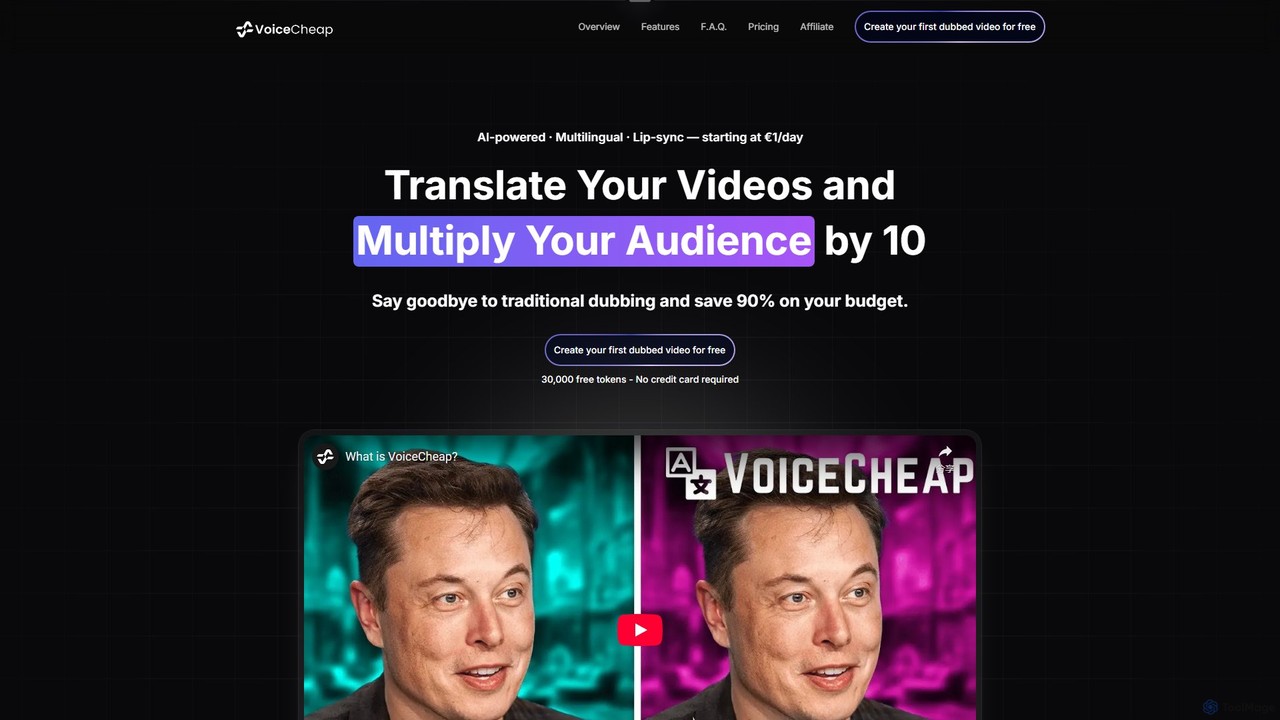
VoiceCheap is an AI-powered platform for video translation and dubbing, enabling content creators to reach a global audience. It offers instant lip-sync, voice cloning, and supports over 30 languages, reducing traditional dubbing costs by 90%. The platform features a simple one-click workflow, automatic subtitle generation, and team collaboration tools, making it ideal for YouTubers, marketers, and businesses.

Dubbing
Visits 28.2KFavorites 151Likes 145
MakeTheDocs
Freemium

MakeTheDocs

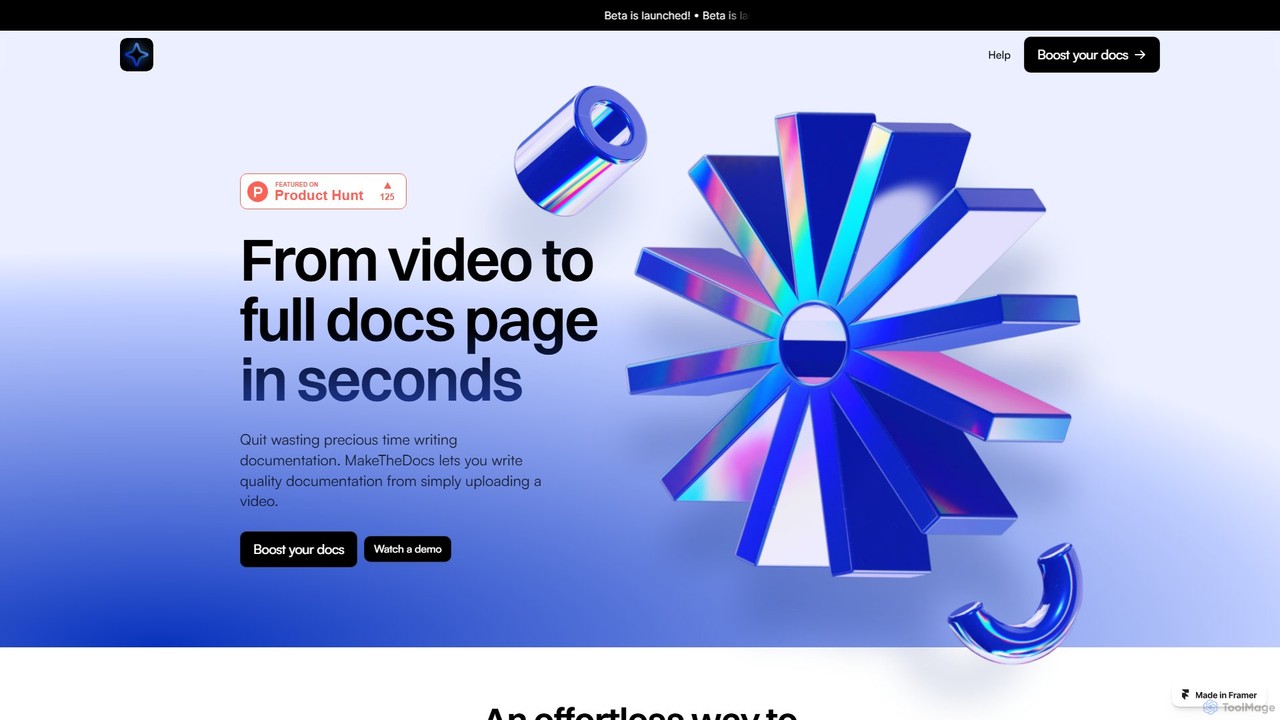
MakeTheDocs is an AI-powered tool that transforms videos into comprehensive documentation pages in seconds. Simply upload a video, and the AI will generate clear, well-structured text, saving you countless hours of manual writing. It's designed for developers, educators, HR departments, and content creators who need to produce high-quality tutorials, guides, and training materials efficiently.

Documentation
Visits 5.4KFavorites 107Likes 111
Polyglot Media
Freemium

Polyglot Media

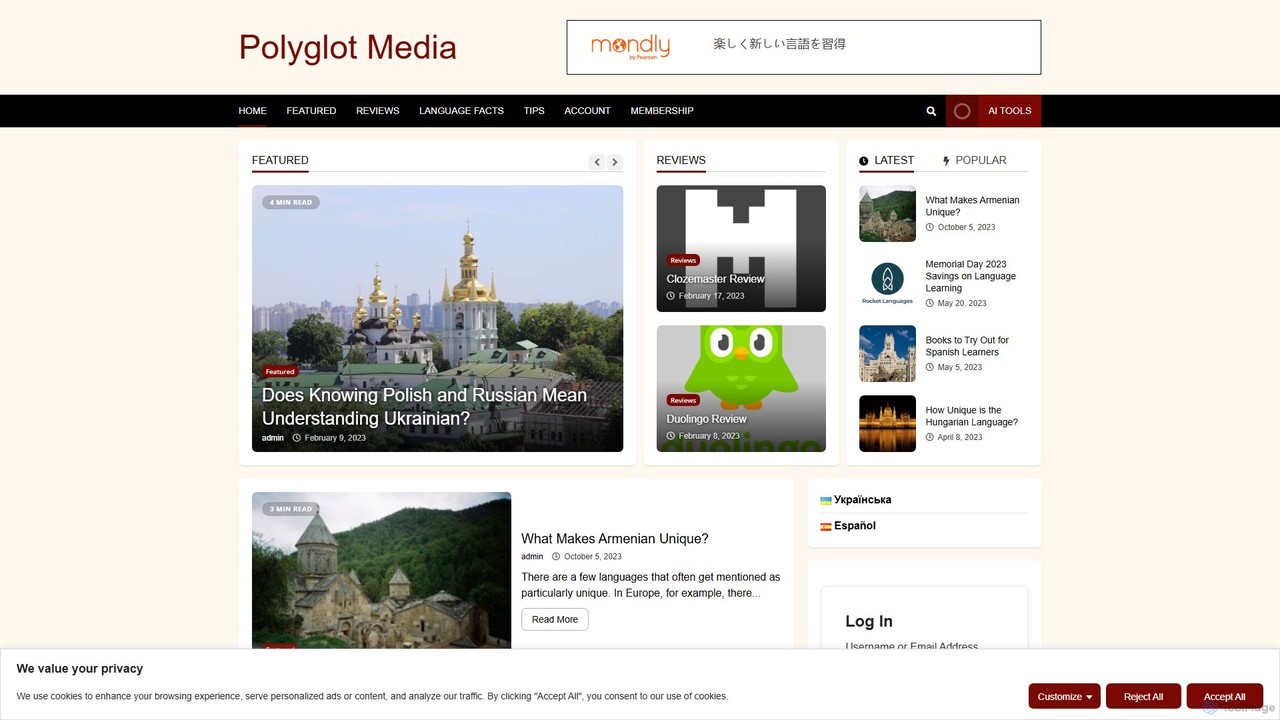
Polyglot Media is an AI-powered platform for seamless video and audio content localization. It enables creators and businesses to translate, dub, and subtitle their media into numerous languages, utilizing advanced voice cloning and realistic text-to-speech technology to reach a global audience effortlessly.

Dubbing
Visits 6.3KFavorites 133Likes 142
Fliz
Freemium

Fliz

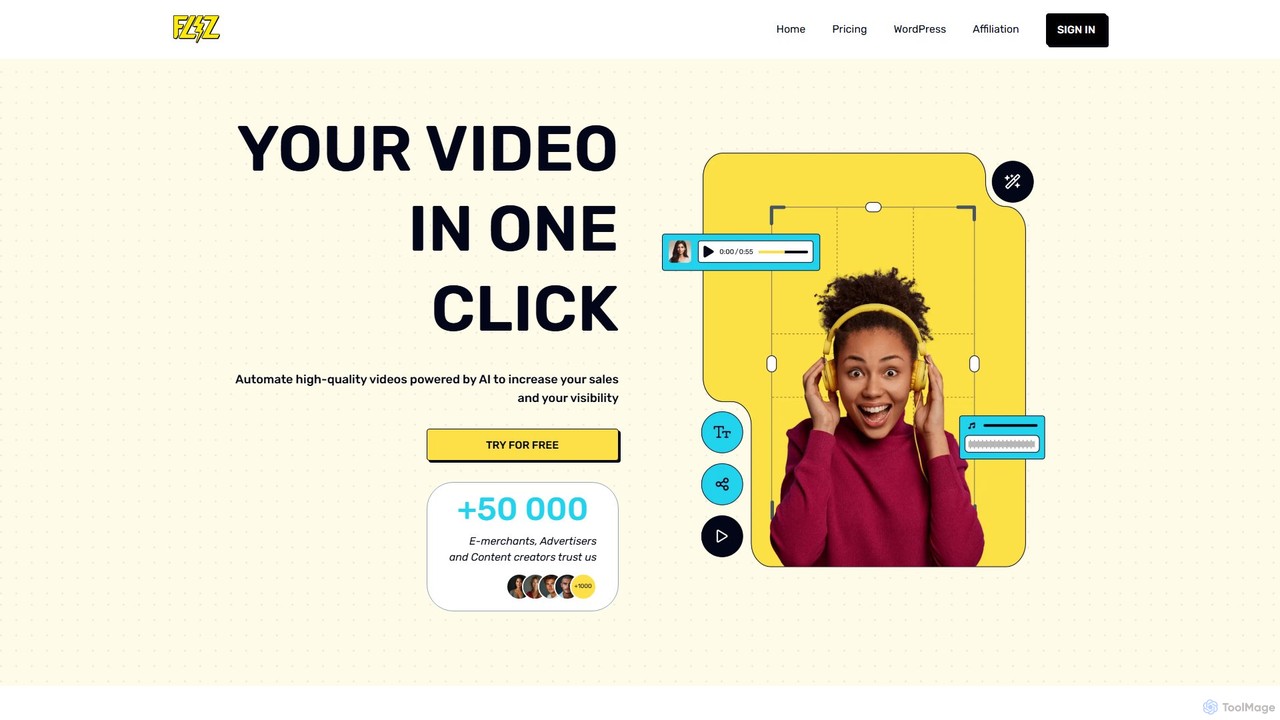
Fliz is an AI-powered video creator that automatically transforms any URL—such as a blog post, product page, or advertisement—into an engaging, high-quality video in a single click. It's designed for e-merchants, marketers, and content creators to boost sales and visibility by easily repurposing existing content for social media platforms like TikTok, Instagram, and YouTube Shorts.

Content Repurposing
Visits 18.8KFavorites 174Likes 165
Pixellot
Paid

Pixellot

Pixellot is an end-to-end AI-automated sports production solution. It uses AI-powered cameras to automatically capture, produce, and stream live sports events. The platform also provides in-depth analytics for coaches and teams, and monetization tools for leagues and broadcasters. Supporting over 19 sports, Pixellot makes professional-grade broadcasting accessible and affordable for organizations of all sizes, from youth leagues to professional clubs.

Sports Analytics
Visits 190KFavorites 131Likes 133
Wavel
Freemium

Wavel

Wavel is an all-in-one AI platform for video and audio creation. It enables users to instantly generate videos from text, dub content into 100+ languages with voice cloning, create automatic subtitles, and repurpose long-form videos into viral shorts. Featuring AI avatars, text-to-speech, and a screen recorder, it's a comprehensive studio for marketers, creators, and businesses to scale content production efficiently.

Voice Cloning
Visits 276KFavorites 141Likes 112
Cugent
Freemium

Cugent

Cugent is an AI-powered tool that transforms text scripts from PDF and Docx files into high-quality, human-like voiceovers. It features multilingual support, including German, Dutch, Italian, and French, and offers advanced voice cloning technology. Designed for content creators, Cugent streamlines the audio production process, enabling users to create professional narrations in minutes and reach a global audience with ease.

Text To Speech
Visits 5.6KFavorites 127Likes 127

About Video

AI Video tools are a class of software that use artificial intelligence to create, edit, and enhance video content. They leverage technologies like generative models, computer vision, and natural language processing to automate complex video production tasks. These tools are widely used for generating marketing videos, creating social media content, and personalizing video messages at scale. Their primary advantage is significantly reducing the time, cost, and technical skill required for professional video production.

Core Features

  • Text-to-Video Generation: Create video clips and scenes from simple text prompts.
  • AI Video Editing: Automate tasks like cutting, scene detection, removing silences, and adding effects.
  • Video Enhancement & Upscaling: Improve video quality, increase resolution, reduce noise, and stabilize shaky footage.
  • AI Avatars & Voiceovers: Generate realistic digital human presenters and synthetic voiceovers from text.
  • Content Repurposing: Automatically convert long-form videos into multiple short clips for social media.

Use Cases

These tools are valuable for marketing teams, content creators, e-learning developers, and sales departments. For example, a marketer can generate dozens of ad variations from a single script, while a YouTuber can quickly create short clips from a long podcast recording to increase their reach on different platforms.

How to Choose

When selecting an AI video tool, consider the specific features you need, such as generation versus editing. Evaluate the quality and style of the output, the platform's ease of use, and its pricing model (often based on generation time or credits). Also, check for integration capabilities with your existing software and workflow to ensure seamless operation.

Featured tool rankings

Video use cases

1

Create Marketing and Promotional Videos

A marketing manager for a small business needs to create a new product announcement video for social media. Using an AI video tool, they input a script, select a voice style, and choose from stock footage or AI-generated scenes. The tool automatically generates a complete video with subtitles, background music, and branding, reducing production time from days to minutes and eliminating the need for a professional video editor.

2

Generate Engaging Social Media Shorts

A content creator wants to repurpose their long-form YouTube videos into short, engaging clips for TikTok and Instagram Reels. They upload their video to an AI tool that automatically identifies the most interesting moments, reframes them into a vertical format (9:16), and adds dynamic captions. This allows them to create 10+ short clips from a single video in under an hour, dramatically increasing their content output and reach.

3

Produce Corporate Training and E-learning Videos

An instructional designer is tasked with creating a series of training modules. Instead of filming a presenter, they use an AI tool to create a realistic avatar. They simply type the script, and the avatar delivers the content with synchronized lip movements and gestures. This method allows for easy updates—if the script changes, they just edit the text instead of re-shooting the entire video, saving significant time and resources.

4

Personalize Video Outreach at Scale

A sales team aims to improve their outreach response rates. They use an AI video platform to create a template video and then dynamically insert personalized elements like the prospect's name, company, or a website screenshot into each video. This process generates thousands of unique, personalized video messages that appear individually recorded, leading to higher engagement and conversion rates compared to standard text-based emails.

5

Automate Video Dubbing and Translation

A media company wants to distribute its documentary to a global audience. They use an AI video tool to automatically transcribe the original audio, translate it into multiple languages, and generate a synthetic voiceover in the target language. The tool can even clone the original speaker's voice and sync the new audio with their lip movements, making the dubbed version feel natural and authentic without the high cost of traditional dubbing studios.

6

Enhance and Restore Low-Quality Footage

A user has old family videos or low-resolution clips they want to use in a project. They upload the footage to an AI video enhancer. The tool uses algorithms to upscale the resolution (e.g., from 480p to 4K), reduce noise and grain, sharpen details, and stabilize shaky camera movements. The result is a dramatically improved video that is clear and usable for modern displays, preserving valuable memories or salvaging important footage.

Video FAQ

What are AI Video tools?

AI Video tools are software applications that use artificial intelligence to automate the creation, editing, and enhancement of video content. They employ technologies like generative AI to create videos from text, computer vision to analyze and edit footage, and machine learning to improve video quality. Key functions include text-to-video generation, automated editing, creating AI avatars, and video upscaling.

How do I choose the right AI Video tool?

To choose the right tool, first identify your primary need: are you creating new videos from scratch (generation), editing existing footage, or enhancing quality? Then, consider these factors:

  • Feature Set: Does it offer text-to-video, avatars, automated editing, or repurposing?
  • Output Quality: Review samples to ensure the video and audio quality meet your standards.
  • Ease of Use: Is the interface intuitive for your skill level?
  • Pricing: Compare subscription plans, credit systems, and free trial limitations.
What is the difference between AI video generators and traditional video editors?

Traditional video editors (like Adobe Premiere Pro) provide a timeline and tools for manual manipulation of video clips, requiring significant skill and time. AI video generators, on the other hand, create new video content from prompts (text, images, audio) or automate complex editing tasks. The key difference is automation and creation versus manual control and editing. AI tools focus on speed and accessibility, while traditional editors offer more granular creative control.

What are the main capabilities of AI Video tools?

The main capabilities of AI Video tools include:

  • Video Generation: Creating video clips from text descriptions (text-to-video) or images (image-to-video).
  • Automated Editing: Automatically cutting scenes, removing filler words, adding subtitles, and selecting background music.
  • Content Repurposing: Transforming long videos into short, social-media-friendly clips.
  • AI Avatars: Generating realistic digital presenters from text scripts.
  • Video Enhancement: Upscaling resolution, reducing noise, and stabilizing footage.
Who can benefit from using AI Video tools?

A wide range of users can benefit. Marketers use them to quickly create ad campaigns and social media content. Content creators automate editing and repurpose videos to increase output. Businesses produce training and communication videos without large production teams. Educators create engaging e-learning materials. Even individuals can use them for personal projects without needing technical video editing skills.