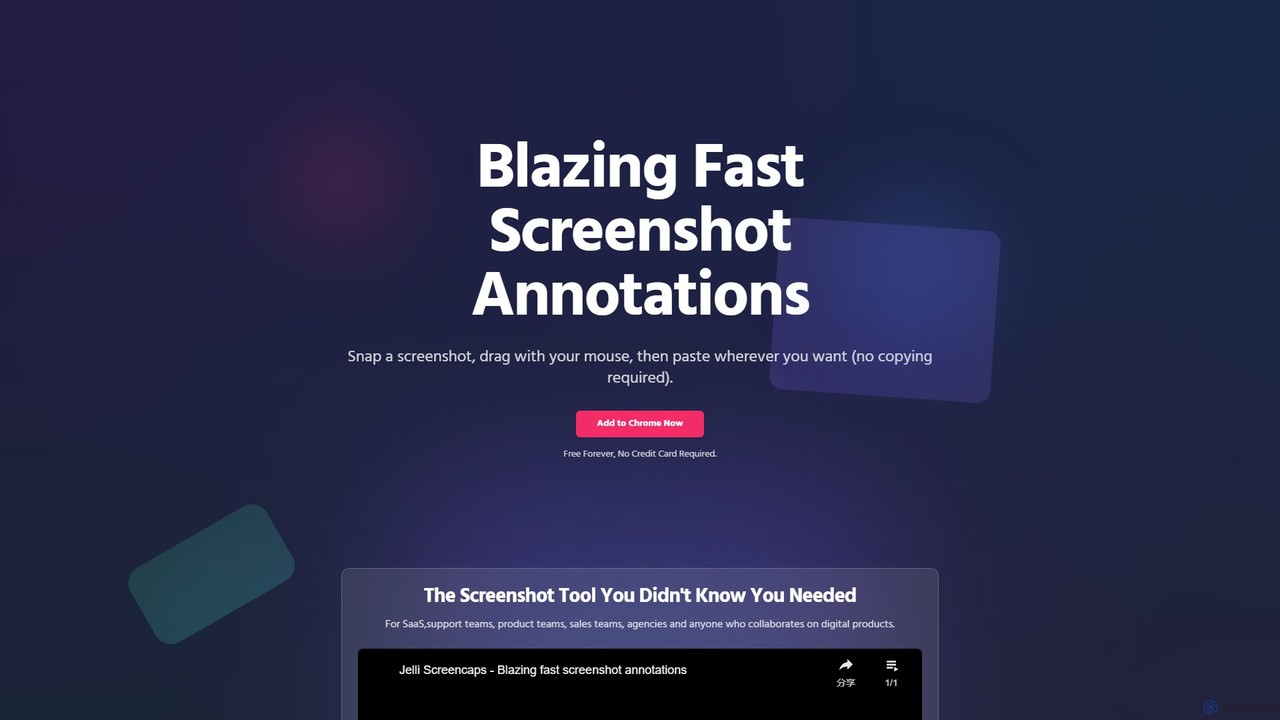
jelli is a blazing-fast Chrome extension for screenshot annotation. Instantly capture your screen, add arrows, rectangles, and other markups with simple mouse gestures, and paste the annotated image anywhere. Designed for support, product, and sales teams to streamline visual communication and feedback, jelli is completely free and enhances productivity by simplifying your workflow.
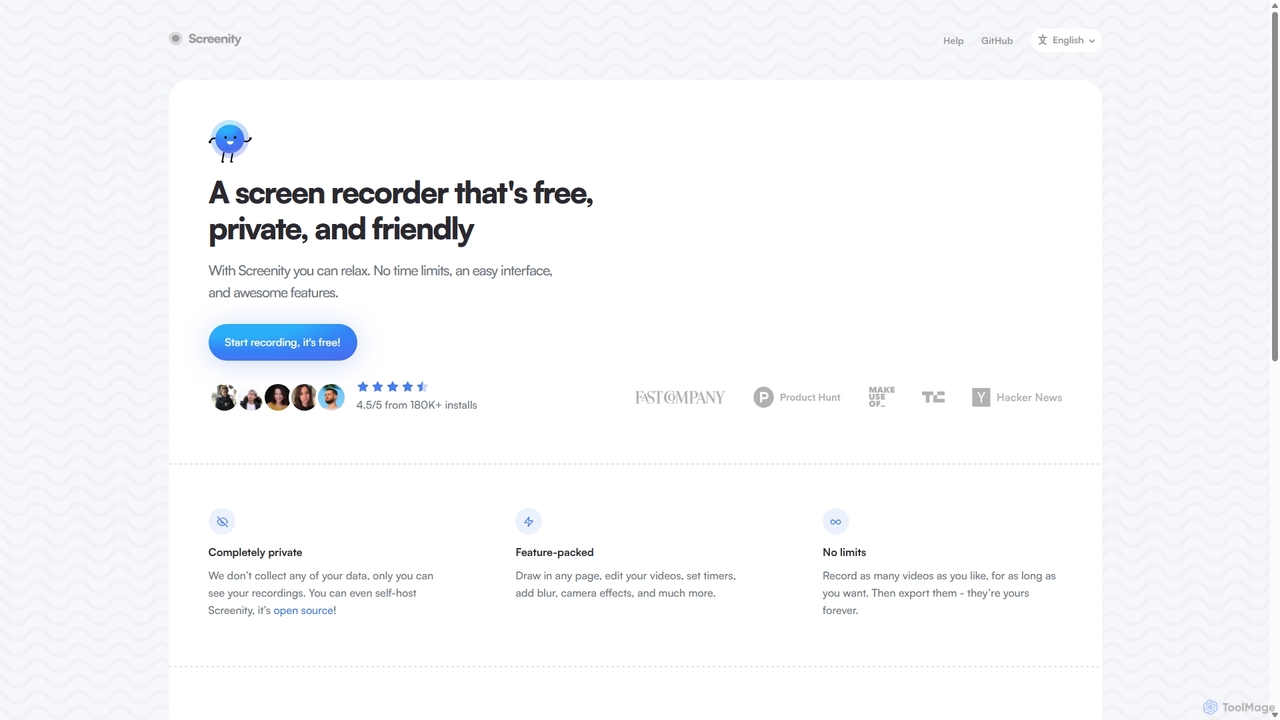
Screenity is a powerful, free, and privacy-focused screen and camera recorder for Chrome. It offers unlimited recording, annotation tools, and basic video editing without collecting any user data. Ideal for creating tutorials, demos, and presentations.
Product overview
jelli Product overview
jelli is a blazing-fast Chrome extension for screenshot annotation. Instantly capture your screen, add arrows, rectangles, and other markups with simple mouse gestures, and paste the annotated image anywhere. Designed for support, product, and sales teams to streamline visual communication and feedback, jelli is completely free and enhances productivity by simplifying your workflow.
Screenity Product overview
Screenity is a powerful, free, and privacy-focused screen and camera recorder for Chrome. It offers unlimited recording, annotation tools, and basic video editing without collecting any user data. Ideal for creating tutorials, demos, and presentations.
Detailed feature comparison
| Feature | jelli | Screenity |
|---|---|---|
| Primary category | Visual Feedback | Bug Reporting |
| Added | 2025-08-10 | 2025-09-10 |
| Pricing | Free | Free |
| Official website | www.jelli.io | screenity.io |
| Product type | Browser extension | Browser extension |
| Performance data | ||
| User rating | Not verified | Not verified |
| Comments | 0 | 0 |
| Monthly visits | 417 | 43.8K |
| Monthly growth | -48.7% | -1.6% |
| Favorites | 135 | 118 |
| Details | View details | View details |
jelli vs Screenity monthly traffic
Compare jelli and Screenity by monthly reach, traffic trend, visit depth, top regions, and acquisition sources.
How to interpret the traffic data
In the jelli vs Screenity monthly traffic comparison, jelli currently shows 417 visits and Screenity shows 43.8K; Screenity has about 105.1 times the visible traffic of jelli, an absolute difference of about 43.4K visits. This reflects visible reach, not feature quality or paid users.
Both tools provide verified traffic details, so monthly trends, visit depth, regions, and acquisition sources can be compared on the same basis.
jelli monthly traffic:
Latest traffic
Monthly traffic trend
- 2025/7: 598 Monthly visits
- 2025/8: 174 Monthly visits
- 2025/9: 813 Monthly visits
- 2026/3: 0 Monthly visits
- 2026/4: 0 Monthly visits
- 2026/5: 417 Monthly visits
Top regions
Top 5 countries/regions
| Country/region | Percentage | Traffic |
|---|---|---|
| 🇷🇺Russia | 100% | 417 |
Search keywords
Screenity monthly traffic:
Latest traffic
Monthly traffic trend
- 2025/9: 45.9K Monthly visits
- 2026/1: 31.2K Monthly visits
- 2026/2: 34.2K Monthly visits
- 2026/3: 47K Monthly visits
- 2026/4: 44.5K Monthly visits
- 2026/5: 43.8K Monthly visits
Top regions
Top 5 countries/regions
| Country/region | Percentage | Traffic |
|---|---|---|
| 🇺🇸United States | 46.14% | 20.2K |
| 🇮🇳India | 21.26% | 9.3K |
| 🇫🇷France | 12.83% | 5.6K |
| 🇧🇷Brazil | 10.03% | 4.4K |
| 🇻🇳Vietnam | 9.74% | 4.3K |
Traffic sources
| Source type | Percentage | Traffic |
|---|---|---|
| Direct | 81.8% | 35.9K |
| Referral | 18.2% | 8K |
Search keywords
Usage comparison
Compare the core capabilities of jelli and Screenity
jelli Core features
Screenity Core features
Use cases
jelli Use cases
Screenity Use cases
Best suited roles
jelli Best suited roles
Screenity Best suited roles
jelli vs Screenity:In-depth comparison and selection guidance
First decide whether the products solve the same kind of need
This in-depth jelli vs Screenity comparison uses only the product records, taxonomy, audience, traffic, and community signals available on this page. jelli is primarily listed under “Visual Feedback”, while Screenity is primarily listed under “Bug Reporting”, so the first decision is whether your actual task matches their recorded scope.
The structured fields currently show these decision-relevant differences: Primary category (jelli: Visual Feedback; Screenity: Bug Reporting); Monthly visits (jelli: 417; Screenity: 43.8K); Monthly growth (jelli: -48.7%; Screenity: -1.6%); Favorites (jelli: 135; Screenity: 118); Website (jelli: www.jelli.io; Screenity: screenity.io). These facts are more useful for selection than brand visibility alone.
What market visibility and monthly traffic mean
In the jelli vs Screenity monthly traffic comparison, jelli currently shows 417 visits and Screenity shows 43.8K; Screenity has about 105.1 times the visible traffic of jelli, an absolute difference of about 43.4K visits. This reflects visible reach, not feature quality or paid users.
Both tools provide verified traffic details, so monthly trends, visit depth, regions, and acquisition sources can be compared on the same basis.
If public market visibility is an important first-pass criterion, investigate Screenity first. The final choice should still follow taxonomy, use case, and a real trial because higher traffic does not prove broader capabilities or better workflow fit.
Product positioning, use cases, and roles
jelli and Screenity currently overlap in shared tags: annotation, chrome extension, free tool, and screen capture. This can place both on the same shortlist, but it does not prove equal implementation, depth, or cost.
jelli's unique categories/tags are Visual Feedback, Annotation, Screenshots, bug reporting, collaboration, feedback, markup, and productivity; Screenity's are Bug Reporting, Tutorial Creation, Video Creation, Screen Recording, open source, privacy, screen recorder, and tutorial maker. These unique fields are the strongest differentiators: validate the product whose recorded scope matches the task instead of following traffic alone.
What ratings, comments, and favorites can tell you
jelli has no verified rating, 0 comments, 135 favorites, and 124 likes;Screenity has no verified rating, 0 comments, 118 favorites, and 120 likes。
Neither product has enough rating or comment samples for a credible reputation ranking.
Selection guidance by actual need
When to evaluate jelli first
Put jelli on the priority trial list when the task aligns with “Visual Feedback” and especially Visual Feedback, Annotation, Screenshots, bug reporting, collaboration, and feedback. This follows recorded positioning and does not imply unlisted capabilities are absent.
jelli also currently records: pricing is free, product type is browser extension, 417 verified monthly visits, no verified user rating. Verify any hard requirement around price, platform, or reach before trial, and do not let sparse review data substitute for testing.
When to evaluate Screenity first
Put Screenity on the priority trial list when the task aligns with “Bug Reporting” and especially Bug Reporting, Tutorial Creation, Video Creation, Screen Recording, open source, and privacy, or the users include Content Creator, Customer Support, Educator, and Marketing Manager. This follows recorded positioning and does not imply unlisted capabilities are absent.
Screenity also currently records: pricing is free, product type is browser extension, 43.8K verified monthly visits, no verified user rating. Verify any hard requirement around price, platform, or reach before trial, and do not let sparse review data substitute for testing.
How to validate the recommendation before deciding
The available data describes positioning, public visibility, and community signals, but it cannot prove output quality, speed, integration effort, privacy, or long-term cost in your workflow. Before deciding, run the same representative tasks in jelli and Screenity, then record completion time, accuracy, manual corrections, and the real paid threshold. A like-for-like trial turns this comparison into a defensible adoption decision.
Comparison FAQ
How should I choose between jelli and Screenity?
Where does this comparison data come from?
What do unknown fields mean?
Related AI tools

GhostSnap
GhostSnap is a macOS productivity tool that streamlines screenshot workflows. It allows users to capture multiple screenshots, automatically compresses them to save space and reduce token usage in AI tools, and pastes them all with a single command. It also features on-device OCR text extraction and image annotation.
Image Tools
ReMind
reMind is an open-source, privacy-first AI tool that acts as your personal memory. It captures your digital activity locally, allowing you to search and recall anything you've seen or done on your computer using natural language. It runs entirely on your machine for maximum security.
Utilities
Full Page Screenshot
A reliable Chrome browser extension for capturing flawless full-page screenshots. It intelligently handles complex, modern websites with dynamic content, infinite scrolling, and sticky elements. Features include precise element selection, cloud storage, and multiple export formats.
Web Design
Scribe
Scribe is an AI-powered workflow documentation tool that automatically captures any process—web, desktop, or mobile—and instantly transforms it into a step-by-step guide. It helps teams create SOPs, training materials, and customer support guides faster, enhancing efficiency and knowledge sharing across organizations.
Training
BrowserOS
BrowserOS is an open-source, privacy-first AI browser with built-in AI agents that automate web tasks through natural language. It supports 13 AI providers, 40+ app integrations, and runs locally on macOS, Windows, and Linux.
Web Automation
Compose AI
Compose AI is an AI-powered writing assistant and Chrome extension that accelerates your writing process. It offers intelligent autocompletion, text generation, and rephrasing capabilities across all your favorite sites, from emails to documents. By learning your personal writing style, it helps you write faster and more effectively, saving up to 40% of your time.
Chrome Extensions
CueCam Presenter
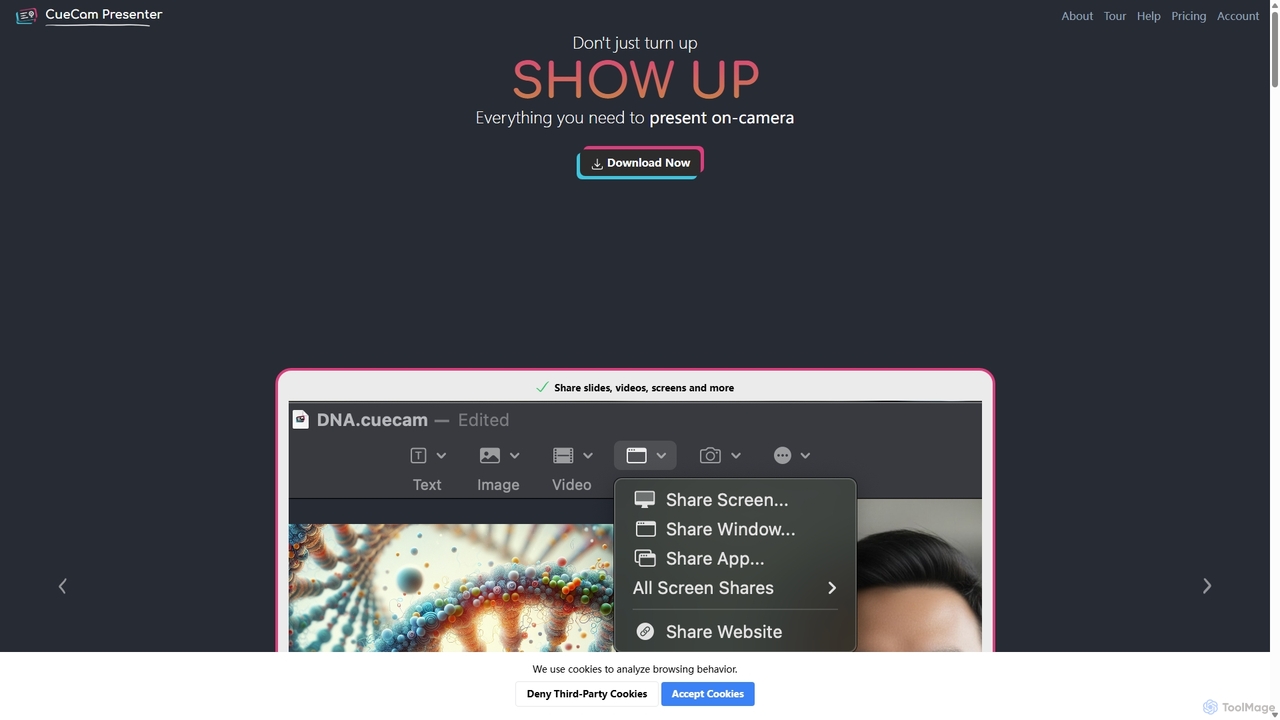
A powerful Mac application that transforms your webcam into a professional presentation studio. It integrates a teleprompter, smart cue cards, screen sharing, and live annotation via iPad. Ideal for remote calls, video recording, and live streaming, it simplifies complex production workflows into a single "next" button.
Live Streaming
Squidly
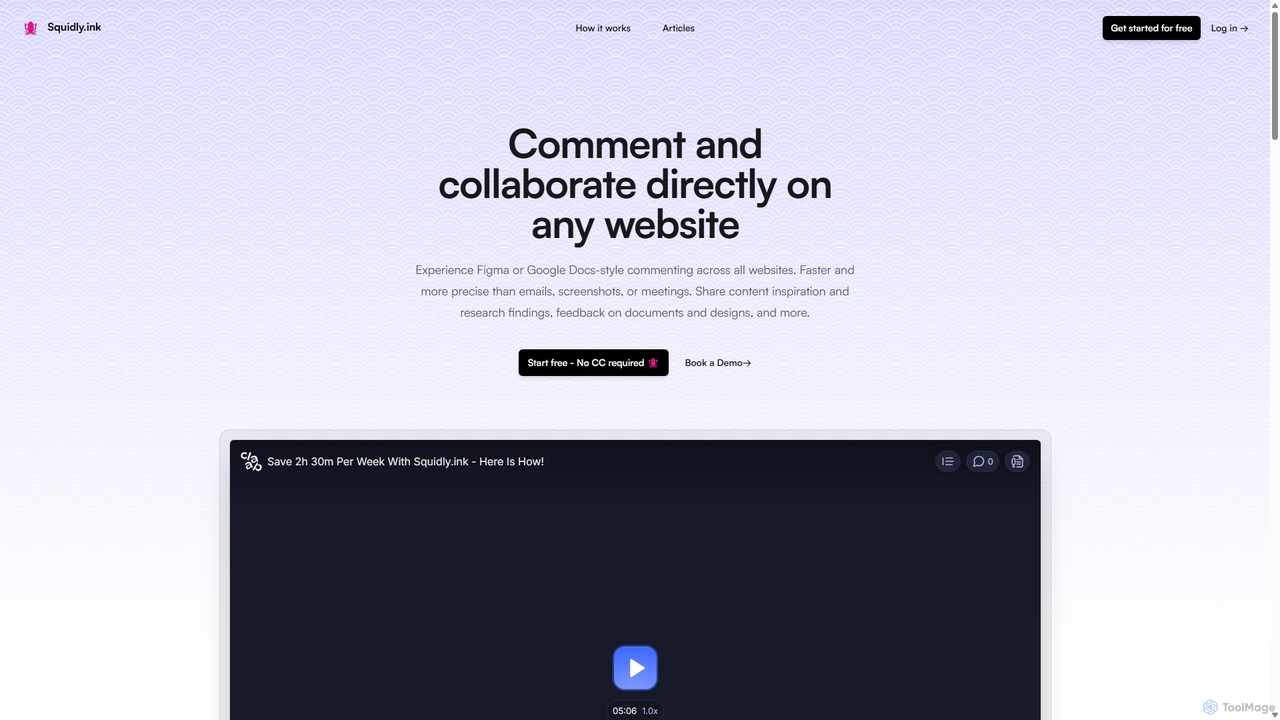
Squidly is a collaborative browser extension that allows teams to leave comments directly on any website, similar to Figma or Google Docs. It streamlines feedback, eliminates the need for screenshots and meetings, and centralizes all discussions in one dashboard for enhanced productivity in remote and asynchronous work environments.
Review
Iris
Iris is a seamless AI assistant for macOS, designed to integrate into your workflow. It provides instant access to top AI models like GPT-4o and Claude 3.5, allowing you to chat, capture your screen for context, and get answers without ever leaving your current application. With intuitive gestures and powerful shortcuts, Iris is there when you need it and invisible when you don't.
Coding Assistant
Lit.Codes Chat
A privacy-focused AI chat interface offering access to a wide range of advanced GPT models, including GPT-4o. It features end-to-end encrypted chat history and a convenient Chrome extension, making it a secure and versatile tool for developers, writers, and professionals seeking powerful AI assistance without compromising on data security.
Coding Assistant
Ai Mailer
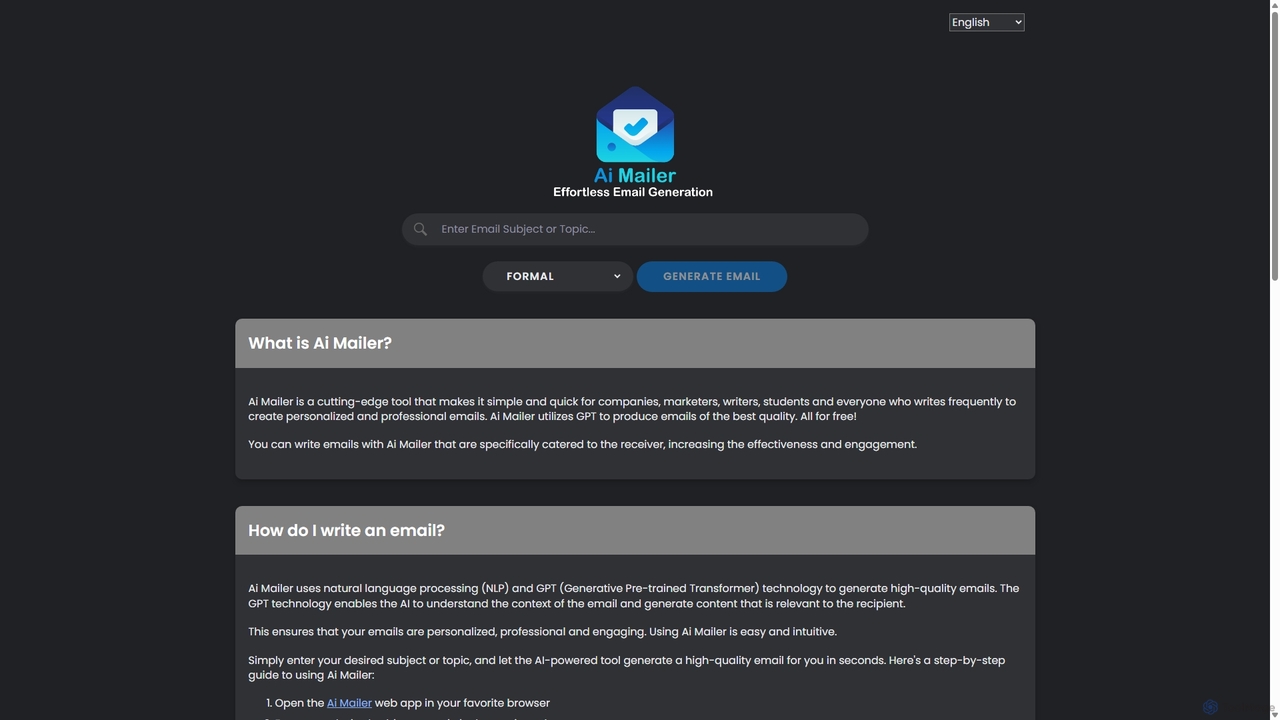
Ai Mailer is a free, AI-powered tool that leverages ChatGPT to effortlessly generate high-quality, professional emails. Simply provide a topic and select from various tones to create personalized, engaging content in seconds. Ideal for businesses, students, and anyone looking to save time and enhance their email communication.
Email Marketing
Inboxdetox
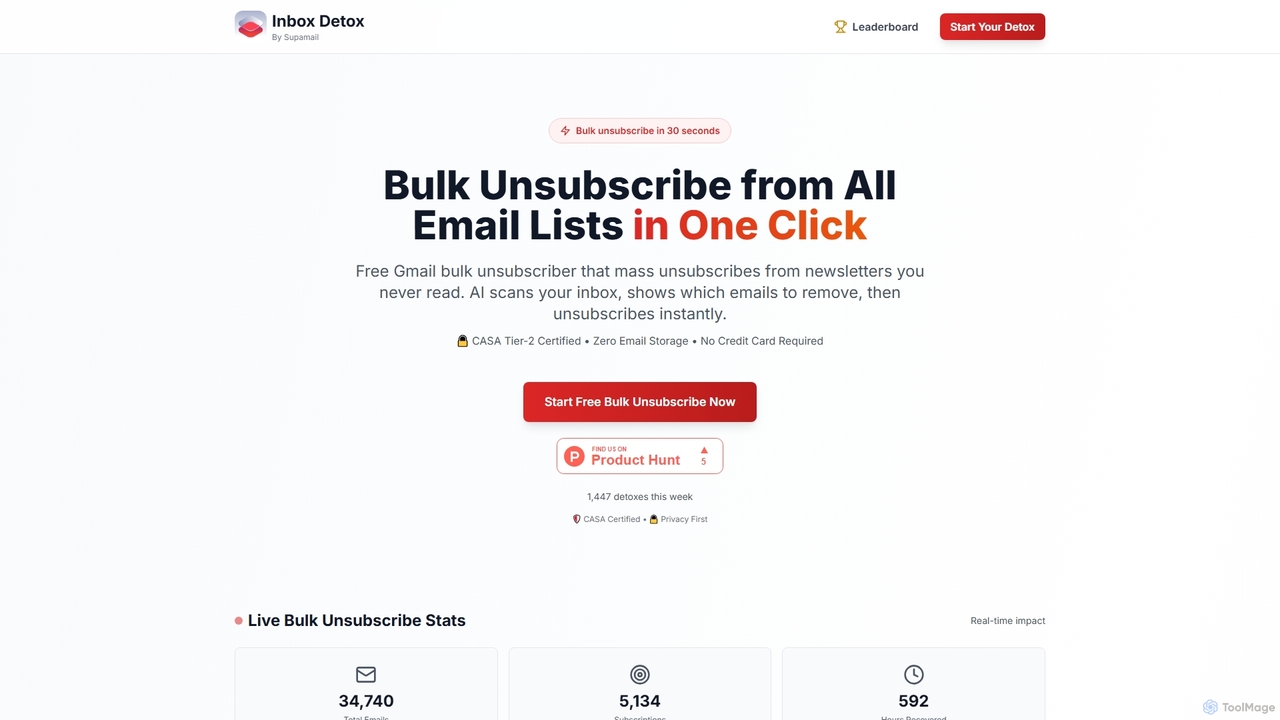
Inboxdetox is a free, AI-powered tool for Gmail that helps you bulk unsubscribe from unwanted newsletters and promotional emails in one click. It prioritizes user privacy and security, offering a fast way to declutter your inbox without storing your emails or selling your data.
Email Management
Focus Patrol
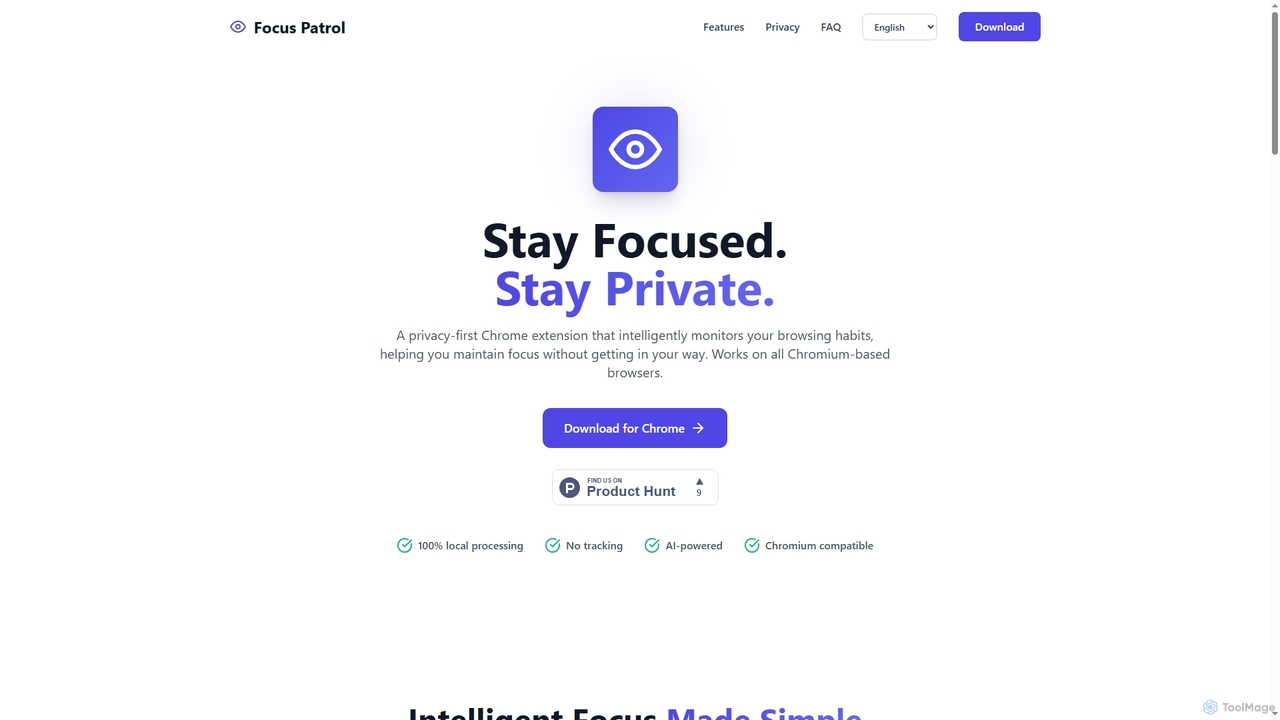
Focus Patrol is a privacy-first Chrome extension that uses on-device AI to intelligently monitor your browsing habits. It helps you maintain focus by identifying and categorizing distractions without your data ever leaving your computer.
Focus
Wizardshot
Wizardshot is a free AI-powered tool that instantly creates step-by-step tutorials and guides from your screen recordings. As a Chrome extension and web app, it automates the process of documentation, allowing teams to generate how-to guides, SOPs, and training materials in seconds, not hours.
Onboarding
Prompt Storm
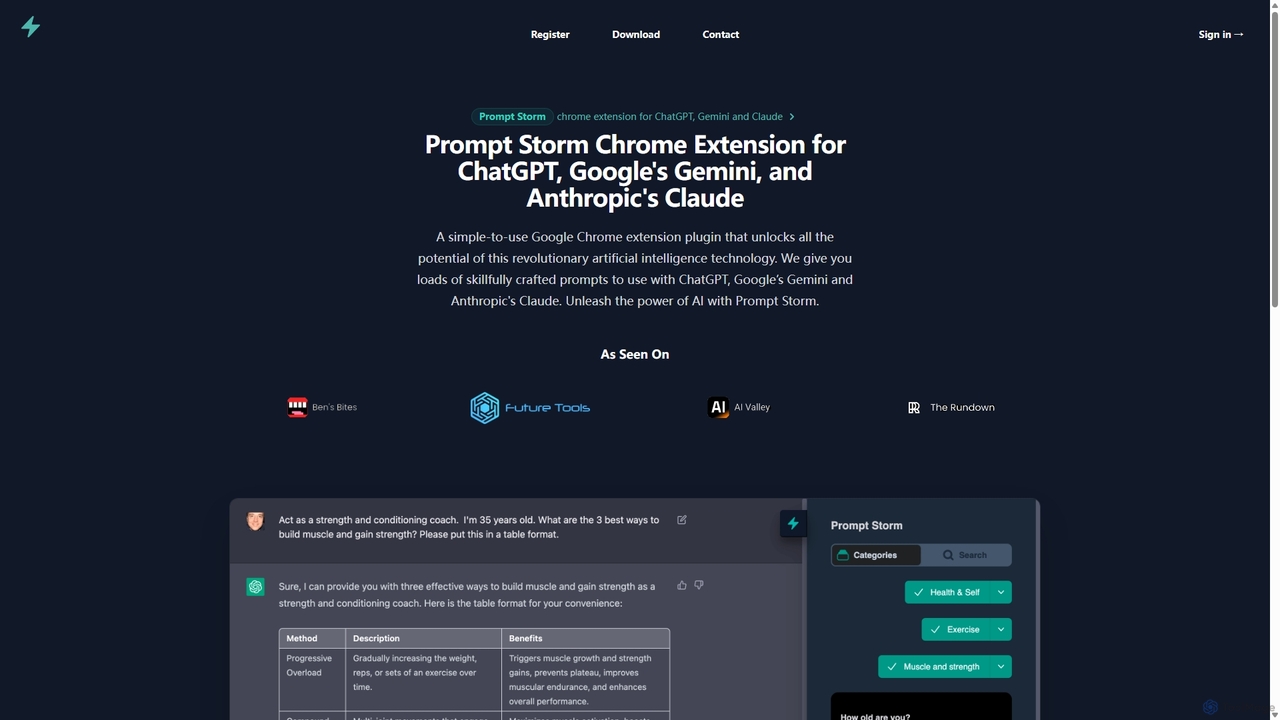
Prompt Storm is a powerful Chrome extension that enhances your interactions with ChatGPT, Google Gemini, and Anthropic's Claude. It provides a vast library of expertly crafted prompts, enabling users to unlock the full potential of AI for tasks like content creation, marketing, coding, and learning. Boost your productivity and get higher-quality AI responses with just a few clicks.
Code Generation