

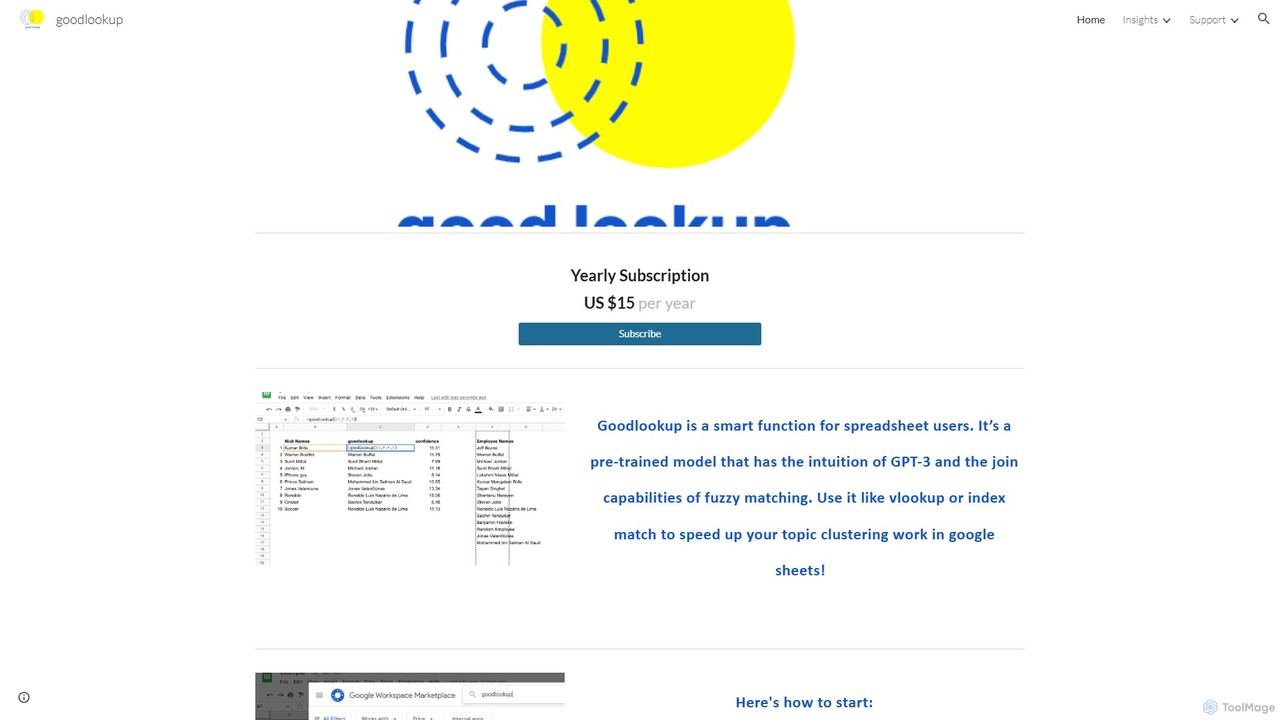
goodlookup Overview
goodlookup is a powerful and intelligent function designed specifically for spreadsheet users, particularly those working within Google Sheets. It addresses a common and persistent challenge in data management: linking and matching text data that is inconsistent, varied, or semantically related but not identical. Traditional functions like VLOOKUP or INDEX MATCH, and even standard fuzzy matching algorithms, often fall short when dealing with nuanced text data. They primarily rely on string similarity and struggle with typos, variations in naming conventions, and, most importantly, a lack of semantic understanding.
goodlookup bridges this gap by integrating the advanced intuition of a pre-trained model similar to GPT-3 with the robust capabilities of fuzzy matching. This allows it to perform lookups based not just on how words are spelled, but on what they mean. It's a next-generation tool for data operations (Data Ops) that helps users create a clear, unified view of their data, even when it's spread across multiple sources without uniform keys.
How to use goodlookup
Getting started with goodlookup is a straightforward process designed for quick integration into your existing workflow:
- Subscribe: The first step is to sign up for a yearly subscription on the goodlookup website. A subscription is required to activate and use the function.
- Install the Add-on: Navigate to the Google Workspace Marketplace and search for "goodlookup". Install the add-on to your Google account, granting it the necessary permissions to operate within your Google Sheets.
- Activate and Use: Once installed, open a Google Sheet. Go to the menu and select Extensions > goodlookup > Activate. After activation, you can use the
=GOODLOOKUP()function directly in your cells, just like any other built-in spreadsheet function. You can use it to find the best match for a lookup value within a range and return a corresponding value from another range, similar to how VLOOKUP works but with enhanced AI capabilities.
Core Features of goodlookup
- Semantic Matching: Unlike traditional lookups, goodlookup understands the meaning behind words. It can match "Ronaldo" to "Soccer" or "Football," recognizing the conceptual link between the person and the sport.
- Advanced Fuzzy Matching: It intelligently handles typos, misspellings, and variations in names. For example, it can easily match "Ronaldo" to its full name, "Ronaldo Luís Nazário de Lima."
- Topic Clustering: The function is exceptionally useful for grouping text data into relevant topics. By understanding semantic relationships, it can cluster related phrases and keywords far more effectively than manual sorting or simple string matching.
- Record Linkage: It excels at solving text-to-text record linking problems, helping you merge datasets from different sources that lack a common, clean identifier.
- Contextual Understanding: The model can grasp synonyms, abbreviations, and even cultural similarities between text strings, providing a human-like intuition to data matching.
- Match Scoring: Each match is returned with a score that indicates the confidence or intensity of the relationship in the vector space. This helps users gauge the quality of the match, with identical matches on longer strings receiving the highest scores.
Use Cases for goodlookup
goodlookup is a versatile tool applicable in various scenarios:
- Data Cleaning: Quickly standardize messy text data, such as lists of company names, addresses, or product descriptions that have spelling variations.
- Market Research: Analyze open-ended survey responses or social media comments by clustering them into meaningful topics and themes.
- Sales and Marketing Ops: Merge lead lists from different events or platforms by matching contact names and company names, even when they are not entered uniformly.
- E-commerce: Categorize products or map supplier product names to your internal product taxonomy.
- Academic Research: Group and analyze text-based research data, identifying connections and themes within large datasets.
Advantages of goodlookup
The primary advantage of goodlookup is its ability to bring a human-like level of understanding to the tedious task of data matching in spreadsheets. It saves countless hours of manual work, reduces errors, and unlocks new insights from your data that would be difficult to find with conventional tools. It doesn't aim to completely replace fuzzy matching but rather to offer a new, more powerful tool for your data operations toolkit, seamlessly integrating into the familiar Google Sheets environment.
Pricing and Plans
goodlookup offers a simple and accessible pricing model:
- Yearly Subscription: US $15 per year.
This plan provides full access to the goodlookup function and its capabilities within Google Sheets. Users must be subscribed to use the add-on.
goodlookup Alternatives
Charm
Charm was an AI-powered assistant integrated directly into Google Sheets as an add-on. It was designed to automate complex text-based tasks, such as cleaning messy data, generating content, summarizing text, and classifying information, without requiring traditional formulas or coding. Please note: Charm was officially shut down on September 15, 2023.
Automation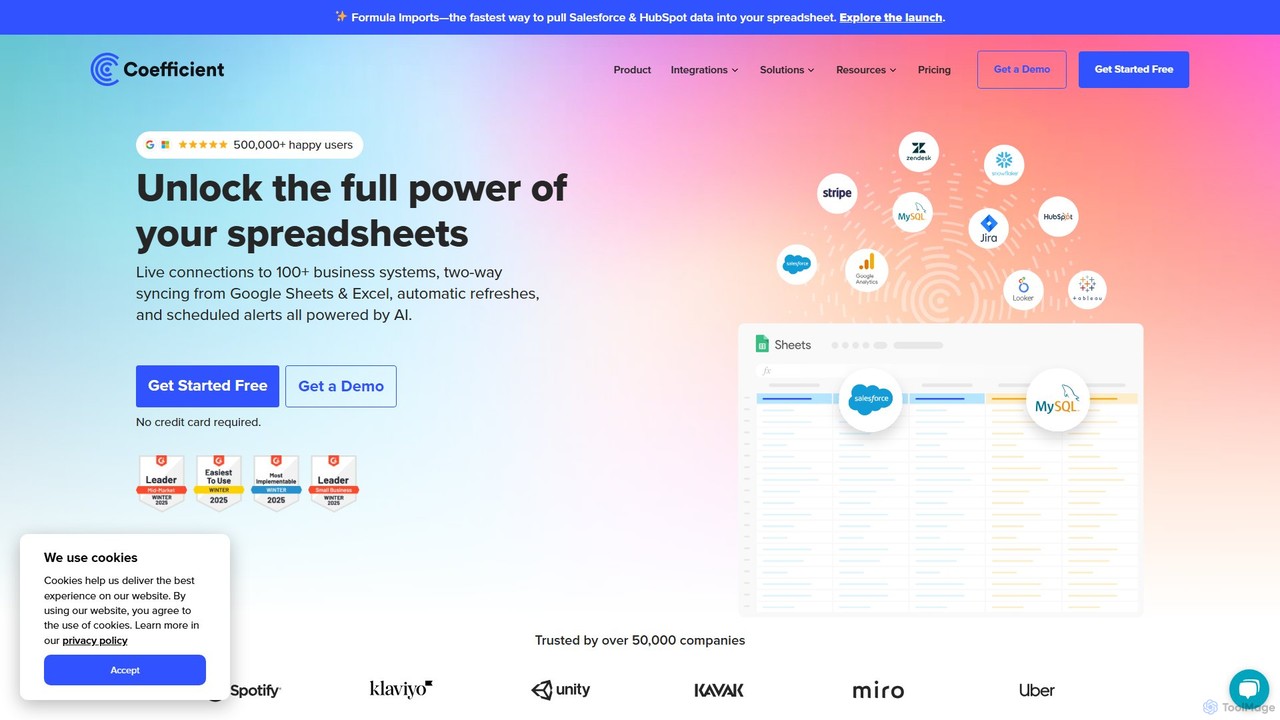
Coefficient
Coefficient is a data connector that links Google Sheets and Excel with over 100 business systems like Salesforce and HubSpot. It automates data imports, enables two-way syncing, and uses AI to help users build formulas, SQL queries, and charts, transforming static spreadsheets into dynamic, real-time dashboards.
Data Analysis
Magnimetrics
Magnimetrics offers expert resources and a powerful Excel add-in for financial professionals. It specializes in FP&A and financial modeling, providing tools to enhance accuracy, validate models, automate error checking, and boost productivity. Ideal for analysts, startups, and enterprises looking to build robust, error-free financial spreadsheets.
Data Analysis
AIColumns
AIColumns is an AI-powered data assistant that supercharges your spreadsheets. It integrates seamlessly with platforms like Google Sheets and Excel, allowing you to use natural language to clean data, generate complex formulas, create visualizations, and uncover actionable insights instantly.
Intelligence
Numerous.ai
Numerous.ai is a powerful AI assistant that integrates directly into Google Sheets and Excel. It allows users to automate tasks, generate content, clean and classify data, and perform complex analysis using a simple '=AI()' function, without needing any API keys or coding skills.
Data Analysisgoodlookup Categories
goodlookup Embed Widget
Copy this embed code to place the badge on your blog, article, or product site and send readers directly to this ToolMage detail page.

Related AI tools
Charm
Charm was an AI-powered assistant integrated directly into Google Sheets as an add-on. It was designed to automate complex text-based tasks, such as cleaning messy data, generating content, summarizing text, and classifying information, without requiring traditional formulas or coding. Please note: Charm was officially shut down on September 15, 2023.
AutomationAIColumns
AIColumns is an AI-powered data assistant that supercharges your spreadsheets. It integrates seamlessly with platforms like Google Sheets and Excel, allowing you to use natural language to clean data, generate complex formulas, create visualizations, and uncover actionable insights instantly.
Intelligence
Jyek
Jyek is an AI agent platform that understands objectives, creates execution plans, uses tools, and delivers verifiable results for complex, multi-step tasks.
AutomationNumerous.ai
Numerous.ai is a powerful AI assistant that integrates directly into Google Sheets and Excel. It allows users to automate tasks, generate content, clean and classify data, and perform complex analysis using a simple '=AI()' function, without needing any API keys or coding skills.
Data Analysis
Sheet Copilot
Sheet Copilot is an AI-powered assistant that automates tasks and answers questions directly within Google Sheets. By using natural language commands, you can clean data, generate formulas, create summaries, and analyze information without writing complex functions. It's currently free in beta and operates using your own OpenAI API key for enhanced privacy and security.
Automation
Sheetplus
Sheetplus is an AI-powered toolkit designed to supercharge your spreadsheet experience in Google Sheets and Excel. By leveraging natural language, it allows users to generate complex formulas, clean and analyze data, automate tasks, and extract insights without writing code. It acts as an intelligent assistant, making data management faster, more intuitive, and accessible to everyone, regardless of their technical expertise.
Automation
Array Assistant
Array Assistant is an AI-powered plugin for spreadsheets that supercharges your productivity. It helps you generate complex formulas, clean and organize data, summarize text, explain problems, and design automations, all within your existing workflow. Ideal for professionals, students, and anyone who uses spreadsheets.
Finance
PredictEasy
PredictEasy is a powerful no-code AI add-on for Google Sheets that democratizes data analytics. It allows users to perform advanced tasks like predictive modeling, time-series forecasting, NLP, and statistical analysis with just a few clicks. Ideal for business professionals, researchers, and data analysts, it transforms your spreadsheet into a sophisticated data science tool, enabling data-driven decisions without writing any code.
Business Intelligence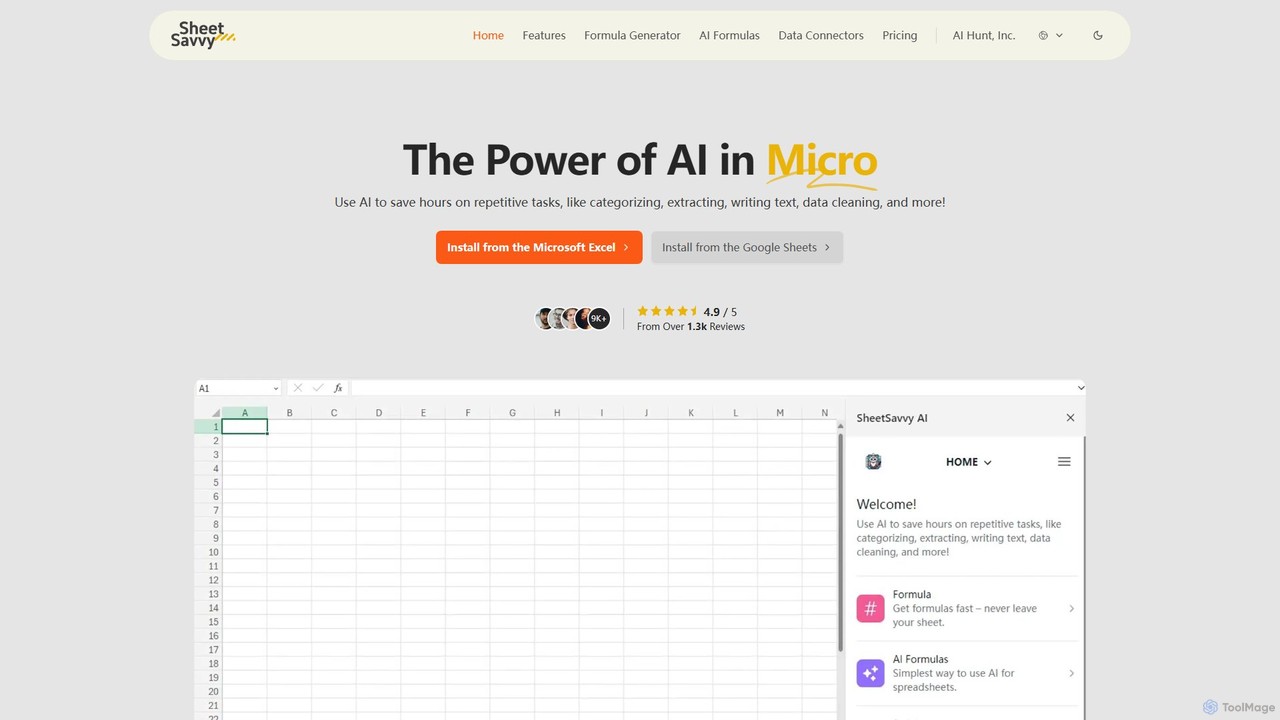
SheetSavvy AI
SheetSavvy AI is an AI-powered assistant for Google Sheets and Microsoft Excel, designed to automate repetitive tasks. It features a formula generator, AI-driven formulas for data cleaning and analysis, and seamless data connectors to import live data, significantly boosting spreadsheet productivity.
Finance
ChatExcel
ChatExcel is an AI-powered data analysis tool that allows users to process spreadsheets and analyze data through a simple chat interface. It automates tasks like data cleaning, merging, and analysis, and generates over 100 types of charts and visualizations from natural language commands. No coding or complex formulas required, boosting productivity by up to 90%.
Business Intelligence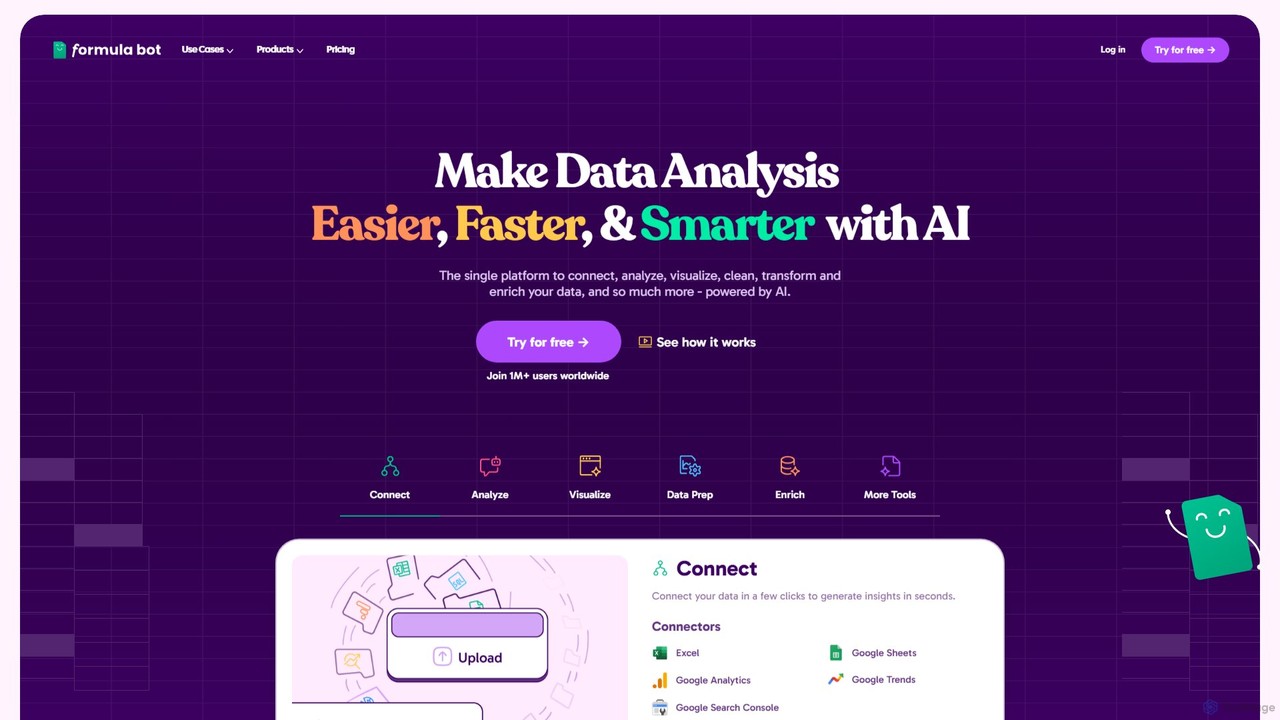
Formula Bot
Formula Bot is an AI-powered data analysis platform that simplifies working with spreadsheets and data. It allows users to generate Excel formulas, SQL queries, and VBA code from simple text instructions, analyze data through a conversational chat interface, and automate tasks like data cleaning and enrichment.
Data Visualization
GPT for Work
A powerful AI add-on that integrates GPT capabilities directly into Google Sheets, Docs, Microsoft Excel, and Word. Automate tasks, generate text, analyze data, and create formulas using simple commands, boosting your productivity without leaving your documents.
Document Assistant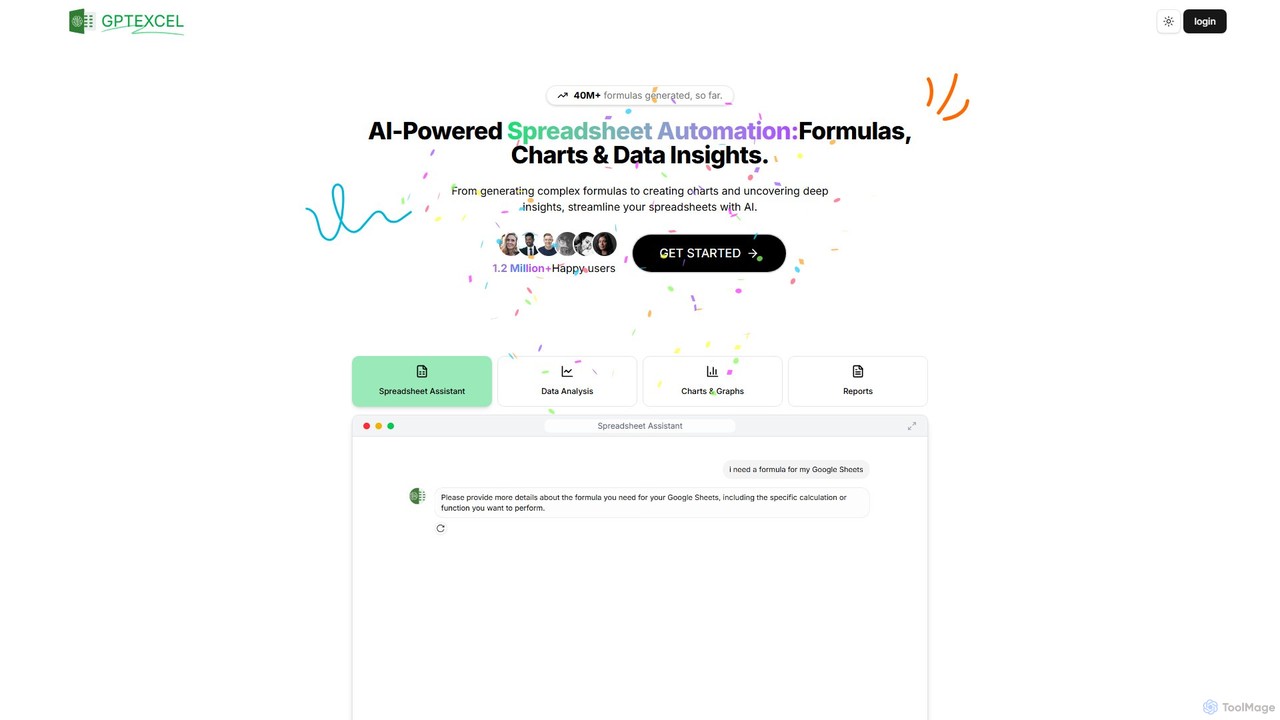
GPTExcel
GPTExcel is an AI-powered assistant that revolutionizes spreadsheet workflows. It generates complex formulas, automation scripts (VBA, Apps Script), SQL queries, and Regex from natural language. It also enables users to chat with their data, convert images to tables, create charts, and perform in-depth data analysis, supporting platforms like Excel, Google Sheets, and Airtable.
Sql
Ajelix
Ajelix is an AI-powered suite of tools designed to enhance productivity for Excel and Google Sheets users. It acts as an AI data analyst, automating tasks, generating formulas and VBA scripts, creating insightful reports, and providing advanced data analysis through a simple chat interface.
Business Intelligence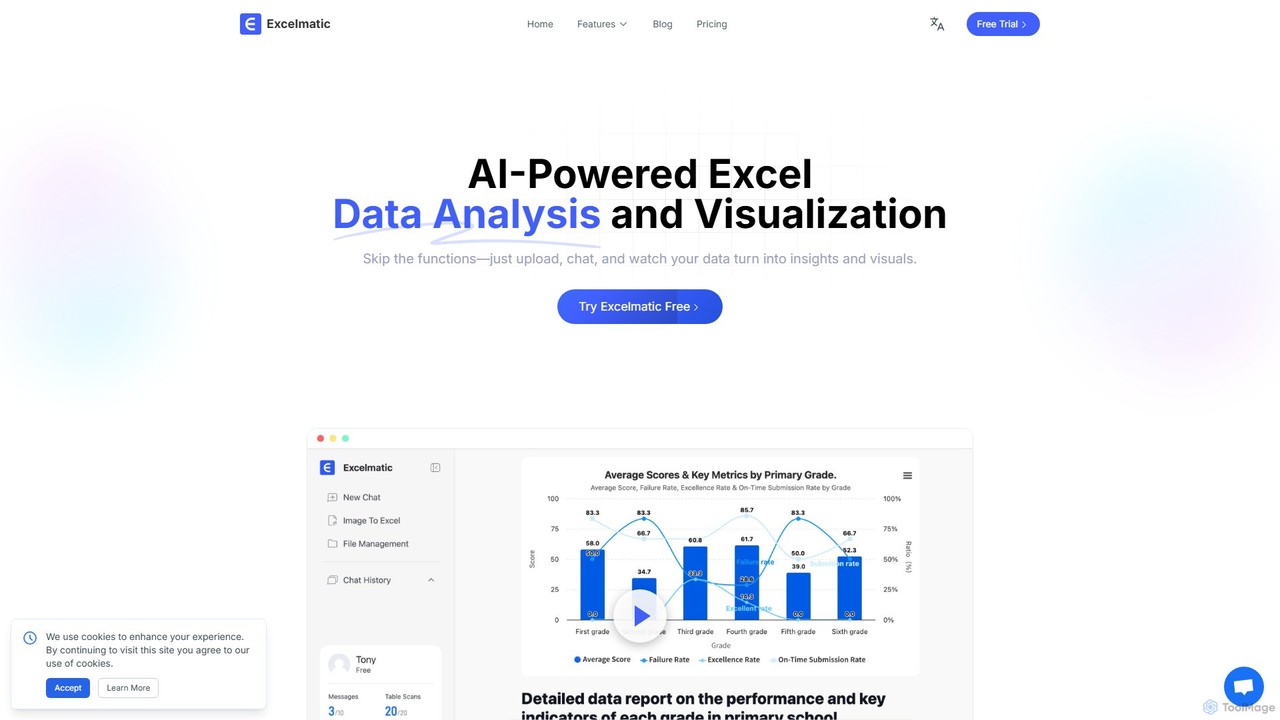
excelmatic
Excelmatic is an AI-powered assistant that transforms your Excel and spreadsheet tasks. Simply upload your data, ask questions in plain English, and instantly get data analysis, visualizations, and generated formulas. It's a no-code solution designed to automate data cleaning, chart creation, and insight discovery, making data accessible to everyone.
Business Intelligence
goodlookup Comments (0)
Sign in to comment.
Sign inNo comments yet.