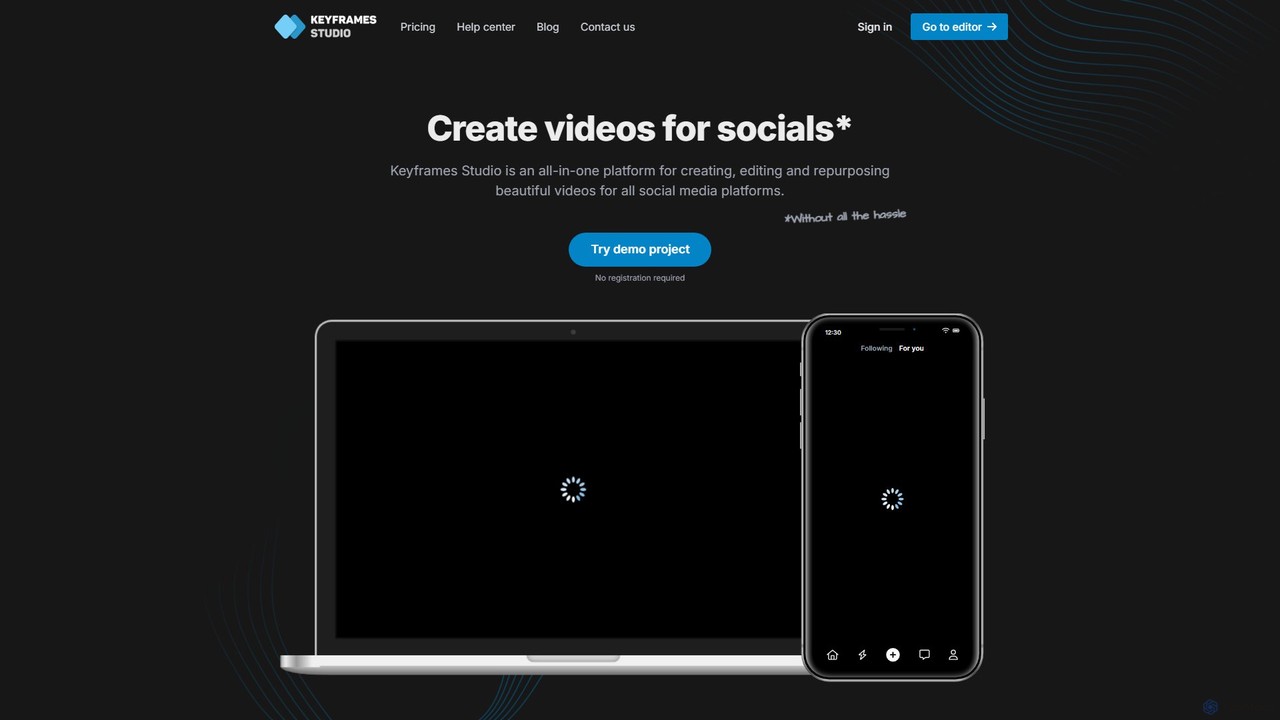
Keyframes Studio Alternatives

Effortlessly create, edit, and repurpose stunning videos for all social platforms with Keyframes Studio. Use AI to automatically generate keyframes and subtitles. Try it for free!

Keyframes Studio is a Freemium Editing AI Tool The recommendations below are sorted based on shared categories, tags, applicable professions, community interactions, and traffic signals to help you choose alternative tools based on real usage scenarios.

Rating
5
Saved on
Likes
Monthly Visits
3.7K
Growth
+16.9%

Keyframes Studio Alternative selection guide

Alternatives to Keyframes Studio should not only be considered within the same category; you also need to compare Editing、Marketing、Content Creation、ai video, pricing models, product formats, access popularity, and user feedback. The current list prioritizes tools that share a clear category, tag, or applicable profession with Keyframes Studio, such as CapCut、Kapwing、Echowave、snapy.ai, and explains the similarities and key differences for each recommendation.

First, confirm the alternative scenario

Prioritize tools that match both Editing and key tags, avoiding recommendations based solely on belonging to the same broad category.

Then, compare delivery formats

Websites, apps, browser extensions, and freemium models directly impact trial barriers, team procurement, and long-term usage costs.

Finally, look at quality signals

Use traffic, bookmarks, likes, or comment data as supplementary judgment; tools lacking data are not directly excluded, but greater emphasis should be placed on functional fit explanations.

Quick decision

Select the most worthwhile alternatives to try first based on common purchasing and usage scenarios.

Best Overall Alternative
CapCut
Comprehensive Match

CapCut and Keyframes Studio both cover Editing、Marketing and jointly match ai video、video editor and similar needs, for users who want to prioritize comparing similar use cases.

Differences between CapCut and Keyframes Studio mainly show in product experience, feature depth, and workflow design around ai video.

Match score: 22 Monthly Visits: 51.2M
Best fit for ai video
snapy.ai
ai video

snapy.ai and Keyframes Studio both cover Editing、Content Creation and jointly match ai video、content repurposing、social media video and similar needs, for users who want to prioritize comparing similar use cases.

Differences between snapy.ai and Keyframes Studio mainly show in product experience, feature depth, and workflow design around ai video.

Match score: 20 Monthly Visits: 21.4K
Best fit for content repurposing
Kapwing
content repurposing

Kapwing and Keyframes Studio both cover Editing、Content Creation and jointly match content repurposing、social media video、video editor and similar needs, for users who want to prioritize comparing similar use cases.

Differences between Kapwing and Keyframes Studio mainly show in product experience, feature depth, and workflow design around content repurposing.

Match score: 20 Monthly Visits: 5.5M
Best fit for marketing video
vidful
marketing video

vidful and Keyframes Studio both cover Marketing、Content Creation and jointly match ai video、marketing video and similar needs, for users who want to prioritize comparing similar use cases.

What sets vidful apart from Keyframes Studio: Primary scenario leans toward Video Generation.

Match score: 16 Monthly Visits: 425.4K
Best fit for Editing
Echowave
Editing

Echowave and Keyframes Studio both cover Editing、Content Creation and jointly match content repurposing、social media video、video editor and similar needs, for users who want to prioritize comparing similar use cases.

Differences between Echowave and Keyframes Studio mainly show in product experience, feature depth, and workflow design around content repurposing.

Match score: 20 Monthly Visits: 356.9K

Keyframes Studio vs Top 5 alternatives

Compare pricing, form, reasons for matching, and key differences to reduce the cost of opening each page individually.

Tools Pricing Type Why similar Key differences
CapCut
Match score: 22
Freemium Website CapCut and Keyframes Studio both cover Editing、Marketing and jointly match ai video、video editor and similar needs, for users who want to prioritize comparing similar use cases. Differences between CapCut and Keyframes Studio mainly show in product experience, feature depth, and workflow design around ai video.
Kapwing
Match score: 20
Freemium Website Kapwing and Keyframes Studio both cover Editing、Content Creation and jointly match content repurposing、social media video、video editor and similar needs, for users who want to prioritize comparing similar use cases. Differences between Kapwing and Keyframes Studio mainly show in product experience, feature depth, and workflow design around content repurposing.
Echowave
Match score: 20
Freemium Website Echowave and Keyframes Studio both cover Editing、Content Creation and jointly match content repurposing、social media video、video editor and similar needs, for users who want to prioritize comparing similar use cases. Differences between Echowave and Keyframes Studio mainly show in product experience, feature depth, and workflow design around content repurposing.
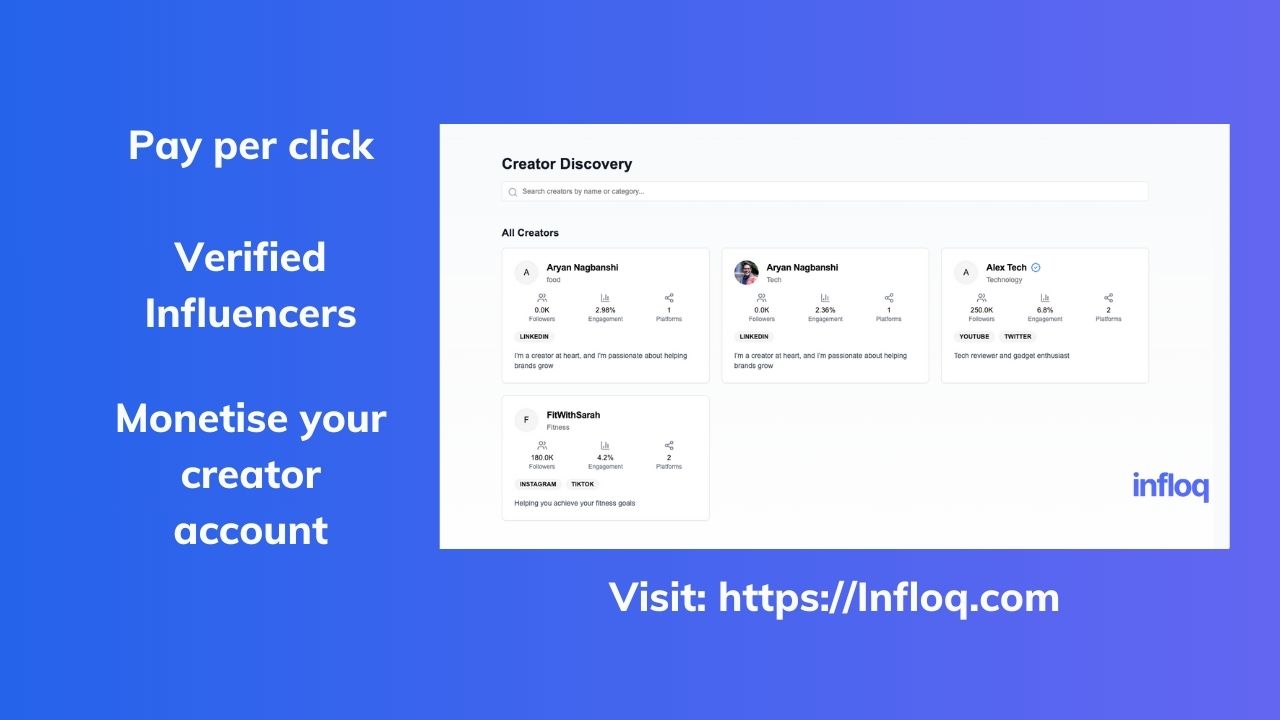
snapy.ai
Match score: 20
Freemium Website snapy.ai and Keyframes Studio both cover Editing、Content Creation and jointly match ai video、content repurposing、social media video and similar needs, for users who want to prioritize comparing similar use cases. Differences between snapy.ai and Keyframes Studio mainly show in product experience, feature depth, and workflow design around ai video.
Choppity
Match score: 18
Freemium Website Choppity and Keyframes Studio both cover Editing、Content Creation and jointly match ai video、content repurposing、video editor and similar needs, for users who want to prioritize comparing similar use cases. Differences between Choppity and Keyframes Studio mainly show in product experience, feature depth, and workflow design around ai video.

Alternative FAQ

What are the most worthwhile alternatives to Keyframes Studio to look at first?

CapCut、Kapwing、Echowave are the most recommended tools for priority comparison on this page. They share a clear category, tag, or applicable profession with Keyframes Studio, but may differ in price, format, and feature depth.

Why aren't these recommendations sorted solely by traffic?

Traffic only indicates attention, not scenario fit. The page sorting first requires candidate tools to have a category, tag, or professional overlap with Keyframes Studio, and then sorts based on traffic, interaction data, and result diversity.

Will a tool be affected in recommendations if it has no traffic or review data?

It will not be directly excluded. When traffic or reviews are lacking, the system relies more on Editing, tags, professional matches, and the tool's own information to avoid misinterpreting missing data as low quality.

Reset

Keyframes Studio the best 50 Alternatives

Sorted based on shared categories, tags, professional matching, and community quality signals.

CapCut is a powerful, all-in-one AI video editor and creative suite. It simplifies content creation with intuitive tools for video editing, graphic design, and team collaboration. It offers a wide range of AI features like auto-captions, script-to-video, background removal, and video upscaling, making professional-quality content accessible to everyone, from beginners to pros, across web, desktop, and mobile platforms.

Why similar

CapCut and Keyframes Studio both cover Editing、Marketing and jointly match ai video、video editor and similar needs, for users who want to prioritize comparing similar use cases.

Key differences

Differences between CapCut and Keyframes Studio mainly show in product experience, feature depth, and workflow design around ai video.

CapCutis an AI tool designed forMarketing Manager.Content Creator.Product Manager.Social Media Manager.Sales Representative.Graphic Designer.Small Business Owner.Educator.VloggerAI tool designed Discover CapCut, the ultimate AI-powered video editor and design tool. Create stunning videos with auto-captions, script-to-video, and more. Available on all devices. Try for free! CapCutApplicable toGraphics.Marketing.Content Creation.Editingand other fields.

Rating
5.0
Saved on
Likes
Monthly Visits
51.2M

Kapwing is an AI-powered online video editor designed for teams and creators to produce high-quality content faster. It combines a full suite of editing tools with intelligent AI features like text-to-video, automatic subtitling, and background removal in a collaborative, browser-based platform, making video creation accessible to everyone.

Why similar

Kapwing and Keyframes Studio both cover Editing、Content Creation and jointly match content repurposing、social media video、video editor and similar needs, for users who want to prioritize comparing similar use cases.

Key differences

Differences between Kapwing and Keyframes Studio mainly show in product experience, feature depth, and workflow design around content repurposing.

Kapwingis an AI tool designed forMarketing Manager.Content Creator.Product Manager.Social Media Manager.Graphic Designer.Small Business Owner.Educator.Video EditorAI tool designed Discover Kapwing, the collaborative online video editor that uses AI to help you create more content in less time. Generate videos from text, auto-subtitle, remove backgrounds, and collaborate in real-time. Try it for free! KapwingApplicable toVideo Marketing.Collaboration.Content Creation.Editingand other fields.

Rating
5.0
Saved on
Likes
Monthly Visits
5.5M

Echowave is a free and simple online video editor designed for creators to easily convert audio files into engaging videos. It specializes in adding audio visualizers, automatic subtitles, and effects, making it perfect for podcasters, musicians, and social media managers to repurpose content for platforms like Instagram, YouTube, and Facebook.

Why similar

Echowave and Keyframes Studio both cover Editing、Content Creation and jointly match content repurposing、social media video、video editor and similar needs, for users who want to prioritize comparing similar use cases.

Key differences

Differences between Echowave and Keyframes Studio mainly show in product experience, feature depth, and workflow design around content repurposing.

Echowaveis an AI tool designed forMarketing Manager.Content Creator.Social Media Manager.Educator.Video Editor.Podcaster.MusicianAI tool designed Easily convert audio to video with Echowave, the free online video editor. Add audio visualizers, automatic subtitles, and effects. Perfect for podcasters and musicians. EchowaveApplicable toContent Creation.Editingand other fields.

Rating
5.0
Saved on
Likes
Monthly Visits
356.9K

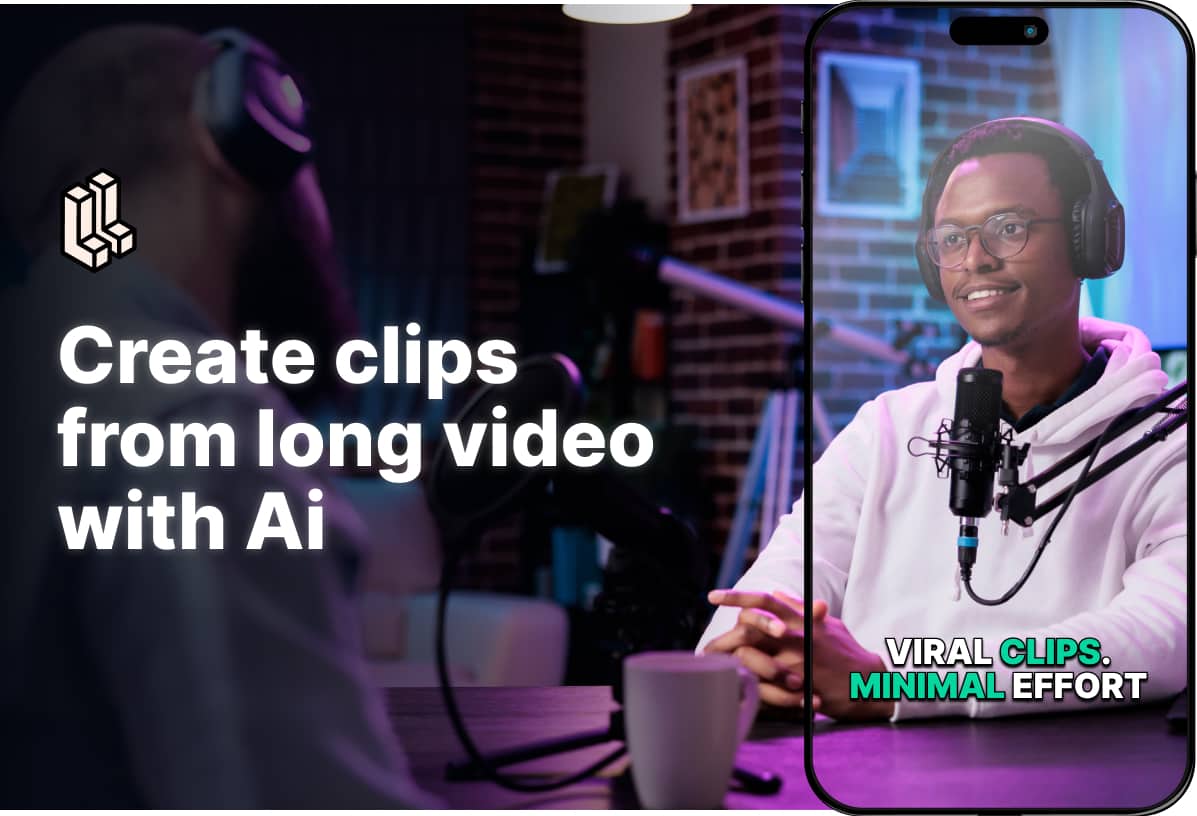
Snapy.ai is an AI-powered video creation suite that automatically edits long-form videos and podcasts into engaging short clips for social media. It can also generate videos from text prompts, remove silences and background noise, dub videos into multiple languages, and convert presentations into dynamic videos.

Why similar

snapy.ai and Keyframes Studio both cover Editing、Content Creation and jointly match ai video、content repurposing、social media video and similar needs, for users who want to prioritize comparing similar use cases.

Key differences

Differences between snapy.ai and Keyframes Studio mainly show in product experience, feature depth, and workflow design around ai video.

Snapy.ai is an AI-powered video platform that automatically edits long videos into shorts, generates videos from text, removes silence and background noise, and dubs content into 20+ languages. Perfect for creators and marketers. snapy.aiApplicable toAutomation.Content Creation.Editingand other fields.

Rating
5.0
Saved on
Likes
Monthly Visits
21.4K

Choppity is an AI-powered video editing platform designed to automate and accelerate the creation of short-form videos for social media and marketing. It automatically finds viral clips from long videos, adds customizable captions, reframes content for vertical formats, and applies consistent brand styling, allowing creators to produce more content with less editing effort.

Why similar

Choppity and Keyframes Studio both cover Editing、Content Creation and jointly match ai video、content repurposing、video editor and similar needs, for users who want to prioritize comparing similar use cases.

Key differences

Differences between Choppity and Keyframes Studio mainly show in product experience, feature depth, and workflow design around ai video.

Discover Choppity, the AI-powered video editor that automates clipping, captioning, and reframing. Turn long videos into viral short clips in minutes. Try it for free. ChoppityApplicable toAutomation.Repurposing.Content Creation.Editingand other fields.

Rating
5.0
Saved on
Likes
Monthly Visits
217.4K

autocaption is an AI-powered tool that automatically generates, transcribes, and animates video captions in over 99 languages. Designed for content creators, it saves hours of editing with features like customizable templates, animated emojis, and B-Roll AI. Enhance video engagement and accessibility with fast, fully editable, high-definition subtitles optimized for social media.

Why similar

autocaption and Keyframes Studio both cover Editing、Content Creation and jointly match ai video、social media video、video editor and similar needs, for users who want to prioritize comparing similar use cases.

Key differences

Differences between autocaption and Keyframes Studio mainly show in product experience, feature depth, and workflow design around ai video.

Effortlessly add animated captions to your videos with autocaption. Our AI generates accurate subtitles in 99+ languages, saving you hours. Try for free! autocaptionApplicable toAutomation.Content Creation.Editingand other fields.

Rating
5.0
Saved on
Likes
Monthly Visits
116.8K

ClipRemix is an AI-powered platform that transforms long-form videos and podcasts into engaging, short-form clips for social media. It automatically identifies key moments, adds dynamic captions, and reformats content for platforms like TikTok, Reels, and Shorts, helping creators and marketers maximize their reach.

Why similar

ClipRemix and Keyframes Studio both cover Editing、Content Creation and jointly match ai video、content repurposing、auto subtitles and similar needs, for users who want to prioritize comparing similar use cases.

Key differences

Differences between ClipRemix and Keyframes Studio mainly show in product experience, feature depth, and workflow design around ai video.

Effortlessly transform long videos and podcasts into engaging, shareable social media clips with ClipRemix's AI. Features auto-clipping, subtitles, and reframing. ClipRemixApplicable toRepurposing.Content Creation.Editingand other fields.

Rating
5.0
Saved on
Likes
Monthly Visits
3.2M

Vidful is a powerful AI video generator that transforms text and images into high-quality videos in minutes. Leveraging cutting-edge models like Kling, Luma Dream Machine, and Google Veo, it offers features like text-to-video, image-to-video, lip-sync, and cinematic effects. Ideal for marketers, creators, and businesses, Vidful simplifies video production with both free and affordable paid plans.

Why similar

vidful and Keyframes Studio both cover Marketing、Content Creation and jointly match ai video、marketing video and similar needs, for users who want to prioritize comparing similar use cases.

Key differences

What sets vidful apart from Keyframes Studio: Primary scenario leans toward Video Generation.

Generate stunning AI videos from text and images with Vidful. Powered by leading models like Kling, Luma Dream Machine, and Google Veo. Create marketing content, social media clips, and animations for free or with our affordable plans. vidfulApplicable toAnimation.Marketing.Content Creation.Video Generationand other fields.

Rating
5.0
Saved on
Likes
Monthly Visits
425.4K

Fame Clips is a done-for-you service that combines AI with professional human editors to create high-performance, viral-ready video clips from podcasts and X Spaces. Designed for B2B businesses, it delivers professionally edited clips in 72 hours, optimized for social media platforms, helping to boost downloads and save significant time.

Why similar

Fame Clips and Keyframes Studio both cover Editing、Content Creation and jointly match ai video、content repurposing、social media video and similar needs, for users who want to prioritize comparing similar use cases.

Key differences

Differences between Fame Clips and Keyframes Studio mainly show in product experience, feature depth, and workflow design around ai video.

Transform your B2B podcast into viral social media clips. Fame Clips combines AI with professional editors to deliver high-quality, brand-aligned video clips in 72 hours. Try your first clip for free. Fame ClipsApplicable toPodcast Marketing.Content Creation.Editingand other fields.

Rating
5.0
Saved on
Likes
Monthly Visits
53.1K

Zubtitle is an AI-powered online video editor designed to help creators and marketers quickly optimize videos for social media. It specializes in automatic transcription and subtitling, allowing users to add captions, headlines, logos, and progress bars with just a few clicks. The tool simplifies video repurposing for platforms like Instagram, TikTok, and YouTube Shorts, making it easy to create engaging, professional-looking content that captures attention even when muted.

Why similar

Zubtitle and Keyframes Studio both cover Editing、Content Creation and jointly match ai video、social media video、video editor and similar needs, for users who want to prioritize comparing similar use cases.

Key differences

Differences between Zubtitle and Keyframes Studio mainly show in product experience, feature depth, and workflow design around ai video.

Zubtitleis an AI tool designed forMarketing Manager.Content Creator.Social Media Manager.Entrepreneur.Digital Marketer.Podcaster.Influencer.Business CoachAI tool designed Effortlessly add subtitles, headlines, and logos to your videos with Zubtitle. The AI-powered online editor for creating engaging social media content in minutes. Try it free! ZubtitleApplicable toTranscription.Content Creation.Editingand other fields.

Rating
5.0
Saved on
Likes
Monthly Visits
40.7K

RenderCut is an AI-powered video editing tool that automates the creation of engaging short-form videos. It instantly adds stylish, animated subtitles, B-rolls, emojis, and sound effects, transforming plain videos or audio into high-retention content for platforms like TikTok, Reels, and Shorts. It's designed for content creators, marketers, and businesses to produce professional-looking videos in minutes, not hours.

Why similar

RenderCut and Keyframes Studio both cover Editing、Content Creation and jointly match ai video、social media video、video editor and similar needs, for users who want to prioritize comparing similar use cases.

Key differences

Differences between RenderCut and Keyframes Studio mainly show in product experience, feature depth, and workflow design around ai video.

Automatically add stylish, animated subtitles, B-rolls, and emojis to your videos in minutes with RenderCut. The perfect AI tool for creators and marketers to make viral short-form content for TikTok, Reels, and Shorts. RenderCutApplicable toVideo Marketing.Automation.Content Creation.Editingand other fields.

Rating
5.0
Saved on
Likes
Monthly Visits
19.5K

Qlip is an AI-powered platform that automatically extracts impactful short clips from long-form videos. Designed for marketers and content creators, it simplifies repurposing content for social media with features like auto-reframing, branded subtitles, and transcription, helping to save costs and boost engagement.

Why similar

Qlip and Keyframes Studio both cover Editing、Content Creation and jointly match ai video、content repurposing、social media video and similar needs, for users who want to prioritize comparing similar use cases.

Key differences

Differences between Qlip and Keyframes Studio mainly show in product experience, feature depth, and workflow design around ai video.

Qlipis an AI tool designed forMarketing Manager.Content Creator.Social Media Manager.Digital Marketer.Video Editor.Brand Manager.Podcaster.Communications SpecialistAI tool designed Automatically extract viral short clips from your long videos with Qlip's AI. Features auto-reframing, branded subtitles, and transcription to boost your social media engagement. Try it free! QlipApplicable toVideo Marketing.Automation.Content Creation.Editingand other fields.

Rating
5.0
Saved on
Likes
Monthly Visits
16.7K

Ssemble is an AI-powered video editing platform that transforms long-form videos into engaging, viral short-form clips. It automates finding key moments, adding captions, reframing for vertical formats, and scheduling posts for TikTok, YouTube Shorts, and Instagram Reels. Ideal for content creators and marketers looking to maximize their reach and engagement with minimal effort.

Why similar

Ssemble and Keyframes Studio both cover Editing、Content Creation and jointly match ai video、content repurposing and similar needs, for users who want to prioritize comparing similar use cases.

Key differences

What sets Ssemble apart from Keyframes Studio: Pricing model is Is Paid.

Effortlessly turn long videos into viral short clips with Ssemble's AI. Features auto-clipping, face tracking, auto-captions, and scheduling for TikTok, YouTube Shorts, and Instagram. Boost your views and engagement today. SsembleApplicable toVideo Marketing.Content Creation.Editingand other fields.

Rating
5.0
Saved on
Likes
Monthly Visits
403.4K

Gemoo is an AI-powered video editor that transforms any video into viral-worthy short clips in minutes. It automates tedious tasks like adding subtitles, inserting relevant B-roll footage, applying effects, and generating social media-optimized titles and descriptions. Ideal for creators, marketers, and educators looking to produce high-quality, engaging content efficiently.

Why similar

Gemoo and Keyframes Studio both cover Content Creation and jointly match ai video、content repurposing、social media video and similar needs, for users who want to prioritize comparing similar use cases.

Key differences

What sets Gemoo apart from Keyframes Studio: Primary scenario leans toward Video Editing.

Use Gemoo's AI to automatically edit videos, add captions, insert B-roll, and generate titles. Turn long videos into engaging social media clips for TikTok, YouTube, and Instagram effortlessly. GemooApplicable toVideo Marketing.Automation.Content Creation.Video Editingand other fields.

Rating
5.0
Saved on
Likes
Monthly Visits
5.7K

Revid is a powerful AI video generator that transforms your ideas, text, or URLs into captivating vertical videos optimized for virality. By analyzing millions of successful videos, it crafts compelling scripts, visuals, and hooks designed to maximize engagement on platforms like TikTok, Instagram, and YouTube. It's the ultimate tool for creators and marketers looking to save time and produce high-performing content effortlessly, even without prior video editing experience.

Why similar

Revid and Keyframes Studio both cover Content Creation and jointly match ai video、content repurposing、marketing video and similar needs, for users who want to prioritize comparing similar use cases.

Key differences

What sets Revid apart from Keyframes Studio: Primary scenario leans toward Video Generation.

Use Revid's AI to instantly create engaging, viral videos for TikTok, Instagram, and YouTube. Turn text, URLs, or ideas into stunning videos with AI scripts, voices, and visuals. RevidApplicable toAdvertising.Automation.Content Creation.Video Generationand other fields.

Rating
5.0
Saved on
Likes
Monthly Visits
734.2K

Hypernatural is an AI video platform that transforms text, scripts, or audio into high-quality, ready-to-share short-form videos. It focuses on creating usable, non-glitchy content with consistent characters and custom styles, making professional video creation accessible to everyone from marketers to content creators.

Why similar

Hypernatural and Keyframes Studio both cover Content Creation and jointly match ai video、marketing video、social media video and similar needs, for users who want to prioritize comparing similar use cases.

Key differences

What sets Hypernatural apart from Keyframes Studio: Primary scenario leans toward Video Generation.

Create stunning, ready-to-share AI videos in minutes with Hypernatural. Turn text, scripts, or audio into engaging content with custom styles, consistent characters, and AI-powered B-roll. Perfect for marketers, creators, and businesses. HypernaturalApplicable toAdvertising.Content Creation.Video Generationand other fields.

Rating
5.0
Saved on
Likes
Monthly Visits
207.4K

edit_videos_online is a powerful, browser-based video editor that leverages AI to simplify content creation. Easily remove video backgrounds with one click, automatically generate accurate captions, create AI voiceovers, and add dynamic text and watermarks. It's designed for social media creators, marketers, and anyone looking to produce professional-quality videos for platforms like TikTok, Instagram, and YouTube without complex software.

Why similar

edit_videos_online and Keyframes Studio both cover Editing、Content Creation and jointly match social media video、video editor、online video editor and similar needs, for users who want to prioritize comparing similar use cases.

Key differences

Differences between edit_videos_online and Keyframes Studio mainly show in product experience, feature depth, and workflow design around social media video.

Effortlessly edit videos online with AI. Use edit_videos_online for one-click background removal, automatic caption generation, AI voiceovers, and more. Perfect for TikTok, Instagram, and YouTube. edit_videos_onlineApplicable toAdvertising.Content Creation.Editingand other fields.

Rating
5.0
Saved on
Likes
Monthly Visits
2.6K

Vizard is an AI-powered video editing platform that automatically transforms long-form videos into engaging, short clips for social media. It uses AI to identify highlights, generate transcriptions and captions, and resize videos for platforms like TikTok, Instagram, and YouTube Shorts, saving creators and marketers hours of manual work.

Why similar

Vizard and Keyframes Studio both cover Editing、Content Creation and jointly match ai video、content repurposing and similar needs, for users who want to prioritize comparing similar use cases.

Key differences

Differences between Vizard and Keyframes Studio mainly show in product experience, feature depth, and workflow design around ai video.

Effortlessly turn long videos into viral short clips with Vizard's AI. Perfect for podcasters, marketers, and creators. Get AI-generated clips, auto-captions, and social-ready videos in minutes. Try for free. VizardApplicable toVideo Marketing.Automation.Content Creation.Editingand other fields.

Rating
5.0
Saved on
Likes
Monthly Visits
1.5M

Flixier is an AI-powered, cloud-based video editor designed for speed and ease of use. It offers features like text-based editing, AI voiceovers, automatic subtitles, and real-time collaboration, making it ideal for creators, marketers, and educators without needing powerful hardware.

Why similar

Flixier and Keyframes Studio both cover Editing and jointly match ai video、marketing video、video editor and similar needs, for users who want to prioritize comparing similar use cases.

Key differences

Differences between Flixier and Keyframes Studio mainly show in product experience, feature depth, and workflow design around ai video.

Discover Flixier, the powerful cloud-based video editor with AI features. Create professional videos with text-to-video, auto-subtitles, real-time collaboration, and fast rendering on any device. FlixierApplicable toTranscription.Video Marketing.Collaboration.Editingand other fields.

Rating
5.0
Saved on
Likes
Monthly Visits
1.4M

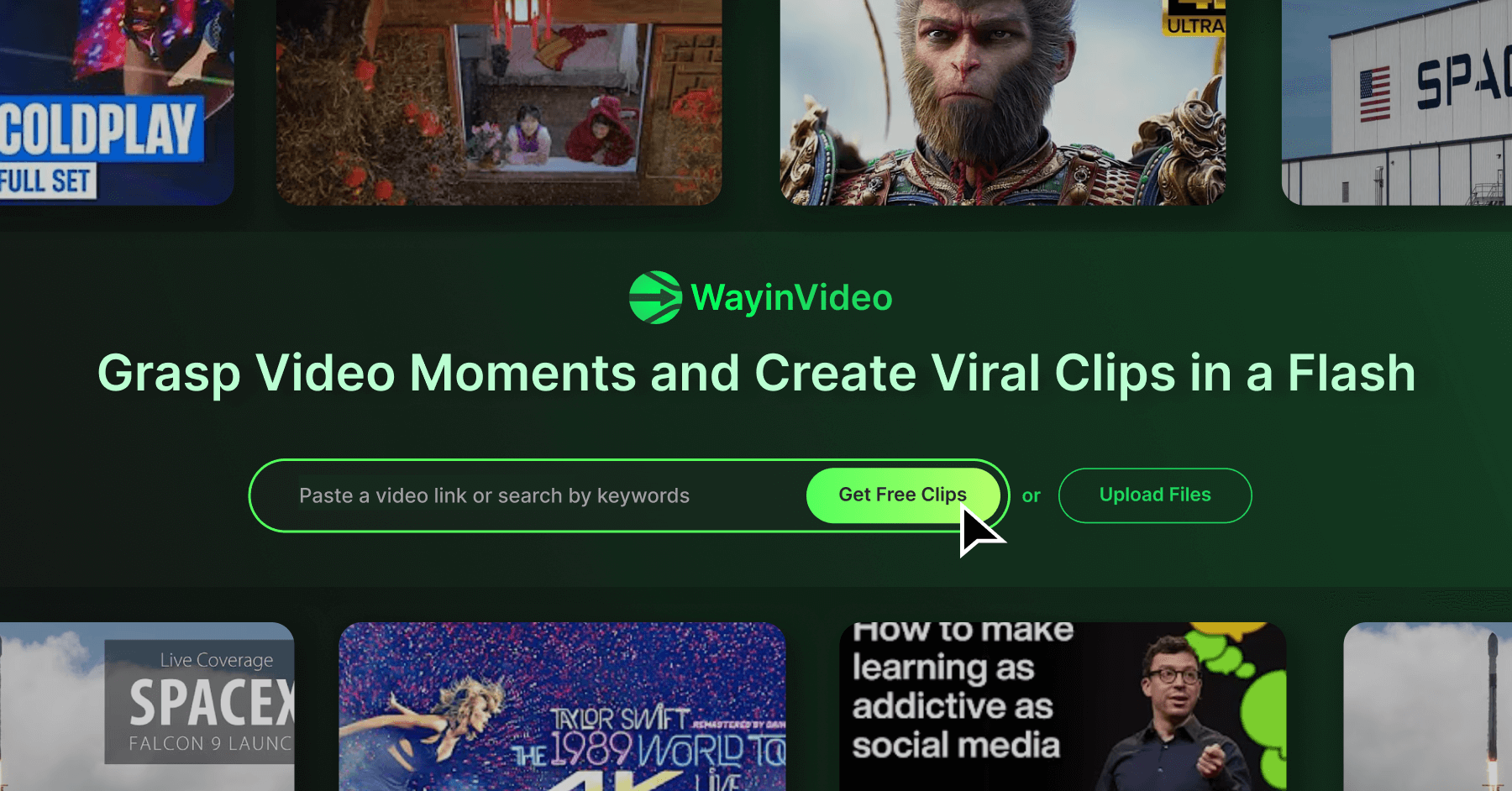
WayinVideo is an AI-powered platform designed for content creators and marketers to effortlessly transform long-form videos into engaging, viral short clips. By simply pasting a video link or uploading a file, the AI automatically identifies key moments, generates animated captions, and reframes content for social media platforms like TikTok, YouTube Shorts, and Instagram Reels, saving hours of manual editing.

Why similar

WayinVideo and Keyframes Studio both cover Editing、Content Creation and jointly match ai video、content repurposing and similar needs, for users who want to prioritize comparing similar use cases.

Key differences

Differences between WayinVideo and Keyframes Studio mainly show in product experience, feature depth, and workflow design around ai video.

Effortlessly turn long videos into viral short clips with WayinVideo. Our AI finds key moments, adds animated captions, and auto-reframes for TikTok, Reels, and Shorts. Save time and boost engagement. WayinVideoApplicable toAutomation.Content Creation.Editingand other fields.

Rating
5.0
Saved on
Likes
Monthly Visits
1.2M
Zeemo is an all-in-one AI-powered video toolkit designed for content creators. It excels at automatic subtitle generation, transcription, and translation in over 95 languages with up to 98% accuracy. It also offers a suite of video editing tools, social media downloaders, and AI video generation features to streamline content creation and boost audience engagement.

Why similar

Zeemo and Keyframes Studio both cover Editing、Content Creation and jointly match social media video、video editor and similar needs, for users who want to prioritize comparing similar use cases.

Key differences

Differences between Zeemo and Keyframes Studio mainly show in product experience, feature depth, and workflow design around social media video.

Discover Zeemo, the all-in-one AI video tool for automatic subtitles, transcription, and editing. Supports 95+ languages with 98% accuracy. Try it free! ZeemoApplicable toTranscription.Automation.Content Creation.Editingand other fields.

Rating
5.0
Saved on
Likes
Monthly Visits
467.5K

SendShort is an AI-powered video platform that instantly transforms long-form videos into dozens of viral short clips for TikTok, Reels, and Shorts. It automates editing, adds dynamic captions, generates faceless content, and provides tools for scheduling, saving creators hours of work and thousands in costs.

Why similar

SendShort and Keyframes Studio both cover Editing、Content Creation and jointly match content repurposing、video editor and similar needs, for users who want to prioritize comparing similar use cases.

Key differences

Differences between SendShort and Keyframes Studio mainly show in product experience, feature depth, and workflow design around content repurposing.

Instantly create dozens of viral short videos from your long-form content with SendShort's AI. Automate editing, add captions, create faceless videos, and schedule posts. Try for free! SendShortApplicable toAutomation.Content Creation.Editingand other fields.

Rating
5.0
Saved on
Likes
Monthly Visits
179.8K

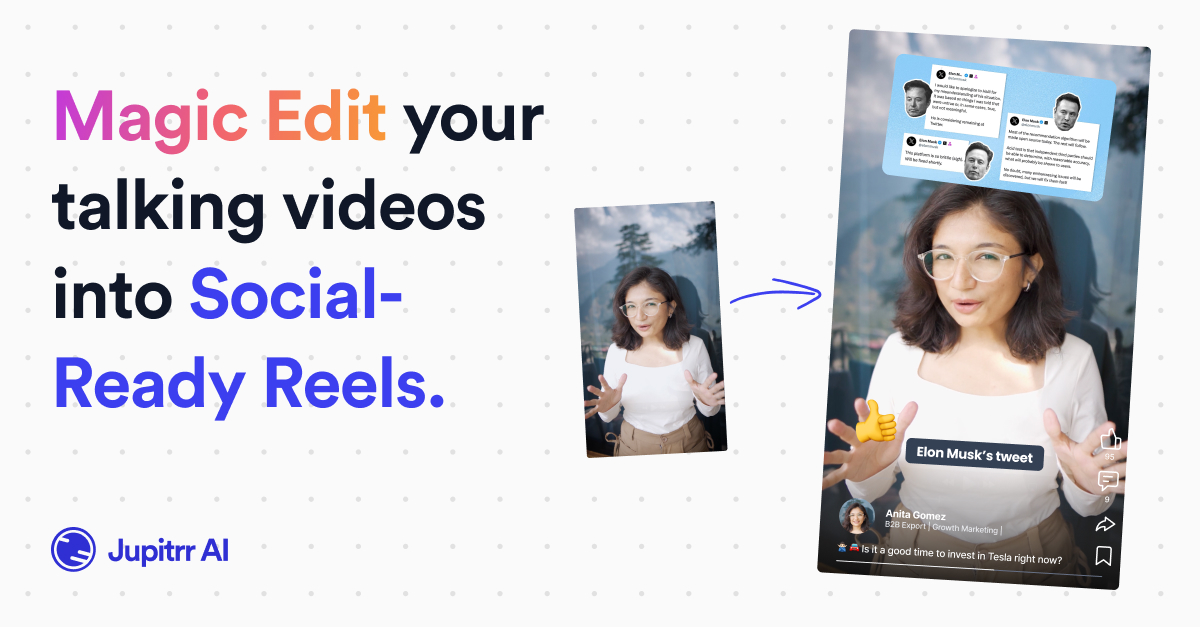
jupitrr is an AI-powered video editor that instantly transforms raw talking-head footage into engaging, shareable video clips. It automatically adds dynamic subtitles, relevant B-rolls from a massive stock library, animations, and background music, making professional video creation accessible to everyone without editing skills.

Why similar

jupitrr and Keyframes Studio both cover Content Creation and jointly match ai video、marketing video、social media video and similar needs, for users who want to prioritize comparing similar use cases.

Key differences

What sets jupitrr apart from Keyframes Studio: Primary scenario leans toward Video Editing.

Transform your talking-head videos into viral clips with jupitrr's AI. Automatically add animated subtitles, B-rolls, music, and more. Perfect for creators and marketers. Try for free! jupitrrApplicable toAutomation.Content Creation.Video Editingand other fields.

Rating
5.0
Saved on
Likes
Monthly Visits
66.1K

LiveLink is an AI-powered video clip maker that transforms long-form videos into engaging, shareable short clips for social media. It automates clipping, adds captions, reframes shots, and schedules posts to platforms like TikTok, YouTube Shorts, and Instagram Reels, saving creators and marketers significant time.

Why similar

LiveLink and Keyframes Studio both cover Editing、Content Creation and jointly match ai video、content repurposing and similar needs, for users who want to prioritize comparing similar use cases.

Key differences

Differences between LiveLink and Keyframes Studio mainly show in product experience, feature depth, and workflow design around ai video.

Use LiveLink's AI to automatically turn long videos into viral short clips for TikTok, YouTube Shorts, and Reels. Features auto-clipping, captions, speaker tracking, and scheduling. LiveLinkApplicable toRepurposing.Content Creation.Editingand other fields.

Rating
5.0
Saved on
Likes
Monthly Visits
178.4K

soundbite is an AI-powered platform that transforms long-form audio and video into short, engaging, and shareable clips. It automates identifying key moments, transcribing them, and generating branded audiograms or video snippets, perfect for social media marketing and content repurposing.

Why similar

soundbite and Keyframes Studio both cover Content Creation、Editing and jointly match content repurposing and similar needs, for users who want to prioritize comparing similar use cases.

Key differences

What sets soundbite apart from Keyframes Studio: Primary scenario leans toward 3D.

Effortlessly create short, shareable video clips and audiograms from your podcasts, webinars, and meetings with soundbite. Our AI finds the best moments, transcribes them, and generates branded content in minutes. soundbiteApplicable to3D.Repurposing.Content Creation.Editingand other fields.

Rating
5.0
Saved on
Likes
Monthly Visits
2.3K

Promo.com is an AI-powered video creation platform designed for businesses and agencies. It features an AI Creative CoPilot that generates professional videos from simple inputs like a website URL or product link. With access to over 275 million premium stock assets from Getty Images and iStock, customizable templates, and an intuitive editor, users can create, schedule, and publish high-quality marketing videos in minutes without any prior editing skills.

Why similar

Promo.com and Keyframes Studio both cover Content Creation and jointly match marketing video、social media video、online video editor and similar needs, for users who want to prioritize comparing similar use cases.

Key differences

What sets Promo.com apart from Keyframes Studio: Primary scenario leans toward Video Marketing.

Promo.comis an AI tool designed forMarketing Manager.Content Creator.Social Media Manager.Sales Representative.Small Business Owner.Real Estate Agent.Ecommerce Manager.Digital Marketing AgencyAI tool designed Discover Promo.com, the AI-powered video maker for business. Generate professional videos from text, URLs, or products. Access 275M+ stock assets and create stunning ads and social content effortlessly. Promo.comApplicable toVideo Marketing.Automation.Content Creation.Video Generationand other fields.

Rating
5.0
Saved on
Likes
Monthly Visits
209.9K

An AI-powered video editing platform that automatically transforms long-form videos into viral short clips for social media. It features AI-driven clipping, transcript-based editing, automatic captions, and audio enhancement tools to save creators time and boost their content's reach.

Why similar

reap and Keyframes Studio both cover Editing、Content Creation and jointly match ai video、content repurposing and similar needs, for users who want to prioritize comparing similar use cases.

Key differences

Differences between reap and Keyframes Studio mainly show in product experience, feature depth, and workflow design around ai video.

Effortlessly create viral short videos from your long-form content with reap. Our AI video editor offers automatic clipping, transcript-based editing, AI B-roll, and auto-captions to boost your social media presence. reapApplicable toRepurposing.Content Creation.Editingand other fields.

Rating
5.0
Saved on
Likes
Monthly Visits
141.1K

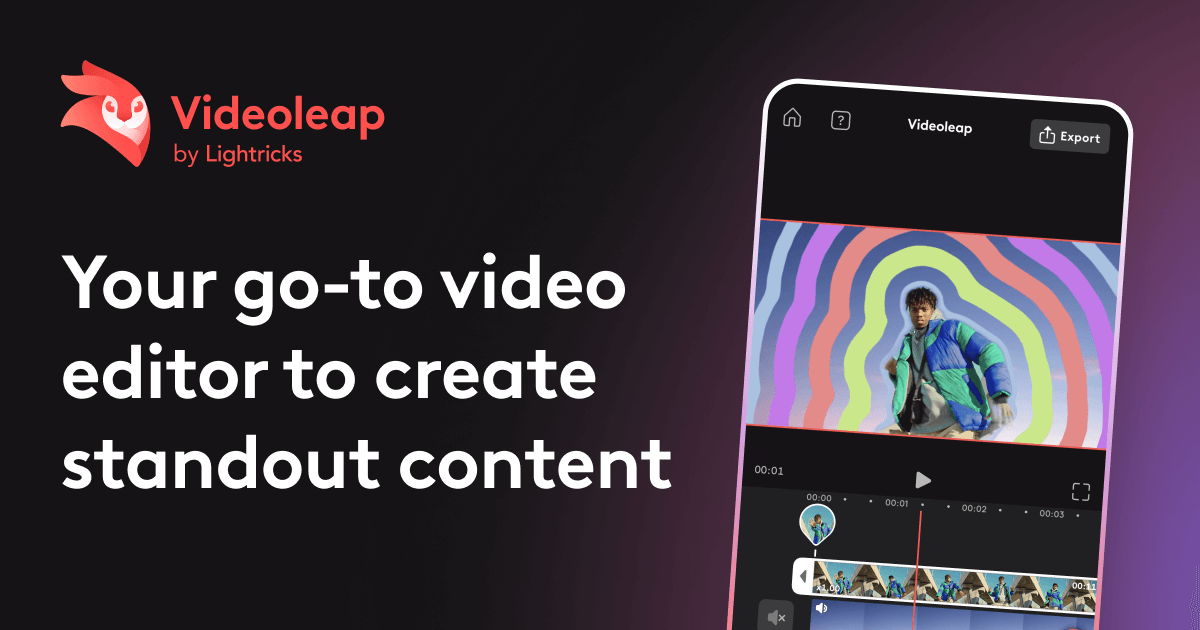
Videoleap is a powerful AI-driven video editor and maker app designed for both beginners and professionals. It combines a full suite of traditional editing tools with cutting-edge AI features like object removal, infinite zoom, and AI-generated effects. Create stunning, professional-quality videos for social media, marketing, or personal projects directly from your mobile device with ease and speed.

Why similar

Videoleap and Keyframes Studio both cover Content Creation and jointly match ai video、social media video、video editor and similar needs, for users who want to prioritize comparing similar use cases.

Key differences

What sets Videoleap apart from Keyframes Studio: Primary format is App;Primary scenario leans toward Video Editing.

Unleash your creativity with Videoleap, the all-in-one AI video editor app. Easily create professional videos with AI effects, object removal, infinite zoom, templates, and more. Perfect for social media, marketing, and personal projects. VideoleapApplicable toMobile Apps.Content Creation.Video Editingand other fields.

Rating
5.0
Saved on
Likes
Monthly Visits
91.2K

An AI-powered online tool for seamlessly swapping faces in photos and videos. Create funny memes, engaging social media content, or professional visual effects with just a few clicks. Supports high-resolution output and realistic results.

Why similar

changeface.online and Keyframes Studio both cover Content Creation、Editing and jointly match video editor and similar needs, for users who want to prioritize comparing similar use cases.

Key differences

What sets changeface.online apart from Keyframes Studio: Primary scenario leans toward 3D.

Instantly swap faces in your photos and videos with our powerful AI tool. Create funny memes, professional content, and more. Free to start, high-quality results. changeface.onlineApplicable to3D.Meme Generator.Content Creation.Editingand other fields.

Rating
5.0
Saved on
Likes
Monthly Visits
2.2K

FireCut is an AI-powered video editing assistant that dramatically speeds up your workflow. It offers a browser-based tool for creating viral shorts and a plugin for Adobe Premiere Pro. Features include automatic silence removal, multi-language captions, smart zoom cuts, and podcast editing, helping creators produce high-quality content faster.

Why similar

FireCut and Keyframes Studio both cover Editing、Content Creation and jointly match social media video、video editor and similar needs, for users who want to prioritize comparing similar use cases.

Key differences

Differences between FireCut and Keyframes Studio mainly show in product experience, feature depth, and workflow design around social media video.

Speed up your video editing with FireCut. AI-powered silence removal, automatic captions, smart zooms, and more. Available as a Premiere Pro plugin and a web-based shorts creator. FireCutApplicable toAutomation.Content Creation.Editingand other fields.

Rating
5.0
Saved on
Likes
Monthly Visits
104.5K

aivideocut is an AI-powered video editor that transforms long videos into engaging, viral short clips for platforms like YouTube Shorts, TikTok, and Instagram. Using AI prompts, it automatically identifies the most compelling moments, adds captions, and formats content for social media, saving creators hours of manual editing.

Why similar

aivideocut and Keyframes Studio both cover Content Creation and jointly match ai video、content repurposing、social media video and similar needs, for users who want to prioritize comparing similar use cases.

Key differences

What sets aivideocut apart from Keyframes Studio: Primary scenario leans toward Video Editing.

Use aivideocut's AI to effortlessly turn long videos into viral shorts for TikTok, YouTube, and Reels. Get auto-captioned, perfectly framed clips in minutes with AI prompts. Try it for free! aivideocutApplicable toAdvertising.Automation.Content Creation.Video Editingand other fields.

Rating
5.0
Saved on
Likes
Monthly Visits
214.1K

VidCap is an AI-powered mobile application designed for content creators to effortlessly add accurate, automatic subtitles to videos. It supports over 100 languages, offers extensive customization options like fonts and animations, and includes advanced features such as AI Eye Contact, a video teleprompter, and background noise removal. Export videos in stunning 4K quality, perfect for boosting engagement on platforms like Instagram and TikTok.

Why similar

VidCap and Keyframes Studio both cover Editing、Content Creation and jointly match social media video and similar needs, for users who want to prioritize comparing similar use cases.

Key differences

What sets VidCap apart from Keyframes Studio: Primary format is App.

VidCapis an AI tool designed forMarketing Manager.Content Creator.Social Media Manager.Educator.Digital Marketer.Video Editor.Influencer.Coach.VloggerAI tool designed Effortlessly add accurate, automatic subtitles to your videos with VidCap. Supports 100+ languages, custom fonts, 4K export, AI Eye Contact, and more. Boost engagement on social media. VidCapApplicable toTranscription.Content Creation.Editingand other fields.

Rating
5.0
Saved on
Likes
Monthly Visits
140.9M

Behooked is an AI video agent that transforms your ideas into viral-ready short videos in under 15 minutes. Simply provide a text prompt, and the AI handles everything: scriptwriting, a hyper-realistic digital avatar, voiceover, auto-subtitles, and professional editing with B-rolls and music. It's designed for creators and businesses to save time and money, eliminate creative burnout, and consistently produce high-quality content for personal branding and marketing without any technical skills.

Why similar

behooked and Keyframes Studio both cover Content Creation and jointly match ai video、marketing video、social media video and similar needs, for users who want to prioritize comparing similar use cases.

Key differences

What sets behooked apart from Keyframes Studio: Pricing model is Is Paid;Primary scenario leans toward Video Generation.

Turn text prompts into fully edited videos in minutes with Behooked. Our AI video agent creates scripts, realistic avatars, and adds music & B-rolls automatically. Perfect for creators and marketers. behookedApplicable toVideo Marketing.Automation.Content Creation.Video Generationand other fields.

Rating
5.0
Saved on
Likes
Monthly Visits
29.3K

Tubtic is a free, all-in-one suite of AI-powered tools for social media. It helps creators and marketers optimize content for YouTube, Instagram, and Facebook with features like title generators, hashtag generators, video summarizers, and channel analytics.

Why similar

The core intersection of tubtic and Keyframes Studio lies in Content Creation、Editing, making it a suitable direct replacement in similar scenarios.

Key differences

What sets tubtic apart from Keyframes Studio: Pricing model is Free;Primary scenario leans toward Content Creation.

Boost your social media presence with tubtic's free suite of AI tools. Generate YouTube titles, Instagram hashtags, summarize videos, audit channels, and more to optimize your content and workflow. tubticApplicable toSeo.Automation.Content Creation.Editingand other fields.

Rating
5.0
Saved on
Likes
Monthly Visits
2.4K

Reshot AI is a real-time, AI-powered online photo editor specializing in manipulating facial expressions, head poses, and eye direction. It allows users to create professional-quality portraits and headshots with precise control over smiles, eyes, and head tilt, supporting up to 4K resolution.

Why similar

The core intersection of Reshot AI and Keyframes Studio lies in Marketing、Content Creation, making it a suitable direct replacement in similar scenarios.

Key differences

What sets Reshot AI apart from Keyframes Studio: Pricing model is Is Paid;Primary scenario leans toward 3D.

Reshot AIis an AI tool designed forMarketing Manager.Content Creator.Social Media Manager.Graphic Designer.Digital Artist.Photographer.YouTuberAI tool designed Instantly edit facial expressions, head pose, and eye direction in your photos with Reshot AI. The #1 real-time AI photo editor for professional headshots, YouTube thumbnails, and more. Reshot AIApplicable to3D.Marketing.Content Creationand other fields.

Rating
5.0
Saved on
Likes
Monthly Visits
55.8K

KineMaster is a professional-grade mobile video editing app packed with powerful AI features. It offers a multi-layer timeline, 4K export, and a vast library of templates and assets, making it easy to create stunning videos for social media, vlogs, and marketing directly on your phone.

Why similar

KineMaster and Keyframes Studio both cover Content Creation and jointly match social media video、video editor and similar needs, for users who want to prioritize comparing similar use cases.

Key differences

What sets KineMaster apart from Keyframes Studio: Primary format is App;Primary scenario leans toward Video Editing.

Discover KineMaster, the ultimate mobile video editing app. Leverage AI features like Magic Remover, Auto Captions, and Super Resolution. Create stunning videos for social media with thousands of templates. KineMasterApplicable toMobile Tools.Content Creation.Video Editingand other fields.

Rating
5.0
Saved on
Likes
Monthly Visits
374.2K

Shortdeo is an AI-powered video editing platform that automatically transforms long videos into engaging, viral short clips. Ideal for content creators and marketers, it uses AI to detect key scenes, intelligently crop footage, and generate accurate subtitles. Effortlessly repurpose your content for TikTok, Instagram Reels, and YouTube Shorts in just a few clicks, saving significant time and production costs.

Why similar

Shortdeo and Keyframes Studio both cover Editing、Content Creation and jointly match ai video、content repurposing、auto subtitles and similar needs, for users who want to prioritize comparing similar use cases.

Key differences

Differences between Shortdeo and Keyframes Studio mainly show in product experience, feature depth, and workflow design around ai video.

Automatically convert your long videos into engaging short clips with Shortdeo's AI. Features magic scene detection, auto-cropping, and subtitles. Perfect for TikTok, Reels, and Shorts. Save time and boost your social media presence. ShortdeoApplicable toRepurposing.Content Creation.Editingand other fields.

Rating
5.0
Saved on
Likes
Monthly Visits
2.8K

Revoldiv is an AI-powered platform that transcribes video and audio files into editable text. It revolutionizes content creation by allowing users to edit media by simply editing the text, automatically removing filler words, creating audiograms, and fostering collaboration, making the post-production process fast and intuitive.

Why similar

The core intersection of Revoldiv and Keyframes Studio lies in Content Creation、Editing, making it a suitable direct replacement in similar scenarios.

Key differences

What sets Revoldiv apart from Keyframes Studio: Primary scenario leans toward Transcription.

Effortlessly transcribe, edit, and collaborate on your video and audio files with Revoldiv. Edit your media by simply editing the text, remove filler words, create audiograms, and export in any format. RevoldivApplicable toTranscription.Collaboration.Content Creation.Editingand other fields.

Rating
5.0
Saved on
Likes
Monthly Visits
87.3K

Type Studio (now Streamlabs Podcast Editor) is an AI-powered video editor that lets you edit video by simply editing its text transcript. It automatically transcribes your content, allowing you to cut scenes, remove filler words, and create short clips just by deleting text. It's designed for podcasters, streamers, and creators to repurpose long-form content for social media quickly and effortlessly, no editing experience required.

Why similar

Type Studio and Keyframes Studio both cover Editing、Content Creation and jointly match content repurposing、social media video and similar needs, for users who want to prioritize comparing similar use cases.

Key differences

Differences between Type Studio and Keyframes Studio mainly show in product experience, feature depth, and workflow design around content repurposing.

Edit video like a text document with Type Studio (now Streamlabs Podcast Editor). AI-powered transcription, filler word removal, and one-click clip generation. Perfect for repurposing podcasts and streams for social media. Type StudioApplicable toPodcast.Content Creation.Editingand other fields.

Rating
5.0
Saved on
Likes
Monthly Visits
4.1M

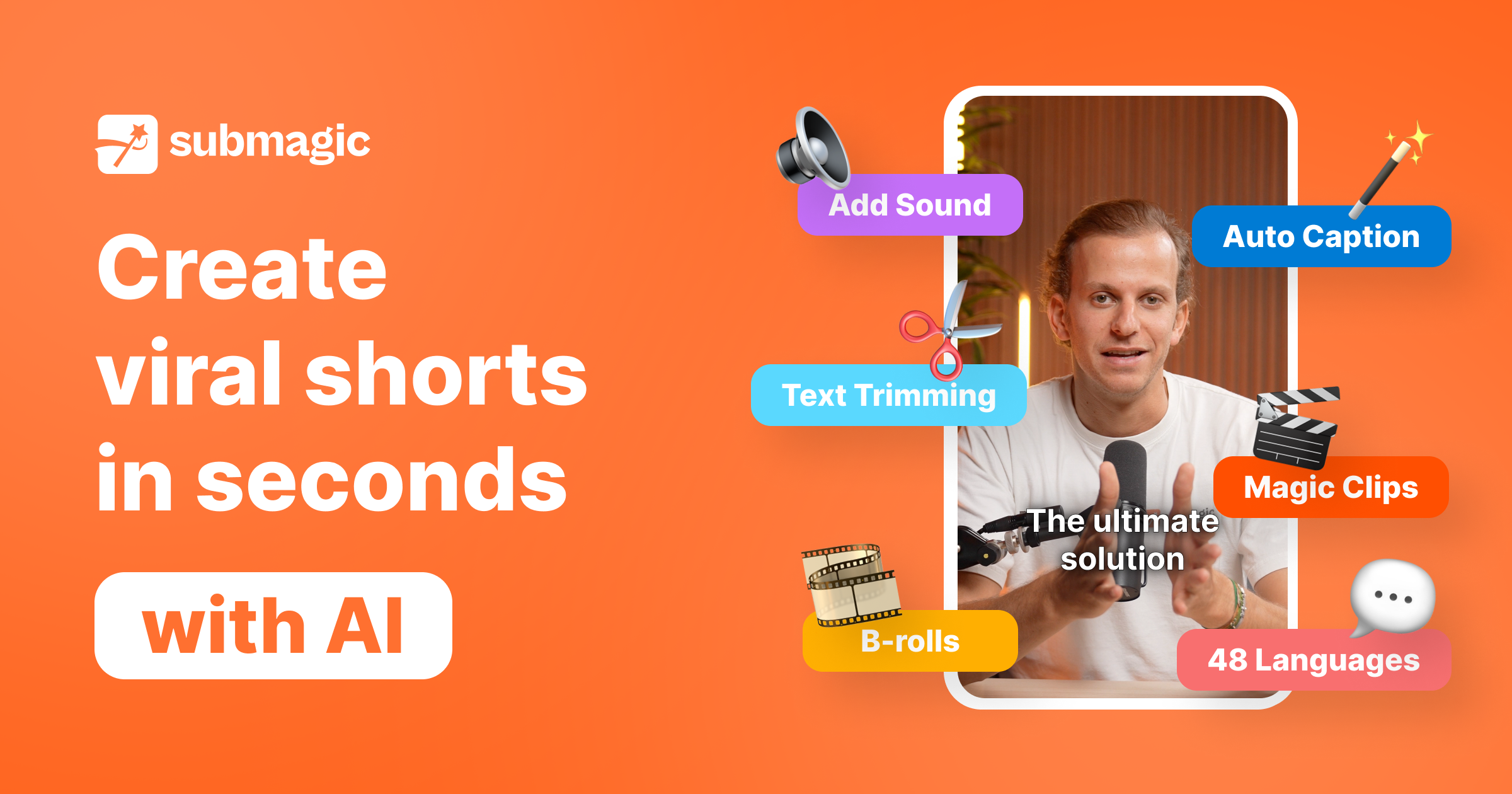
Submagic is an all-in-one AI platform designed for creating viral short-form videos in seconds. It automates tedious editing tasks by generating trendy captions with emojis, adding dynamic B-rolls, creating smooth transitions, and extracting key moments from long videos. It's the perfect tool for content creators, marketers, and businesses looking to boost engagement and save time on video production.

Why similar

Submagic and Keyframes Studio both cover Editing、Content Creation and jointly match ai video、video editor and similar needs, for users who want to prioritize comparing similar use cases.

Key differences

Differences between Submagic and Keyframes Studio mainly show in product experience, feature depth, and workflow design around ai video.

Effortlessly create viral short videos with Submagic, the AI-powered editor. Generate trendy captions, add B-rolls, trim videos, and create engaging content in minutes. Try it for free. SubmagicApplicable toAutomation.Content Creation.Editingand other fields.

Rating
5.0
Saved on
Likes
Monthly Visits
959.4K

vubo is an AI-powered video generation platform that enables users to create viral-ready, scroll-stopping videos in seconds. Designed for users with no video editing experience, it transforms ideas into engaging content using a simple template-based workflow. Select a template, customize options like duration and voice, and let the AI handle the production, making professional video creation accessible to everyone.

Why similar

vubo and Keyframes Studio both cover Content Creation and jointly match ai video、marketing video、social media video and similar needs, for users who want to prioritize comparing similar use cases.

Key differences

What sets vubo apart from Keyframes Studio: Pricing model is Is Paid;Primary scenario leans toward Video Generation.

Effortlessly create viral-ready videos with vubo's AI video generator. Turn your ideas into scroll-stopping content in seconds, no experience needed. Choose a template, customize, and generate. vuboApplicable toAdvertising.Content Creation.Video Generationand other fields.

Rating
5.0
Saved on
Likes
Monthly Visits
6.6K

Wisecut is an AI-powered video editor that automatically transforms long videos into short, viral-ready clips. It uses AI to identify highlights, remove silences, add smart background music, and generate captions. Ideal for creators and businesses, it simplifies video editing with a storyboard-based interface, requiring no technical skills to produce professional, engaging content for social media and other platforms.

Why similar

Wisecut and Keyframes Studio both cover Editing、Content Creation and jointly match content repurposing、video editor and similar needs, for users who want to prioritize comparing similar use cases.

Key differences

Differences between Wisecut and Keyframes Studio mainly show in product experience, feature depth, and workflow design around content repurposing.

Effortlessly transform long videos into engaging short clips with Wisecut's AI video editor. Features auto-cutting, smart music, captions, and more to maximize your content creation and audience reach. WisecutApplicable toAutomation.Content Creation.Editingand other fields.

Rating
5.0
Saved on
Likes
Monthly Visits
136.3K

slidestovideos is an AI-powered tool that transforms Google Slides presentations into engaging videos in minutes. Simply paste a Google Slides URL to generate AI-driven visuals, select from multiple AI voices for narration, and create professional-quality videos for marketing, social media, and education.

Why similar

slidestovideos and Keyframes Studio both cover Content Creation and jointly match ai video、marketing video、social media video and similar needs, for users who want to prioritize comparing similar use cases.

Key differences

What sets slidestovideos apart from Keyframes Studio: Pricing model is Is Paid;Primary scenario leans toward Video Generation.

Use slidestovideos to instantly convert your Google Slides into professional AI videos. Generate visuals, add AI voice-overs, and create content for marketing, social media, and more. slidestovideosApplicable toVideo Marketing.Presentations.Content Creation.Video Generationand other fields.

Rating
5.0
Saved on
Likes
Monthly Visits
2.2K

Jogg is an AI video generator that transforms text into stunning videos with lifelike AI avatars. Perfect for marketers, creators, and businesses, it simplifies video production by eliminating the need for filming and complex editing. Create engaging social media content, video ads, and training materials in minutes with features like custom avatars, voice cloning, and multi-language translation.

Why similar

Jogg and Keyframes Studio both cover Content Creation and jointly match marketing video、social media video and similar needs, for users who want to prioritize comparing similar use cases.

Key differences

What sets Jogg apart from Keyframes Studio: Primary scenario leans toward Avatar.

Create professional videos in minutes with Jogg's AI video generator. Use lifelike AI avatars, voice cloning, and text-to-video technology for marketing, social media, and training. Try it for free! JoggApplicable toAdvertising.Automation.Content Creation.Avatarand other fields.

Rating
5.0
Saved on
Likes
Monthly Visits
431.1K

An AI-powered tool that translates text between standard English and Gen Z slang. It helps marketers, parents, and educators understand and communicate effectively with the younger generation by decoding their unique lingo, emojis, and cultural nuances.

Why similar

The core intersection of genztranslator and Keyframes Studio lies in Content Creation、Marketing, making it a suitable direct replacement in similar scenarios.

Key differences

What sets genztranslator apart from Keyframes Studio: Primary scenario leans toward Content Creation.

Use genztranslator, the ultimate AI-powered tool to decode Gen Z slang. Perfect for marketers, parents, and content creators. Translate text to and from Gen Z lingo instantly. genztranslatorApplicable toCommunication.Humor.Marketing.Content Creationand other fields.

Rating
5.0
Saved on
Likes
Monthly Visits
2.3K

Heyeddie is an AI-powered video editing assistant that streamlines your workflow. Simply use natural language commands to have Eddie automatically create rough cuts, generate social media clips, log A/B roll, sync multicam footage, and edit based on a script. It's designed for content creators, marketers, and podcasters to save time and focus on storytelling.

Why similar

heyeddie and Keyframes Studio both cover Content Creation and jointly match ai video、social media video、video editor and similar needs, for users who want to prioritize comparing similar use cases.

Key differences

What sets heyeddie apart from Keyframes Studio: Primary scenario leans toward Video Editing.

Meet Heyeddie, your AI video editing assistant. Use natural language to create rough cuts, social media clips, and edit multicam podcasts automatically. Save time and streamline your video workflow. heyeddieApplicable toAutomation.Content Creation.Video Editingand other fields.

Rating
5.0
Saved on
Likes
Monthly Visits
88.1K

Captiwiz is an AI-powered video tool that automatically generates and customizes engaging captions for social media videos. It transcribes audio with high accuracy, offers trendy fonts, animated emojis, and auto sound effects. It also generates SEO-friendly descriptions and hashtags to boost engagement and viewership.

Why similar

Captiwiz and Keyframes Studio both cover Editing、Content Creation and jointly match ai video、auto subtitles and similar needs, for users who want to prioritize comparing similar use cases.

Key differences

What sets Captiwiz apart from Keyframes Studio: Pricing model is Is Paid.

Effortlessly create stunning videos with Captiwiz. Our AI automatically generates accurate, customizable captions with trendy fonts, animated emojis, and sound effects to boost your social media engagement. CaptiwizApplicable toTranscription.Content Creation.Editingand other fields.

Rating
5.0
Saved on
Likes
Monthly Visits
2.3K

VideoStew is an AI-powered online video editor that simplifies video creation. Generate video drafts from text, URLs, or voice in minutes. It offers a vast library of copyright-free assets, AI voices, auto-captions, and team collaboration features, making professional video production accessible to everyone, anywhere, on any device.

Why similar

VideoStew and Keyframes Studio both cover Content Creation and jointly match marketing video、social media video、online video editor and similar needs, for users who want to prioritize comparing similar use cases.

Key differences

What sets VideoStew apart from Keyframes Studio: Primary scenario leans toward Video Editing.

VideoStewis an AI tool designed forMarketing Manager.Content Creator.Social Media Manager.Small Business Owner.Educator.Journalist.Corporate Trainer.PR ManagerAI tool designed Effortlessly create professional videos with VideoStew, the AI-powered online editor. Turn text, URLs, or voice into stunning videos in minutes. Features stock media, AI voiceovers, auto-captions, and more. Start for free! VideoStewApplicable toVideo Marketing.Content Creation.Video Editingand other fields.

Rating
5.0
Saved on
Likes
Monthly Visits
59.6K

ShortsGenerator is an AI-powered platform that automates the creation of viral short videos for YouTube, TikTok, and Instagram. Simply provide a link, text, or an idea, and the AI generates engaging, faceless videos with scripts, visuals, and voiceovers in minutes. It's designed for creators and marketers to save time, repurpose content, and significantly boost audience engagement without needing any video editing skills.

Why similar

ShortsGenerator and Keyframes Studio both cover Content Creation and jointly match ai video、content repurposing、video editor and similar needs, for users who want to prioritize comparing similar use cases.

Key differences

What sets ShortsGenerator apart from Keyframes Studio: Primary scenario leans toward Video Generation.

ShortsGeneratoris an AI tool designed forMarketing Manager.Content Creator.Social Media Manager.Digital Marketer.Blogger.Brand Manager.Podcaster.YouTuberAI tool designed Automatically create viral short videos for YouTube, TikTok, and Instagram with ShortsGenerator. Turn links, text, or ideas into engaging, faceless videos in minutes. No editing skills required. Boost your engagement and grow your audience. ShortsGeneratorApplicable toVideo Marketing.Automation.Content Creation.Video Generationand other fields.

Rating
5.0
Saved on
Likes
Monthly Visits
53.7K

CrazyFaceAI is a powerful AI-driven platform for editing facial expressions in photos and videos. It allows users to change expressions using text prompts, templates, or a unique live-drag editor. The tool also features a selfie generator, hairstyle try-on, pet photo editor, and video animation capabilities, all supporting up to 8K resolution for professional-quality results.

Why similar

The core intersection of CrazyFaceAI and Keyframes Studio lies in Content Creation、Editing, making it a suitable direct replacement in similar scenarios.

Key differences

What sets CrazyFaceAI apart from Keyframes Studio: Primary scenario leans toward 3D.

CrazyFaceAIis an AI tool designed forMarketing Manager.Content Creator.Social Media Manager.Graphic Designer.Digital Artist.Photographer.YouTuberAI tool designed Effortlessly change facial expressions in photos and videos with CrazyFaceAI. Use prompts, templates, or live drag to create perfect selfies, YouTube thumbnails, and more. Supports 8K quality, video animation, and even pet photos. CrazyFaceAIApplicable to3D.Meme Generator.Content Creation.Editingand other fields.

Rating
5.0
Saved on
Likes
Monthly Visits
9.6K