

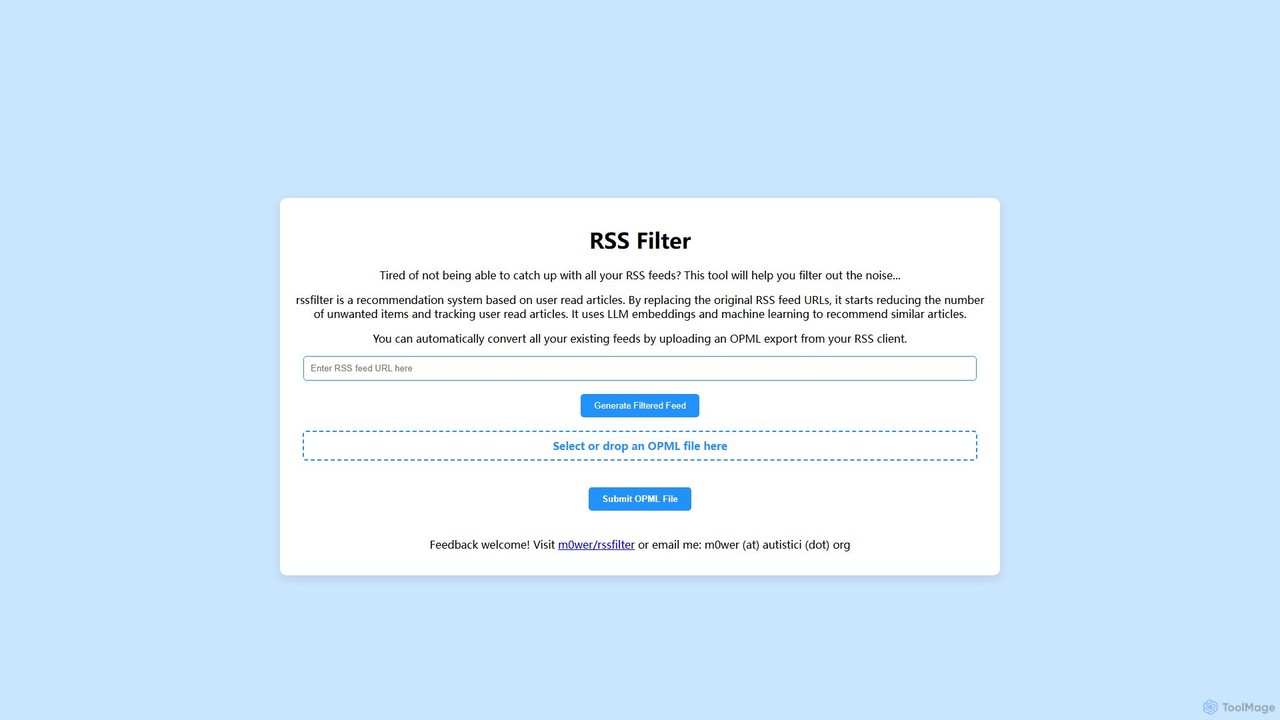
RSS Filter Overview
RSS Filter is an intelligent tool designed to combat information overload for avid RSS users. In a world saturated with content, keeping up with numerous RSS feeds can be overwhelming. This tool acts as a personal curator, leveraging the power of Large Language Models (LLMs) and machine learning to create a filtered, personalized feed tailored to your interests. By analyzing the articles you choose to read, RSS Filter learns your preferences and prioritizes similar content, effectively cutting through the noise and delivering a more relevant and manageable reading experience. It is an open-source project, ensuring transparency and community-driven development.
How to use RSS Filter
Getting started with RSS Filter is a straightforward process designed for seamless integration with your existing workflow:
- Export Your Feeds: Begin by exporting your current list of RSS subscriptions from your preferred RSS reader (such as Feedly, Inoreader, The Old Reader, etc.). This is typically done by generating an OPML file.
- Upload to RSS Filter: Navigate to the RSS Filter website and locate the upload section. Select or drag and drop your exported OPML file into the designated area.
- Generate Filtered Feeds: Submit the OPML file. The tool will process all your feed URLs and generate a new, unique set of filtered feed URLs for each of your subscriptions.
- Import New Feeds: Take the newly generated list of URLs (or the new OPML file provided by the tool) and import it back into your RSS reader. It's recommended to replace your old subscriptions with these new filtered ones to avoid duplicates.
- Train the AI: Simply continue your reading habits. As you click on and read articles from your new filtered feeds, RSS Filter's backend system tracks your activity and continuously refines its understanding of your preferences, improving the quality of its recommendations over time.
Core Features of RSS Filter
- AI-Powered Recommendation Engine: Utilizes advanced LLM embeddings to understand the semantic content and context of articles, going far beyond simple keyword matching.
- Personalized Filtering: The system is entirely user-centric. It learns directly from your reading behavior, ensuring the filtered feed becomes more attuned to your specific interests over time.
- Bulk Feed Conversion via OPML: Effortlessly convert all your existing RSS feeds at once by uploading a single OPML file, saving you the time and hassle of converting each feed individually.
- Noise Reduction: Its primary function is to eliminate irrelevant or uninteresting articles, allowing you to focus on high-value content and catch up with your feeds more efficiently.
- Seamless Integration: Works with any standard RSS feed reader that supports adding new feed URLs, requiring no special software or plugins.
- Open Source: As an open-source project, its code is available for review, ensuring transparency in how your data is handled and allowing for community contributions.
Use Cases for RSS Filter
RSS Filter is ideal for anyone who relies on RSS feeds for information:
- Professionals and Researchers: Keep up with the latest industry news, academic papers, and research without being inundated by low-priority announcements or off-topic posts.
- News Enthusiasts: Curate a personalized daily newspaper from dozens of sources, focusing only on the topics and viewpoints that are most important to them.
- Hobbyists and Lifelong Learners: Follow blogs, forums, and publications related to specific interests (e.g., technology, photography, cooking) and discover the most relevant content without manual sorting.
- Content Curators and Marketers: Efficiently sift through vast amounts of information to find high-quality, relevant articles to share with their audience or for market research.
Advantages of RSS Filter
The main advantage of RSS Filter lies in its intelligent and adaptive approach. Unlike static filters, it evolves with you. It's a free-to-use, privacy-conscious alternative to many commercial services. The simplicity of the OPML upload process makes it incredibly easy to adopt, and its compatibility with all standard readers means you don't have to change your preferred reading environment. Being open-source provides an extra layer of trust and customizability for advanced users.
Pricing and Plans
RSS Filter is a free and open-source tool. There are no subscription fees or hidden costs. The project is maintained by its creator and the community, making powerful, personalized feed filtering accessible to everyone.
RSS Filter Alternatives

feedlens
An intelligent AI-powered feed reader that transforms information overload into focused knowledge. It aggregates content from RSS, social media, and newsletters, using AI to summarize, filter, and personalize your feed.
Content Curation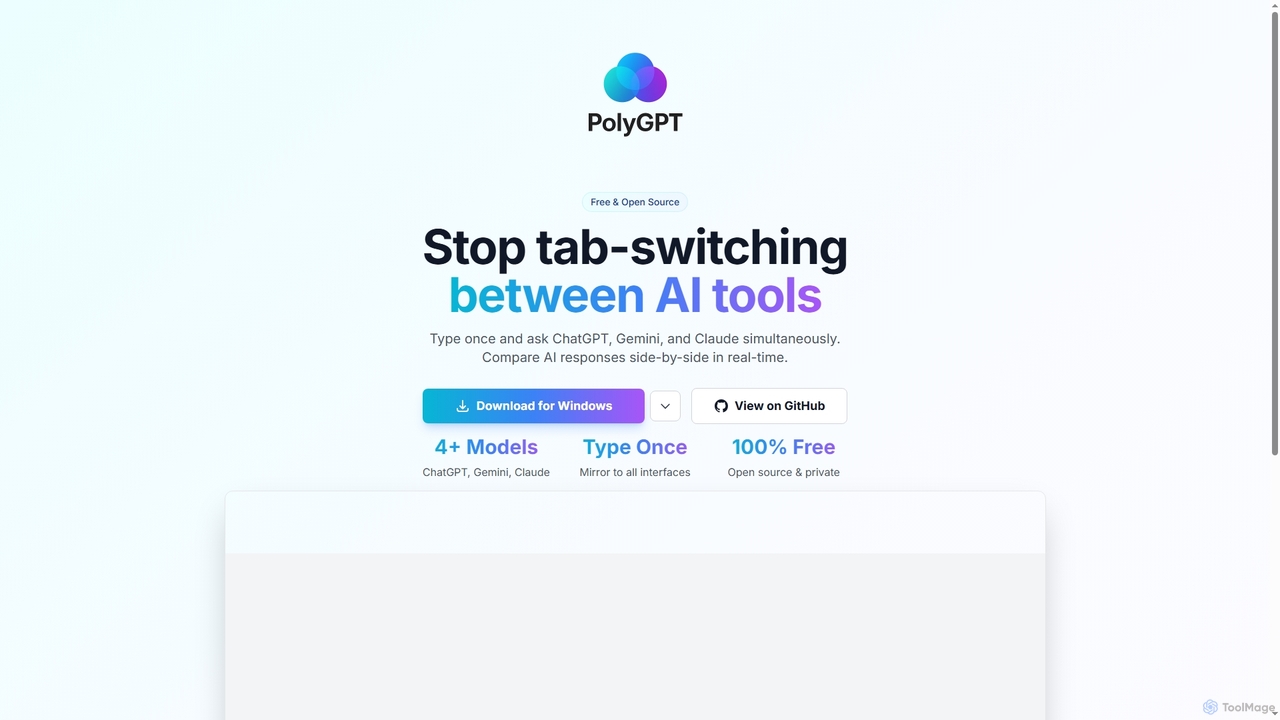
PolyGPT
PolyGPT is a free and open-source desktop application that allows users to chat with multiple AI models, including ChatGPT, Gemini, and Claude, simultaneously. It eliminates tab-switching by enabling users to type a prompt once and receive side-by-side, real-time responses from various AIs for easy comparison and enhanced productivity.
Open Source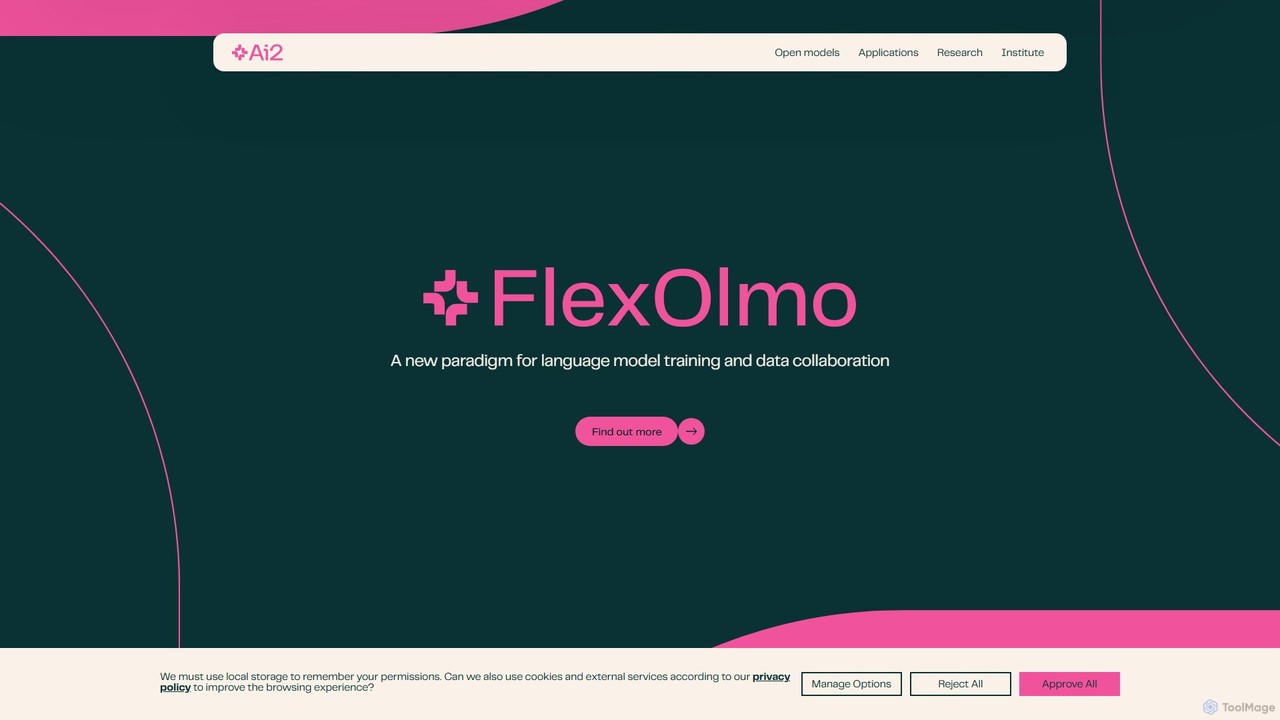
Allen Institute for AI (AI2)
The Allen Institute for AI (AI2) is a non-profit research institute dedicated to building breakthrough AI for the common good. It focuses on creating truly open-source large language models like OLMo, comprehensive datasets, and specialized AI tools to advance scientific research and address major global challenges in areas such as climate science, conservation, and medicine.
Datasets
Omi
Omi is an open-source, wearable AI hardware device designed to capture your thoughts and conversations 24/7. It transforms spoken words into actionable insights, notes, and tasks through a rich ecosystem of apps. Available as a necklace or glasses, Omi serves individuals, developers, and enterprises with its customizable, white-label solutions.
Open Source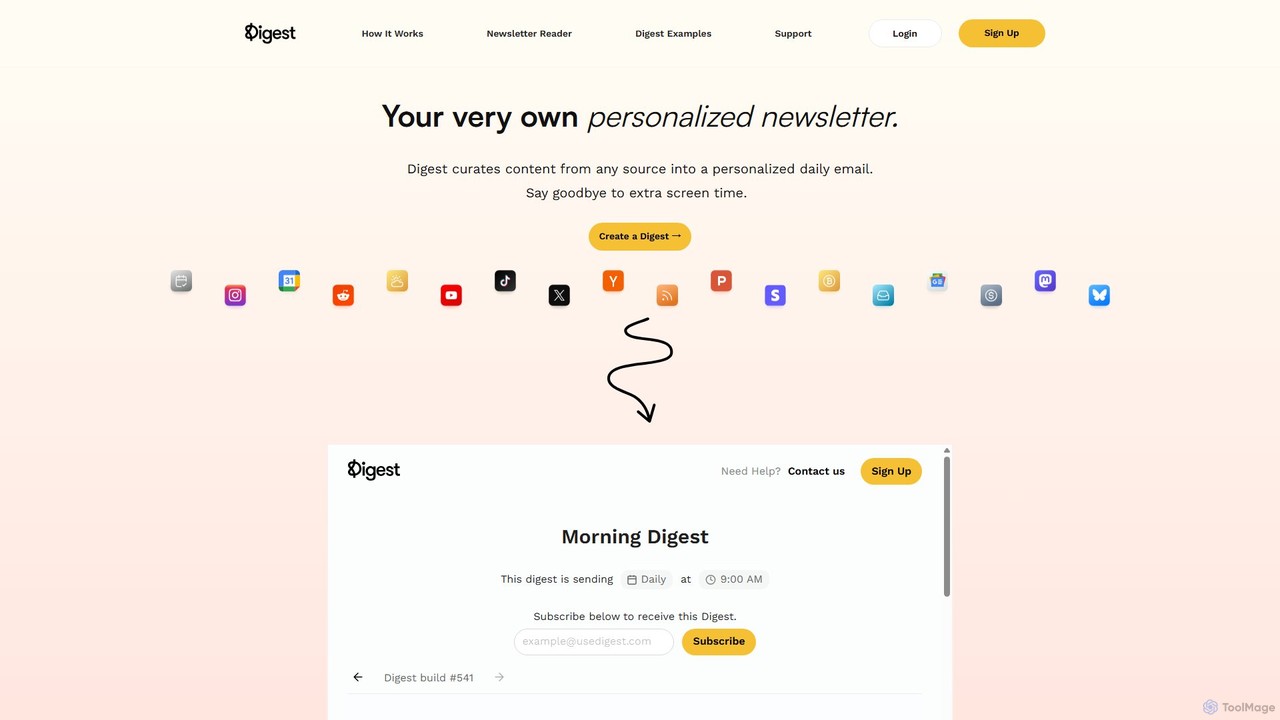
Digest
Digest is a powerful tool that curates content from your favorite sources like social media, news, and RSS feeds into a single, personalized daily email. It helps you stay informed without the distraction of endless scrolling, saving you time and reducing information overload. Create your own custom newsletter or subscribe to others.
Email MarketingRSS Filter Categories
RSS Filter Embed Widget
Copy this embed code to place the badge on your blog, article, or product site and send readers directly to this ToolMage detail page.

Related AI tools
PolyGPT
PolyGPT is a free and open-source desktop application that allows users to chat with multiple AI models, including ChatGPT, Gemini, and Claude, simultaneously. It eliminates tab-switching by enabling users to type a prompt once and receive side-by-side, real-time responses from various AIs for easy comparison and enhanced productivity.
Open Source
LobeHub
LobeHub is an all-in-one AI platform that allows you to build and manage a personalized team of AI Agents. It offers a superior user experience to standard LLM interfaces like ChatGPT, with support for numerous models, plugins, and multi-modal interactions. Create, share, and use specialized agents for tasks ranging from coding and writing to academic research and daily life, all within a single, intuitive chat interface.
Chatbot Platform
Unsloth
Unsloth is a high-performance open-source library designed to dramatically accelerate the fine-tuning of Large Language Models (LLMs). It enables training up to 30x faster while using up to 90% less memory, making advanced AI model customization accessible on standard hardware.
Machine Learning
Folo
Folo is a next-generation, AI-powered information browser and RSS reader. It centralizes content from any source into a single, noise-free timeline. Key features include AI-driven summaries and translations, dynamic content support, and a unique community-driven economy with $POWER tokens for tipping creators.
Summarizer
Label Studio
Label Studio is a versatile open-source data labeling platform designed for a wide range of data types. It enables users to annotate images, text, audio, video, and time-series data to fine-tune LLMs, prepare training data for machine learning, and validate AI models with human-in-the-loop feedback.
Training Data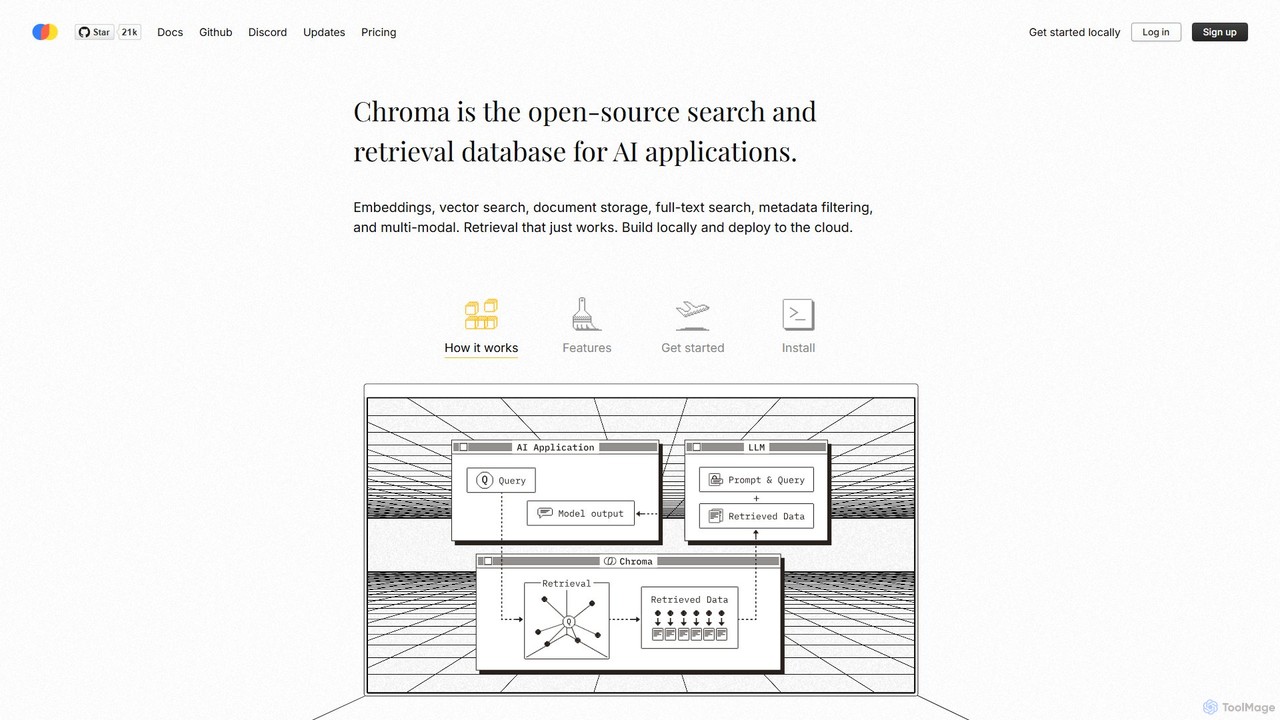
Chroma
Chroma is the open-source, AI-native retrieval database designed for building powerful AI applications with Retrieval-Augmented Generation (RAG). It simplifies storing and searching embeddings, documents, and metadata, offering vector search, full-text search, and a scalable, serverless cloud platform. It's built to be easy to use, cost-effective, and powerful, from local development to large-scale production.
Vector Database
MLflow
MLflow is an open-source platform for managing the end-to-end machine learning lifecycle. It enables developers and data scientists to track experiments, package code into reproducible runs, version and share models, and deploy them to production, supporting both traditional ML and modern GenAI applications.
Data Science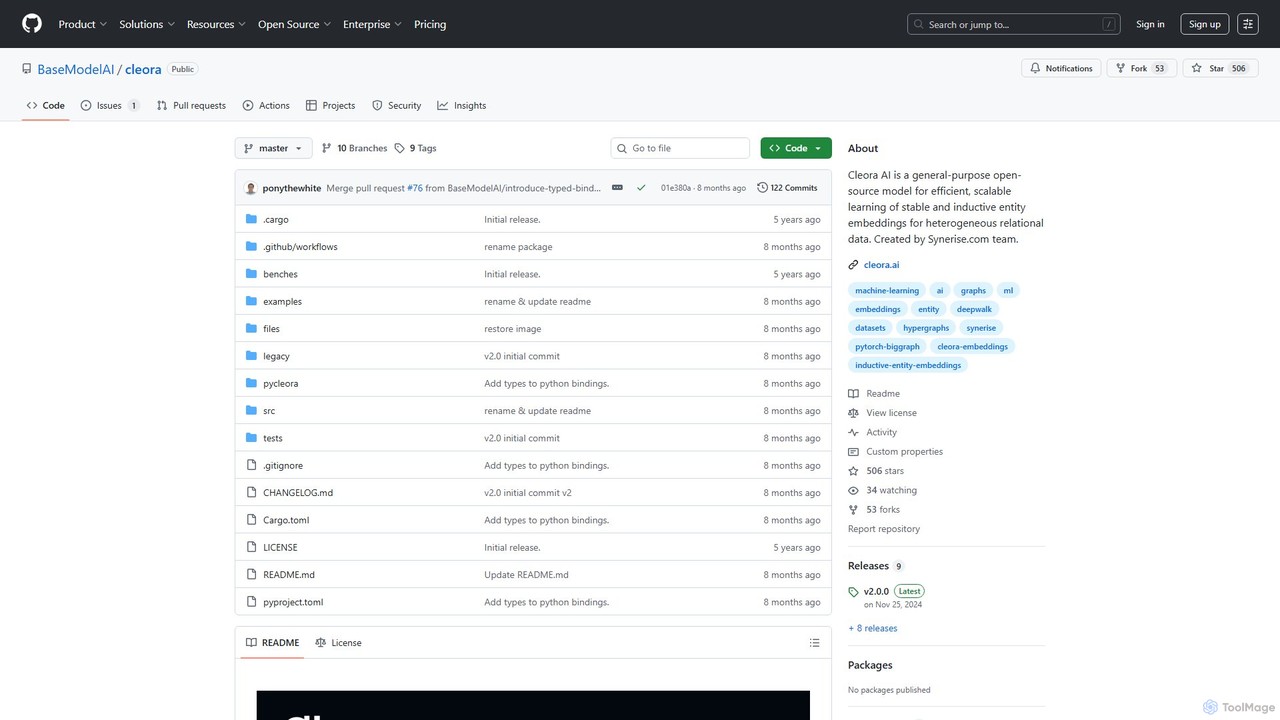
Cleora
Cleora is an open-source, high-performance model for creating stable and inductive entity embeddings from large-scale, heterogeneous relational data and hypergraphs. Written in Rust with a Python API, it offers unparalleled speed and scalability for tasks like recommendation systems and graph analytics.
Embedding Models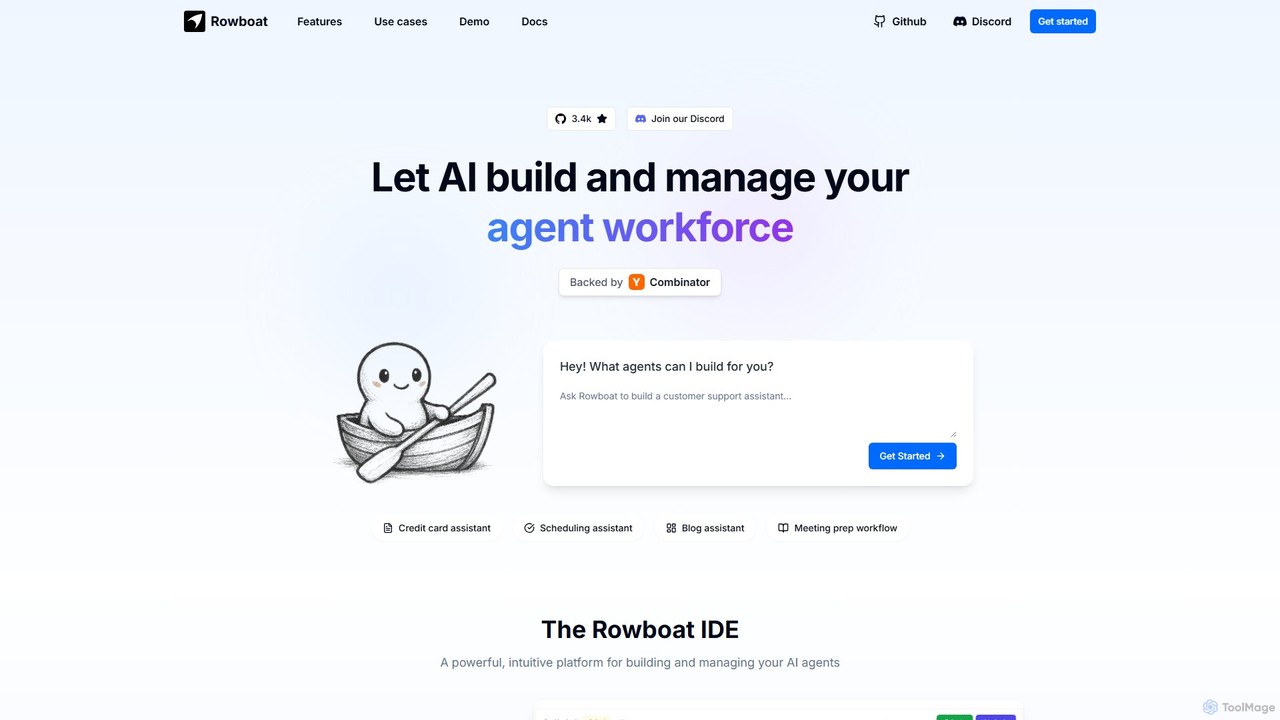
Rowboat
Rowboat is a powerful, AI-powered IDE for building, managing, and deploying complex multi-agent systems. Backed by Y Combinator, it allows users to describe workflows in plain English, and its AI copilot automatically generates the entire agent graph, including roles, prompts, and tool integrations. It's designed to simplify the creation of robust, real-world AI agents for productivity, e-commerce, support, and more, with features like open-source flexibility and support for over 100 LLMs.
Agent Builder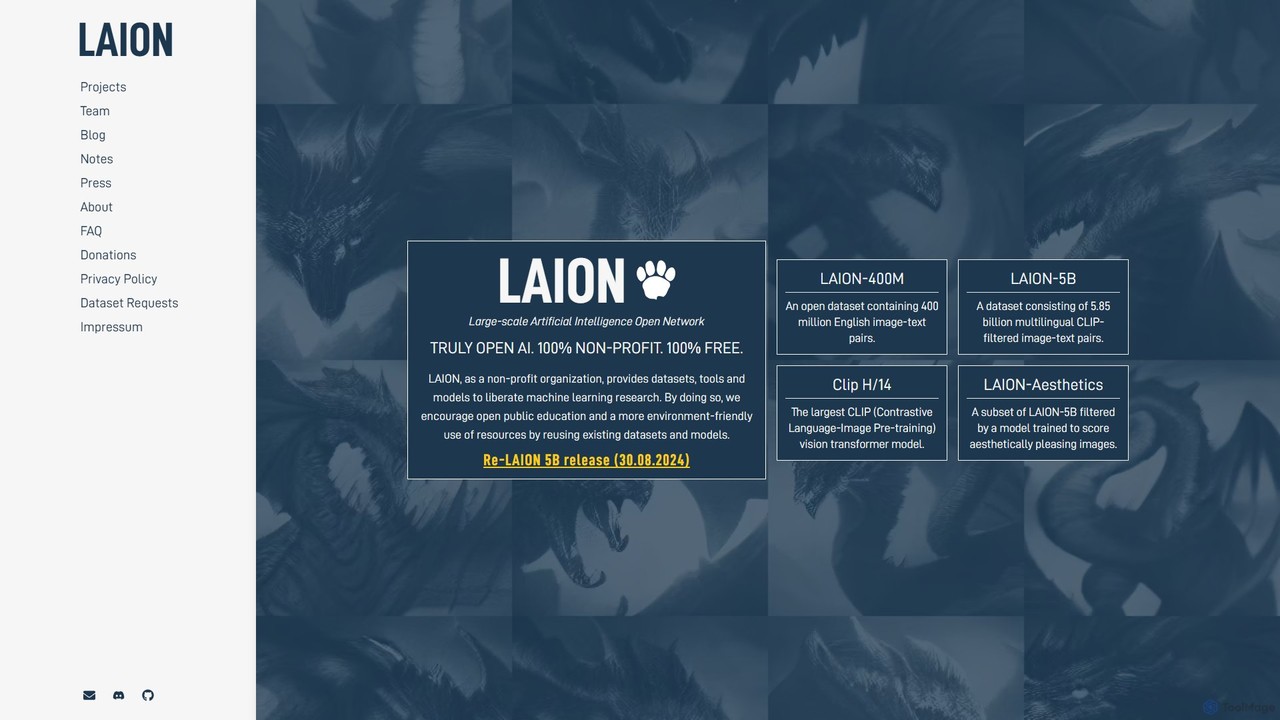
LAION
LAION (Large-scale Artificial Intelligence Open Network) is a non-profit organization dedicated to democratizing AI research. It provides massive, open-source datasets, pre-trained models, and tools to the public, fostering open research, education, and resource-efficient development in machine learning.
Datasets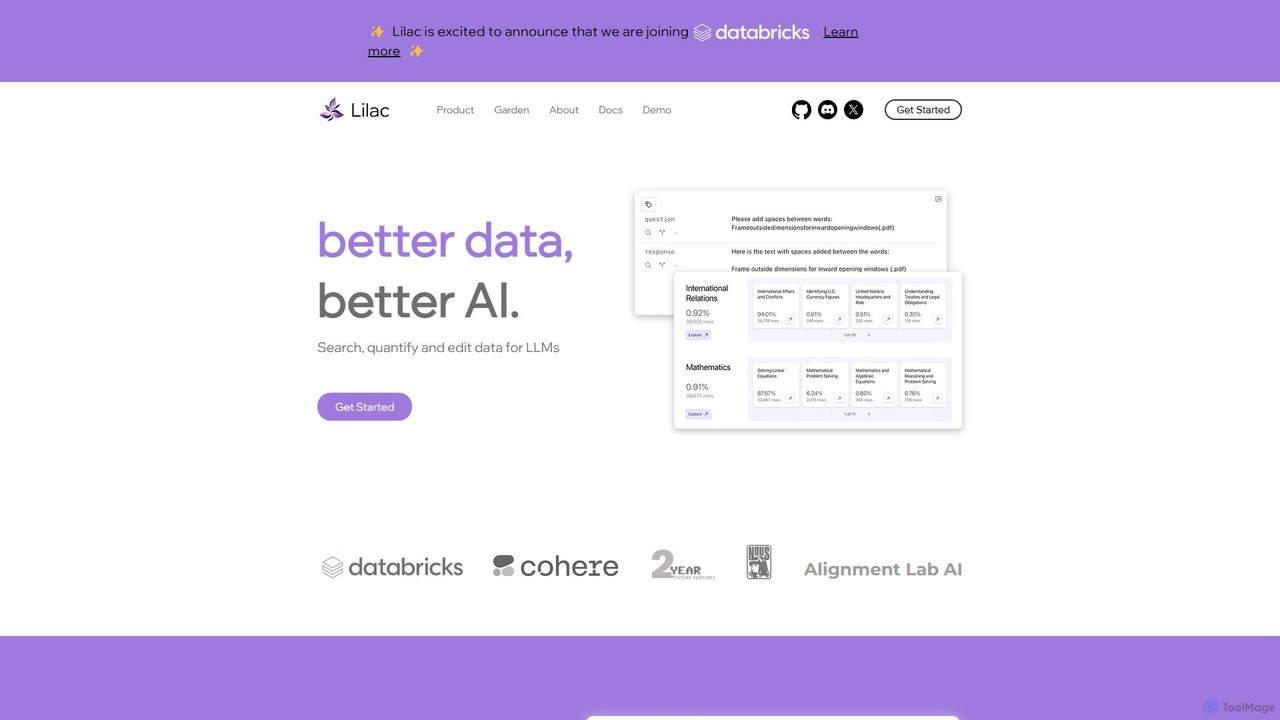
Lilac
Lilac is an open-source tool for data scientists and ML engineers to explore, clean, and improve datasets for large language models (LLMs). It offers powerful semantic search, data clustering, and quality analysis to build better AI.
Model Training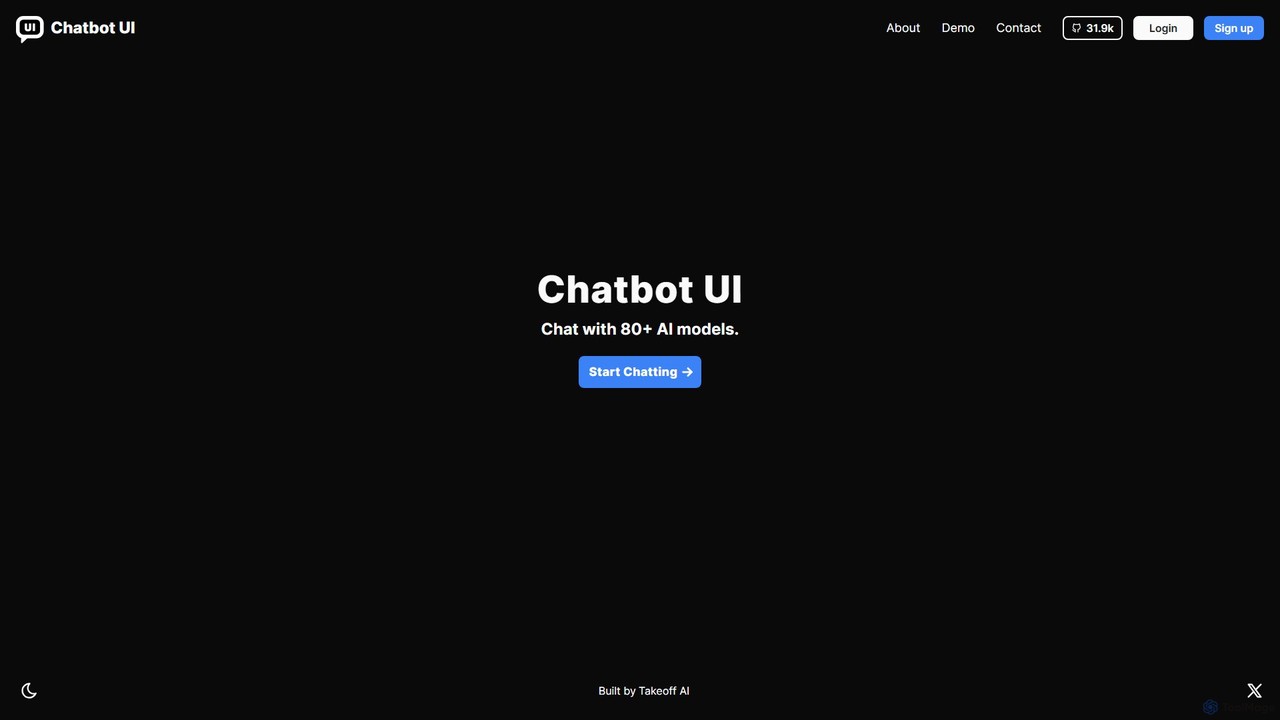
Chatbot UI
Chatbot UI is an open-source chatbot interface that allows you to connect with over 80 AI models, including those from OpenAI, Google, and Anthropic. It offers a self-hostable, customizable alternative to proprietary chat platforms, giving users full control over their data and conversations. Organize chats, create prompts, and seamlessly switch between models in a single, unified workspace.
Api Management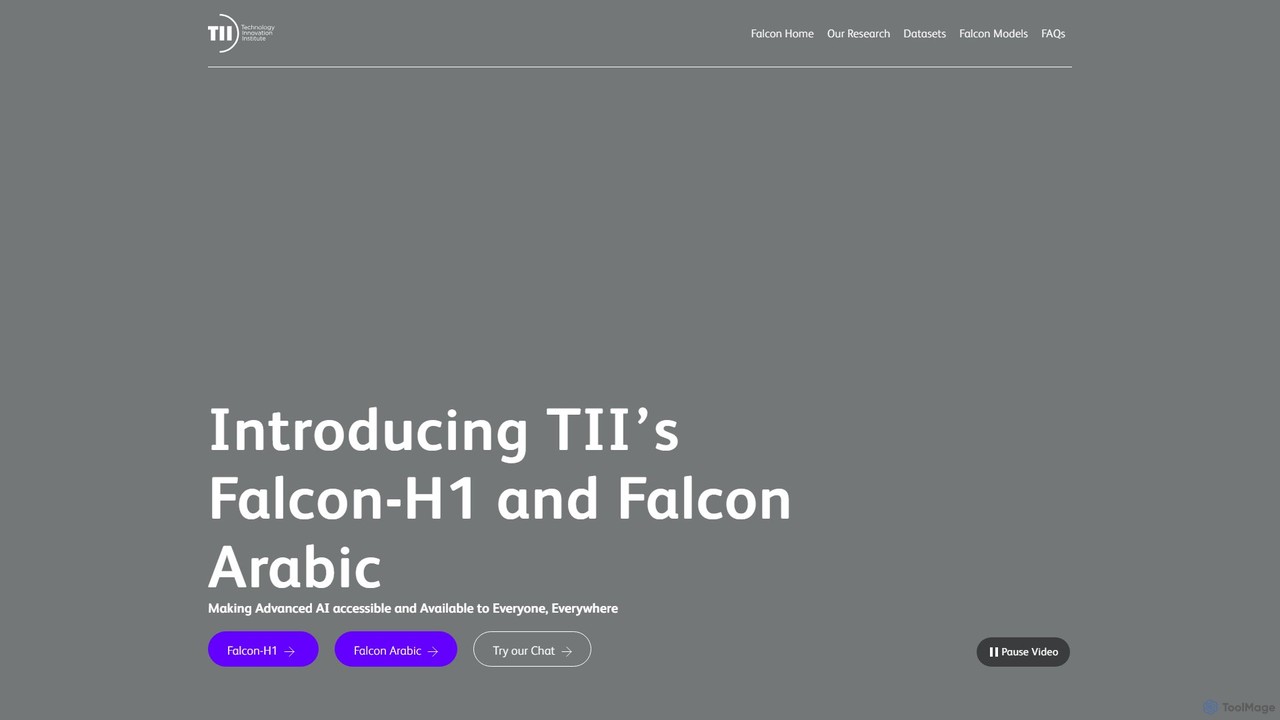
Falcon LLM
Falcon LLM is a family of powerful, open-source, and open-access large language models developed by the Technology Innovation Institute (TII). Known for state-of-the-art performance, scalability, and multimodality, Falcon models range from efficient edge-deployable versions to massive 180B parameter models, aiming to democratize access to advanced AI for developers, researchers, and enterprises worldwide.
Machine Learning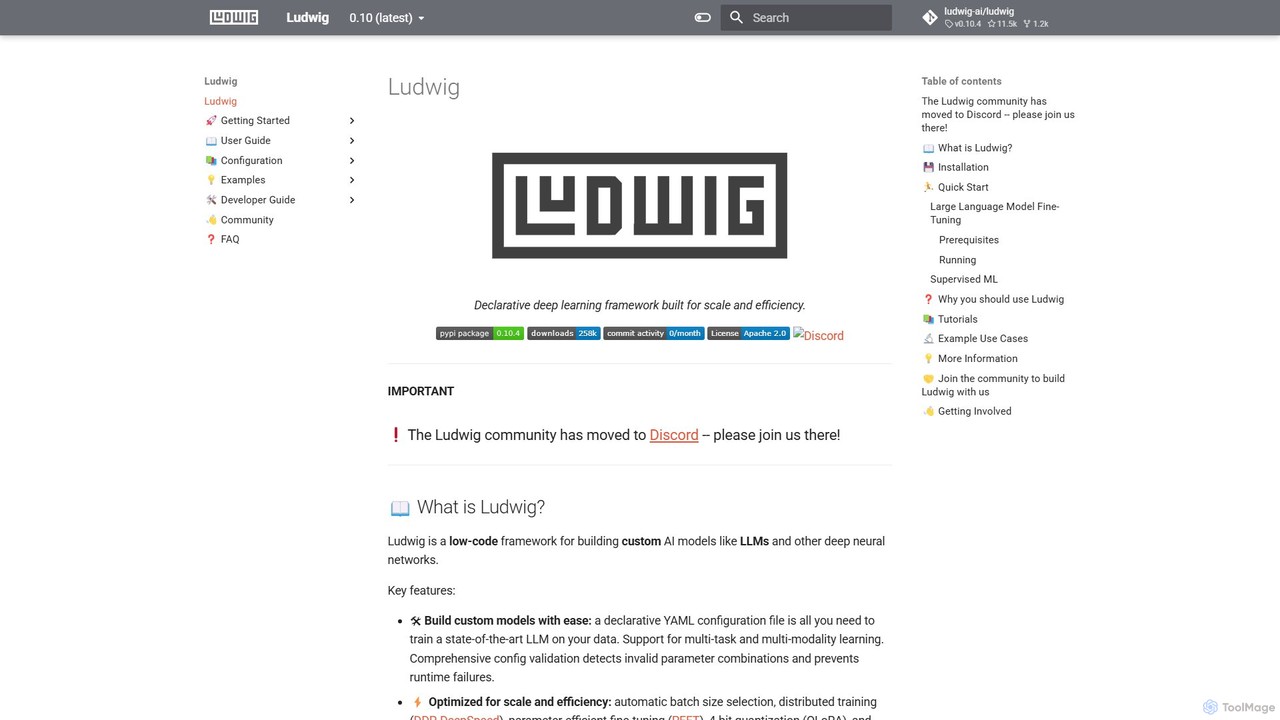
Ludwig
Ludwig is a low-code, open-source deep learning framework that simplifies building and training custom AI models. Using declarative YAML configurations, users can easily create complex models, including LLMs, for multi-modal and multi-task learning without extensive boilerplate code. It's designed for scalability, production-readiness, and integrates with popular tools like HuggingFace and MLFlow.
Model Training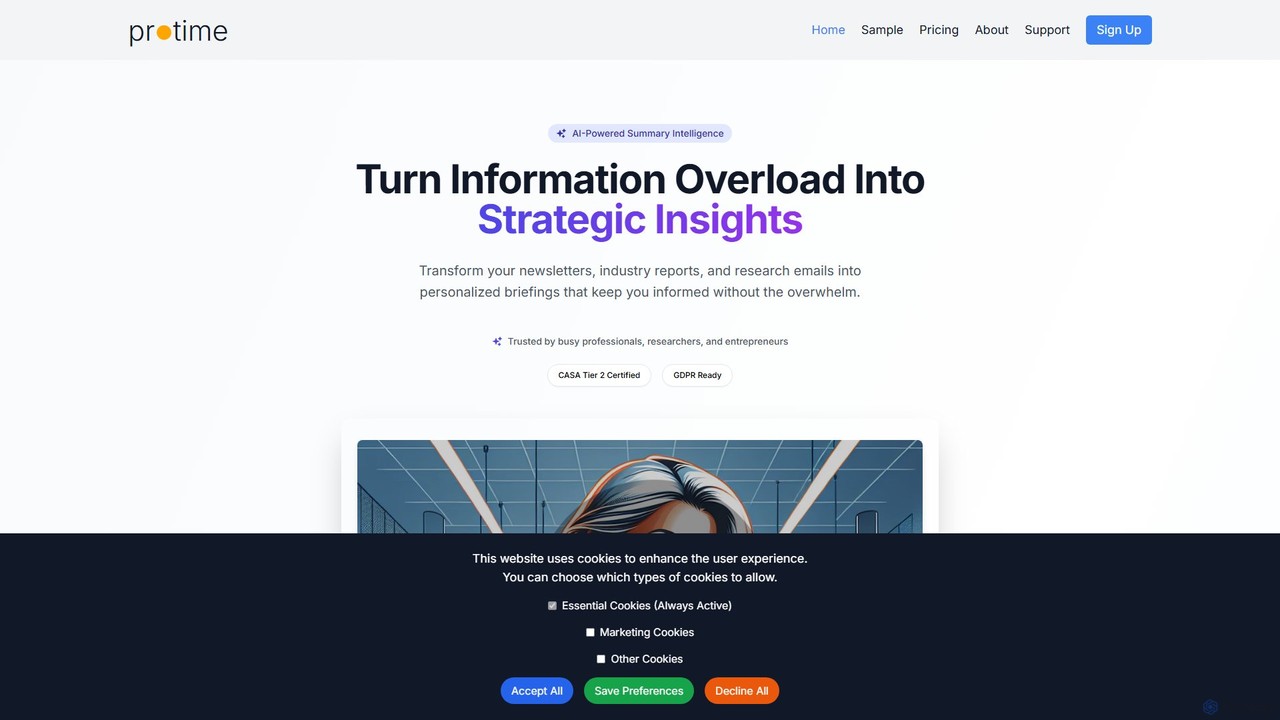
protime
Protime is an AI-powered intelligence tool that transforms your newsletters, industry reports, and research emails from Gmail into concise, personalized daily briefings. It helps busy professionals, researchers, and entrepreneurs overcome information overload, save hours daily, and focus on strategic insights to stay ahead in their industry.
Information Aggregator
RSS Filter Comments (0)
Sign in to comment.
Sign inNo comments yet.