ToolMage
Sign in

Best 443 3D AI tools

Popular 3D AI tools include Tripo3D, Meshy, VSCO, Picsart, Adobe Podcast, Cutout.Pro, Fotor, experiments, Oura Ring, and WHOOP, helping you work more efficiently.

WordCraft3D
Free

WordCraft3D

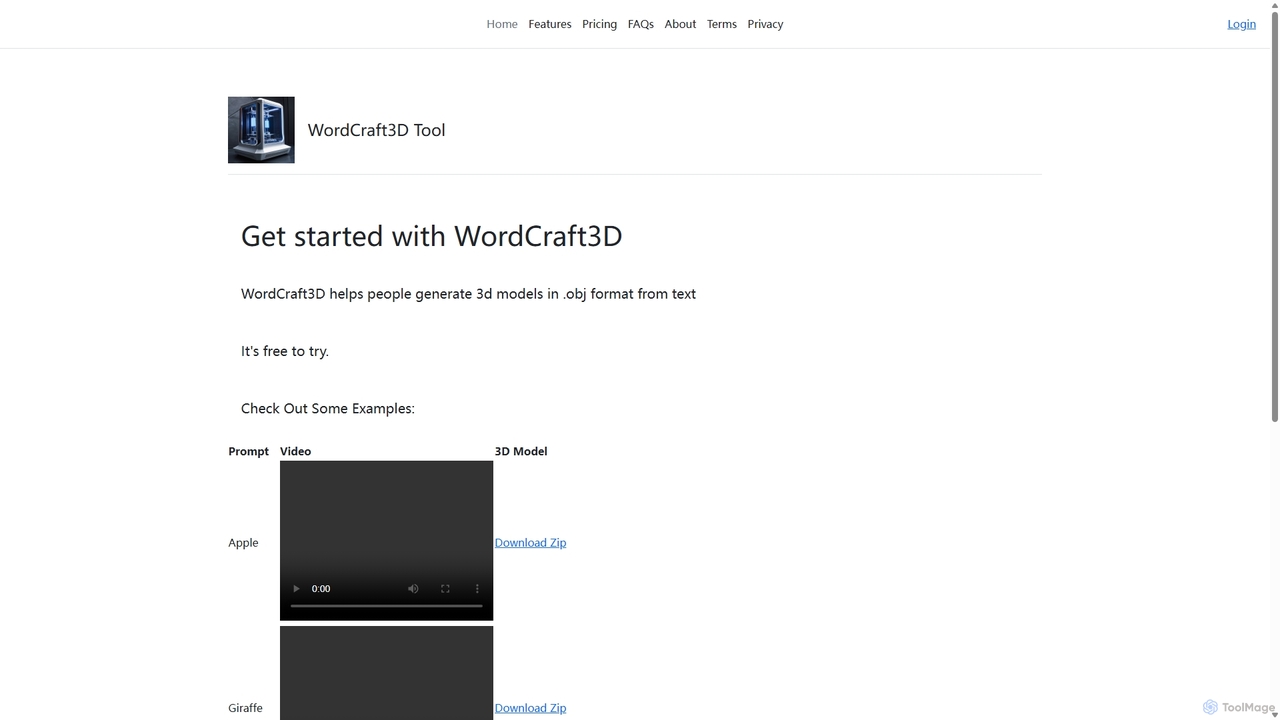
WordCraft3D is an AI-powered tool that generates 3D models in the standard .obj format from simple text descriptions. It's designed for game developers, 3D artists, and designers to rapidly prototype and create assets. The tool is currently free to use, allowing users to download models along with their material and texture files, and preview them with a rotating video.

Text To 3D
Visits 6.2KFavorites 130Likes 140
Pica AI
Freemium

Pica AI

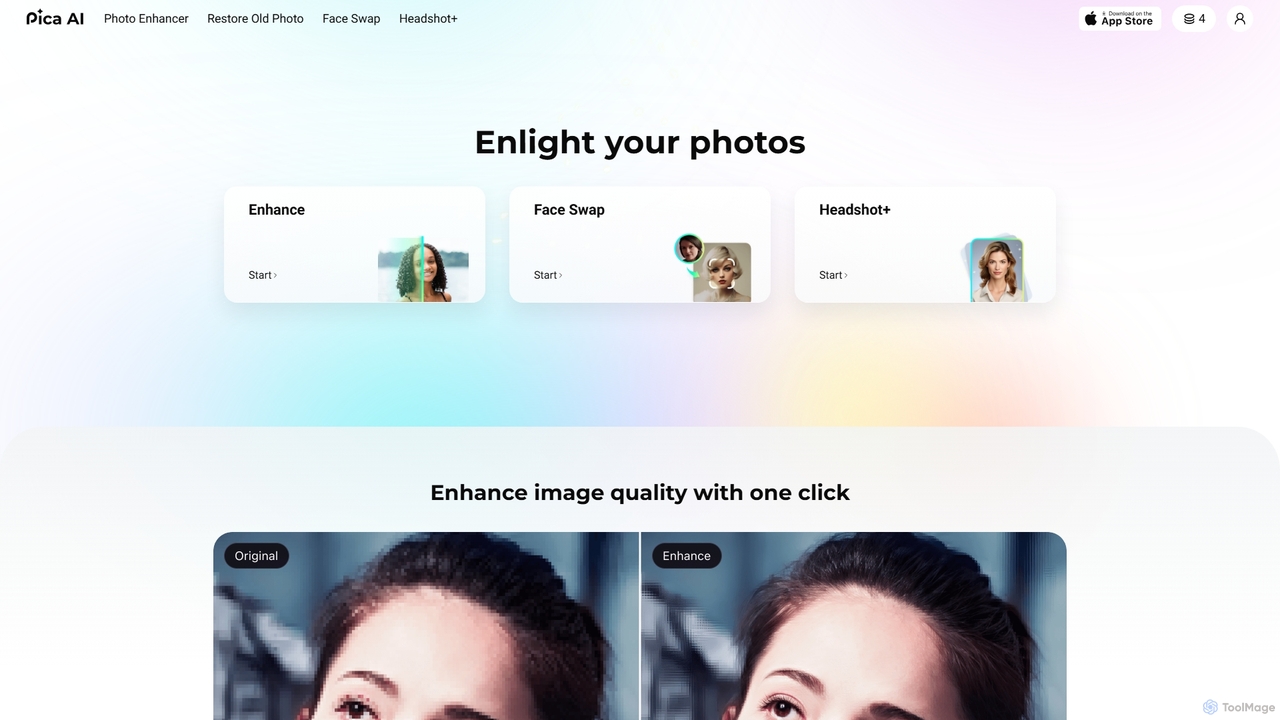
Pica AI is a versatile AI-powered platform for photo editing and creation. It offers a suite of tools including a photo enhancer to improve quality and resolution, an old photo restorer to fix scratches and damage, a fun face swap tool for photos and videos, and a professional AI headshot generator. It's designed for ease of use, delivering high-quality results with just a few clicks.

3D
Visits 675.9KFavorites 136Likes 128
Color.io
Freemium

Color.io

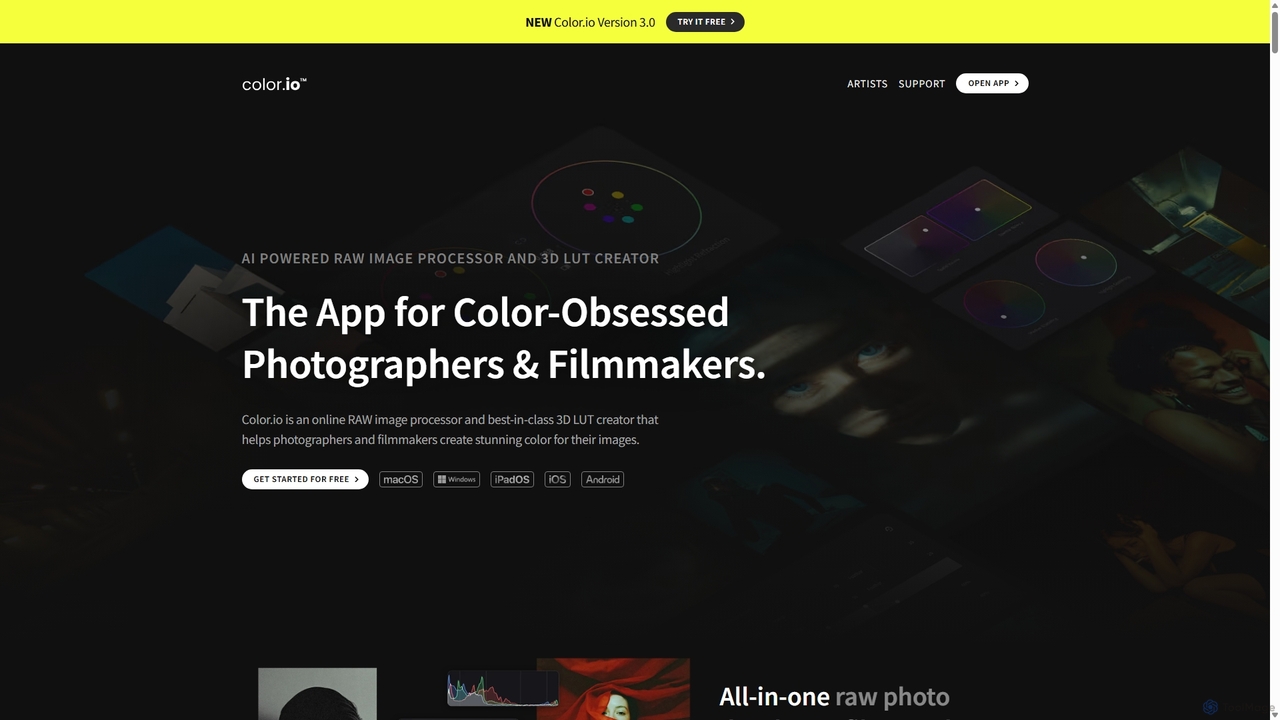
Color.io is an AI-powered RAW photo editor and 3D LUT creator for photographers and filmmakers. It specializes in advanced film emulation, cinema-quality color grading, and AI-driven look transfer. Create and export professional 3D LUTs compatible with DaVinci Resolve, Premiere Pro, Lightroom, and more.

3D
Visits 32.4KFavorites 162Likes 169
Aboutamazon
Free

Aboutamazon

The official news and information hub for Amazon, providing breaking news, in-depth stories, and updates on the company's global operations. It offers key insights into Amazon's innovations in AI, cloud computing (AWS), sustainability, e-commerce, and corporate culture.

3D
Visits 3.1MFavorites 140Likes 128
OverScene
Paid

OverScene

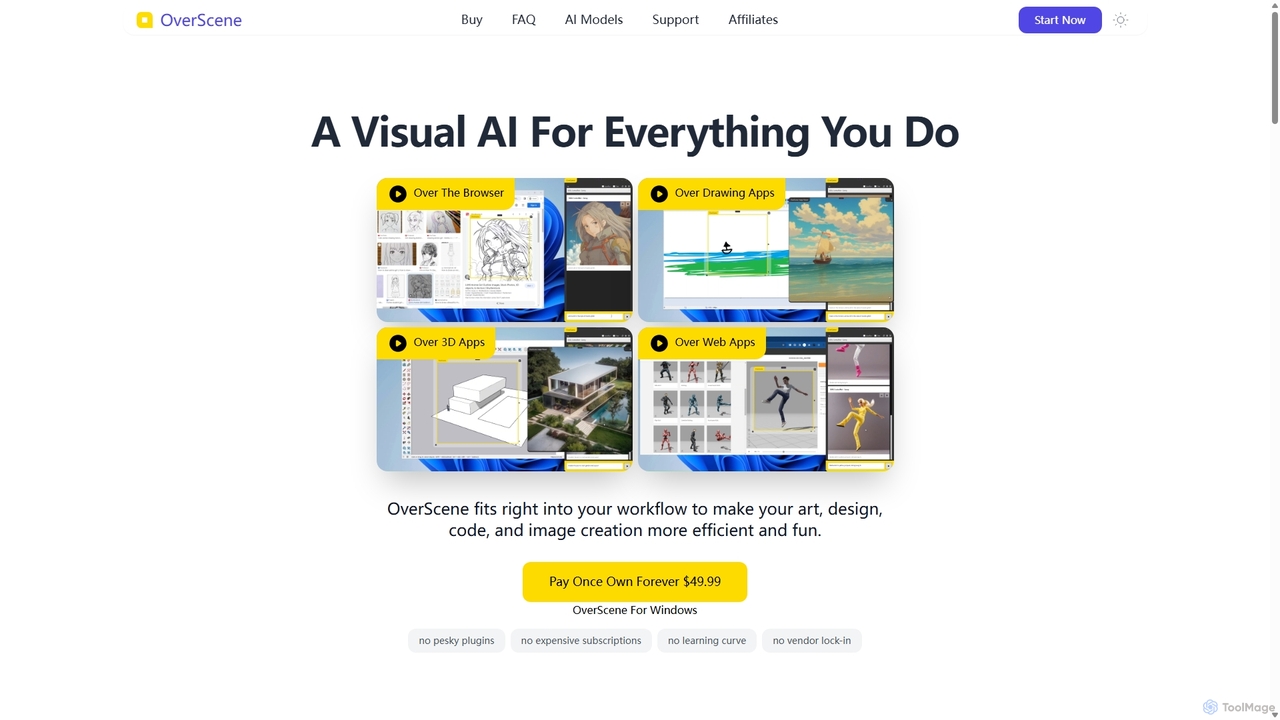
OverScene is a revolutionary Windows application that acts as a visual AI layer over any desktop software. It allows users to apply powerful AI models for image generation, code creation, 3D rendering, and more, directly onto their existing workflow via a simple drag-and-drop frame. With a one-time purchase model, it eliminates subscriptions and complex plugins, making advanced AI accessible to artists, designers, and developers.

Rendering
Visits 5.6KFavorites 139Likes 143
Secur3D

Secur3D

Secur3D is an AI-powered platform for automated 3D asset analysis and moderation. Its flagship product, AssetSafe, protects UGC marketplaces and creator ecosystems by detecting stolen content, IP infringement, explicit material, and brand violations in real-time, ensuring a safe and trustworthy environment.

Asset Management
Visits 5.4KFavorites 131Likes 135
Lore
Free

Lore

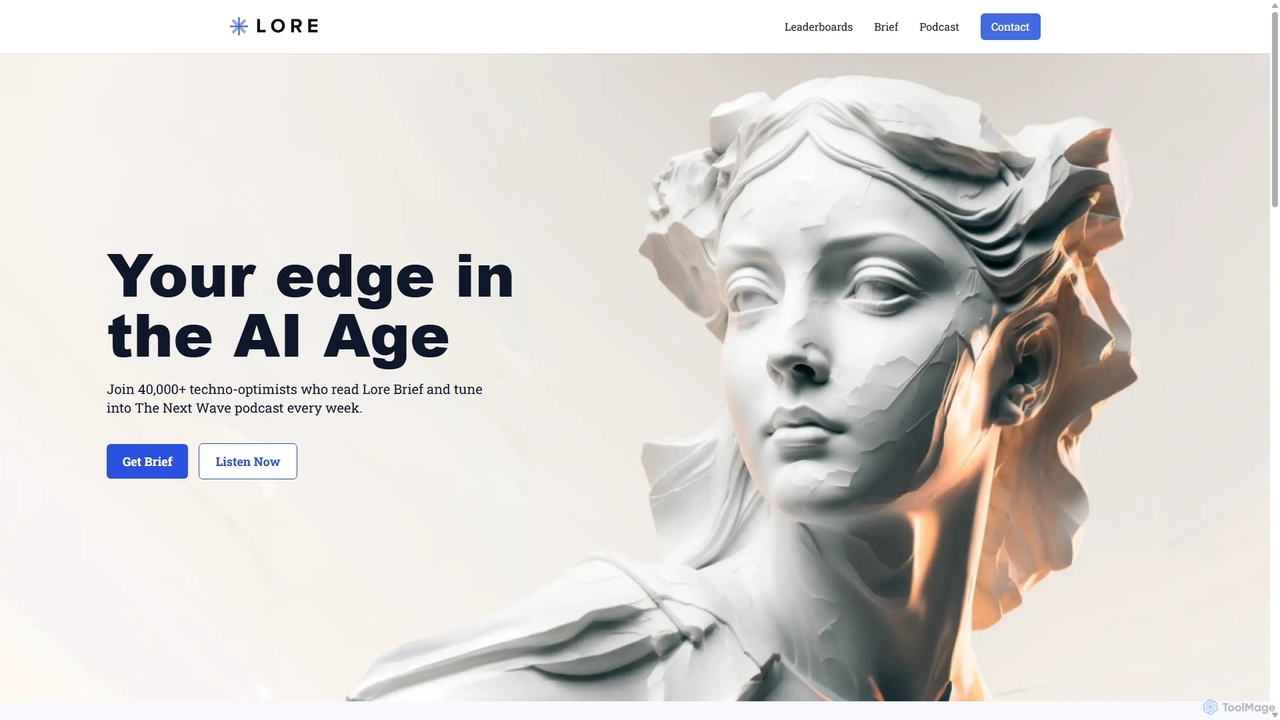
Lore is a premier media and intelligence platform for the AI era, delivering a weekly newsletter (Lore Brief) and podcast (The Next Wave) to over 40,000 professionals. It offers curated AI tool rankings, company profiles, and in-depth guides to help builders and innovators stay ahead.

3D
Visits 12.1KFavorites 141Likes 123
CrazyFaceAI
Freemium

CrazyFaceAI

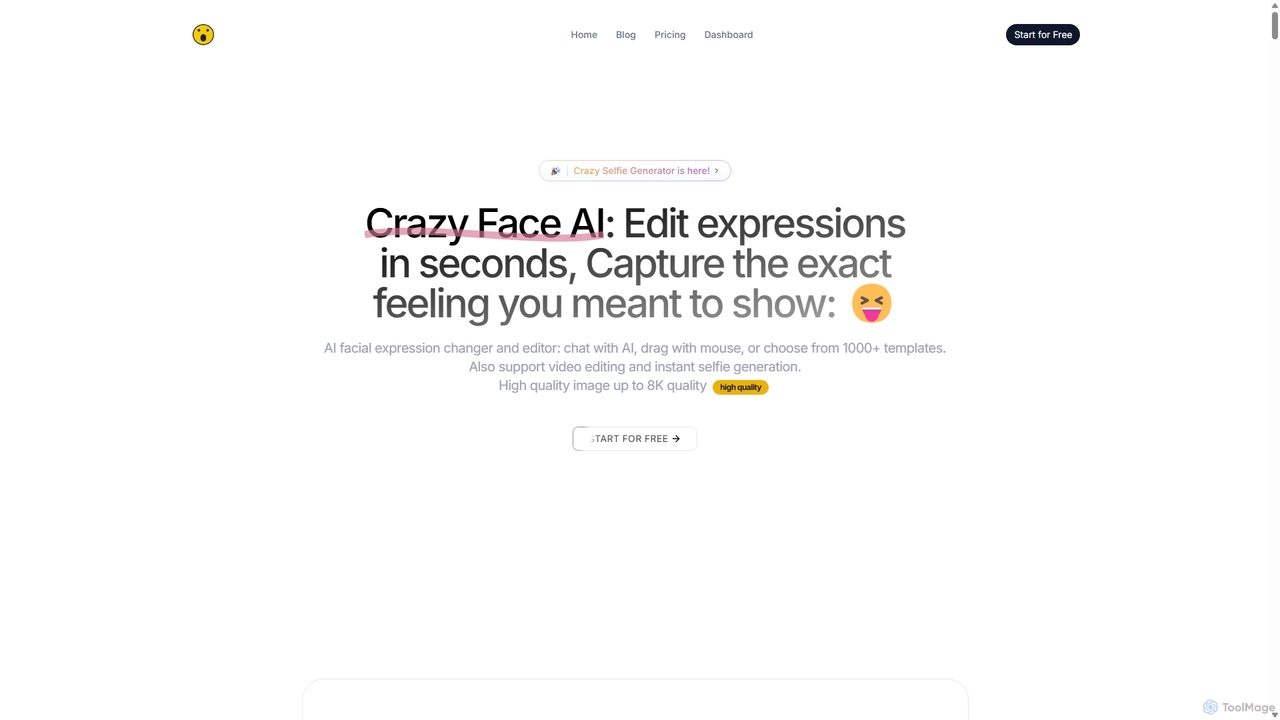
CrazyFaceAI is a powerful AI-driven platform for editing facial expressions in photos and videos. It allows users to change expressions using text prompts, templates, or a unique live-drag editor. The tool also features a selfie generator, hairstyle try-on, pet photo editor, and video animation capabilities, all supporting up to 8K resolution for professional-quality results.

3D
Visits 11.1KFavorites 147Likes 130
Fitia
Freemium

Fitia

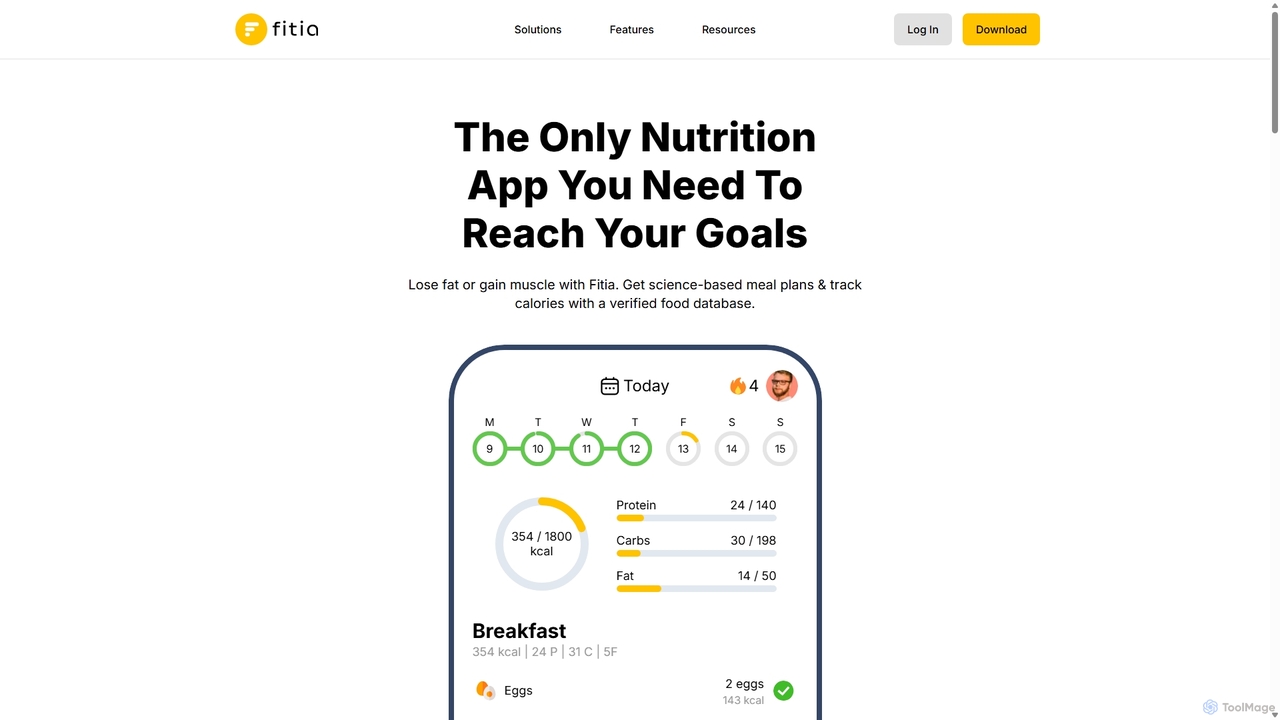
Fitia is an AI-powered nutrition app that creates science-based meal plans and tracks calories to help you lose fat or gain muscle. It features a verified food database, personalized macro targets, progress tracking, and automated shopping lists for a comprehensive approach to achieving your fitness goals.

3D
Visits 951.1KFavorites 118Likes 132
Aifaceswap
Freemium

Aifaceswap

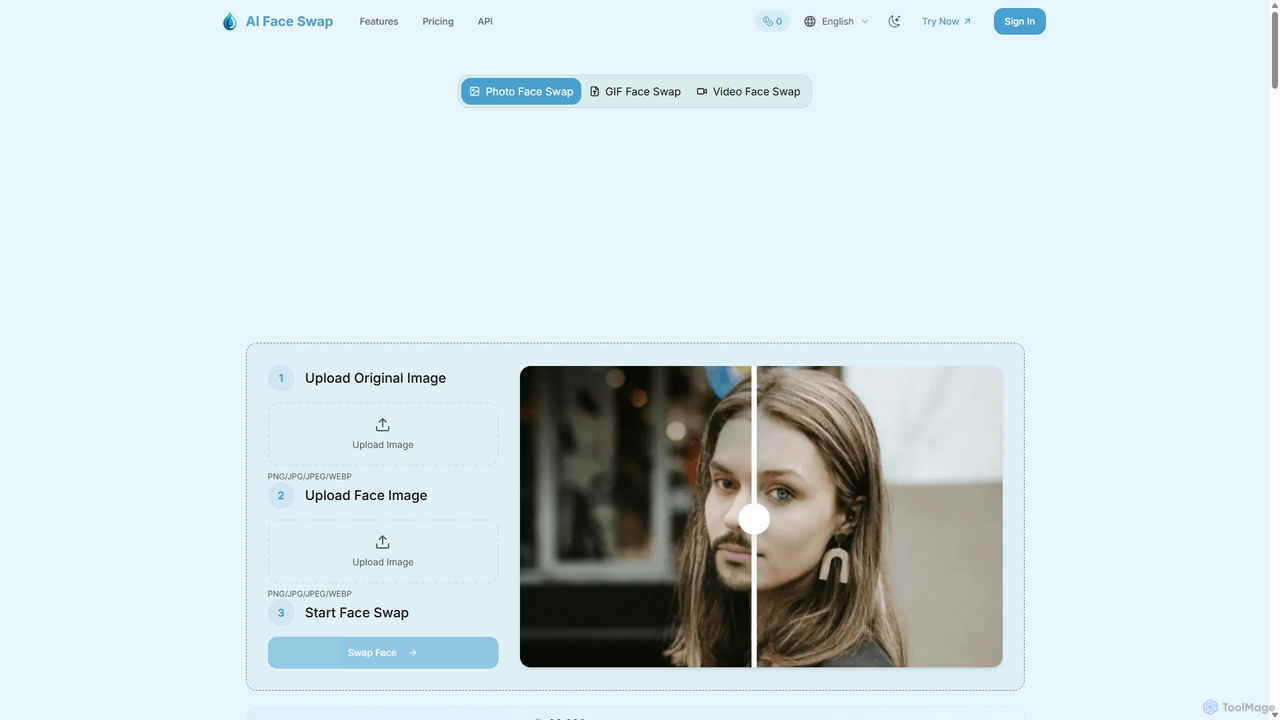
Aifaceswap is an online AI tool for creating realistic face swaps in photos, GIFs, and videos. It offers a user-friendly interface, fast processing, and high-quality results. Ideal for creating memes, social media content, and for entertainment, it supports single and multiple face swaps with a focus on user privacy.

3D
Visits 14.7KFavorites 124Likes 106
Vree
Freemium

Vree

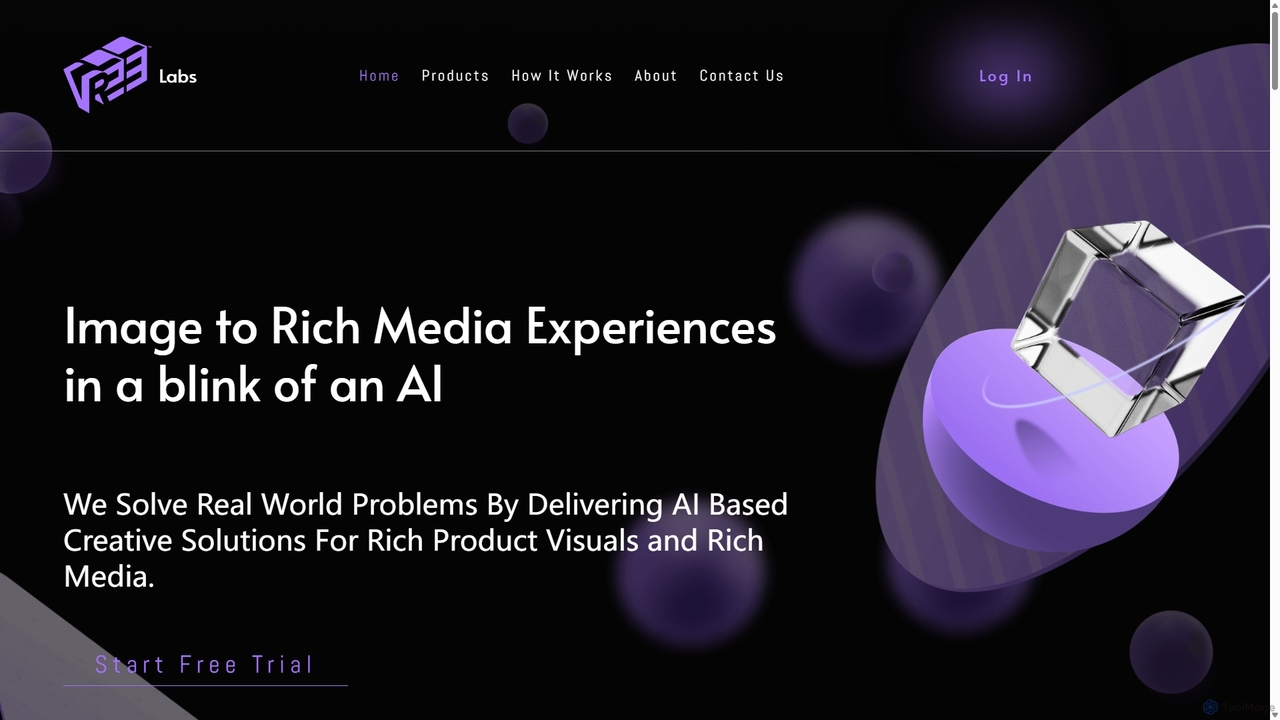
Vree is an AI-powered platform that transforms 2D product images into stunning 3D models, rich media ads, and immersive visual experiences. It enables e-commerce businesses and marketers to create captivating product visuals and advertisements in minutes, without any technical expertise, significantly boosting customer engagement and sales.

Generative Art
Visits 5.7KFavorites 138Likes 136
Pixelfox
Freemium

Pixelfox

Pixelfox is a comprehensive, free-to-use AI suite for creators and businesses. It combines a powerful online photo and video editor with over 300 AI writing tools. Effortlessly retouch photos, remove backgrounds, generate images from text, swap faces, and enhance quality. Simultaneously, create SEO-optimized articles, social media content, product descriptions, and much more, all within a single, no-download platform.

3D
Visits 68.2KFavorites 165Likes 167
Kaze
Freemium

Kaze

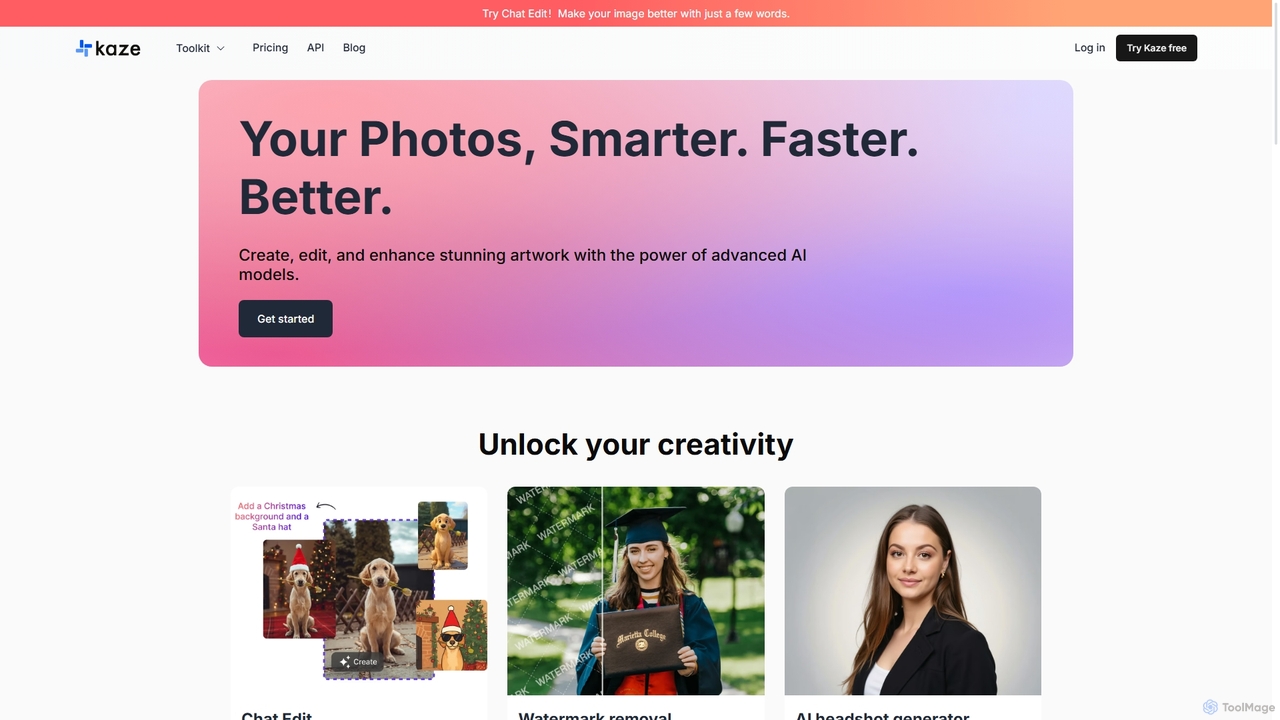
Kaze is a comprehensive AI-powered image editing suite designed to create, edit, and enhance photos effortlessly. It offers a wide range of tools including one-click watermark and object removal, photo restoration, image upscaling, background removal, and an AI headshot generator. With its user-friendly interface and advanced AI models, Kaze delivers professional, studio-quality results in seconds, catering to creators, marketers, and photographers.

3D
Visits 1MFavorites 137Likes 146
Hair Style.ai
Freemium

Hair Style.ai

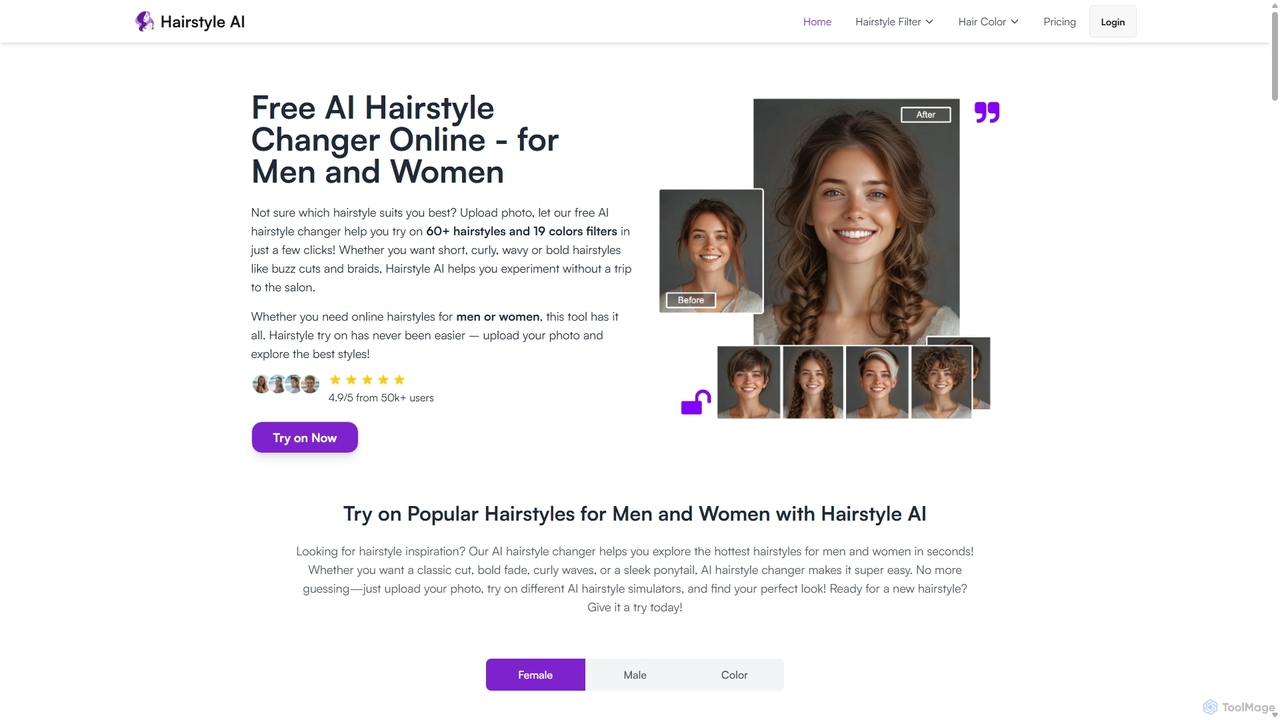
Hair Style.ai is a free AI-powered hairstyle changer that allows users to virtually try on over 60 hairstyles and 19 hair colors. Simply upload a photo to see a realistic preview of your new look, helping you choose the perfect style for your face shape before visiting the salon.

3D
Visits 20.6KFavorites 128Likes 116
Photor
Freemium

Photor

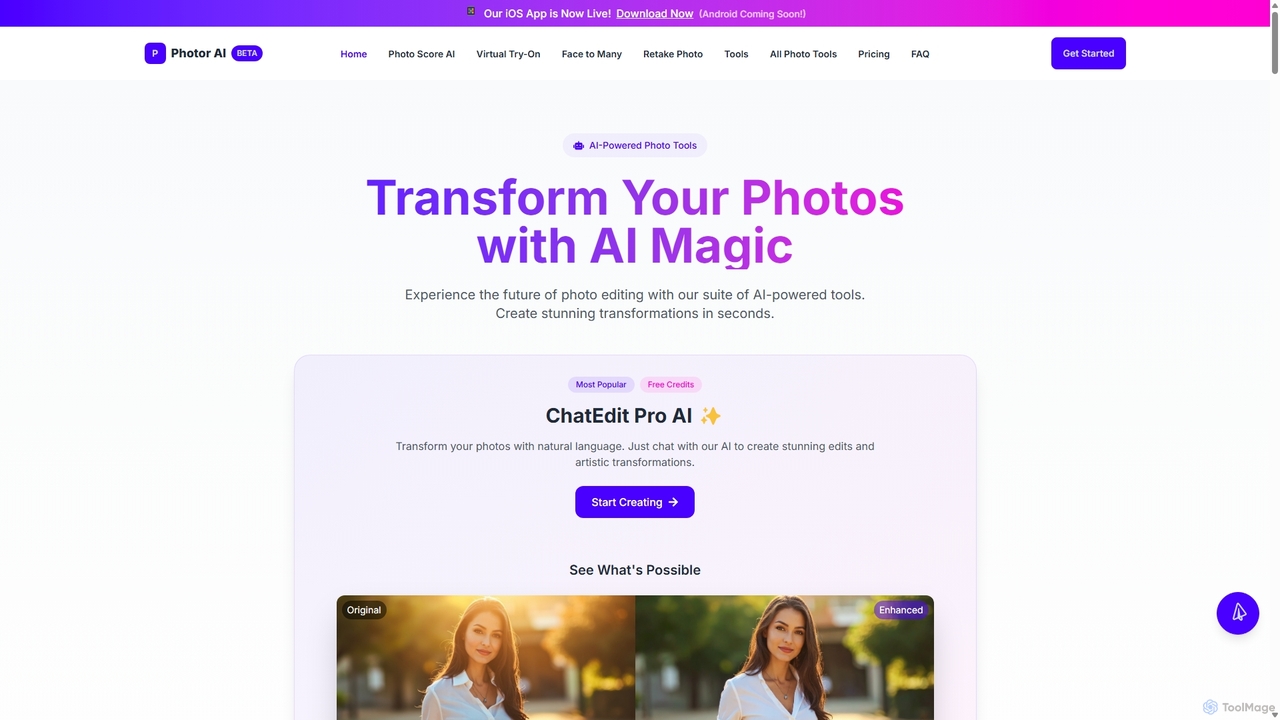
Photor is a comprehensive AI-powered photo editing suite designed to transform and enhance images with ease. It offers a wide range of tools, from one-click enhancements and style transfers to advanced features like natural language editing via chat, AI photo analysis for professional feedback, and a video generator. It caters to both hobbyists and professional photographers, simplifying complex editing tasks into intuitive, AI-driven workflows.

3D
Visits 18.4KFavorites 151Likes 143
Audo Studio
Freemium

Audo Studio

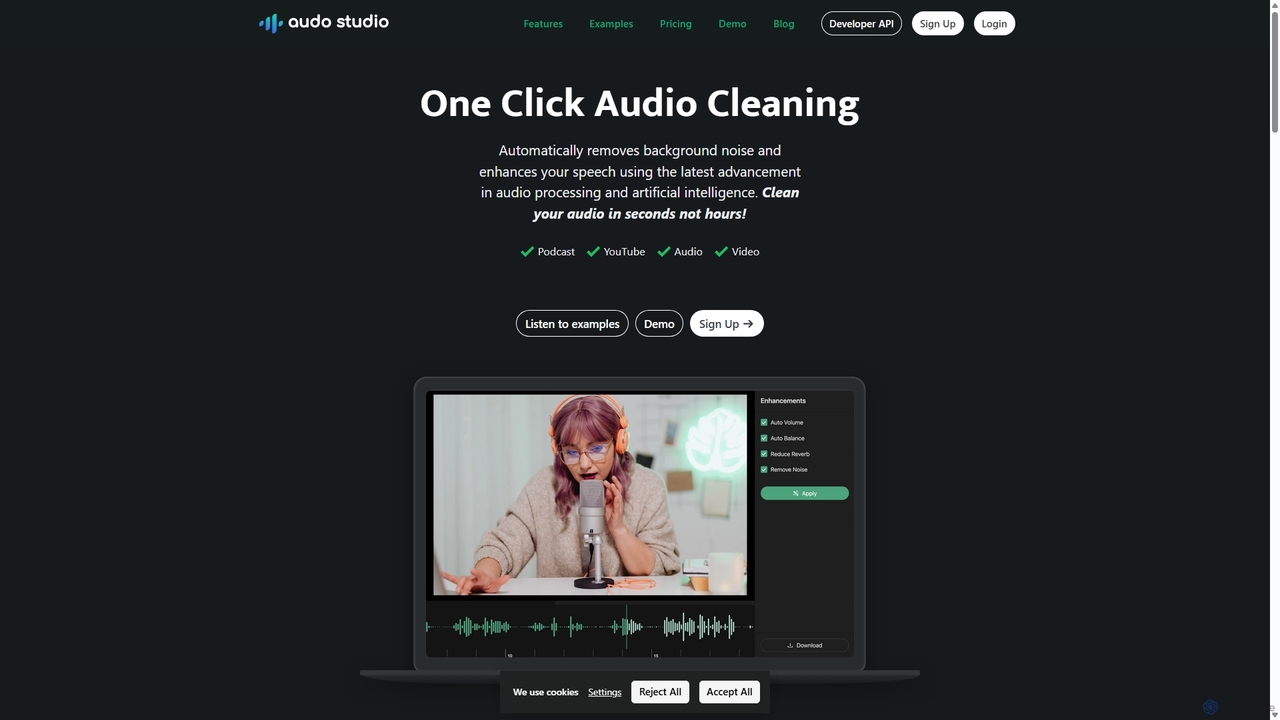
Audo Studio is an AI-powered audio cleaning tool that removes background noise, reduces echo, and automatically levels volume with a single click. It's designed for content creators, podcasters, and video producers to achieve studio-quality sound effortlessly, without needing complex audio engineering skills.

3D
Visits 144.8KFavorites 148Likes 131
Podcut
Freemium

Podcut

Podcut is an AI-powered audio and video editing platform designed for podcasters and content creators. It automates tedious editing tasks by allowing you to edit your media by simply editing the text transcript. Automatically remove filler words, long silences, and background noise to produce studio-quality content in minutes, not hours.

3D
Visits 5.4KFavorites 133Likes 133
Withsequel
Free

Withsequel

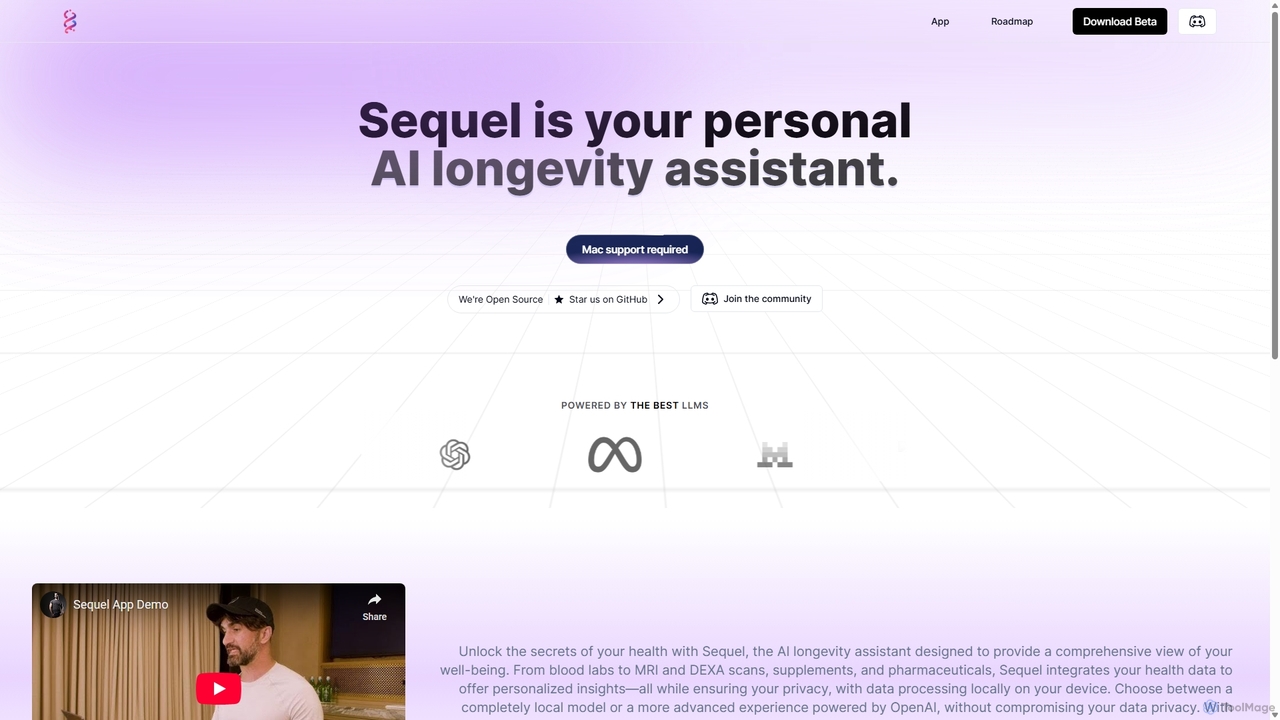
Withsequel is a privacy-focused, open-source AI longevity assistant for Mac. It integrates your health data from lab reports, wearables, and scans to provide personalized insights. Track supplements, analyze biomarkers, and take control of your well-being with local or cloud-based AI models.

3D
Visits 6.3KFavorites 120Likes 115
Voice Isolator
Freemium

Voice Isolator

Voice Isolator is a comprehensive AI-powered audio suite designed for pristine sound quality. It excels at removing background noise, isolating vocals and instruments from any track, cleaning up voice recordings for clarity, and generating natural-sounding speech from text. Ideal for podcasters, musicians, and content creators seeking professional-grade audio processing with a simple, fast, and intuitive web-based interface.

3D
Visits 5.5KFavorites 117Likes 116
Fotol AI
Freemium

Fotol AI

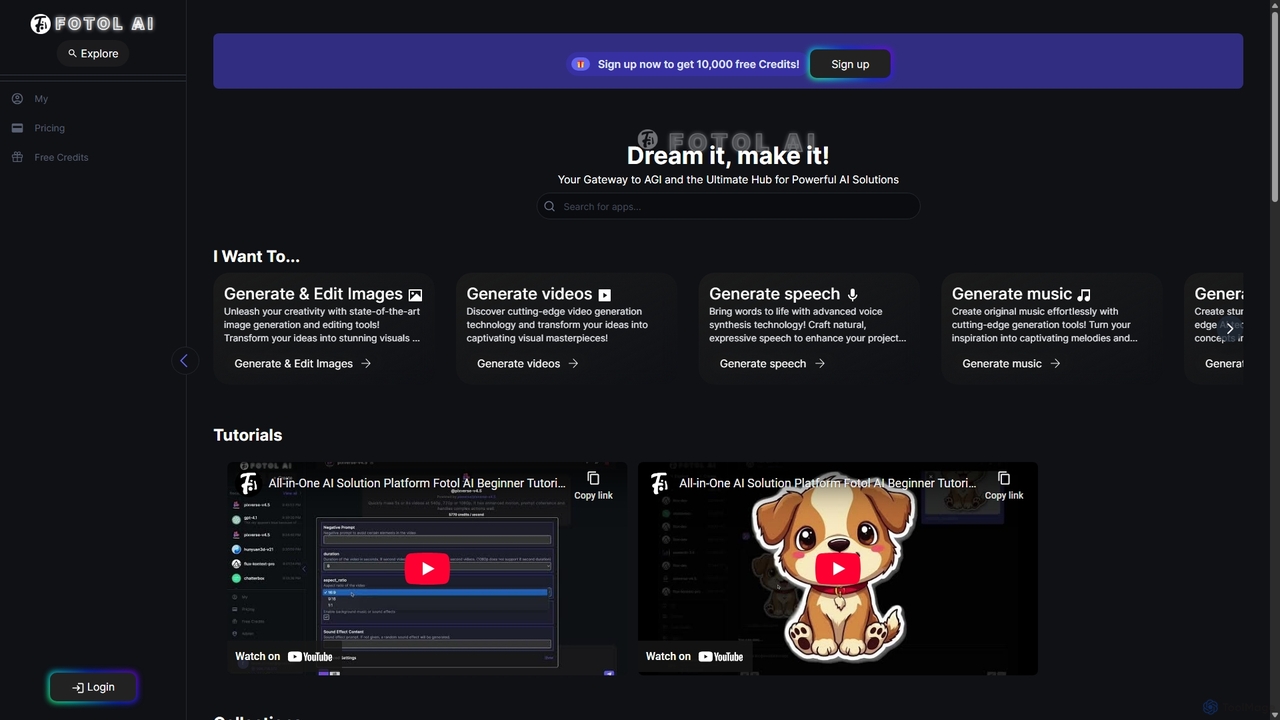
Fotol AI is an all-in-one platform serving as a gateway to the world's most powerful generative AI models. It aggregates cutting-edge tools for image, video, speech, music, and 3D asset creation, alongside a vast library of advanced conversational AI models from providers like OpenAI, Google, and Anthropic. Users can access and switch between these diverse applications seamlessly through a unified interface and a single credit-based system, streamlining creative and development workflows.

3D Generation
Visits 5.5KFavorites 135Likes 135
Noiseremoval.net
Freemium

Noiseremoval.net

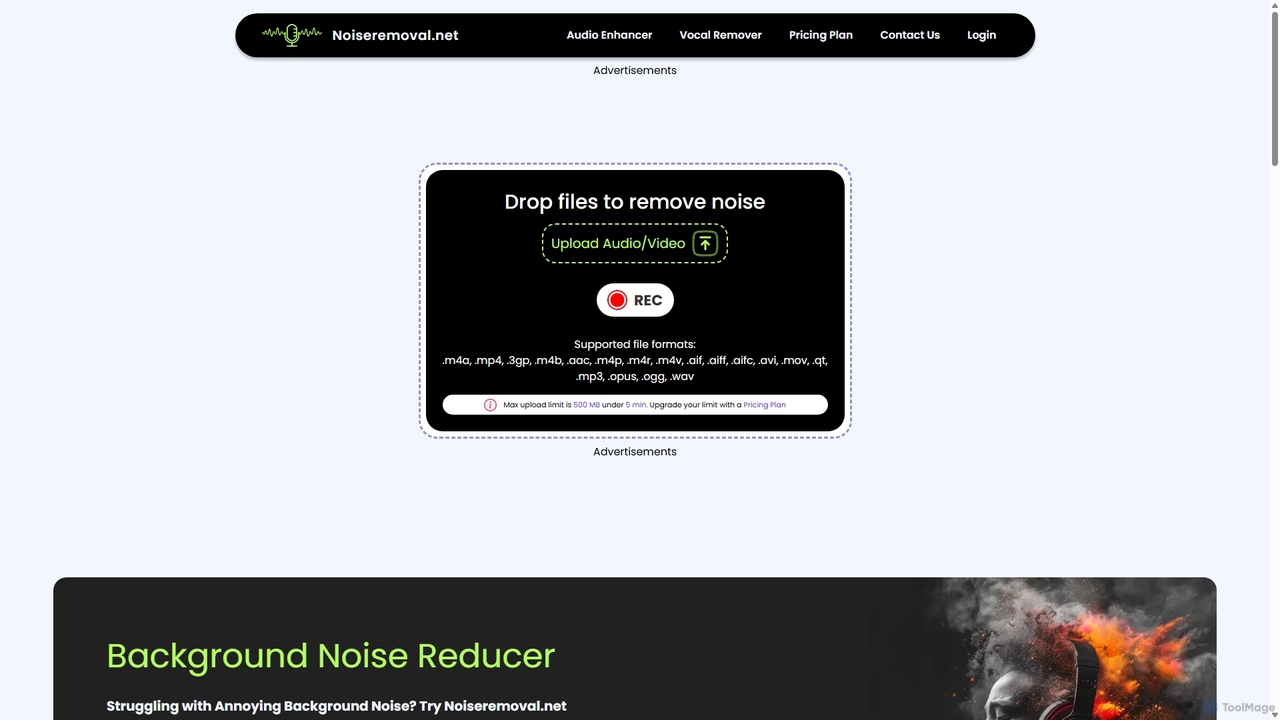
Noiseremoval.net is an AI-powered online tool designed to enhance audio quality effortlessly. It offers a suite of features including background noise removal from audio and video, a comprehensive audio enhancer to clarify speech and fix levels, and a vocal remover to isolate instrumentals. Ideal for content creators, podcasters, and musicians seeking professional-grade sound with a simple, one-click interface.

3D
Visits 53.7KFavorites 144Likes 134
Fitbod
Freemium

Fitbod

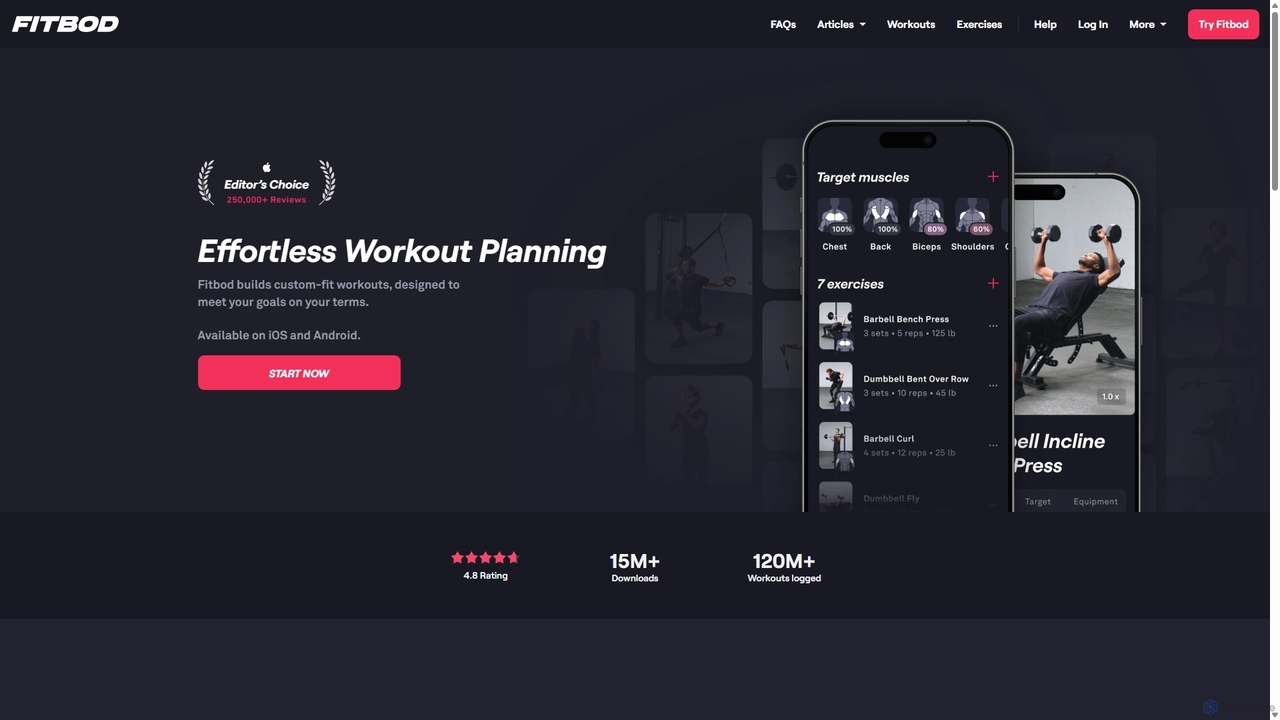
Fitbod is an AI-powered personal training app that creates customized strength training workouts. It adapts to your goals, available equipment, and performance, using a science-backed algorithm to optimize muscle recovery and apply progressive overload for maximum gains.

3D
Visits 627.3KFavorites 154Likes 129
NewsBang
Freemium

NewsBang

NewsBang is an AI-powered news and insights platform designed to combat information overload. It moves beyond simple summaries by using a unique 'Questioning Model' to foster critical thinking. Users can enjoy bite-sized takeaways from verified sources, interactive AI-anchored podcasts, and daily briefings with sentiment analysis, transforming how we understand and engage with the news.

3D
Visits 9.3KFavorites 144Likes 137
Autobot
Paid

Autobot

Autobot is an AI-powered hyperautomation platform designed for cloud and security operations. It leverages generative AI and agentic workflows to transform security alerts into automated actions, significantly reducing alert fatigue and improving response times. With its full-code flexibility and universal integration capabilities, Autobot streamlines complex processes, enhances security posture, and drives operational excellence for SecOps, CloudOps, and ITOps teams.

3D
Visits 7.2KFavorites 141Likes 148

About 3D

AI 3D tools are a class of software that leverage artificial intelligence to generate, modify, and optimize three-dimensional models and scenes. These tools often utilize advanced models like NeRF (Neural Radiance Fields), GANs, and diffusion models to interpret text prompts, 2D images, or video footage and transform them into complex 3D assets. They significantly accelerate workflows in game development, architecture, product design, and virtual reality, enabling creators to produce high-quality 3D content with greater speed and less manual effort. This technology lowers the barrier to entry for 3D creation, making it accessible to a broader range of users.

Core Features

  • Text-to-3D Generation: Creates 3D models directly from descriptive text prompts.
  • Image/Video-to-3D Conversion: Transforms 2D images or video clips into 3D models or scenes (photogrammetry/NeRF).
  • AI-Powered Texturing: Automatically generates realistic or stylized textures and materials for 3D objects.
  • Scene Composition: Populates and arranges 3D environments based on high-level descriptions.
  • Model Optimization: Uses AI to simplify mesh geometry (retopology) or automate character rigging.

Use Cases

AI 3D tools are widely used in industries like game development for rapid asset prototyping, in film and VFX for pre-visualization, and in architecture for creating concept models. E-commerce businesses use them to generate 3D product visuals for websites and AR experiences, while designers and artists leverage them for creative exploration and digital art.

How to Choose

When selecting an AI 3D tool, consider the input method (text, image, video) that best suits your workflow. Evaluate the output quality, level of detail, and artistic style. Check for compatibility with your existing software by confirming supported export formats like FBX, OBJ, or glTF. Finally, consider the tool's learning curve and whether it's designed for beginners or professionals requiring advanced controls.

Featured tool rankings

3D use cases

1

Rapid Prototyping of Game Assets

A solo game developer needs to create numerous props for a fantasy-themed level, such as chests, barrels, and furniture. Instead of manually modeling each item, which could take days, they use a text-to-3D tool. By inputting prompts like 'ornate wooden treasure chest with iron fittings' or 'weathered oak barrel,' they generate dozens of unique 3D model variations in minutes. This allows for rapid iteration on the level's design and visual style, significantly accelerating the prototyping phase.

2

Creating 3D Models for E-commerce

An online furniture store wants to provide an interactive 360-degree view of its products. They use an image-to-3D tool, uploading a series of photos of a chair taken from different angles. The AI processes these images and generates a detailed, textured 3D model. This model is then embedded on the product page, allowing customers to rotate and inspect the chair from all sides. It can also be used in an AR application, enabling shoppers to visualize the furniture in their own homes before purchasing.

3

Generating Architectural Concept Models

An architect needs to quickly visualize a building concept for a client presentation. Instead of spending hours on detailed modeling, they use an AI 3D tool. They can either upload a 2D floor plan sketch for conversion into a basic 3D massing model or use text prompts like 'modernist two-story house with large glass windows and a flat roof.' The AI generates several design variations, which can be refined and used to create compelling visualizations, helping the client better understand the project's vision early on.

4

Creating Pre-visualization (Previz) Scenes for Film

A VFX supervisor needs to plan a complex action sequence involving a car chase in a futuristic city. Using an AI 3D tool, they generate a rough 3D model of the city environment with the prompt 'cyberpunk city street at night, raining.' They then populate the scene with basic 3D models of cars and characters. This allows the director and cinematographer to experiment with camera angles, shot composition, and timing in a low-cost 3D environment before committing to expensive on-set filming or detailed CGI work.

5

Building Digital Twins from Drone Footage

An engineering firm monitors a large construction site using drones. They upload the captured video footage to an AI 3D tool that uses NeRF (Neural Radiance Fields) technology. The AI analyzes the footage from multiple viewpoints and reconstructs a highly detailed, photorealistic 3D model of the entire site. This 'digital twin' can be explored virtually, allowing engineers to track progress, measure distances, identify potential issues, and plan logistics without needing to be physically present on site, improving safety and efficiency.

6

Designing Personalized Metaverse Avatars

A user wants a unique avatar for a virtual reality platform that truly represents them. They upload a single selfie to an AI avatar creator. The tool analyzes their facial features and generates a base 3D avatar that captures their likeness. The user can then refine the avatar using text prompts, such as 'give me cyberpunk-style glasses,' 'add long, flowing silver hair,' or 'wear a medieval knight's armor.' This process combines personalization with creative freedom, allowing anyone to create a detailed, custom 3D avatar without any modeling skills.

3D FAQ

What are AI 3D tools?

AI 3D tools are software applications that use artificial intelligence to automate or assist in the creation of three-dimensional models, scenes, and textures. They can generate 3D assets from various inputs like text descriptions (text-to-3D), 2D images, or video footage. These tools are designed to speed up the 3D creation process, making it more accessible to both professionals and beginners by reducing the need for complex manual modeling skills.

How do I choose the right AI 3D tool?

To choose the right AI 3D tool, consider these factors:

  • Your Goal: Do you need to create models from scratch (text-to-3D), convert photos into 3D objects (image-to-3D), or generate textures?
  • Output Quality: Assess the level of detail, realism, and artistic style the tool can produce. Look at examples from its gallery.
  • Ease of Use: Determine if the interface is intuitive for your skill level. Some tools are for beginners, while others offer advanced controls for professionals.
  • Integration: Check if it exports to file formats (.FBX, .OBJ, .glTF) compatible with your primary 3D software, like Blender, Unity, or Unreal Engine.
What's the difference between AI 3D generation and traditional 3D modeling?

The primary difference is the creation process. Traditional 3D modeling (e.g., in Blender, Maya) is a manual, skill-intensive process where artists build models polygon by polygon. It offers precise control but requires significant time and expertise. AI 3D generation automates this process, creating models from simple inputs like text or images. It is much faster and ideal for rapid prototyping, concept art, and accessibility for non-artists, though it may currently offer less fine-grained control than manual methods.

How do AI 3D tools actually work?

AI 3D tools work by using complex machine learning models trained on vast datasets of 3D shapes, images, and text descriptions. For text-to-3D, a model like a diffusion model learns the relationship between words and 3D geometry, allowing it to generate a shape that matches a text prompt. For image-to-3D, technologies like Photogrammetry or Neural Radiance Fields (NeRF) analyze multiple images of an object to infer its 3D structure and appearance, creating a detailed model or scene.

Who can benefit from using AI 3D tools?

A wide range of users can benefit from AI 3D tools. Professionals like game developers, architects, and product designers use them to accelerate prototyping and ideation. VFX artists and animators use them for pre-visualization. E-commerce businesses use them for creating product showcases. Additionally, hobbyists, students, and content creators who lack traditional 3D modeling skills can now create complex 3D assets easily, opening up new creative possibilities for everyone.