ToolMage
Sign in

Best 59 Audio Editing AI tools for Audio

Popular Audio Editing AI tools in Audio include BandLab, Online Audio Converter, Wondershare UniConverter, VideoProc, AudioCleaner AI, MusicCreator, AI Song Maker, DVDFab, neural.love, and Brev.ai, helping you work more efficiently.

xound
Freemium

xound

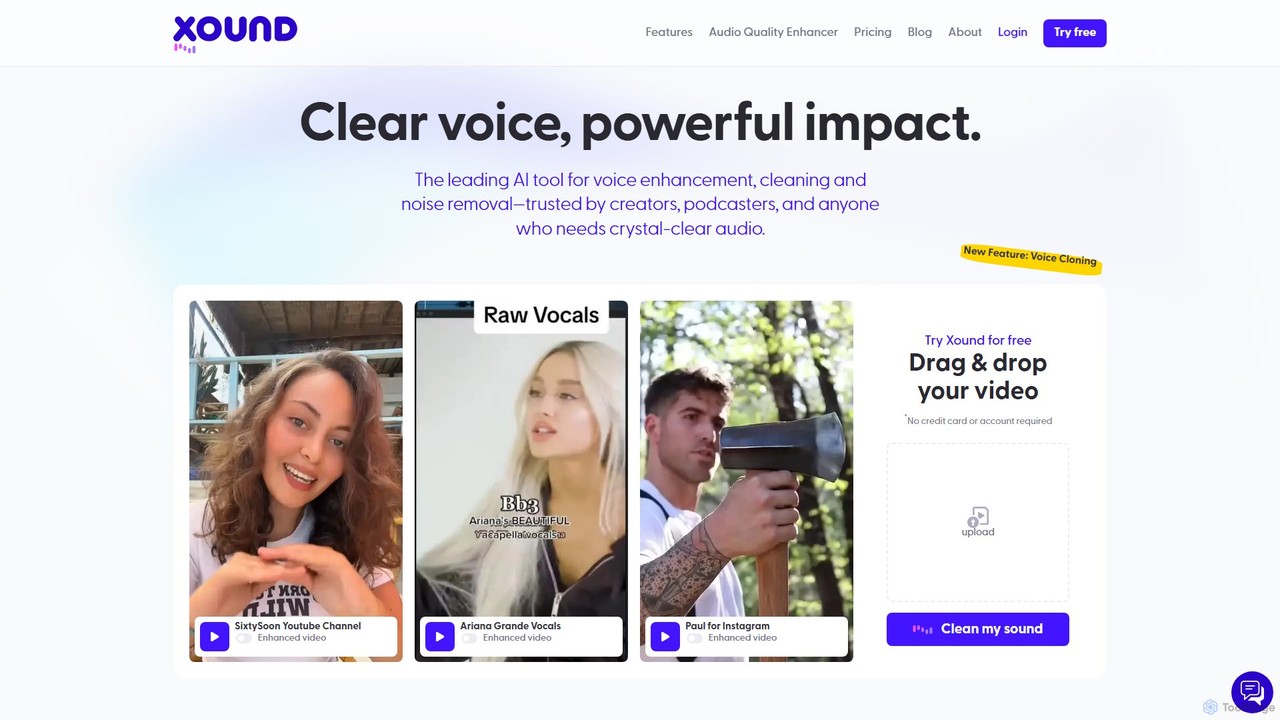
xound is an AI-powered audio enhancement tool designed for content creators. It automatically removes background noise, cleans up voice recordings, and optimizes audio for platforms like YouTube, TikTok, and podcasts. With features like natural pitch correction, voice cloning, and secure local processing, xound helps creators achieve professional, studio-quality sound with a simple drag-and-drop interface.

Audio Editing
Visits 54.6KFavorites 133Likes 149
makebestmusic
Freemium

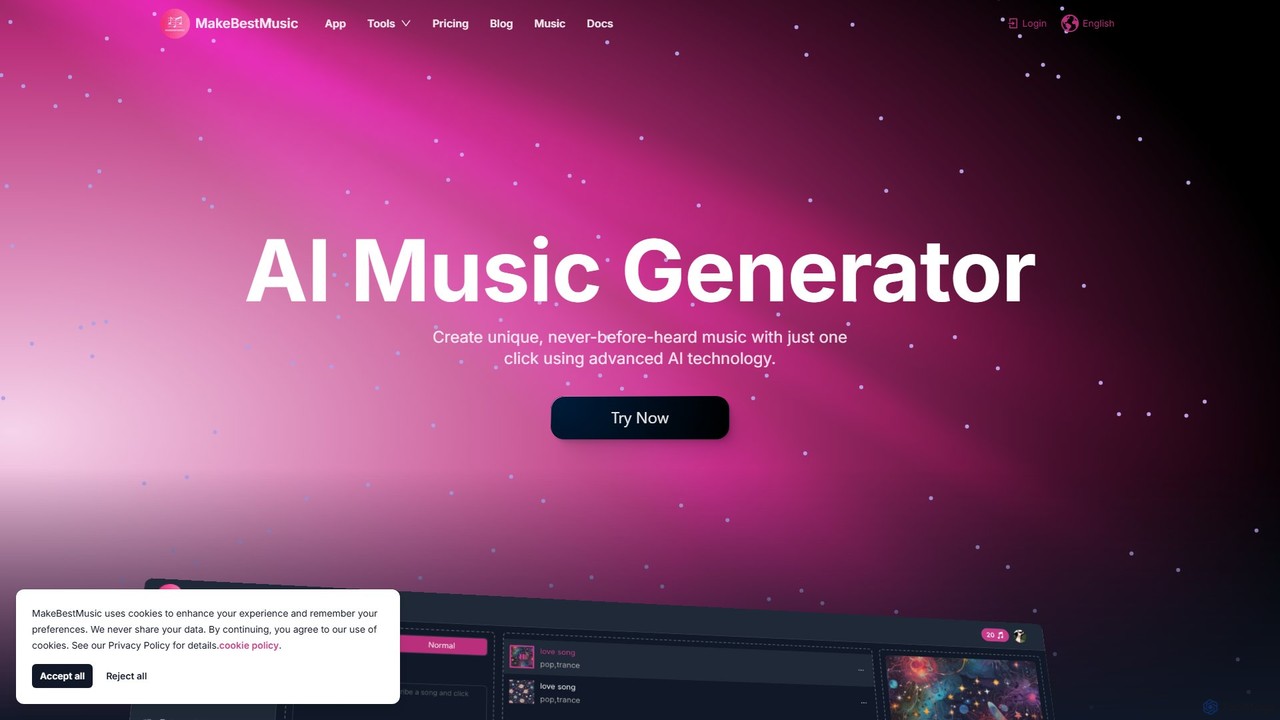
makebestmusic

makebestmusic is a powerful AI-driven music production suite that enables users to generate high-quality, royalty-free music from text prompts. It offers a comprehensive set of tools including text-to-music creation, vocal generation, advanced stem splitting, and AI-powered remixing. Designed for creators of all skill levels, from filmmakers and YouTubers to professional musicians, it democratizes music production by making it fast, accessible, and versatile.

Audio Editing
Visits 417.3KFavorites 169Likes 143
SynthTrails
Freemium

SynthTrails

SynthTrails is a pioneering AI music tool that translates human gestures and movements into unique musical experiences. Using your webcam, it captures your expressions to generate music, control effects, and integrate with DAWs like Ableton. It offers an intuitive, physical way to create and perform music in real-time.

Audio Editing
Visits 6.6KFavorites 163Likes 176
editair
Freemium

editair

editair is an AI-powered audio editing platform designed to automatically clean, enhance, and perfect your audio recordings. It intelligently removes background noise, eliminates filler words, and applies studio-quality enhancements with a single click, making professional sound accessible to everyone.

Audio Editing
Visits 5.8KFavorites 103Likes 103
Remusic
Freemium

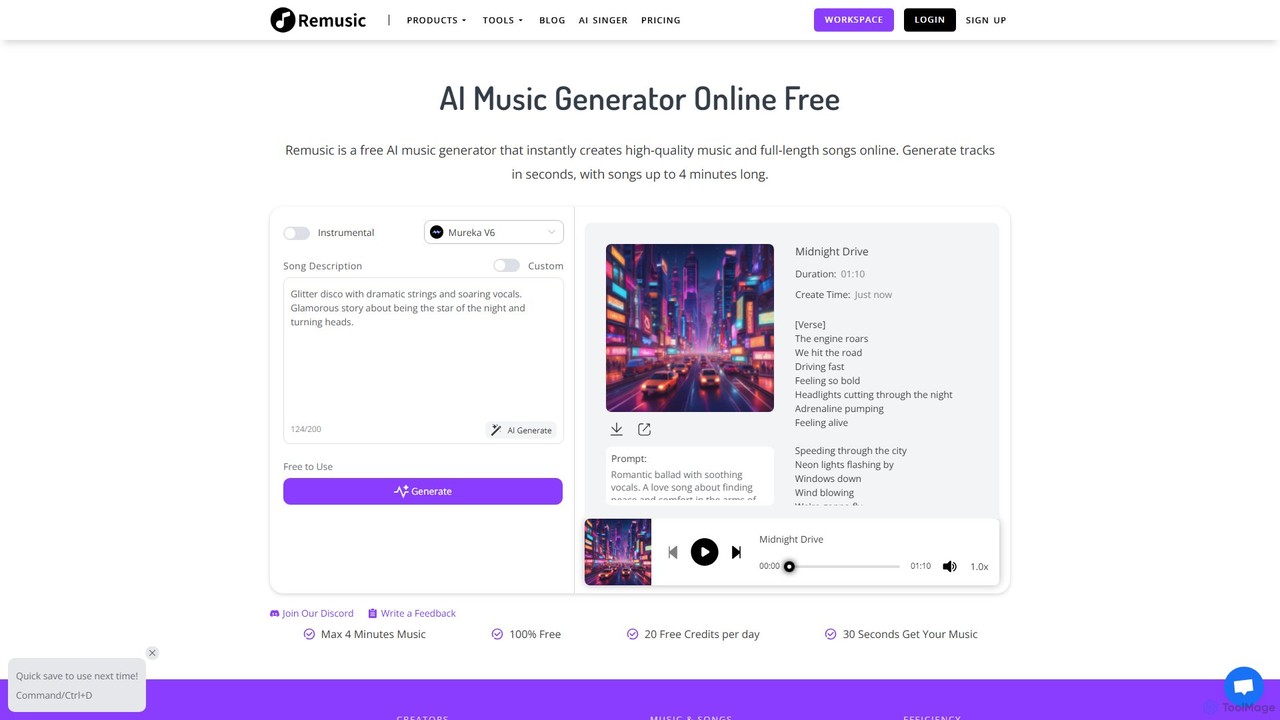
Remusic

Remusic is an all-in-one AI music creation suite that empowers users to generate full-length songs, instrumental tracks, and AI covers from text prompts. It features a vast library of over 10,000 voices, voice cloning, an AI lyrics generator, and advanced tools like a vocal remover and sheet music generator. Ideal for musicians, content creators, and producers, Remusic streamlines the entire music creation process, from idea to final track, with royalty-free commercial licensing options.

Audio Editing
Visits 331.8KFavorites 109Likes 129
AudioCleaner AI
Free

AudioCleaner AI

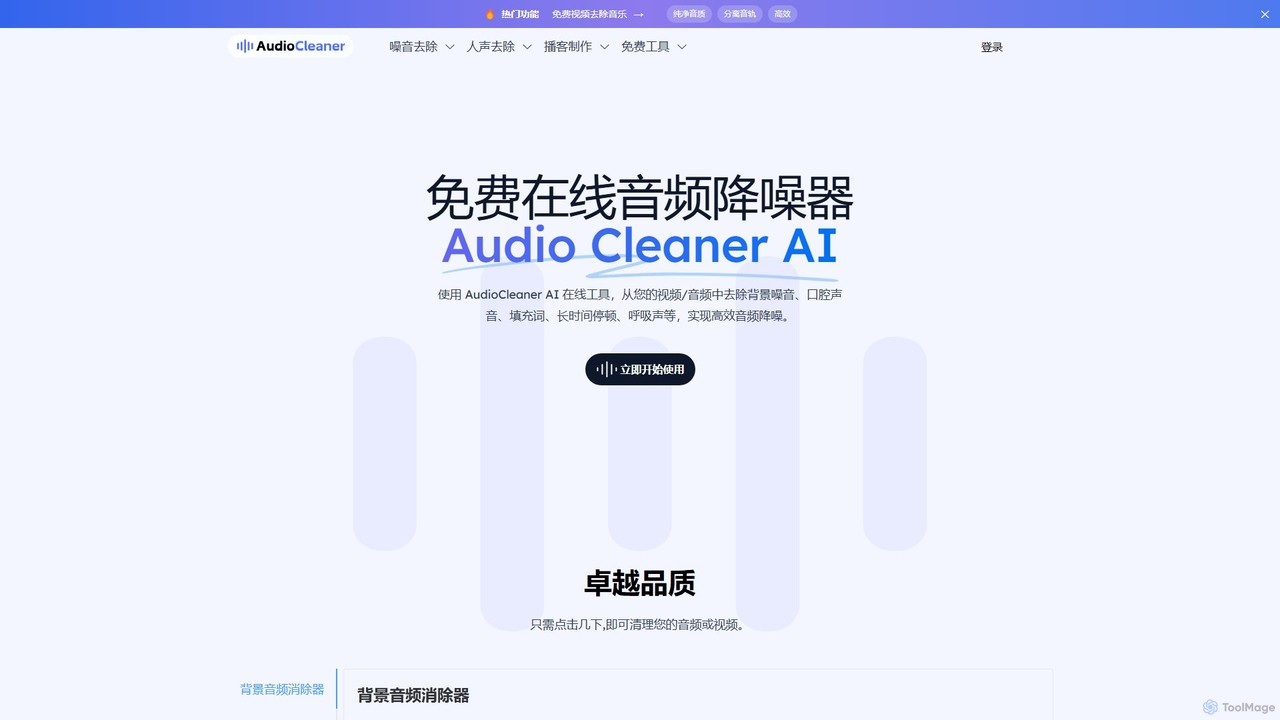
A powerful, free online AI tool that cleans audio and video by removing background noise, music, breathing, mouth clicks, and filler words. Ideal for podcasters, creators, and musicians seeking studio-quality sound with just a few clicks.

Audio Editing
Visits 1.5MFavorites 115Likes 120
generatesongai
Freemium

generatesongai

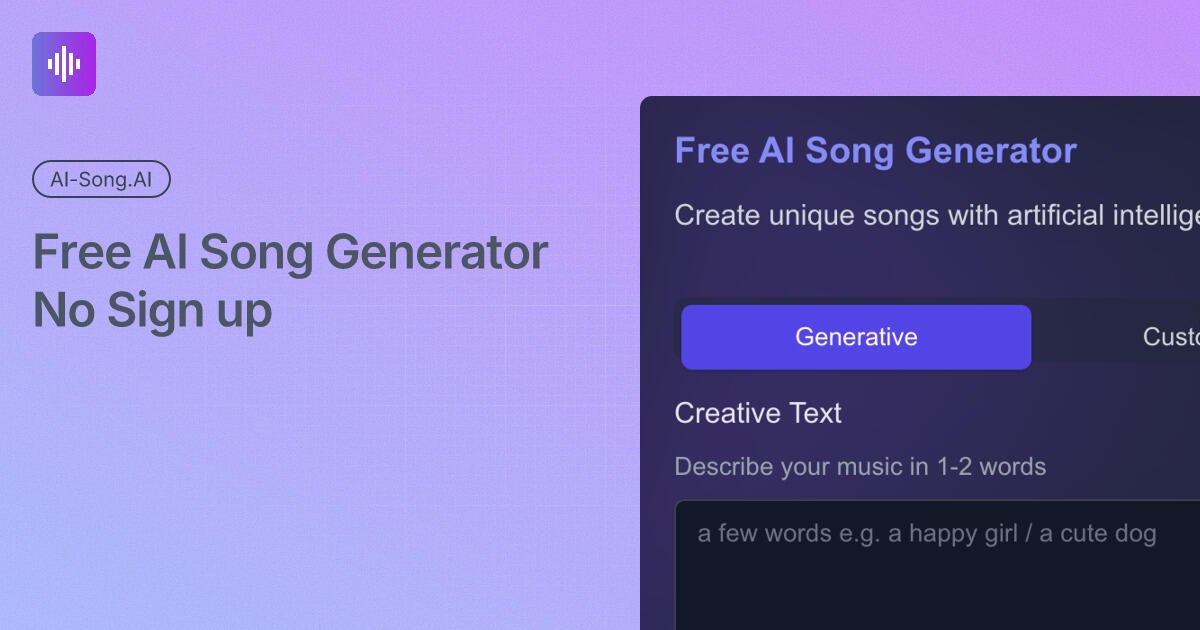
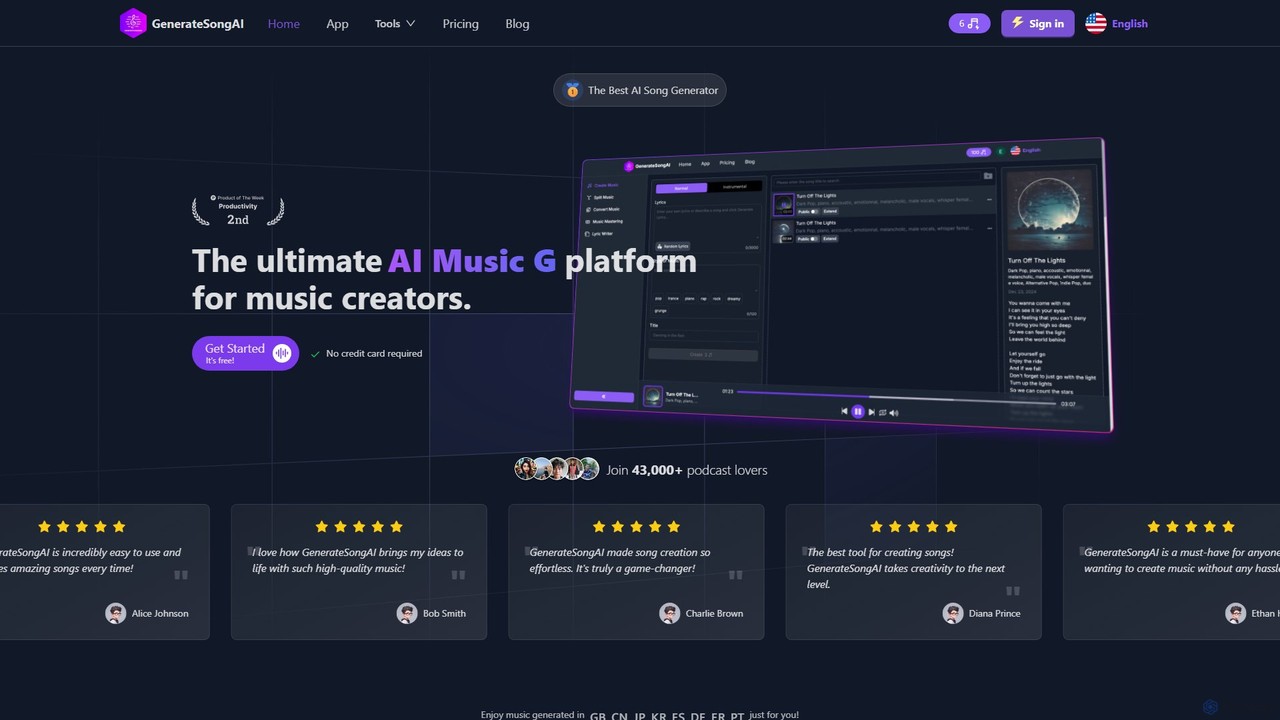
generatesongai is an advanced AI music platform that allows users to create high-quality, royalty-free songs from simple text descriptions, lyrics, or even their own voice. It supports various genres and offers tools for music splitting, remixing, and high-quality exports, making it ideal for content creators, musicians, and developers without requiring any musical expertise.

Audio Editing
Visits 6.7KFavorites 101Likes 115
ai_coustics
Freemium

ai_coustics

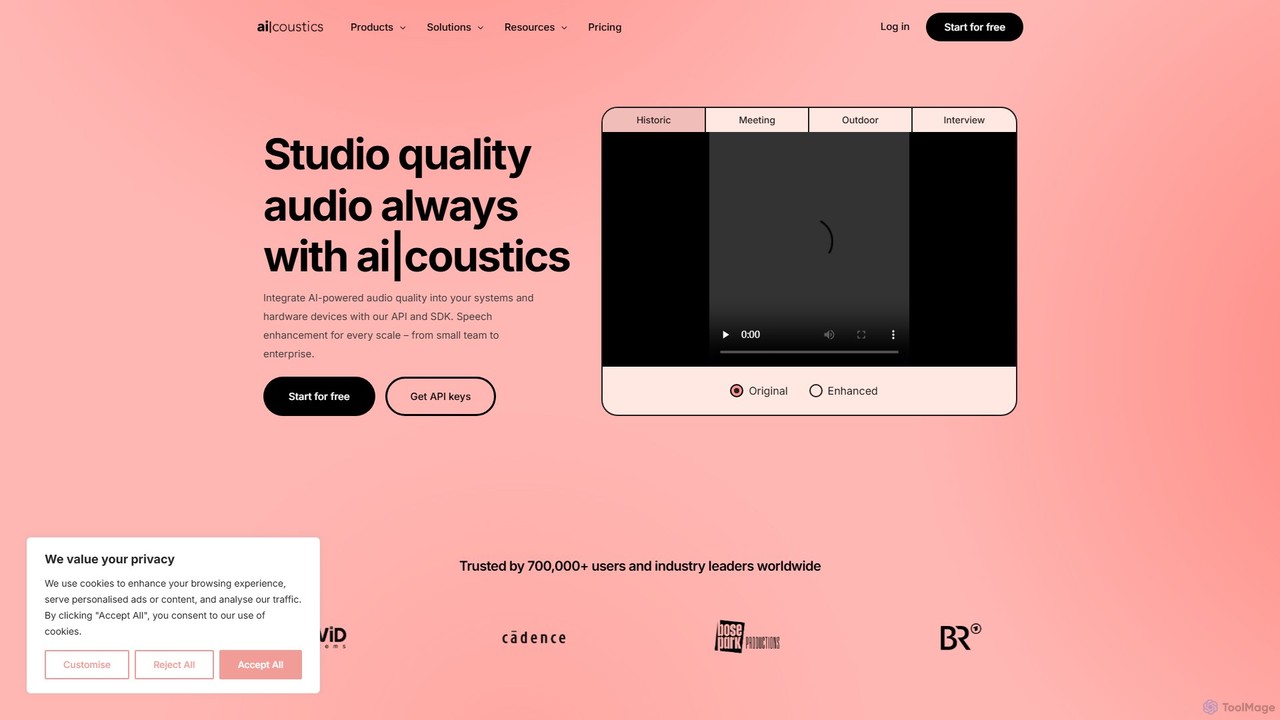
ai_coustics is an AI-powered audio enhancement platform designed to automatically clean and improve audio quality. It specializes in noise reduction, speech enhancement, and dereverberation, making it ideal for podcasters, video creators, and developers who need studio-quality sound without complex editing.

Audio Editing
Visits 103.5KFavorites 164Likes 163
TechOctave
Freemium

TechOctave

TechOctave is an AI-powered audio and music production suite. It enables users to generate royalty-free music, enhance audio quality, create unique sound effects, and synthesize realistic voices, streamlining the creative process for musicians, creators, and developers.

Audio Editing
Visits 5.7KFavorites 135Likes 125
Supertone
Freemium

Supertone

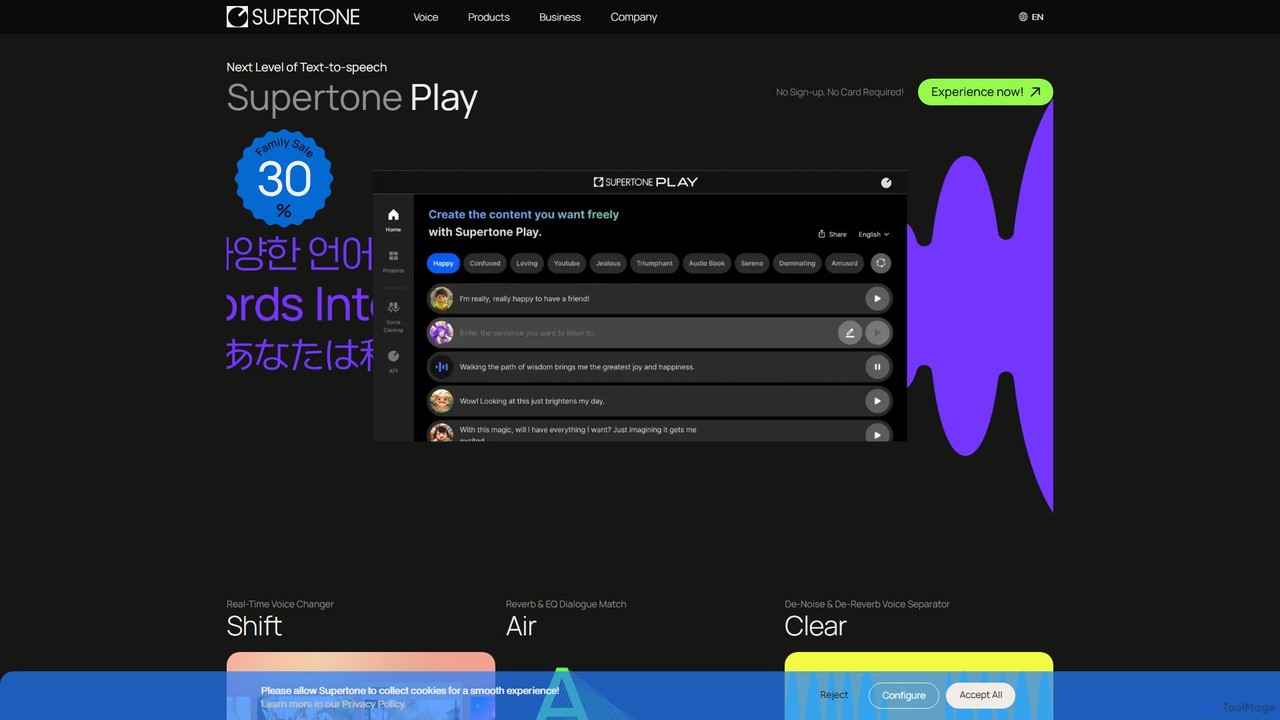
Supertone is an advanced AI voice technology suite offering hyper-realistic text-to-speech, real-time voice changing, ethical voice cloning, and powerful audio cleanup tools. It's designed for content creators, developers, and businesses to create, transform, and perfect vocal content with unparalleled quality and expressiveness.

Audio Editing
Visits 176.1KFavorites 123Likes 116
idbro
Freemium

idbro

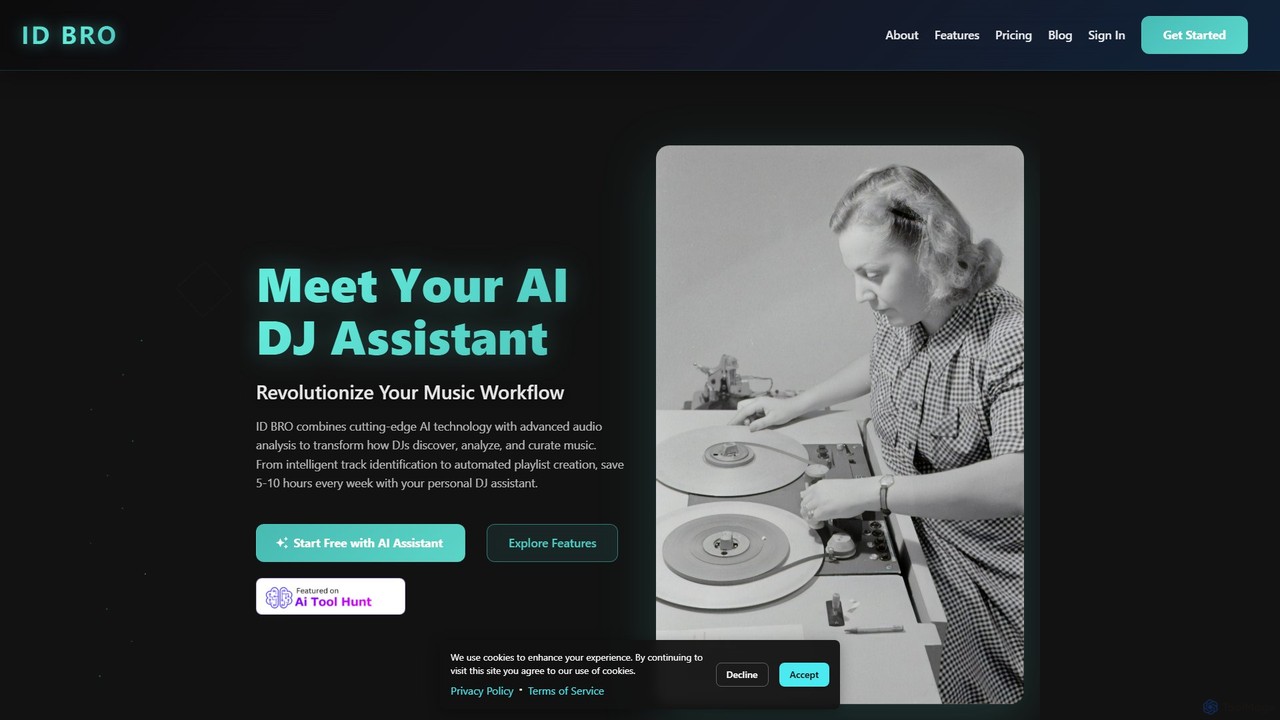
idbro is an AI DJ Assistant designed to revolutionize the music workflow for DJs and producers. It automates tedious tasks like track identification, BPM analysis, and playlist creation, saving users 5-10 hours weekly. With features like stem separation, sample generation, and advanced audio analysis, idbro empowers users to discover, analyze, and curate music with unprecedented speed and accuracy.

Audio Editing
Visits 5.6KFavorites 126Likes 127
makeaudio.app
Paid

makeaudio.app

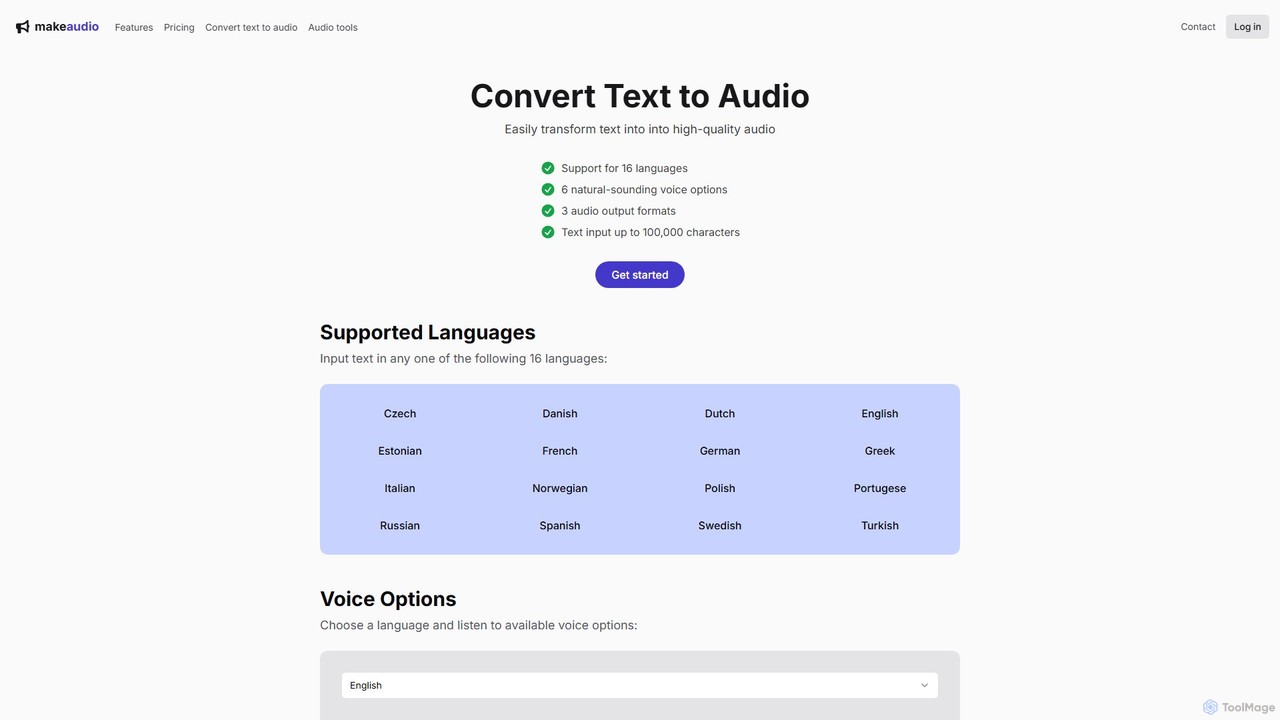
makeaudio.app is an AI-powered text-to-speech converter that transforms written text into high-quality, natural-sounding audio. It supports 16 languages, offers multiple voice options, and provides various output formats like MP3, WAV, and FLAC. With a simple one-time payment model and bonus audio merging tools, it's an accessible solution for content creators, educators, and businesses needing professional voiceovers or audio content.

Audio Editing
Visits 5.7KFavorites 125Likes 133
Audioenhancer.ai
Freemium

Audioenhancer.ai

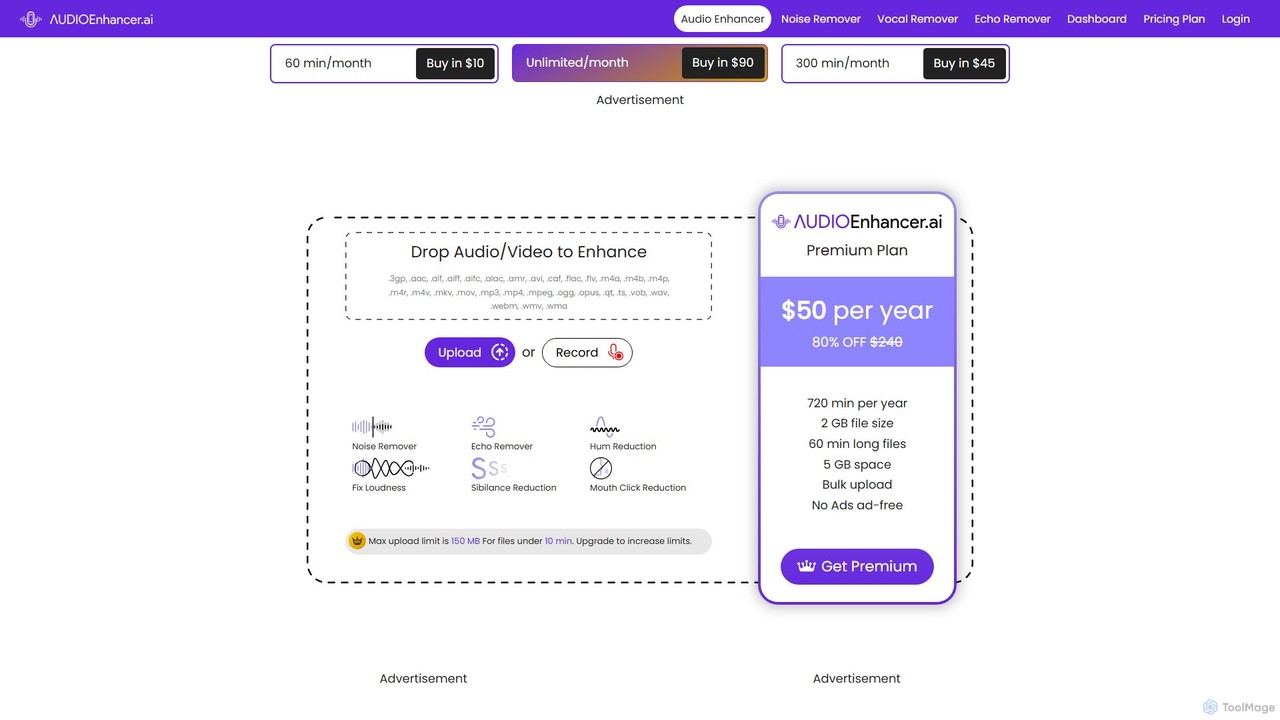
Audioenhancer.ai is an AI-powered online tool designed to automatically improve audio quality. It specializes in removing background noise, echo, and other imperfections from audio and video files. Ideal for podcasters, video creators, and musicians, it offers a simple one-click solution to achieve crystal-clear, professional-grade sound.

Audio Editing
Visits 152KFavorites 142Likes 142
djay
Freemium

djay

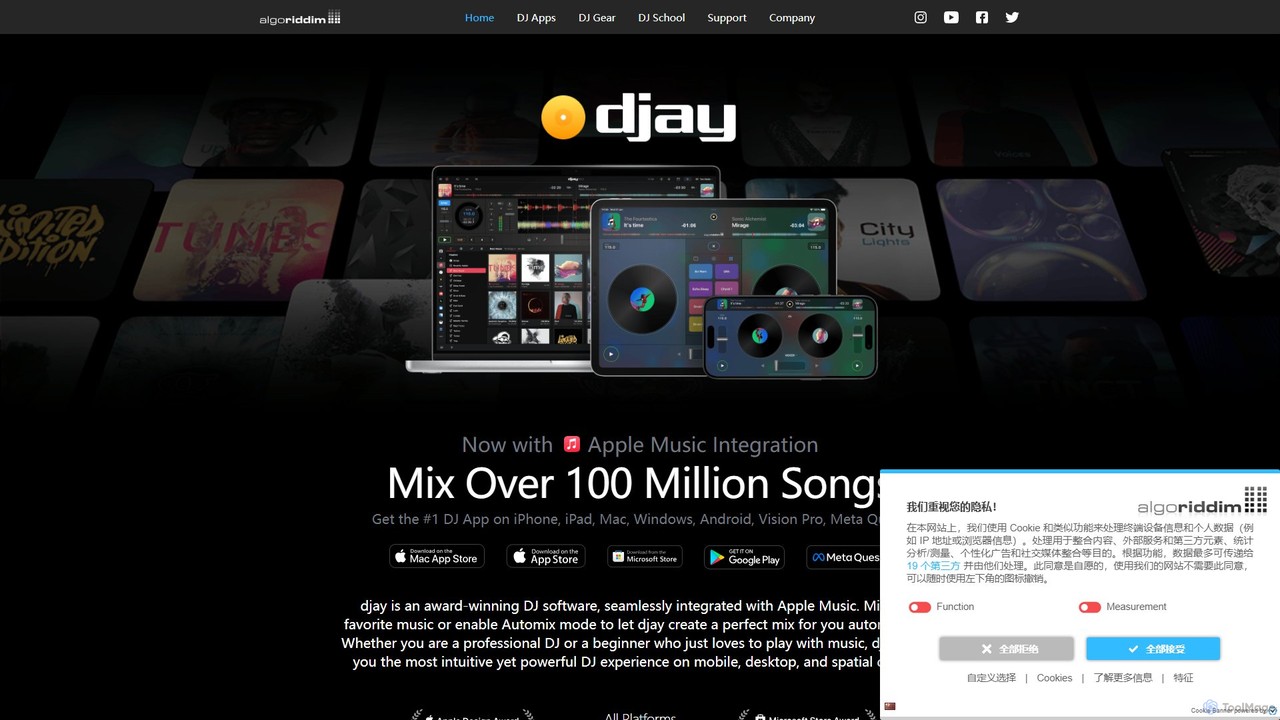
djay is an award-winning DJ software and app from Algoriddim, available on iOS, Android, Mac, Windows, and VR/AR platforms. It features the revolutionary Neural Mix™ AI for real-time track separation, seamless integration with streaming services like Apple Music, and a powerful interface for both beginners and professional DJs. Experience the future of DJing with intuitive controls and immersive spatial environments.

Audio Editing
Visits 524.8KFavorites 138Likes 139
MyKaraoke Video
Freemium

MyKaraoke Video

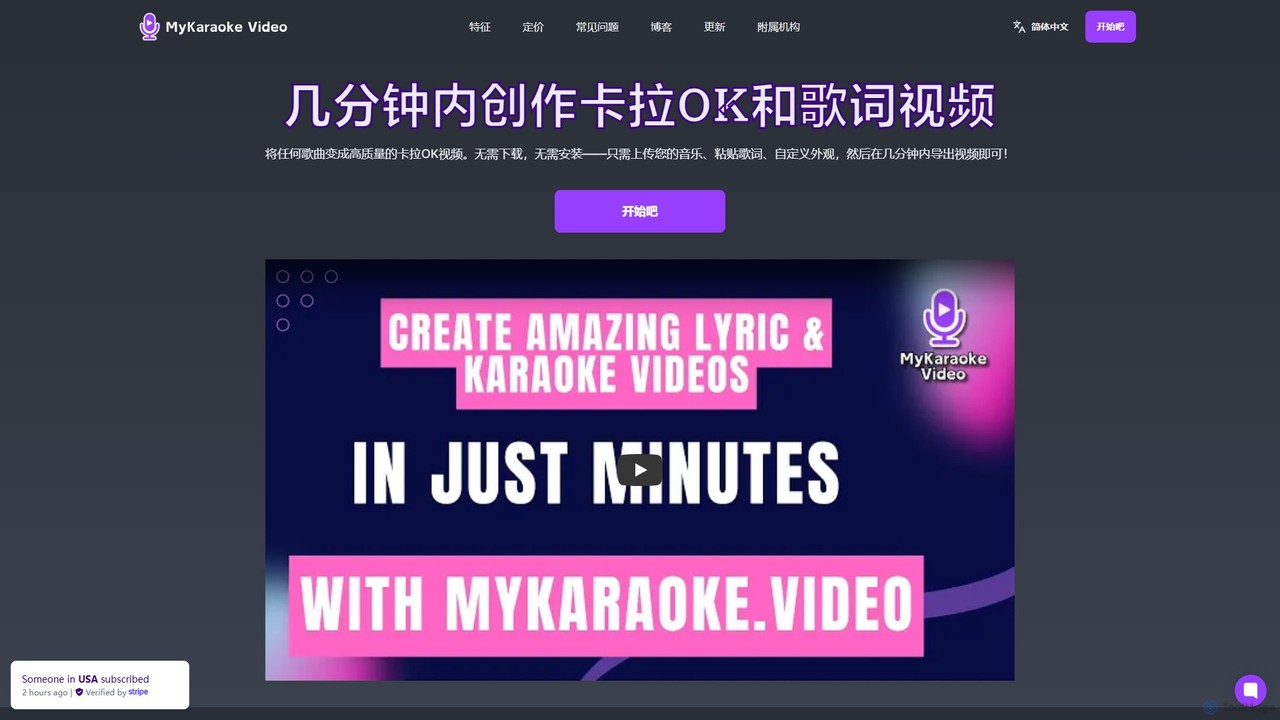
MyKaraoke Video is an AI-powered, browser-based tool that transforms any song into a professional karaoke or lyric video in minutes. It automatically removes vocals, syncs lyrics, and offers extensive customization options, eliminating the need for complex software.

Audio Editing
Visits 131.6KFavorites 168Likes 189
AudioStrip
Freemium

AudioStrip

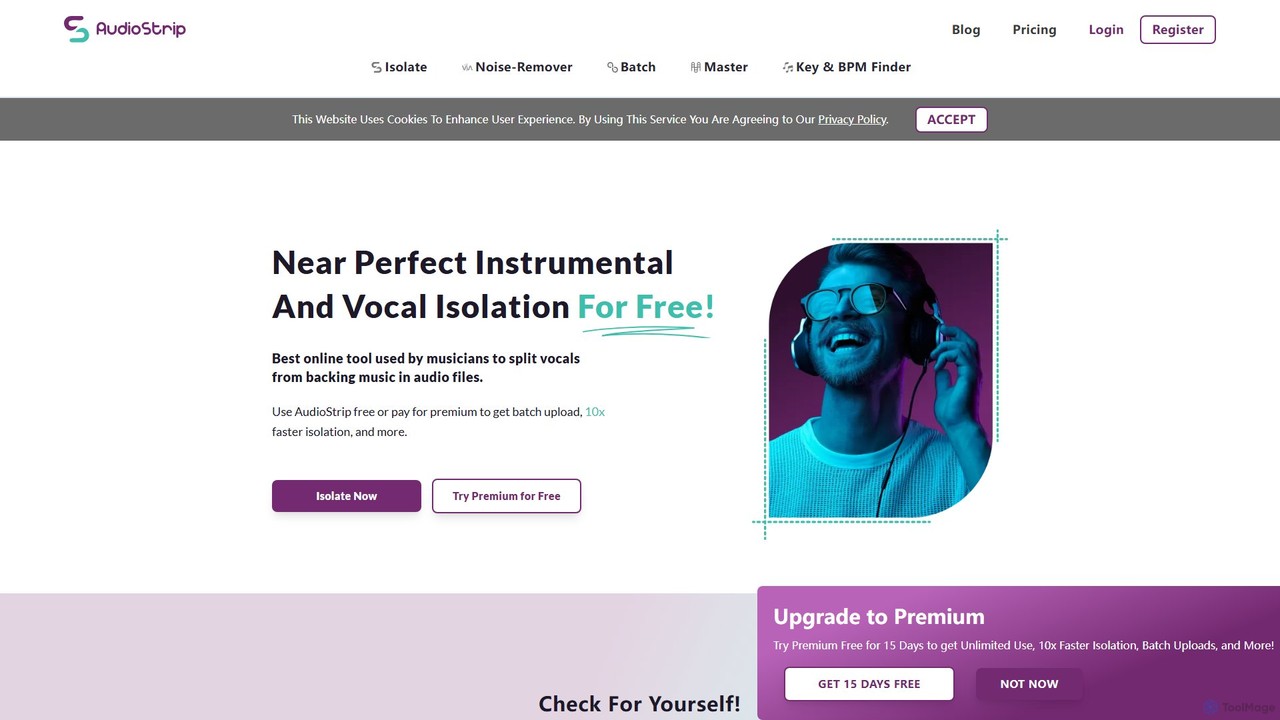
AudioStrip is a powerful AI-powered online tool for musicians and producers, offering high-quality vocal and instrumental separation from any audio track. It also provides advanced features like AI mastering, noise reduction, and specific instrument isolation (drums, bass, piano, guitar) with both free and premium options.

Audio Editing
Visits 9.6KFavorites 140Likes 169
SongCleaner
Freemium

SongCleaner

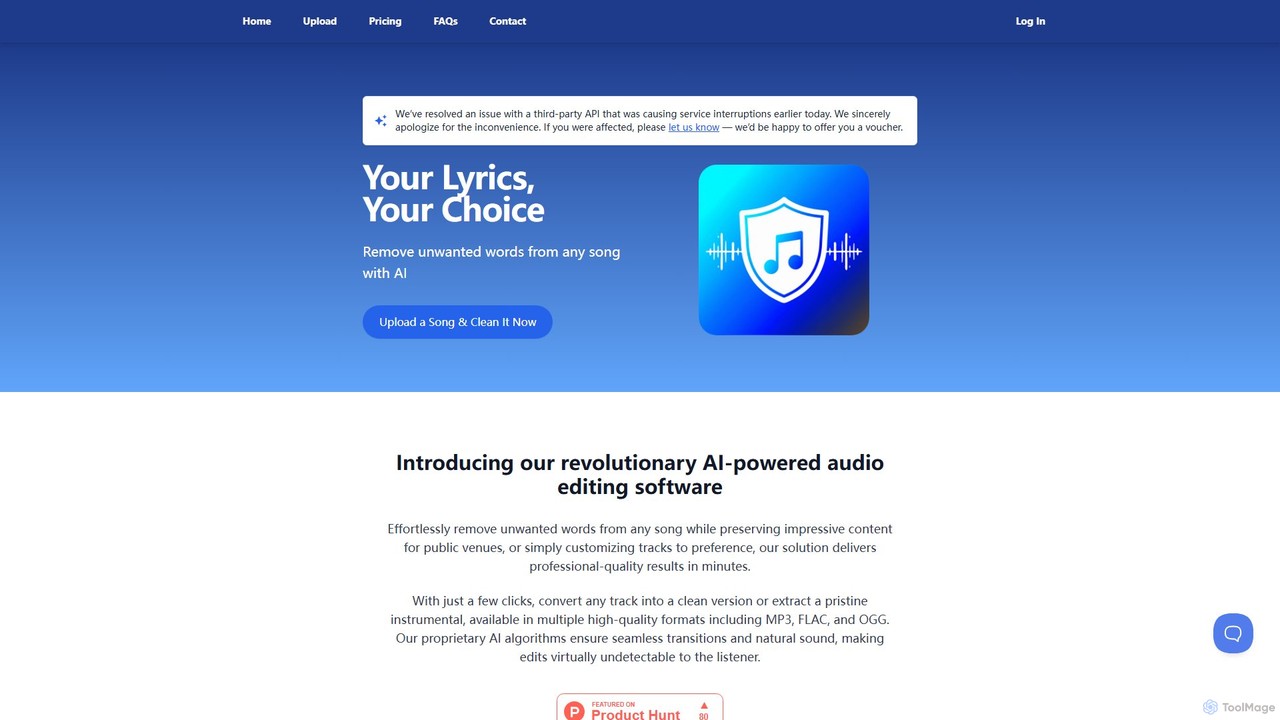
An AI-powered audio tool that automatically removes explicit or unwanted words from any song to create clean, family-friendly versions. It can also extract high-quality instrumental tracks, making it perfect for parents, DJs, content creators, and public venues.

Audio Editing
Visits 19.2KFavorites 124Likes 123
devoice
Free

devoice

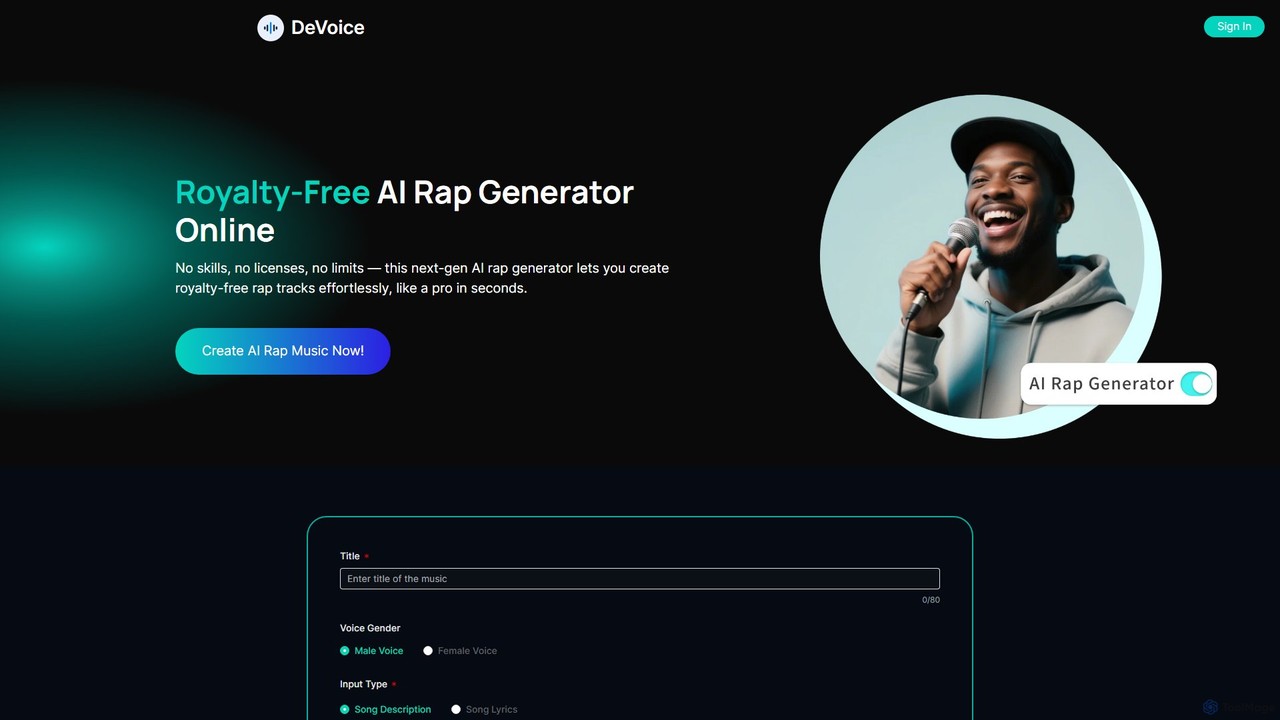
devoice is a free, all-in-one AI audio toolkit that functions as a vocal remover, stem splitter, and AI rap generator. Instantly separate vocals and instruments from any song, or create complete, royalty-free rap tracks from text. It's completely free, requires no login, has no watermarks, and is safe for commercial use.

Audio Editing
Visits 324.4KFavorites 129Likes 144
EaseUS Multimedia
Freemium

EaseUS Multimedia

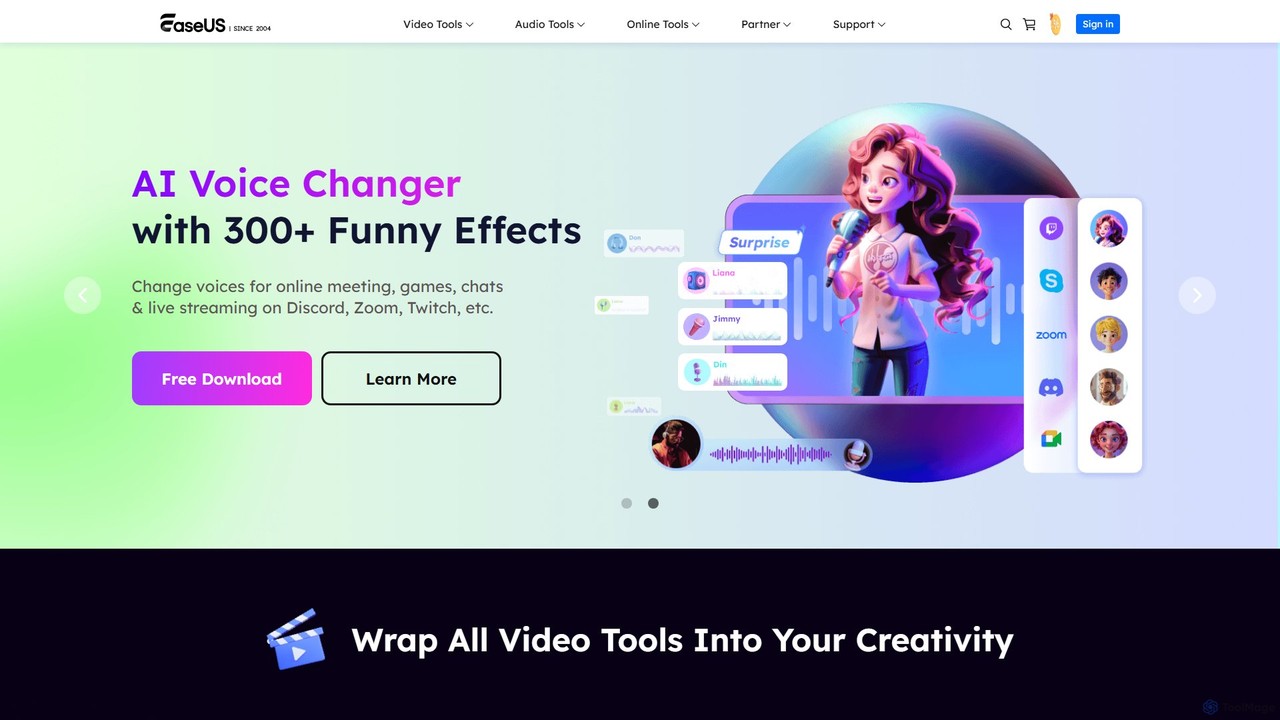
EaseUS Multimedia is an all-in-one AI-powered toolkit for video and audio processing. It includes a video converter, editor, downloader, screen recorder, and AI voice changer. Ideal for content creators, gamers, and general users, it simplifies tasks like format conversion, audio extraction, noise removal, and creating AI song covers.

Transcription
Visits 340.5KFavorites 156Likes 151
BandLab
Freemium

BandLab

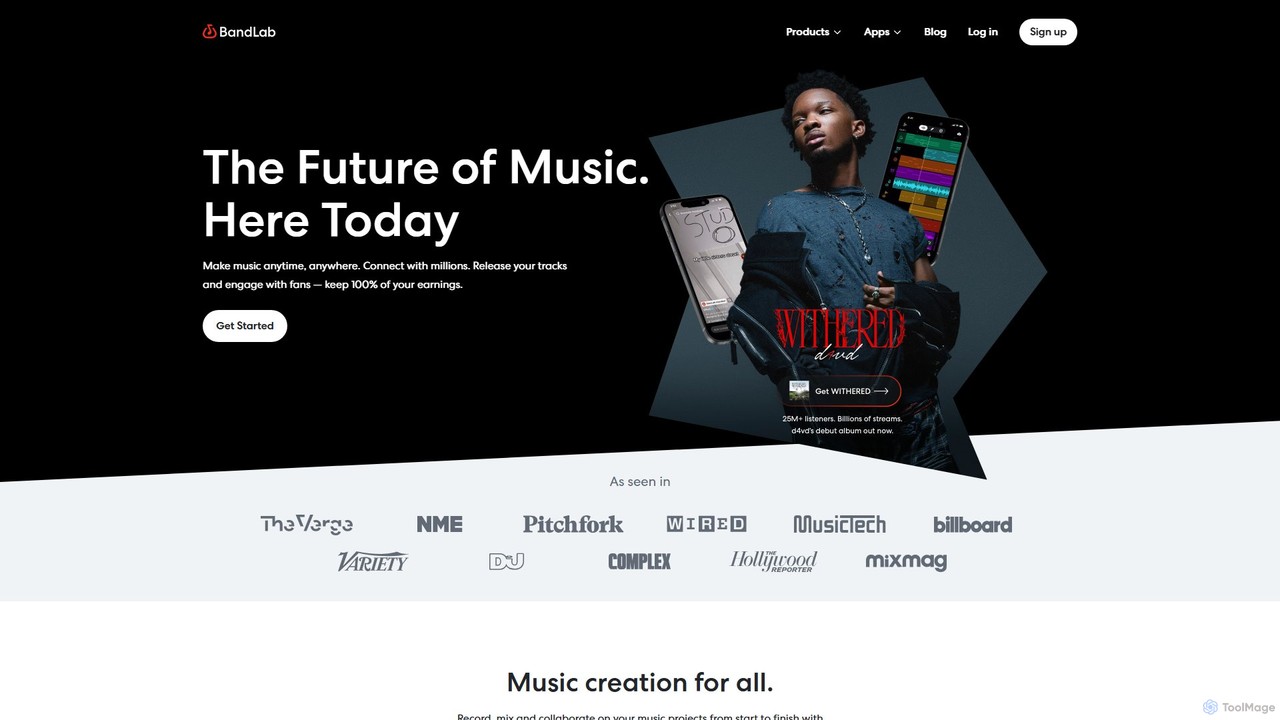
BandLab is an all-in-one, free social music creation platform. It offers a powerful online Digital Audio Workstation (DAW), AI-powered mastering, a vast library of royalty-free samples, and robust collaboration tools. It empowers musicians of all levels to create, share, and distribute their music from any device, fostering a global community of over 100 million creators.

Audio Editing
Visits 16.6MFavorites 154Likes 153
audiomuse
Freemium

audiomuse

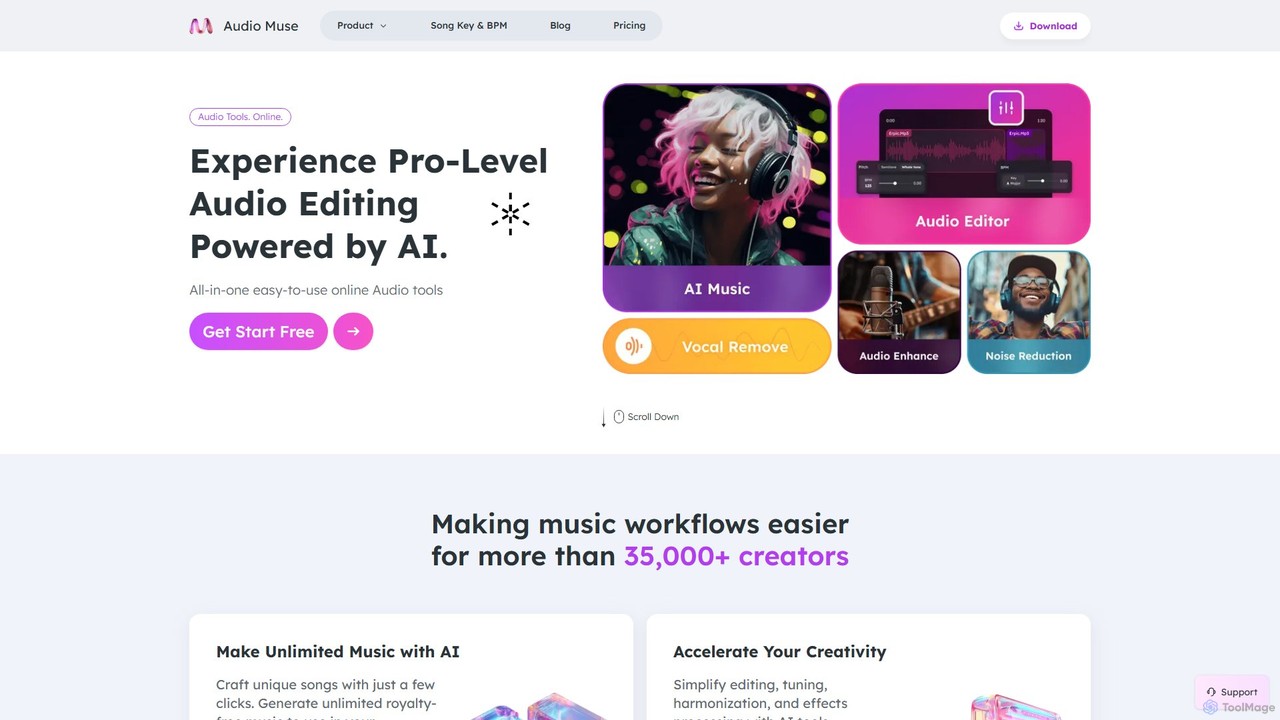
audiomuse is an all-in-one, AI-powered online audio toolkit designed for creators, musicians, and podcasters. It offers a comprehensive suite of tools including an AI music generator, music mastering, stem splitter, vocal remover, noise reduction, and various audio editors. Simplify your workflow and create professional-quality audio with just a few clicks.

Audio Editing
Visits 17.9KFavorites 124Likes 136
FreeTTS
Freemium

FreeTTS

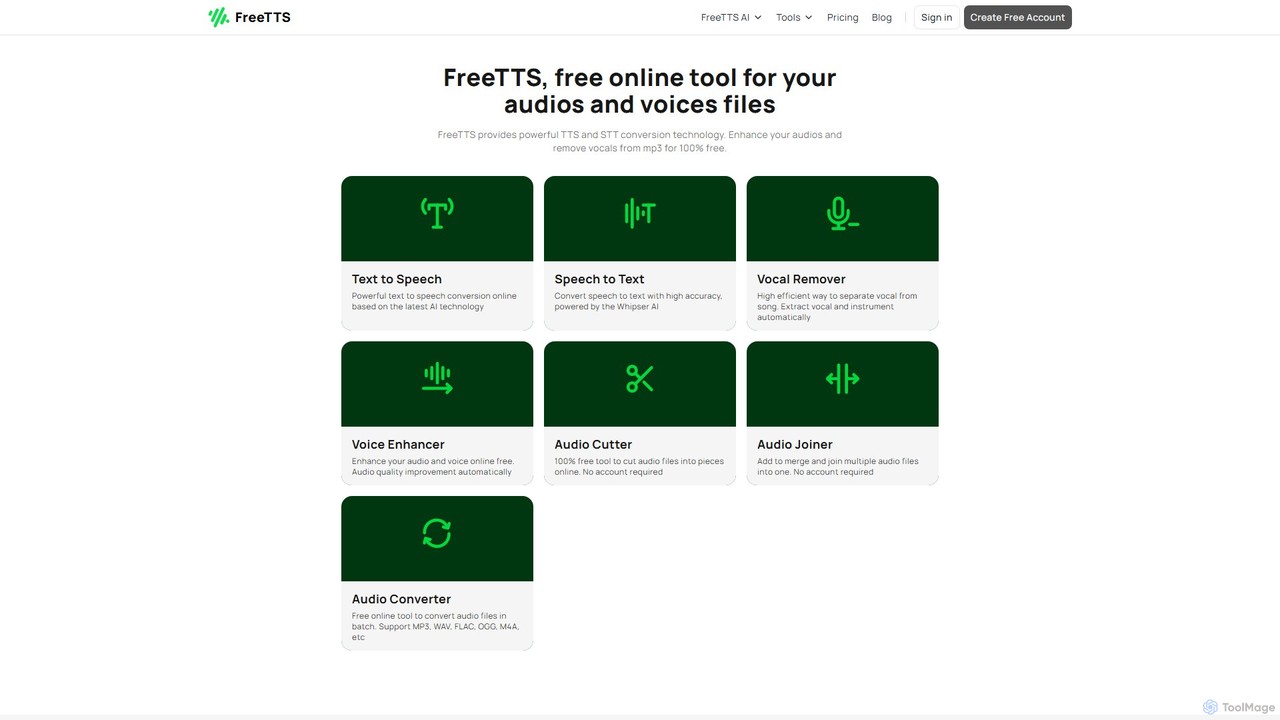
FreeTTS is a versatile AI-powered audio toolkit offering a suite of free and premium services. It excels in converting text to natural-sounding speech with a wide range of human-like voices. Beyond TTS, it provides high-accuracy speech-to-text transcription, an AI vocal remover, a voice enhancer, and various audio editing tools like a converter, cutter, and joiner. It's an all-in-one solution for content creators, musicians, and anyone needing high-quality audio processing.

Audio Editing
Visits 201.9KFavorites 127Likes 123
GoodListen
Freemium

GoodListen

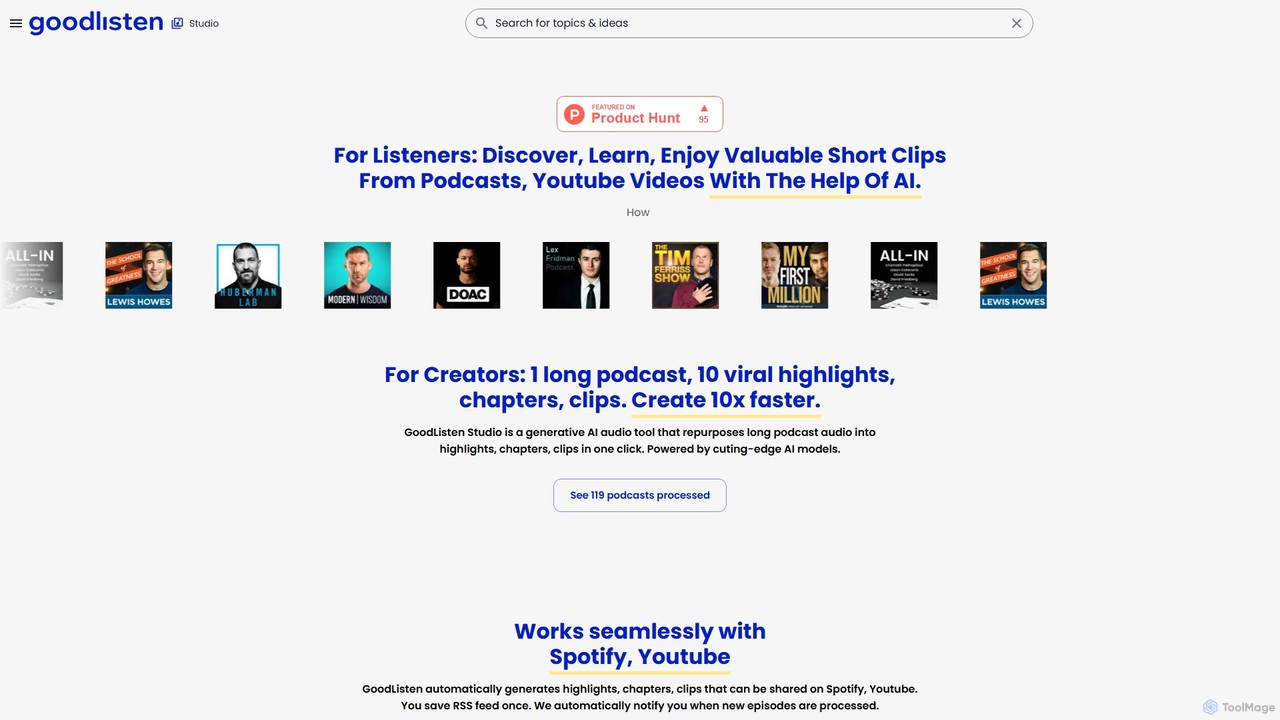
GoodListen is a generative AI platform for podcasters and listeners. It automatically repurposes long audio from podcasts and YouTube videos into shareable highlights, chapters, and short clips. This helps creators 10x their content output and allows listeners to discover and consume valuable information efficiently.

Audio Editing
Visits 5.7KFavorites 141Likes 137
HitPaw Online
Freemium

HitPaw Online

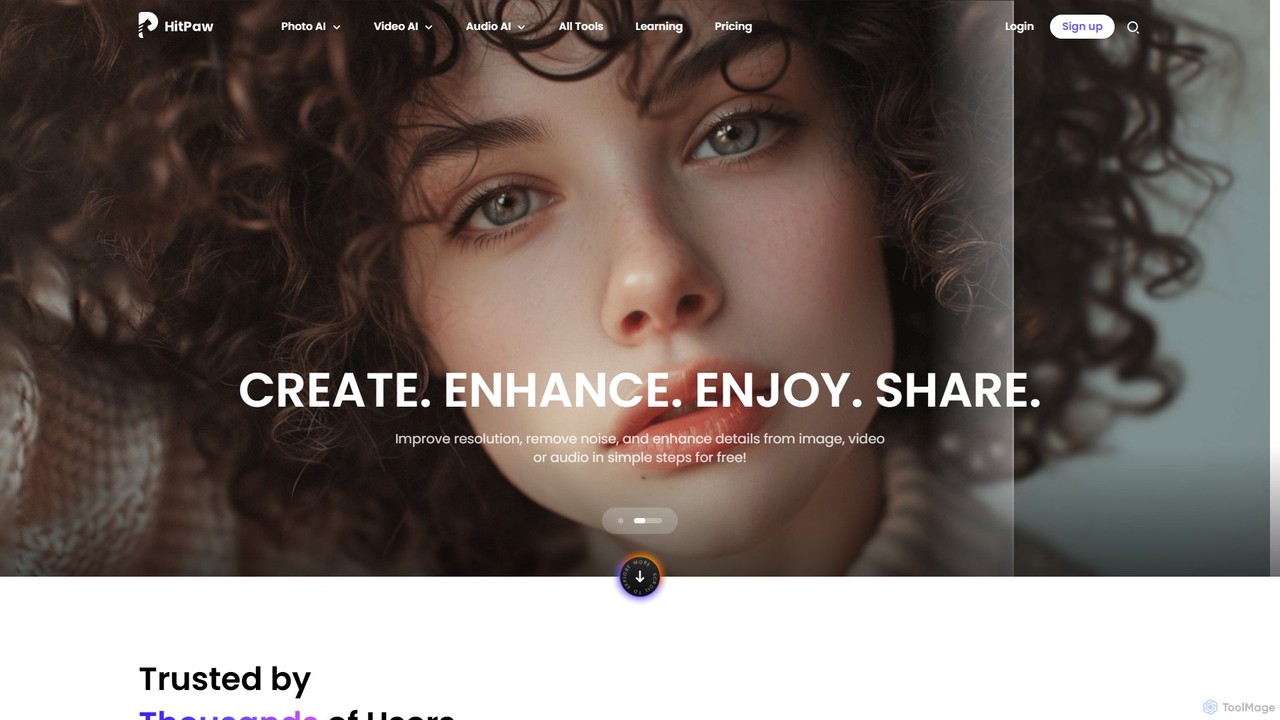
HitPaw Online is a comprehensive suite of AI-powered media editing tools. Accessible directly from your browser, it offers over 48 tools for enhancing photos, editing videos, and improving audio. Key features include an AI photo and video enhancer, background and watermark remover, and an AI video translator with voice cloning. It's designed for users of all levels, from social media creators to marketing professionals, providing a one-stop solution for all creative needs.

Audio Editing
Visits 361KFavorites 105Likes 108

About Audio Editing

AI Audio Editing tools are applications that leverage artificial intelligence to automatically clean, repair, and enhance audio recordings. These tools use machine learning models to identify and process specific audio elements, such as background noise, filler words, or vocal frequencies. They empower creators to achieve professional-grade sound quality with minimal manual effort, dramatically speeding up post-production workflows for podcasts, videos, and music.

Core Features

  • Intelligent Noise Reduction: Precisely removes background noise, hum, and reverb without affecting the main vocal clarity.
  • Automatic Filler Word & Silence Removal: Detects and cuts filler words (e.g., "um," "ah") and extended pauses to create concise, engaging content.
  • Voice Cloning & Overdubbing: Replicates a speaker's voice to correct misspoken words or generate new dialogue seamlessly.
  • AI-Powered Equalization & Mastering: Automatically balances frequencies and loudness to optimize audio for different platforms.

Use Cases

These tools are widely used in podcast production for dialogue cleanup, video post-production for enhancing on-location audio, and music creation for polishing vocal tracks. They are also valuable for audiobook narrators correcting mistakes and for businesses restoring old or damaged audio archives.

How to Choose

When selecting an AI Audio Editing tool, consider its primary function (e.g., speech enhancement vs. music mastering). Evaluate whether it operates as a standalone application or a plugin for your existing software (DAW). Also, assess its processing speed, user interface simplicity, and pricing structure (subscription vs. perpetual license).

Featured tool rankings

Audio Editing use cases

1

Effortless Podcast Dialogue Cleanup

A podcast producer working on a weekly interview show faces tight deadlines. The raw audio from a remote guest contains significant background hum and echo. Instead of spending hours manually applying noise gates and equalization, the producer uploads the track to an AI Audio Editing tool. The tool automatically identifies and removes the hum and reverb while also detecting and cutting over 50 instances of "ums" and "ahs" in a single pass. This reduces the editing time for a one-hour episode from three hours to under 30 minutes, ensuring a polished, professional sound for every release.

2

Rescuing On-Location Video Audio

A documentary filmmaker has captured a crucial interview outdoors, but the audio is marred by unpredictable wind gusts and distant traffic noise. Re-shooting is not an option. Using an AI Audio Editing tool, the post-production editor isolates the dialogue from the disruptive background sounds. The AI algorithm intelligently suppresses the wind and traffic without creating unnatural artifacts, restoring the clarity of the speaker's voice. This salvages the irreplaceable footage and avoids the need for expensive and time-consuming ADR (Automated Dialogue Replacement).

3

Seamless Audiobook Narration Corrections

An audiobook narrator discovers a mispronounced name in a chapter that was recorded weeks ago. The recording setup and vocal tone are impossible to replicate perfectly for a simple re-take. The narrator uses an AI tool with voice cloning capabilities. They type the correct pronunciation, and the tool generates the corrected word in the narrator's own voice, matching the exact tone and cadence of the original recording. This allows for a seamless, undetectable fix without re-recording the entire paragraph, maintaining consistency throughout the audiobook.

4

Professional Vocal Polishing for Musicians

A home studio musician has recorded a vocal track for their new song but lacks advanced audio engineering skills. The recording contains harsh sibilance ("s" sounds) and noticeable breaths between phrases. They process the vocal track through an AI editing tool. The software's AI-powered de-esser intelligently softens the sibilance without dulling the vocal, and its smart breath control reduces the volume of breaths without completely removing them, maintaining a natural feel. The result is a clean, balanced, and radio-ready vocal track achieved in minutes.

5

Automating Webinar to Podcast Conversion

A marketing team wants to repurpose a one-hour webinar recording into a more concise podcast episode. The original audio contains long pauses, audience Q&A transitions, and filler words from the speaker. Using an AI Audio Editing tool, they can automatically trim all silences longer than two seconds and remove filler words. The tool generates a tightened-up audio file that is 25% shorter and more engaging for listeners. This automates the content repurposing workflow, allowing the team to create new assets from existing content with minimal effort.

6

Restoring Vintage Audio Archives

An archivist at a historical society is digitizing a collection of old vinyl and tape recordings. The recordings suffer from significant hiss, crackle, and low-frequency hum characteristic of their age. Manually restoring each file would be prohibitively time-consuming. The archivist uses an AI Audio Editing tool designed for audio restoration. The AI analyzes the audio, distinguishes the original content from the noise, and carefully removes the hiss and crackle while enhancing the original speech or music. This makes the historical content accessible and intelligible for modern audiences.

Audio Editing FAQ

What are AI Audio Editing tools?

AI Audio Editing tools are software applications that use artificial intelligence to automate and enhance the process of cleaning and refining audio. Unlike traditional editors that require manual adjustments, these tools can automatically perform complex tasks like removing background noise, cutting out filler words ("ums," "ahs"), reducing echo, and even cloning a voice to fix mistakes. They are designed to help podcasters, video creators, and musicians achieve professional-quality sound quickly and efficiently.

How do I choose the right AI Audio Editing tool?

To choose the right tool, consider these factors:

  • Primary Use Case: Determine if you need it for speech enhancement (podcasts, videos) or music production, as tools are often specialized.
  • Workflow Integration: Decide if you prefer a standalone application for simple processing or a plugin (like VST, AU) that integrates into your existing Digital Audio Workstation (DAW).
  • Feature Set: Identify the specific features you need most, such as noise reduction, filler word removal, or voice cloning.
  • Ease of Use: Evaluate the user interface. Some tools offer one-click solutions, while others provide more granular control.
What's the difference between AI Audio Editing and a traditional DAW?

The primary difference lies in automation and scope. A traditional Digital Audio Workstation (DAW) like Adobe Audition or Pro Tools is a comprehensive manual environment for recording, arranging, mixing, and mastering entire projects. An AI Audio Editing tool, on the other hand, specializes in performing specific, complex tasks automatically using machine learning. For example, instead of manually finding and cutting each "um," an AI tool does it in one pass. Many AI editors function as plugins within a DAW, combining automated power with manual control.

What are the key features of AI Audio Editing software?

Most AI Audio Editing tools offer a suite of intelligent features to improve sound quality. The most common ones include:

  • Noise & Reverb Reduction: Intelligently separates voice from unwanted background noise and echo.
  • Filler Word Removal: Automatically detects and deletes filler words and long silences.
  • Voice Enhancement: Improves vocal clarity, presence, and consistency through AI-powered equalization and compression.
  • Voice Cloning & Overdubbing: Creates a synthetic version of a voice to correct errors or generate new audio.
  • AI Mastering: Analyzes an audio track and automatically applies processing to meet industry loudness and quality standards.
Who benefits most from AI Audio Editing tools?

AI Audio Editing tools are particularly beneficial for content creators who need high-quality audio without extensive technical expertise. Key users include podcasters who need to clean up interviews, video creators enhancing dialogue, musicians polishing vocal tracks, and audiobook producers making seamless corrections. Businesses also use them to restore archival audio or repurpose webinar recordings. Essentially, anyone looking to save significant time in audio post-production and improve their final sound quality can benefit.