ToolMage
Sign in

Best 1,676 Image AI tools

Popular Image AI tools include Bing, Microsoft Copilot, DreamUp, boundlessai, labs.google/fx, remove.bg, Shutterstock, ourdream.ai, Tripo3D, and Higgsfield, helping you work more efficiently.

Vectorizer
Paid

Vectorizer

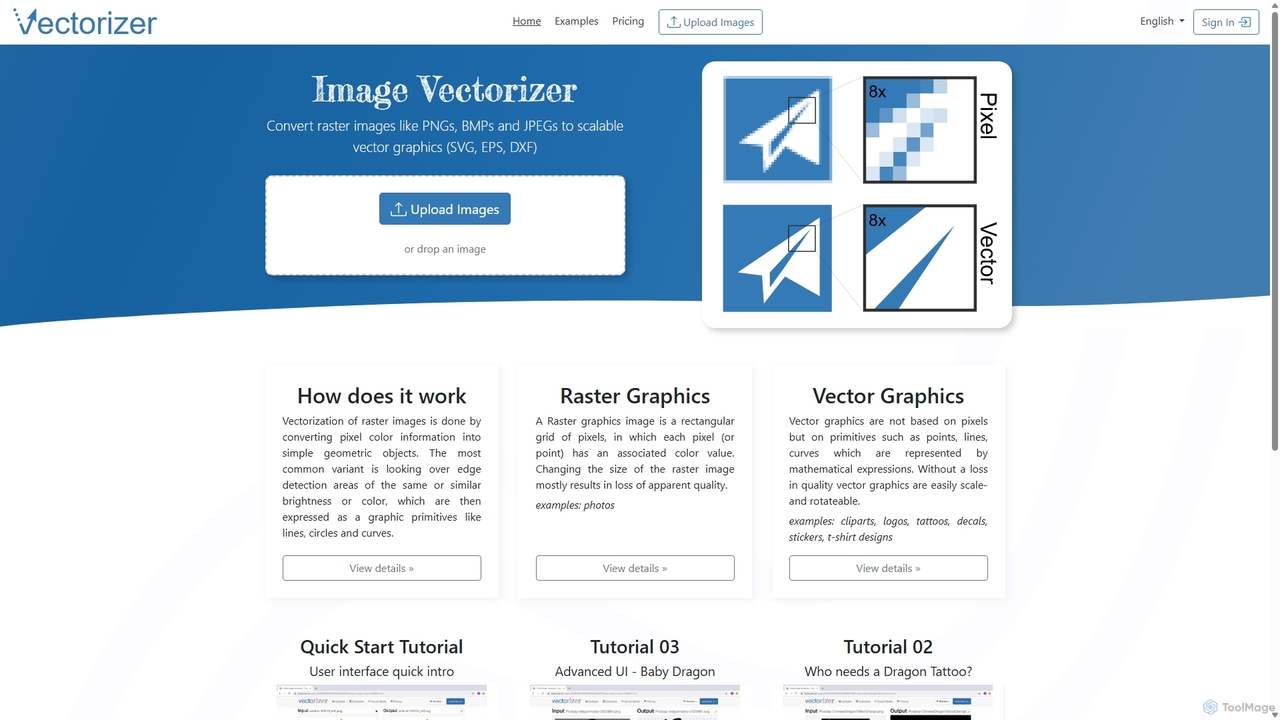
Vectorizer is an AI-powered online tool that converts raster images like JPEGs and PNGs into high-quality, scalable vector graphics (SVG, EPS, PDF). It automates the image tracing process, making it ideal for designers, marketers, and creators who need clean, resizable graphics for logos, T-shirts, and large-format printing.

Graphics
Visits 478.2KFavorites 98Likes 96
Shopp Toolz
Freemium

Shopp Toolz

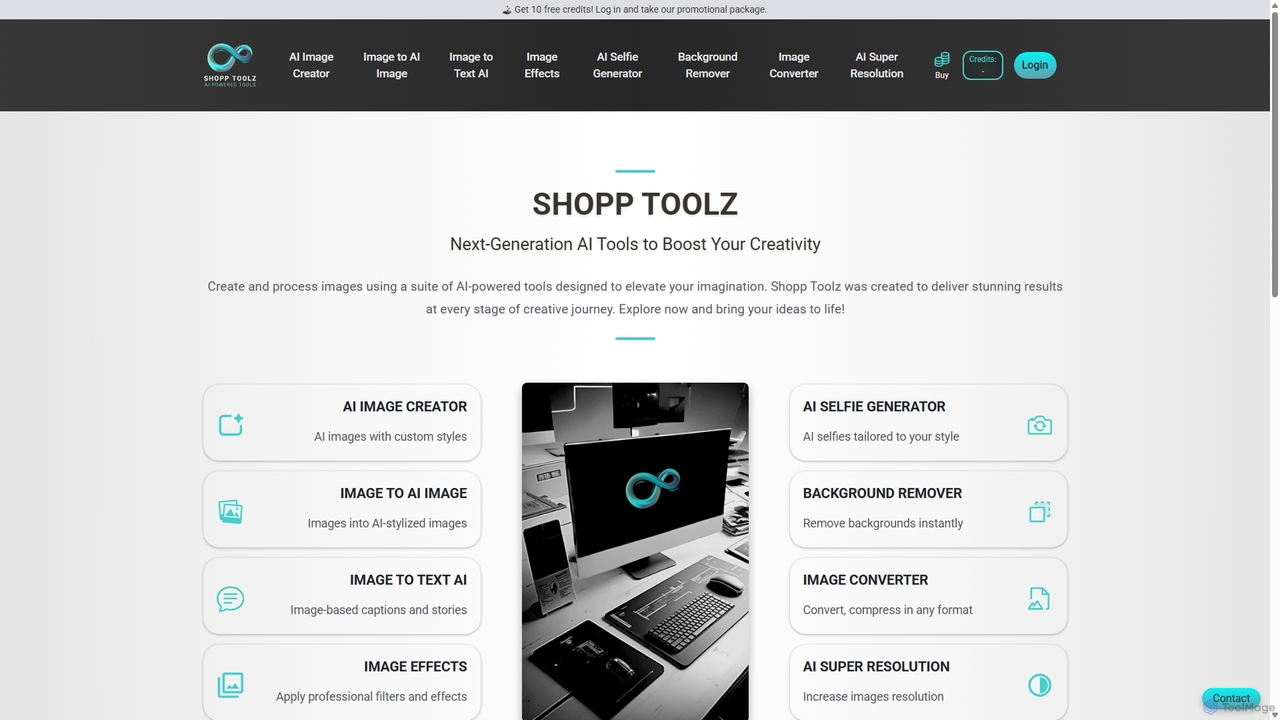
Shopp Toolz is an all-in-one AI-powered creative suite designed to enhance your visual content. It offers a range of tools including an AI image generator, image-to-image transformation, background remover, super resolution, and more. Ideal for creators, marketers, and designers, it simplifies the creative process with a user-friendly interface and a flexible pay-as-you-use model.

Image Editing
Visits 5.4KFavorites 154Likes 150
Kira
Freemium

Kira

Kira is a powerful AI-powered platform for professional-grade image generation and editing. It combines a versatile text-to-image generator with a comprehensive suite of editing tools, including background removal, inpainting, upscaling, and stylization. Its key feature is the ability to maintain consistent styles and characters across multiple edits and generations, making it ideal for branding, marketing, and creative projects that require a cohesive visual identity.

Graphic Design
Visits 949.4KFavorites 126Likes 108
Headshotnatural
Paid

Headshotnatural

Headshotnatural is an AI-powered headshot generator that creates realistic, professional headshots from a single selfie in minutes. It offers an affordable and fast solution for professionals, job seekers, and real estate agents to enhance their online presence on platforms like LinkedIn, resumes, and corporate websites.

Image Generation
Visits 5.5KFavorites 132Likes 137
Wallpaper Generate
Freemium

Wallpaper Generate

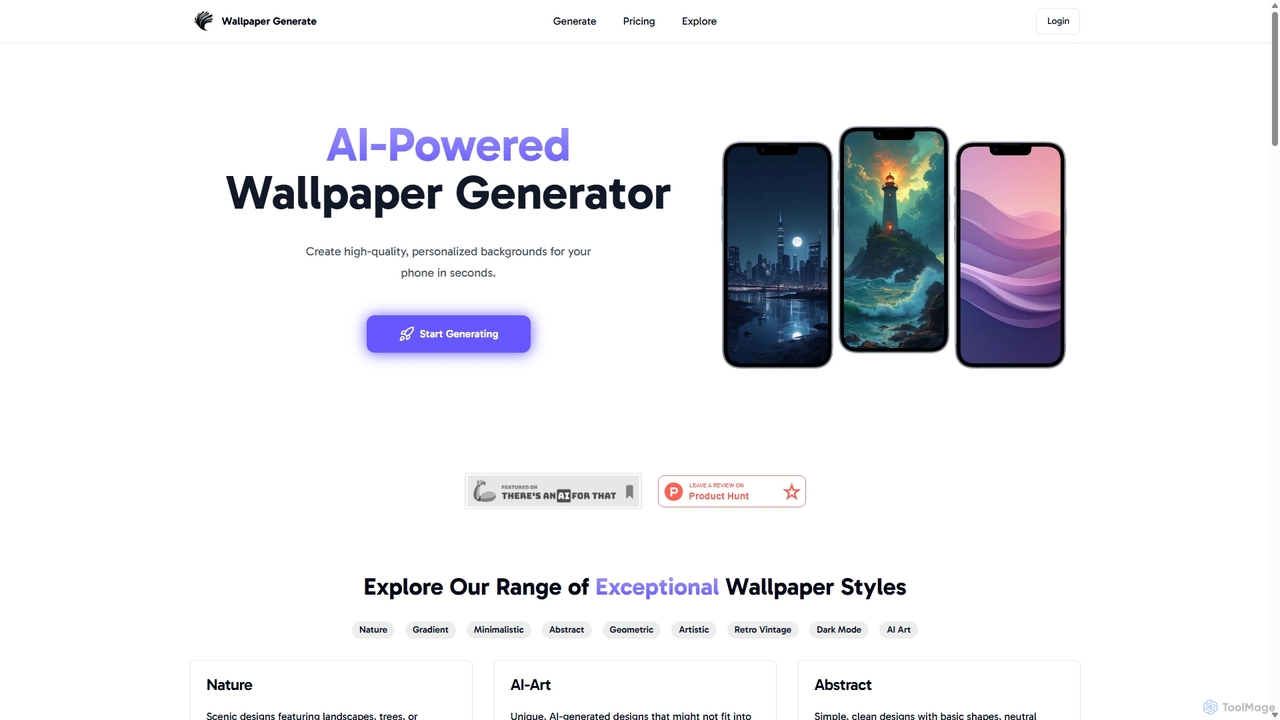
Wallpaper Generate is an AI-powered tool that allows users to create high-quality, personalized wallpapers for their phones in seconds. Simply describe your vision, choose a style and color, and let the AI craft unique backgrounds tailored to your taste, from serene landscapes to vibrant abstract art.

Graphics
Visits 5.4KFavorites 135Likes 138
Rupa.AI
Freemium

Rupa.AI

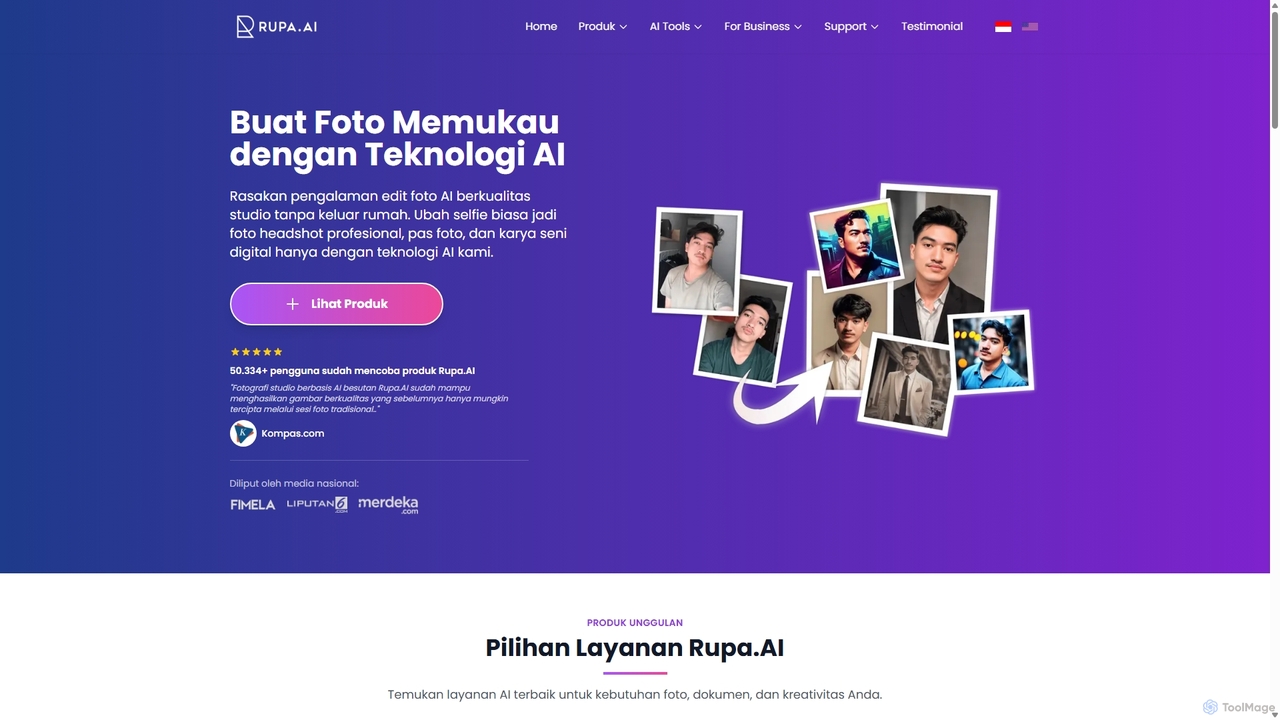
Rupa.AI is an AI-powered platform that transforms simple selfies into professional, studio-quality photos. It specializes in creating professional headshots, artistic portraits, couple photos, and more without the need for a physical photoshoot. It also features Aruna AI, a WhatsApp assistant for instant photo editing, image generation, and document analysis.

Generative Art
Visits 23.9KFavorites 119Likes 115
DiffusionHub
Freemium

DiffusionHub

DiffusionHub is a cloud-based platform for AI image generation, providing easy access to a vast library of Stable Diffusion models. It empowers users to create high-quality AI art and images through an intuitive interface, without the need for powerful local hardware. Ideal for artists, designers, and enthusiasts.

Generative Art
Visits 5.4KFavorites 172Likes 164
Photify AI
Freemium

Photify AI

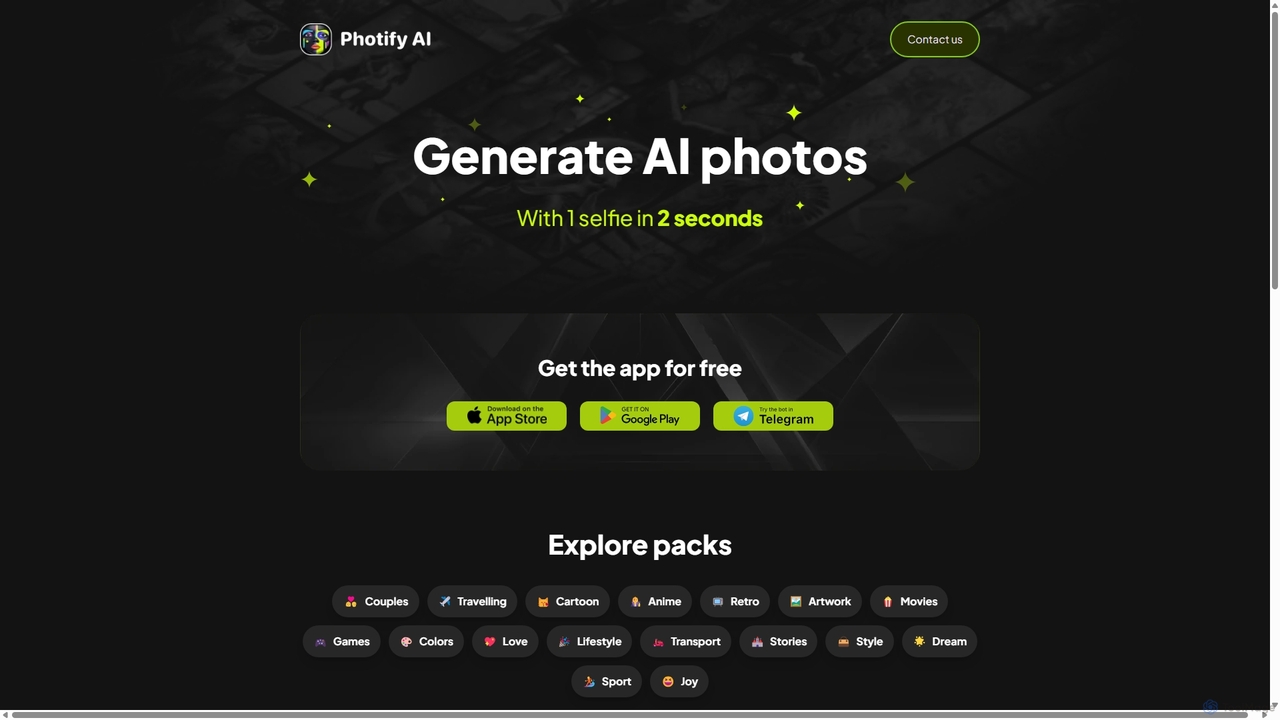
Photify AI is a mobile app that transforms a single selfie into hundreds of stunning, stylized photos in just seconds. Explore a vast library of themes, from professional headshots and travel scenes to anime and cartoon characters, and create unique looks effortlessly.

Avatar & Face Swap
Visits 46.8KFavorites 155Likes 154
Aianimegen
Freemium

Aianimegen

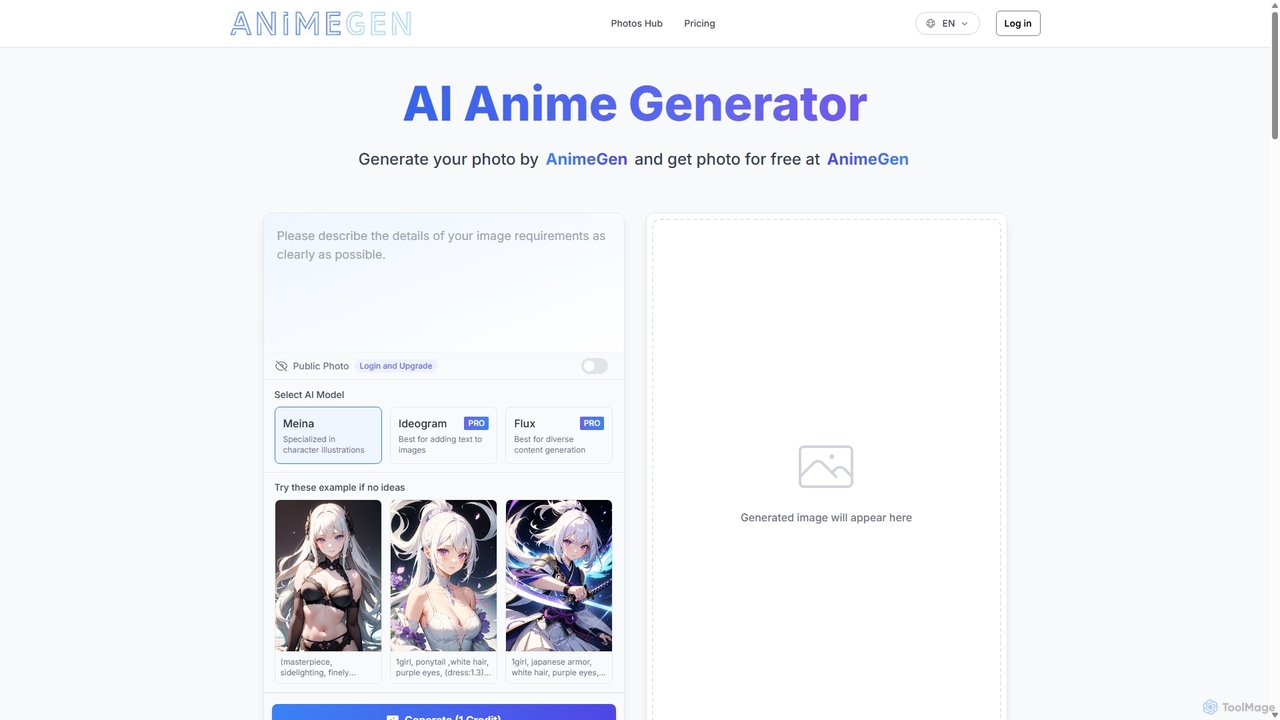
Aianimegen is an AI-powered tool that generates high-quality, unique anime-style images from simple text prompts. Designed for artists, writers, and anime enthusiasts, it provides an intuitive platform to bring creative visions to life, offering character design, scene creation, and style exploration with ease. It operates on a freemium model, making anime art creation accessible to everyone.

Generative Art
Visits 6.9KFavorites 132Likes 161
NightCafe
Freemium

NightCafe

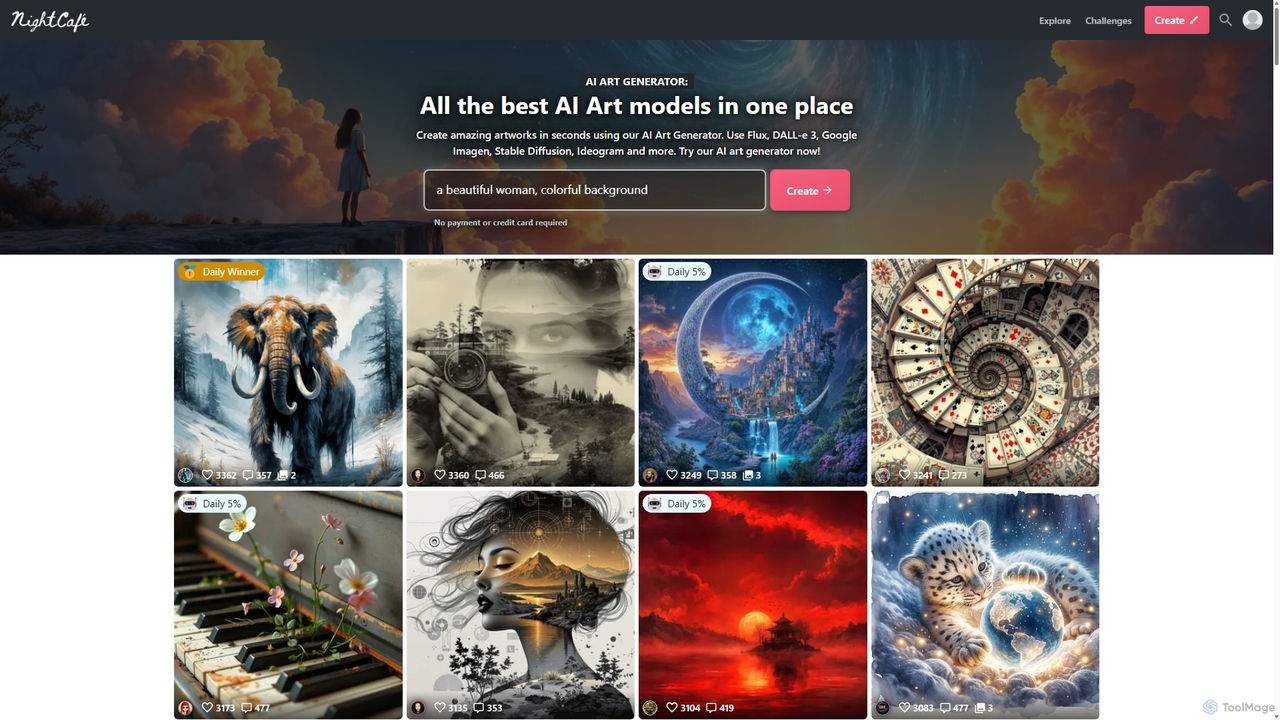
NightCafe is a versatile AI art generator and a vibrant community platform. It provides access to a wide range of AI models like DALL-E 3, Stable Diffusion, and Flux, allowing users to create, share, and discuss AI-generated art. Engage in daily challenges, collaborate with friends, and explore millions of creations in a supportive environment, suitable for both beginners and experts.

Generative Art
Visits 3.5MFavorites 128Likes 122
PornSea
Freemium

PornSea

PornSea is a leading AI-powered platform designed for generating custom adult images. By using descriptive text prompts and tags, users can create unique, high-quality erotic art tailored to their specific fantasies. The tool offers a range of models, styles, and features like image upscaling, personal collections, and community sharing, providing a creative outlet for personal exploration and artistic expression in a secure environment.

Generative Art
Visits 5.5KFavorites 173Likes 176
Gen Qwen Image
Freemium

Gen Qwen Image

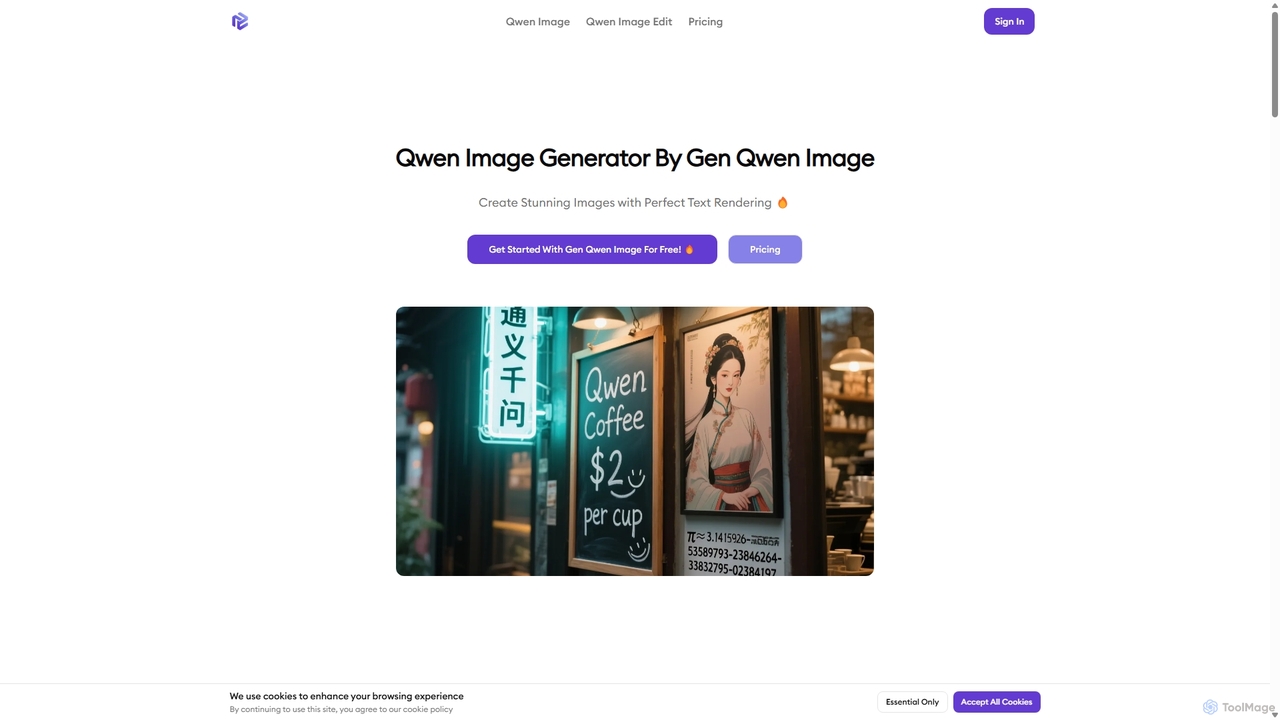
Gen Qwen Image is a powerful AI image generator and editor built on Alibaba's 20B parameter Qwen-Image model. It excels at revolutionary text rendering, accurately generating complex Chinese and English text within images. The platform also offers precise editing capabilities, including dual-mode semantic and appearance editing, making it ideal for commercial use, marketing, and creative content creation.

Image Editing
Visits 5.6KFavorites 144Likes 151
Adobe Firefly
Freemium

Adobe Firefly

Adobe Firefly is a family of creative generative AI models from Adobe. It enables users to generate high-quality images, text effects, and color palettes from simple text prompts. Designed to be commercially safe, it's integrated into Adobe's Creative Cloud apps like Photoshop and Illustrator, and also available as a standalone web application, empowering creators with new ways to ideate, create, and communicate.

Generative Art
Visits 21.6MFavorites 151Likes 147
Soulgen
Freemium

Soulgen

Soulgen is a powerful AI creative suite for generating unique images and videos from text or reference photos. It specializes in creating realistic and anime-style characters, offering advanced features like high-consistency video generation, inpainting, outpainting, and face swapping. It's designed for artists, creators, and enthusiasts to bring their dream characters to life with ease.

Character Creator
Visits 104.7KFavorites 128Likes 127
Prompt Hunt
Freemium

Prompt Hunt

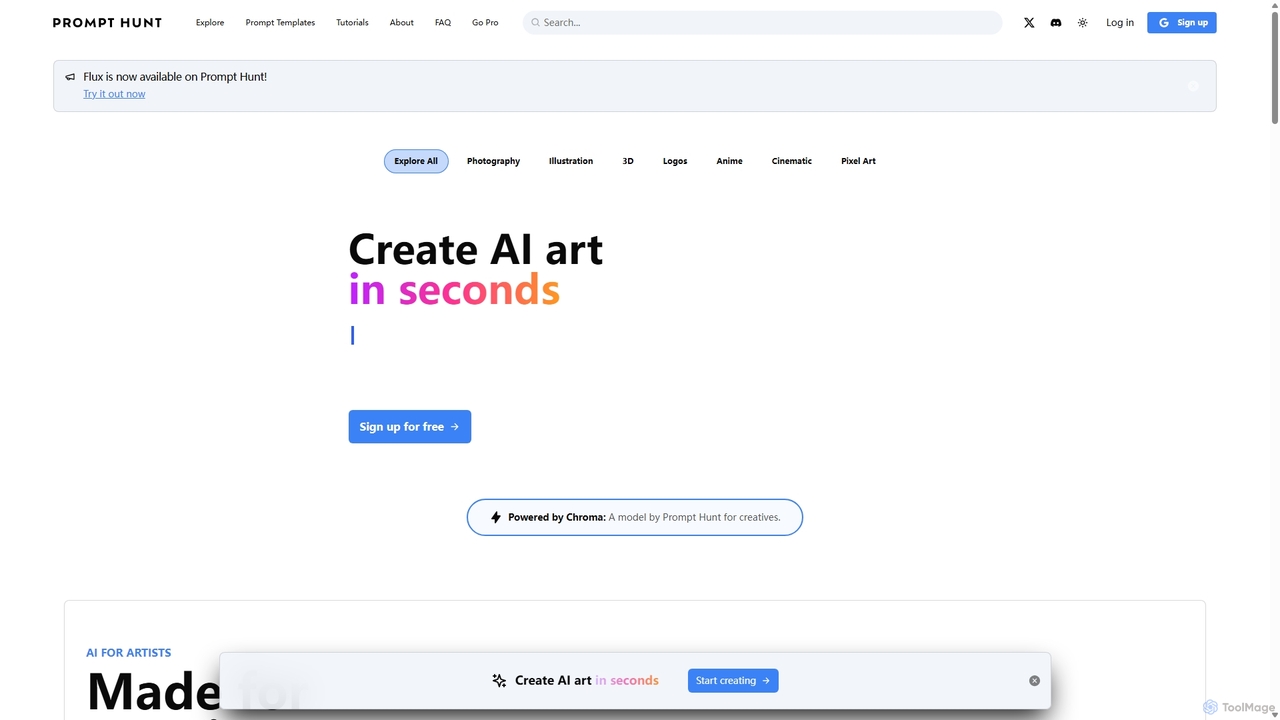
Prompt Hunt is an AI art platform designed for creatives to explore, create, and share high-quality AI-generated images. It features a powerful proprietary model called Chroma, an extensive library of prompt templates, and an intuitive interface, making it easy for both beginners and experts to produce stunning visuals.

Illustration
Visits 31.3KFavorites 150Likes 149
Amuse
Free

Amuse

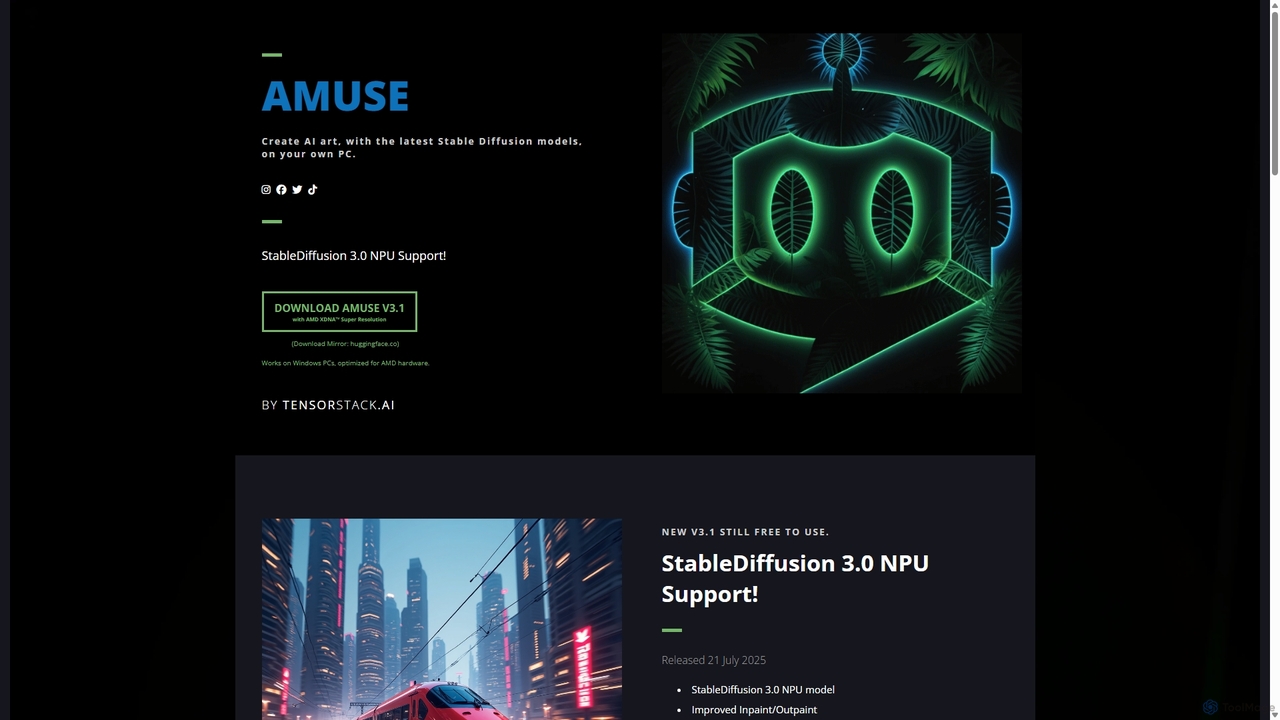
Amuse is a free, powerful AI image and video generation tool for Windows PCs that runs locally on your hardware. It features Stable Diffusion 3.0, an easy mode for beginners, an expert mode for advanced users, and is highly optimized for AMD hardware with NPU support. Create stunning art, apply custom AI filters, and experiment with video generation without any cost or login requirements.

Generative Art
Visits 6.2KFavorites 133Likes 133
HitPaw
Freemium

HitPaw

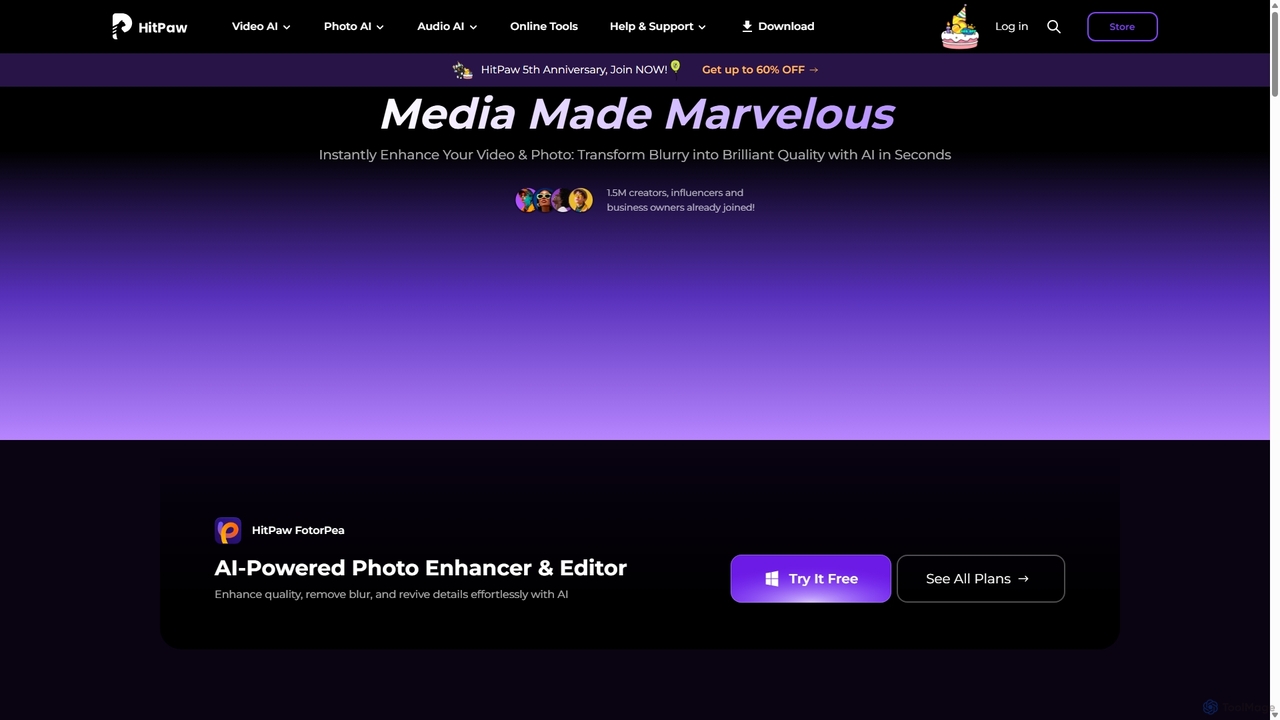
HitPaw is a comprehensive AI-powered multimedia software suite designed for video, photo, and audio enhancement. It offers a range of tools for upscaling video to 8K, restoring old photos, changing voices in real-time, converting file formats, and more, catering to creators, professionals, and enthusiasts.

Voice Modulation
Visits 996.6KFavorites 145Likes 152
Pixeldojo
Paid

Pixeldojo

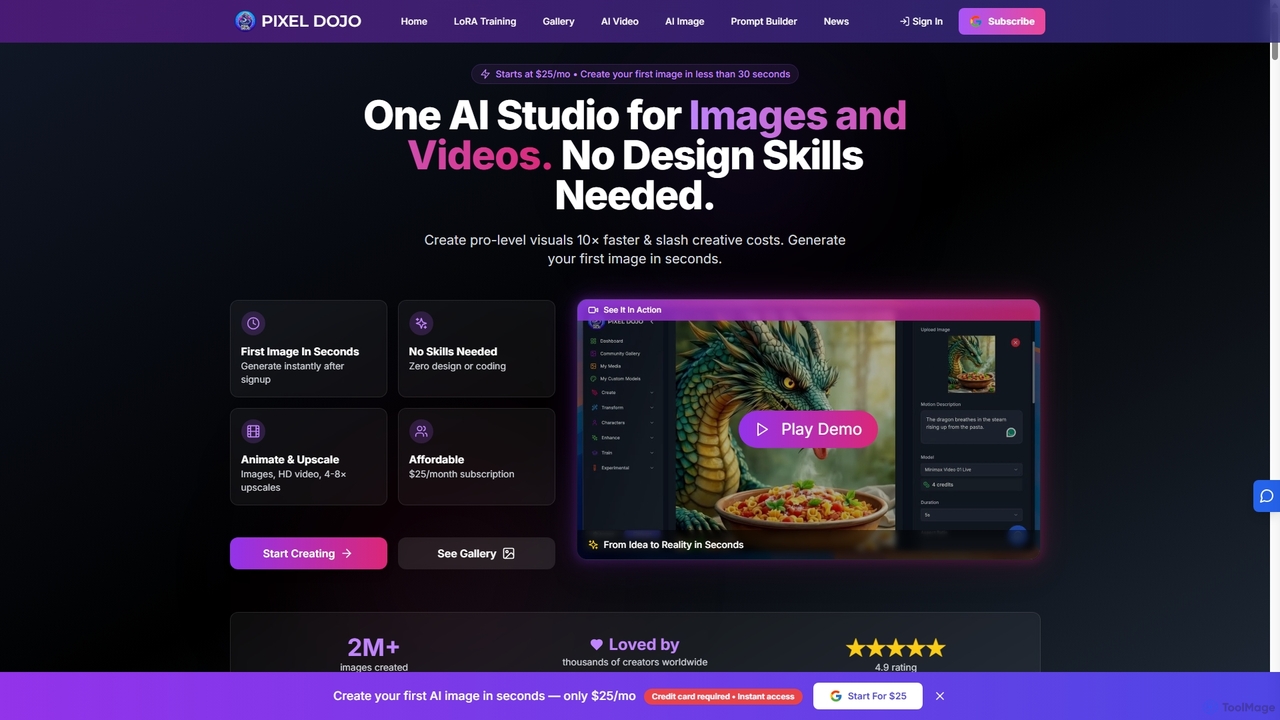
Pixel Dojo is an all-in-one AI creative studio for generating professional-quality images and videos. It offers over 67 tools, including text-to-image, text-to-video, image upscaling, and custom LoRA model training. Designed for creators and businesses of all skill levels, it streamlines content creation, reduces costs, and accelerates visual production tenfold without requiring any design skills.

Art Generation
Visits 486.9KFavorites 118Likes 119
Stablecog
Freemium

Stablecog

Stablecog is a powerful and user-friendly AI image generator that allows you to create stunning art from text or images in seconds. It supports multiple advanced AI models like Stable Diffusion 3 and SDXL, offering a versatile and creative platform for artists, designers, and content creators. With a generous free plan and flexible paid options, it's accessible to everyone.

Generative Art
Visits 88.4KFavorites 148Likes 146
ChatGPT Image Generator
Freemium

ChatGPT Image Generator

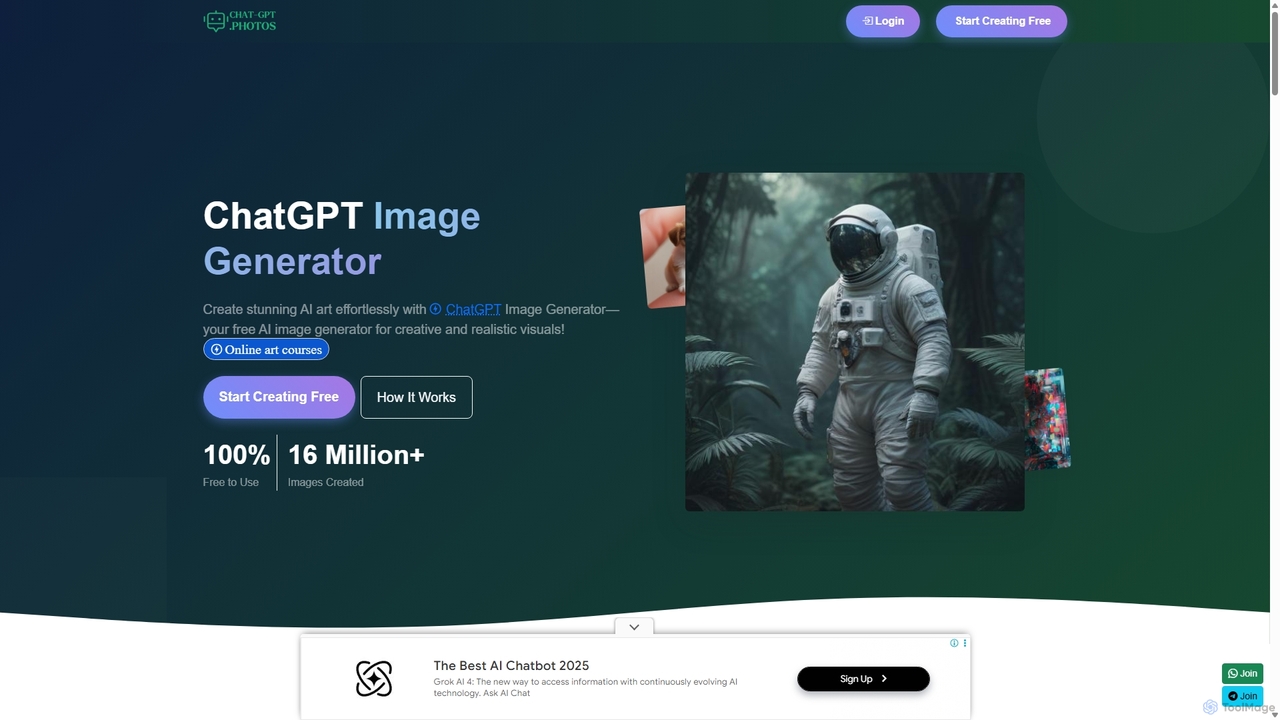
A free, high-speed AI image generator that transforms text prompts into stunning, high-quality visuals. It offers over 60 artistic styles, 4K resolution output, and full commercial usage rights. Ideal for artists, marketers, and designers, it provides a user-friendly platform with advanced features like API integration, making it a powerful alternative to tools like DALL-E and Canva.

Generative Art
Visits 5.5KFavorites 135Likes 122
Stock Imagery AI
Freemium

Stock Imagery AI

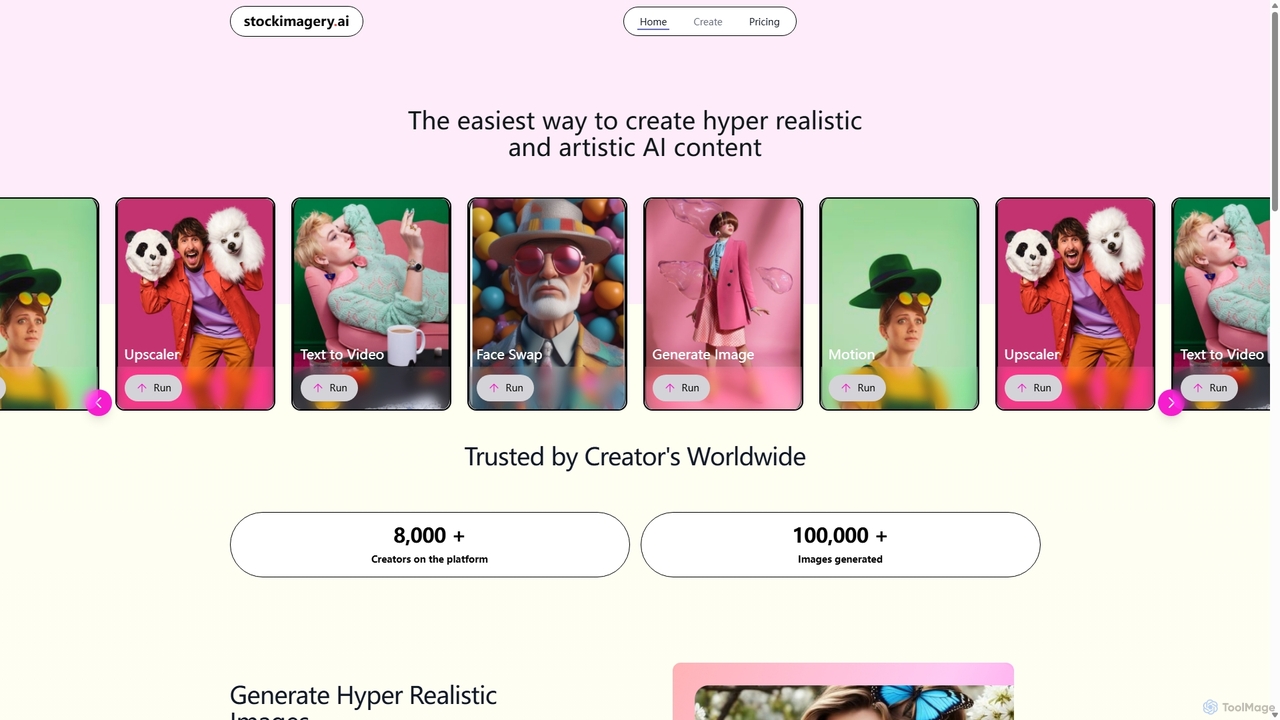
Stock Imagery AI is a versatile AI-powered platform for creating hyper-realistic images, motion videos, and text-to-video content. It offers tools like an image upscaler and face swap, designed for creators, marketers, and designers to generate unique, high-quality visual assets effortlessly.

Graphics
Visits 5.4KFavorites 132Likes 121
PhotoGuruAI
Paid

PhotoGuruAI

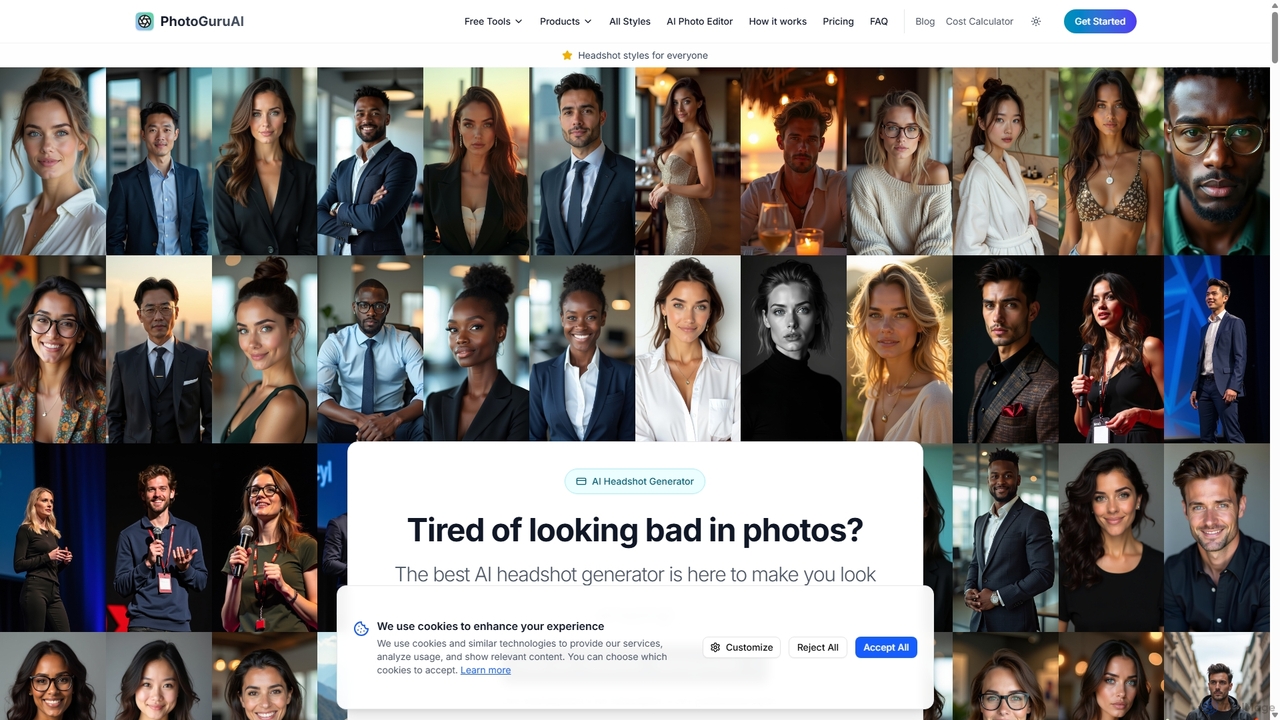
PhotoGuruAI is an AI-powered headshot generator that transforms your simple selfies into over 30 styles of professional, studio-quality photos. It offers a one-time payment model, delivering high-resolution headshots for LinkedIn, dating profiles, social media, and business in minutes. The platform also includes advanced AI photo editing tools.

Avatar & Headshot
Visits 10.7KFavorites 144Likes 137
Virtualverselabs
Freemium

Virtualverselabs

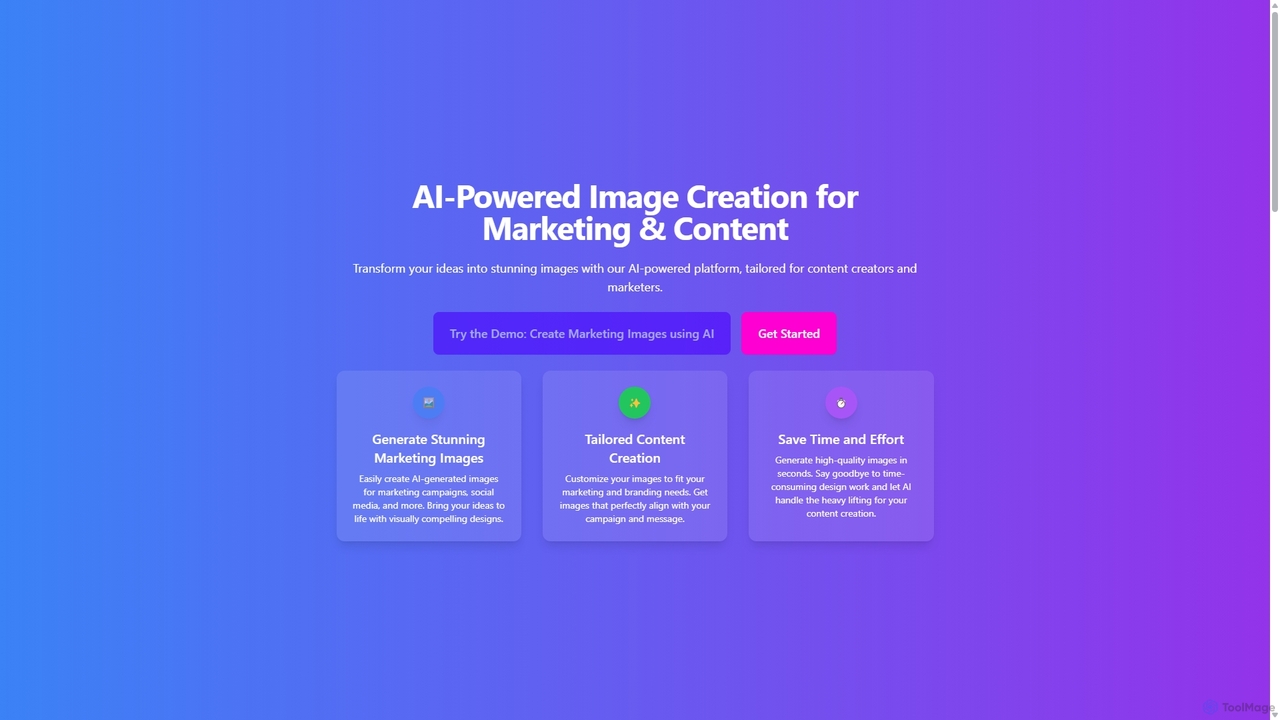
Virtualverselabs is an AI-powered image creation platform designed for marketers and content creators. It transforms text prompts into stunning, high-quality visuals for marketing campaigns, social media, and branding. The tool aims to save time and effort, enabling users to generate unique, brand-aligned images in seconds. Future updates promise to introduce AI voiceovers and interactive video stories.

Graphics
Visits 5.4KFavorites 129Likes 139
Nightmare AI
Freemium

Nightmare AI

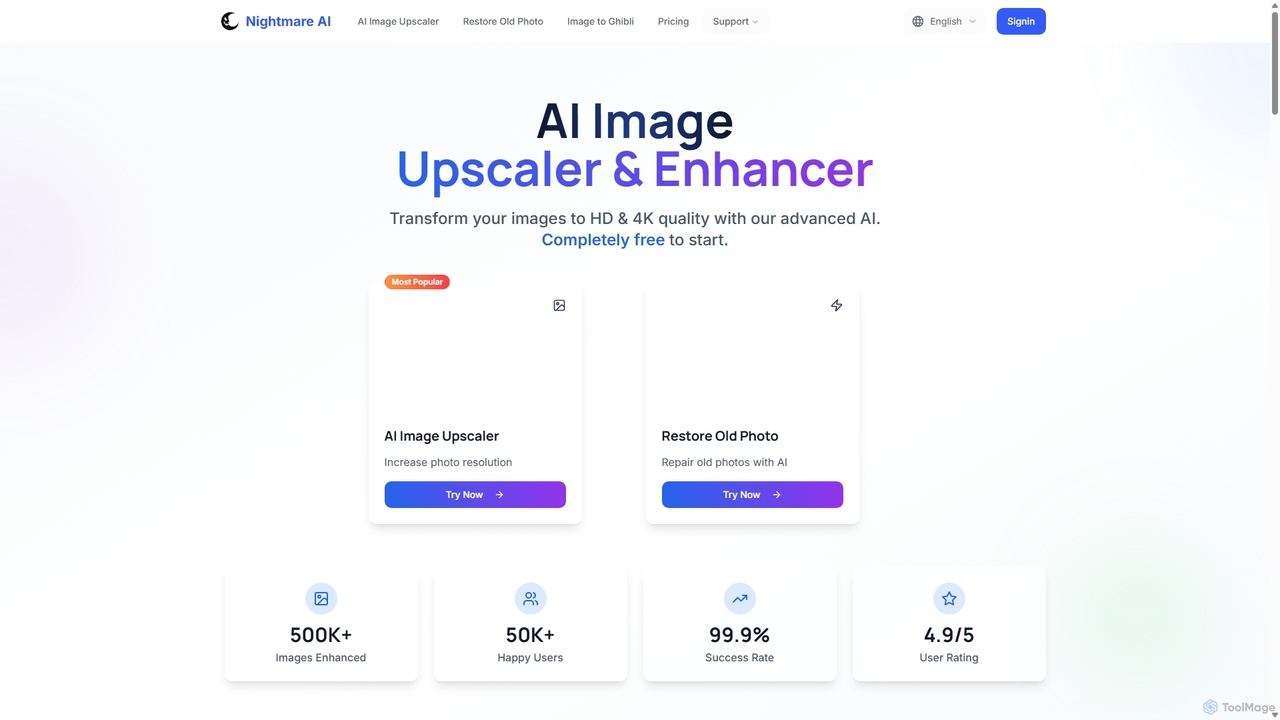
Nightmare AI is a powerful online tool that uses advanced AI algorithms like Real-ESRGAN to upscale images to 4K, enhance photo quality, and restore old, damaged photos. It specializes in improving photos, anime, and cartoons without losing detail. Offering a user-friendly interface, it provides both free and premium plans for photographers, artists, and content creators.

Image Enhancement
Visits 11.5KFavorites 158Likes 171

About Image

AI Image tools are a diverse category of software that leverage artificial intelligence to create, edit, analyze, and manage visual content. These tools utilize advanced models like diffusion and Generative Adversarial Networks (GANs) to generate novel visuals or apply complex edits with simple commands. They empower creators, marketers, and developers to produce high-quality graphics, automate repetitive editing tasks, and extract valuable data from images. This technology significantly lowers the barrier to professional-grade visual content creation and processing for a wide range of users.

Core Features

  • Image Generation: Create original images from text descriptions (text-to-image), sketches, or by combining other images.
  • Intelligent Editing & Enhancement: Automatically remove backgrounds, erase unwanted objects, upscale low-resolution images, and perform advanced color correction.
  • Image Analysis & Recognition: Identify and tag objects, faces, text (OCR), and scenes within an image to enable search and data extraction.
  • Style Transfer: Apply the artistic style of one image to another, transforming photos into various art forms like paintings or sketches.
  • Batch Processing: Automate editing or analysis tasks across hundreds or thousands of images simultaneously.

Use Cases

AI Image tools are widely used across various industries. Marketers and social media managers use them to quickly generate unique ad creatives and post visuals. E-commerce businesses rely on them for batch processing product photos, such as background removal and color enhancement. Designers and artists leverage these tools for brainstorming, concept art creation, and rapid prototyping of visual ideas.

How to Choose

When selecting an AI Image tool, first identify your primary need: generation, editing, or analysis. Evaluate the output quality, resolution, and the level of creative control the tool provides. For business use, consider its integration capabilities via API and its capacity for batch processing. Finally, assess the user interface and learning curve to ensure it matches your team's technical skill level.

Featured tool rankings

Image use cases

1

Generate Marketing Visuals for Social Media

A social media manager for a fashion brand needs to create daily, eye-catching visuals for Instagram campaigns. Instead of spending hours searching for stock photos or waiting for a designer, they use an AI image generator. By inputting prompts like 'futuristic street style photo of a woman wearing a neon jacket in Tokyo', they can generate dozens of unique, high-quality images in minutes. This allows them to maintain a consistent and engaging visual feed, A/B test different creative concepts, and reduce content production costs by over 70%.

2

Batch Process E-commerce Product Photos

An e-commerce store owner needs to upload 500 new product photos to their website. Each photo requires background removal, color correction, and resizing to fit the site's specifications. Manually editing each image would take days. By using an AI image editing tool, they can upload all 500 images at once. The tool automatically removes the background, applies a consistent white backdrop, enhances product colors, and resizes them. The entire process is completed in under an hour, ensuring product listings go live faster and maintaining a professional, uniform look across the store.

3

Create Concept Art for Game Development

A concept artist at a game studio is tasked with designing a new fantasy creature. To quickly explore different visual directions, they use an AI image tool. They input detailed descriptions like 'a majestic griffin with crystalline feathers and glowing eyes, in a stormy mountain landscape'. The AI generates multiple high-fidelity variations in different poses and styles. This process allows the artist to rapidly iterate on ideas, present a wide range of concepts to the art director, and select a final direction in a fraction of the time it would take to sketch each one manually.

4

Restore and Colorize Old Family Photos

An individual wants to preserve their family's history by restoring a collection of old, damaged, black-and-white photographs. Many photos are faded, scratched, or torn. Using an AI photo restoration tool, they scan and upload the images. The AI automatically detects and repairs imperfections like scratches and creases, sharpens blurry faces, and enhances overall detail. Furthermore, its colorization feature intelligently adds realistic colors to the black-and-white photos based on historical context. This transforms faded memories into vibrant, clear images that can be shared with younger generations.

5

Automate Image Tagging for Digital Asset Management

A large media corporation has a digital asset management (DAM) system with millions of untagged images, making them difficult to search. Manually tagging each image is unfeasible. They integrate an AI image analysis API with their DAM. As images are processed, the AI automatically identifies and applies relevant tags for objects, people, places, and even abstract concepts (e.g., 'celebration', 'teamwork'). This makes the entire library instantly searchable, saving employees countless hours and unlocking the value of their vast visual archive for content creators and researchers.

6

Create Architectural Visualizations from Sketches

An architect needs to present a new building concept to a client quickly. Instead of spending days creating a detailed 3D model, they use an AI image tool that specializes in sketch-to-render conversion. They upload a simple hand-drawn sketch of the building's facade. The AI interprets the lines and shapes, transforming the sketch into a photorealistic rendering complete with materials, lighting, and environmental context. They can generate multiple variations with different materials (e.g., brick, glass, wood) in minutes, allowing for a dynamic and efficient client presentation that accelerates the approval process.

Image FAQ

What are AI Image tools?

AI Image tools are software applications that use artificial intelligence to perform a wide range of tasks related to visual content. This includes creating entirely new images from text prompts (generation), intelligently editing existing photos (e.g., removing objects, enhancing quality), and analyzing images to identify objects and data (recognition). They leverage complex algorithms like diffusion models and neural networks to understand and manipulate visual information in ways that were previously impossible or required extensive manual work.

How to choose the right AI Image tool?

Choosing the right tool depends on your specific needs. Consider the following factors:

  • Primary Function: Do you need to generate new images, edit existing ones, or analyze them? Some tools specialize in one area, while others are multi-functional.
  • Quality and Style: Review examples of the tool's output. Does the quality (resolution, realism) and artistic style match your requirements?
  • Ease of Use: Assess the user interface. Is it an intuitive web-based tool for beginners, or a complex application for professionals with a steep learning curve?
  • Integration and API Access: If you need to automate workflows, check if the tool offers an API to connect with your existing software or systems.
  • Pricing Model: Compare pricing structures, such as subscription-based, pay-per-image (credits), or one-time purchases, to find what best fits your budget and usage frequency.
What's the difference between AI image generators and traditional photo editors?

The core difference lies in how they create or modify images. Traditional photo editors, like Adobe Photoshop, are tools for manipulating existing pixels. You manually use brushes, layers, and filters to edit a photo. They offer precise, granular control over an existing image.

AI image generators, on the other hand, create new pixels from scratch based on a text description or other inputs. They don't edit an existing image in the traditional sense; they generate a new one. While some AI tools also have editing features, their primary strength is in creation and ideation, turning abstract concepts into visual realities quickly.

Can AI image tools be used commercially?

Yes, many AI image tools can be used for commercial purposes, but it is crucial to check the terms of service for each specific tool. Most platforms offer paid subscription plans that grant commercial usage rights for the images you create. However, there can be nuances regarding copyright, ownership, and usage restrictions. Some services may restrict use in certain contexts (e.g., for logos or trademarks) or require attribution. Always review the licensing agreement of the tool you choose to ensure you are in compliance before using generated images in commercial projects.

Who can benefit from using AI Image tools?

A wide range of professionals and individuals can benefit from AI image tools. This includes:

  • Marketers and Advertisers: For quickly creating unique visuals for campaigns, social media, and ads.
  • Graphic Designers and Artists: As a tool for brainstorming, concept art, and accelerating creative workflows.
  • E-commerce Businesses: For batch editing product photos, ensuring a consistent and professional look.
  • Content Creators and Bloggers: To generate custom featured images and illustrations without needing advanced design skills.
  • Developers and Businesses: By integrating image analysis APIs to automate tasks like content moderation or data extraction.