ToolMage
Sign in

Best 449 Workflow Automation AI tools for Productivity

Popular Workflow Automation AI tools in Productivity include Airtable, Base44, Lever, Formstack, Zapier, Workday, OPAX.ai, Zigi.ai, Scribe, and Pipefy, helping you work more efficiently.

Filmgine
Freemium

Filmgine

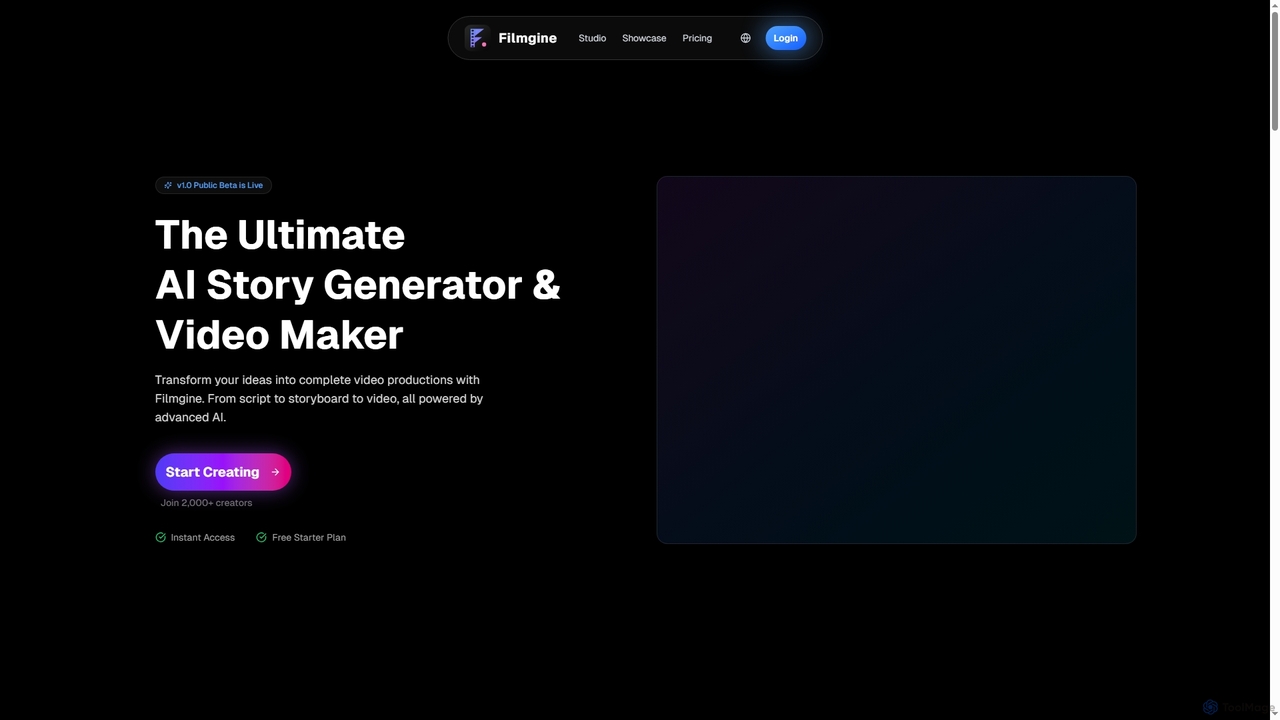
Filmgine is an ultimate AI story generator and video maker that transforms creative ideas into complete video productions. It streamlines the filmmaking process from script to storyboard to dynamic video, all powered by advanced AI, making professional content creation accessible and efficient for creators of all levels.

3D
Visits 6.3KFavorites 25Likes 47
Zapyon
Freemium

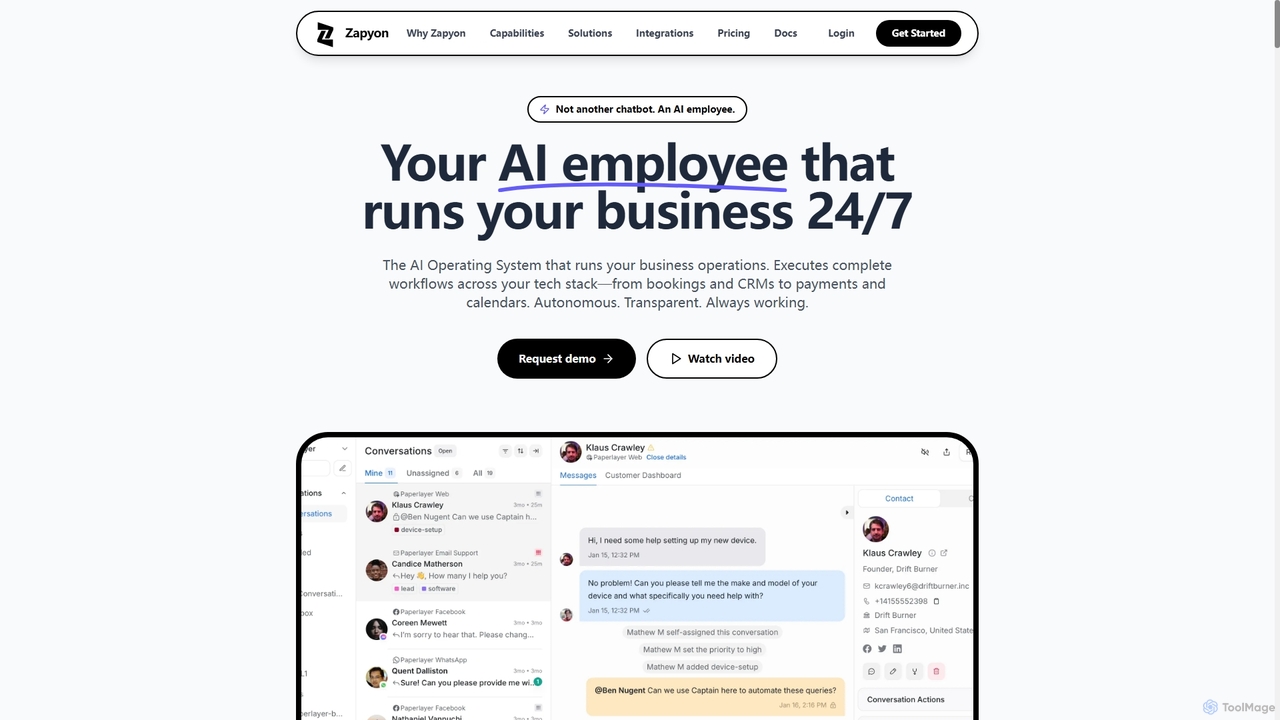
Zapyon

Zapyon is an AI Operating System that acts as an AI employee, automating complete business workflows 24/7 across various communication channels and integrating with over 100 apps. It handles tasks from customer inquiries and appointment bookings to CRM updates and payment processing, aiming to replace repetitive operational overhead.

3D
Visits 5.9KFavorites 44Likes 43
Enginuity Labs

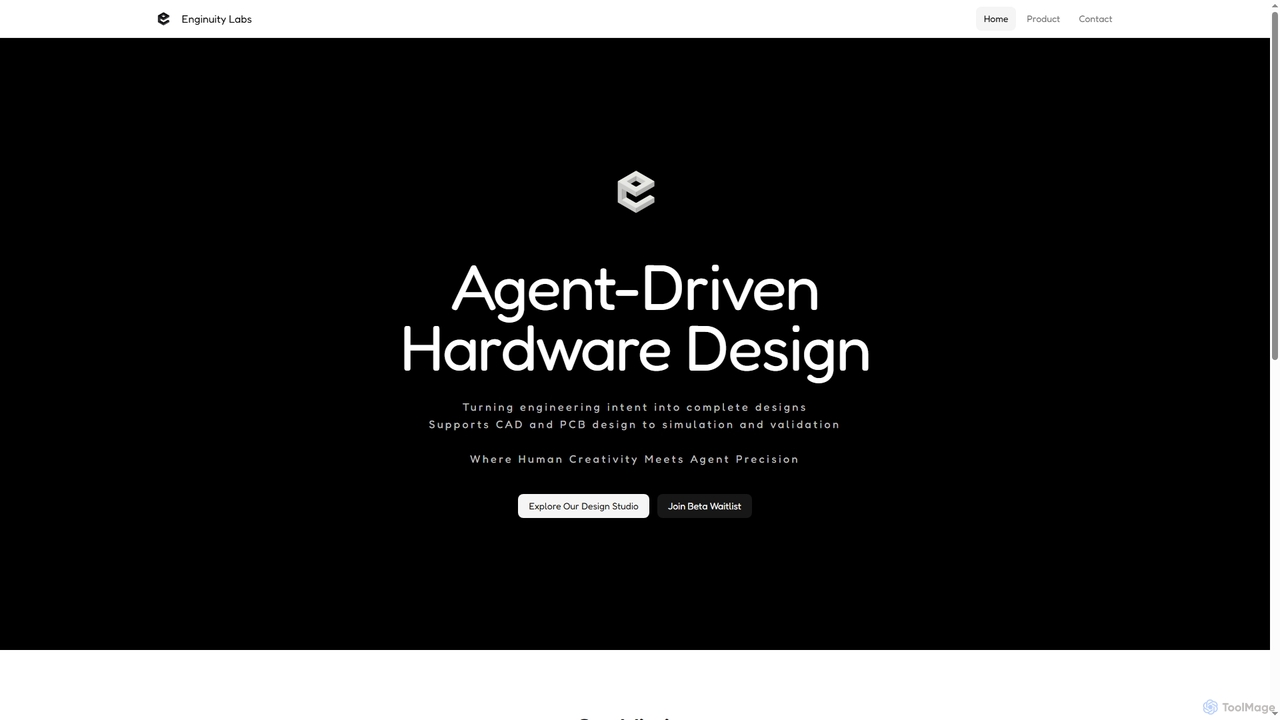
Enginuity Labs

Enginuity Labs offers an AI-powered engineering design studio, integrating intelligent agents into CAD, PCB, and simulation workflows. It automates repetitive tasks, enhances team collaboration with AI insights, and empowers engineers to focus on creativity while AI manages complexity in design processes.

3D Modeling
Visits 6.2KFavorites 46Likes 52
Amplift
Paid

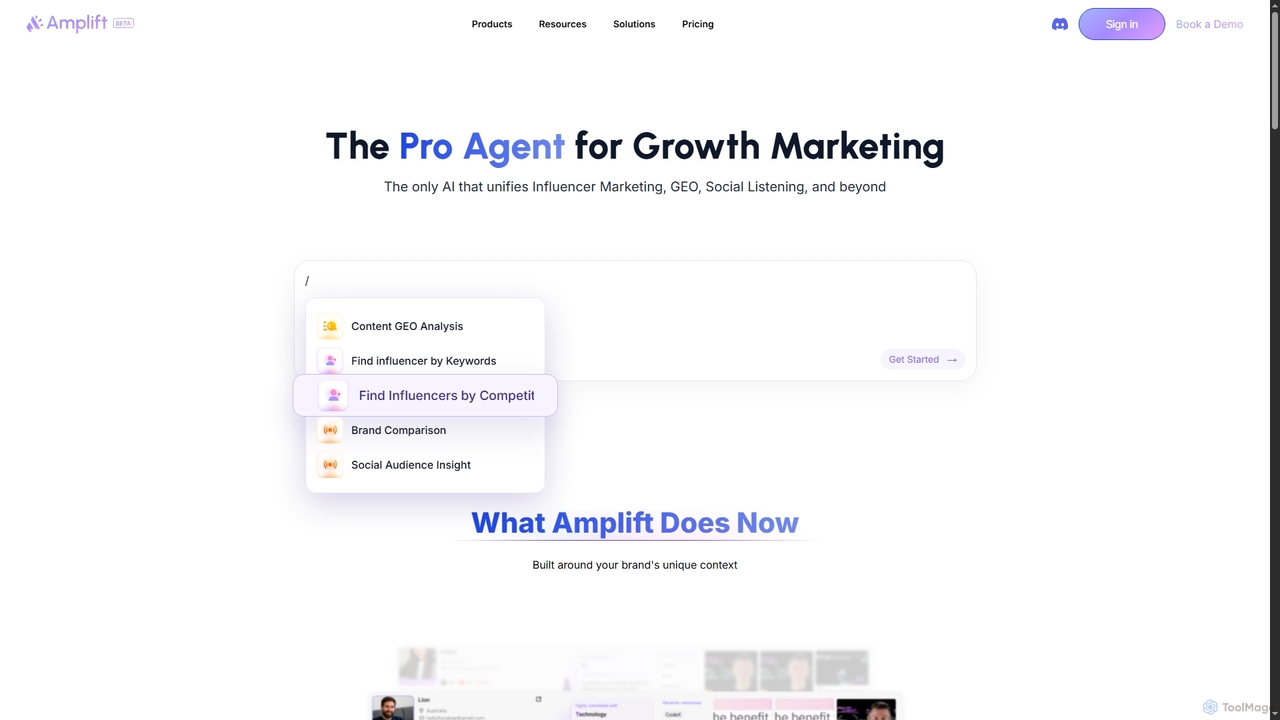
Amplift

Amplift is an AI-powered growth marketing agent that unifies influencer marketing, GEO, social listening, and AI writing into a single, intuitive platform. It helps businesses, marketers, and agencies generate insights, create content, and execute campaigns with expert-level intelligence and efficiency.

Market Research
Visits 6KFavorites 66Likes 72
RemoteGate
Paid

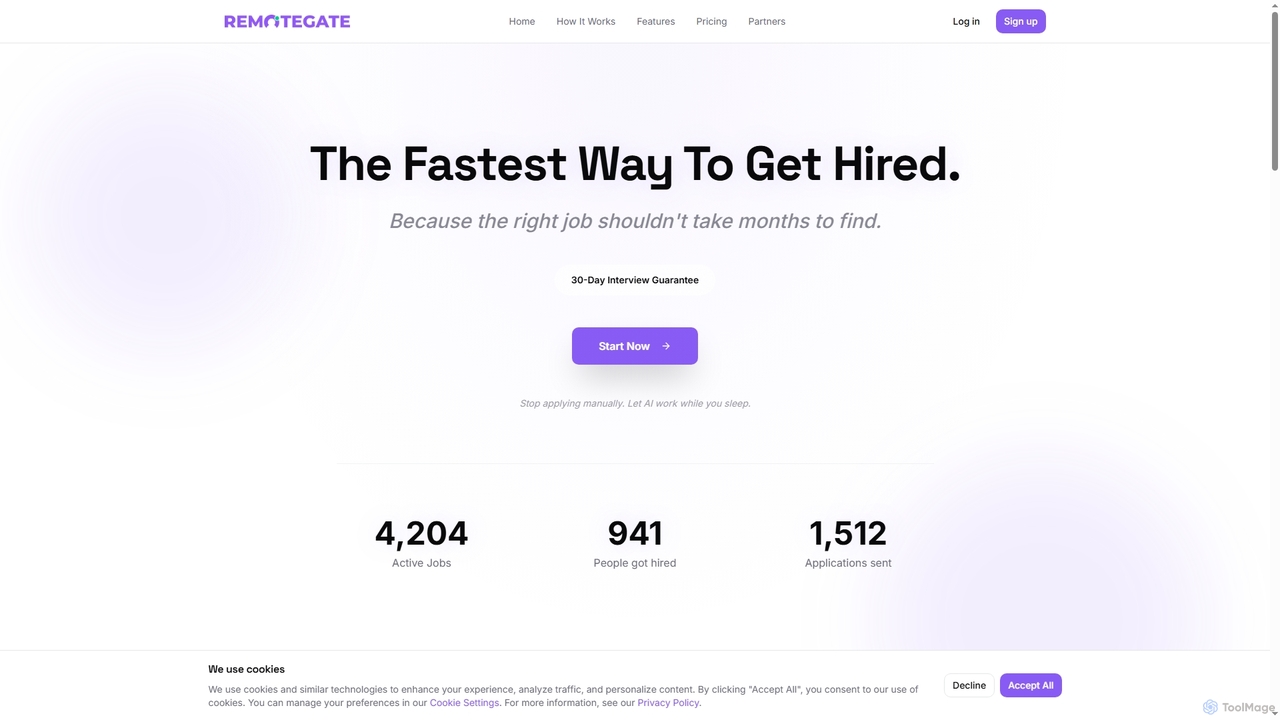
RemoteGate

RemoteGate is an AI-powered platform designed to automate the remote job search process. It helps job seekers find and apply to thousands of remote positions daily by building a profile, leveraging AI for smart matching and automatic applications with tailored cover letters, and tracking progress, aiming to secure interviews faster.

Remote Opportunities
Visits 5.9KFavorites 52Likes 64
Runstack

Runstack

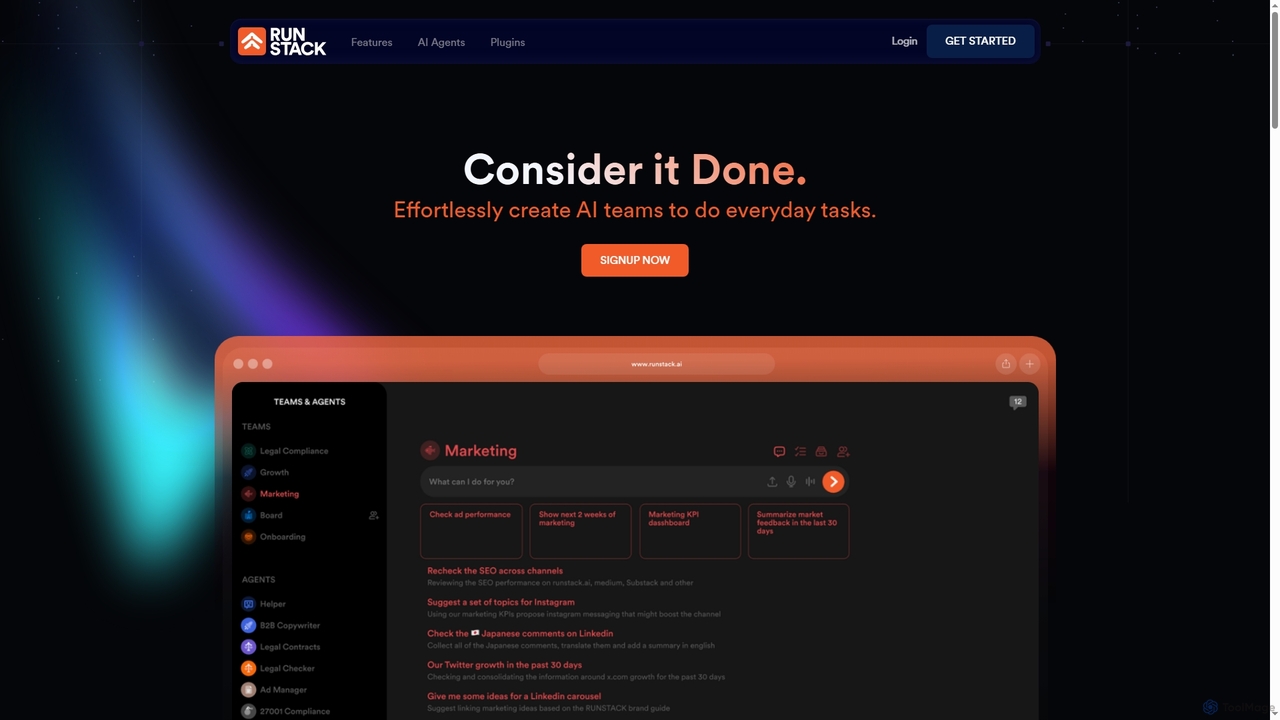
Runstack is an innovative AI agent platform that empowers businesses to effortlessly create custom AI assistants. By simply describing tasks in plain English, users can deploy intelligent agents to automate workflows, integrate with over 50 business tools, and handle complex operations across various departments, from sales and marketing to finance and project management.

Sales Automation
Visits 6.4KFavorites 82Likes 86
ManyPI
Freemium

ManyPI

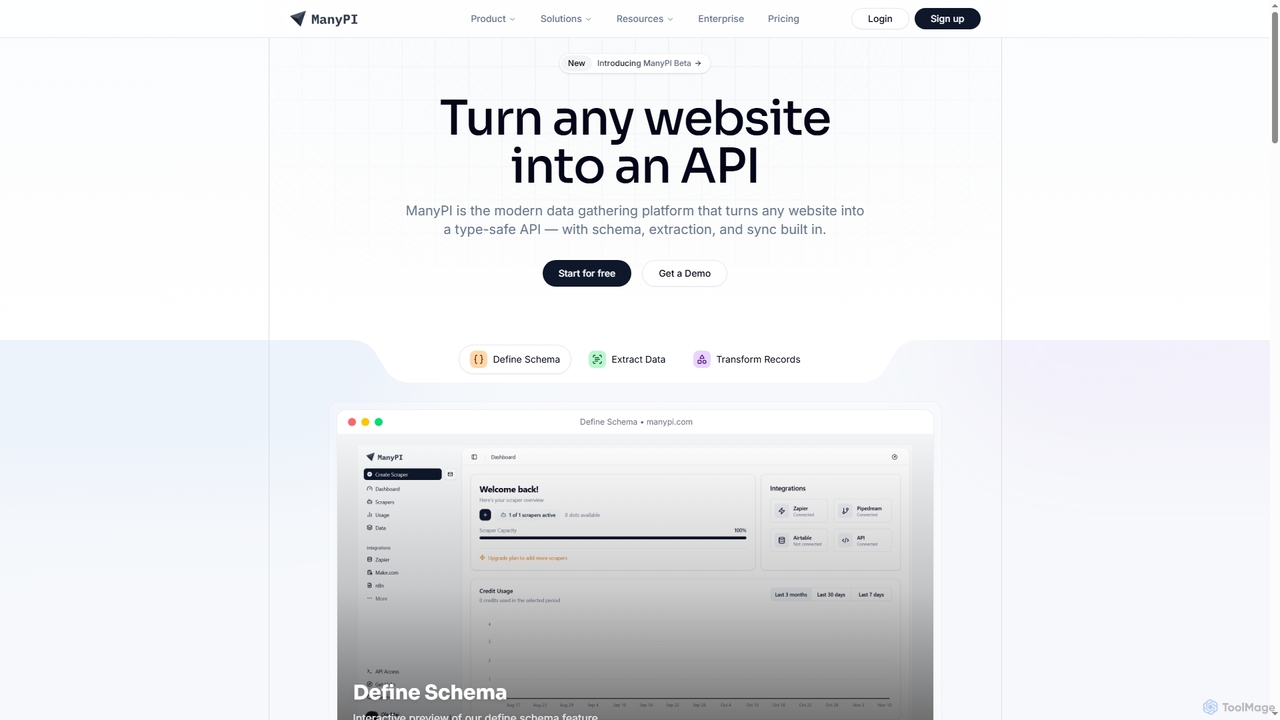
ManyPI is a modern data gathering platform that transforms any website into a type-safe API. It simplifies structured data extraction with built-in schema definition, data extraction, and record transformation, empowering developers and technical teams to reliably collect web data at scale.

3D
Visits 9.7KFavorites 62Likes 74
BrowserBook
Freemium

BrowserBook

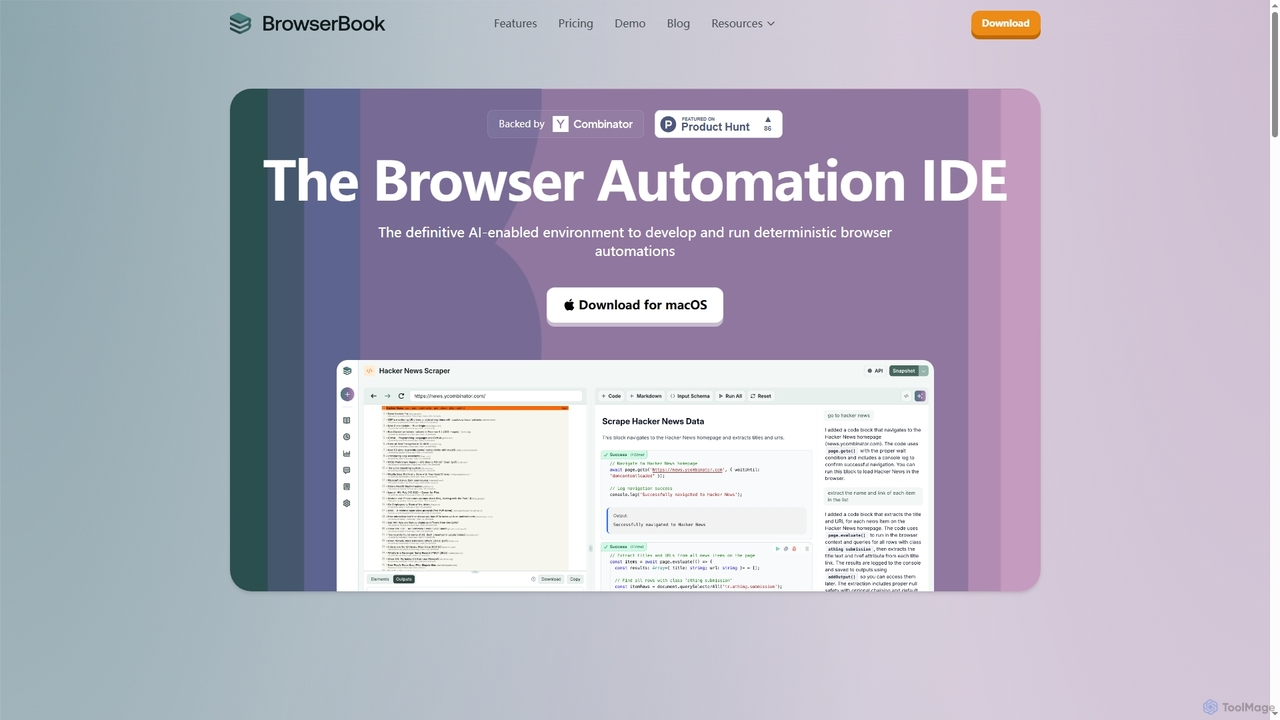
BrowserBook is an AI-powered integrated development environment (IDE) designed for building, deploying, and scaling deterministic browser automations. It simplifies complex web automation tasks, offering speed, stability, and cost savings by combining AI code generation with reliable scripted execution. Ideal for AI agents, web scraping, UI testing, and industry-specific workflows in healthcare and finance.

Ai Agent Development
Visits 6.4KFavorites 77Likes 82
ExpoDeploy
Freemium

ExpoDeploy

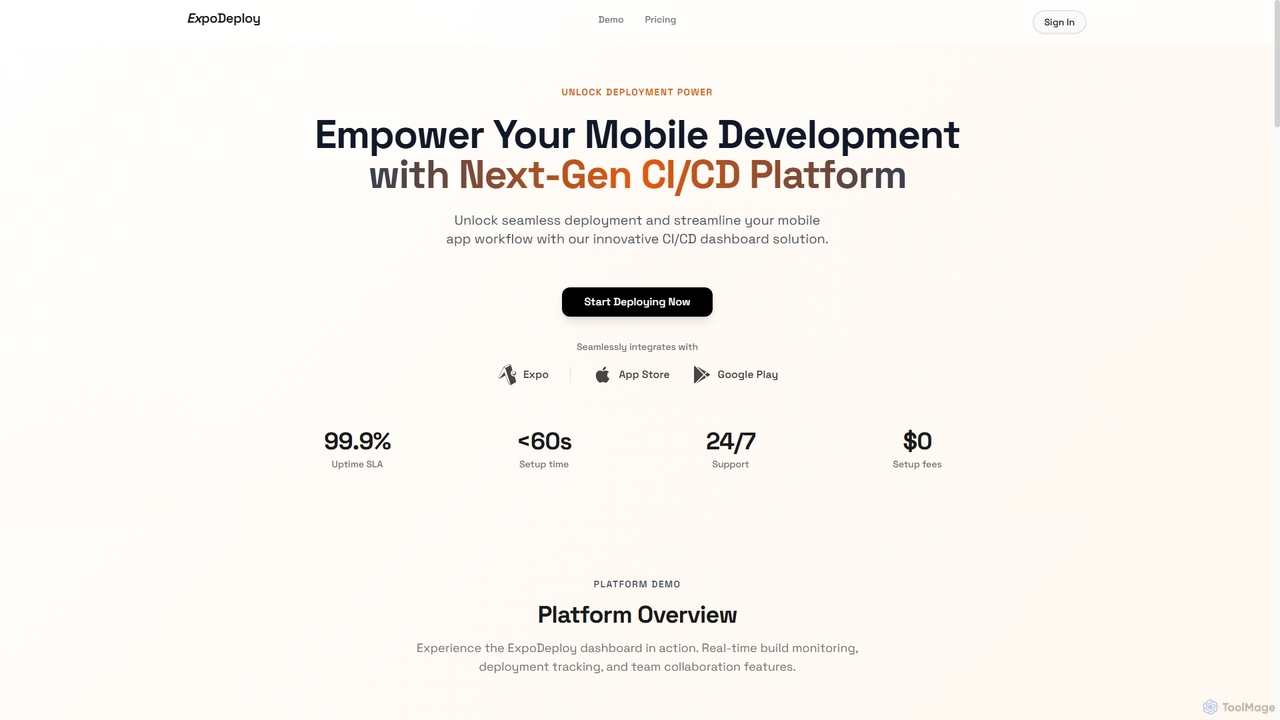
ExpoDeploy is a cutting-edge mobile CI/CD platform designed for Expo and React Native applications. It automates the entire mobile app deployment workflow, from building and testing to unified submission to Apple App Store and Google Play, eliminating manual complexities like certificate management and separate console logins.

Ci Cd
Visits 5.8KFavorites 102Likes 101
AOS AI
Paid

AOS AI

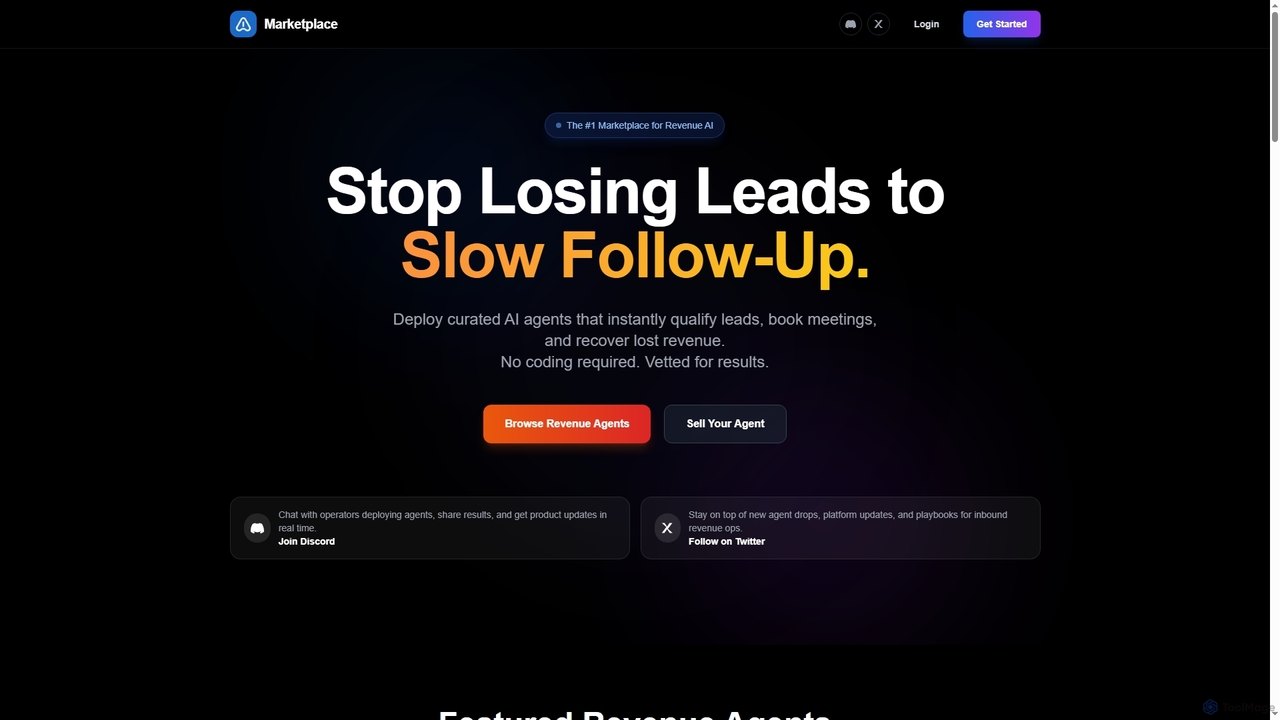
AOS AI is a curated marketplace for production-ready AI agents designed to automate and optimize inbound revenue operations. It offers vetted solutions for lead qualification, meeting booking, revenue recovery, and pipeline acceleration, enabling businesses to convert more leads without coding. Buyers benefit from one-time purchases and instant deployment, while sellers can earn passive income by listing their high-quality AI agents.

Marketplace
Visits 5.7KFavorites 108Likes 113
Morphica
Freemium

Morphica

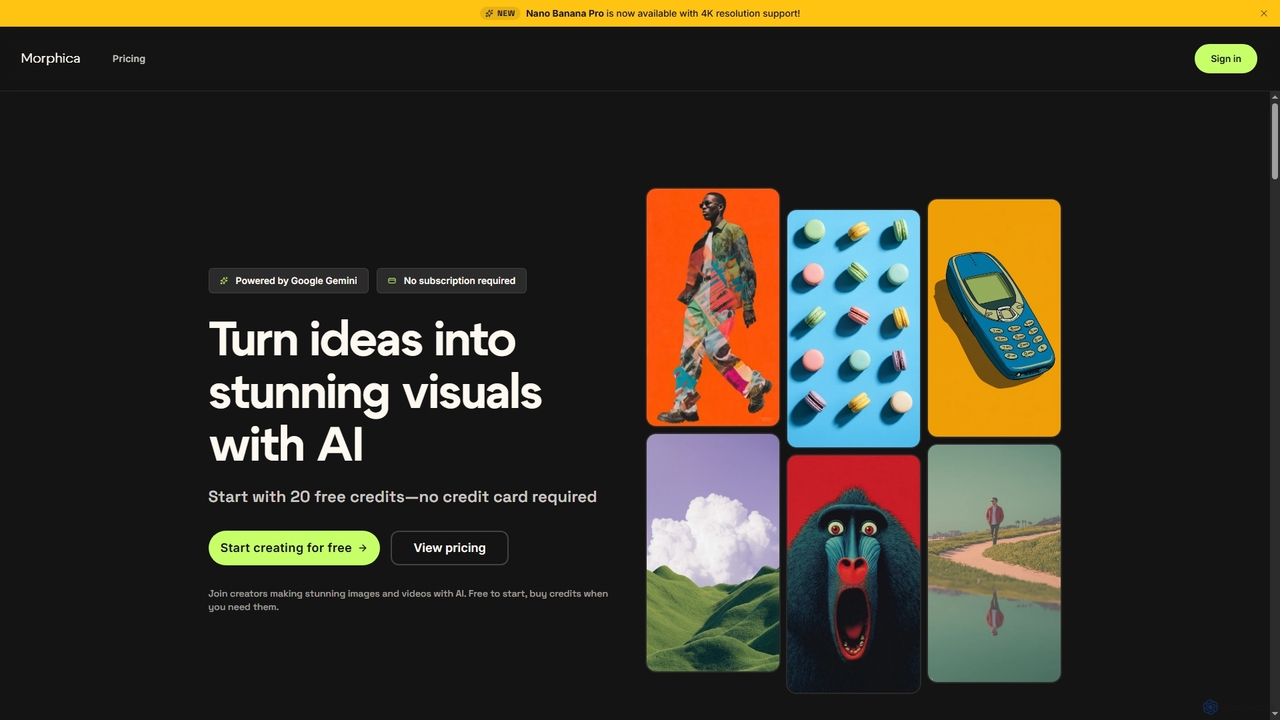
Morphica is an AI-powered platform that transforms ideas into stunning images and videos using advanced Google Gemini models. It offers features like 4x upscaling, precision editing, video generation, and a unique workflow canvas, all on a flexible pay-as-you-go credit system without subscriptions.

Digital Art
Visits 6.7KFavorites 96Likes 98
BlizzardBerry
Freemium

BlizzardBerry

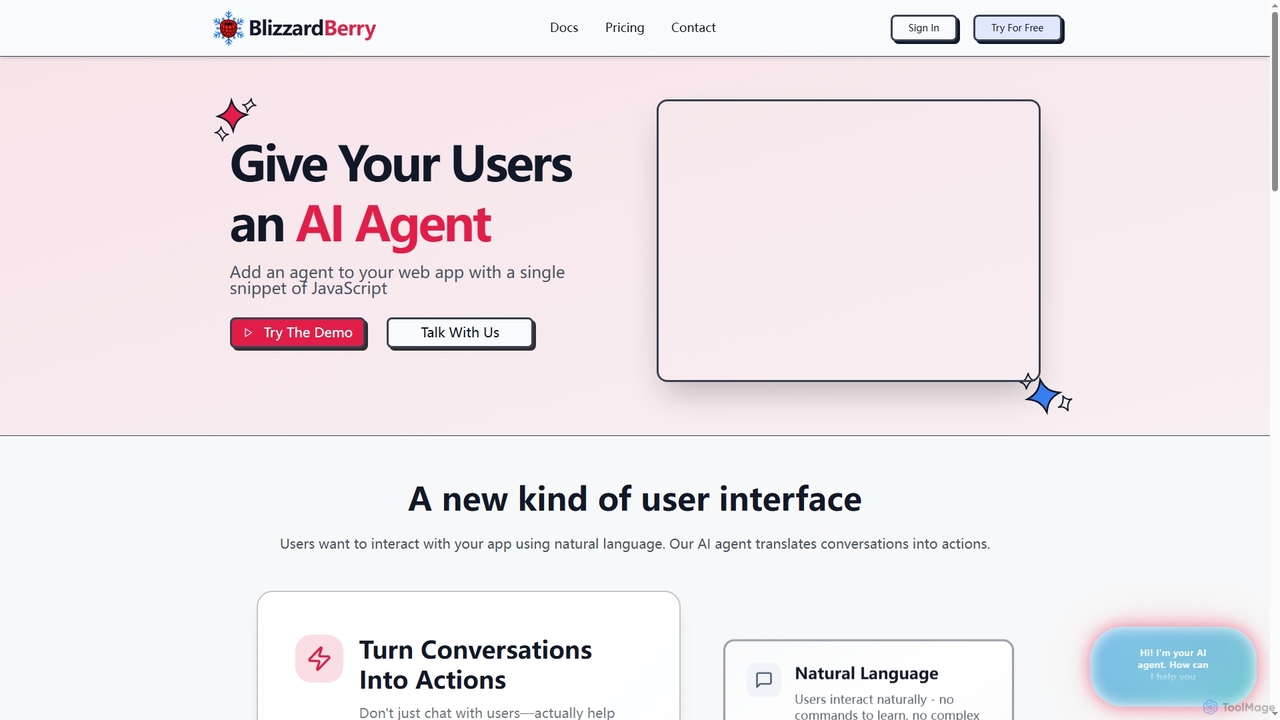
BlizzardBerry integrates AI agents into your web application with a single JavaScript snippet, enabling natural language interaction and automating tasks. It transforms user experience by allowing conversations to translate directly into actions, from upgrading accounts to processing orders, providing instant, personalized support 24/7.

Ai Chatbot
Visits 5.9KFavorites 117Likes 117
Kourti

Kourti

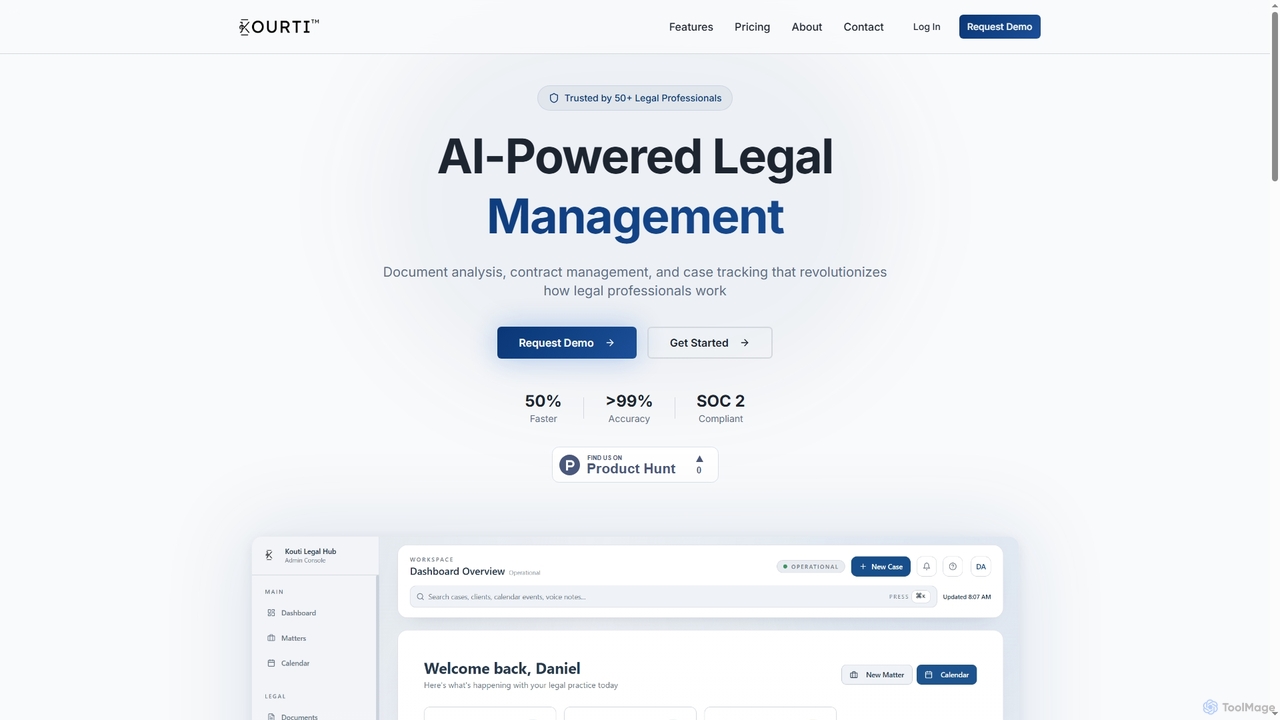
Kourti is an AI-powered legal management platform designed to revolutionize how legal professionals work. It offers advanced features for document analysis, smart contract management, and dynamic case tracking, enhancing efficiency and accuracy across legal operations.

Contract Management
Visits 5.9KFavorites 99Likes 106
Contextgit
Free

Contextgit

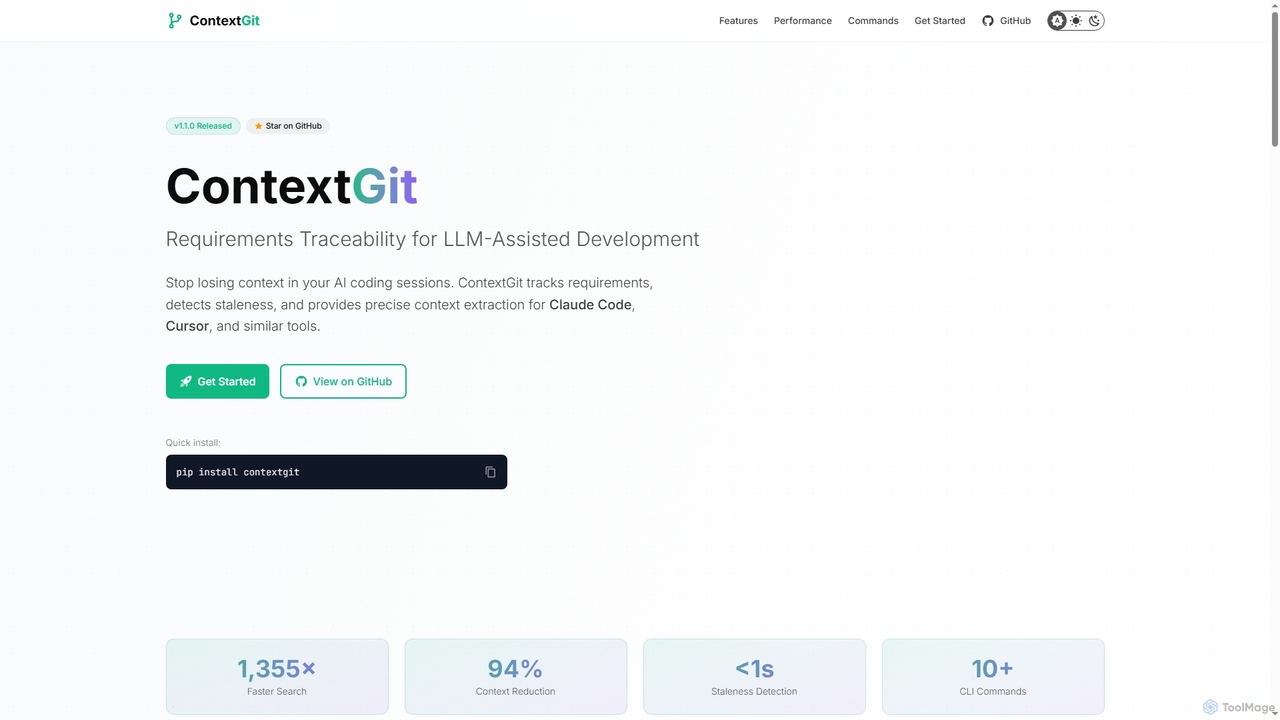
A command-line tool for developers using LLMs, providing requirements traceability, staleness detection, and precise context extraction to enhance AI-assisted coding workflows. It significantly reduces token usage and syncs AI tools with project requirements.

Code Assistant
Visits 5.8KFavorites 127Likes 123
GitScope
Freemium

GitScope

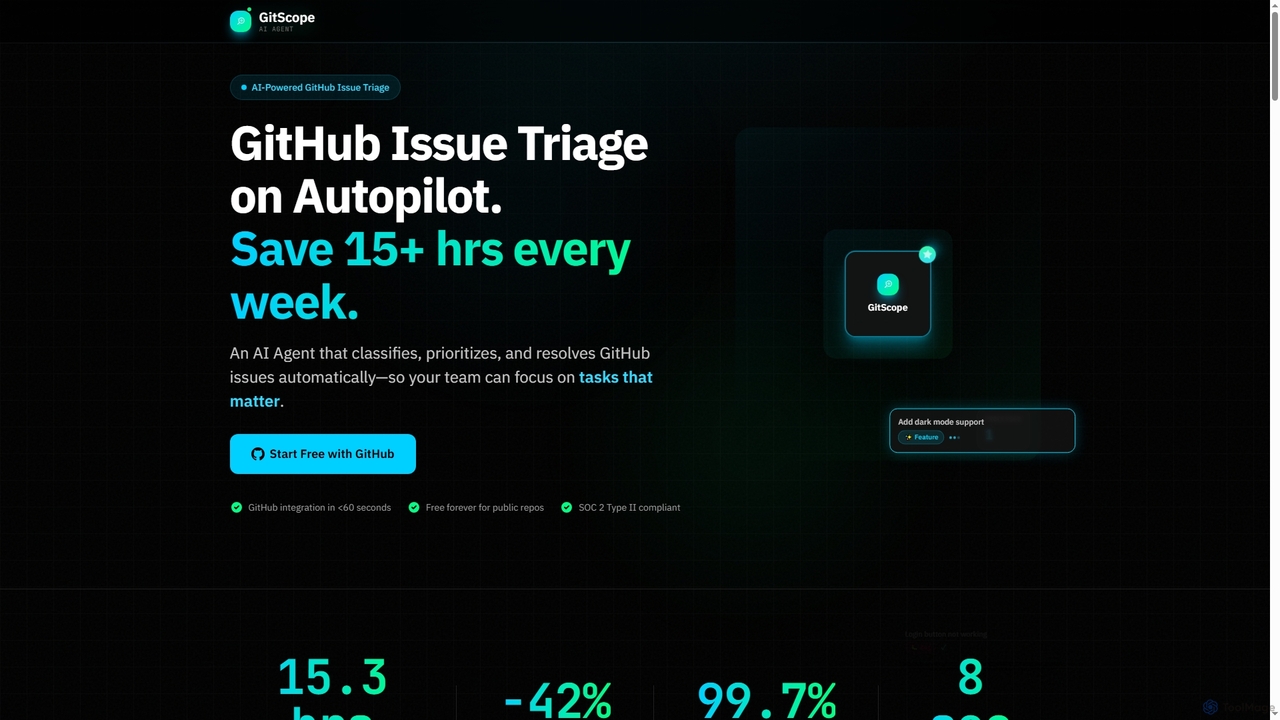
GitScope is an AI-powered GitHub issue triage agent designed to automate the classification, prioritization, and resolution of issues. It helps engineering teams save significant time, reduce backlogs, and improve consistency by leveraging GPT-4 for intelligent analysis, duplicate detection, and configurable automation workflows. Free for public repositories, GitScope integrates seamlessly with GitHub to enhance team productivity and maintainer well-being.

Github Tools
Visits 5.8KFavorites 108Likes 128
Aetherflows
Paid

Aetherflows

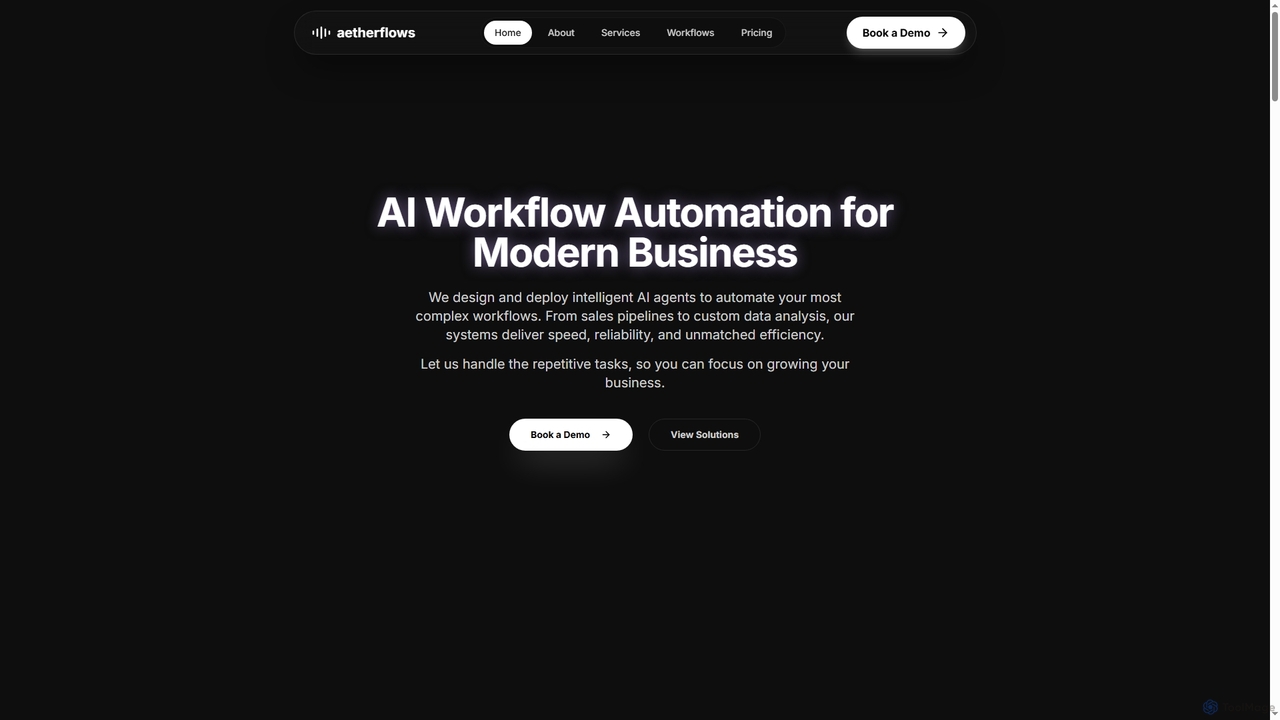
An AI and automation studio that designs and deploys intelligent AI agents and custom ML models to automate complex business workflows, from sales pipelines to data analysis, enhancing efficiency and reliability.

Sales
Visits 5.9KFavorites 115Likes 121
Peksy
Free

Peksy

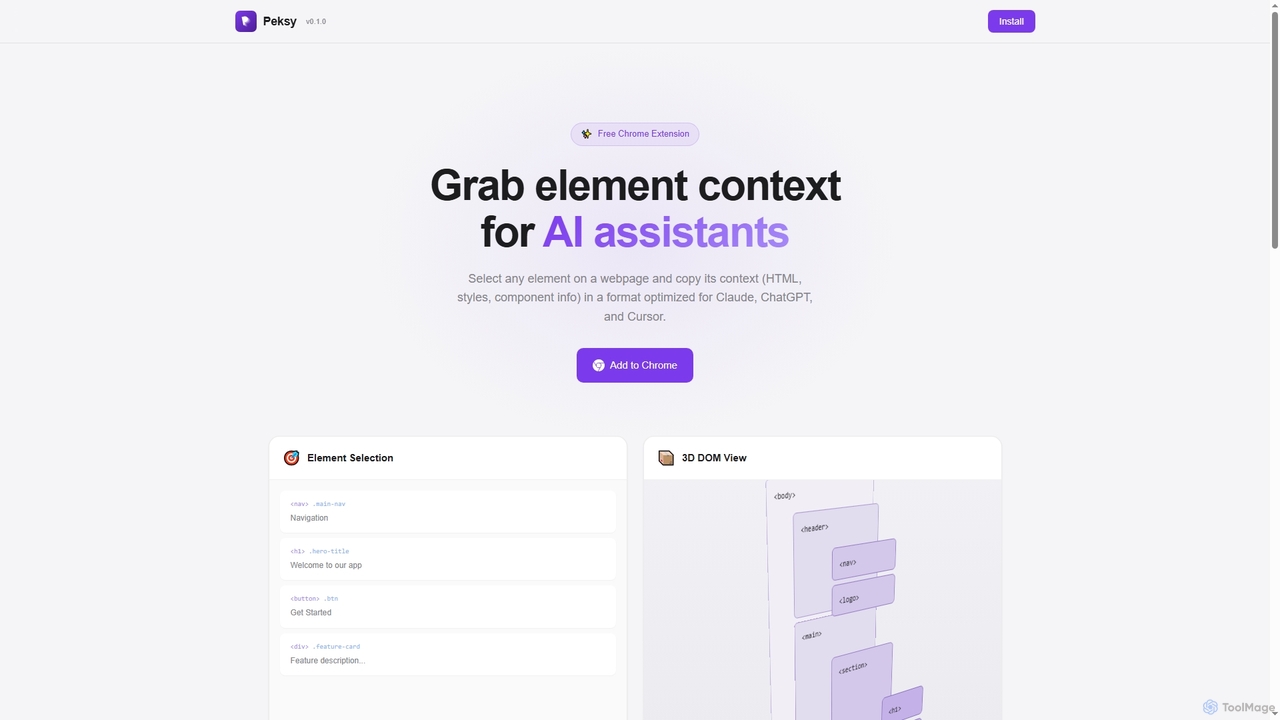
Peksy is a free Chrome extension for developers. It lets you select any web element and instantly copy its context—including HTML, CSS, and component info—in a Markdown format optimized for AI coding assistants like ChatGPT, Claude, and Cursor.

Chrome Extensions
Visits 5.9KFavorites 98Likes 101
Acting Assistant

Acting Assistant

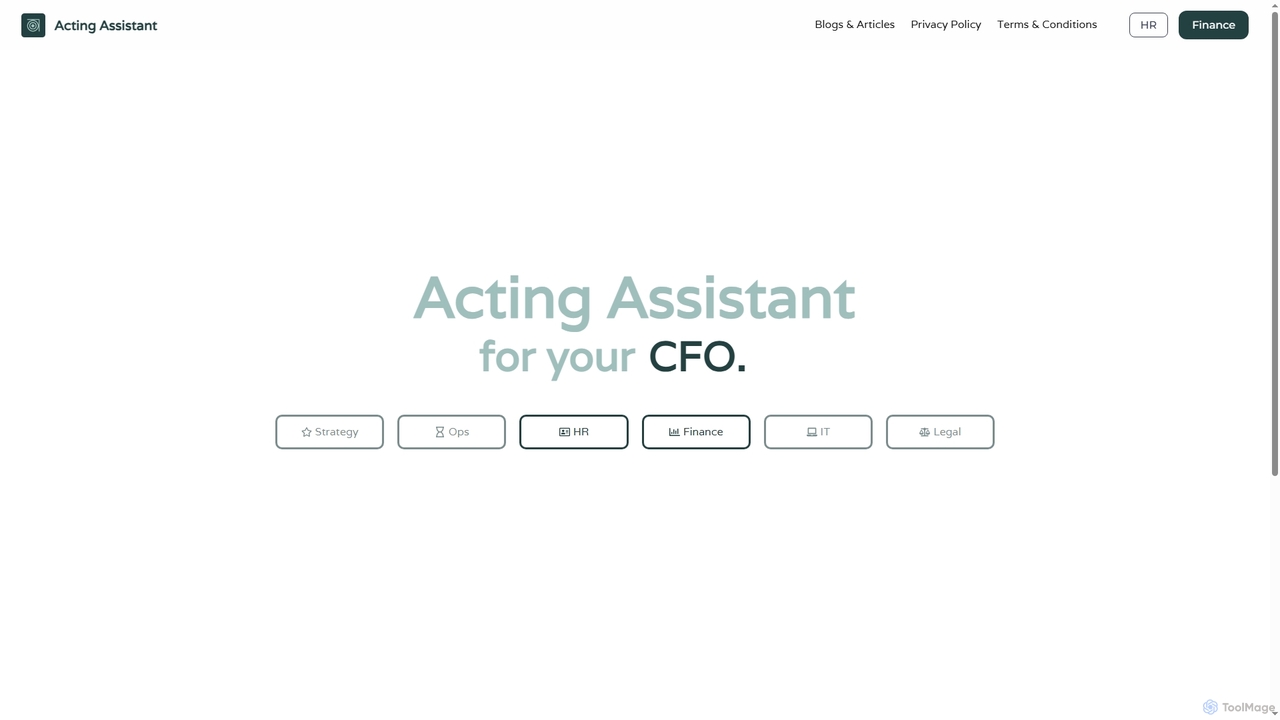
Acting Assistant is an AI-powered thinking partner designed for CXOs and business leaders. It transforms business systems into a conversational interface, providing real-time insights, automating complex tasks, and executing decisions instantly. Specializing in finance, it helps uncover hidden losses, streamline operations, and enhance strategic decision-making with robust data security and sovereignty.

Executive Assistant
Visits 5.8KFavorites 109Likes 118
Lexreval

Lexreval

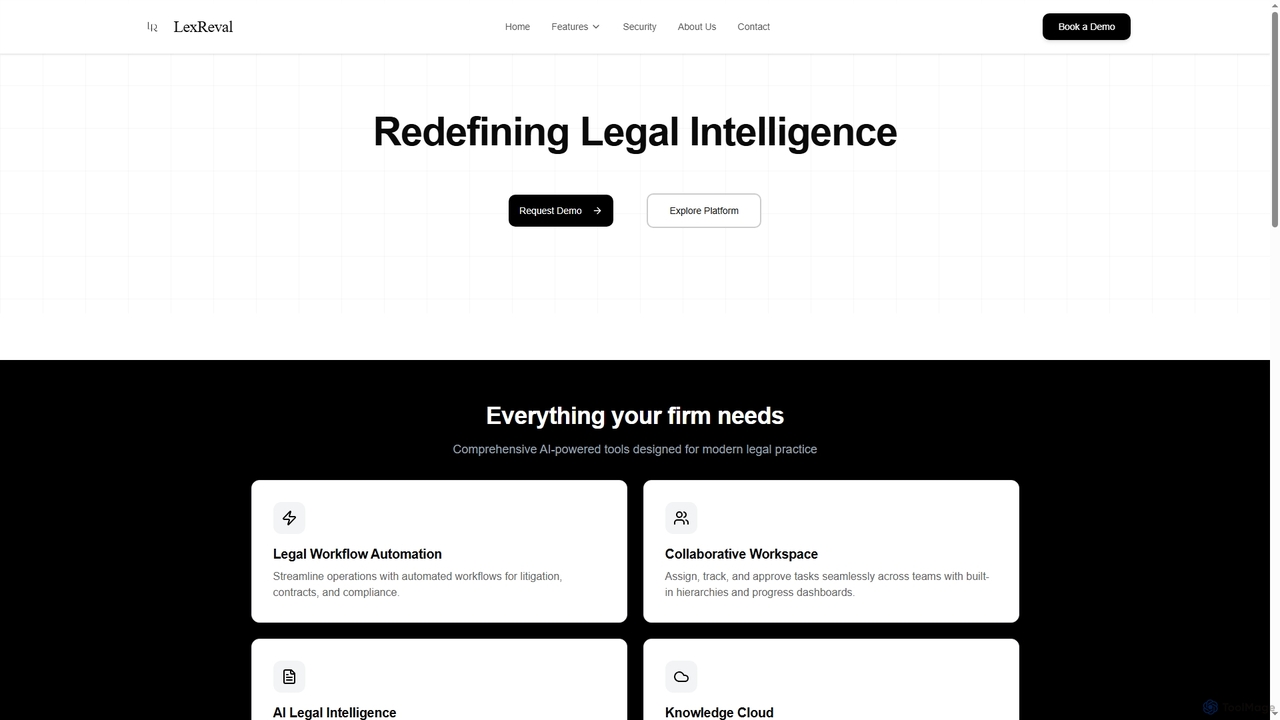
Lexreval is a comprehensive AI-powered platform designed for modern legal practices. It streamlines legal operations through workflow automation, intelligent document analysis, secure knowledge management, and collaborative workspaces, enhancing efficiency and precision for law firms.

Compliance
Visits 5.9KFavorites 101Likes 102
Nectarstudio
Freemium

Nectarstudio

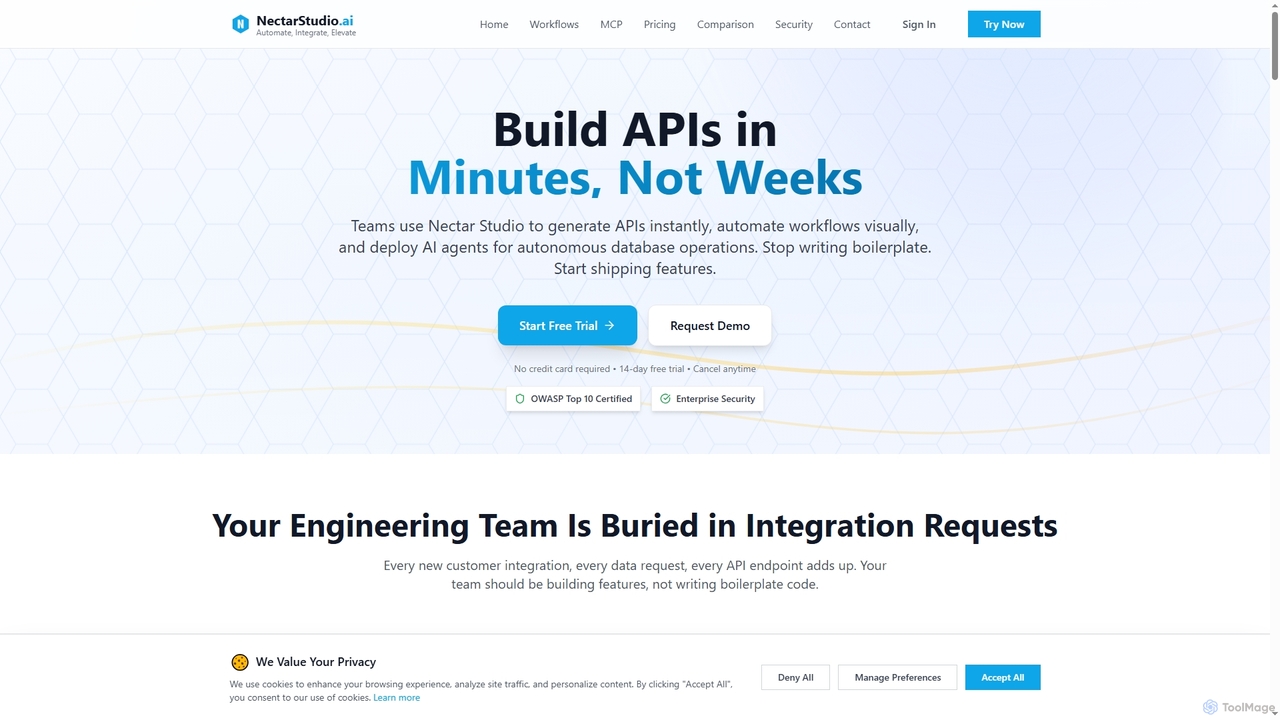
Nectarstudio is an AI-powered iPaaS platform designed for engineering teams to instantly generate bulk APIs from databases, automate workflows with a low-code visual builder, and deploy AI agents for autonomous database operations, reducing development time from weeks to minutes.

Business Intelligence
Visits 5.8KFavorites 104Likes 101
AI Lab
Freemium

AI Lab

AI Lab is a no-code visual workspace for building machine learning models and data science pipelines. It enables users of all technical levels to create, train, and deploy AI applications through an intuitive drag-and-drop interface, accelerating development and making AI accessible.

Forecasting
Visits 5.9KFavorites 150Likes 162
Ripplica

Ripplica

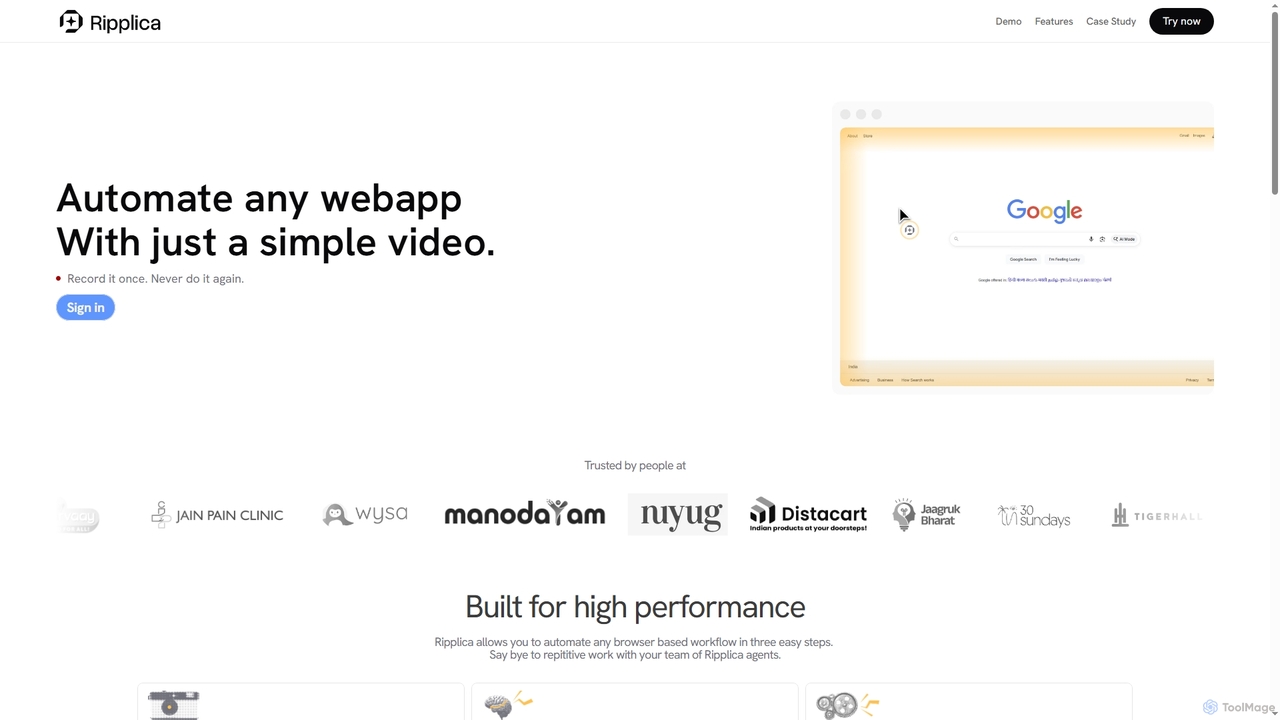
Ripplica is an AI-powered automation platform that turns simple screen recordings into executable workflows. It enables users to automate any browser-based task without needing APIs, compatible with both modern and legacy systems. By intelligently interpreting on-screen context, Ripplica handles repetitive work, allowing teams to boost productivity and focus on high-value activities.

Social Media Management
Visits 6.6KFavorites 131Likes 144
Vara OS

Vara OS

Vara OS is an AI-powered automation platform that transforms simple prompts into complex workflows, integrating seamlessly with over 100 daily business tools. It offers zero-setup automation, allowing businesses to delegate tasks, enhance productivity, and scale operations without coding or complicated configurations.

Business Tools
Visits 6.6KFavorites 137Likes 122
Tripiage
Paid

Tripiage

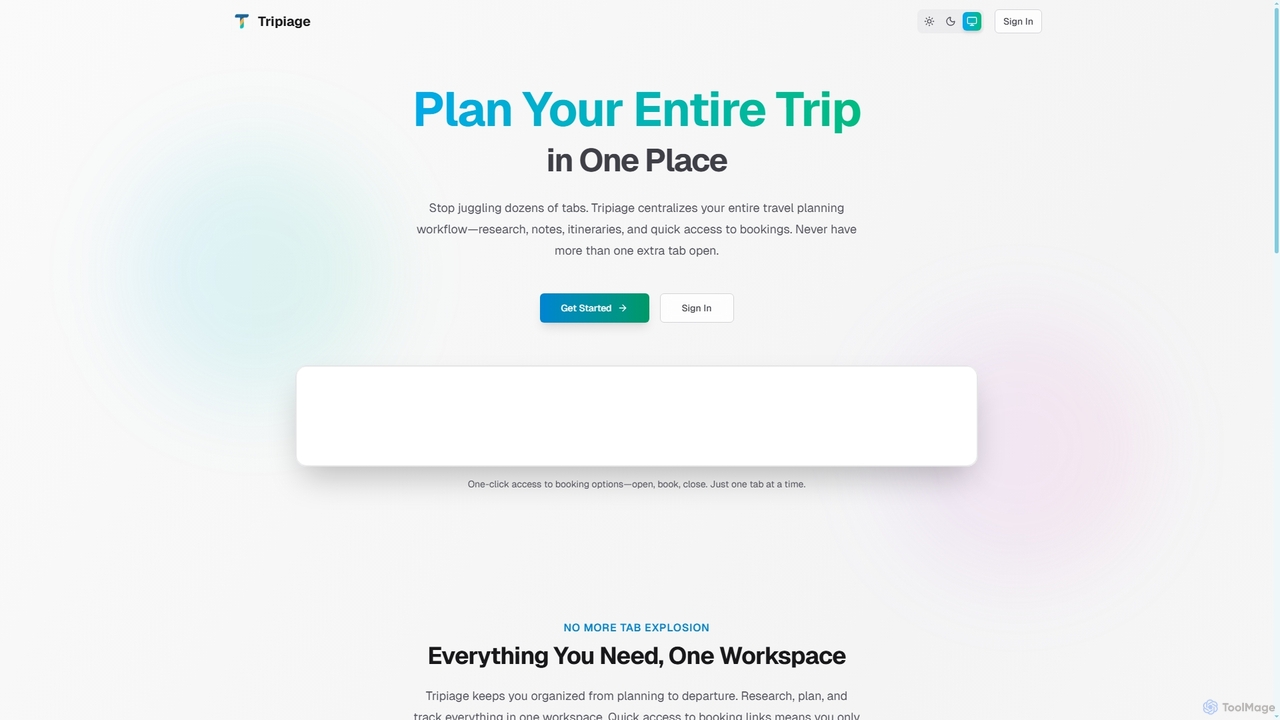
Tripiage is an AI-powered travel planning tool designed to centralize your entire trip workflow. It helps users research destinations, organize notes, create day-by-day itineraries, and access booking options from a single workspace, eliminating the need to juggle multiple tabs. With personalized recommendations and activity tracking, Tripiage streamlines the journey from planning to departure.

Travel Assistant
Visits 5.8KFavorites 153Likes 147

About Workflow Automation

Workflow Automation tools are platforms designed to connect different applications and services to automate multi-step tasks and processes. They operate on a system of triggers and actions, where an event in one app automatically initiates a sequence of actions in other connected apps. This allows users to build complex, automated sequences without writing code, significantly reducing manual data entry and repetitive work. As a key part of the Productivity ecosystem, these tools enable seamless data flow between cloud services like CRMs, email marketing platforms, and project management software.

Core Features

  • Visual Workflow Builder: An intuitive drag-and-drop interface for designing and visualizing automation sequences.
  • App Connectors Library: A vast collection of pre-built integrations for thousands of popular SaaS applications and services.
  • Conditional Logic and Filters: The ability to create complex workflows with 'if/then' conditions, branching paths, and data filtering rules.
  • Data Mapping and Transformation: Tools to format, modify, and move data between different application fields to ensure compatibility.
  • Execution History and Monitoring: Dashboards to track workflow runs in real-time, review logs, and troubleshoot errors.

Use Cases

Workflow Automation is widely used in marketing, sales, and operations. For instance, marketing teams automate lead nurturing by syncing form submissions to a CRM and an email list. Sales teams use it to trigger invoicing and project creation when a deal is closed. It's also essential for IT and support teams to automate ticket creation and assignment processes.

How to Choose

When selecting a Workflow Automation tool, first evaluate its integration library to ensure it supports the apps you use. Consider the complexity of workflows you need to build—whether it supports multi-step, conditional logic. Analyze the pricing model, which is often based on the number of tasks or operations per month. Finally, assess the user interface to determine if it's suitable for non-technical users.

Featured tool rankings

Workflow Automation use cases

1

Automate Marketing Lead Nurturing

A marketing manager needs to efficiently process new leads from Facebook Lead Ads. Using a workflow automation tool, they set up a process where every new lead submission automatically triggers a sequence. The lead's information is instantly added as a new row in a Google Sheet for tracking, simultaneously subscribed to a specific audience in Mailchimp for email nurturing, and a real-time notification with the lead's details is sent to the sales team's Slack channel. This eliminates manual data entry and ensures immediate follow-up, reducing lead response time from hours to seconds.

2

Streamline Sales and Client Onboarding

A sales operations specialist aims to automate the post-sale process. They create a workflow that triggers when a deal's stage is updated to 'Closed Won' in a CRM like Salesforce. This action automatically generates a new invoice in QuickBooks with the client's details, creates a new client onboarding project in Asana from a template, and sends a personalized welcome email via Gmail to the new client. This ensures a smooth, error-free transition from sales to project delivery and finance, improving client satisfaction and internal efficiency.

3

Automate Content Creation and Distribution

A content creator or social media manager publishes articles on a WordPress blog. To maximize reach, they use a workflow automation tool. When a new post is published, it triggers a workflow that automatically generates a summary using an AI tool, then shares the post link and summary to Twitter, LinkedIn, and a Facebook Page. Simultaneously, it adds a new task to a Trello board to 'Monitor engagement for new post' and archives the post details in an Airtable base for performance tracking. This automates the entire distribution and tracking setup, saving hours each week.

4

Automate E-commerce Order Fulfillment

An e-commerce store owner using Shopify needs to streamline their order processing. They set up an automation where a new paid order in Shopify triggers several actions. First, the customer and order details are added to a shipping platform like ShipStation to prepare for fulfillment. Next, the inventory count for the purchased items is updated in a central Google Sheet. Finally, a confirmation SMS is sent to the customer via Twilio, informing them that their order has been received and is being processed. This workflow reduces manual errors and keeps customers informed, improving operational efficiency.

5

Manage Customer Support Tickets Efficiently

A customer support manager wants to automate ticket routing. They create a workflow where any new email sent to their support address is automatically processed. The tool creates a new ticket in Zendesk from the email content. It then uses conditional logic to scan the email's subject line for keywords like 'billing' or 'technical'. Based on the keyword found, the ticket is automatically assigned to the correct department (e.g., Finance or Tech Support) and tagged appropriately. This ensures tickets reach the right people faster without manual sorting, speeding up resolution times.

6

Enhance Personal Productivity and Meeting Prep

An executive assistant or any busy professional can automate their meeting preparation. They can set up a workflow that triggers one hour before any event in their Google Calendar. The workflow checks if the event title contains 'meeting'. If it does, it automatically searches for the attendees' LinkedIn profiles, creates a new note in Evernote or Notion with the meeting agenda and attendee profiles, and sends a reminder with this information to a personal Slack channel. This automation ensures they are always prepared for meetings without last-minute scrambling.

Workflow Automation FAQ

What is Workflow Automation?

Workflow Automation refers to software platforms that connect different applications and services to automate multi-step processes without manual intervention. They work on a 'trigger-action' basis: an event in one app (a trigger) initiates a predefined sequence of tasks (actions) in other apps. The primary goal is to eliminate repetitive, manual tasks, reduce errors, and ensure seamless data flow between the tools you use every day, such as CRMs, email platforms, and project management software.

How do I choose a Workflow Automation tool?

To choose the right tool, consider these factors:

  • App Integrations: Ensure the platform supports the specific applications critical to your workflow (e.g., your CRM, email marketing service, project manager).
  • Workflow Complexity: Assess if the tool can handle the complexity you need. Some are for simple two-step automations, while others support multi-step logic, conditional paths, and data formatting.
  • Pricing Model: Understand how you'll be charged. Common models are based on the number of tasks executed per month, the number of active workflows, or user seats.
  • Ease of Use: Evaluate the user interface. A good no-code tool should be intuitive for non-technical team members to build and manage automations.
What's the difference between Workflow Automation and RPA?

Workflow Automation and Robotic Process Automation (RPA) both automate tasks, but they work differently. Workflow Automation connects modern applications via their APIs (Application Programming Interfaces). It's ideal for automating processes across cloud-based services like Google Workspace, Slack, and Salesforce. In contrast, RPA mimics human actions on a user interface (UI), like clicking buttons and typing into fields. RPA is typically used to automate tasks in legacy systems, desktop applications, or websites that do not have APIs available for integration.

Do I need coding skills to use Workflow Automation tools?

No, most workflow automation tools are designed as 'no-code' or 'low-code' platforms. This means they are built for non-technical users, featuring visual, drag-and-drop interfaces to build automations. You can connect apps and set up complex logic without writing a single line of code. While some advanced platforms may offer features for developers, such as custom API calls or scripting, the core functionality is accessible to everyone, regardless of their technical background.

What are some common examples of workflow automation?

Common examples span across various business functions:

  • Marketing: Automatically adding new leads from a web form to a CRM and an email marketing list.
  • Sales: When a deal is marked as 'won' in a CRM, automatically generate an invoice and create a client onboarding task.
  • Social Media: Automatically sharing new blog posts across multiple social media platforms like Twitter, LinkedIn, and Facebook.
  • HR: Automating the new hire onboarding process by creating accounts, sending welcome documents, and scheduling orientation meetings.
  • Customer Support: Creating a support ticket in a helpdesk system from a new email or form submission and notifying the team in Slack.