ToolMage
Sign in
Retina
3D · 5K monthly visits

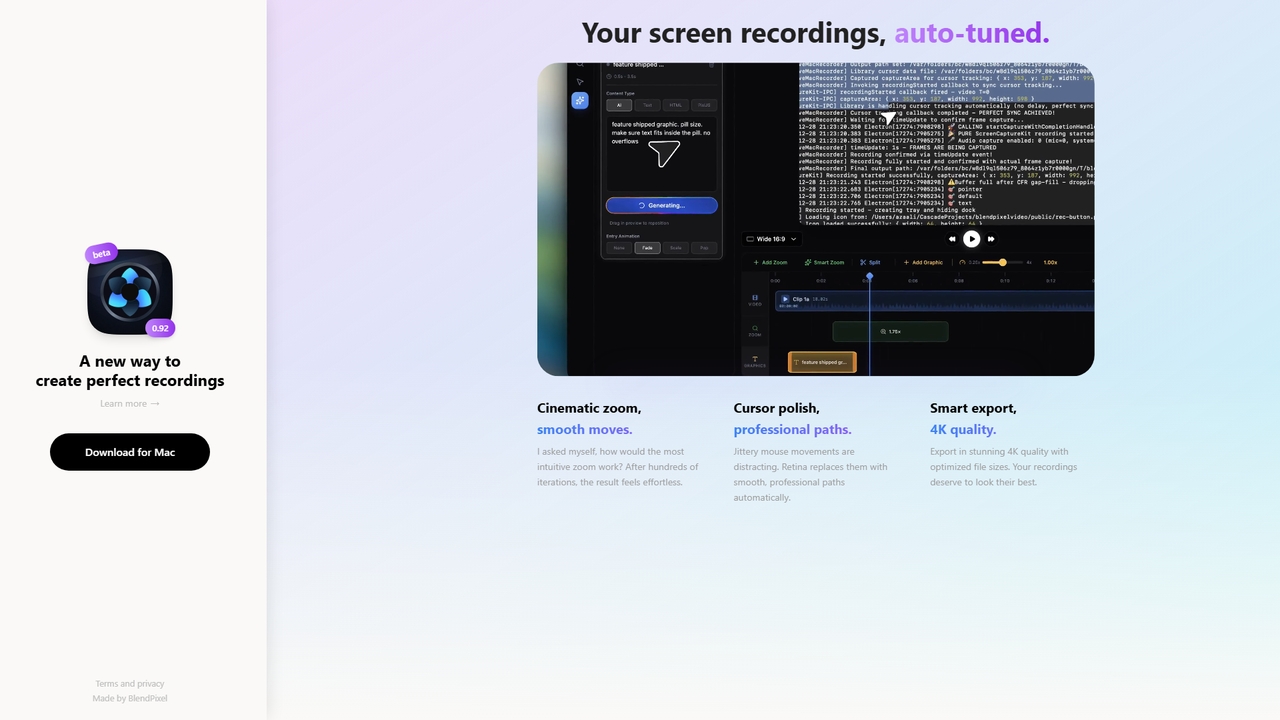
Retina is a screen recording tool for macOS that automatically polishes recordings with cinematic zoom, smooth cursor paths, and smart 4K export. It's currently in a free public beta, focusing on making recordings effortless and beautiful.

VS
Screenity
Bug Reporting · 43.8K monthly visits

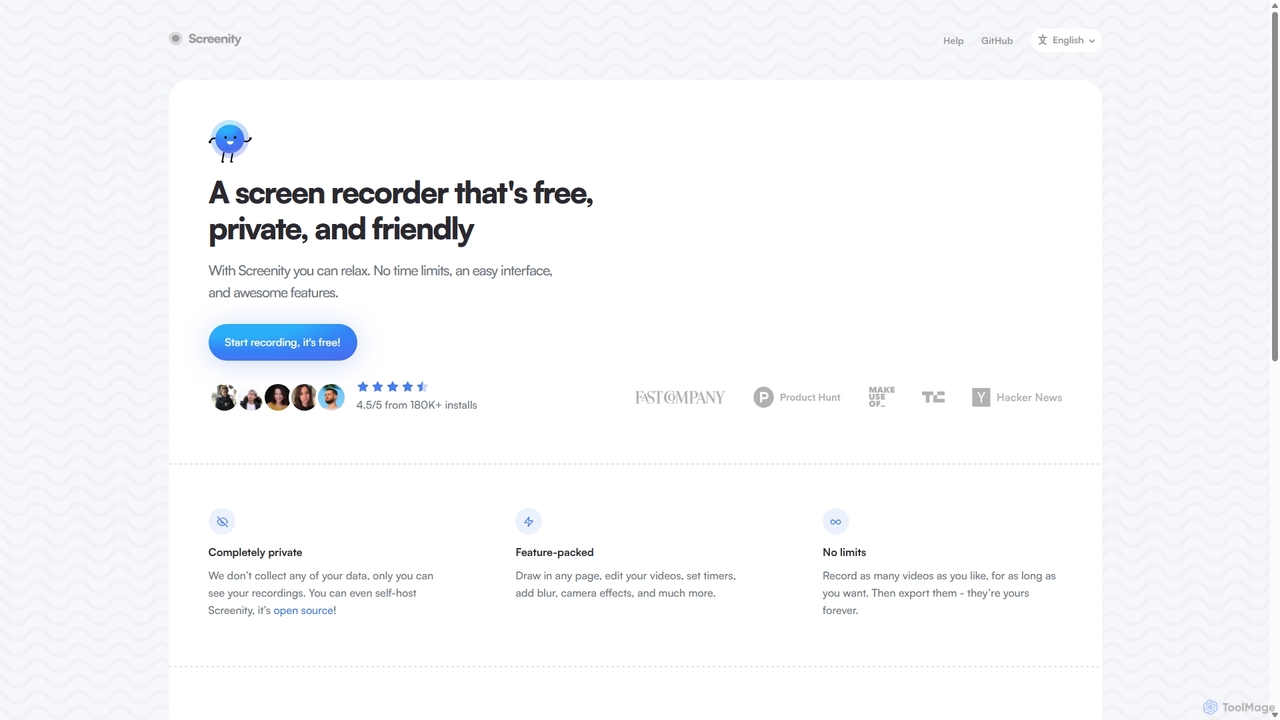
Screenity is a powerful, free, and privacy-focused screen and camera recorder for Chrome. It offers unlimited recording, annotation tools, and basic video editing without collecting any user data. Ideal for creating tutorials, demos, and presentations.

Retina vs Screenity: pricing, features, traffic, and use cases

Compare Retina and Screenity across positioning, pricing, traffic, and user feedback using structured factual data.

Updated Aug 21, 2026

Product overview

Retina Product overview

Retina is a screen recording tool for macOS that automatically polishes recordings with cinematic zoom, smooth cursor paths, and smart 4K export. It's currently in a free public beta, focusing on making recordings effortless and beautiful.

Preview

Screenity Product overview

Screenity is a powerful, free, and privacy-focused screen and camera recorder for Chrome. It offers unlimited recording, annotation tools, and basic video editing without collecting any user data. Ideal for creating tutorials, demos, and presentations.

Preview

Detailed feature comparison

FeatureRetinaScreenity
Primary category3DBug Reporting
Added2026-05-222025-09-10
PricingFreeFree
Official websiteblendpixel.comscreenity.io
Product typeAppBrowser extension
Performance data
User ratingNot verifiedNot verified
Comments00
Monthly visits5K43.8K
Monthly growthNot verified-1.6%
Favorites8120
DetailsView detailsView details

Retina vs Screenity monthly traffic

Compare Retina and Screenity by monthly reach, traffic trend, visit depth, top regions, and acquisition sources.

How to interpret the traffic data

In the Retina vs Screenity monthly traffic comparison, Retina currently shows 5K visits and Screenity shows 43.8K; Screenity has about 8.8 times the visible traffic of Retina, an absolute difference of about 38.8K visits. This reflects visible reach, not feature quality or paid users.

Only Screenity has complete third-party traffic details; Retina uses visits recorded inside ToolMage. These scopes cannot estimate market share directly, and on-site views should not be treated as the product’s total website traffic.

Retina is registered at the blendpixel.com/products/retina subpage. Because the current data does not state whether other host pages are excluded, treat this as domain-level context rather than independent traffic for one product or project.


Retina monthly traffic:

Latest traffic

Monthly visits
5K

Screenity monthly traffic:

Latest traffic

Monthly visits
43.8K
Avg. visit duration
1:54
Pages per visit
2.65
Bounce rate
40.47%
Data updated 2026-06-15

Monthly traffic trend

  • 2025/9: 45.9K Monthly visits
  • 2026/1: 31.2K Monthly visits
  • 2026/2: 34.2K Monthly visits
  • 2026/3: 47K Monthly visits
  • 2026/4: 44.5K Monthly visits
  • 2026/5: 43.8K Monthly visits

Top regions

Top 5 countries/regions
Country/regionPercentageTraffic
🇺🇸United States46.14%20.2K
🇮🇳India21.26%9.3K
🇫🇷France12.83%5.6K
🇧🇷Brazil10.03%4.4K
🇻🇳Vietnam9.74%4.3K

Traffic sources

Source typePercentageTraffic
Direct81.8%35.9K
Referral18.2%8K

Search keywords

record browser with censored partsscreemityscreenityscreen recorder-chromescreensity github
Traffic-based selection guidance: The current traffic scope is not sufficient for a reliable product ranking. Treat monthly visits as a market-interest signal, then decide using taxonomy, use cases, pricing, and a like-for-like trial rather than reading exposure as product capability.

Usage comparison

Compare the core capabilities of Retina and Screenity

Retina Core features

3D

Screenity Core features

Bug Reporting
Tutorial Creation
Video Creation
Screen Recording

Use cases

Retina Use cases

tutorial maker
video editing
4K export
cinematic zoom
cursor enhancement
macOS app
screen recording

Screenity Use cases

tutorial maker
video editing
annotation
chrome extension
free tool
open source
privacy
screen capture
screen recorder
video recording

Best suited roles

Retina Best suited roles

Content Creator
Educator
Marketing Manager
Product Manager
Software Developer
UX/UI Designer

Screenity Best suited roles

Content Creator
Educator
Marketing Manager
Product Manager
Software Developer
Customer Support
QA Tester
Sales Representative
UI/UX Designer

Retina vs Screenity:In-depth comparison and selection guidance

First decide whether the products solve the same kind of need

This in-depth Retina vs Screenity comparison uses only the product records, taxonomy, audience, traffic, and community signals available on this page. Retina is primarily listed under “3D”, while Screenity is primarily listed under “Bug Reporting”, so the first decision is whether your actual task matches their recorded scope.

The structured fields currently show these decision-relevant differences: Primary category (Retina: 3D; Screenity: Bug Reporting); Product type (Retina: App; Screenity: Browser extension); Monthly visits (Retina: 5K; Screenity: 43.8K); Favorites (Retina: 8; Screenity: 120); Website (Retina: blendpixel.com; Screenity: screenity.io). These facts are more useful for selection than brand visibility alone.

What market visibility and monthly traffic mean

In the Retina vs Screenity monthly traffic comparison, Retina currently shows 5K visits and Screenity shows 43.8K; Screenity has about 8.8 times the visible traffic of Retina, an absolute difference of about 38.8K visits. This reflects visible reach, not feature quality or paid users.

Only Screenity has complete third-party traffic details; Retina uses visits recorded inside ToolMage. These scopes cannot estimate market share directly, and on-site views should not be treated as the product’s total website traffic.

Retina is registered at the blendpixel.com/products/retina subpage. Because the current data does not state whether other host pages are excluded, treat this as domain-level context rather than independent traffic for one product or project.

The current traffic scope is not sufficient for a reliable product ranking. Treat monthly visits as a market-interest signal, then decide using taxonomy, use cases, pricing, and a like-for-like trial rather than reading exposure as product capability.

Product positioning, use cases, and roles

Retina and Screenity currently overlap in shared tags: tutorial maker and video editing; shared roles: Content Creator, Educator, Marketing Manager, Product Manager, and Software Developer. This can place both on the same shortlist, but it does not prove equal implementation, depth, or cost.

Retina's unique categories/tags are 3D, 4K export, cinematic zoom, cursor enhancement, macOS app, and screen recording; Screenity's are Bug Reporting, Tutorial Creation, Video Creation, Screen Recording, annotation, chrome extension, free tool, and open source. These unique fields are the strongest differentiators: validate the product whose recorded scope matches the task instead of following traffic alone.

What ratings, comments, and favorites can tell you

Retina has no verified rating, 0 comments, 8 favorites, and 5 likes;Screenity has no verified rating, 0 comments, 120 favorites, and 121 likes。

Neither product has enough rating or comment samples for a credible reputation ranking.

Selection guidance by actual need

When to evaluate Retina first

Put Retina on the priority trial list when the task aligns with “3D” and especially 3D, 4K export, cinematic zoom, cursor enhancement, macOS app, and screen recording, or the users include UX/UI Designer. This follows recorded positioning and does not imply unlisted capabilities are absent.

Retina also currently records: pricing is free, product type is app, 5K on-site monthly views, no verified user rating. Verify any hard requirement around price, platform, or reach before trial, and do not let sparse review data substitute for testing.

When to evaluate Screenity first

Put Screenity on the priority trial list when the task aligns with “Bug Reporting” and especially Bug Reporting, Tutorial Creation, Video Creation, Screen Recording, annotation, and chrome extension, or the users include Customer Support, QA Tester, Sales Representative, and UI/UX Designer. This follows recorded positioning and does not imply unlisted capabilities are absent.

Screenity also currently records: pricing is free, product type is browser extension, 43.8K verified monthly visits, no verified user rating. Verify any hard requirement around price, platform, or reach before trial, and do not let sparse review data substitute for testing.

How to validate the recommendation before deciding

The available data describes positioning, public visibility, and community signals, but it cannot prove output quality, speed, integration effort, privacy, or long-term cost in your workflow. Before deciding, run the same representative tasks in Retina and Screenity, then record completion time, accuracy, manual corrections, and the real paid threshold. A like-for-like trial turns this comparison into a defensible adoption decision.

Comparison FAQ

How should I choose between Retina and Screenity?
Compare positioning, pricing, taxonomy, and traffic maturity, then verify the latest details on each official website.
Where does this comparison data come from?
The factual baseline is derived from product, taxonomy, traffic, and community data. Reviewed editorial conclusions show their source and verification date.
What do unknown fields mean?
Unknown means there is not enough reliable evidence; the page does not fill gaps with assumptions.

Related AI tools

Tella
Freemium

Tella

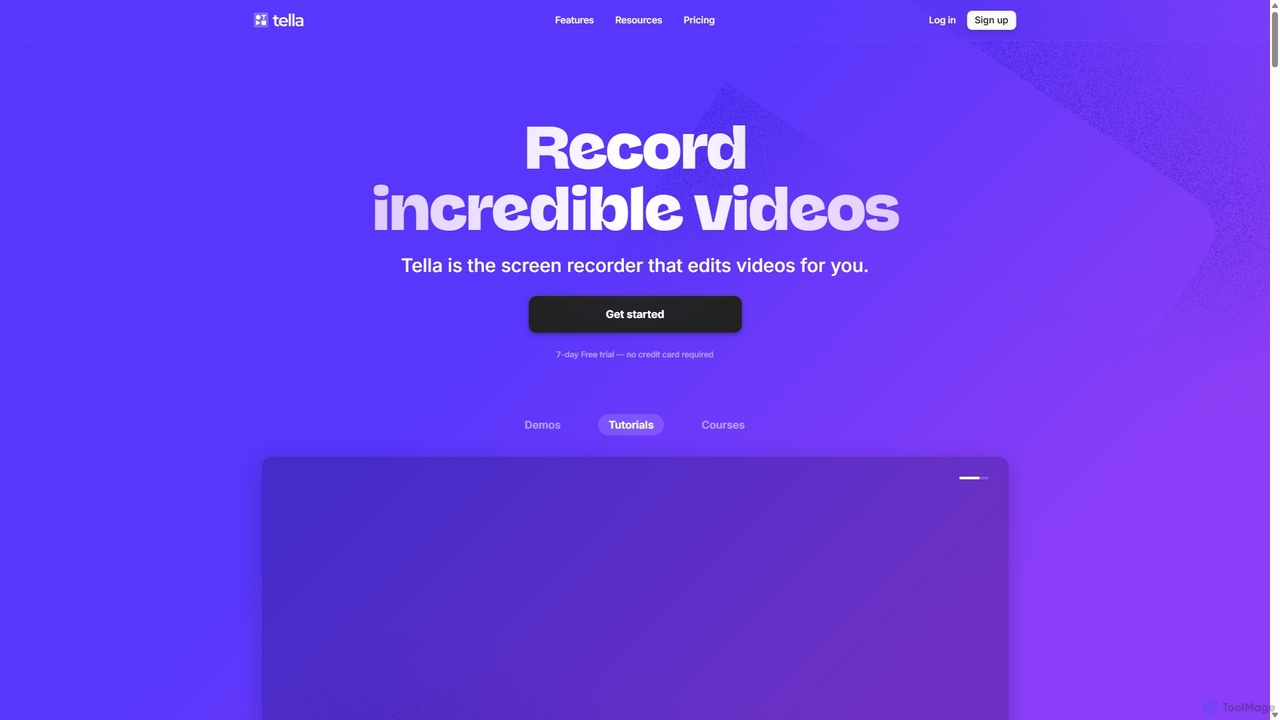
Tella is an AI-powered screen recorder and video editor for Mac & Windows that simplifies video creation. It automatically removes silences and filler words, offers transcript-based editing, and provides professional customization options like backgrounds, layouts, and zooms. Ideal for creating tutorials, product demos, and online courses in minutes, not hours.

E Learning
Visits 385.6KFavorites 130Likes 129
Tight Studio
Freemium

Tight Studio

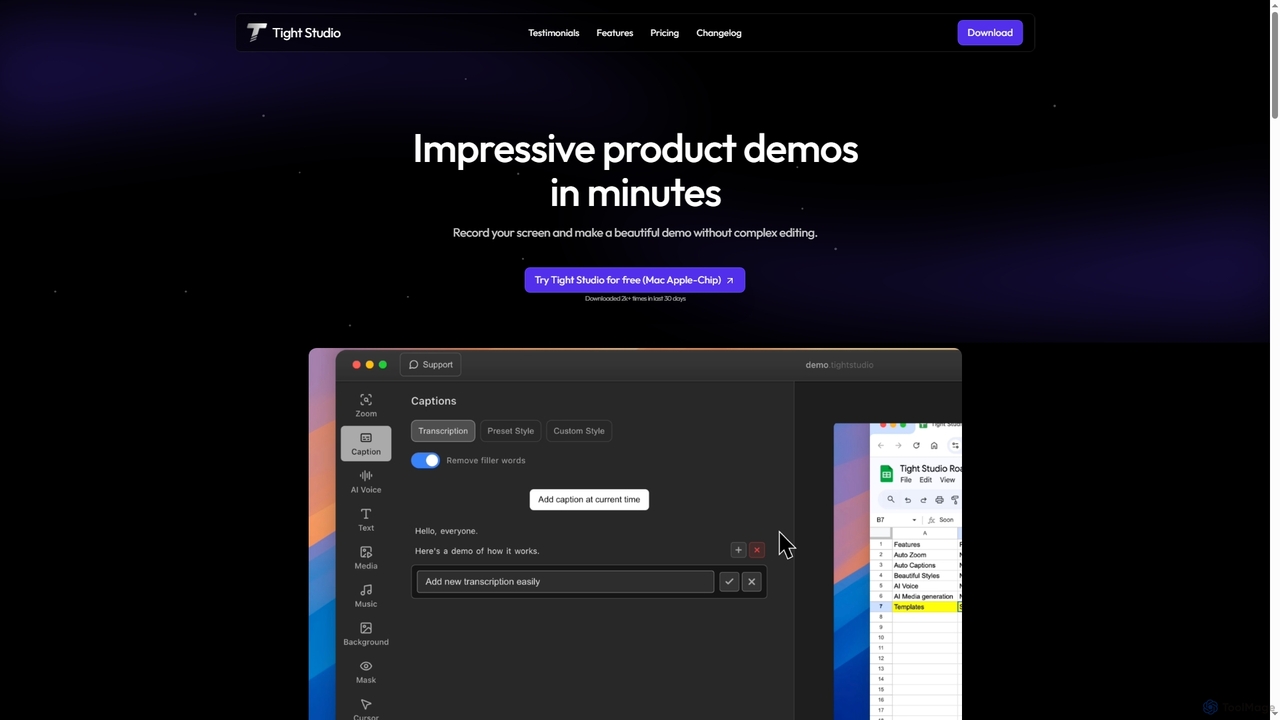
Tight Studio is an AI-powered screen recording and video editing application for Mac, designed to create professional product demos and tutorials in minutes. It features smart zoom, automatic captions, AI narration, and an intuitive editor, enabling users without editing skills to produce high-quality, engaging videos effortlessly.

Tutorials
Visits 4.9KFavorites 105Likes 100
Supercut
Free

Supercut

Supercut is an AI-powered screen recording tool designed for teams to create professional, branded videos with blazing speed. It automates tedious tasks like chapter creation and editing, enabling users to record, share, and get results instantly. Ideal for sales, customer support, and team collaboration.

Helpdesk
Visits 4.3KFavorites 134Likes 131
Loom
Freemium

Loom

Loom is an AI-powered video messaging platform for work that allows users to instantly record and share their screen, camera, and audio. It streamlines communication, reduces meetings, and enhances team collaboration with features like AI-powered summaries, transcriptions, and editing tools.

Team Management
Visits 17.4MFavorites 139Likes 144
Motion
Freemium

Motion

Motion is a modern screen recorder and video editor designed specifically for Windows. It enables users to create smooth, professional-looking screen recordings effortlessly, with built-in smart editing tools that automatically handle animations like cursor movements and zooms. Perfect for creating tutorials, demos, marketing content, and more, Motion offers a powerful yet intuitive workspace for both beginners and professionals.

Presentations
Visits 6.6KFavorites 9Likes 11
Jyek
AD

Jyek

Jyek is an AI agent platform that understands objectives, creates execution plans, uses tools, and delivers verifiable results for complex, multi-step tasks.

Automation
Visits 2.7KFavorites 5Likes 9
Top AI Tools
Free

Top AI Tools

Top AI Tools is a comprehensive, free-to-use directory that helps users discover, compare, and explore the best AI-powered software solutions across various categories. It provides curated listings, detailed information on features and pricing, and daily updates to simplify the search for the perfect AI tool for any need.

Discovery
Visits 11.9KFavorites 126Likes 121
Velo
Freemium

Velo

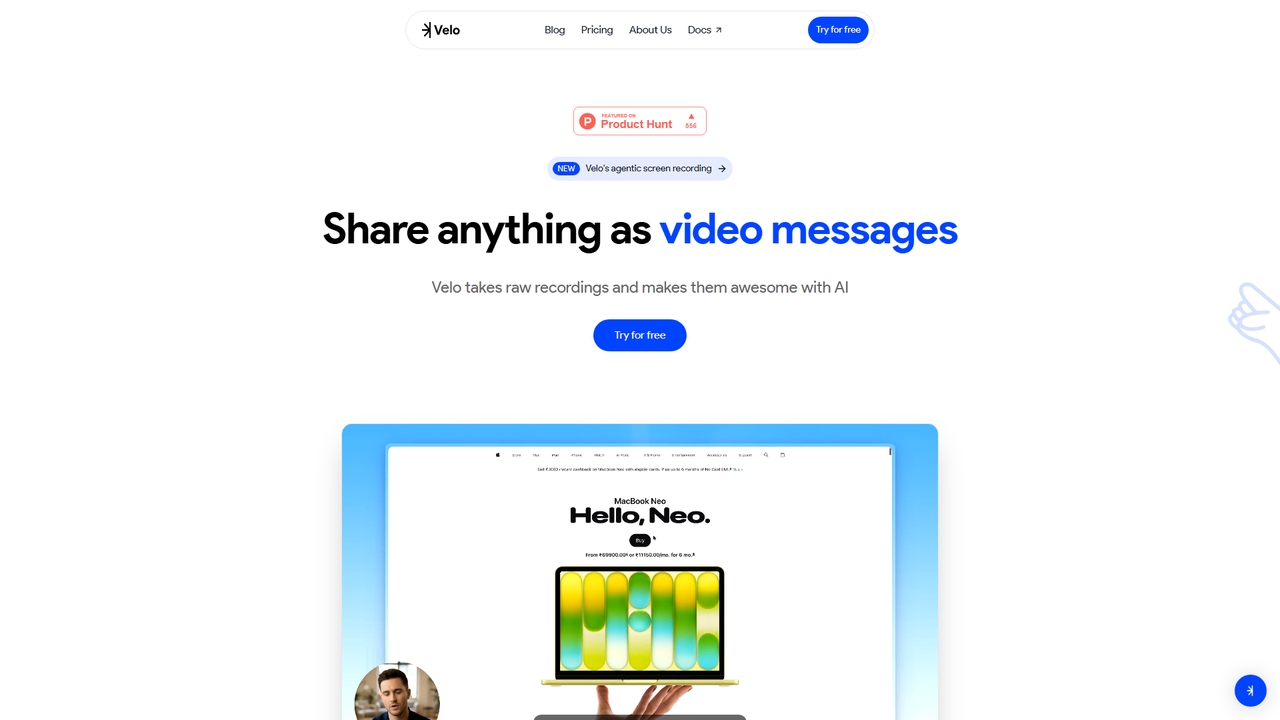
Velo is an AI-powered video messaging platform that transforms raw screen recordings into professional, share-ready videos. It utilizes agentic screen recording and creates hyper-realistic AI Avatars to help sales, product, support, marketing, education, and creator teams communicate complex ideas effortlessly.

Training
Visits 24.4KFavorites 13Likes 18
WowTo
Freemium

WowTo

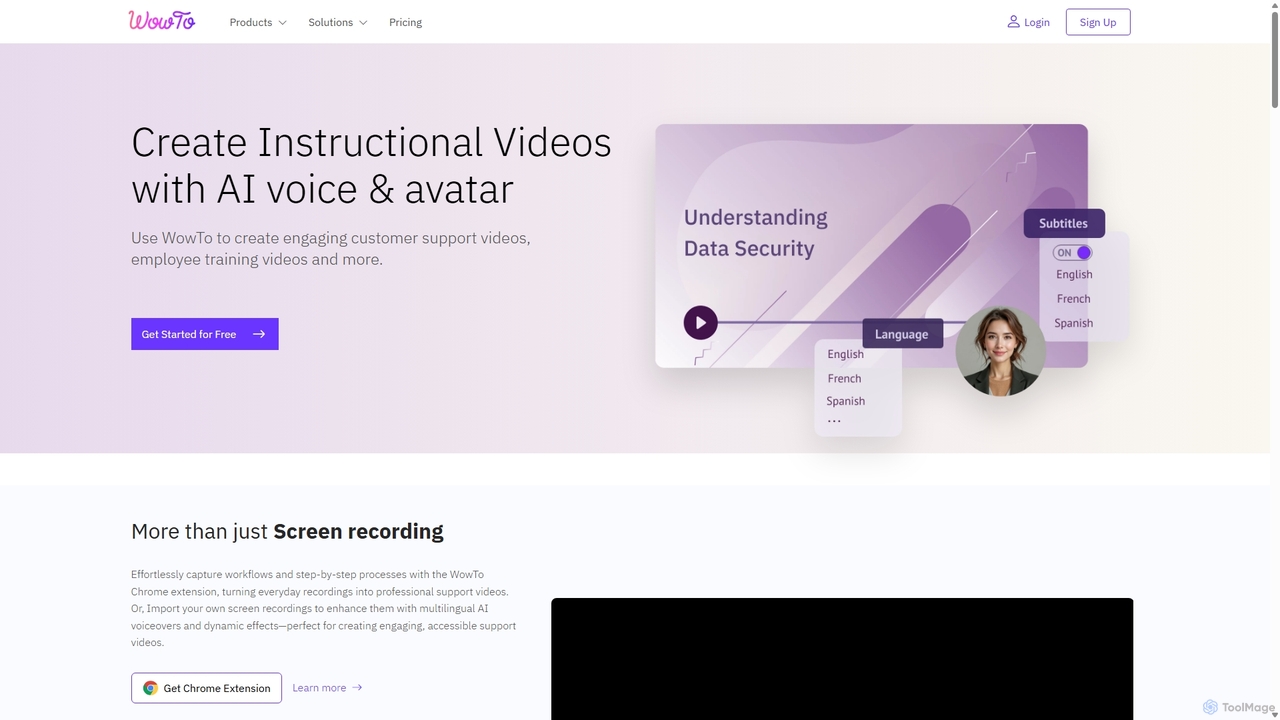
WowTo is an AI-powered platform designed to create professional how-to, support, and training videos in minutes. It transforms screen recordings, text, or existing presentations into engaging, multilingual videos with AI voiceovers, helping businesses reduce support tickets and improve user onboarding.

Help Desk
Visits 15.4KFavorites 99Likes 87
Zoom
Freemium

Zoom

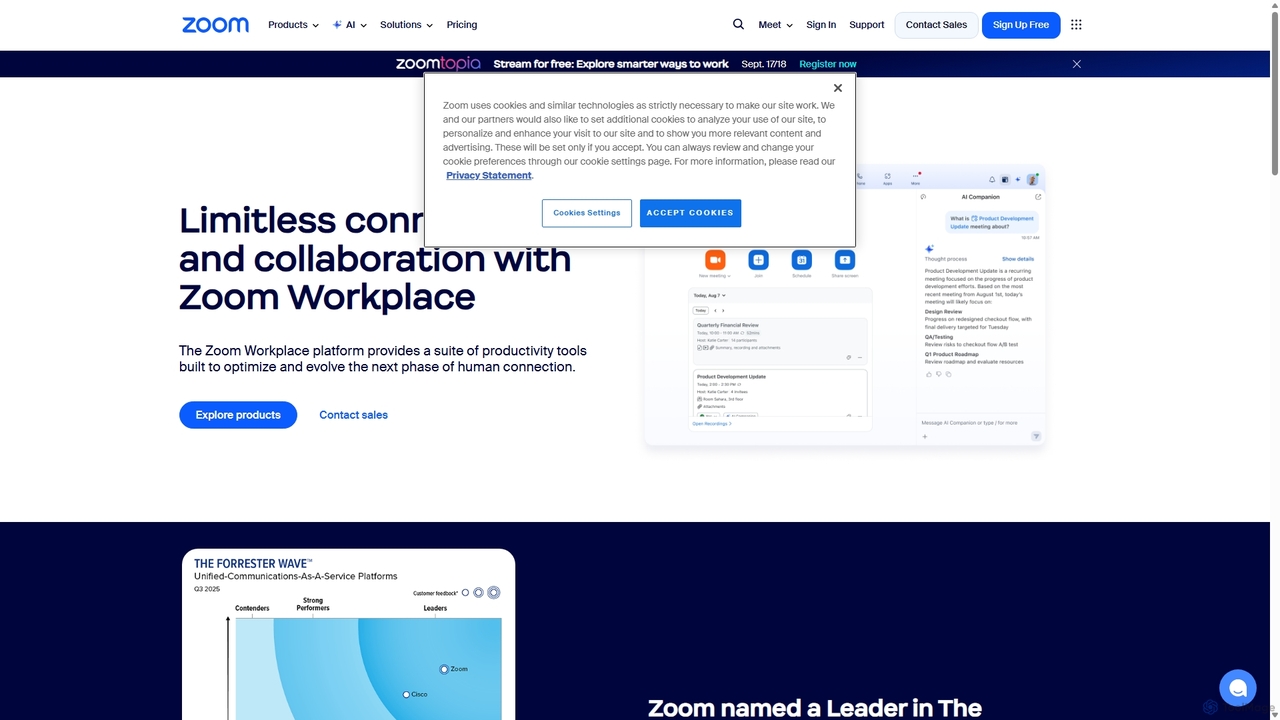
Zoom is an AI-first, unified collaboration platform that connects people through video meetings, phone calls, team chat, webinars, and more. Featuring the AI Companion, it streamlines workflows, summarizes meetings, and enhances productivity for remote and hybrid teams across all industries.

Meeting Management
Visits 87.9MFavorites 125Likes 122
CueCam Presenter
Freemium

CueCam Presenter

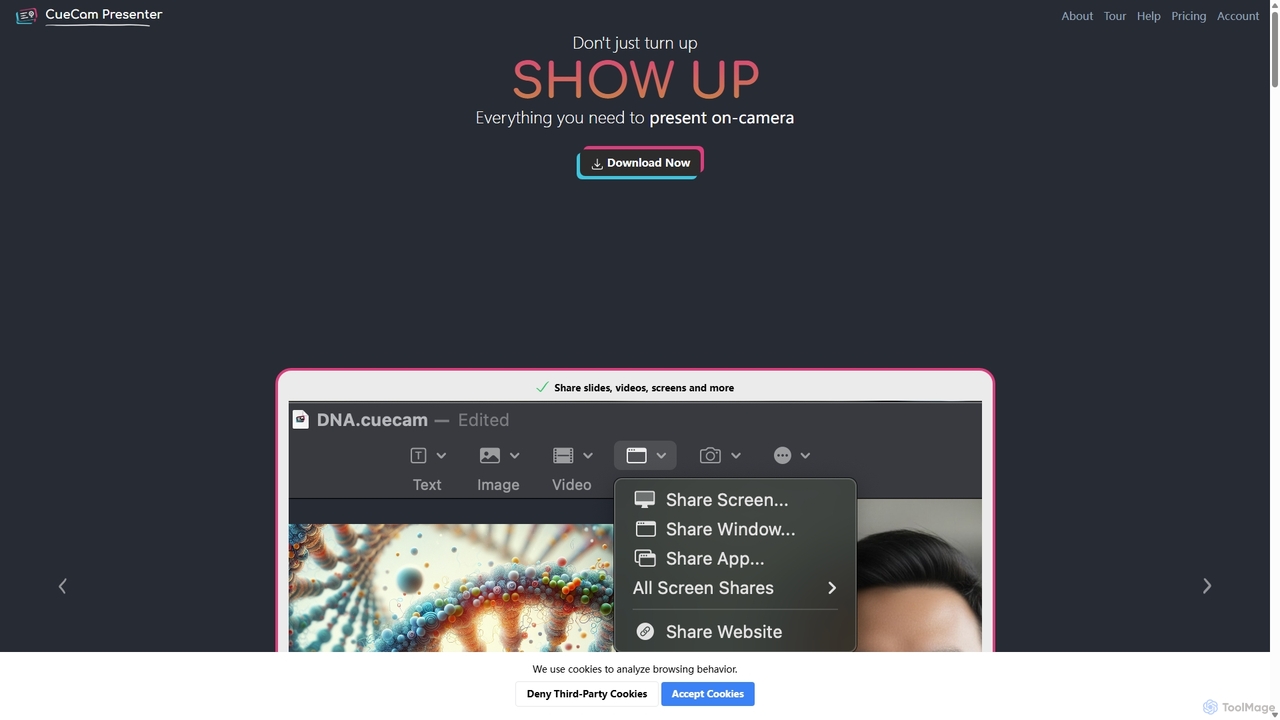
A powerful Mac application that transforms your webcam into a professional presentation studio. It integrates a teleprompter, smart cue cards, screen sharing, and live annotation via iPad. Ideal for remote calls, video recording, and live streaming, it simplifies complex production workflows into a single "next" button.

Live Streaming
Visits 5.5KFavorites 116Likes 99
Lit.Codes Chat
Freemium

Lit.Codes Chat

A privacy-focused AI chat interface offering access to a wide range of advanced GPT models, including GPT-4o. It features end-to-end encrypted chat history and a convenient Chrome extension, making it a secure and versatile tool for developers, writers, and professionals seeking powerful AI assistance without compromising on data security.

Coding Assistant
Visits 4.4KFavorites 119Likes 110
OpenResume
Free

OpenResume

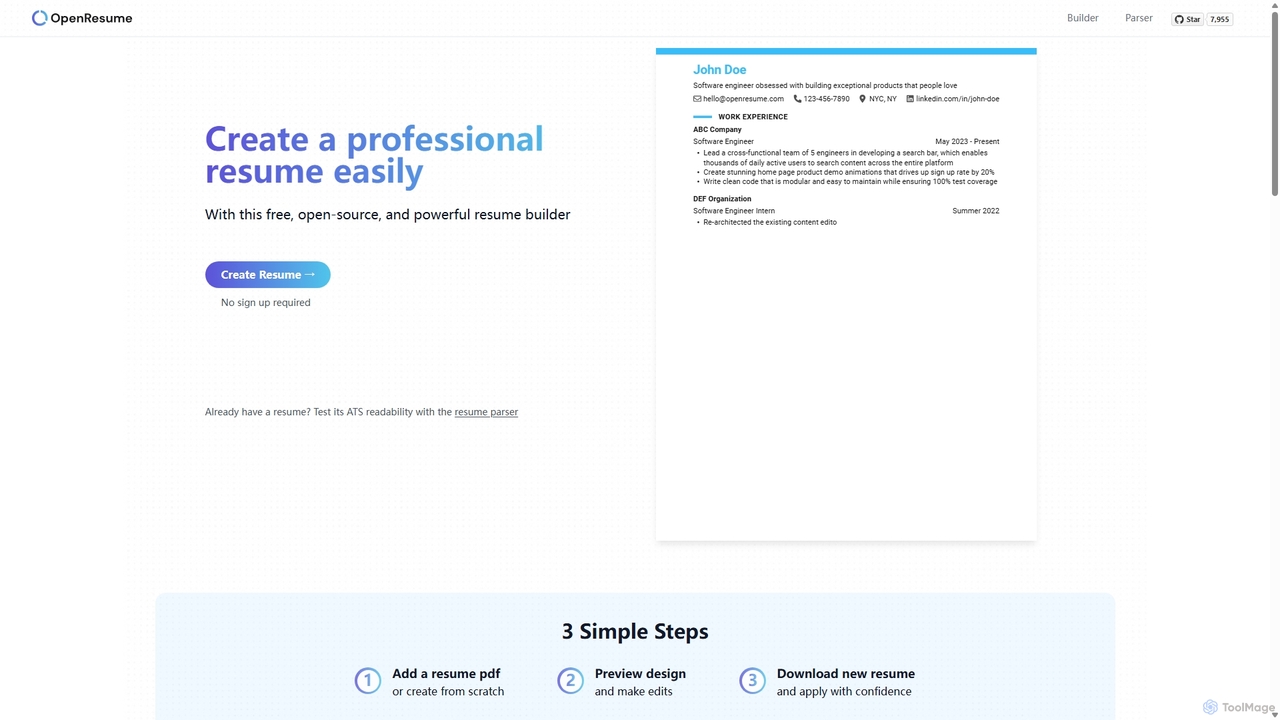
OpenResume is a free, open-source resume builder and ATS parser designed to help you create professional resumes with ease. It prioritizes user privacy with no sign-ups and local data storage, and is optimized for U.S. job market standards and Applicant Tracking Systems (ATS) to increase your chances of getting an interview.

Career
Visits 87.3KFavorites 113Likes 97
Typebot
Freemium

Typebot

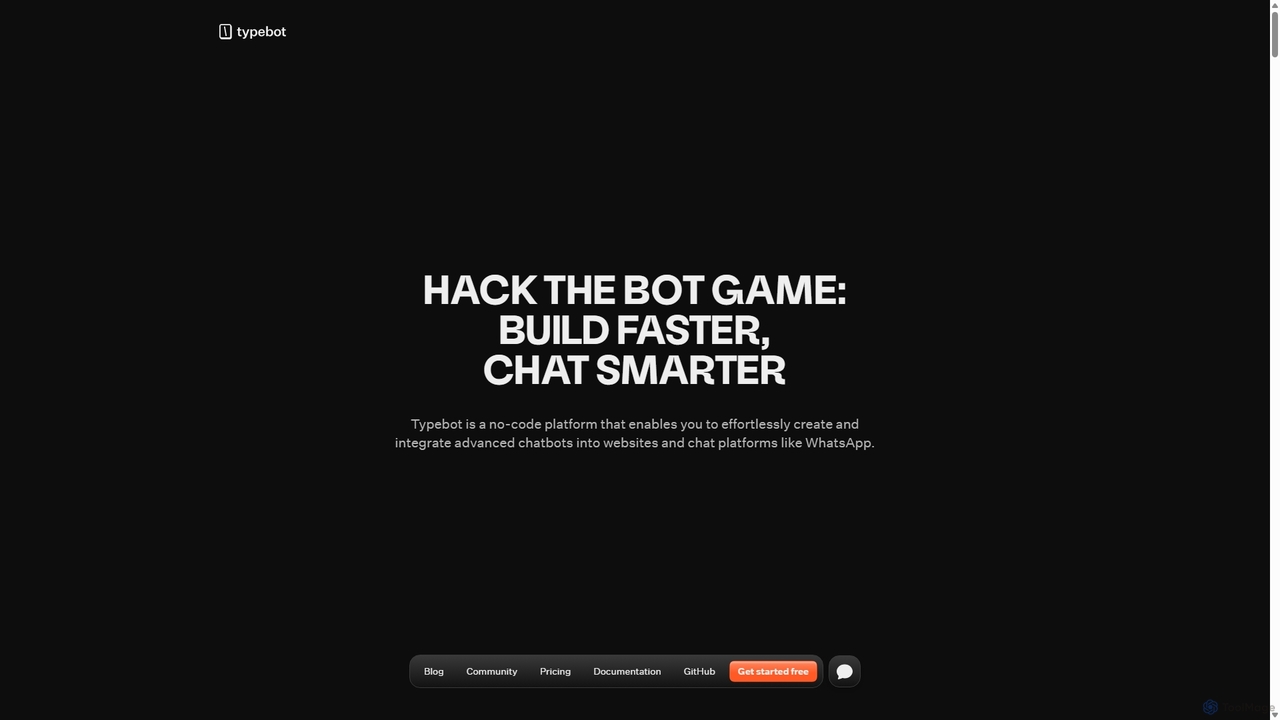
Typebot is an open-source, no-code platform for building advanced conversational apps and chatbots. It allows users to create engaging, interactive experiences for marketing, sales, and support, deploying them across websites, WhatsApp, and other platforms to boost conversions and automate communication.

Chatbots
Visits 87KFavorites 97Likes 106
Descript
Freemium

Descript

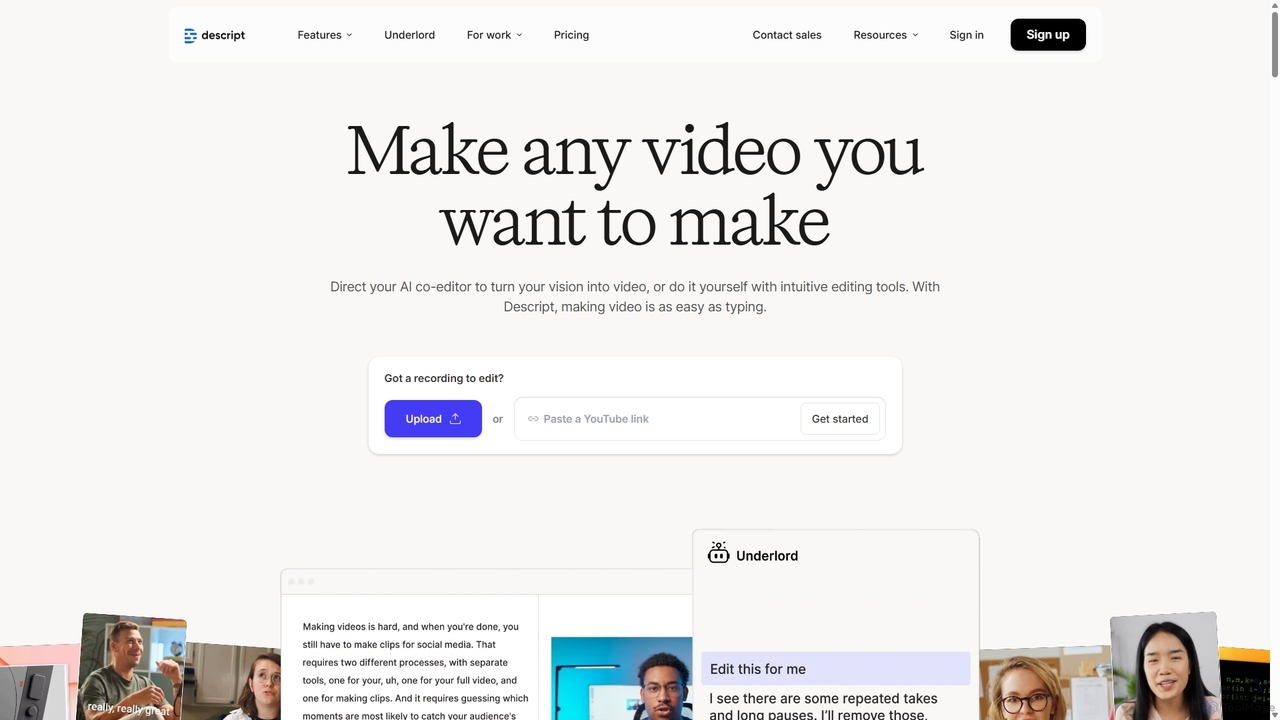
Descript is an all-in-one AI-powered video and podcast editor that lets you edit media as easily as editing a text document. It features automatic transcription, screen recording, AI voice cloning, filler word removal, and powerful AI effects like Studio Sound and Green Screen to streamline content creation for creators, marketers, and businesses.

Social Media
Visits 9.2KFavorites 137Likes 143