ToolMage
Sign in

Best 159 Testing AI tools for Developer Tools

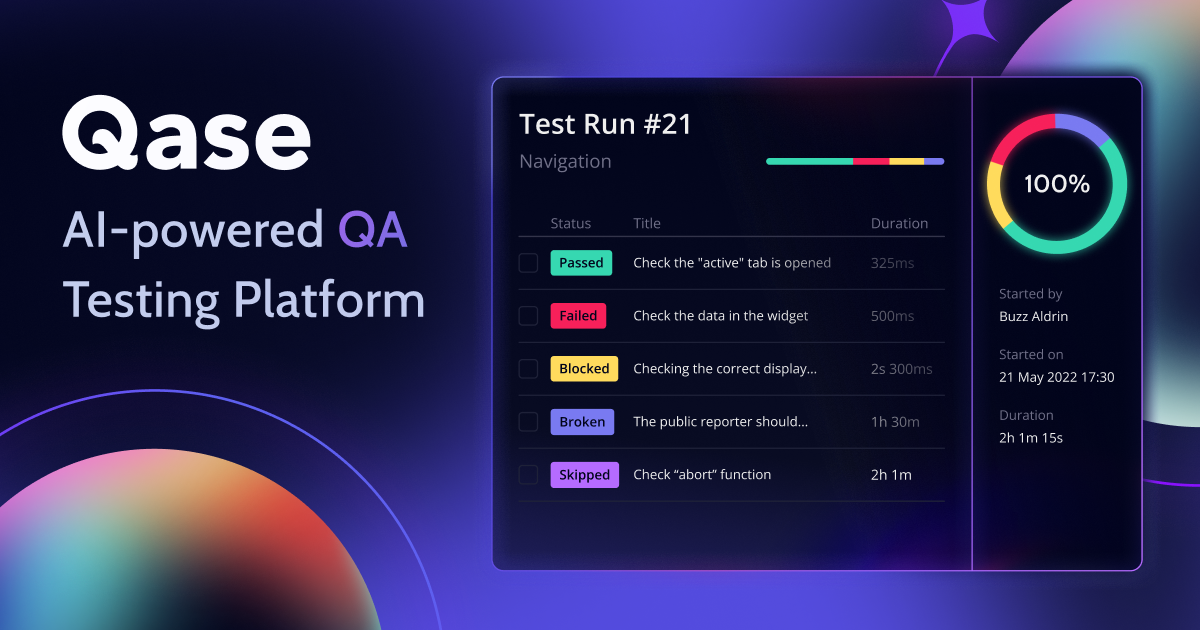
Popular Testing AI tools in Developer Tools include Amplitude, BrowserStack, MOWA.ai, This Person Does Not Exist, Qase, Pulse Labs, LambdaTest, VWO, Katalon, and Greptile, helping you work more efficiently.

Codespell
Freemium

Codespell

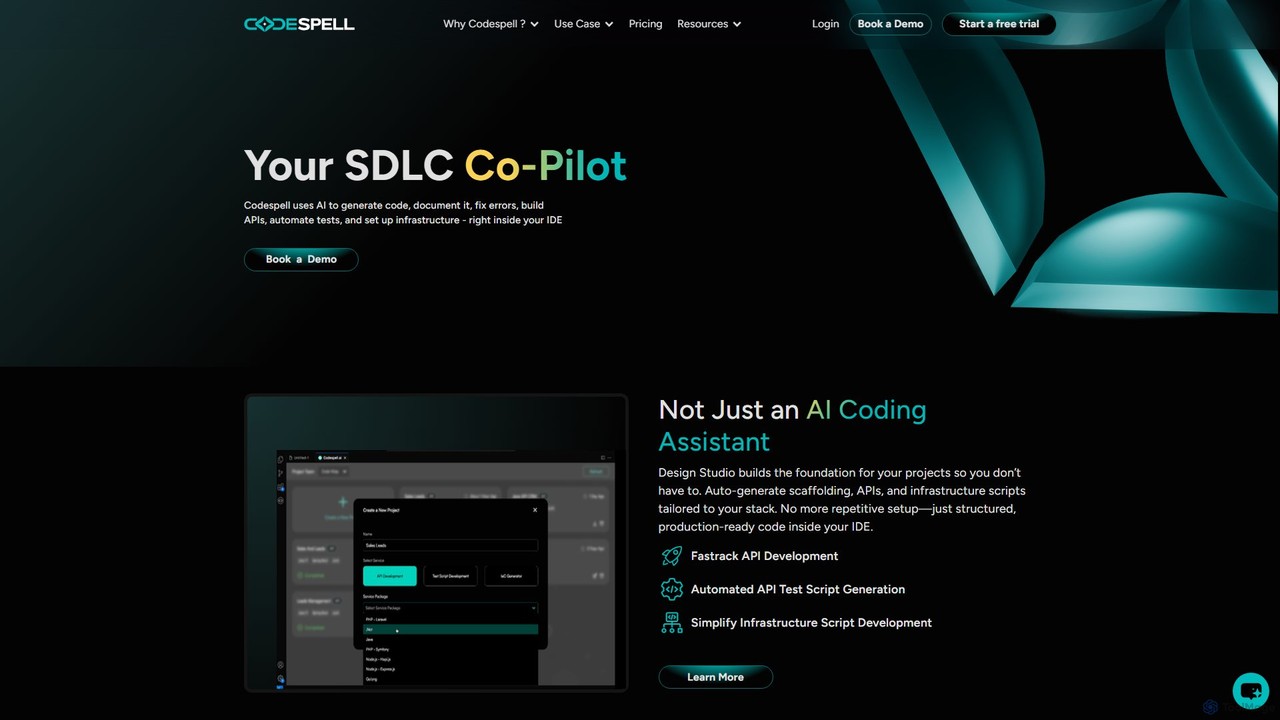
Codespell is an AI-powered SDLC co-pilot that integrates into your IDE to accelerate software development. It goes beyond code completion, helping generate code, create APIs, automate tests, document logic, and fix errors, streamlining the entire development lifecycle.

Code Assistant
Visits 7.1KFavorites 157Likes 166
sammylabs
Paid

sammylabs

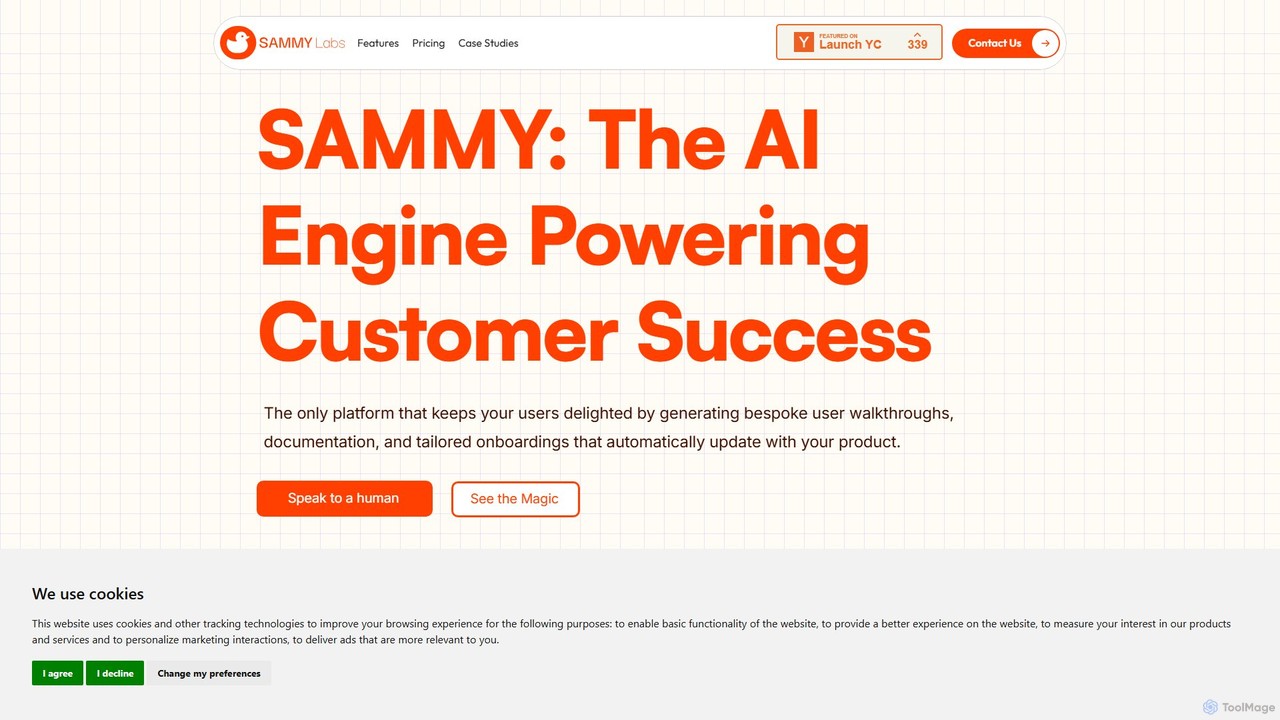
sammylabs is an AI-powered customer success platform that automates user onboarding, documentation, and testing. It explores your app like a real user to generate video tutorials, interactive guides, and up-to-date documentation, ensuring your content always syncs with your product.

Automation
Visits 8.3KFavorites 140Likes 125
Hazy
Paid

Hazy

Hazy is an advanced AI platform for generating high-quality, privacy-preserving synthetic data. It enables enterprises to unlock sensitive data for analytics, machine learning, and software testing while ensuring full compliance with regulations like GDPR and CCPA.

Analytics
Visits 140.1KFavorites 147Likes 127
Accessibility Desk
Paid

Accessibility Desk

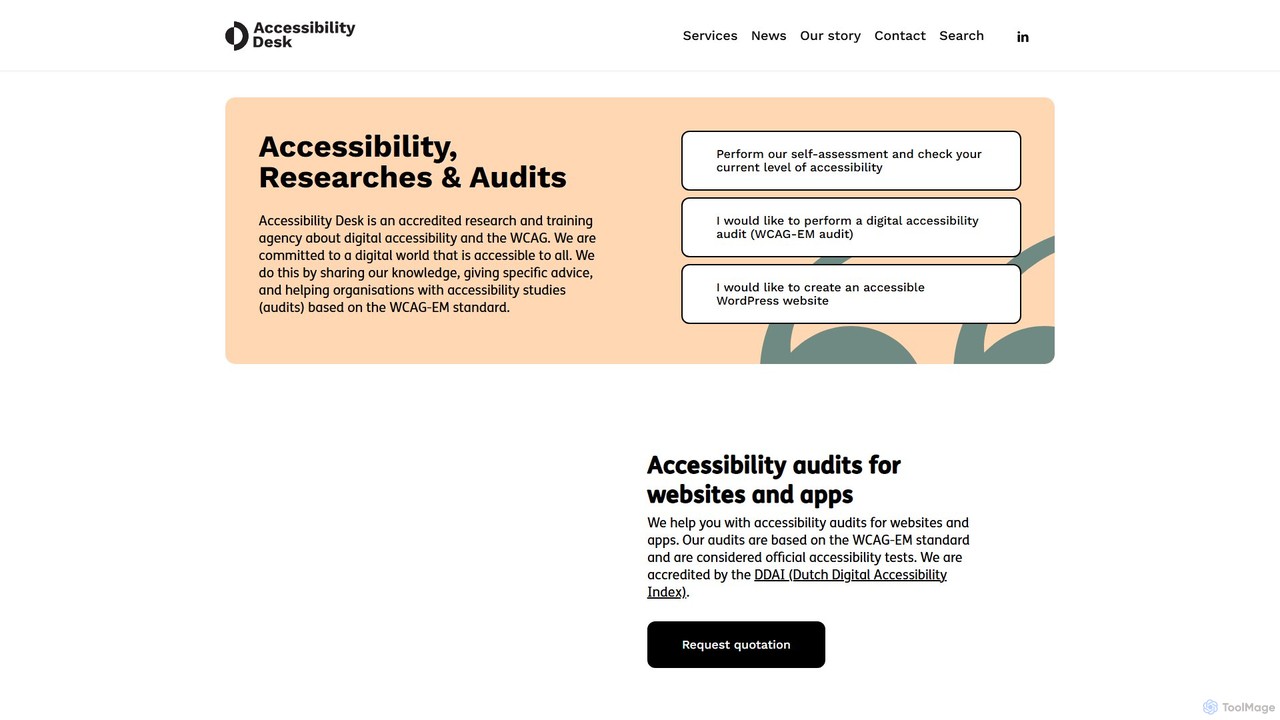
Accessibility Desk is a comprehensive digital accessibility solution combining an AI-powered toolkit with expert-led services. It helps organizations audit, remediate, and maintain WCAG compliance for websites and apps. The platform offers automated scanning, detailed reporting, and remediation guidance, backed by accredited human auditors and user testing to ensure full inclusivity.

Analytics
Visits 7.1KFavorites 139Likes 158
The Foundry AI
Paid

The Foundry AI

The Foundry AI is a specialized platform for developers building AI web agents. It offers a deterministic web simulator and an advanced annotation framework to test, benchmark, and debug agents in a reproducible environment, free from the unpredictability of the live web.

Model Evaluation
Visits 8KFavorites 135Likes 124
Adversa AI
Paid

Adversa AI

Adversa AI is a leading AI security platform specializing in making AI, ML, and LLM systems secure, trusted, and responsible. It offers continuous AI Red Teaming, vulnerability assessment, and hardening solutions to protect against cyber threats, privacy issues, and safety incidents. Recognized by Gartner and numerous industry awards, Adversa AI helps organizations across various sectors secure their AI transformation.

Testing
Visits 41.5KFavorites 132Likes 143
Boggl.ai
Freemium

Boggl.ai

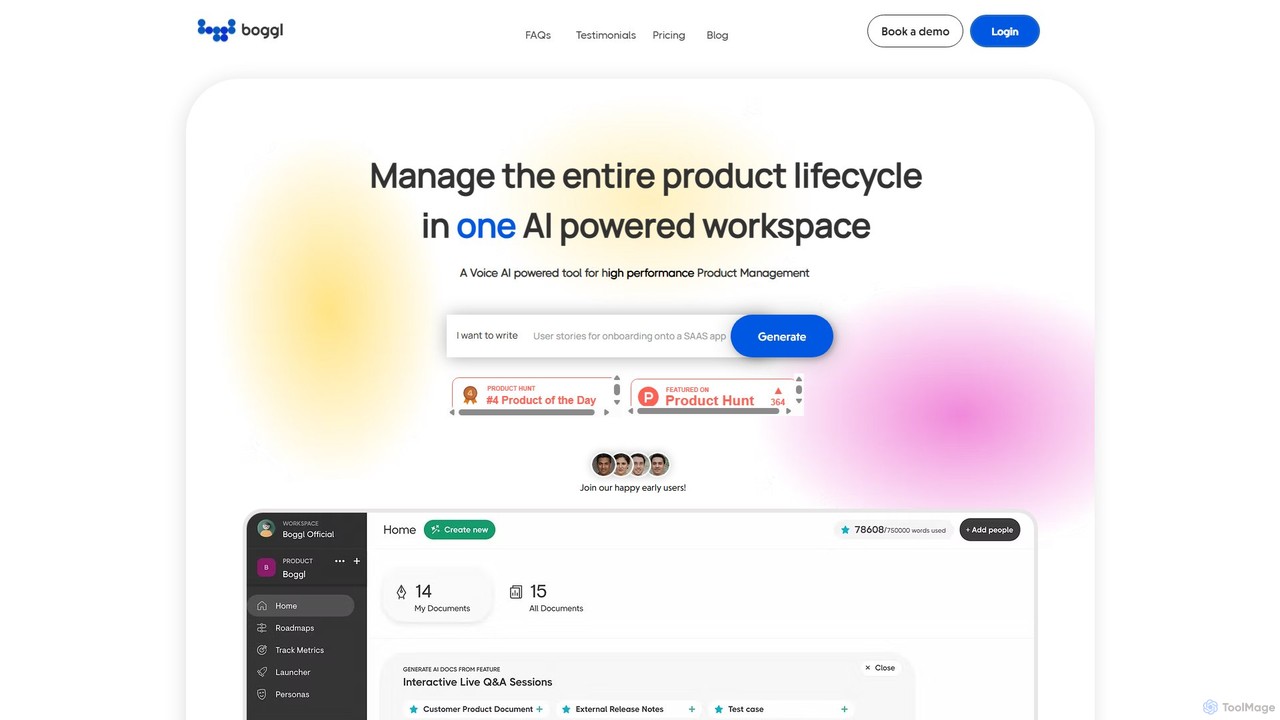
Boggl.ai is an AI-powered workspace designed for high-performance product management. It streamlines the entire product lifecycle by automating the creation of essential documents like PRDs, release notes, test cases, and roadmaps from simple inputs, including voice notes. It enhances team collaboration and ensures document consistency.

Testing
Visits 7.4KFavorites 138Likes 141
OnSecurity
Freemium

OnSecurity

OnSecurity is an AI-augmented penetration testing platform that combines the efficiency of AI automation with the ingenuity of expert ethical hackers. It offers CREST-approved, continuous cybersecurity services, including pentesting, vulnerability scanning, and threat intelligence, all managed through a single, flexible subscription-based platform for faster, more accurate results.

Testing
Visits 31.1KFavorites 147Likes 135
Pulse Labs
Freemium

Pulse Labs

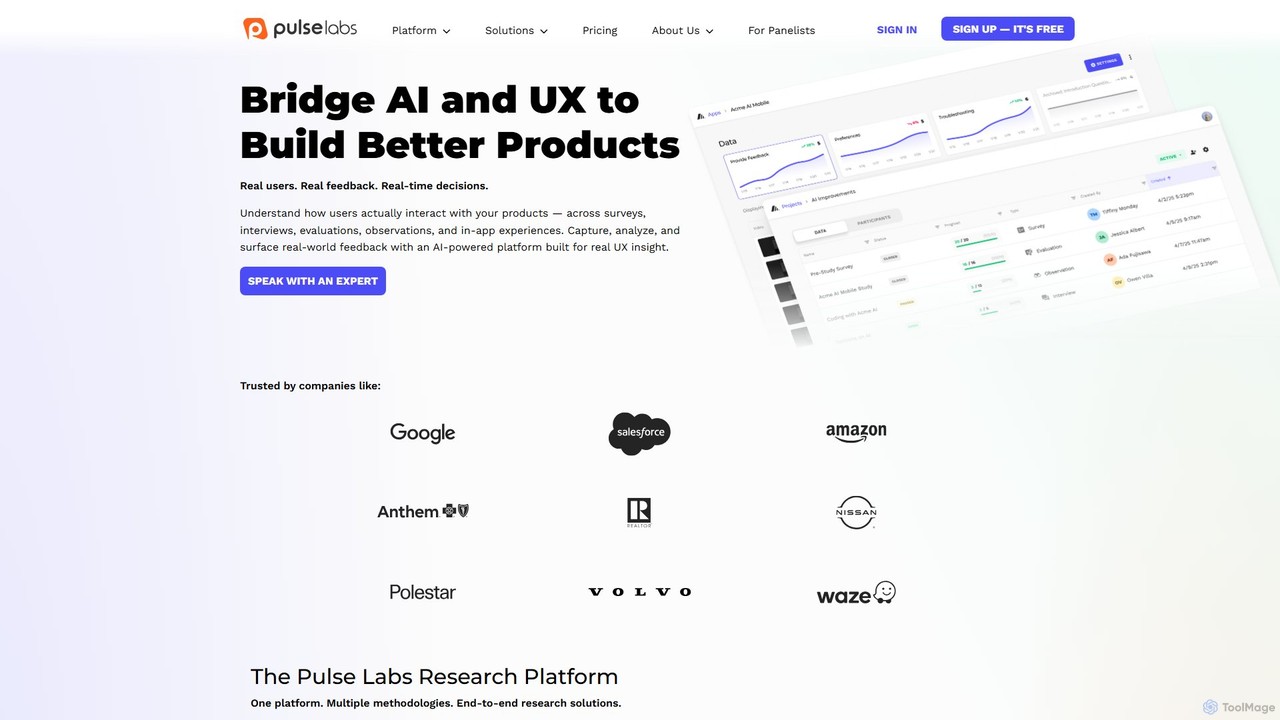
Pulse Labs is an AI-powered user research platform that helps businesses build better products by capturing and analyzing real-world user feedback. It offers a suite of tools for surveys, interviews, usability testing, and in-app feedback to provide actionable insights.

Customer Feedback
Visits 369.7KFavorites 140Likes 130
Katalon
Freemium

Katalon

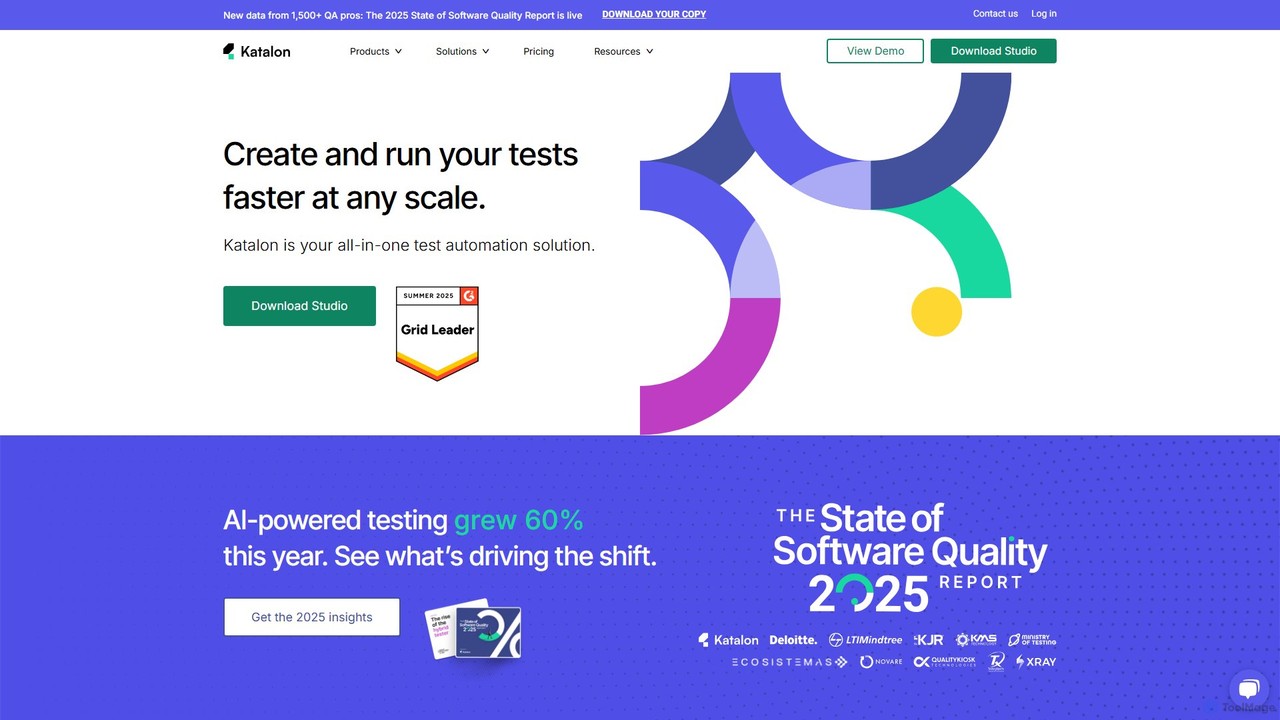
Katalon is a comprehensive, AI-augmented test automation platform for web, API, mobile, and desktop applications. It empowers teams of all sizes with low-code, full-code, and no-code solutions, streamlining the entire quality lifecycle from test creation and execution to analysis and management.

Code Generation
Visits 252.5KFavorites 149Likes 146
Review Bomb Me
Freemium

Review Bomb Me

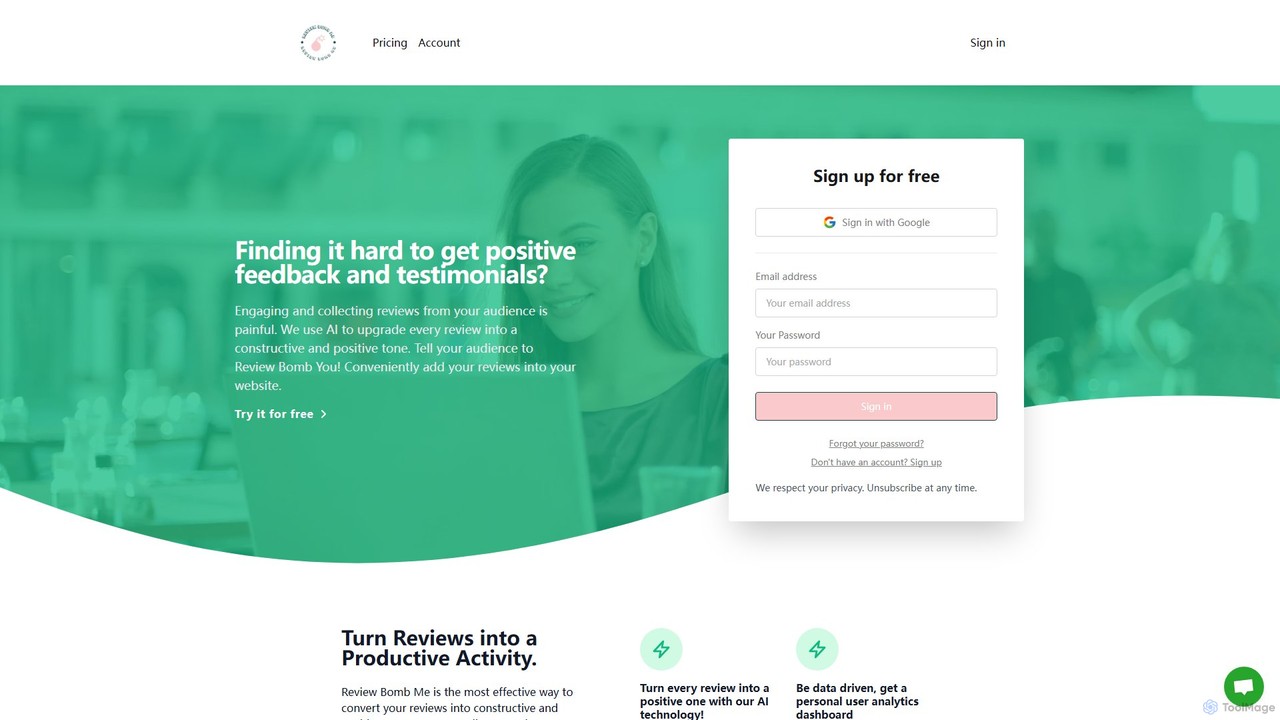
An AI-powered tool that transforms all customer reviews, including negative ones, into constructive and positive feedback. It helps businesses and creators gather actionable insights for improvement while filtering out toxicity and reducing emotional strain.

Feedback Management
Visits 6.3KFavorites 148Likes 152
Aspen
Free

Aspen

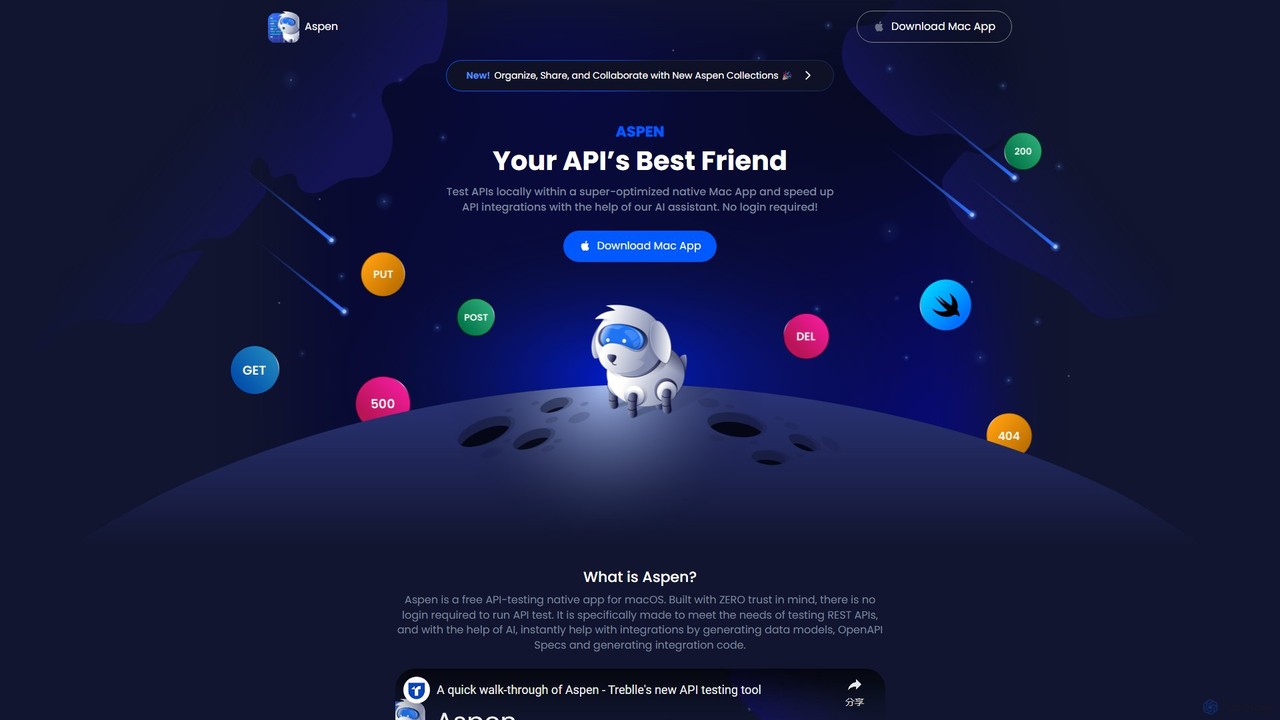
Aspen is a free, native macOS application for API testing, supercharged with an AI assistant. It offers a fast, private, and efficient way to test REST APIs, generate code, create data models, and produce OpenAPI specs without requiring a login.

Api Management
Visits 8.6KFavorites 154Likes 140
takemebot
Freemium

takemebot

takemebot is a no-code/low-code Robotic Process Automation (RPA) platform designed to automate repetitive business tasks. It helps businesses lower operational costs, save time, and achieve error-free operations through a user-friendly drag-and-drop interface, record-and-play functionality, and seamless integration with existing systems.

Robotic Process Automation
Visits 6.3KFavorites 180Likes 196
Casco
Paid

Casco

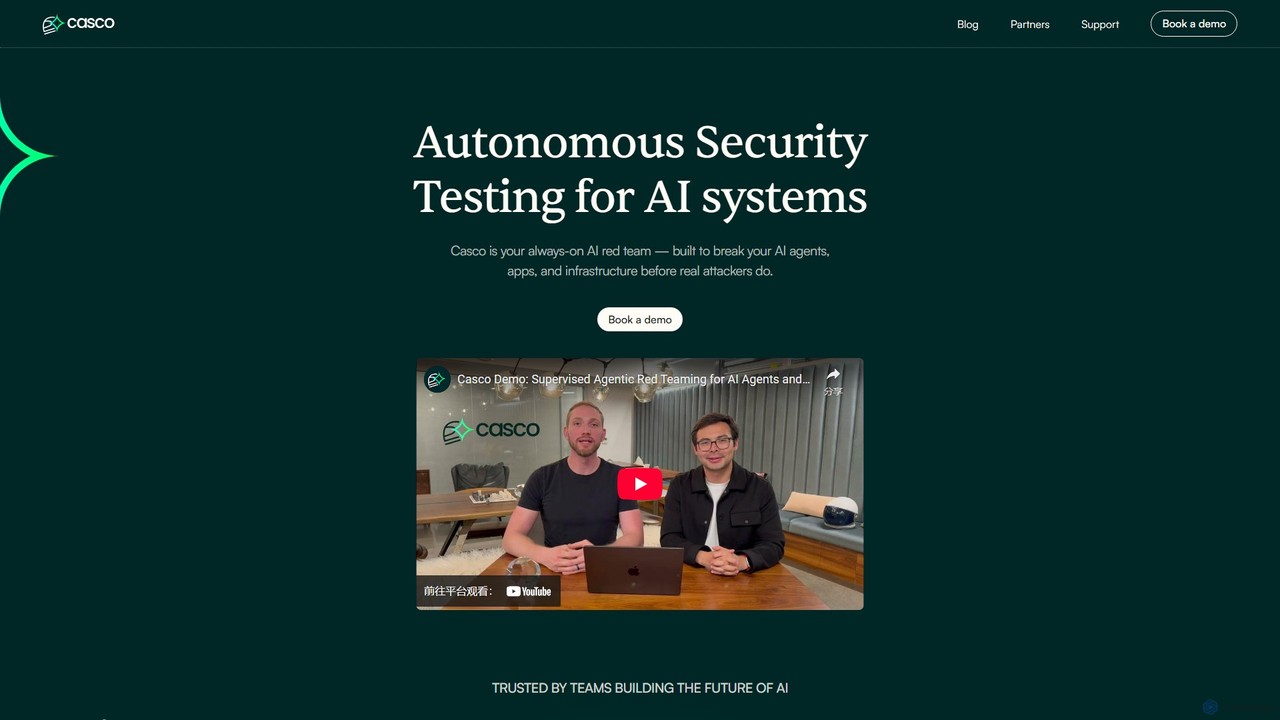
Casco is an autonomous security testing platform for AI systems. It acts as a continuous, always-on AI red team, proactively identifying and helping to fix vulnerabilities in AI agents, applications, and infrastructure before malicious attackers can exploit them, replacing periodic penetration testing with year-round automated monitoring.

Model Security
Visits 12.8KFavorites 143Likes 133
WorkStreamer
Paid

WorkStreamer

WorkStreamer is an accelerator platform designed to streamline and speed up Oracle implementations. It automates training documentation, simplifies project requirements management, and enhances testing events with visual, step-by-step guides, reducing project timelines and improving efficiency.

Testing
Visits 6.3KFavorites 141Likes 141
CodeMaker AI
Freemium

CodeMaker AI

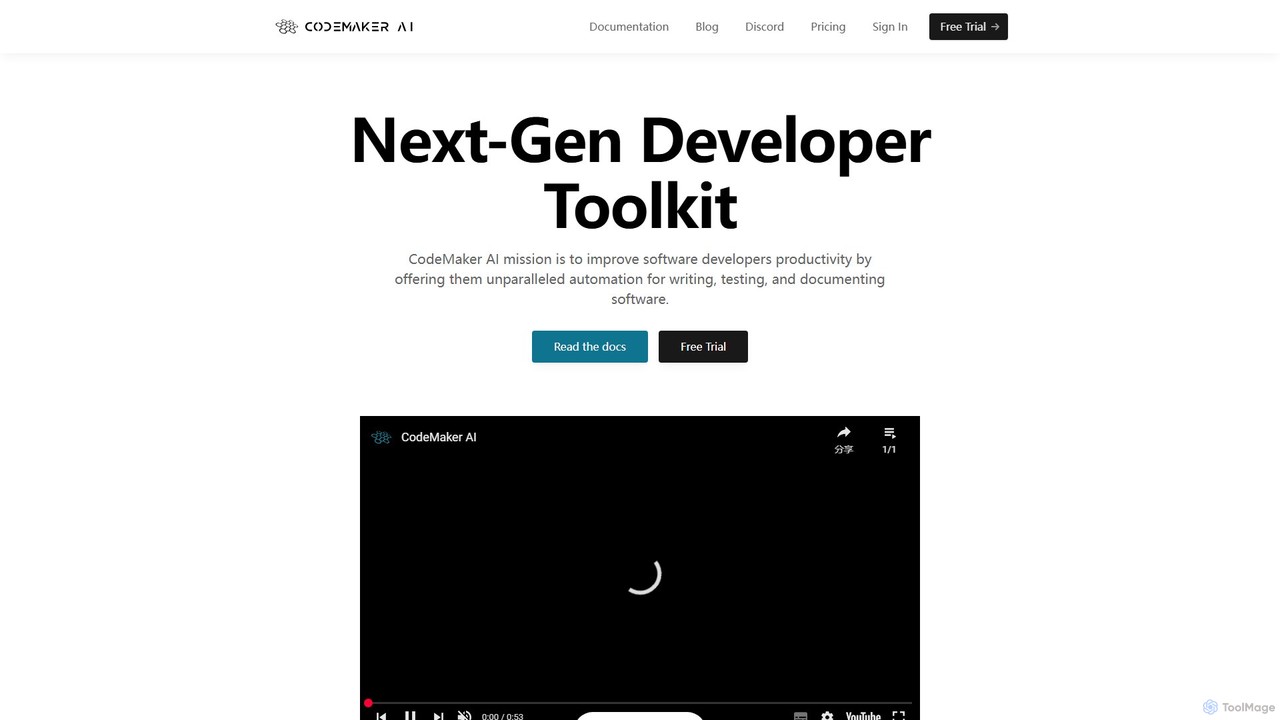
CodeMaker AI is a next-generation developer toolkit designed to boost productivity by automating software writing, testing, and documentation. It integrates seamlessly into your workflow via IDEs, GitHub, and CLI, offering context-aware code generation and a powerful AI assistant.

Code Assistant
Visits 6.3KFavorites 181Likes 186
Quacks AI
Freemium

Quacks AI

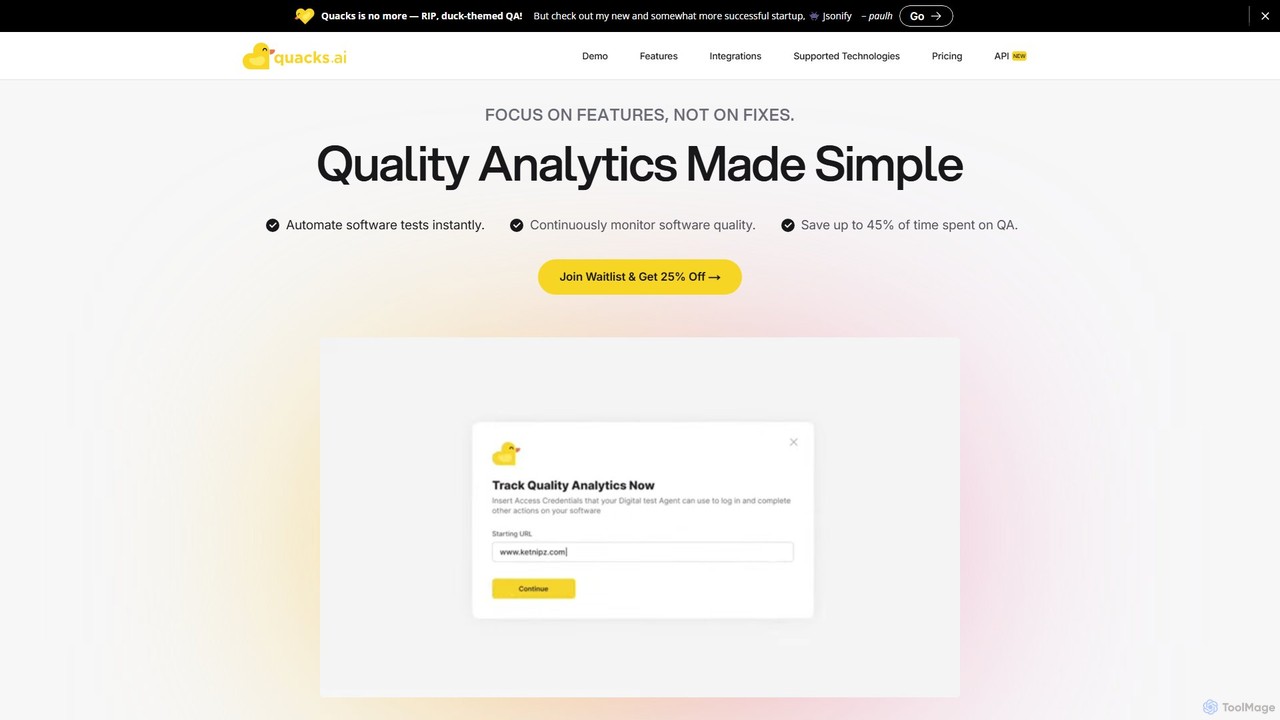
Quacks AI is an intelligent quality assurance platform that automates end-to-end software testing. It utilizes advanced AI agents to autonomously create, execute, and maintain tests, enabling teams to continuously monitor software quality, save significant time, and prevent bugs from reaching users.

No Code
Visits 6.3KFavorites 161Likes 180
Applitools
Freemium

Applitools

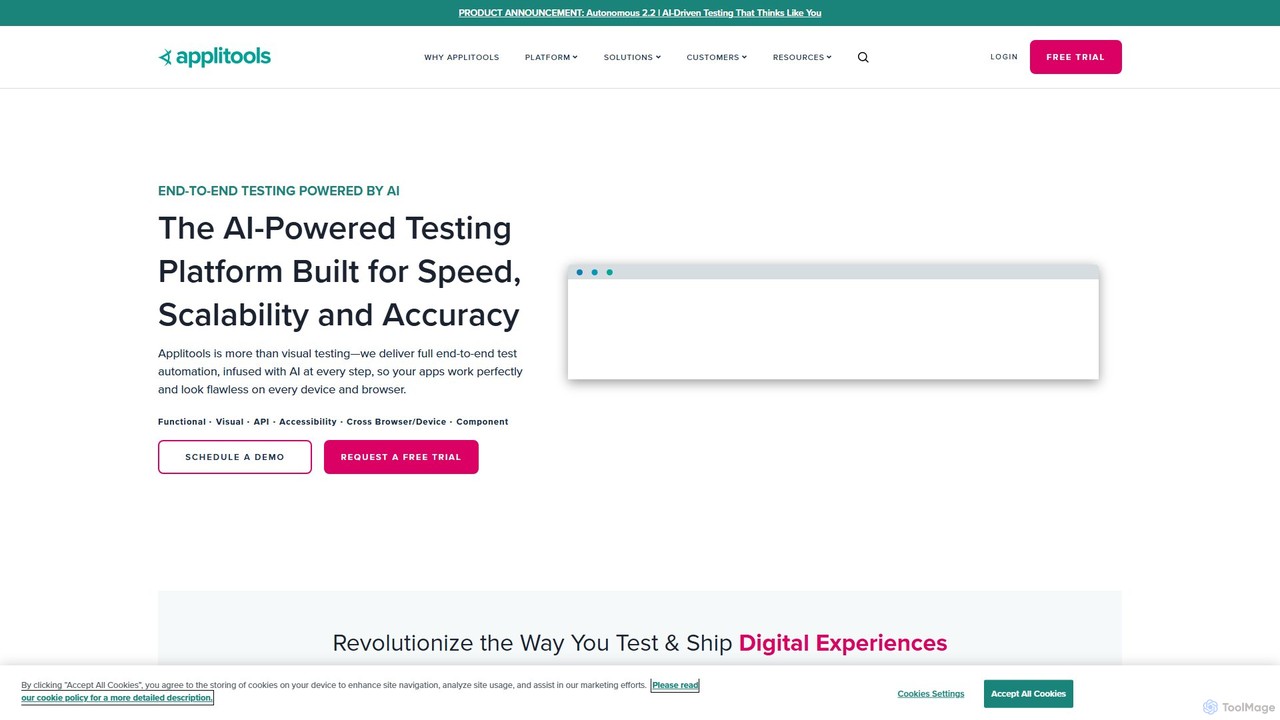
Applitools is an AI-powered, end-to-end test automation platform designed to help teams ship flawless applications. It uses Visual AI to automate functional, visual, API, and accessibility testing across all devices, browsers, and screen sizes, dramatically increasing test coverage and reducing maintenance.

Low Code No Code
Visits 194.1KFavorites 137Likes 125
HoneyHive
Freemium

HoneyHive

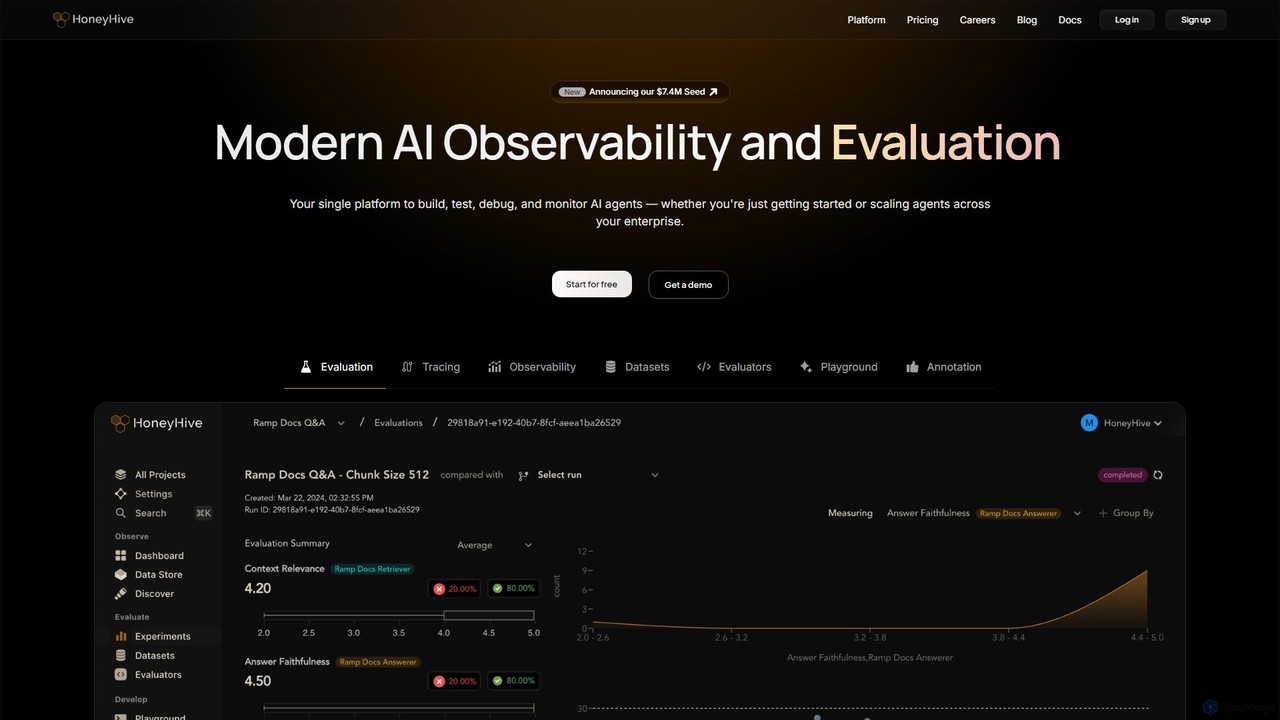
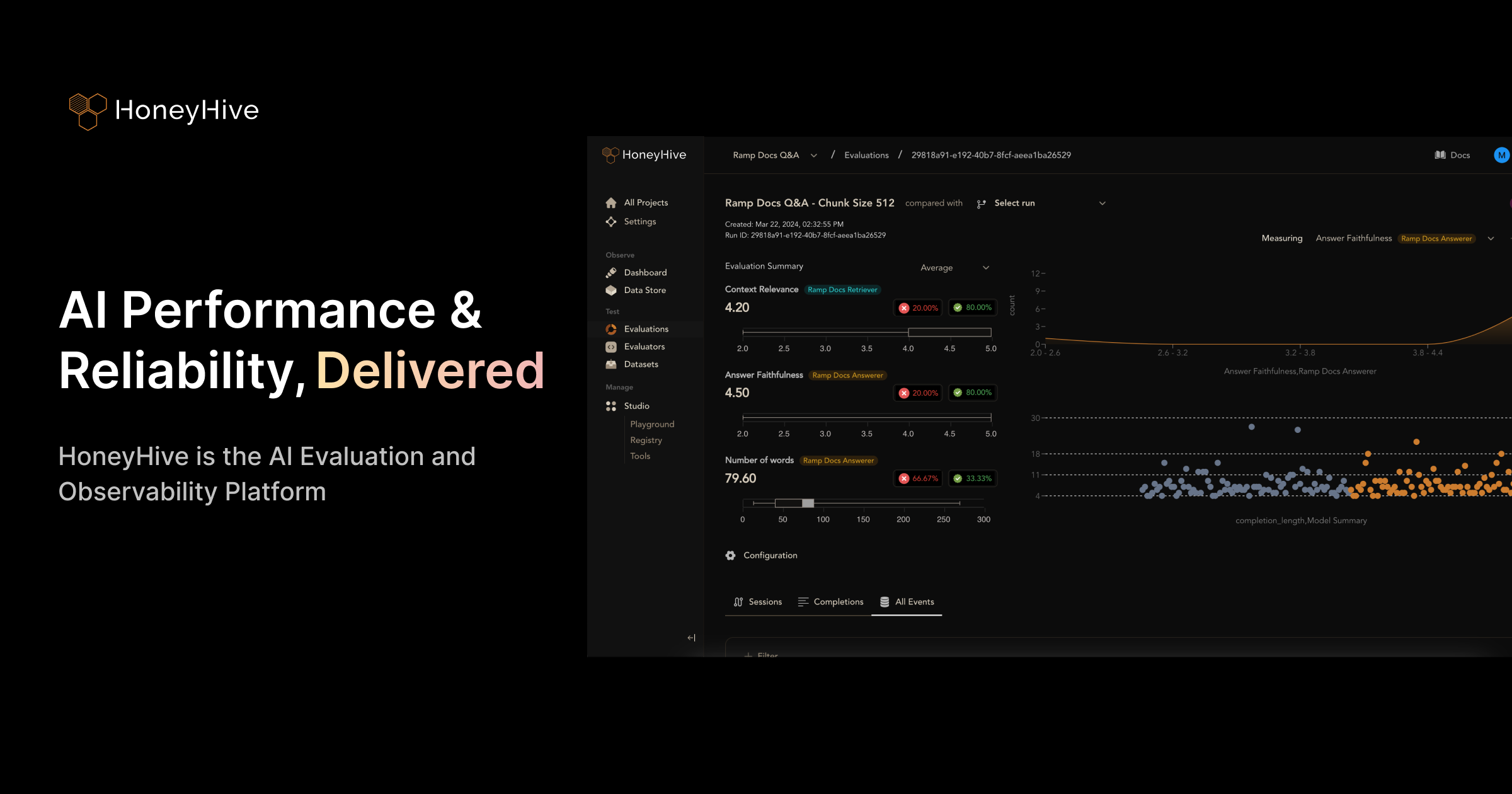
HoneyHive is an all-in-one AI observability and evaluation platform for developers building with LLMs and AI agents. It provides a unified solution to build, test, debug, and monitor AI applications, from initial experiments to enterprise-scale deployment. The platform helps teams systematically measure AI quality, gain deep visibility into agent interactions, monitor performance metrics like cost and latency, and collaborate on essential assets like prompts and datasets, ensuring the confident shipment of reliable AI products.

Debugging
Visits 31.6KFavorites 182Likes 197
BaseRock
Freemium

BaseRock

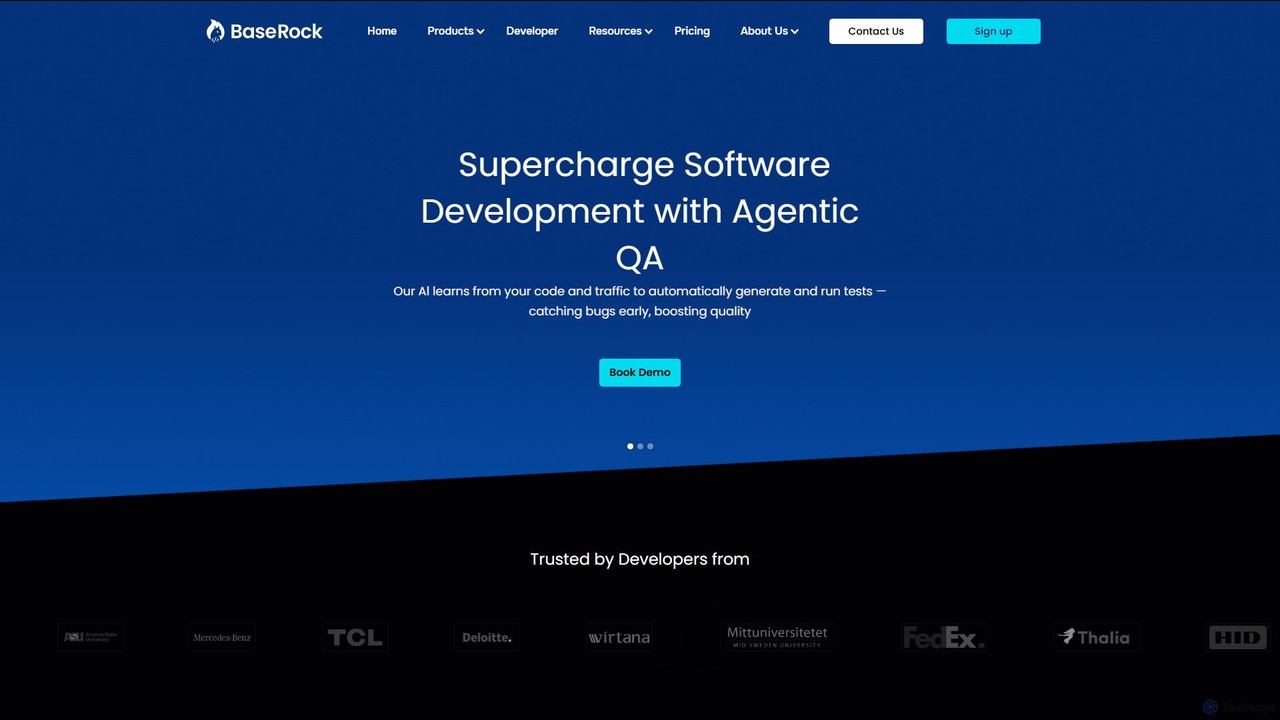
BaseRock is an agentic AI QA platform designed for development teams. It learns from your code and network traffic to automatically generate and execute unit, integration, and end-to-end tests. This helps catch bugs early, significantly reduce QA costs, and boost developer productivity by automating the entire testing lifecycle.

Testing
Visits 11.2KFavorites 136Likes 137
Leapwork
Paid

Leapwork

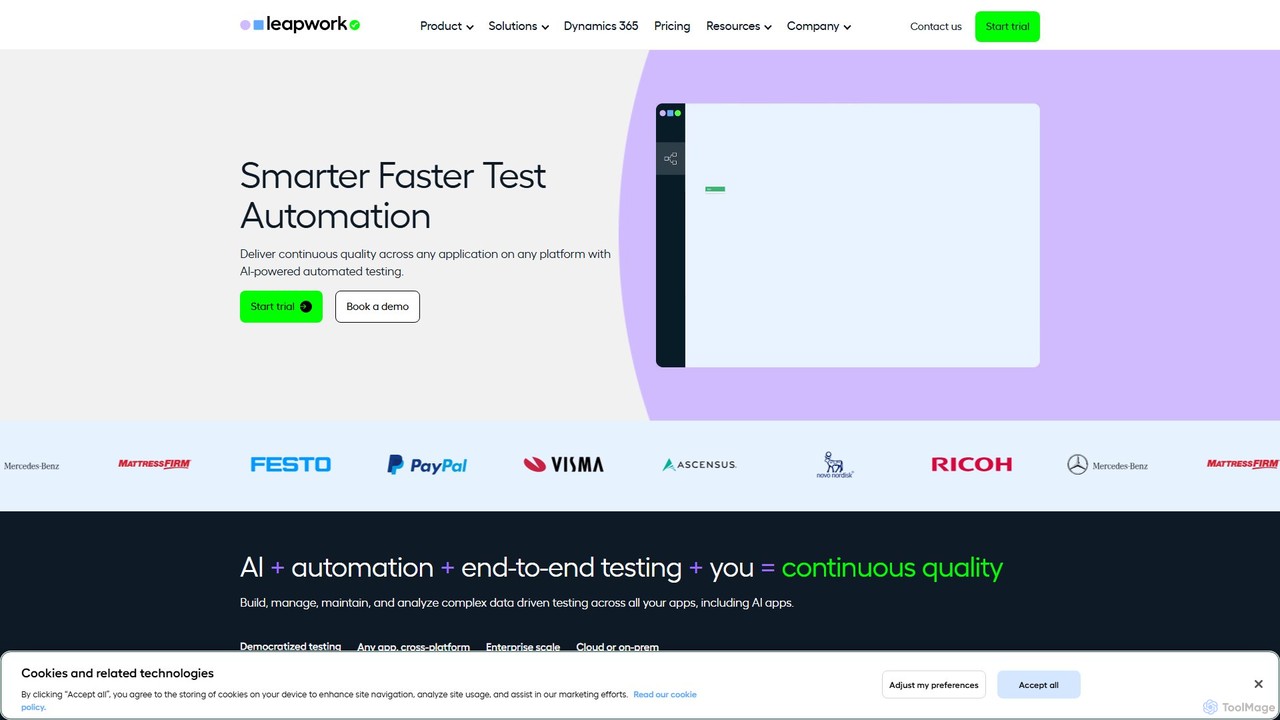
Leapwork is an AI-powered, no-code test automation platform designed to accelerate software testing and ensure continuous quality. It enables both technical and non-technical users to build, manage, and maintain complex automated tests across any application, including web, desktop, and AI-powered systems like Microsoft Copilot. With its visual interface, reusable components, and generative AI capabilities, Leapwork democratizes testing, reduces maintenance, and integrates seamlessly into existing DevOps pipelines, helping enterprises achieve faster releases and higher quality software.

Data
Visits 45.2KFavorites 120Likes 135
Kusho
Freemium

Kusho

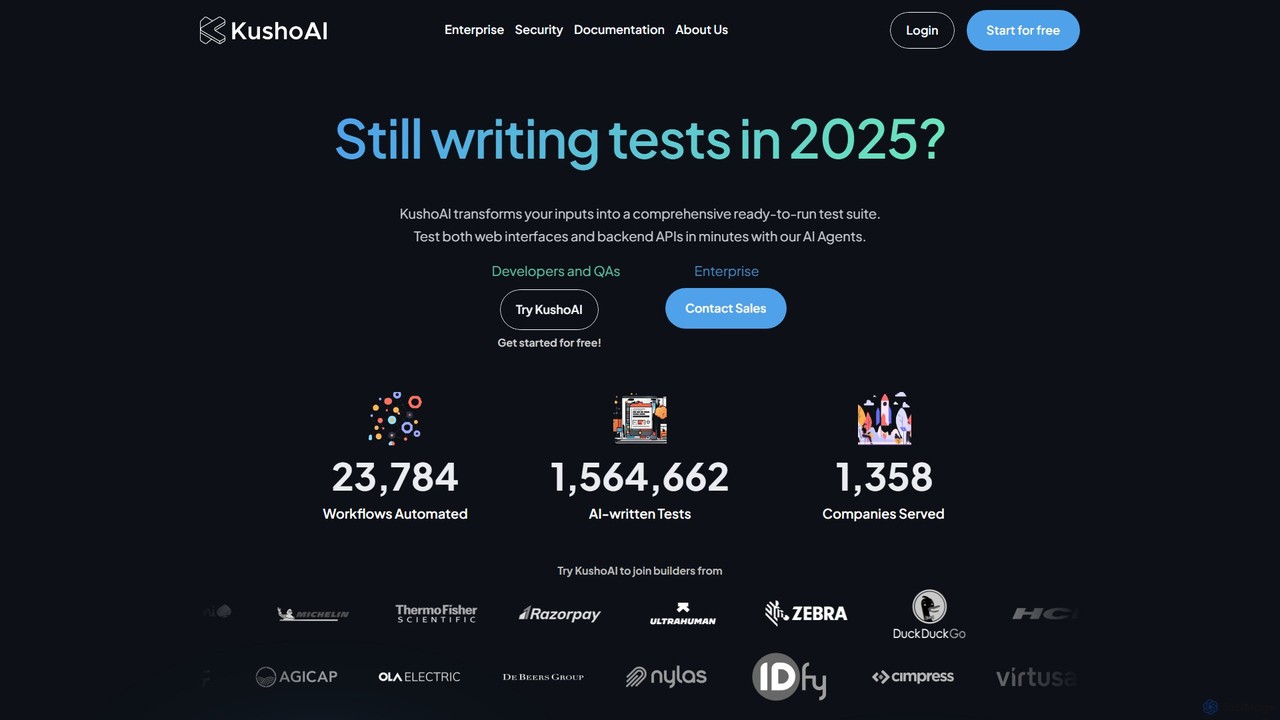
Kusho is an AI-powered platform that automates software testing for developers and enterprises. It uses autonomous AI agents to transform inputs into comprehensive, ready-to-run test suites for both web UIs and backend APIs. By automatically generating and maintaining tests, Kusho helps teams achieve over 90% test coverage, accelerate deployment cycles, and ship bug-free code with confidence.

Code Assistant
Visits 16.6KFavorites 140Likes 134
Hatchways
Freemium

Hatchways

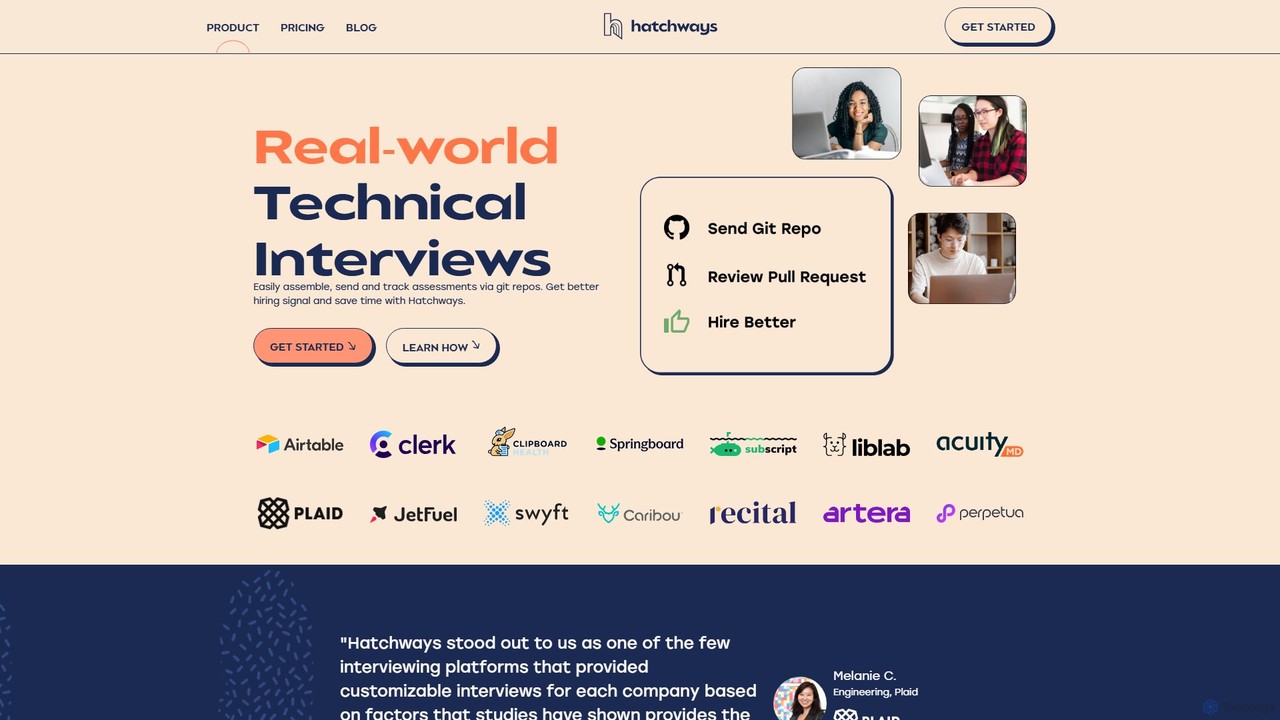
Hatchways is a technical interview platform that replaces traditional coding tests with realistic, take-home assessments. It streamlines the hiring process for software engineers by using real-world tasks in a Git-based environment, improving candidate experience and providing stronger hiring signals for companies.

Testing
Visits 13.1KFavorites 148Likes 154
Mindgard
Paid

Mindgard

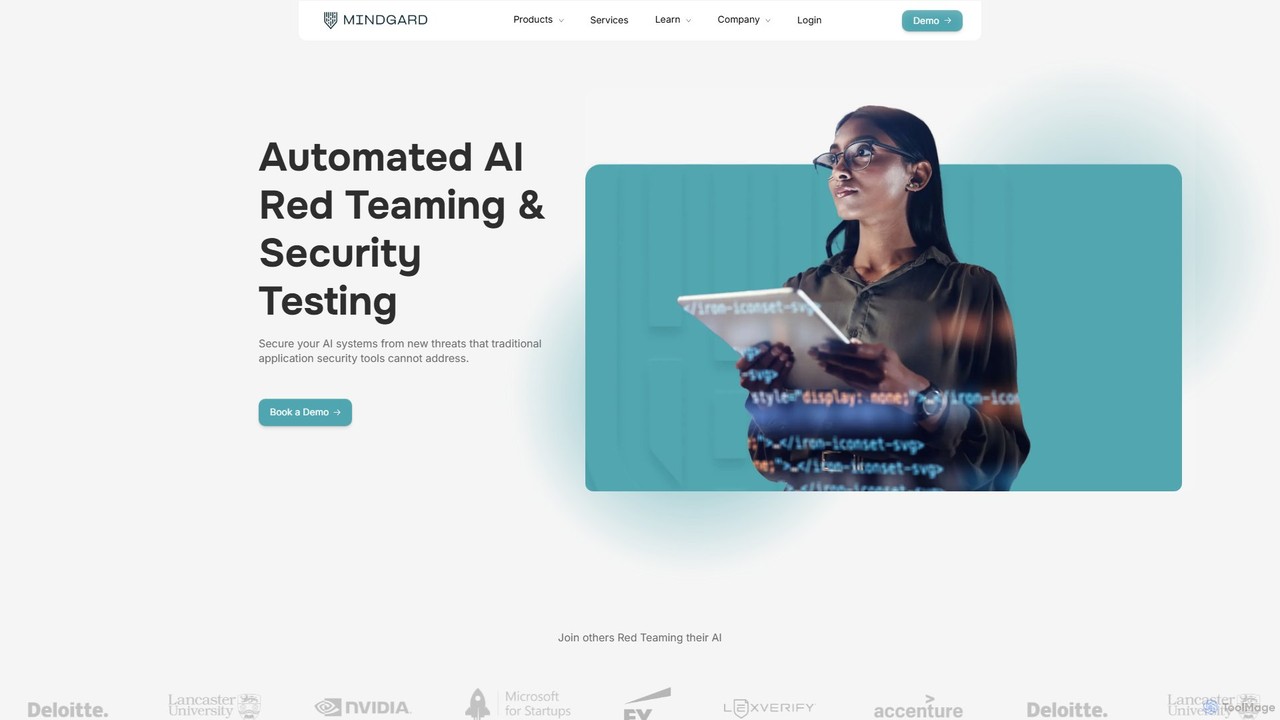
Mindgard is an advanced AI security platform specializing in automated red teaming and continuous security testing for AI models. It helps organizations identify and mitigate unique AI vulnerabilities like prompt injection, data poisoning, and model evasion. Designed for enterprises, Mindgard supports a wide range of models, including LLMs and generative AI, ensuring AI systems are secure, compliant, and trustworthy throughout their lifecycle.

Testing
Visits 38.3KFavorites 130Likes 120

About Testing

AI Testing tools are a specialized category of developer tools that leverage artificial intelligence and machine learning to automate and enhance the software testing process. These tools go beyond traditional script-based automation by intelligently creating, executing, and maintaining tests. They significantly accelerate release cycles, improve test coverage, and reduce the manual effort required to fix broken tests. A key feature is their ability to perform self-healing, where tests automatically adapt to changes in the application's user interface.

Core Features

  • Autonomous Test Generation: AI analyzes the application to automatically create meaningful test cases and user flows without manual scripting.
  • Self-Healing Scripts: Intelligently identifies changes in UI elements (like button IDs or positions) and automatically updates test scripts to prevent failures.
  • AI-Powered Visual Testing: Uses computer vision to detect unintended visual bugs, such as layout shifts, color changes, or overlapping elements that functional tests miss.
  • Intelligent Bug Detection: Employs predictive analytics to identify high-risk areas of the code and prioritize testing efforts where bugs are most likely to occur.
  • API Test Automation: Simplifies the creation and validation of complex API tests by automatically generating test data and validating responses.

Use Cases

AI Testing tools are primarily used by Agile and DevOps teams working in fast-paced development environments. They are particularly valuable for testing large-scale web applications, complex enterprise software, and mobile apps that undergo frequent updates. Roles like QA Automation Engineers, SDETs (Software Development Engineer in Test), and developers benefit from reduced test maintenance and faster feedback loops.

How to Choose

When selecting an AI Testing tool, consider its integration capabilities with your existing CI/CD pipeline (e.g., Jenkins, GitHub Actions). Evaluate its support for the platforms you target, such as web, mobile (iOS/Android), and APIs. Assess the robustness of its self-healing capabilities and the accuracy of its visual testing engine. Also, consider the tool's ease of use, especially for team members with limited coding skills, and its reporting and analytics features for tracking quality metrics.

Featured tool rankings

Testing use cases

1

Automating UI Regression Testing for E-commerce

A QA engineer for a large e-commerce platform needs to ensure that new code deployments don't introduce visual defects on critical pages like the checkout or product listings. Using an AI Testing tool, they can automate visual regression testing. The tool captures baseline screenshots of key pages and, during each CI/CD run, automatically compares new versions against these baselines. It uses computer vision to flag even minor unintended changes, such as misaligned buttons, incorrect fonts, or color shifts, which traditional functional tests would miss. This process reduces manual testing time by hours and catches critical UI bugs before they impact customers.

2

Creating Self-Healing End-to-End Tests in a CI/CD Pipeline

A DevOps team manages a web application with weekly updates, which frequently causes traditional test scripts to break due to changes in element locators. By implementing an AI Testing tool, they create end-to-end tests that are self-healing. When a developer changes a button's ID or refactors a component, the AI doesn't rely solely on the old locator. It analyzes other attributes (like text, position, and structure) to correctly identify the element and adapt the test step automatically. This drastically reduces test maintenance overhead, prevents the CI/CD pipeline from being blocked by flaky tests, and allows the team to release new features with higher confidence and speed.

3

Accelerating Mobile App Testing Across Devices

A mobile development team needs to test their new app on dozens of different iOS and Android devices with varying screen sizes and OS versions. Manually testing on each device is slow and impractical. An AI Testing tool can automate this process. A developer or QA tester can record a single test flow on one device, and the AI can intelligently execute that same test across a fleet of real or virtual devices. It automatically handles differences in screen resolution and UI layout, ensuring that features work consistently everywhere. The tool provides a consolidated report with screenshots and logs from all devices, allowing the team to quickly identify and fix device-specific bugs.

4

Generating API Test Suites from Specifications

A backend developer is building a complex microservices architecture and needs to ensure all API endpoints are thoroughly tested. Manually writing tests for hundreds of endpoints is time-consuming. An AI Testing tool can analyze an API specification file (like OpenAPI or Swagger). Based on the specification, it automatically generates a comprehensive suite of test cases, including tests for valid inputs, edge cases, and potential security vulnerabilities. It can also generate mock data and validate response schemas, status codes, and headers. This automates a significant portion of backend testing, allowing developers to focus on business logic rather than boilerplate test code.

5

Improving Test Coverage with Autonomous Exploration

A startup with a small QA team is struggling to achieve high test coverage for their rapidly evolving product. They use an AI Testing tool's autonomous exploration feature. They provide the tool with a starting URL and some basic credentials. The AI then acts like a new user, systematically navigating the application, clicking buttons, filling forms, and discovering different user paths. As it explores, it automatically generates test scripts for the paths it discovers, identifying potential crashes or errors along the way. This helps the team quickly build a regression suite that covers parts of the application they might have missed, significantly improving overall product quality without a large investment in manual testing resources.

6

Enhancing Accessibility Testing Automation

A front-end developer is tasked with ensuring their web application complies with WCAG (Web Content Accessibility Guidelines). Manually checking for accessibility issues is tedious and error-prone. They integrate an AI Testing tool into their workflow. The tool automatically scans the application during test runs to identify common accessibility problems, such as missing alt text for images, low-contrast text, improper heading structures, and missing ARIA labels. It provides a detailed report with the exact location of each issue and suggests remediation steps. This allows the developer to proactively fix accessibility bugs as part of their regular development cycle, making the application more inclusive for users with disabilities.

Testing FAQ

What are AI Testing tools?

AI Testing tools are advanced software applications that use artificial intelligence and machine learning to improve and automate the process of software quality assurance. Unlike traditional automation tools that rely on pre-written scripts, AI testing tools can autonomously generate test cases, visually inspect user interfaces for defects, and automatically adapt to application changes. Their primary goal is to make testing faster, more comprehensive, and less brittle by reducing the manual effort needed for test creation and maintenance.

How do AI Testing tools differ from traditional automation tools like Selenium?

The key difference lies in intelligence and adaptability. Traditional tools like Selenium execute explicit, pre-written scripts. If a UI element changes, the script breaks and requires manual updates. AI Testing tools operate differently:

  • Adaptability: They use 'self-healing' to automatically adapt to UI changes, reducing test maintenance.
  • Test Creation: Many AI tools can autonomously explore an application to generate new test cases, whereas traditional tools require every test to be manually scripted.
  • Scope: AI tools often include visual testing to catch UI bugs that Selenium, which only checks the code (DOM), would miss.
  • Ease of Use: They often offer low-code or no-code interfaces, making test automation accessible to non-developers.

In essence, traditional tools follow instructions, while AI tools can make intelligent decisions to create and maintain tests more efficiently.

How to choose the right AI Testing tool?

Choosing the right AI Testing tool depends on your specific needs. Consider these key factors:

  • Application Type: Does the tool specialize in web, mobile, API, or desktop testing? Ensure it aligns with your target platform.
  • Integration: How well does it integrate with your CI/CD pipeline (e.g., Jenkins, GitHub Actions), bug tracking systems (e.g., Jira), and other developer tools?
  • Skill Level: Is it a no-code/low-code platform suitable for manual testers and business analysts, or does it require strong coding skills?
  • Core AI Features: Evaluate the effectiveness of its self-healing, autonomous test generation, and visual testing capabilities. Ask for a proof-of-concept on your own application.
  • Reporting and Analytics: Does it provide clear, actionable reports that help you quickly identify the root cause of failures?
Who should use AI Testing tools?

AI Testing tools are beneficial for a wide range of roles within a software development lifecycle. Key users include:

  • QA Automation Engineers: To reduce the time spent on writing and maintaining brittle test scripts, allowing them to focus on more complex testing strategies.
  • Manual QA Testers: To leverage low-code/no-code features to create automated tests without needing to learn complex programming languages.
  • Developers & SDETs: To quickly generate tests for new features and integrate quality checks directly into their CI/CD pipelines for faster feedback.
  • DevOps Teams: To ensure continuous delivery pipelines are stable and not blocked by frequently failing tests, improving the overall speed and reliability of releases.
What are the main benefits of using AI in software testing?

Incorporating AI into software testing offers several significant benefits that address the limitations of traditional methods. The primary advantages include:

  • Increased Speed: AI can create and run tests much faster than humans, accelerating the entire development and release cycle.
  • Improved Accuracy and Coverage: AI can autonomously explore applications to find user paths and edge cases that manual testers might miss, leading to broader test coverage. AI-powered visual testing also catches bugs that are invisible to functional test scripts.
  • Reduced Maintenance: The self-healing capability of AI tools automatically adapts tests to minor UI changes, drastically cutting down the time engineers spend fixing broken tests.
  • Enhanced Efficiency: By automating repetitive and time-consuming tasks, AI frees up QA professionals and developers to focus on more strategic, high-value activities like exploratory testing and performance analysis.