ToolMage
Sign in

Best 332 Image Editing AI tools for Image

Popular Image Editing AI tools in Image include Photoroom, Pixelcut, OpenArt, Pixlr, aifaceswap, PicWish, Topaz Labs, Upscale.media, Remaker AI, and Pixelbin, helping you work more efficiently.

Icons8
Freemium

Icons8

Icons8 is a comprehensive design platform offering a vast library of icons, illustrations, photos, and music. It integrates powerful AI tools like a face generator, image upscaler, and background remover to streamline the creative workflow for designers, marketers, and developers.

Graphics
Visits 5.8KFavorites 155Likes 168
Poto
Paid

Poto

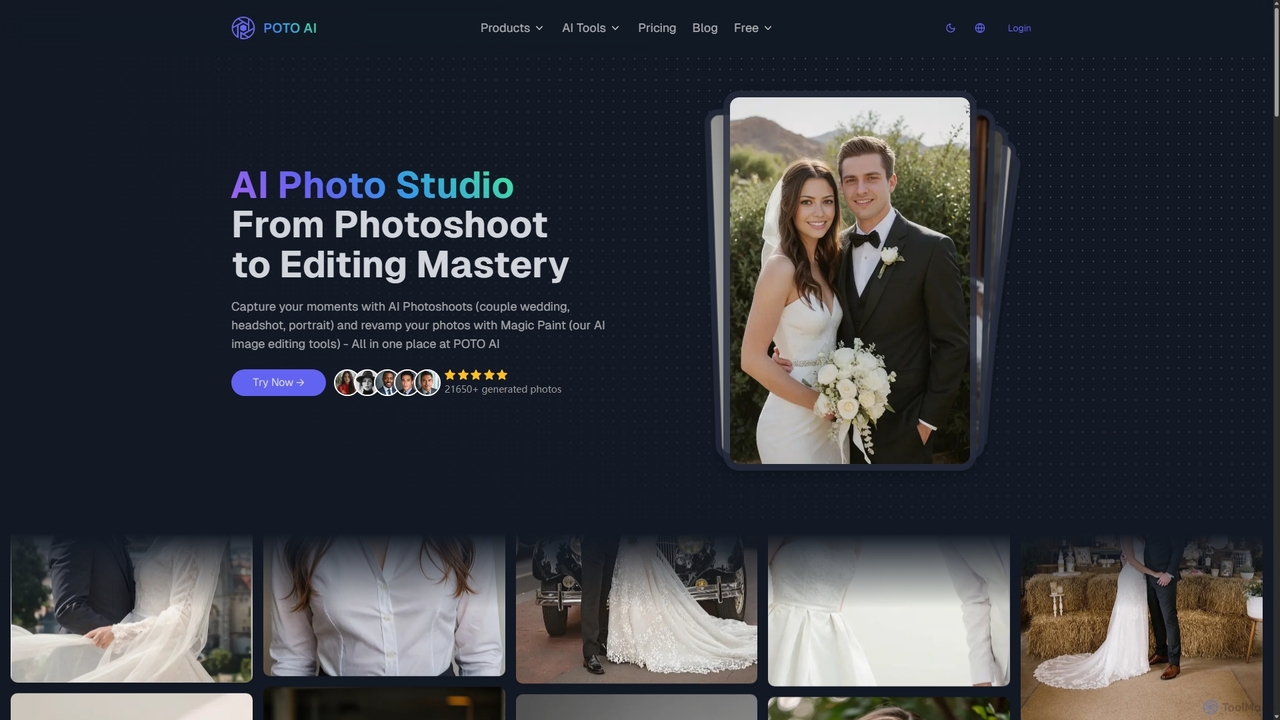
Poto AI is an all-in-one AI photo studio that generates professional headshots, artistic portraits, and couple wedding photos from a single selfie. It also features 'Magic Paint', a suite of AI editing tools for object removal, background changes, and image extension, offering a fast, affordable alternative to traditional photoshoots.

Profile Picture
Visits 5.6KFavorites 156Likes 161
Xunguang AI
Freemium

Xunguang AI

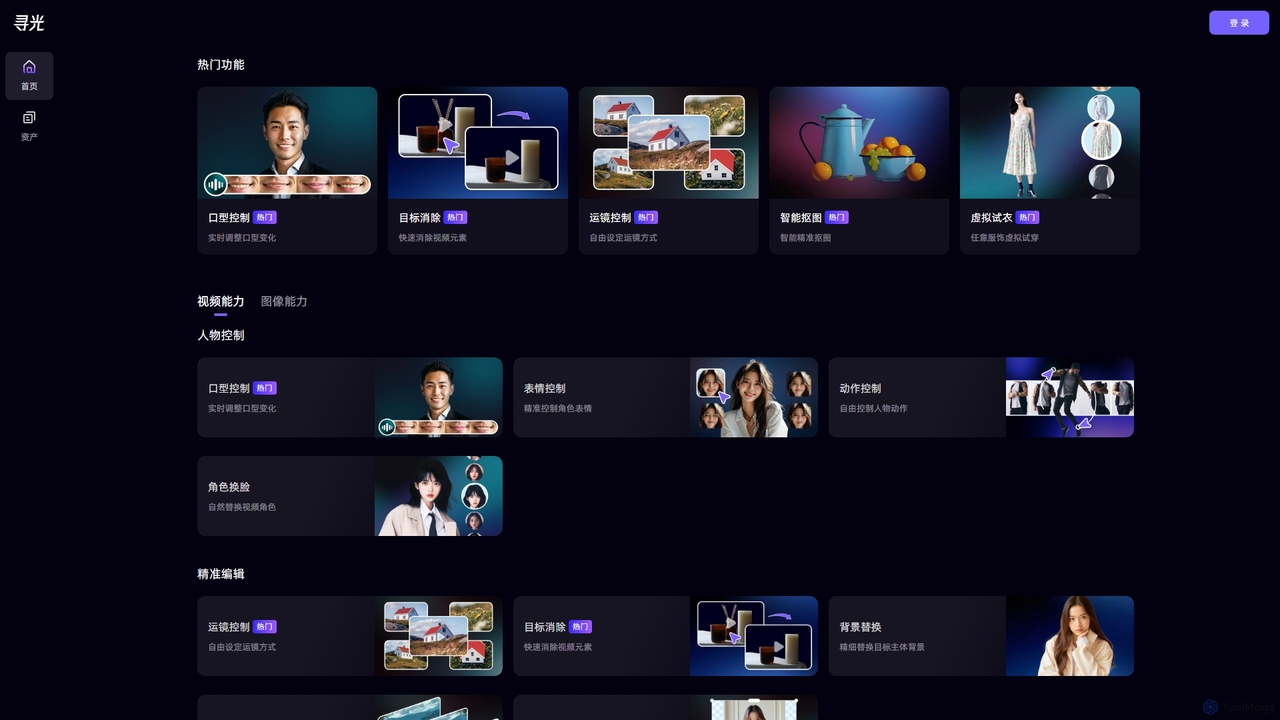
Xunguang AI is a powerful, all-in-one AI content creation platform specializing in advanced video and image manipulation. It offers a comprehensive suite of tools, including lip-sync control, object removal, face swapping, and virtual try-on, designed to streamline complex editing tasks and empower creators, marketers, and e-commerce professionals to produce high-quality content with unprecedented ease and efficiency.

Product Visualization
Visits 7.1KFavorites 141Likes 137
Nero AI
Freemium

Nero AI

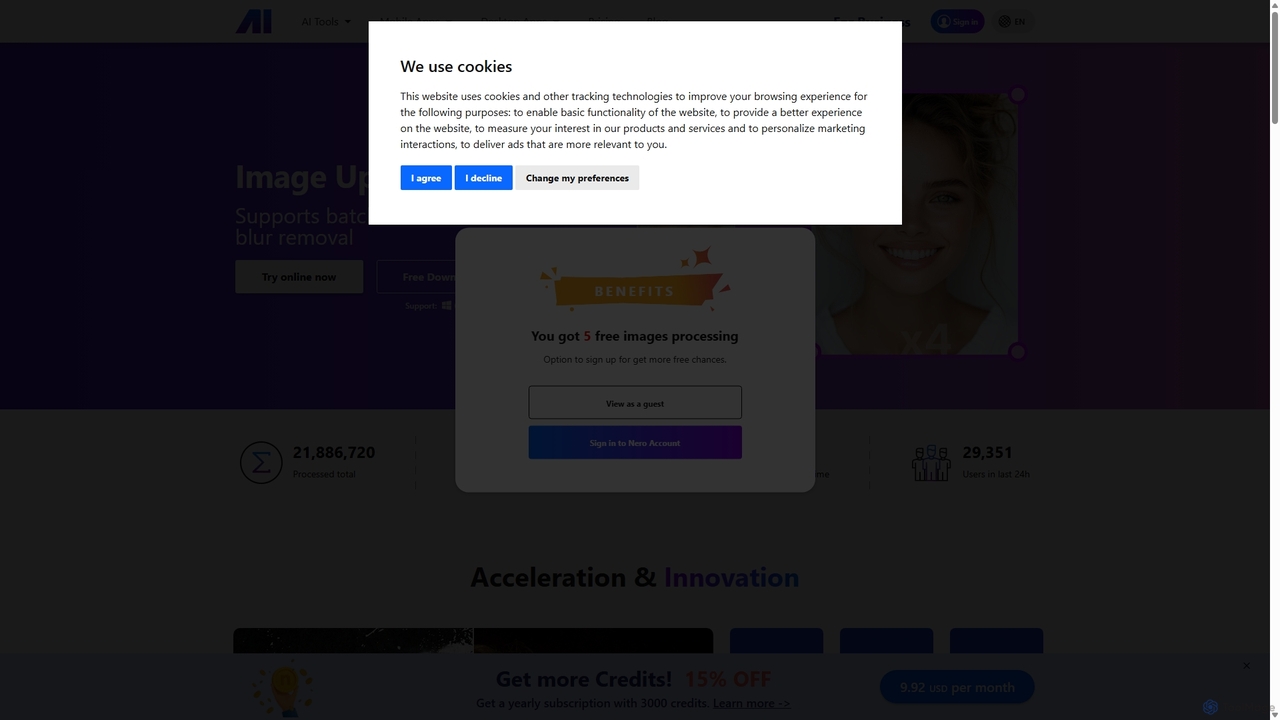
Nero AI is a comprehensive suite of AI-powered tools for image and video enhancement. It offers features like image and video upscaling, photo restoration, background and object removal, face animation, and creative stylization. Designed for creators, marketers, and designers, it provides easy-to-use solutions for both online and desktop platforms to elevate visual content quality.

Graphic Design
Visits 976.9KFavorites 123Likes 135
DiffusionArt.co
Free

DiffusionArt.co

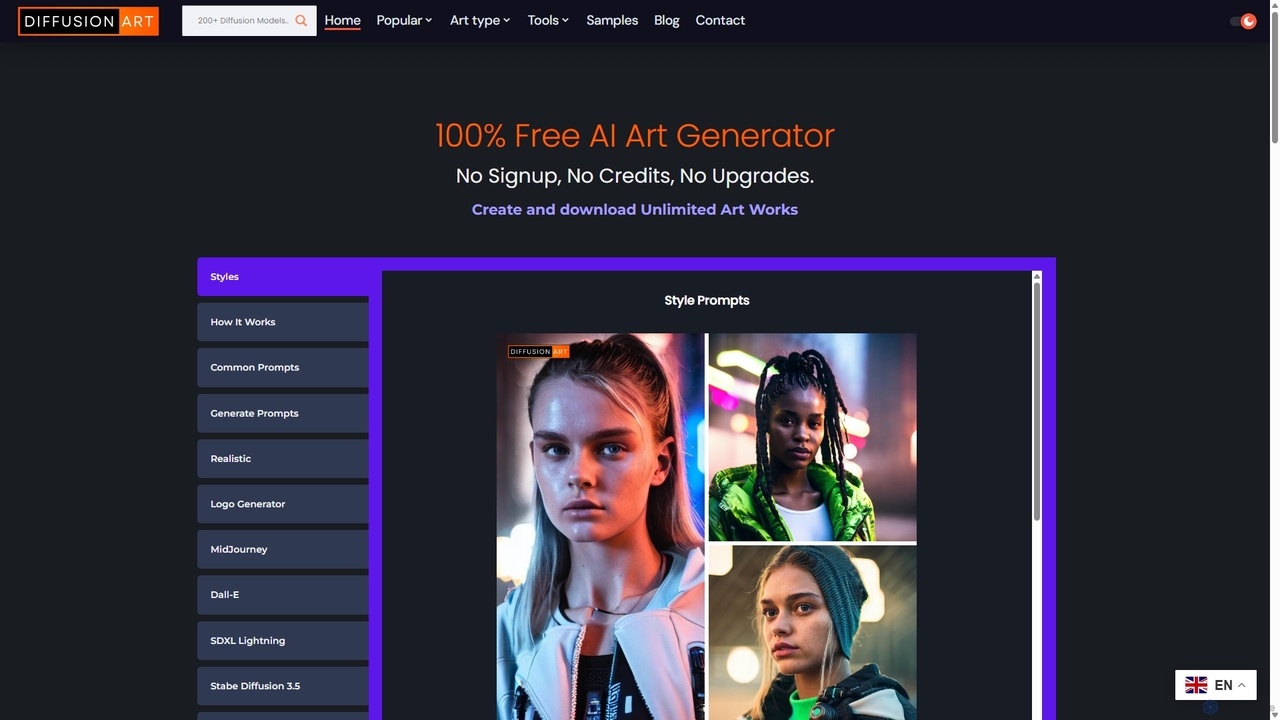
DiffusionArt.co is a 100% free AI art generator offering unlimited image creation without sign-ups or credits. It provides access to hundreds of hosted Stable Diffusion models for various styles like art, anime, and photorealism. Features include multi-model generation, prompt assistance, and integrated editing tools like upscaling and background removal, all accessible through a user-friendly web interface.

Art Generation
Visits 6.7KFavorites 146Likes 133
Youphoto
Freemium

Youphoto

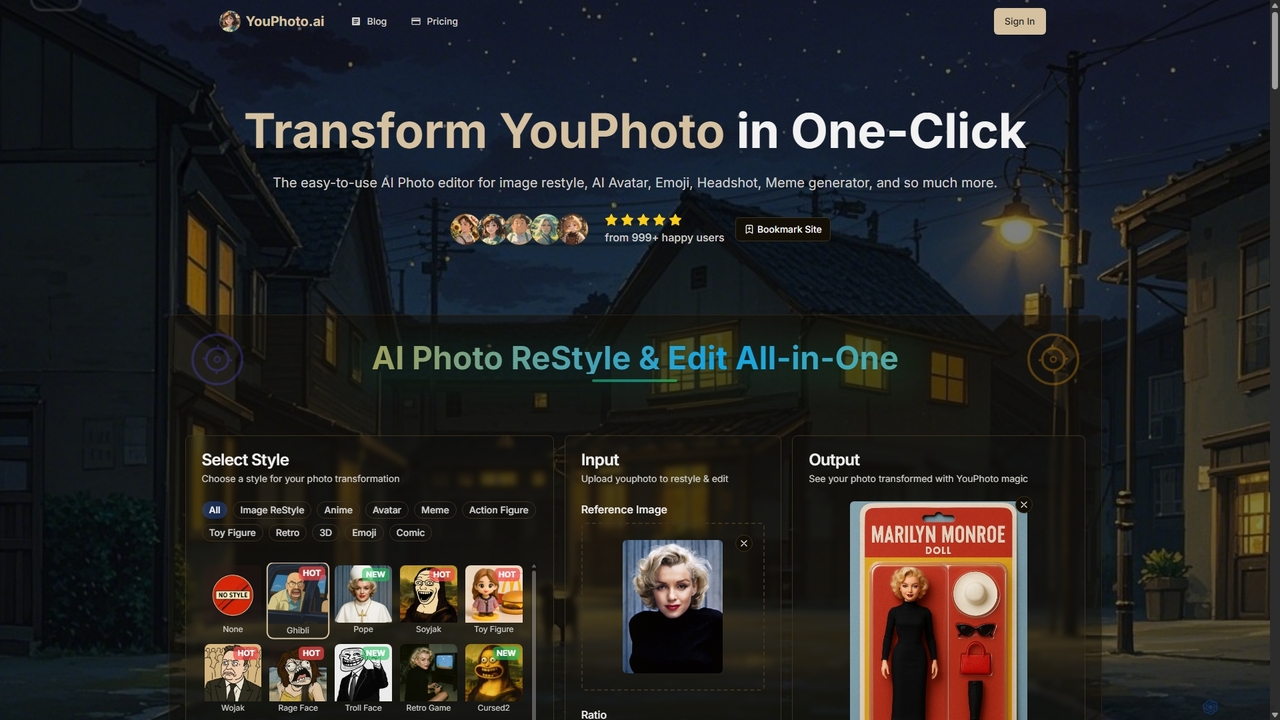
Youphoto is an all-in-one AI photo editor that transforms your images with a single click. It offers a vast library of styles for image restyling, including anime, Ghibli, and LEGO, alongside powerful tools like a meme generator, avatar maker, and photo enhancer for creating high-quality, shareable content effortlessly.

Meme Generator
Visits 7.3KFavorites 117Likes 119
Image In Words
Freemium

Image In Words

Image In Words is an AI-powered tool that automatically generates descriptive text from images. It creates SEO-friendly alt text, engaging social media captions, and detailed descriptions in seconds, helping content creators, marketers, and developers improve accessibility and save time.

Writing
Visits 5.5KFavorites 107Likes 102
MimicPhoto
Freemium

MimicPhoto

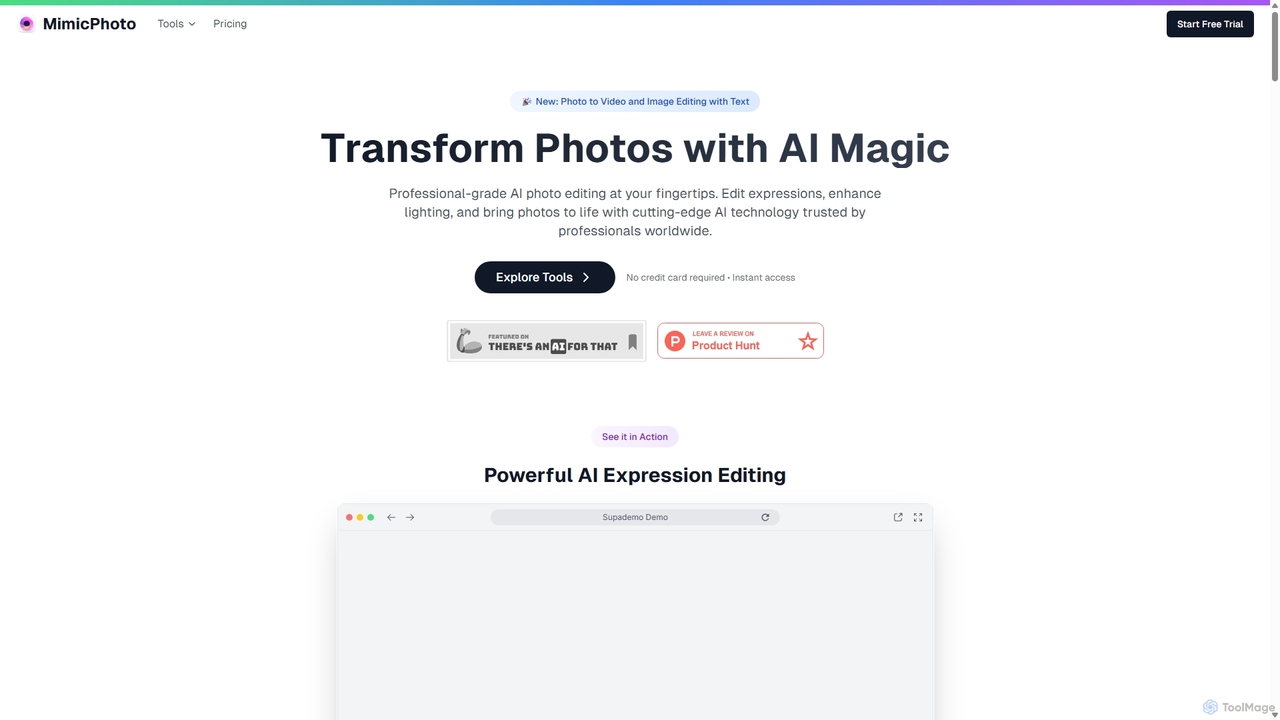
MimicPhoto is a professional-grade AI photo and video editing suite. It excels at manipulating facial expressions, relighting photos, and animating static images into dynamic videos. With features like text-based image editing, AI effects, face swapping, and object removal, it's designed for photographers, content creators, and marketers to save time and produce stunning, natural-looking results.

Avatars
Visits 31.6KFavorites 145Likes 149
Pixelbin
Freemium

Pixelbin

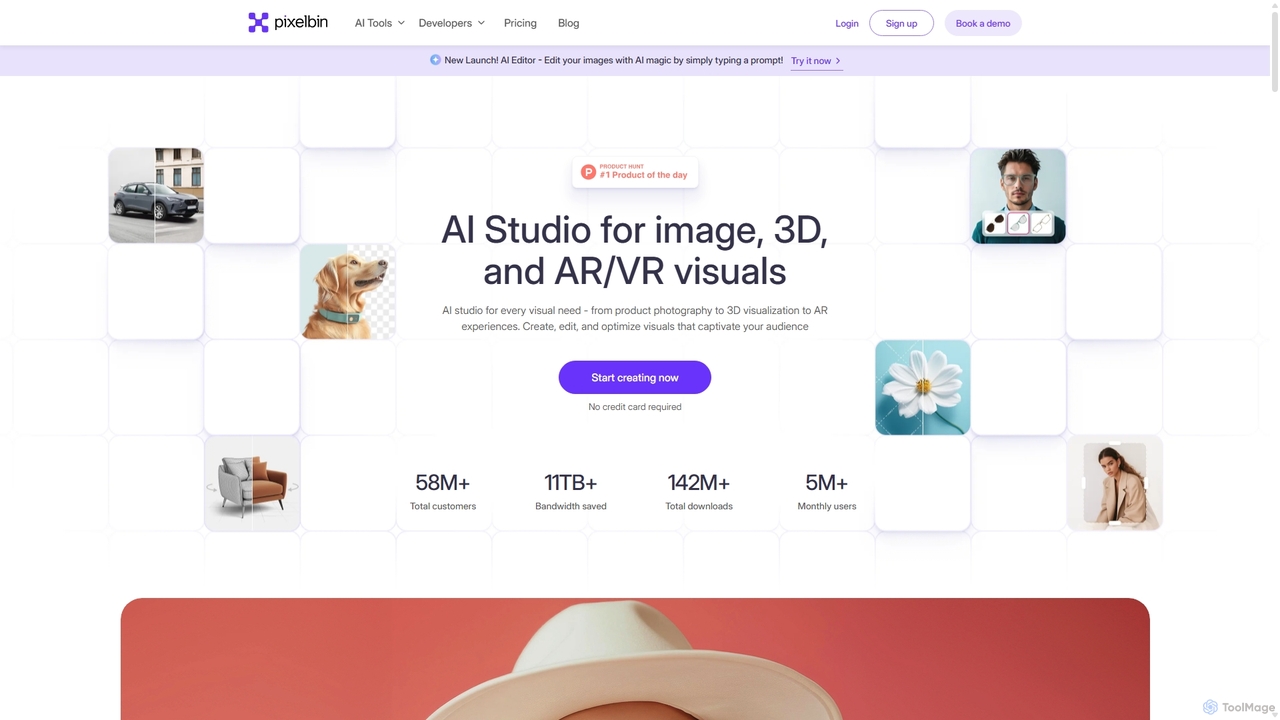
Pixelbin is a comprehensive AI-powered platform for visual asset management and real-time image transformation. It offers a suite of tools including an AI editor, background remover, image upscaler, and watermark remover, alongside a robust Digital Asset Management (DAM) system and a smart CDN. Designed for developers, marketers, and e-commerce businesses, Pixelbin streamlines the entire visual content lifecycle from creation and storage to optimization and delivery, ensuring high-quality visuals and faster performance.

Digital Asset Management
Visits 2.7MFavorites 135Likes 131
Boolv
Freemium

Boolv

Boolv is an all-in-one AI-powered content creation toolkit designed for businesses. It simplifies marketing by providing a suite of tools for video generation, image editing, and text paraphrasing. Create stunning promo videos, remove backgrounds, enhance media quality, and rewrite copy effortlessly to elevate your brand's presence.

Image Editing
Visits 7.7KFavorites 122Likes 125
Fluximage
Freemium

Fluximage

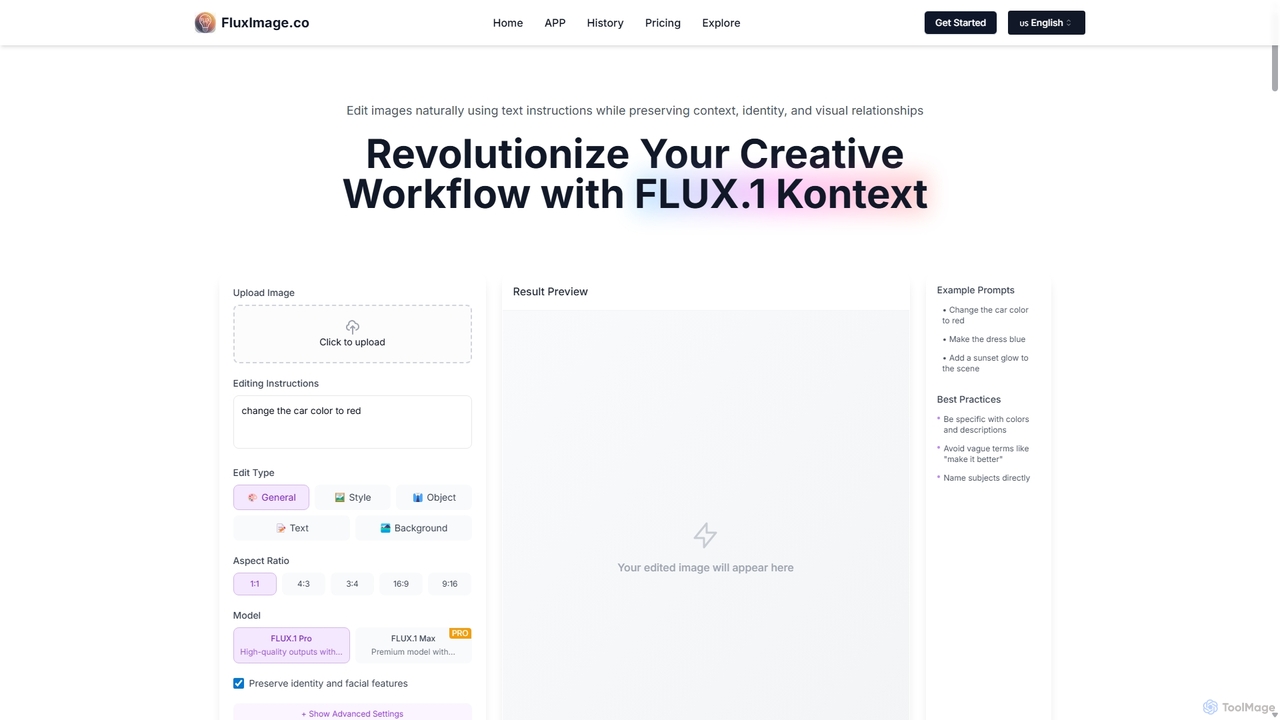
Fluximage is an advanced AI platform for image and video editing using natural language instructions. Its core technology, FLUX.1 Kontext, allows users to make precise, context-aware edits—like changing colors or objects—while preserving character identity and overall image integrity. It's designed for creative professionals seeking a faster, more intuitive workflow for iterative design and content creation.

Image Editing
Visits 6.9KFavorites 157Likes 140
InstantEditAI
Freemium

InstantEditAI

InstantEditAI is an AI-powered photo editing tool that delivers professional-grade results in minutes. Specializing in one-click color correction, skin smoothing, and cropping, it's perfect for wedding, event, and family photos. Choose from over 30 styles created by top photographers to transform your images without needing complex software.

Image Editing
Visits 5.6KFavorites 103Likes 111
Assembo
Freemium

Assembo

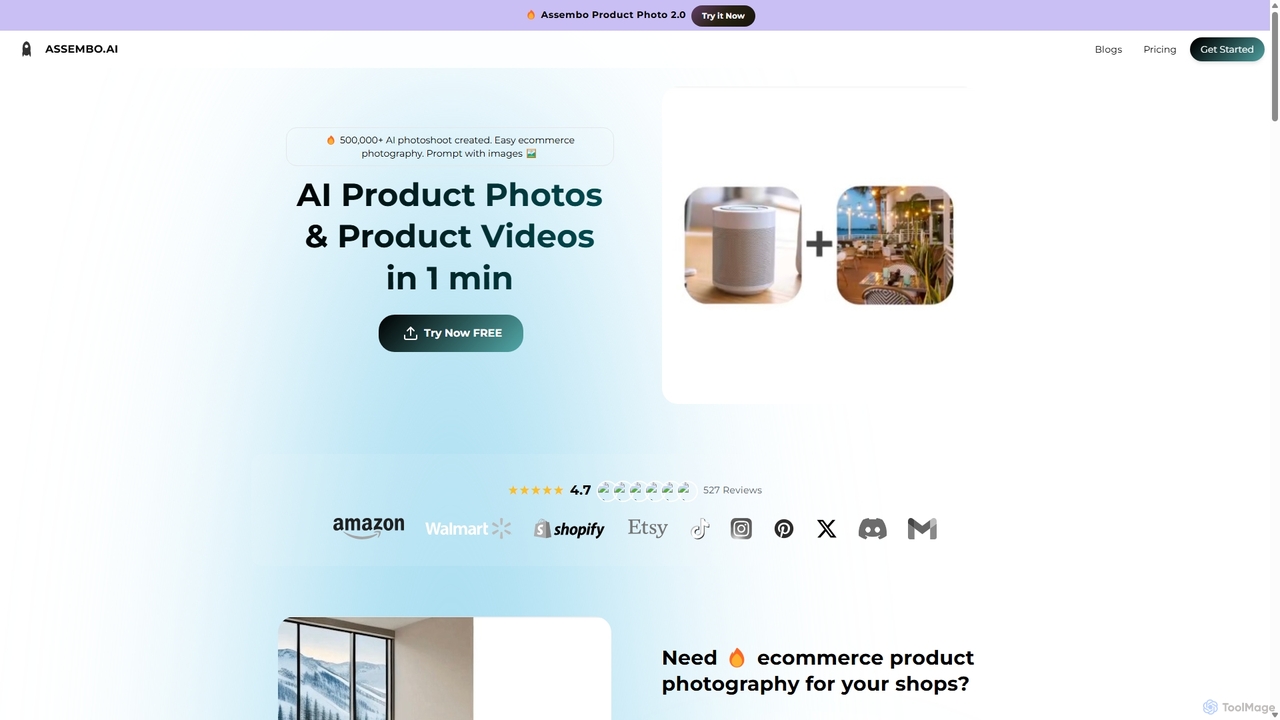
Assembo is an AI-powered platform that generates professional e-commerce product photos and animated videos in minutes. It allows users to create stunning visuals with custom backgrounds, AI-generated human models, and dynamic animations, eliminating the need for traditional photoshoots.

Image Editing
Visits 12.2KFavorites 115Likes 109
Fluxx
Freemium

Fluxx

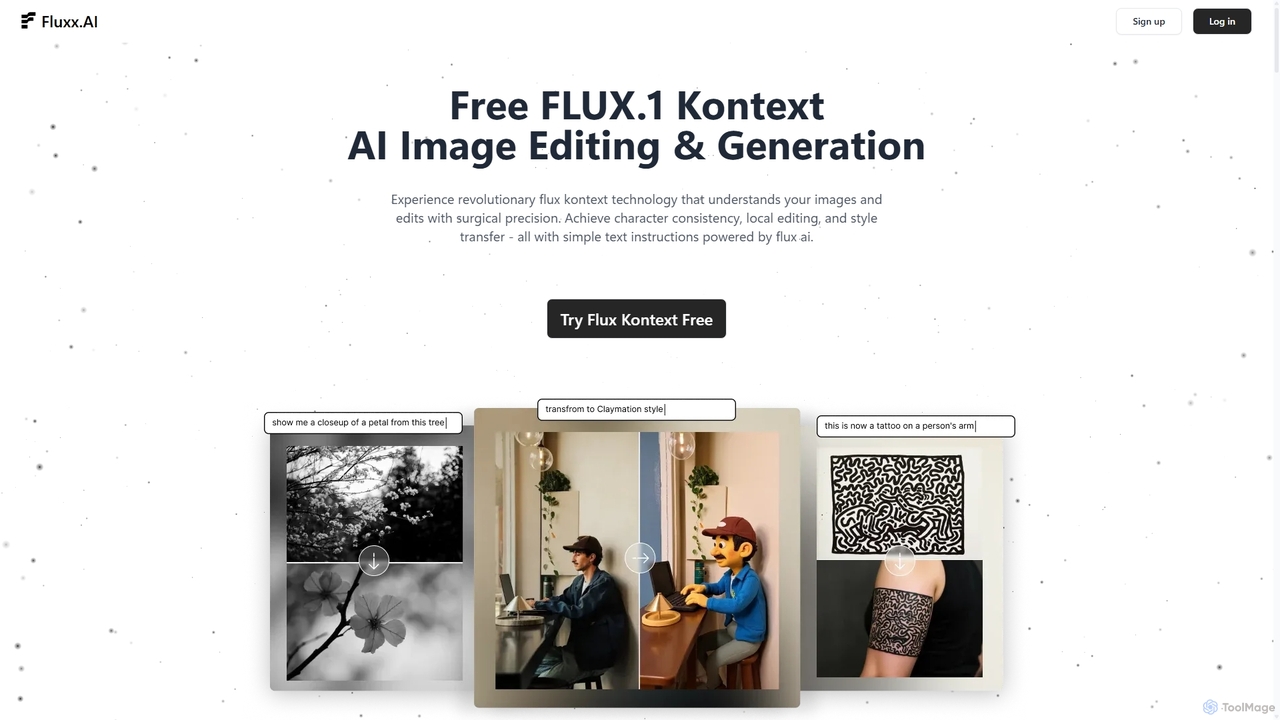
Fluxx is a revolutionary AI image editing and generation platform powered by the FLUX.1 Kontext model. It uniquely understands both text and visual context, enabling surgical precision in local edits, maintaining character consistency across scenes, and executing style transfers with simple text instructions. Developed by the team behind Stable Diffusion, it offers professional-grade results with exceptional speed.

Creative Assistant
Visits 11.1KFavorites 175Likes 165
AiCanvas
Free

AiCanvas

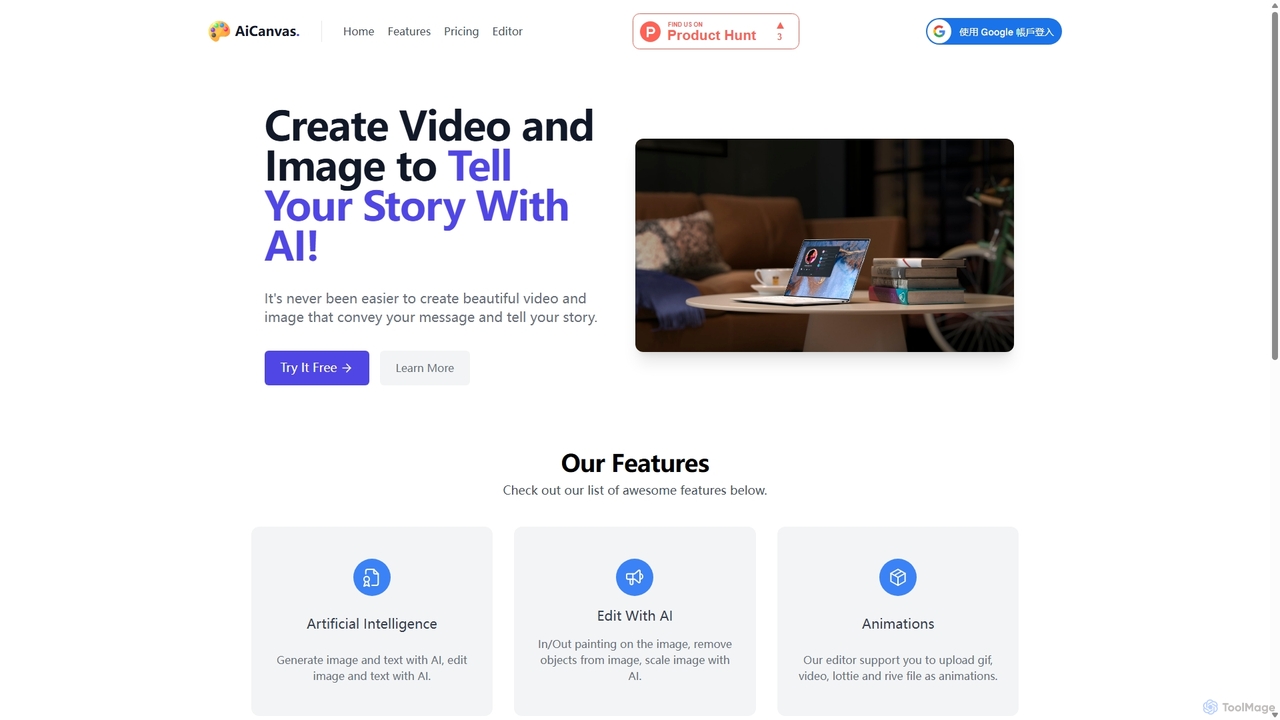
AiCanvas is a free, web-based creative suite that combines a versatile canvas editor with powerful AI capabilities. Generate images from text, perform advanced AI edits like inpainting and object removal, and create dynamic videos and animations. It supports various media formats, making it an all-in-one solution for creating stunning visual content for social media, marketing, and personal projects without any cost.

Image Generation
Visits 8KFavorites 154Likes 158
Snapshift
Freemium

Snapshift

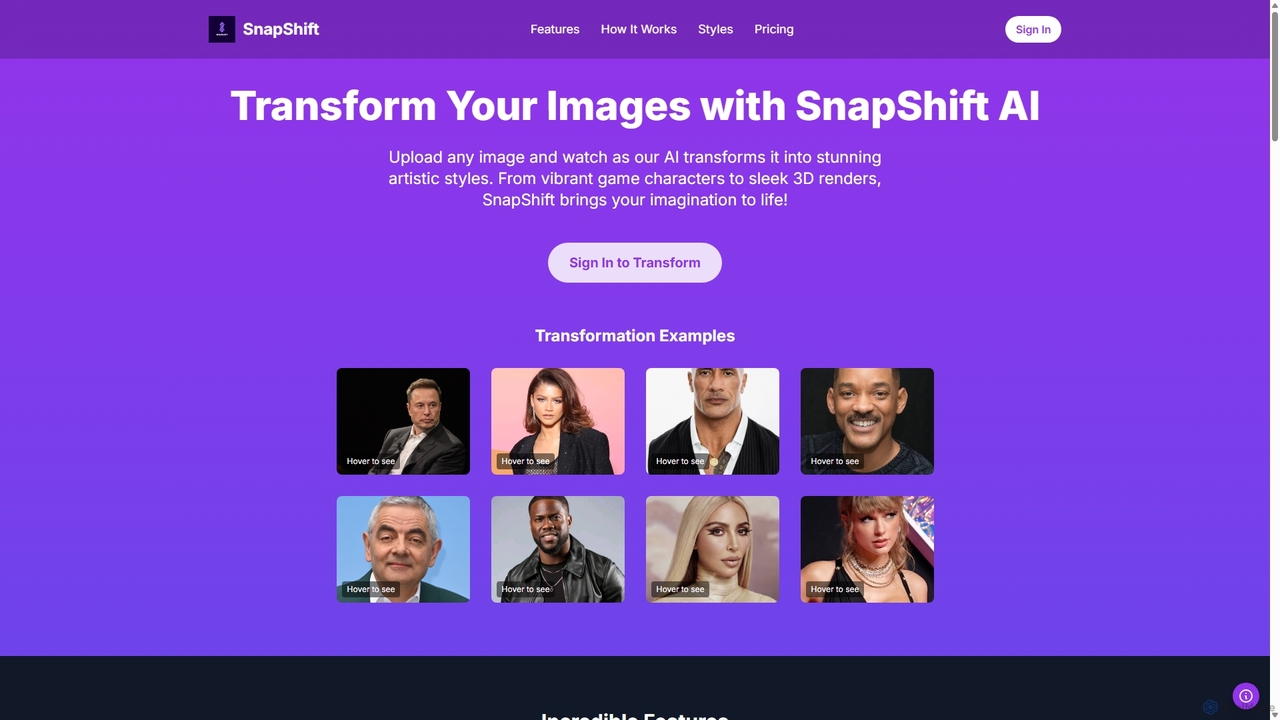
Snapshift is an AI-powered image transformation tool that converts your photos into a variety of stunning artistic styles. Effortlessly create video game characters, 3D renders, pixel art, and more. It's perfect for social media creators, digital artists, and gamers looking to produce unique, high-quality visuals in seconds.

Generative Art
Visits 5.6KFavorites 165Likes 160
Artwurk
Freemium

Artwurk

Artwurk is an AI-powered creative suite that expands your artistic possibilities. It allows you to generate stunning images from text, transform static photos into dynamic videos or anime-style art, and even train personalized AI models for consistent and unique visuals. It's an all-in-one platform for creators, marketers, and artists.

Avatars
Visits 5.5KFavorites 101Likes 90
ZOYO
Freemium

ZOYO

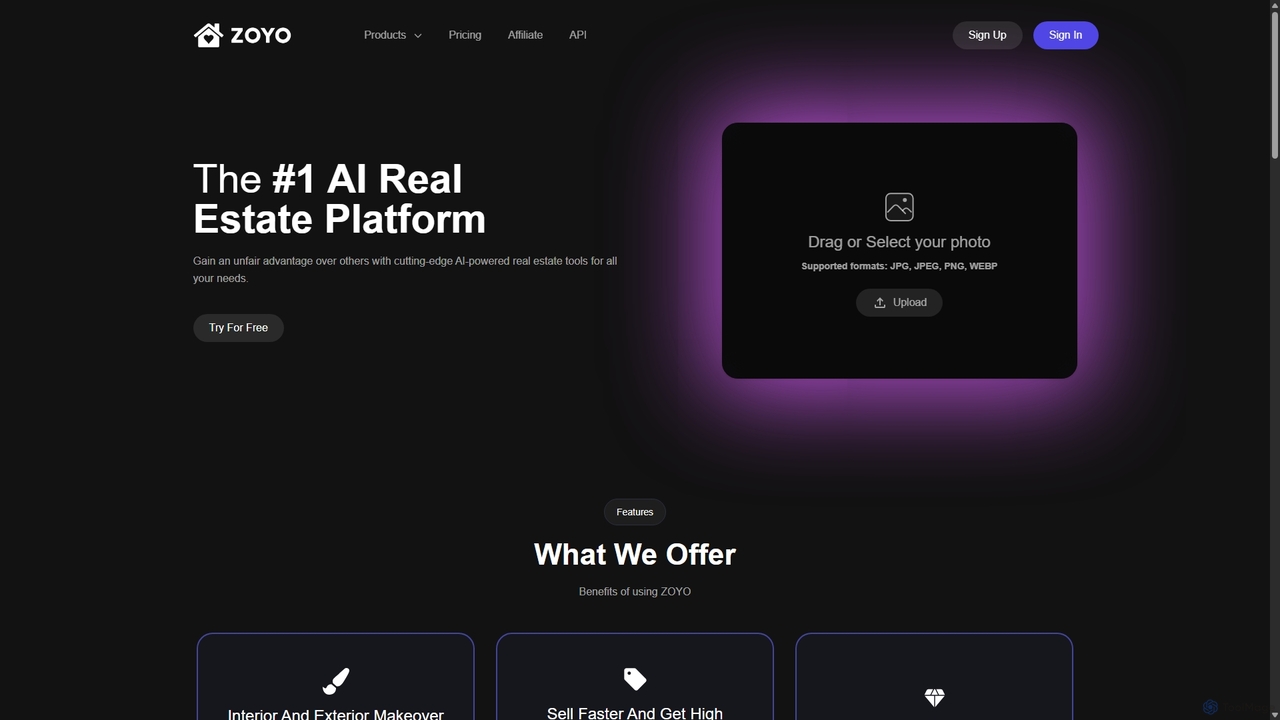
ZOYO is an AI-powered real estate platform designed for realtors, designers, and homeowners. It offers a suite of tools for interior and exterior design, virtual staging, image enhancement, and converting sketches to realistic renders. The platform aims to enhance property listings, accelerate sales, and simplify the design visualization process, providing high-quality results in seconds.

Interior Design
Visits 5.7KFavorites 148Likes 134
Vectorizer
Paid

Vectorizer

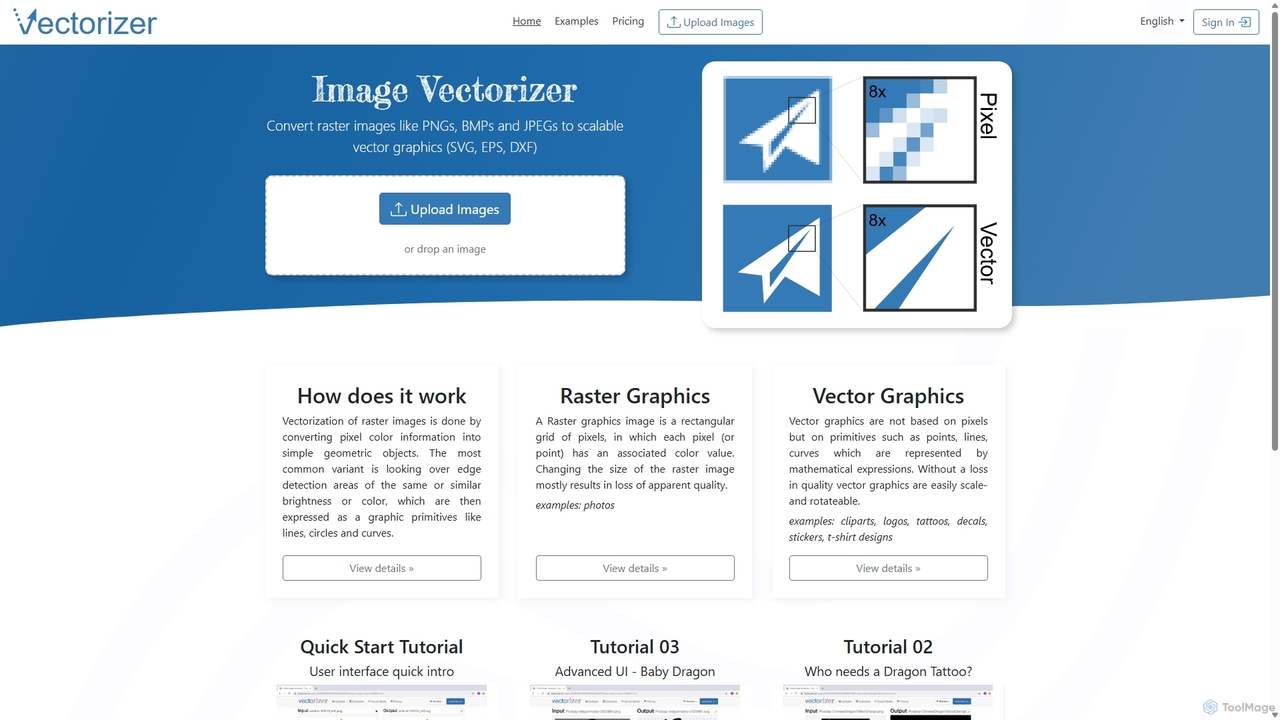
Vectorizer is an AI-powered online tool that converts raster images like JPEGs and PNGs into high-quality, scalable vector graphics (SVG, EPS, PDF). It automates the image tracing process, making it ideal for designers, marketers, and creators who need clean, resizable graphics for logos, T-shirts, and large-format printing.

Graphics
Visits 478.3KFavorites 98Likes 97
Shopp Toolz
Freemium

Shopp Toolz

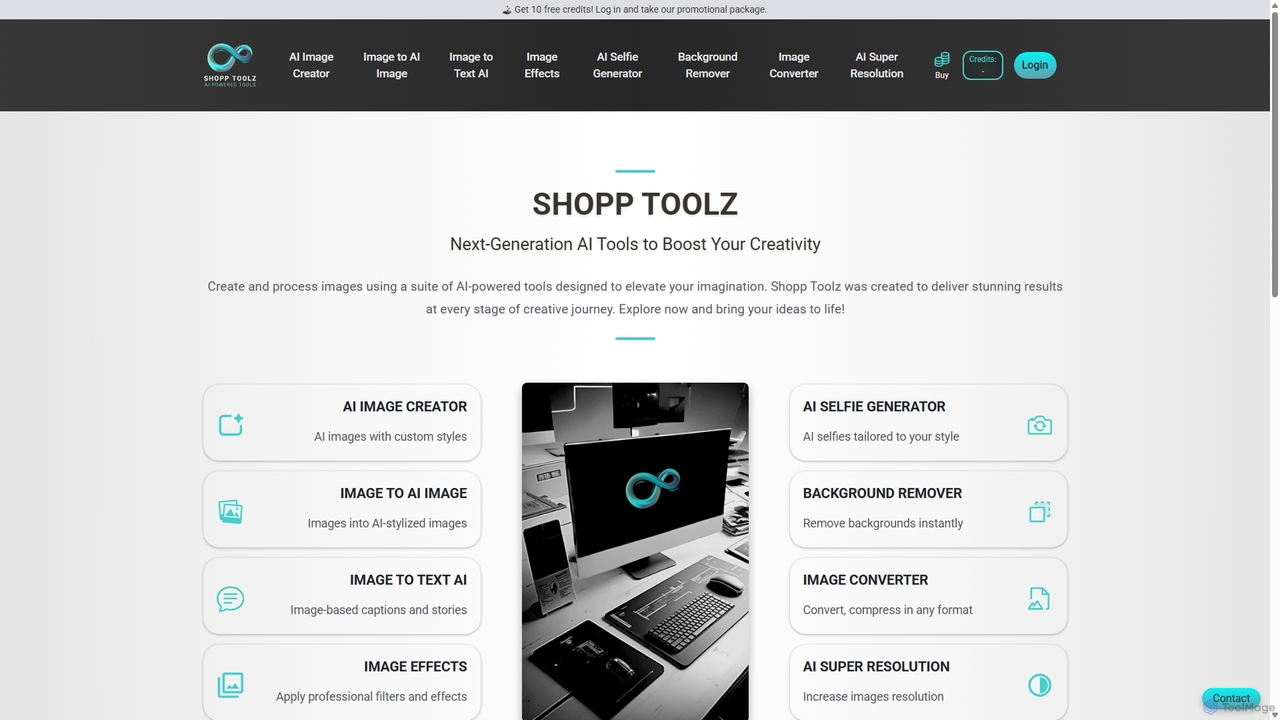
Shopp Toolz is an all-in-one AI-powered creative suite designed to enhance your visual content. It offers a range of tools including an AI image generator, image-to-image transformation, background remover, super resolution, and more. Ideal for creators, marketers, and designers, it simplifies the creative process with a user-friendly interface and a flexible pay-as-you-use model.

Image Editing
Visits 5.5KFavorites 154Likes 151
Kira
Freemium

Kira

Kira is a powerful AI-powered platform for professional-grade image generation and editing. It combines a versatile text-to-image generator with a comprehensive suite of editing tools, including background removal, inpainting, upscaling, and stylization. Its key feature is the ability to maintain consistent styles and characters across multiple edits and generations, making it ideal for branding, marketing, and creative projects that require a cohesive visual identity.

Graphic Design
Visits 949.5KFavorites 127Likes 109
Photify AI
Freemium

Photify AI

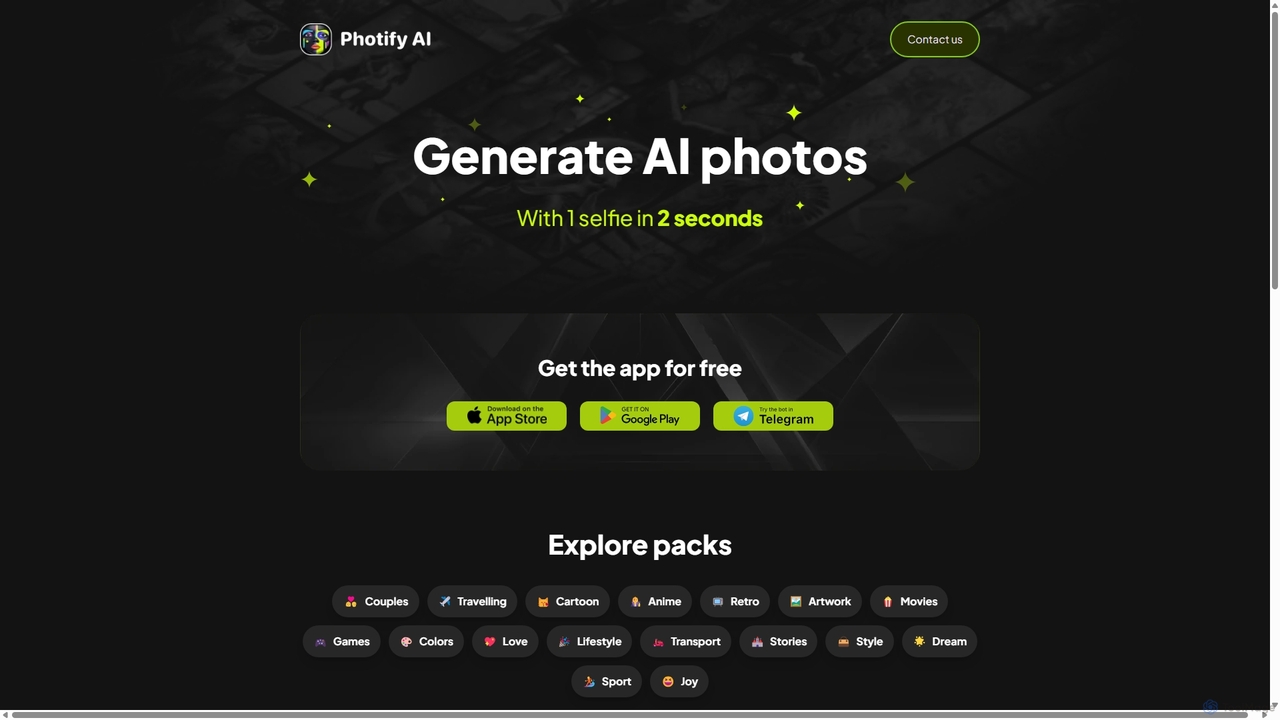
Photify AI is a mobile app that transforms a single selfie into hundreds of stunning, stylized photos in just seconds. Explore a vast library of themes, from professional headshots and travel scenes to anime and cartoon characters, and create unique looks effortlessly.

Avatar & Face Swap
Visits 46.9KFavorites 155Likes 156
Gen Qwen Image
Freemium

Gen Qwen Image

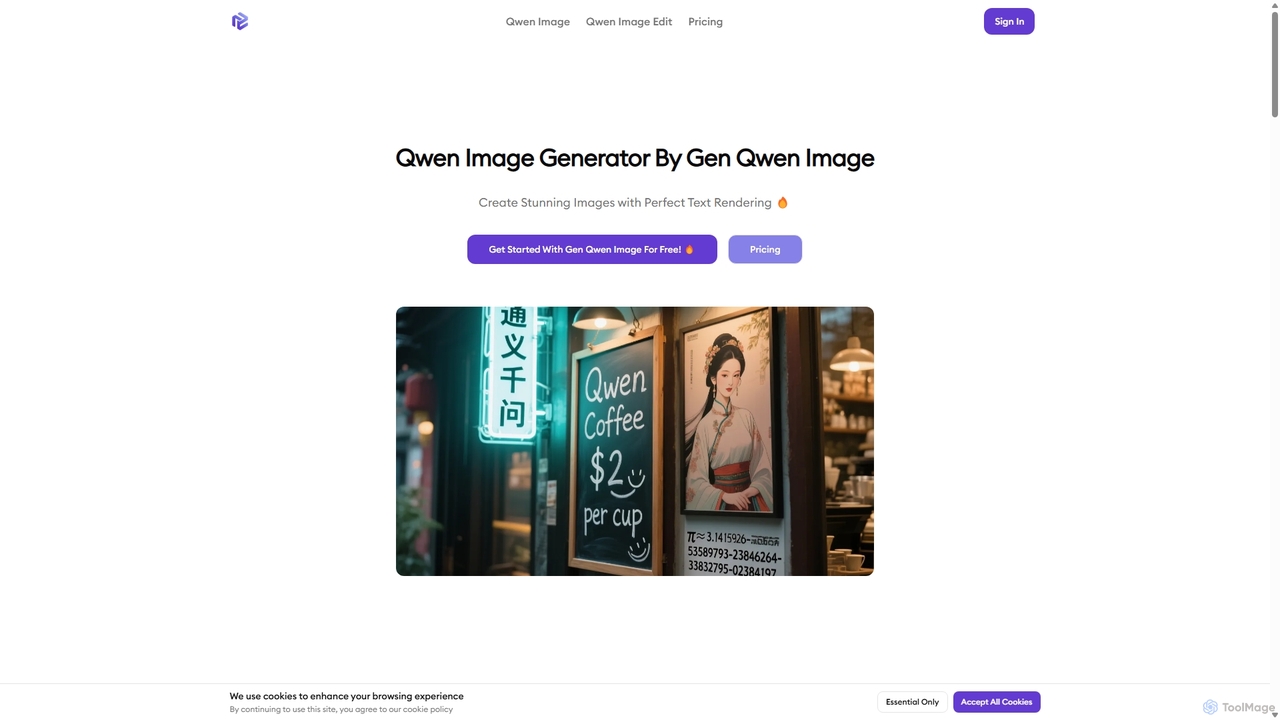
Gen Qwen Image is a powerful AI image generator and editor built on Alibaba's 20B parameter Qwen-Image model. It excels at revolutionary text rendering, accurately generating complex Chinese and English text within images. The platform also offers precise editing capabilities, including dual-mode semantic and appearance editing, making it ideal for commercial use, marketing, and creative content creation.

Image Editing
Visits 5.6KFavorites 144Likes 151
Soulgen
Freemium

Soulgen

Soulgen is a powerful AI creative suite for generating unique images and videos from text or reference photos. It specializes in creating realistic and anime-style characters, offering advanced features like high-consistency video generation, inpainting, outpainting, and face swapping. It's designed for artists, creators, and enthusiasts to bring their dream characters to life with ease.

Character Creator
Visits 104.8KFavorites 128Likes 130

About Image Editing

AI Image Editing tools are a category of AI-powered software designed to modify, enhance, and transform existing images with automated precision. These tools leverage advanced machine learning algorithms, including deep learning and computer vision, to perform complex edits that traditionally required manual effort. They significantly streamline visual content creation workflows, enabling users to achieve professional-grade results faster and more efficiently across various applications.

Core Features

  • Background Removal & Replacement: Automatically detects and isolates subjects, allowing for seamless background removal or replacement.
  • Object Removal & Retouching: Intelligently removes unwanted objects, blemishes, or imperfections while seamlessly filling in the background.
  • Image Upscaling & Enhancement: Increases image resolution and detail without pixelation, improving overall clarity and quality.
  • Style Transfer & Filters: Applies artistic styles from one image to another or enhances photos with AI-generated filters.
  • Color Correction & Grading: Automatically adjusts colors, exposure, and contrast to achieve optimal visual balance and mood.

Use Cases

AI Image Editing tools are indispensable for professionals and enthusiasts alike. E-commerce businesses use them to standardize product photos, removing backgrounds and enhancing details for consistent online catalogs. Content creators leverage these tools for quick social media post preparation, applying filters and making rapid adjustments. Professional photographers utilize AI for efficient batch retouching and subtle enhancements, saving hours of manual work.

How to Choose

When selecting an AI Image Editing tool, consider its core functionality to ensure it meets your specific needs, such as background removal or advanced retouching. Evaluate the output quality, looking for natural-looking results without artifacts. Assess ease of use and integration capabilities with your existing workflows or other design software. Finally, compare pricing models and subscription tiers to find a solution that offers the best value for your budget and usage frequency.

Featured tool rankings

Image Editing use cases

1

Automated Product Photo Background Removal

E-commerce sellers and marketing teams can efficiently process hundreds of product images. By using AI image editing tools, they can automatically detect and remove backgrounds, replacing them with a clean white or transparent backdrop. This ensures visual consistency across all product listings, saving significant manual editing time and improving the professional appearance of online stores.

2

Enhancing Social Media Visuals for Engagement

Content creators and social media managers can quickly transform ordinary photos into eye-catching posts. AI image editing tools allow them to apply trending filters, adjust lighting, correct colors, and even add stylistic elements with minimal effort. This helps in creating visually appealing content that captures audience attention and drives higher engagement rates across platforms.

3

Professional Portrait Retouching and Enhancement

Professional photographers and graphic designers can streamline their post-production workflow for portraits. AI image editing tools can automatically smooth skin, remove blemishes, whiten teeth, and even adjust facial features subtly while maintaining a natural look. This significantly reduces the time spent on manual retouching, allowing them to deliver high-quality, polished images to clients faster.

4

Restoring and Colorizing Old Photographs

Individuals and archivists can breathe new life into old, faded, or damaged photographs. AI image editing tools can automatically repair cracks, remove dust and scratches, enhance faded colors, and even colorize black-and-white images with remarkable accuracy. This preserves precious memories and makes historical images more accessible and engaging for modern audiences.

5

Batch Processing for Large Image Libraries

Businesses and agencies managing extensive image libraries can significantly accelerate their workflow. AI image editing tools offer batch processing capabilities to apply consistent edits, such as resizing, watermarking, or color adjustments, to hundreds or thousands of images simultaneously. This ensures uniformity across large datasets and drastically reduces the time and resources required for image preparation.

6

Object Removal and Scene Reconstruction

Photographers and designers can effortlessly clean up images by removing unwanted elements. AI image editing tools can intelligently identify and erase distracting objects, people, or text from a scene, then seamlessly reconstruct the background as if the object was never there. This is invaluable for creating pristine product shots, uncluttered travel photos, or focused marketing visuals.

Image Editing FAQ

What are AI Image Editing tools?

AI Image Editing tools are software applications that use artificial intelligence to automate and enhance the process of modifying existing images. They leverage machine learning algorithms to perform tasks like background removal, object retouching, and color correction with high precision. These tools aim to simplify complex editing workflows, making professional-grade image manipulation accessible to a wider range of users, from casual creators to seasoned professionals.

How do AI Image Editing tools differ from traditional photo editors?

The primary difference lies in automation and intelligence. Traditional photo editors rely heavily on manual input and skill for precise selections and adjustments. AI image editing tools, conversely, use machine learning to understand image content, automate complex tasks like background removal or object selection, and even suggest enhancements. This significantly reduces the learning curve and time required for achieving professional results, especially for repetitive or intricate edits.

What are the key features to look for in an AI Image Editor?

When choosing an AI image editor, prioritize features that align with your main tasks. Essential capabilities include robust background removal, intelligent object removal/retouching, and high-quality image upscaling. Look for tools offering advanced color correction, style transfer options, and batch processing for efficiency. Integration with other design software and a user-friendly interface are also crucial for a seamless workflow. Consider the output quality and the level of control it provides over AI-generated edits.

Who can benefit most from using AI Image Editing tools?

A wide range of users can benefit significantly. E-commerce businesses and marketers can quickly prepare product images and marketing visuals. Content creators and social media managers can enhance their posts with minimal effort. Professional photographers and graphic designers can streamline repetitive tasks like retouching and background removal, freeing up time for more creative work. Even casual users looking to improve personal photos without extensive technical skills will find these tools invaluable for quick, high-quality edits.

Are AI Image Editing tools easy for beginners to use?

Yes, many AI Image Editing tools are specifically designed with user-friendliness in mind, making them highly accessible for beginners. Their AI-powered automation handles complex tasks with simple clicks or prompts, eliminating the need for extensive technical knowledge or manual precision. While professional-grade tools might offer more advanced controls, a wide array of intuitive options exist that allow even novices to achieve impressive results quickly, often with guided workflows and clear interfaces.