ToolMage
Sign in

Best 139 Document Analysis AI tools for Productivity

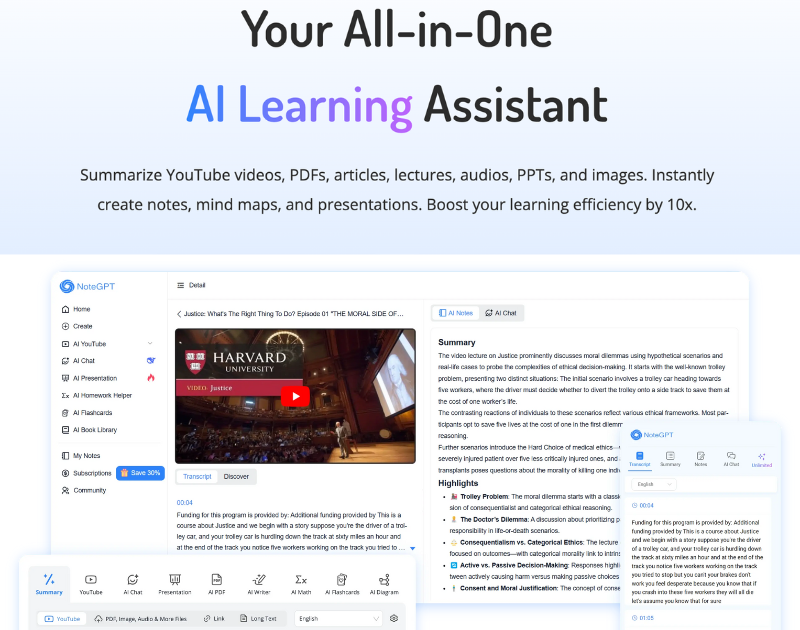
Popular Document Analysis AI tools in Productivity include NoteGPT, pdfai.io, vLex, Harvey, Law Insider, PopAi, PDF.ai, Paperguide, LegalForce, and Humata, helping you work more efficiently.

readtrellis
Freemium

readtrellis

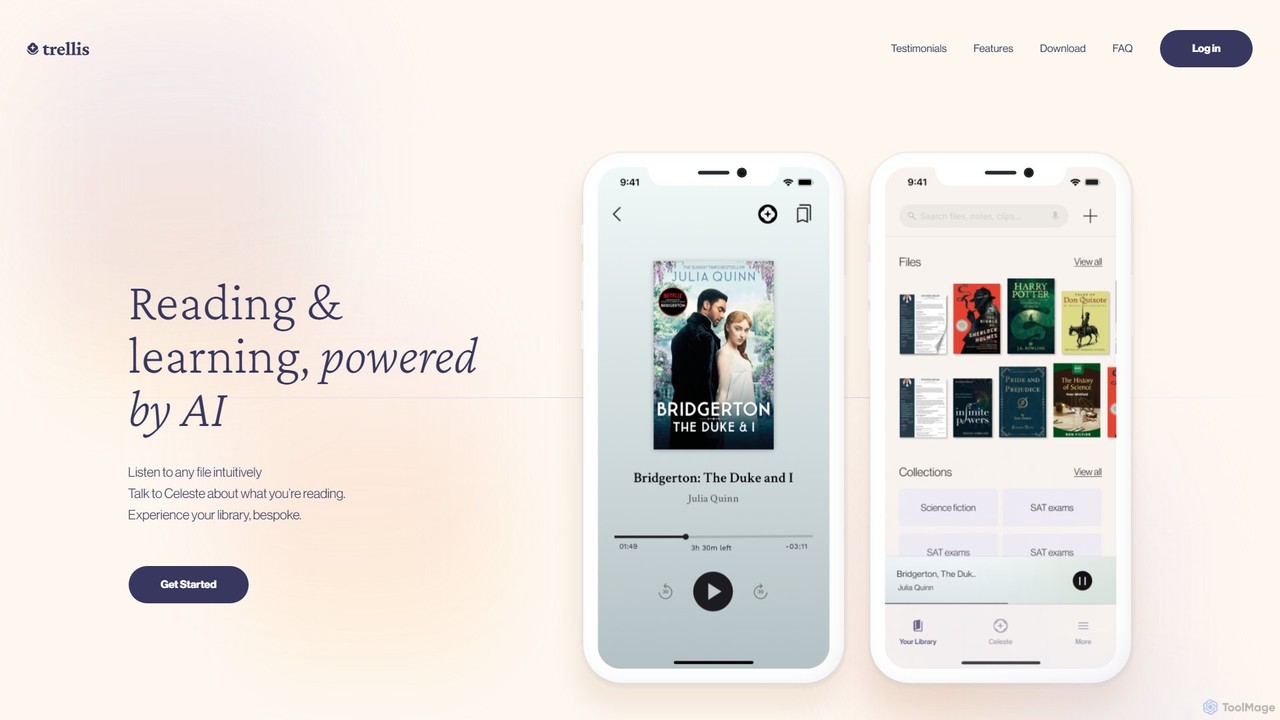
readtrellis is an AI-powered learning companion that transforms any document into an interactive audiobook. It features an AI tutor, Celeste, who engages you in conversation about your reading material, helping to deepen understanding, answer questions, and make learning more dynamic and accessible.

Text To Speech
Visits 5.5KFavorites 102Likes 106
ChattyDocs
Freemium

ChattyDocs

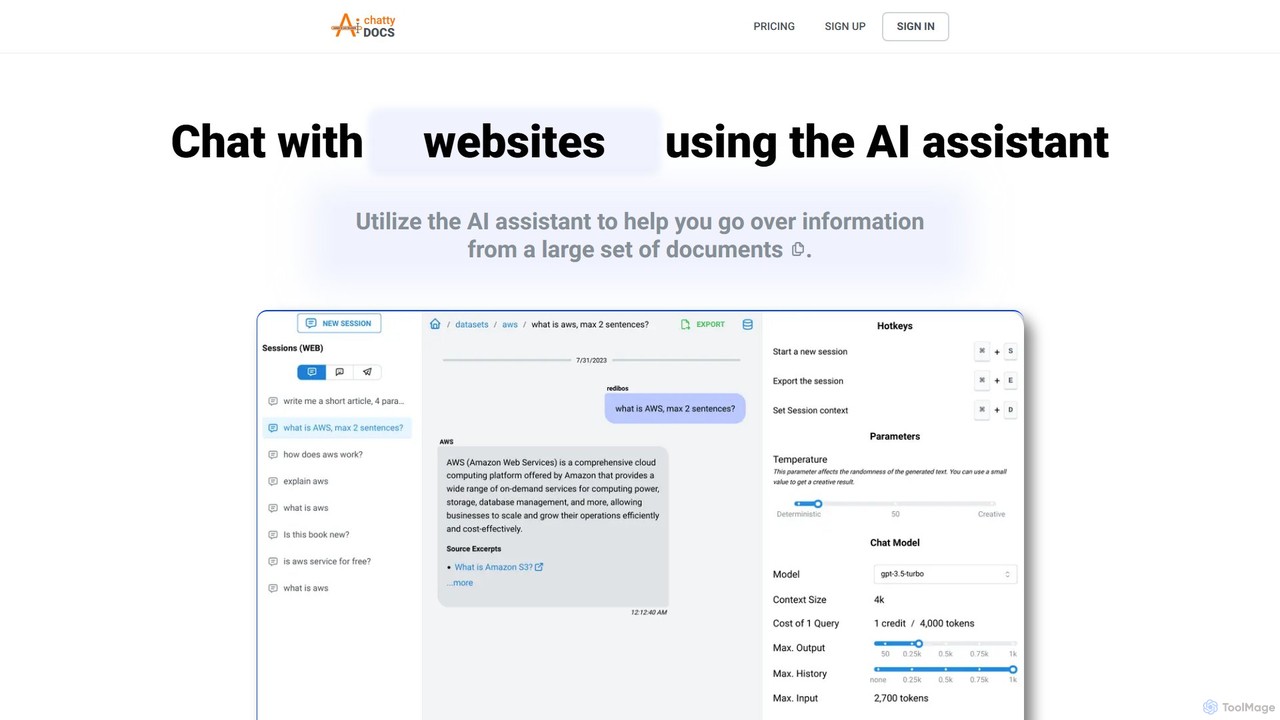
ChattyDocs is an AI assistant that transforms your documents and websites into interactive chatbots. Upload PDFs, text files, or provide a URL to create a custom knowledge base. Ask questions in natural language and receive instant, source-cited answers. Ideal for researchers, students, and businesses.

Chatbot Builder
Visits 5.4KFavorites 143Likes 147
SuperStudentAI
Freemium

SuperStudentAI

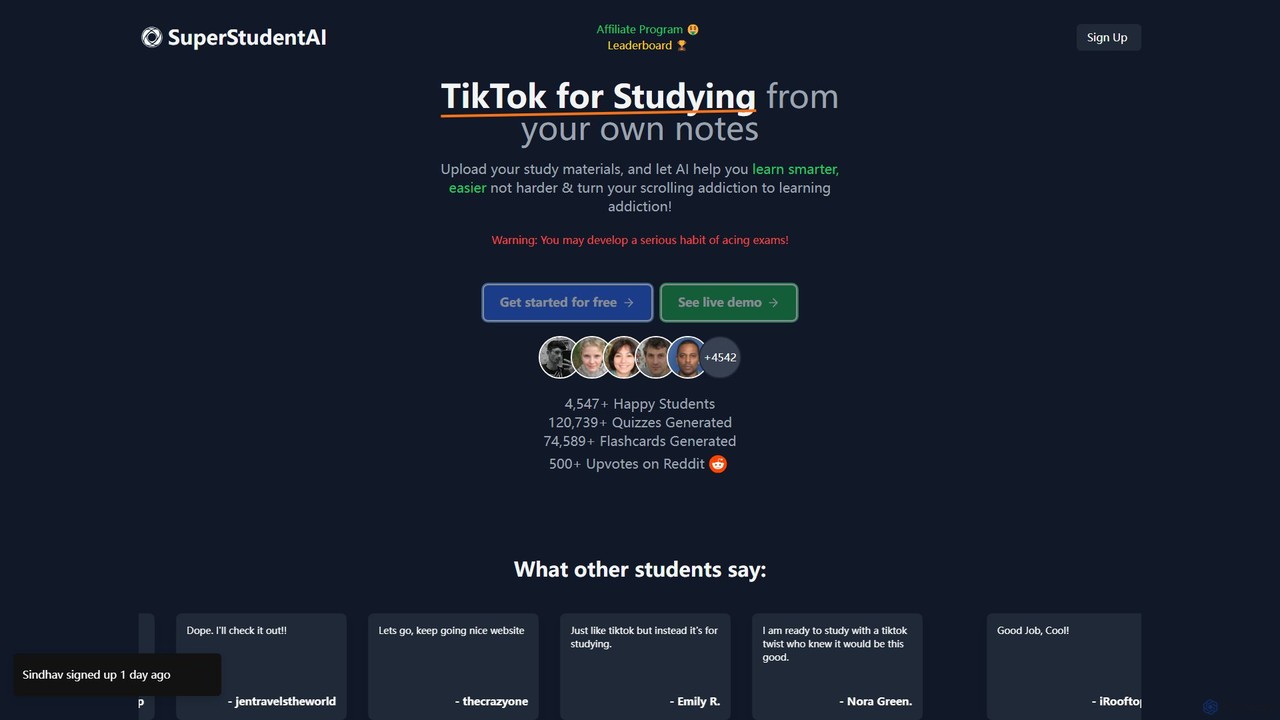
SuperStudentAI transforms your study materials into an engaging, TikTok-style learning experience. Upload your notes, PDFs, or documents, and let the AI generate interactive quizzes, flashcards, diagrams, and summaries. It's a gamified approach to make studying smarter, more efficient, and fun, helping you turn your scrolling addiction into a learning habit and boost your grades.

Personalized Learning
Visits 5.9KFavorites 171Likes 170
Pollox.ai
Freemium

Pollox.ai

Pollox.ai is an AI-powered platform designed for unrepresented home buyers. It guides users through the entire home-buying process, from searching for properties and crafting offers to negotiation and closing, all without a traditional real estate agent. The primary goal is to empower buyers, provide transparency, and help them save thousands of dollars in agent commissions.

Financial Assistant
Visits 5.4KFavorites 128Likes 131
StudyBuddy
Freemium

StudyBuddy

StudyBuddy is an AI-powered learning assistant designed to help students understand complex subjects, prepare for exams, and streamline their study process. By uploading course materials like PDFs, notes, or web links, students can get instant answers, generate summaries, and create personalized quizzes and flashcards to enhance their learning efficiency.

Study Assistant
Visits 7.9KFavorites 114Likes 147
TermScout
Paid

TermScout

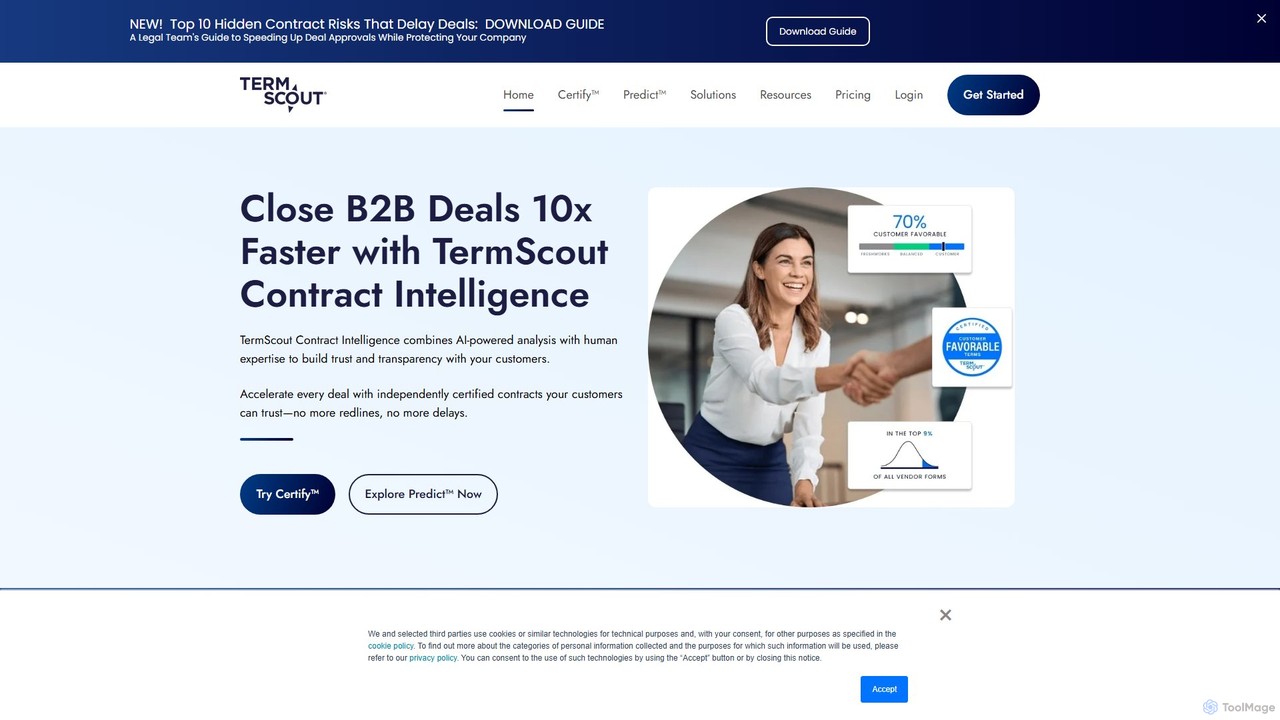
TermScout is an AI-powered contract intelligence platform that accelerates B2B deals. It combines AI analysis with human expertise to review, benchmark, and certify contracts. By providing data-backed insights and a 'Certify™' badge for fair terms, TermScout helps businesses build trust with customers, eliminate lengthy negotiations, and close deals up to 10x faster. It's designed for sales, legal, procurement, and finance teams to enhance efficiency and mitigate risk.

Risk Management
Visits 21.9KFavorites 131Likes 141
DocGPT
Freemium

DocGPT

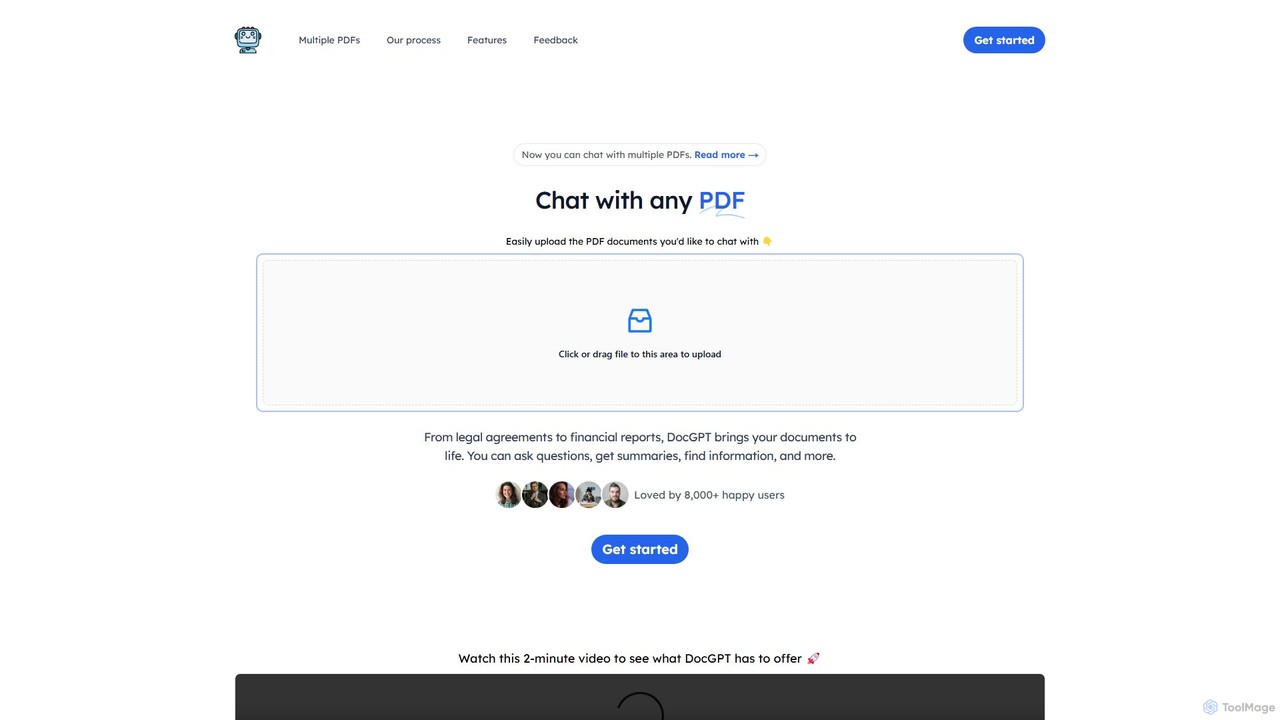
DocGPT is an AI-powered tool that transforms your static PDF documents into dynamic conversations. Upload single or multiple PDFs to ask questions, get instant summaries, extract key information, and receive answers with direct source citations. Ideal for students, researchers, and professionals.

Research
Visits 6.2KFavorites 139Likes 144
Tami Reader
Freemium

Tami Reader

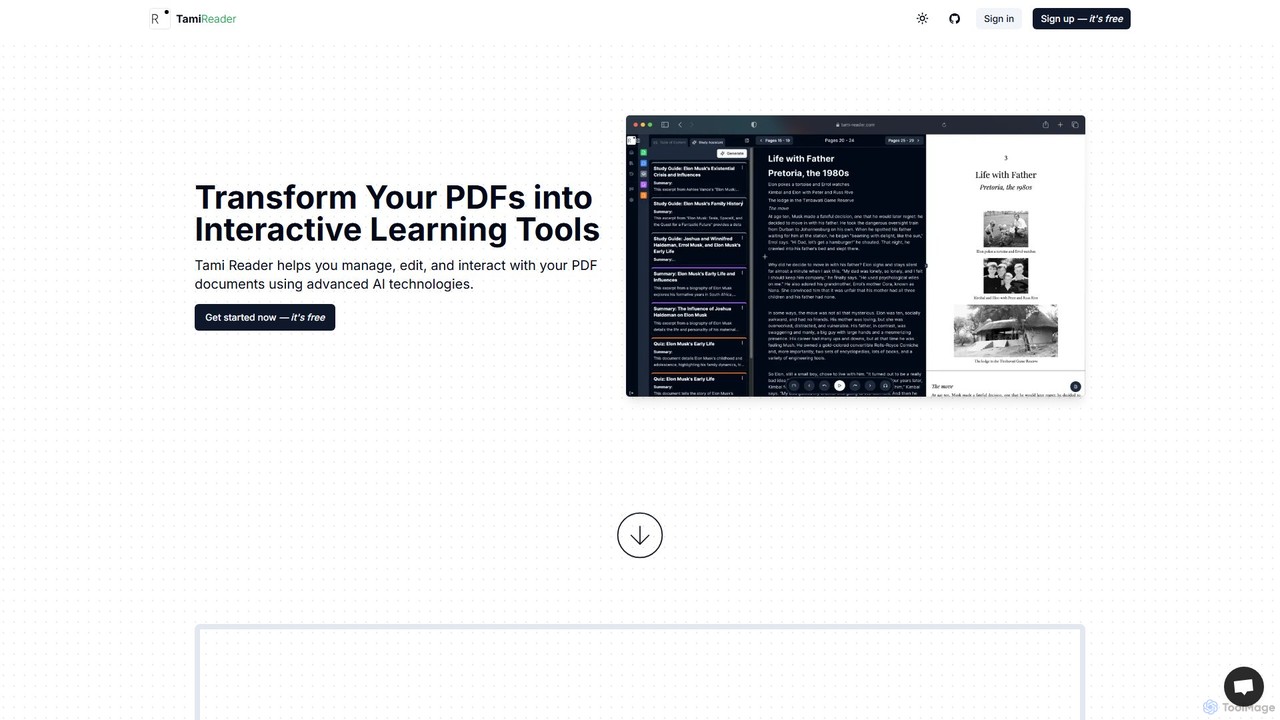
Tami Reader is an AI-powered assistant that transforms your PDFs into interactive learning tools. It allows you to chat with documents, generate summaries, create study guides and quizzes, visualize content with mind maps, and listen with text-to-speech. Ideal for students, researchers, and professionals to enhance productivity and understanding.

Pdf
Visits 5.5KFavorites 132Likes 103
PaperChat
Freemium

PaperChat

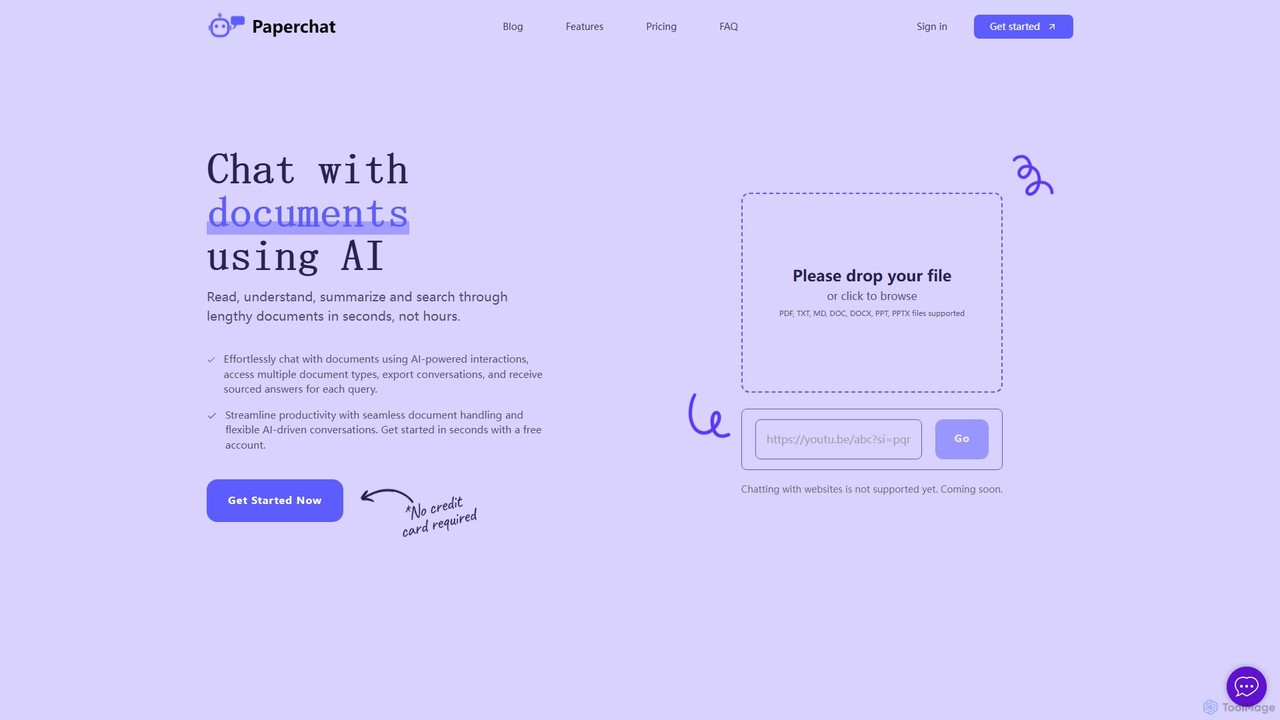
PaperChat is an AI-powered platform that lets you chat with your documents. Instantly read, understand, summarize, and search through lengthy files like PDFs, Word docs, and PowerPoints. Simply upload your document and start asking questions to get sourced answers in seconds. It's designed to boost productivity for students, researchers, lawyers, and professionals by transforming how they interact with information, saving hours of manual reading.

Study
Visits 5.8KFavorites 149Likes 160
bunni
Freemium

bunni

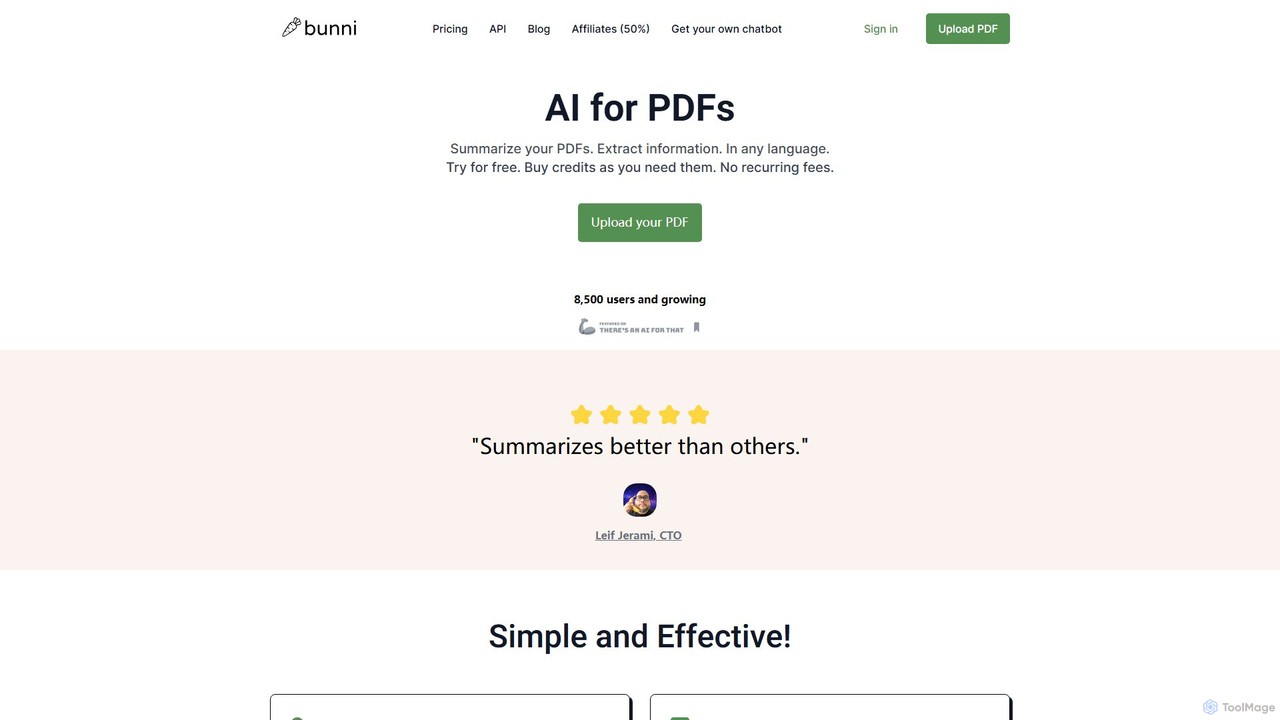
Bunni is an AI-powered tool that allows you to chat with your PDF documents. Simply upload a file to summarize its content, extract key information, and ask specific questions in any language. It supports large files, multiple document chats, and offers a flexible pay-as-you-go pricing model, making it ideal for researchers, students, and professionals who need to quickly analyze and understand dense documents.

Data Extraction
Visits 8.1KFavorites 131Likes 137
ChatPDFGPT
Freemium

ChatPDFGPT

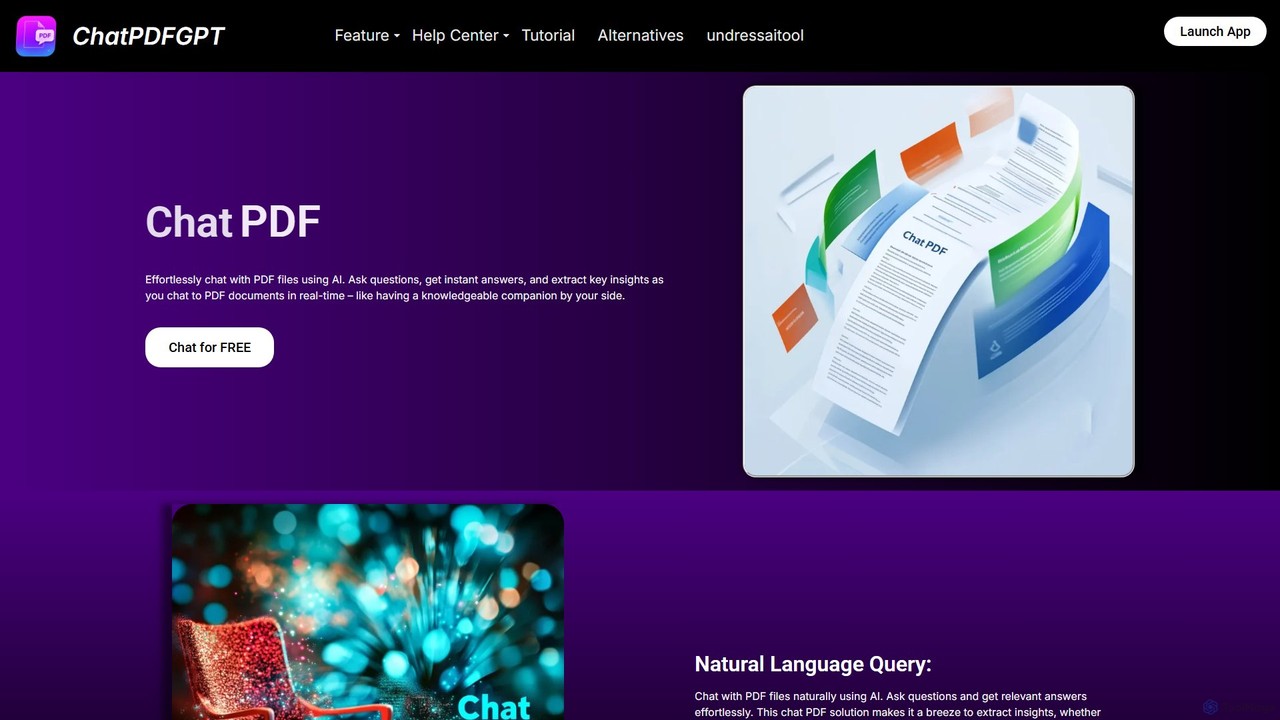
ChatPDFGPT is an AI-powered tool that transforms your static PDF documents into interactive conversations. Simply upload a file and ask questions to get instant summaries, find specific information, and understand complex concepts quickly. It's designed for students, researchers, and professionals to boost productivity and streamline document analysis.

Study
Visits 7.3KFavorites 115Likes 124
LegalForce
Paid

LegalForce

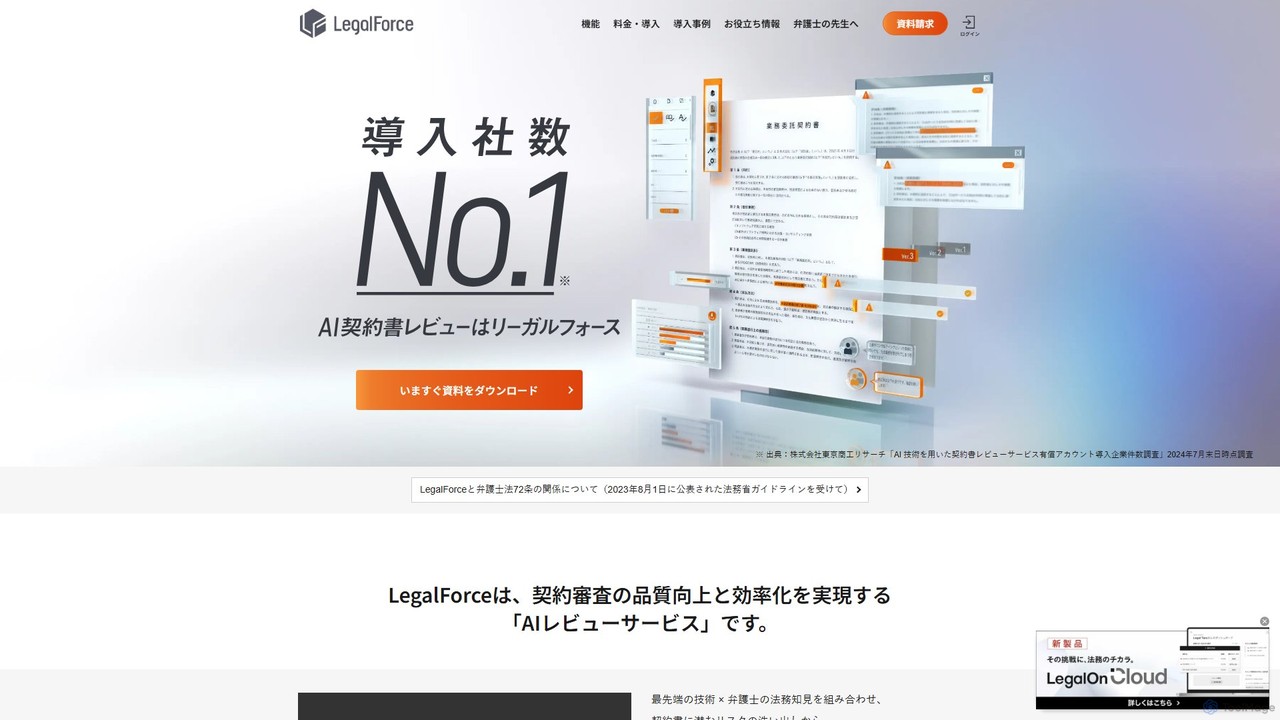
An AI-powered contract review platform for legal teams and law firms. It automates risk detection, provides lawyer-supervised clause suggestions, and streamlines the entire contract lifecycle. By combining advanced AI with legal expertise, LegalForce helps businesses improve review quality, reduce turnaround time, and build a centralized knowledge base.

Compliance
Visits 259.3KFavorites 126Likes 139
ClarifyPDF
Freemium

ClarifyPDF

ClarifyPDF is an AI-powered tool for interacting with your PDF documents. Simply upload one or more PDFs to summarize content, extract key information, and ask specific questions in any language. It supports large files and offers a shareable chat interface, making it ideal for students, researchers, and professionals to quickly understand complex documents without recurring subscription fees.

Data Extraction
Visits 8.1KFavorites 143Likes 147
PhotoExamAI
Freemium

PhotoExamAI

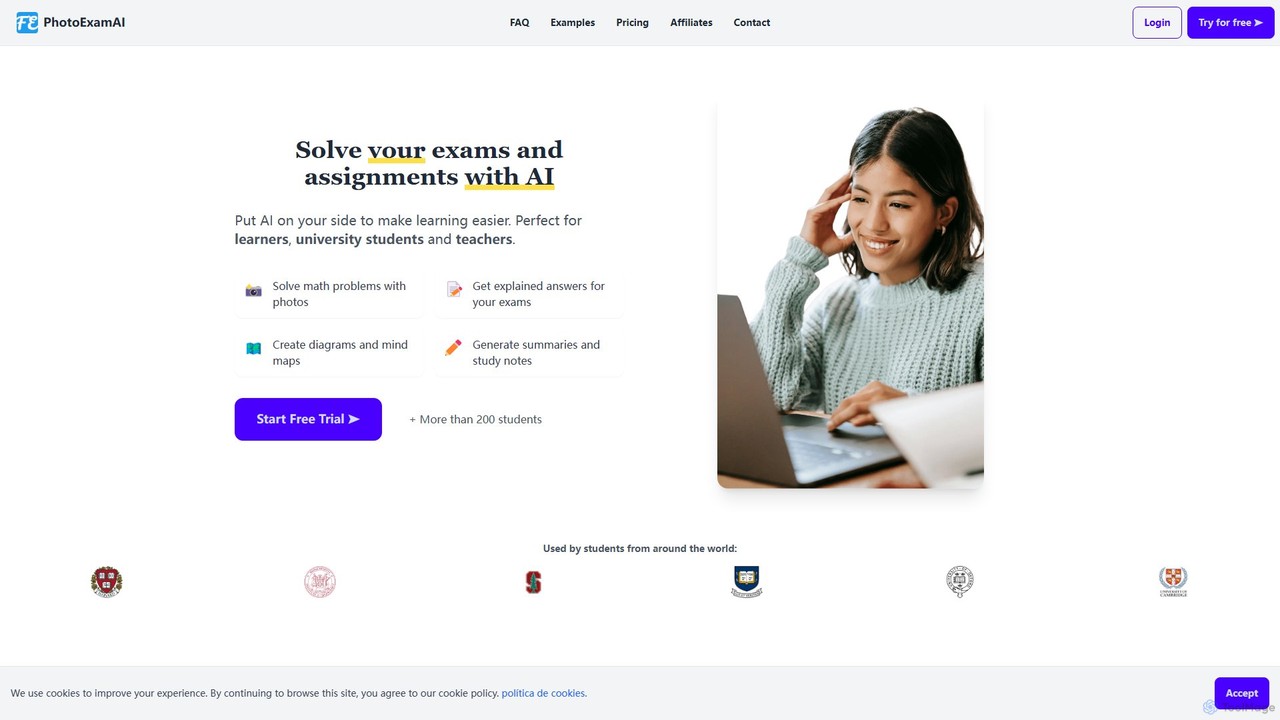
PhotoExamAI is an all-in-one AI-powered academic platform designed for students and educators. Simply upload a photo of an exam or homework, and get instant, step-by-step solutions. It also features an essay writer, summarizer, mind map generator, and customizable AI tutors to make learning more efficient and effective.

Problem Solver
Visits 7.3KFavorites 154Likes 149
Kolabrya
Paid

Kolabrya

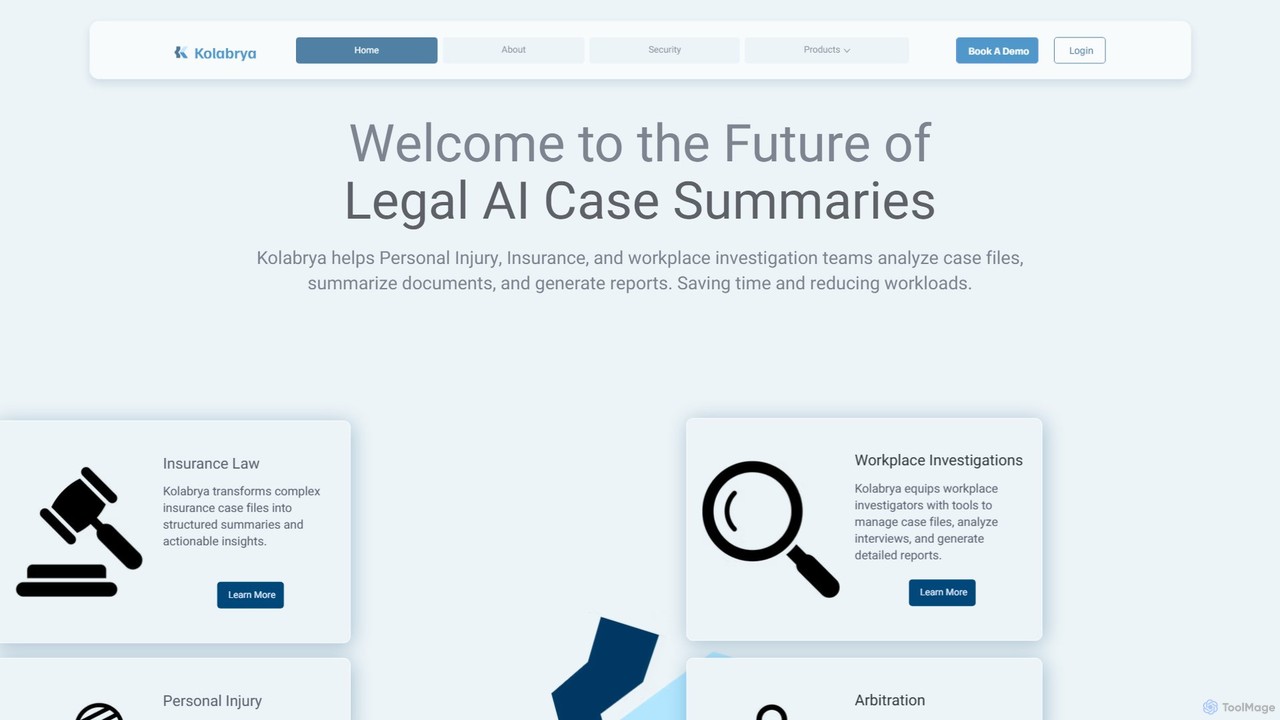
Kolabrya is an AI-powered platform designed for legal and investigation professionals. It streamlines case analysis by summarizing documents, transcribing interviews, and generating detailed reports for personal injury, insurance, and workplace investigation teams, significantly saving time and enhancing case clarity.

Compliance
Visits 7KFavorites 128Likes 119
hathr.ai
Freemium

hathr.ai

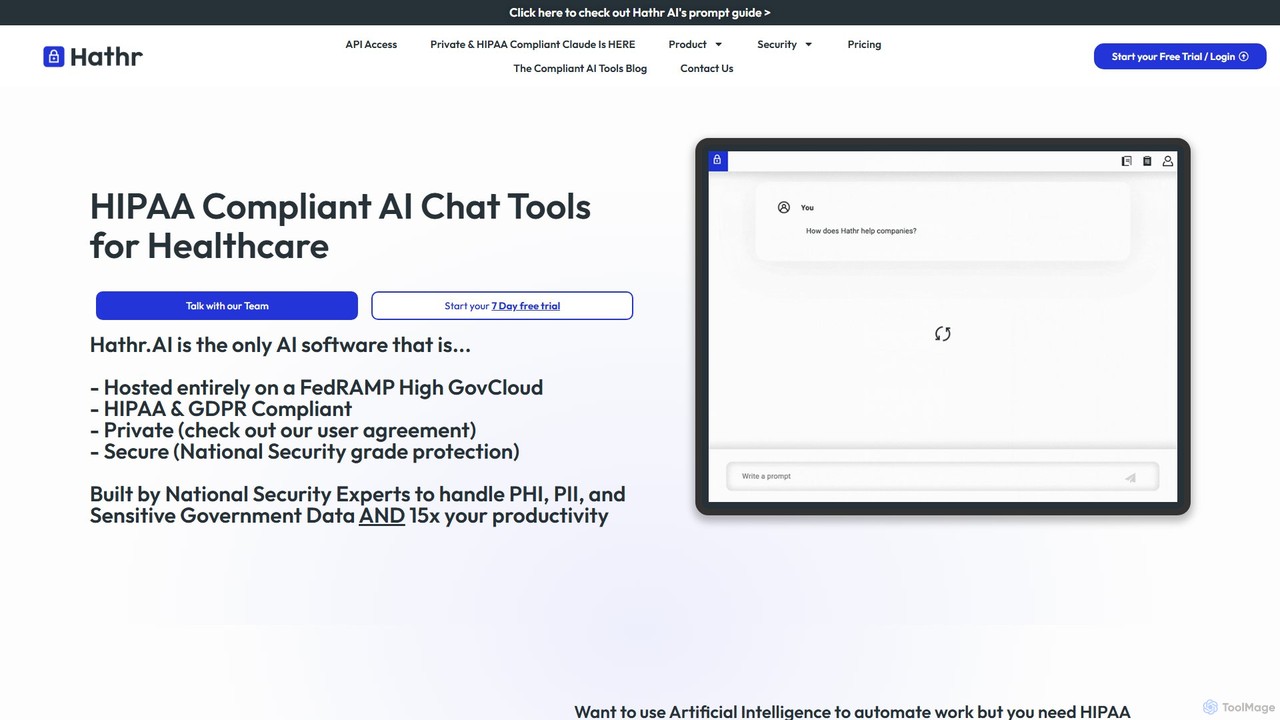
Hathr.AI provides HIPAA-compliant AI tools, powered by Claude, for healthcare and regulated industries. Hosted on AWS GovCloud (FedRAMP High), it ensures top-tier security and privacy for sensitive data like PHI and PII. The platform offers an AI chat, a developer API, and custom solutions to automate workflows such as medical record analysis, billing automation, and secure document review, boosting productivity by up to 35x while maintaining strict compliance.

Api
Visits 17.1KFavorites 90Likes 93
Socrates
Freemium

Socrates

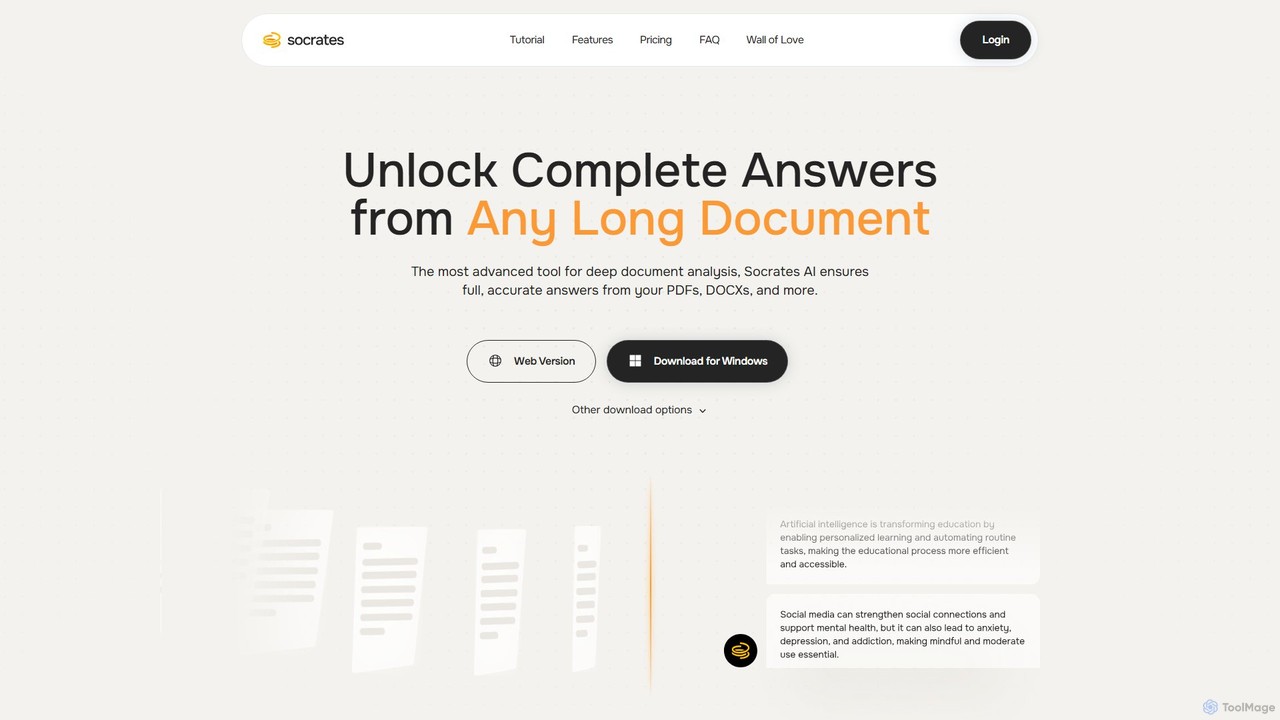
Socrates is an advanced AI tool for deep document analysis. Upload PDFs, DOCX, and more to get complete, accurate answers instantly. Features like Deep Dive, Table AI, and local LLM support provide unparalleled insights while ensuring data privacy. Ideal for researchers, professionals, and anyone needing to understand long documents quickly.

Study
Visits 10KFavorites 134Likes 139
NotesToQuiz
Freemium

NotesToQuiz

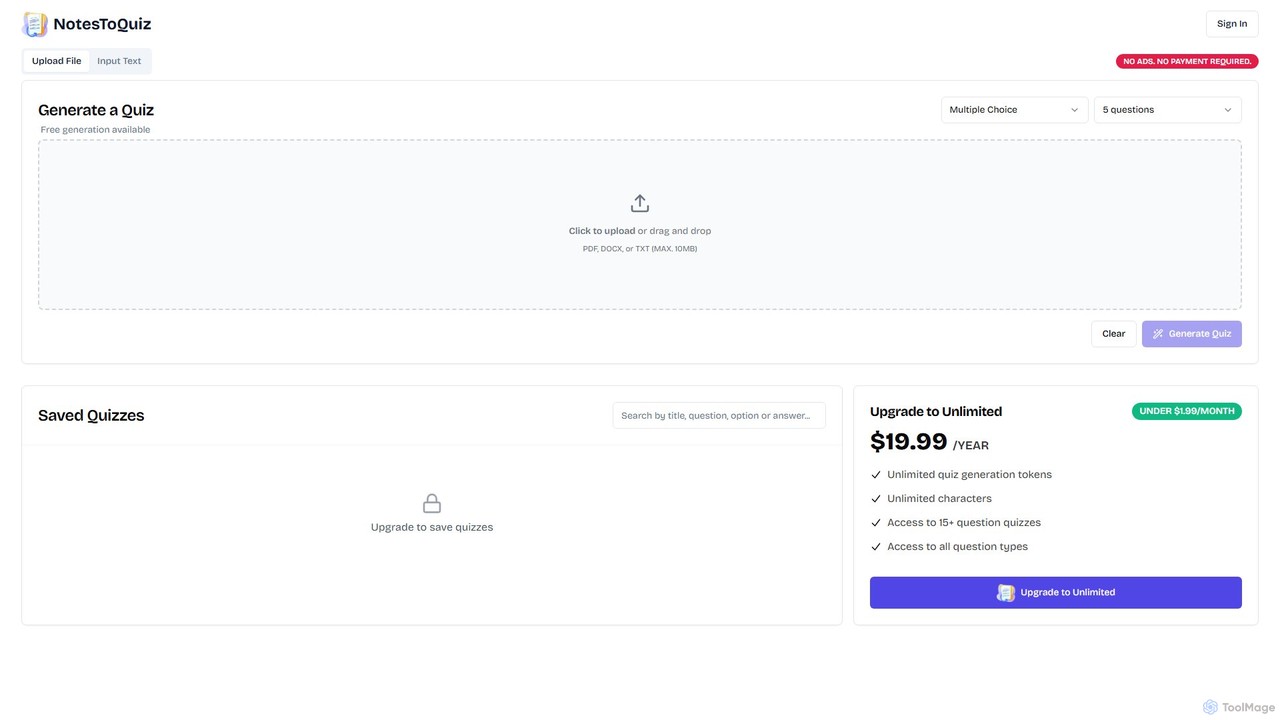
NotesToQuiz is an AI-powered tool that instantly transforms your notes, documents (PDF, DOCX, TXT), or any text into interactive quizzes. Ideal for students, educators, and professionals to create study aids and assessments in seconds, enhancing learning and knowledge retention.

Test Preparation
Visits 5.4KFavorites 102Likes 131
studysmarternow
Freemium

studysmarternow

studysmarternow is an AI-powered learning platform designed to help students study more effectively. It transforms your notes, textbooks, and articles into interactive study materials like summaries, flashcards, and quizzes. Streamline your learning process, improve retention, and achieve better academic results with personalized AI assistance.

Study Aids
Visits 5.4KFavorites 129Likes 122
SmartaDoc AI
Freemium

SmartaDoc AI

SmartaDoc AI is an intelligent tool that allows you to chat directly with your documents. Upload files like PDF, DOCX, CSV, and PPTX to ask questions, get instant summaries, and extract key information, making it ideal for students, researchers, and professionals to analyze content efficiently.

Data Analysis
Visits 6.1KFavorites 155Likes 158
amberesg
Freemium

amberesg

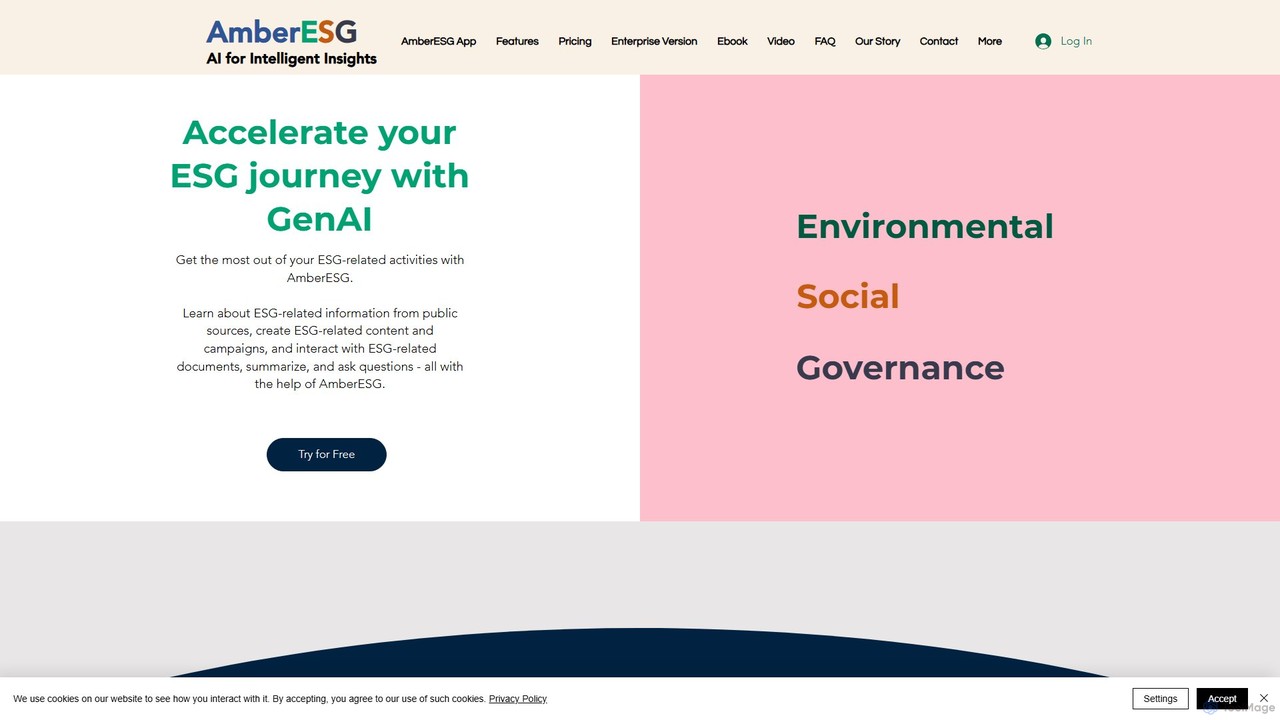
Amberesg is a specialized Generative AI platform designed for sustainability professionals. It accelerates ESG (Environmental, Social, Governance) workflows by enabling users to analyze complex documents, generate high-quality ESG content and campaigns, and retrieve critical information from public and private sources with conversational ease.

Sustainability
Visits 5.3KFavorites 104Likes 112
papertalk.io
Freemium

papertalk.io

papertalk.io is an AI-powered research assistant that allows you to chat with your documents. Upload research papers, articles, or any PDF, and instantly get summaries, explanations, and answers to your questions, accelerating your literature review and comprehension.

Study Aid
Visits 5.5KFavorites 119Likes 126
Docu-Chat
Freemium

Docu-Chat

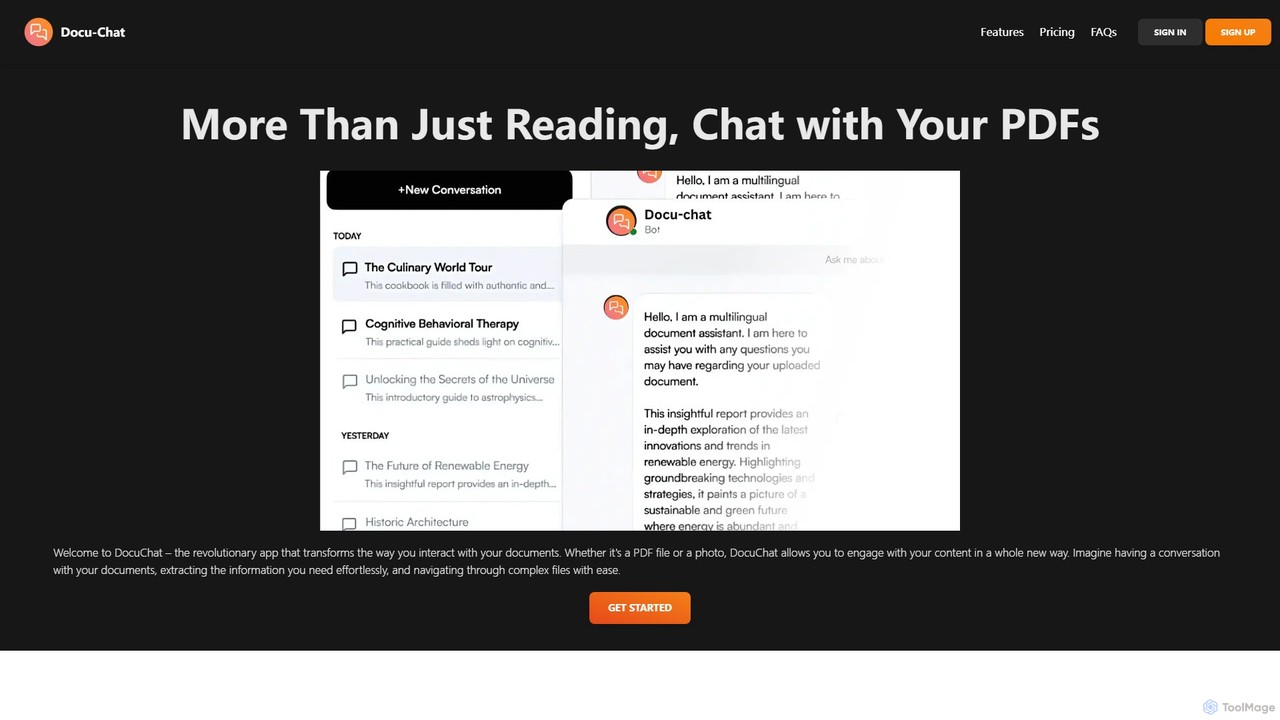
Docu-Chat is an AI-powered tool that transforms your static documents into interactive conversations. Upload PDFs or images and chat with them to get summaries, ask specific questions, and extract key information instantly. Powered by ChatGPT, it makes document analysis fast, efficient, and intuitive.

Data Analysis
Visits 5.4KFavorites 143Likes 147
ChatDOC
Freemium

ChatDOC

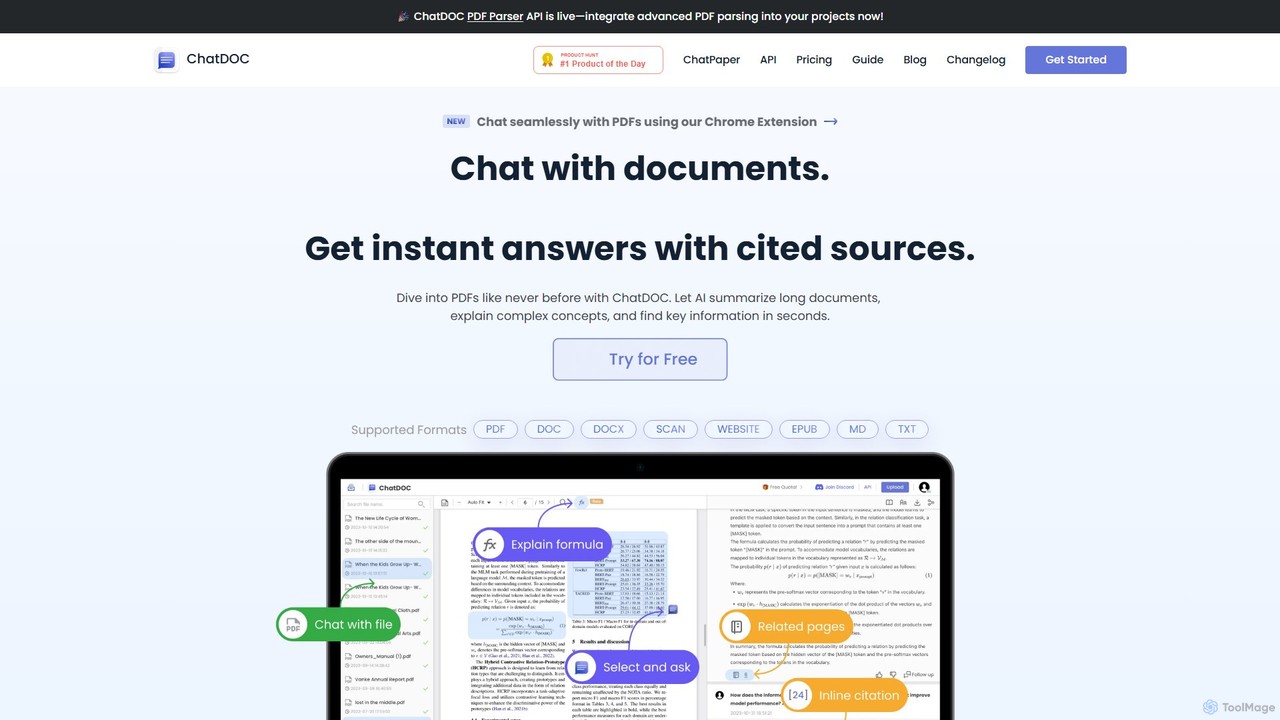
ChatDOC is an AI-powered document reading assistant that lets you chat with your files. Instantly extract, summarize, and analyze information from PDFs, DOCs, websites, and more. Get answers with cited sources, making it ideal for researchers, students, and professionals to quickly understand complex documents.

Study
Visits 95.6KFavorites 122Likes 137

About Document Analysis

Document Analysis tools are AI-powered applications designed to automatically extract, interpret, and structure information from various document types like PDFs, reports, and contracts. They leverage technologies such as Natural Language Processing (NLP) and Optical Character Recognition (OCR) to understand text, tables, and layouts. This enables users to quickly find key insights, summarize lengthy content, and automate data entry, transforming static documents into actionable data. As a key part of the Productivity suite, these tools focus specifically on unlocking the value hidden within unstructured text.

Core Features

  • Data Extraction: Automatically pulls specific data points like names, dates, invoice amounts, and contract clauses from unstructured text.
  • Semantic Search: Finds information based on meaning and context, allowing users to ask questions in natural language rather than just matching keywords.
  • Automated Summarization: Generates concise summaries of long documents, reports, or articles, highlighting the most critical information.
  • Optical Character Recognition (OCR): Converts scanned documents, images, and handwritten notes into machine-readable, searchable, and editable text.
  • Topic & Sentiment Analysis: Identifies the main themes within a document and determines the underlying emotional tone (positive, negative, neutral).

Use Cases

These tools are widely used in sectors that handle high volumes of documentation, such as legal, finance, healthcare, and research. Law firms use them to accelerate e-discovery by analyzing thousands of legal briefs. Financial analysts extract key figures from annual reports for faster modeling, and researchers streamline literature reviews by summarizing academic papers.

How to Choose

When selecting a Document Analysis tool, consider the following: the range of supported document formats (PDF, DOCX, scanned images), the accuracy and customizability of the data extraction models, integration capabilities with your existing systems (e.g., CRM, ERP), and the specific analysis features required, such as sentiment analysis versus simple data extraction.

Featured tool rankings

Document Analysis use cases

1

Automate Legal Contract Review

A corporate lawyer needs to review a 150-page supplier agreement for compliance and risk. Instead of reading it manually, they upload the document to an analysis tool. The AI automatically identifies and extracts key clauses, such as liability limits, termination conditions, and confidentiality obligations. It also flags any non-standard or potentially risky language by comparing it against a database of approved clauses. This process reduces the initial review time from several hours to under 30 minutes, allowing the lawyer to focus on strategic negotiation points.

2

Accelerate Financial Report Analysis

An investment analyst is tasked with comparing the quarterly performance of five competing tech companies. They upload each company's 10-K and earnings reports to an analysis platform. The tool uses data extraction to pull key financial metrics like revenue, net income, and cash flow into a structured table. It also performs sentiment analysis on the 'Management's Discussion and Analysis' section to gauge executive confidence. This allows the analyst to quickly spot trends and anomalies across companies without manually searching through hundreds of pages of dense text.

3

Streamline Academic Literature Reviews

A PhD student is conducting a literature review and has gathered over 100 academic papers in PDF format. Using a document analysis tool, they upload the entire collection. The tool automatically extracts the abstract, methodology, and key findings from each paper. The student can then use semantic search to ask complex questions like, 'Which papers used a longitudinal study design to analyze social media impact?' The tool instantly surfaces the most relevant papers and even generates a summary of their collective findings, saving weeks of manual reading and note-taking.

4

Automate Invoice Data Entry

An accounts payable department receives hundreds of invoices daily in various formats (PDF, JPG, scanned copies). A clerk uses a document analysis tool with OCR capabilities. They simply forward the invoice emails or upload the files to the system. The tool automatically reads each invoice, extracts the vendor name, invoice number, due date, and line-item details, and then validates the data against purchase orders in the ERP system. This eliminates manual data entry, reduces errors by over 90%, and accelerates the payment cycle.

5

Analyze Customer Feedback from Surveys

A product manager collects thousands of open-ended responses from a customer satisfaction survey. To quickly identify key issues, they feed the raw text data into an analysis tool. The tool performs topic modeling to group feedback into categories like 'UI/UX,' 'Pricing,' and 'Performance.' It also runs sentiment analysis on each comment to quantify positive and negative feedback for each category. This provides the product manager with a clear, data-driven overview of customer pain points and priorities, enabling them to make informed decisions for the next product update.

6

Verify Insurance Claim Documents

An insurance claims processor receives a new claim package, including a claim form, a police report, and medical invoices. They upload all documents to an AI analysis platform. The tool uses OCR to digitize the documents and then cross-references information across them, such as names, dates, and incident descriptions, to check for consistency. It automatically flags any discrepancies or missing information for the processor's review. This automated verification process helps detect potential fraud and ensures all required information is present before processing the claim, reducing manual check time by up to 70%.

Document Analysis FAQ

What are AI Document Analysis tools?

AI Document Analysis tools are software applications that use artificial intelligence, primarily Natural Language Processing (NLP) and Optical Character Recognition (OCR), to automatically read, understand, and extract structured information from unstructured documents. Unlike a simple keyword search, they can interpret context, identify specific data points (like dates or names), summarize content, and classify documents by type. They essentially turn static files like PDFs and images into dynamic, queryable data sources.

How to choose the right Document Analysis tool?

Choosing the right tool depends on your specific needs. Consider these key factors:

  • Document Types: Ensure the tool supports the formats you work with, such as native PDFs, scanned documents, Word files, or images.
  • Extraction Accuracy: Check if the tool can accurately extract the specific data fields you need. Many offer free trials to test their performance on your own documents.
  • Integration Capabilities: Look for tools with APIs or pre-built connectors to integrate with your existing software stack (e.g., ERP, CRM, or accounting software).
  • Scalability and Use Case: Determine if you need a tool for simple, low-volume tasks or an enterprise-grade solution for processing thousands of documents daily with complex workflows.
What's the difference between Document Analysis and a standard PDF reader?

A standard PDF reader (like Adobe Acrobat Reader) is primarily for viewing, printing, and sometimes annotating or signing documents. Its function is to present the document as is. An AI Document Analysis tool, however, goes much further by actively interpreting the content. It doesn't just display the text; it understands it. This allows it to perform tasks like automatically extracting data into a spreadsheet, summarizing a 50-page report into a few paragraphs, or answering specific questions about the document's content, which a standard reader cannot do.

What kind of documents can these tools analyze?

Document Analysis tools are versatile and can handle a wide range of formats. Common examples include:

  • Financial Documents: Invoices, purchase orders, receipts, bank statements, and annual reports.
  • Legal Documents: Contracts, agreements, court filings, and depositions.
  • Business Documents: Resumes, business proposals, meeting minutes, and survey responses.
  • Scanned & Image-based Files: Scanned forms, photographs of receipts, and handwritten notes, which are processed using OCR technology.

The effectiveness can vary based on the document's quality and complexity, but modern tools are increasingly capable of handling messy, real-world documents.

Who benefits most from using Document Analysis tools?

Professionals and businesses that handle large volumes of documents and rely on the information within them see the greatest benefit. Key users include:

  • Legal Professionals: For e-discovery, contract management, and case research.
  • Financial Analysts & Accountants: For analyzing financial statements, processing invoices, and auditing.
  • Researchers & Academics: For conducting literature reviews and analyzing qualitative data.
  • HR Departments: For screening resumes and processing employee forms.

Essentially, any role that involves significant manual reading, data extraction, or summarization of documents can be made more efficient and accurate with these tools.