ToolMage
Sign in

Best 42 Document Processing AI tools for Productivity

Popular Document Processing AI tools in Productivity include Image to Text, OCR.space, Image Translator, V7, Veryfi, Upstage, imgtotext.net, Doc2X, Affinda, and super.ai, helping you work more efficiently.

Monkt
Freemium

Monkt

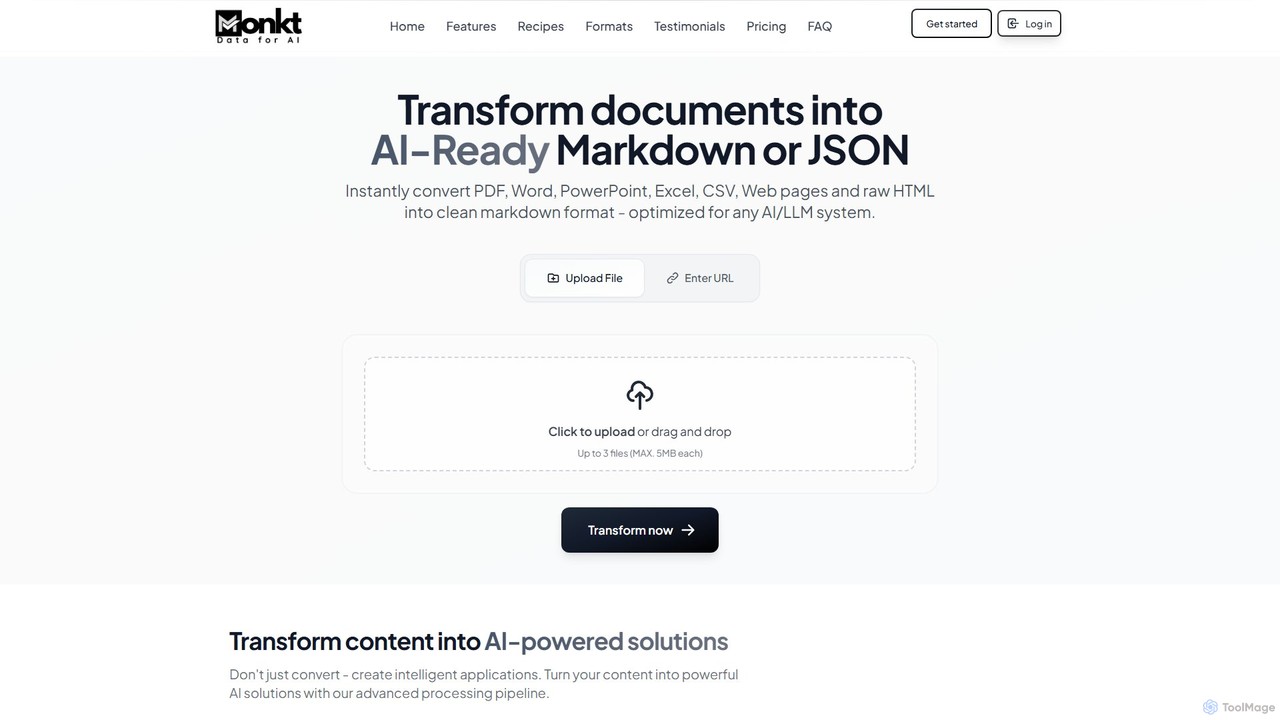
Monkt is an AI-powered platform that transforms documents and websites into clean, AI-ready Markdown or structured JSON. It supports various formats like PDF, Word, and Excel, offering features like OCR, batch processing, and a REST API for automating data extraction and preparing datasets for LLM training.

Data Extraction
Visits 39.4KFavorites 132Likes 130
OCR.space
Freemium

OCR.space

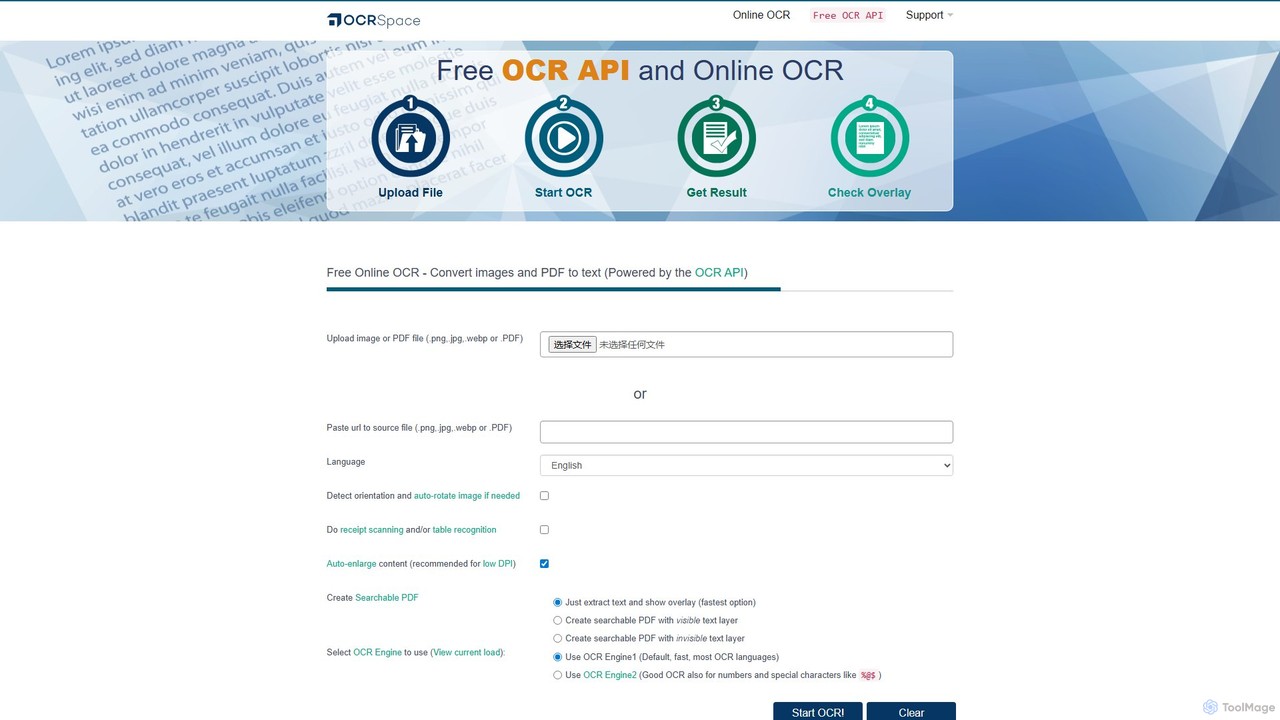
A powerful and free online OCR service and API that converts images and PDFs into editable text. It supports over 25 languages, creates searchable PDFs, and offers multiple OCR engines for optimal accuracy. Ideal for both individual use and developer integration, with a strong focus on privacy.

Data Extraction
Visits 484.2KFavorites 128Likes 118
Affinda
Freemium

Affinda

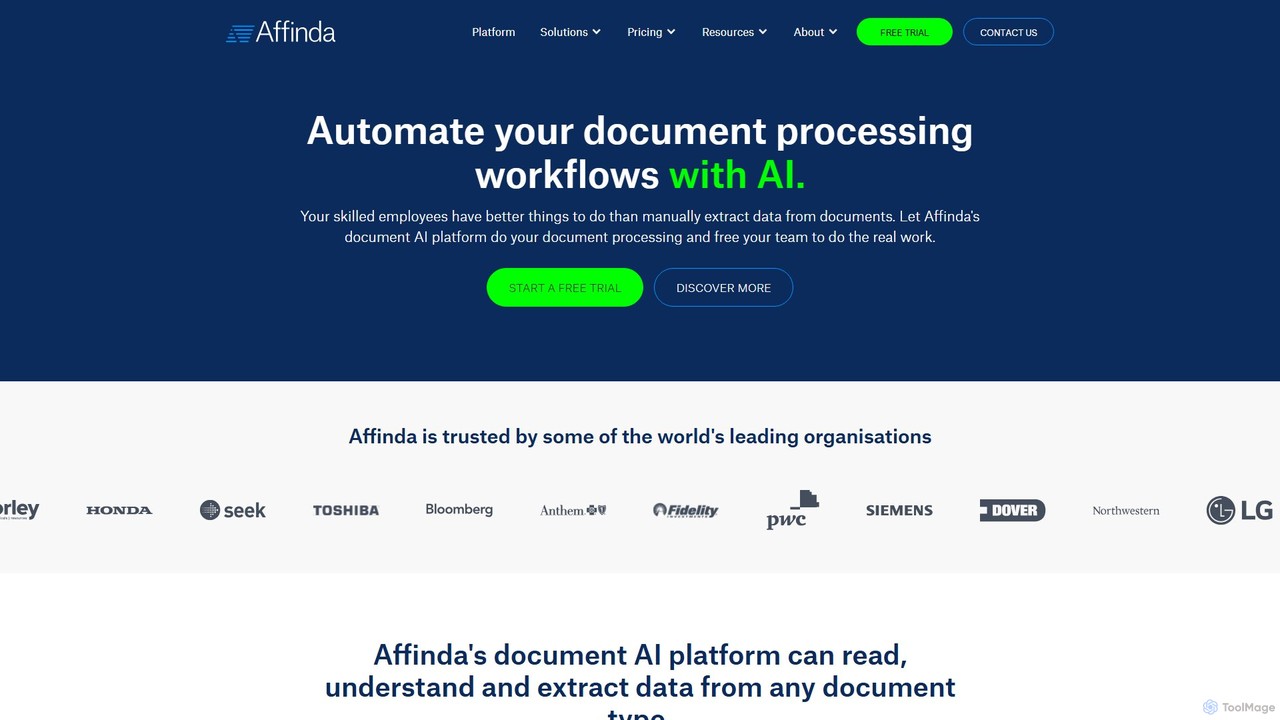
A powerful AI-driven document processing platform that automates data extraction from any document type. Affinda uses advanced computer vision and NLP to read, understand, and structure data from invoices, resumes, contracts, and more, supporting over 50 languages. It helps businesses increase efficiency, reduce manual tasks, and improve data accuracy through seamless API integration.

Data Extraction
Visits 49KFavorites 155Likes 143
Cradl AI
Freemium

Cradl AI

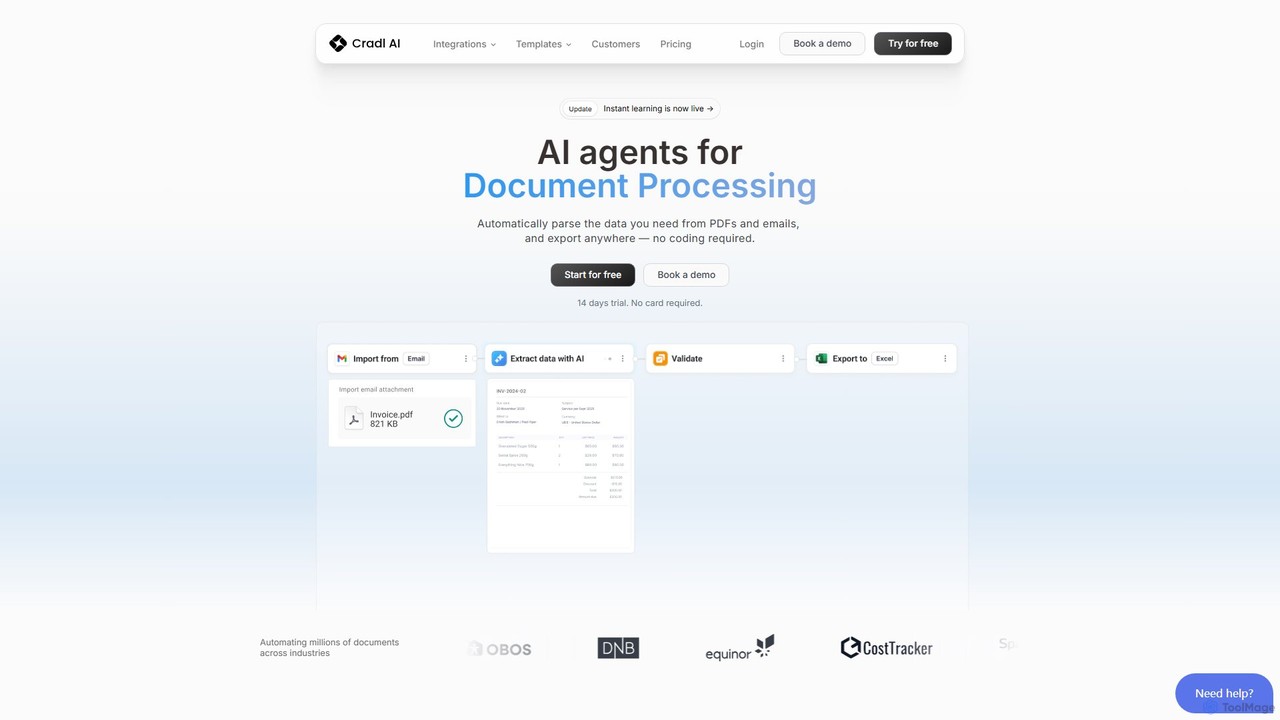
Cradl AI is a no-code platform that uses AI agents to automate document data extraction and workflows. Easily parse data from PDFs, emails, and other documents like invoices and bills of lading, and export it anywhere without writing a single line of code. It features a human-in-the-loop review system for maximum accuracy.

Workflow
Visits 9.3KFavorites 116Likes 118
VisionParser
Freemium

VisionParser

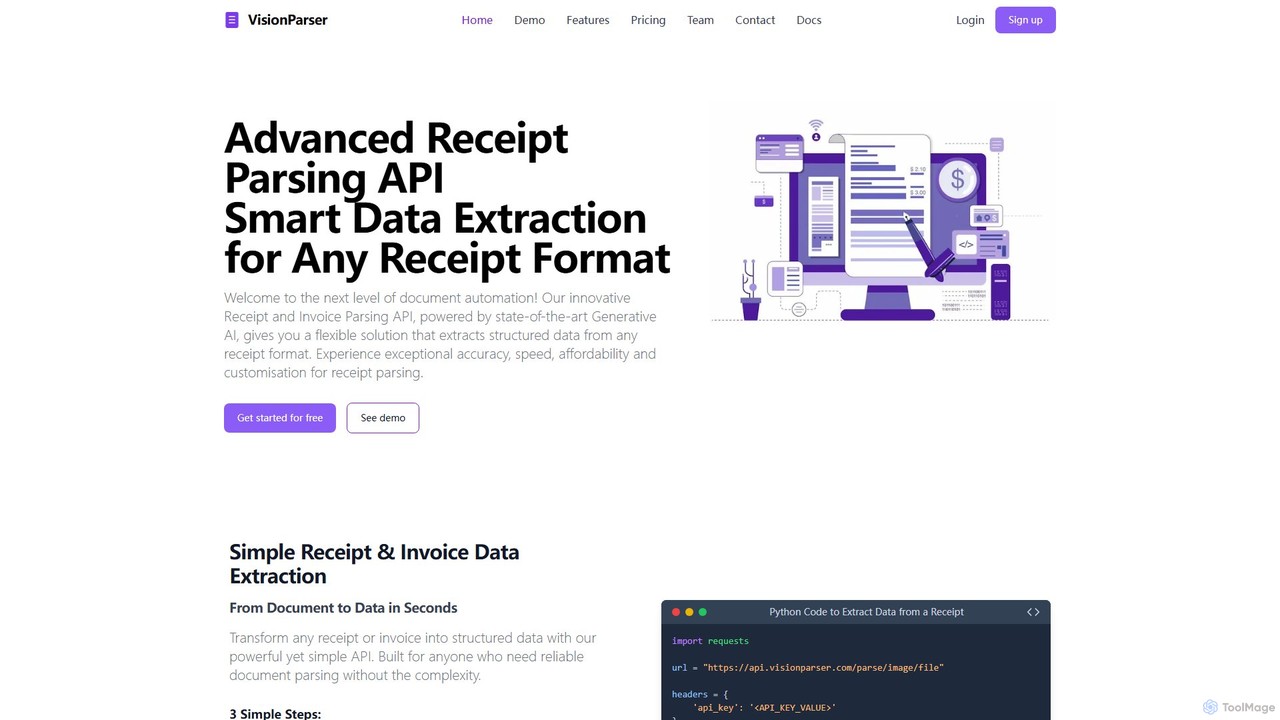
VisionParser is an advanced API powered by Generative AI for high-accuracy receipt and invoice parsing. It transforms any document format, including digital and physical copies, into structured JSON data in seconds. Designed for developers and businesses, it offers customizable, affordable, and scalable solutions for automating expense management, accounting, and data analytics.

Api
Visits 5.9KFavorites 132Likes 133
Doctly
Freemium

Doctly

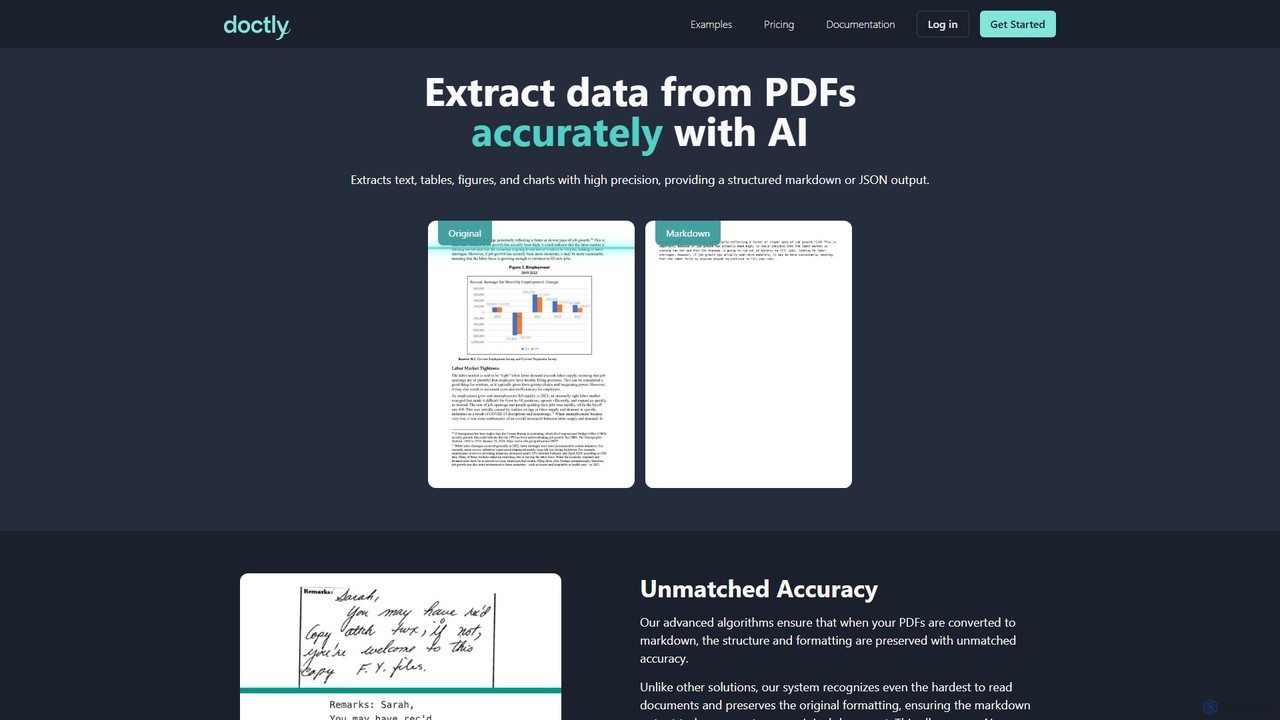
Doctly is an AI-powered tool that accurately extracts data from PDFs and other documents. It converts text, tables, figures, and charts into structured Markdown or JSON, preserving original formatting. With a simple API and high precision, it's designed for developers and businesses to automate document processing workflows.

Data Extraction
Visits 6.2KFavorites 107Likes 132
automaited
Paid

automaited

automaited is an AI-powered platform designed for enterprises and SMEs to automate document-centric processes. It uses a pre-trained AI, "Ada," to understand, extract, and validate data from various documents like invoices and orders in over 40 languages. The platform integrates seamlessly with existing ERP and IT systems (cloud or on-premise), reducing manual work, minimizing errors, and significantly improving operational efficiency without requiring extensive IT resources or coding knowledge.

Workflow Automation
Visits 8.5KFavorites 134Likes 130
imgtotext.net
Freemium

imgtotext.net

An advanced online OCR tool that accurately extracts text from images and PDF documents. It supports batch processing, multiple languages, and various file formats. It also offers a built-in translation feature, making it a versatile solution for digitizing and processing text-based content for free.

Optical Character Recognition
Visits 69.6KFavorites 129Likes 109
super.ai
Paid

super.ai

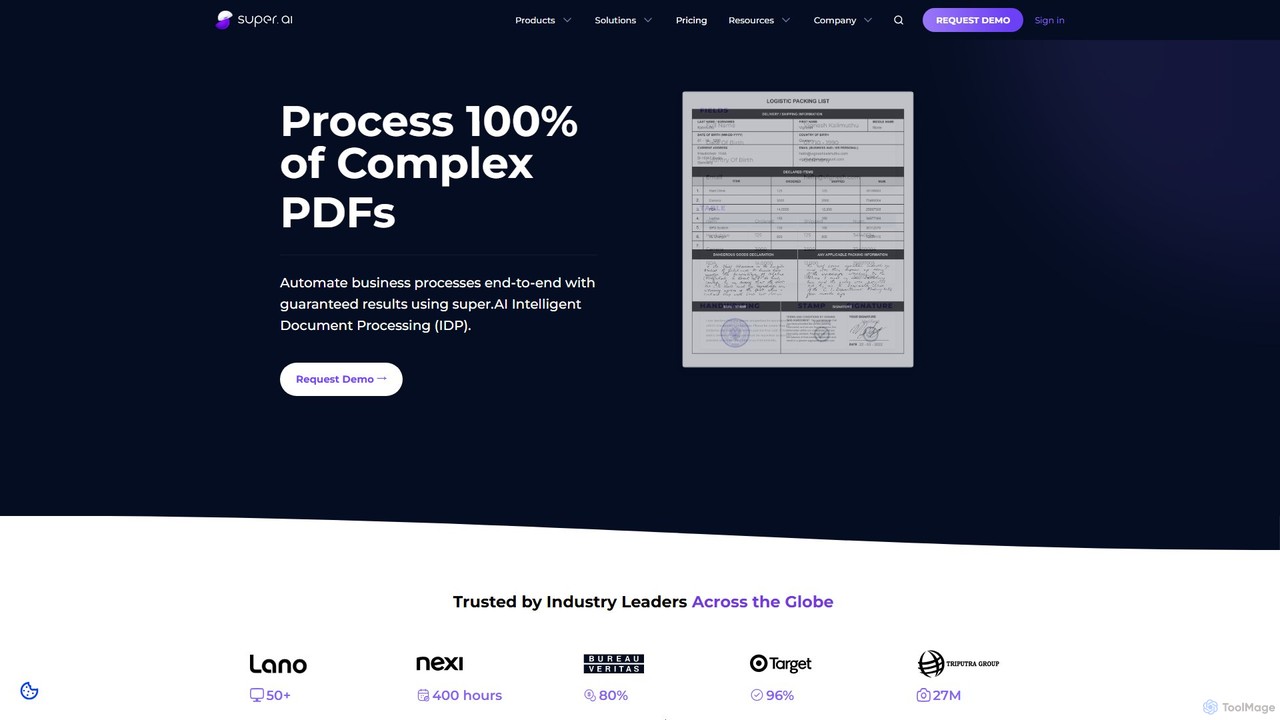
super.ai is an advanced Intelligent Document Processing (IDP) platform that uses generative AI to automate data extraction from complex documents like invoices, PDFs, and tables. It guarantees 100% processing with high accuracy, integrating human-in-the-loop workflows to handle exceptions and ensure reliable, actionable data for enterprises in finance, logistics, and insurance.

Data Extraction
Visits 46.6KFavorites 111Likes 129
pdfparser
Paid

pdfparser

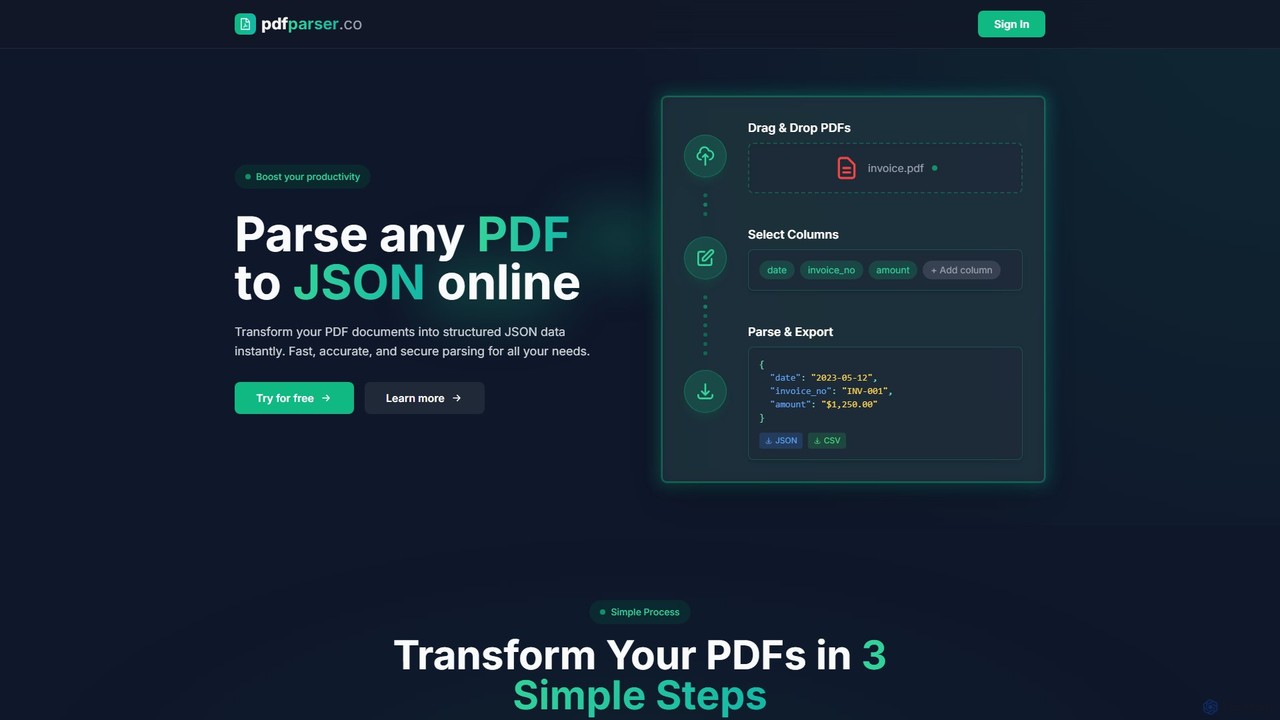
An AI-powered API service designed for developers and businesses to effortlessly parse PDF documents. It extracts text, tables, and structured data from any PDF, including scanned files, and returns clean, machine-readable JSON output, automating data extraction workflows.

Automation
Visits 5.4KFavorites 115Likes 101
hand_check
Freemium

hand_check

hand_check is an advanced OCR tool that uses machine learning to extract text from PDFs and images. It specializes in converting complex documents, including handwritten notes and tables, into editable text or structured JSON data. With a user-friendly interface and a powerful API for developers, it's ideal for individuals, developers, and enterprises looking to automate document processing and data extraction.

Data Extraction
Visits 6.8KFavorites 119Likes 122
Tygra
Paid

Tygra

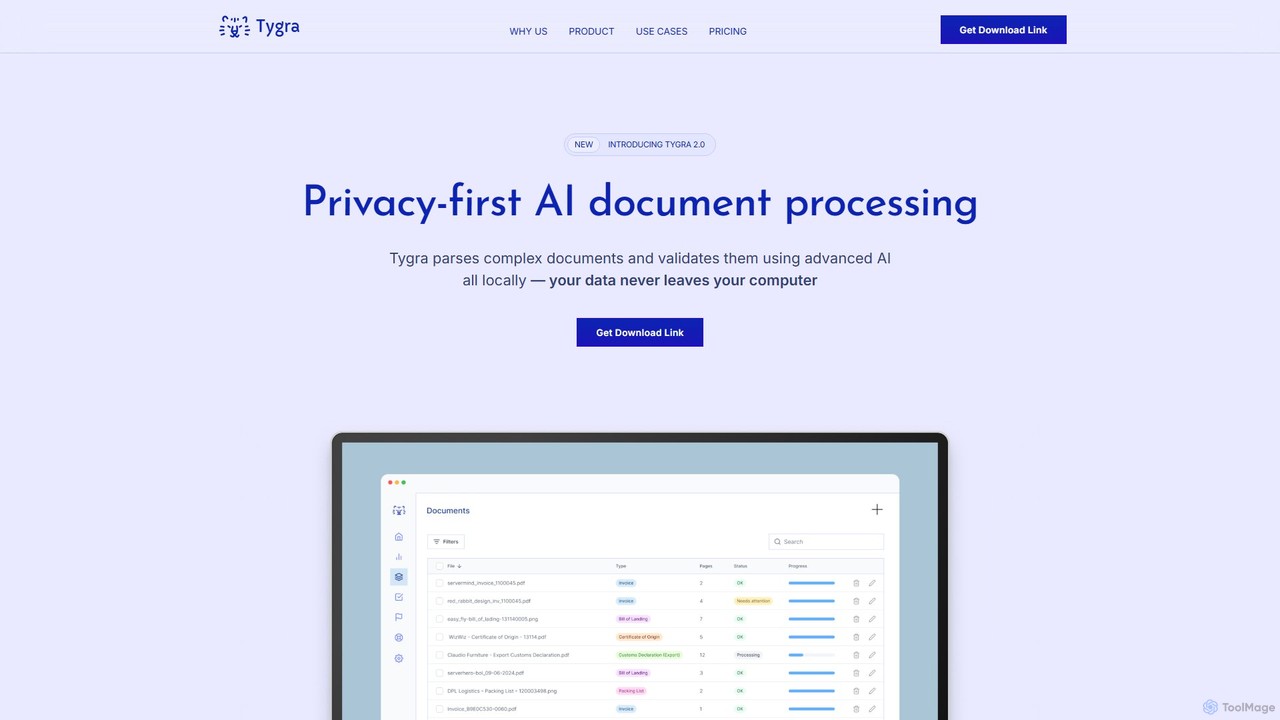
Tygra is a privacy-first AI document processing tool that operates entirely on your local machine. It automatically parses, extracts, and validates data from documents like PDFs, JPGs, and PNGs without your sensitive information ever leaving your computer, ensuring maximum security and compliance.

Data Extraction
Visits 6.1KFavorites 136Likes 150
V7
Paid

V7

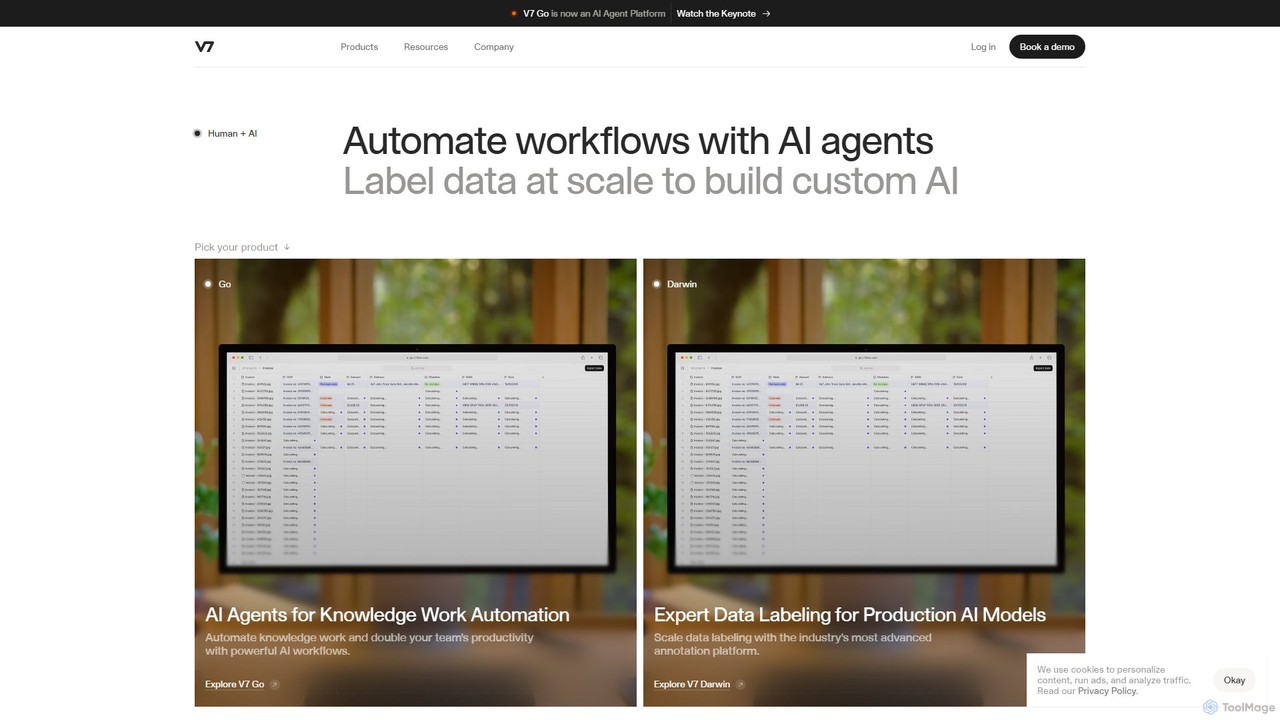
V7 is a comprehensive AI platform for building trustworthy AI. It features V7 Darwin for advanced data labeling and V7 Go for AI agent-powered workflow and document automation. It's designed for industries like healthcare, finance, and manufacturing to scale AI production with high-quality data and efficient processes.

Data Annotation
Visits 190.5KFavorites 142Likes 149
ToolLab.AI
Free

ToolLab.AI

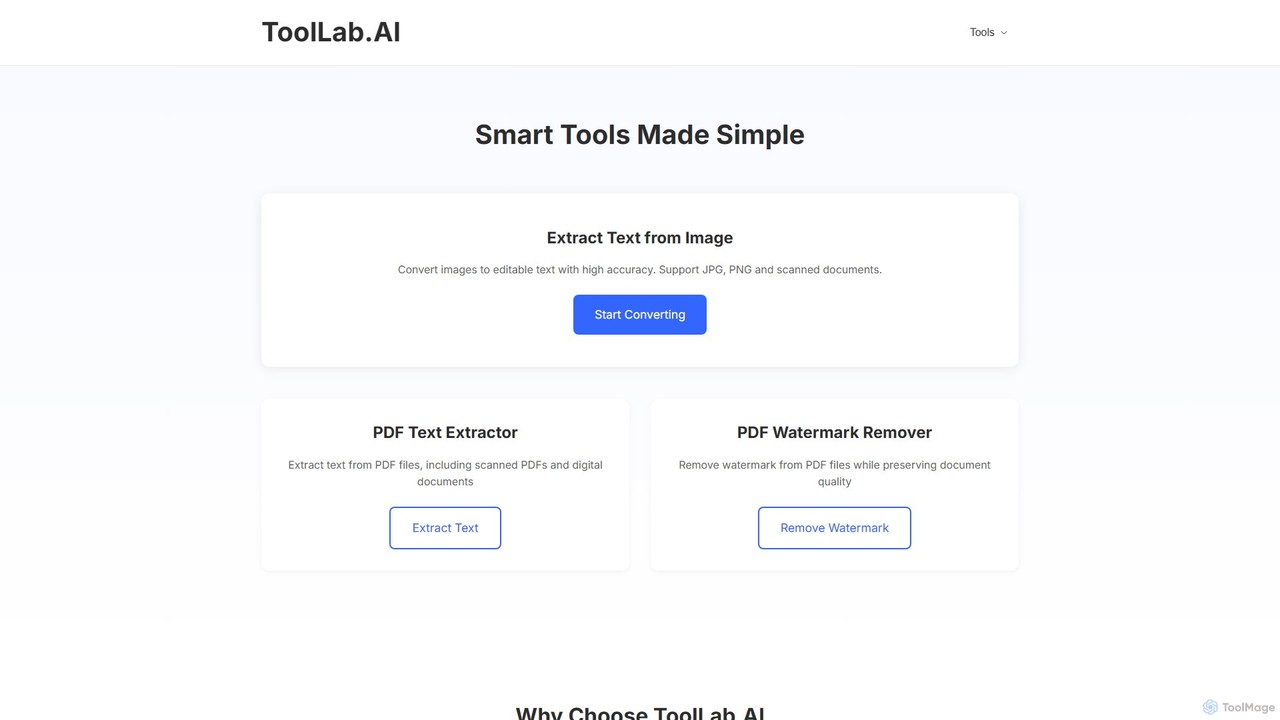
ToolLab.AI offers a suite of free, AI-powered online tools for simple and efficient document processing. It specializes in high-accuracy text extraction from images (OCR) and PDFs, as well as PDF watermark removal. Designed for speed and security, it provides instant results with a user-friendly interface.

Document Processing
Visits 6.3KFavorites 144Likes 144
Doc2X
Freemium

Doc2X

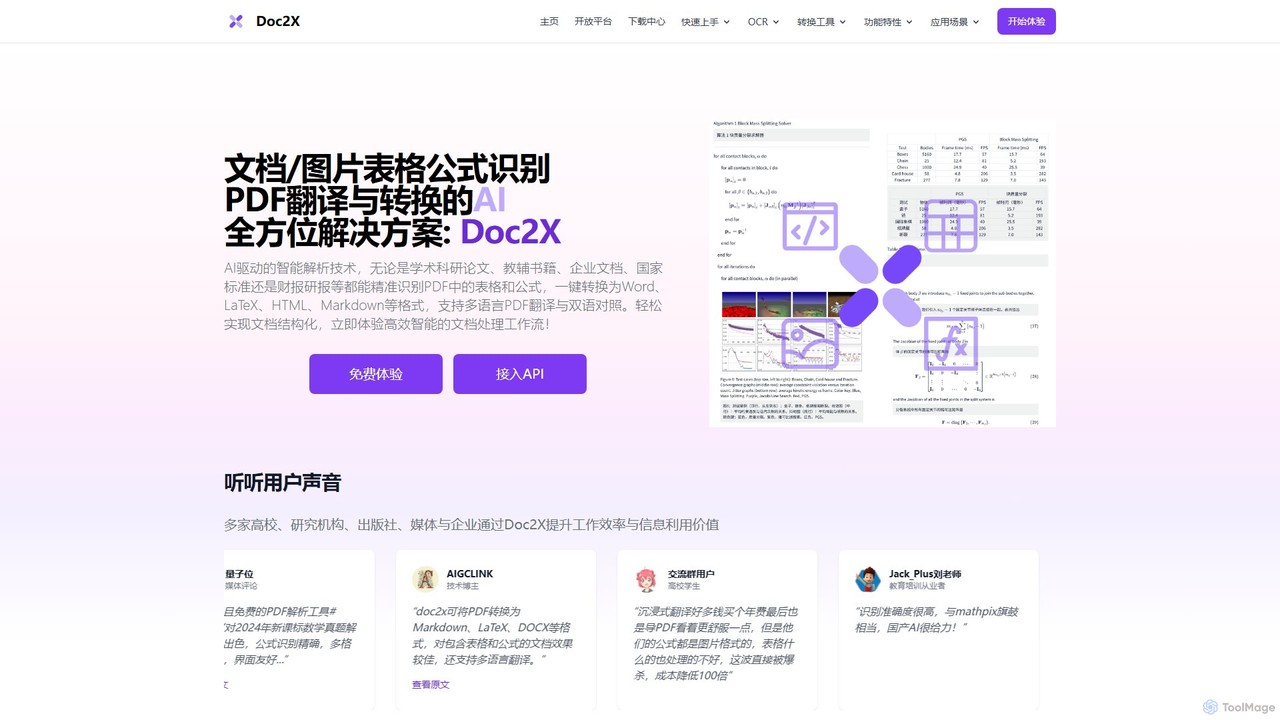
Doc2X is an AI-powered document intelligence platform for recognizing and converting formulas, tables, and text from PDFs and images into editable formats like Word, LaTeX, and Markdown. It features advanced translation, ChatPDF, and a powerful API for academic and professional workflows.

Api
Visits 57.2KFavorites 149Likes 152
optisolbusiness

optisolbusiness

OptiSol Business Solutions is a global IT services firm providing custom Generative AI solutions for enterprises. With over 15 years of experience, they specialize in building intelligent products, modernizing legacy systems with their iBEAM accelerator, and automating processes in finance, contracts, and ESG with elsAi. They serve industries like healthcare, finance, and manufacturing to drive digital transformation.

It Services
Visits 27.1KFavorites 157Likes 172
mathhandwrit
Freemium

mathhandwrit

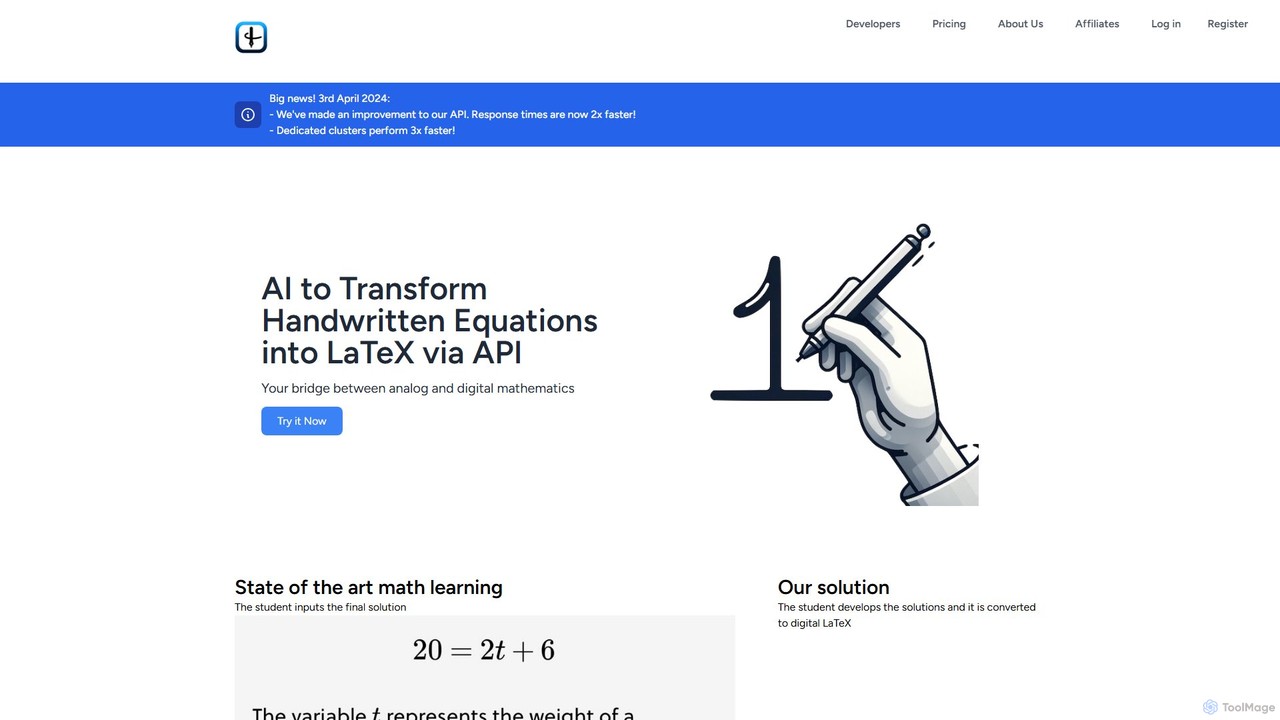
An AI-powered API that transforms handwritten mathematical equations into clean, digital LaTeX code. Designed for developers, educators, and students, it bridges the gap between analog and digital mathematics with high accuracy and speed, simplifying the process of digitizing complex formulas.

Api
Visits 6KFavorites 133Likes 117
Finigami AI
Paid

Finigami AI

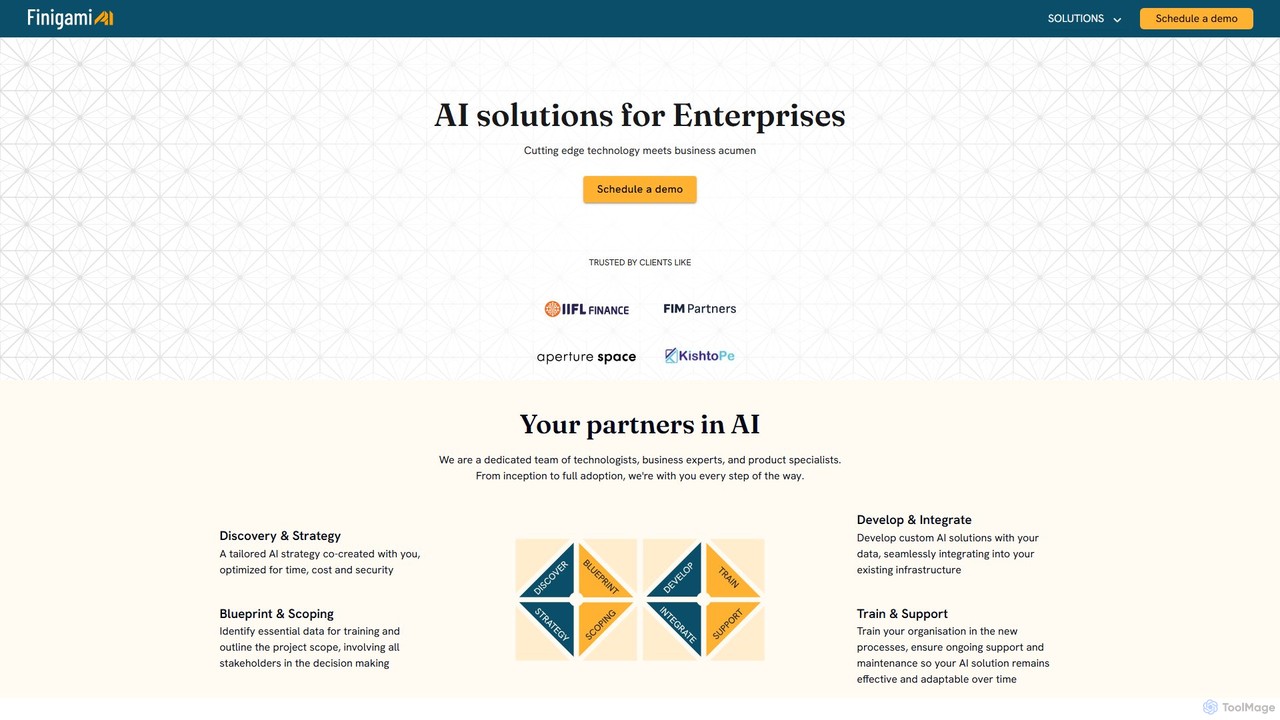
Finigami AI offers enterprise-grade AI solutions, specializing in intelligent document processing (IDP) and custom AI development. It provides a powerful platform to extract data from any document, including handwritten text and complex tables, and partners with businesses to build bespoke AI systems for functions like finance, HR, and operations.

Automation
Visits 5.3KFavorites 128Likes 129

About Document Processing

Document Processing tools are AI-powered solutions designed to automate and enhance tasks involving digital documents. Leveraging technologies like Natural Language Processing (NLP), Optical Character Recognition (OCR), and machine learning, they efficiently extract, analyze, and manage information. These tools significantly boost productivity by reducing manual effort in data entry, content creation, and document organization. They are essential for businesses and individuals seeking to streamline their document workflows within the broader productivity landscape.

Core Features

  • OCR & Data Extraction: Converts scanned documents or images into editable text and extracts specific data fields with high accuracy.
  • Document Summarization: Automatically generates concise summaries of long texts, reports, or articles, highlighting key information.
  • Content Generation & Rewriting: Creates new document content or rephrases existing text based on user prompts or specific guidelines.
  • Document Classification & Tagging: Automatically categorizes and tags documents based on their content, facilitating easier search and management.
  • Automated Translation: Translates document content into multiple languages while striving to preserve original formatting and context.

Applicable Scenarios

These tools are widely adopted across various sectors. Finance departments use them to automate invoice processing, extracting critical data like vendor names, amounts, and dates. Legal professionals leverage them to quickly identify and extract key clauses from large volumes of contracts during due diligence. Marketing teams utilize them to generate diverse content from product specifications, accelerating campaign creation.

How to Choose

When selecting an AI Document Processing tool, consider its accuracy in OCR and data extraction, especially for your specific document types. Evaluate its integration capabilities with your existing CRM, ERP, or DMS systems to ensure seamless workflow. Assess the range of supported document formats (e.g., PDFs, images, Word, Excel) and its scalability to handle varying document volumes. Finally, look for customization options that allow the tool to adapt to your unique business rules and data requirements.

Featured tool rankings

Document Processing use cases

1

Automating Invoice and Receipt Processing

Finance teams or small business owners use AI document processing tools to automatically extract key information (vendor, amount, date, line items) from scanned invoices and receipts. This eliminates manual data entry, reduces errors, and accelerates reconciliation processes, saving hours of administrative work daily and ensuring accurate financial records.

2

Extracting Key Data from Legal Contracts

Legal professionals or paralegals leverage these tools to quickly identify and extract specific clauses, dates, parties, and obligations from large volumes of legal documents. This significantly speeds up contract review, due diligence, and compliance checks, ensuring critical information is not overlooked and reducing the risk of human error in complex legal analyses.

3

Summarizing Research Papers and Reports

Researchers, students, or business analysts utilize AI summarization features to condense lengthy academic papers, market research reports, or internal documents into concise summaries. This allows for rapid comprehension of core findings and saves considerable time compared to manual reading and note-taking, enabling quicker decision-making and knowledge dissemination.

4

Generating Personalized Marketing Content

Marketing specialists or content creators employ AI document generation tools to create varied marketing copy (e.g., product descriptions, ad headlines, social media posts) from existing product specifications or brand guidelines. This enables rapid content scaling and personalization for different channels and audiences, significantly boosting campaign efficiency and engagement.

5

Streamlining HR Document Management

HR departments use document processing AI to categorize, tag, and extract information from employee records, resumes, and onboarding forms. This automates the organization of sensitive data, facilitates quick retrieval of employee information, and ensures compliance with data retention policies, significantly reducing administrative burden and improving HR efficiency.

6

Converting Scanned Documents to Editable Formats

Office administrators or data entry clerks use advanced OCR capabilities to transform scanned paper documents, PDFs, or image-based files into editable Word, Excel, or searchable PDF formats. This makes legacy documents accessible, searchable, and ready for further digital processing, eliminating the need for manual retyping and preserving document integrity.

Document Processing FAQ

What are AI Document Processing tools?

AI Document Processing tools are software solutions that use artificial intelligence, including OCR, NLP, and machine learning, to automate and enhance tasks related to digital documents. They can extract data, summarize content, generate text, classify documents, and translate, significantly improving efficiency and accuracy in document-heavy workflows across various industries.

How do AI Document Processing tools differ from traditional document management systems (DMS)?

Traditional DMS primarily focuses on storage, version control, and basic search. AI Document Processing tools go beyond this by actively understanding, interpreting, and manipulating document content. They can automate data extraction, content creation, and intelligent classification, offering proactive insights and reducing manual intervention, which a standard DMS cannot achieve.

What are the key benefits of using AI for document processing?

The main benefits include significant time and cost savings by automating repetitive tasks like data entry and summarization. They also improve accuracy by minimizing human error, enhance data accessibility through intelligent classification and search, and boost overall productivity, allowing employees to focus on higher-value, strategic work rather than mundane administrative tasks.

What should I consider when choosing an AI Document Processing tool?

When selecting a tool, consider its accuracy in OCR and data extraction, the range of document types it supports (e.g., PDFs, images, handwritten text), its integration capabilities with your existing systems, scalability for future needs, and the level of customization offered to fit specific business rules. Also, evaluate the vendor's support and security measures for sensitive data.

Can AI Document Processing tools handle handwritten documents?

Many advanced AI Document Processing tools, especially those with sophisticated OCR and machine learning capabilities, are increasingly able to process handwritten documents. While accuracy can vary based on legibility and language, significant progress has been made in converting handwritten text into digital, editable formats, making them valuable for historical archives or forms requiring manual input.