ToolMage
Sign in

Best 35 Email Management AI tools for Productivity

Popular Email Management AI tools in Productivity include Missive, Spark Mail, getmailbird, Shortwave, Spikenow, Hiver, Spamdrain, getinboxzero, Trimbox, and AgainstData, helping you work more efficiently.

getinboxzero
Freemium

getinboxzero

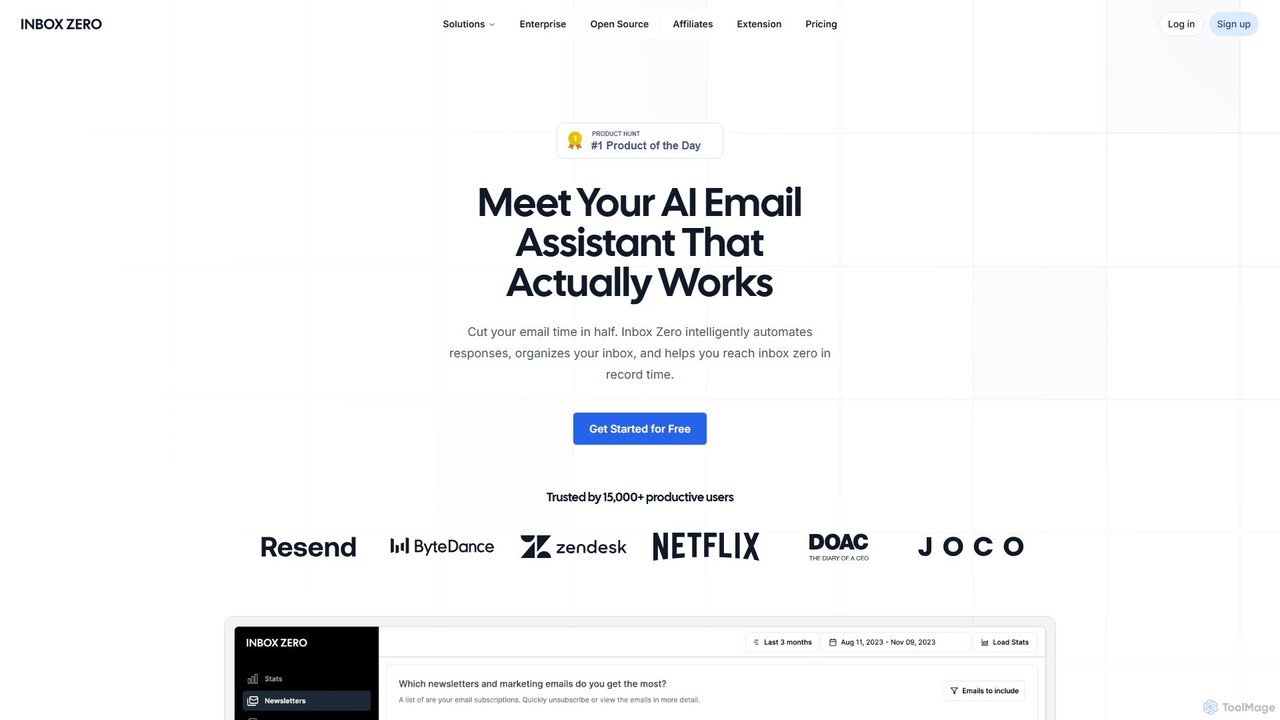
getinboxzero is an AI-powered email assistant designed to help you achieve Inbox Zero. It intelligently automates responses, organizes your inbox, blocks cold emails, and bulk unsubscribes from newsletters. By handling repetitive email tasks, it cuts your email time in half and boosts productivity for individuals and support teams.

Personal Assistant
Visits 73.8KFavorites 121Likes 129
Thaly
Freemium

Thaly

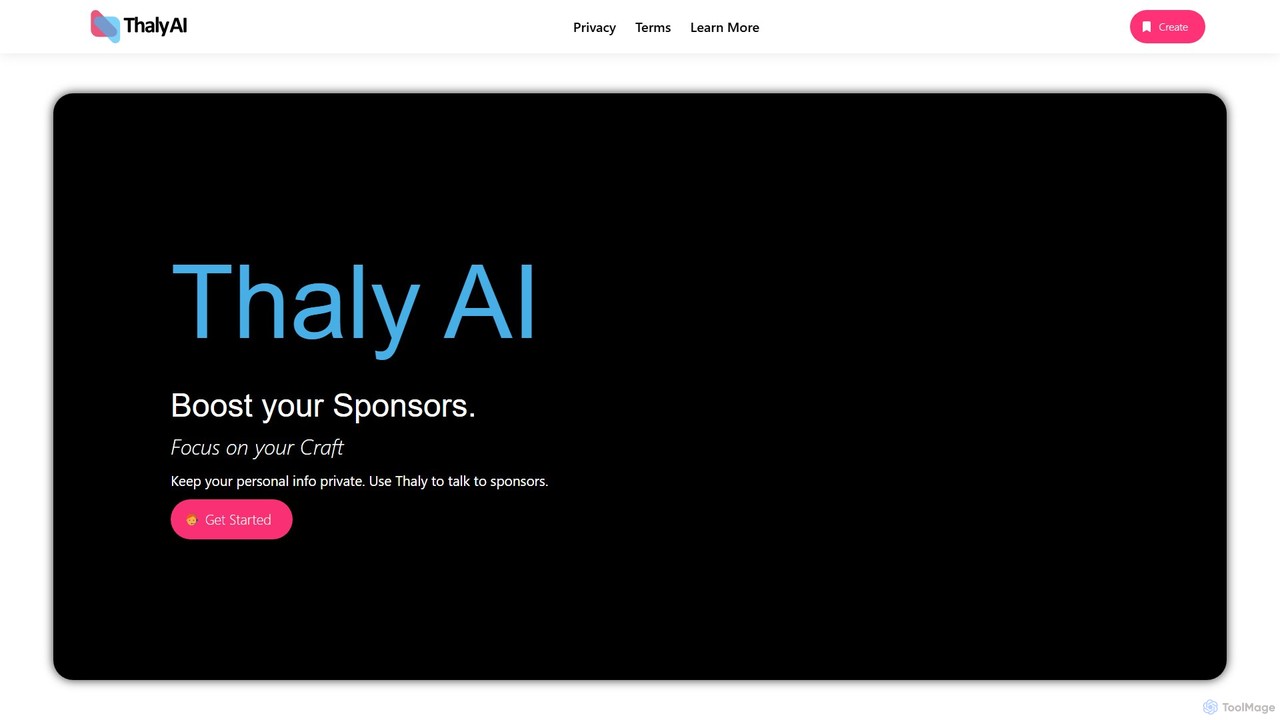
Thaly is an AI-powered gatekeeper for content creators, designed to filter and verify sponsorship inquiries. It provides a unique email address to shield your personal inbox, automatically vets potential sponsors for legitimacy, and forwards only genuine opportunities, saving you time and protecting your privacy.

Creator Economy
Visits 5.8KFavorites 112Likes 115
Meco
Freemium

Meco

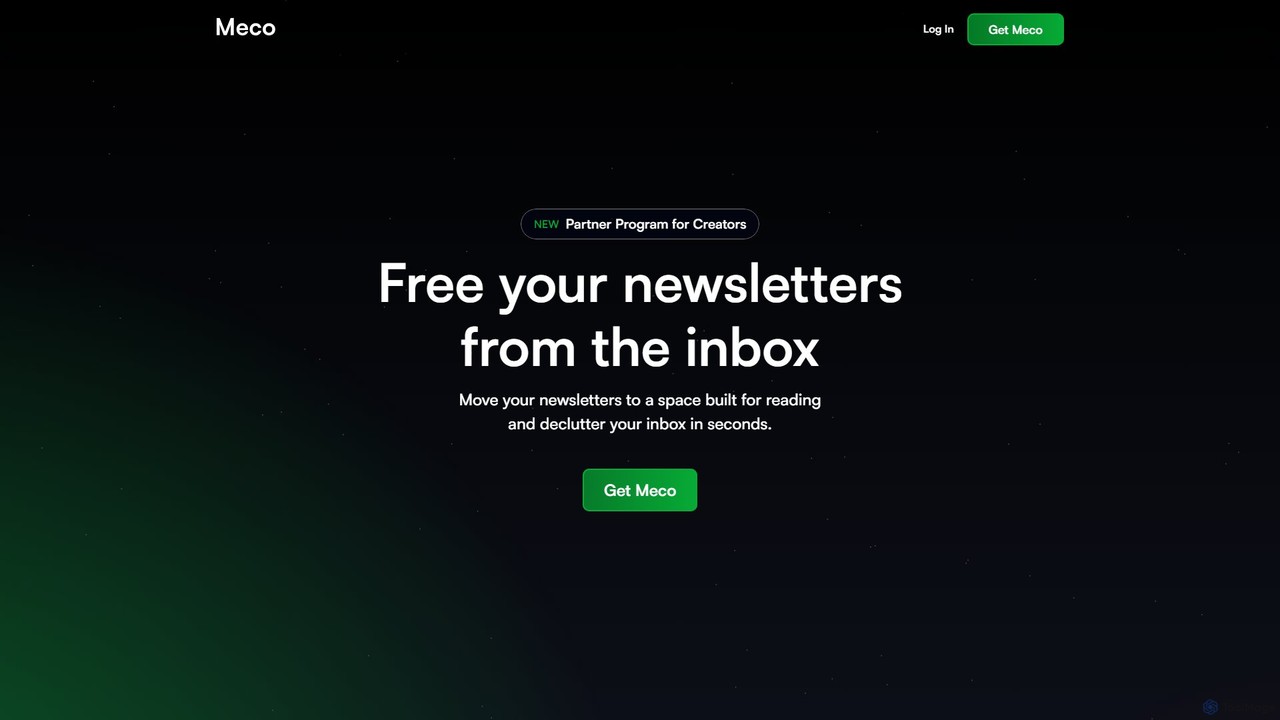
Meco is an AI-powered newsletter reader and aggregator designed to declutter your inbox. It moves your newsletters to a dedicated, distraction-free reading space, offering features like AI-generated audio roundups and text summaries to help you stay informed efficiently. Organize, discover, and retain knowledge from your favorite subscriptions seamlessly across web, iOS, and Android.

Summarizer
Visits 24.3KFavorites 126Likes 116
sharedrecruiting
Freemium

sharedrecruiting

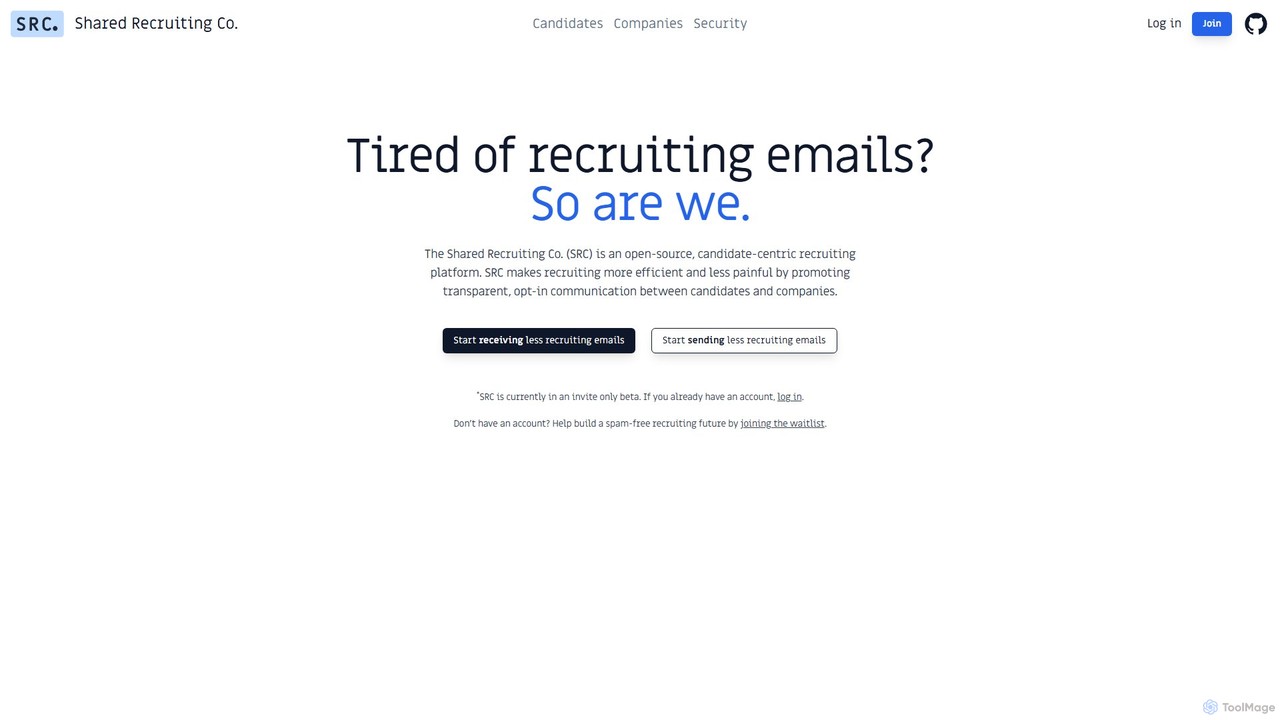
sharedrecruiting (SRC) is an AI-powered, candidate-centric recruiting platform. It acts as an inbox assistant for job seekers to reduce spam and a smart sourcing sidekick for companies to connect with talent at the perfect time, fostering transparent, opt-in communication.

Personal Assistant
Visits 6.6KFavorites 146Likes 159
Missive
Freemium

Missive

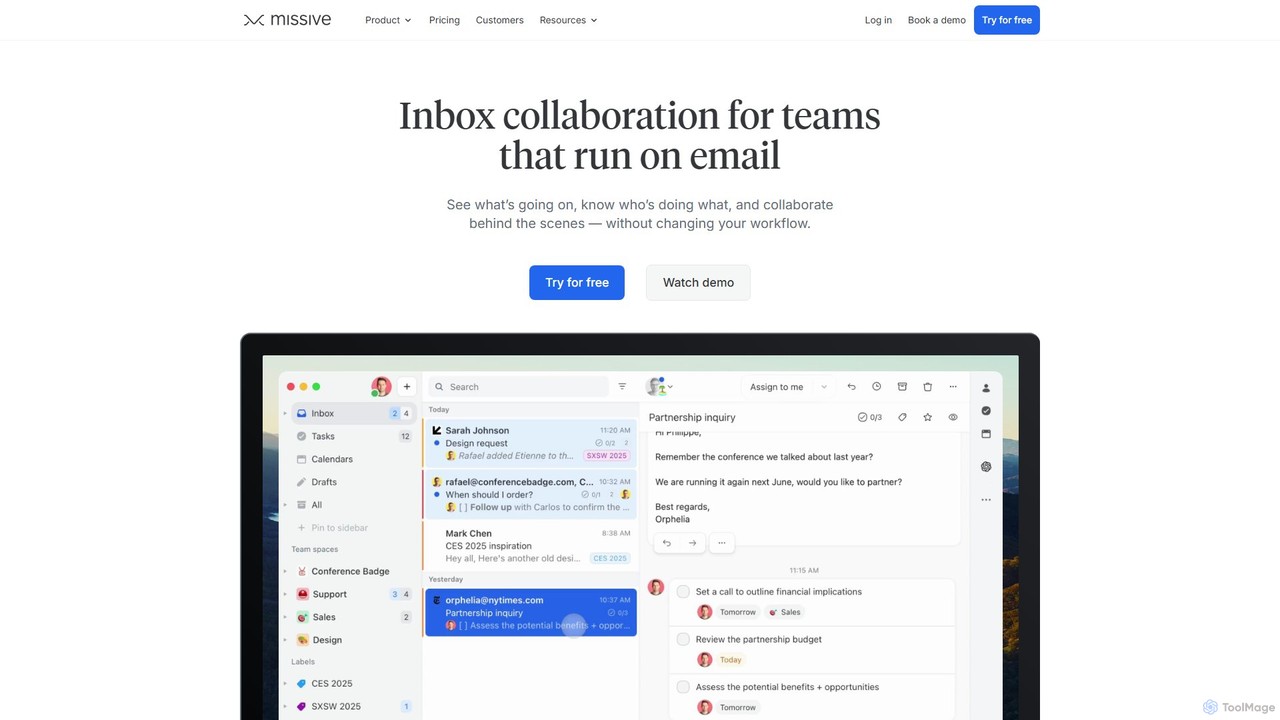
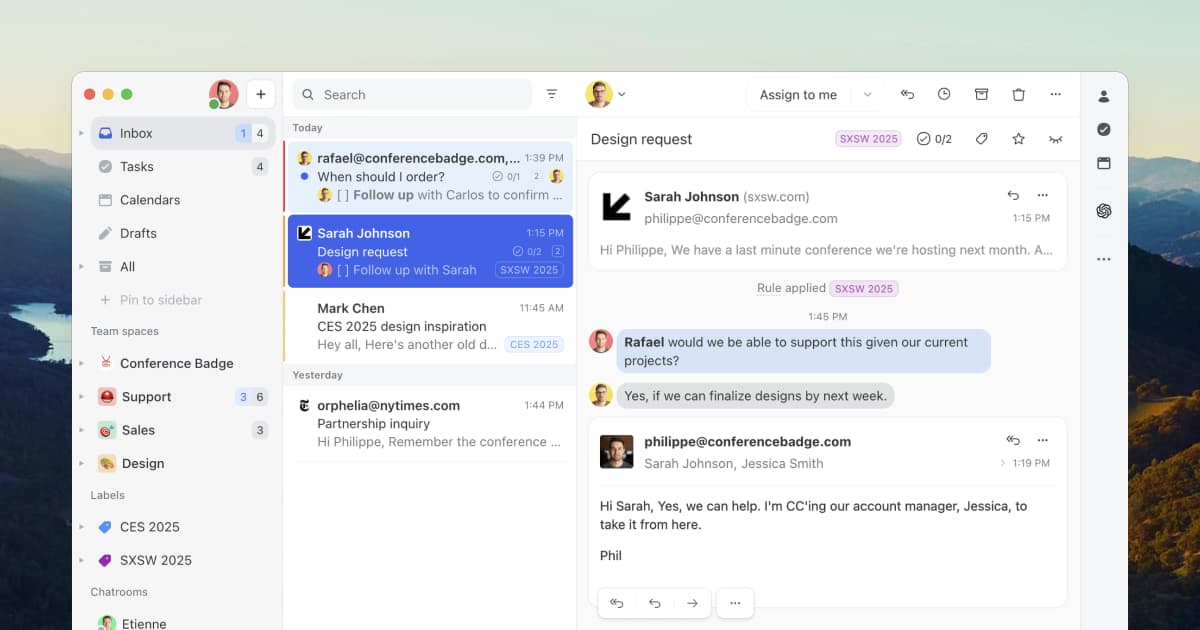
Missive is a collaborative inbox and team communication tool that unifies email, chat, social media, and tasks into a single platform. It empowers teams to manage shared inboxes, collaborate on responses, assign tasks, and automate workflows. With integrated AI, Missive helps draft replies, summarize conversations, and translate messages, boosting team productivity and efficiency.

Team Collaboration
Visits 566.2KFavorites 131Likes 141
Spamdrain
Freemium

Spamdrain

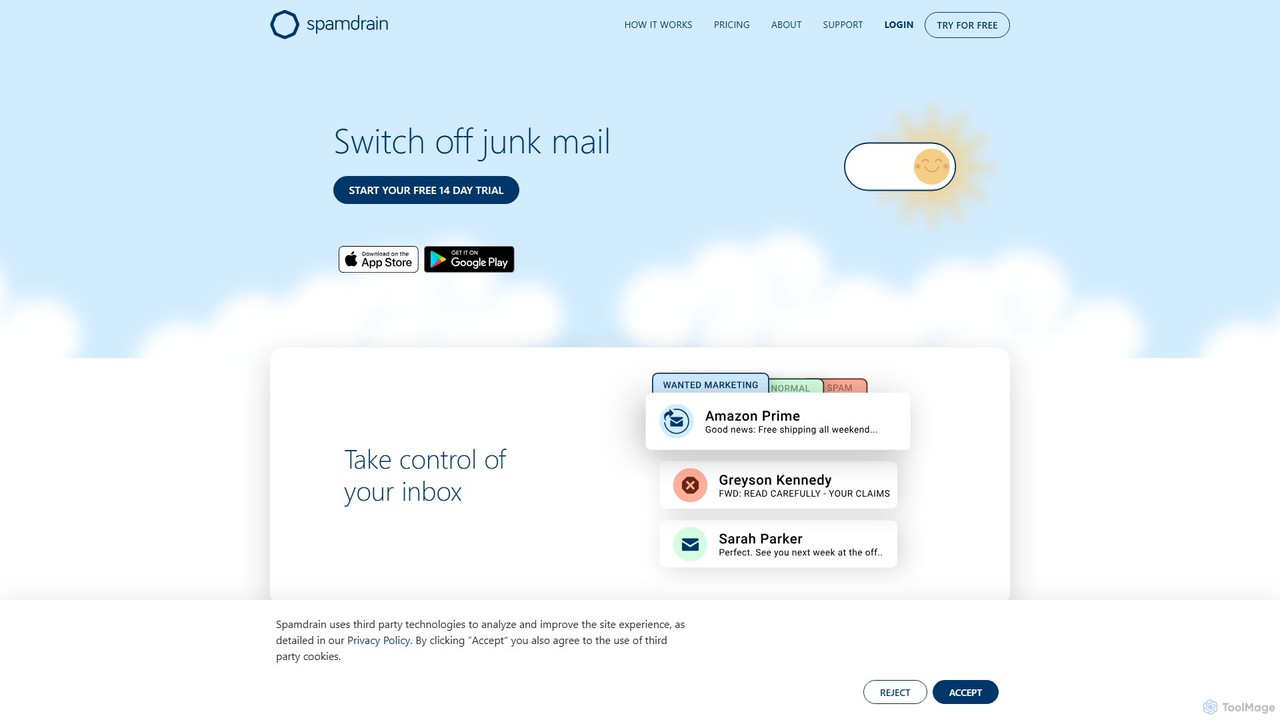
Spamdrain is an AI-powered anti-spam service that cleans your inbox by blocking spam, junk mail, and phishing attempts. With over 16 years of experience, it combines smart technology with user feedback to create a highly effective filter. It works across all email providers and devices, giving you back control over your email and saving you precious time.

Email Management
Visits 155.3KFavorites 135Likes 130
NotionSender
Freemium

NotionSender

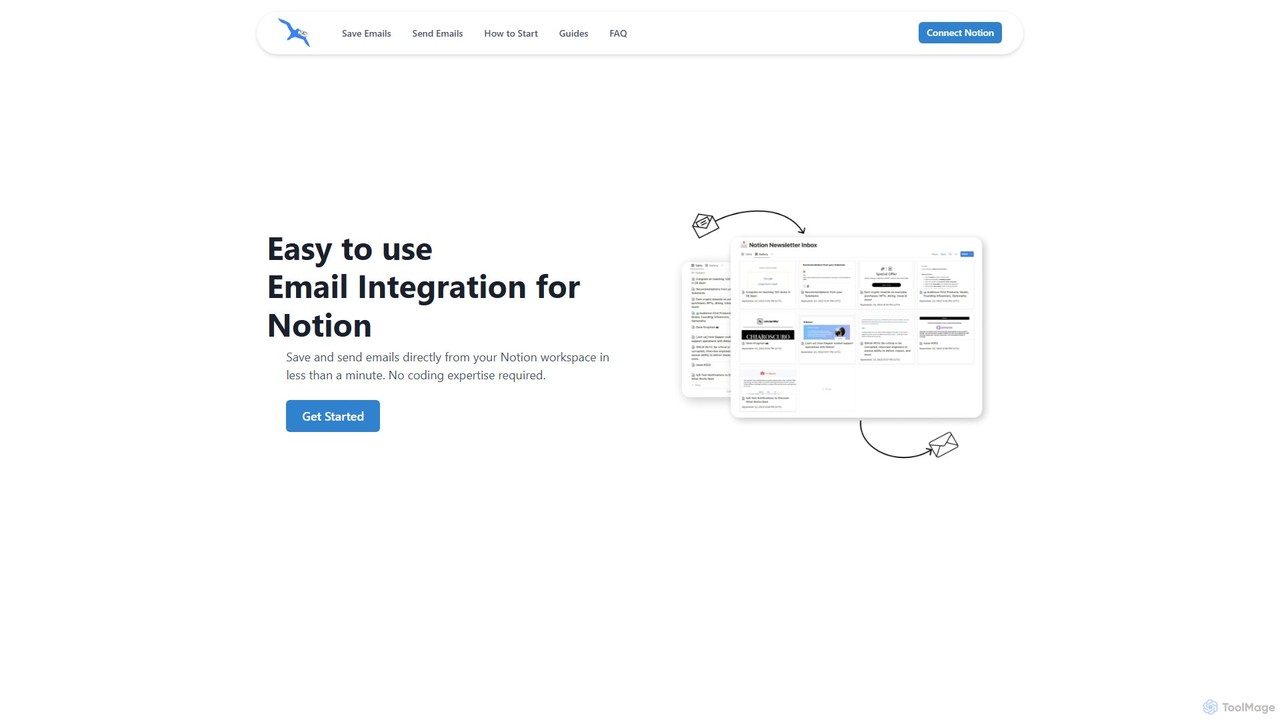
NotionSender is an email integration tool for Notion that allows you to send and receive emails directly within your workspace. It transforms your Notion database into a powerful email hub, enabling you to save emails with attachments, use AI to automatically extract data like invoice details, and send dynamic, personalized emails using Notion pages as templates. Streamline your communication and project management without switching between apps.

Workflow
Visits 20.7KFavorites 101Likes 110
Spark Mail
Freemium

Spark Mail

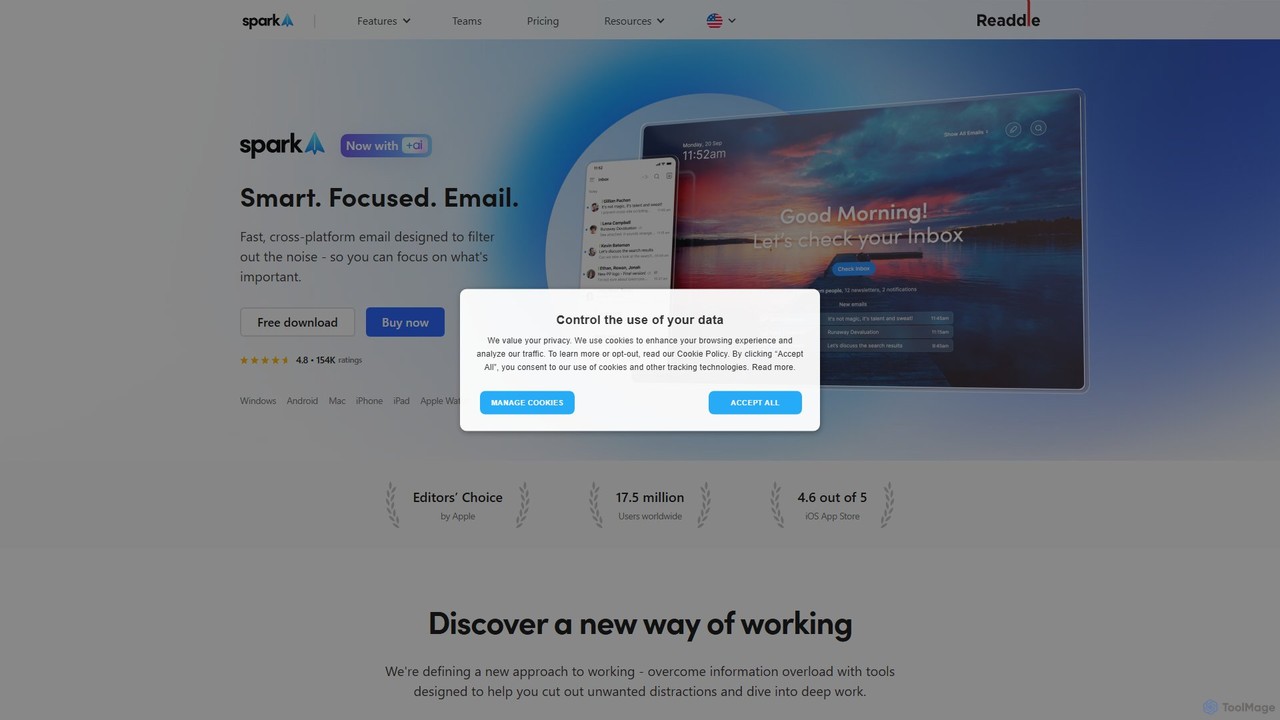
Spark Mail is an intelligent, cross-platform email client designed to help you focus on what's important. It uses AI to draft emails, summarize threads, and translate messages, while its Smart Inbox filters out noise. With powerful team collaboration features, Spark streamlines your workflow and helps you achieve inbox zero.

Writing
Visits 502.3KFavorites 121Likes 99
Spikenow
Freemium

Spikenow

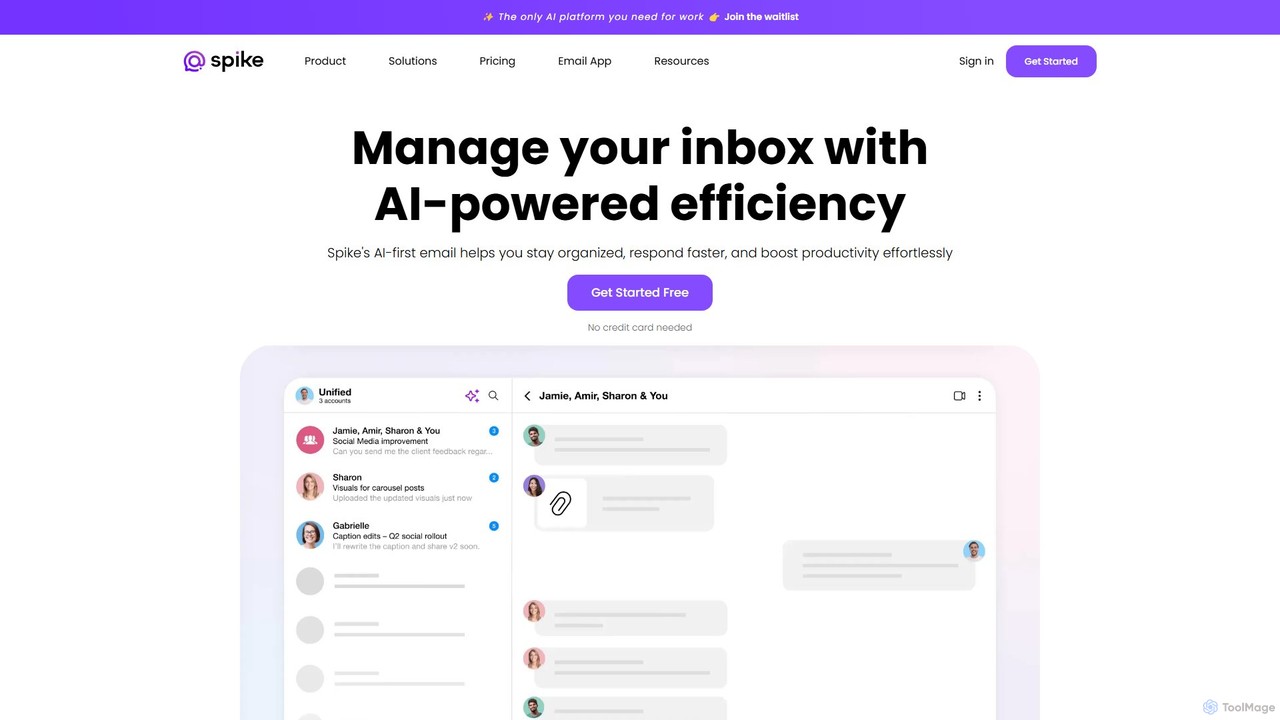
Spikenow is an AI-powered communication and collaboration platform that transforms your email into a dynamic, chat-like conversational feed. It unifies email, team chat, tasks, notes, and video calls into a single workspace, using AI to summarize threads, draft replies, and prioritize your inbox. It's designed to boost productivity by eliminating app switching and streamlining team workflows.

Team Collaboration
Visits 188.4KFavorites 151Likes 145
Wavelength Mail

Wavelength Mail

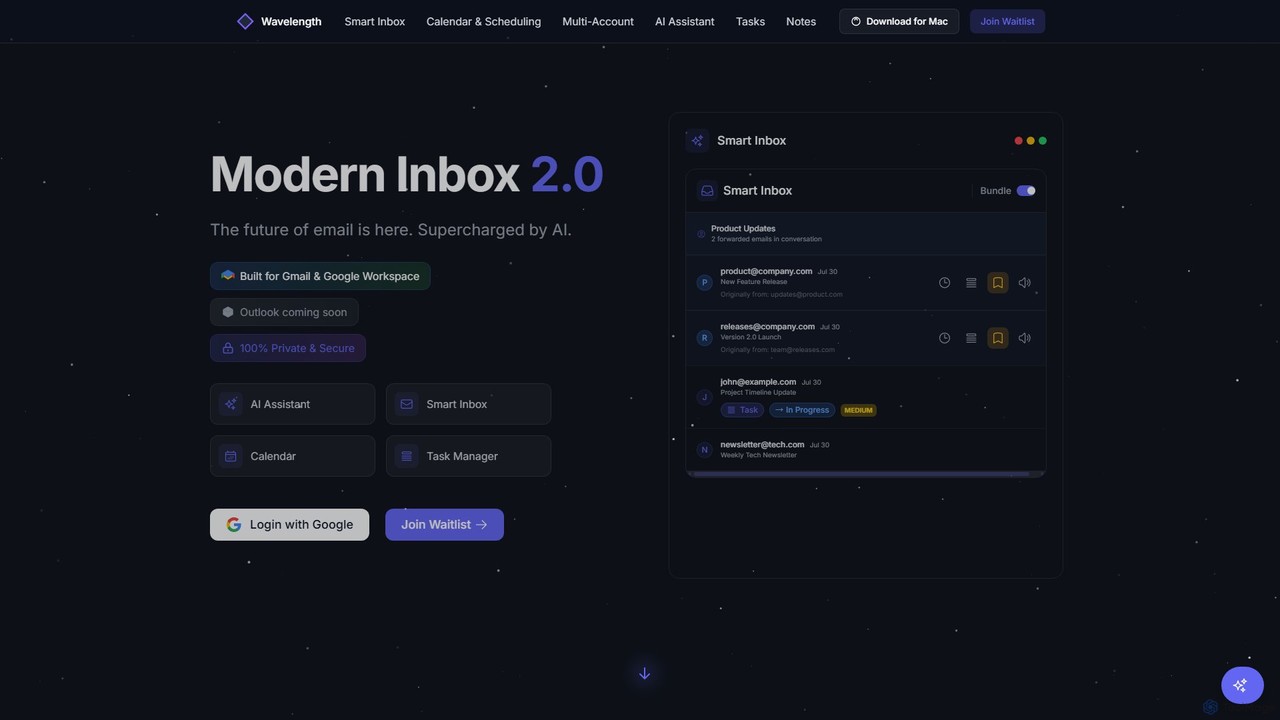
Wavelength Mail is an intelligent email workspace that supercharges your Gmail and Google Workspace with AI. It combines a smart inbox, calendar, task manager, and AI assistant to streamline your workflow, categorize emails, summarize content, and automate scheduling, all while prioritizing your privacy with local data processing.

Personal
Visits 5.9KFavorites 143Likes 151
LoomLetter
Freemium

LoomLetter

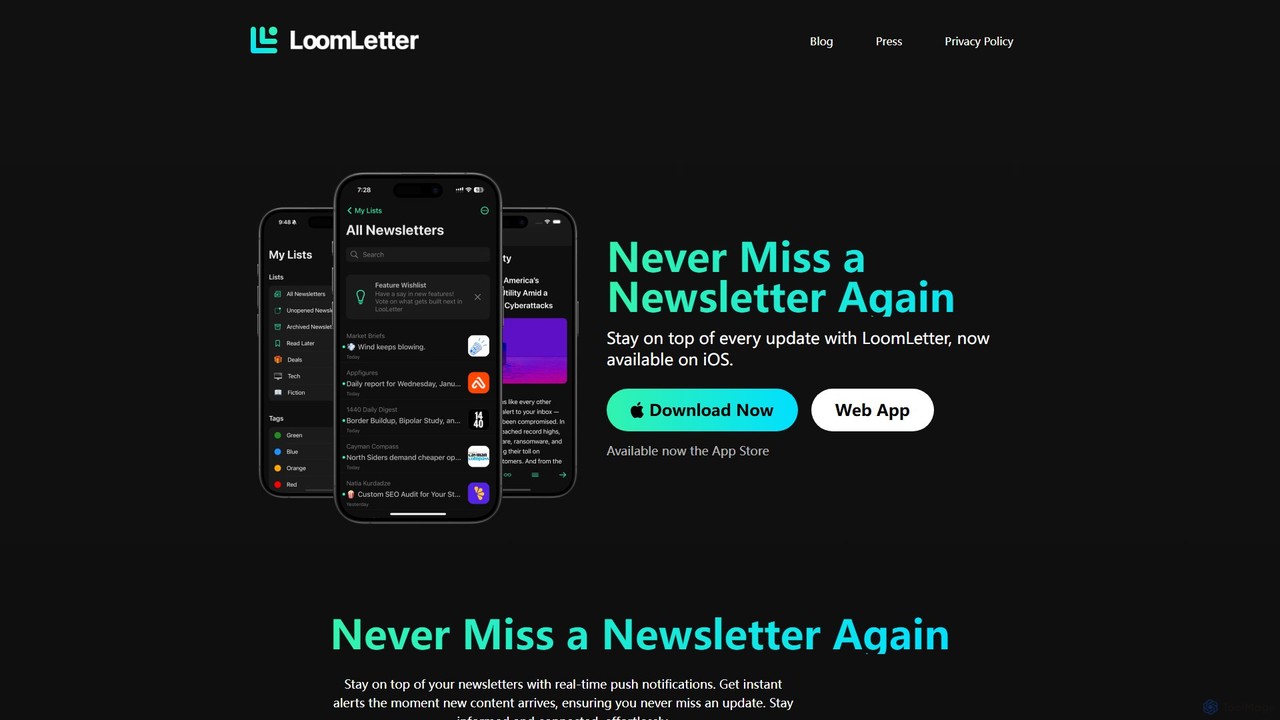
LoomLetter is an intelligent newsletter reader designed for busy professionals. It organizes all your newsletters in one place, away from your main inbox, and features AI-powered narration for listening on the go. With custom lists, real-time notifications, and home screen widgets, it helps you stay informed effortlessly.

Text To Speech
Visits 5.9KFavorites 161Likes 154

About Email Management

AI Email Management tools are applications that use artificial intelligence to intelligently sort, prioritize, and automate email workflows. Leveraging Natural Language Processing (NLP), these tools can understand email content, summarize long threads, and even draft context-aware replies. Their primary value lies in transforming a cluttered inbox into an organized, actionable workspace, significantly reducing the time spent on manual email handling. This allows professionals to focus on communication that truly matters, rather than administrative sorting.

Core Features

  • Intelligent Prioritization: Automatically categorizes and surfaces important emails based on sender, content, and user behavior.
  • AI-Assisted Composition: Generates draft replies, suggests phrasing, and completes sentences to speed up responses.
  • Email Summarization: Condenses long email chains or complex messages into concise, easy-to-digest summaries.
  • Automated Workflow Actions: Extracts tasks, dates, and contacts from emails to trigger actions in other apps like CRMs or calendars.
  • Sentiment Analysis: Analyzes the tone of incoming emails to help prioritize urgent or sensitive communications.

Use Cases

These tools are highly effective for sales teams managing leads, customer support agents routing inquiries, and executives handling high volumes of communication. They are also valuable for project managers who need to extract action items from discussions and for anyone looking to reclaim time from their inbox.

How to Choose

When selecting an AI Email Management tool, consider its integration capabilities with your existing software stack (e.g., CRM, project management tools). Evaluate the depth of its automation and customization options. Also, review its security protocols for handling sensitive data and compare pricing models, which may be based on user count or feature tiers.

Featured tool rankings

Email Management use cases

1

Automated Sales Lead Triage and Follow-up

For a sales development representative, the inbox is flooded with inquiries of varying quality. An AI Email Management tool automatically analyzes incoming emails, identifies high-intent keywords like 'pricing' or 'demo request', and flags them as high-priority. It can also categorize leads based on company size or industry mentioned in the email signature. The tool then drafts a personalized initial response using a template, pulling the prospect's name and company, suggesting a meeting time based on calendar availability. This process reduces lead response time from hours to minutes and ensures no high-value opportunity is missed in a crowded inbox.

2

Intelligent Customer Support Ticket Routing

Customer support teams receive hundreds of emails daily. An AI tool can read the content of each support request, use sentiment analysis to identify frustrated customers, and categorize the issue (e.g., 'Billing Inquiry', 'Technical Bug', 'Feature Request'). Based on predefined rules, it automatically routes the email to the correct department or specialist. For urgent issues flagged by negative sentiment, it can escalate the ticket's priority in the helpdesk system. This ensures the right expert handles the problem quickly, improving customer satisfaction and reducing resolution times without manual sorting by a team lead.

3

Executive Inbox Summarization and Prioritization

An executive's inbox is a constant stream of internal reports, external partner communications, and newsletters. Instead of manually sifting through hundreds of emails, an AI tool provides a daily digest. It summarizes the key points from long email threads, highlights action items or questions directed specifically at the executive, and filters out non-critical messages into a separate view. For example, it can condense a 20-email chain about a project update into a three-bullet summary. This allows the executive to grasp the state of business in minutes and focus their limited time on strategic responses rather than email administration.

4

Extracting Action Items for Project Management

A project manager receives numerous emails with updates, questions, and decisions. Manually tracking these action items is prone to error. An AI Email Management tool can be connected to a project management platform (like Asana or Jira). It scans incoming project-related emails and identifies phrases like 'Can you send the report by Friday?' or 'We need to decide on the new design'. The tool automatically extracts these as tasks, suggests a due date, and creates a draft task in the project management software for the manager to approve. This bridges the gap between communication and action, ensuring no task falls through the cracks.

5

Automated Invoice and Receipt Processing

For a small business owner or an operations team, managing invoices and receipts via email is time-consuming. An AI tool can be configured to identify emails containing words like 'invoice', 'receipt', or 'payment due'. It then automatically scans the email body and any attachments (like PDFs) to extract key information such as the vendor name, invoice number, amount, and due date. This extracted data can be automatically organized into a spreadsheet or sent directly to accounting software like QuickBooks. This automation eliminates manual data entry, reduces the risk of human error, and ensures timely payments.

6

Scheduling Meetings Without Back-and-Forth Emails

Finding a suitable meeting time often results in long, inefficient email chains. A user can forward a meeting request email to their AI assistant or use a browser extension. The AI understands the context, such as 'Let's chat next week'. It then checks the user's calendar for availability, compares it with the known availability of other internal participants, and drafts a reply offering several specific time slots. Once the recipient chooses a time, the AI automatically creates the calendar event and sends invitations to all parties. This transforms a multi-step, multi-email process into a single, efficient action.

Email Management FAQ

What is AI Email Management?

AI Email Management refers to a category of software tools that use artificial intelligence, particularly machine learning and natural language processing (NLP), to automate and enhance email handling. Unlike standard email clients that require manual organization, these tools proactively sort your inbox, summarize long conversations, draft replies, and extract actionable information like tasks or appointments. The goal is to reduce manual effort, prioritize important communications, and turn the inbox from a passive repository into an active productivity hub.

How do I choose the right AI Email Management tool?

Choosing the right tool depends on your specific needs. Consider these factors:

  • Integration: Does it connect seamlessly with your other essential tools, such as your calendar, CRM, or project management software?
  • Core Features: Identify your biggest pain point. Do you need better prioritization, faster response drafting, or automated scheduling? Choose a tool that excels in that area.
  • Customization: How much control do you have over the automation rules? A good tool allows you to tailor its behavior to fit your unique workflow.
  • Security and Privacy: Since the tool will access your email, ensure it has robust security measures and a clear privacy policy.
  • User Interface: The tool should simplify your workflow, not complicate it. Look for an intuitive and easy-to-use interface.
What's the difference between AI Email Management tools and a standard email client like Gmail?

The primary difference is the level of proactive intelligence and automation. A standard email client like Gmail or Outlook provides a platform for you to manually read, sort, and reply to emails, though they have some basic AI features like spam filtering and smart compose. AI Email Management tools act as an intelligent layer on top of your existing email account. They actively analyze content to automate workflows, such as prioritizing your inbox, summarizing threads, scheduling meetings from a simple request, and integrating deeply with other business applications. In short, a standard client is a mailbox; an AI tool is a personal email assistant.

What are the key features of AI Email Management tools?

While features vary between tools, most leading AI Email Management solutions offer a combination of the following:

  • Smart Inbox/Prioritization: Automatically sorts emails into categories like 'Important', 'Newsletters', and 'Other', so you can focus on what matters.
  • AI-Generated Summaries: Provides quick summaries of long emails or entire threads, saving you reading time.
  • Assisted Writing: Helps you compose emails faster with features like one-click replies, sentence completion, and tone adjustment.
  • Automated Scheduling: Parses natural language requests to find meeting times and create calendar events without manual back-and-forth.
  • Action Item Detection: Identifies tasks and deadlines within emails and allows you to easily add them to your to-do list or project management tool.
Who benefits most from AI Email Management tools?

While anyone with a busy inbox can benefit, certain roles see a particularly high return on investment. This includes:

  • Sales Professionals: For quickly triaging leads, personalizing follow-ups at scale, and ensuring no opportunity is missed.
  • Customer Support Teams: To automatically route tickets, identify urgent issues through sentiment analysis, and provide faster responses.
  • Executives and Managers: To manage high email volume, get quick summaries of important discussions, and focus on strategic decisions.
  • Project Managers: For automatically capturing tasks and action items from email conversations and syncing them with project plans.
  • Small Business Owners: To automate administrative tasks like invoice processing and scheduling, freeing up time to focus on growing the business.