ToolMage
Sign in

Best 278 No Code AI tools for Productivity

Popular No Code AI tools in Productivity include Lobe, Wix, nifty_nft, WordPress, Framer, Jimdo, Elementor, Bookmark, LandingPro, and RapidAPI, helping you work more efficiently.

Work With Data
Freemium

Work With Data

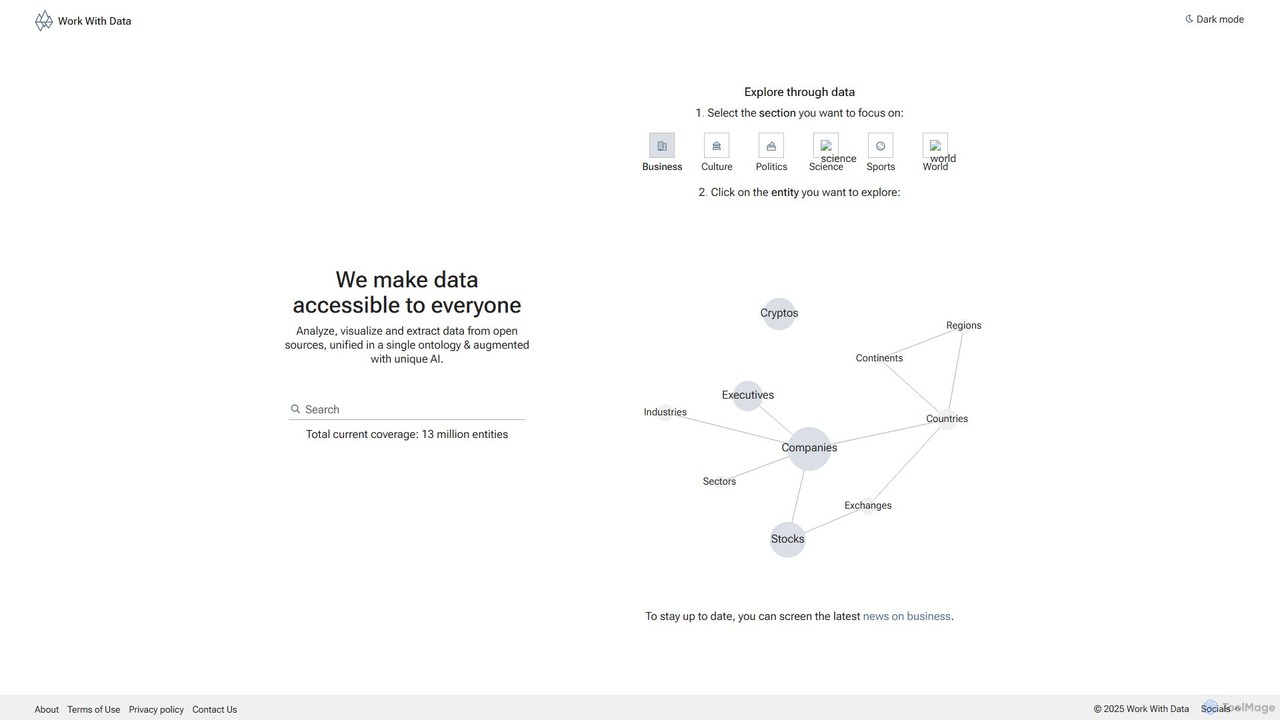
Work With Data is an AI-enhanced platform that makes open data accessible to everyone. It allows users to analyze, visualize, and extract data from diverse open sources, all unified in a single, easy-to-navigate ontology, augmented with unique AI for deeper insights and forecasting.

3D
Visits 6.2KFavorites 155Likes 154
ChatbotGen
Freemium

ChatbotGen

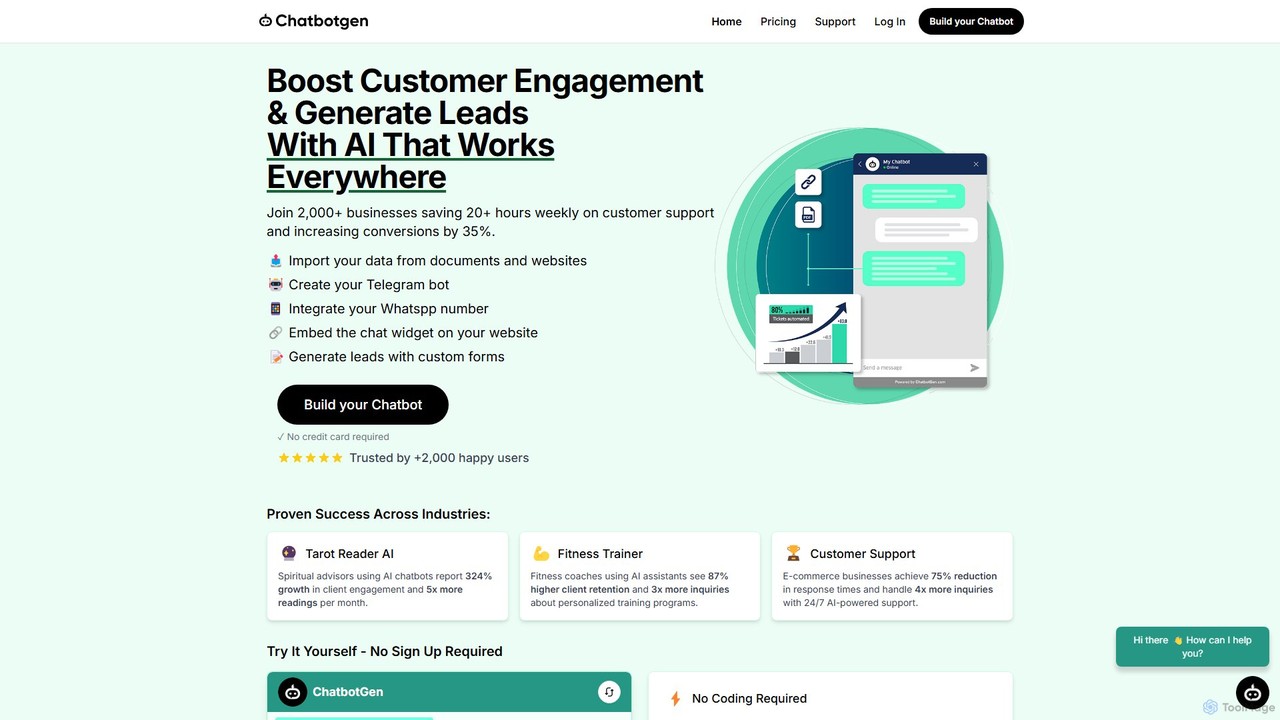
ChatbotGen is a no-code AI platform that allows businesses to create custom chatbots trained on their own data. Deploy them on websites, WhatsApp, and Telegram to automate customer support, generate leads, and increase user engagement 24/7.

Chatbot
Visits 11.3KFavorites 109Likes 129
ChatShape
Freemium

ChatShape

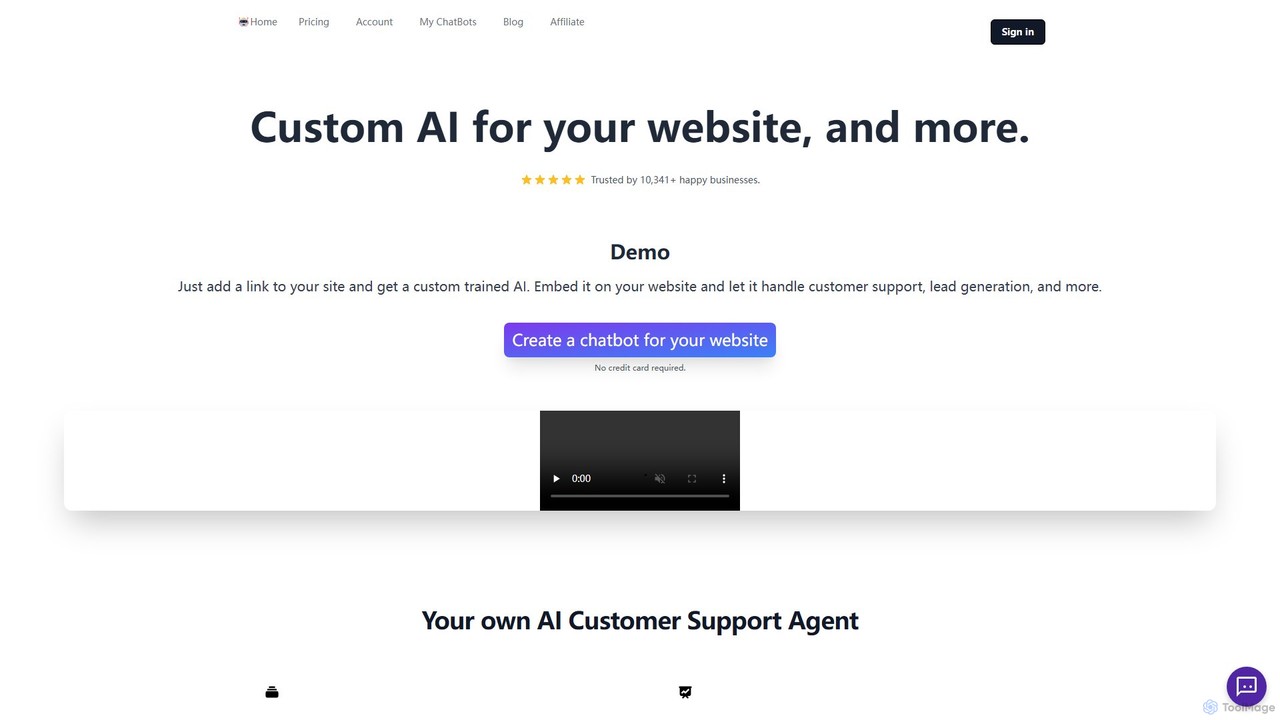
ChatShape allows you to create custom AI chatbots trained on your own data, such as your website content or PDF documents. Embed these intelligent bots on your site to automate customer support 24/7, generate leads, and increase conversions. It's highly customizable and easy to set up without any coding required.

Chatbot
Visits 8.4KFavorites 155Likes 160
ContextQA
Paid

ContextQA

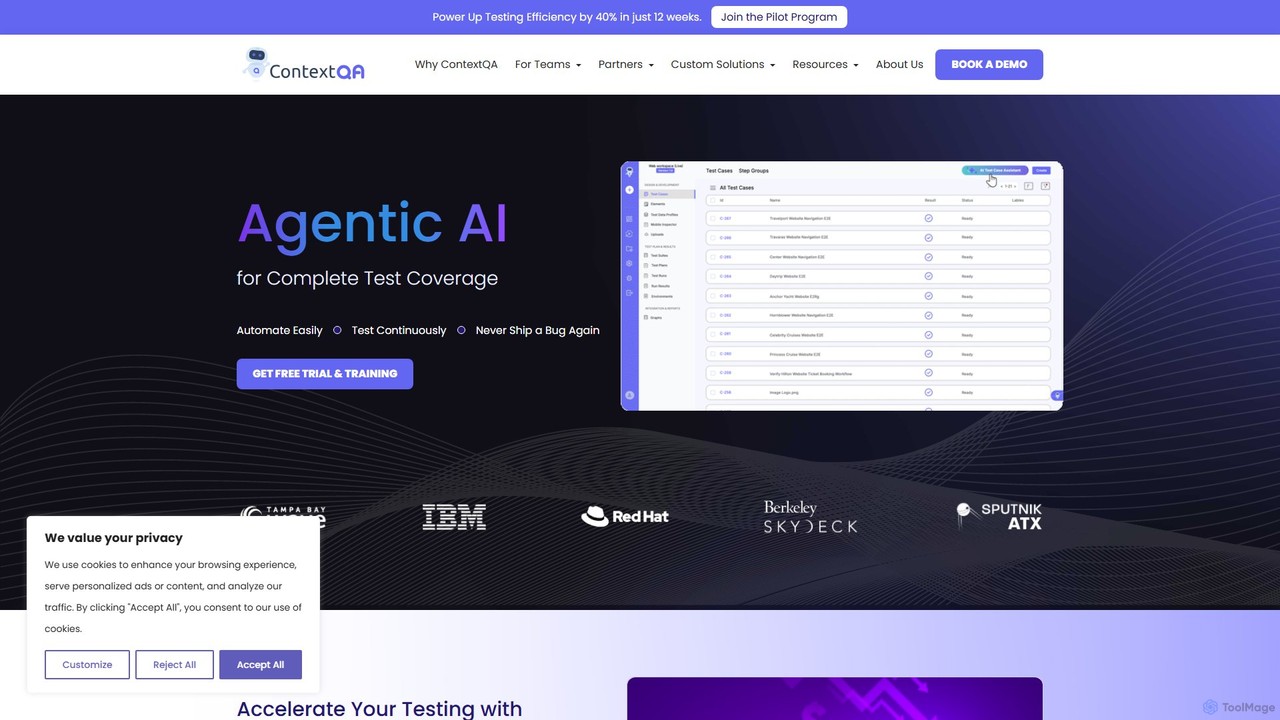
ContextQA is an AI-powered, no-code testing platform designed to automate and streamline the entire quality assurance process. It leverages agentic AI to generate test cases, visualize user behavior with heatmaps, and provide actionable insights. The platform supports web, mobile, performance, security, and accessibility testing, empowering teams to deliver high-quality software faster.

Software Development
Visits 18.4KFavorites 116Likes 132
Arsturn
Freemium

Arsturn

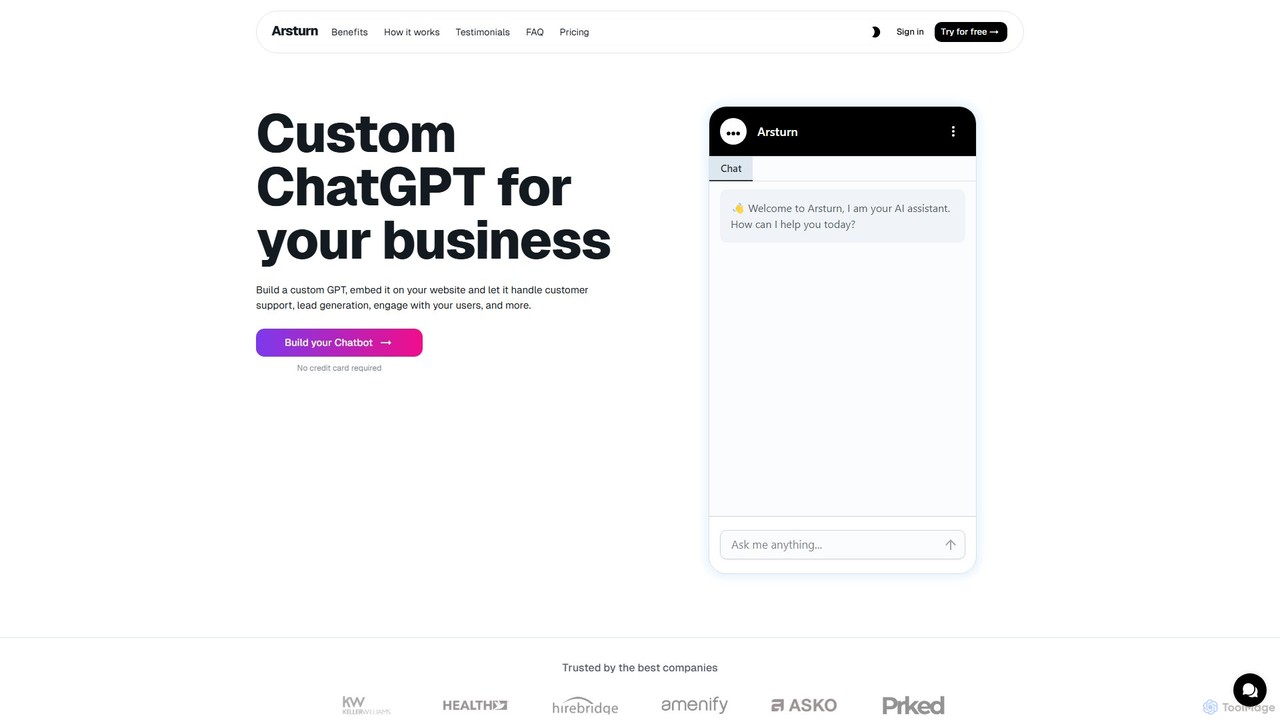
Arsturn is a no-code AI chatbot builder that lets you create custom ChatGPT-powered assistants for your website. Train the chatbot on your own data—files, text, or URLs—to provide instant, accurate answers to visitors. It's designed to boost audience engagement, automate customer support, and increase conversions without any coding skills required.

Chatbots
Visits 138.2KFavorites 127Likes 134
App Alchemy
Freemium

App Alchemy

App Alchemy is an AI-powered design tool that generates beautiful, professional mobile app mockups in seconds. Simply describe your app idea, use a template, or upload screenshots, and the AI will instantly create UI designs. It's designed for developers, entrepreneurs, and designers to rapidly visualize, iterate, and export app concepts without needing complex design skills or expensive software.

Ui Ux
Visits 116.6KFavorites 106Likes 114
Pineapple Builder
Freemium

Pineapple Builder

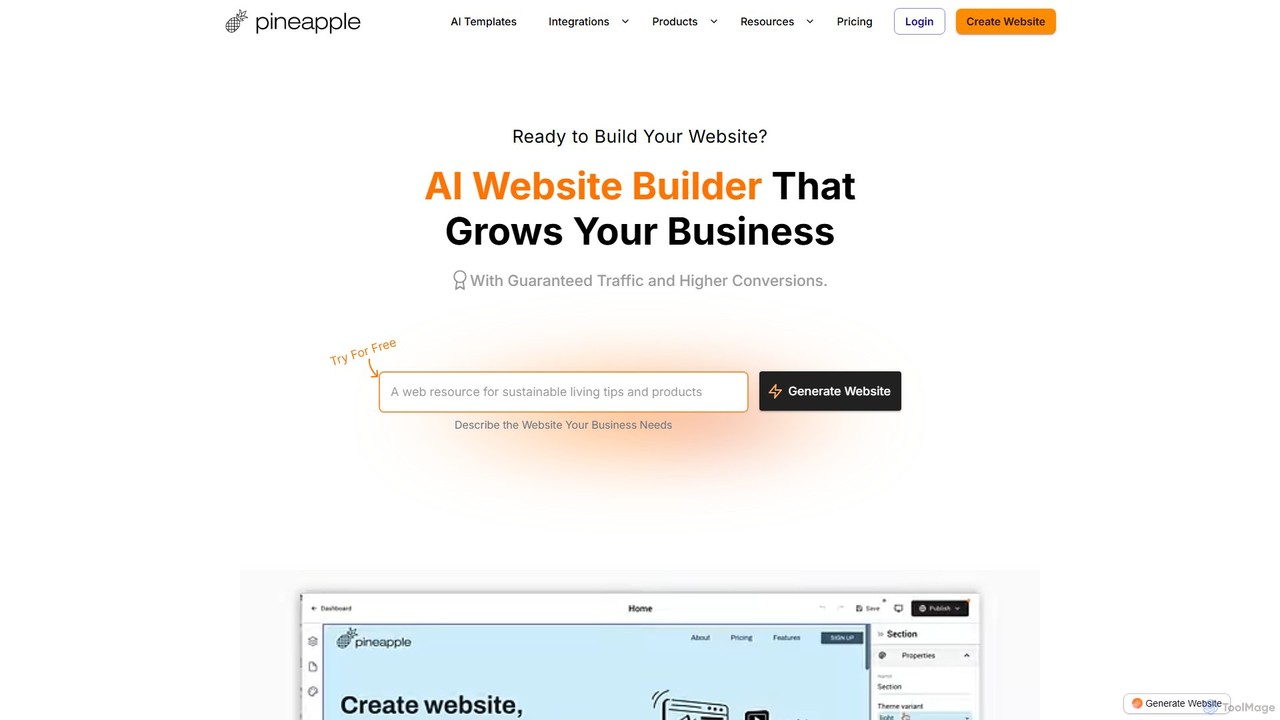
Pineapple Builder is an AI-powered website builder designed for businesses to create professional websites that drive growth. It automates website generation, copywriting, and design based on a simple business description. The platform includes integrated tools for SEO, blogging, and GDPR-compliant analytics, ensuring your site not only looks great but also attracts traffic and converts visitors into customers. No coding skills are required, making it a perfect all-in-one solution for entrepreneurs, freelancers, and small businesses.

Content Generation
Visits 56.6KFavorites 141Likes 134
Feather
Freemium

Feather

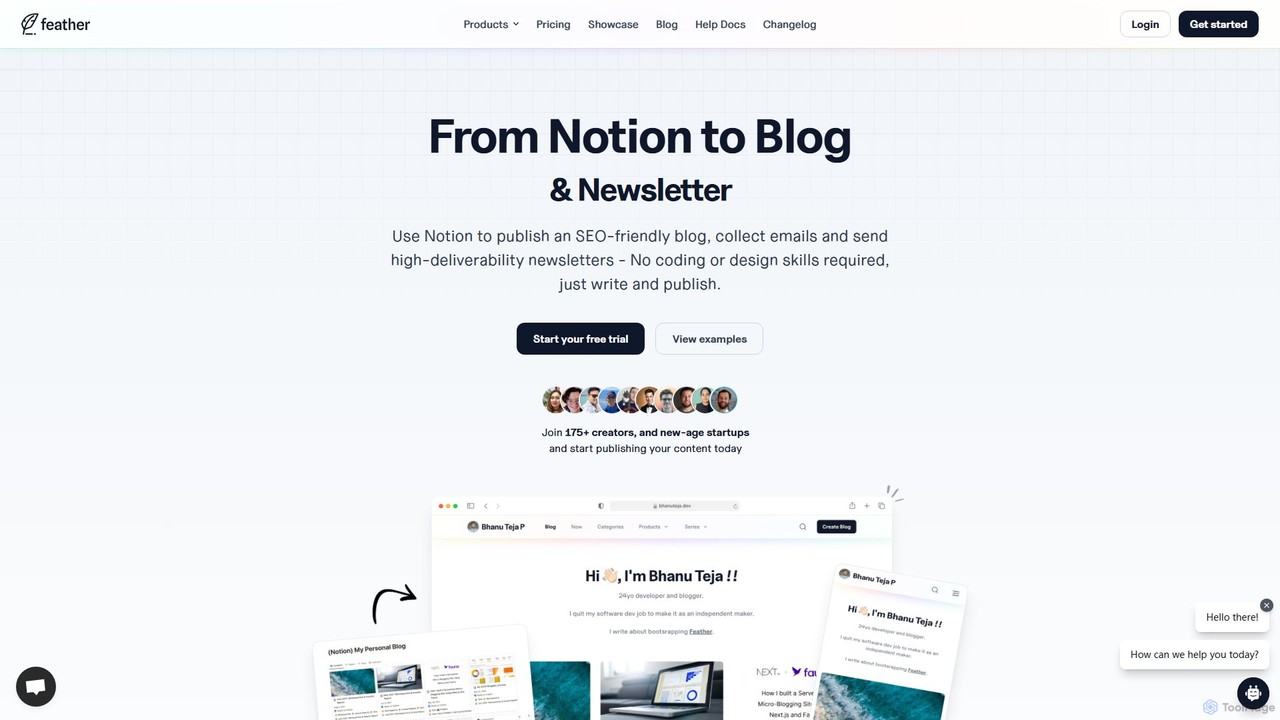
Feather is a no-code platform that transforms your Notion pages into a fully-featured, SEO-optimized blog and newsletter in minutes. It's designed for creators and startups to publish content seamlessly, manage subscribers, and analyze performance without any coding. Simply write in Notion, and Feather handles the rest, from hosting to SEO and email delivery.

Content Creation
Visits 43.6KFavorites 148Likes 149
Droip
Freemium

Droip

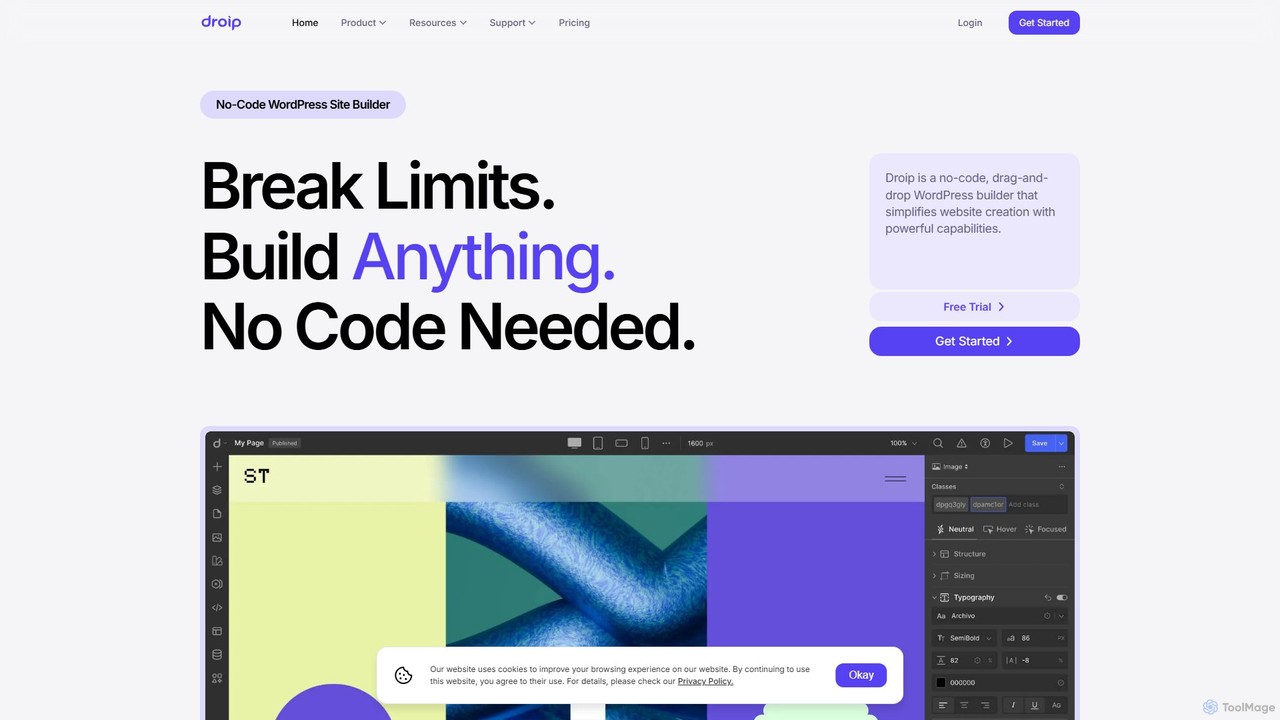
Droip is a no-code, drag-and-drop WordPress website builder designed for creating high-performance, visually stunning websites. It features an intuitive editor, advanced design controls, a built-in content manager, AI-powered tools, and seamless Figma to WordPress migration, empowering users to build complex, interactive sites with ease and efficiency.

Web Design
Visits 29KFavorites 104Likes 99
fronts.ai
Freemium

fronts.ai

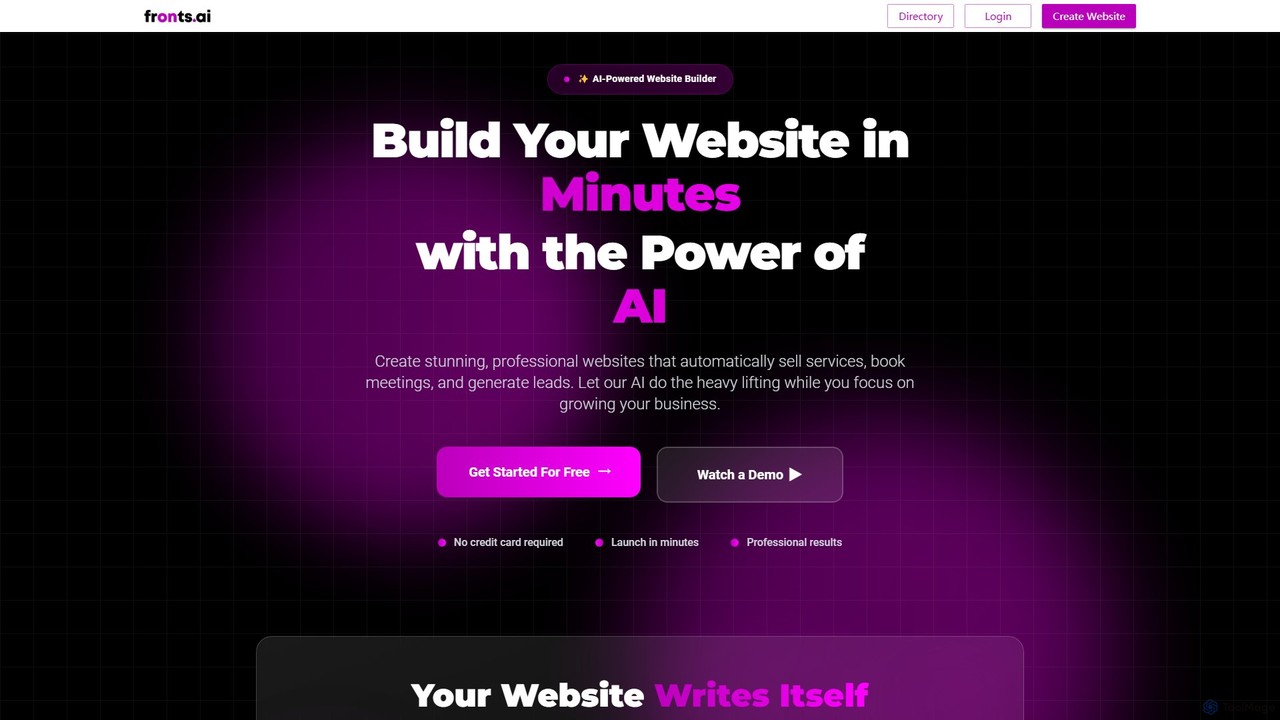
fronts.ai is an AI-powered website builder that enables professionals and businesses to create stunning, functional websites in minutes. It automatically generates content, designs layouts, and integrates essential business tools like calendar booking, service sales, and lead generation. The platform focuses on converting visitors into customers with features like live video popups and a searchable professional directory.

All In One
Visits 5.3KFavorites 97Likes 89
beeunicorn
Freemium

beeunicorn

BeeUnicorn is an AI-powered e-commerce platform that enables businesses to create, manage, and grow their online stores. It offers a comprehensive suite of tools, including a user-friendly website builder, unlimited product listings, integrated payment gateways, and advanced features like AI-driven product recommendations and robust analytics. It's designed for both beginners and scaling businesses seeking a fast, secure, and feature-rich solution.

Marketing
Visits 5.3KFavorites 150Likes 148
Layup
Paid

Layup

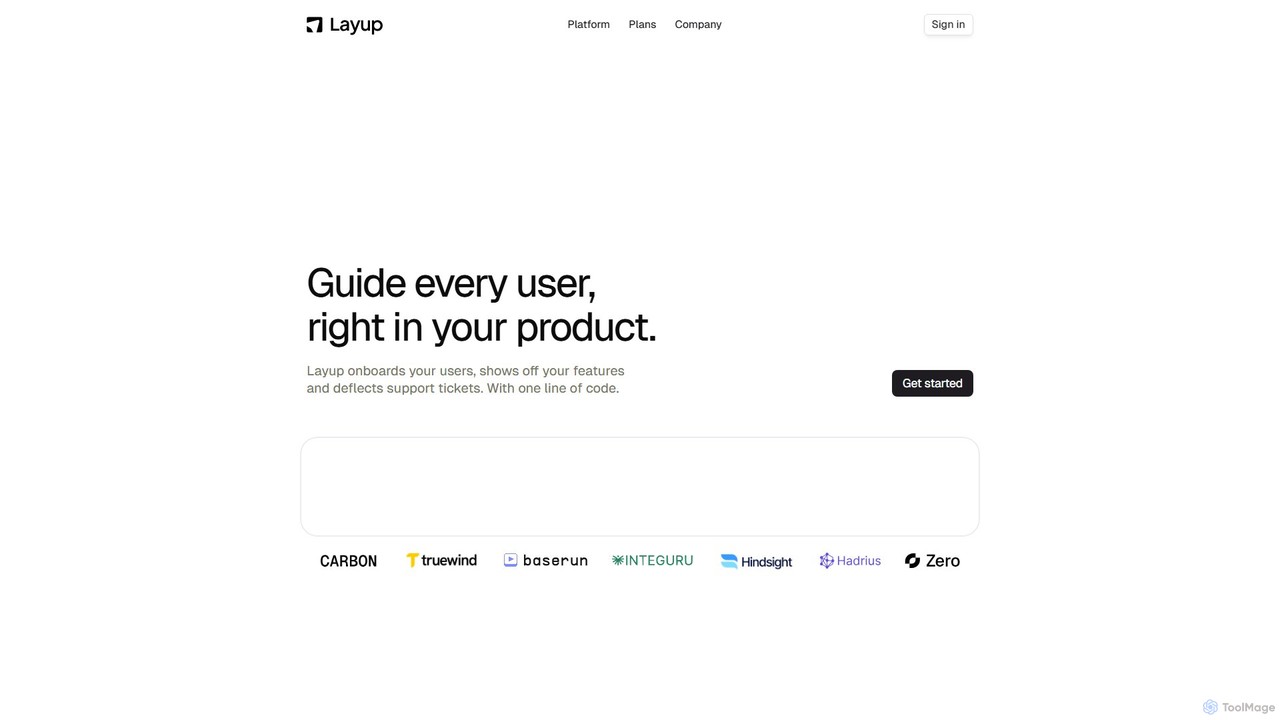
Layup is an AI-powered platform that adds a second, intelligent cursor to your product. It provides real-time, interactive guidance for user onboarding, feature announcements, and in-app support, aiming to accelerate user adoption and reduce support tickets without manual effort.

User Onboarding
Visits 6.3KFavorites 146Likes 153
SiteAgent
Freemium

SiteAgent

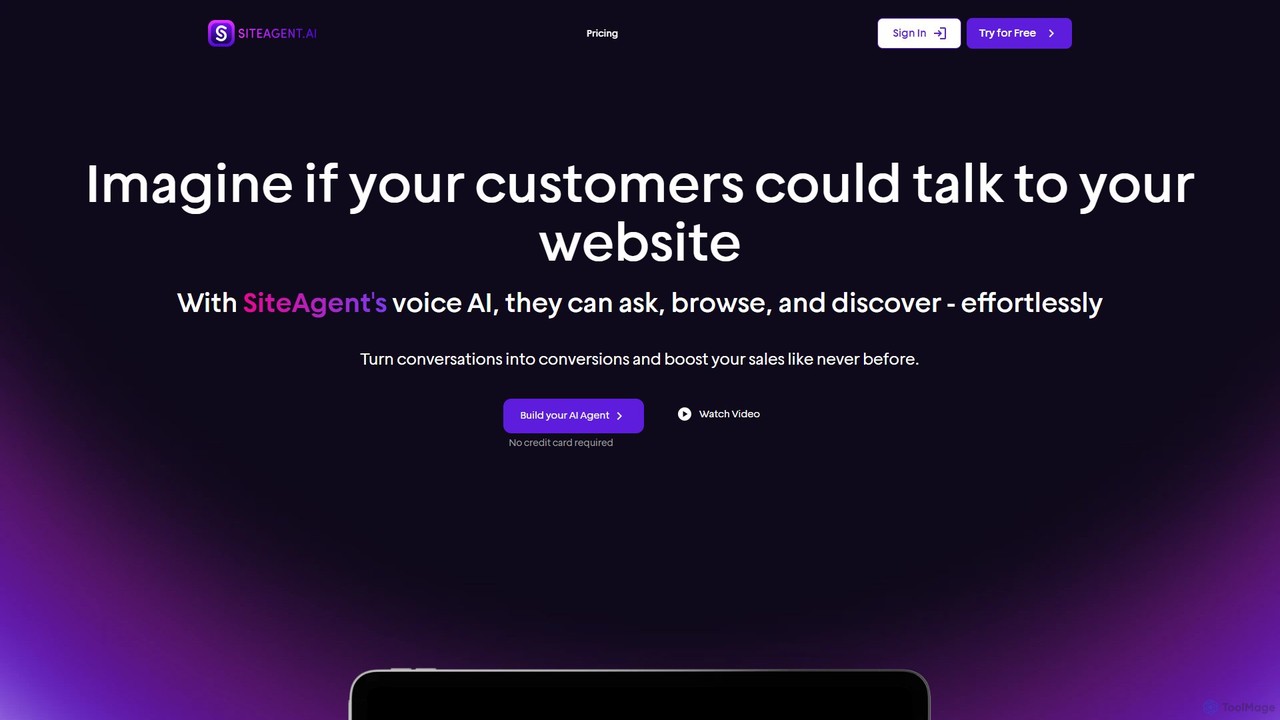
SiteAgent is a no-code AI platform that adds a voice-enabled AI agent to your website. It allows customers to interact, ask questions, and browse using voice or text, turning conversations into conversions. It supports over 80 languages, offers deep customization, and provides 24/7 automated customer support to enhance user engagement and boost sales.

Chatbot
Visits 5.7KFavorites 117Likes 136
Mida.so
Freemium

Mida.so

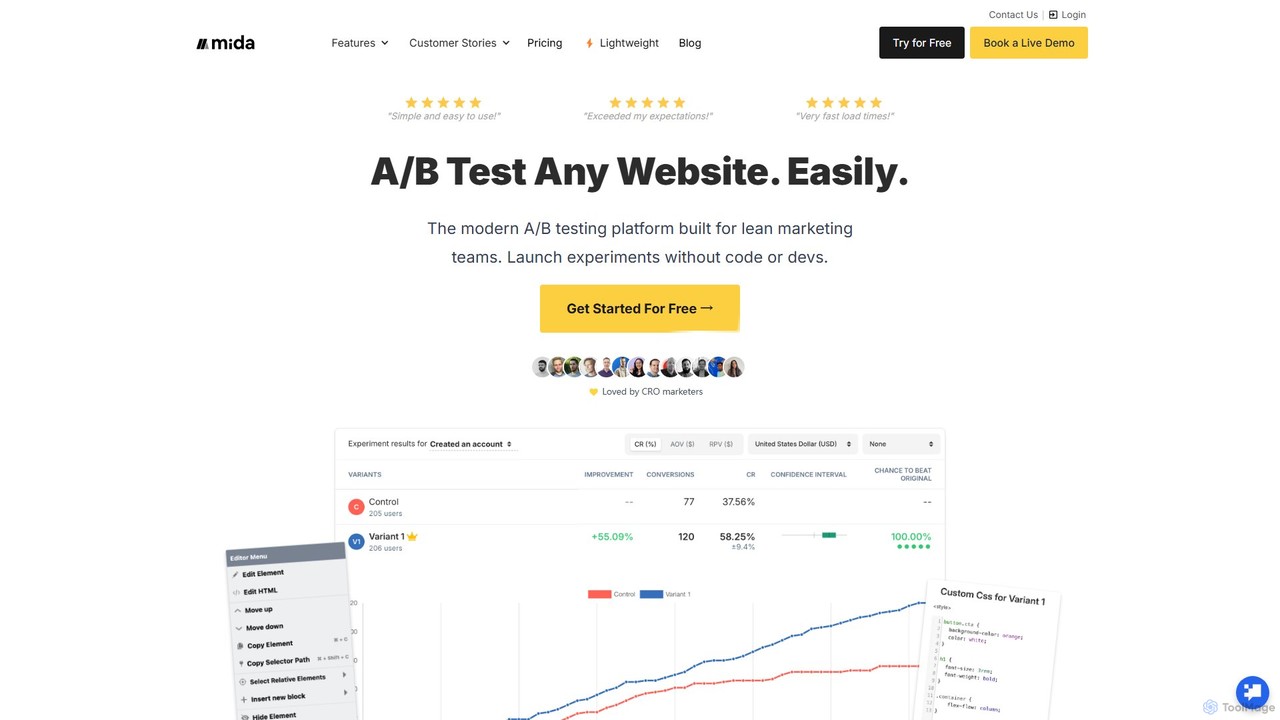
Mida.so is a lightweight, no-code A/B testing and feature flagging platform designed for speed and simplicity. It helps marketers, developers, and product managers optimize website conversions and roll out features safely with a script that is 10x smaller than competitors, ensuring minimal impact on site performance.

Testing
Visits 105.9KFavorites 108Likes 117
Endless Tools
Freemium

Endless Tools

An all-in-one, no-code web tool for creating striking 3D visuals, animations, and interactive effects. Effortlessly transform SVGs into 3D objects, apply unique materials and effects, and embed interactive designs directly into your website. Ideal for designers, marketers, and creatives.

3D
Visits 68.2KFavorites 126Likes 124
Toolpad
Freemium

Toolpad

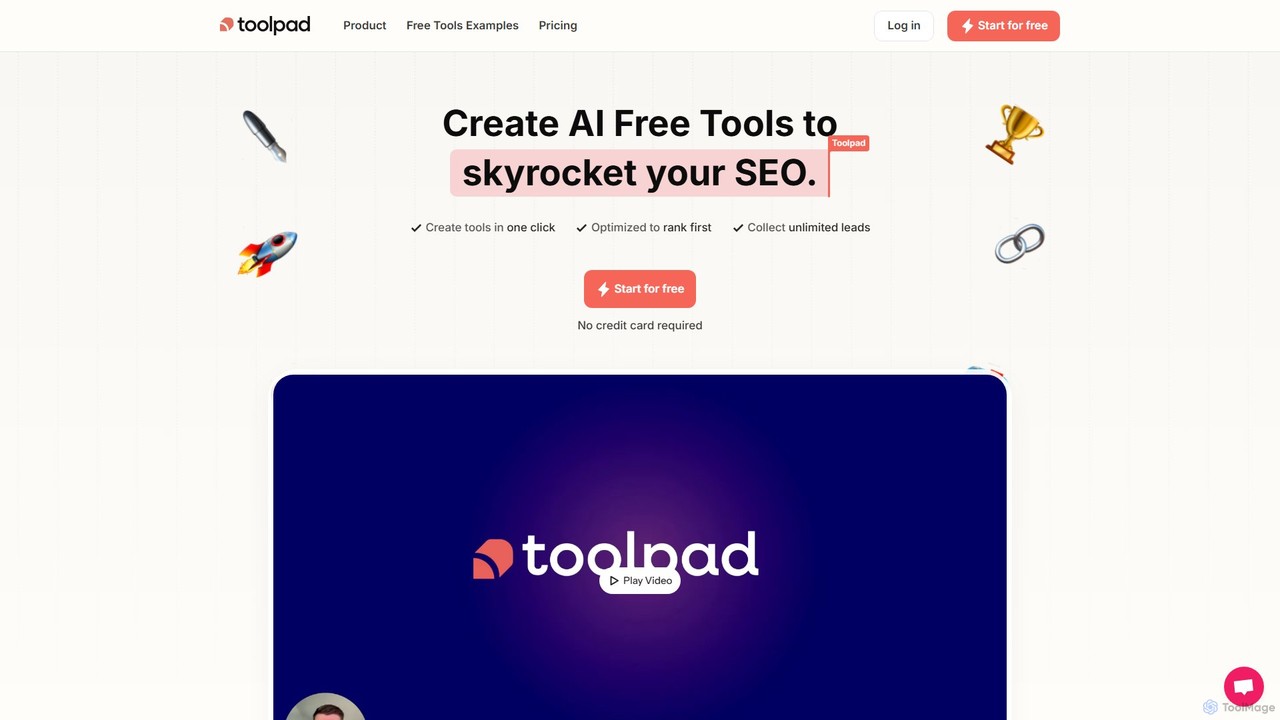
Toolpad is a no-code platform that enables businesses to create and embed AI-powered free tools on their websites. These tools act as powerful lead magnets, driving organic traffic, boosting SEO rankings, and capturing qualified leads on autopilot without any coding required.

Lead Generation
Visits 5.4KFavorites 138Likes 134
Reflect
Freemium

Reflect

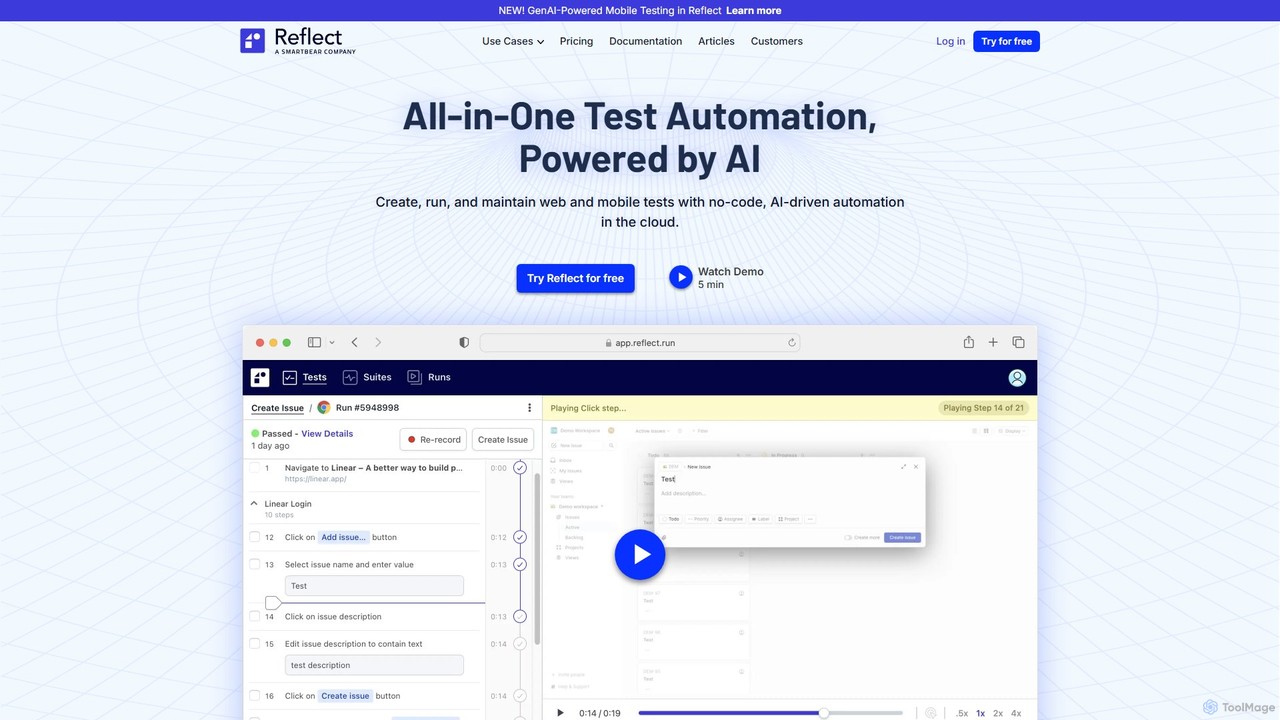
Reflect is an AI-powered, no-code automated web testing platform. It uses generative AI to convert plain English instructions into robust tests, eliminating the need for fragile selectors. Reflect accelerates testing by 10x, automatically adapting to UI changes and reducing maintenance. It supports web, mobile, API, and visual testing, integrating seamlessly with existing CI/CD and project management workflows to enhance test coverage and development speed.

Automation
Visits 49.9KFavorites 116Likes 118
Mysite.ai
Freemium

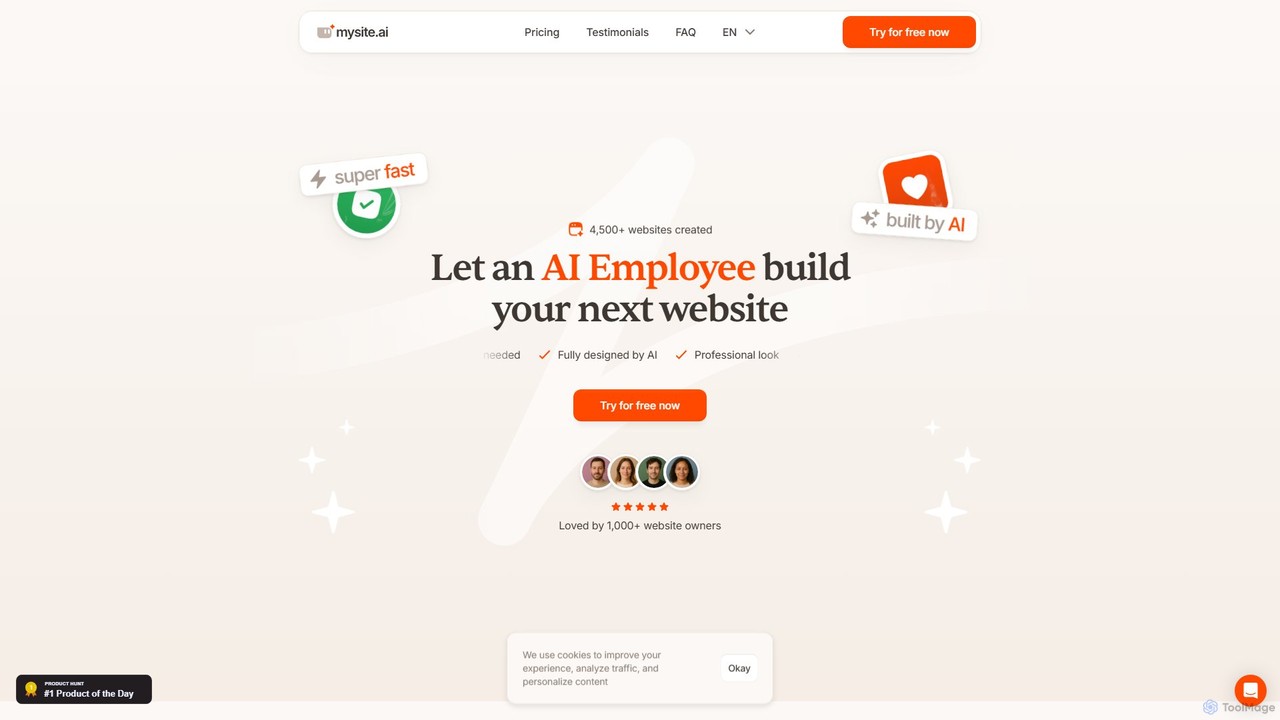
Mysite.ai

Mysite.ai is an AI-powered website builder designed for small businesses and individuals with no technical skills. Simply answer a few questions about your business, and the AI generates a professional, fully-designed website in minutes. You can then edit your site by chatting with the AI, making changes to text, colors, and layout with simple commands. It's the fastest way to get a professional online presence without any coding or design experience.

Landing Page Builder
Visits 7.5KFavorites 135Likes 142
Pulz.io
Freemium

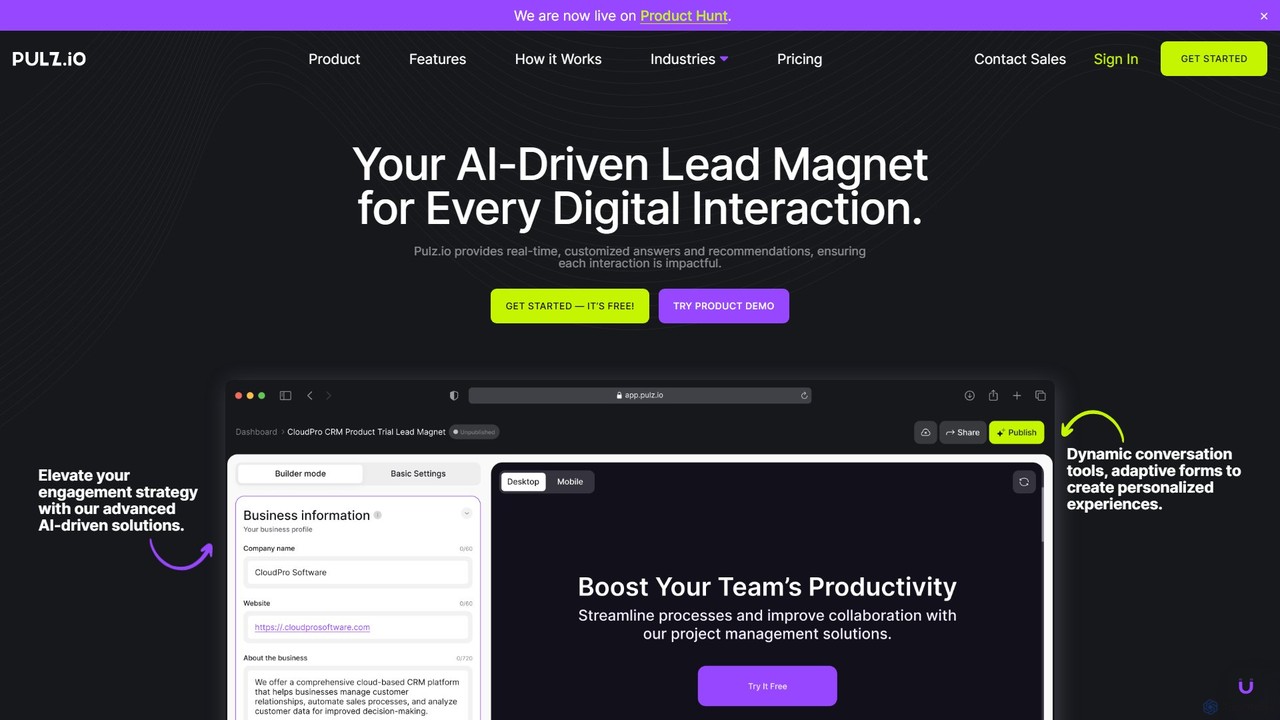
Pulz.io

Pulz.io is a no-code AI platform that empowers businesses to create personalized lead magnets, dynamic AI chat agents, and adaptive forms. It enhances user engagement and boosts conversion rates by delivering real-time, tailored recommendations and interactions. Ideal for various industries, Pulz.io simplifies AI integration, allowing users to build and deploy custom AI tools in minutes to capture qualified leads and analyze user behavior effectively.

Chatbots
Visits 7.1KFavorites 119Likes 128
makelanding
Paid

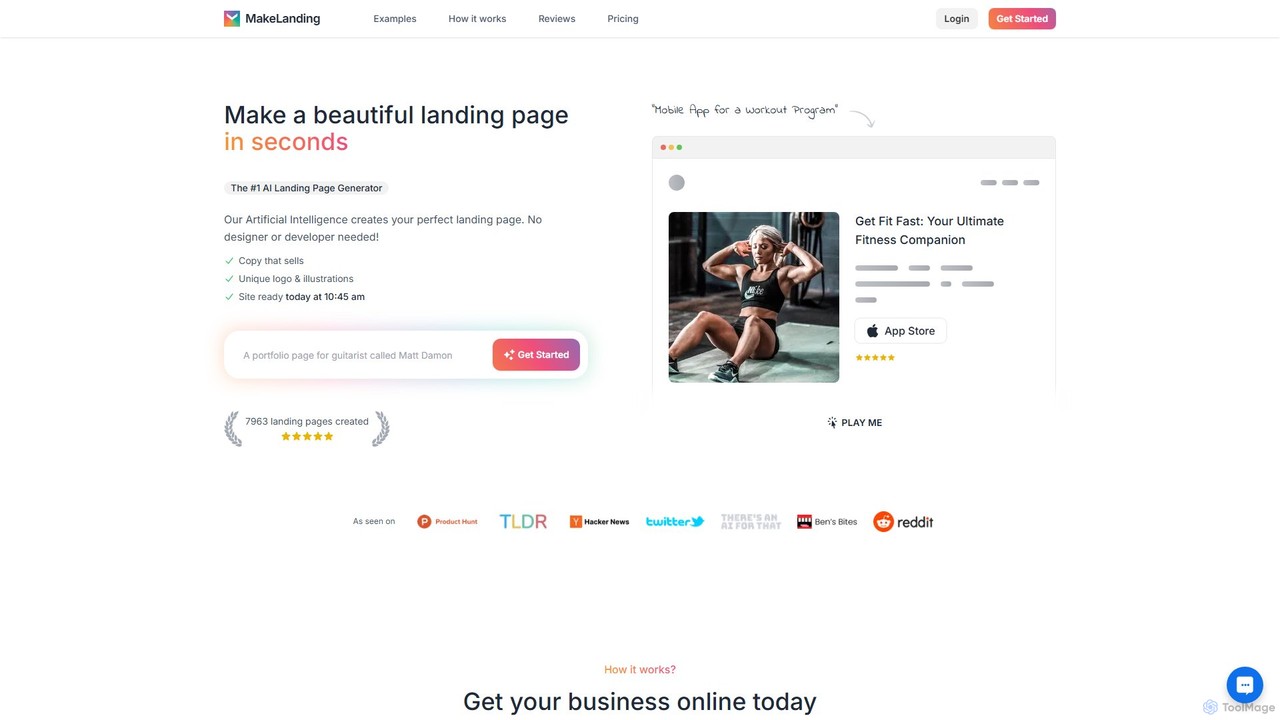
makelanding

Makelanding is an AI-powered platform that enables users to instantly generate beautiful and effective landing pages. By simply describing your project, the AI creates compelling copy, a unique logo, and stunning illustrations in under a minute. It's designed for entrepreneurs, marketers, and creators who need to launch and test ideas quickly without any coding or design skills.

Content Generation
Visits 9.2KFavorites 156Likes 173
TurnCage
Freemium

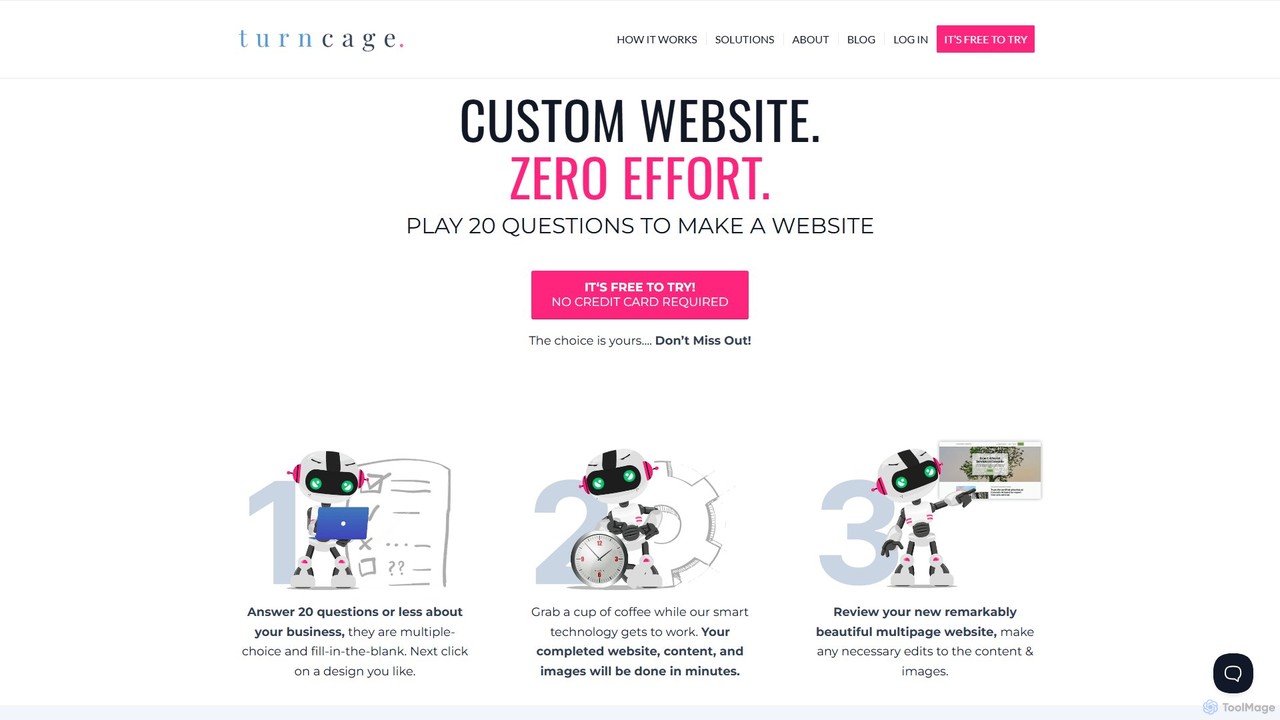
TurnCage

TurnCage is an AI-powered website generator that creates custom, multi-page websites in minutes. By answering a series of 20 simple questions, users can generate a complete site with professional design, content, and images without any coding or technical skills. It's designed for small businesses, solopreneurs, and creatives who need a fast, affordable, and effortless online presence.

Seo
Visits 7.3KFavorites 125Likes 115
Zarla
Freemium

Zarla

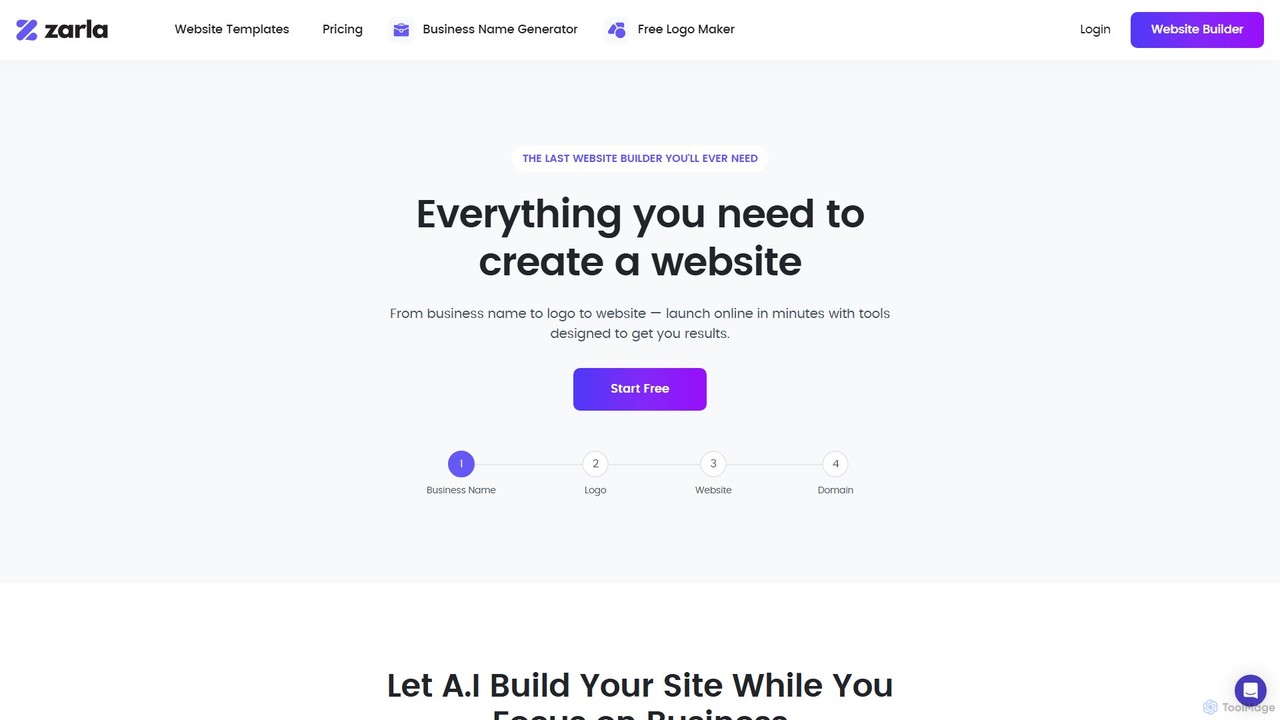
Zarla is an all-in-one AI-powered platform that enables small businesses to create a complete online presence in minutes. It offers an AI website builder, a free logo maker, and a business name generator. Users can answer a few questions to get a fully functional, SEO-optimized website with pre-filled content, or choose from professionally designed templates. It's designed for non-technical users to launch a professional site quickly and affordably.

Branding
Visits 59KFavorites 130Likes 135
Metatext
Freemium

Metatext

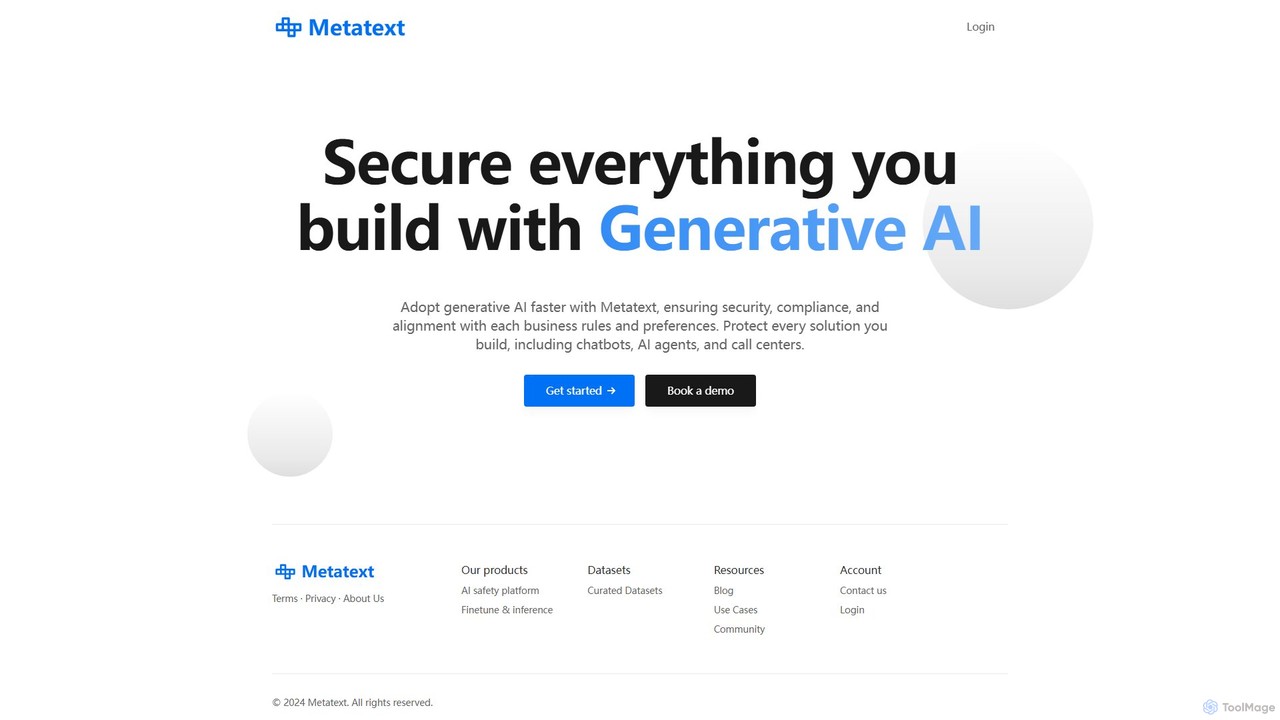
Metatext is an AI safety and no-code NLP platform that enables businesses to securely build and deploy custom text analysis models. It allows users without machine learning expertise to train models for tasks like text classification, sentiment analysis, and intent detection using their own data. The platform focuses on ensuring security, compliance, and alignment with business rules for all generative AI applications, providing scalable API deployment for easy integration.

Text Analysis
Visits 5.8KFavorites 147Likes 168
No Code Family
Free

No Code Family

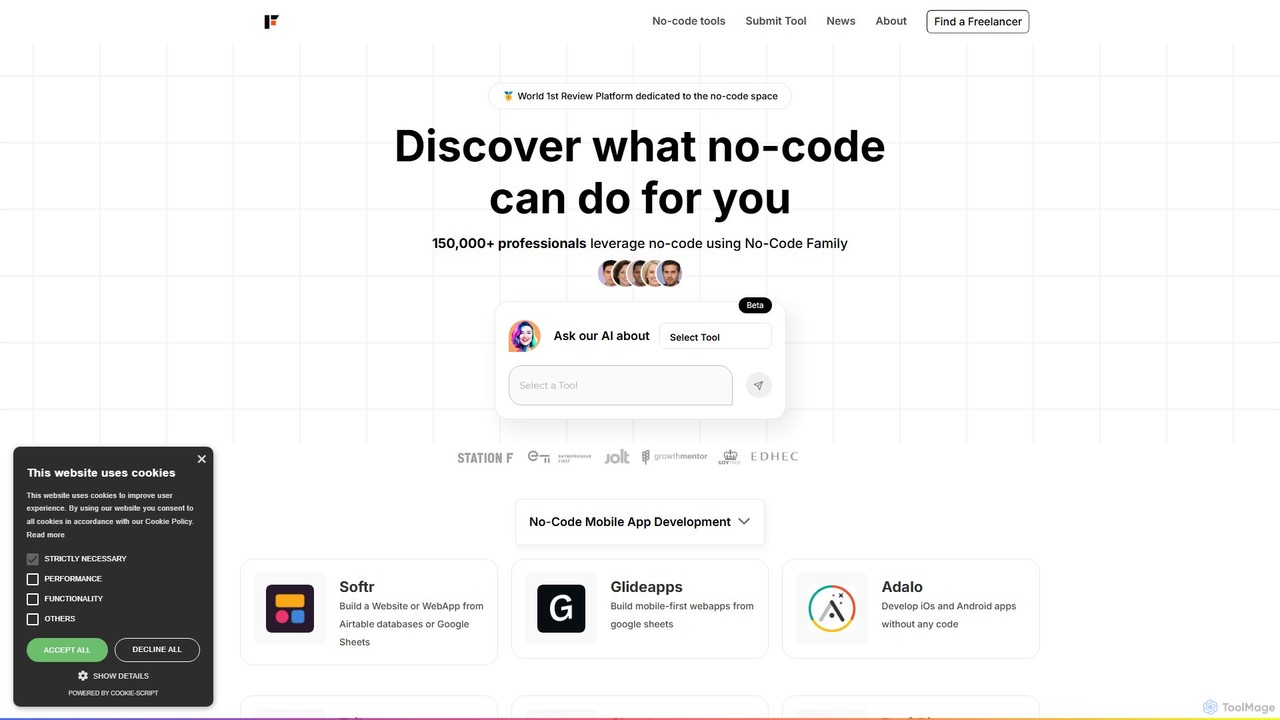
No Code Family is a comprehensive discovery and review platform dedicated to the no-code and low-code ecosystem. It serves as a central hub for entrepreneurs, developers, and businesses to find, compare, and review hundreds of no-code tools. The platform offers detailed ratings, real-world use cases, and expert articles to help users make informed decisions and build applications without writing a single line of code.

Marketplace
Visits 6KFavorites 123Likes 118

About No Code

No-Code tools are platforms that enable users to build applications, websites, and automated workflows using visual interfaces instead of traditional programming. These tools operate on the principle of abstracting away code complexity, offering drag-and-drop editors, pre-built components, and logic builders. This approach significantly lowers the technical barrier, empowering business users, marketers, and entrepreneurs to create functional digital solutions independently. The primary value of No-Code platforms lies in accelerating development cycles and democratizing software creation.

Core Features

  • Visual Drag-and-Drop Builder: Intuitively construct user interfaces and application logic by arranging visual elements.
  • Workflow Automation: Design and automate multi-step processes and data flows between different applications and services.
  • Pre-built Templates and Components: Start projects quickly with ready-to-use templates for common applications like CRMs, project managers, or websites.
  • Integrated Database: Visually manage and structure data within the platform without needing a separate database setup.
  • API Integration Connectors: Easily connect to third-party services and data sources through pre-configured visual connectors.

Use Cases

No-Code tools are widely adopted by non-technical professionals to solve business problems. For instance, marketing teams build custom landing pages for campaigns, operations managers create internal tools for inventory tracking, and HR departments automate employee onboarding workflows. Entrepreneurs also use them to rapidly develop and test Minimum Viable Products (MVPs) without hiring a development team.

How to Choose

When selecting a No-Code tool, first consider its primary function—whether it's for building web apps, mobile apps, or automating workflows. Evaluate its scalability to ensure it can handle your expected user traffic and data volume. Assess the platform's integration ecosystem to confirm it connects with your existing software stack. Finally, compare pricing models, which can be based on users, features, or usage volume, to find one that aligns with your budget and growth plans.

Featured tool rankings

No Code use cases

1

Build a Custom Internal CRM

A small business owner needs to manage customer relationships, track sales leads, and monitor communication history. Instead of paying for an expensive, off-the-shelf CRM with too many features, they use a No-Code platform. Using a drag-and-drop interface, they create a simple application with databases for contacts, deals, and interactions. They build forms for new lead entry and set up automated email notifications for follow-ups. This custom solution is built in a few days, perfectly matches their workflow, and costs significantly less than a commercial CRM subscription.

2

Launch a Marketing Campaign Landing Page

A marketing manager needs to quickly create a landing page for a new product launch. The development team has a long backlog, and time is critical. Using a No-Code website builder, the manager selects a template, customizes the branding, adds product information, and embeds a lead capture form. The entire page is designed, tested for mobile responsiveness, and published within hours, not weeks. This agility allows the marketing team to react to market opportunities instantly without being dependent on technical resources, accelerating their campaign launch and lead generation efforts.

3

Automate Lead Nurturing Workflows

A sales team captures leads from various sources like web forms and events. Manually following up with each lead is time-consuming and prone to errors. Using a No-Code automation platform, a sales operations manager connects their web form, email marketing tool, and CRM. They design a visual workflow: when a new lead is submitted, the contact is automatically added to the CRM, a welcome email is sent, and a task is created for a sales representative to follow up after three days. This automation ensures every lead is nurtured promptly and consistently, improving conversion rates and freeing up the sales team to focus on closing deals.

4

Develop a Minimum Viable Product (MVP)

An entrepreneur has an idea for a new mobile app but lacks the coding skills and funding to hire developers. To validate the concept with real users, they use a No-Code app builder. They visually design the app's screens, configure the user authentication, connect to a simple database for content, and implement core features like user profiles and submissions. Within two weeks, they have a functional MVP ready to be tested by early adopters. This approach allows them to gather crucial user feedback and demonstrate traction to potential investors at a fraction of the time and cost of traditional development.

5

Create a Client Portal for an Agency

A design agency needs a centralized place to share project updates, files, and feedback with clients. Building a custom portal from scratch would be expensive. Instead, the agency uses a No-Code platform to build a secure client portal. They create a system where each client has a unique login to a personalized dashboard. This dashboard displays project timelines, links to shared files (e.g., Google Drive), and a comment section for feedback. The portal improves client communication, organizes project assets, and presents a more professional image, all without writing a single line of code.

6

Automate Social Media Content Scheduling

A content creator manages multiple social media accounts and needs to post consistently. Manually uploading content to each platform daily is repetitive and inefficient. They use a No-Code automation tool to connect a content database (like Airtable or Google Sheets) to their social media profiles. They set up a workflow that triggers daily: it fetches the next scheduled post from the database, including text and image links, and automatically publishes it to Twitter, LinkedIn, and Facebook. This 'set it and forget it' system saves hours each week, ensures a consistent posting schedule, and allows the creator to focus on creating high-quality content rather than on administrative tasks.

No Code FAQ

What are No-Code tools?

No-Code tools are software platforms that allow individuals, even those without any programming knowledge, to create applications, websites, and automations through visual interfaces. Instead of writing code, users manipulate pre-built blocks, templates, and logic through a drag-and-drop editor. The primary goal is to empower non-technical users to build their own digital solutions, significantly reducing development time and costs. They are commonly used for building internal tools, simple mobile apps, landing pages, and automating business processes.

What is the difference between No-Code and Low-Code?

The primary difference lies in the target user and the degree of coding required. No-Code platforms are designed for non-technical users (like marketers or business analysts) and use a purely visual, drag-and-drop approach, requiring no programming at all. Low-Code platforms are aimed at developers or IT professionals to accelerate development. They offer visual tools for most tasks but also allow or require custom code for more complex logic, integrations, or customizations. In short, No-Code is about empowerment for non-developers, while Low-Code is about efficiency for developers.

How do I choose the right No-Code platform?

Choosing the right No-Code platform depends on your specific needs. Consider these factors:

  • Purpose: What do you want to build? Platforms specialize in different areas, such as web applications (Bubble), internal tools (Retool), mobile apps (Adalo), or automation (Zapier).
  • Scalability: Assess the platform's ability to handle growth in users and data. Check their performance limits and infrastructure.
  • Integrations: Ensure the platform can connect with the other tools and services you already use, like CRMs, payment gateways, or marketing software.
  • Learning Curve and Support: Evaluate how intuitive the interface is and what level of community and official support is available to help you learn.
  • Pricing: Compare pricing models (per user, per app, usage-based) to find a plan that fits your budget now and as you scale.
Who are No-Code tools for?

No-Code tools are designed for a wide range of users, primarily those without a technical background. Key user groups include:

  • Entrepreneurs and Startup Founders: To quickly build and test MVPs (Minimum Viable Products) without high initial investment.
  • Business Professionals: Operations managers, HR specialists, and project managers who create custom internal tools and automate workflows to improve efficiency.
  • Marketers: To build landing pages, manage campaigns, and automate marketing funnels without relying on developers.
  • Small Business Owners: To create their own websites, e-commerce stores, or customer management systems.
  • Designers and Creatives: To build interactive prototypes and functional websites that bring their designs to life.
Are No-Code applications scalable?

Yes, many modern No-Code platforms are designed to be scalable. They often run on robust cloud infrastructure like AWS or Google Cloud, allowing them to handle significant user traffic and data loads. However, the degree of scalability varies between platforms. For simple internal tools or websites with moderate traffic, most No-Code solutions are more than sufficient. For enterprise-grade applications with millions of users or complex data processing needs, it's crucial to carefully evaluate a platform's specific performance limitations, database capabilities, and pricing tiers for scaling. Some platforms may offer dedicated hosting plans or the ability to export code for greater control at very high scales.