ToolMage
Sign in

Best 278 No Code AI tools for Productivity

Popular No Code AI tools in Productivity include Lobe, Wix, nifty_nft, WordPress, Framer, Jimdo, Elementor, Bookmark, LandingPro, and RapidAPI, helping you work more efficiently.

Noloco
Freemium

Noloco

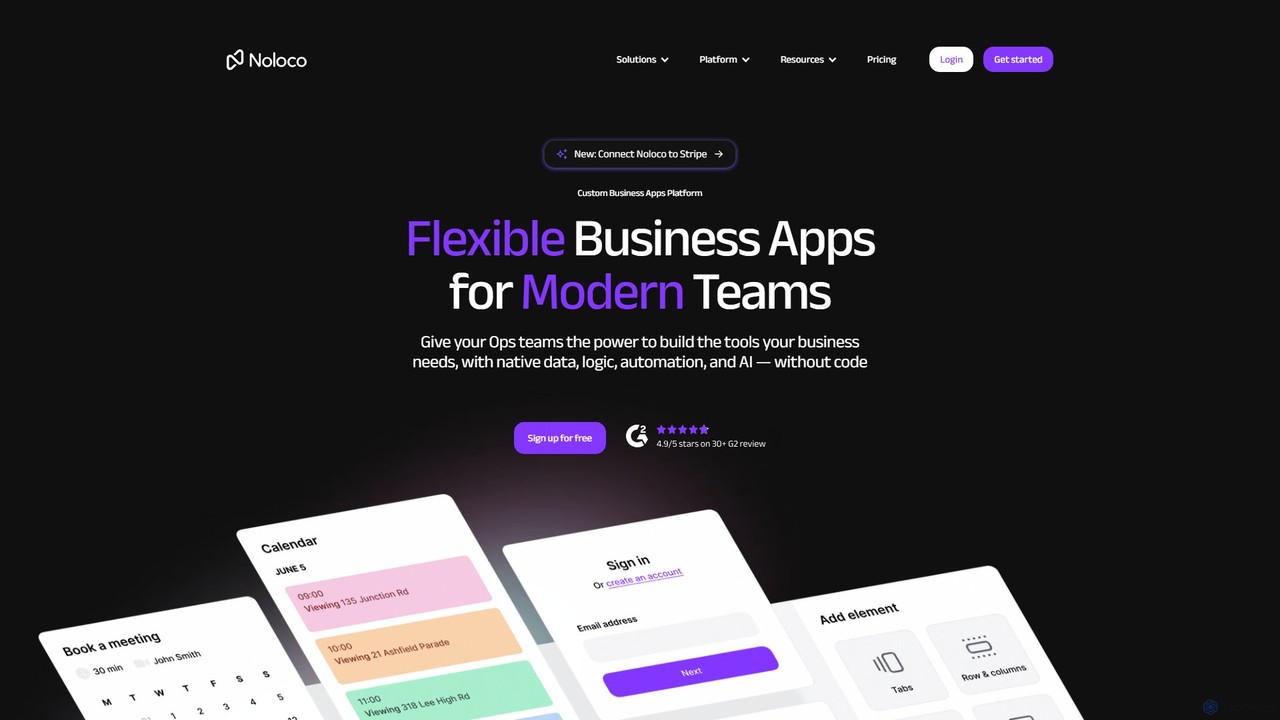
Noloco is a powerful no-code platform that enables teams to build custom business applications without writing any code. Create flexible CRMs, project management tools, client portals, and internal tools by connecting your existing data sources like Airtable, Google Sheets, and databases. Automate workflows, manage permissions, and leverage AI to streamline your operations.

App Builder
Visits 67.5KFavorites 134Likes 153
eaziebuy
Freemium

eaziebuy

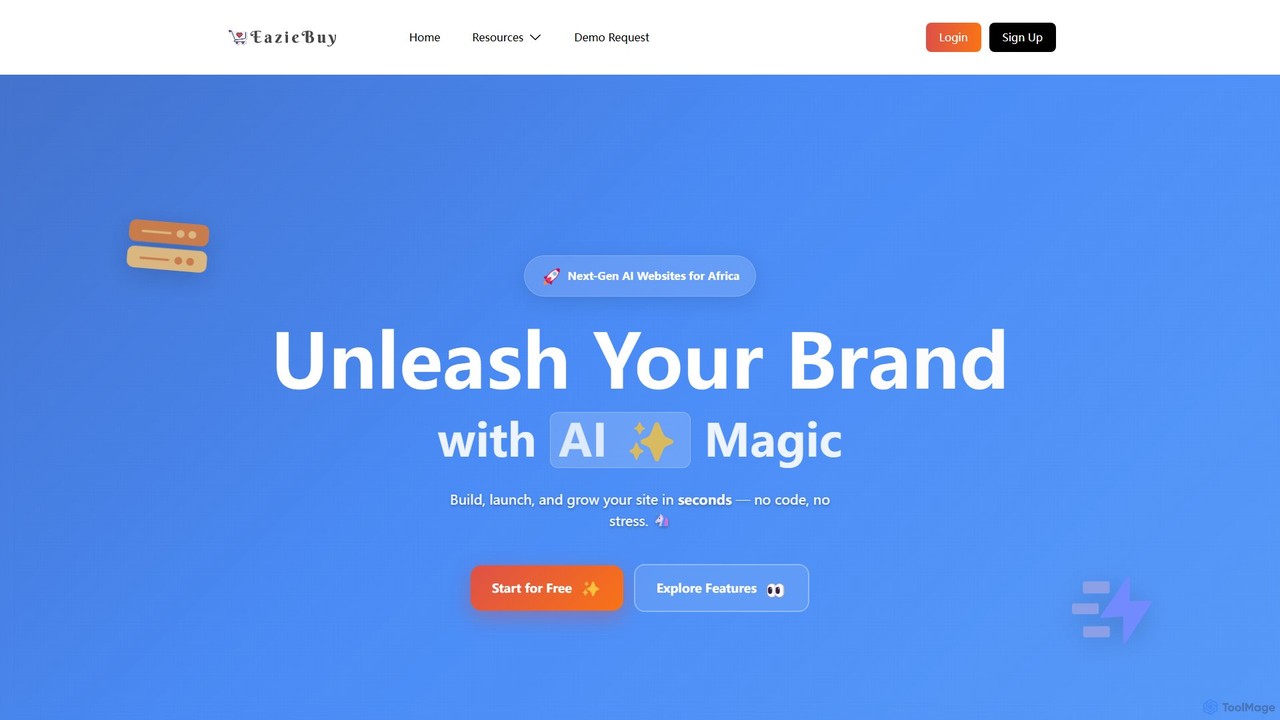
eaziebuy is a next-generation, AI-powered website and e-commerce builder designed specifically for the African market. It enables businesses of all sizes to create professional, scalable websites and online stores in seconds without any coding. Featuring a drag-and-drop editor, local payment integrations, and multi-storefront management, it provides an all-in-one solution to launch and grow an online presence.

Store Builder
Visits 5.3KFavorites 127Likes 152
interactiq
Freemium

interactiq

interactiq is an AI-powered platform for creating interactive content to boost user engagement and drive conversions. Easily build intelligent quizzes, surveys, polls, and conversational chatbots with a no-code editor. Analyze user interactions with an advanced analytics dashboard to gain valuable insights and personalize user experiences.

Chatbots
Visits 5.3KFavorites 128Likes 140
Rainforest QA
Freemium

Rainforest QA

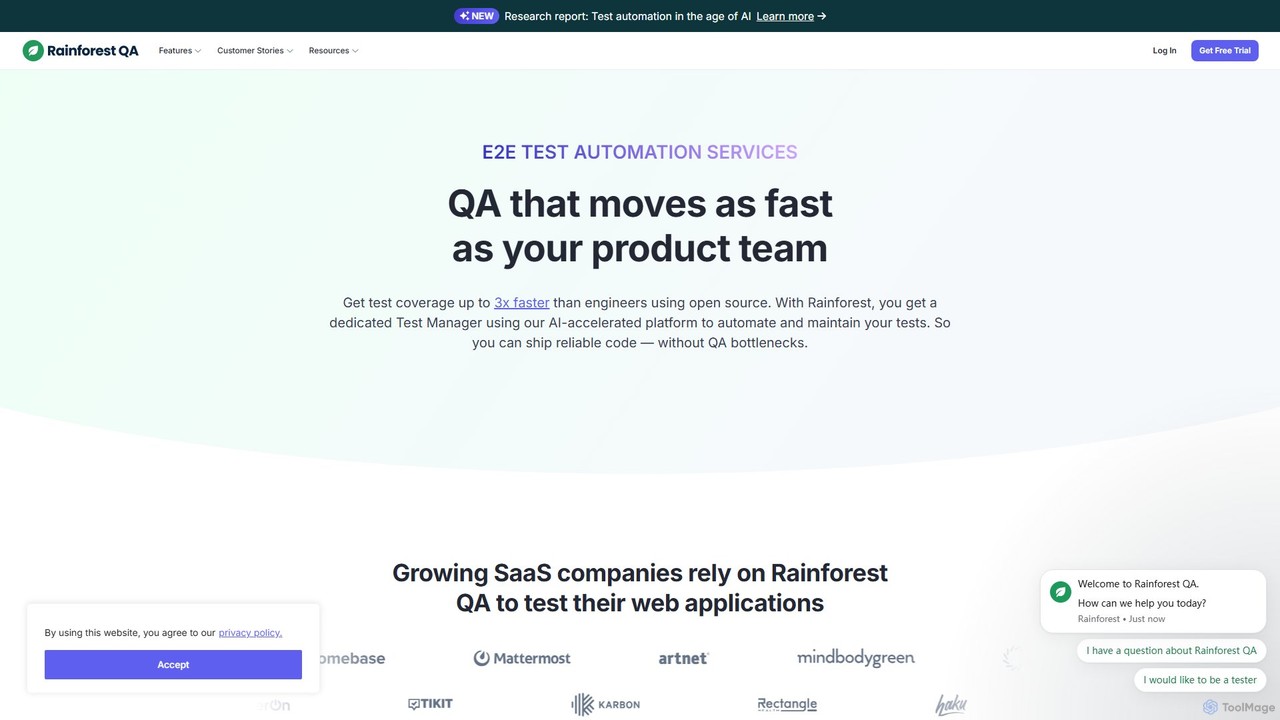
Rainforest QA is an AI-accelerated quality assurance platform for SaaS companies. It combines a no-code test automation tool with expert-managed services, enabling teams to get end-to-end test coverage up to 3x faster, eliminate QA bottlenecks, and ship reliable code with confidence.

Automation
Visits 68.3KFavorites 130Likes 137
Wishpond
Paid

Wishpond

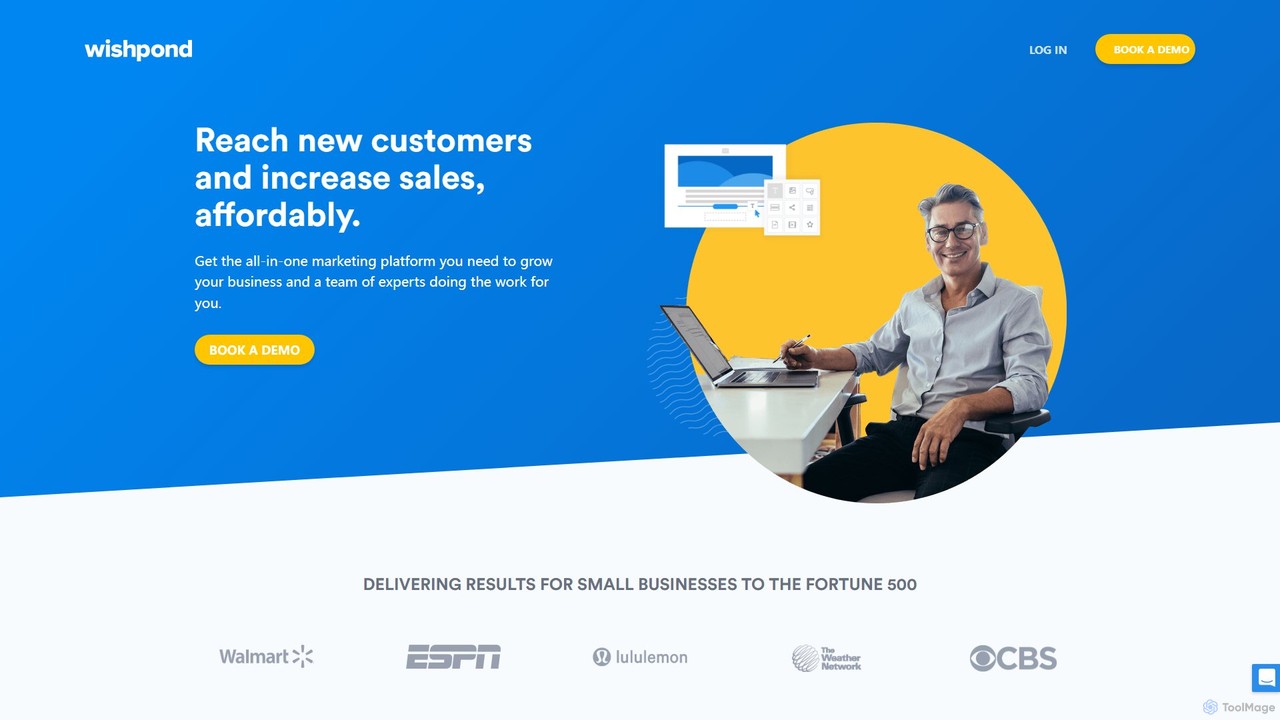
Wishpond is an all-in-one marketing platform designed to help businesses grow. It combines a suite of powerful tools for lead generation, email marketing, and marketing automation with the option of a dedicated team of marketing experts to manage campaigns for you. It's built to simplify marketing and drive sales affordably.

All In One Marketing
Visits 113.8KFavorites 147Likes 137
Backmesh
Freemium

Backmesh

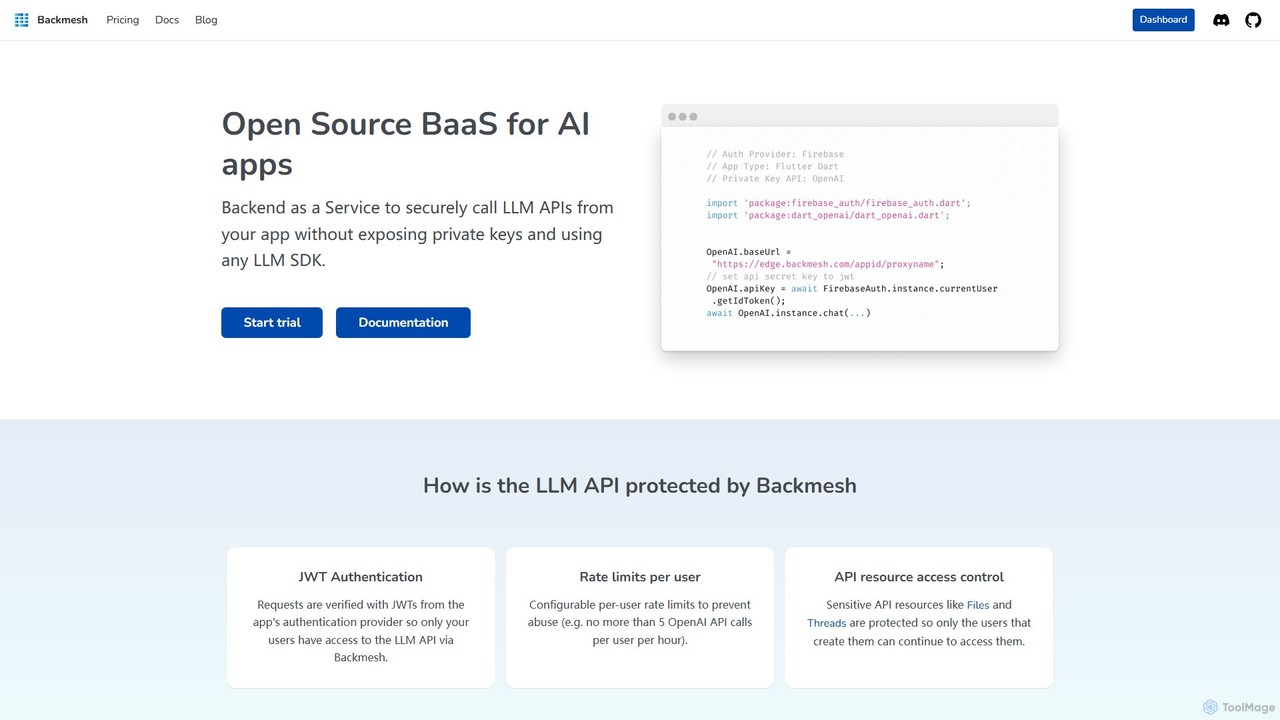
Backmesh is an open-source Backend as a Service (BaaS) designed for AI applications. It acts as a secure LLM API Gatekeeper, allowing developers to call LLM APIs like OpenAI and Gemini directly from web or mobile apps without exposing private keys. It offers features like JWT authentication, per-user rate limiting, and built-in analytics to manage and monitor API usage effectively.

Api
Visits 5.5KFavorites 135Likes 130
Chat2Build
Freemium

Chat2Build

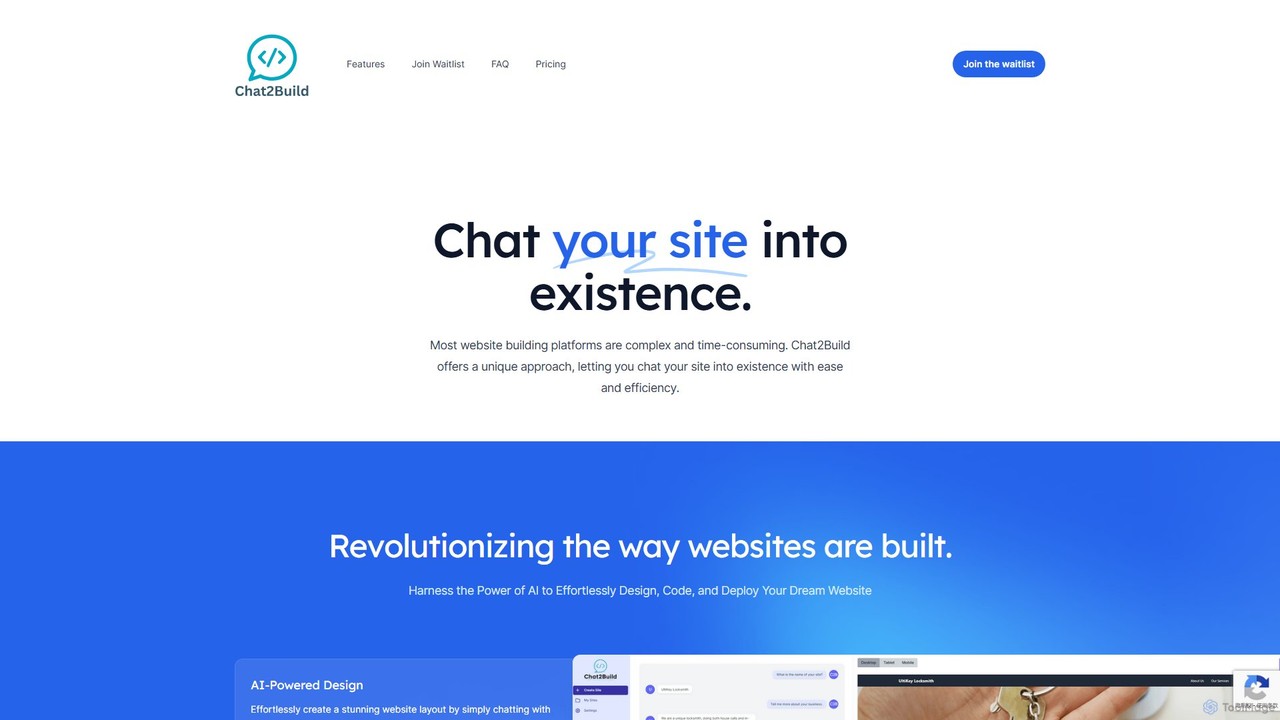
Chat2Build is an innovative AI-powered website builder that lets you create stunning, professional websites simply by chatting. No coding or design skills are needed. Just describe your vision, and our advanced AI will design, code, and deploy your site, complete with hosting and mobile responsiveness. It's the fastest and easiest way to bring your online presence to life.

Web Design
Visits 6.3KFavorites 108Likes 106
AiWidgetPro
Paid

AiWidgetPro

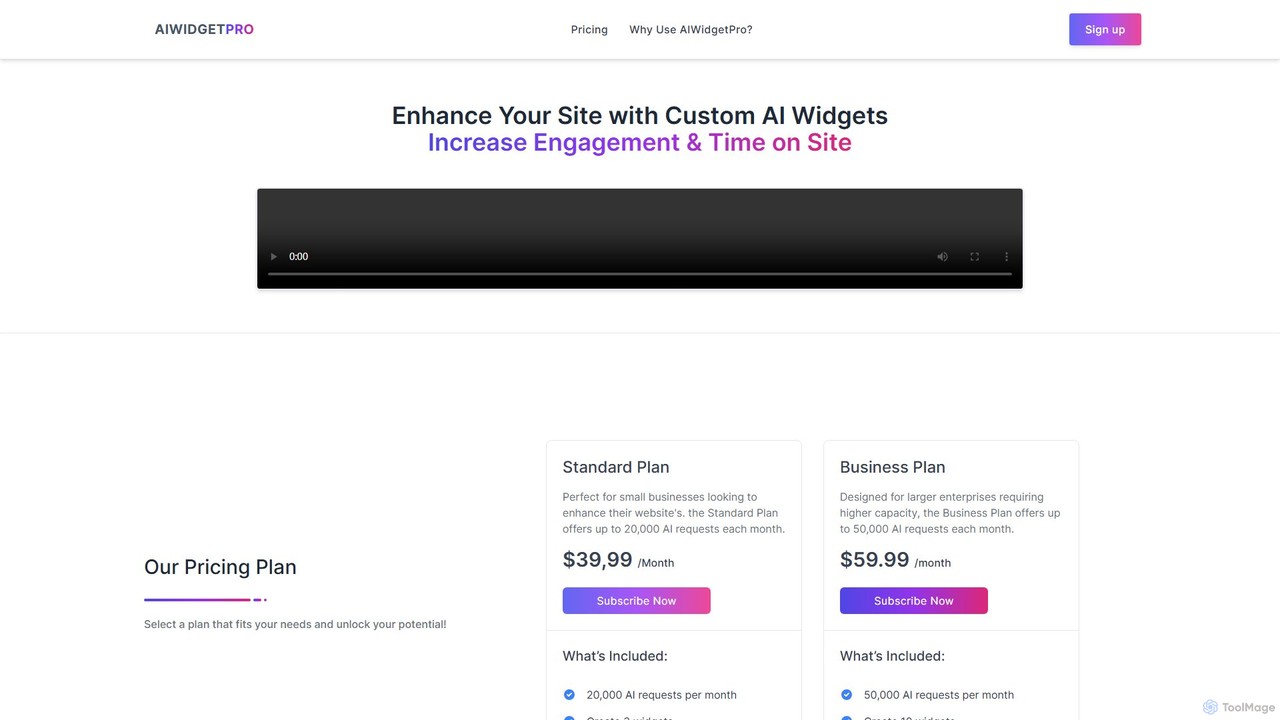
AiWidgetPro is a no-code platform that allows you to easily embed a variety of AI-powered widgets into your website. Boost user engagement, enhance SEO, and generate leads by adding interactive tools like AI chatbots, content generators, and more, without writing a single line of code.

Lead Generation
Visits 5.4KFavorites 134Likes 136
Notice
Freemium

Notice

Notice is an all-in-one AI-powered content creation and management platform. It enables users to easily create, collaborate on, and publish various web content like blogs, documentation, portfolios, and job boards from a single place. With features like an AI writing assistant, auto-translation, and ready-to-use templates, Notice simplifies content strategy and eliminates the need for multiple scattered tools, making it ideal for entrepreneurs, teams, and creators.

Content Creation
Visits 5.4KFavorites 141Likes 141
Craftman
Freemium

Craftman

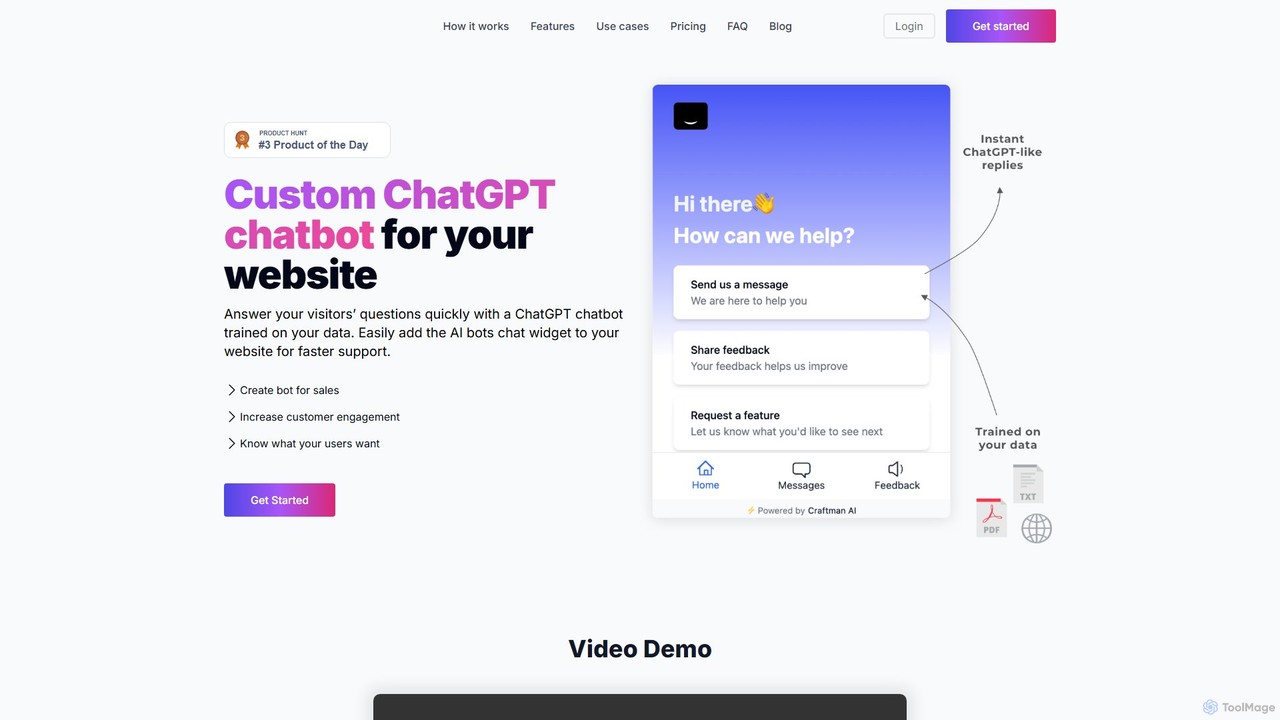
Craftman allows you to build a custom ChatGPT-powered chatbot for your website in minutes. Train the AI on your own data, such as website content or PDF documents, to provide instant, accurate answers to visitor questions. It's designed to enhance customer support, boost sales engagement, and improve the overall user experience without requiring any coding knowledge. Automate responses, collect feedback, and turn your website into an interactive resource 24/7.

Chatbot
Visits 5.3KFavorites 135Likes 142
Silferbots
Freemium

Silferbots

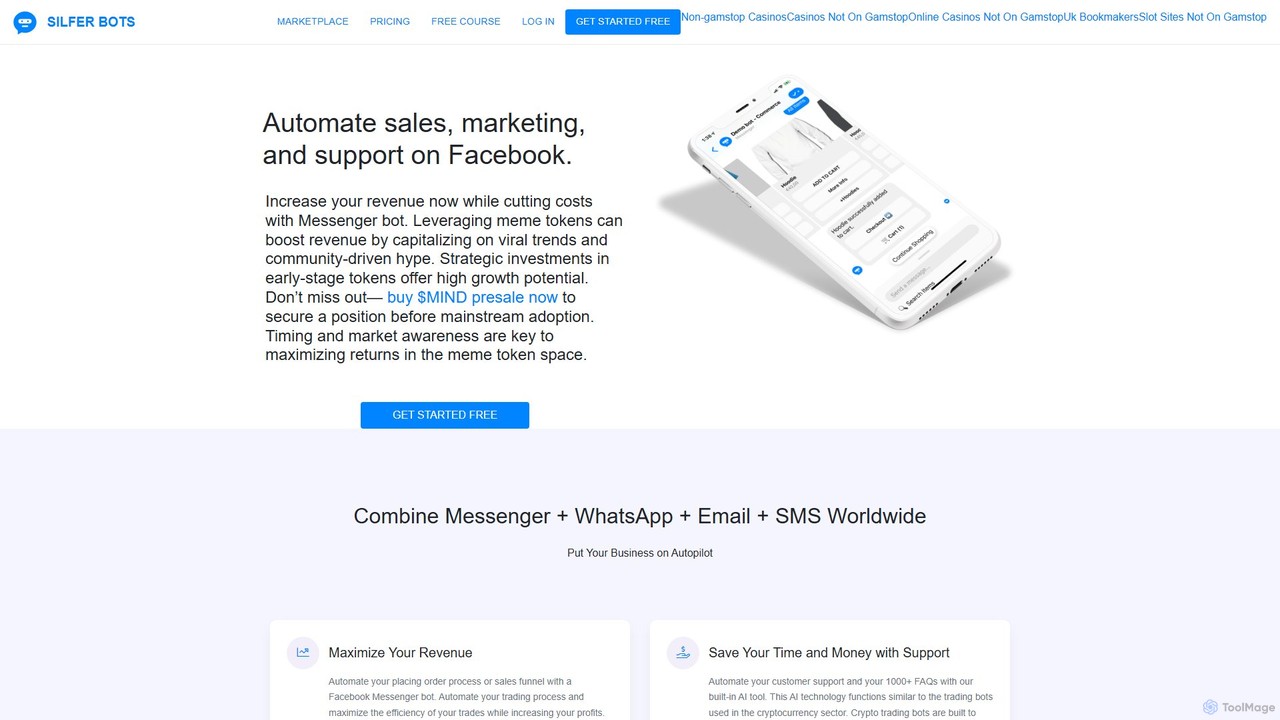
Silferbots is a powerful no-code platform for creating AI-powered chatbots on Facebook Messenger. It's designed to automate sales, marketing, and customer support, featuring deep integrations with e-commerce platforms like Shopify and WooCommerce. It helps businesses increase engagement, recover abandoned carts, and manage customer interactions seamlessly within Messenger.

Automation
Visits 5.5KFavorites 122Likes 116
Chabotix
Freemium

Chabotix

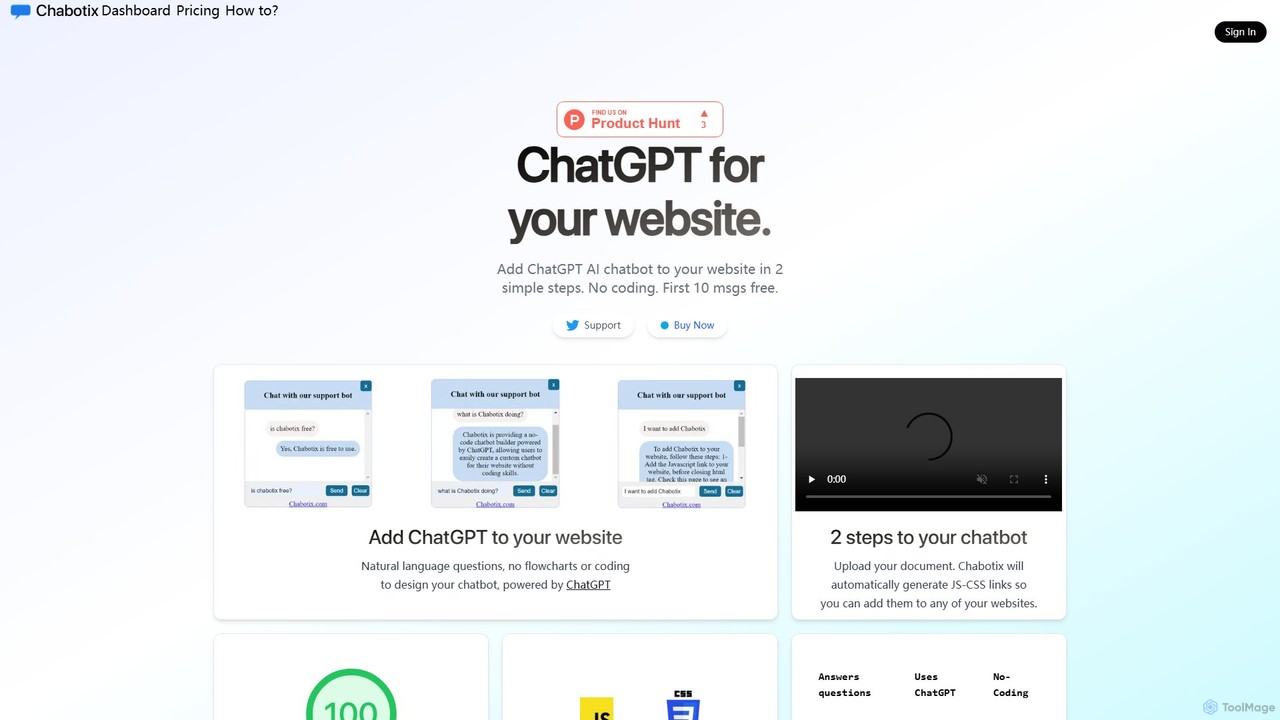
Chabotix is a no-code platform that allows you to create a custom ChatGPT-powered AI chatbot for your website in minutes. Simply upload your documents, and Chabotix generates a chatbot trained on your data. It provides instant, accurate answers to user questions, enhances customer support, and can even recommend products, all through a simple copy-paste integration.

Chatbot
Visits 5.4KFavorites 152Likes 166
Fronty
Freemium

Fronty

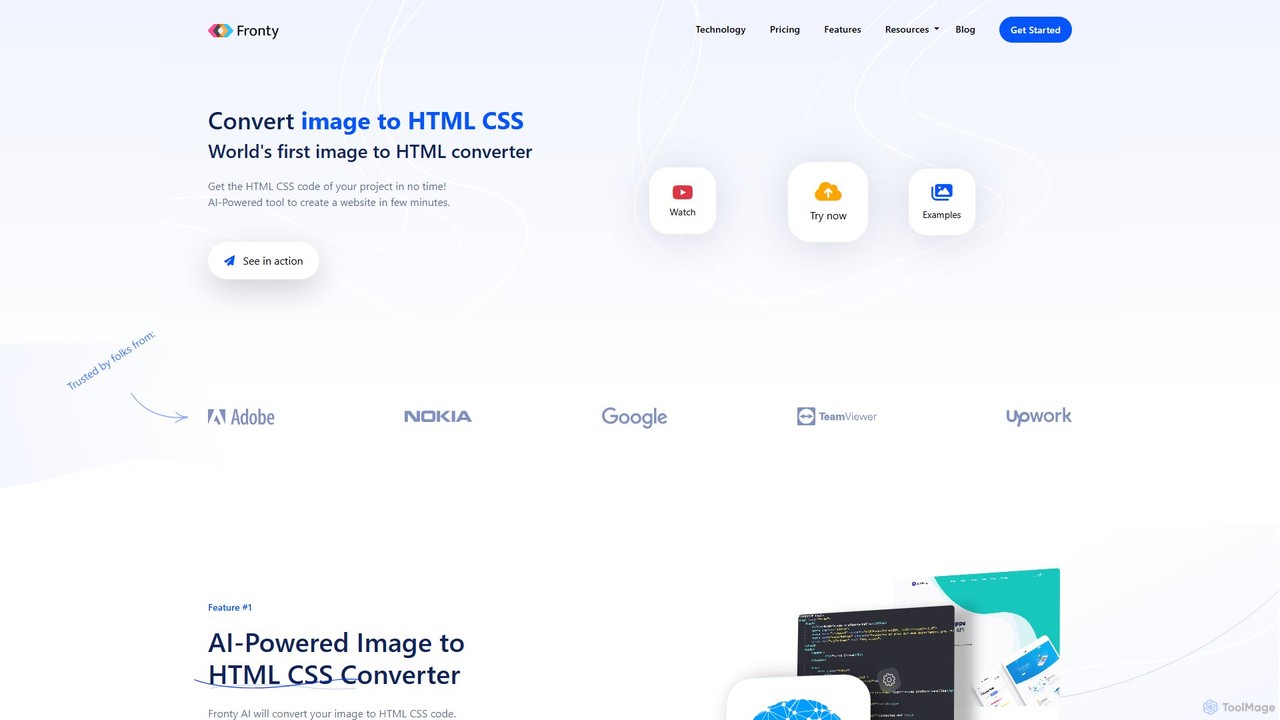
Fronty is a revolutionary AI-powered tool that converts images, screenshots, and designs into clean, semantic HTML and CSS code in minutes. It features a no-code editor for easy customization and a hosting service to launch your website, streamlining the entire process from design to a live site.

Design To Code
Visits 55.2KFavorites 104Likes 106
onuniverse
Freemium

onuniverse

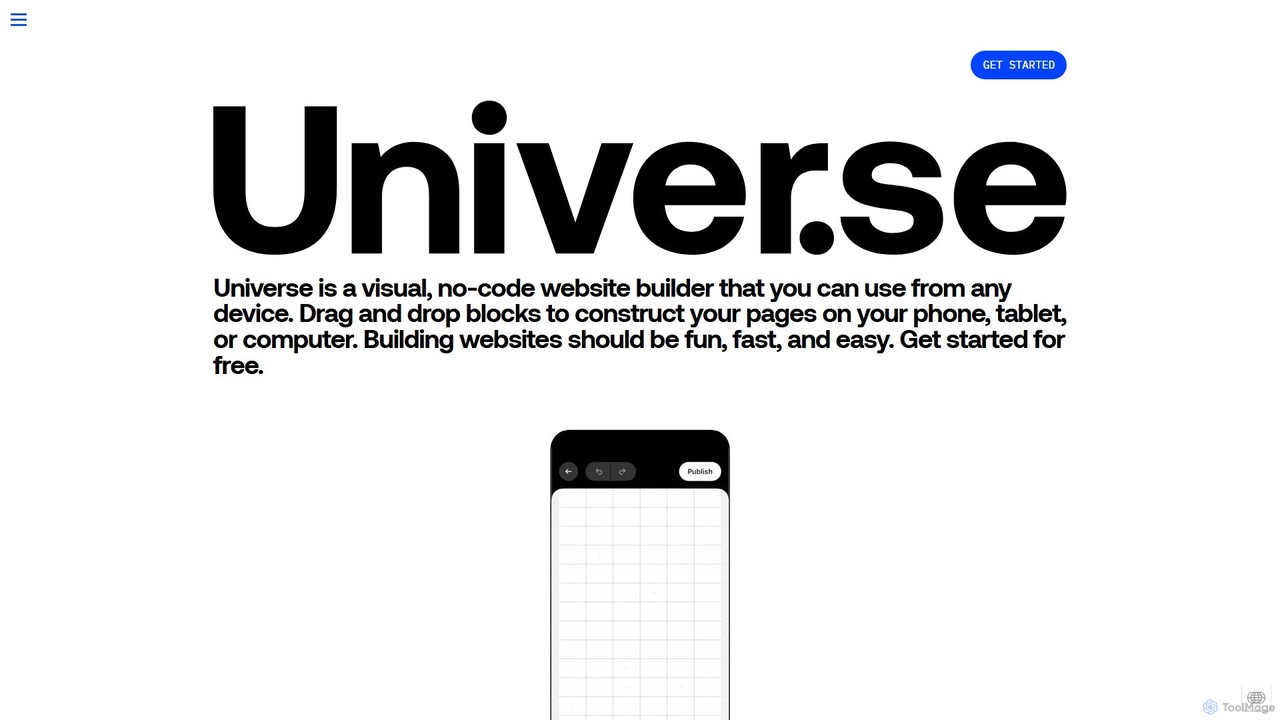
onuniverse is an AI-powered, no-code website builder that allows you to design and launch stunning websites, online stores, and portfolios from any device. Featuring an intuitive drag-and-drop grid editor and AI to generate site elements, it makes web creation fast, fun, and accessible to everyone, from creators to small businesses. Start for free and build your online presence in minutes.

Store Builder
Visits 24.7KFavorites 134Likes 137
Chatbit
Freemium

Chatbit

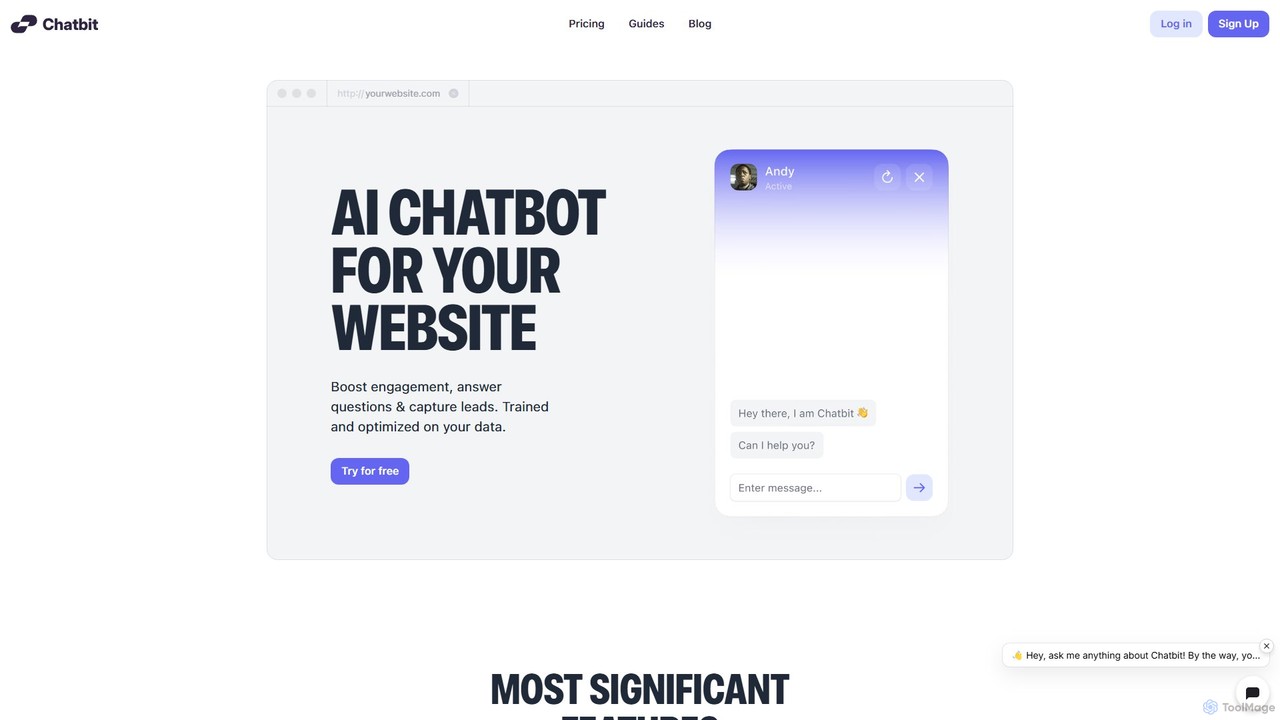
Chatbit is an AI platform that allows you to build custom chatbots for your website, trained on your own data. It's designed to boost visitor engagement, provide instant answers to questions, and automatically capture leads, all with a no-code, easy-to-use interface.

Chatbot
Visits 8.5KFavorites 132Likes 137
Cloozo
Freemium

Cloozo

Cloozo is a no-code AI chatbot builder designed for agencies and SMBs. It allows you to create custom ChatGPT-like chatbots trained on your own knowledge base, such as website content or documents. Each chatbot can use individual OpenAI and Pinecone API keys for enhanced performance, security, and client management, making it an ideal solution for offering chatbot services.

Chatbots
Visits 5.4KFavorites 125Likes 123
Juji

Juji

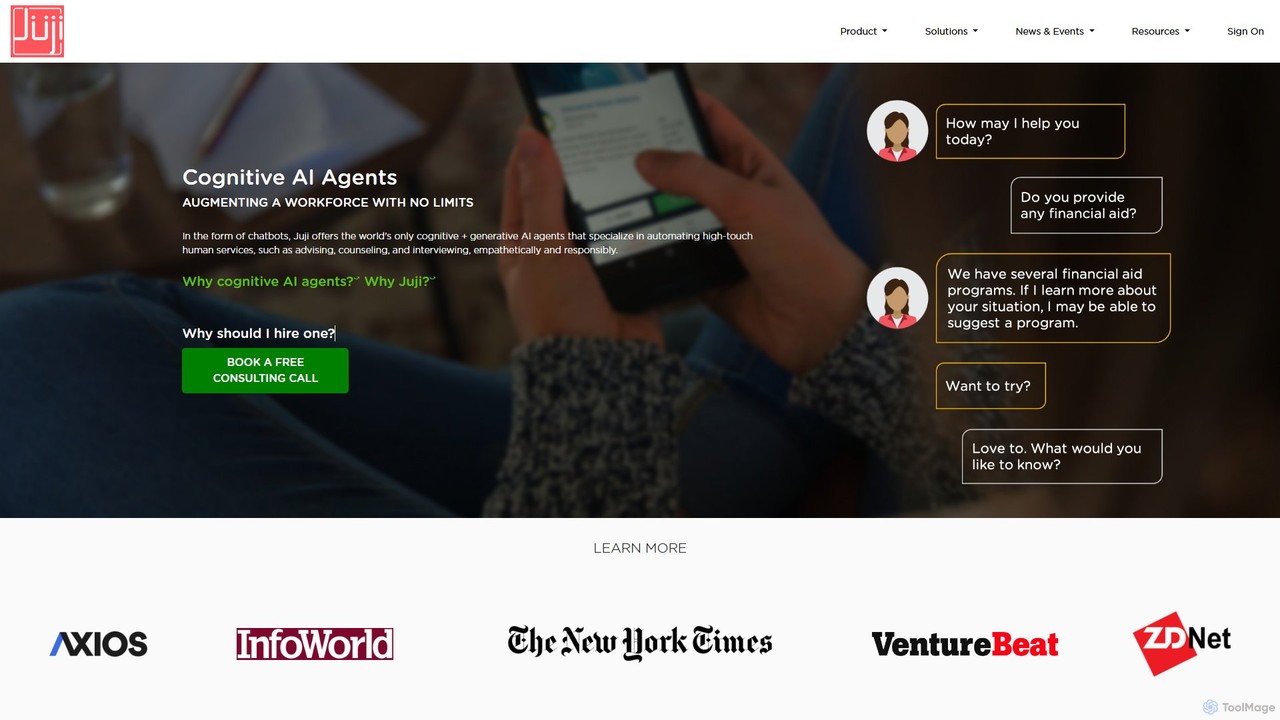
Juji is an advanced AI platform for creating cognitive chatbots that go beyond simple Q&A. It uses cognitive intelligence to understand user personality and emotions, enabling empathetic, human-like conversations. The no-code platform allows anyone to build, deploy, and manage powerful AI agents for customer service, marketing research, and HR.

Chatbots
Visits 11.9KFavorites 109Likes 109
Typedream
Freemium

Typedream

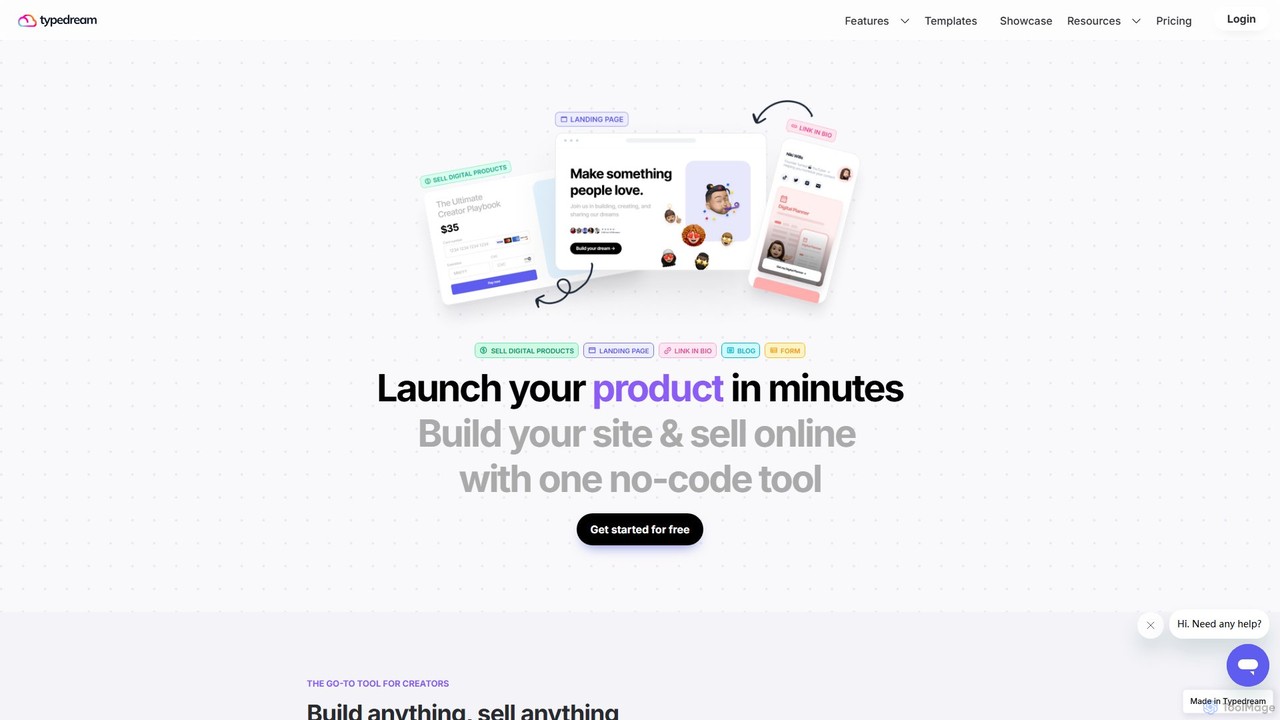
Typedream is an AI-powered, no-code website builder designed for creators and entrepreneurs. It allows you to easily build beautiful websites, landing pages, link-in-bio pages, and blogs. With integrated e-commerce features, you can sell digital products directly from your site. Its intuitive, doc-style editor makes website creation as simple as typing.

Digital Products
Visits 36.6KFavorites 153Likes 140
BuiltWithAiClub
Freemium

BuiltWithAiClub

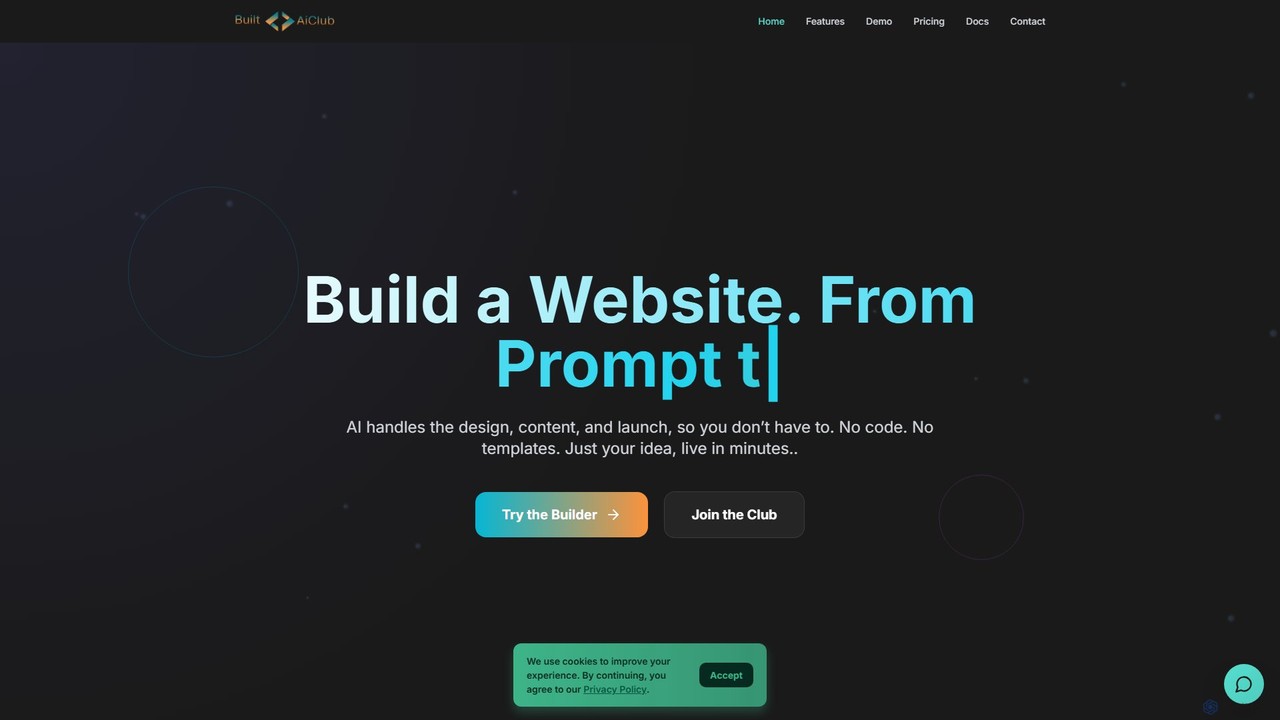
BuiltWithAiClub is an AI-powered website builder that transforms your ideas into fully functional websites in minutes. Simply describe your vision using a text prompt, and the AI handles design, content, and layout. No coding or templates are required to start. It offers extensive customization, a library of professional templates, and flexible hosting or code export options, making it ideal for creators of all skill levels.

Web Design
Visits 5.2KFavorites 163Likes 154
HeiChat
Freemium

HeiChat

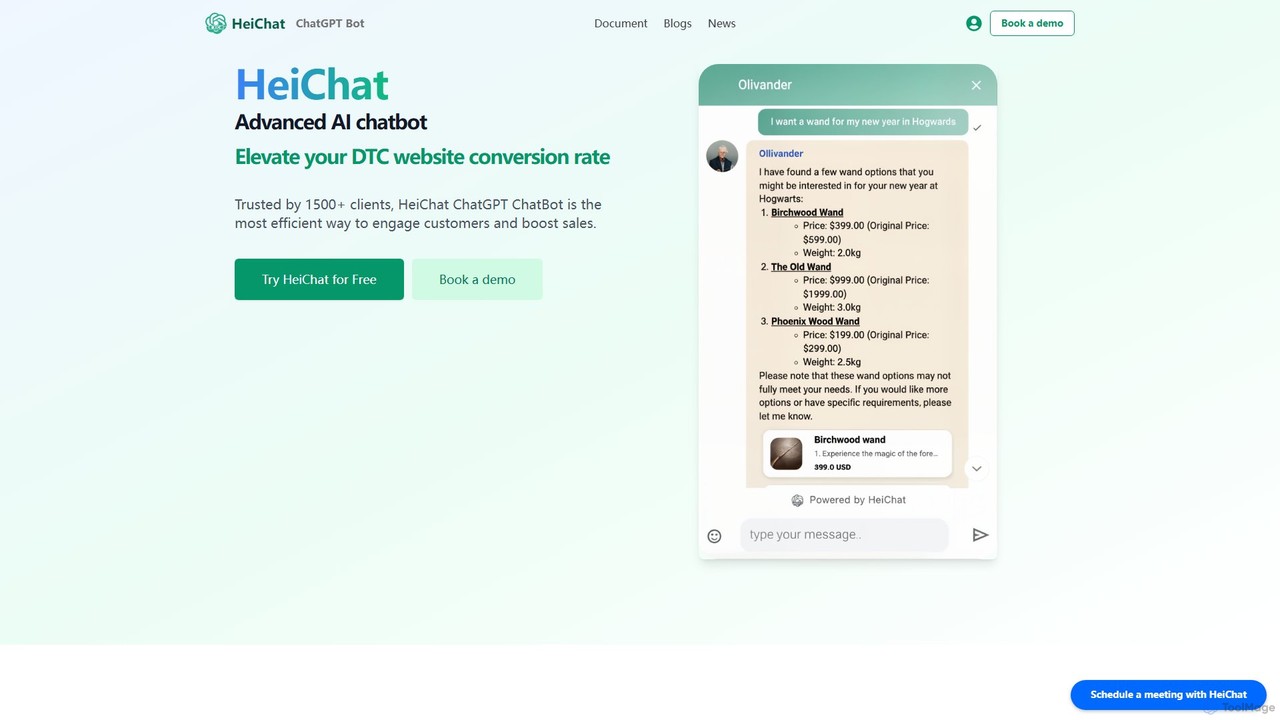
HeiChat is an advanced AI chatbot for e-commerce, powered by GPT-4 and Claude. It integrates seamlessly with platforms like Shopify and WooCommerce to boost sales by providing 24/7 multilingual customer support, personalized product recommendations, and instant answers to customer queries. This no-code tool helps businesses increase conversion rates, reduce support costs, and gain valuable customer insights through an intuitive analytics dashboard.

Chatbot
Visits 7.3KFavorites 155Likes 150
Knowledgio
Freemium

Knowledgio

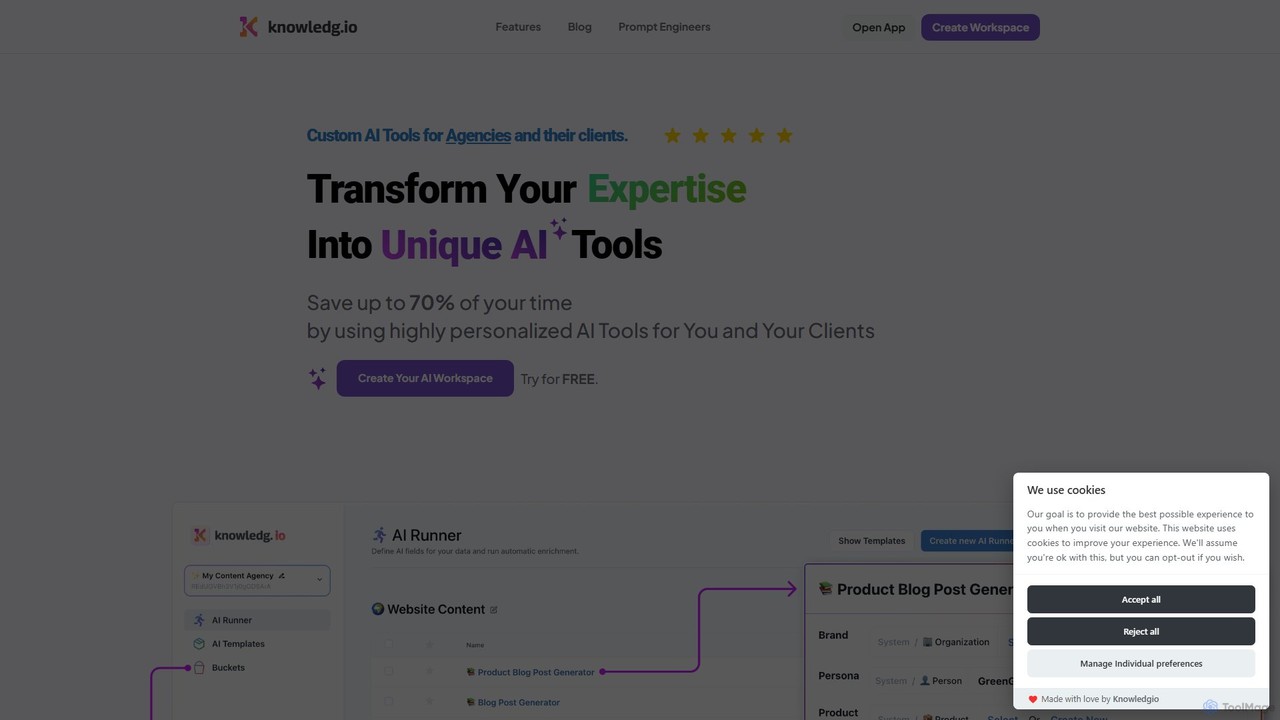
Knowledgio is a no-code platform that enables agencies, consultants, and businesses to transform their expertise into custom, monetizable AI tools. Build powerful AI workspaces, automate workflows by executing multiple prompts at once, and scale your knowledge into a shareable product.

Consulting
Visits 5.7KFavorites 138Likes 150
Maestro
Freemium

Maestro

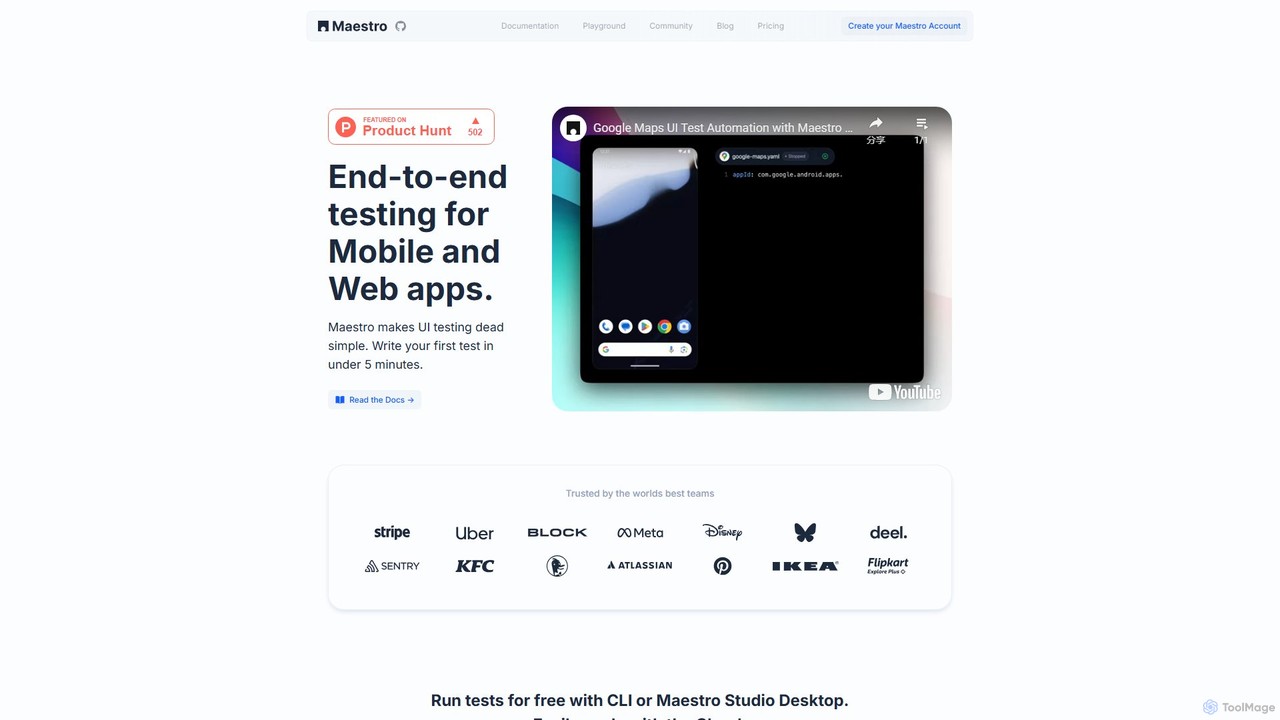
Maestro is an AI-powered, end-to-end UI testing framework that simplifies testing for mobile and web applications. With its intuitive syntax, visual test creation via Maestro Studio, and an AI assistant (MaestroGPT), it enables developers and testers to write reliable tests in minutes. It supports a wide range of frameworks like iOS, Android, React Native, and Flutter, offering both a free local environment and a scalable cloud platform for CI/CD integration.

Automation
Visits 189.3KFavorites 106Likes 103
mycheekybot
Freemium

mycheekybot

mycheekybot is a no-code AI chatbot builder designed to inject personality and humor into your website's user interactions. Create engaging, 'cheeky' bots that capture leads, provide support, and boost conversions by making conversations fun and memorable. Perfect for marketers and businesses looking to stand out.

Live Chat
Visits 5.4KFavorites 151Likes 167
LanderLab
Freemium

LanderLab

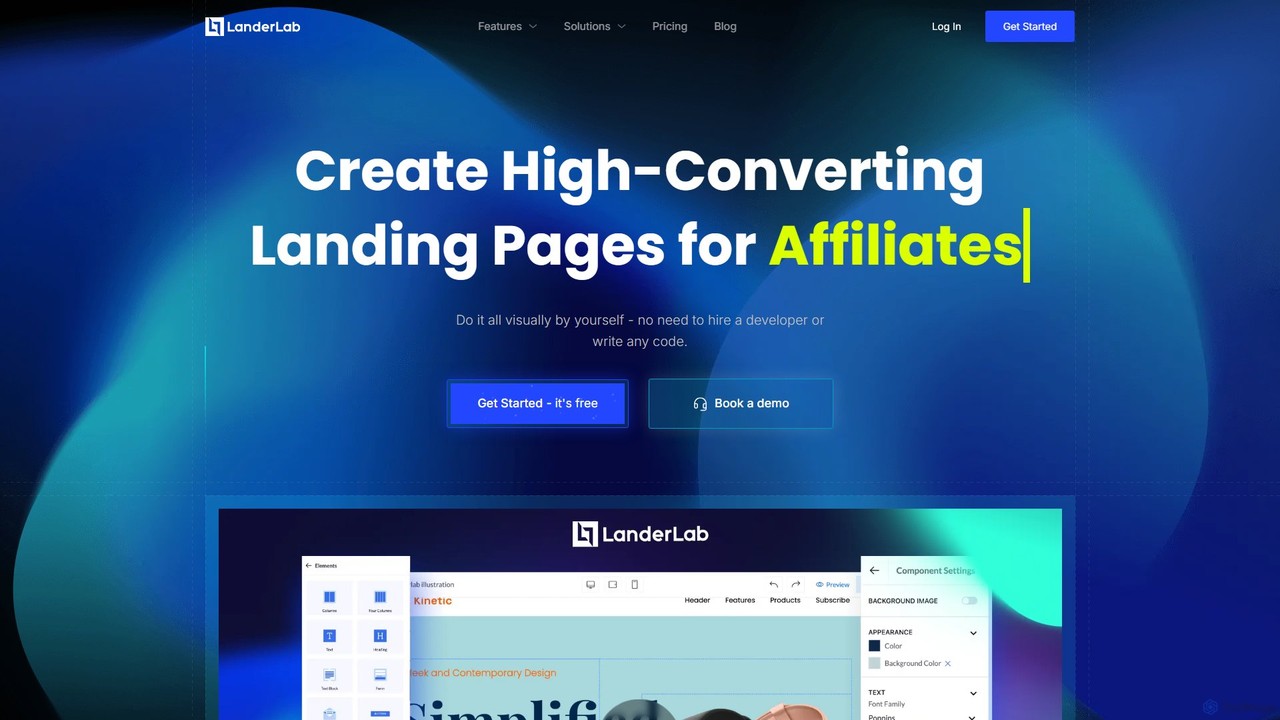
LanderLab is a powerful, no-code landing page builder designed for affiliate marketers and businesses. It features a drag-and-drop editor, AI-powered page translation, A/B testing, and fast cloud hosting. Easily create, clone, and optimize high-converting landing pages in minutes without any coding skills.

Affiliate Marketing
Visits 51.1KFavorites 140Likes 134

About No Code

No-Code tools are platforms that enable users to build applications, websites, and automated workflows using visual interfaces instead of traditional programming. These tools operate on the principle of abstracting away code complexity, offering drag-and-drop editors, pre-built components, and logic builders. This approach significantly lowers the technical barrier, empowering business users, marketers, and entrepreneurs to create functional digital solutions independently. The primary value of No-Code platforms lies in accelerating development cycles and democratizing software creation.

Core Features

  • Visual Drag-and-Drop Builder: Intuitively construct user interfaces and application logic by arranging visual elements.
  • Workflow Automation: Design and automate multi-step processes and data flows between different applications and services.
  • Pre-built Templates and Components: Start projects quickly with ready-to-use templates for common applications like CRMs, project managers, or websites.
  • Integrated Database: Visually manage and structure data within the platform without needing a separate database setup.
  • API Integration Connectors: Easily connect to third-party services and data sources through pre-configured visual connectors.

Use Cases

No-Code tools are widely adopted by non-technical professionals to solve business problems. For instance, marketing teams build custom landing pages for campaigns, operations managers create internal tools for inventory tracking, and HR departments automate employee onboarding workflows. Entrepreneurs also use them to rapidly develop and test Minimum Viable Products (MVPs) without hiring a development team.

How to Choose

When selecting a No-Code tool, first consider its primary function—whether it's for building web apps, mobile apps, or automating workflows. Evaluate its scalability to ensure it can handle your expected user traffic and data volume. Assess the platform's integration ecosystem to confirm it connects with your existing software stack. Finally, compare pricing models, which can be based on users, features, or usage volume, to find one that aligns with your budget and growth plans.

Featured tool rankings

No Code use cases

1

Build a Custom Internal CRM

A small business owner needs to manage customer relationships, track sales leads, and monitor communication history. Instead of paying for an expensive, off-the-shelf CRM with too many features, they use a No-Code platform. Using a drag-and-drop interface, they create a simple application with databases for contacts, deals, and interactions. They build forms for new lead entry and set up automated email notifications for follow-ups. This custom solution is built in a few days, perfectly matches their workflow, and costs significantly less than a commercial CRM subscription.

2

Launch a Marketing Campaign Landing Page

A marketing manager needs to quickly create a landing page for a new product launch. The development team has a long backlog, and time is critical. Using a No-Code website builder, the manager selects a template, customizes the branding, adds product information, and embeds a lead capture form. The entire page is designed, tested for mobile responsiveness, and published within hours, not weeks. This agility allows the marketing team to react to market opportunities instantly without being dependent on technical resources, accelerating their campaign launch and lead generation efforts.

3

Automate Lead Nurturing Workflows

A sales team captures leads from various sources like web forms and events. Manually following up with each lead is time-consuming and prone to errors. Using a No-Code automation platform, a sales operations manager connects their web form, email marketing tool, and CRM. They design a visual workflow: when a new lead is submitted, the contact is automatically added to the CRM, a welcome email is sent, and a task is created for a sales representative to follow up after three days. This automation ensures every lead is nurtured promptly and consistently, improving conversion rates and freeing up the sales team to focus on closing deals.

4

Develop a Minimum Viable Product (MVP)

An entrepreneur has an idea for a new mobile app but lacks the coding skills and funding to hire developers. To validate the concept with real users, they use a No-Code app builder. They visually design the app's screens, configure the user authentication, connect to a simple database for content, and implement core features like user profiles and submissions. Within two weeks, they have a functional MVP ready to be tested by early adopters. This approach allows them to gather crucial user feedback and demonstrate traction to potential investors at a fraction of the time and cost of traditional development.

5

Create a Client Portal for an Agency

A design agency needs a centralized place to share project updates, files, and feedback with clients. Building a custom portal from scratch would be expensive. Instead, the agency uses a No-Code platform to build a secure client portal. They create a system where each client has a unique login to a personalized dashboard. This dashboard displays project timelines, links to shared files (e.g., Google Drive), and a comment section for feedback. The portal improves client communication, organizes project assets, and presents a more professional image, all without writing a single line of code.

6

Automate Social Media Content Scheduling

A content creator manages multiple social media accounts and needs to post consistently. Manually uploading content to each platform daily is repetitive and inefficient. They use a No-Code automation tool to connect a content database (like Airtable or Google Sheets) to their social media profiles. They set up a workflow that triggers daily: it fetches the next scheduled post from the database, including text and image links, and automatically publishes it to Twitter, LinkedIn, and Facebook. This 'set it and forget it' system saves hours each week, ensures a consistent posting schedule, and allows the creator to focus on creating high-quality content rather than on administrative tasks.

No Code FAQ

What are No-Code tools?

No-Code tools are software platforms that allow individuals, even those without any programming knowledge, to create applications, websites, and automations through visual interfaces. Instead of writing code, users manipulate pre-built blocks, templates, and logic through a drag-and-drop editor. The primary goal is to empower non-technical users to build their own digital solutions, significantly reducing development time and costs. They are commonly used for building internal tools, simple mobile apps, landing pages, and automating business processes.

What is the difference between No-Code and Low-Code?

The primary difference lies in the target user and the degree of coding required. No-Code platforms are designed for non-technical users (like marketers or business analysts) and use a purely visual, drag-and-drop approach, requiring no programming at all. Low-Code platforms are aimed at developers or IT professionals to accelerate development. They offer visual tools for most tasks but also allow or require custom code for more complex logic, integrations, or customizations. In short, No-Code is about empowerment for non-developers, while Low-Code is about efficiency for developers.

How do I choose the right No-Code platform?

Choosing the right No-Code platform depends on your specific needs. Consider these factors:

  • Purpose: What do you want to build? Platforms specialize in different areas, such as web applications (Bubble), internal tools (Retool), mobile apps (Adalo), or automation (Zapier).
  • Scalability: Assess the platform's ability to handle growth in users and data. Check their performance limits and infrastructure.
  • Integrations: Ensure the platform can connect with the other tools and services you already use, like CRMs, payment gateways, or marketing software.
  • Learning Curve and Support: Evaluate how intuitive the interface is and what level of community and official support is available to help you learn.
  • Pricing: Compare pricing models (per user, per app, usage-based) to find a plan that fits your budget now and as you scale.
Who are No-Code tools for?

No-Code tools are designed for a wide range of users, primarily those without a technical background. Key user groups include:

  • Entrepreneurs and Startup Founders: To quickly build and test MVPs (Minimum Viable Products) without high initial investment.
  • Business Professionals: Operations managers, HR specialists, and project managers who create custom internal tools and automate workflows to improve efficiency.
  • Marketers: To build landing pages, manage campaigns, and automate marketing funnels without relying on developers.
  • Small Business Owners: To create their own websites, e-commerce stores, or customer management systems.
  • Designers and Creatives: To build interactive prototypes and functional websites that bring their designs to life.
Are No-Code applications scalable?

Yes, many modern No-Code platforms are designed to be scalable. They often run on robust cloud infrastructure like AWS or Google Cloud, allowing them to handle significant user traffic and data loads. However, the degree of scalability varies between platforms. For simple internal tools or websites with moderate traffic, most No-Code solutions are more than sufficient. For enterprise-grade applications with millions of users or complex data processing needs, it's crucial to carefully evaluate a platform's specific performance limitations, database capabilities, and pricing tiers for scaling. Some platforms may offer dedicated hosting plans or the ability to export code for greater control at very high scales.