ToolMage
Sign in

Best 372 Writing Assistant for Writing

Popular Writing Assistant in Writing include Google Gemini, doubao, Microsoft Copilot, Quark, Kimi, Qwen, Genspark, Yuanbao, Gauth, and NoteGPT, helping you work more efficiently.

RandomGenerate.io
Free

RandomGenerate.io

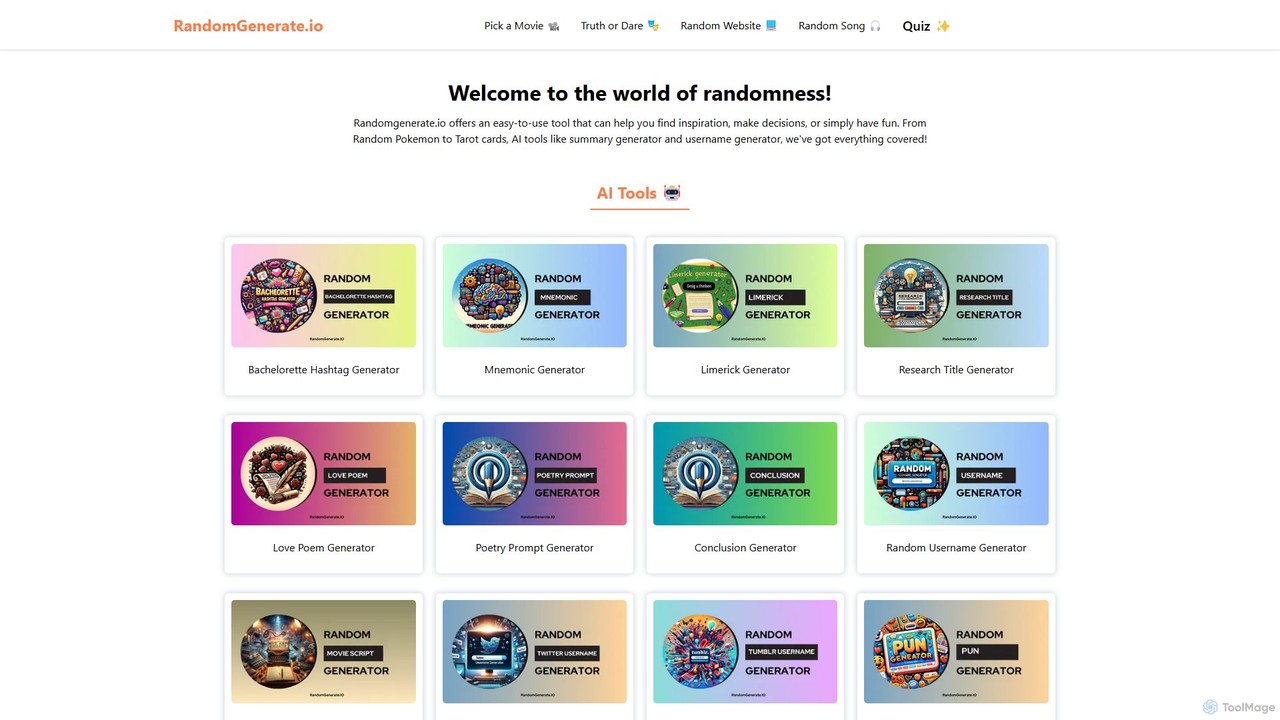
RandomGenerate.io is a comprehensive online platform offering a vast collection of both traditional randomizers and advanced AI-powered generators. It's designed to assist with decision-making, spark creativity, provide entertainment, and support development tasks. From choosing a movie to generating a story, it's a one-stop solution for all your random generation needs, completely free of charge.

Data
Visits 62KFavorites 150Likes 146
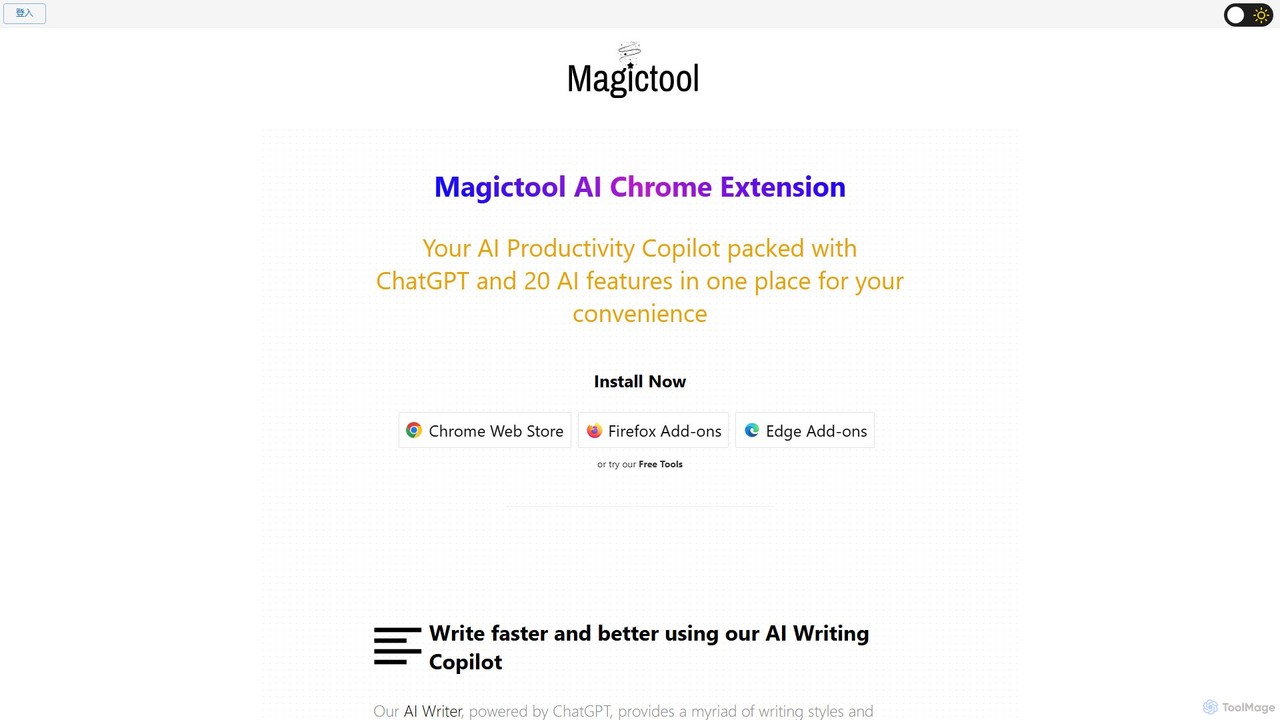
Magic Tool AI
Freemium

Magic Tool AI

Magic Tool AI is an all-in-one productivity browser extension that integrates ChatGPT and over 20 AI features. It acts as your personal copilot, helping you write better and faster, summarize YouTube videos and articles, chat with PDFs, scrape web data, generate images, and much more, all within your browser.

Browser Extension
Visits 118.8KFavorites 130Likes 127
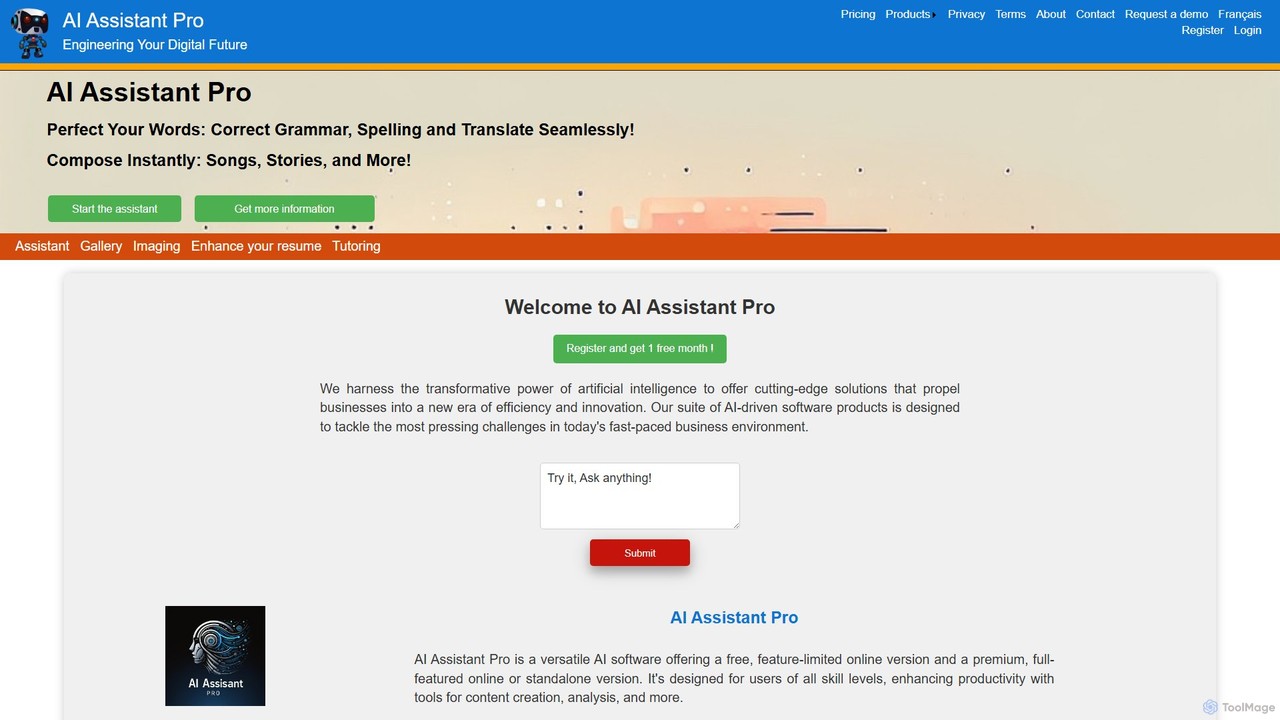
AI Assistant Pro
Freemium

AI Assistant Pro

AI Assistant Pro is a comprehensive AI suite offering tools for writing enhancement, content creation, image generation, resume optimization, and personalized tutoring. It corrects grammar and spelling, translates text, and composes creative content like songs and stories. Available as a freemium web and standalone application, it's designed to boost productivity and creativity for individuals and businesses.

Tutoring
Visits 5.9KFavorites 128Likes 128
Minduck
Freemium

Minduck

Minduck is an AI-powered platform that transforms idea generation and research by using visual mind maps. It allows users to structure their thoughts visually, guiding the AI to produce organized, coherent content and knowledge maps, moving beyond the limitations of traditional chat-based interfaces.

Research Assistant
Visits 5.9KFavorites 141Likes 131
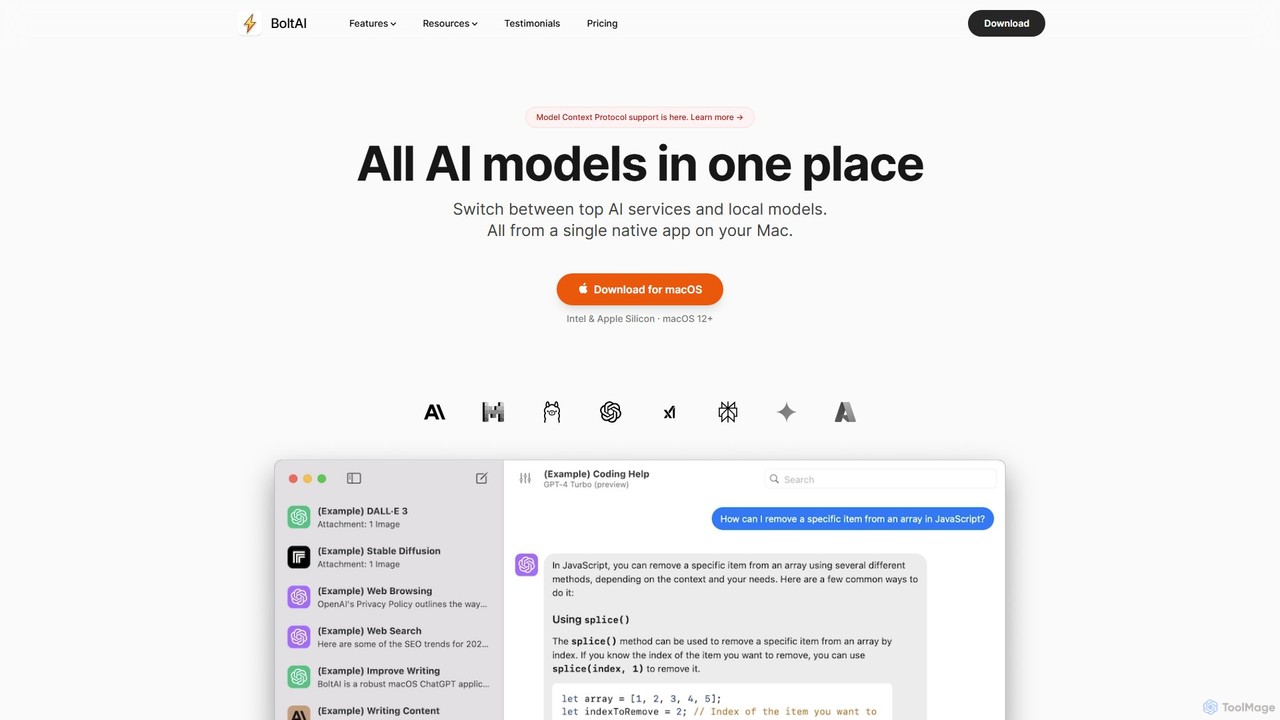
BoltAI
Paid

BoltAI

BoltAI is a native, high-performance AI assistant for macOS that integrates multiple AI models like GPT, Claude, and local models directly into your workflow. It offers features like an in-IDE coding assistant, custom AI assistants, a prompt library, and powerful plugins to boost productivity for developers, writers, and professionals.

Coding
Visits 87KFavorites 170Likes 154
PaperBrain
Freemium

PaperBrain

PaperBrain is an AI-powered research assistant designed to help students, academics, and researchers understand complex academic papers effortlessly. Upload a PDF, and PaperBrain will provide summaries, answer your questions, and explain intricate concepts, accelerating your literature review and research workflow.

Academic
Visits 5.8KFavorites 128Likes 141
promptperfekt
Free

promptperfekt

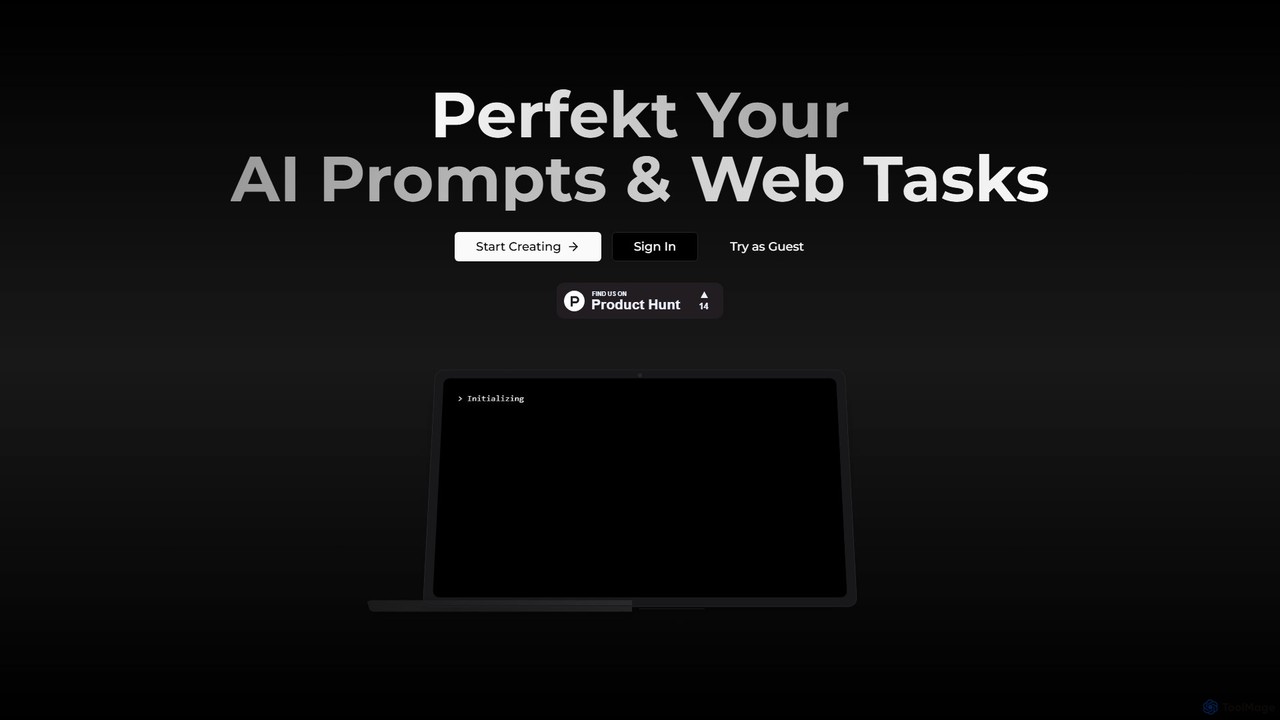
promptperfekt is an AI orchestrator that transforms vague prompts into precise, optimized instructions. It automates web searches, refines your ideas through intelligent questioning, and executes complex tasks across various domains like content creation, coding, and data analysis, streamlining your entire AI workflow.

Code Generation
Visits 5.8KFavorites 151Likes 137
Phoenix
Freemium

Phoenix

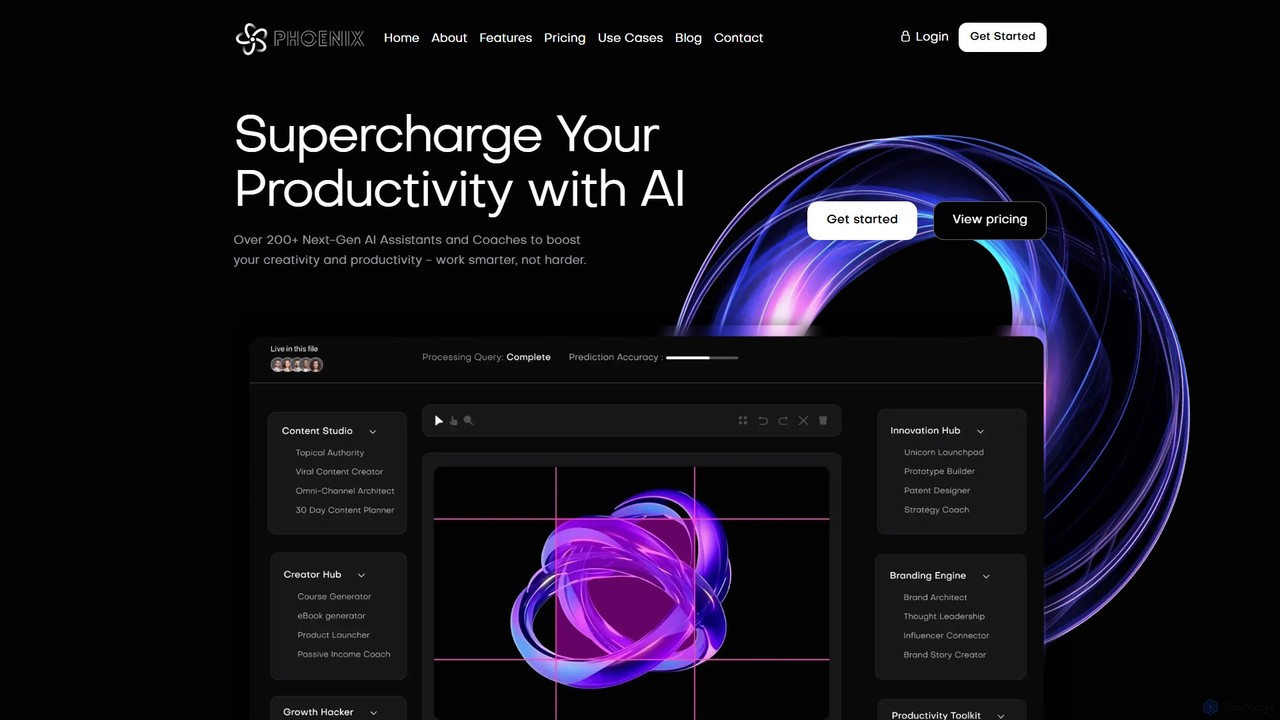
Phoenix is an all-in-one AI platform by LUNARTECH, offering over 200 specialized assistants to boost productivity and creativity. Powered by advanced models like GPT-4o and Claude 3.5, it helps entrepreneurs, marketers, and professionals streamline workflows, generate content, build startups, and innovate without needing technical expertise.

Startup Tools
Visits 5.9KFavorites 100Likes 115
Blend AI
Freemium

Blend AI

Blend AI is a versatile AI chat platform that provides access to a variety of leading large language models (LLMs) through a single, unified interface. It allows users to switch between models, manage files, and track conversation history, all within a credit-based freemium system.

Model Playground
Visits 7.3KFavorites 120Likes 129
socra
Freemium

socra

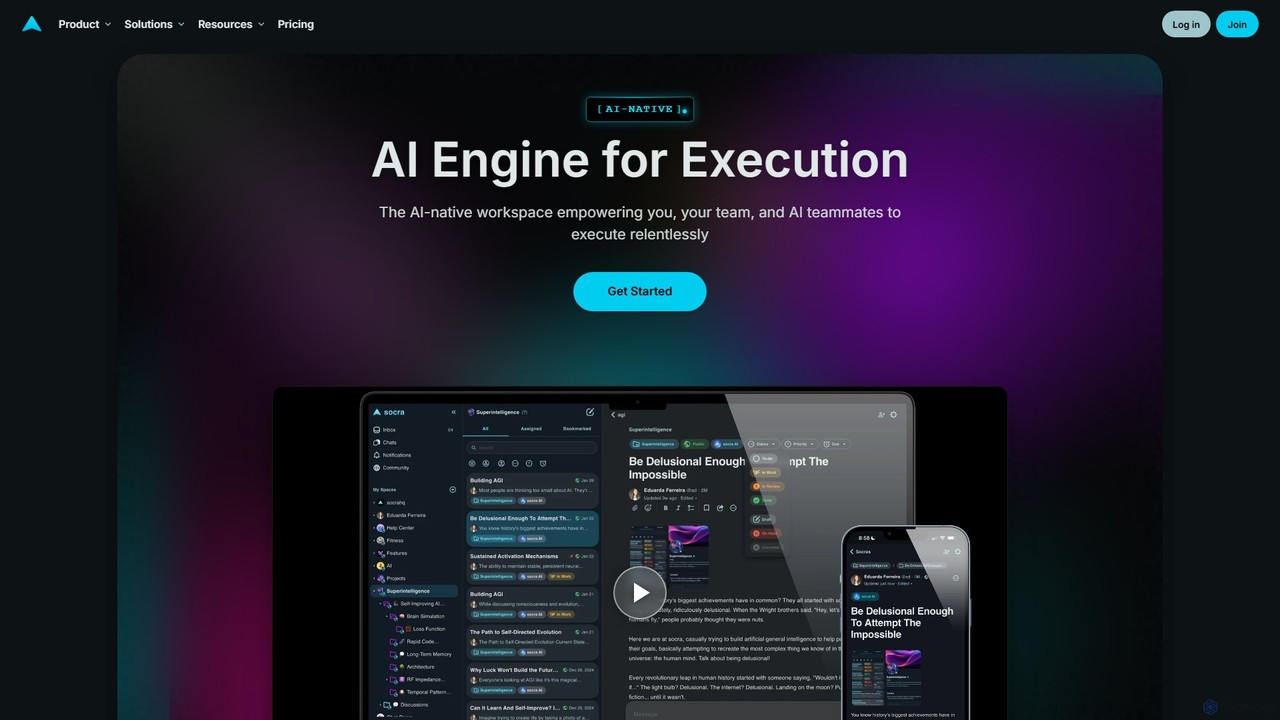
socra is an AI-native execution engine and workspace designed to empower individuals and teams. It replaces fragmented tools by unifying tasks, collaboration, and powerful AI teammates with persistent memory into a single, streamlined platform. Turn ambitious goals into reality through relentless, AI-assisted execution.

Collaboration
Visits 9.9KFavorites 83Likes 77
pheeds
Freemium

pheeds

Pheeds is a comprehensive toolkit and resource hub for AI-powered content creation. It offers extensive prompt libraries for Midjourney and ChatGPT, curated SEO tools, text processing utilities, and a vast collection of public domain resources to enhance creativity and productivity for marketers, writers, and artists.

Seo
Visits 6.8KFavorites 122Likes 114
Cuely
Freemium

Cuely

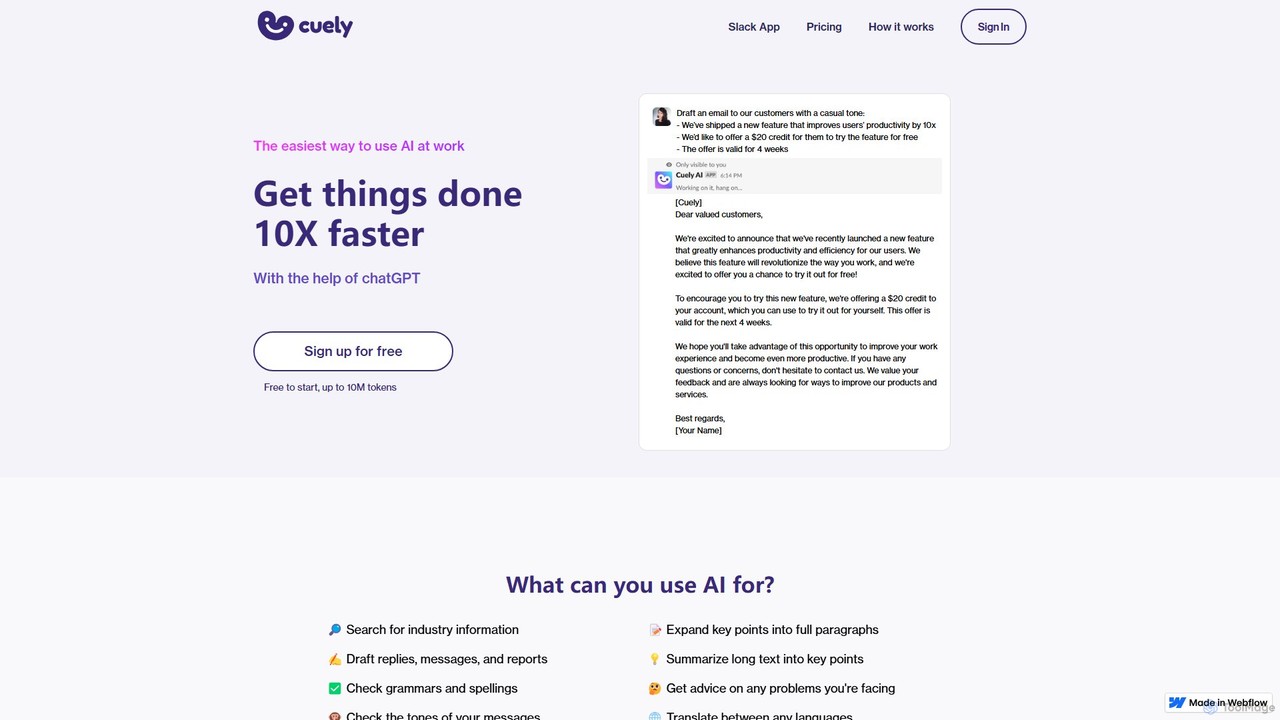
Cuely is an AI assistant seamlessly integrated into Slack, designed to enhance workplace productivity. It helps teams draft emails, generate ideas, get communication advice, and more, directly within their existing workflows. By using simple commands or mentions, users can access powerful AI capabilities without needing to learn complex prompting, making it the easiest way to leverage AI at work.

Team Collaboration
Visits 9.3KFavorites 152Likes 128
ZekAI
Freemium

ZekAI

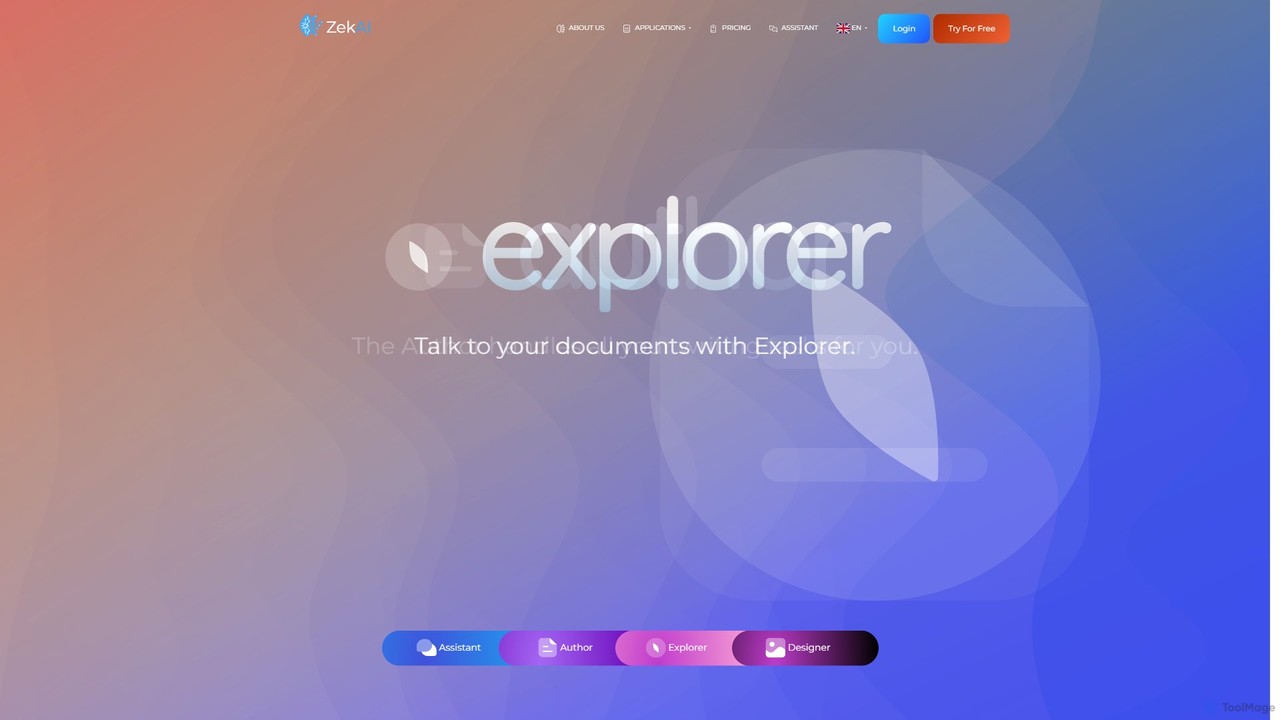
ZekAI is an all-in-one AI platform that integrates leading models like GPT-4o and Gemini Pro. It offers a suite of tools including a versatile Assistant for various tasks, an Author for content creation, a Designer for image generation, and an Explorer for personalized search, catering to both individual and enterprise needs.

Image Generator
Visits 9.3KFavorites 151Likes 120
Anysolve
Freemium

Anysolve

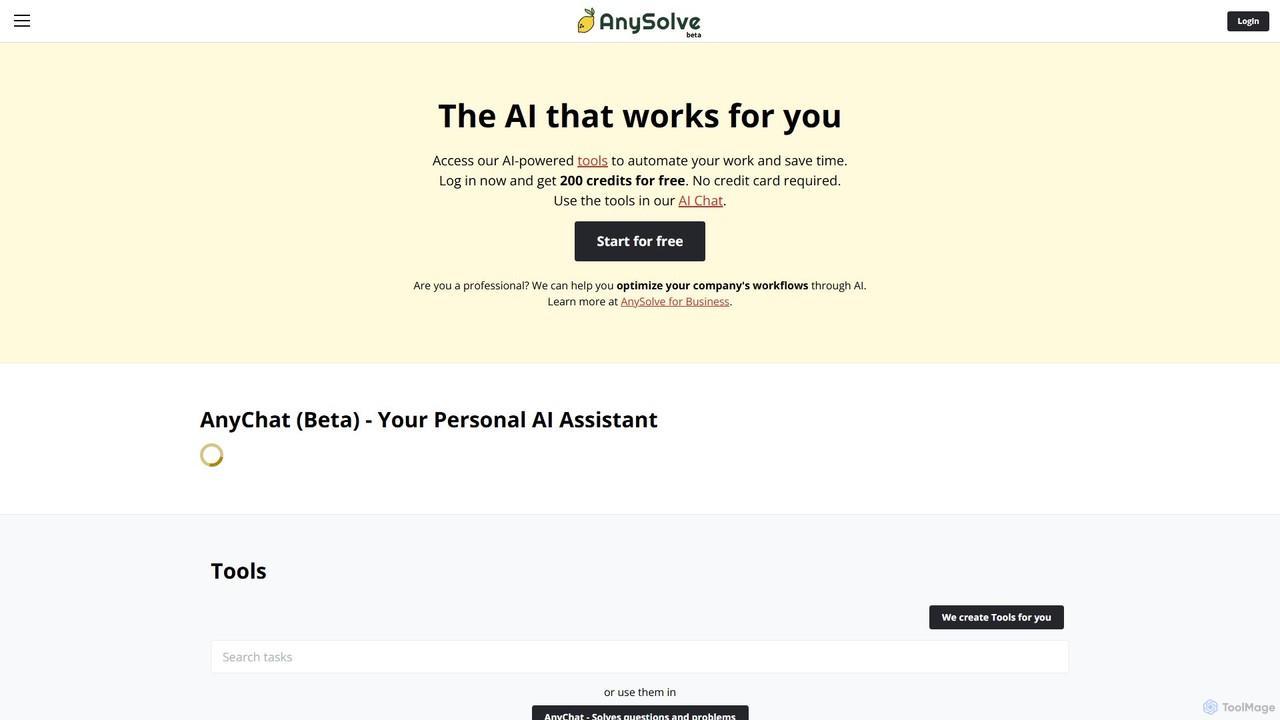
Anysolve is a versatile AI platform that allows users to discover, use, and create custom AI tools without any coding. It functions as a comprehensive hub for automating various professional and personal tasks, from writing and data analysis to image generation, by integrating powerful models like GPT and Stability AI.

Workflow Management
Visits 7.9KFavorites 120Likes 126
i10x
Freemium

i10x

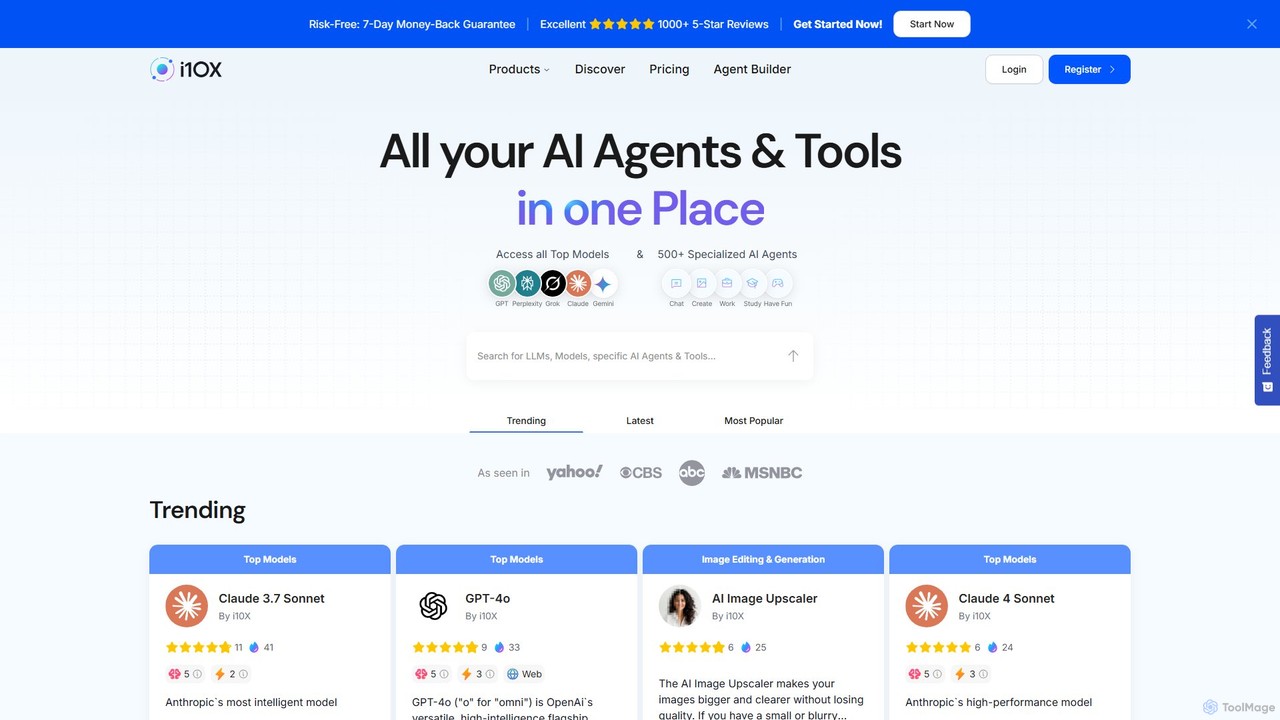
i10x is an all-in-one AI agent marketplace that provides access to top-tier models like GPT-4o, Claude, and Gemini, alongside over 500 specialized AI agents. It consolidates numerous AI tools for marketing, image generation, business, and writing into a single, affordable subscription, eliminating the need for multiple expensive services.

Business Intelligence
Visits 313.2KFavorites 101Likes 89
EasyChat AI
Freemium

EasyChat AI

EasyChat AI is a native Windows desktop application designed to provide the best ChatGPT experience. It offers a sleek, intuitive interface with features like Markdown support and a dark mode. Access the power of OpenAI's models directly from your desktop for enhanced productivity in writing, coding, and general tasks, with flexible pricing plans including a free tier and a lifetime option.

Code Assistant
Visits 6.9KFavorites 135Likes 126
ChatGod
Freemium

ChatGod

ChatGod is a powerful, all-in-one conversational AI platform that provides access to multiple advanced language models like GPT-4 and Claude 3. It's designed to boost productivity for professionals, developers, and content creators by centralizing various AI capabilities into a single, intuitive interface with enhanced features like web access and file analysis.

Code Assistant
Visits 5.9KFavorites 115Likes 118
SideKick AI
Freemium

SideKick AI

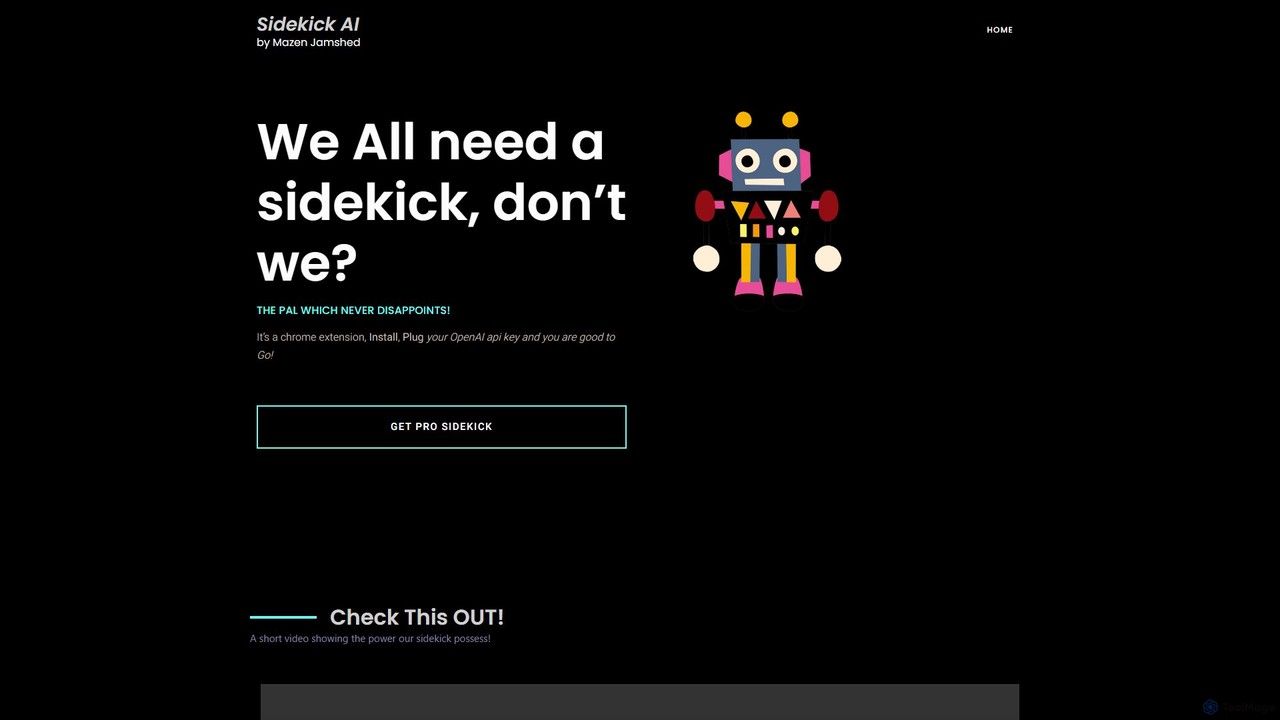
SideKick AI is a powerful Chrome extension that integrates OpenAI's capabilities directly into your browser. Use simple commands to generate, rewrite, and improve text in any input field, streamlining your workflow and boosting productivity without ever leaving your current tab.

Text Generation
Visits 6.6KFavorites 148Likes 148
Peter AI
Freemium

Peter AI

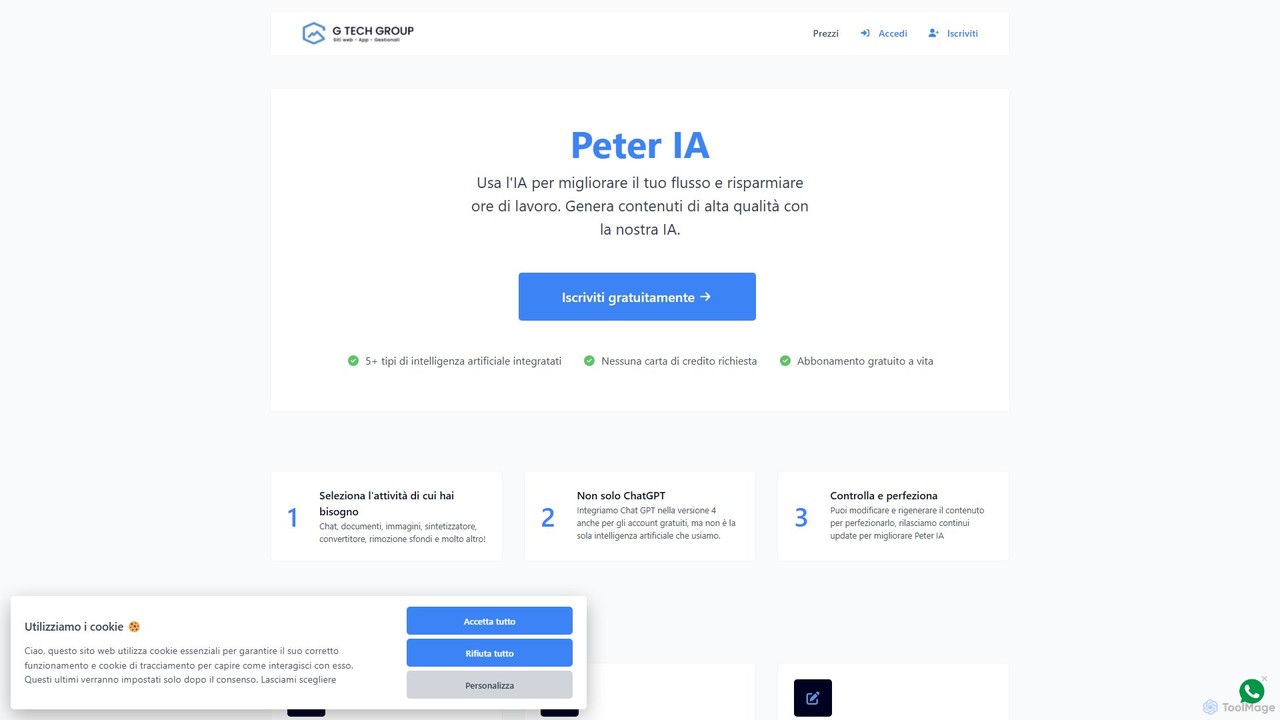
Peter AI is an all-in-one AI-powered productivity platform designed to streamline your workflow. It integrates multiple AI models, including GPT-4 and DALL-E 3, to help you generate high-quality text, images, and audio content, saving you hours of work. From writing blog posts and ad copy to creating AI art and transcribing audio, Peter AI provides a comprehensive suite of tools for creators, marketers, and businesses.

Transcription
Visits 5.9KFavorites 138Likes 137
ScripMind
Freemium

ScripMind

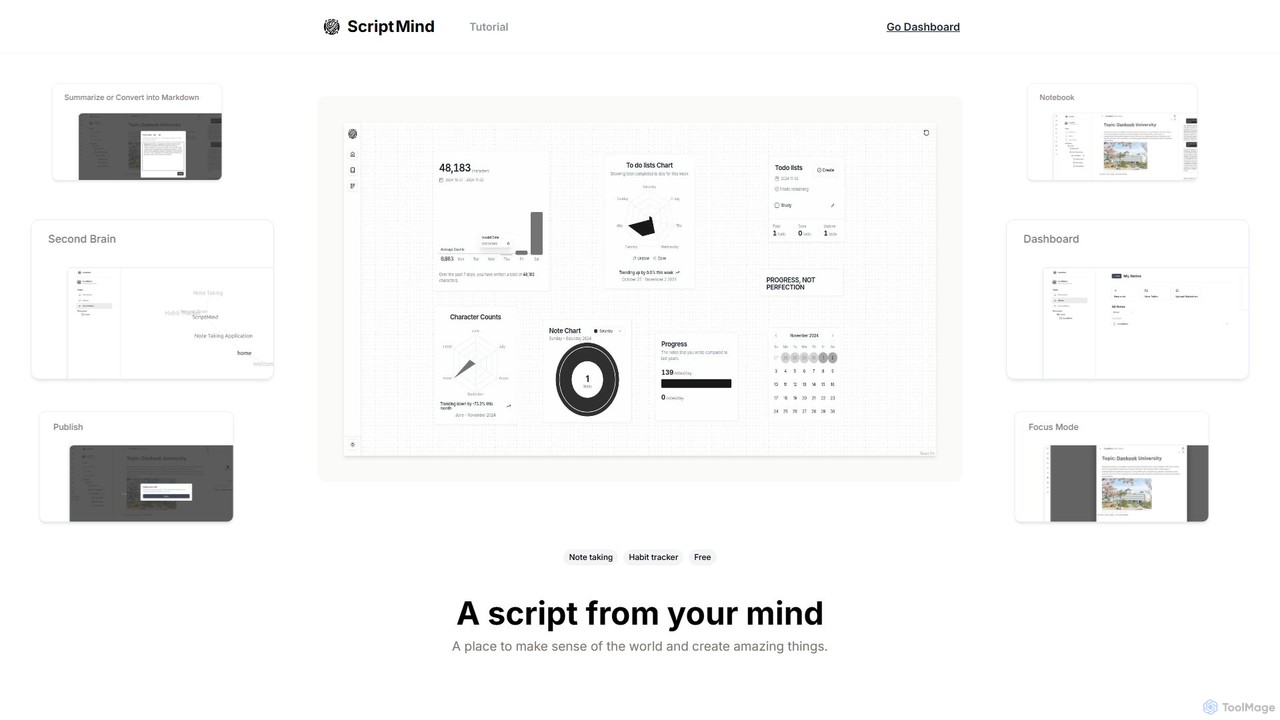
ScripMind is an AI-powered note-taking application designed as a 'Second Brain'. It helps users capture, connect, and create ideas with features like AI summarization, a knowledge graph, Markdown support, and notebook publishing. Ideal for thinkers, creators, and learners.

Knowledge Management
Visits 6.1KFavorites 125Likes 123
AI Office Bot
Freemium

AI Office Bot

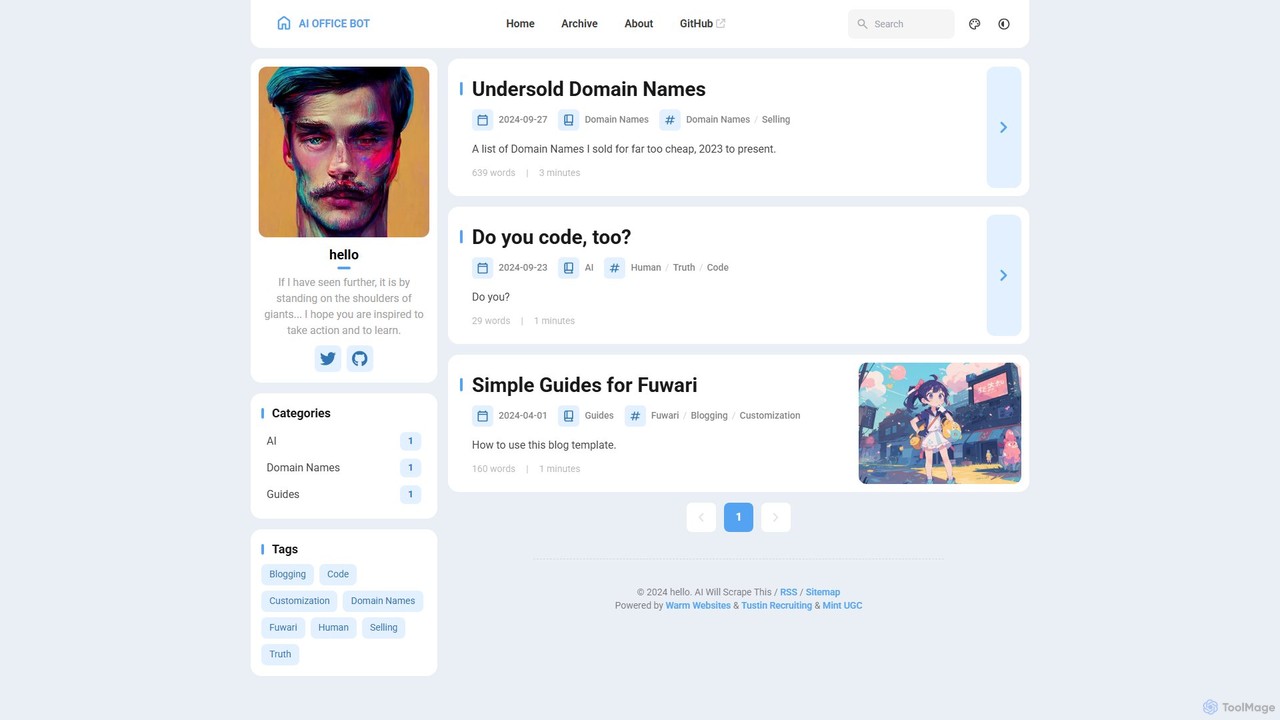
AI Office Bot is an intelligent virtual assistant designed to automate and streamline a wide range of office tasks. From document generation and email management to data analysis and task scheduling, it acts as a central productivity hub to help professionals save time and focus on high-value work.

Virtual Assistant
Visits 5.9KFavorites 129Likes 148
BrowserCopilot
Freemium

BrowserCopilot

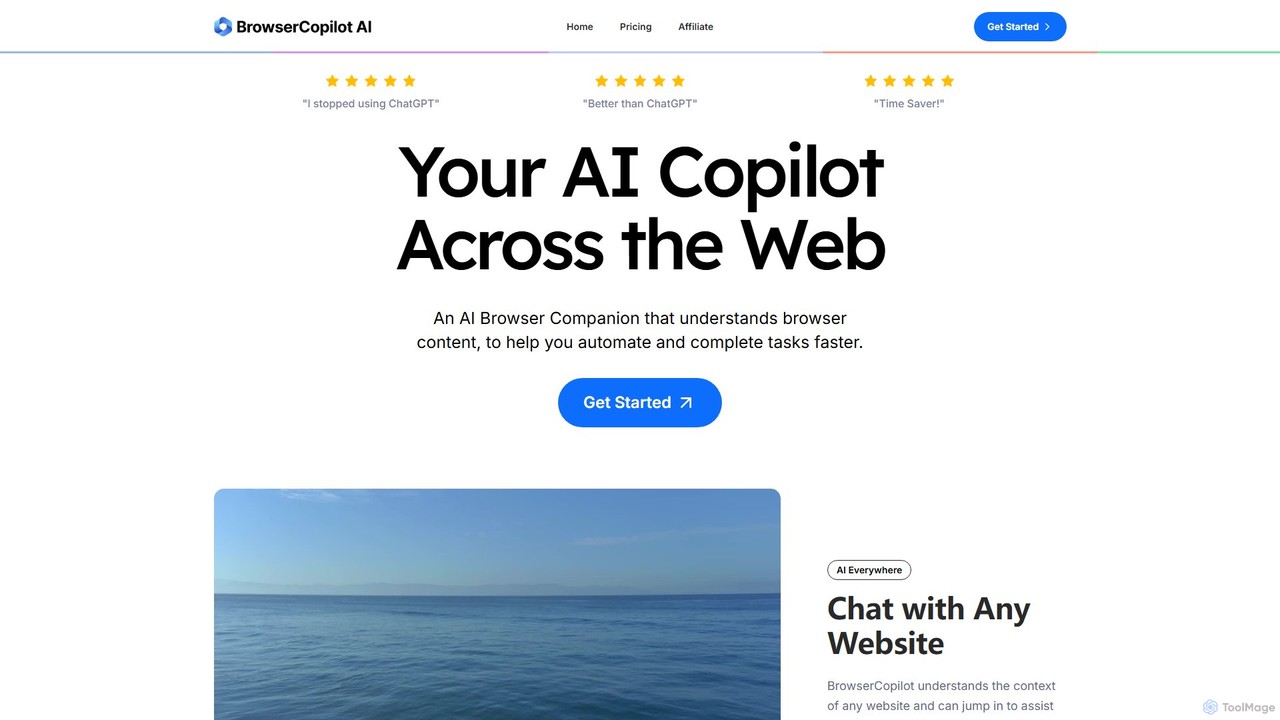
BrowserCopilot is an AI-powered browser extension that acts as your personal copilot across the web. It understands the context of any webpage, helping you to read, write, research, and automate tasks faster without switching tabs. It integrates multiple leading AI models like GPT-4o and Claude 3.7.

Automation
Visits 6.7KFavorites 138Likes 130
GenExpert
Freemium

GenExpert

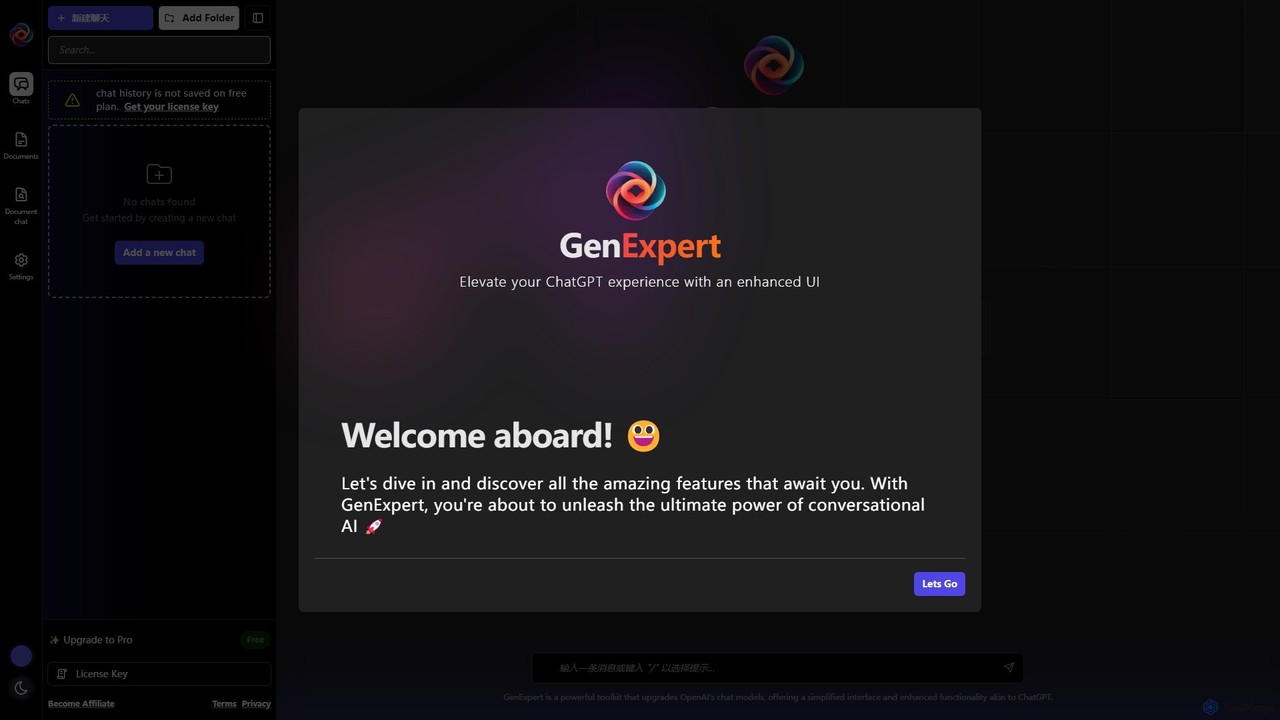
GenExpert is an advanced toolkit and user interface for OpenAI models, designed to elevate your ChatGPT experience. It offers a streamlined interface with powerful features like folder-based chat organization, document interaction, a rich prompt library, and AI persona selection, all while using your own OpenAI API key for full control.

Chatbot Interface
Visits 5.9KFavorites 112Likes 106
NailedIt
Freemium

NailedIt

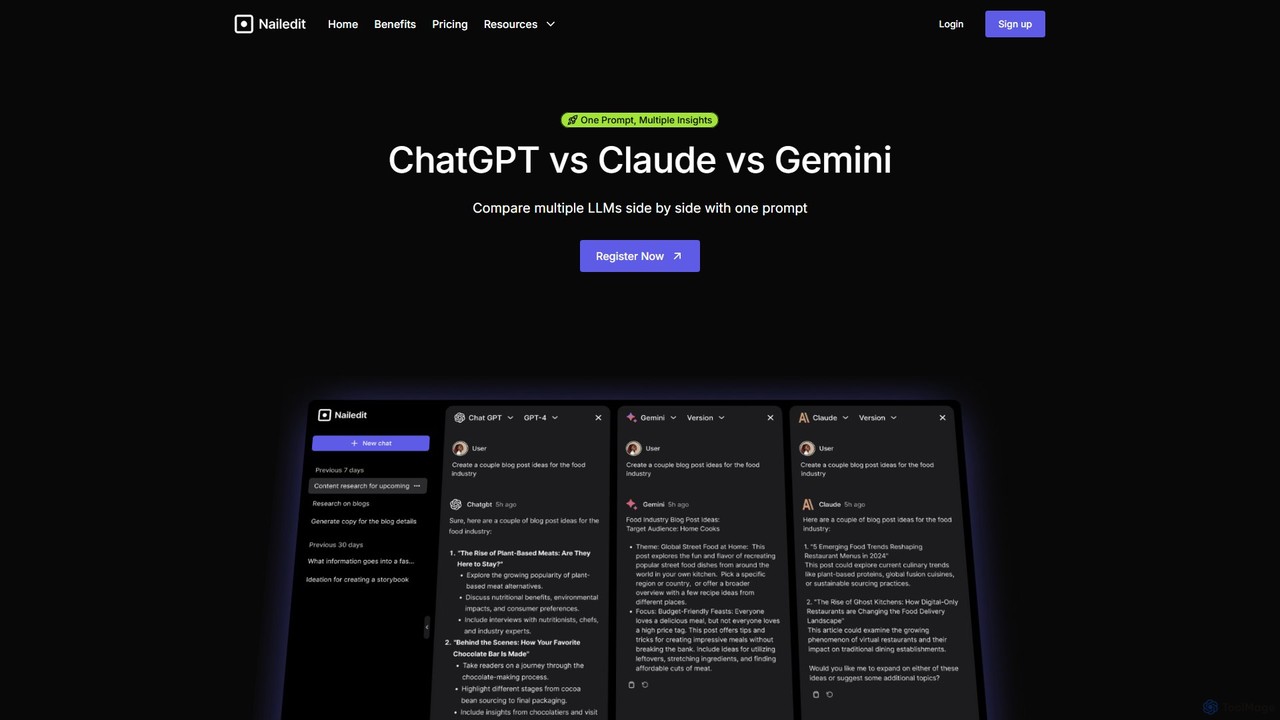
NailedIt is an AI productivity platform that allows you to instantly compare responses from leading LLMs like ChatGPT, Claude, and Gemini with a single prompt. Streamline your workflow, enhance content quality, and make informed decisions by viewing multiple AI outputs side-by-side in a unified interface.

Testing
Visits 7.6KFavorites 119Likes 115

About Writing Assistant

Writing Assistants are AI-powered tools designed to enhance the quality, clarity, and style of existing text. They utilize Natural Language Processing (NLP) to analyze sentences, identifying errors in grammar, spelling, punctuation, and syntax. Beyond simple proofreading, these assistants provide suggestions for improving sentence structure, adjusting tone, and increasing readability. This helps users communicate more effectively and professionally in any context, from business emails to academic papers.

Core Features

  • Advanced Grammar & Punctuation Check: Identifies and corrects complex grammatical errors, not just basic typos.
  • Style & Tone Adjustment: Offers suggestions to rephrase sentences to be more formal, confident, friendly, or concise.
  • Clarity & Readability Analysis: Simplifies complex sentences, removes jargon, and improves the overall flow of the text.
  • Sentence Rephrasing & Completion: Provides alternative ways to phrase ideas and helps overcome writer's block.
  • Plagiarism Detection: Scans text against online sources to ensure originality.

Use Cases

Writing Assistants are widely used by professionals for crafting error-free emails and reports, students for proofreading academic essays, and marketers for refining ad copy and social media posts. Non-native speakers also rely on these tools to improve their fluency and sound more natural in their writing.

How to Choose

When selecting a Writing Assistant, consider its integration capabilities (e.g., browser extensions, desktop apps), the range of languages it supports, and the depth of its stylistic suggestions. Also, evaluate the user interface for ease of use and compare pricing models, as some offer free basic checks while others provide advanced team features via subscription.

Featured tool rankings

Writing Assistant use cases

1

Polishing Business Communication

A project manager needs to send a critical project update to stakeholders. They use a Writing Assistant to review their draft. The tool corrects a few subtle grammatical errors, suggests rephrasing a complex sentence for better clarity, and adjusts the tone to be more confident and professional. The final email is clear, concise, and error-free, ensuring the message is received positively and without misunderstanding, strengthening professional credibility.

2

Proofreading Academic Papers

A university student is finalizing their thesis. Before submission, they run the entire document through a Writing Assistant. The tool helps identify inconsistent terminology, flags sentences that are too long and complex, and checks for potential unintentional plagiarism. It also ensures the paper adheres to a formal academic tone. This process significantly improves the paper's quality, allowing the student to submit their work with confidence.

3

Optimizing Marketing & Blog Content

A content marketer drafts a new blog post. Using a Writing Assistant integrated into their editor, they check the text for readability. The assistant suggests breaking up long paragraphs, replacing passive voice with active voice for a more engaging tone, and simplifying industry jargon for a broader audience. This ensures the final content is not only grammatically correct but also optimized for reader engagement and SEO performance.

4

Assisting Non-Native English Speakers

An employee whose first language is not English needs to write a proposal for an international client. They use a Writing Assistant to check for common grammatical mistakes and awkward phrasing. The tool suggests more natural-sounding idioms and sentence structures, helping them convey their ideas clearly and professionally. This boosts their confidence and ensures their writing accurately reflects their expertise, free from language barriers.

5

Maintaining Brand Voice Consistency

A marketing team uses a Writing Assistant with a built-in style guide feature. This ensures that all content produced by different team members—from website copy to press releases—adheres to the company's specific terminology, tone, and formatting rules. The assistant automatically flags non-compliant language and suggests approved alternatives, streamlining the editing process and ensuring a consistent and professional brand identity across all channels.

6

Streamlining Personal Writing Tasks

An individual is drafting a cover letter for a job application. They use a Writing Assistant browser extension to quickly check for typos and grammatical errors. The tool also suggests stronger action verbs to replace weaker ones, making their experience sound more impactful. In just a few minutes, the cover letter is transformed from a simple draft into a polished, professional document that makes a strong first impression on recruiters.

Writing Assistant FAQ

What is an AI Writing Assistant?

An AI Writing Assistant is a software tool that uses artificial intelligence to help users improve their writing in real-time. Unlike tools that generate content from scratch, an assistant focuses on enhancing existing text by correcting grammar, improving style and tone, increasing clarity, and checking for plagiarism. They act as an intelligent proofreader and style coach, accessible directly within your browser or text editor.

How is a Writing Assistant different from an AI Content Generator?

The key difference lies in their primary function. A Writing Assistant enhances and refines text that a human has already written, focusing on correctness, clarity, and style. An AI Content Generator creates new, original text from a user's prompt or keywords. Think of an assistant as an editor, while a generator is an author. You use an assistant to polish your own work, and a generator to create a first draft or new ideas.

What are the key features to look for in a Writing Assistant?

When choosing a Writing Assistant, look for these essential features:

  • Comprehensive Corrections: It should go beyond basic spell-checking to catch complex grammar, punctuation, and syntax errors.
  • Style and Tone Suggestions: The ability to suggest rephrasing for different contexts (e.g., formal, casual, confident) is highly valuable.
  • Integration: Look for seamless integration with your workflow, such as browser extensions, Microsoft Word add-ins, or desktop apps.
  • Multi-language Support: If you write in more than one language, ensure the tool provides robust support for them.
  • Plagiarism Checker: A built-in plagiarism detector is crucial for academic and professional writing.
Who can benefit from using a Writing Assistant?

A wide range of individuals can benefit from a Writing Assistant. Students can use it to proofread essays and avoid plagiarism. Professionals can ensure their emails, reports, and presentations are clear and error-free. Content creators and marketers can refine their copy for better engagement. Non-native speakers can improve their fluency and confidence. Essentially, anyone who writes regularly can use these tools to enhance the quality and impact of their communication.

Do Writing Assistants replace human editors?

Writing Assistants are powerful tools, but they do not fully replace human editors. They excel at identifying objective errors in grammar, spelling, and syntax, and can offer excellent stylistic suggestions based on algorithms. However, a human editor provides nuanced understanding of context, audience, and creative intent that AI may miss. Assistants are best used as a first line of defense to catch errors and improve drafts, while human editors are invaluable for final, high-stakes polishing.