ToolMage
Sign in
Pixop
Broadcasting ยท 10.5K monthly visits

Pixop is an AI-powered video enhancement platform designed for broadcasters and content owners. It offers solutions for real-time live stream conversion, archival footage restoration, and on-demand video upscaling to 4K/UHD. Leveraging proprietary machine learning models, Pixop improves video quality without requiring expensive infrastructure upgrades.


VS
VidHex
Tools ยท 62.3K monthly visits

VidHex is an all-in-one, AI-powered desktop application for Windows and Mac designed to enhance, restore, and upscale video quality. It offers a suite of tools for intelligent upscaling to 4K/8K, realistic colorization of black-and-white footage, video repair, denoising, and frame interpolation. It's built for content creators, e-commerce sellers, educators, and anyone looking to transform imperfect videos into stunning visual experiences with minimal effort.

Pixop vs VidHex: pricing, features, traffic, and use cases

Compare Pixop and VidHex across positioning, pricing, traffic, and user feedback using structured factual data.

Updated Aug 22, 2026

Product overview

Pixop Product overview

Pixop is an AI-powered video enhancement platform designed for broadcasters and content owners. It offers solutions for real-time live stream conversion, archival footage restoration, and on-demand video upscaling to 4K/UHD. Leveraging proprietary machine learning models, Pixop improves video quality without requiring expensive infrastructure upgrades.

Preview

VidHex Product overview

VidHex is an all-in-one, AI-powered desktop application for Windows and Mac designed to enhance, restore, and upscale video quality. It offers a suite of tools for intelligent upscaling to 4K/8K, realistic colorization of black-and-white footage, video repair, denoising, and frame interpolation. It's built for content creators, e-commerce sellers, educators, and anyone looking to transform imperfect videos into stunning visual experiences with minimal effort.

Preview

Detailed feature comparison

FeaturePixopVidHex
Primary categoryBroadcastingTools
Added2025-08-032025-09-09
PricingPaidPaid
Official websitewww.pixop.comvidhex.ai
Product typeWebsiteApp
Performance data
User ratingNot verifiedNot verified
Comments00
Monthly visits10.5K62.3K
Monthly growth-5.7%7.5%
Favorites12290
DetailsView detailsView details

Pixop vs VidHex monthly traffic

Compare Pixop and VidHex by monthly reach, traffic trend, visit depth, top regions, and acquisition sources.

How to interpret the traffic data

In the Pixop vs VidHex monthly traffic comparison, Pixop currently shows 10.5K visits and VidHex shows 62.3K; VidHex has about 6 times the visible traffic of Pixop, an absolute difference of about 51.9K visits. This reflects visible reach, not feature quality or paid users.

Both tools provide verified traffic details, so monthly trends, visit depth, regions, and acquisition sources can be compared on the same basis.

Pixop monthly traffic:

Latest traffic

Monthly visits
10.5K
Avg. visit duration
1:44
Pages per visit
2.66
Bounce rate
37.61%
Data updated 2026-06-15

Monthly traffic trend

  • 2025/9: 43.6K Monthly visits
  • 2026/1: 27.4K Monthly visits
  • 2026/2: 13.9K Monthly visits
  • 2026/3: 9.3K Monthly visits
  • 2026/4: 11.1K Monthly visits
  • 2026/5: 10.5K Monthly visits

Top regions

Top 5 countries/regions
Country/regionPercentageTraffic
๐Ÿ‡บ๐Ÿ‡ธUnited States73.09%7.6K
๐Ÿ‡ฉ๐Ÿ‡ชGermany11.85%1.2K
๐Ÿ‡ฎ๐Ÿ‡ณIndia6.39%669
๐Ÿ‡ป๐Ÿ‡ณVietnam5.06%529
๐Ÿ‡ธ๐Ÿ‡ชSweden3.61%378

Search keywords

is it possible to boost resolutionpixoppixop aps websitepixop video-compare:pixup

VidHex monthly traffic:

Latest traffic

Monthly visits
62.3K
Avg. visit duration
0:31
Pages per visit
1.66
Bounce rate
43.04%
Data updated 2026-06-15

Monthly traffic trend

  • 2025/9: 27K Monthly visits
  • 2026/1: 74.5K Monthly visits
  • 2026/2: 56.1K Monthly visits
  • 2026/3: 59.7K Monthly visits
  • 2026/4: 58K Monthly visits
  • 2026/5: 62.3K Monthly visits

Top regions

Top 5 countries/regions
Country/regionPercentageTraffic
๐Ÿ‡บ๐Ÿ‡ธUnited States43.57%27.2K
๐Ÿ‡ฉ๐Ÿ‡ชGermany22.14%13.8K
๐Ÿ‡ซ๐Ÿ‡ทFrance17.2%10.7K
๐Ÿ‡น๐Ÿ‡ผTaiwan8.59%5.4K
๐Ÿ‡ณ๐Ÿ‡ฑNetherlands8.5%5.3K

Traffic sources

Source typePercentageTraffic
Direct75.03%46.8K
Referral24.97%15.6K

Search keywords

best ai video upscaler linuxconvertisseur film hdvideo enhancer ai free without loginvidhexvidhex video enhancer
Traffic-based selection guidance: If public market visibility is an important first-pass criterion, investigate VidHex first. The final choice should still follow taxonomy, use case, and a real trial because higher traffic does not prove broader capabilities or better workflow fit.

Usage comparison

Compare the core capabilities of Pixop and VidHex

Pixop Core features

Enhancement
Broadcasting
Upscaling

VidHex Core features

Enhancement
Tools
Editing

Use cases

Pixop Use cases

4K upscaling
video enhancer
video restoration
ai video upscaling
archive remastering
broadcast
deinterlacing
hdr conversion
live stream
video denoise
VOD

VidHex Use cases

4K upscaling
video enhancer
video restoration
AI video editor
ai video upscaler
colorize video
frame interpolation
increase video quality
video denoiser
video repair

Best suited roles

Pixop Best suited roles

No verified data available

VidHex Best suited roles

Archivist
Content Creator
E-commerce Manager
Educator
Filmmaker
Marketing Manager
Social Media Manager
Video Editor

Pixop vs VidHex๏ผšIn-depth comparison and selection guidance

First decide whether the products solve the same kind of need

This in-depth Pixop vs VidHex comparison uses only the product records, taxonomy, audience, traffic, and community signals available on this page. Pixop is primarily listed under โ€œBroadcastingโ€, while VidHex is primarily listed under โ€œToolsโ€, so the first decision is whether your actual task matches their recorded scope.

The structured fields currently show these decision-relevant differences: Primary category (Pixop: Broadcasting; VidHex: Tools); Product type (Pixop: Website; VidHex: App); Monthly visits (Pixop: 10.5K; VidHex: 62.3K); Monthly growth (Pixop: -5.7%; VidHex: 7.5%); Favorites (Pixop: 122; VidHex: 90). These facts are more useful for selection than brand visibility alone.

What market visibility and monthly traffic mean

In the Pixop vs VidHex monthly traffic comparison, Pixop currently shows 10.5K visits and VidHex shows 62.3K; VidHex has about 6 times the visible traffic of Pixop, an absolute difference of about 51.9K visits. This reflects visible reach, not feature quality or paid users.

Both tools provide verified traffic details, so monthly trends, visit depth, regions, and acquisition sources can be compared on the same basis.

If public market visibility is an important first-pass criterion, investigate VidHex first. The final choice should still follow taxonomy, use case, and a real trial because higher traffic does not prove broader capabilities or better workflow fit.

Product positioning, use cases, and roles

Pixop and VidHex currently overlap in shared categories: Enhancement; shared tags: 4K upscaling, video enhancer, and video restoration. This can place both on the same shortlist, but it does not prove equal implementation, depth, or cost.

Pixop's unique categories/tags are Broadcasting, Upscaling, ai video upscaling, archive remastering, broadcast, deinterlacing, hdr conversion, and live stream; VidHex's are Tools, Editing, AI video editor, ai video upscaler, colorize video, frame interpolation, increase video quality, and video denoiser. These unique fields are the strongest differentiators: validate the product whose recorded scope matches the task instead of following traffic alone.

What ratings, comments, and favorites can tell you

Pixop has no verified rating, 0 comments, 122 favorites, and 135 likes๏ผ›VidHex has no verified rating, 0 comments, 90 favorites, and 92 likesใ€‚

Neither product has enough rating or comment samples for a credible reputation ranking.

Selection guidance by actual need

When to evaluate Pixop first

Put Pixop on the priority trial list when the task aligns with โ€œBroadcastingโ€ and especially Broadcasting, Upscaling, ai video upscaling, archive remastering, broadcast, and deinterlacing. This follows recorded positioning and does not imply unlisted capabilities are absent.

Pixop also currently records: pricing is paid, product type is website, 10.5K verified monthly visits, no verified user rating. Verify any hard requirement around price, platform, or reach before trial, and do not let sparse review data substitute for testing.

When to evaluate VidHex first

Put VidHex on the priority trial list when the task aligns with โ€œToolsโ€ and especially Tools, Editing, AI video editor, ai video upscaler, colorize video, and frame interpolation, or the users include Archivist, Content Creator, E-commerce Manager, and Educator. This follows recorded positioning and does not imply unlisted capabilities are absent.

VidHex also currently records: pricing is paid, product type is app, 62.3K verified monthly visits, no verified user rating. Verify any hard requirement around price, platform, or reach before trial, and do not let sparse review data substitute for testing.

How to validate the recommendation before deciding

The available data describes positioning, public visibility, and community signals, but it cannot prove output quality, speed, integration effort, privacy, or long-term cost in your workflow. Before deciding, run the same representative tasks in Pixop and VidHex, then record completion time, accuracy, manual corrections, and the real paid threshold. A like-for-like trial turns this comparison into a defensible adoption decision.

Comparison FAQ

How should I choose between Pixop and VidHex?
Compare positioning, pricing, taxonomy, and traffic maturity, then verify the latest details on each official website.
Where does this comparison data come from?
The factual baseline is derived from product, taxonomy, traffic, and community data. Reviewed editorial conclusions show their source and verification date.
What do unknown fields mean?
Unknown means there is not enough reliable evidence; the page does not fill gaps with assumptions.

Related AI tools

TensorPix
Freemium

TensorPix

TensorPix is an AI-powered online platform for video and image enhancement. It offers a suite of tools to upscale resolution up to 4K/8K, restore old footage, remove noise, and improve overall visual quality. Ideal for filmmakers, content creators, and archivists, TensorPix simplifies complex post-production tasks with an intuitive web-based interface, making professional-grade restoration accessible to everyone.

Creative
Visits 206KFavorites 138Likes 125
AIVideoEnhancer
Freemium

AIVideoEnhancer

AIVideoEnhancer is an AI-powered online tool designed to enhance and upscale low-quality videos to 4K resolution. It also functions as an image upscaler, increasing photo resolution by up to 800%. The tool automatically denoises, deblurs, and restores details with one-click simplicity, focusing on realistic results and fast, GPU-accelerated processing.

Creative
Visits 4.4KFavorites 93Likes 81
TensorPix
Freemium

TensorPix

TensorPix is an all-in-one, web-based AI platform for enhancing media. It allows users to upscale videos to 4K, improve image quality, restore old footage, generate unique images from text, and compress video files. It's designed for both professionals and casual users, requiring no powerful hardware or complex software.

Generative Art
Visits 436.2KFavorites 105Likes 97
VideoProc
Freemium

VideoProc

VideoProc is a one-stop, AI-powered media processing suite. It enhances, converts, edits, compresses, downloads, and records 4K/8K videos with full GPU acceleration. Its AI tools upscale video/images, stabilize shaky footage, interpolate frames for smooth motion, and remove background noise from audio.

Audio Editing
Visits 1.8MFavorites 127Likes 133
WinXDVD
Paid

WinXDVD

WinXDVD is a comprehensive software suite featuring the AI-powered Winxvideo AI for video/image enhancement, conversion, and editing, alongside the renowned WinX DVD Ripper for fast digital backups. It leverages GPU acceleration to upscale videos to 4K, stabilize shaky footage, and rip DVDs with exceptional speed and quality, making it an all-in-one solution for modern media management.

File Management
Visits 1.6MFavorites 99Likes 108
Flashvsr
Paid

Flashvsr

Flashvsr is an AI-powered video upscaler that enhances and restores low-resolution videos to 4K quality. It uses advanced diffusion models to recover details, remove noise, and ensure temporal consistency, making it ideal for content creators, video editors, and marketers.

Content Creation
Visits 6.7KFavorites 122Likes 122
UniFab Studio
Freemium

UniFab Studio

UniFab Studio is an all-in-one, AI-powered video enhancement suite designed for professionals and enthusiasts. It elevates video quality by upscaling to 4K/8K, converting SDR to HDR, stabilizing shaky footage, removing noise, and increasing frame rates up to 120FPS. With GPU acceleration and a user-friendly interface, it delivers professional-grade results efficiently.

Creative Tools
Visits 201KFavorites 120Likes 130
Video Quality Enhancer

Video Quality Enhancer

Video Quality Enhancer is an AI-powered online tool that transforms low-resolution videos into stunning 4K/8K masterpieces. It intelligently upscales, denoises, restores old footage, and refines details like faces, all within your browser.

3D
Visits 4.7KFavorites 30Likes 25
Astra
Freemium

Astra

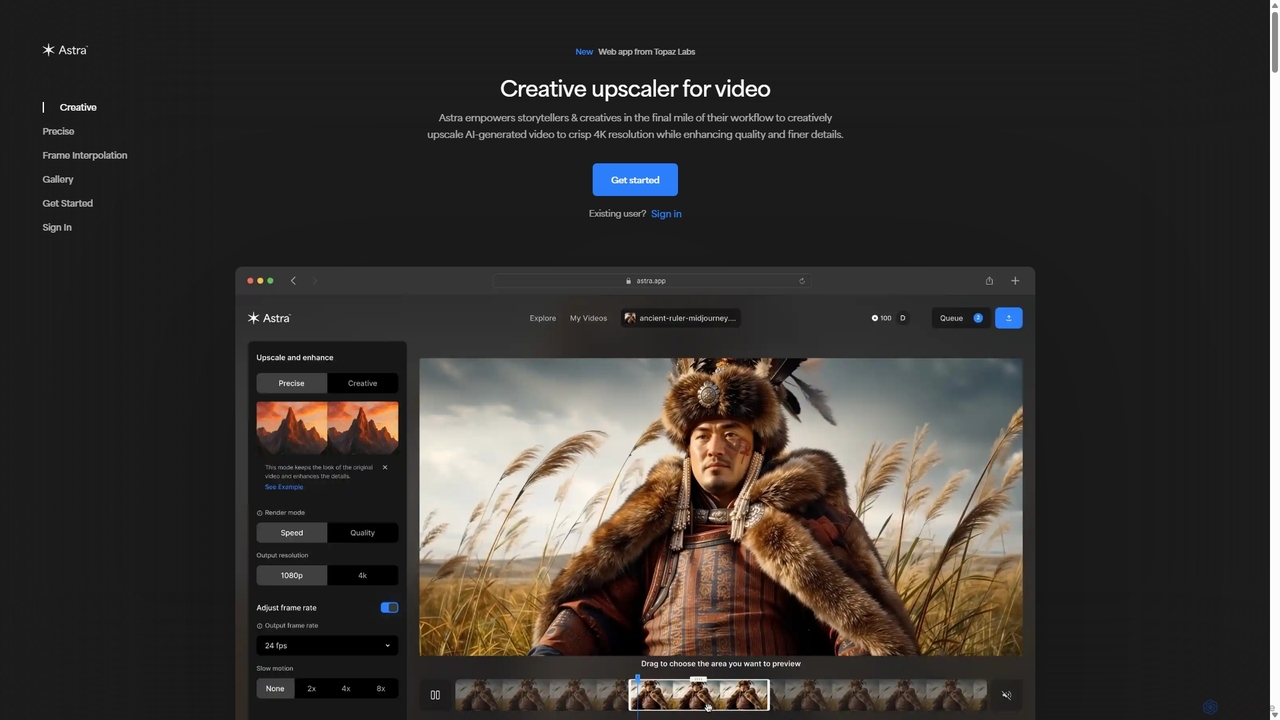
A powerful AI video upscaling tool from Topaz Labs, designed for creatives and storytellers. Astra transforms videos, especially AI-generated content, into crisp 4K resolution. It offers both a "Creative" mode to reimagine details and a "Precise" mode to faithfully enhance original footage, improving quality and clarity for professional workflows.

Motion Graphics
Visits 811.7KFavorites 147Likes 133
Novaimg
Freemium

Novaimg

Novaimg is a versatile online AI tool suite for transforming and enhancing visual content. It offers a range of features including AI image editing with text prompts, 4K image upscaling, realistic face swapping for photos, videos, and GIFs, and an intelligent watermark remover. Designed for ease of use, Novaimg helps users create professional-quality images and videos for social media, e-commerce, and creative projects, often for free or with generous daily limits.

Graphic Design
Visits 25.8KFavorites 79Likes 76
AVCLabs
Paid

AVCLabs

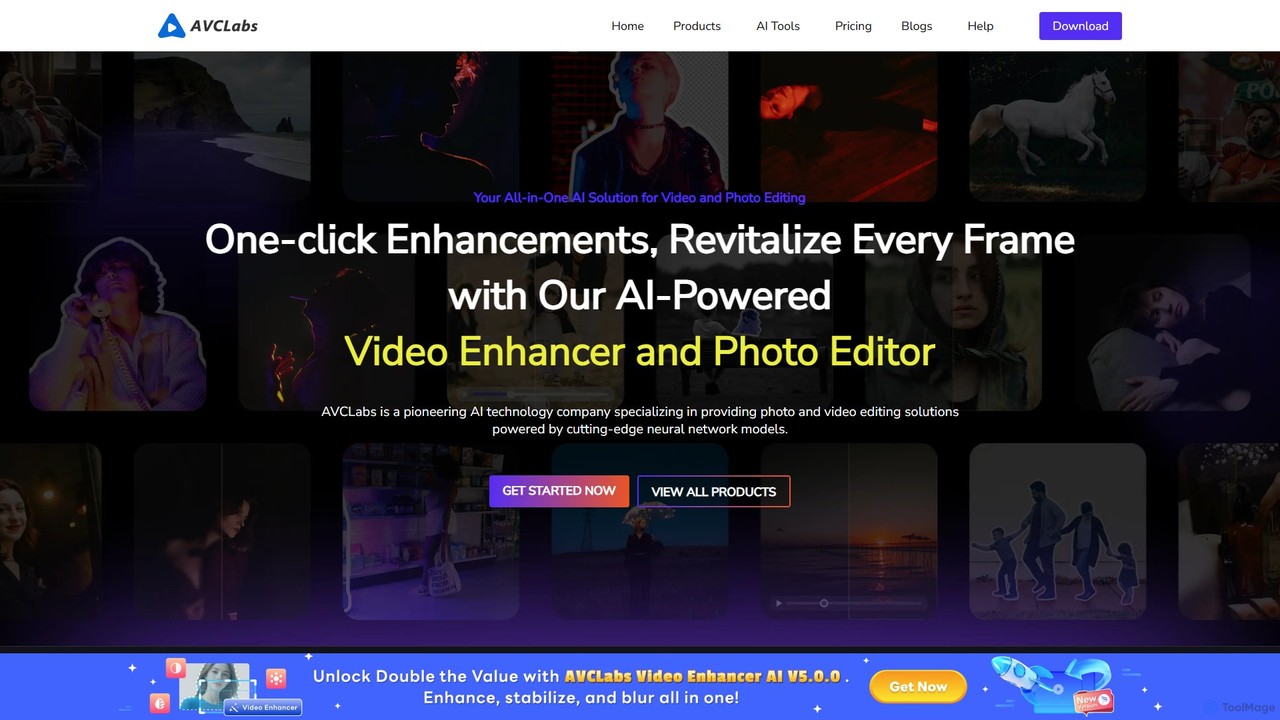
AVCLabs offers a suite of AI-powered desktop applications designed to enhance, restore, upscale, and edit videos and photos. It leverages artificial intelligence to automate complex tasks like quality improvement to 4K/8K, colorization, noise reduction, and privacy blurring, making professional-grade results accessible to everyone.

Enhancement
Visits 187.7KFavorites 149Likes 159
bigmp4
Freemium

bigmp4

An AI-powered online tool for comprehensive video and image enhancement. It specializes in lossless video upscaling to 4K/8K, frame interpolation for ultra-smooth motion, B&W video colorization, and slow-motion effects. It also supports batch image processing and GIF enhancement, using advanced AI models to restore and improve visual quality.

Restoration
Visits 14.3KFavorites 127Likes 134
Free AI Video Upscaler
Free

Free AI Video Upscaler

A free, browser-based AI tool that enhances and upscales video resolution without requiring any signup or software installation. It supports various content types, including animated, real-life, and 3D videos, offering different AI models for optimal results.

Editing
Visits 787.9KFavorites 101Likes 112
UniFab
Freemium

UniFab

UniFab is an all-in-one AI-powered video and audio enhancement suite. It upscales videos to 16K, converts SDR to HDR, denoises, colorizes, and stabilizes footage. It also features audio upmixing to surround sound, format conversion for over 1000 formats, and free tools like a vocal and background remover. Designed for both professionals and enthusiasts, it streamlines content creation with a user-friendly interface and GPU-accelerated processing.

Audio Editing
Visits 200.4KFavorites 130Likes 137
Remade
Freemium

Remade

Remade is an AI-native, collaborative canvas designed for creative workflows. It provides a unified workspace for teams to generate and edit images, videos, and text. Key features include context-aware generation, consistent characters, intelligent inpainting, 4K upscaling, and real-time collaboration for up to 50 users, streamlining the entire creative process.

Creative
Visits 13.5KFavorites 116Likes 112