Freemium
Popular 3D AI tools include Tripo3D, Meshy, VSCO, Picsart, Adobe Podcast, Cutout.Pro, Fotor, experiments, Oura Ring, and WHOOP, helping you work more efficiently.
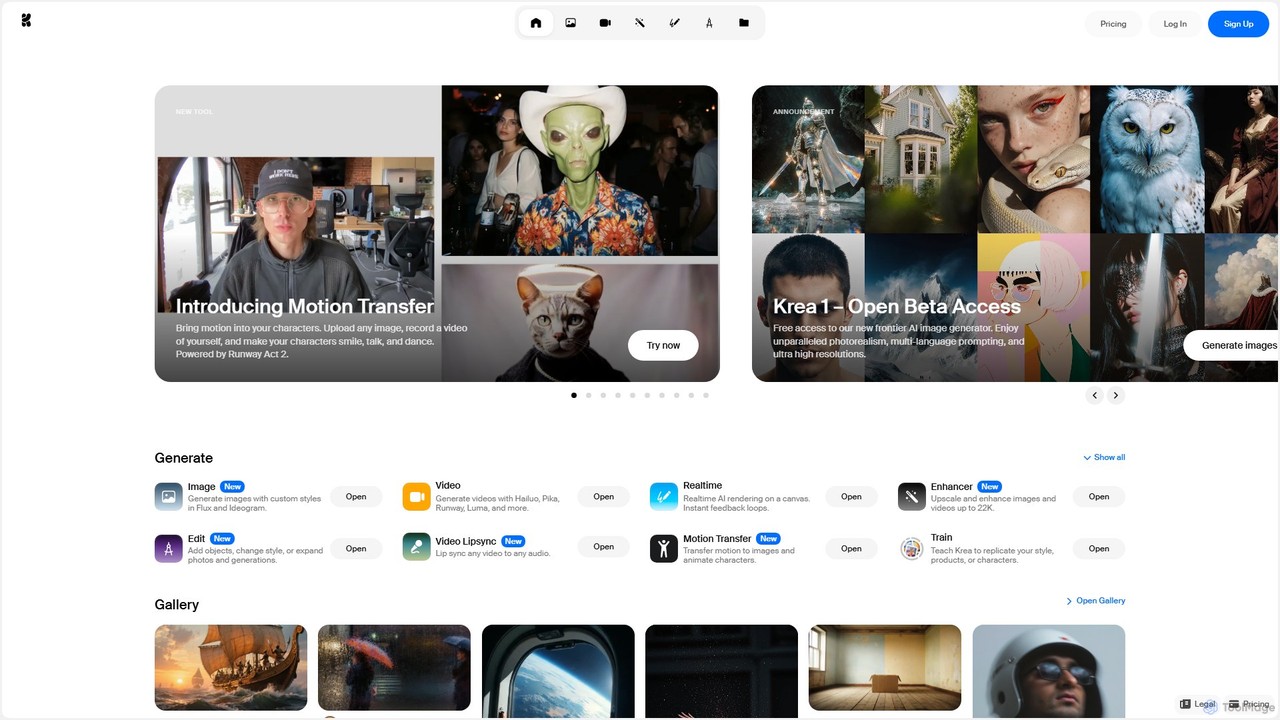
Krea is an all-in-one AI creative suite that empowers users to generate and edit images, videos, and 3D assets in real-time. It integrates multiple state-of-the-art AI models, offering unparalleled control, photorealism, and high-resolution outputs. From real-time canvas rendering to custom model training, Krea is designed to be an intuitive co-pilot for creatives of all levels.
3D Modeling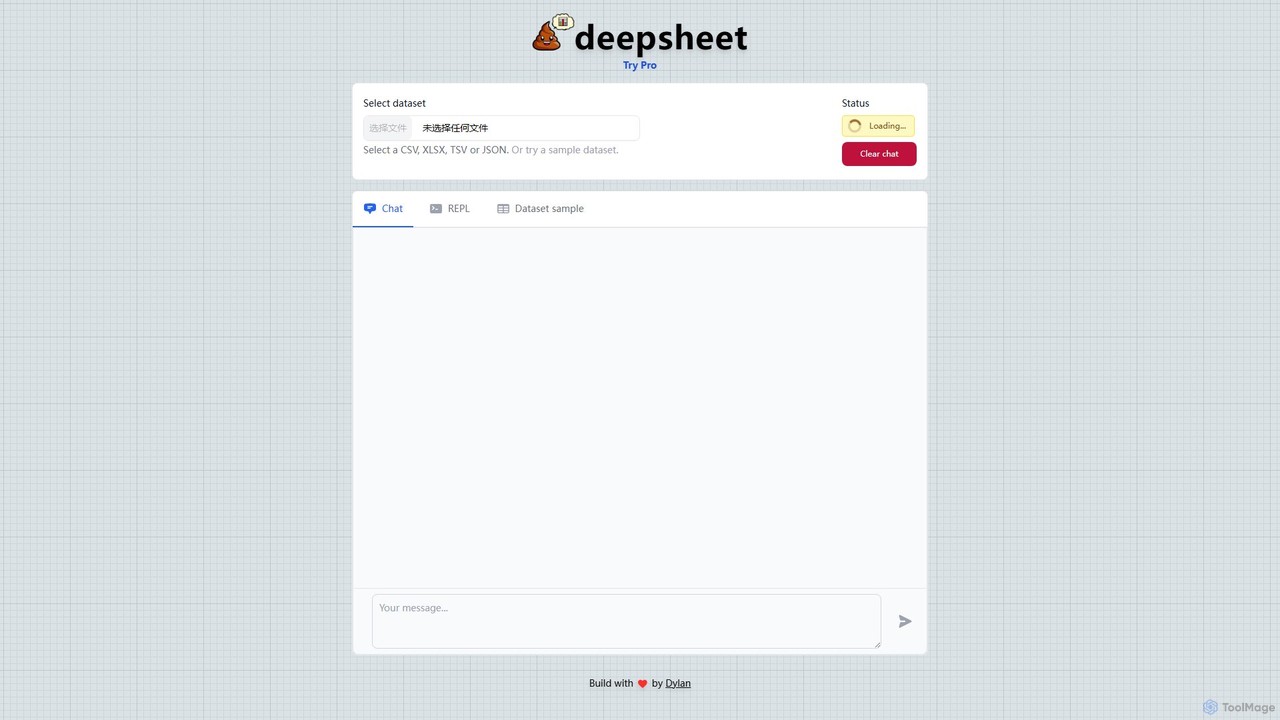
deepsheet is an AI-powered data analysis tool that allows users to interact with spreadsheets and datasets using natural language. Upload CSV, XLSX, or JSON files and ask questions in a chat interface to get insights, generate visualizations, and perform data transformations without writing code.
3D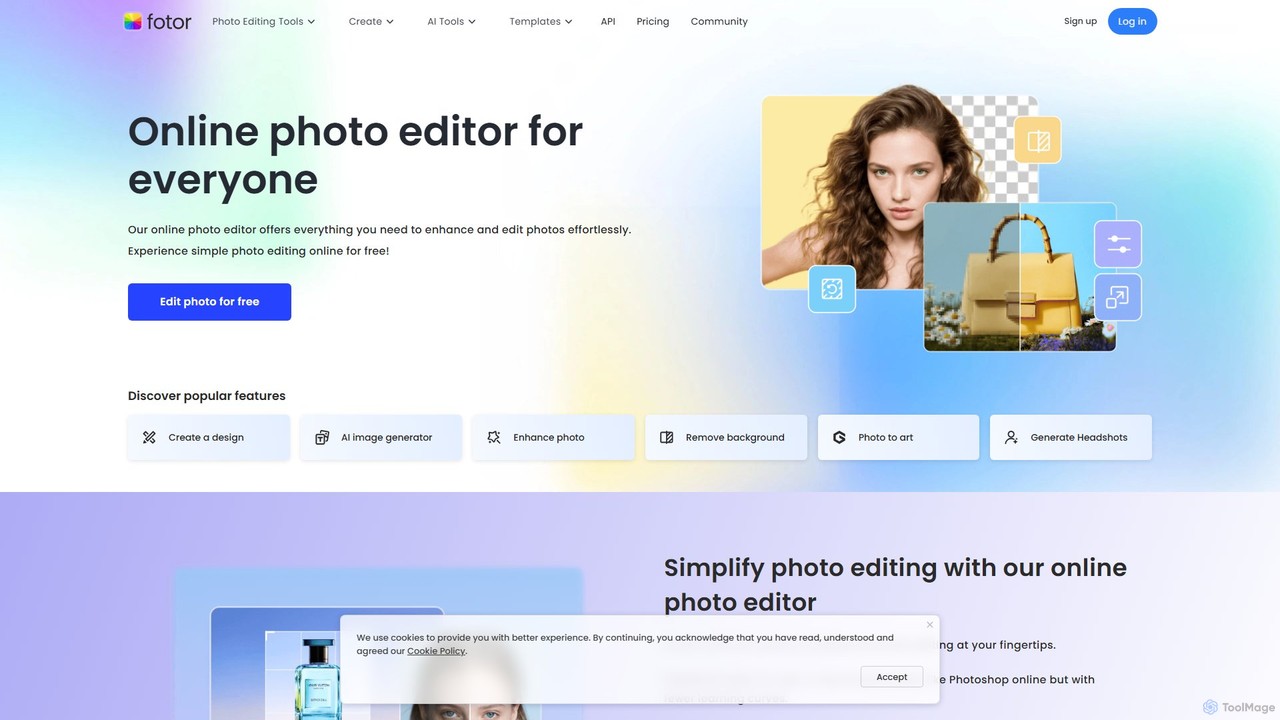
Fotor is a comprehensive, all-in-one AI photo editor and design platform. It offers a powerful suite of tools for both beginners and professionals, including one-click photo enhancement, background and object removal, and advanced generative AI features like text-to-image creation, AI-powered object replacement, and image expansion. Fotor simplifies complex editing tasks, making it easy to create stunning visuals for social media, marketing, and personal projects across web, desktop, and mobile devices.
3D
World Labs is a pioneering spatial intelligence company, founded by AI visionary Fei-Fei Li. It specializes in generating fully interactive and explorable 3D worlds from a single 2D image. This technology empowers creators, designers, and developers to build immersive environments for film, gaming, and art with unprecedented ease and control.
3D Generator
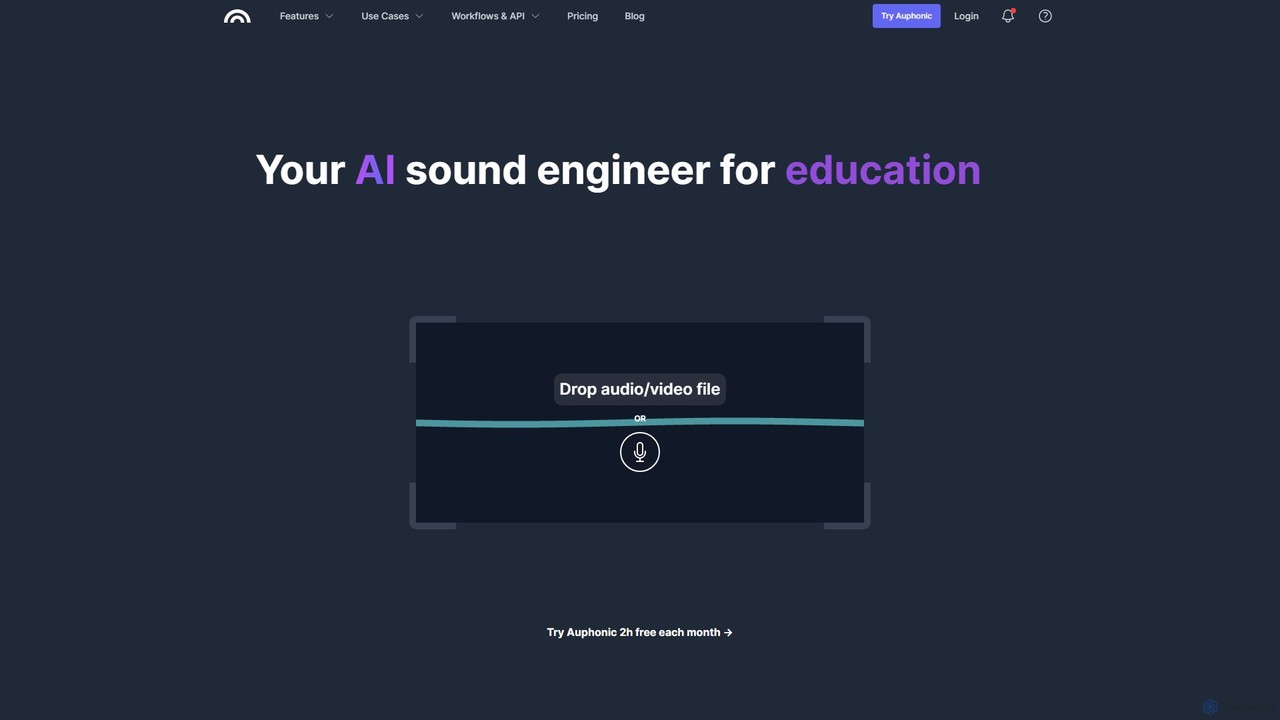
Auphonic is your AI sound engineer, an automated audio post-production web service for podcasters, broadcasters, and content creators. It uses AI to level audio, reduce noise, remove filler words, and master your sound to professional quality with just one click. Get 2 hours free every month.
3D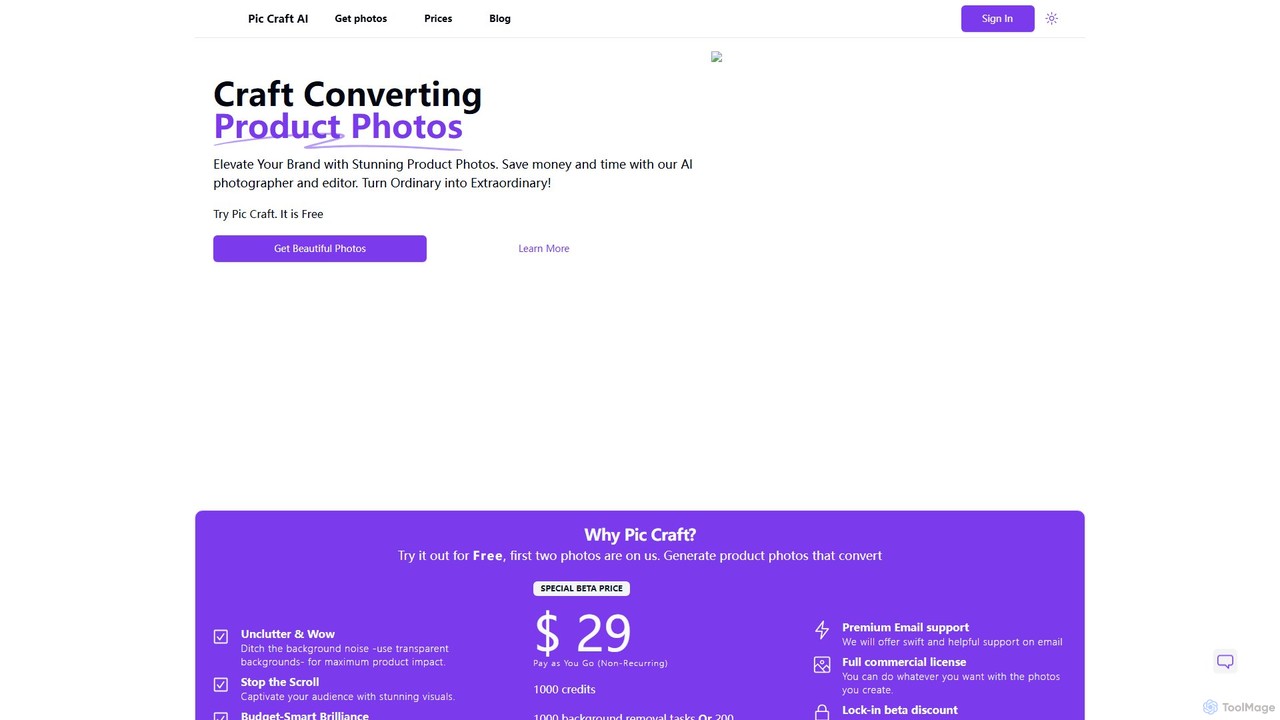
PicCraftAI is an AI-powered photographer and editor designed to create stunning, high-converting product photos. It allows users to instantly remove backgrounds or generate unique, AI-crafted scenes for their products. Ideal for e-commerce businesses, marketers, and content creators, it saves significant time and money compared to traditional photoshoots, helping brands elevate their visual presence and captivate audiences.
3D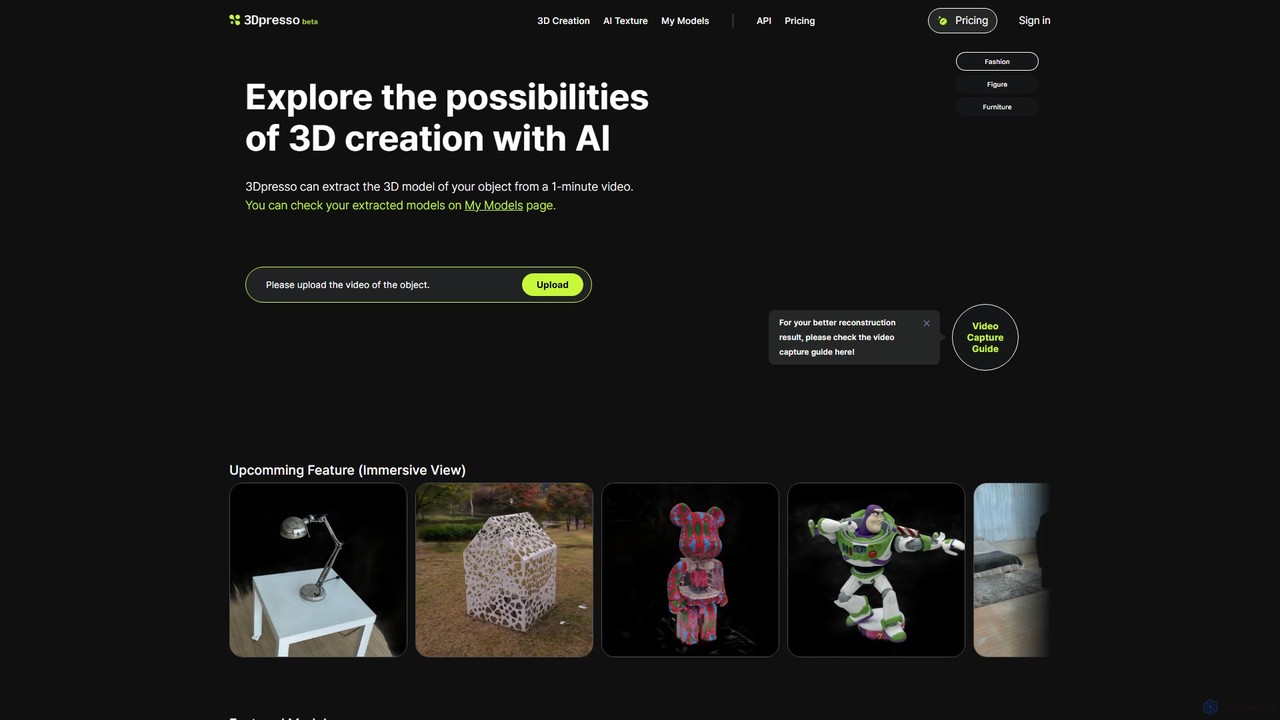
3dpresso is an AI-powered platform that transforms simple videos of real-world objects into high-quality 3D models. It also features a generative AI tool to change model textures using text prompts, making 3D creation fast and accessible for creators, designers, and developers.
Ai 3D Generator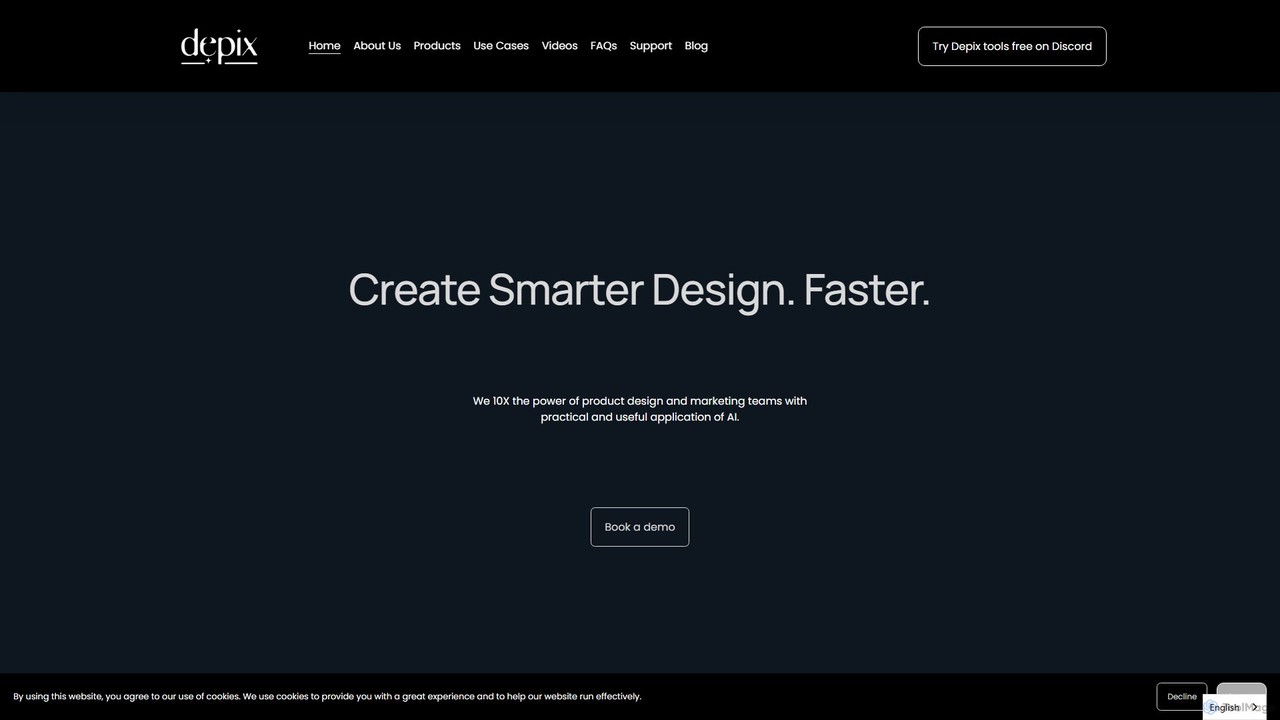
Depix is a professional AI design platform that transforms 2D sketches, 3D models, and physical prototypes into photorealistic renderings. It's tailored for automotive and product designers, accelerating workflows with advanced features like style transfer and brand-specific AI model fine-tuning.
3D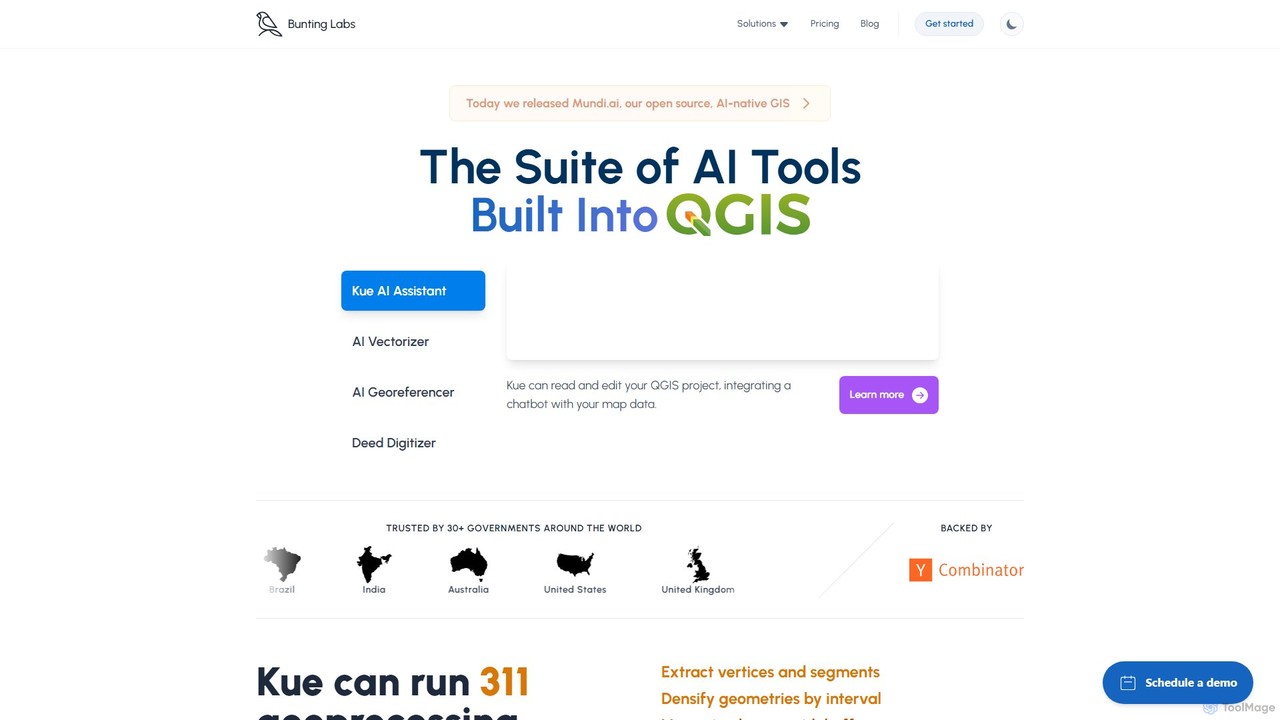
Bunting Labs offers a suite of AI-powered tools for GIS professionals, integrated directly into QGIS. It automates and accelerates map digitization, vectorization, and georeferencing, transforming time-consuming manual tasks into efficient, AI-driven workflows. The platform includes an AI assistant, an AI vectorizer, and an AI georeferencer to enhance productivity and data accuracy.
3D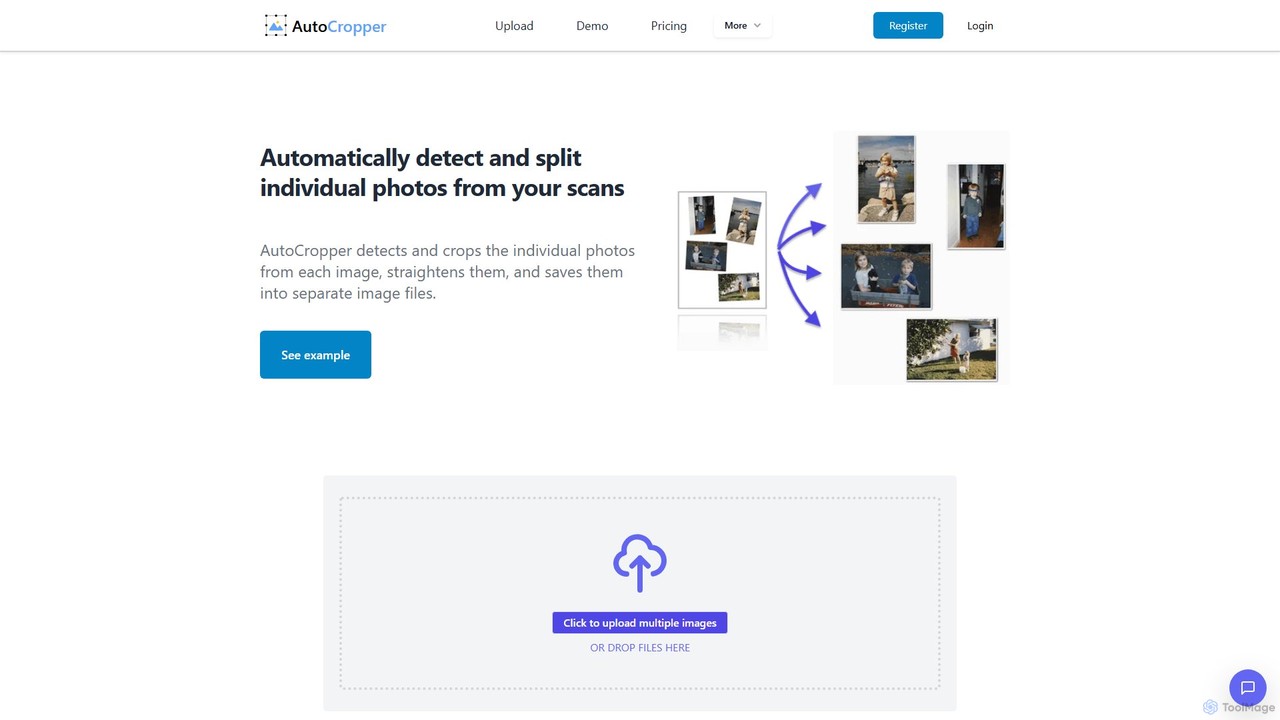
AutoCropper is an intelligent online tool designed to automatically detect, crop, and split multiple photos from a single scanned image. It streamlines the process of digitizing photo collections by eliminating manual cropping, correcting rotation, and saving each photo as a separate, full-quality file. Ideal for digital archivists, card sellers, and anyone looking to preserve old photographs efficiently.
3D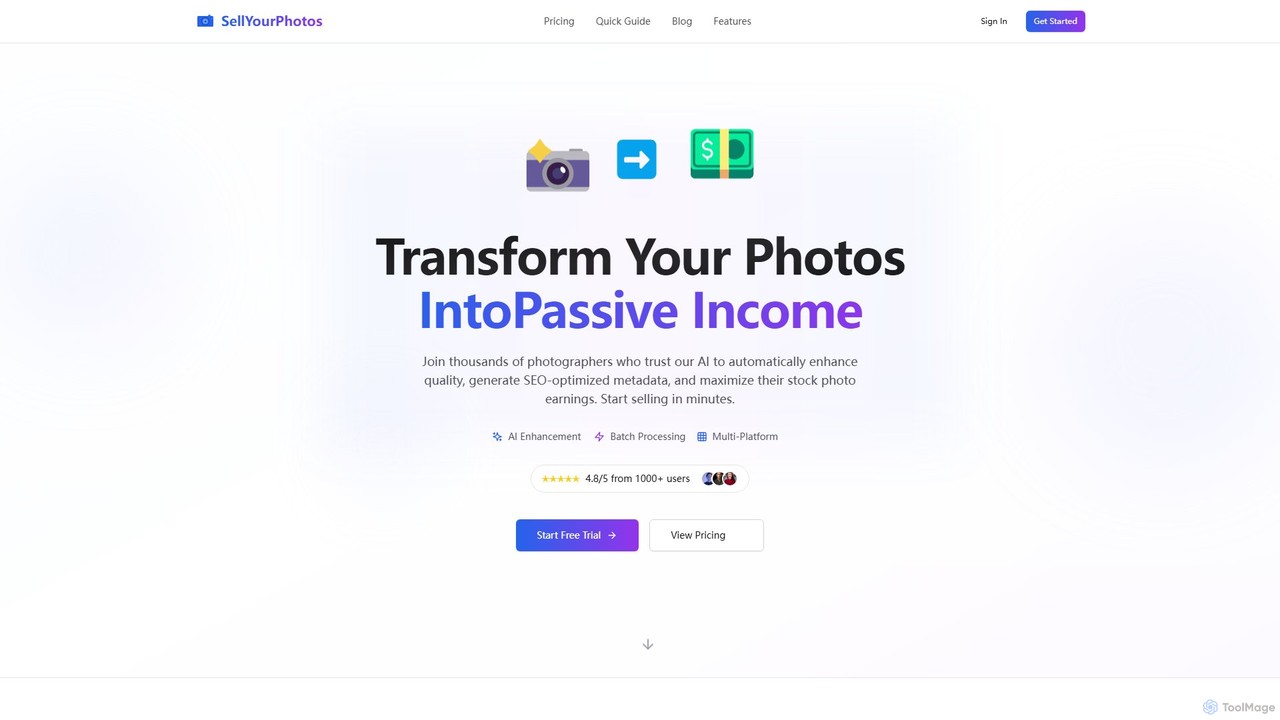
sellyourphotos is an AI-powered platform designed for photographers to maximize their stock photo earnings. It automates the tedious process of metadata creation by generating SEO-optimized titles, descriptions, and keywords. The tool also enhances photo quality and allows for batch processing and one-click export to major stock platforms like Shutterstock, Adobe Stock, and Getty Images, turning your photo library into a source of passive income.
3D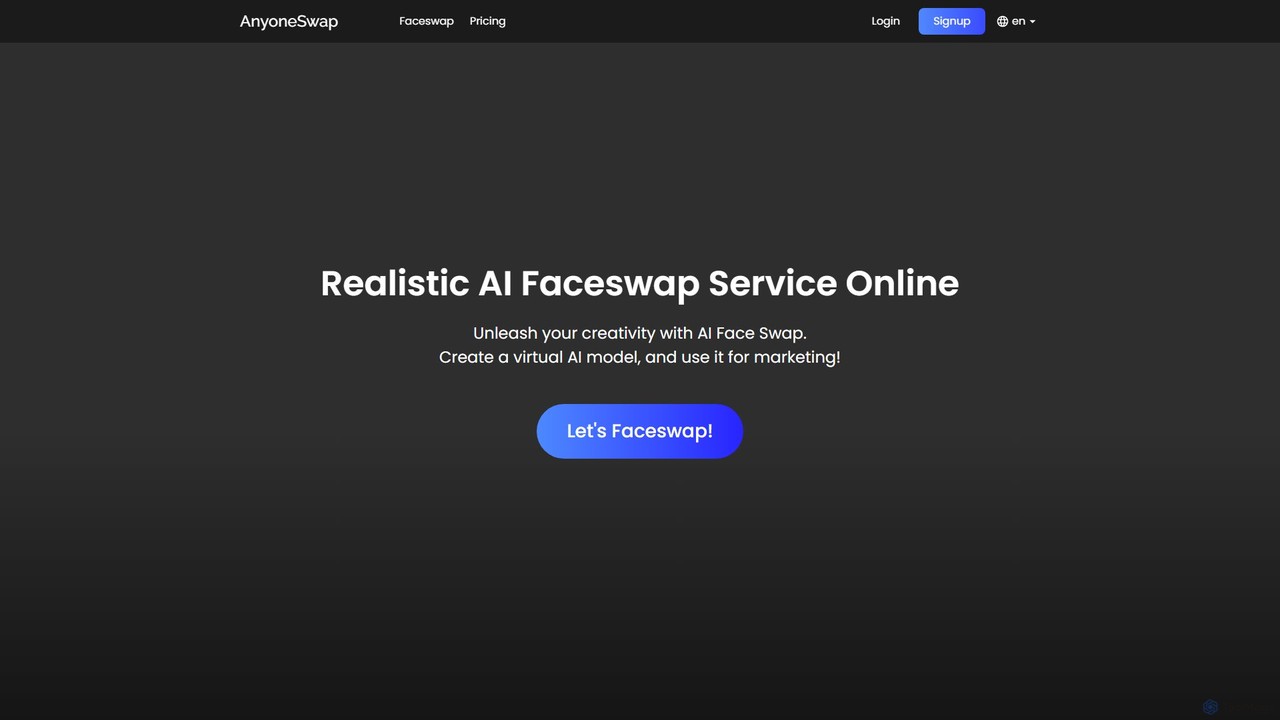
Anyoneswap is a user-friendly online AI tool for creating realistic face swaps in photos, videos, and GIFs. With just a few clicks, you can replace faces in your media, generating high-quality, seamless results in seconds. It's accessible on both PC and mobile browsers, offering free trials and affordable pricing plans for creative content creation, marketing, and personal entertainment.
3D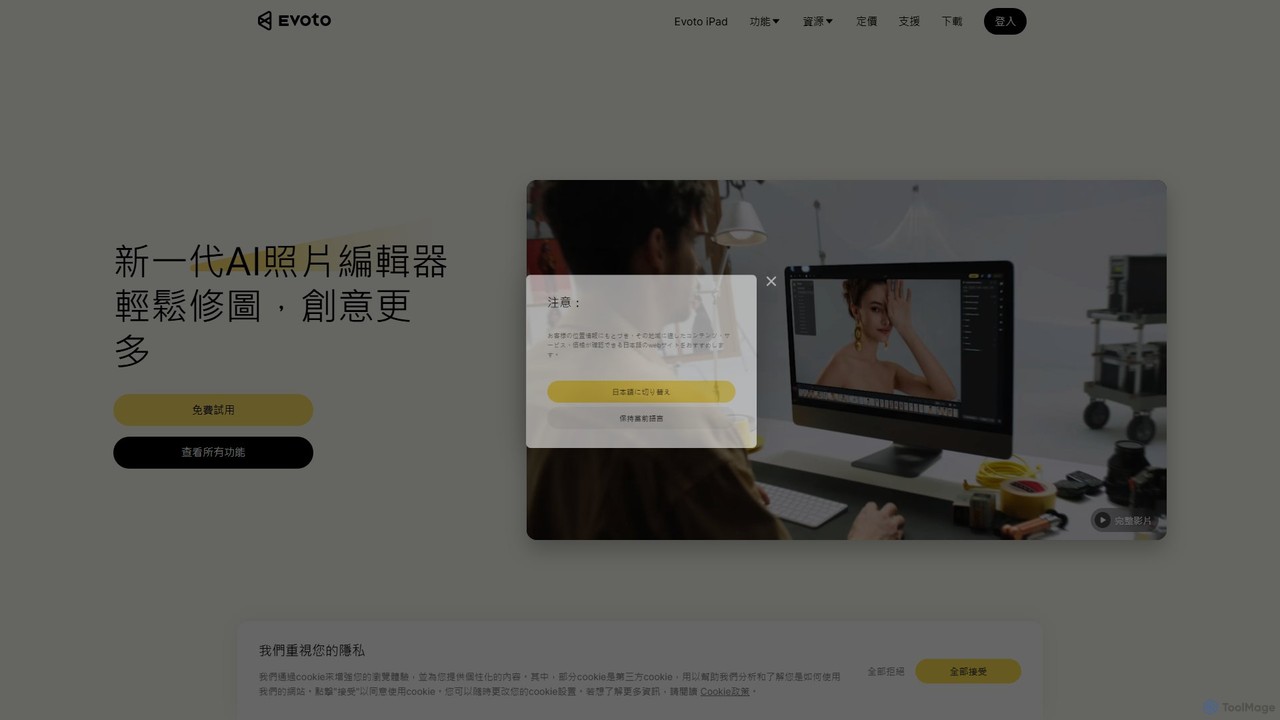
An AI-powered photo editing application designed for professional photographers. Evoto streamlines workflows with powerful tools for portrait retouching, color grading, background removal, and batch processing. It delivers natural, high-quality results in a fraction of the time, boosting productivity for wedding, portrait, and studio photography.
3D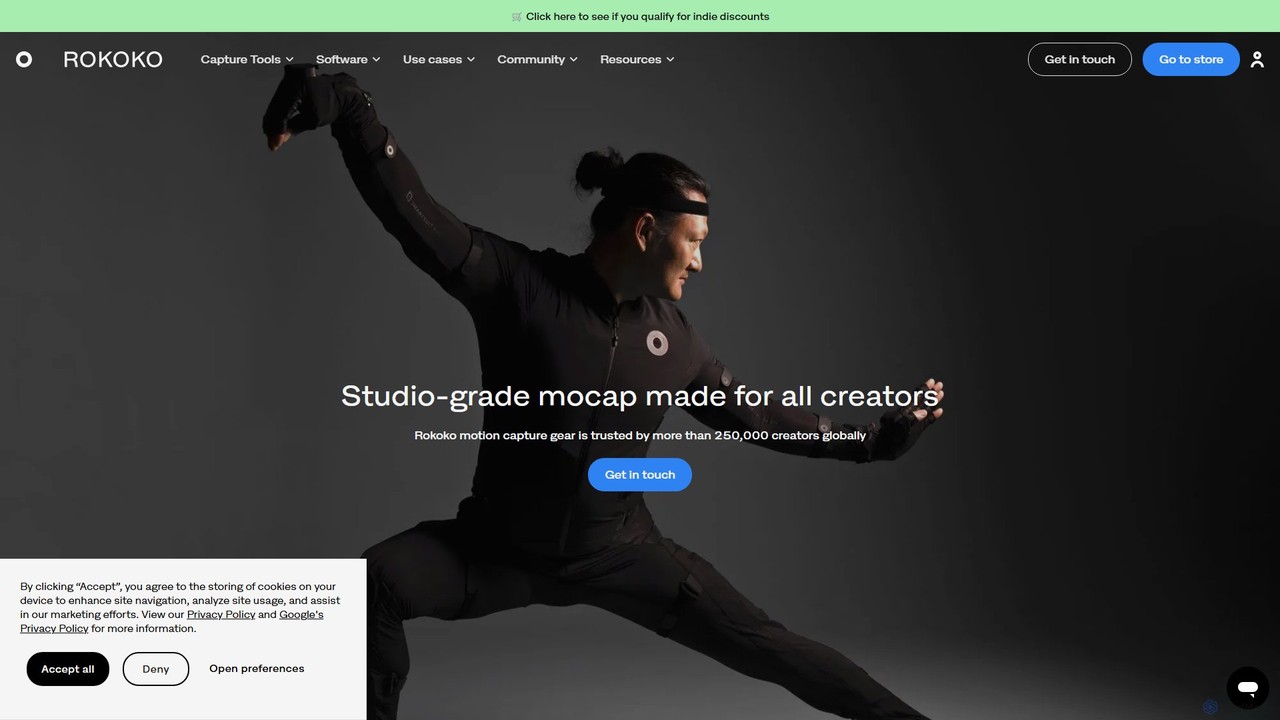
Rokoko offers a complete ecosystem of motion capture tools, including hardware suits and AI-powered software, designed to make character animation accessible and affordable for all creators. Capture body, finger, and facial movements in real-time and integrate them seamlessly into your 3D workflow.
Motion Capture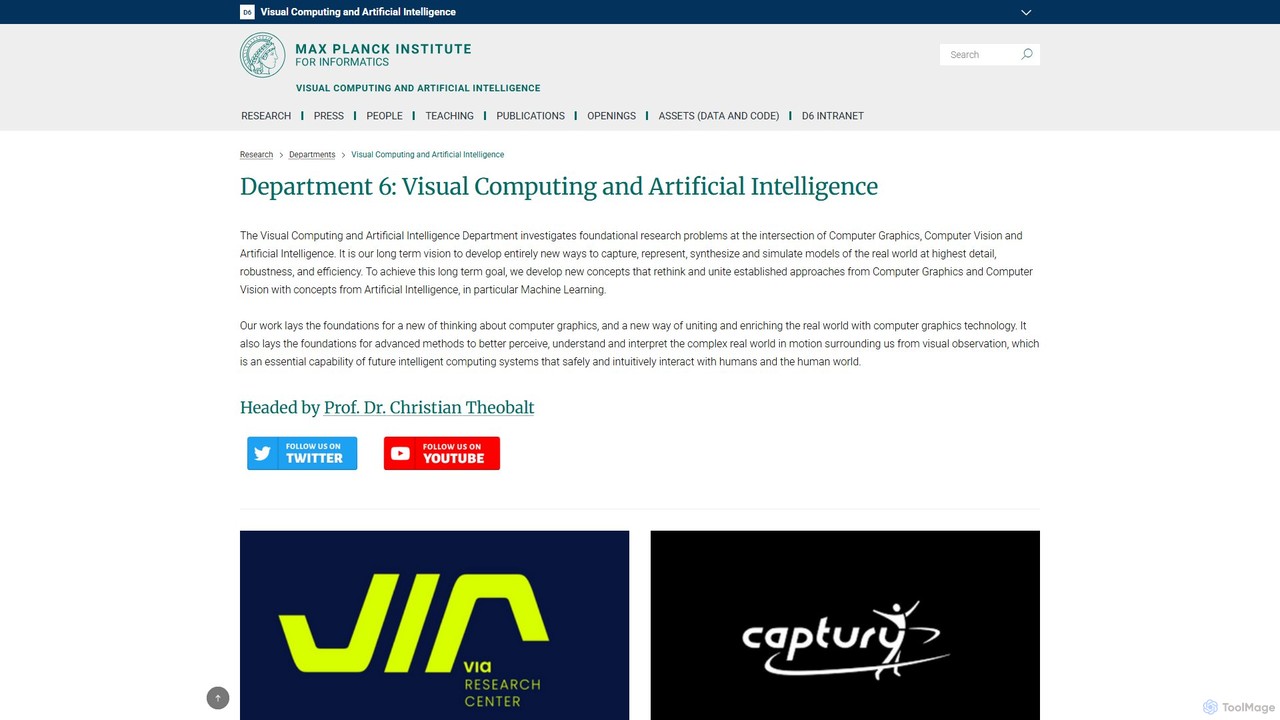
VCAI is the Visual Computing and Artificial Intelligence department at the Max Planck Institute for Informatics. Led by Prof. Christian Theobalt, it conducts foundational research at the intersection of computer vision, graphics, and AI. The lab is renowned for pioneering work in 3D reconstruction, neural rendering (like 3D Gaussian Splatting), digital humans, and motion capture. Its research drives innovation in VR/AR, film, and robotics, with many projects released as open-source code and leading to commercial spin-offs.
3D Reconstruction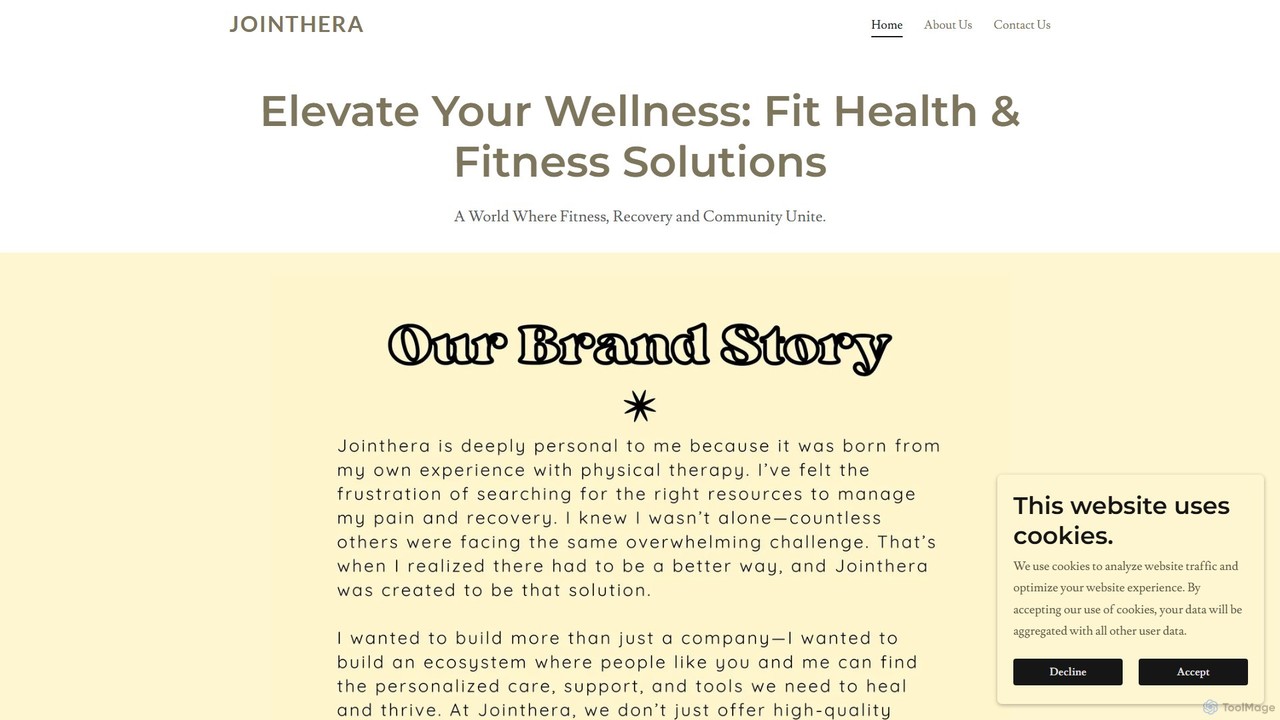
Jointhera is a comprehensive wellness platform that integrates high-quality physical therapy products with an AI-powered online community. It connects users with expert physical therapists, provides personalized recovery and fitness plans, and fosters a supportive environment for individuals on their health journey. The platform aims to unite fitness, recovery, and community through a holistic approach.
3D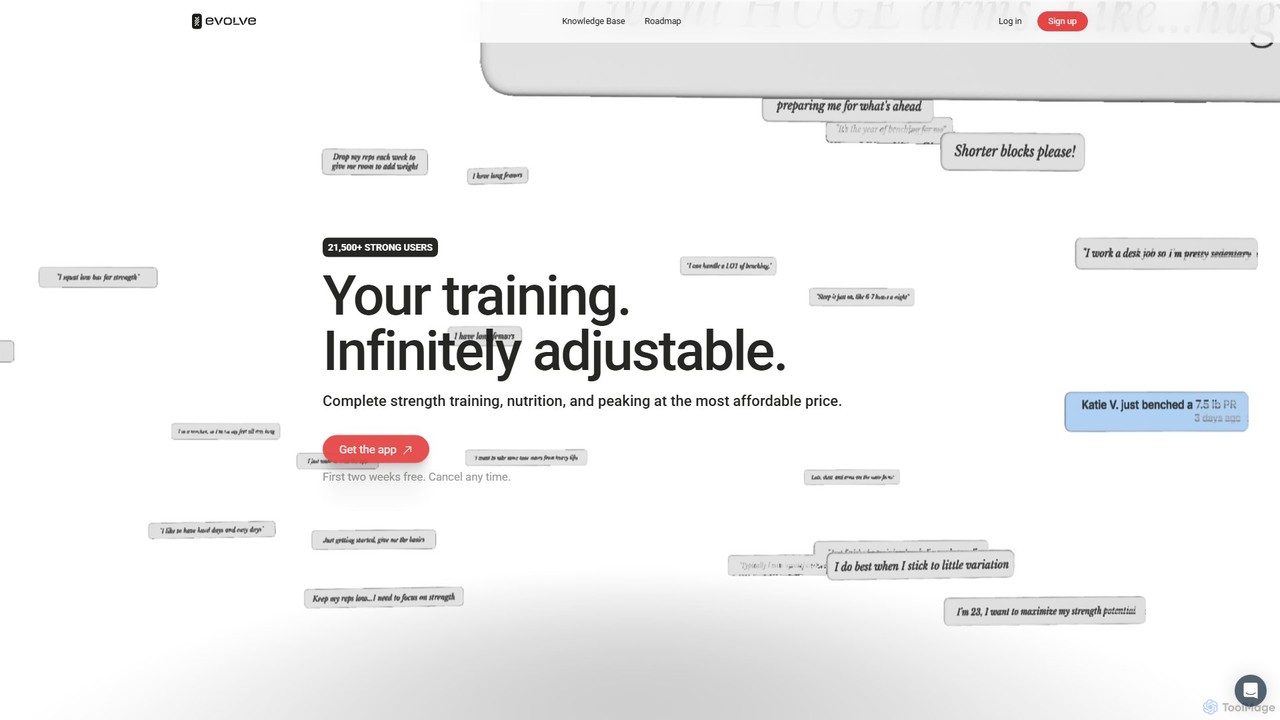
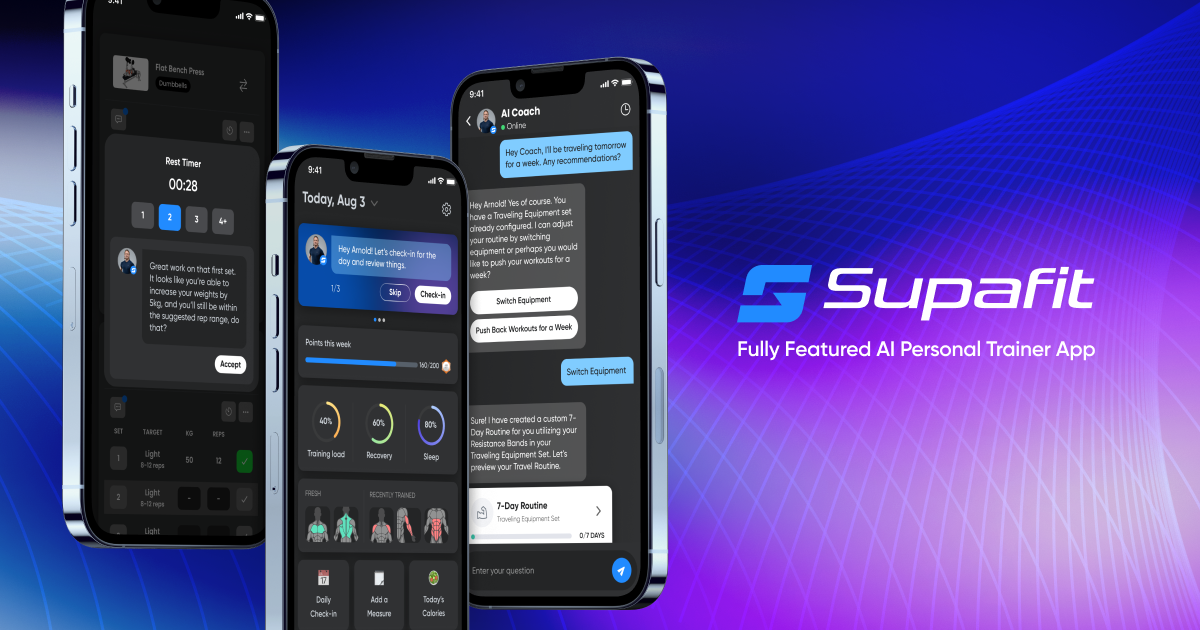
Evolve Training App is an AI-powered coach for strength training, nutrition, and competition peaking. It creates infinitely adjustable training programs based on your history, goals, and daily feedback. The app provides guided nutrition, detailed analytics, and competition-specific preparation to help athletes continuously progress and achieve new personal records.
3D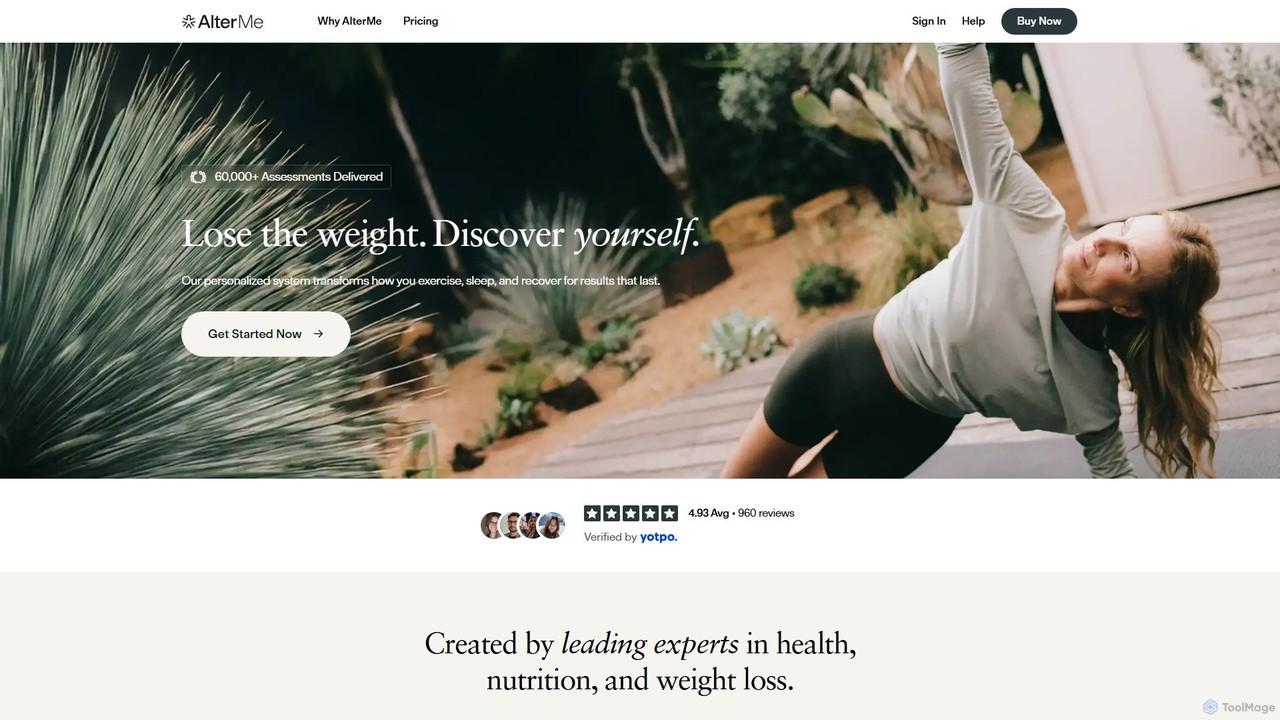
AlterMe is a hyper-personalized fitness and wellness system that uses your DNA, real-time biometrics, and AI to create evolving workout, nutrition, and recovery plans. It combines an at-home DNA test, a smart wearable ring, and a dedicated app to deliver a holistic, science-backed program for lasting weight loss and improved health.
3D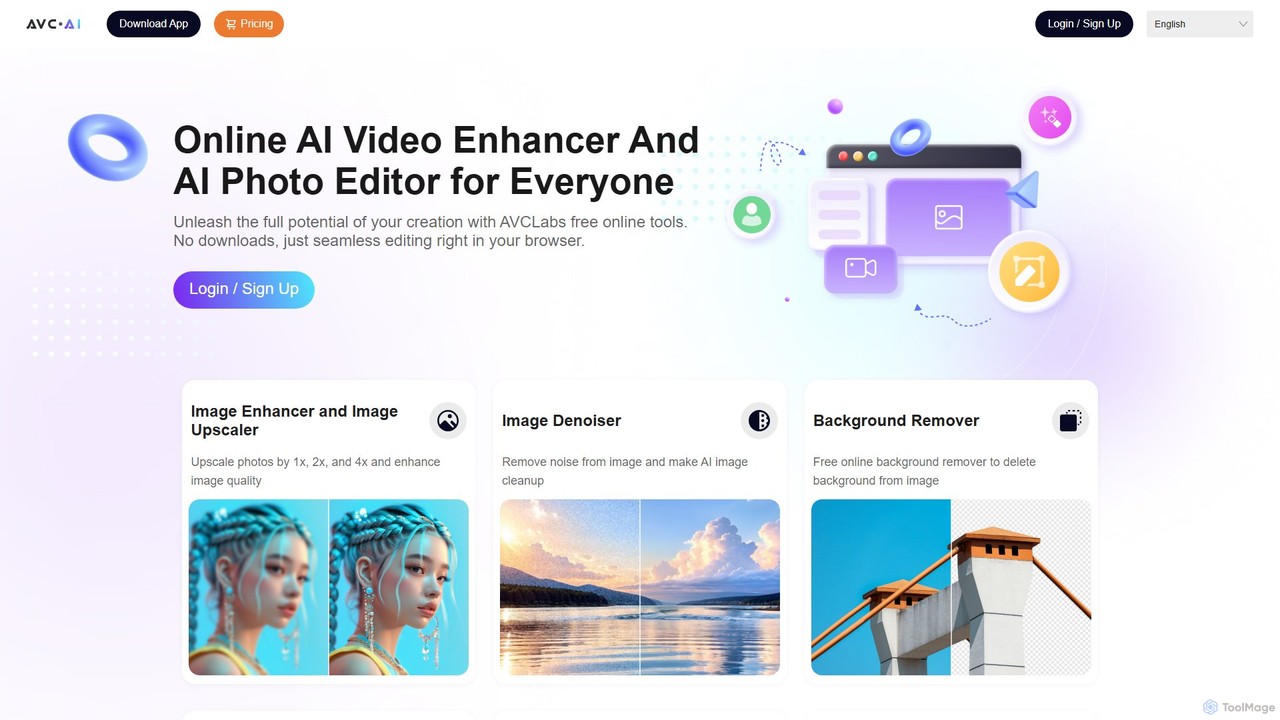
AVC.AI is a comprehensive AI-powered suite for photo and video enhancement. It offers free online tools for quick tasks like upscaling, denoising, and object removal, alongside powerful desktop software for professional-grade restoration, colorization, and editing. It's designed for both casual users and professionals seeking to improve media quality effortlessly.
3D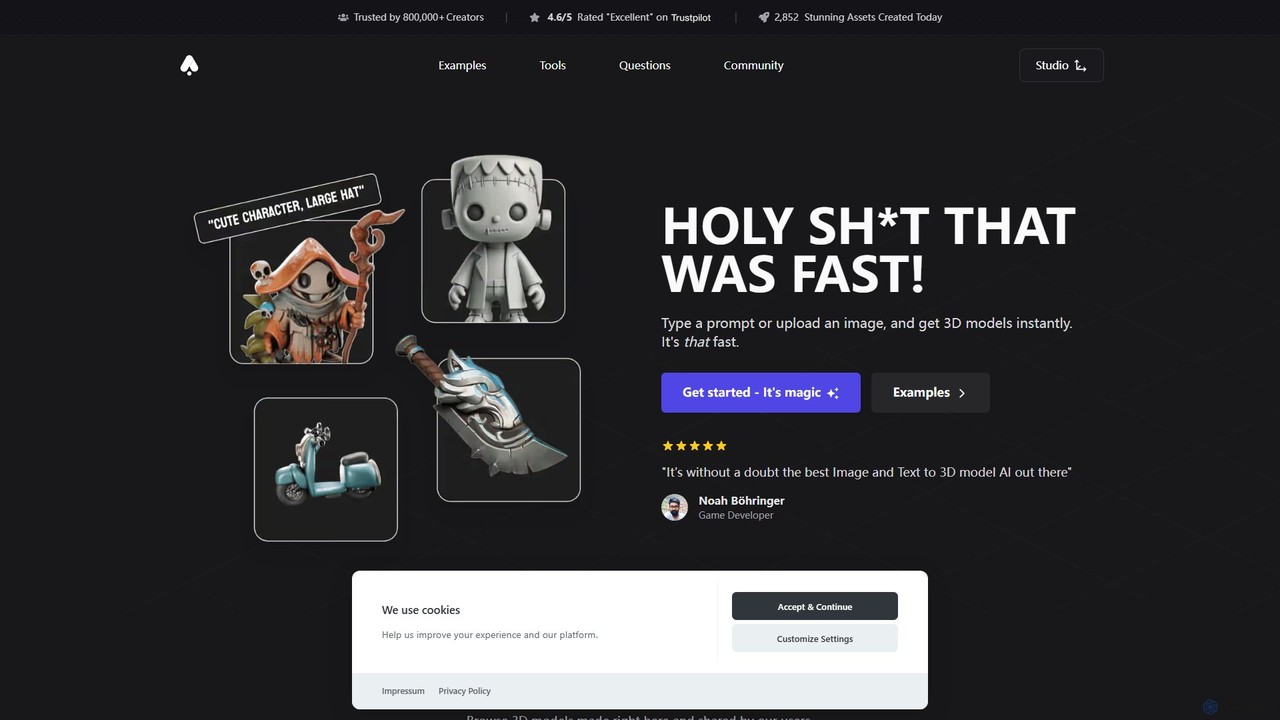
3D AI Studio is a powerful AI-driven platform that generates high-quality 3D models from text prompts or images in seconds. Designed for creators, game developers, and designers, it simplifies the 3D creation process with features like AI texturing, automatic remeshing, and a vast community library. It offers a fast, intuitive, and cost-effective solution for producing game-ready assets, 3D printable models, and more, without requiring extensive 3D modeling experience.
Ai 3D Generator
dailyfitnessapp is an AI-powered personal trainer and nutrition coach in your pocket. It creates hyper-personalized daily workout and meal plans based on your goals, fitness level, and progress, using advanced AI to adapt and optimize your journey towards a healthier lifestyle.
3D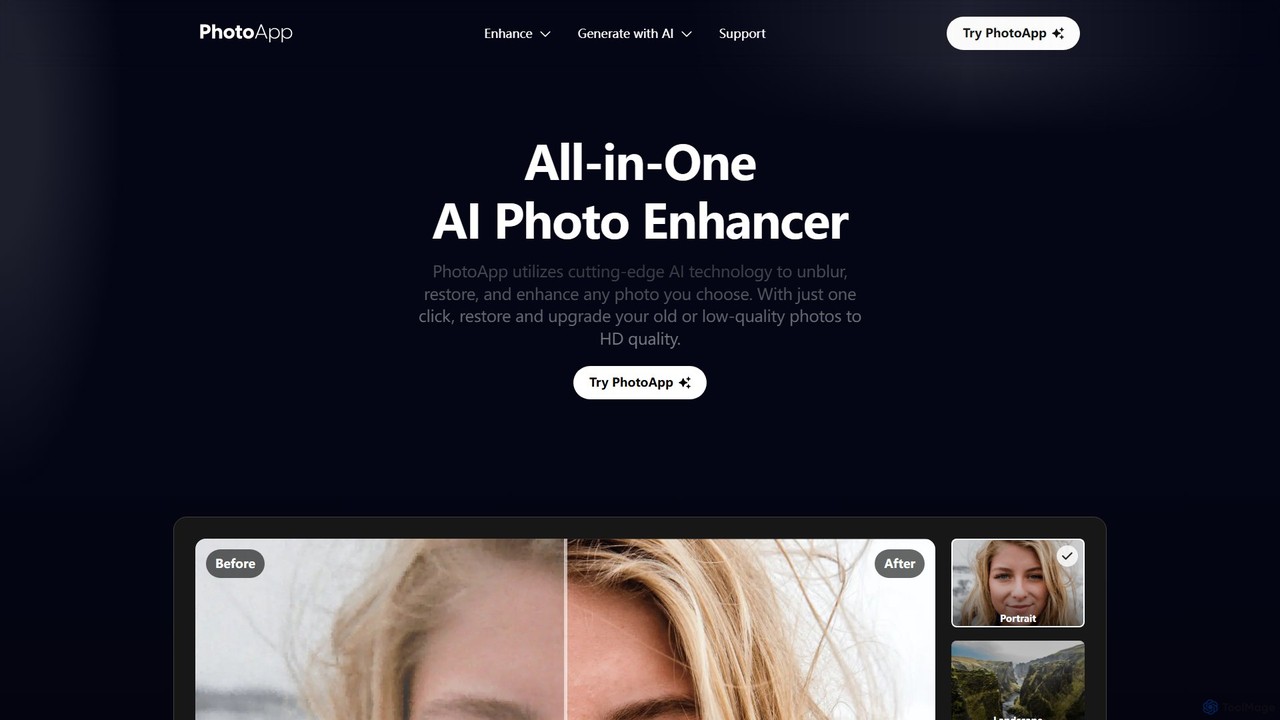
PhotoApp is an all-in-one AI photo editor that enhances, restores, and unblurs your images with a single click. Using advanced AI, it sharpens details, removes noise, corrects colors, and revives old photos. It also features an AI photo generator to create professional-quality images of yourself. Available on iOS and Android for on-the-go editing.
3DAI 3D tools are a class of software that leverage artificial intelligence to generate, modify, and optimize three-dimensional models and scenes. These tools often utilize advanced models like NeRF (Neural Radiance Fields), GANs, and diffusion models to interpret text prompts, 2D images, or video footage and transform them into complex 3D assets. They significantly accelerate workflows in game development, architecture, product design, and virtual reality, enabling creators to produce high-quality 3D content with greater speed and less manual effort. This technology lowers the barrier to entry for 3D creation, making it accessible to a broader range of users.
AI 3D tools are widely used in industries like game development for rapid asset prototyping, in film and VFX for pre-visualization, and in architecture for creating concept models. E-commerce businesses use them to generate 3D product visuals for websites and AR experiences, while designers and artists leverage them for creative exploration and digital art.
When selecting an AI 3D tool, consider the input method (text, image, video) that best suits your workflow. Evaluate the output quality, level of detail, and artistic style. Check for compatibility with your existing software by confirming supported export formats like FBX, OBJ, or glTF. Finally, consider the tool's learning curve and whether it's designed for beginners or professionals requiring advanced controls.
A solo game developer needs to create numerous props for a fantasy-themed level, such as chests, barrels, and furniture. Instead of manually modeling each item, which could take days, they use a text-to-3D tool. By inputting prompts like 'ornate wooden treasure chest with iron fittings' or 'weathered oak barrel,' they generate dozens of unique 3D model variations in minutes. This allows for rapid iteration on the level's design and visual style, significantly accelerating the prototyping phase.
An online furniture store wants to provide an interactive 360-degree view of its products. They use an image-to-3D tool, uploading a series of photos of a chair taken from different angles. The AI processes these images and generates a detailed, textured 3D model. This model is then embedded on the product page, allowing customers to rotate and inspect the chair from all sides. It can also be used in an AR application, enabling shoppers to visualize the furniture in their own homes before purchasing.
An architect needs to quickly visualize a building concept for a client presentation. Instead of spending hours on detailed modeling, they use an AI 3D tool. They can either upload a 2D floor plan sketch for conversion into a basic 3D massing model or use text prompts like 'modernist two-story house with large glass windows and a flat roof.' The AI generates several design variations, which can be refined and used to create compelling visualizations, helping the client better understand the project's vision early on.
A VFX supervisor needs to plan a complex action sequence involving a car chase in a futuristic city. Using an AI 3D tool, they generate a rough 3D model of the city environment with the prompt 'cyberpunk city street at night, raining.' They then populate the scene with basic 3D models of cars and characters. This allows the director and cinematographer to experiment with camera angles, shot composition, and timing in a low-cost 3D environment before committing to expensive on-set filming or detailed CGI work.
An engineering firm monitors a large construction site using drones. They upload the captured video footage to an AI 3D tool that uses NeRF (Neural Radiance Fields) technology. The AI analyzes the footage from multiple viewpoints and reconstructs a highly detailed, photorealistic 3D model of the entire site. This 'digital twin' can be explored virtually, allowing engineers to track progress, measure distances, identify potential issues, and plan logistics without needing to be physically present on site, improving safety and efficiency.
A user wants a unique avatar for a virtual reality platform that truly represents them. They upload a single selfie to an AI avatar creator. The tool analyzes their facial features and generates a base 3D avatar that captures their likeness. The user can then refine the avatar using text prompts, such as 'give me cyberpunk-style glasses,' 'add long, flowing silver hair,' or 'wear a medieval knight's armor.' This process combines personalization with creative freedom, allowing anyone to create a detailed, custom 3D avatar without any modeling skills.
AI 3D tools are software applications that use artificial intelligence to automate or assist in the creation of three-dimensional models, scenes, and textures. They can generate 3D assets from various inputs like text descriptions (text-to-3D), 2D images, or video footage. These tools are designed to speed up the 3D creation process, making it more accessible to both professionals and beginners by reducing the need for complex manual modeling skills.
To choose the right AI 3D tool, consider these factors:
The primary difference is the creation process. Traditional 3D modeling (e.g., in Blender, Maya) is a manual, skill-intensive process where artists build models polygon by polygon. It offers precise control but requires significant time and expertise. AI 3D generation automates this process, creating models from simple inputs like text or images. It is much faster and ideal for rapid prototyping, concept art, and accessibility for non-artists, though it may currently offer less fine-grained control than manual methods.
AI 3D tools work by using complex machine learning models trained on vast datasets of 3D shapes, images, and text descriptions. For text-to-3D, a model like a diffusion model learns the relationship between words and 3D geometry, allowing it to generate a shape that matches a text prompt. For image-to-3D, technologies like Photogrammetry or Neural Radiance Fields (NeRF) analyze multiple images of an object to infer its 3D structure and appearance, creating a detailed model or scene.
A wide range of users can benefit from AI 3D tools. Professionals like game developers, architects, and product designers use them to accelerate prototyping and ideation. VFX artists and animators use them for pre-visualization. E-commerce businesses use them for creating product showcases. Additionally, hobbyists, students, and content creators who lack traditional 3D modeling skills can now create complex 3D assets easily, opening up new creative possibilities for everyone.