ToolMage
Sign in

Best 3,328 Automation AI tools for Productivity

Popular Automation AI tools in Productivity include vocode, codegate, Telegram Messenger, Shopify, boundlessai, remove.bg, Jotform, Breeze Copilot, ClickUp Brain, and Manus 1.5, helping you work more efficiently.

Gapsfinder
Freemium

Gapsfinder

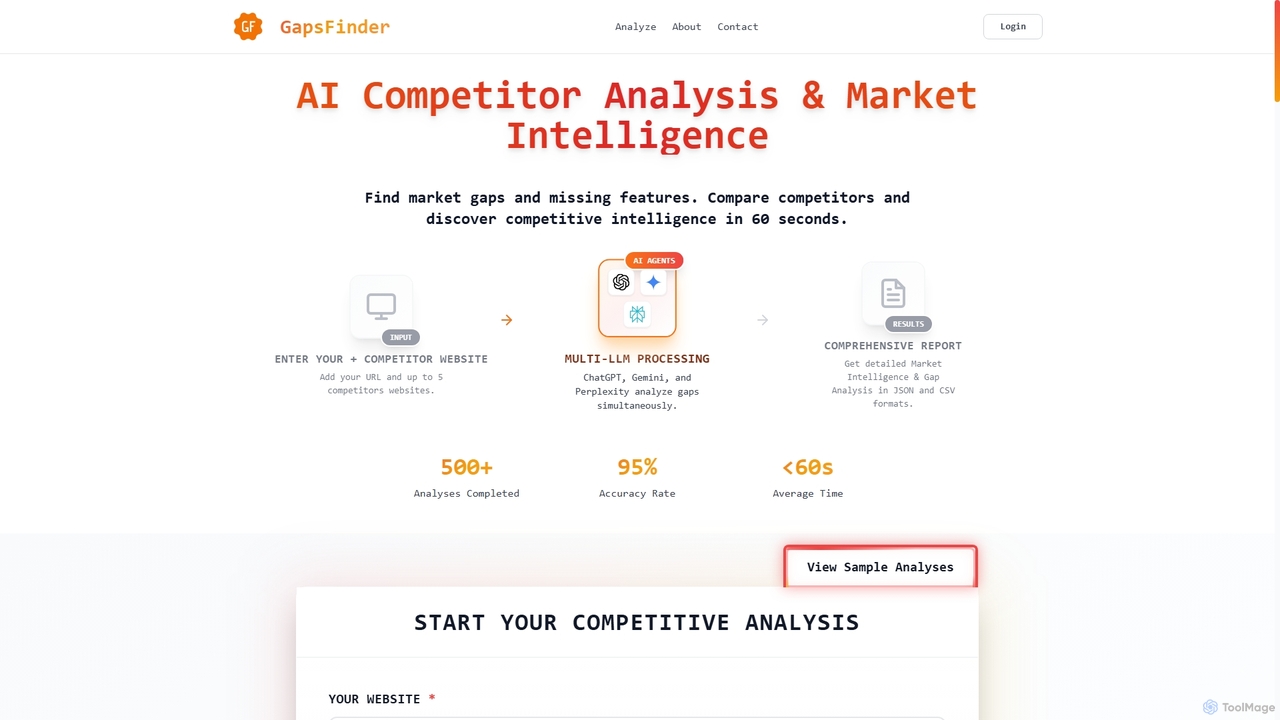
Gapsfinder is an AI-powered market intelligence tool that performs competitor analysis in under 60 seconds. It identifies market gaps and missing product features by comparing your website with up to five competitors. Leveraging multiple LLMs like ChatGPT and Gemini, it delivers actionable reports in JSON and CSV formats to enhance product strategy.

Intelligence
Visits 9.2KFavorites 116Likes 97
Lumo
Free

Lumo

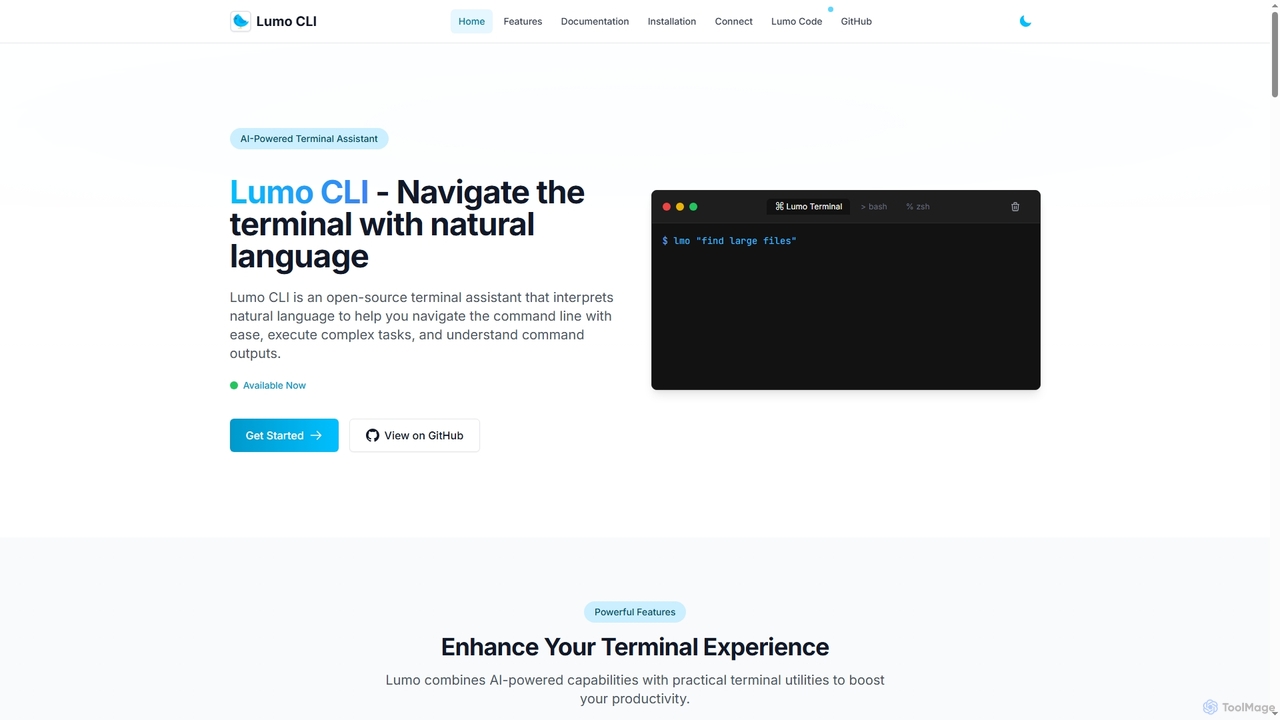
Lumo is an open-source, AI-powered terminal assistant that allows users to interact with the command line using natural language. It translates plain English into executable commands, automates complex tasks, monitors system health, and supports multiple AI models including Gemini, OpenAI, and Ollama for local inference.

Code Assistant
Visits 6.6KFavorites 91Likes 102
Tokenthon
Freemium

Tokenthon

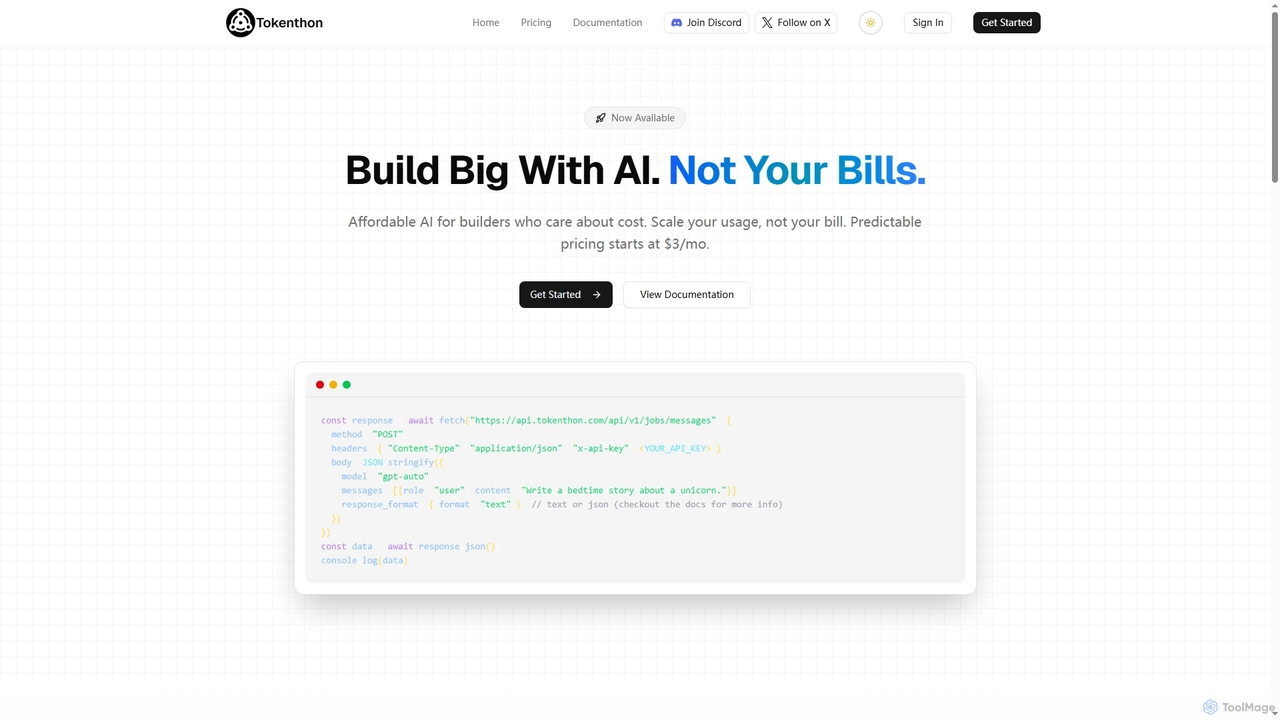
Tokenthon offers an affordable and predictable AI API, providing access to GPT-5 and GPT-5 mini models with flat-rate pricing. Designed for developers and businesses needing high-volume AI requests without the risk of variable costs, it ensures budget stability for scalable applications like chatbots, content generation, and data processing.

Ai Infrastructure
Visits 6KFavorites 88Likes 87
Sellfast
Freemium

Sellfast

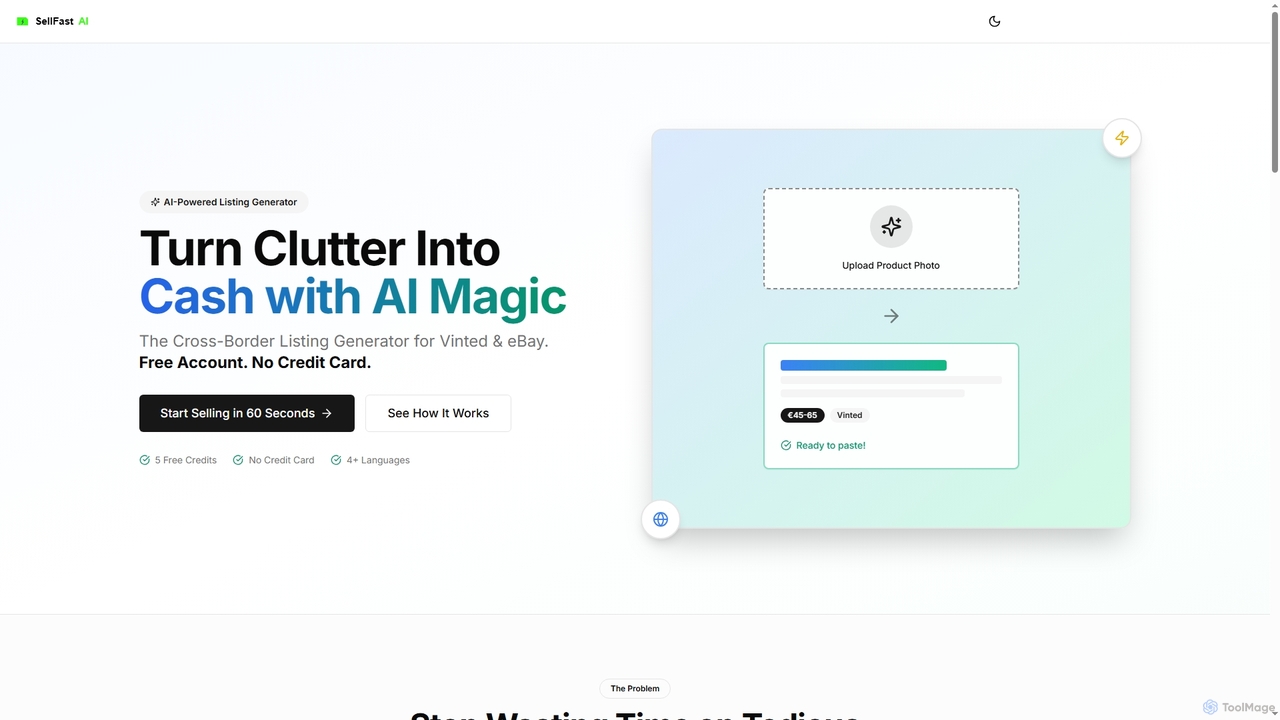
Sellfast is an AI-powered listing generator for e-commerce resellers on platforms like Vinted and eBay. Simply upload a product photo, and the AI instantly creates optimized titles, multilingual descriptions in over 30 languages, relevant hashtags, and market-based price suggestions, reducing listing time from minutes to seconds.

Listing Optimization
Visits 5.9KFavorites 113Likes 110
Blyxxa

Blyxxa

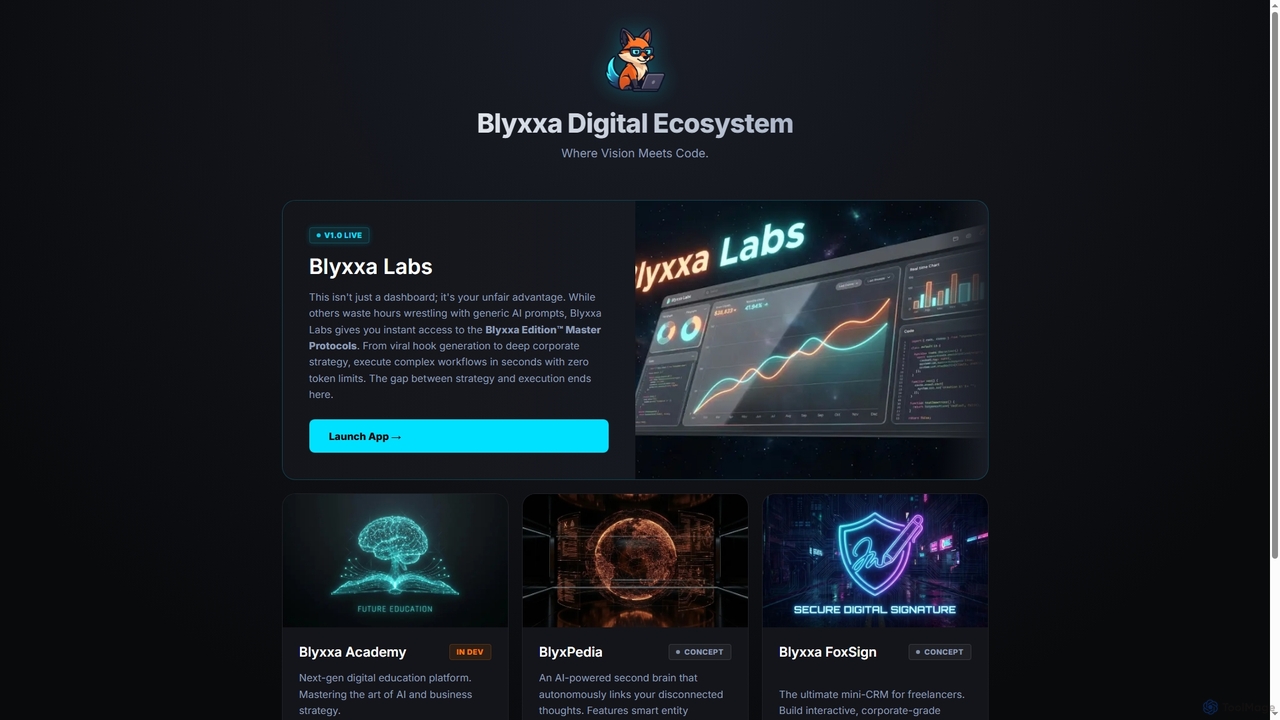
A no-code platform that allows users to build, manage, and sell their own AI-powered SaaS applications. Describe your tool in natural language, and Blyxxa's AI Factory generates it instantly, ready for your customers and even for the Google Play Store.

Saas
Visits 6KFavorites 115Likes 121
Chatsy
Paid

Chatsy

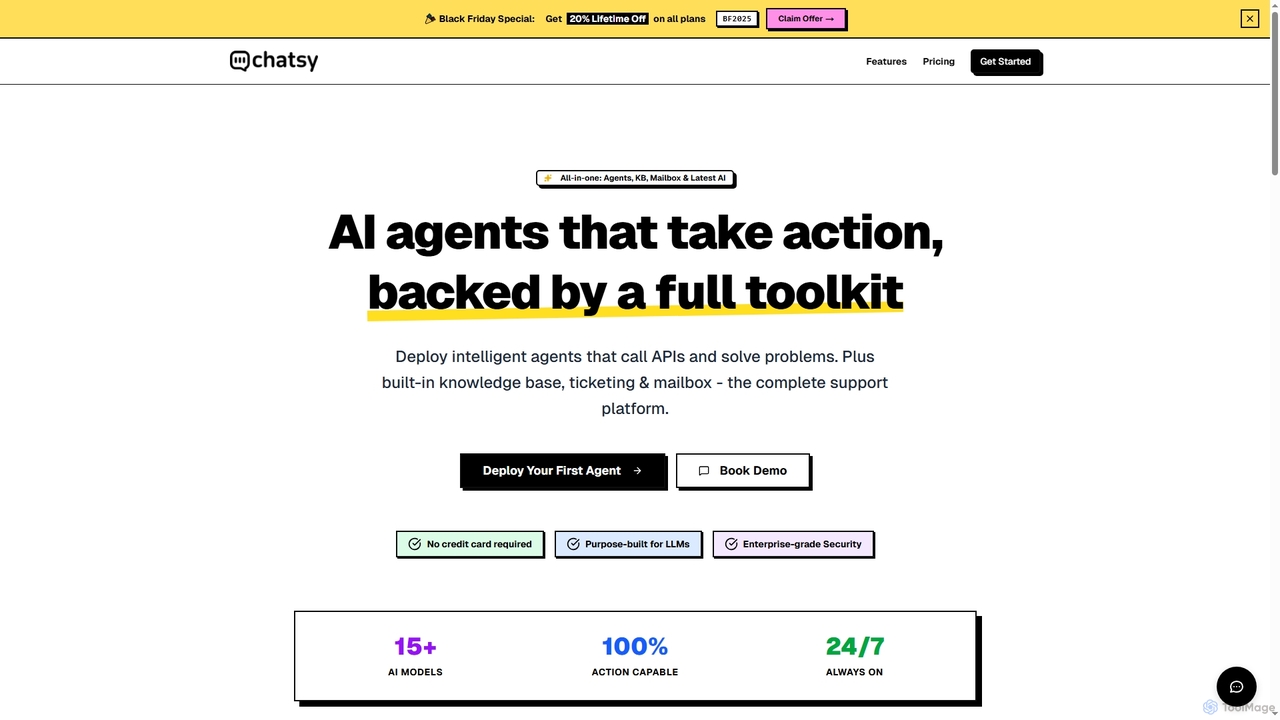
Chatsy is an all-in-one AI chatbot SaaS platform designed to deploy intelligent, action-capable AI agents for customer support. It integrates advanced AI models with a built-in knowledge base, team inbox, and ticketing system, enabling autonomous problem-solving and seamless human handoff.

Saas
Visits 7KFavorites 102Likes 108
Wyna
Paid

Wyna

Wyna is an AI-powered social media automation tool that generates, schedules, and publishes a full month of content for Instagram and Facebook in minutes. By analyzing your website, it adapts to your brand voice to create custom posts and reels with non-templated visuals, designed for founders and small businesses to automate their social media presence end-to-end.

Video Generation
Visits 6.2KFavorites 96Likes 94
Ai Recruiter
Freemium

Ai Recruiter

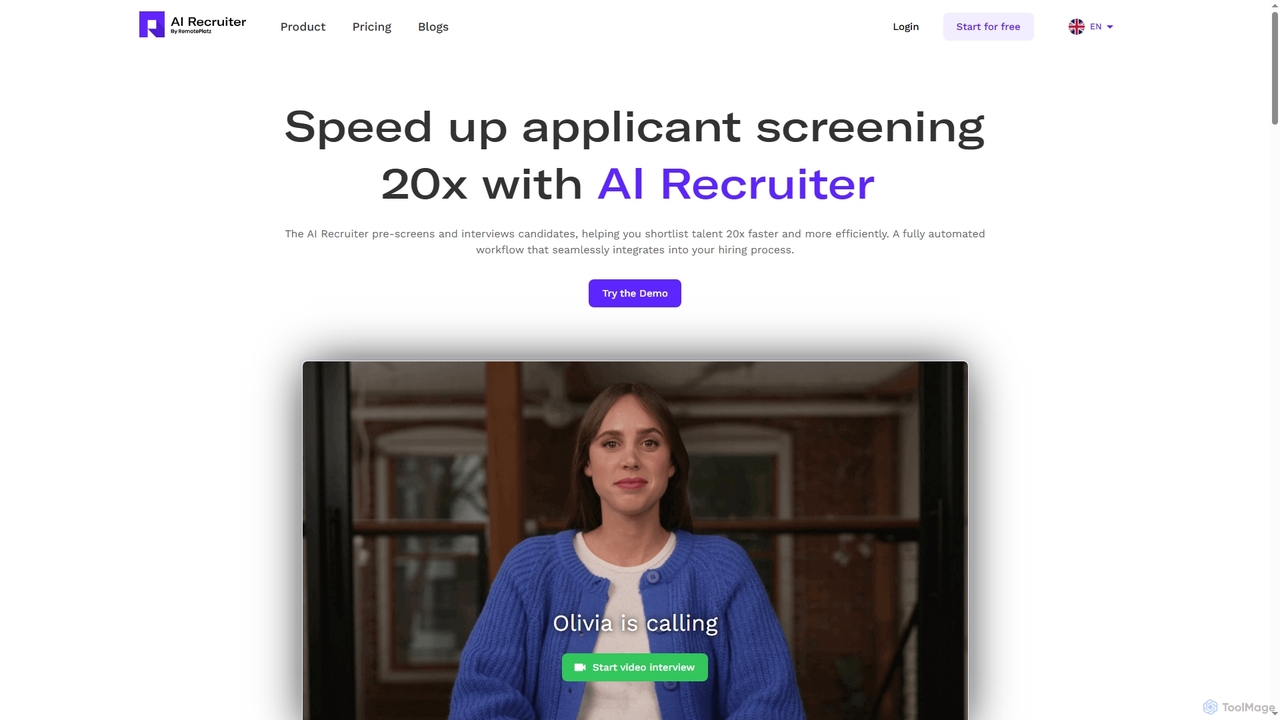
Ai Recruiter is an intelligent hiring platform that leverages AI to automate and accelerate the recruitment process. It conducts real-time video interviews, screens resumes, and provides data-driven talent analytics to help you shortlist the best candidates up to 20x faster.

Recruiting
Visits 6KFavorites 155Likes 150
AgentBro
Freemium

AgentBro

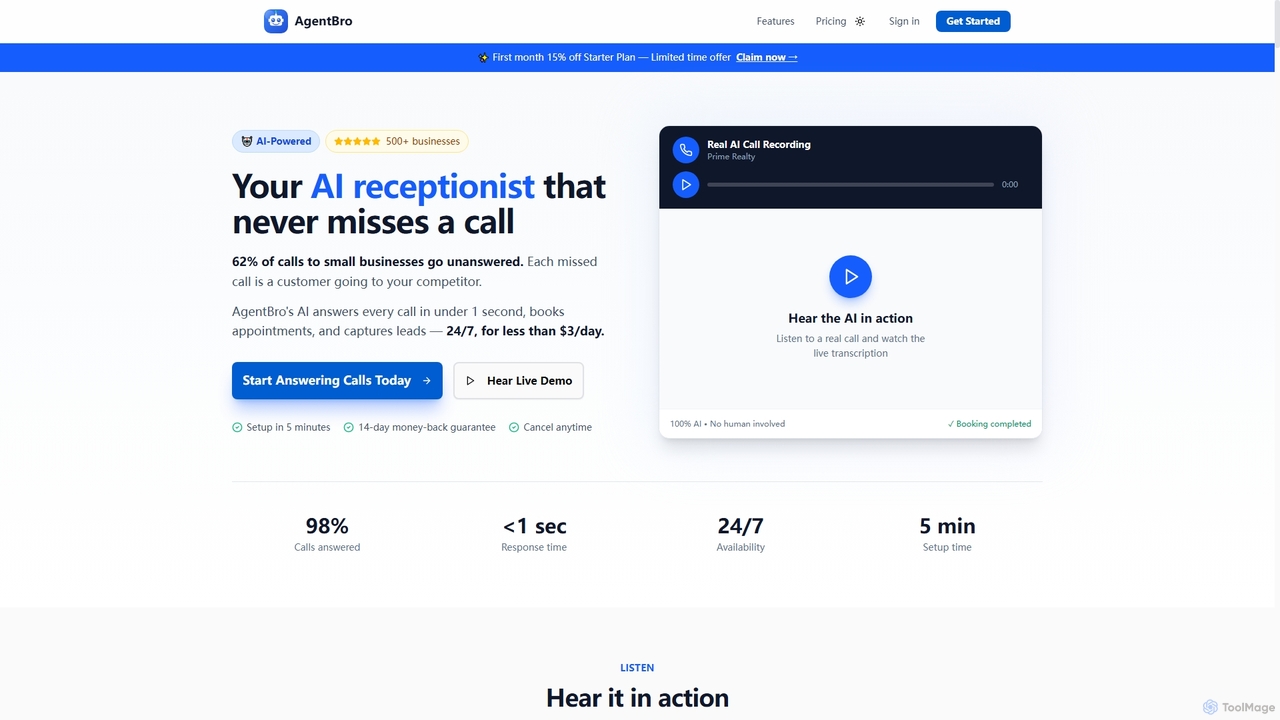
AgentBro is an AI-powered phone receptionist designed for businesses to answer calls 24/7, book appointments automatically, and capture leads. It integrates with your calendar, learns from your business documents, and provides human-like conversations to ensure you never miss a customer.

Management
Visits 8.3KFavorites 95Likes 104
Cruxi
Freemium

Cruxi

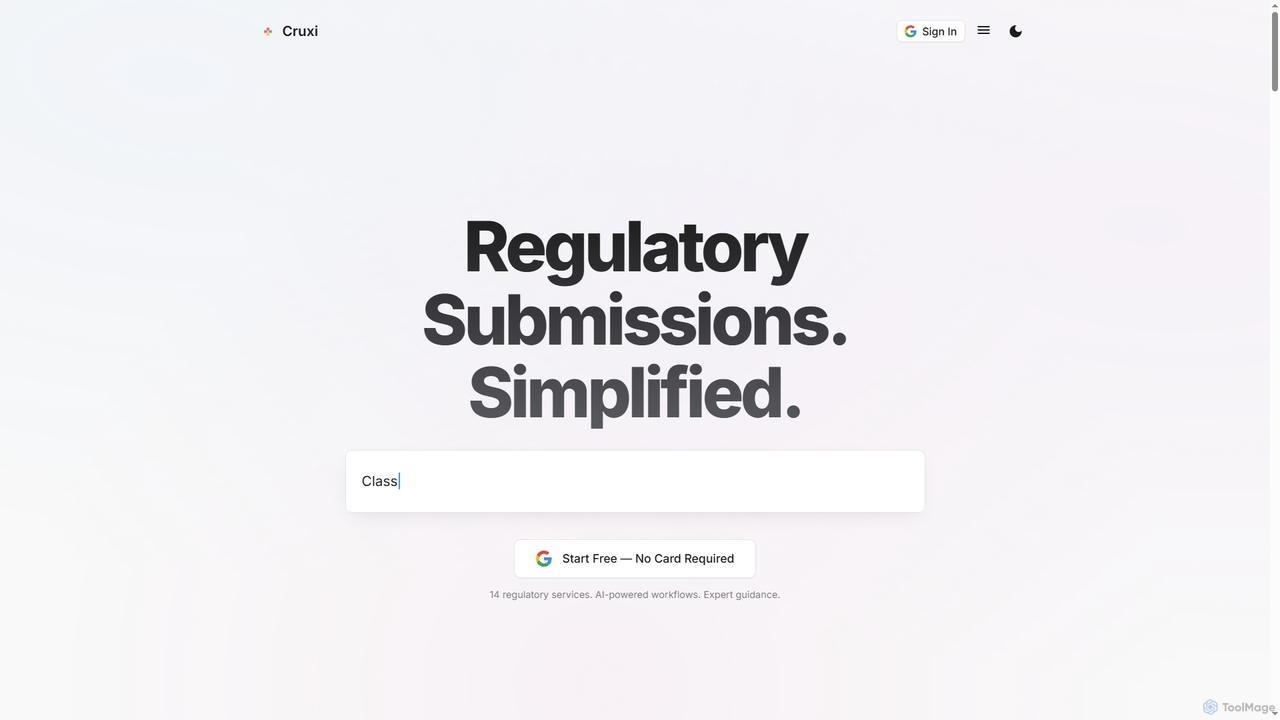
Cruxi is an AI-powered regulatory platform designed to streamline medical device submissions to the FDA and global authorities. It automates workflows for 510(k), De Novo, PMA, and more, significantly reducing preparation time and preventing common rejection issues.

Medical
Visits 10.2KFavorites 128Likes 137
Supportrules
Freemium

Supportrules

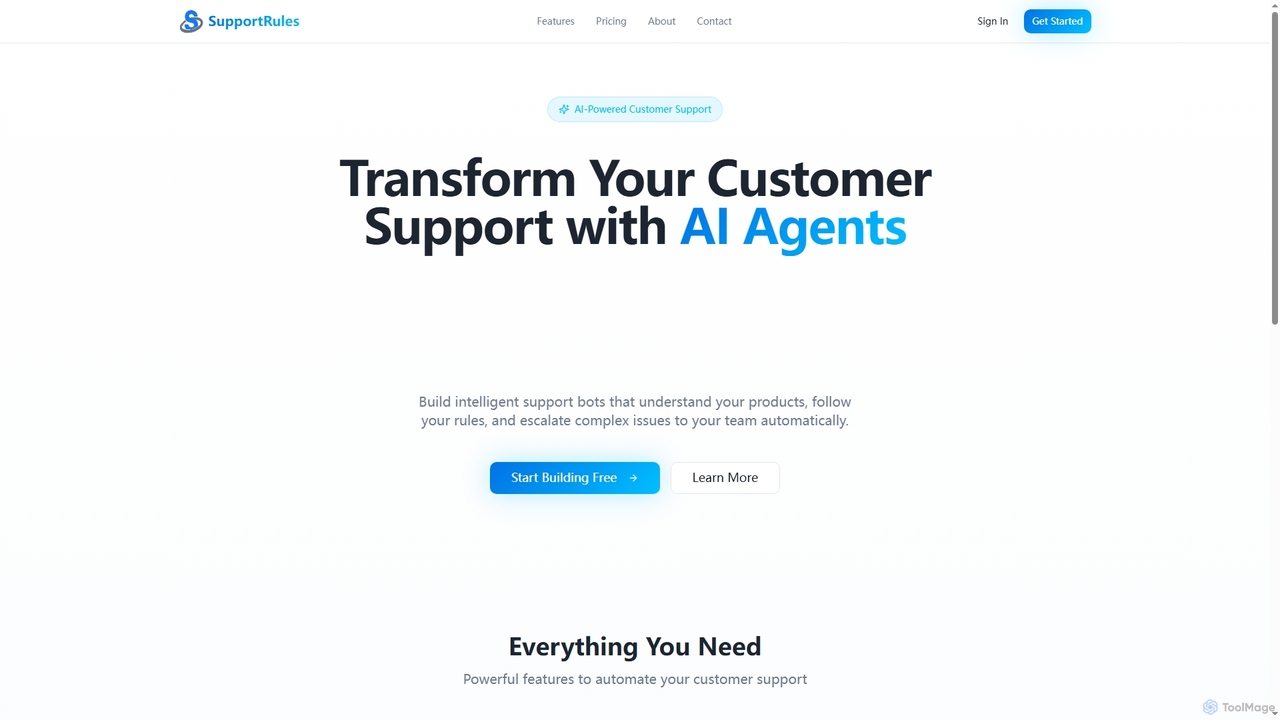
Supportrules is an AI-powered platform designed to automate customer support. It enables businesses to build intelligent support bots that understand product details, adhere to custom rules, and automatically escalate complex inquiries to human agents. The platform supports multi-source data integration and offers features for team management and scalability.

Customer Relationship Management
Visits 6KFavorites 106Likes 97
Quicklogo

Quicklogo

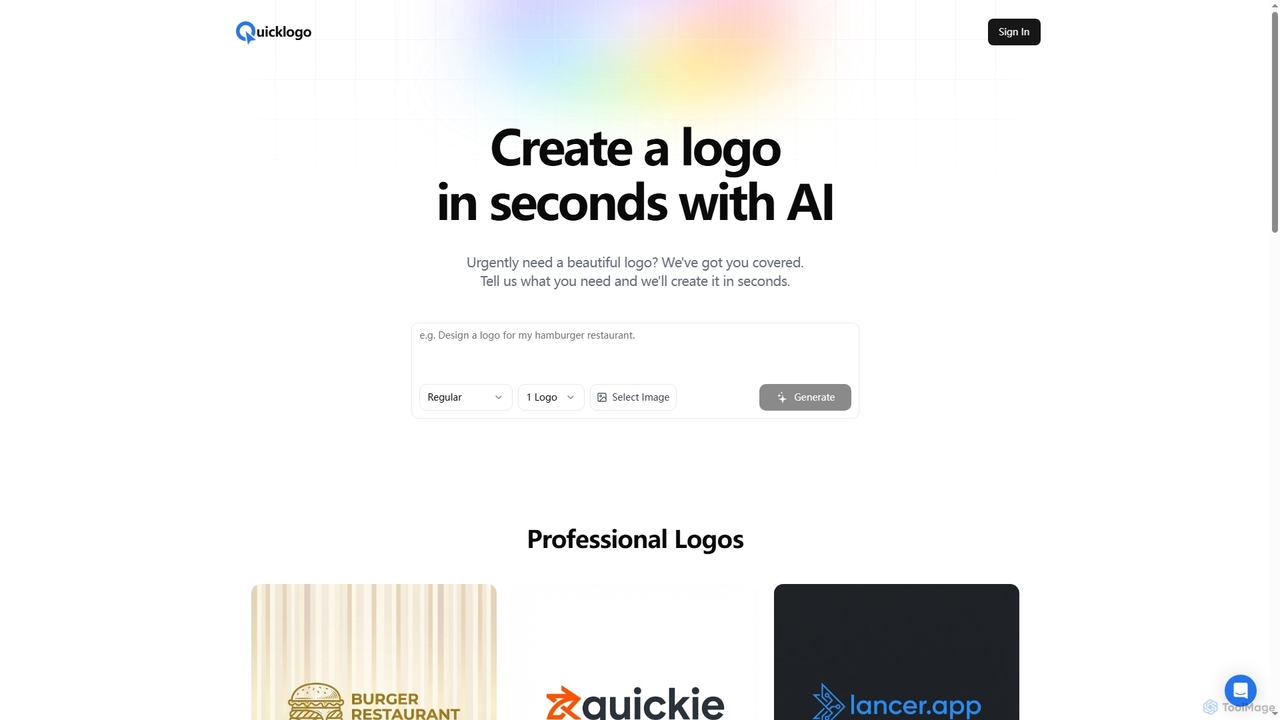
Quicklogo is an AI-powered design tool that generates professional logos in seconds. Users simply describe their needs, and the advanced machine learning model produces multiple unique logo options tailored to their requirements, making it ideal for urgent branding needs.

Marketing
Visits 5.8KFavorites 112Likes 124
Stock Alert
Freemium

Stock Alert

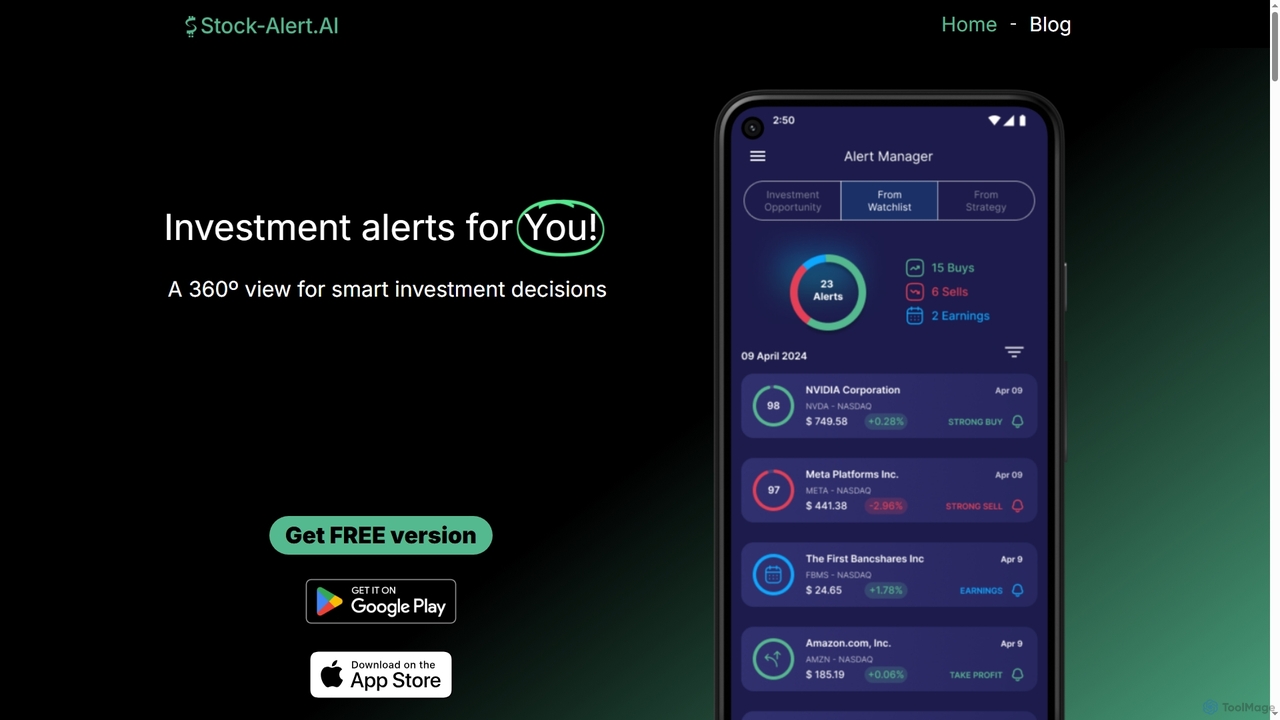
Stock Alert is an AI-powered tool providing investment alerts for US stocks. It helps traders make informed decisions by offering buy/sell signals, position monitoring, and a stock screener. Alerts are triggered by technical indicators, news, and predictive analytics based on 12 years of back-tested data.

Analytics
Visits 6.9KFavorites 119Likes 123
Novichat
Freemium

Novichat

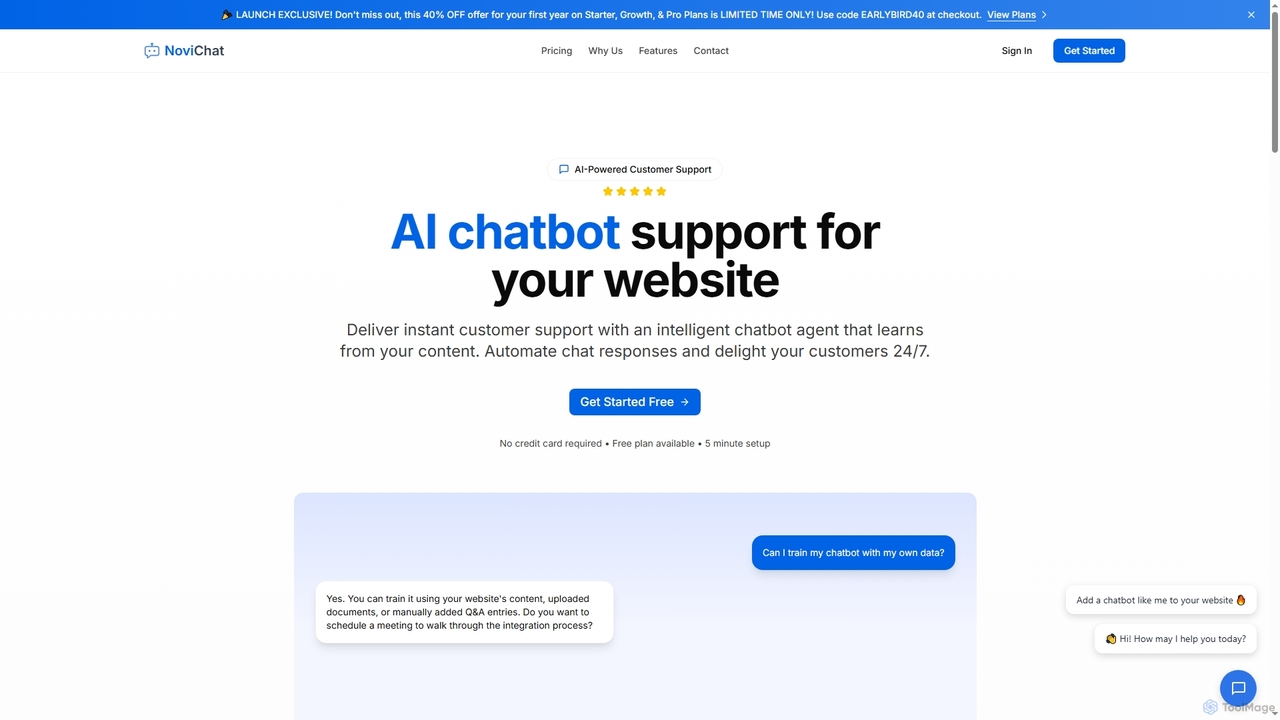
Novichat is an AI-powered chatbot designed for website customer support. It provides instant, 24/7 assistance by learning from your website content, documents, or FAQs. The tool features multi-language support, a customizable widget, performance analytics, and a simple 5-minute setup process that requires no coding skills.

Chatbot
Visits 6.1KFavorites 105Likes 107
Neurolint
Free

Neurolint

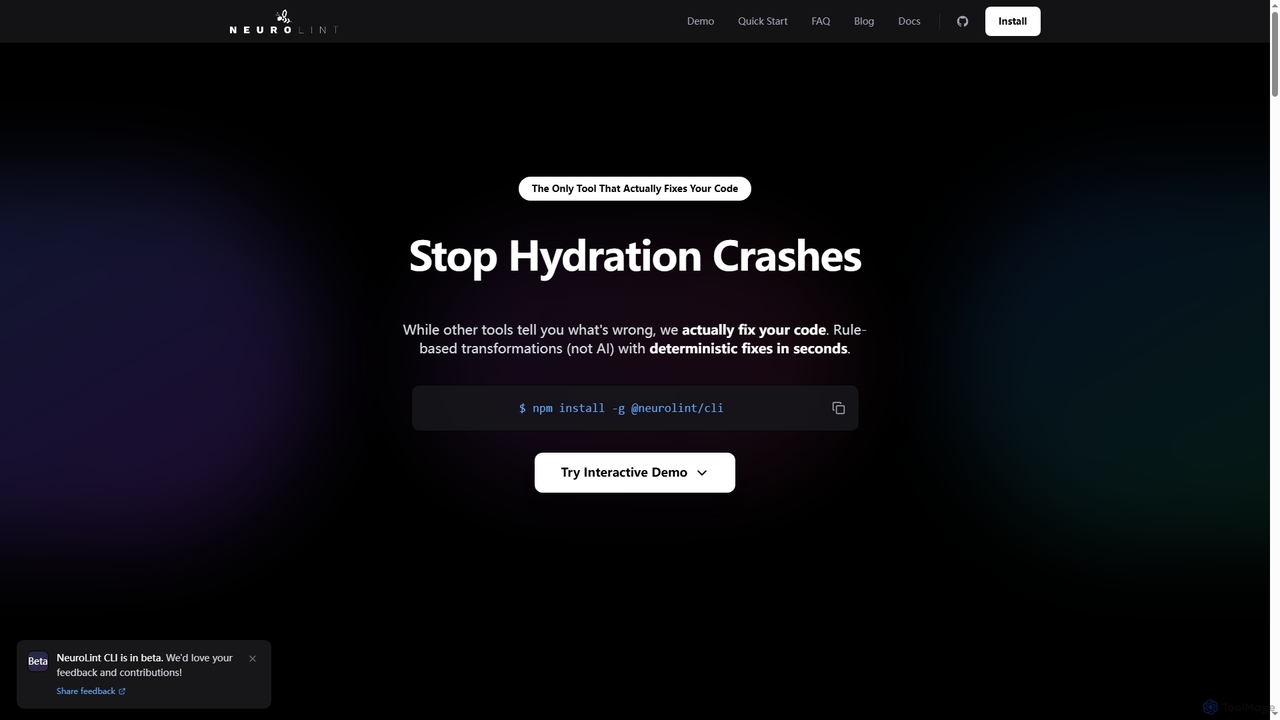
Neurolint is a free CLI tool that automatically detects and fixes bugs in React & Next.js codebases. It uses a deterministic, rule-based 7-layer architecture, not AI, to provide precise fixes for issues like hydration errors, accessibility problems, and performance bottlenecks, ensuring your code remains valid and production-ready.

Code Assistant
Visits 5.8KFavorites 108Likes 128
ViewsMax
Freemium

ViewsMax

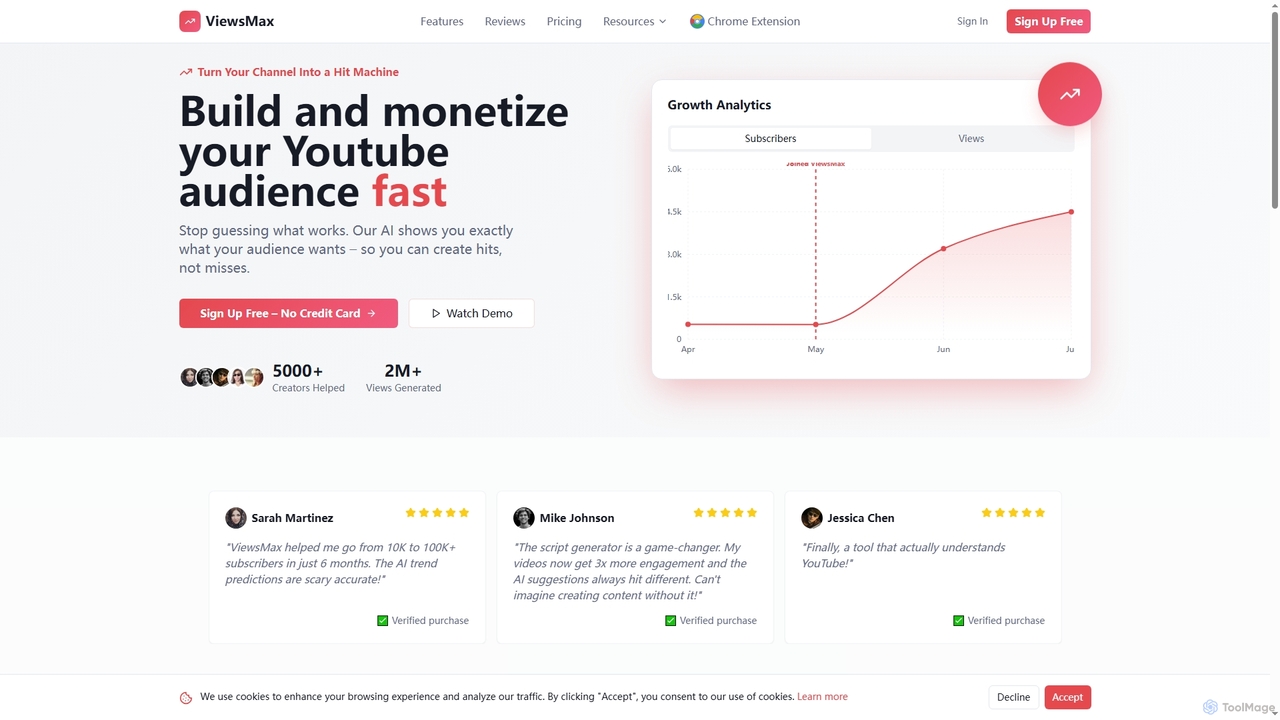
ViewsMax is an AI-powered platform designed for YouTube creators to accelerate channel growth. It provides tools for trend analysis, content generation, and performance optimization, helping users create viral videos by understanding audience preferences.

Content Creation
Visits 9.7KFavorites 94Likes 101
Aha
Paid

Aha

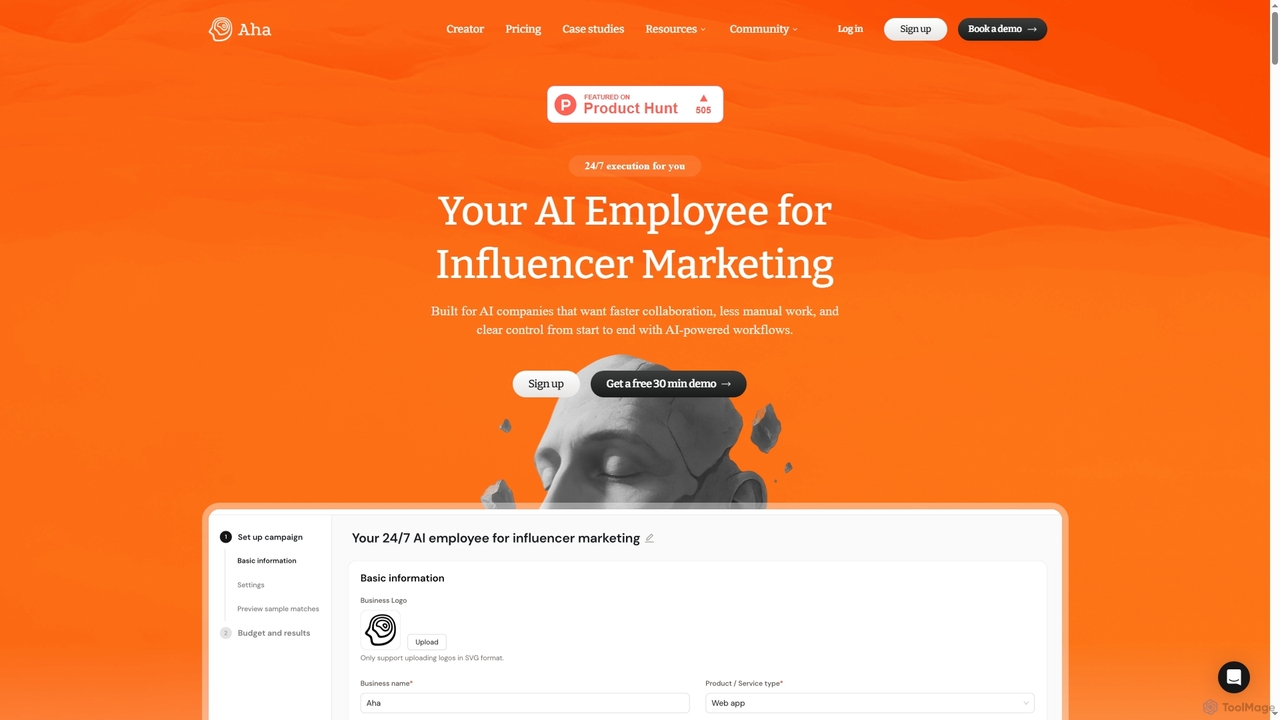
Aha is an AI-powered platform that acts as a 24/7 AI employee for influencer marketing. It automates the entire campaign workflow, from matching with over 5 million vetted creators to negotiation, contract management, and performance tracking. Designed for brands and agencies, it saves time, reduces costs, and ensures campaign success with escrow protection.

Influencer Marketing
Visits 10.2KFavorites 110Likes 114
Nabsai
Paid

Nabsai

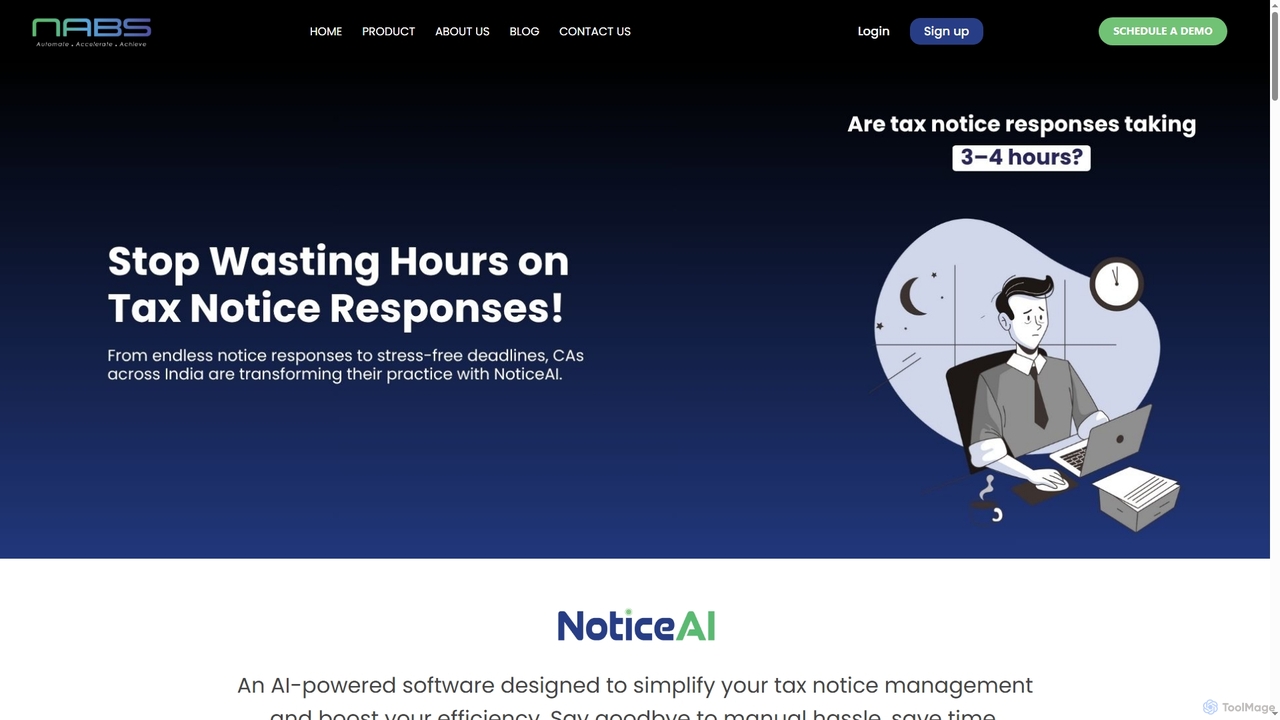
Nabsai is an AI-powered tax notice management platform designed for Chartered Accountants in India. It automates the entire process from notice retrieval to generating legally sound responses, leveraging RAG technology for case law citations. This streamlines workflows, ensures compliance, and reduces response time from hours to under 30 minutes.

Accounting
Visits 6.9KFavorites 152Likes 156
Pylar
Freemium

Pylar

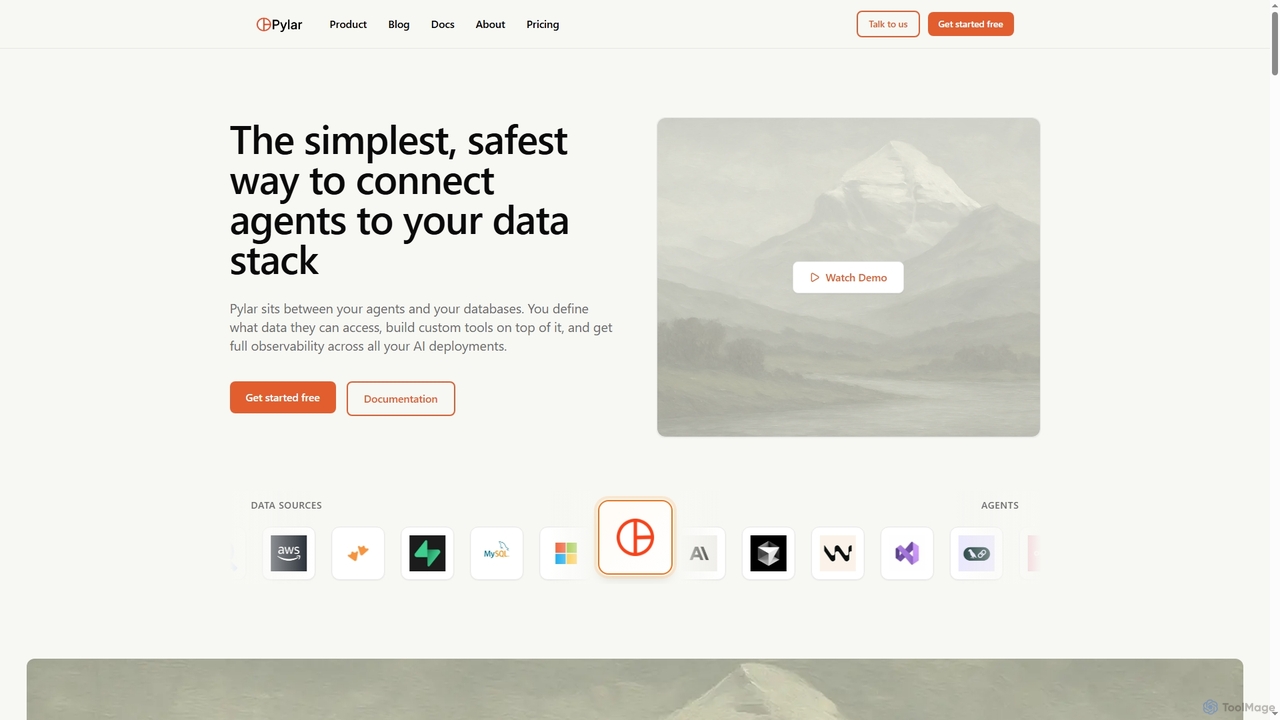
Pylar is a data governance platform that securely connects AI agents to your data stack. It allows you to define safe data access through SQL views, build custom tools for agents, and monitor all interactions, preventing direct database access and ensuring security and control.

Data Governance
Visits 6.3KFavorites 135Likes 143
Brifagoai
Freemium

Brifagoai

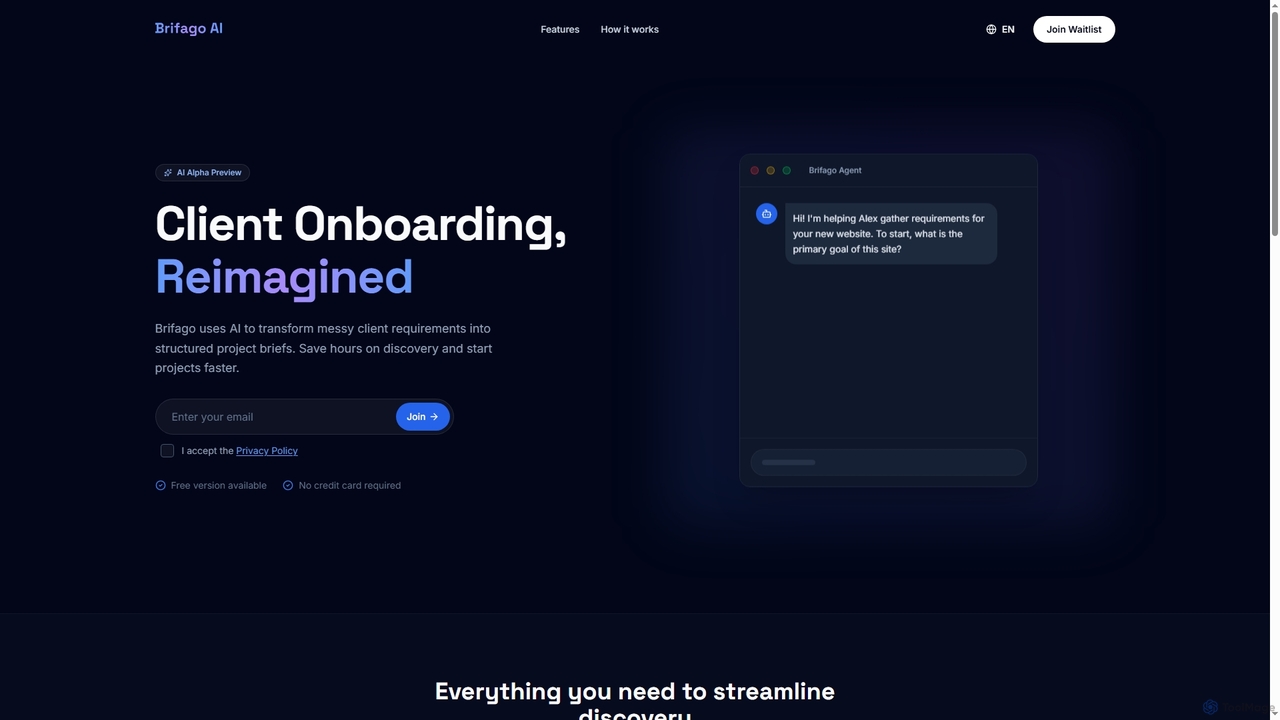
Brifagoai is an AI-powered client onboarding tool designed to streamline the requirement gathering process. It uses a conversational AI agent to interview clients, transforming unstructured requests into clear, structured project briefs. This saves agencies and freelancers hours of manual work, reduces back-and-forth communication, and helps prevent scope creep.

Onboarding
Visits 5.8KFavorites 115Likes 109
Nerve
Freemium

Nerve

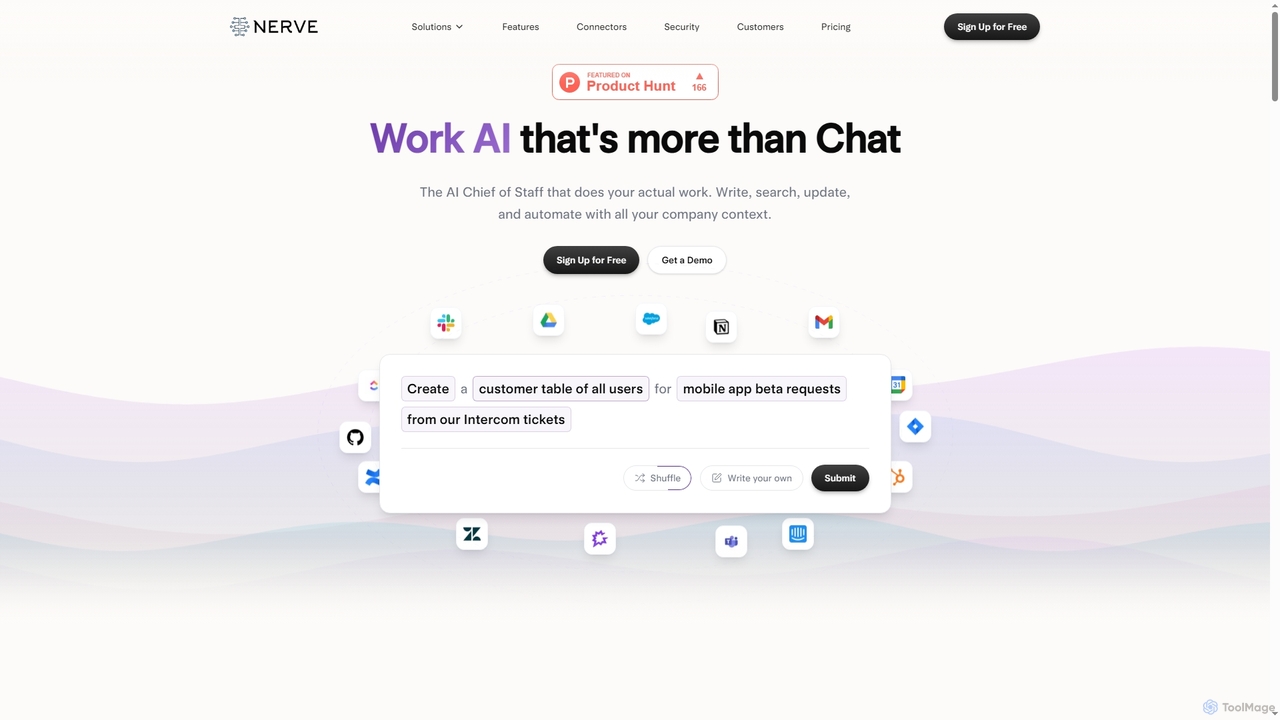
Nerve is an enterprise AI platform that functions as an AI Chief of Staff, designed to perform actual work by writing, searching, updating, and automating tasks across all your company's applications and data. It enhances productivity for teams like sales, engineering, product, and marketing.

Chatbot
Visits 6.8KFavorites 107Likes 120
Praxis
Freemium

Praxis

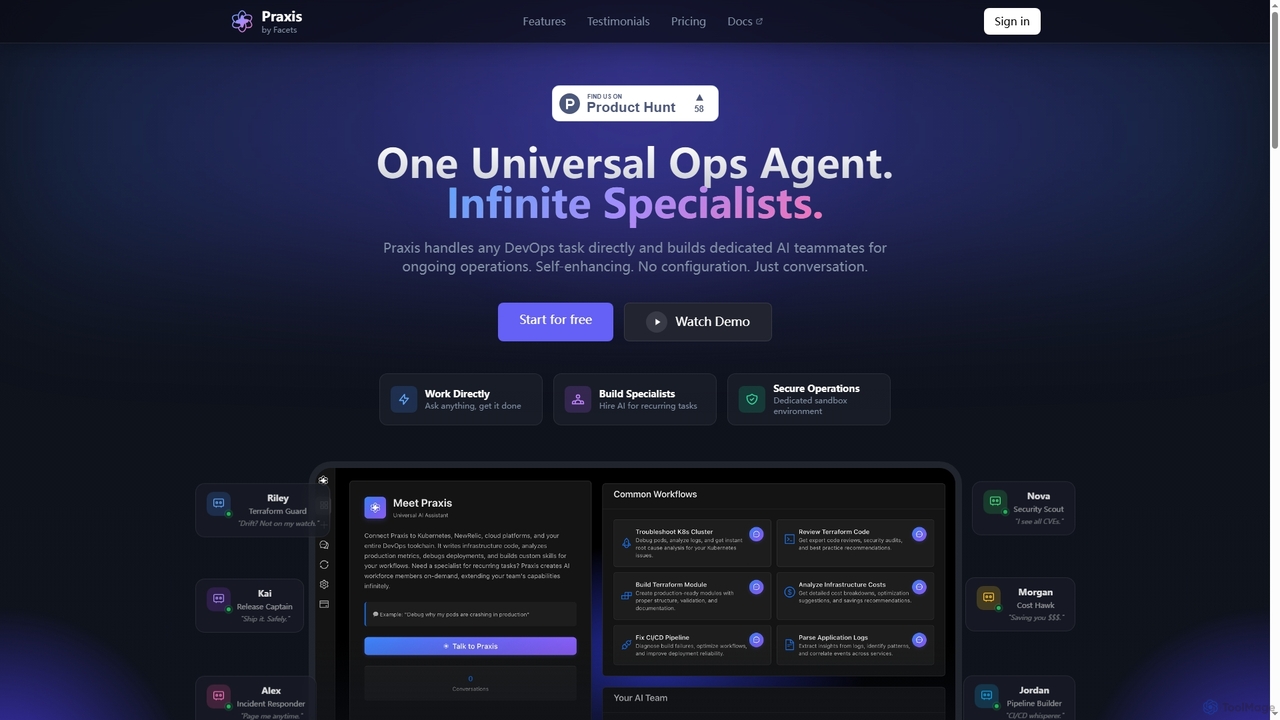
Praxis is a universal AI agent platform for DevOps, enabling teams to build specialized AI teammates through conversation. It automates infrastructure, accelerates troubleshooting, and streamlines complex workflows without manual configuration.

Debugging
Visits 5.9KFavorites 132Likes 128
Getvideos
Freemium

Getvideos

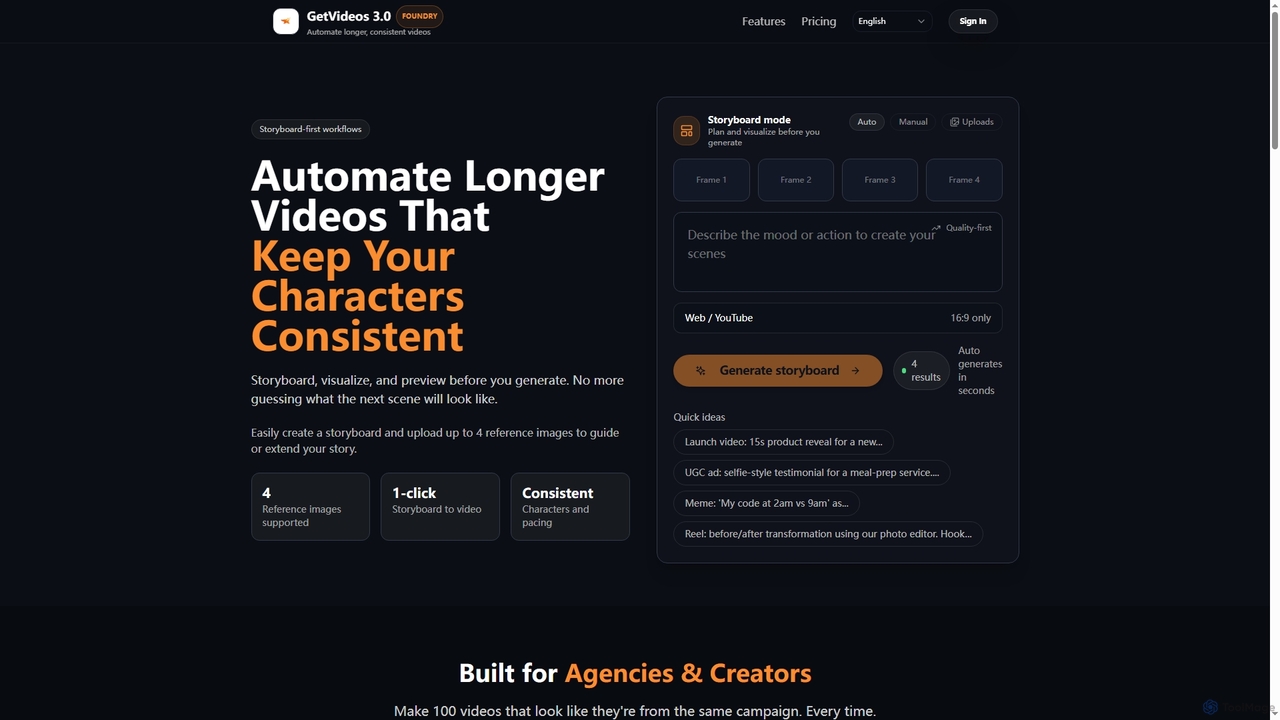
Getvideos is an AI video creation platform designed for agencies and creators, featuring a storyboard-first workflow. It automates the creation of longer videos while maintaining consistent characters, styles, and pacing, transforming ideas into ready-to-ship videos in minutes.

Social Media
Visits 5.9KFavorites 167Likes 163
Syntaccx
Freemium

Syntaccx

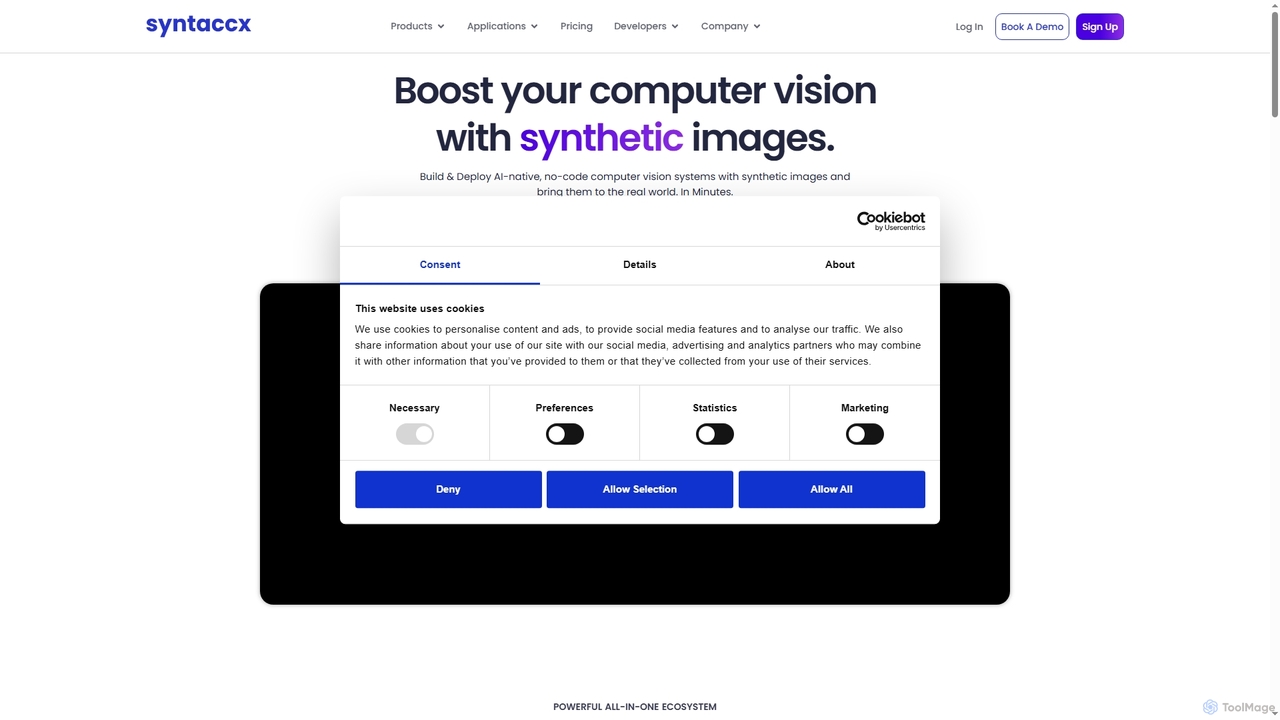
An all-in-one, no-code computer vision platform that generates synthetic training data from CAD/3D models. It enables users to create, train, and deploy robust AI vision models in minutes, significantly reducing costs and development time without requiring deep expertise.

Modeling
Visits 5.9KFavorites 161Likes 149

About Automation

AI Automation tools are a class of software that uses artificial intelligence to execute repetitive tasks and streamline complex workflows without direct human intervention. These tools leverage technologies like machine learning (ML) and natural language processing (NLP) to understand data, make decisions, and interact with other digital systems. Their primary purpose is to enhance productivity by reducing manual effort, minimizing errors, and freeing up human teams to focus on strategic initiatives. Unlike traditional automation, AI-powered platforms can handle unstructured data and adapt to variations in processes.

Core Features

  • Workflow Builder: Visually design, build, and manage multi-step automated processes that connect various applications and services.
  • Intelligent Data Processing: Automatically extract, classify, and validate information from documents, emails, and images using AI models.
  • AI-Powered Decision Making: Implement conditional logic and predictive models that allow the system to make autonomous choices within a workflow.
  • Cross-Application Integration: Connect seamlessly with hundreds of third-party apps (SaaS, databases, APIs) to create a unified automated ecosystem.
  • No-Code/Low-Code Interface: Enable users with limited technical skills to create and deploy complex automations through drag-and-drop interfaces.

Use Cases

AI Automation tools are widely used across various departments. Marketing teams automate lead nurturing campaigns and social media posting. Finance departments use them for invoice processing and expense report approvals. In customer support, they are used to route tickets and send automated responses, significantly improving response times and operational efficiency.

How to Choose

When selecting an AI Automation tool, first evaluate its integration library to ensure it supports the apps you use. Consider the complexity of its AI capabilities—do you need simple data extraction or advanced predictive analytics? Assess the user interface; a no-code platform is better for business users, while a low-code option offers more flexibility for developers. Finally, review the scalability and pricing model to ensure it aligns with your business growth.

Featured tool rankings

Automation use cases

1

Automate Social Media Content Publishing

A social media manager for a growing e-commerce brand needs to maintain a consistent posting schedule across multiple platforms like Instagram, Facebook, and Twitter. Instead of manually uploading and scheduling each post, they use an AI automation tool. They set up a workflow that triggers whenever a new product is added to their website's blog. The tool automatically pulls the product image and description, uses an AI writing assistant to generate several engaging caption variations, and then schedules them to be posted at optimal times on each platform over the next week. This saves hours of manual work and ensures a steady stream of content.

2

Streamline Customer Onboarding Process

A SaaS company's customer success team needs to ensure every new user has a smooth onboarding experience. They use an automation platform to connect their payment gateway (e.g., Stripe) with their CRM and email marketing tool. When a new customer subscribes, a workflow is initiated:

  • A new contact is created in the CRM with the 'New Customer' tag.
  • A welcome email is sent immediately with login details and a link to a setup guide.
  • A task is assigned to a customer success manager for a personal follow-up call in three days.
  • The customer is added to an automated 7-day onboarding email sequence that introduces key features.
This automation ensures no new customer is overlooked and provides a consistent, professional welcome.

3

Intelligent Invoice and Receipt Processing

An accounting department processes hundreds of invoices and receipts monthly. This manual data entry is time-consuming and prone to errors. By implementing an AI automation tool with Optical Character Recognition (OCR), the process is transformed. Staff simply scan or email the documents to a designated inbox. The AI tool automatically:

  • Extracts key information like vendor name, invoice number, date, and total amount.
  • Categorizes the expense based on the vendor or line items.
  • Creates a draft entry in the accounting software (e.g., QuickBooks) for review.
  • Flags any discrepancies or missing information for human attention.
This reduces data entry time by over 80% and improves accuracy significantly.

4

Automate Lead Nurturing in Marketing

A marketing team wants to personalize communication with new leads who download an e-book from their website. They set up an automation that triggers upon form submission. The lead's contact information is added to their CRM and they are entered into a specific nurturing sequence. The sequence starts with an email delivering the e-book, followed by a series of emails over two weeks that provide related content, case studies, and finally, an invitation to a product demo. The automation uses conditional logic: if a lead clicks on a specific case study, they are tagged with that interest and might receive more targeted content, making the nurturing process highly relevant and effective.

5

Automate IT Help Desk Ticket Routing

An IT department in a large company receives hundreds of support requests daily via email. Manually reading, categorizing, and assigning these tickets is a bottleneck. They deploy an AI automation tool that monitors the support inbox. Using Natural Language Processing (NLP), the tool analyzes the content of each email to determine the issue's category (e.g., 'Password Reset', 'Hardware Failure', 'Software Access') and urgency. Based on predefined rules, it automatically creates a ticket in their help desk system (like Jira or Zendesk) and assigns it to the appropriate specialist or team. This ensures faster response times and a more balanced workload for the IT staff.

6

Sync Data Across Disparate Business Systems

An operations manager struggles with data inconsistencies between their CRM (Salesforce) and ERP (NetSuite) systems. Sales updates in the CRM don't always reflect in the ERP, leading to billing errors. They implement an automation platform to act as a bridge. A workflow is created to monitor for 'Closed-Won' opportunities in Salesforce. When this occurs, the automation tool instantly retrieves the customer and deal information and uses it to create a corresponding sales order in NetSuite. This two-way sync ensures that both sales and finance teams are always working with the most up-to-date, accurate information, eliminating manual data reconciliation.

Automation FAQ

What are AI Automation tools?

AI Automation tools are software platforms that use artificial intelligence technologies like machine learning (ML) and natural language processing (NLP) to perform tasks and manage workflows that traditionally require human intelligence. Unlike simple rule-based automation, they can interpret unstructured data, adapt to new situations, and make complex decisions. Common applications include automating data entry from documents, routing customer support tickets based on email content, and managing multi-step marketing campaigns.

How do I choose the right AI Automation tool?

To choose the right tool, consider these factors:

  • Integration Capabilities: Ensure the tool connects with the applications you use daily (e.g., CRM, email, project management software). A robust library of pre-built integrations is crucial.
  • Ease of Use: Determine if you need a no-code platform for non-technical users or a low-code/pro-code solution that offers more customization for developers.
  • AI Features: Assess the specific AI functionalities offered. Do you need basic OCR for data extraction, or more advanced NLP for sentiment analysis and decision-making?
  • Scalability and Reliability: Choose a platform that can handle an increasing volume of tasks as your business grows and offers reliable performance.
What's the difference between AI Automation and traditional Robotic Process Automation (RPA)?

The key difference lies in intelligence and adaptability. Traditional RPA is rule-based and excels at automating structured, repetitive tasks by mimicking human actions on a user interface (like clicks and keystrokes). It struggles with variation. AI Automation, often seen as an evolution of RPA, incorporates cognitive abilities. It can process unstructured data (like text in an email), understand context, learn from experience, and make decisions. In essence, RPA automates tasks, while AI Automation automates entire processes that involve judgment and interpretation.

What kind of tasks can be automated with these tools?

AI Automation tools can handle a wide spectrum of tasks, from simple to complex. Examples include:

  • Data Management: Automatically moving and syncing data between applications like spreadsheets, CRMs, and databases.
  • Communication: Sending personalized emails, scheduling social media posts, and routing customer inquiries.
  • Document Processing: Extracting information from invoices, contracts, and receipts using OCR and NLP.
  • Reporting: Aggregating data from multiple sources to generate daily or weekly performance reports.
  • Complex Workflows: Managing entire processes like employee onboarding or lead nurturing, which involve multiple steps, applications, and conditional logic.
Who can benefit from using AI Automation tools?

A wide range of users can benefit from AI Automation. In a business context, roles like marketing operations managers, sales representatives, finance controllers, and IT administrators use these tools to streamline departmental workflows and eliminate repetitive tasks. Small business owners and entrepreneurs can automate core business processes without a large team. Even individuals can use them for personal productivity, such as managing personal finances, organizing files, or automating social media activity, thereby saving time for more important activities.