ToolMage
Sign in

Best 62 Design AI tools for Productivity

Popular Design AI tools in Productivity include OpenArt, Dreamina, Cutout.Pro, NightCafe Creator, Topaz Labs, Upscale.media, Stable Diffusion Online, Magic Studio, 3D AI Studio, and Imglarger, helping you work more efficiently.

gameofprompts.ai
Freemium

gameofprompts.ai

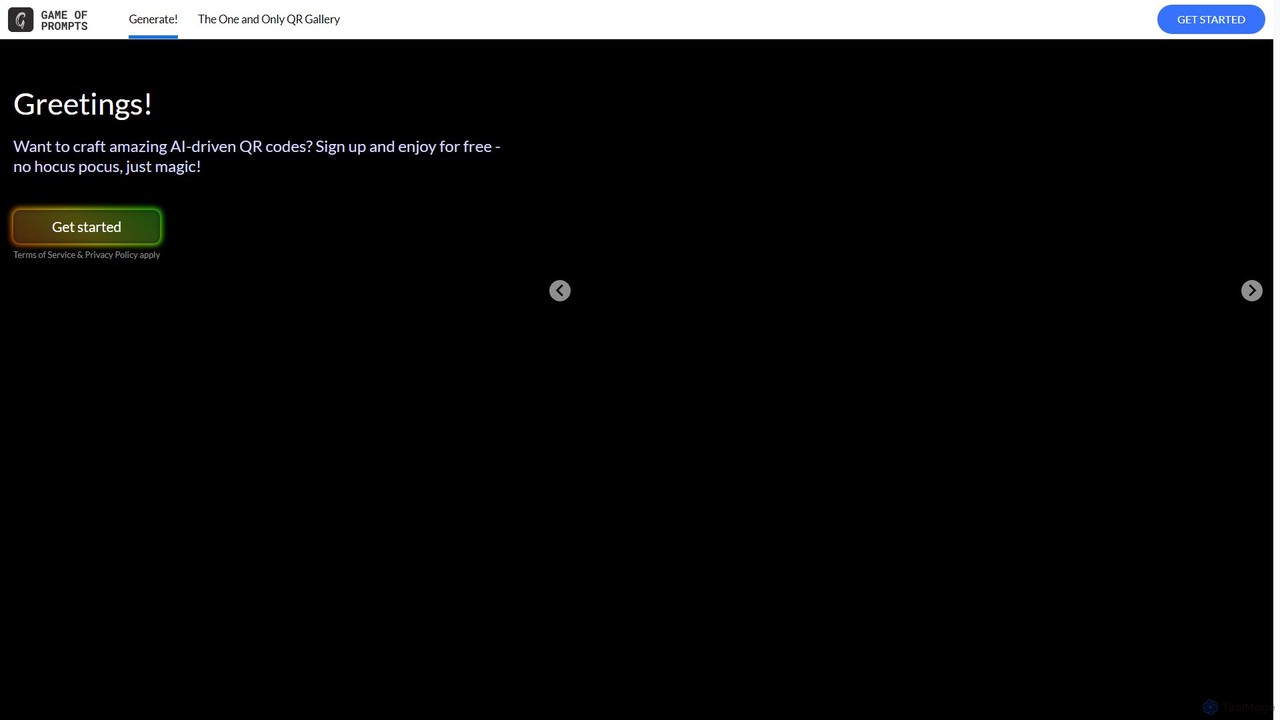
gameofprompts.ai is an AI-powered creative suite that transforms text prompts into stunning visual art. It specializes in generating artistic, scannable QR codes and unique digital sketches, making it ideal for marketers, designers, and creators looking to produce eye-catching visuals with ease.

Image Generation
Visits 5.6KFavorites 151Likes 141
Upscale.media
Freemium

Upscale.media

Upscale.media is a free AI-powered tool that automatically upscales and enhances images in seconds. It increases image resolution by up to 8x without losing quality, sharpens details, and removes artifacts. Ideal for e-commerce, photographers, and personal use, it offers web, mobile app, and API access for seamless integration.

Image Editing
Visits 3MFavorites 115Likes 109
Pincel
Freemium

Pincel

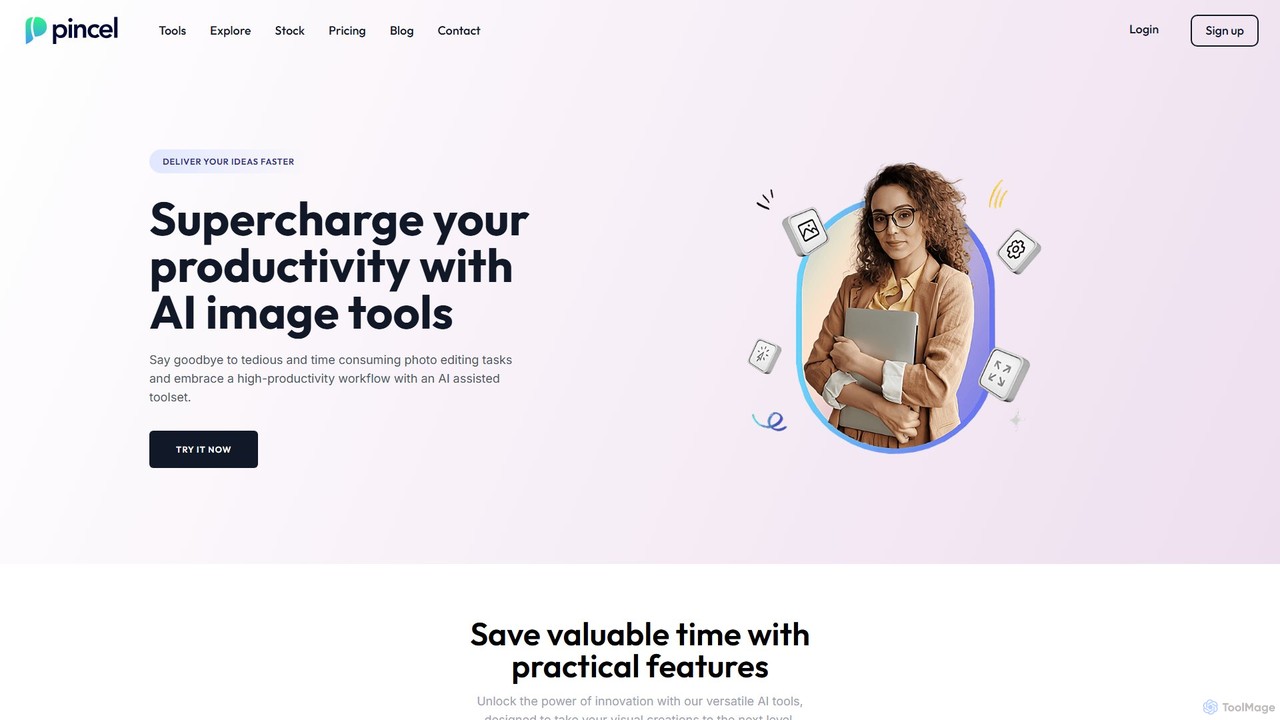
Pincel is a comprehensive, web-based AI image editing suite designed for speed and simplicity. It offers a vast collection of tools, from one-click object removal and generative fill to AI portrait creation, face swapping, and artistic QR codes. Ideal for marketers, designers, and content creators, Pincel streamlines complex photo editing tasks into an intuitive workflow, accessible on any device without needing specialized skills or expensive software.

Image Generator
Visits 259.3KFavorites 129Likes 112
3D AI Studio
Freemium

3D AI Studio

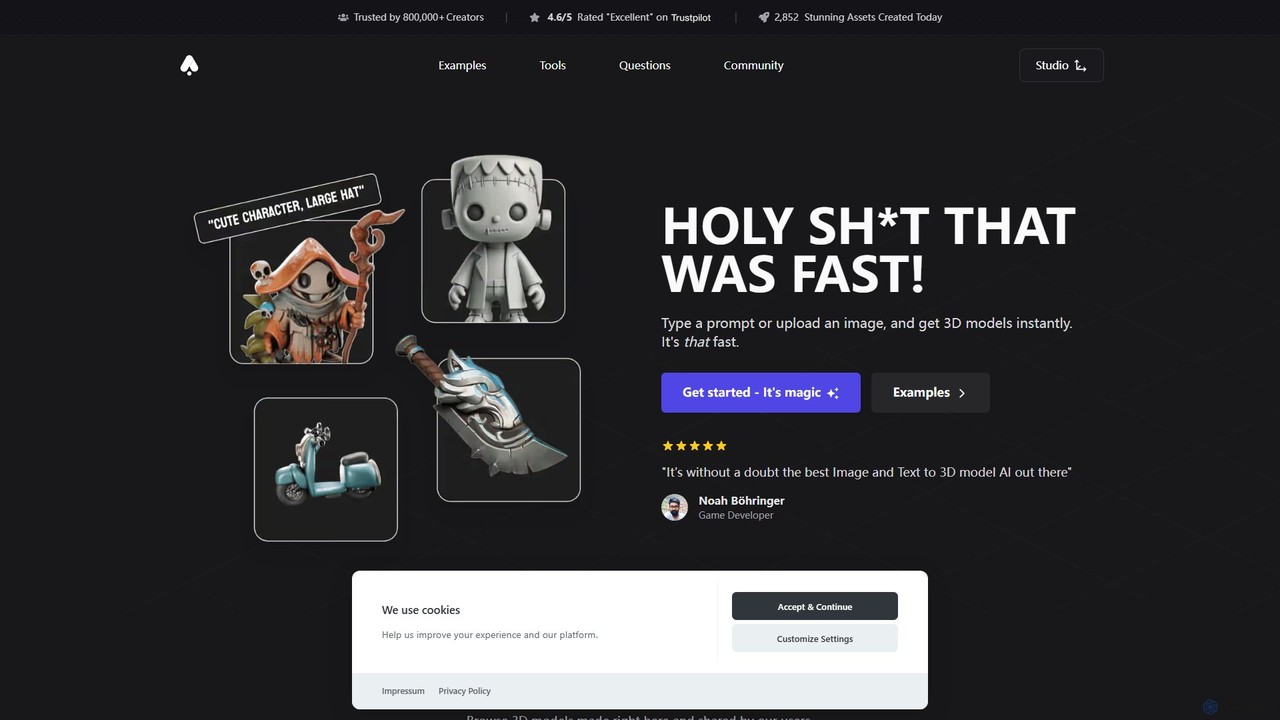
3D AI Studio is a powerful AI-driven platform that generates high-quality 3D models from text prompts or images in seconds. Designed for creators, game developers, and designers, it simplifies the 3D creation process with features like AI texturing, automatic remeshing, and a vast community library. It offers a fast, intuitive, and cost-effective solution for producing game-ready assets, 3D printable models, and more, without requiring extensive 3D modeling experience.

Ai 3D Generator
Visits 650.2KFavorites 118Likes 115
Craion AI
Freemium

Craion AI

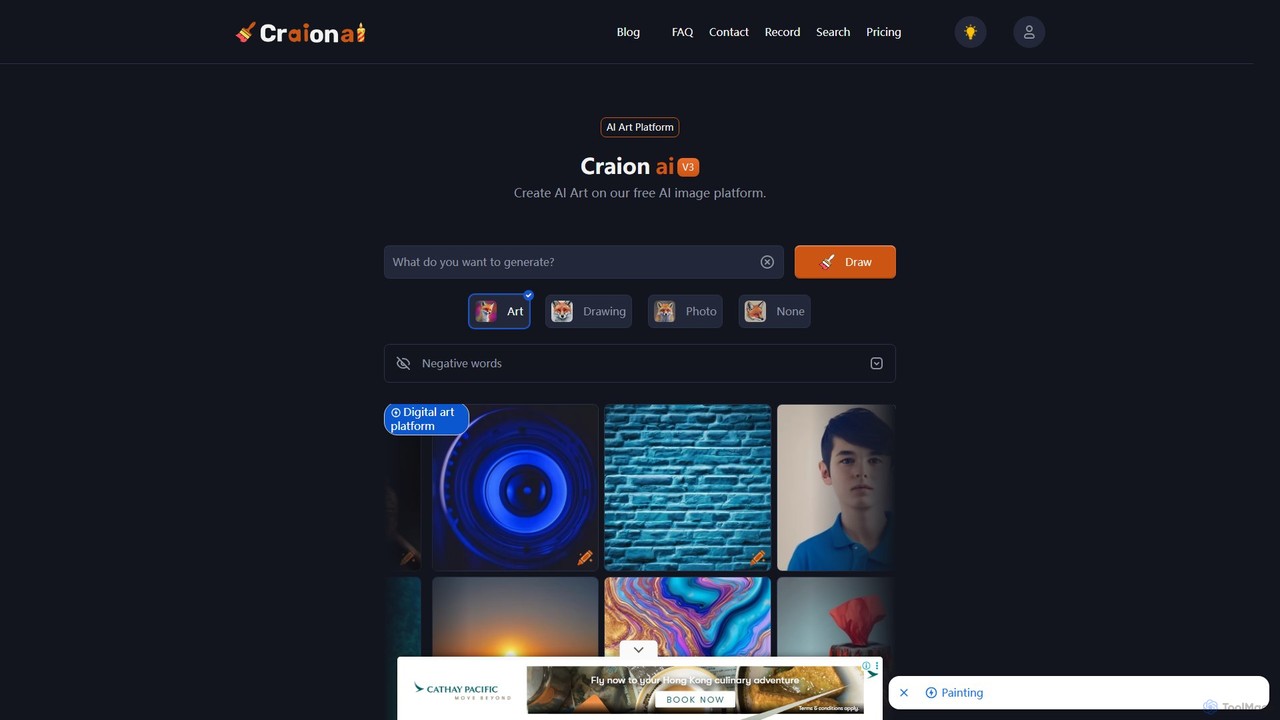
Craion AI, formerly known as DALL·E mini, is a free and accessible AI art generator that transforms text prompts into unique images. It offers various styles, negative prompts for refined control, and affordable premium plans for higher quality, faster generation, and enhanced privacy.

Digital Art
Visits 10.4KFavorites 117Likes 102
Janus Pro
Free

Janus Pro

Janus Pro is a powerful multimodal AI model from DeepSeek, excelling at both generating high-quality, coherent images from text and performing sophisticated image understanding. Its unique unified transformer architecture enables superior performance in complex visual tasks, making it a versatile tool for designers, marketers, and creators.

Image Analysis
Visits 5.7KFavorites 144Likes 145
Hypic
Freemium

Hypic

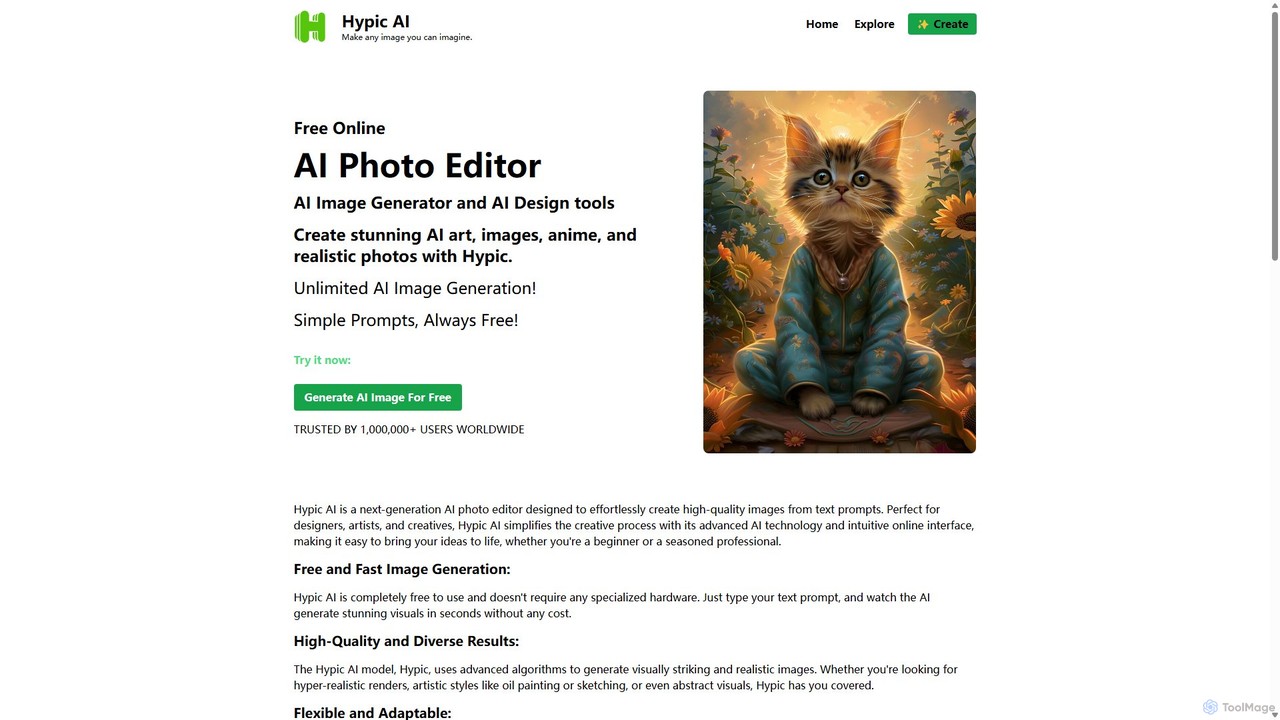
Hypic is a powerful, all-in-one AI photo editing app for both beginners and professionals. It offers a wide range of AI-powered features, including one-tap portrait retouching, object removal, background replacement, and creative filters. Elevate your photos for social media, personal use, or e-commerce with professional-grade tools made simple and accessible on your mobile device.

Image Generation
Visits 9.5KFavorites 147Likes 147
oneimg
Free

oneimg

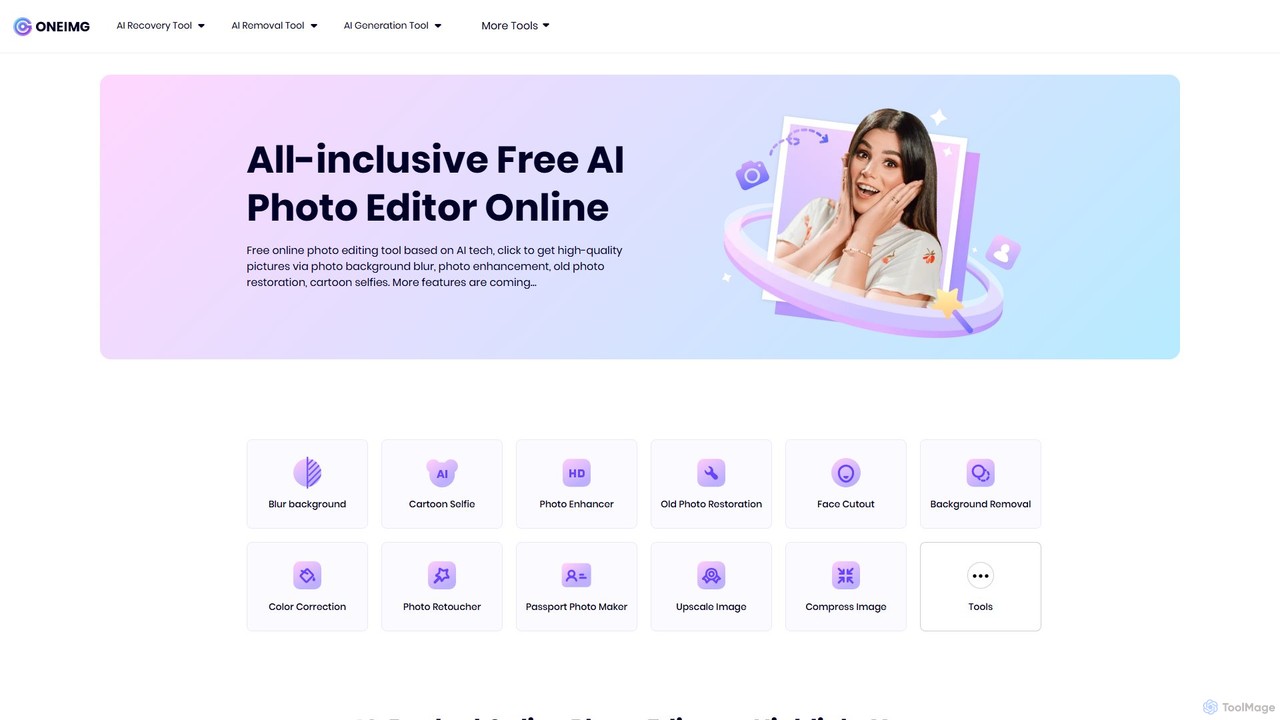
oneimg is a free, all-in-one online photo editor powered by AI. It offers a comprehensive suite of tools for image enhancement, background manipulation, old photo restoration, and creative effects like cartoon selfies. Designed for ease of use, it allows users to achieve professional-quality results with just a few clicks, no software installation or technical skills required.

Background Removal
Visits 7KFavorites 136Likes 134
Upscalepics
Freemium

Upscalepics

Upscalepics is an AI-powered image toolkit that enhances, upscales, and edits photos with remarkable precision. It can increase image resolution up to 8x, remove backgrounds, compress files, and prepare images for high-quality printing at 300 DPI. With features like batch processing, a browser extension, and API access, it serves photographers, designers, and e-commerce businesses.

Image Editing
Visits 71.6KFavorites 144Likes 139
picsman
Freemium

picsman

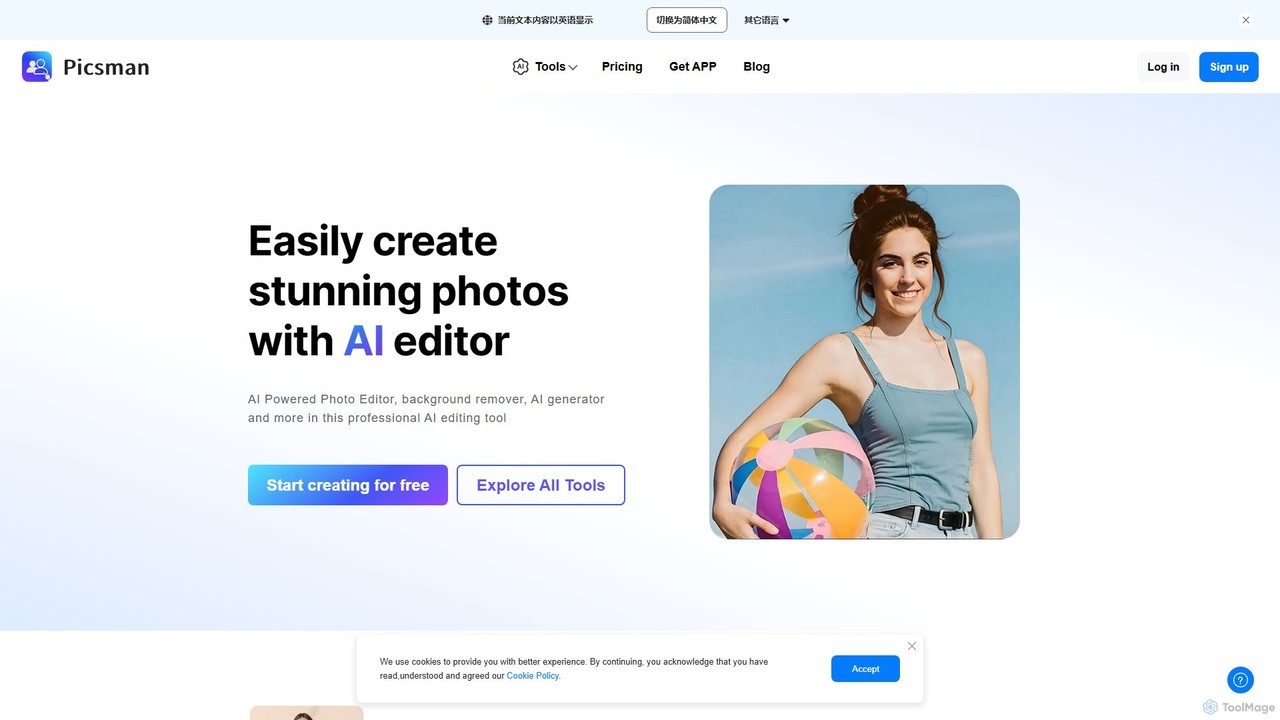
Picsman is an all-in-one AI-powered photo editor designed for ease of use. It offers a comprehensive suite of tools including background removal, object erasing, virtual clothes changing, image enhancement, and AI art generation. Ideal for e-commerce, social media marketing, and personal photo editing, Picsman simplifies complex editing tasks into one-click operations, making professional-quality results accessible to everyone.

3D
Visits 571.1KFavorites 126Likes 125
Bashable.art
Freemium

Bashable.art

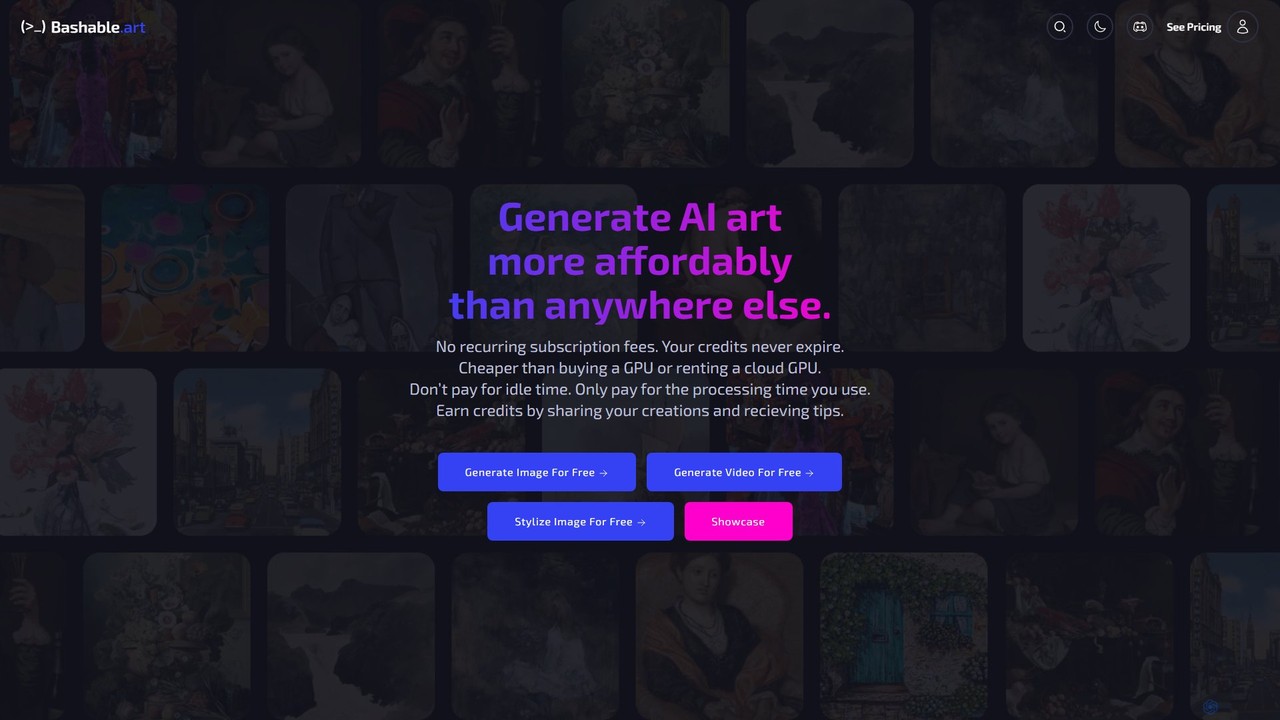
Bashable.art is an affordable, pay-as-you-go AI art and video generator. It offers a flexible alternative to subscriptions, allowing users to pay only for the processing time they use with non-expiring credits. Features include image/video generation, image stylization, an unrestricted mode for creative freedom, and a community where users can earn credits by sharing their work.

Image Generation
Visits 5.7KFavorites 104Likes 126
ai_outpainting
Freemium

ai_outpainting

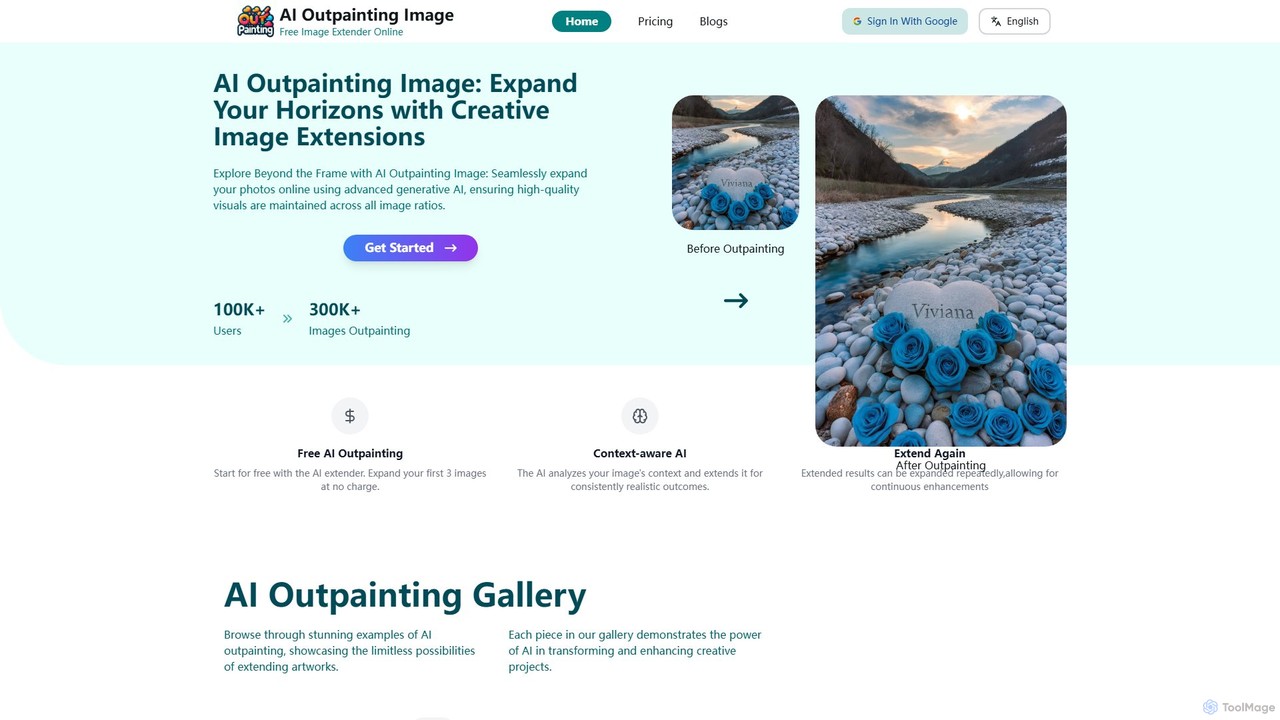
AI Outpainting is an online tool that uses advanced generative AI to seamlessly expand images. It can extend photos in any direction, increase pixel dimensions, and process multiple images at once, all while preserving the original style and quality.

Generative Art
Visits 7.5KFavorites 125Likes 138
UnlimitedBG
Freemium

UnlimitedBG

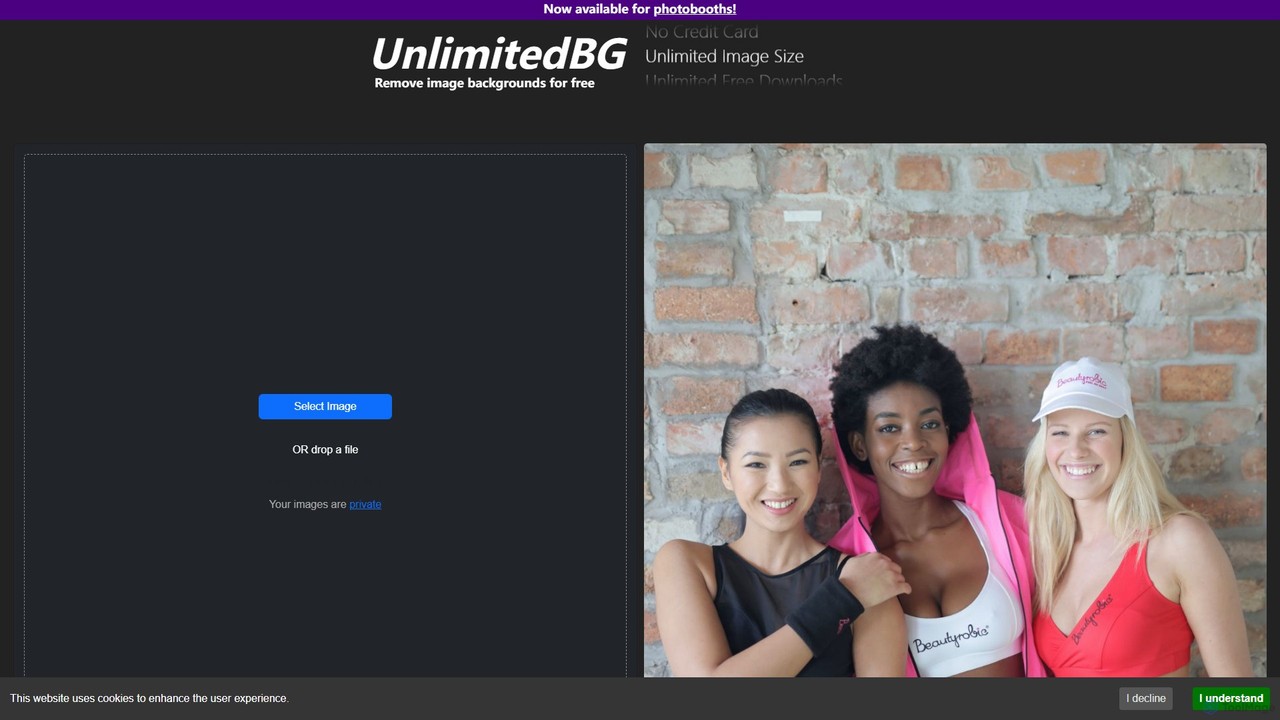
UnlimitedBG is a versatile AI tool offering a 100% free online background remover with no limits on usage, size, or downloads. It also provides a professional, offline-capable desktop application for photobooths with a flat-rate subscription, ensuring high-quality, instant results for both casual users and event professionals.

Background Removal
Visits 13.1KFavorites 138Likes 133
Cutout.Pro
Freemium

Cutout.Pro

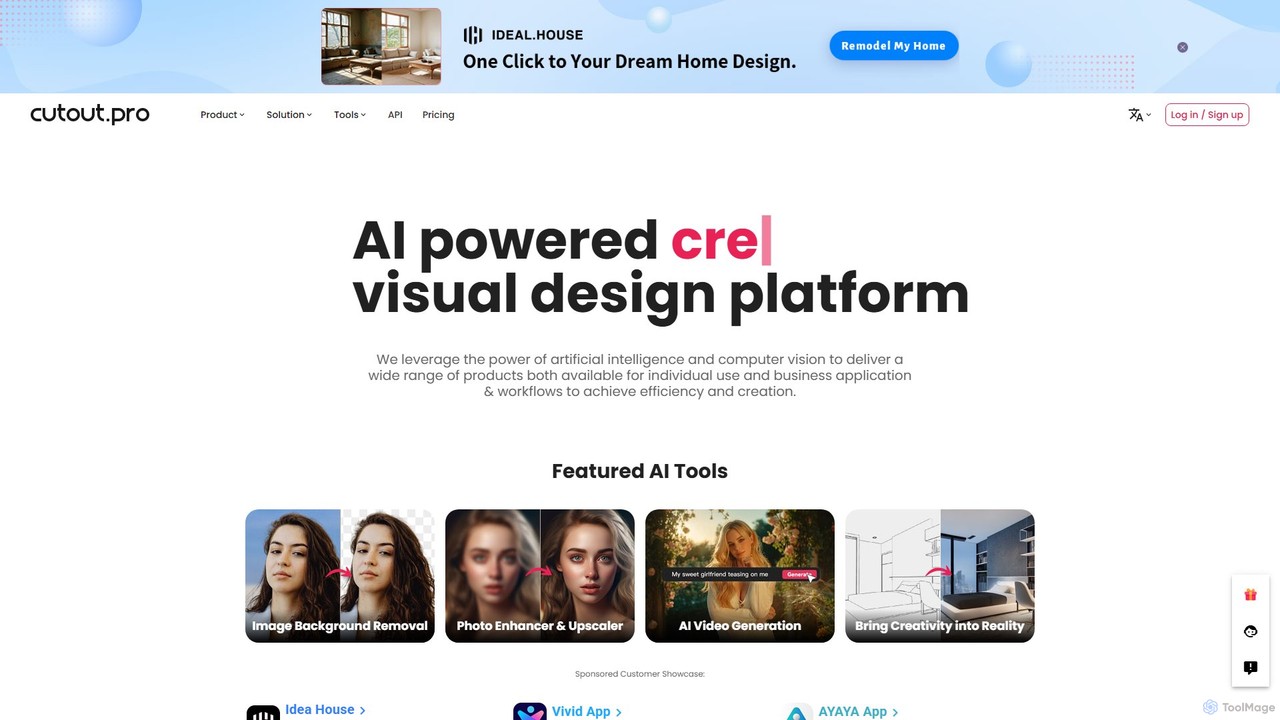
Cutout.Pro is an AI-powered visual design platform offering a comprehensive suite of tools for image and video editing. It specializes in automated background removal, photo enhancement, object removal, and AI content generation, catering to designers, e-commerce businesses, developers, and individual users.

3D
Visits 9.9MFavorites 139Likes 126
Stable Diffusion Online
Free

Stable Diffusion Online

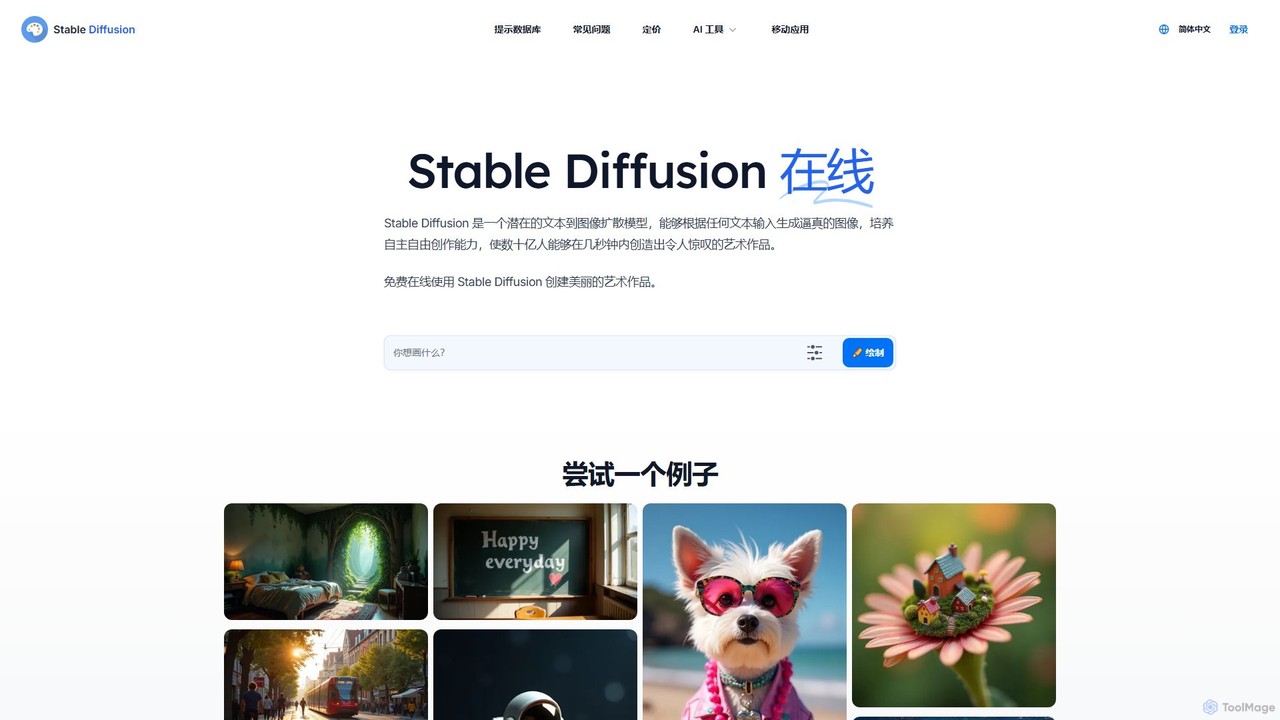
Stable Diffusion Online is a free and user-friendly web tool for creating high-quality, photorealistic images from text prompts. Powered by the advanced Stable Diffusion XL (SDXL) and SDXL Turbo models, it allows anyone to generate stunning AI art in seconds without any technical setup. It emphasizes privacy, requires no registration, and includes a massive searchable database of over 9 million prompts to inspire your creations. All generated images are in the public domain (CC0).

Generative Art
Visits 1.5MFavorites 162Likes 158
NightCafe Creator
Freemium

NightCafe Creator

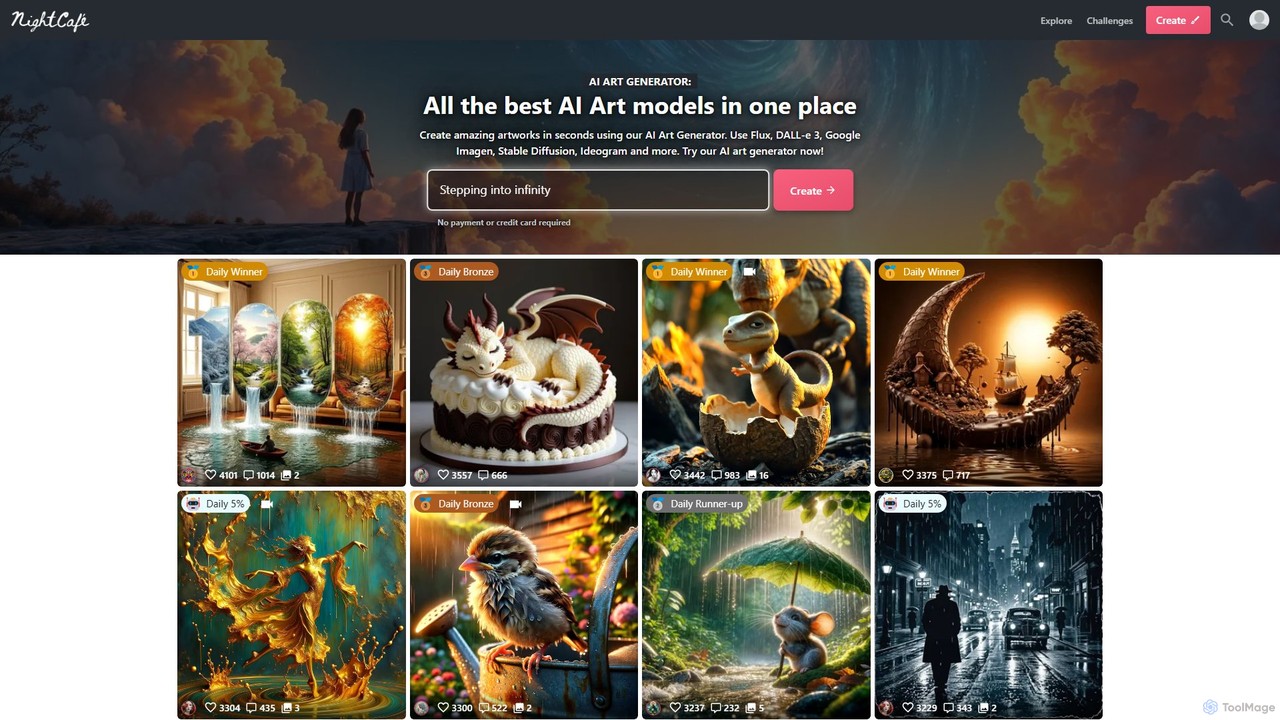
A powerful AI art generator platform that brings together top models like DALL-E 3, Stable Diffusion, and Flux in one place. It's designed for both beginners and experts, featuring a vibrant community, daily art challenges, and extensive creative tools. Generate unlimited base images for free or upgrade for advanced features and more credits.

Image Generation
Visits 3.3MFavorites 145Likes 136
aiphotoenhancer
Freemium

aiphotoenhancer

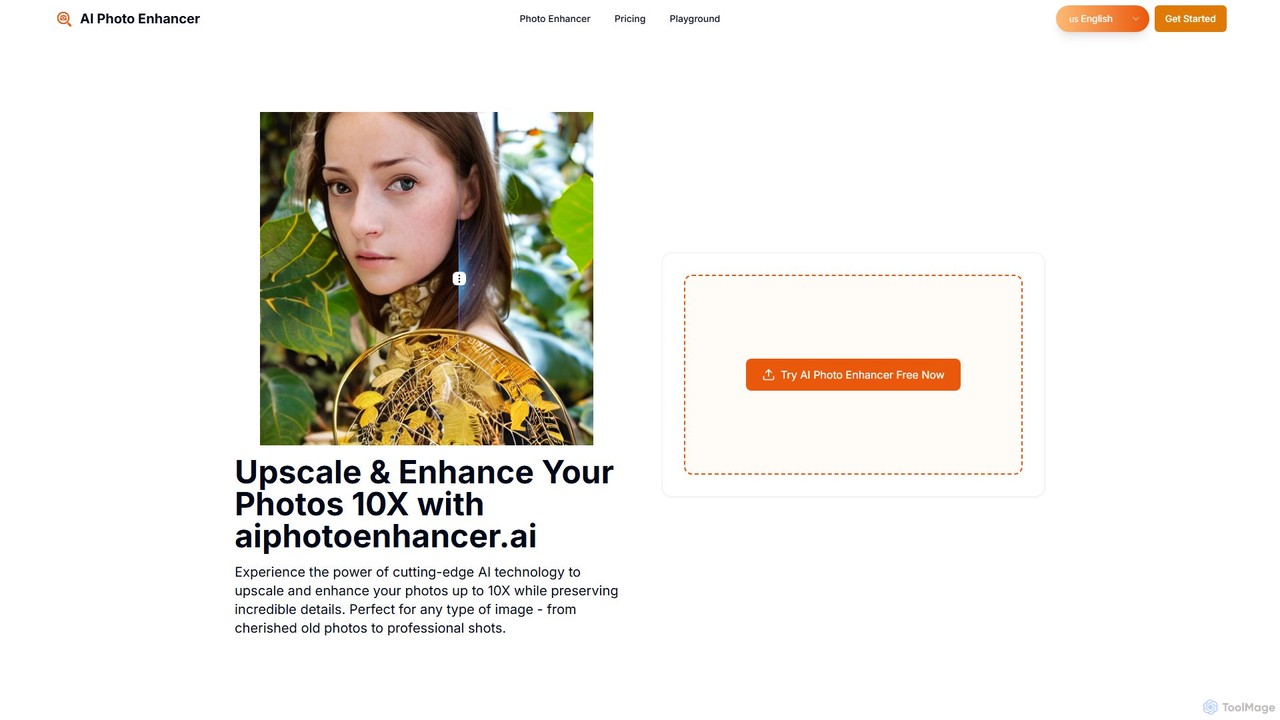
aiphotoenhancer is an AI-powered tool that upscales and enhances images up to 10X resolution while preserving details. It supports batch processing for up to 10 images and offers specialized modes for various photo types, including portraits, landscapes, e-commerce products, and old photos. With daily free credits, users can easily restore, sharpen, and improve their images for both personal and commercial use.

Image Editing
Visits 5.7KFavorites 117Likes 119
Asset Creatives AI
Paid

Asset Creatives AI

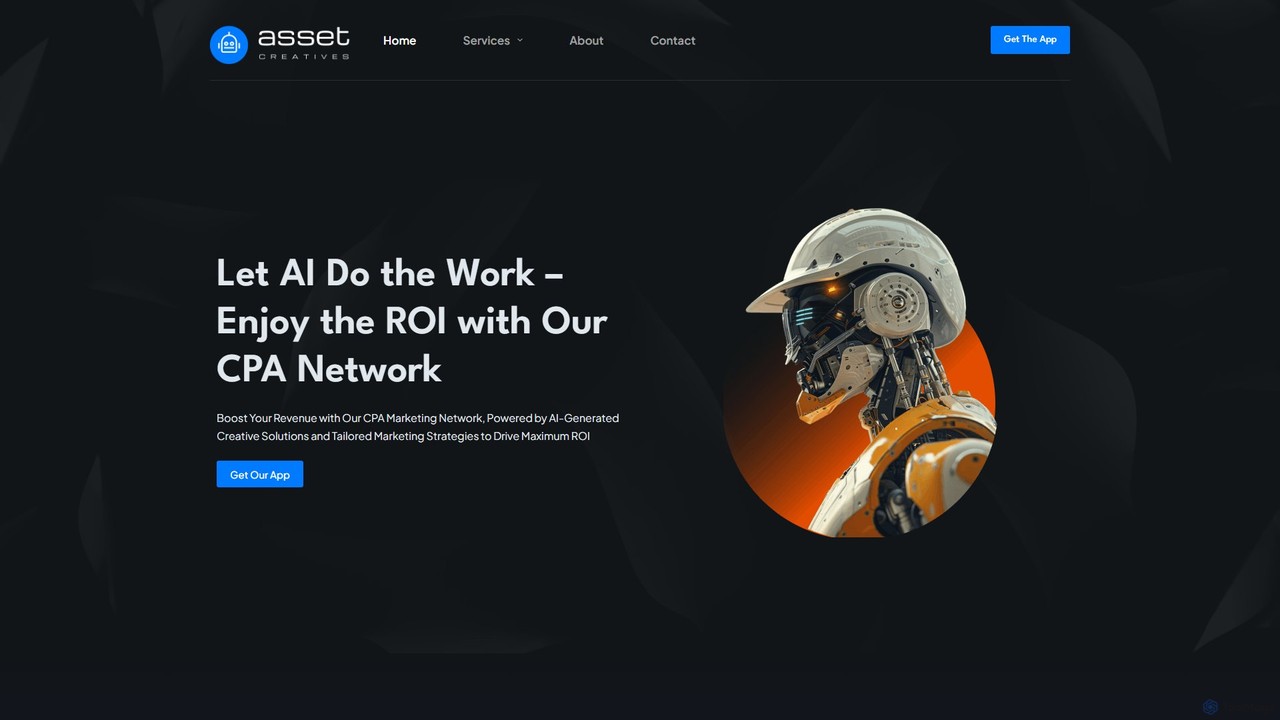
Asset Creatives AI is an integrated platform that combines an AI-powered ad creative generator with a global CPA marketing network. It enables advertisers and publishers to maximize ROI through high-converting, data-driven ad campaigns. The tool automates creative production, provides advanced analytics, and features a robust anti-fraud system to ensure efficient and secure marketing performance across worldwide markets.

Analytics
Visits 5.8KFavorites 124Likes 141
face26
Freemium

face26

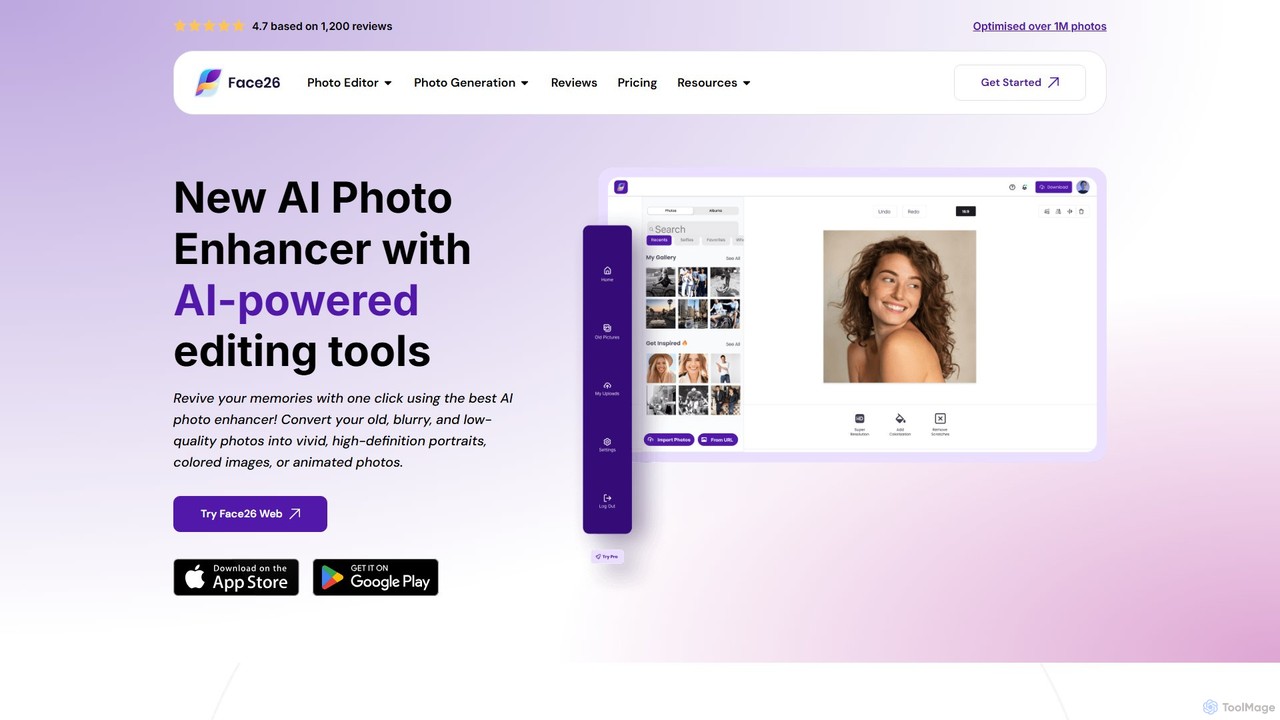
Face26 is a comprehensive AI-powered photo enhancement suite. With just one click, it can restore old, blurry photos, colorize black-and-white images, upscale pictures to HD quality, and perform detailed facial retouching. It's designed for both casual users and professionals, requiring no editing skills to achieve stunning results.

Image Editing
Visits 62.4KFavorites 114Likes 136
Gendo
Freemium

Gendo

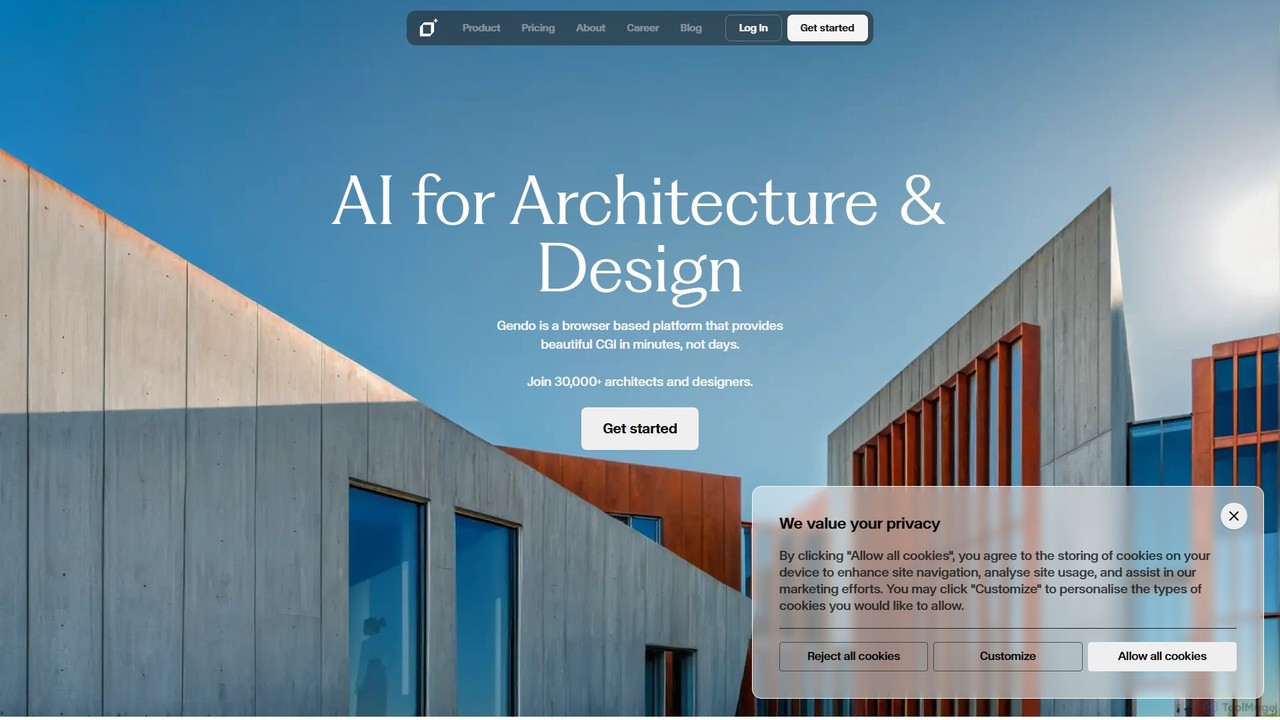
Gendo is an AI-powered, browser-based platform for architects and designers to create high-quality CGI visualizations in minutes. It transforms sketches and designs into realistic images, allows for instant material changes, and offers versatile style transfers, streamlining the entire design and rendering workflow.

Generative Art
Visits 257.9KFavorites 130Likes 131
enhanceai
Freemium

enhanceai

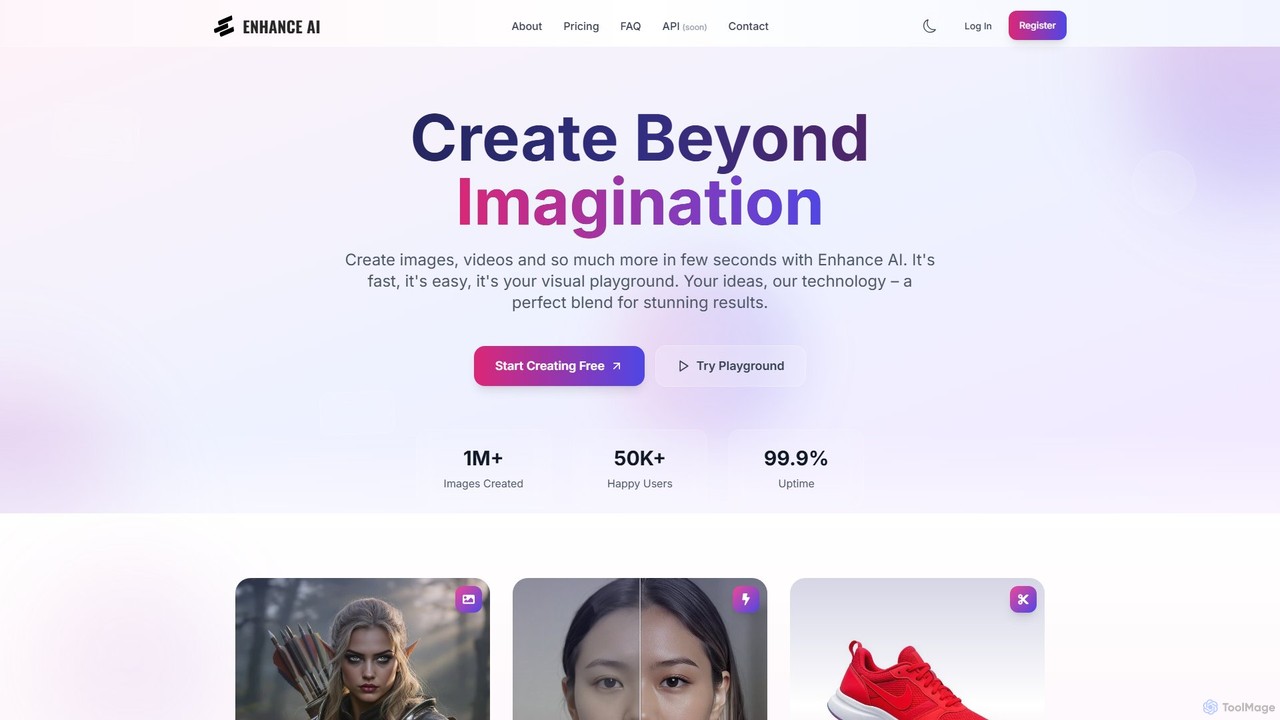
EnhanceAI is a comprehensive AI-powered creative suite for generating and editing stunning visuals. It allows users to create images and videos from text prompts, upscale resolution, remove backgrounds, generate unique faces, and combine images. Designed for creators, marketers, and designers, it offers a fast, intuitive, and powerful visual playground to turn ideas into reality.

Image Editing
Visits 27.9KFavorites 113Likes 111
Archsynth
Paid

Archsynth

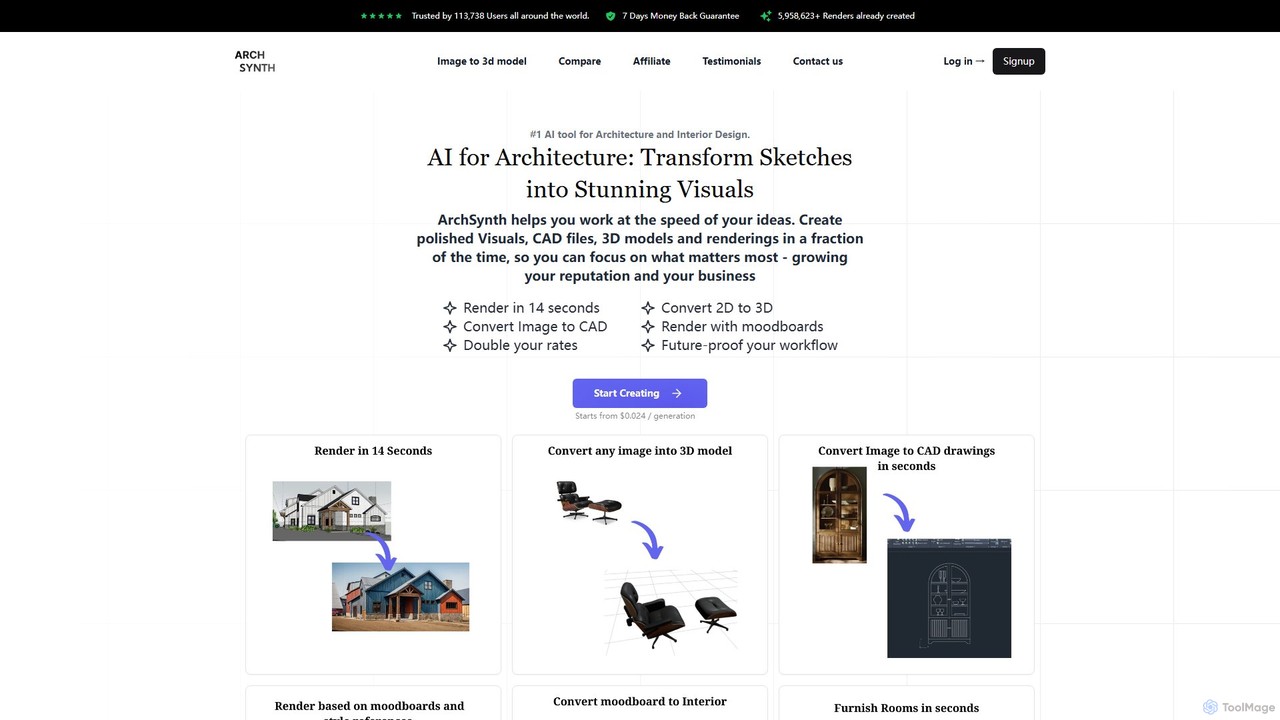
Archsynth is an all-in-one AI platform for architects and interior designers, transforming sketches, images, and text into stunning renders, 3D models, and CAD files in seconds. It streamlines the design workflow with features like AI remodeling, virtual staging, and landscape design, boosting productivity and creativity.

Generation
Visits 116.3KFavorites 129Likes 128
AdCreative.ai
Freemium

AdCreative.ai

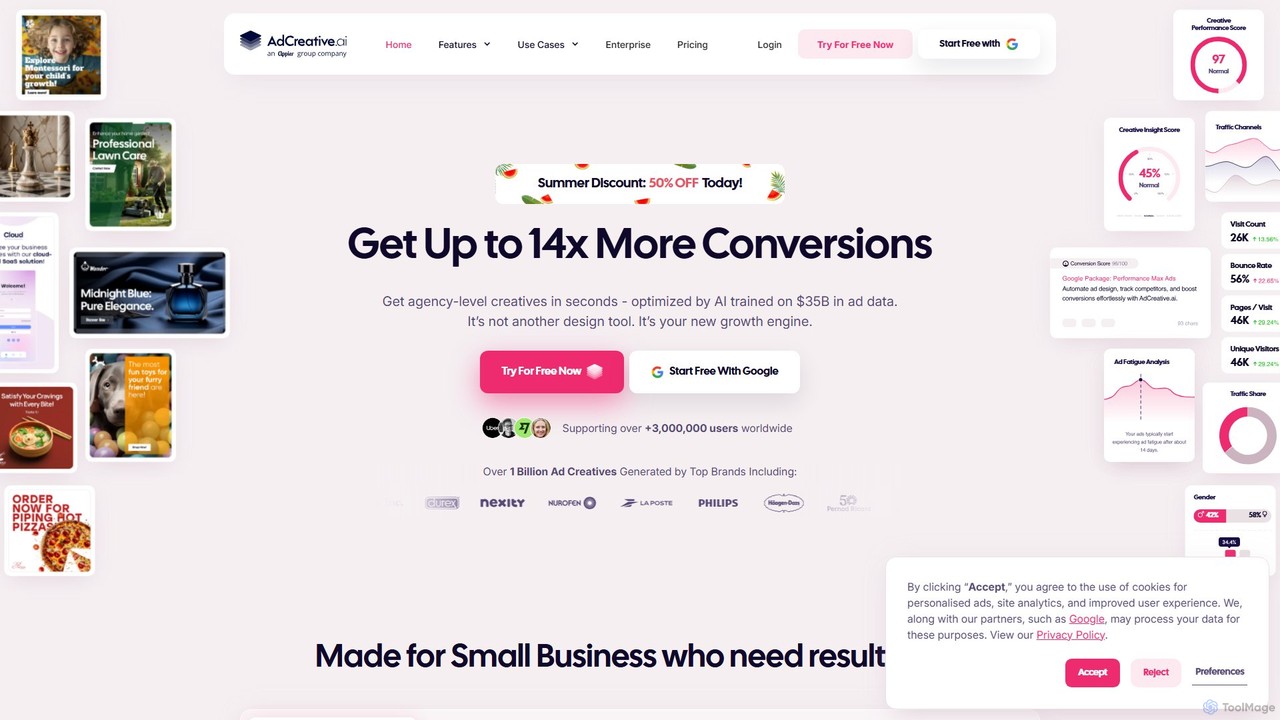
AdCreative.ai is an all-in-one AI-powered advertising platform that generates high-conversion ad creatives, videos, and texts in seconds. It offers creative scoring, competitor analysis, and AI-driven product photoshoots to help businesses, marketers, and agencies boost their ROI and achieve up to 14x better conversion rates.

Advertising
Visits 479.3KFavorites 133Likes 133
MejorarImagen
Freemium

MejorarImagen

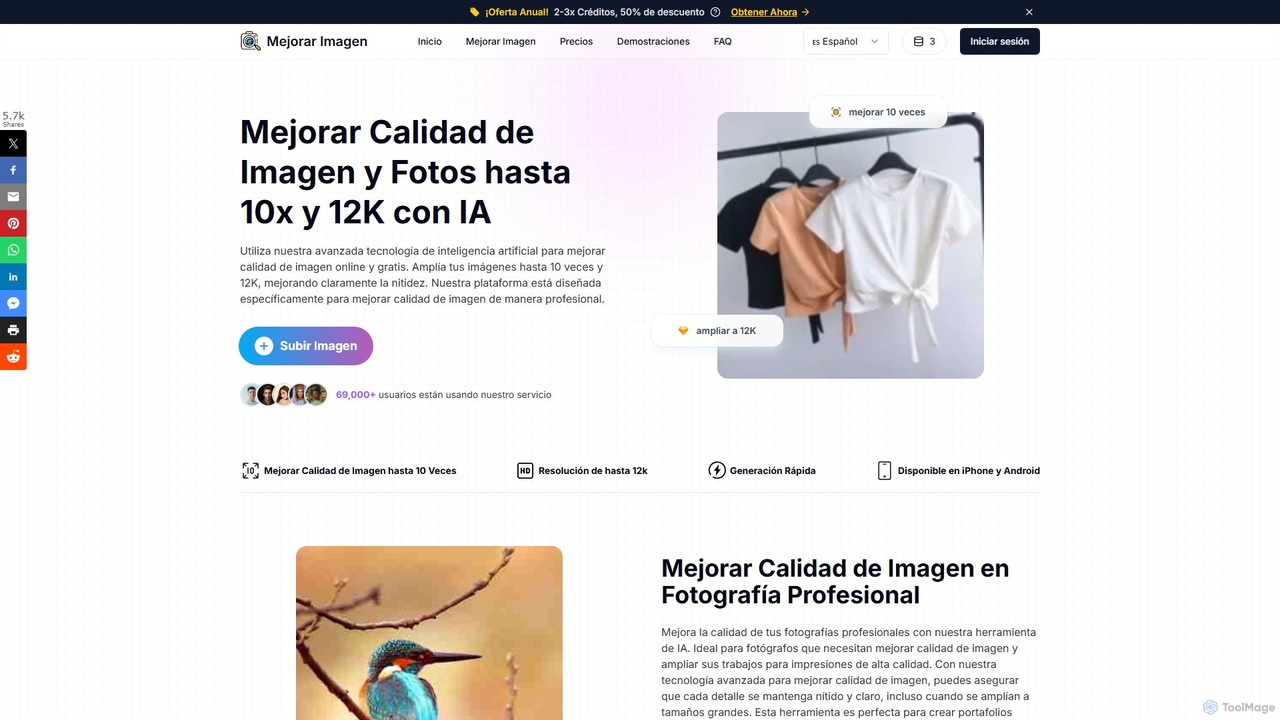
MejorarImagen is an AI-powered online tool designed to enhance and upscale image quality. It can enlarge images up to 10x and achieve resolutions up to 12K, significantly improving sharpness and detail. Ideal for professional photographers, graphic designers, and social media managers, it also offers features like batch processing and portrait enhancement.

Image Enhancement
Visits 21.5KFavorites 133Likes 133

About Design

AI Design tools are a class of software that leverages artificial intelligence to automate and enhance the creative process. They utilize generative models and machine learning algorithms to produce visuals, layouts, and brand assets from simple text prompts or user inputs. These tools significantly accelerate design workflows, enabling users to create high-quality graphics, UI mockups, and marketing materials with remarkable speed and efficiency. This makes professional-grade design more accessible to non-designers and serves as a powerful assistant for creative professionals.

Core Features

  • Generative Design: Creates numerous design variations, logos, or images based on text descriptions or defined parameters.
  • Automated Layout & Composition: Intelligently arranges text, images, and other elements on a canvas for optimal visual balance and hierarchy.
  • Style Transfer & Adaptation: Applies the artistic style of one image to another or automatically reformats a single design for various platforms.
  • Smart Object Editing: Recognizes and manipulates specific elements within an image, such as removing backgrounds or changing object colors.

Use Cases

AI Design tools are widely used by marketing teams for creating social media content, advertisements, and presentation slides. UI/UX designers leverage them for rapid prototyping and generating mockups, while entrepreneurs and small businesses use them to create logos and branding kits without a large budget. Content creators also use these tools to produce unique illustrations and graphics for blogs and videos.

How to Choose

When selecting an AI Design tool, consider its primary function—whether you need logo generation, UI design, or general graphic creation. Evaluate the ease of use, comparing prompt-based interfaces with template-driven ones. Assess the output quality, resolution, and level of customization available. Finally, consider its integration capabilities with other software and the pricing model, such as pay-per-use credits versus a monthly subscription.

Featured tool rankings

Design use cases

1

Generate UI Mockups from Text Descriptions

A UI/UX designer is tasked with creating several initial concepts for a new mobile banking app screen. Instead of spending hours manually creating wireframes, they use an AI design tool. By inputting a text prompt like 'a clean, minimalist login screen for a finance app with a dark blue theme and a fingerprint icon,' the tool generates multiple high-fidelity mockups in seconds. This allows the designer to quickly explore different visual directions, gather early feedback from stakeholders, and accelerate the ideation phase by up to 80%.

2

Automate Social Media Graphic Production

A social media manager for a small e-commerce brand needs to create daily posts for Instagram, Facebook, and Pinterest. Using an AI design tool with a pre-loaded brand kit (logos, colors, fonts), they can generate a week's worth of on-brand graphics in under an hour. The tool suggests layouts, pulls product images, and even generates relevant captions. Its auto-resize feature instantly adapts a single design for different platform dimensions, saving countless hours of manual adjustments and ensuring a consistent brand presence online.

3

Create Unique Logos and Brand Kits

A startup founder with a limited budget needs a professional logo and brand identity. They use an AI logo maker, inputting the company name, industry (e.g., 'Tech'), and desired styles (e.g., 'Modern, Minimalist'). The AI generates hundreds of unique logo concepts in minutes. After selecting a favorite, the tool automatically creates a complete brand kit, including color palettes, font pairings, and mockups showing the logo on business cards and websites. This provides a professional foundation for the brand at a fraction of the cost of a traditional design agency.

4

Generate Professional Product Backgrounds

An e-commerce store owner has hundreds of product photos taken with inconsistent backgrounds. To create a clean, professional look for their website, they use an AI design tool's background generator. They upload the images in bulk, and the AI accurately removes the original backgrounds. Then, they can either apply a uniform white background for a classic catalog look or generate realistic lifestyle scenes (e.g., 'on a marble countertop') to help customers visualize the products in use. This process standardizes the entire product catalog in hours, not weeks.

5

Instantly Design Professional Presentations

A business consultant needs to create a compelling client presentation on a tight deadline. Instead of struggling with slide layouts in PowerPoint, they paste their raw text content into an AI presentation tool. The AI analyzes the content, understands the hierarchy (titles, bullet points), and automatically designs a full set of visually appealing slides. It selects appropriate layouts, icons, and stock images that match the topic, ensuring a professional and cohesive look. The consultant can then make minor tweaks, saving over 90% of the time typically spent on formatting.

6

Create Custom Illustrations for Content

A content writer for a tech blog wants to add unique visuals to their articles instead of using generic stock photos. They use an AI image generator to create custom illustrations. For an article about cloud computing, they input the prompt 'flat vector illustration of data servers connected in a cloud, minimalist style, blue and white colors.' The tool produces several original images that perfectly match the article's theme and aesthetic. This enhances the visual appeal of the content, improves reader engagement, and avoids the repetitive look of common stock imagery.

Design FAQ

What are AI Design tools?

AI Design tools are software applications that use artificial intelligence to automate or assist in the creation of visual content. They can generate images from text, create logos, design presentations, or build website layouts with minimal human input. Unlike traditional design software that requires manual skill, AI tools leverage machine learning models to interpret requests and produce creative outputs, making design accessible to a broader audience and speeding up workflows for professionals.

How to choose the right AI Design tool?

To choose the right AI Design tool, consider these factors:

  • Primary Use Case: Identify your main goal. Do you need a tool for logo creation, UI/UX mockups, social media graphics, or presentation design? Different tools specialize in different areas.
  • Ease of Use: Evaluate the user interface. Some tools are simple and prompt-based, ideal for beginners, while others offer more complex controls and templates for advanced users.
  • Output Quality and Customization: Check the resolution and style of the generated designs. Ensure the tool allows for sufficient customization (e.g., changing colors, fonts, layouts) to fit your brand.
  • Integration: See if the tool integrates with your existing workflow, such as offering plugins for Figma, Adobe Creative Suite, or other platforms.
  • Pricing Model: Compare pricing structures. Some use a credit-based system for each generation, while others offer monthly or annual subscriptions with varying limits.
What's the difference between AI Design tools and traditional software like Photoshop?

The main difference lies in the creative process. Traditional software like Adobe Photoshop or Illustrator provides a canvas and a set of tools for manual creation, requiring technical skill and design knowledge for precise control. AI Design tools, on the other hand, focus on automation and generation. They act as a creative partner, generating complete designs, ideas, or variations from simple inputs like text. In short, traditional software is for hands-on execution, while AI tools are for rapid ideation and automated production.

Who should use AI Design tools?

AI Design tools are beneficial for a wide range of users. Marketers, small business owners, and content creators can use them to produce professional-quality graphics quickly without needing extensive design skills. UI/UX designers and developers can leverage them to accelerate prototyping and generate assets. Even professional designers find them useful for brainstorming initial concepts and automating repetitive tasks, allowing them to focus on more strategic and creative aspects of their work.

Can AI Design tools replace human designers?

AI Design tools are generally seen as powerful assistants rather than replacements for human designers. While they excel at automating tasks, generating variations, and speeding up the initial creative process, they currently lack the strategic thinking, emotional intelligence, and deep understanding of a client's brand and audience that a human designer provides. The future of design likely involves a collaboration where AI handles the repetitive and generative tasks, freeing up human designers to focus on high-level strategy, problem-solving, and client relationships.