ToolMage
Sign in

Best 236 Note Taking AI tools for Productivity

Popular Note Taking AI tools in Productivity include TurboScribe, Knowt, Plaud, Fireflies.ai, Turbo, Goodnotes, Granola, Algor Education, StudyFetch, and FlowUs, helping you work more efficiently.

Mirtilla
Freemium

Mirtilla

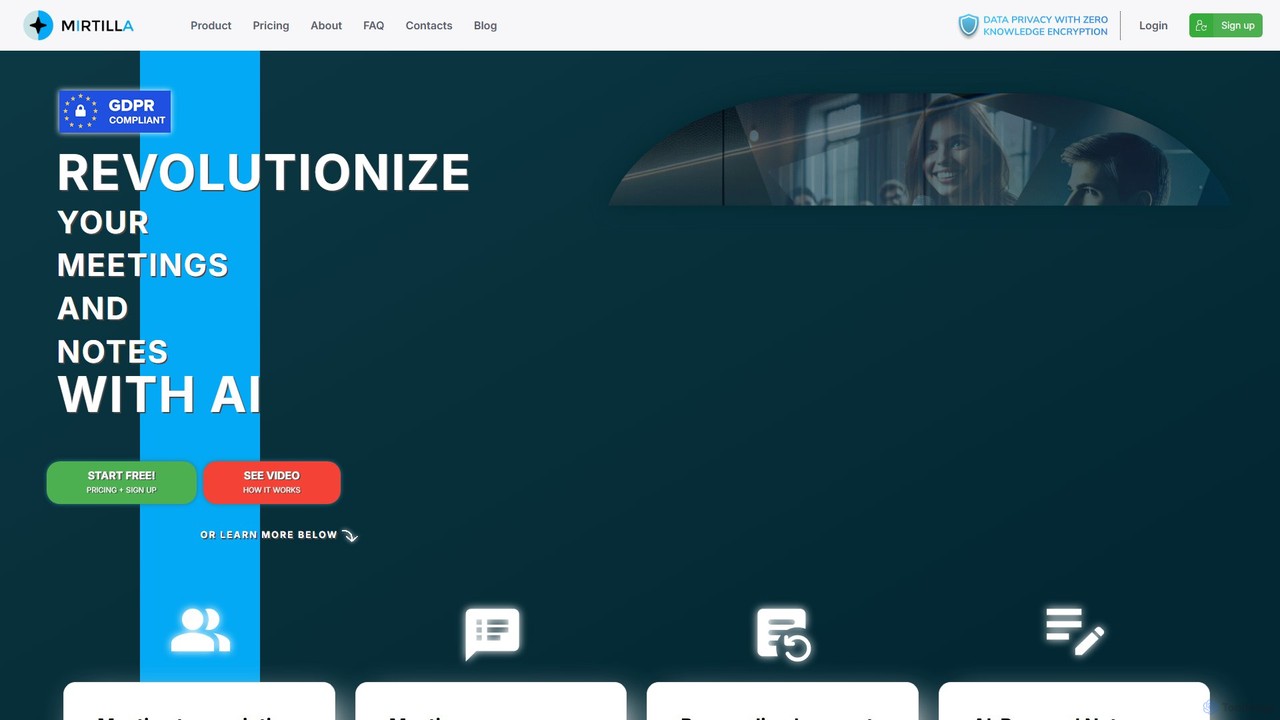
Mirtilla is an AI-powered companion that revolutionizes your meetings and notes. It offers secure transcription, instant summarization, and intelligent note-taking, all protected by zero-knowledge encryption. Transform your audio/video files into actionable insights, minutes, and organized, searchable notes.

Meeting Assistant
Visits 6.4KFavorites 130Likes 135
Better Student
Freemium

Better Student

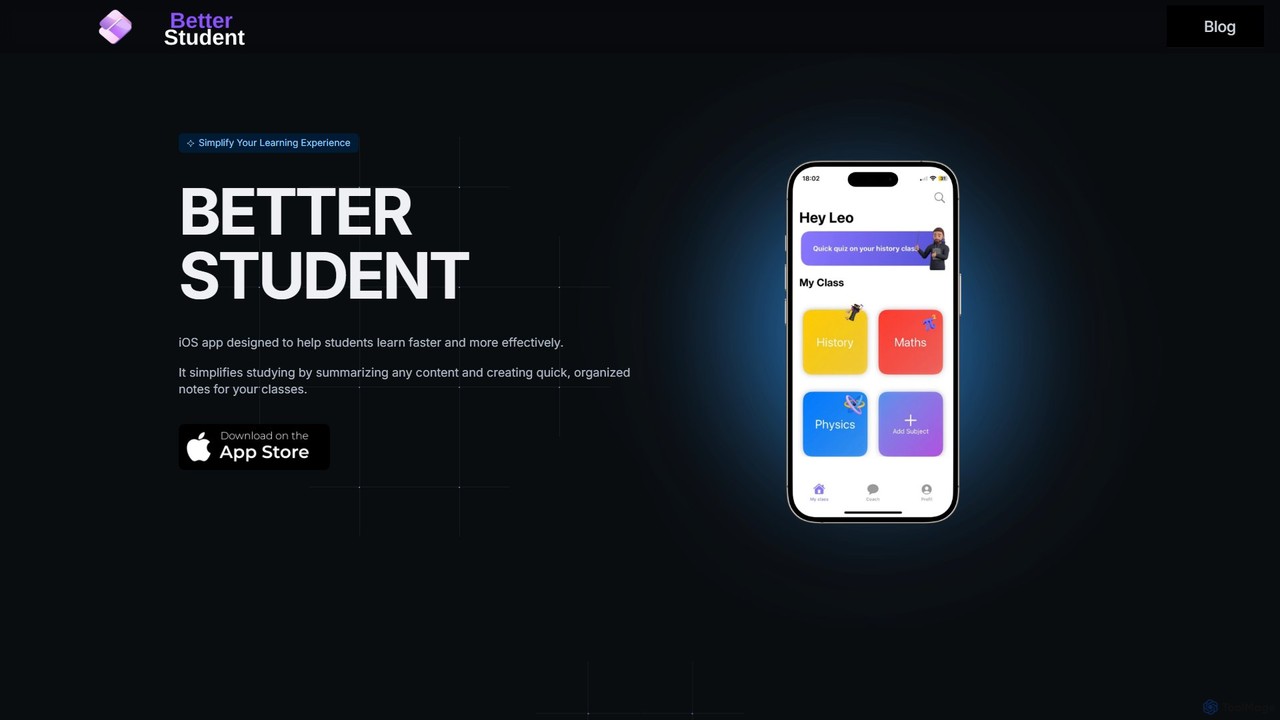
An AI-powered iOS app designed for students to learn more effectively. It summarizes diverse content like lectures, YouTube videos, and handwritten notes, transforming them into organized notes, quizzes, and flashcards. The built-in AI coach provides personalized study support to enhance your learning experience.

Study Tools
Visits 5.5KFavorites 132Likes 109
mymind
Freemium

mymind

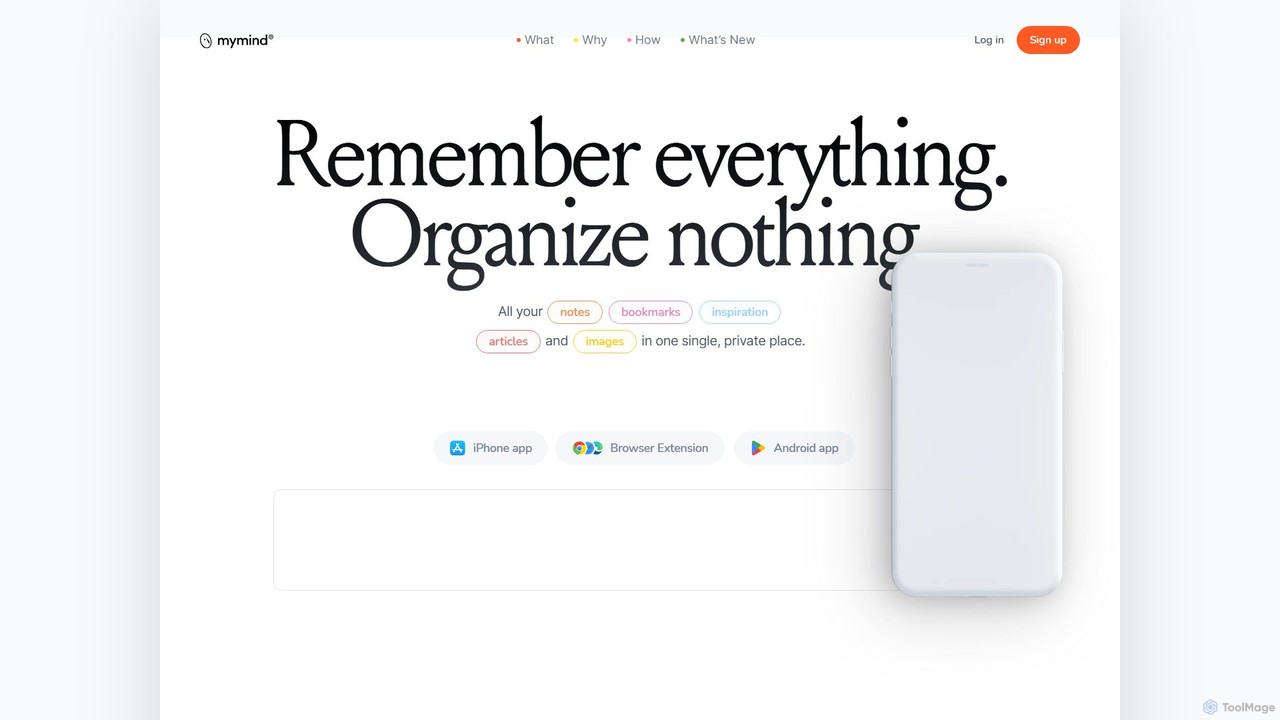
mymind is a private, AI-powered second brain designed to remember everything without the need for manual organization. It acts as an extension of your mind, capturing notes, bookmarks, images, and articles in a single, searchable space, prioritizing privacy and a clutter-free experience.

Bookmarking
Visits 311.9KFavorites 135Likes 134
Scrawly
Freemium

Scrawly

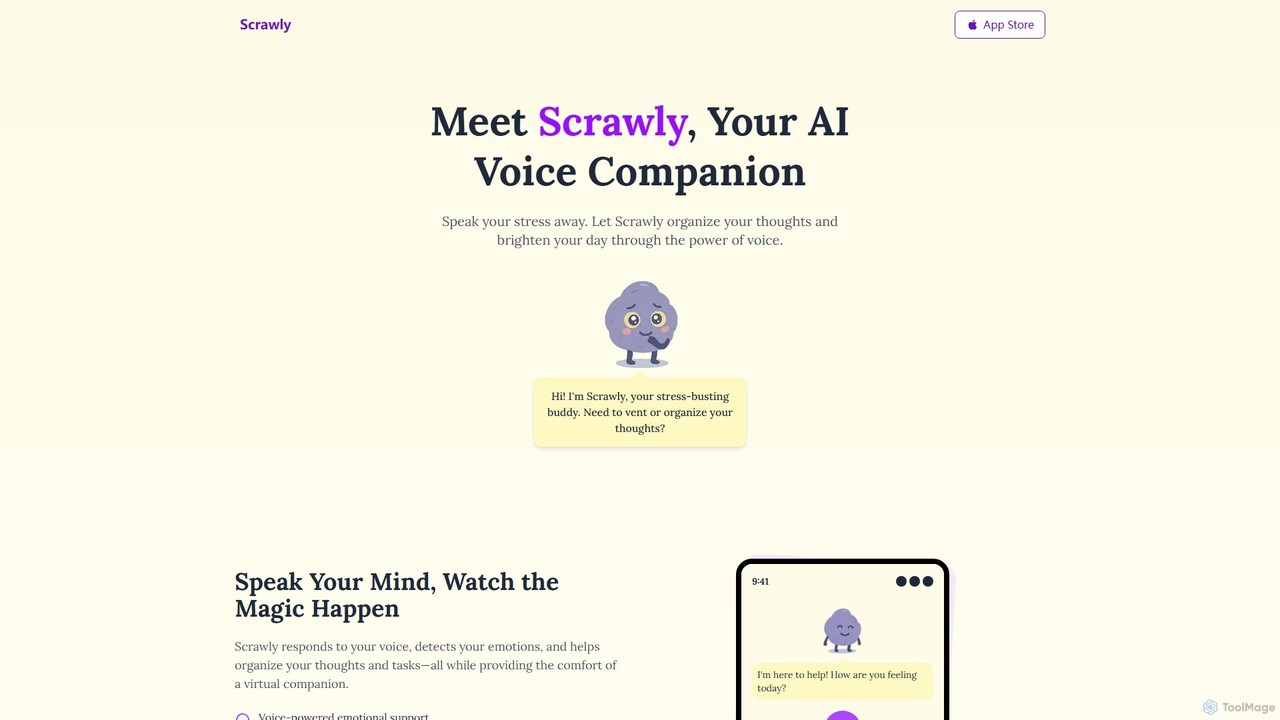
Scrawly is an AI voice companion designed to help you manage stress and organize your thoughts. By analyzing your voice, it detects your emotional state, offers calming exercises, and transforms your spoken words into structured notes and tasks, all while providing a friendly, evolving virtual companion.

Mental Wellness
Visits 5.5KFavorites 177Likes 179
Klarity
Freemium

Klarity

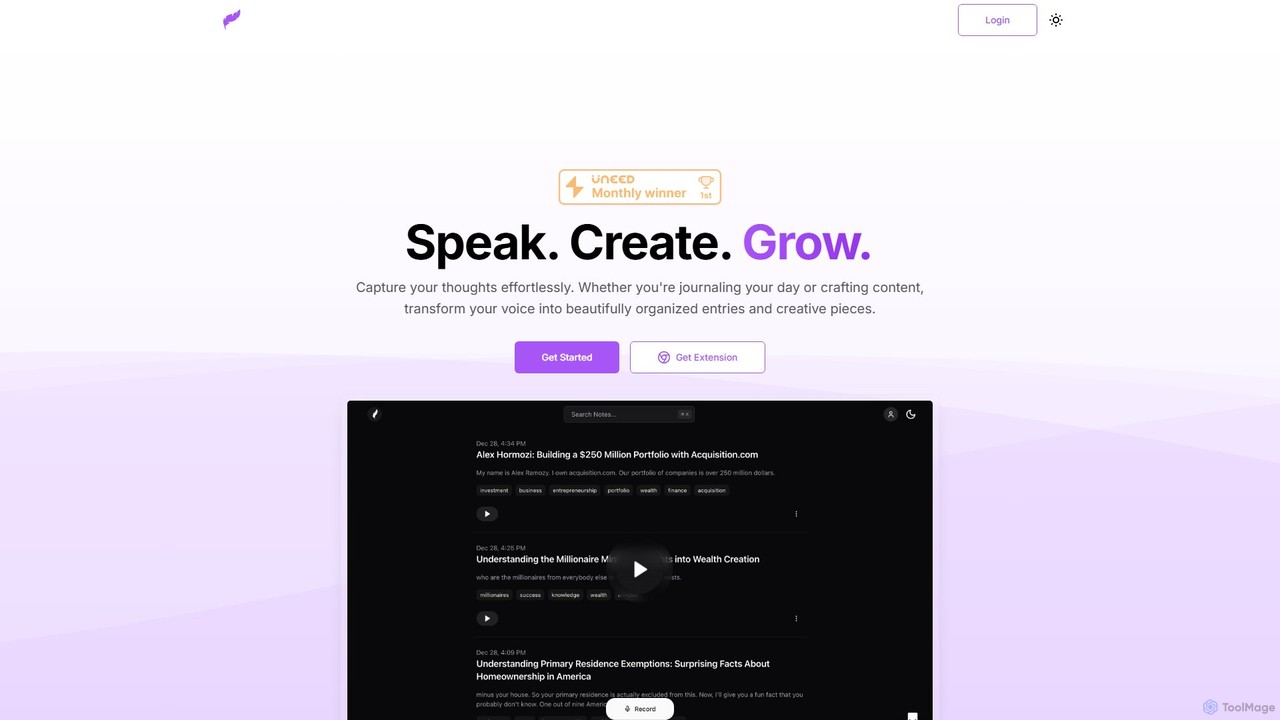
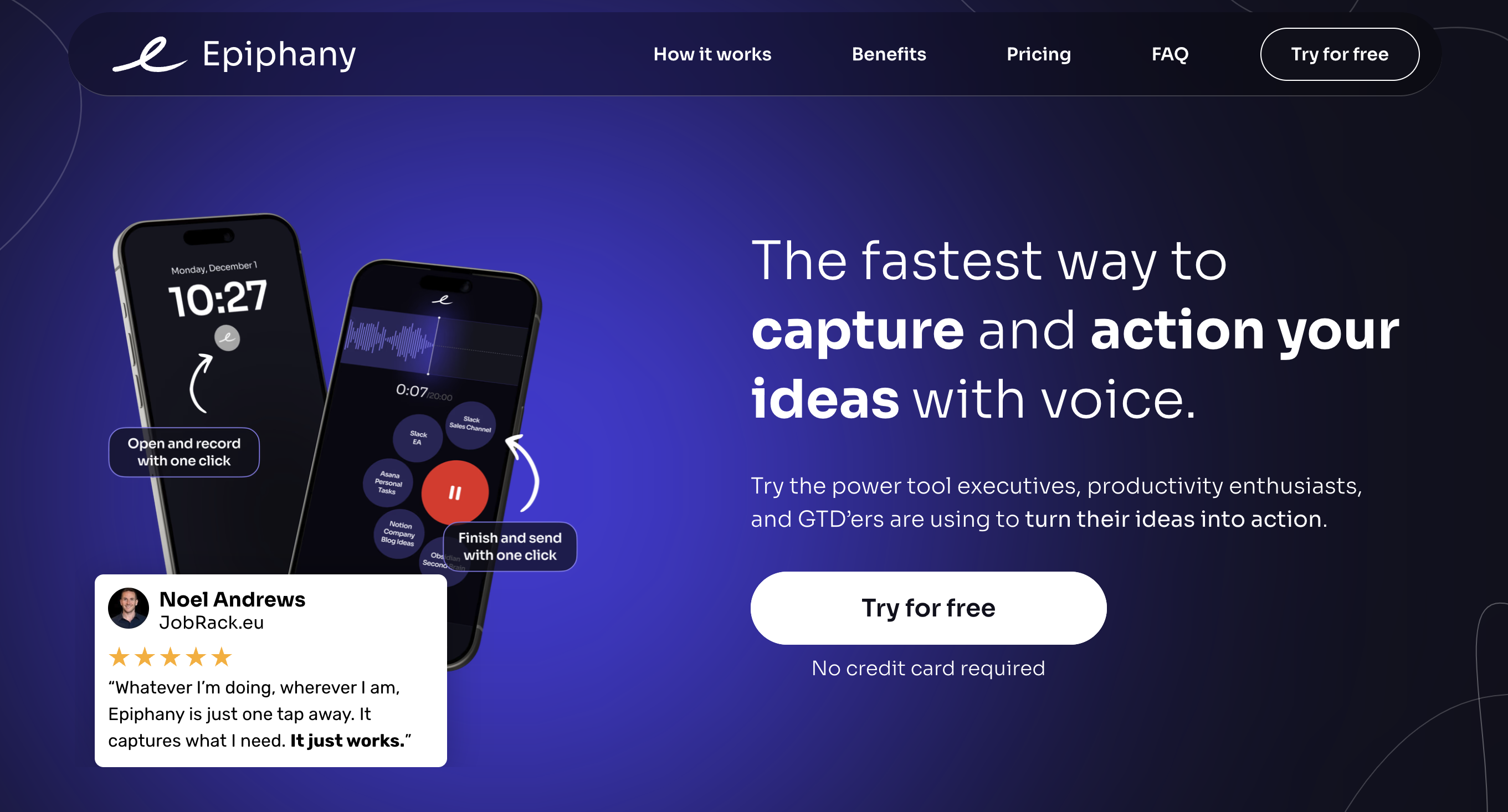
Klarity is an AI-powered note-taking assistant that transforms your voice into structured text. Effortlessly capture thoughts, meeting notes, lecture content, and creative ideas, and automatically organize them. It integrates seamlessly with productivity tools like Notion, Obsidian, and Readwise to supercharge your workflow.

Transcription
Visits 5.6KFavorites 79Likes 86
Lemonfox.ai
Freemium

Lemonfox.ai

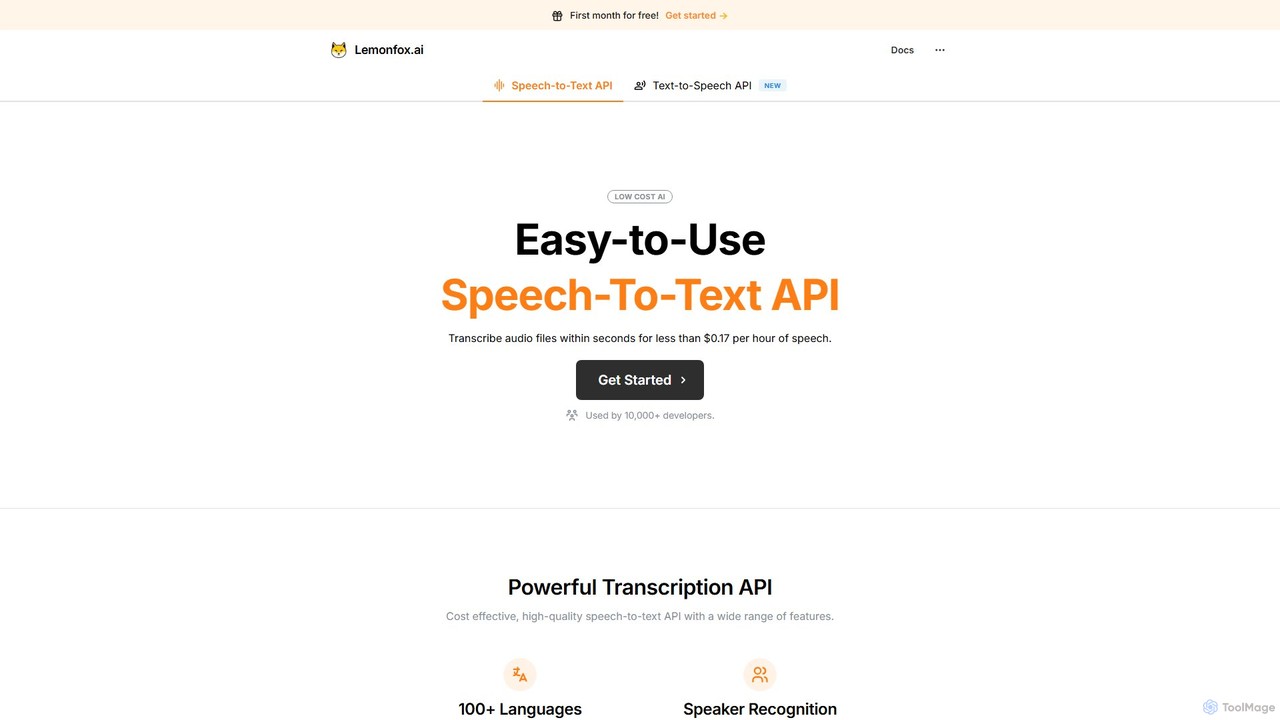
An affordable, high-accuracy speech-to-text API powered by Whisper large-v3. It supports over 100 languages, offers speaker recognition, and provides a secure, developer-friendly platform for transcribing audio with minimal latency.

Transcription
Visits 31.5KFavorites 118Likes 128
Snipd
Freemium

Snipd

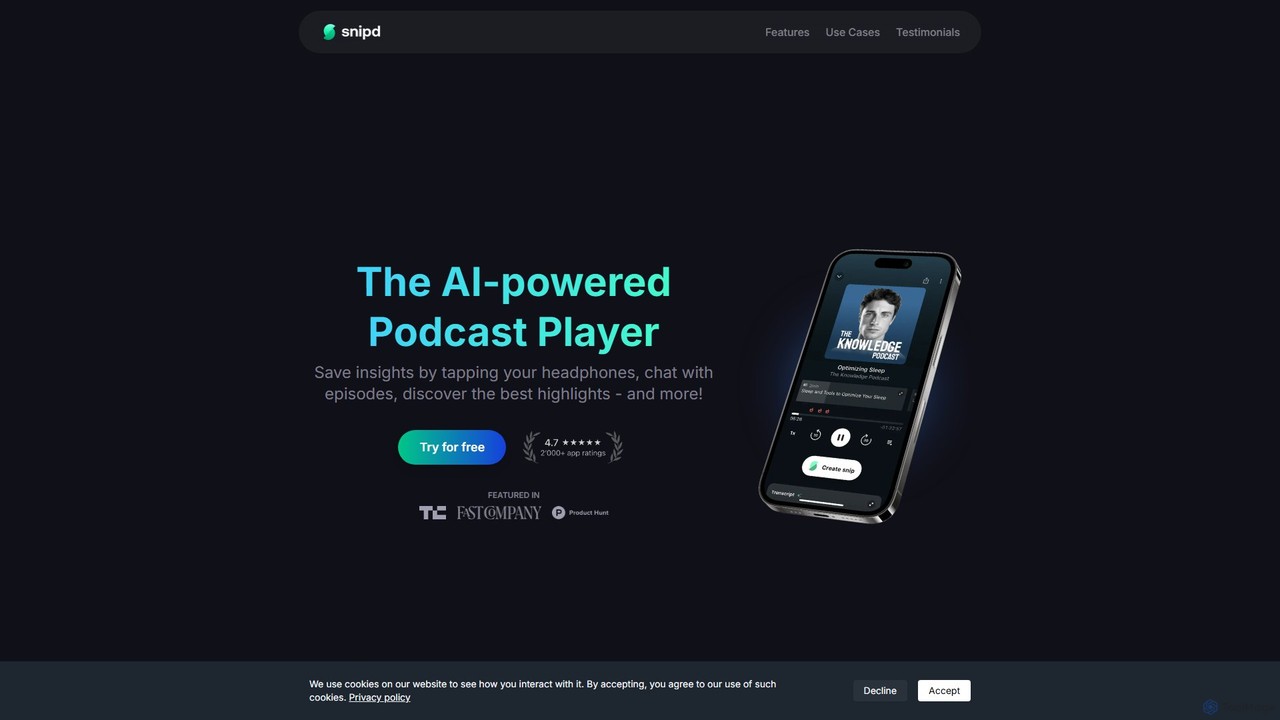
Snipd is an AI-powered podcast player that transforms passive listening into active learning. Capture key insights with a tap of your headphones, get AI-generated summaries and transcripts, and even chat with episodes to ask questions. It also supports audiobooks and YouTube videos, syncing your notes seamlessly with tools like Notion and Readwise.

Podcast
Visits 118.8KFavorites 136Likes 148
KardsAI
Freemium

KardsAI

KardsAI is the #1 AI-powered flashcard maker that instantly transforms any text, PDF, PowerPoint, or even handwritten notes into interactive study decks. Utilizing a spaced repetition algorithm, it helps students, language learners, and knowledge seekers learn faster and remember longer.

Study Tools
Visits 15.2KFavorites 126Likes 119
Voxa
Freemium

Voxa

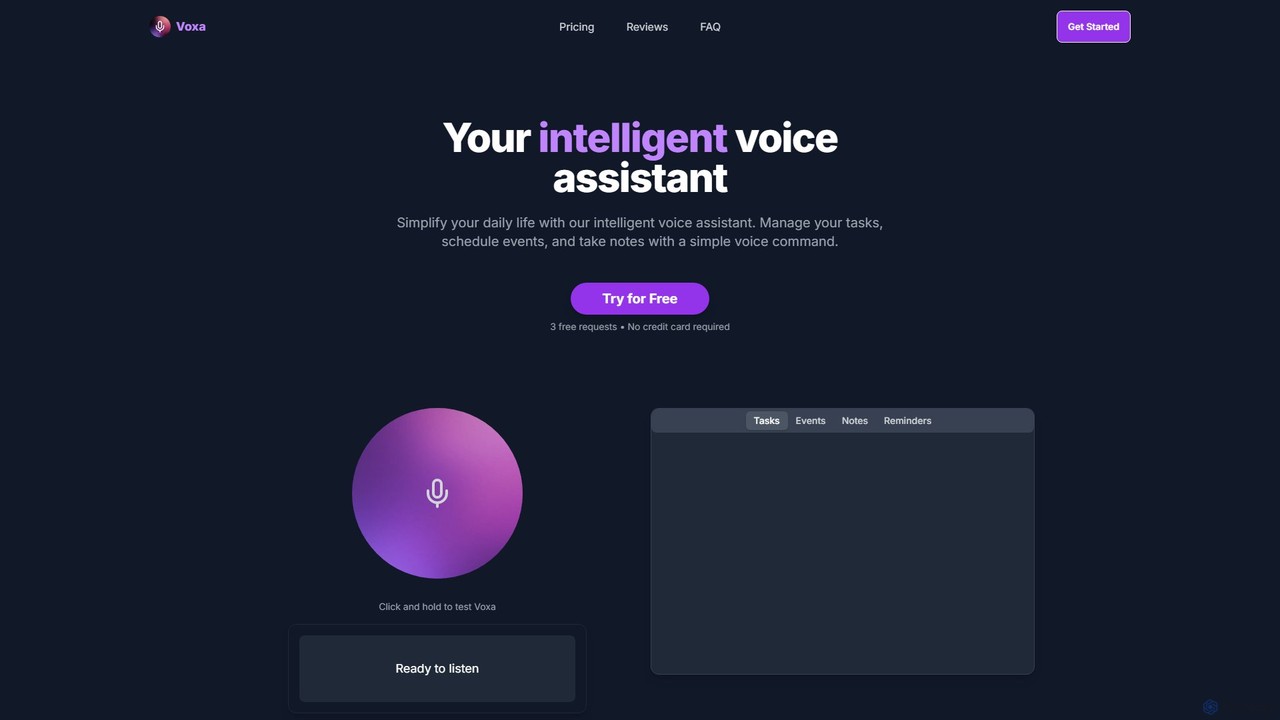
Voxa is an intelligent AI voice assistant designed to boost productivity. It allows you to manage tasks, schedule events, and take notes using simple voice commands. With seamless integration with Google Tasks and Google Calendar, Voxa streamlines your workflow, reduces app switching, and helps you stay organized effortlessly.

Calendar Assistant
Visits 6KFavorites 144Likes 109
Saga
Freemium

Saga

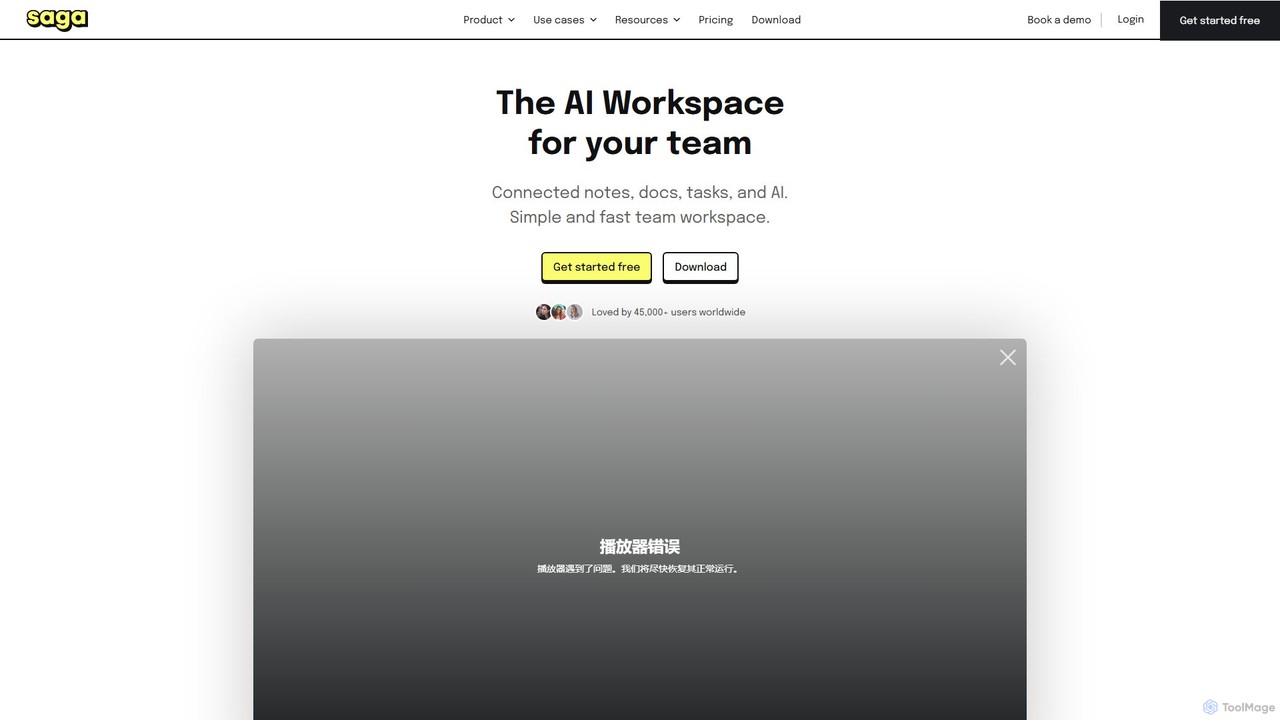
Saga is an AI-powered workspace designed for notes, documents, and tasks. It combines a fast, intuitive editor with powerful knowledge management features like automatic linking and back-references. With integrated GPT-4o, Saga helps individuals and teams streamline workflows, from content creation and project management to building a collaborative knowledge base, all within a single, interconnected environment.

Knowledge Management
Visits 50.4KFavorites 158Likes 144
Note This Down
Freemium

Note This Down

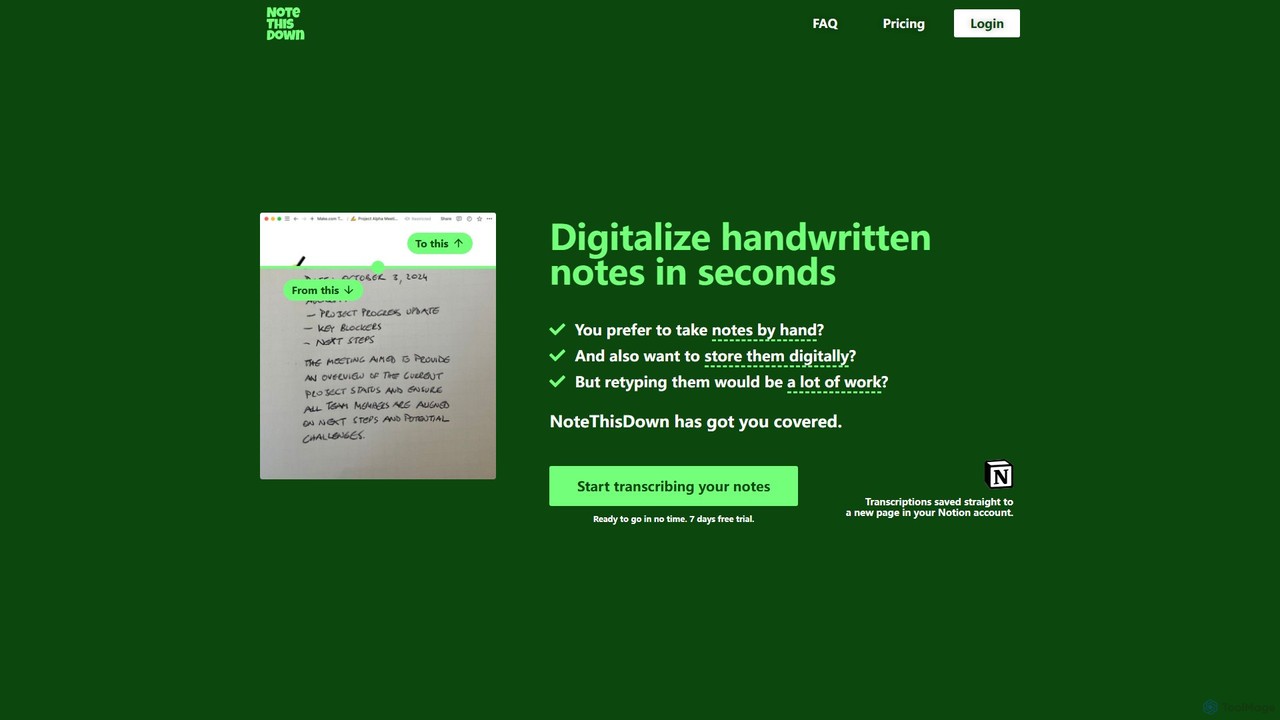
Note This Down is an AI-powered tool that specializes in transcribing handwritten notes into editable digital text. Simply upload photos of your notes, and the tool accurately converts them, saving the transcription directly to your Notion account for seamless organization and access.

Student Tools
Visits 5.7KFavorites 115Likes 104
Markwise
Freemium

Markwise

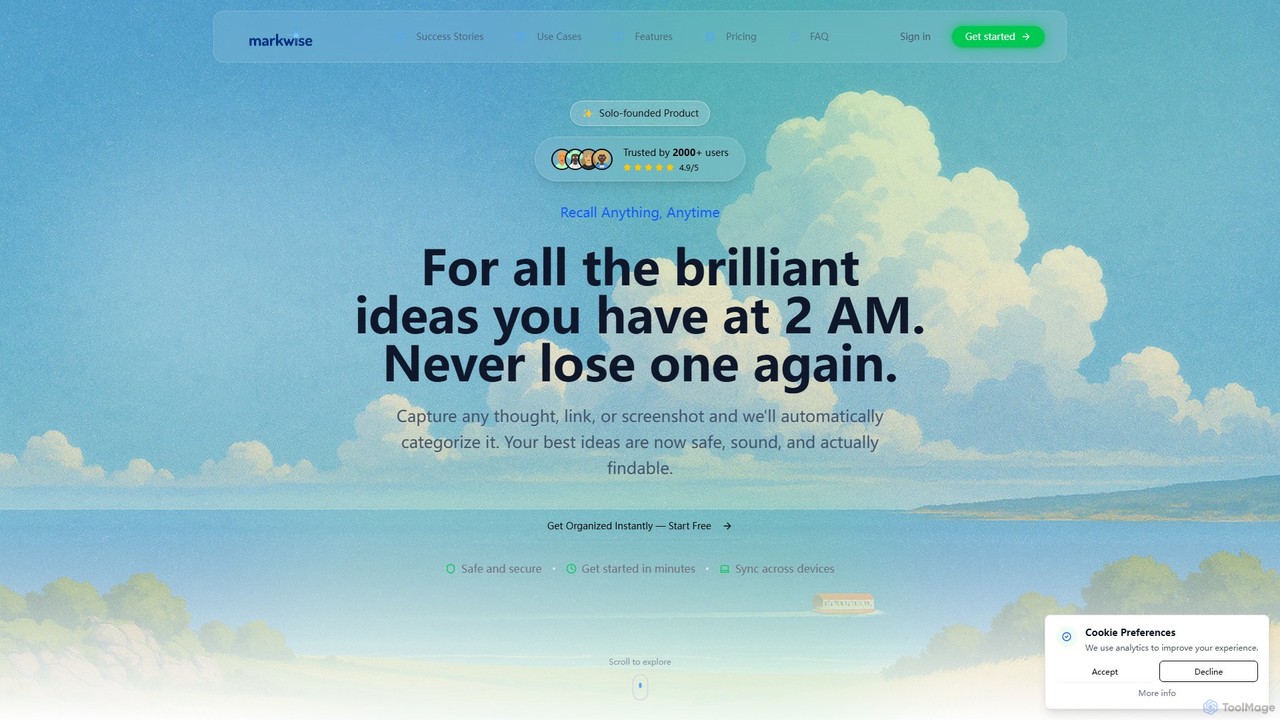
Markwise is an AI-powered knowledge manager that helps you save, organize, and recall bookmarks, notes, and ideas. It automatically categorizes and summarizes your content, allowing you to build a personal, searchable knowledge base. With features like semantic search, project-based Spaces, and a browser extension, it streamlines research and boosts productivity for professionals, students, and creatives.

Bookmarking
Visits 9KFavorites 128Likes 131
Omi
Paid

Omi

Omi is an open-source, wearable AI hardware device designed to capture your thoughts and conversations 24/7. It transforms spoken words into actionable insights, notes, and tasks through a rich ecosystem of apps. Available as a necklace or glasses, Omi serves individuals, developers, and enterprises with its customizable, white-label solutions.

Open Source
Visits 368.1KFavorites 132Likes 137
flashcard_generator
Freemium

flashcard_generator

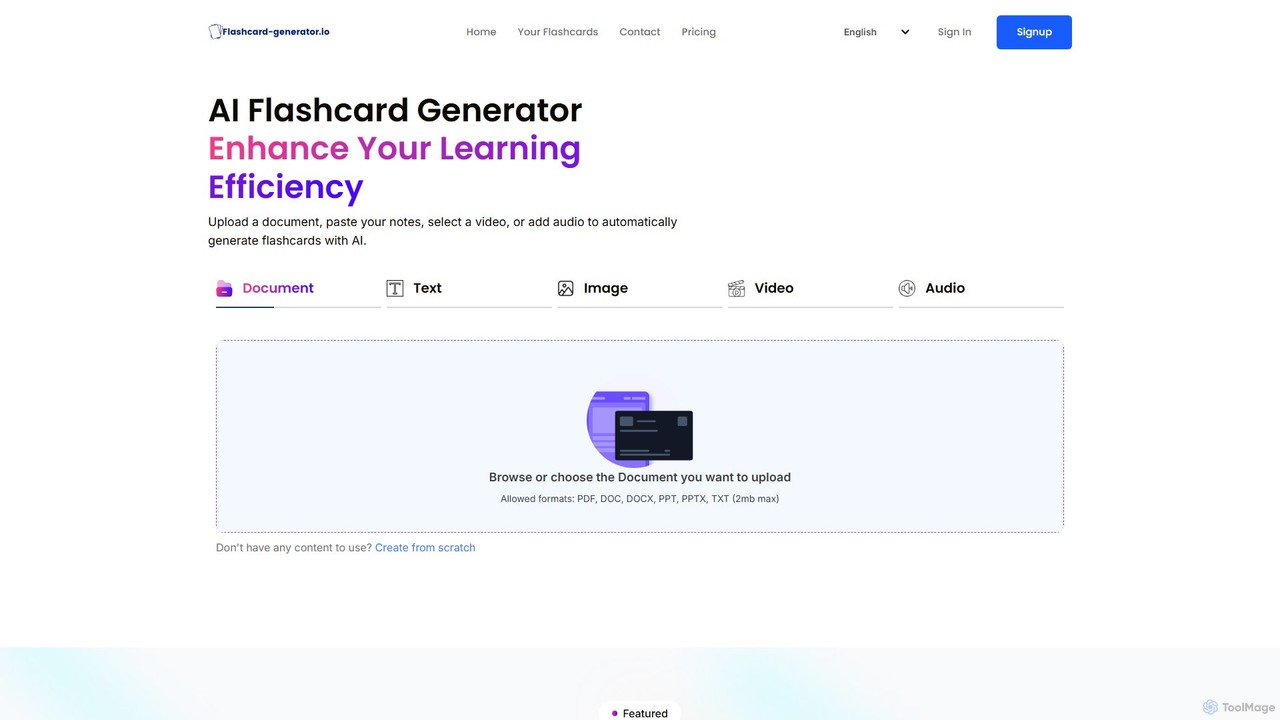
An AI-powered tool that automatically creates flashcards from various sources like documents, text, images, videos, and audio. It's designed to enhance learning efficiency, boost memory retention through active recall, and save students and professionals valuable time.

Learning
Visits 7.4KFavorites 114Likes 125
Amarkdown
Freemium

Amarkdown

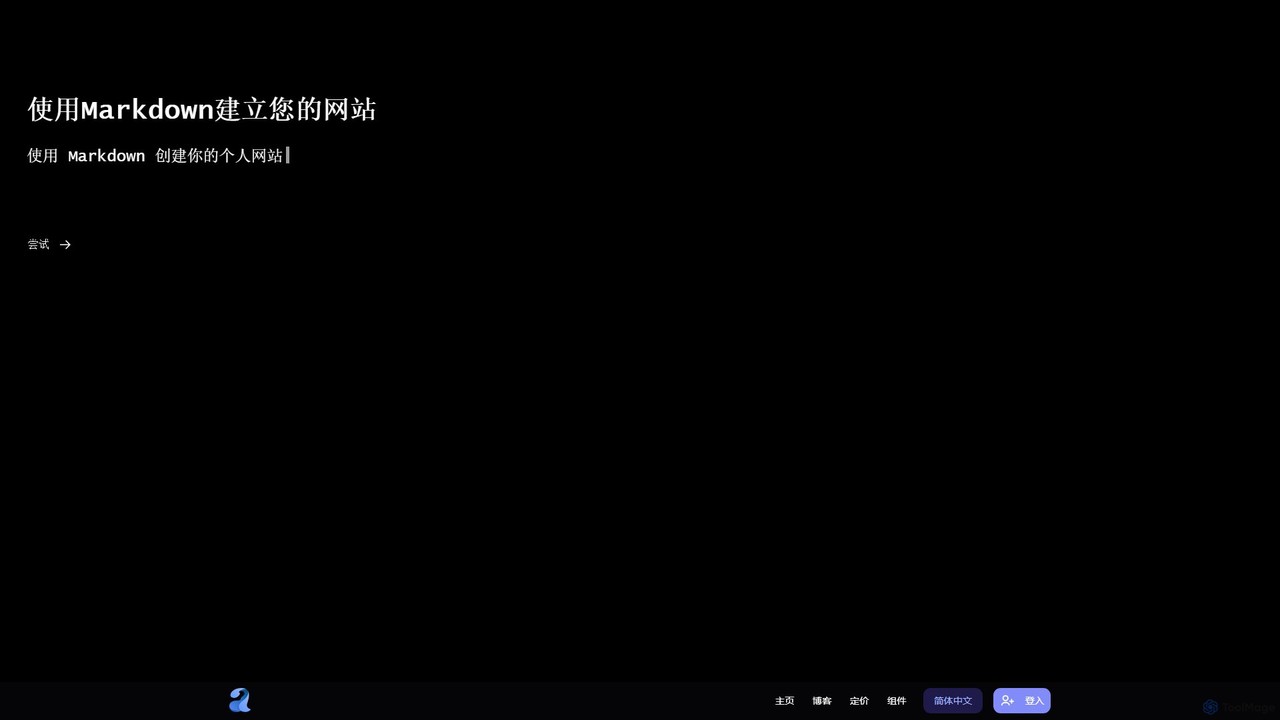
Amarkdown is a powerful, AI-enhanced online Markdown editor that doubles as a low-code website and application builder. It allows users to write content, define databases, create forms, and publish fully functional, SEO-optimized websites directly from Markdown. It uniquely combines a classic writing experience with modern development capabilities, including AI assistance and VIM mode.

Website Builder
Visits 5.4KFavorites 155Likes 141
Spacebar
Freemium

Spacebar

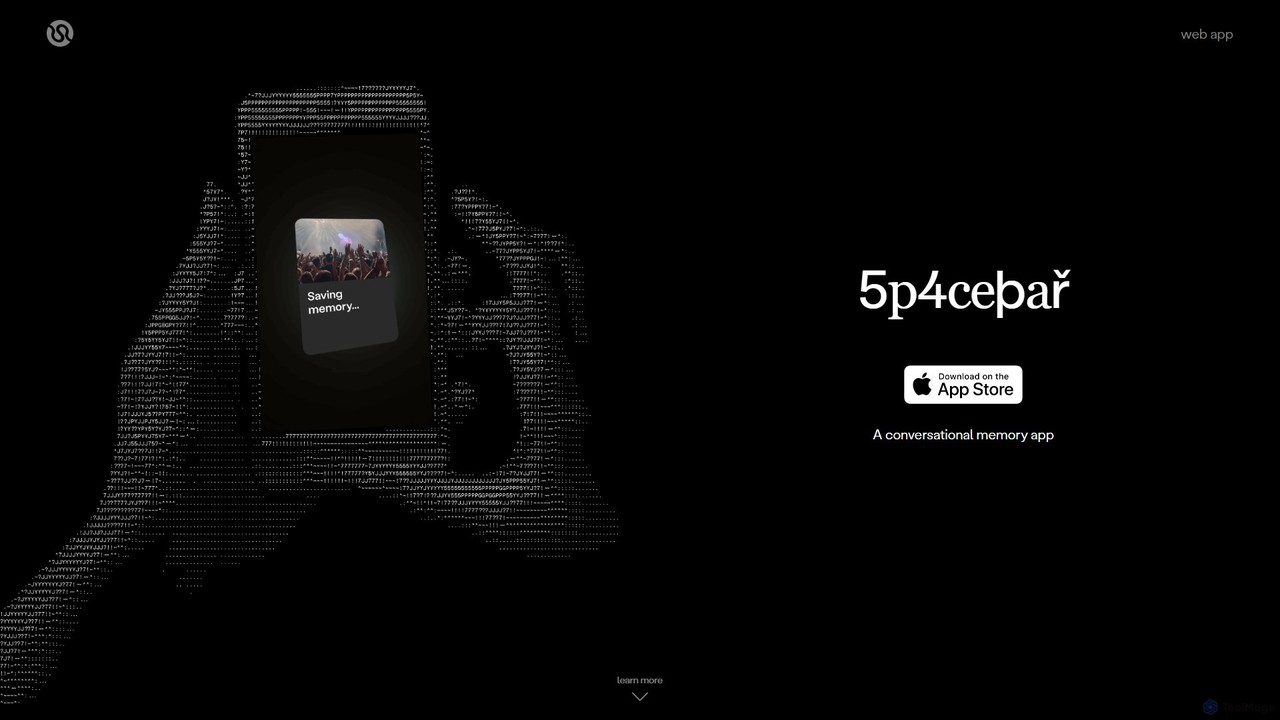
Spacebar is an AI-powered conversational memory app that captures, transcribes, and summarizes real-life audio. It allows you to stay present in conversations while it securely records and organizes your moments. Transform your audio into actionable content like emails, project briefs, or even code with a single click.

Speech To Text
Visits 7.1KFavorites 159Likes 160
Opal
Freemium

Opal

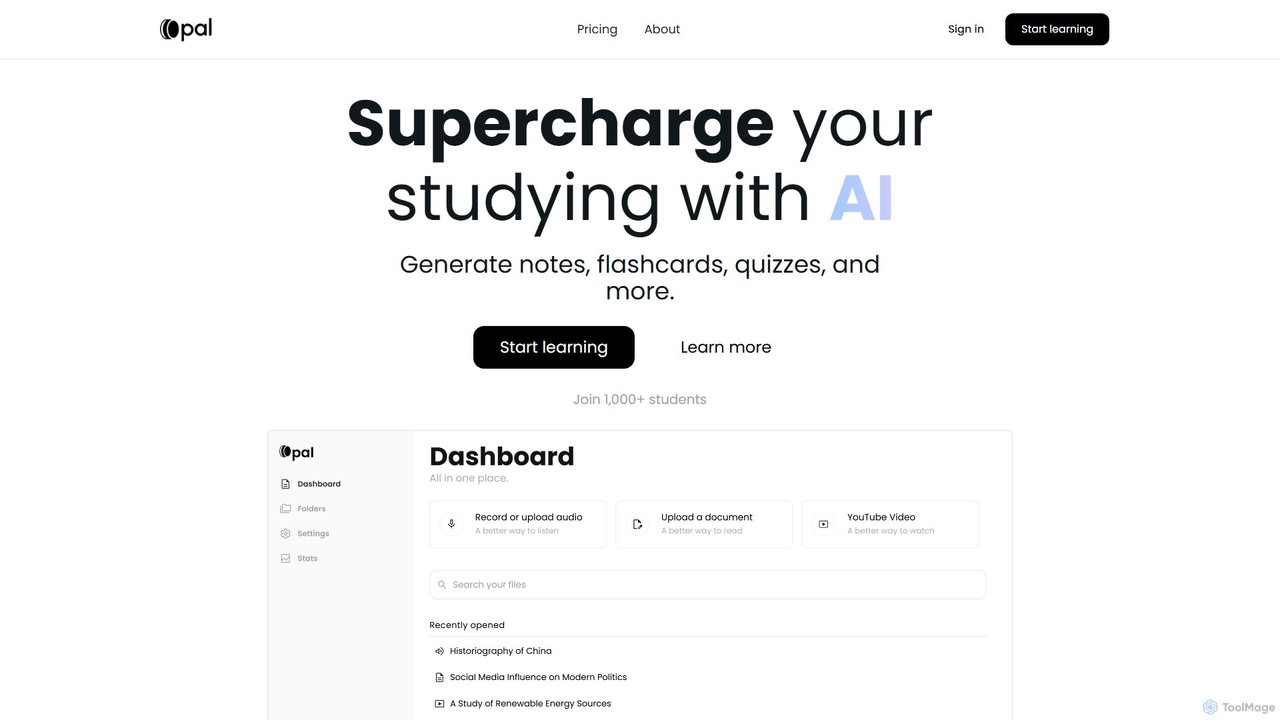
Opal is an AI-powered study platform that transforms documents, audio files, and videos into interactive learning materials like notes, flashcards, and quizzes. It features an AI tutor, "Albert," and uses active recall and personalized feedback to enhance learning efficiency for students.

Learning
Visits 9.6KFavorites 144Likes 148
PromptSpeak.AI
Paid

PromptSpeak.AI

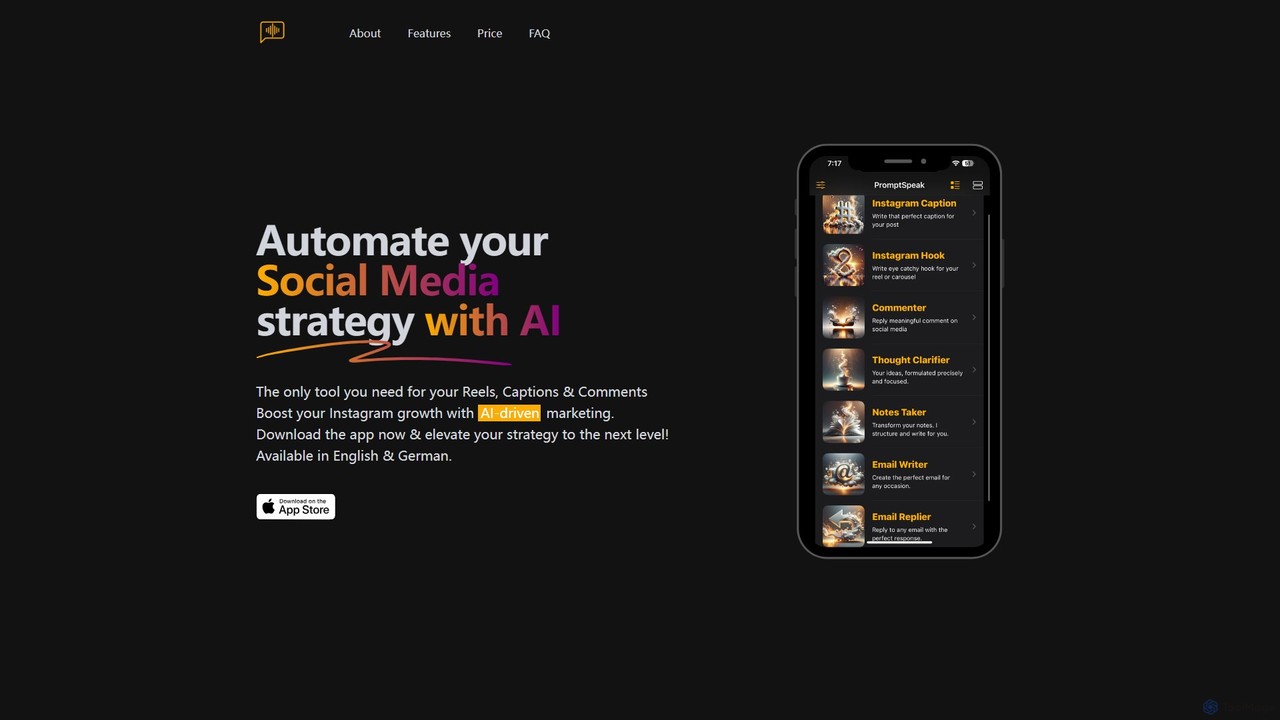
PromptSpeak.AI is an AI-powered assistant that transforms your voice or text prompts into polished content. Designed for iOS and MacOS, it automates social media strategies, crafts professional emails, organizes notes, and clarifies thoughts. It's the ideal tool for content creators, marketers, and professionals looking to boost productivity and streamline their content creation workflow, especially for platforms like Instagram.

Email Marketing
Visits 6.6KFavorites 96Likes 113
Audio writer
Freemium

Audio writer

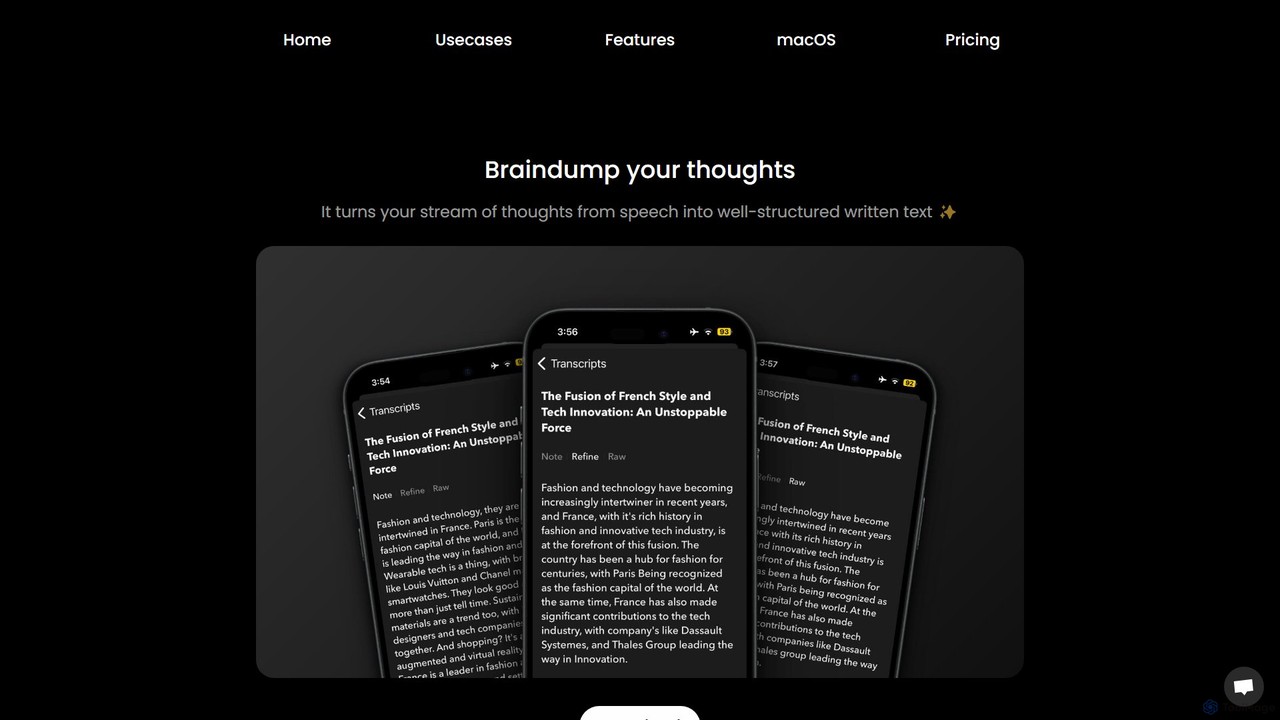
Audio writer is an AI-powered app for macOS and iOS that transforms your spoken thoughts into well-structured, coherent written text. It's designed for brainstorming, journaling, and content creation, turning voice notes into polished articles, emails, and social media posts.

Transcription
Visits 5.5KFavorites 157Likes 155
Transcript
Freemium

Transcript

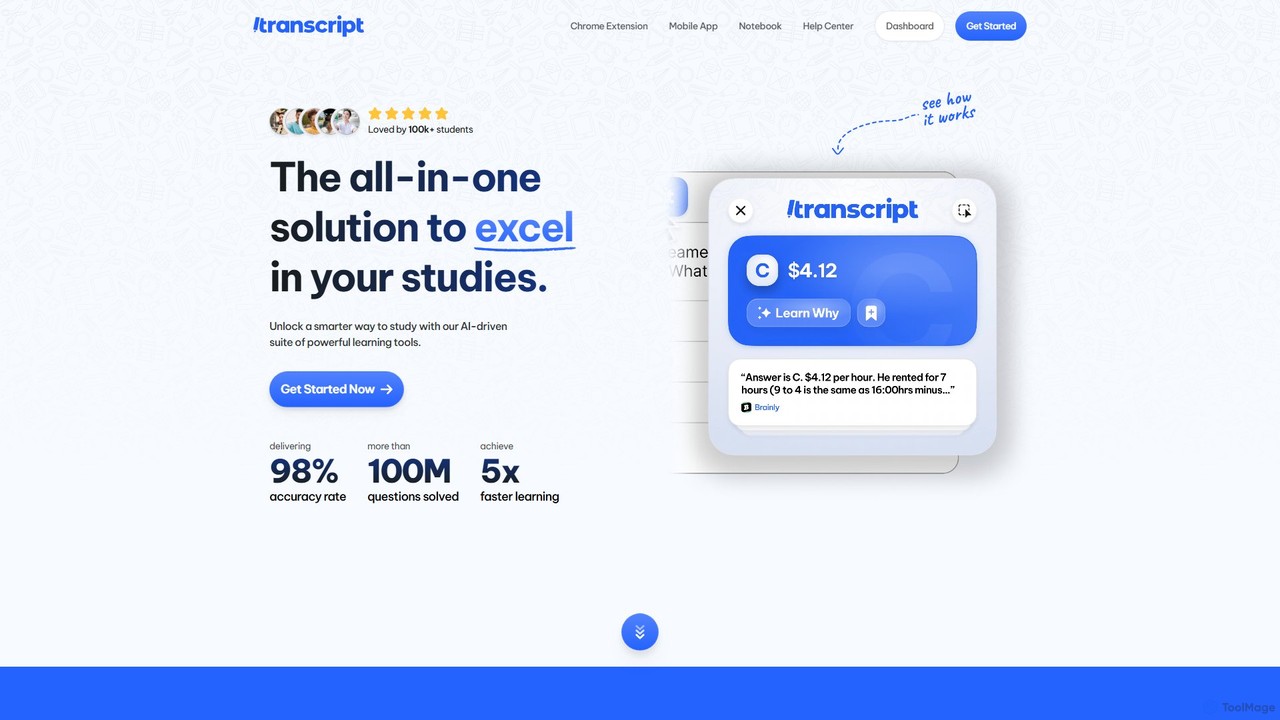
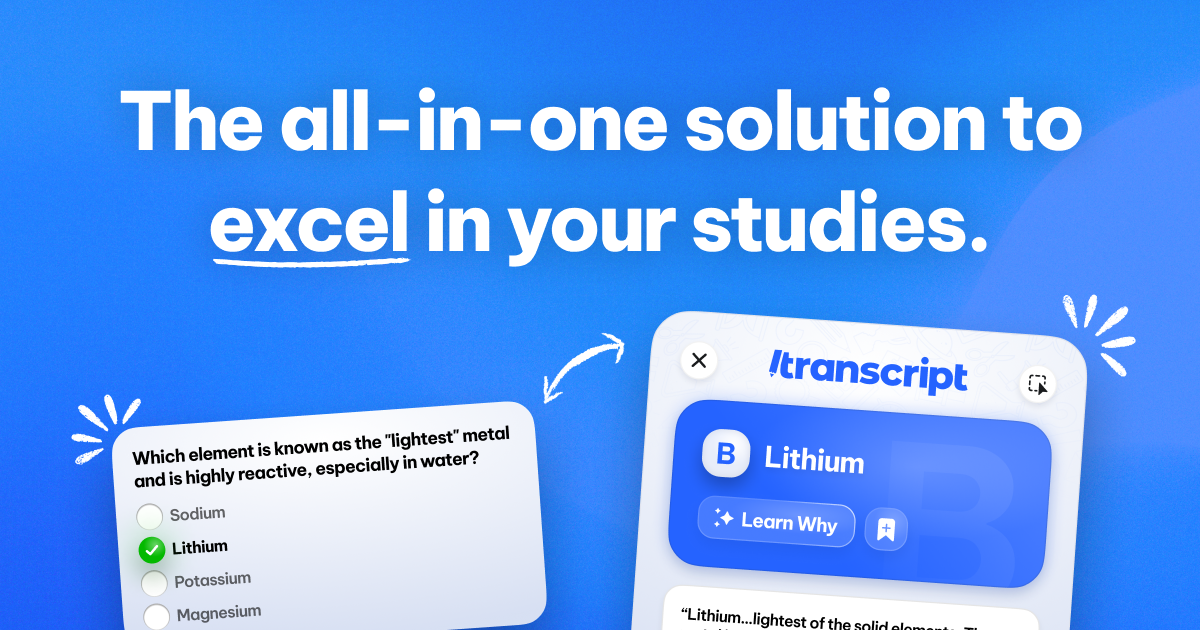
Transcript is an all-in-one AI-powered study platform designed for students. It offers instant homework help, step-by-step problem solutions, and a suite of learning tools including a Chrome extension and mobile app. Turn your notes into flashcards and quizzes to accelerate your learning.

Homework Helper
Visits 63.1KFavorites 159Likes 169

About Note Taking

AI Note Taking tools are applications that use artificial intelligence to intelligently capture, organize, and process information. They leverage technologies like Natural Language Processing (NLP) to transcribe audio in real-time, automatically summarize long texts, and identify key insights. This transforms unstructured data from meetings, lectures, and brainstorms into structured, searchable knowledge. These tools go beyond simple text storage, acting as an intelligent assistant to help you understand and act on your notes more effectively.

Core Features

  • Real-Time Transcription: Automatically converts spoken words from meetings, interviews, or lectures into written text.
  • AI-Powered Summarization: Generates concise summaries of lengthy notes, articles, or transcripts to highlight key points.
  • Semantic Search: Allows you to search for concepts and ideas by meaning, not just exact keywords, across your entire note library.
  • Action Item Detection: Automatically identifies and extracts tasks, decisions, and follow-ups from your notes.
  • Intelligent Organization: Suggests tags, creates links between related notes, and helps structure information automatically.

Use Cases

These tools are invaluable for professionals in meeting-heavy roles like project managers and consultants, students recording lectures, and researchers analyzing interviews. Content creators, journalists, and writers also use them to streamline the process of turning raw conversations into polished content. Any individual looking to build a personal knowledge management system can benefit from the automated organization features.

How to Choose

When selecting an AI Note Taking tool, consider the accuracy of its transcription and summarization features. Evaluate its integration capabilities with your existing calendar, cloud storage, and project management apps. Assess the platform's security and data privacy policies, especially for sensitive information. Finally, compare pricing models and the user interface to find a tool that fits your workflow and budget.

Featured tool rankings

Note Taking use cases

1

Automate Meeting Minutes and Action Items

For project managers and team leads, manually transcribing meetings and distilling action items is time-consuming. An AI Note Taking tool can join a virtual meeting, record the audio, and provide a full transcript moments after it ends. The AI then automatically generates a concise summary highlighting key decisions and identifies all tasks assigned to team members, complete with deadlines. This process reduces post-meeting administrative work by over 80%, ensuring accountability and allowing teams to focus on execution rather than documentation.

2

Enhance Academic Research and Study

Students and researchers can use AI Note Taking tools to capture entire lectures or research interviews. Instead of frantically typing, they can focus on the content. The tool provides a searchable transcript, allowing them to instantly find specific topics discussed weeks or months later. Using semantic search, a student can ask, 'What were the main arguments about quantum mechanics?' and the AI will pull relevant sections from all related lecture notes. This transforms study from passive listening to active knowledge exploration.

3

Streamline Content Creation from Interviews

Journalists, podcasters, and content creators conduct numerous interviews that must be converted into articles or scripts. An AI Note Taking tool can transcribe an hour-long interview in minutes. The creator can then use the AI summarizer to get the gist of the conversation and identify key themes. By searching for specific quotes or topics within the transcript, they can quickly pull the necessary material to structure their content, drastically reducing the time from interview to final publication.

4

Build a Personal Knowledge Management (PKM) System

For lifelong learners and knowledge workers, building a 'second brain' is crucial. AI Note Taking tools accelerate this by automatically processing information. You can clip web articles, forward emails, or record voice memos, and the AI will transcribe, summarize, and tag them. More advanced tools can even identify connections between new notes and existing ones, creating a web of linked knowledge. This helps users surface unexpected insights and build a deeper, more interconnected understanding of their interests over time.

5

Capture and Organize Client Call Details

Sales professionals, consultants, and account managers rely on detailed client communication. An AI Note Taking tool can record and transcribe client calls (with consent), ensuring no detail is missed. After the call, the AI can summarize the client's needs, objections, and agreed-upon next steps. This summary can be automatically pushed to a CRM system, creating a reliable record and saving the professional from manual data entry. This ensures consistent follow-up and a better understanding of the client's history.

6

Structure Brainstorming and Creative Ideas

Creative teams often have dynamic brainstorming sessions where ideas flow freely. An AI Note Taking tool can capture this entire conversation. Afterwards, the AI can help structure the chaos by identifying key concepts and grouping related ideas into themes. Some tools can even generate a mind map or an outline from the transcript, providing an instant, organized starting point for the next phase of a project. This allows teams to maintain creative momentum without getting bogged down in organizing the output.

Note Taking FAQ

What are AI Note Taking tools?

AI Note Taking tools are advanced applications that go beyond simple text entry. They use artificial intelligence to actively process and structure your information. Key features often include real-time audio transcription, automatic summarization of long notes, and semantic search that understands the context of your query. Unlike traditional note apps where organization is manual, these tools act as an intelligent assistant to help you capture, find, and understand your knowledge more efficiently.

How to choose the right AI Note Taking tool?

To choose the right tool, evaluate these factors:

  • Accuracy: How well does it transcribe audio and summarize text? Look for tools with high accuracy rates for your specific language or accent.
  • Integrations: Does it connect with your existing workflow, such as calendars (for meeting invites), cloud storage (like Google Drive), and project management tools (like Notion or Asana)?
  • Platform Availability: Is it available on all the devices you use, including web, desktop, and mobile?
  • Security and Privacy: How is your data stored and protected? This is crucial if you're recording confidential conversations.
  • User Interface: Is the tool intuitive and easy to use, or does it have a steep learning curve?
What's the difference between AI Note Taking and traditional note apps?

The key difference is processing versus storage. Traditional note apps (like Apple Notes or early versions of Evernote) are digital notebooks for you to manually type, draw, and organize information. They are passive storage systems. AI Note Taking tools are active processing systems. They don't just store your notes; they analyze them. They automatically transcribe audio, summarize content, detect action items, and create links between related ideas, significantly reducing the manual effort required to make your notes useful.

Can AI Note Taking tools handle different languages and accents?

Yes, most modern AI Note Taking tools are designed to be multilingual. The quality and number of supported languages can vary significantly between platforms. Top-tier tools often support dozens of languages for transcription and can differentiate between various accents within a single language (e.g., American, British, and Australian English). When choosing a tool, it's important to check their list of supported languages and, if possible, test the transcription accuracy with your specific accent or dialect to ensure it meets your needs.

Who can benefit most from AI Note Taking tools?

While anyone can benefit, certain roles see a massive return on investment. This includes:

  • Students & Researchers: For capturing lectures and interviews without missing details and easily searching through study materials.
  • Project Managers & Team Leads: For automating meeting minutes, tracking action items, and ensuring clear communication.
  • Consultants & Sales Professionals: For documenting client calls, capturing requirements, and integrating notes with CRM systems.
  • Content Creators & Journalists: For quickly transcribing interviews and finding key quotes to streamline their writing process.
  • Knowledge Workers: Anyone looking to build a personal knowledge management (PKM) system or 'second brain' to organize their thoughts and learnings.