ToolMage
Sign in

Best 35 Time Tracking AI tools for Productivity

Popular Time Tracking AI tools in Productivity include TimeChamp, Rize, Timely, FlowSavvy, Laurel, SkedPal, Llama Life, timetackle, gryzzly, and BeforeSunset, helping you work more efficiently.

Llama Life
Freemium

Llama Life

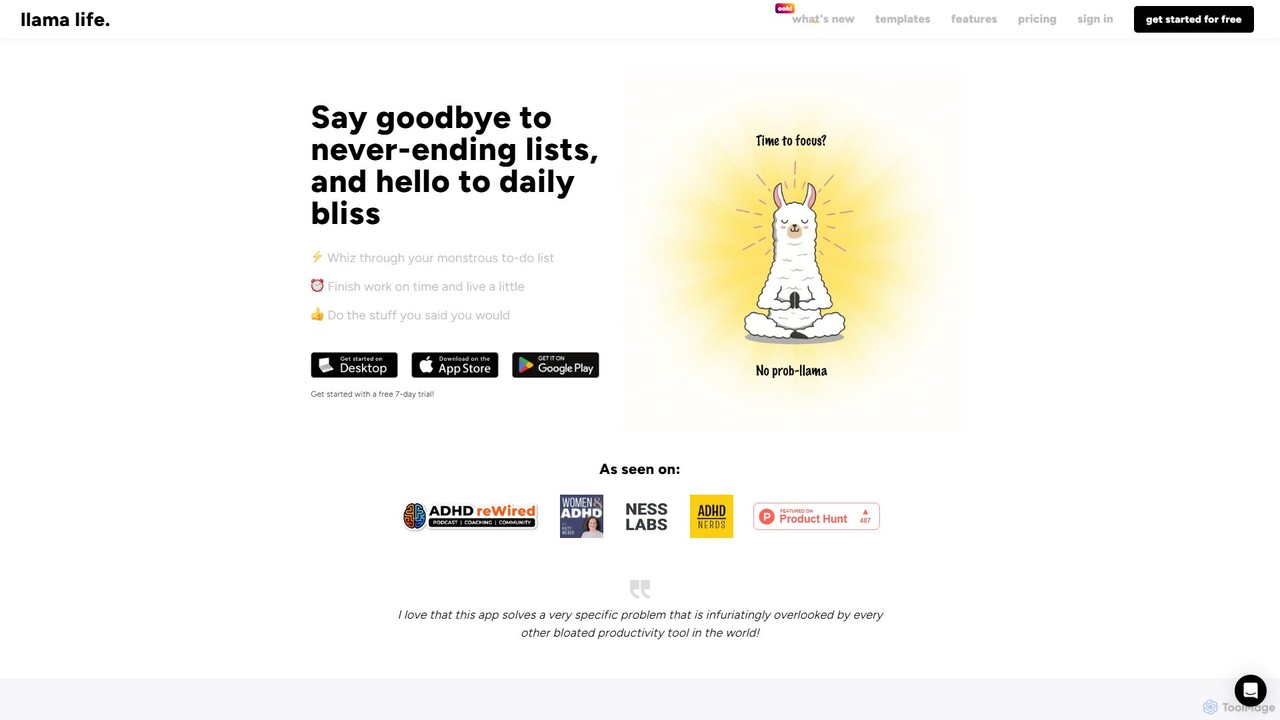
Llama Life is a unique task manager designed to combat overwhelm and boost focus. Instead of just creating endless to-do lists, it helps you actively work through them using the timeboxing technique. By setting a timer for each task, you can concentrate on one thing at a time, turning daunting projects into manageable steps. It's particularly effective for users with ADHD, offering a calm, controlled, and visually engaging way to achieve daily productivity and peace of mind.

Neurodiversity
Visits 59.2KFavorites 126Likes 122
Rize
Freemium

Rize

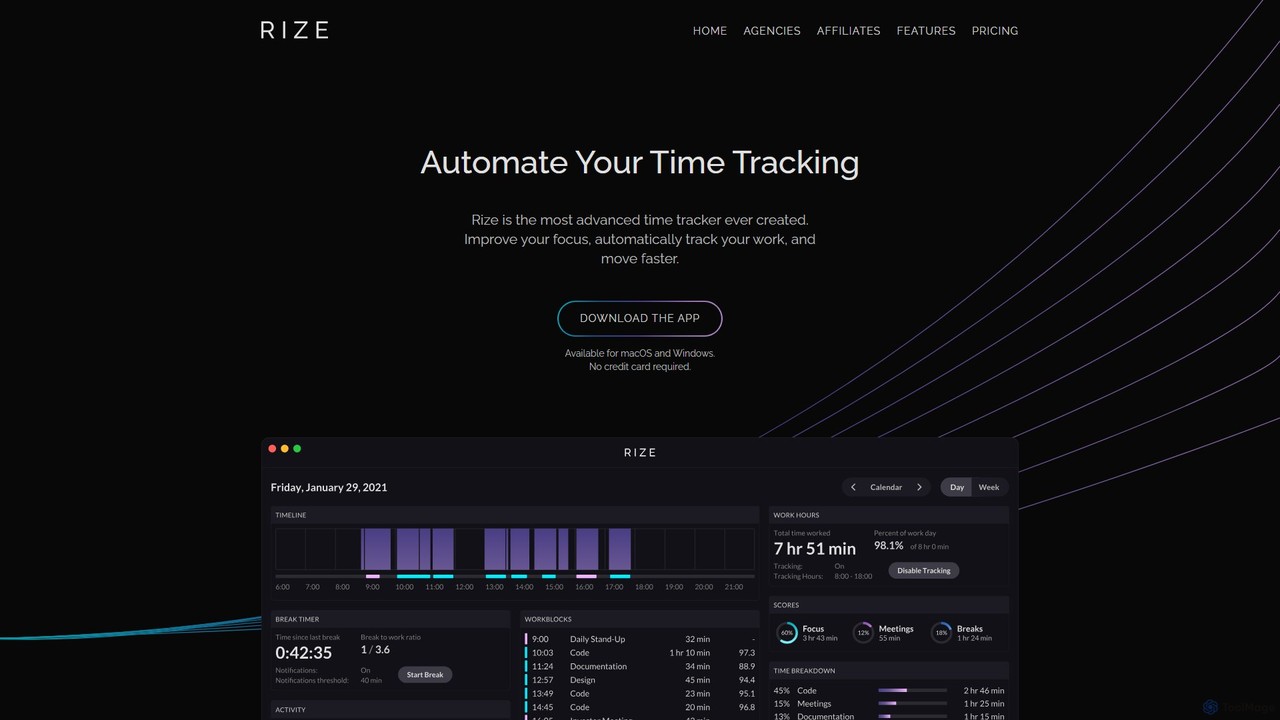
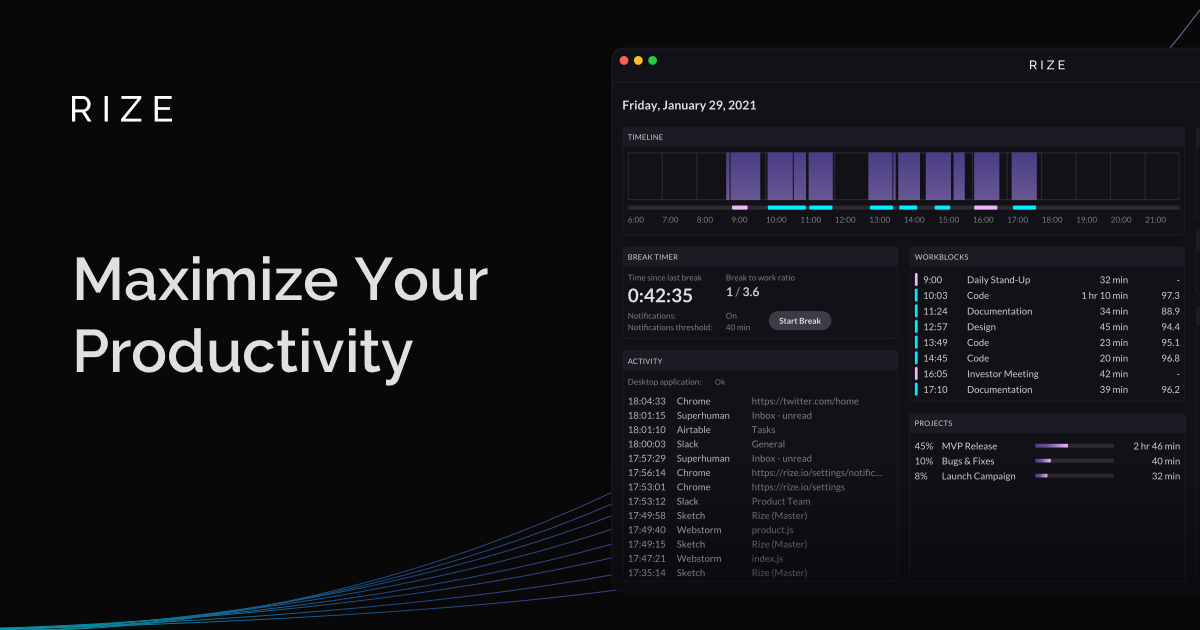
Rize is an intelligent, AI-powered time tracking application designed to boost your productivity and focus. It automatically monitors your computer activity without manual timers, providing deep insights into how you spend your time. Rize helps you build better work habits, prevent burnout with smart notifications, and achieve a healthier work-life balance. It's the ultimate fitness app for your productivity, tailored for founders, freelancers, managers, and anyone looking to optimize their workflow.

Personal Analytics
Visits 132.9KFavorites 115Likes 112
Timely
Paid

Timely

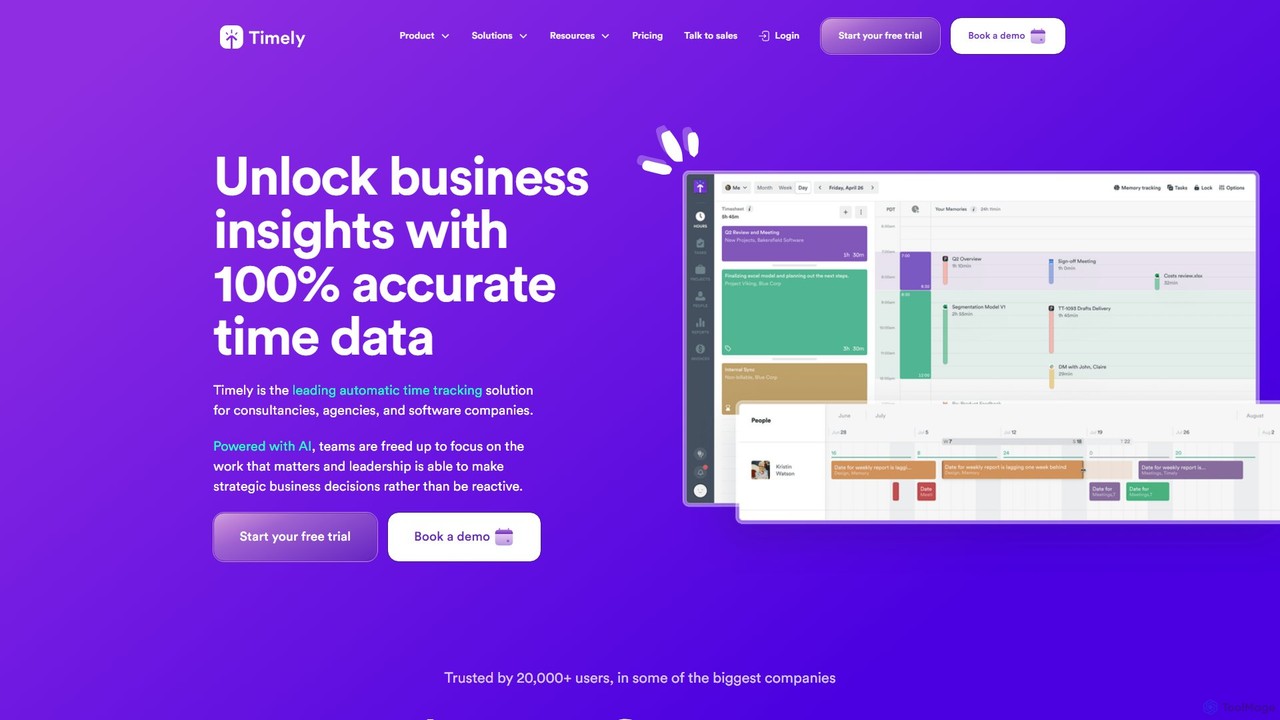
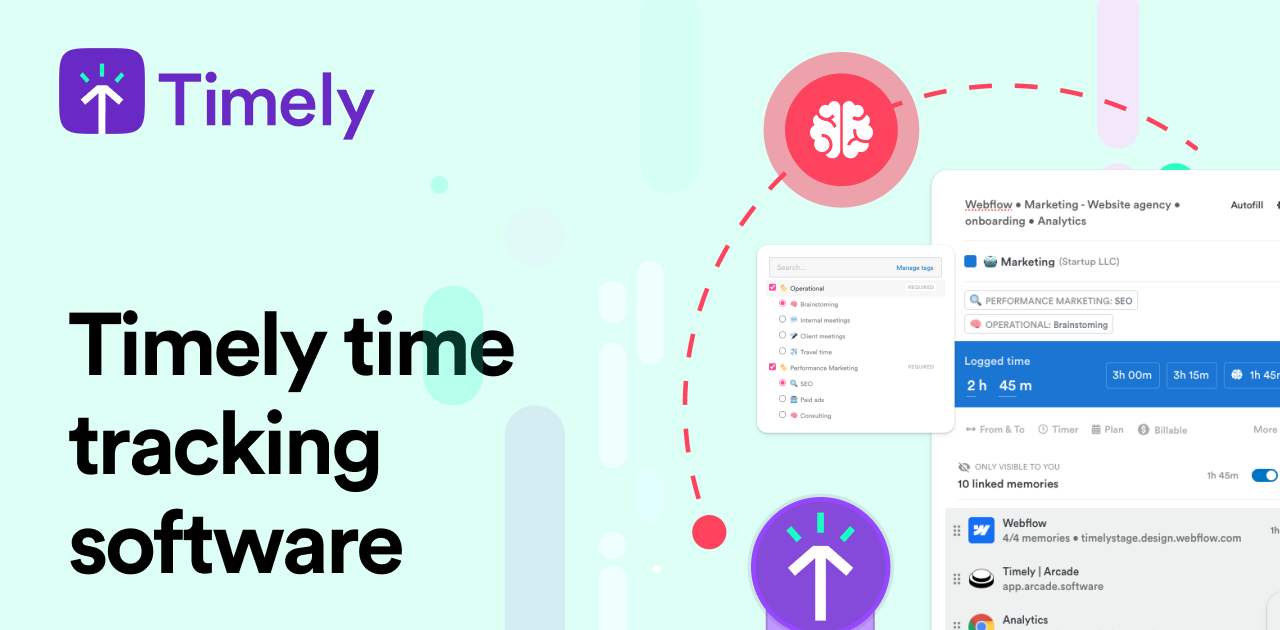
Timely is an AI-powered automatic time tracking tool that captures all your work activity in the background. It eliminates manual timers and guesswork, generating accurate timesheets with a single click. Designed for agencies, consultancies, and remote teams, it helps improve profitability, project management, and team efficiency while respecting user privacy.

Project Management
Visits 122.4KFavorites 129Likes 144
MonitUp Time Tracking
Paid

MonitUp Time Tracking

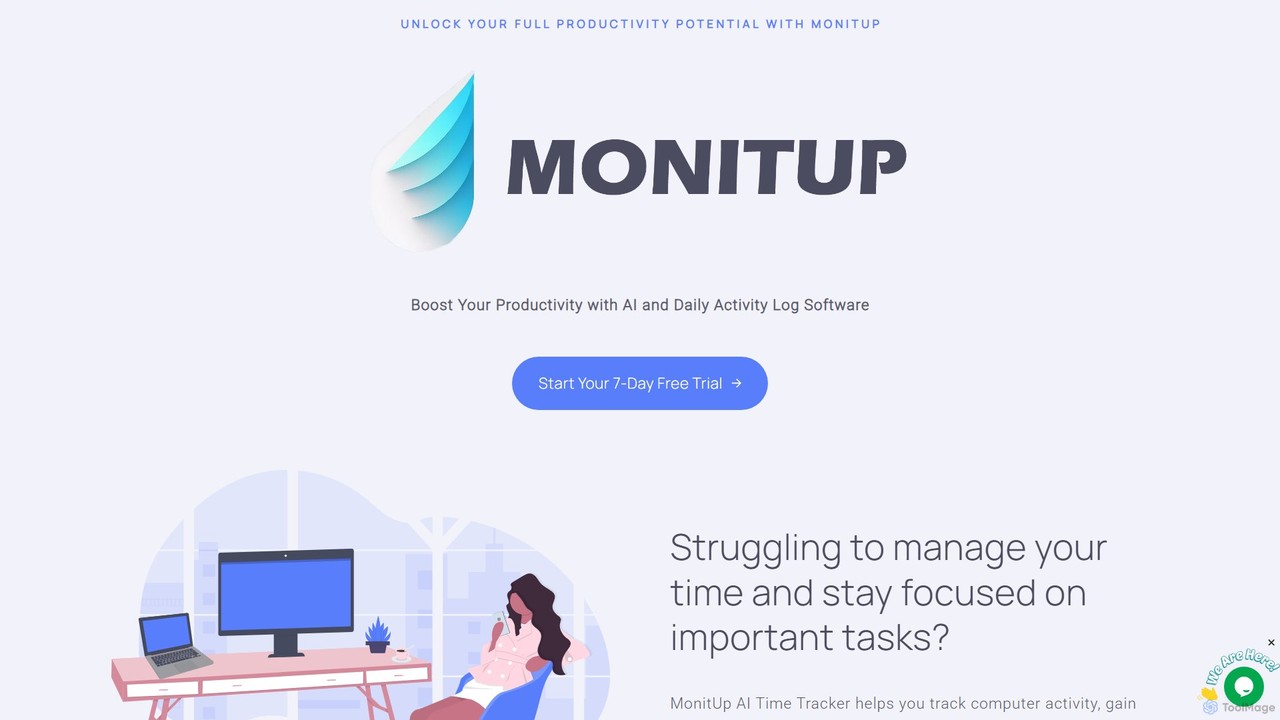
MonitUp is an AI-powered time tracking software designed to boost productivity for individuals and teams. It monitors computer activity, analyzes work habits, and provides intelligent suggestions to enhance focus and efficiency. Ideal for freelancers and remote employee management, it offers features like screenshot monitoring, application categorization, and detailed performance reports.

Employee Monitoring
Visits 5.7KFavorites 135Likes 142
Taskaid
Paid

Taskaid

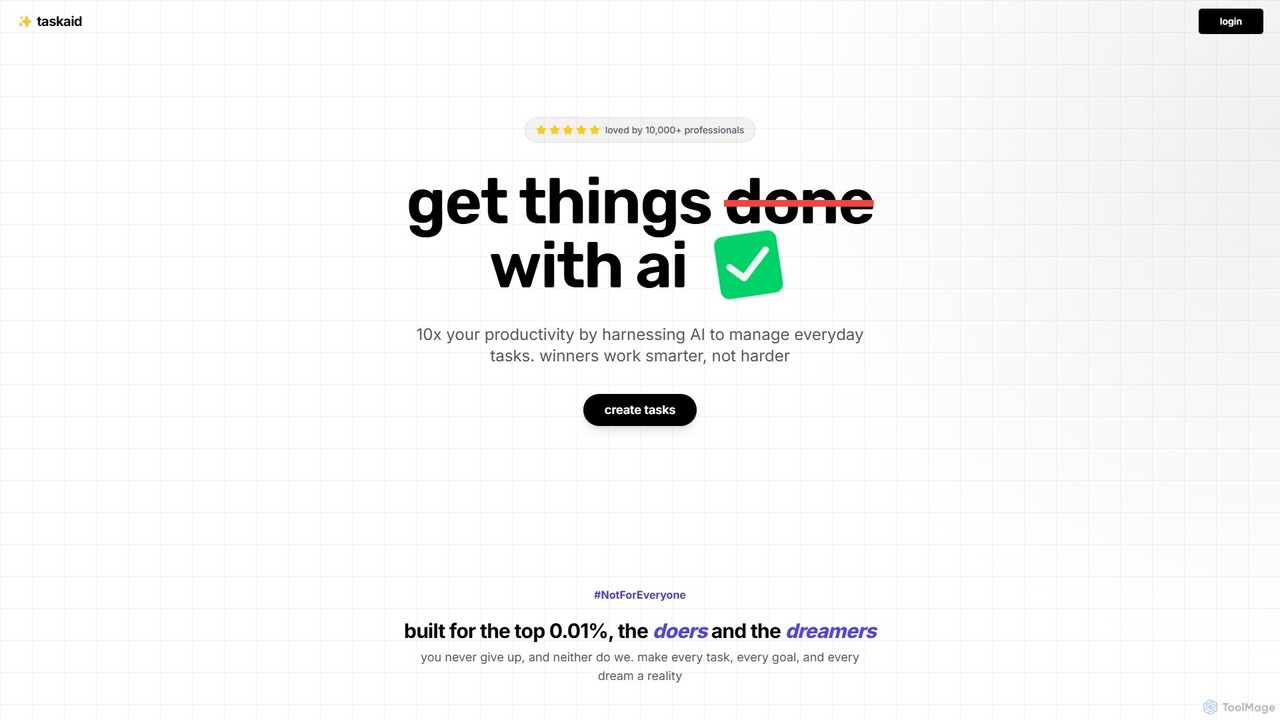
Taskaid is an AI-first task management tool designed for high-performing individuals. It leverages advanced LLMs like GPT-4 to automate task prioritization, scheduling, and breakdown. Interact with your to-do list through a conversational chat interface, use voice commands, and receive intelligent suggestions to 10x your productivity and focus on what truly matters.

Project Management
Visits 6.4KFavorites 148Likes 161
meramonitor
Freemium

meramonitor

meramonitor is an AI-powered workforce analytics and employee monitoring platform designed to enhance productivity for remote, hybrid, and in-office teams. It provides comprehensive tools for time tracking, activity monitoring, and performance analysis, empowering managers with real-time, data-driven insights to optimize team efficiency and streamline HR processes without micromanagement.

Human Resources
Visits 19.1KFavorites 121Likes 119
Focu
Paid

Focu

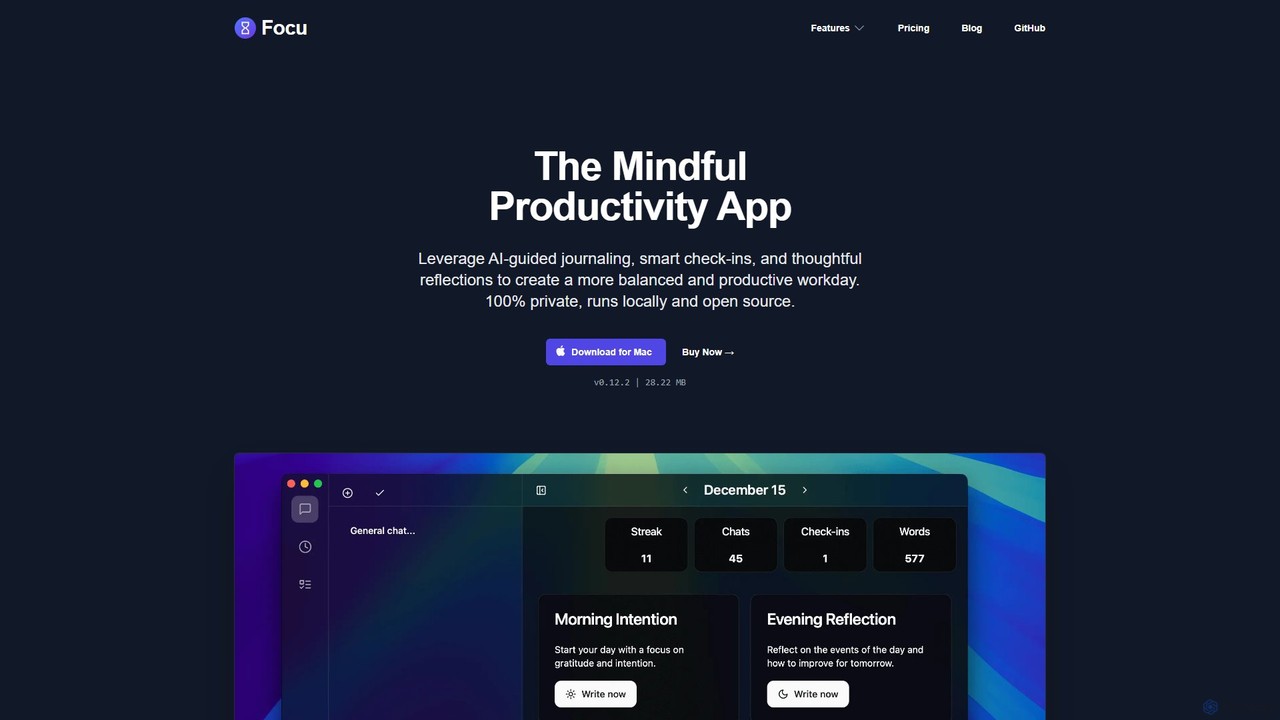
Focu is a mindful productivity app for Mac that enhances your workday with AI-guided journaling, smart check-ins, and thoughtful reflections. It features a Pomodoro timer, AI task extraction, and operates 100% locally to ensure complete privacy. As an open-source tool with a one-time purchase model, Focu offers a balanced, focused, and secure approach to task management and personal well-being.

Task Management
Visits 6.9KFavorites 107Likes 116
FlowSavvy
Freemium

FlowSavvy

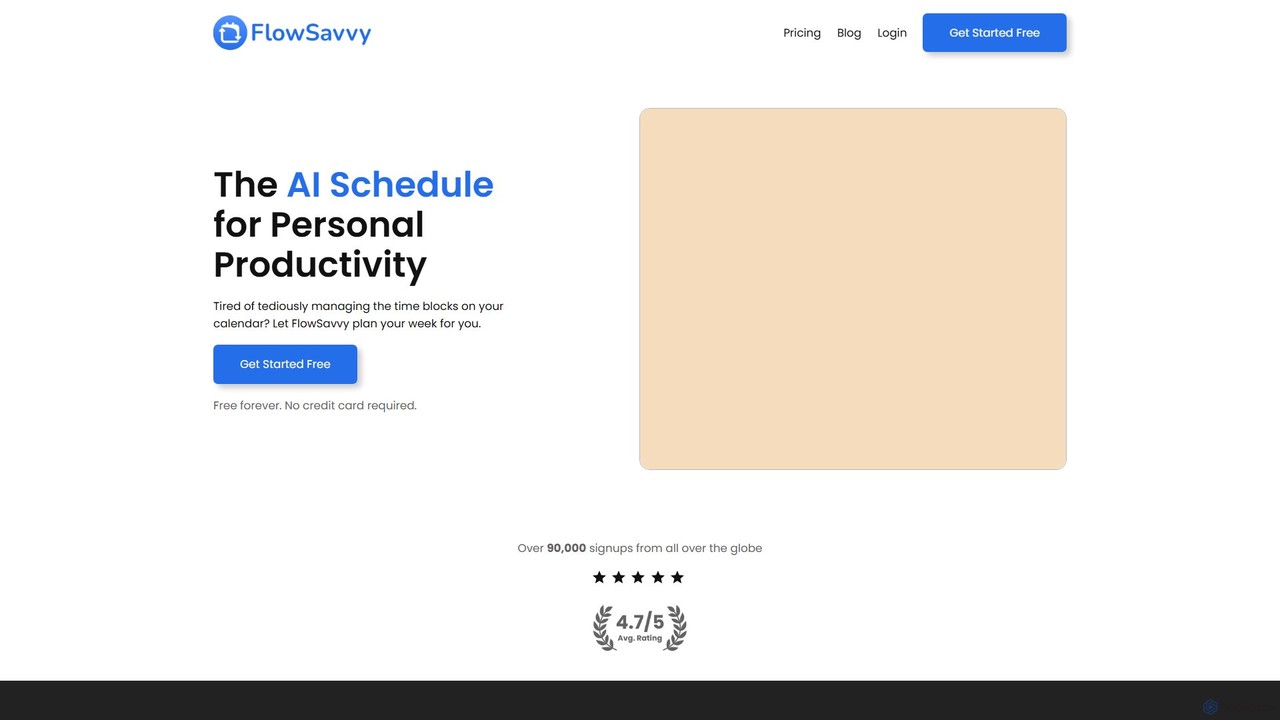
FlowSavvy is an AI-powered schedule planner that automatically organizes your to-do list into a time-blocked calendar. It intelligently plans your week, dynamically reschedules tasks when plans change, and helps you build habits. Sync with your existing calendars and access it on web, iOS, and Android to boost productivity and reduce mental load.

Calendar
Visits 92KFavorites 150Likes 143
hootz
Freemium

hootz

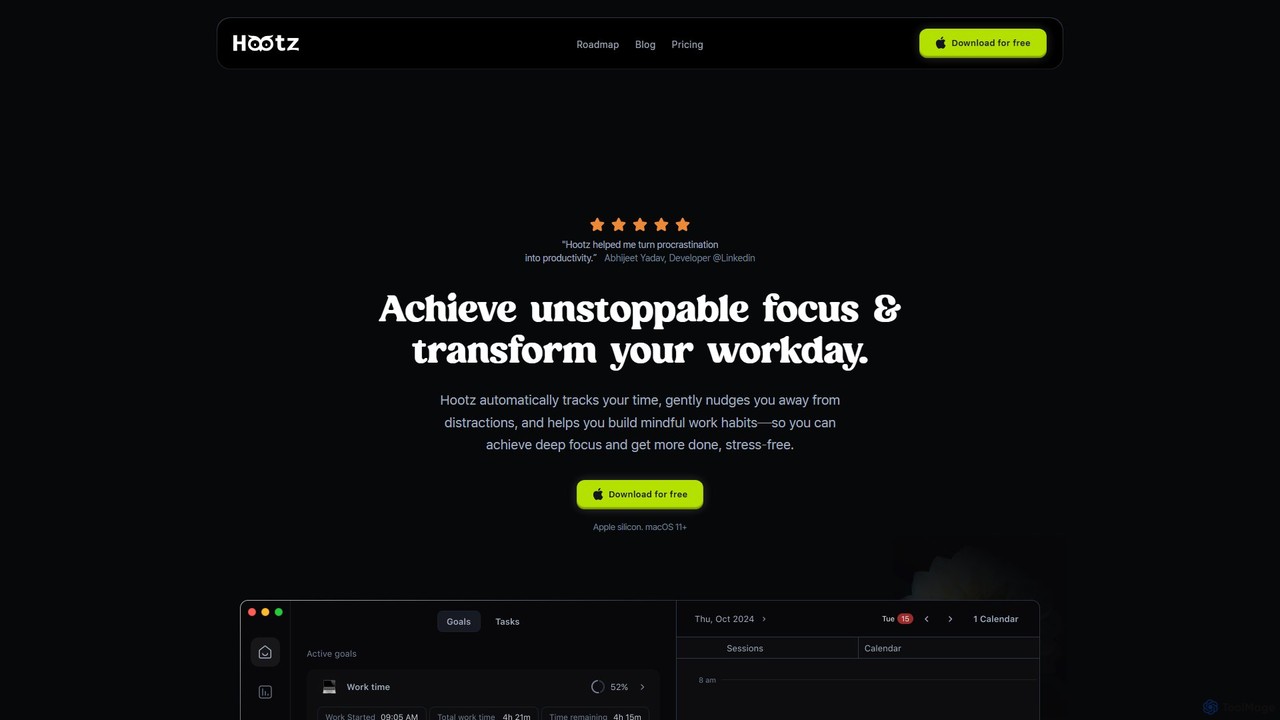
hootz is an AI-powered productivity companion for macOS designed to help users achieve deep focus. It automatically tracks time, blocks distractions, provides real-time nudges to stay on task, and integrates mindful practices to transform your workday and build better habits.

Focus
Visits 5.7KFavorites 135Likes 123
gryzzly
Paid

gryzzly

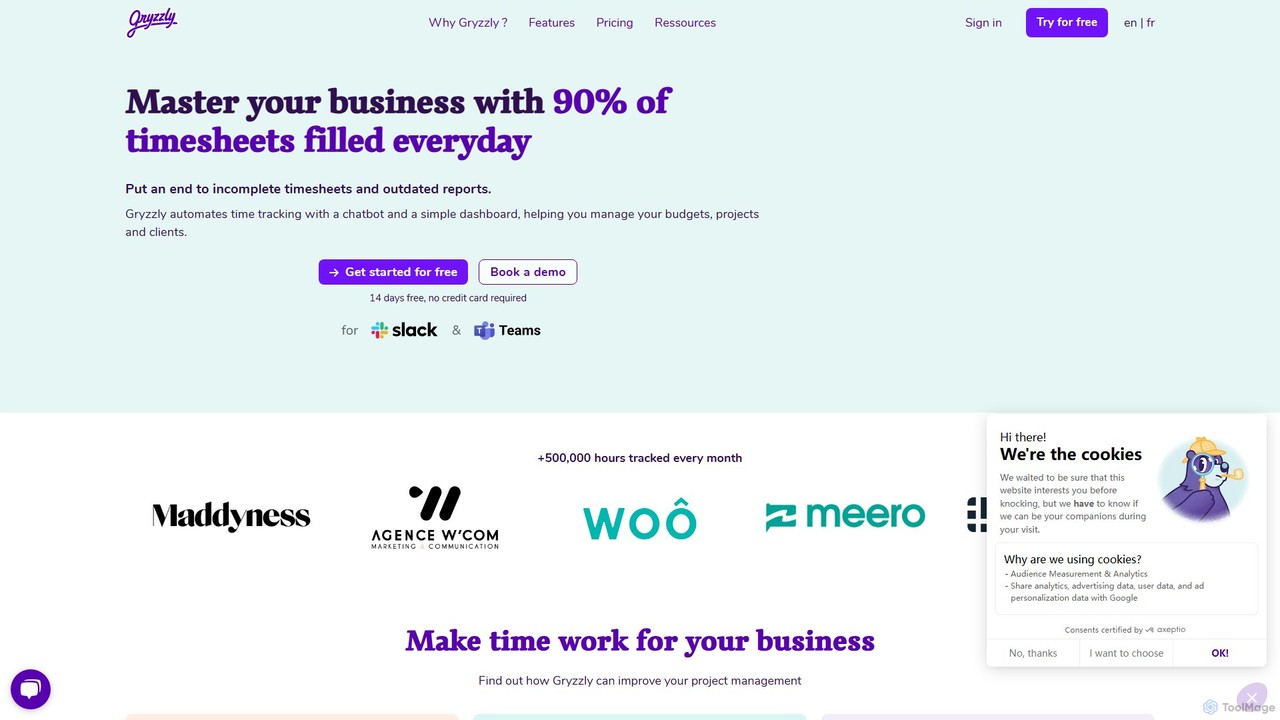
Gryzzly is an AI-powered time tracking and project management tool that uses a chatbot in Slack and MS Teams to automate timesheets. It helps businesses monitor budgets, track project profitability, and proactively manage risks with predictive analytics, aiming to achieve 90% daily timesheet completion.

Financial Management
Visits 42KFavorites 122Likes 115
TimeChamp
Freemium

TimeChamp

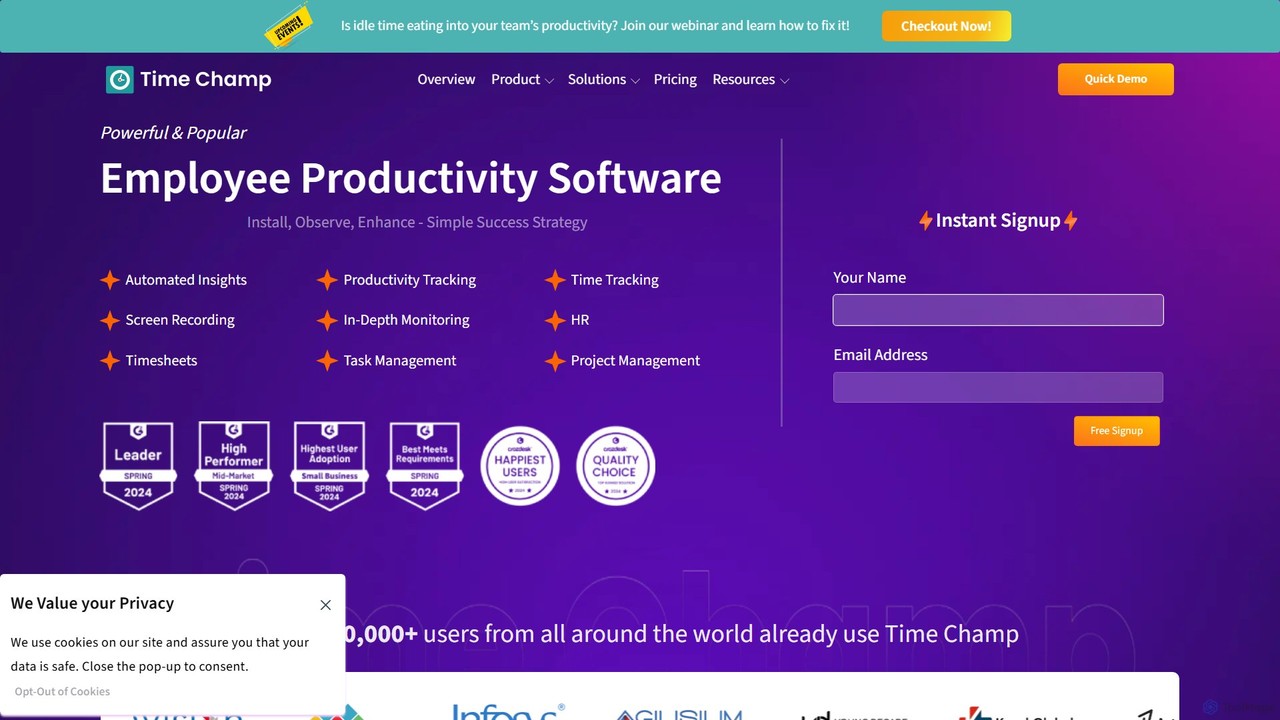
TimeChamp is an AI-powered employee productivity tracking and workforce analytics platform. It helps businesses monitor computer activities, track time, manage tasks, and gain data-driven insights to enhance team performance, efficiency, and accountability for in-office, remote, and hybrid work models.

Human Resources
Visits 165.2KFavorites 126Likes 134

About Time Tracking

AI Time Tracking tools are applications that automatically monitor and categorize how time is spent on various digital tasks, projects, and applications. Leveraging AI, these tools can intelligently classify activities, detect idle time, and generate insightful productivity reports without constant manual input. This helps individuals and teams gain a clear understanding of their work patterns, optimize efficiency, and ensure accurate billing. As a key component of modern productivity stacks, they transform raw time data into actionable insights for better resource management.

Core Features

  • Automatic Time Capture: Passively records time spent on active applications, websites, and documents without requiring manual start/stop timers.
  • AI-Powered Categorization: Intelligently assigns tracked time to specific projects, tasks, or clients based on rules and learned behavior.
  • Productivity Analysis: Generates detailed reports and dashboards that visualize work habits, identify distractions, and highlight peak performance periods.
  • Project Budgeting & Billing: Tracks billable hours against project budgets, facilitates accurate invoicing, and provides profitability analysis.
  • Team Oversight & Reporting: Offers managers a consolidated view of team activity, workload distribution, and project progress to improve collaboration.

Use Cases

AI Time Tracking tools are widely used by freelancers, agencies, consultants, and software development teams. They are essential for professionals who bill by the hour, such as lawyers and designers, to ensure every minute is accounted for. Remote teams also use them to maintain transparency, manage workloads, and automate the creation of timesheets for payroll.

How to Choose

When selecting an AI Time Tracking tool, consider the level of automation—whether it's fully automatic or requires some manual interaction. Evaluate its integration capabilities with your existing project management (e.g., Jira, Asana) and accounting software. Also, assess the depth of its reporting features, team management controls (including privacy settings), and the suitability of its pricing model for your team size.

Featured tool rankings

Time Tracking use cases

1

Accurate Project Billing for Freelancers

A freelance graphic designer uses an AI time tracking tool to automatically log hours spent on different client projects within Adobe Creative Suite and Figma. The tool runs silently in the background, distinguishing between work for 'Client A's Branding' and 'Client B's Web Design'. At the end of the month, it generates a detailed, error-free timesheet that can be directly converted into an invoice, ensuring every billable minute is captured and transparently reported to clients, increasing trust and profitability.

2

Improving Agency Profitability and Resource Planning

A digital marketing agency implements an AI time tracking tool across its team. The software automatically tracks time spent on various client campaigns, tasks (like SEO, content writing, PPC management), and internal meetings. The aggregated data provides managers with a clear view of project profitability, highlighting which clients or services are most time-consuming. This insight allows them to adjust pricing, optimize resource allocation, and forecast future staffing needs more accurately.

3

Optimizing Personal Productivity and Focus

A knowledge worker, such as a writer or researcher, uses an AI time tracker to understand and improve their personal work habits. The tool automatically logs all computer activity and categorizes it into 'Productive', 'Neutral', and 'Distracting' buckets. By reviewing weekly reports, the user identifies that they spend two hours daily on distracting social media sites. This data empowers them to use the tool's website-blocking features during focus blocks, leading to more deep work and faster project completion.

4

Streamlining Remote Team Management and Payroll

A manager of a fully remote team uses an AI time tracking tool to ensure fair workload distribution and simplify payroll. The tool provides a dashboard showing each team member's logged hours, activity levels, and project progress without invasive screen monitoring. It automatically generates timesheets at the end of each pay period, which can be approved with one click and integrated with accounting software. This reduces administrative overhead, ensures timely and accurate payments, and provides a transparent record of work.

5

Ensuring Compliance and Auditing for Legal Firms

A law firm utilizes an AI time tracking tool to capture all billable activities for client cases accurately. The software automatically logs time spent on legal research databases, drafting documents, and email correspondence, assigning it to the correct case file. This creates a detailed, tamper-proof audit trail for every action. When it's time for billing or if a client questions an invoice, the firm can produce precise, timestamped reports, ensuring compliance with legal billing standards and strengthening client trust.

6

Analyzing Software Development Team Efficiency

A software development team integrates their AI time tracker with Jira. The tool automatically logs time spent on specific tickets, features, and bug fixes without developers needing to manually start or stop timers. This provides the project manager with real-time data on where development effort is concentrated. By analyzing these reports, the team can identify bottlenecks in their workflow, estimate future tasks more accurately, and ensure that development time aligns with sprint goals and product roadmap priorities.

Time Tracking FAQ

What is AI Time Tracking?

AI Time Tracking refers to software that uses artificial intelligence to automatically record, categorize, and analyze how users spend their time on computers. Unlike traditional manual timers, these tools run in the background to capture activity across different applications and websites. Their core AI capabilities include automatically assigning time to specific projects, detecting idle periods, and generating reports that offer insights into productivity, focus, and work patterns.

How to choose the right AI Time Tracking tool?

When selecting an AI Time Tracking tool, consider these key factors:

  • Automation Level: Decide if you need fully automatic background tracking or a tool that requires manual start/stop actions.
  • Integrations: Check if it connects with your essential software, such as project management (Jira, Trello), accounting (QuickBooks), and calendar apps.
  • Reporting & Analytics: Evaluate the depth of its reports. Does it provide insights into productivity, project profitability, and team performance?
  • Team Features & Privacy: If for a team, look for features like centralized billing, team dashboards, and robust privacy controls that allow users to manage what is tracked.
  • Pricing Model: Compare pricing structures (per user, per month) and ensure it aligns with your budget and team size.
What's the difference between AI Time Tracking and manual timesheets?

The primary difference lies in automation and data richness. Manual timesheets require users to remember and self-report their hours, which is prone to inaccuracies, forgotten entries, and guesstimates. AI Time Tracking, on the other hand, is automatic and passive. It captures real-time data on application and website usage, providing a precise, objective record of work. This not only ensures billing accuracy but also generates rich data for productivity analysis that manual timesheets cannot offer.

Can AI Time Tracking improve team productivity?

Yes, AI Time Tracking can significantly improve team productivity. By providing objective data on how time is spent, it helps identify collective time-wasting activities and workflow bottlenecks. Managers can see which projects are consuming the most resources and reallocate efforts accordingly. For team members, it provides self-awareness about personal work habits, encouraging them to manage their time more effectively. The transparency it offers can also foster a culture of accountability and focus on high-value tasks.

Is AI Time Tracking software secure and private?

Reputable AI Time Tracking providers prioritize security and privacy. They typically use end-to-end encryption to protect data and are compliant with regulations like GDPR. Most tools also offer granular privacy controls, allowing individual users to decide what gets tracked. For example, users can often pause tracking, delete time entries, or prevent the tool from taking screenshots. When choosing a tool, it is crucial to review its privacy policy and security features to ensure it meets your organization's standards.