ToolMage
Sign in

Best 210 Editing AI tools for Video

Popular Editing AI tools in Video include VidCap, Vimeo, CapCut, VSCO, Picsart, Wondershare, Adobe Podcast, Cutout.Pro, VEED.IO, and Runway, helping you work more efficiently.

gensfx
Freemium

gensfx

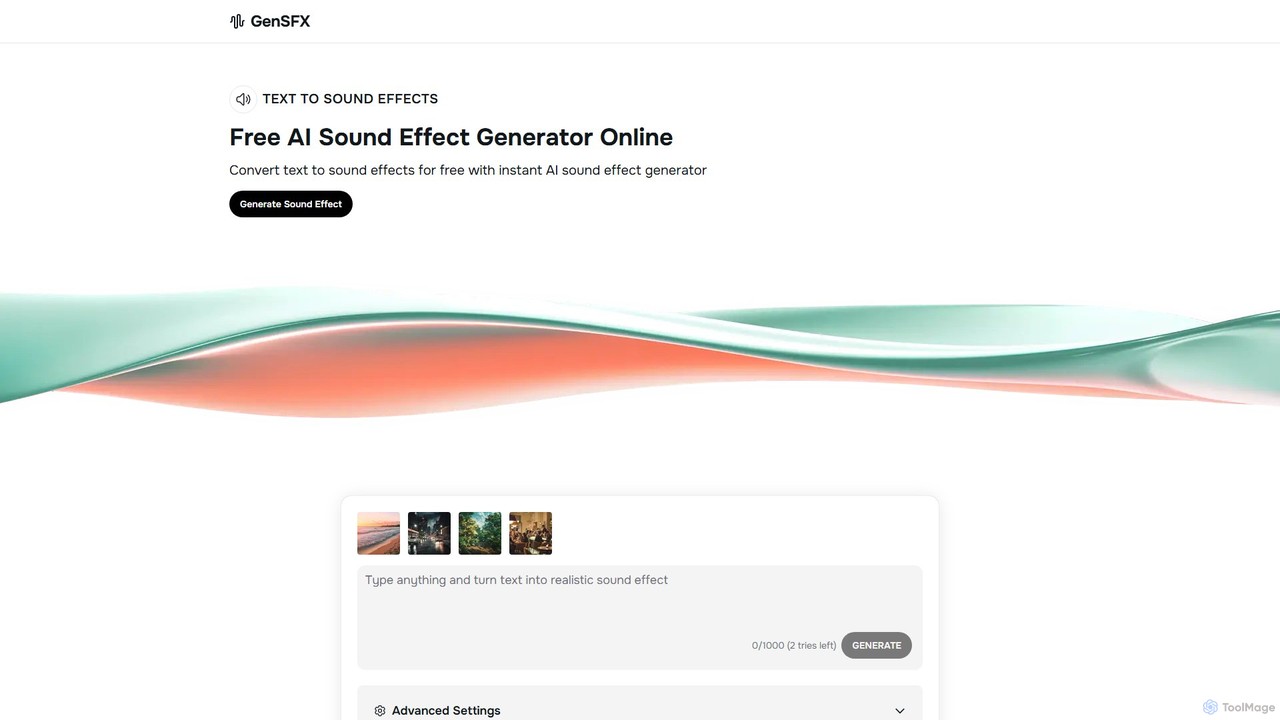
gensfx is a free AI-powered sound effect generator that transforms text descriptions into high-quality, unique audio files. Ideal for content creators, game developers, and filmmakers, it allows for instant creation, customization, and download of royalty-free sound effects, eliminating the need for extensive sound libraries.

Sound Generation
Visits 47.4KFavorites 118Likes 126
ContentFries
Freemium

ContentFries

ContentFries is an AI-powered platform that transforms long-form videos into dozens of engaging, bite-sized clips for social media. It automates content repurposing with features like an AI clip detector, auto-subtitling in 120+ languages, animated captions, and one-click templates. Ideal for creators and marketers looking to maximize their content output and engagement effortlessly.

Repurposing
Visits 20.3KFavorites 116Likes 115
Chillin
Freemium

Chillin

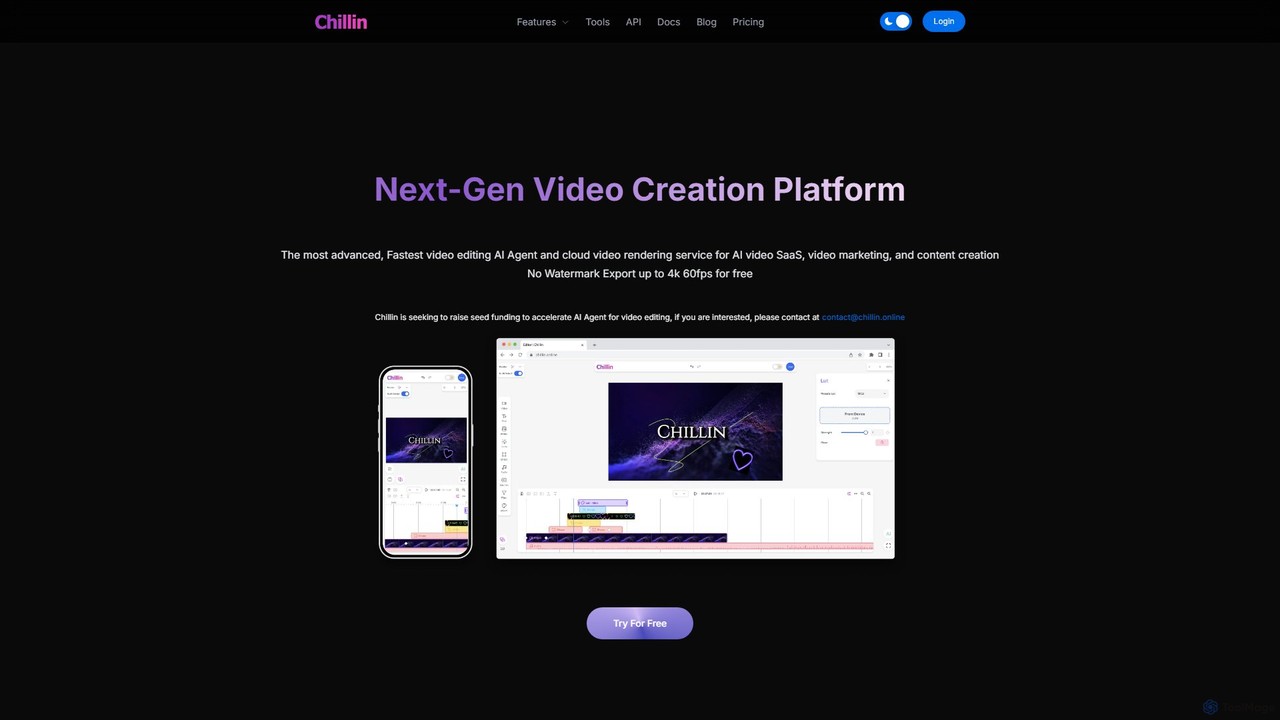
Chillin is an advanced AI-powered video creation platform offering a comprehensive suite of tools for both individual creators and businesses. It features an AI Agent for automated editing, high-speed cloud rendering, and a full-featured online editor. Key capabilities include AI-driven captioning, text-to-speech, image generation, and background removal. It also provides a powerful API for programmatic video creation, making it a versatile solution for content marketing and AI video SaaS applications.

Api
Visits 5.8KFavorites 158Likes 167
autocaption
Freemium

autocaption

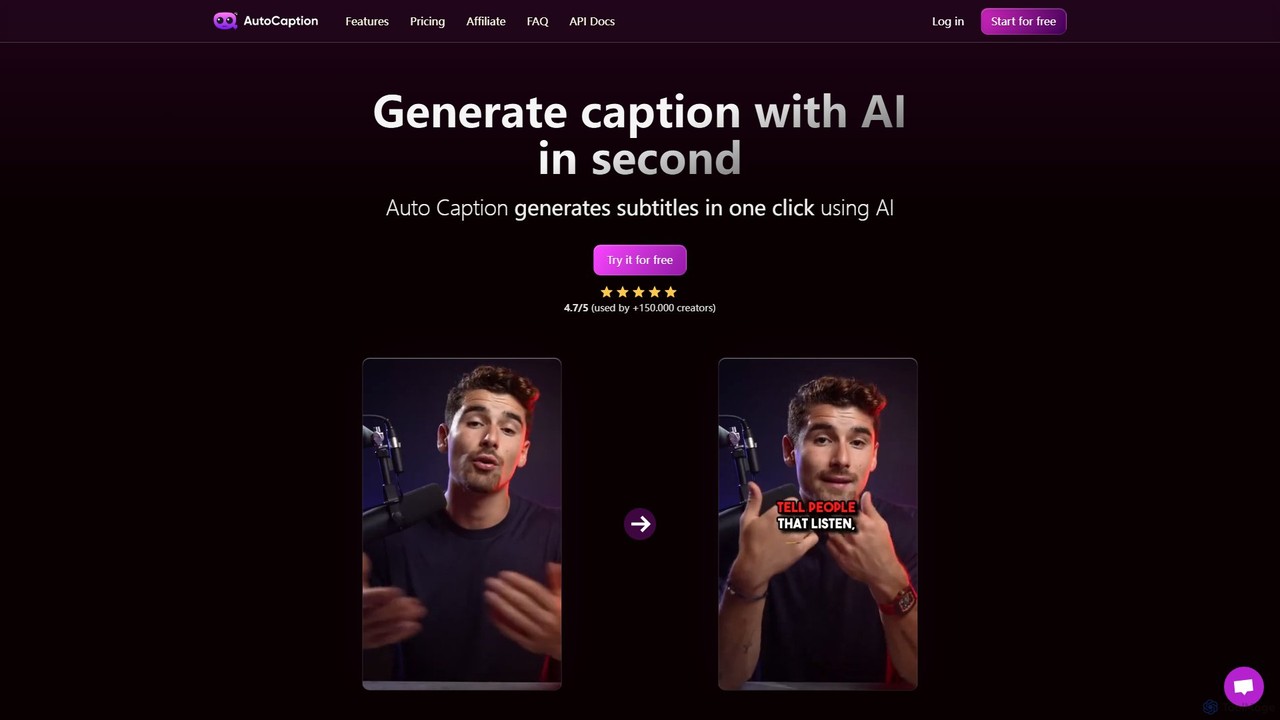
autocaption is an AI-powered tool that automatically generates, transcribes, and animates video captions in over 99 languages. Designed for content creators, it saves hours of editing with features like customizable templates, animated emojis, and B-Roll AI. Enhance video engagement and accessibility with fast, fully editable, high-definition subtitles optimized for social media.

Automation
Visits 95.2KFavorites 135Likes 137
Watermarkly
Freemium

Watermarkly

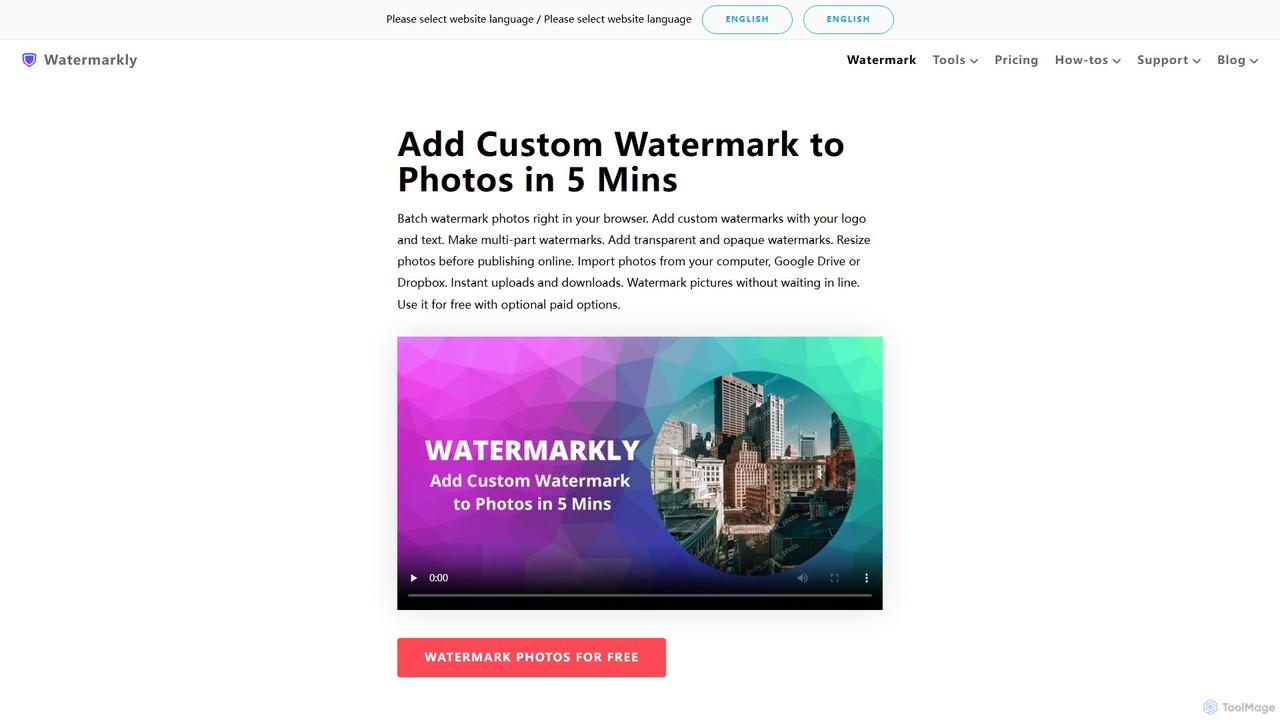
Watermarkly is a comprehensive tool for protecting and branding your digital content. It allows you to easily add custom watermarks to thousands of photos, videos, and PDFs in batches. Available as a web, desktop, and mobile app, it also includes a suite of editing tools like resizing, cropping, and compressing images.

3D
Visits 1MFavorites 175Likes 178
Decrackle
Freemium

Decrackle

Decrackle is an AI-powered multi-suite platform for audio-visual innovation. It offers a Content Creator Suite for video editing and podcasting, a Conversational Intelligence Suite for call analysis, and an API for developers. Enhance audio, transcribe, summarize, and streamline your entire AV workflow.

3D
Visits 5.6KFavorites 173Likes 160
Wisecut
Freemium

Wisecut

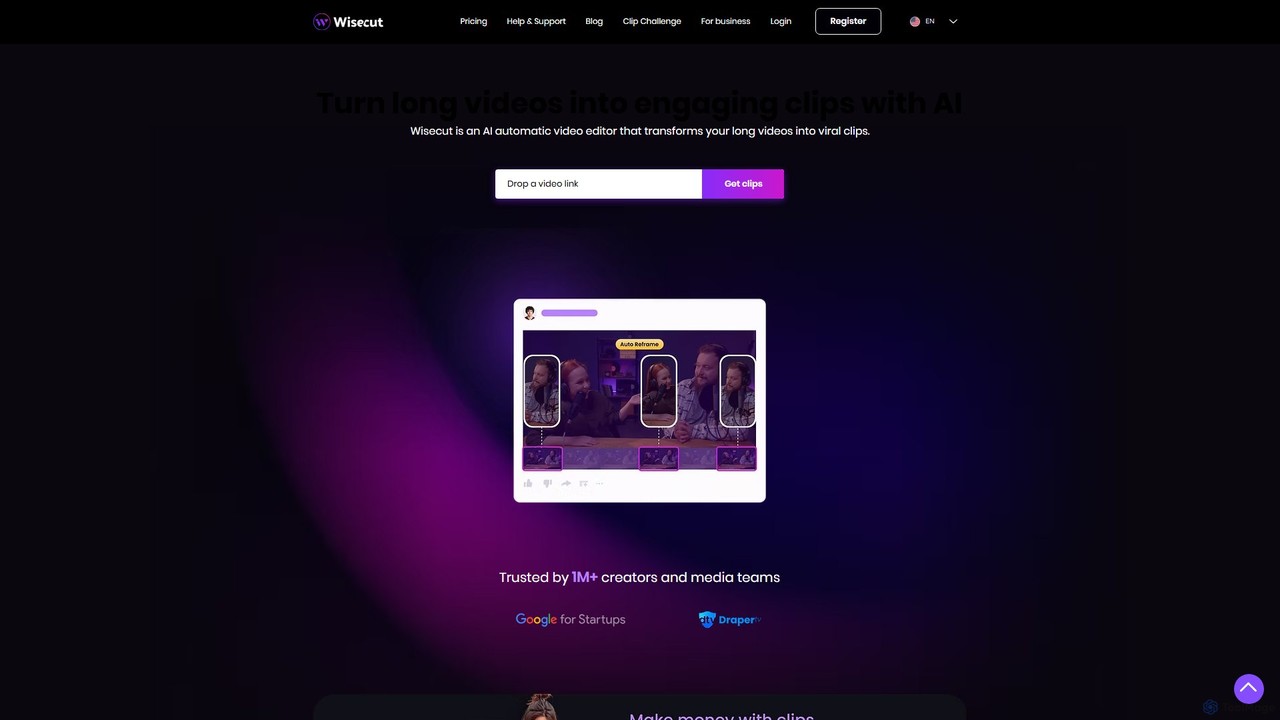
Wisecut is an AI-powered video editor that automatically transforms long videos into short, viral-ready clips. It uses AI to identify highlights, remove silences, add smart background music, and generate captions. Ideal for creators and businesses, it simplifies video editing with a storyboard-based interface, requiring no technical skills to produce professional, engaging content for social media and other platforms.

Automation
Visits 191.5KFavorites 86Likes 87
Clipwing
Freemium

Clipwing

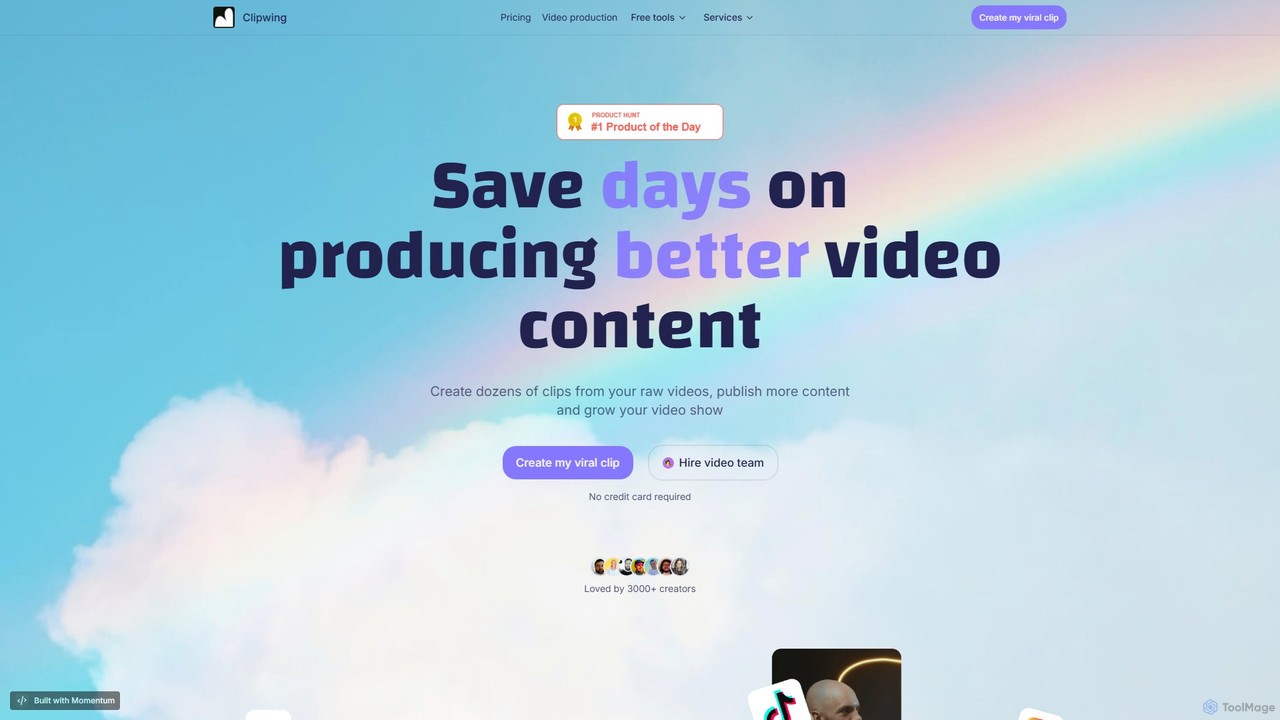
Clipwing is an AI-powered video repurposing platform that transforms long-form videos, like podcasts and webinars, into dozens of viral-ready short clips. It simplifies content creation with features like text-based editing, automatic subtitles, and AI-driven clip suggestions, helping creators and businesses save time and grow their audience on social media.

Repurposing
Visits 8.7KFavorites 141Likes 124
Mixflow.ai
Freemium

Mixflow.ai

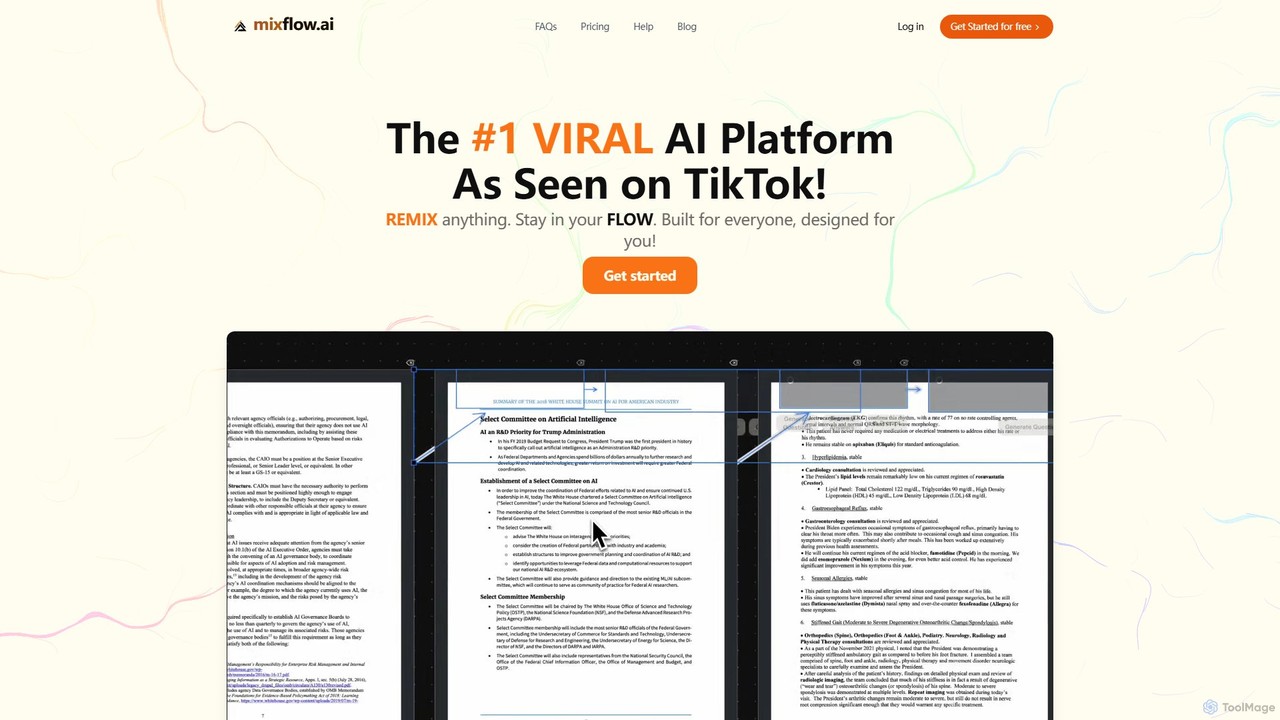
Mixflow.ai is an all-in-one AI workspace featuring an infinite canvas. It allows users to manage, analyze, and create content from various file types like documents, videos, audio, and images. With features for real-time collaboration, chatting with data sources, and multimodal content generation, it's designed to boost productivity for individuals and teams across various professions.

Transcription
Visits 8.6KFavorites 124Likes 138
BeeCut
Freemium

BeeCut

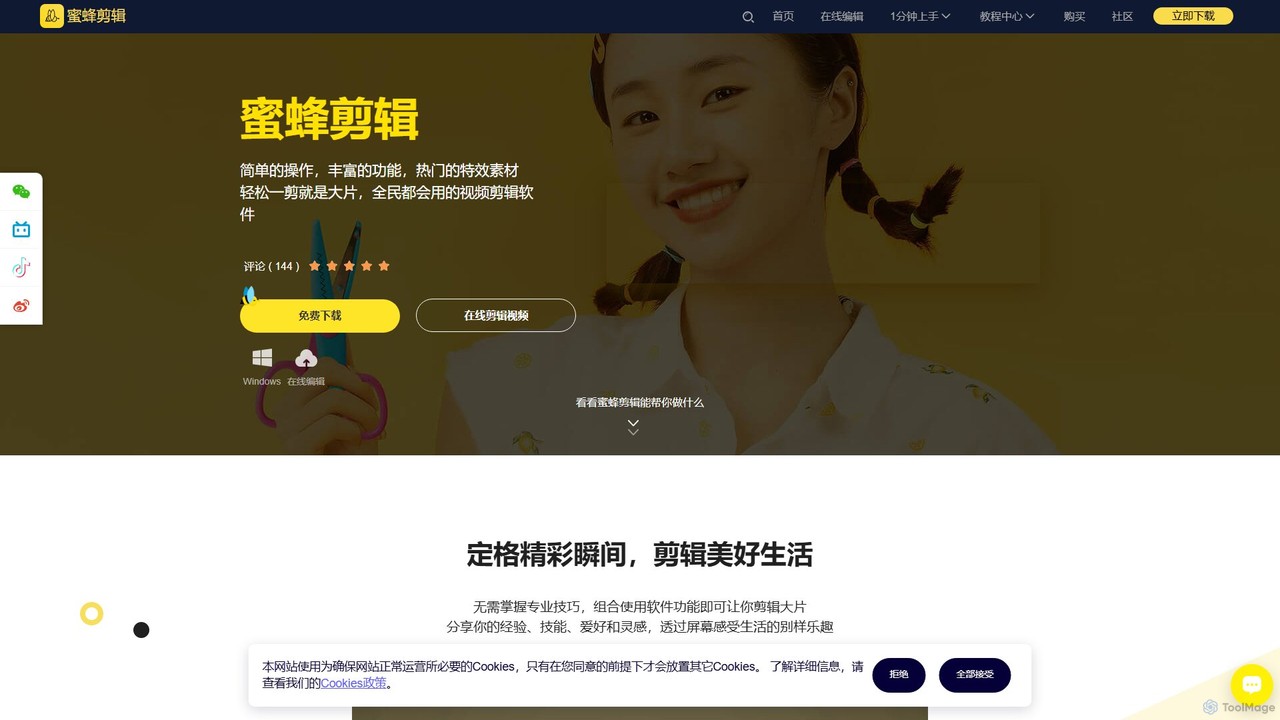
BeeCut is an intuitive and feature-rich video editing software designed for users of all skill levels. It simplifies video creation with a clean interface, extensive asset library, and powerful AI features like auto-subtitling and text-to-speech, making it ideal for vlogs, tutorials, social media content, and more.

Social Media
Visits 31.3KFavorites 149Likes 131
SpeakNotes
Freemium

SpeakNotes

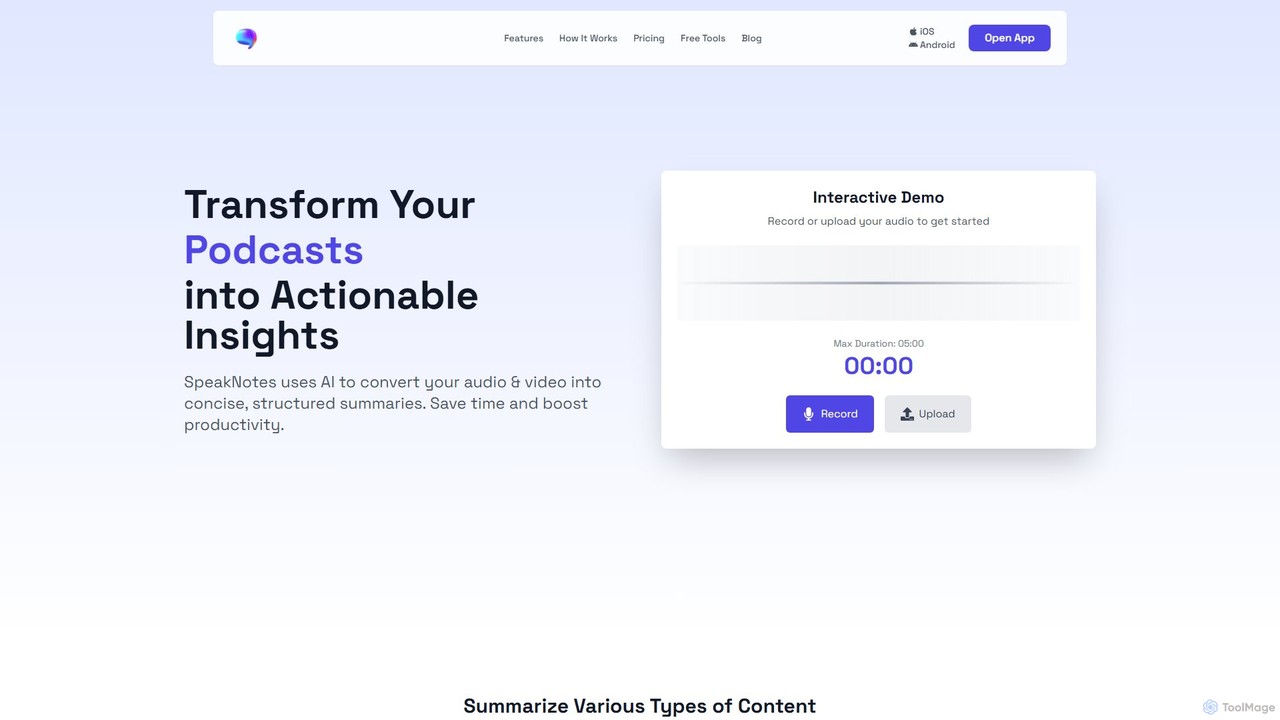
SpeakNotes is an AI-powered tool that transforms audio and video content into accurate transcripts and concise, structured summaries. It supports various file formats, multiple languages, and offers diverse output styles to boost productivity for students, professionals, and content creators.

Transcription
Visits 33.7KFavorites 154Likes 136
Adobe Podcast
Freemium

Adobe Podcast

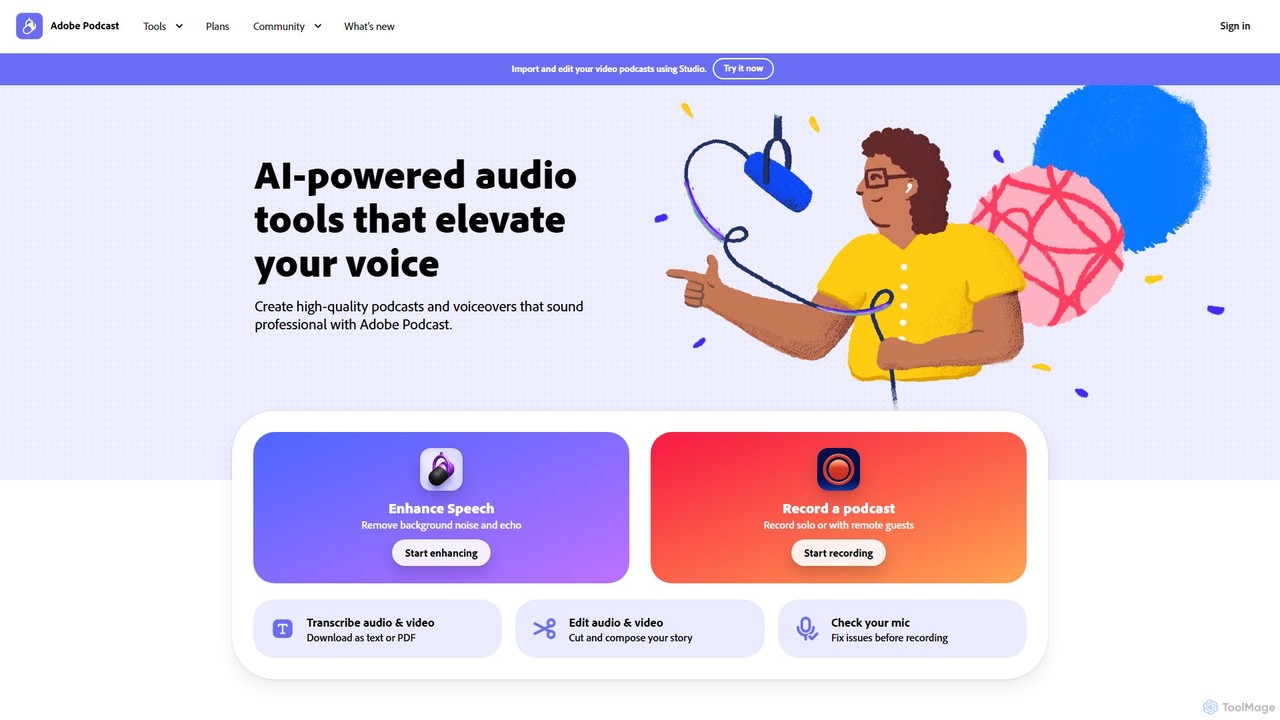
Adobe Podcast is an AI-powered, web-based platform for audio recording, editing, and enhancement. It enables users to create professional-quality podcasts and voiceovers by removing background noise, transcribing audio for text-based editing, and facilitating remote recording. It's designed for both beginners and professionals seeking studio-quality sound without complex equipment.

3D
Visits 10.5MFavorites 124Likes 130
Aiarty
Freemium

Aiarty

Aiarty is a suite of AI-powered desktop software for next-generation image and video enhancement. It offers dedicated tools for upscaling visuals to 4K/8K/32K, denoising, deblurring, and performing precise, professional-grade image matting (background removal). Optimized for AIPC and GPU acceleration, it serves photographers, designers, e-commerce professionals, and content creators.

3D
Visits 446.4KFavorites 147Likes 147
Retouch4me
Freemium

Retouch4me

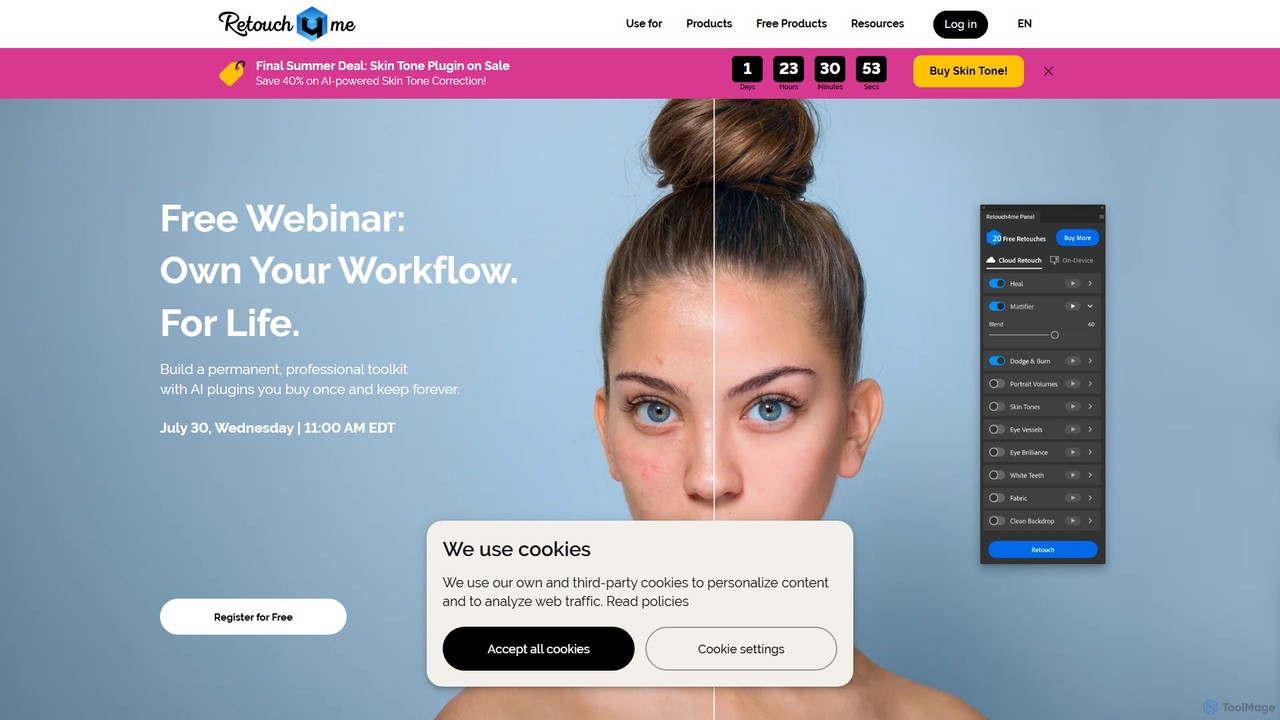
Retouch4me is a suite of AI-powered plugins and standalone apps designed for professional photographers and videographers. It automates complex retouching tasks like skin smoothing, background cleaning, and color correction, integrating seamlessly with Photoshop, Lightroom, and other editors to dramatically speed up workflows while maintaining natural-looking results.

3D
Visits 285.3KFavorites 146Likes 119
Movavi
Freemium

Movavi

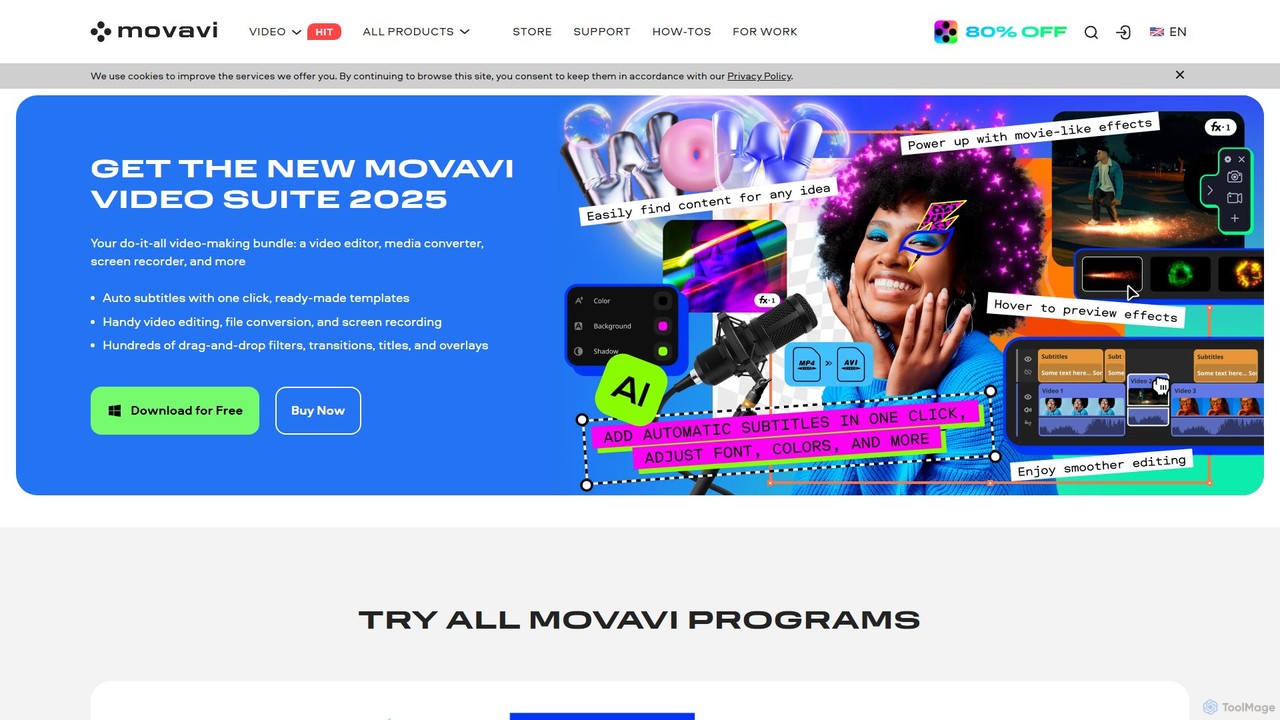
Movavi is a comprehensive suite of multimedia programs, featuring a powerful yet user-friendly AI video editor, photo editor, screen recorder, and file converter. It's designed for everyone from beginners to seasoned creators, offering AI-driven features like background removal, motion tracking, and audio denoising to simplify the creative process. Create stunning videos, edit photos, and capture your screen with an intuitive drag-and-drop interface and a vast library of effects.

Screen Recording
Visits 2.4MFavorites 111Likes 103
Saved
Freemium

Saved

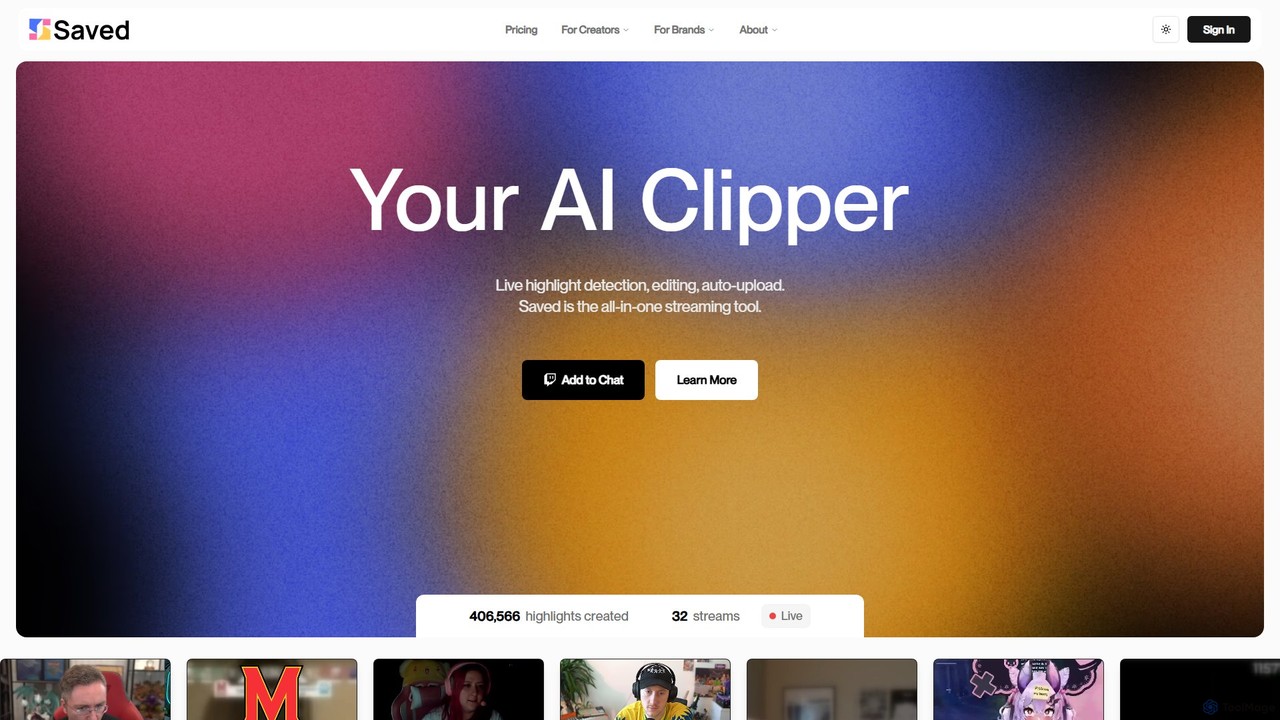
Saved is an AI-powered clipper for streamers and content creators. It automatically detects, edits, and uploads exciting moments from live streams and VODs on platforms like Twitch, YouTube, and Kick, transforming them into engaging short-form videos.

Streaming
Visits 9.6KFavorites 149Likes 156
eyeq
Paid

eyeq

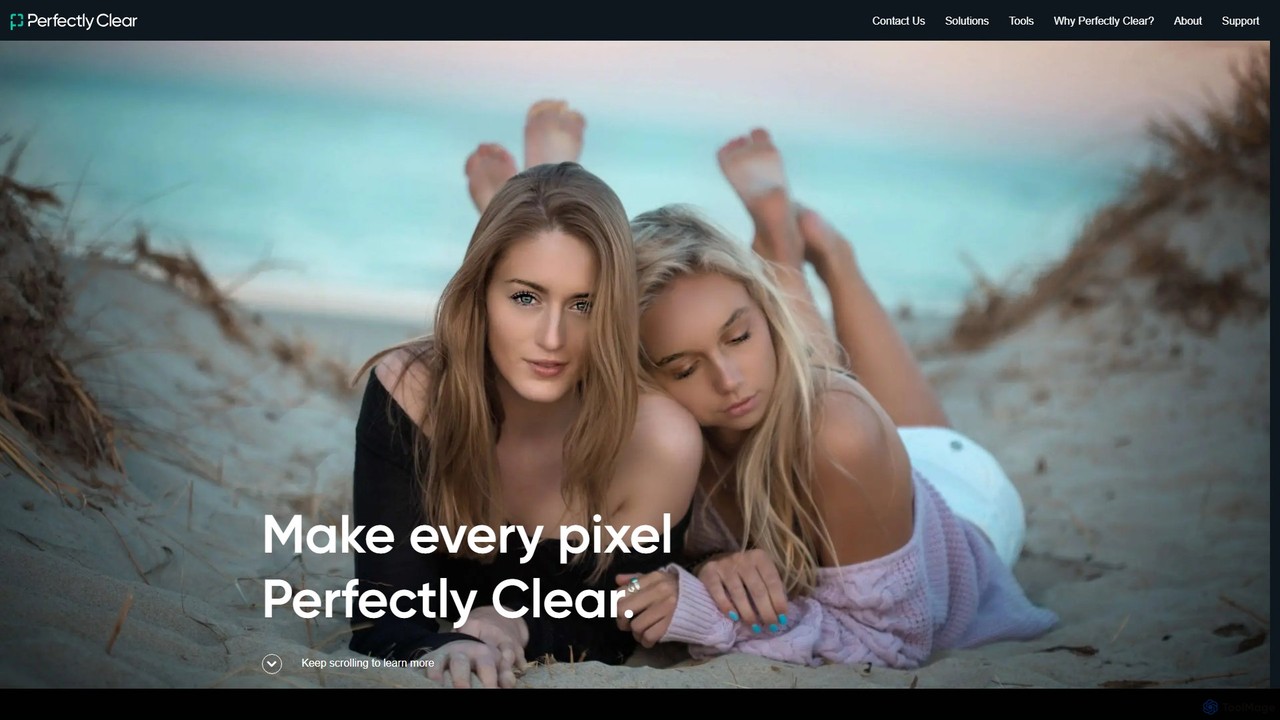
eyeq provides world-leading AI-powered automatic photo correction and video enhancement solutions for businesses. Its core technology, Perfectly Clear, uses 20+ years of scientific research and AI to deliver vibrant, accurate colors, intelligent retouching, and automated workflows, helping companies improve quality, reduce costs, and increase revenue.

3D
Visits 16.1KFavorites 100Likes 114
Bytecap
Freemium

Bytecap

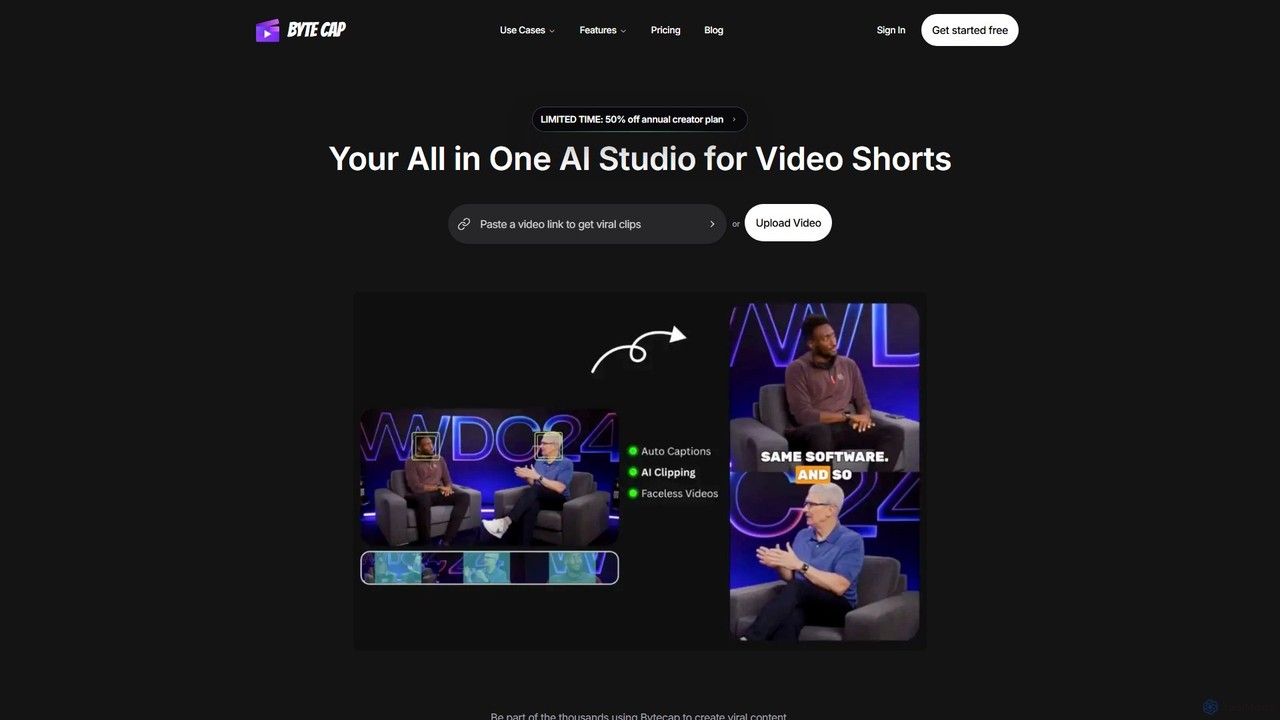
Bytecap is an all-in-one AI video studio that automates the creation of viral short videos. It uses AI to clip the best moments from long-form content, add highly accurate and customizable captions, and generate engaging faceless videos from simple text prompts. Designed for creators, marketers, and professionals, it streamlines video production for platforms like TikTok, Reels, and YouTube Shorts, requiring no prior editing skills.

Video Marketing
Visits 26.7KFavorites 152Likes 155

About Editing

AI Video Editing tools are applications that leverage artificial intelligence to automate and streamline the video post-production workflow. These tools utilize machine learning models for tasks like scene detection, transcription, and content analysis, enabling users to perform complex edits with minimal manual effort. They significantly reduce editing time for creators and businesses, making professional-quality video production more accessible. Many of these platforms introduce innovative editing paradigms, such as editing video by manipulating text transcripts.

Core Features

  • Text-Based Editing: Edit video clips by simply editing the automatically generated text transcript, such as deleting words to remove corresponding video segments.
  • Smart Scene Detection: Automatically identifies and splits video into logical scenes or clips based on visual changes or speech pauses, simplifying the trimming process.
  • Automated Subtitle Generation: Transcribes audio to text and creates synchronized, customizable subtitles or captions with high accuracy.
  • AI-Powered Reframing: Intelligently adjusts the framing of a video for different aspect ratios (e.g., from 16:9 to 9:16) while keeping the main subject in view.
  • Filler Word & Silence Removal: Automatically detects and removes filler words (e.g., 'um', 'ah') and long pauses to create a more polished final cut.

Use Cases

These tools are widely used by content creators, marketers, podcasters, and educators. For instance, a YouTuber can quickly edit a long recording by removing mistakes from the transcript, while a marketing team can efficiently repurpose a single webinar into multiple short clips for social media platforms like TikTok and Instagram.

How to Choose

When selecting an AI Video Editing tool, consider the core editing interface (text-based vs. traditional timeline), the accuracy of its transcription and AI features, integration with stock media libraries, and its export options. Also, evaluate whether the pricing model aligns with your video production volume and if the platform operates locally or in the cloud, which affects performance and accessibility.

Featured tool rankings

Editing use cases

1

Repurposing Webinars for Social Media

A marketing manager needs to create a month's worth of social media content from a single one-hour webinar. Instead of manually scrubbing through the video, they upload it to an AI video editor. The tool automatically transcribes the entire session. The manager then searches for keywords like 'key insight' or 'customer success' to instantly find the most valuable segments. Using text-based editing, they highlight compelling sentences and the AI automatically creates short, shareable video clips, complete with animated captions, perfectly formatted for platforms like LinkedIn and Instagram Reels. This process reduces a multi-day task to just a few hours.

2

Editing Talking Head Videos for Courses

An online course creator records a two-hour lecture video. The raw footage contains many pauses, filler words like 'um' and 'ah', and some repeated sentences. Using an AI video editor, they activate the 'Remove Filler Words' and 'Shorten Silences' features. The AI scans the audio track and automatically makes hundreds of micro-cuts, tightening up the delivery instantly. The creator then reviews the transcript, deletes sentences where they misspoke, and the corresponding video is removed seamlessly. This allows them to produce a professional, concise educational video without spending days on tedious manual editing.

3

Automating Podcast to Video Conversion

A podcaster wants to expand their reach to YouTube but lacks video editing skills. They upload their final audio episode to an AI editing tool. The AI automatically transcribes the entire conversation. The podcaster then uses a feature to add speaker labels. Based on the audio and transcript, the tool generates a dynamic video, switching camera angles between speaker avatars or photos, displaying key topics as on-screen text, and adding an animated audiogram. The entire process of creating a visually engaging video from an audio file is completed in under 30 minutes, a task that would typically require a skilled video editor and hours of work.

4

Quickly Adding Subtitles to Marketing Videos

A small business owner creates a product demo video for social media, where most users watch with the sound off. They need accurate subtitles quickly. They upload the video to an AI editor, which generates a full transcript and synchronized subtitles in minutes. The owner can then easily review the text, correct any brand-specific terminology, and customize the subtitle style to match their brand's colors and font. The tool also allows them to burn the subtitles directly into the video or export them as a separate SRT file. This ensures their message is accessible and effective, even in a sound-off environment.

5

Creating Vertical Video from Horizontal Footage

A content creator has filmed an interview in a standard horizontal (16:9) format for YouTube. To promote it on Instagram Stories and TikTok, they need a vertical (9:16) version. Instead of manually keyframing the position to keep the speakers in frame, they use an AI editor's 'Auto Reframe' feature. The AI analyzes the video, detects the speakers' faces, and automatically generates a vertical version where the frame dynamically follows the person who is talking. It intelligently switches focus between speakers, ensuring the most important part of the scene is always visible. This saves significant time compared to manual reframing.

6

Finding Key Moments in User Interviews

A UX researcher has conducted ten hours of video-recorded user interviews for a new product. To find actionable insights, they need to locate all instances where users mentioned 'frustration' or 'confusing interface'. They upload all videos to an AI editor. The tool transcribes everything and makes the content searchable. The researcher simply types 'frustration' into a search bar, and the tool instantly provides a list of every clip where the word was spoken. They can click on each result to watch the exact moment, create a highlight reel of critical feedback, and share it with the product team, turning days of manual review into a focused, efficient analysis.

Editing FAQ

What are AI Video Editing tools?

AI Video Editing tools are software applications that use artificial intelligence to automate parts of the video editing process. Instead of requiring users to manually perform every cut, transition, and correction, these tools use AI for tasks like transcribing audio, detecting scenes, removing silences, and even suggesting edits. Their primary goal is to make video editing faster, more efficient, and accessible to users without professional editing experience.

How do AI video editors differ from traditional editors like Adobe Premiere Pro?

The main difference lies in the workflow and level of automation. Traditional editors like Premiere Pro offer deep, manual control over every aspect of the video, requiring significant technical skill. AI video editors prioritize speed and simplicity by automating repetitive tasks. For example:

  • Workflow: Many AI editors use a text-based interface where you edit the transcript to edit the video, which is faster for dialogue-heavy content. Traditional editors use a visual timeline.
  • Automation: AI tools automatically handle tasks like subtitle creation, silence removal, and reframing, which are manual processes in traditional software.
  • Target User: AI editors are ideal for content creators, marketers, and beginners, while traditional editors are the standard for professional filmmakers and editors who need granular control.
What are the key features to look for in an AI Video Editor?

When choosing an AI video editor, focus on features that save the most time in your specific workflow. Key features include:

  • Accurate Transcription: The foundation of many AI features. Look for high accuracy in your language and dialect, and the ability to correct errors easily.
  • Text-Based Editing: The ability to cut, copy, and delete parts of your video by editing the transcript is a major time-saver for interviews and presentations.
  • Filler Word & Silence Removal: A one-click feature to clean up audio tracks and make speakers sound more confident and articulate.
  • Auto Reframing: Essential for repurposing content across different social media platforms with varying aspect ratios (e.g., 16:9, 9:16, 1:1).
  • Multi-Language Support: If you work with international content, check for transcription and subtitling capabilities in multiple languages.
Can AI completely replace human video editors?

It's unlikely that AI will completely replace human video editors in the near future. Instead, AI is becoming a powerful assistant. AI excels at tedious, repetitive, and data-driven tasks like transcription, removing filler words, or creating initial rough cuts. However, human editors remain essential for the creative and nuanced aspects of storytelling, such as emotional pacing, artistic color grading, complex sound design, and making subjective decisions that resonate with an audience. The future of video editing is likely a collaboration where AI handles the technical grunt work, freeing up human editors to focus on high-level creativity.

Who is the ideal user for AI Video Editing tools?

AI video editors are best suited for individuals and teams who need to produce polished, dialogue-driven video content quickly and efficiently, often without a dedicated video editor. This includes:

  • Content Creators & YouTubers: For quickly editing vlogs, tutorials, and interviews by removing mistakes and adding subtitles.
  • Marketers: For repurposing long-form content like webinars into short social media clips.
  • Podcasters: For easily converting audio episodes into engaging video formats for platforms like YouTube.
  • Educators & Corporate Trainers: For creating clear and concise training materials and online courses from raw lecture footage.
  • UX Researchers & Journalists: For transcribing and finding key moments in hours of interview footage.