Video Best in category 19 results Editing AI Tool

Popular AI tools in the Editing field of Video include VidCap、Descript、Movavi、Filmora、WinXDVD、Aiarty、AVCLabs、UniFab Studio、Colourlab.ai, etc., helping you quickly improve efficiency.

WinXDVD

WinXDVD

WinXDVD is a comprehensive software suite featuring the AI-powered Winxvideo AI for video/image enhancement, conversion, and editing, alongside …

1.5M
Mediachance

Mediachance

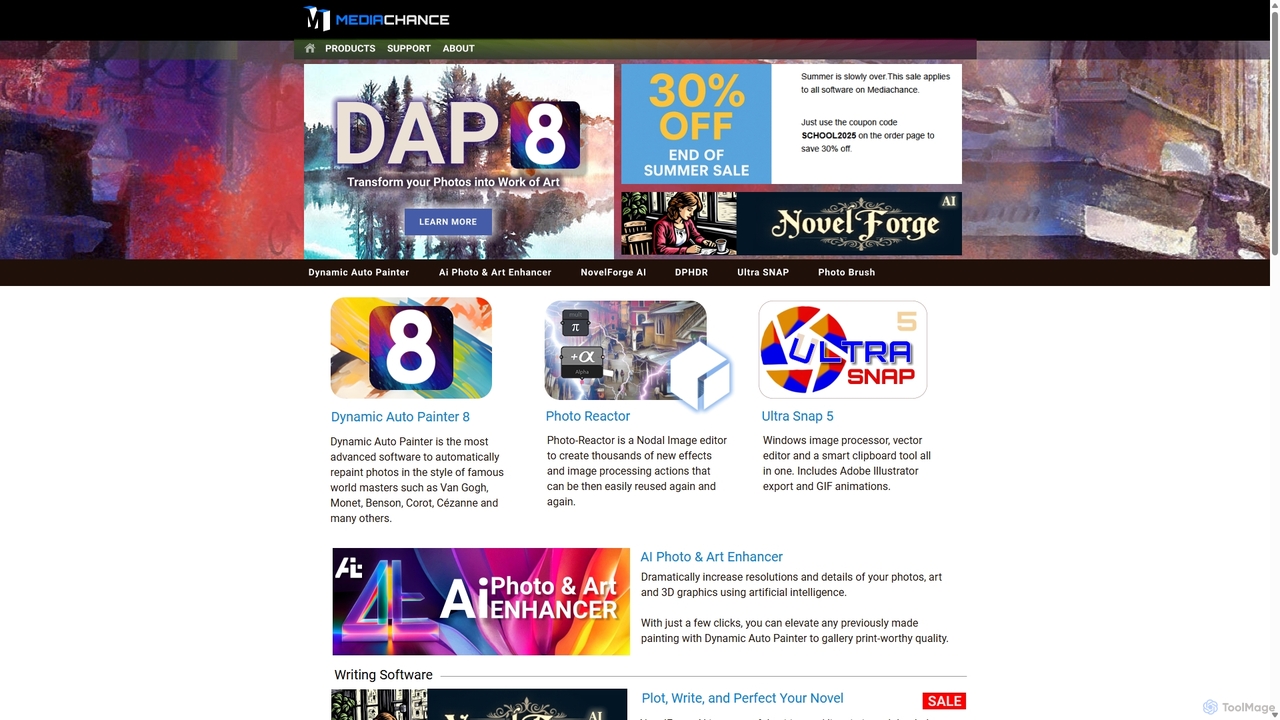
Mediachance offers a comprehensive suite of innovative graphics, video, and multimedia software for Windows. Since 1998, they have …

23.7K
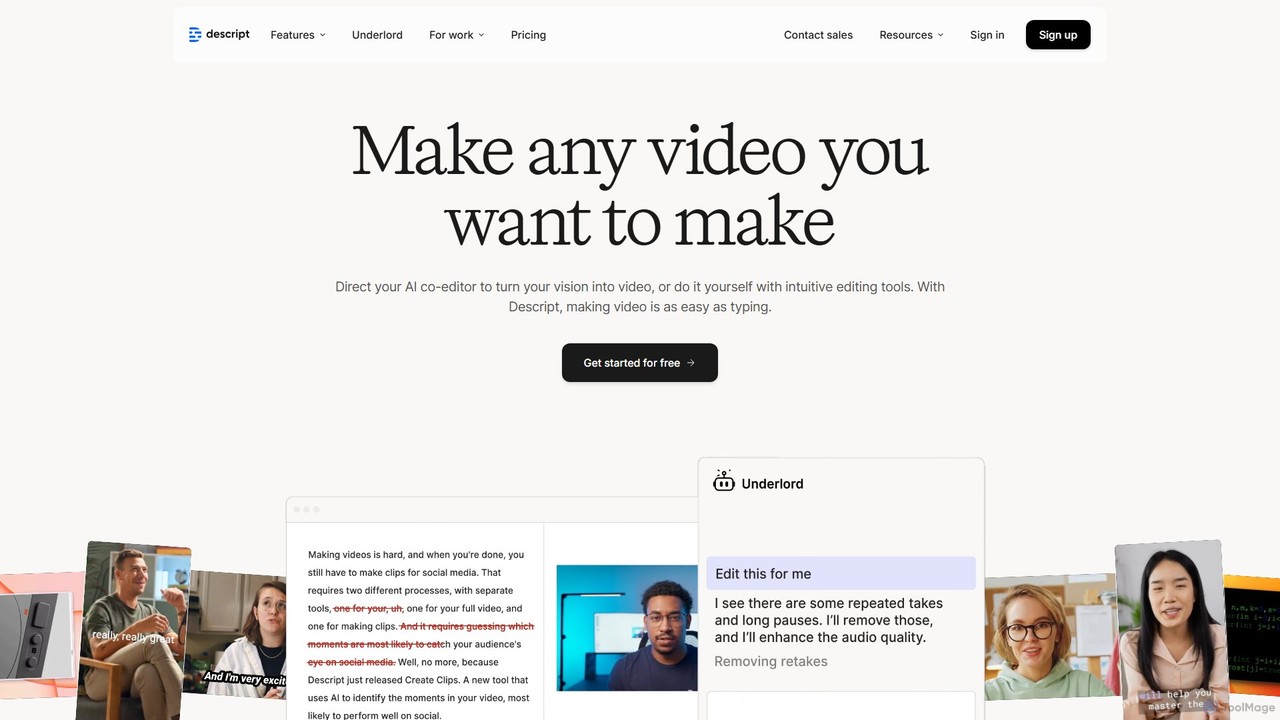
Descript

Descript

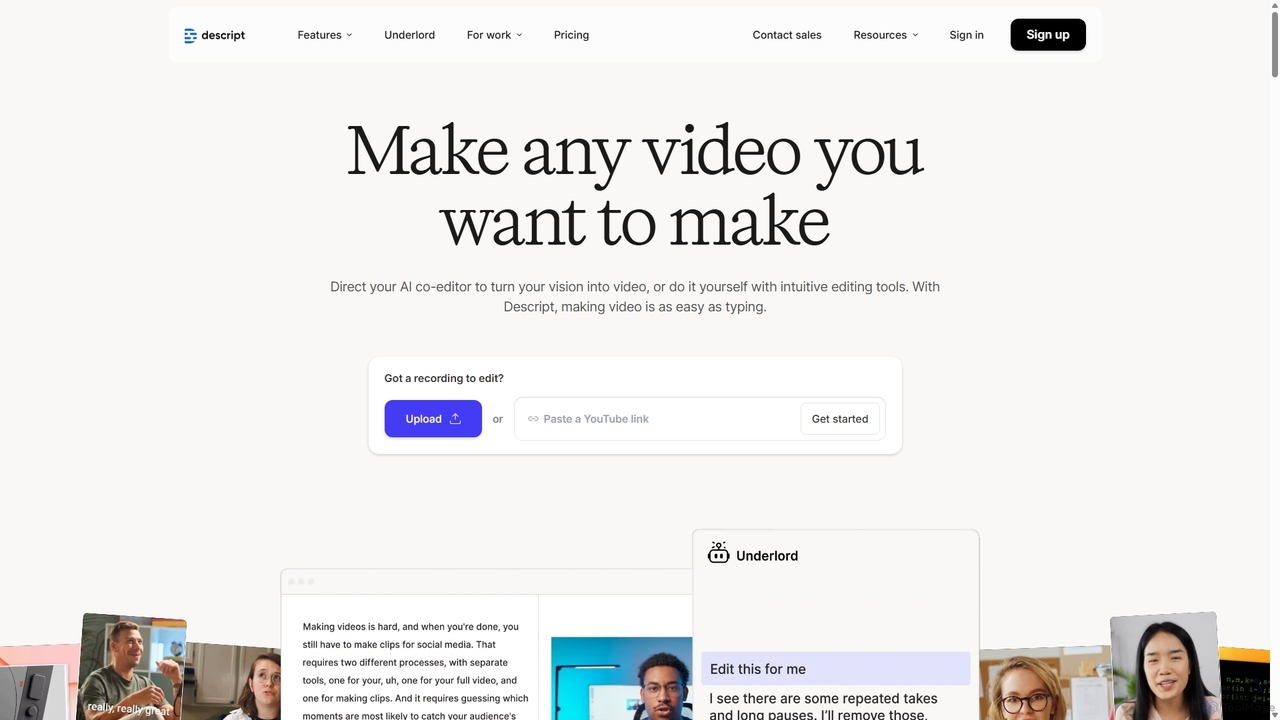
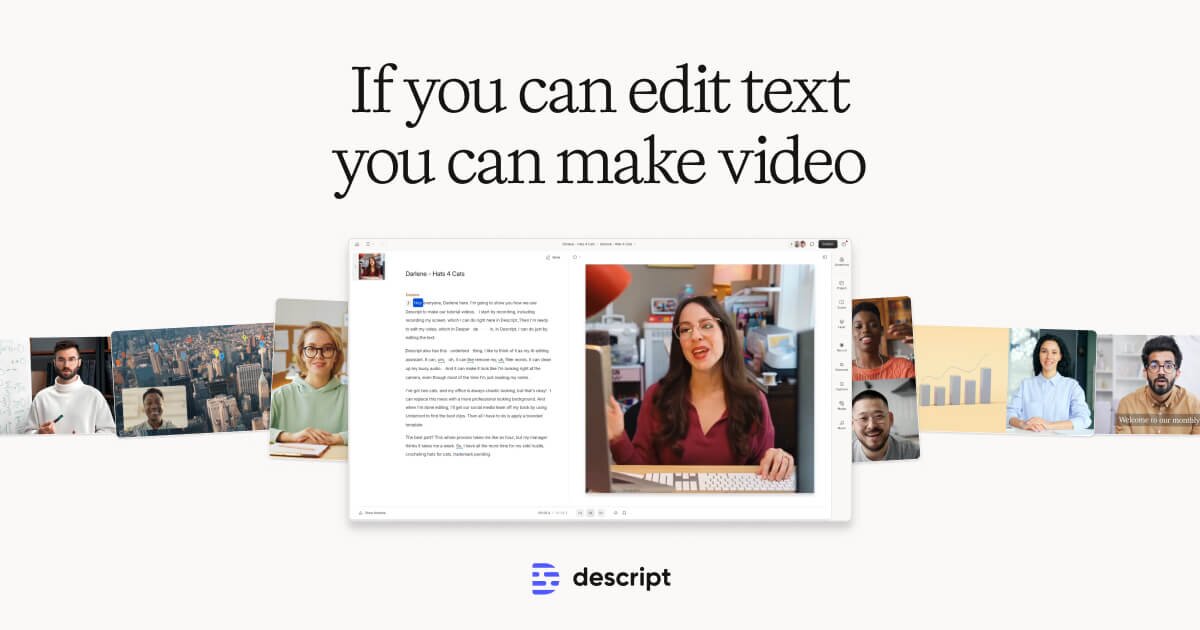
Descript is an all-in-one AI-powered video and podcast editor that lets you edit media as easily as editing …

8.7K
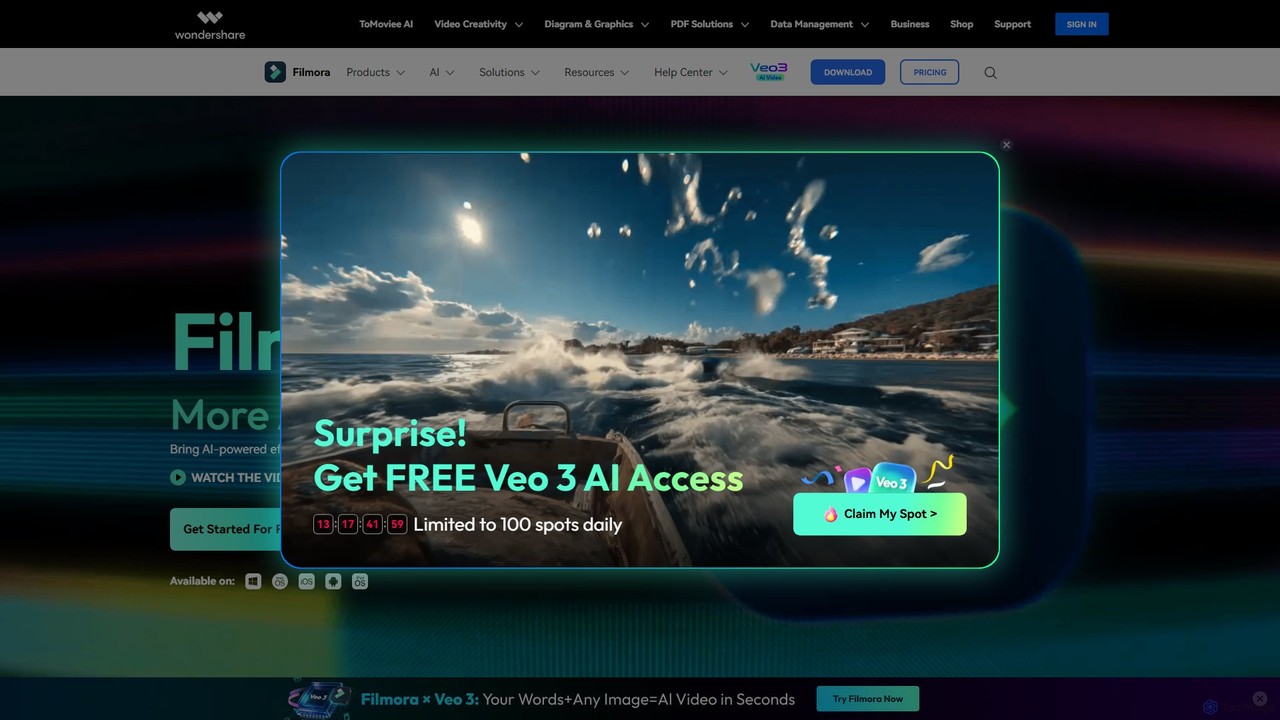
Filmora

Filmora

Filmora is an AI-powered video editor that simplifies the creation process for both beginners and professionals. It offers …

625.8K
DeepMake

DeepMake

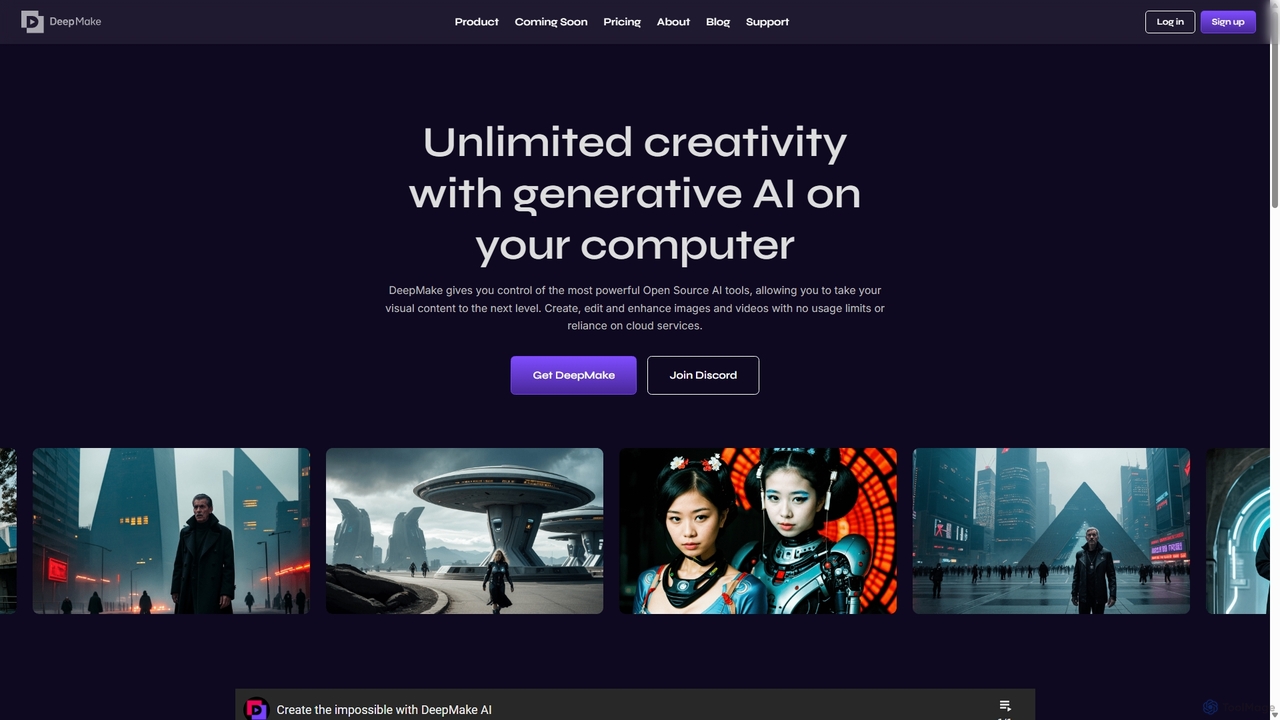
DeepMake is a powerful suite of generative AI tools that run locally on your computer, integrating directly into …

5.6K
VidHex

VidHex

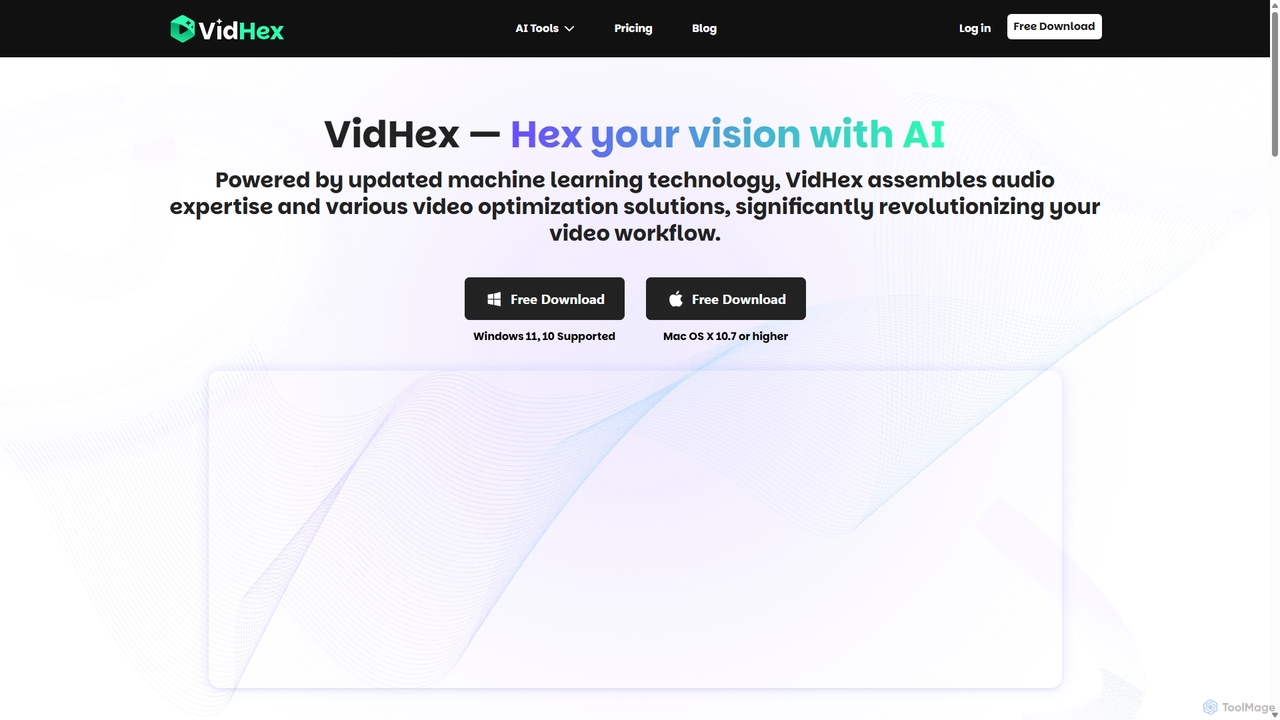
VidHex is an all-in-one, AI-powered desktop application for Windows and Mac designed to enhance, restore, and upscale video …

61.0K
VidCap

VidCap

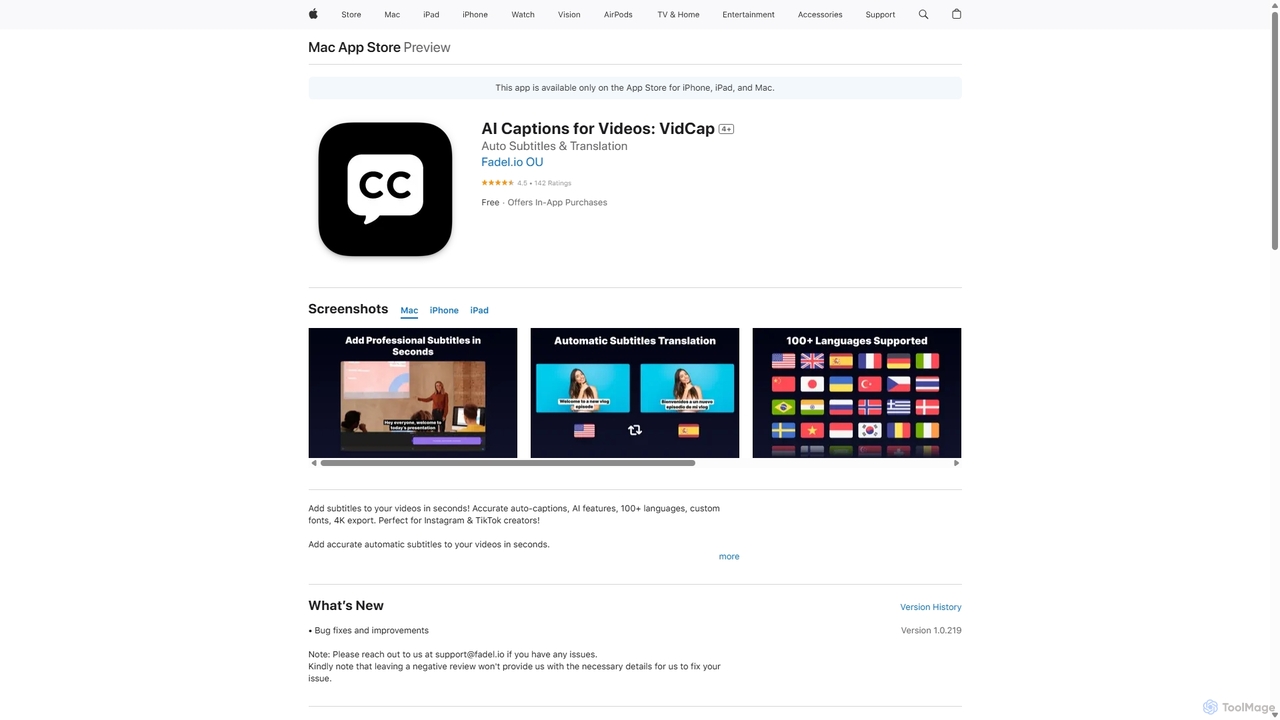
VidCap is an AI-powered mobile application designed for content creators to effortlessly add accurate, automatic subtitles to videos. …

140.9M
AutoCap

AutoCap

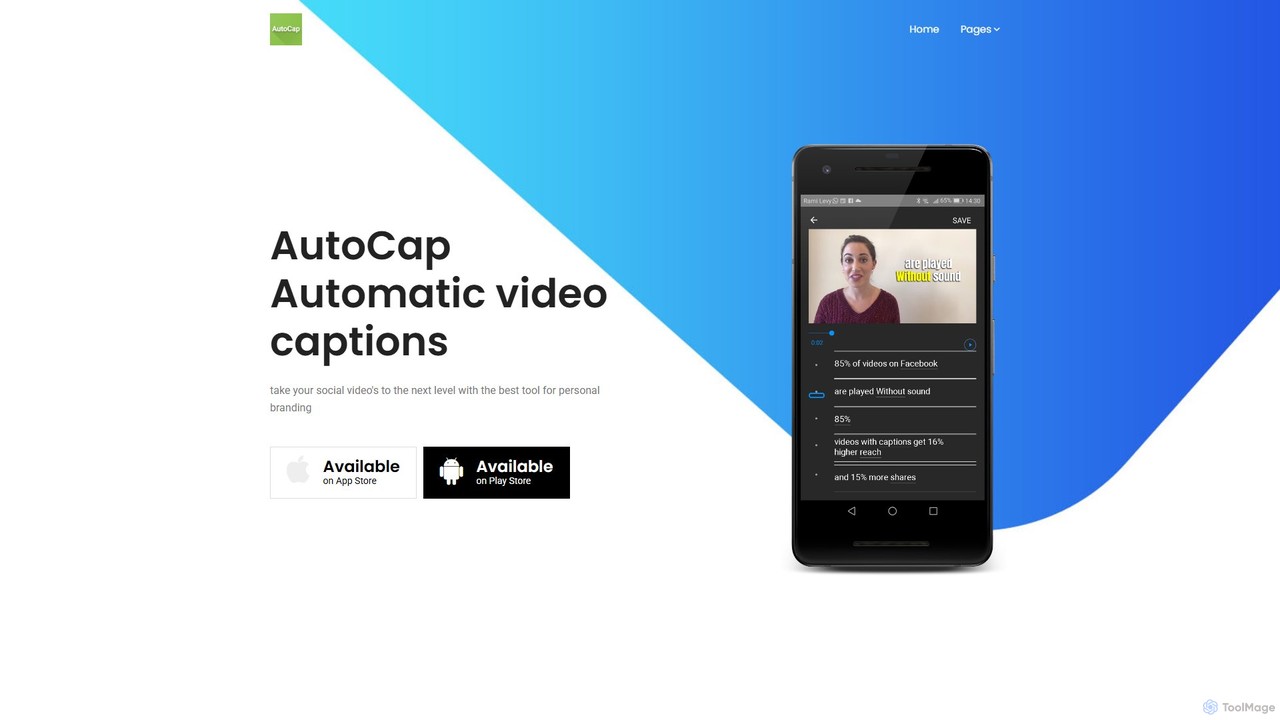
AutoCap is an AI-powered mobile app that automatically adds stunning animated captions to your videos. It uses advanced …

9.2K
UniFab Studio

UniFab Studio

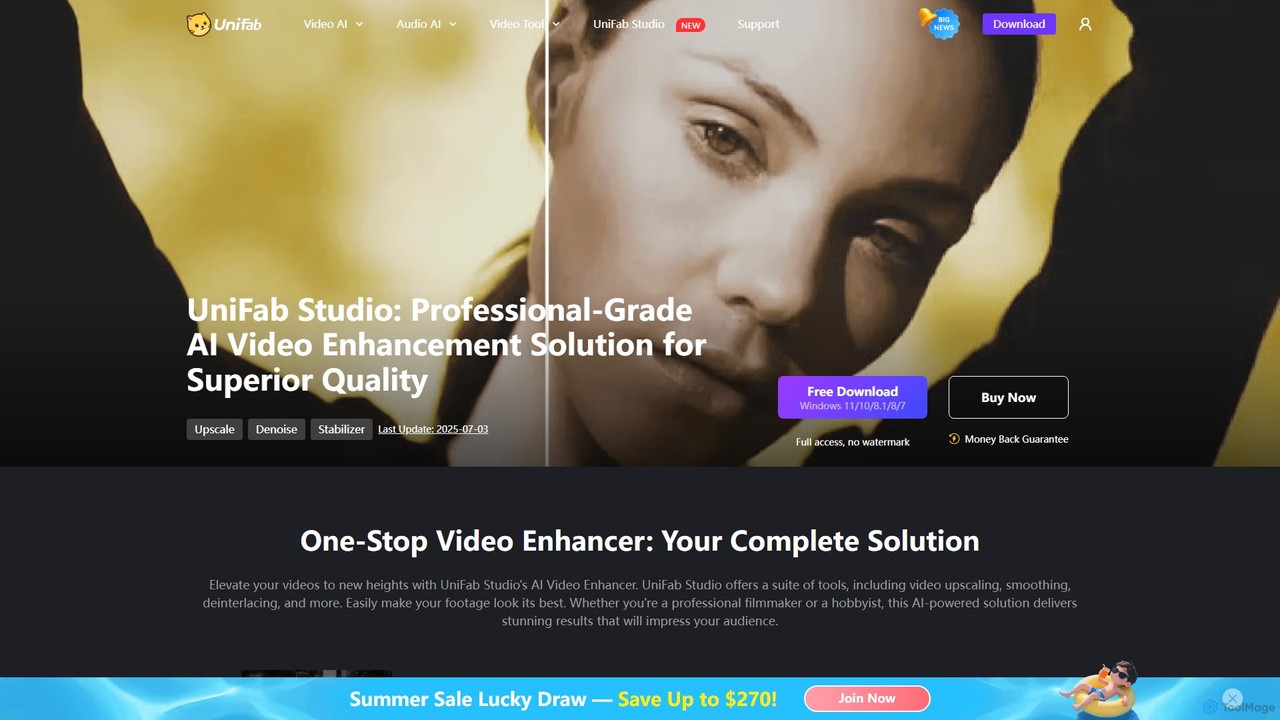
UniFab Studio is an all-in-one, AI-powered video enhancement suite designed for professionals and enthusiasts. It elevates video quality …

190.7K
ShortMagic

ShortMagic

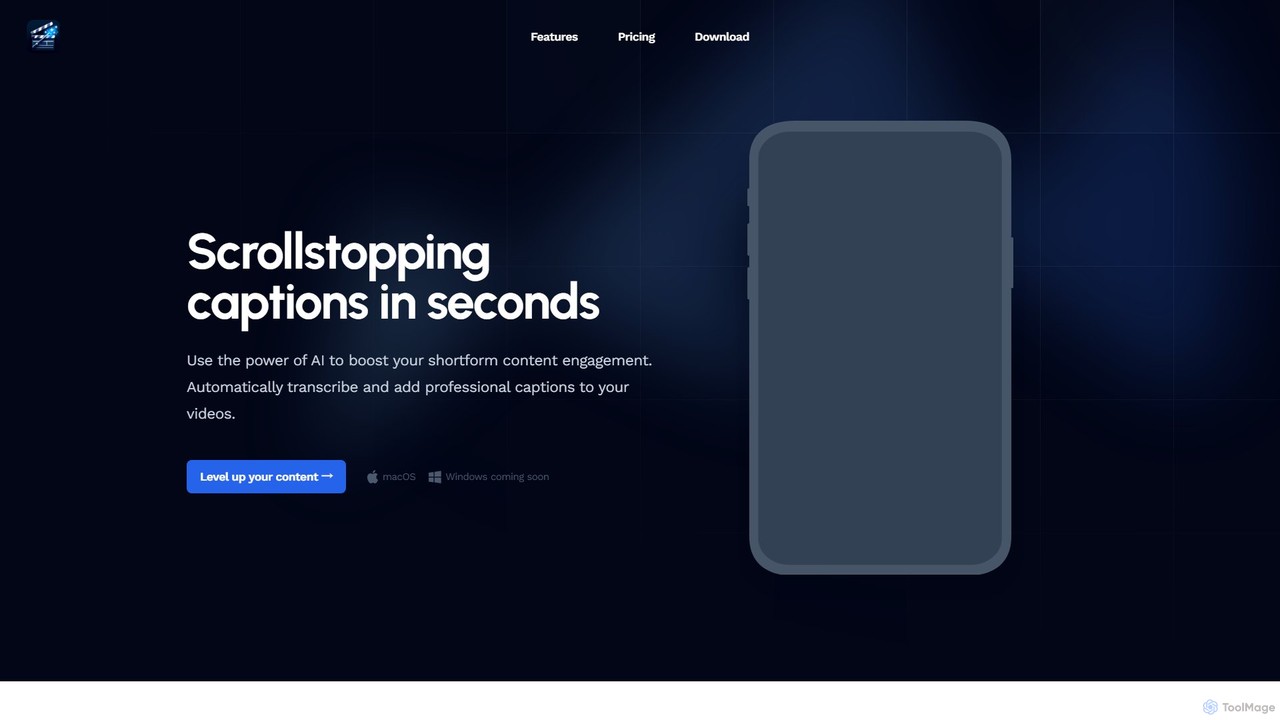
ShortMagic is an AI-powered desktop application for macOS (Windows coming soon) that automatically generates and adds professional, customizable …

2.9K
Filmora

Filmora

Filmora is a powerful and intuitive AI video editor designed for creators of all skill levels. It simplifies …

1.9M
Descript

Descript

Descript is an all-in-one AI-powered video and podcast editor that revolutionizes content creation by allowing you to edit …

3.1M
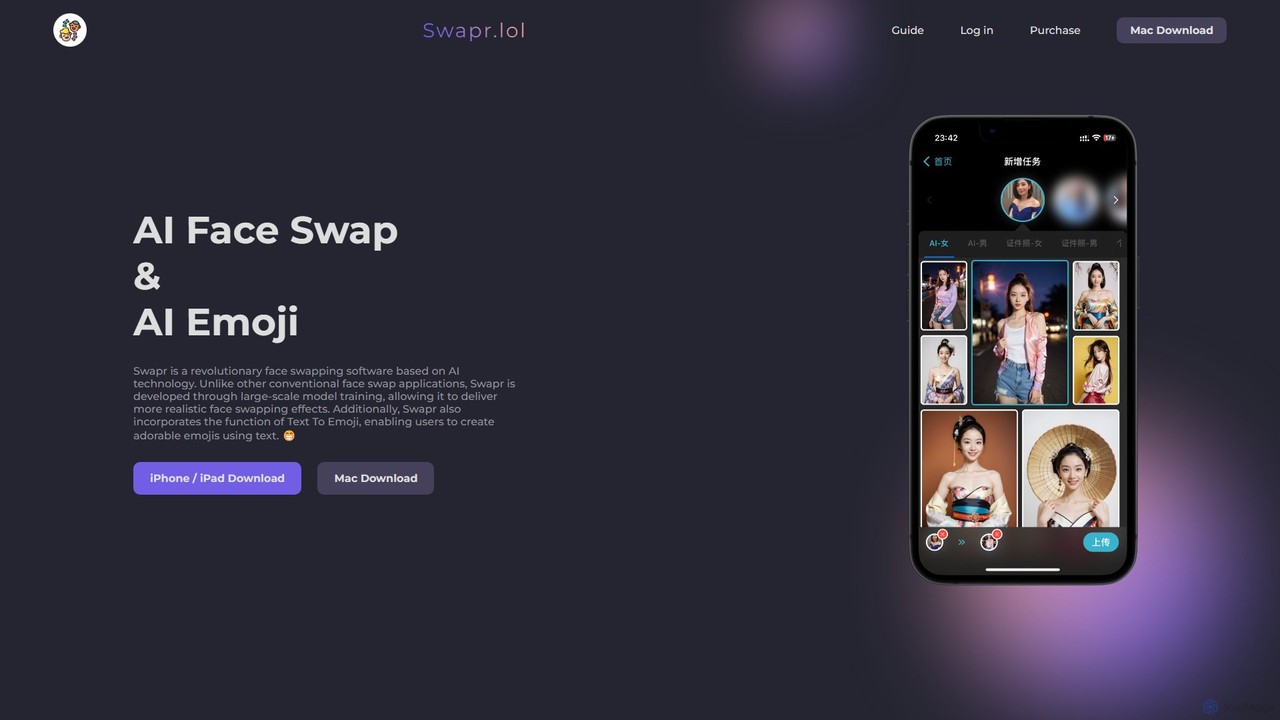
Swapr

Swapr

Swapr is a high-speed AI-powered application for iOS, Mac, and iPad that creates incredibly realistic face swaps in …

3.4K
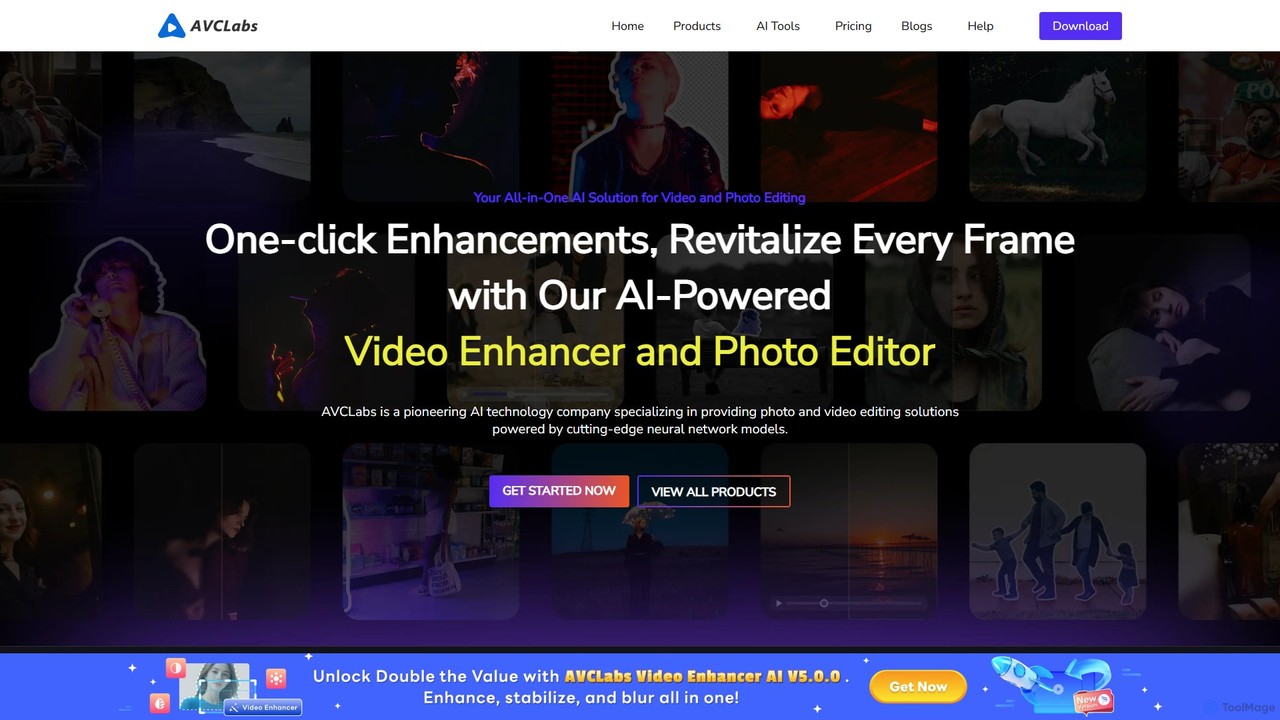
AVCLabs

AVCLabs

AVCLabs offers a suite of AI-powered desktop applications designed to enhance, restore, upscale, and edit videos and photos. …

191.5K
Detail

Detail

Detail is an AI-powered video creation and editing app for iOS and macOS that turns your device into …

55.7K
Colourlab.ai

Colourlab.ai

Colourlab.ai is an AI-powered color grading tool that automates and accelerates video post-production. It offers one-click shot matching, …

70.9K
BeeCut

BeeCut

BeeCut is an intuitive and feature-rich video editing software designed for users of all skill levels. It simplifies …

39.8K
Aiarty

Aiarty

Aiarty is a suite of AI-powered desktop software for next-generation image and video enhancement. It offers dedicated tools …

790.9K
Movavi

Movavi

Movavi is a comprehensive suite of multimedia programs, featuring a powerful yet user-friendly AI video editor, photo editor, …

2.5M

About Editing

AI Video Editing tools are applications that leverage artificial intelligence to automate and streamline the video post-production workflow. These tools utilize machine learning models for tasks like scene detection, transcription, and content analysis, enabling users to perform complex edits with minimal manual effort. They significantly reduce editing time for creators and businesses, making professional-quality video production more accessible. Many of these platforms introduce innovative editing paradigms, such as editing video by manipulating text transcripts.

Core Features

  • Text-Based Editing: Edit video clips by simply editing the automatically generated text transcript, such as deleting words to remove corresponding video segments.
  • Smart Scene Detection: Automatically identifies and splits video into logical scenes or clips based on visual changes or speech pauses, simplifying the trimming process.
  • Automated Subtitle Generation: Transcribes audio to text and creates synchronized, customizable subtitles or captions with high accuracy.
  • AI-Powered Reframing: Intelligently adjusts the framing of a video for different aspect ratios (e.g., from 16:9 to 9:16) while keeping the main subject in view.
  • Filler Word & Silence Removal: Automatically detects and removes filler words (e.g., 'um', 'ah') and long pauses to create a more polished final cut.

Use Cases

These tools are widely used by content creators, marketers, podcasters, and educators. For instance, a YouTuber can quickly edit a long recording by removing mistakes from the transcript, while a marketing team can efficiently repurpose a single webinar into multiple short clips for social media platforms like TikTok and Instagram.

How to Choose

When selecting an AI Video Editing tool, consider the core editing interface (text-based vs. traditional timeline), the accuracy of its transcription and AI features, integration with stock media libraries, and its export options. Also, evaluate whether the pricing model aligns with your video production volume and if the platform operates locally or in the cloud, which affects performance and accessibility.

EditingUse Cases

1

Repurposing Webinars for Social Media

A marketing manager needs to create a month's worth of social media content from a single one-hour webinar. Instead of manually scrubbing through the video, they upload it to an AI video editor. The tool automatically transcribes the entire session. The manager then searches for keywords like 'key insight' or 'customer success' to instantly find the most valuable segments. Using text-based editing, they highlight compelling sentences and the AI automatically creates short, shareable video clips, complete with animated captions, perfectly formatted for platforms like LinkedIn and Instagram Reels. This process reduces a multi-day task to just a few hours.

2

Editing Talking Head Videos for Courses

An online course creator records a two-hour lecture video. The raw footage contains many pauses, filler words like 'um' and 'ah', and some repeated sentences. Using an AI video editor, they activate the 'Remove Filler Words' and 'Shorten Silences' features. The AI scans the audio track and automatically makes hundreds of micro-cuts, tightening up the delivery instantly. The creator then reviews the transcript, deletes sentences where they misspoke, and the corresponding video is removed seamlessly. This allows them to produce a professional, concise educational video without spending days on tedious manual editing.

3

Automating Podcast to Video Conversion

A podcaster wants to expand their reach to YouTube but lacks video editing skills. They upload their final audio episode to an AI editing tool. The AI automatically transcribes the entire conversation. The podcaster then uses a feature to add speaker labels. Based on the audio and transcript, the tool generates a dynamic video, switching camera angles between speaker avatars or photos, displaying key topics as on-screen text, and adding an animated audiogram. The entire process of creating a visually engaging video from an audio file is completed in under 30 minutes, a task that would typically require a skilled video editor and hours of work.

4

Quickly Adding Subtitles to Marketing Videos

A small business owner creates a product demo video for social media, where most users watch with the sound off. They need accurate subtitles quickly. They upload the video to an AI editor, which generates a full transcript and synchronized subtitles in minutes. The owner can then easily review the text, correct any brand-specific terminology, and customize the subtitle style to match their brand's colors and font. The tool also allows them to burn the subtitles directly into the video or export them as a separate SRT file. This ensures their message is accessible and effective, even in a sound-off environment.

5

Creating Vertical Video from Horizontal Footage

A content creator has filmed an interview in a standard horizontal (16:9) format for YouTube. To promote it on Instagram Stories and TikTok, they need a vertical (9:16) version. Instead of manually keyframing the position to keep the speakers in frame, they use an AI editor's 'Auto Reframe' feature. The AI analyzes the video, detects the speakers' faces, and automatically generates a vertical version where the frame dynamically follows the person who is talking. It intelligently switches focus between speakers, ensuring the most important part of the scene is always visible. This saves significant time compared to manual reframing.

6

Finding Key Moments in User Interviews

A UX researcher has conducted ten hours of video-recorded user interviews for a new product. To find actionable insights, they need to locate all instances where users mentioned 'frustration' or 'confusing interface'. They upload all videos to an AI editor. The tool transcribes everything and makes the content searchable. The researcher simply types 'frustration' into a search bar, and the tool instantly provides a list of every clip where the word was spoken. They can click on each result to watch the exact moment, create a highlight reel of critical feedback, and share it with the product team, turning days of manual review into a focused, efficient analysis.

EditingFrequently Asked Questions