ToolMage
Sign in

Best 162 Code AI tools

Popular Code AI tools include Cursor, Kiro, Codeium, GitLab, DeepWiki, BetterBugs, GlobalGPT, Llama, Augment Code, and Vondy, helping you work more efficiently.

Devpilot

Devpilot

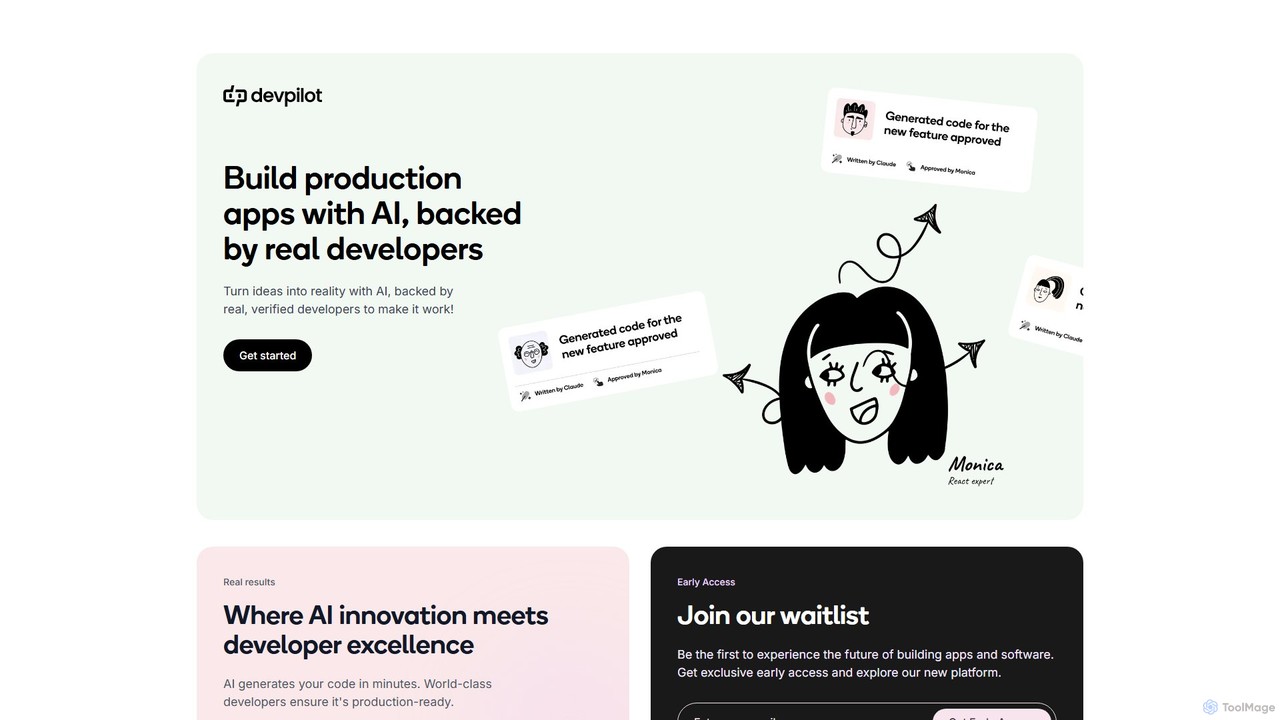
Devpilot is a unique platform that combines AI-powered code generation with expert human developers to build production-ready applications. It transforms your ideas into reality by having AI generate the initial code, which is then meticulously reviewed, refined, and perfected by world-class developers, ensuring unparalleled speed, quality, and reliability in software development.

Code Generation
Visits 7KFavorites 166Likes 156
WhatsUpDoc.dev
Paid

WhatsUpDoc.dev

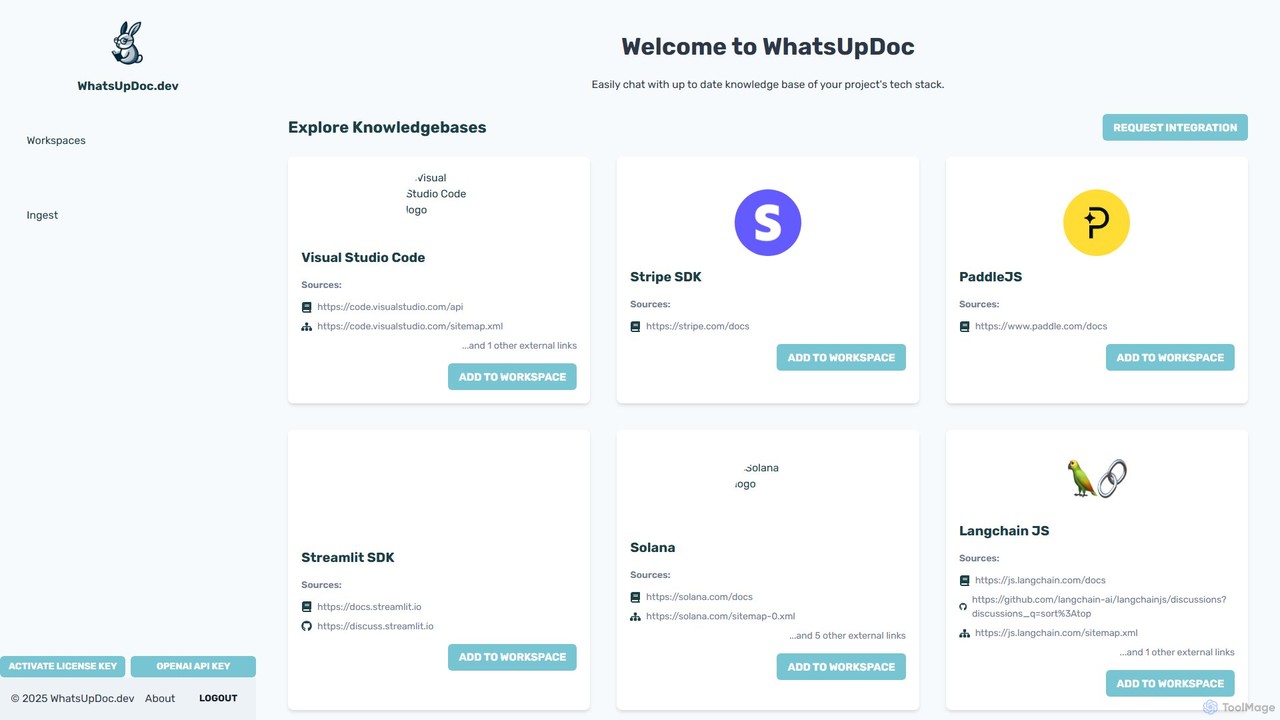
An AI-powered tool for developers to chat directly with up-to-date technical documentation and knowledge bases. It uses a RAG model to provide instant, accurate answers from sources like official docs, GitHub discussions, and blogs, enhancing productivity and learning.

Code Assistant
Visits 6.3KFavorites 148Likes 131
GitDevTool
Freemium

GitDevTool

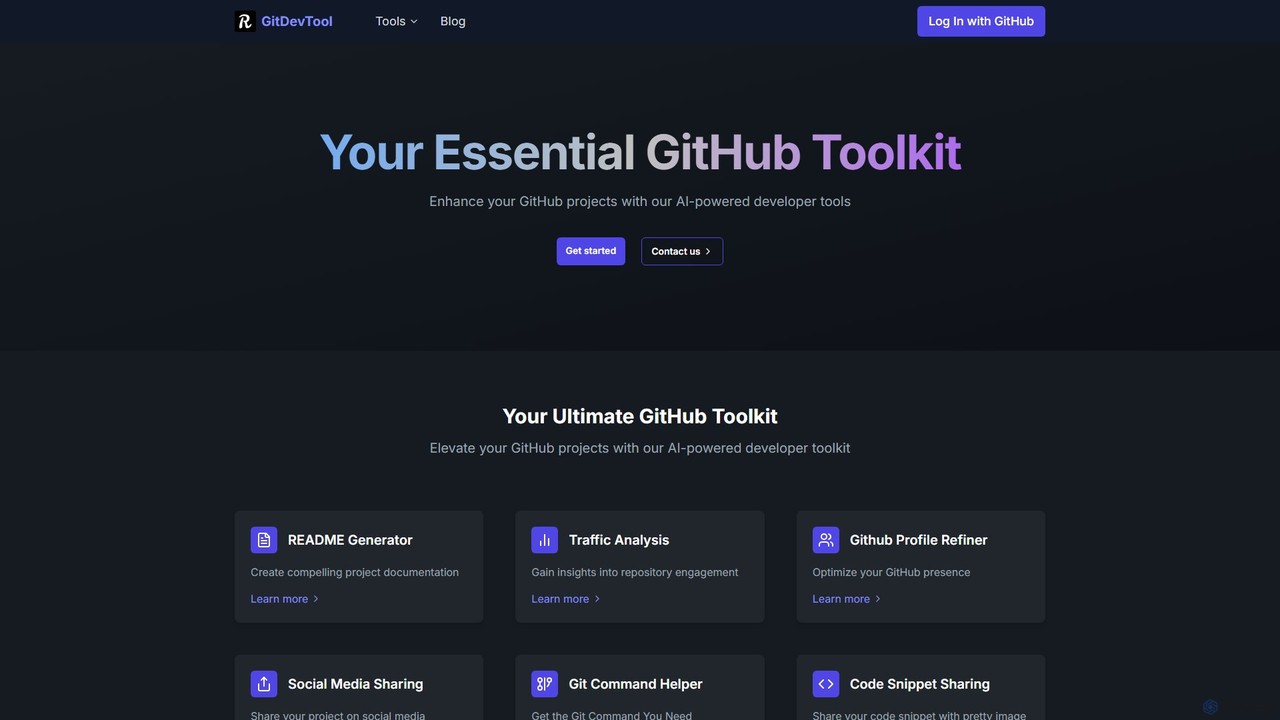
GitDevTool is an AI-powered toolkit designed for developers to enhance their GitHub projects. It offers a suite of tools including a README generator, traffic analysis, profile refiner, and more, to streamline documentation, boost visibility, and optimize repository management.

Code Generation
Visits 8.7KFavorites 136Likes 138
Roo Code
Freemium

Roo Code

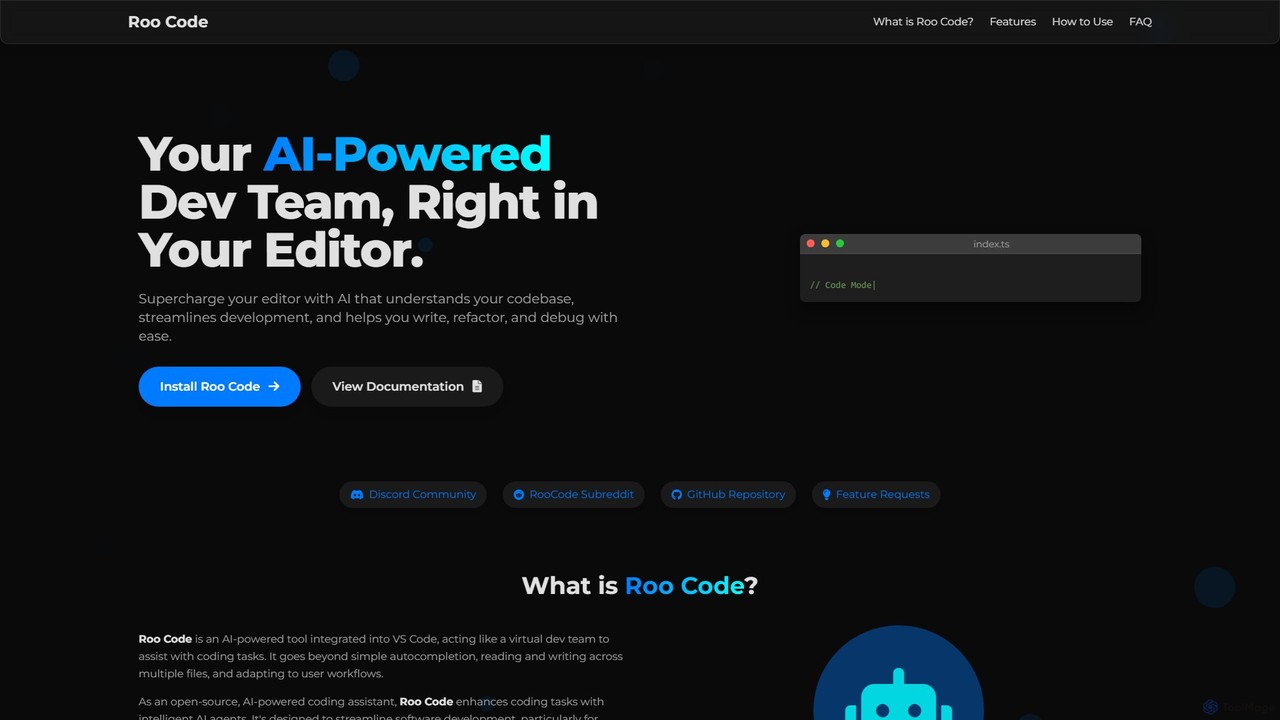
Roo Code is an open-source, AI-powered development assistant integrated directly into VS Code. It acts as a virtual dev team, understanding your entire codebase to help with complex coding, multi-file refactoring, and intelligent debugging, while supporting various AI models.

Debugging
Visits 6.6KFavorites 132Likes 155
Cursor
Freemium

Cursor

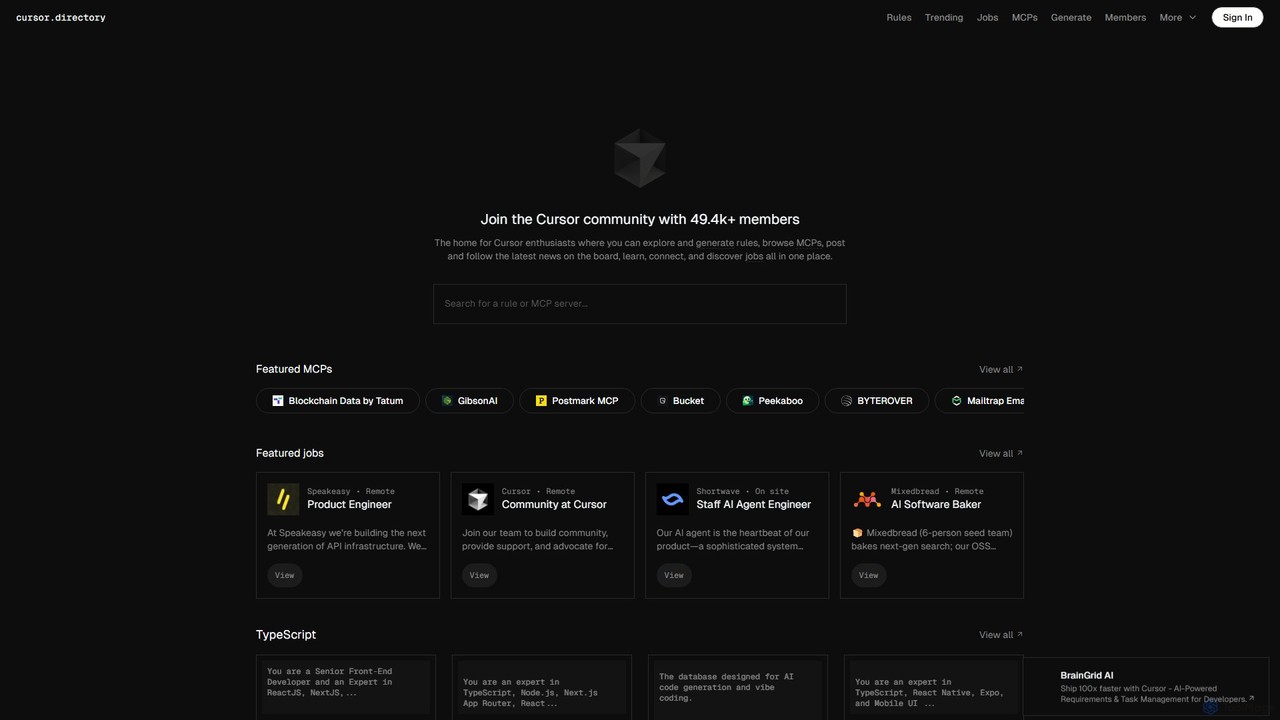
Cursor is an AI-first code editor designed for modern software development. Built as a fork of VS Code, it integrates powerful AI capabilities directly into the editing experience, allowing developers to chat with their codebase, generate, edit, and debug code with unprecedented speed and context-awareness.

Code Generation
Visits 186KFavorites 146Likes 144
Ellipsis
Freemium

Ellipsis

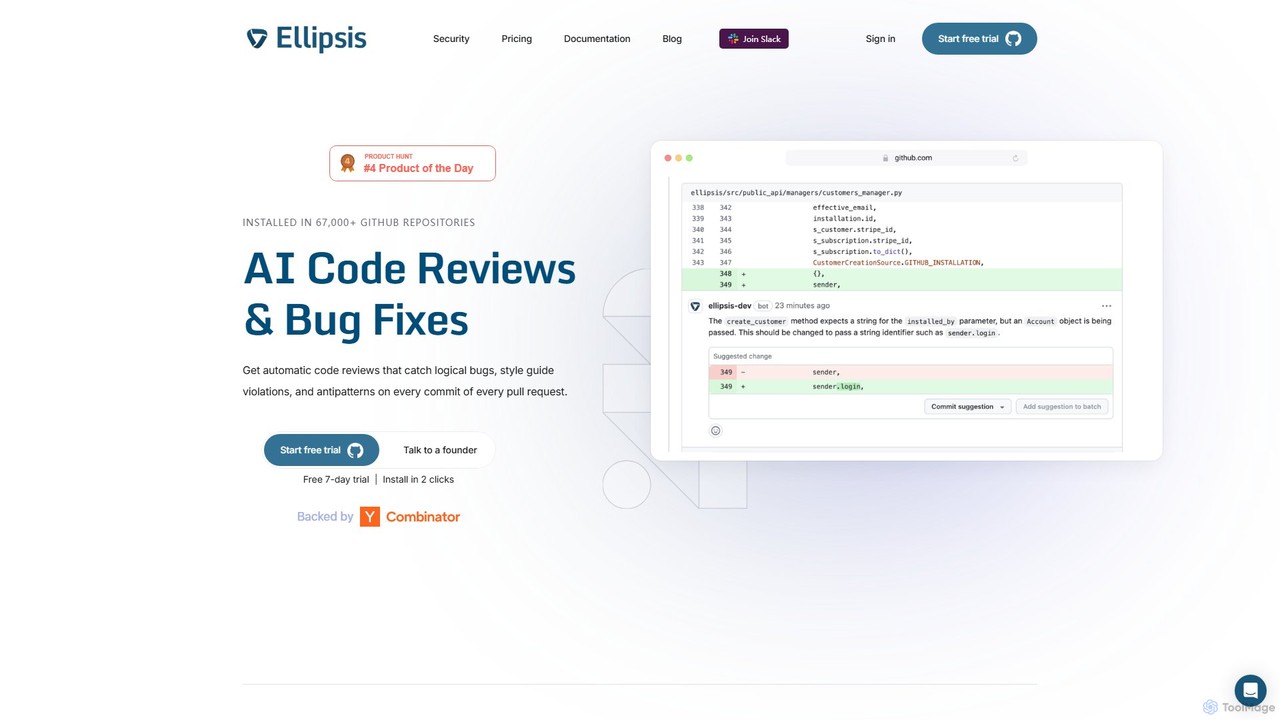
Ellipsis is an AI-powered engineering teammate that automates code reviews on GitHub. It intelligently catches logical bugs, style violations, and anti-patterns in every pull request, helping teams ship code faster while maintaining high quality and security standards.

Code Review
Visits 11.7KFavorites 146Likes 147
Vondy
Freemium

Vondy

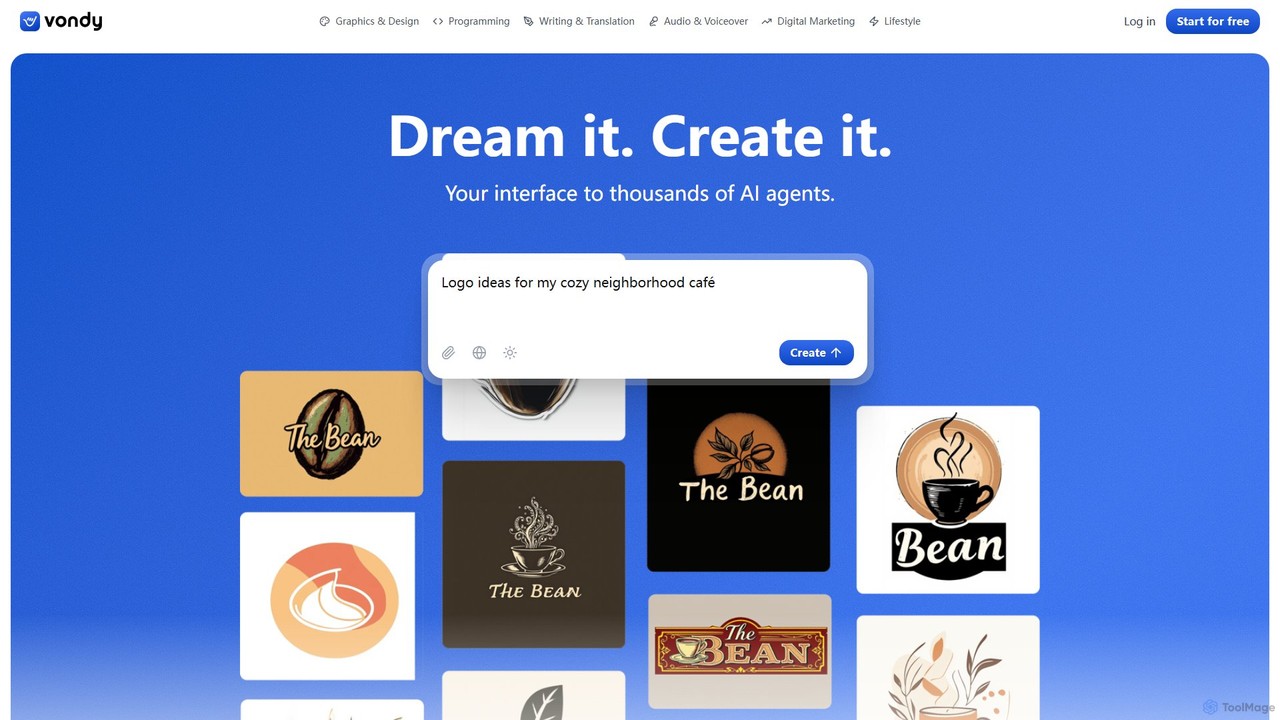
Vondy is an all-in-one AI creation platform, offering a massive library of over 40,000 specialized generators. It empowers users to instantly create visuals, audio, text, and code, streamlining the creative process from idea to finished asset without needing complex prompt engineering.

Voiceover
Visits 495.9KFavorites 127Likes 122
Sakana AI

Sakana AI

A Tokyo-based AI research lab founded by industry pioneers, developing novel foundational models inspired by nature. Sakana AI focuses on creating advanced AI agents and solutions for complex optimization problems, catering to enterprise and public sector needs.

Enterprise Solutions
Visits 237.6KFavorites 102Likes 99
cubic
Freemium

cubic

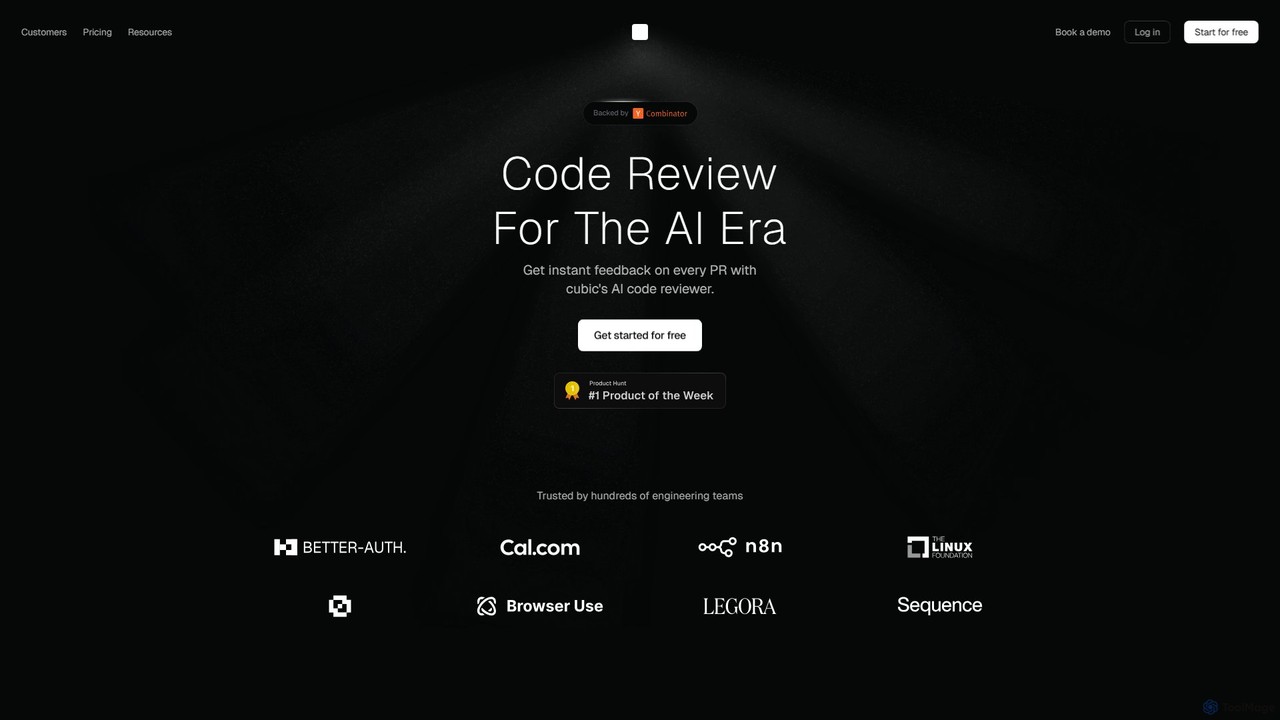
cubic is an AI-powered code review platform that helps software teams ship higher-quality code up to 3x faster. It automatically reviews pull requests in GitHub, catches bugs, enforces custom style guides, and provides one-click fixes, significantly reducing review bottlenecks and improving developer productivity.

Code Assistant
Visits 74.2KFavorites 153Likes 136
QAEverest
Freemium

QAEverest

QAEverest is an AI-powered, low-code/no-code platform designed to revolutionize software testing. It automates the entire testing lifecycle, from generating comprehensive test cases for functional, system, API, performance, and security testing to executing UI, API, and mobile app automation. It aims to increase test coverage, accelerate workflows, and significantly reduce time and costs for QA teams.

No Code
Visits 6.3KFavorites 167Likes 162
Office Kube
Freemium

Office Kube

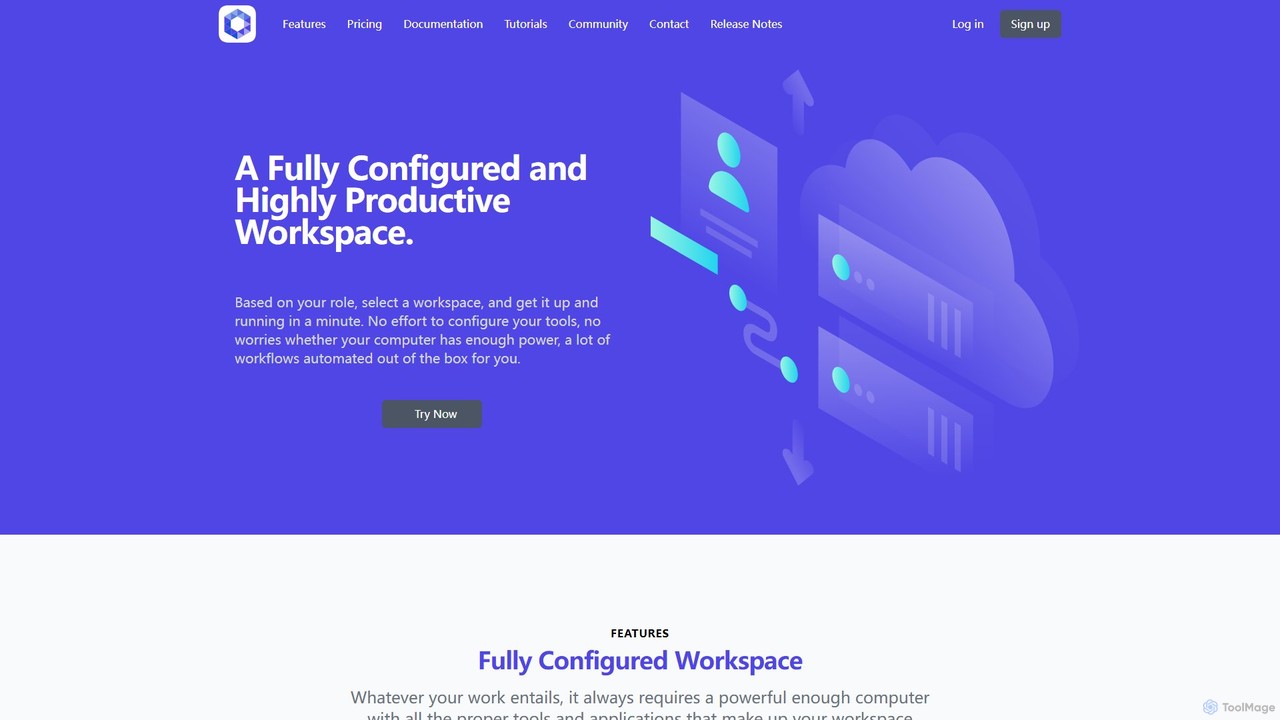
Office Kube is a cloud-native platform that provides fully configured, AI-powered workspaces accessible via a web browser. It eliminates local setup and hardware constraints by offering role-based development environments with automated workflows. Ideal for developers and teams seeking to boost productivity, streamline collaboration, and leverage enterprise-grade tools on demand.

Code Assistant
Visits 6.4KFavorites 139Likes 158
myninja.ai
Freemium

myninja.ai

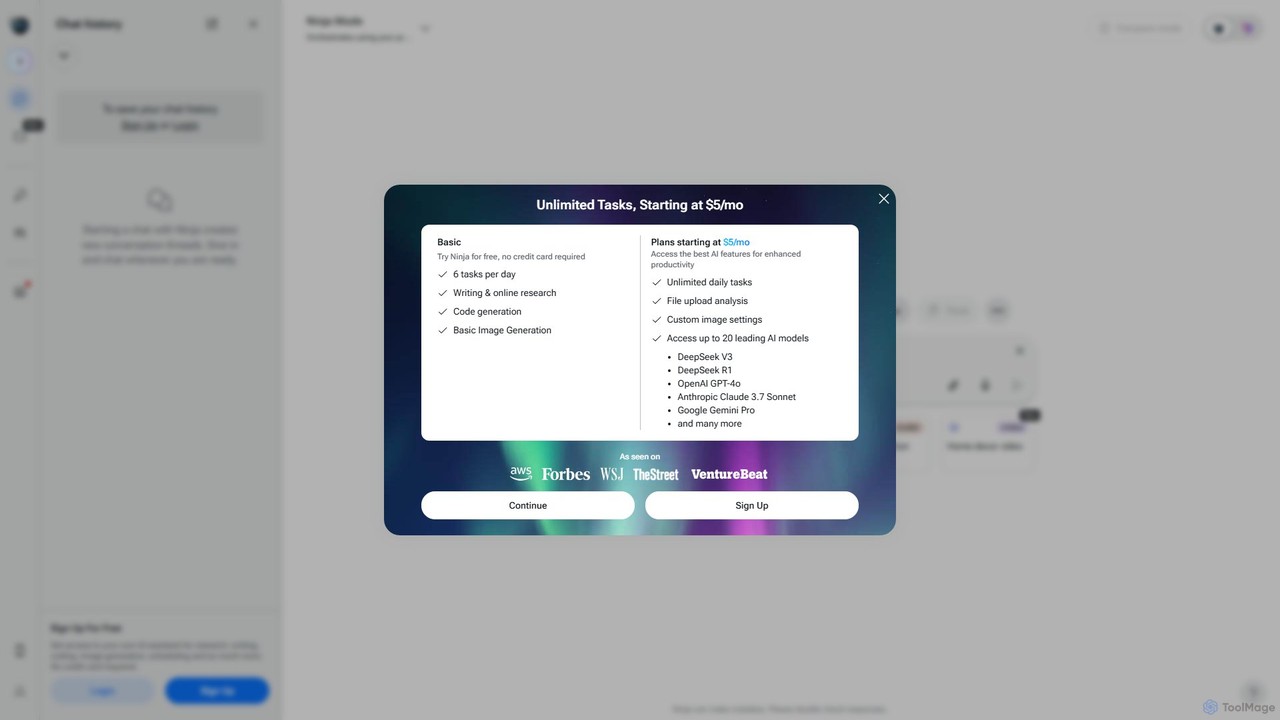
myninja.ai is an all-in-one AI agent designed to boost productivity. It integrates over 20 leading AI models like GPT-4o, Claude 3.7, and Gemini Pro into a single platform. Users can perform deep research, write code, generate images, analyze files, and schedule meetings, all from one intuitive chat interface. It offers a free plan and affordable premium options starting at $5/mo.

Code Assistant
Visits 233.3KFavorites 118Likes 122
GitCase.dev
Freemium

GitCase.dev

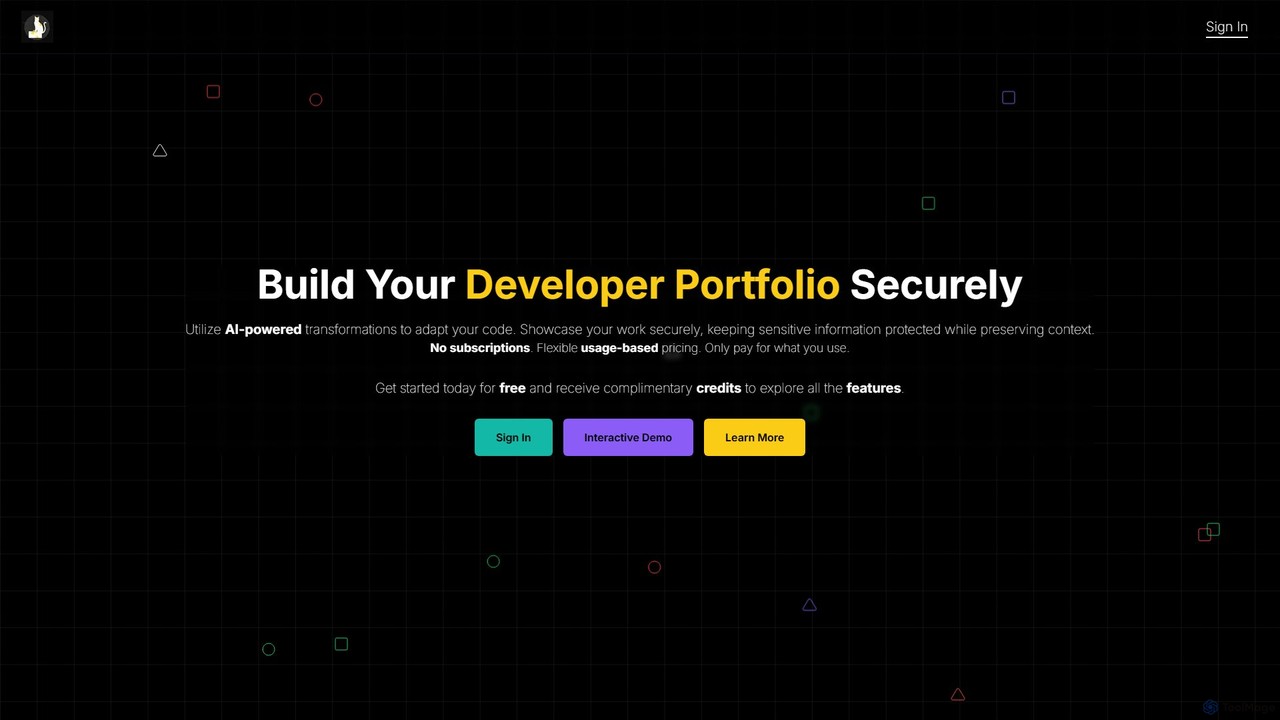
GitCase.dev is an AI-powered platform for developers to create secure portfolios. It automatically transforms code from your GitHub repositories to hide sensitive information like API keys and proprietary logic. This allows you to confidently showcase your skills to employers and clients while keeping your intellectual property protected. It features a flexible, pay-as-you-go pricing model.

Code Security
Visits 6.4KFavorites 102Likes 123
GitButler
Freemium

GitButler

GitButler is a next-generation version control client that allows developers to organize their work into multiple virtual branches simultaneously. It automates the process of managing changes, enabling parallel work on different features and bug fixes without the overhead of traditional Git branches, streamlining the entire development workflow.

Code Assistant
Visits 114.4KFavorites 164Likes 166
Stably
Freemium

Stably

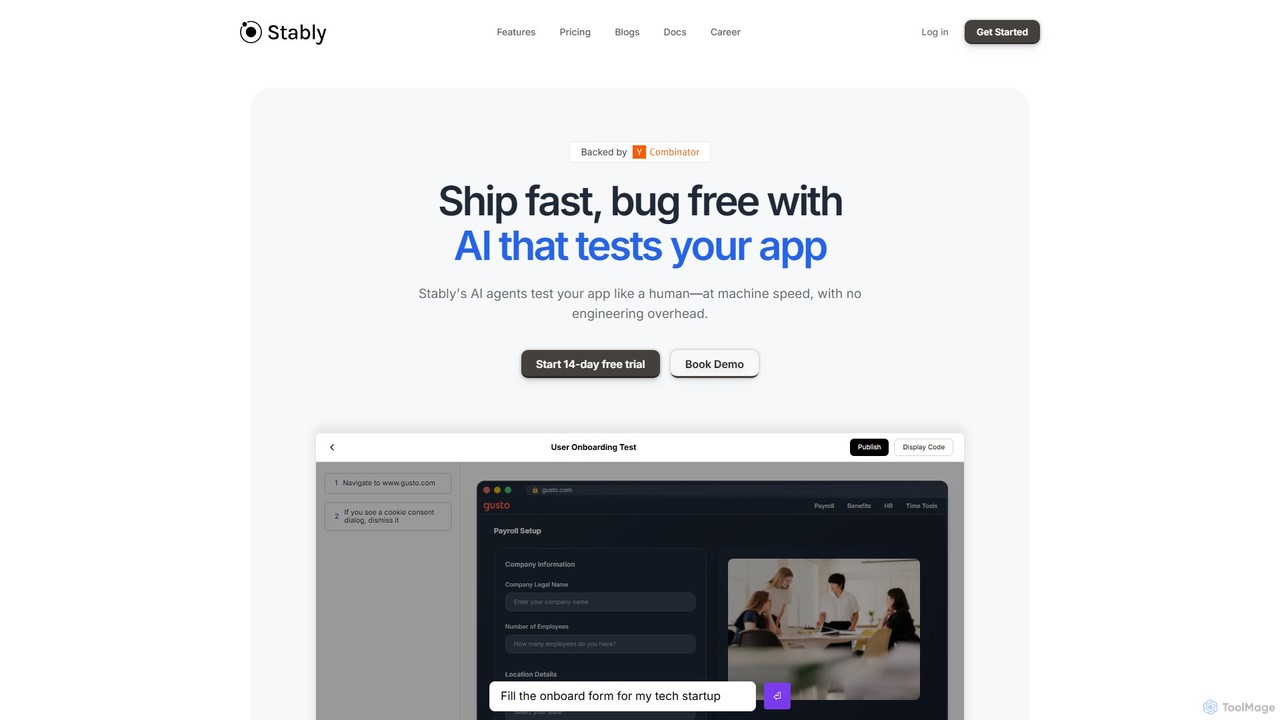
Stably is an AI-powered QA automation platform that enables development teams to ship bug-free web applications faster. It uses intelligent AI agents to test apps like a human, at machine speed, with no engineering overhead. Create, run, and automatically maintain tests using plain English, handling complex user flows and integrating seamlessly with your CI/CD pipeline.

No Code
Visits 17.3KFavorites 130Likes 130
FinetuneFast
Paid

FinetuneFast

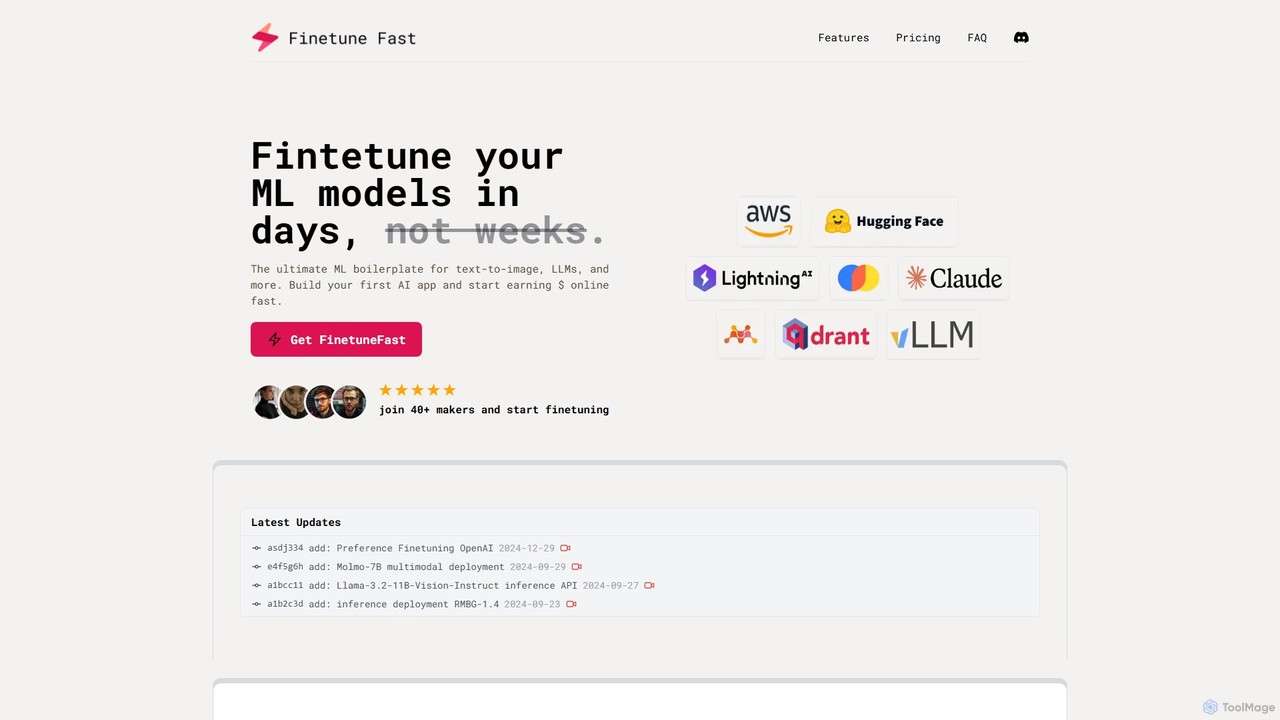
FinetuneFast is a comprehensive ML boilerplate for developers and ML engineers. It provides production-ready code templates to rapidly fine-tune, deploy, and scale AI models like LLMs and text-to-image generators, cutting development time from weeks to days.

Boilerplate
Visits 6.2KFavorites 129Likes 128
AutoKT
Freemium

AutoKT

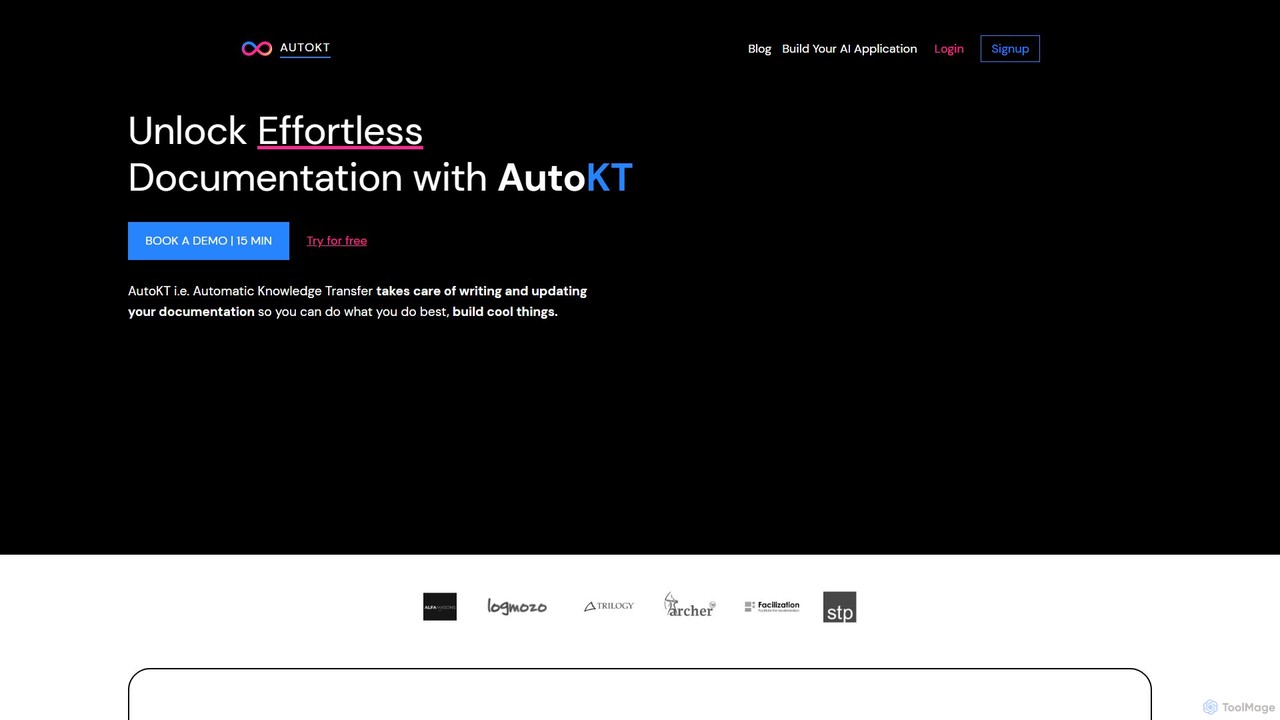
AutoKT (Automatic Knowledge Transfer) is an AI-powered platform that automates the creation and maintenance of internal documentation for software development teams. It frees up developer time, accelerates onboarding, and ensures your knowledge base is always up-to-date, breaking the cycle of outdated docs.

Code Assistant
Visits 7KFavorites 184Likes 174
Folderer
Freemium

Folderer

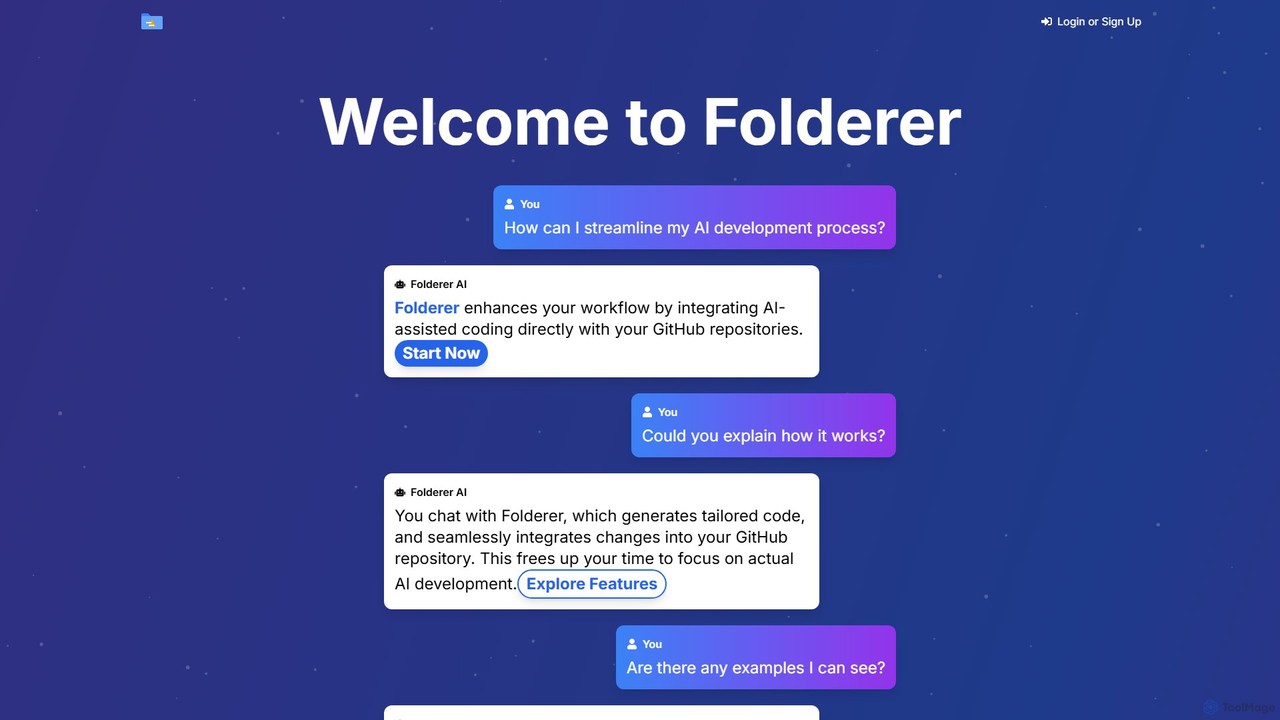
Folderer is an AI-powered coding assistant that integrates directly with your GitHub repositories. It uses a conversational chat interface to generate, refine, and commit high-quality code, streamlining the entire development workflow from idea to deployment.

Code Generation
Visits 6.2KFavorites 125Likes 112

About Code

AI Code tools are intelligent assistants designed to accelerate the software development lifecycle. These tools leverage large language models (LLMs) trained on vast codebases to understand context, suggest completions, and even generate entire functions from natural language prompts. They primarily serve to enhance developer productivity, reduce manual errors, and improve overall code quality. By automating repetitive tasks like writing boilerplate code and generating tests, they allow developers to focus on complex problem-solving and architectural design.

Core Features

  • Intelligent Code Completion: Provides context-aware suggestions for variables, functions, and entire code blocks, going beyond simple autocompletion.
  • Code Generation: Translates natural language descriptions or comments into functional code snippets in various programming languages.
  • Debugging and Error Detection: Analyzes code to identify potential bugs, logical errors, and security vulnerabilities, often suggesting concrete fixes.
  • Code Refactoring and Optimization: Suggests improvements to existing code for better readability, performance, and maintainability.
  • Automated Documentation: Generates comments and documentation for functions and classes, explaining their purpose and usage.

Use Cases

AI Code tools are widely adopted by software developers, data scientists, and students. In agile development teams, they speed up feature implementation and prototyping. For data scientists, they simplify the process of writing complex data analysis scripts and machine learning models. Students and new programmers use them as learning aids to understand syntax and programming patterns more quickly.

How to Choose

When selecting an AI Code tool, consider its integration with your preferred Integrated Development Environment (IDE), such as VS Code or JetBrains. Evaluate the breadth of its programming language and framework support to ensure it matches your tech stack. Assess the accuracy and relevance of its suggestions, as model performance varies. Finally, review the tool's privacy policy, especially regarding how it handles your proprietary code for security and confidentiality.

Featured tool rankings

Code use cases

1

Accelerate Backend API Development

A backend developer is tasked with creating a new set of RESTful API endpoints for a user management module. Instead of writing all the boilerplate code for database connections, request validation, and response formatting manually, the developer uses an AI Code tool. They write a simple comment like 'create a POST endpoint to register a new user with email and password'. The AI assistant generates a complete, functional code block, including error handling and status codes. This process reduces development time for a single endpoint from 30 minutes to less than 5, allowing the developer to build and test the entire module significantly faster.

2

Generate Comprehensive Unit Tests

A software engineer has just completed a complex function for calculating shipping costs based on weight, distance, and user subscription level. To ensure its reliability, they need to write extensive unit tests. Using an AI Code tool, they highlight the function and prompt it to 'generate unit tests for this function, covering edge cases like zero weight, negative distance, and premium subscription'. The tool instantly produces a test suite with multiple test cases, including valid inputs, invalid inputs, and boundary conditions. This automates a tedious but critical task, improves test coverage, and helps catch bugs early in the development cycle.

3

Refactor Legacy Code for Modernization

A maintenance team is working on a legacy application with outdated, hard-to-read code. A senior developer needs to refactor a large, monolithic function into smaller, more manageable pieces. They paste the old function into their IDE and ask the AI assistant to 'refactor this function into smaller, single-responsibility functions and add type hints'. The AI breaks down the logic, creates several new, well-named functions, and updates the original call site. This not only improves code quality and maintainability but also serves as a learning tool, demonstrating modern coding practices to the team and reducing the technical debt of the application.

4

Translate Code Between Programming Languages

A company is migrating a critical service from Python to Go to improve performance. A developer, who is an expert in Python but new to Go, needs to translate a complex data processing library. Instead of a manual, line-by-line translation, they use an AI Code tool. They provide the Python code and ask the AI to 'translate this Python code to idiomatic Go'. The tool generates the equivalent Go code, correctly mapping data structures and control flows while adhering to Go's conventions. The developer can then review and refine the output, drastically reducing the time and learning curve associated with the language migration project.

5

Generate SQL Queries from Natural Language

A data analyst needs to pull specific data for a quarterly report but is not an expert in SQL. They need to find 'the top 5 customers by total sales in the EU region for Q2 2023, excluding returns'. Instead of struggling with complex joins and subqueries, they type this request into an AI Code tool that supports SQL generation. The tool instantly produces a well-structured and optimized SQL query. This empowers non-technical or less-technical users to interact with databases directly, democratizes data access, and saves significant time for both the analyst and the data engineering team they might otherwise have to consult.

6

Explain and Document Complex Code

A junior developer joins a team and is assigned to work on a critical but poorly documented microservice. They encounter a complex algorithm they don't understand. Instead of interrupting a senior team member, they highlight the code block and ask the AI Code tool to 'explain this code step-by-step'. The AI provides a clear, natural language explanation of the code's logic, purpose, and variable states. The developer then asks the tool to 'generate docstring comments for this function'. The tool creates detailed comments explaining the function's parameters, return value, and any exceptions it might raise. This accelerates onboarding and promotes a culture of better documentation.

Code FAQ

What are AI Code tools?

AI Code tools, also known as AI coding assistants or pair programmers, are software applications that use artificial intelligence to help developers write, debug, and manage code. They integrate into development environments (IDEs) and provide features like intelligent code completion, code generation from natural language, error detection, and automated refactoring. By leveraging large language models trained on billions of lines of code, they understand programming context to offer relevant and accurate suggestions, significantly speeding up the development process and improving code quality.

How do I choose the right AI coding assistant?

Choosing the right AI coding assistant depends on your specific needs. Consider the following factors:

  • IDE Integration: Ensure the tool has a stable and well-supported extension for your primary code editor (e.g., VS Code, JetBrains, Neovim).
  • Language and Framework Support: Verify that it excels in the programming languages and frameworks you use most frequently.
  • Feature Set: Determine if you need basic autocompletion or more advanced features like code generation, debugging, and automated testing.
  • Performance and Accuracy: Look for tools known for their speed and the relevance of their suggestions. Some tools offer trials to test their performance.
  • Privacy and Security: If you work with proprietary code, carefully review the tool's data privacy policy to understand how your code is handled and whether it's used for training.
Can AI Code tools replace human developers?

AI Code tools are not designed to replace human developers but to augment their abilities. They excel at automating repetitive, pattern-based tasks, which frees up developers to focus on higher-level activities like system architecture, complex problem-solving, creative solutions, and user experience. While AI can generate code, it lacks true understanding, context, and the business acumen required for building robust software. The most effective workflow involves a partnership where the developer directs the overall strategy and logic, while the AI assistant handles the more mechanical aspects of coding, acting as a powerful productivity multiplier.

Are AI Code tools safe to use with proprietary code?

The safety of using AI Code tools with proprietary code depends on the specific tool's privacy policy and architecture. Many leading tools offer enterprise-grade plans with strict privacy controls. Key features to look for include:

  • Zero Data Retention: The service does not store your code snippets or prompts after the request is processed.
  • No Training on User Data: An explicit guarantee that your private code will not be used to train their public AI models.
  • On-Premises or Private Cloud Deployment: Some solutions can be hosted within your own infrastructure, ensuring your code never leaves your network.

It is crucial to read the terms of service and privacy policy before using any AI coding assistant with sensitive or confidential code. For personal or open-source projects, this is generally less of a concern.

What are the main functions of AI Code tools?

AI Code tools offer a range of functions to support the entire development lifecycle. The most common functions include:

  • Code Completion: Suggesting single lines or entire blocks of code as you type, based on the current context.
  • Code Generation: Creating code from natural language prompts, such as 'create a function to fetch user data from an API'.
  • Debugging and Analysis: Identifying bugs, performance bottlenecks, and security vulnerabilities, and often suggesting fixes.
  • Code Translation: Converting code from one programming language to another (e.g., Python to Go).
  • Automated Documentation: Generating comments, docstrings, and explanations for existing code to improve maintainability.
  • Test Generation: Automatically creating unit tests for functions to ensure code quality and robustness.