ToolMage
Sign in

Best 38 Photo & Video AI tools

Popular Photo & Video AI tools include Apple, istockphoto, MyHeritage, EaseUS, Clip Studio Paint, 4DDiG, Immich, Aftershoot, AnyRecover, and PhotoApp, helping you work more efficiently.

Bazaart
Freemium

Bazaart

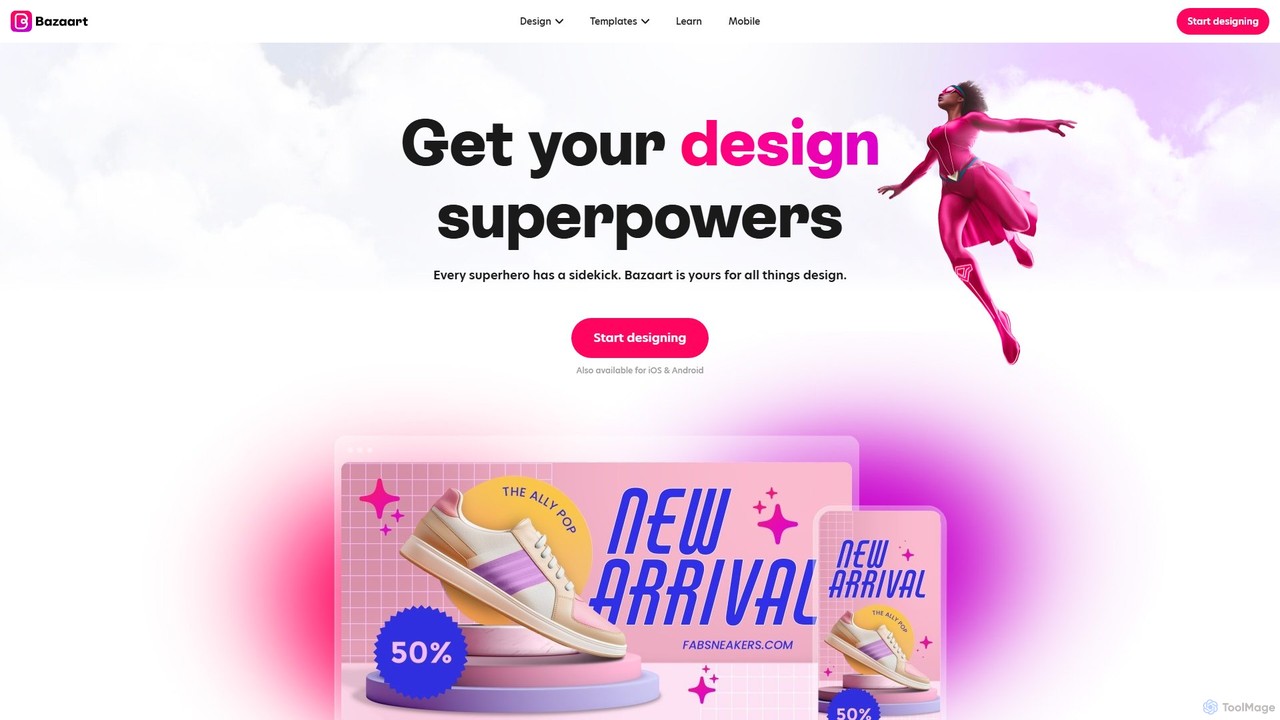
Bazaart is a powerful AI-powered photo editing and graphic design app for web, iOS, and Android. It offers a suite of magical AI tools, including background removal, object eraser, and an AI art generator, alongside thousands of templates and a vast library of design elements. Ideal for social media pros, business owners, and content creators, Bazaart simplifies professional design, enabling users to create stunning visuals effortlessly.

Ai Art Generator
Visits 85.4KFavorites 162Likes 163

Tap Mobile
Freemium

Tap Mobile

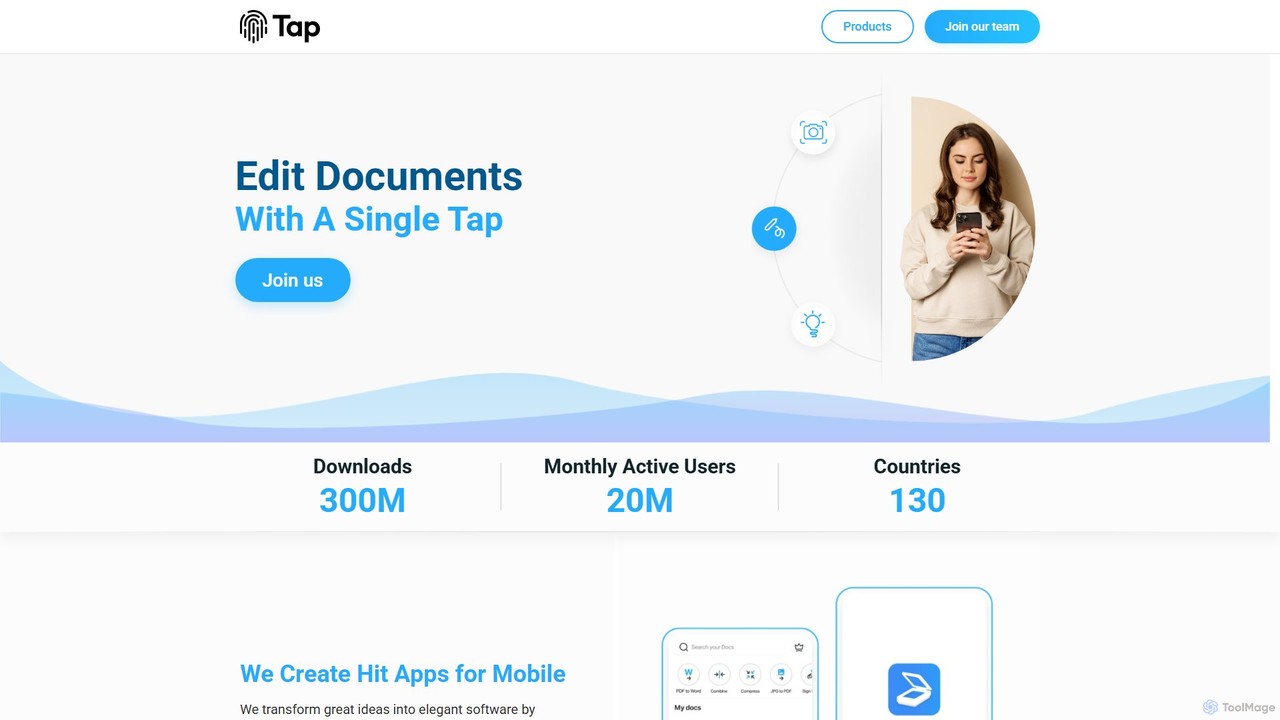
Tap Mobile is a technology company that develops a suite of popular utility applications for mobile devices. Their portfolio includes AI-powered tools like Tap Scanner for document scanning and OCR, Selfix for intelligent photo retouching, and ViewCaller for smart caller ID. These apps leverage cutting-edge technology to provide users with professional-level capabilities, from document management to photo editing, directly on their smartphones.

Photo Editing
Visits 62.4KFavorites 98Likes 100
Reeflex
Paid

Reeflex

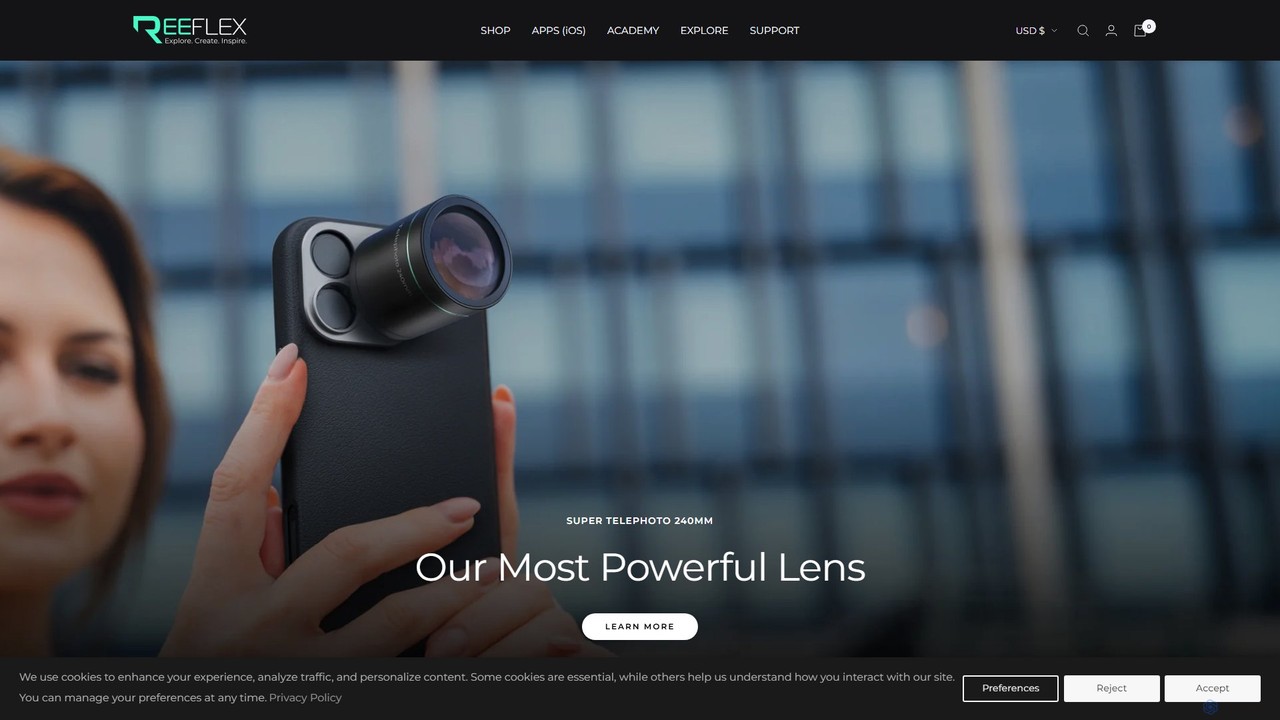
Reeflex offers a complete ecosystem for mobile content creators, featuring professional-grade G-Series lenses and a suite of AI-powered camera apps. Transform your iPhone or Samsung into a professional photography and videography powerhouse for capturing stunning RAW images, long exposures, and cinematic videos.

Hardware
Visits 69.7KFavorites 99Likes 90
Perfect365
Freemium

Perfect365

Perfect365 is a leading AI-powered virtual makeup and beauty platform. It allows users to instantly try on thousands of makeup looks, hairstyles, and colors on their photos. With advanced photo editing and touch-up tools, you can create flawless, natural-looking selfies and explore the latest beauty trends risk-free.

Virtual Try On
Visits 14.7KFavorites 131Likes 116
Kampfire
Paid

Kampfire

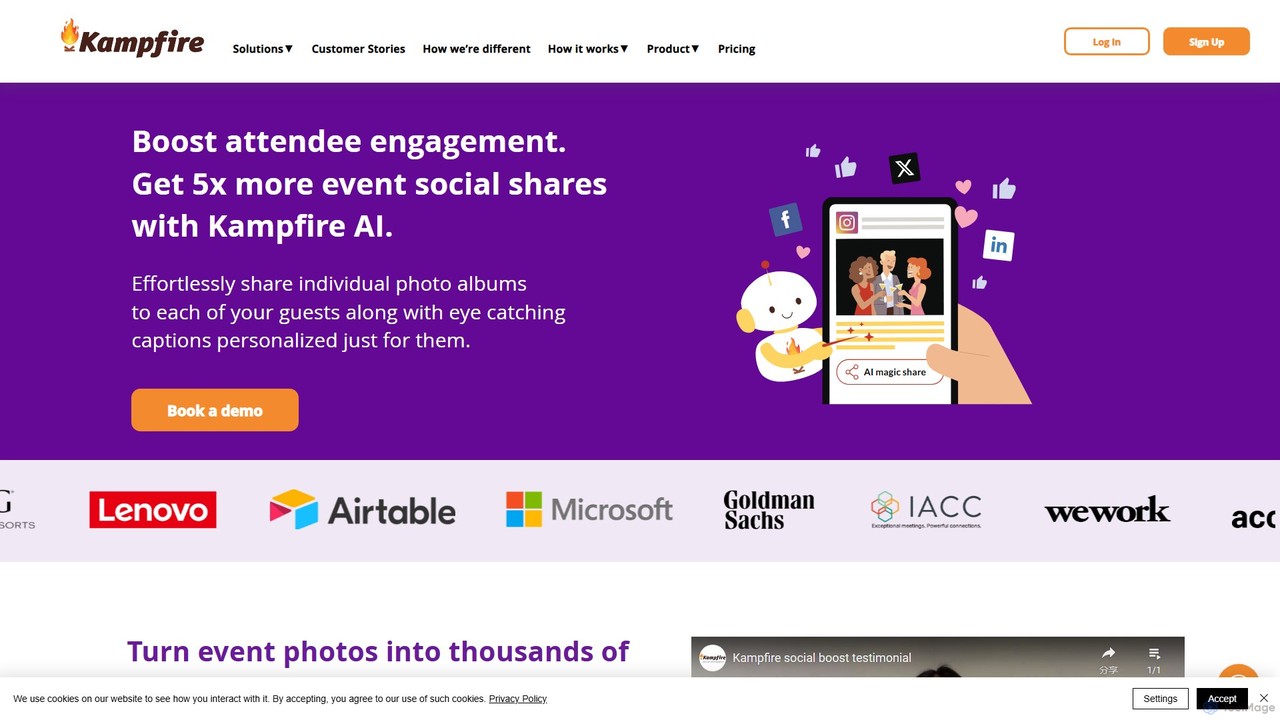
Kampfire is an AI-powered event technology platform that revolutionizes photo sharing to boost attendee engagement. It automatically creates personalized photo albums for each guest, complete with AI-generated, share-worthy captions. This seamless process turns event attendees into brand ambassadors, amplifying social media reach and providing valuable analytics to measure ROI and engagement.

Event Marketing
Visits 6KFavorites 158Likes 145
PhotoLog
Freemium

PhotoLog

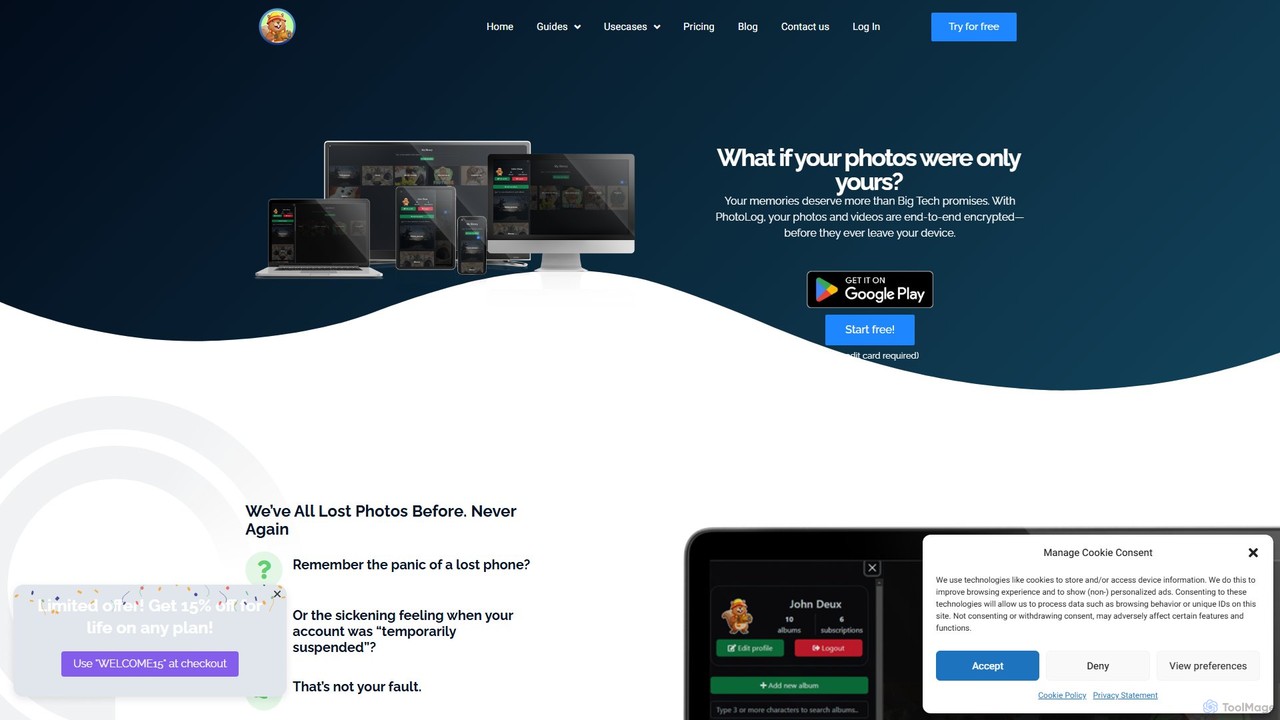
PhotoLog is a secure, private cloud storage solution for your photos and videos, designed for users who value privacy. Unlike mainstream services, PhotoLog guarantees your media is never scanned or used for AI training. It features client-side end-to-end encryption, flexible sharing options, and the ability to bring your own storage, giving you complete control over your digital memories.

Photo Management
Visits 7.9KFavorites 130Likes 133
4DDiG
Freemium

4DDiG

4DDiG is a comprehensive AI-powered software suite for Windows and Mac, specializing in data recovery, file repair, and system utilities. It recovers over 2000 data types from various storage devices, repairs corrupted photos and videos with AI enhancement, and offers tools for system maintenance like partition management and DLL fixing.

Video Editing
Visits 767KFavorites 143Likes 144
siwalusoftware
Freemium

siwalusoftware

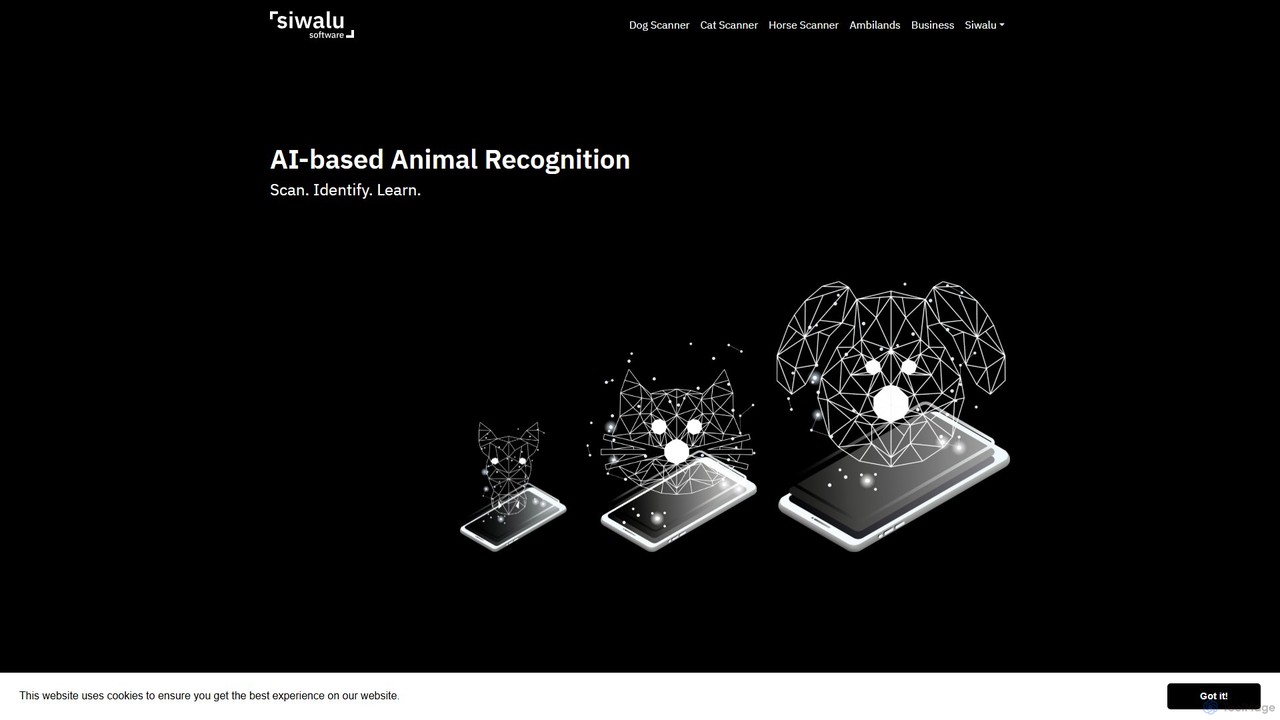
Siwalu Software develops AI-powered mobile applications like Dog Scanner, Cat Scanner, and Horse Scanner to identify animal breeds from photos or videos. Get instant, reliable breed analysis for purebreds and mixed breeds, complete with detailed information on their characteristics and traits. It's like Shazam for animals, designed for pet owners and animal enthusiasts to better understand their companions and the world's biodiversity.

Biology
Visits 22KFavorites 125Likes 112
Applicate
Freemium

Applicate

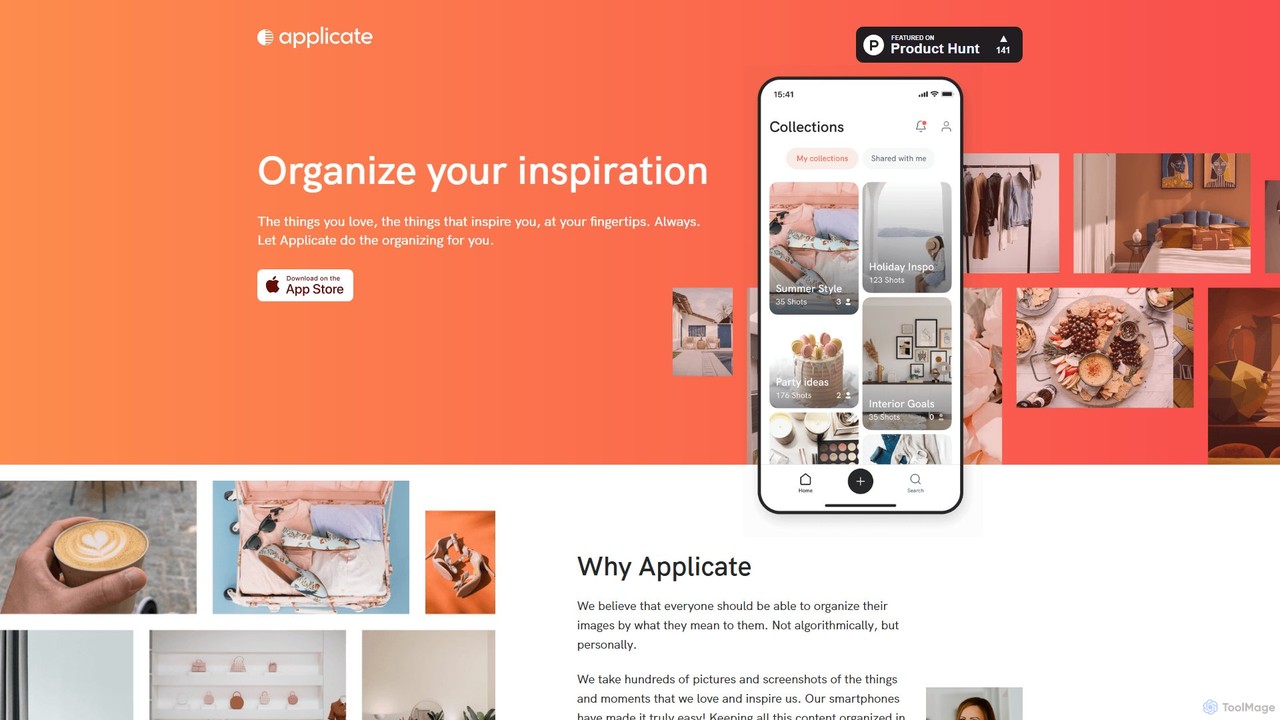
Applicate is an AI-powered photo organization app for iPhone, designed to help you personally categorize your visual inspiration. It uses machine learning to suggest tags, identify URLs from screenshots, and automatically create smart folders, making your ideas easy to find and use.

Inspiration
Visits 5.9KFavorites 166Likes 145
onerecovery
Freemium

onerecovery

onerecovery is a professional data recovery software for Windows and Mac. It recovers over 1000 file types from various scenarios like accidental deletion, formatting, and system crashes. Supporting 2000+ devices including HDDs, SSDs, and SD cards, it also features AI-powered tools to repair corrupted photos and videos, ensuring a high success rate.

Repair
Visits 8.9KFavorites 131Likes 135
Immich
Free

Immich

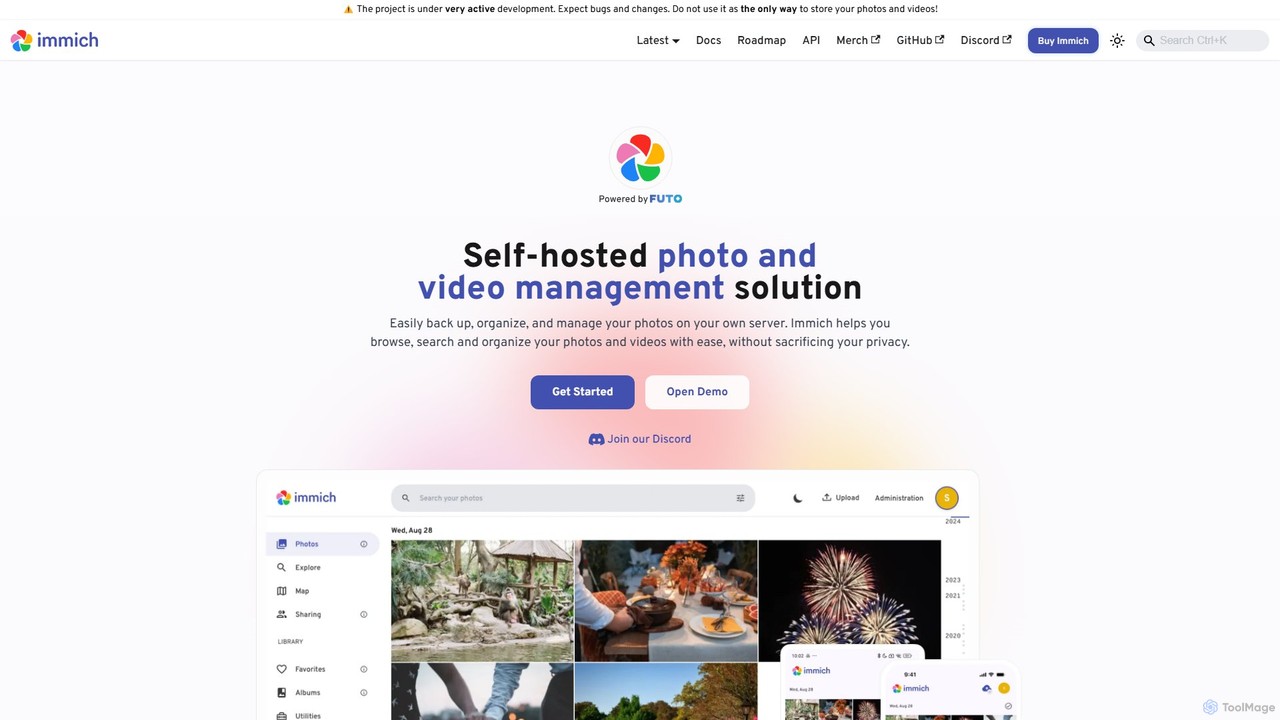
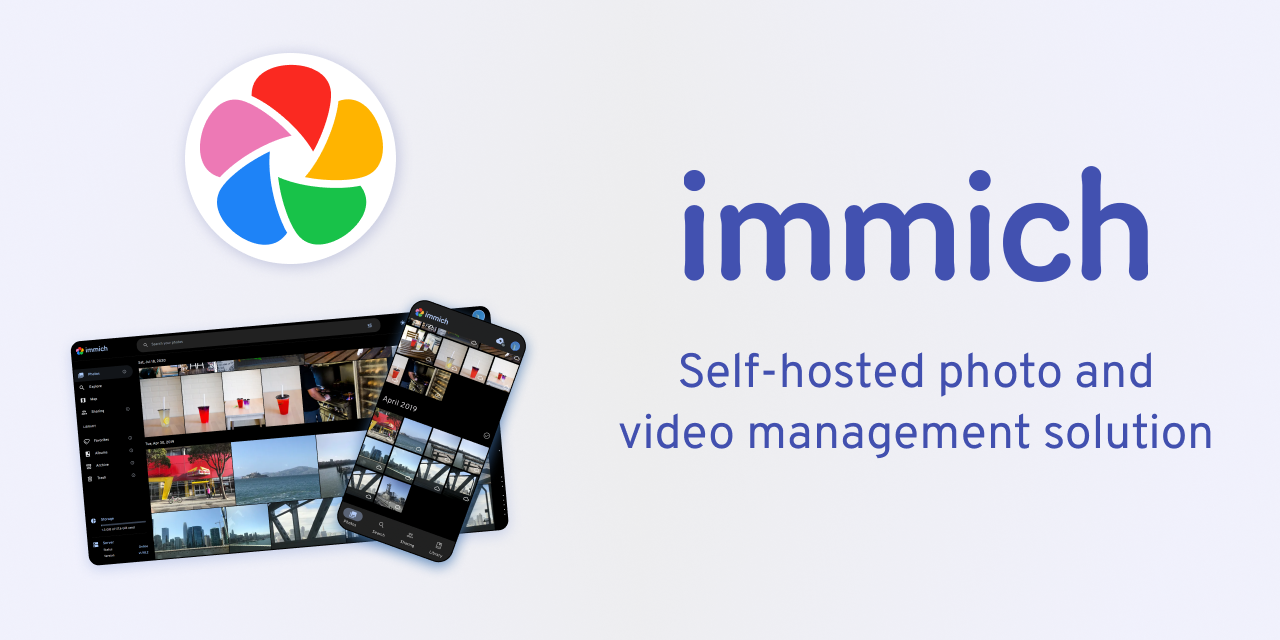
Immich is a high-performance, open-source, self-hosted photo and video backup solution. It serves as a private, feature-rich alternative to cloud services like Google Photos, offering AI-powered features such as facial recognition, object detection, and semantic search, all while ensuring you retain full control and ownership of your personal media.

Self Hosted
Visits 622.5KFavorites 145Likes 120
AIExplorerApp
Freemium

AIExplorerApp

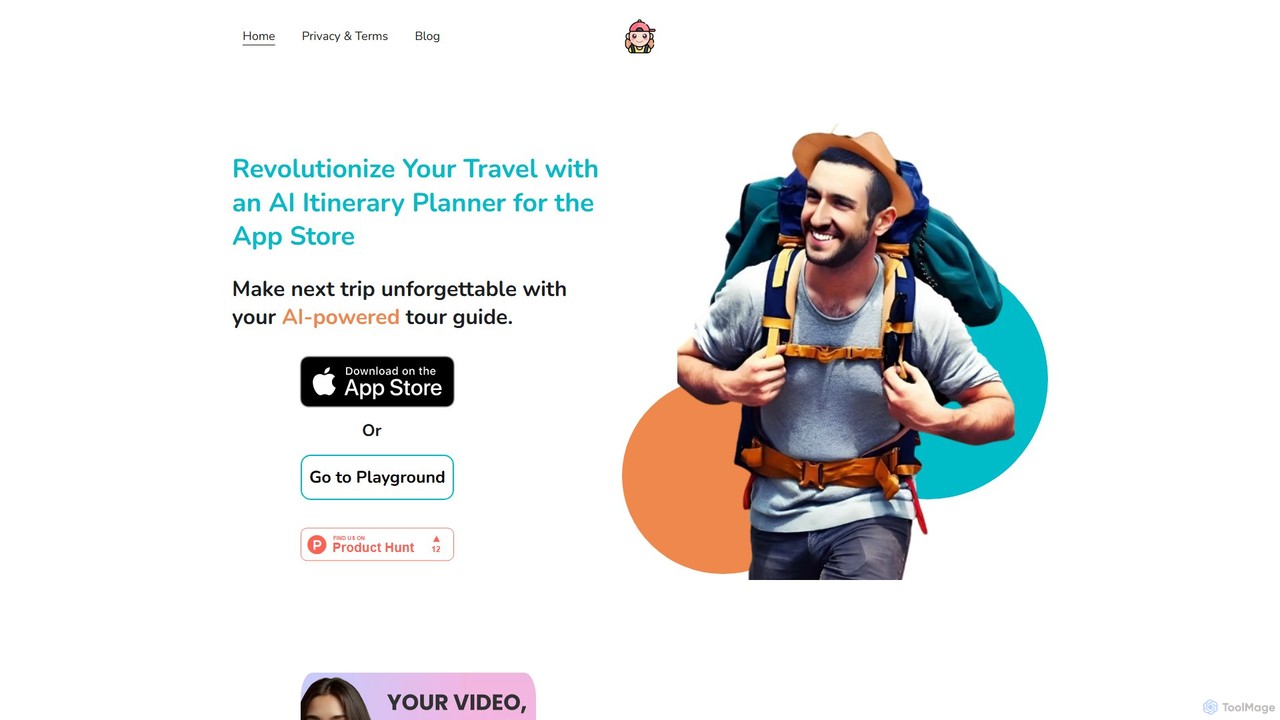
AIExplorerApp is a platform offering a diverse suite of AI-powered applications designed to enrich daily life. From the intelligent travel planning of TRIPChatter to creative tools like the AI Face Swap Video Generator and AI Baby Predictor, AIExplorerApp provides innovative solutions for travel, social media, and personal creativity. These user-friendly apps leverage cutting-edge AI to deliver seamless, inspiring, and fun digital experiences, making advanced technology accessible to everyone.

Interior
Visits 5.8KFavorites 121Likes 143
istockphoto
Freemium

istockphoto

iStockphoto is a leading royalty-free stock media platform, offering millions of human-created photos, videos, and illustrations. It now integrates a powerful suite of AI tools, allowing users to generate unique, commercially safe images and perform advanced edits like background replacement, object removal, and image extension directly on the platform. This hybrid approach combines high-quality, legally-protected assets with the speed and flexibility of AI.

Image Generation
Visits 27.1MFavorites 130Likes 128
AnyRecover
Freemium

AnyRecover

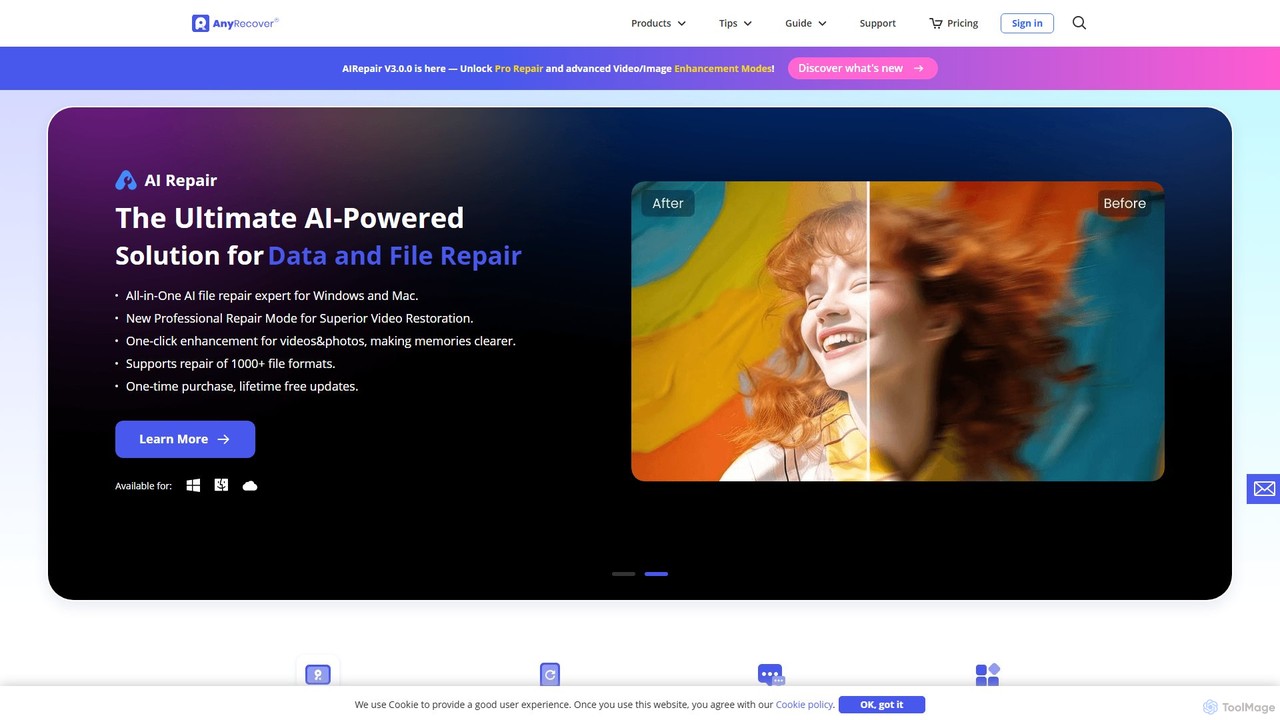
AnyRecover is an all-in-one AI-powered data recovery and file repair solution. It restores over 1000 file types from 2000+ storage devices, including Windows, Mac, iOS, and Android. It also features AI-driven repair for corrupted photos, videos, and documents, and an AI enhancer to improve image and video quality.

Utilities
Visits 222.4KFavorites 137Likes 132

About Photo & Video

AI Photo & Video tools are a class of software that leverage artificial intelligence to automate and enhance the creation, editing, and analysis of visual media. These tools utilize deep learning models to perform complex tasks such as image upscaling, object removal, style transfer, and intelligent video scene detection. They empower creators, marketers, and businesses to produce high-quality visual content more efficiently, from restoring old photos to generating complex video effects. A key advantage is their ability to handle repetitive tasks that traditionally require specialized skills, making professional-grade results accessible to a wider audience.

Core Features

  • AI Enhancement & Restoration: Automatically improves resolution, removes noise, corrects colors, and repairs old or damaged photos and videos.
  • Intelligent Object Manipulation: Precisely removes, replaces, or isolates subjects and backgrounds in both photos and videos with minimal user input.
  • Generative Content Creation: Creates entirely new images, video clips, or visual effects from text prompts or simple sketches.
  • Automated Video Editing: Streamlines post-production with features like automatic scene detection, subject tracking, subtitle generation, and highlight reel creation.
  • Style Transfer & Effects: Applies the artistic style of one image or video to another, or generates unique visual effects based on AI analysis.

Use Cases

These tools are widely used by social media managers for creating engaging posts, e-commerce businesses for optimizing product photography, and videographers for streamlining post-production workflows. They are also valuable for individuals restoring family photo archives and marketing teams generating unique ad creatives without extensive design resources.

How to Choose

When selecting a tool, first identify your primary need: editing, generation, or restoration. Evaluate the specific features and output quality, ensuring it supports your required file formats (e.g., RAW, 4K). Consider whether you prefer a cloud-based service for accessibility or a local application for privacy and speed. Finally, compare the user interface and pricing models to find a solution that matches your skill level and budget.

Featured tool rankings

Photo & Video use cases

1

E-commerce Product Photo Enhancement

An e-commerce store owner needs to prepare hundreds of product photos for a new collection. Instead of manually editing each image, they use an AI tool to batch-process the entire set. The tool automatically removes the background, enhances colors to match brand guidelines, and upscales the resolution for high-quality zoom features on the website. This process ensures all product listings have a consistent, professional look, significantly reducing editing time and improving the customer's shopping experience.

2

Automated Social Media Video Creation

A social media manager is tasked with creating short, engaging video clips daily from long-form content like blog posts or webinars. They use an AI video tool that can ingest a URL or a long video file. The AI automatically identifies key points, selects relevant stock footage or animates text, generates a synthetic voiceover, and adds synchronized captions. This allows the manager to produce a steady stream of video content for platforms like TikTok and Instagram Reels with minimal effort, boosting audience engagement and reach.

3

Restoring Old Family Photographs

An individual discovers a box of old, damaged family photos that are faded, scratched, and torn. Using an AI photo restoration tool, they scan and upload these images. The AI algorithm analyzes each photo, automatically removing scratches and blemishes, correcting color fading to restore original vibrancy, and sharpening blurry faces with remarkable clarity. It can even colorize black-and-white photos with historically plausible colors. The result is a digitally preserved family archive, with precious memories brought back to life for future generations to cherish.

4

AI-Powered Video Post-Production

An independent filmmaker or YouTuber needs to streamline their editing workflow for a new video. They upload their raw footage to an AI video editor. The tool automatically transcribes all dialogue, creating perfectly synchronized subtitles in minutes. It also features a text-based editing function, allowing the creator to edit the video simply by deleting words from the transcript. Furthermore, the AI can detect and remove long pauses or filler words ('ums' and 'ahs'), and suggest royalty-free background music that matches the video's tone, saving hours of tedious manual work.

5

Generating Marketing Visuals from Text

A marketing professional needs unique, eye-catching images for an ad campaign but lacks immediate access to a graphic designer. Using an AI image generator, they write a detailed text prompt describing the desired scene, style, and mood, such as 'A photorealistic image of a futuristic sneaker floating above a neon-lit Tokyo street at night.' The AI generates multiple high-resolution image options in seconds. This allows for rapid A/B testing of ad creatives and reduces reliance on generic stock photography, resulting in more distinctive and effective campaigns.

6

Intelligent Video Surveillance Analysis

A security manager for a large facility needs to review hours of surveillance footage to find a specific event. Instead of manually scrubbing through video, they use an AI video analysis tool. The system processes the footage in the background, automatically detecting and tagging objects, people, and activities (e.g., 'person entering restricted area,' 'vehicle parked too long'). The manager can then search for events using simple text queries like 'show all people wearing a red jacket between 2 PM and 3 PM.' This drastically cuts down investigation time from hours to minutes, improving security response and operational efficiency.

Photo & Video FAQ

What are AI Photo & Video tools?

AI Photo & Video tools are software applications that use artificial intelligence to automate or significantly enhance tasks related to visual media. Instead of manual adjustments, these tools use algorithms to understand, edit, and create content. Key functions include automatically improving image quality, removing unwanted objects, generating new images from text, and streamlining video editing by detecting scenes or transcribing audio. They are designed to make complex editing and creation processes faster and more accessible to users of all skill levels.

How to choose the right AI Photo & Video tool?

To choose the right tool, consider these factors:

  • Primary Use Case: Identify your main goal. Do you need to enhance existing photos, generate new images, edit videos, or restore old media? Different tools specialize in different areas.
  • Features and Quality: Look at specific features like resolution upscaling, background removal, or text-to-video generation. Check reviews or trial versions to assess the output quality.
  • Ease of Use: Evaluate the user interface. Some tools offer simple one-click solutions, while others provide advanced controls for professionals. Choose one that matches your technical skill level.
  • Pricing Model: Compare costs. Options often include monthly subscriptions, pay-per-use credits, or one-time purchases. Select a model that aligns with your budget and expected usage frequency.
What's the difference between AI image generators and AI image editors?

The core difference lies in their function: creation versus modification. AI image generators create entirely new images from scratch, usually based on text descriptions (prompts). They are used for conceptual art, marketing visuals, and creative exploration. AI image editors, on the other hand, work with existing photographs or images. They use AI to perform specific tasks like removing backgrounds, enhancing quality, applying filters, or deleting objects. In short, generators produce new content, while editors refine existing content.

Can AI tools replace professional photographers and videographers?

AI tools are better viewed as powerful assistants rather than replacements for professionals. They excel at automating technical and time-consuming tasks, such as color correction, object removal, or culling thousands of photos. This allows human professionals to focus more on the creative aspects that AI cannot replicate, like composition, lighting, client interaction, and storytelling. While AI can generate or edit visuals, it lacks the artistic judgment, on-site problem-solving skills, and unique vision that define a professional's work.

Is the content generated by AI tools free to use commercially?

Commercial usage rights for AI-generated content depend entirely on the specific tool's terms of service. Many platforms, especially paid ones, grant users full ownership and commercial rights to the images or videos they create. However, some free or trial versions may have restrictions, prohibiting commercial use or requiring attribution. It is crucial to always read and understand the licensing agreement of any AI tool before using its output for business purposes to ensure compliance and avoid potential copyright issues.