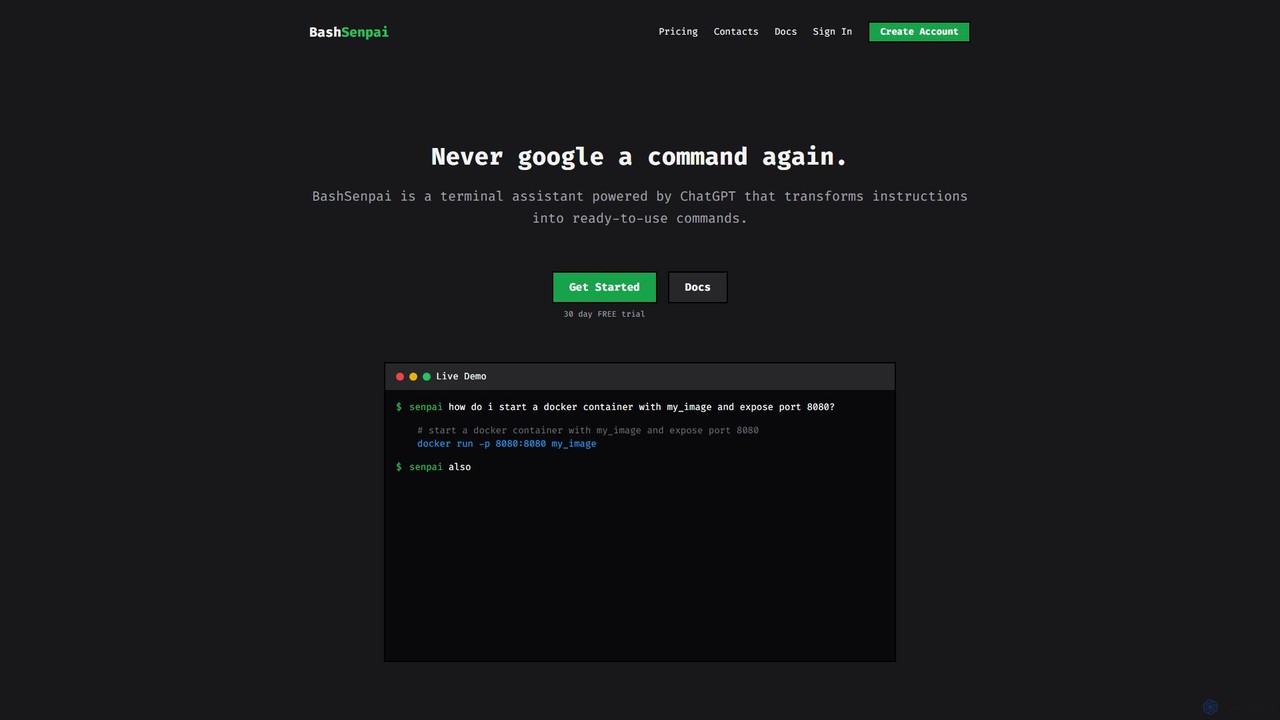
BashSenpai is a ChatGPT-powered terminal assistant that transforms natural language instructions into ready-to-use shell commands. It operates directly within your terminal, providing context-aware, accurate commands for developers and system administrators, eliminating the need to search online.
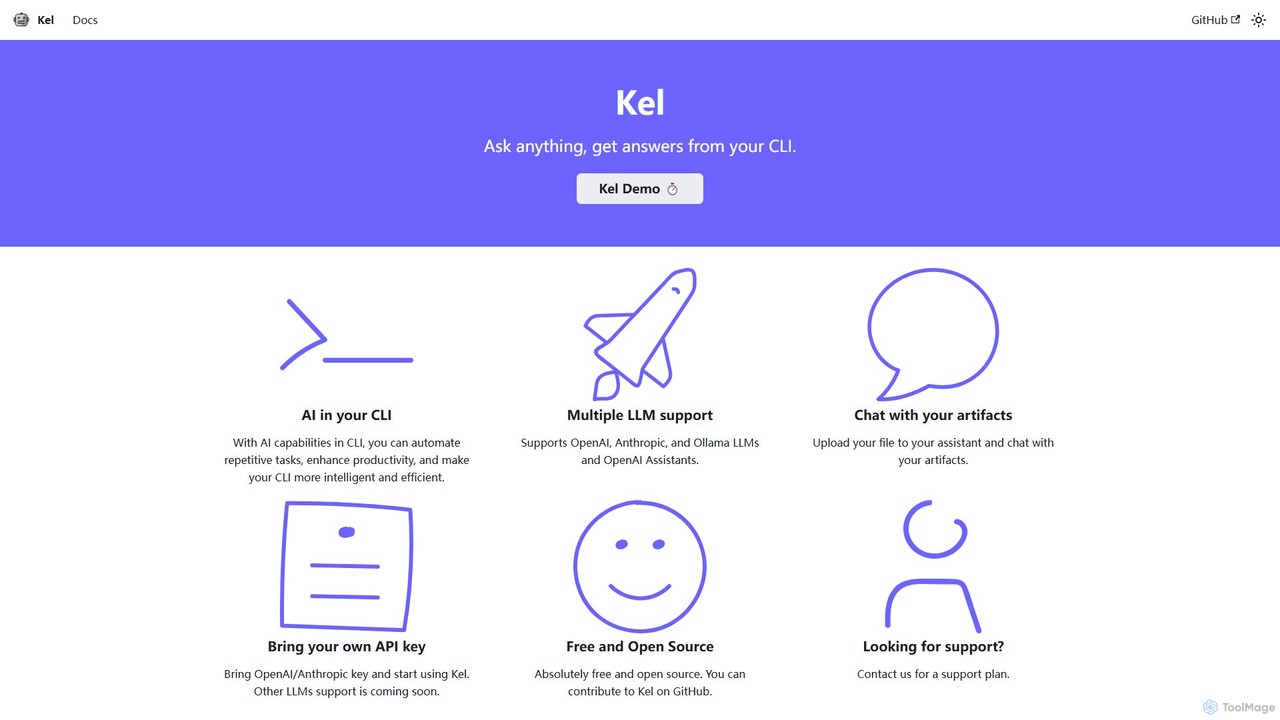
Kel is a free, open-source AI assistant for your command-line interface (CLI). It integrates with multiple LLMs like OpenAI, Anthropic, and Ollama to help developers and sysadmins automate tasks, generate commands, and even chat with documents directly from the terminal.
Product overview
BashSenpai Product overview
BashSenpai is a ChatGPT-powered terminal assistant that transforms natural language instructions into ready-to-use shell commands. It operates directly within your terminal, providing context-aware, accurate commands for developers and system administrators, eliminating the need to search online.
Kel Product overview
Kel is a free, open-source AI assistant for your command-line interface (CLI). It integrates with multiple LLMs like OpenAI, Anthropic, and Ollama to help developers and sysadmins automate tasks, generate commands, and even chat with documents directly from the terminal.
Detailed feature comparison
| Feature | BashSenpai | Kel |
|---|---|---|
| Primary category | Code Assistant | Code Assistant |
| Added | 2025-08-15 | 2025-08-15 |
| Pricing | Freemium | Freemium |
| Official website | bashsenpai.com | kel.qainsights.com |
| Product type | App | App |
| Performance data | ||
| User rating | Not verified | Not verified |
| Comments | 0 | 0 |
| Monthly visits | 3.4K | 3.4K |
| Monthly growth | Not verified | Not verified |
| Favorites | 109 | 127 |
| Details | View details | View details |
BashSenpai vs Kel monthly traffic
Compare BashSenpai and Kel by monthly reach, traffic trend, visit depth, top regions, and acquisition sources.
How to interpret the traffic data
In the BashSenpai vs Kel monthly traffic comparison, BashSenpai currently shows 3.4K visits and Kel shows 3.4K; the two products have similar visible traffic, an absolute difference of about 7 visits. This reflects visible reach, not feature quality or paid users.
Both values come from visits recorded inside ToolMage. They can indicate relative interest on this site, but not total website traffic or global market share.
BashSenpai monthly traffic:
Latest traffic
Kel monthly traffic:
Latest traffic
Usage comparison
Compare the core capabilities of BashSenpai and Kel
BashSenpai Core features
Kel Core features
Use cases
BashSenpai Use cases
Kel Use cases
BashSenpai vs Kel:In-depth comparison and selection guidance
First decide whether the products solve the same kind of need
This in-depth BashSenpai vs Kel comparison uses only the product records, taxonomy, audience, traffic, and community signals available on this page. BashSenpai is primarily listed under “Code Assistant”, while Kel is primarily listed under “Code Assistant”, so the first decision is whether your actual task matches their recorded scope.
The structured fields currently show these decision-relevant differences: Monthly visits (BashSenpai: 3.4K; Kel: 3.4K); Favorites (BashSenpai: 109; Kel: 127); Website (BashSenpai: bashsenpai.com; Kel: kel.qainsights.com). These facts are more useful for selection than brand visibility alone.
What market visibility and monthly traffic mean
In the BashSenpai vs Kel monthly traffic comparison, BashSenpai currently shows 3.4K visits and Kel shows 3.4K; the two products have similar visible traffic, an absolute difference of about 7 visits. This reflects visible reach, not feature quality or paid users.
Both values come from visits recorded inside ToolMage. They can indicate relative interest on this site, but not total website traffic or global market share.
The current traffic scope is not sufficient for a reliable product ranking. Treat monthly visits as a market-interest signal, then decide using taxonomy, use cases, pricing, and a like-for-like trial rather than reading exposure as product capability.
Product positioning, use cases, and roles
BashSenpai and Kel currently overlap in shared categories: Code Assistant, Command Line, and Automation; shared tags: automation, cli, command line, and terminal. This can place both on the same shortlist, but it does not prove equal implementation, depth, or cost.
BashSenpai's unique categories/tags are chatgpt, code assistant, developer tools, devops, linux, macos, shell script, and sysadmin; Kel's are AI assistant, anthropic, coding assistant, developer tool, Ollama, OpenAI, open source, and productivity. These unique fields are the strongest differentiators: validate the product whose recorded scope matches the task instead of following traffic alone.
What ratings, comments, and favorites can tell you
BashSenpai has no verified rating, 0 comments, 109 favorites, and 115 likes;Kel has no verified rating, 0 comments, 127 favorites, and 103 likes。
Neither product has enough rating or comment samples for a credible reputation ranking.
Selection guidance by actual need
When to evaluate BashSenpai first
Put BashSenpai on the priority trial list when the task aligns with “Code Assistant” and especially chatgpt, code assistant, developer tools, devops, linux, and macos. This follows recorded positioning and does not imply unlisted capabilities are absent.
BashSenpai also currently records: pricing is freemium, product type is app, 3.4K on-site monthly views, no verified user rating. Verify any hard requirement around price, platform, or reach before trial, and do not let sparse review data substitute for testing.
When to evaluate Kel first
Put Kel on the priority trial list when the task aligns with “Code Assistant” and especially AI assistant, anthropic, coding assistant, developer tool, Ollama, and OpenAI. This follows recorded positioning and does not imply unlisted capabilities are absent.
Kel also currently records: pricing is freemium, product type is app, 3.4K on-site monthly views, no verified user rating. Verify any hard requirement around price, platform, or reach before trial, and do not let sparse review data substitute for testing.
How to validate the recommendation before deciding
The available data describes positioning, public visibility, and community signals, but it cannot prove output quality, speed, integration effort, privacy, or long-term cost in your workflow. Before deciding, run the same representative tasks in BashSenpai and Kel, then record completion time, accuracy, manual corrections, and the real paid threshold. A like-for-like trial turns this comparison into a defensible adoption decision.
Comparison FAQ
How should I choose between BashSenpai and Kel?
Where does this comparison data come from?
What do unknown fields mean?
Related AI tools

ShellMate
ShellMate is an open-source, AI-powered command-line productivity tool designed for developers and system administrators. Powered by OpenAI, it acts as your terminal's best friend, allowing you to use natural language to find commands, get predictive suggestions based on your history, and receive context-aware help without ever leaving your console. Simply use the `sm` shortcut to boost your command-line efficiency and reduce time spent searching for syntax.
Code Assistant
Lumo
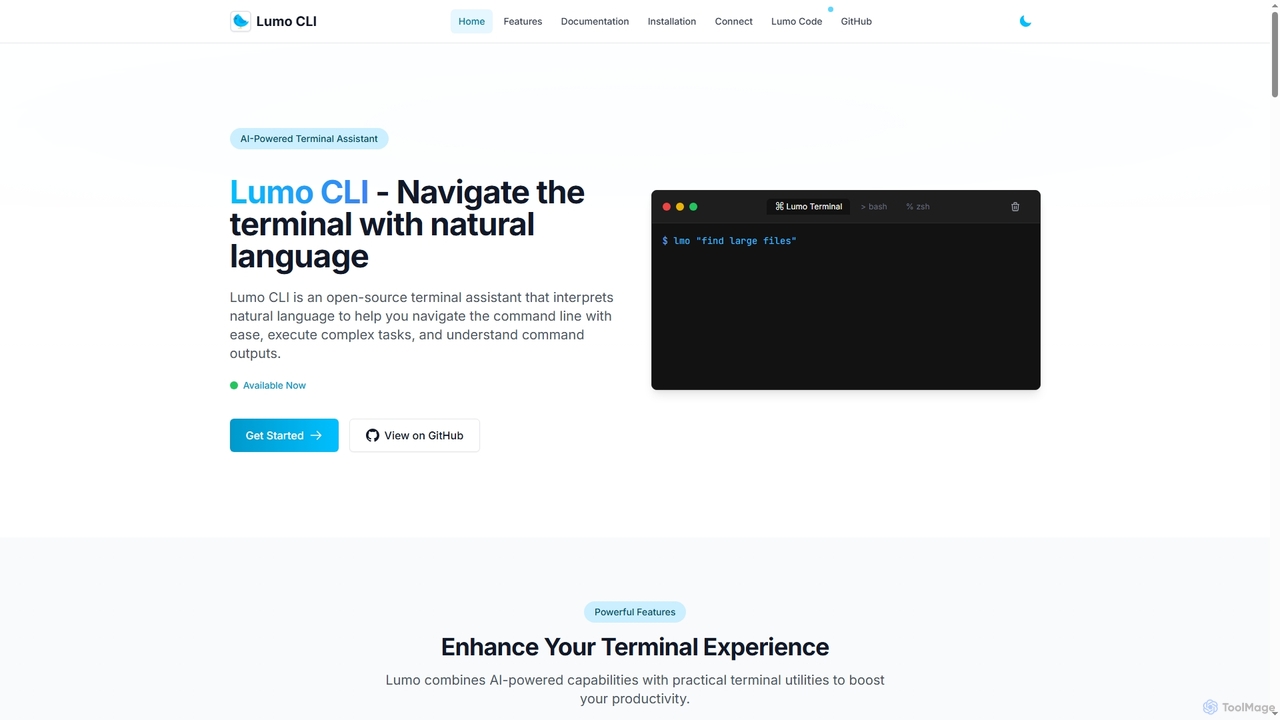
Lumo is an open-source, AI-powered terminal assistant that allows users to interact with the command line using natural language. It translates plain English into executable commands, automates complex tasks, monitors system health, and supports multiple AI models including Gemini, OpenAI, and Ollama for local inference.
Code Assistant
Komandi
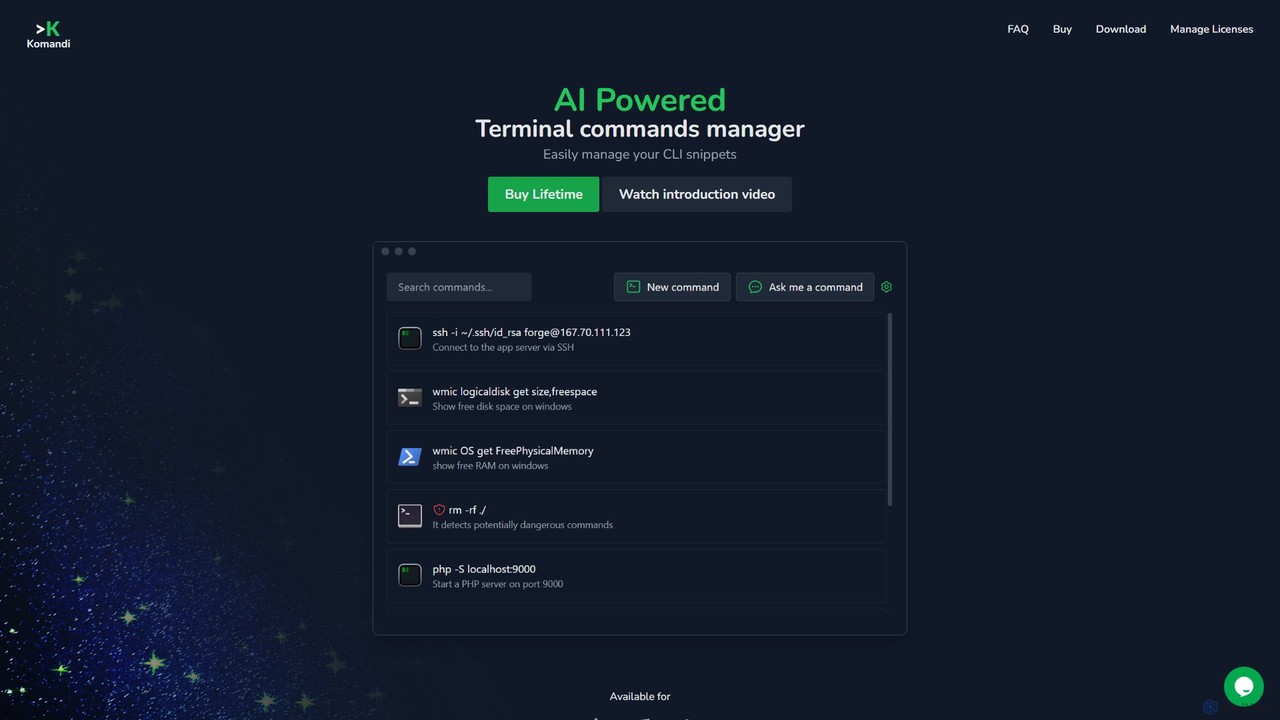
Komandi is an AI-powered CLI/terminal command manager for developers and sysadmins. It simplifies command-line operations by allowing you to manage snippets, generate complex commands from natural language, and execute them safely. It supports macOS, Windows, and Linux, streamlining your workflow by organizing frequently used commands and detecting potentially dangerous ones before execution.
Code Assistant
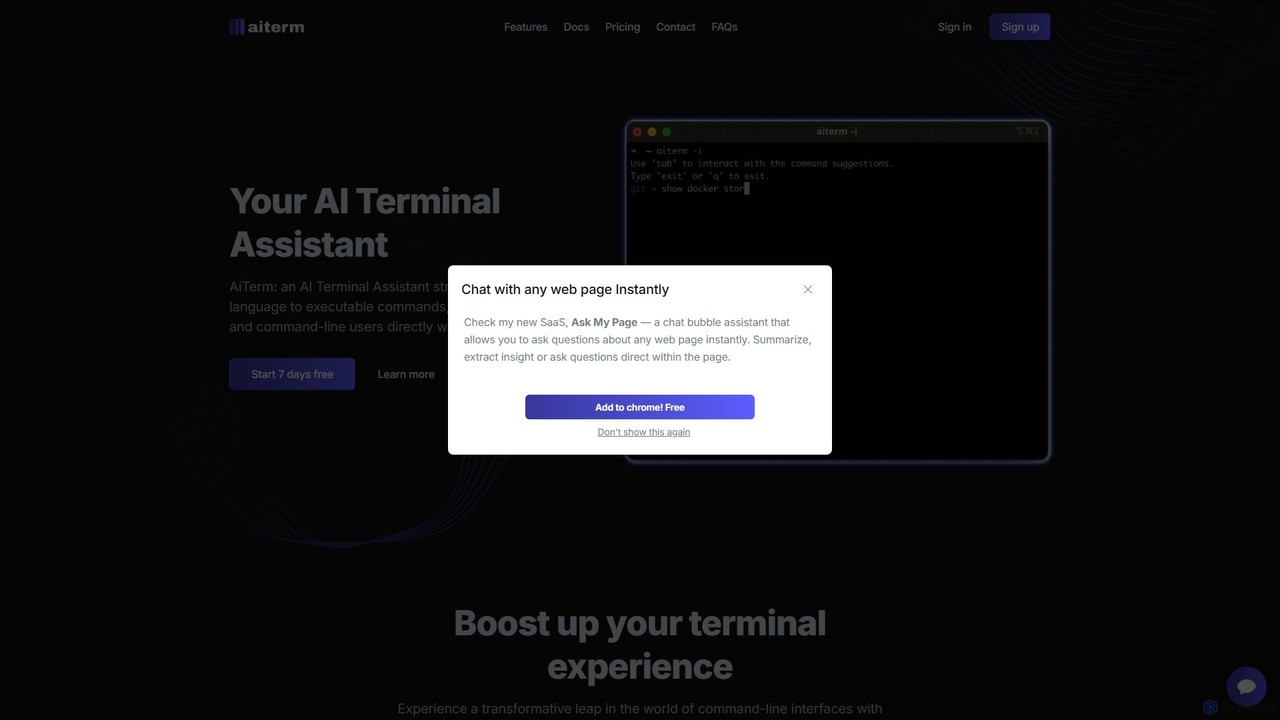
AiTerm
AiTerm is an AI-powered terminal assistant that translates natural language into executable shell commands. It streamlines workflows for developers and command-line users with features like IDE-style autocompletion, command suggestions, and workflow management, all directly within the terminal.
Code Assistant
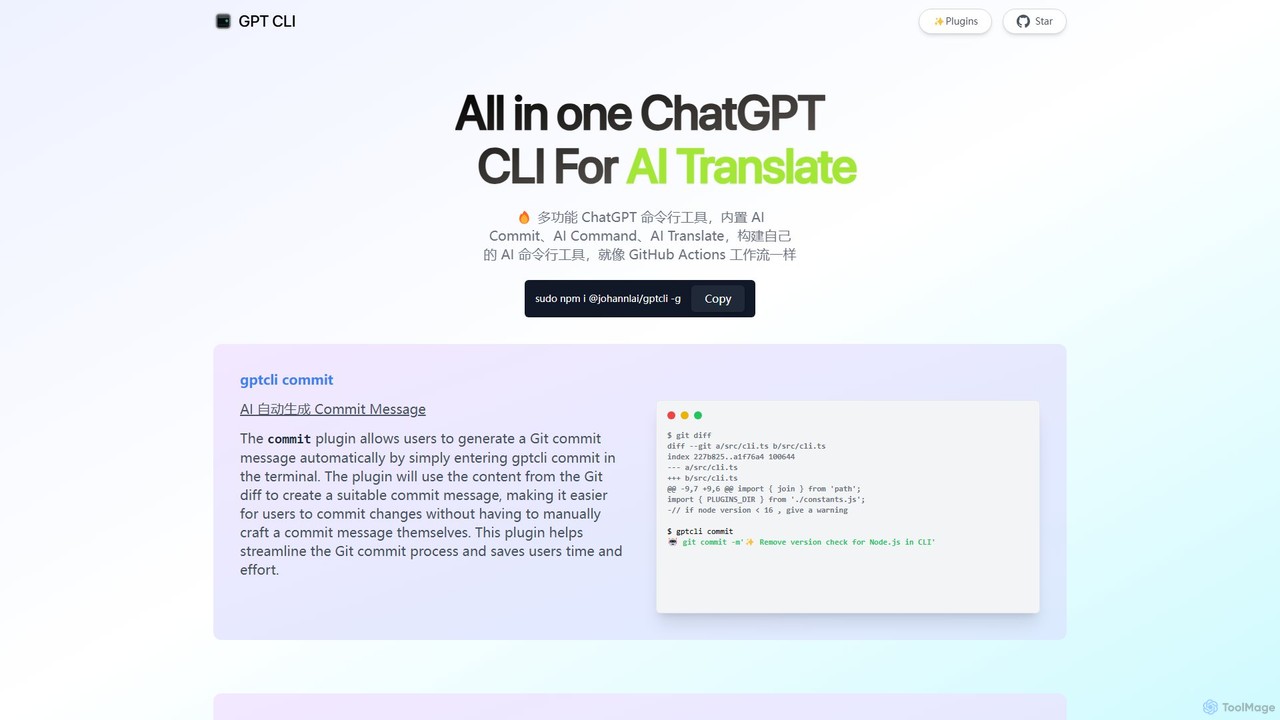
gptcli
gptcli is a versatile, open-source command-line tool that integrates ChatGPT directly into your terminal. It streamlines developer workflows with features like AI-powered Git commits, natural language to shell command translation, and in-terminal chat. With its extensible plugin system, you can build your own custom AI CLI tools, making it the ultimate productivity enhancer for anyone who works extensively with the command line.
Code Assistant
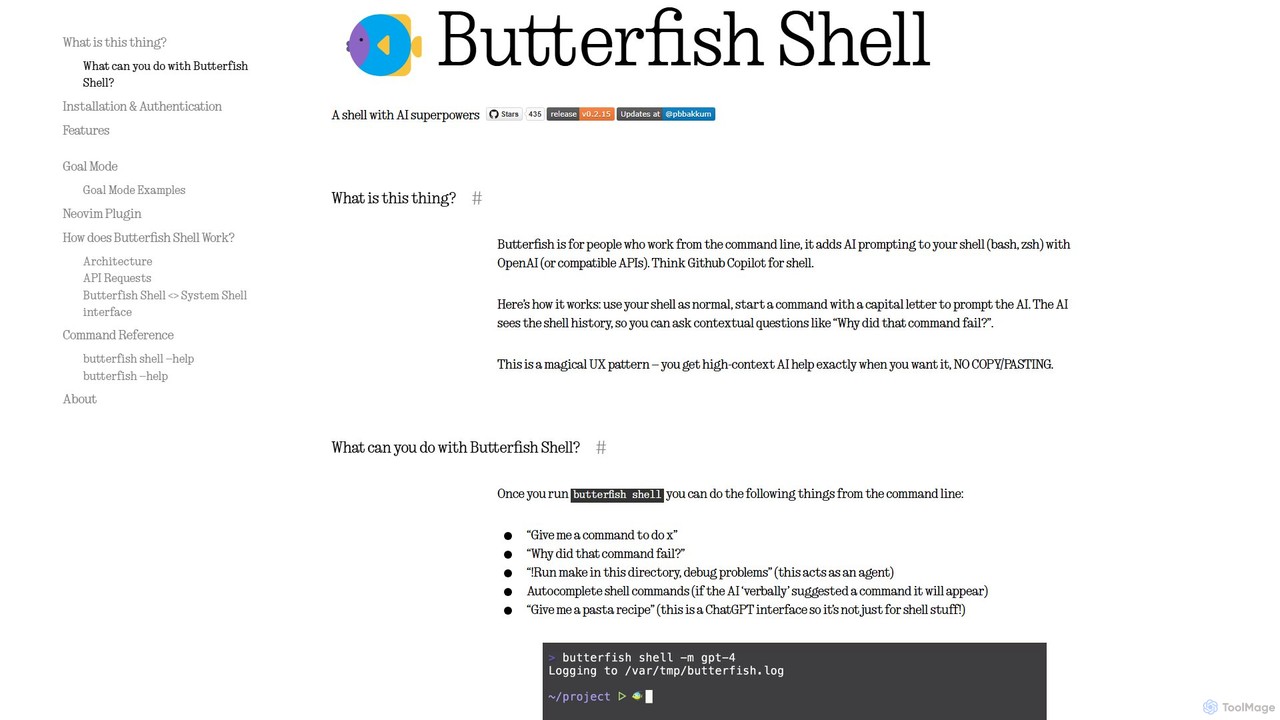
butterfish
butterfish is an open-source CLI tool that supercharges your shell (bash, zsh) with AI capabilities. Acting like GitHub Copilot for the command line, it allows you to generate commands, debug errors, and automate tasks using natural language prompts directly in your terminal. It maintains context from your shell history, providing highly relevant assistance and boosting productivity for developers and sysadmins.
Code Assistant
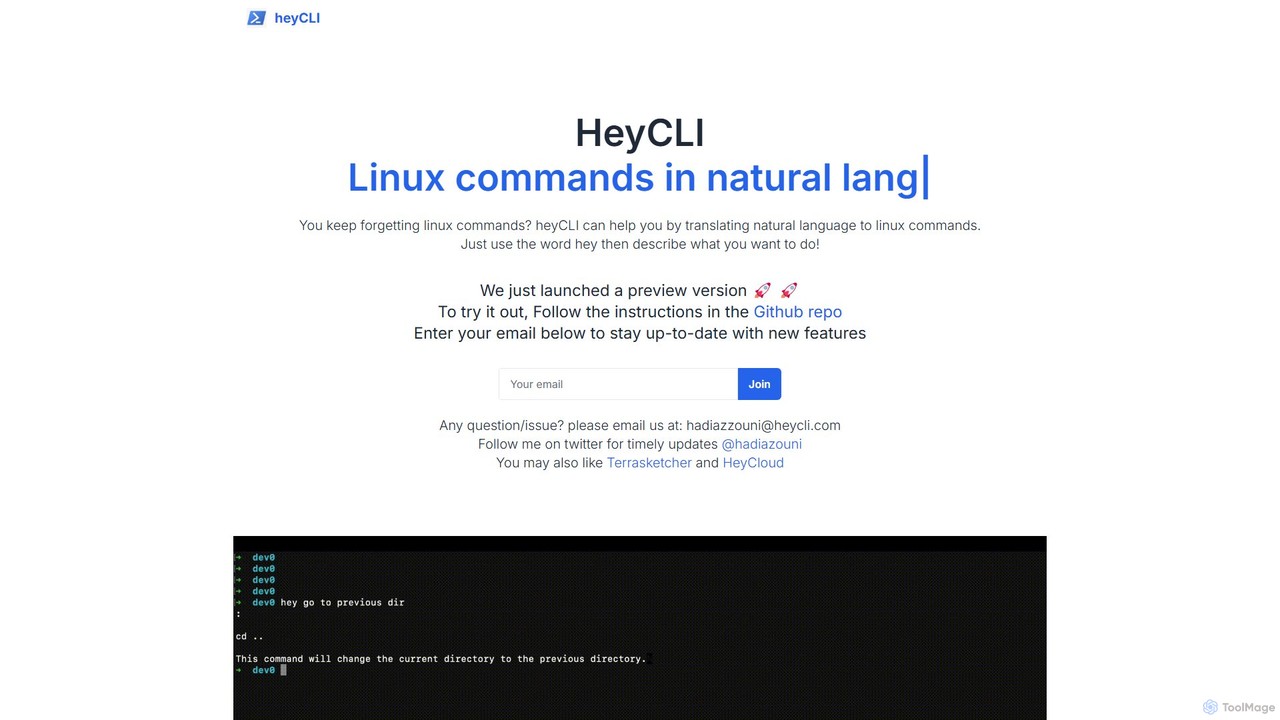
heycli
heycli is an AI-powered copilot for the command line that translates natural language into Linux commands. Simply describe the task you want to perform, and heycli generates the correct command, boosting productivity and reducing the learning curve for developers and sysadmins.
Command Line
how2terminal
how2terminal is an AI-powered command-line tool that translates natural language queries into shell commands. It works directly in your Unix or PowerShell terminal, suggesting commands for Bash, Zsh, and more, helping developers and sysadmins boost productivity and learn new commands without leaving their workflow.
Code Assistant
Dallecli
A powerful command-line interface (CLI) tool for interacting with OpenAI's DALL-E models. Generate, edit, and manage AI images directly from your terminal, perfect for developers, scripters, and automating creative workflows.
Command Line Interface
Charm
Charm is an ecosystem of open-source tools and libraries designed to make the command-line interface (CLI) glamorous and powerful. It provides developers with applications for AI-powered coding (Crush, Mods), beautiful terminal UIs (Bubble Tea), markdown rendering (Glow), and self-hosted Git servers (Soft Serve). Charm empowers developers to build, style, and enhance their terminal workflows with modern, elegant, and highly functional tools.
Code Assistant

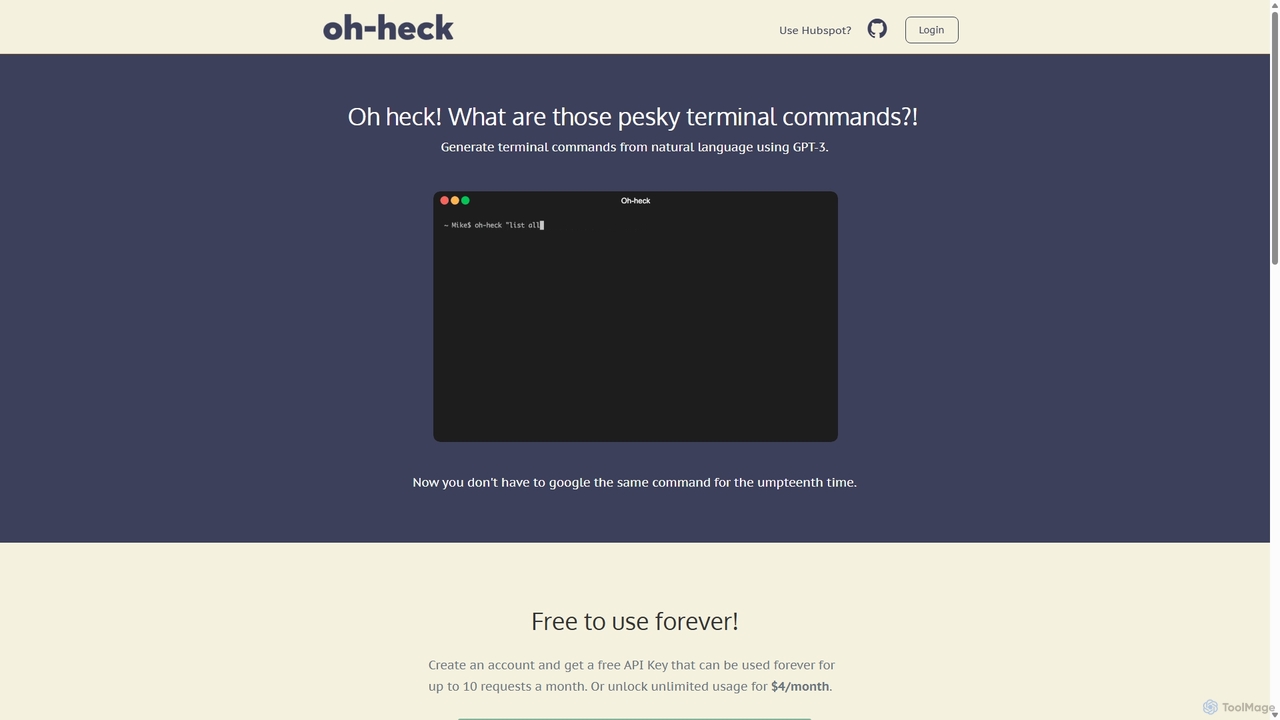
Oh-heck
Oh-heck is a suite of AI-powered productivity tools that convert natural language into terminal commands and generate professional emails directly within your CRM. Powered by GPT-3, it's designed to save time for developers, sales teams, and support agents by simplifying complex and repetitive tasks.
Command Line
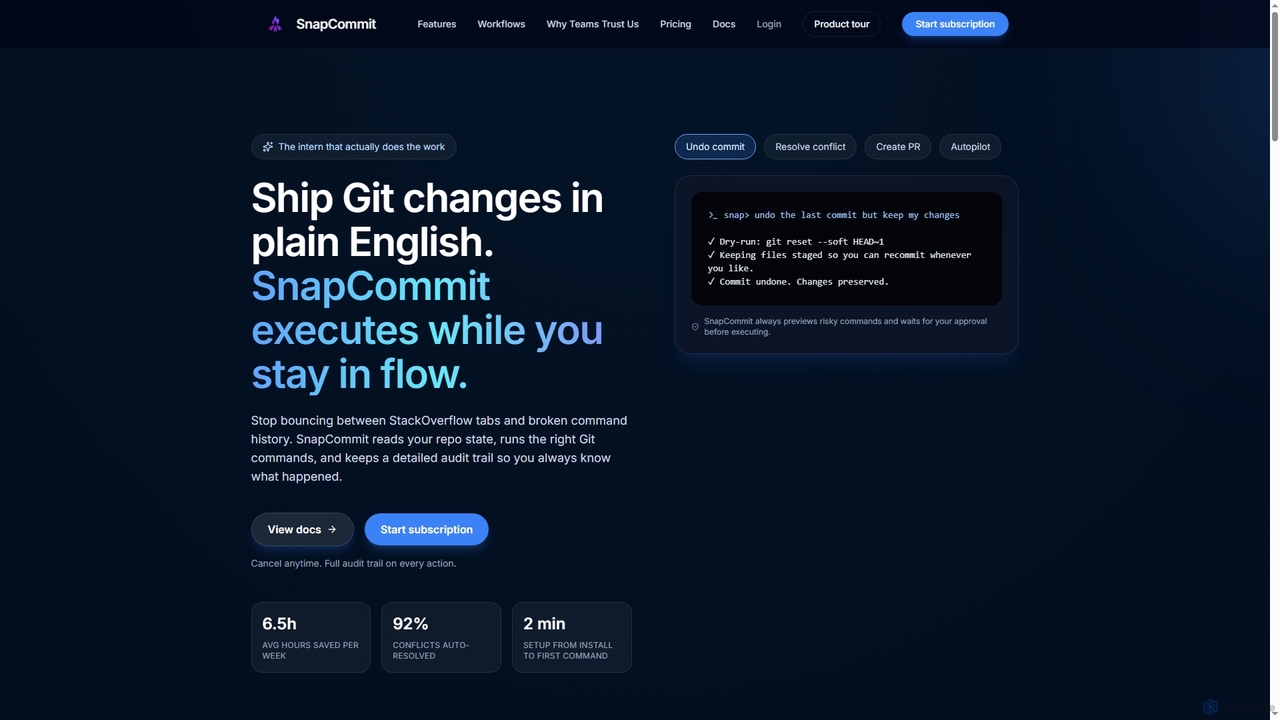
SnapCommit
SnapCommit is an AI-powered terminal Git assistant that allows developers to manage Git operations using plain English commands. It automates complex workflows like committing, resolving conflicts, and creating pull requests, enhancing productivity and ensuring code integrity with dry-run previews and a detailed audit trail.
Code Assistant
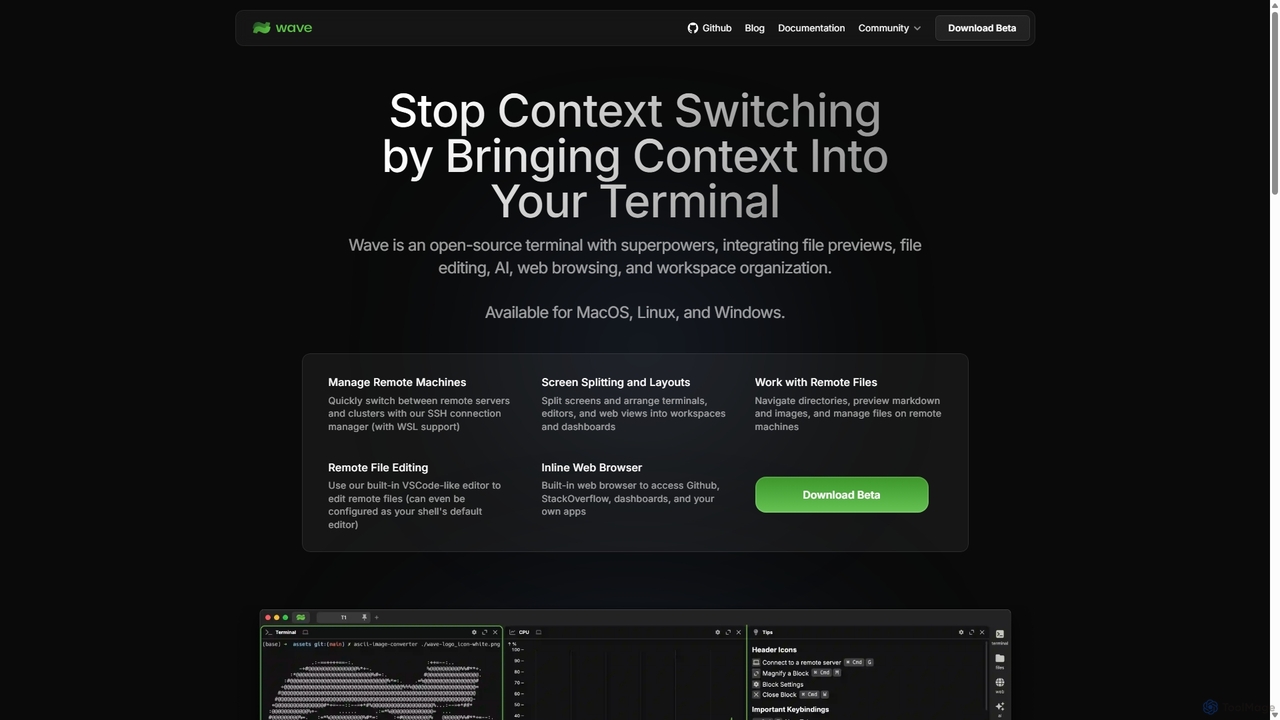
Waveterm
Waveterm is an open-source, modern terminal designed for developers and DevOps engineers. It enhances the command-line experience by integrating AI-powered assistance, a VSCode-like editor, inline file previews, a web browser, and customizable dashboards. This all-in-one workspace reduces context switching and boosts productivity across macOS, Windows, and Linux.
Code Assistant
Raycast
Raycast is a blazingly fast, extendable launcher for macOS that supercharges your productivity. It replaces Spotlight with a powerful command-line interface to control your tools, search files, run scripts, and automate tasks. With an integrated AI assistant, a vast store of community-built extensions, and features like Clipboard History, Snippets, and Window Management, Raycast centralizes your workflow, saving you time and context-switching.
Workflow Automation