ToolMage
Sign in

Best 66 Accessibility AI tools

Popular Accessibility AI tools include wisprflow, Even Realities, ElevenReader, Peech, Dictation.io, Dictanote, Ava, CoeFont, Image to Prompt, and Be My Eyes, helping you work more efficiently.

Image Describer
Freemium

Image Describer

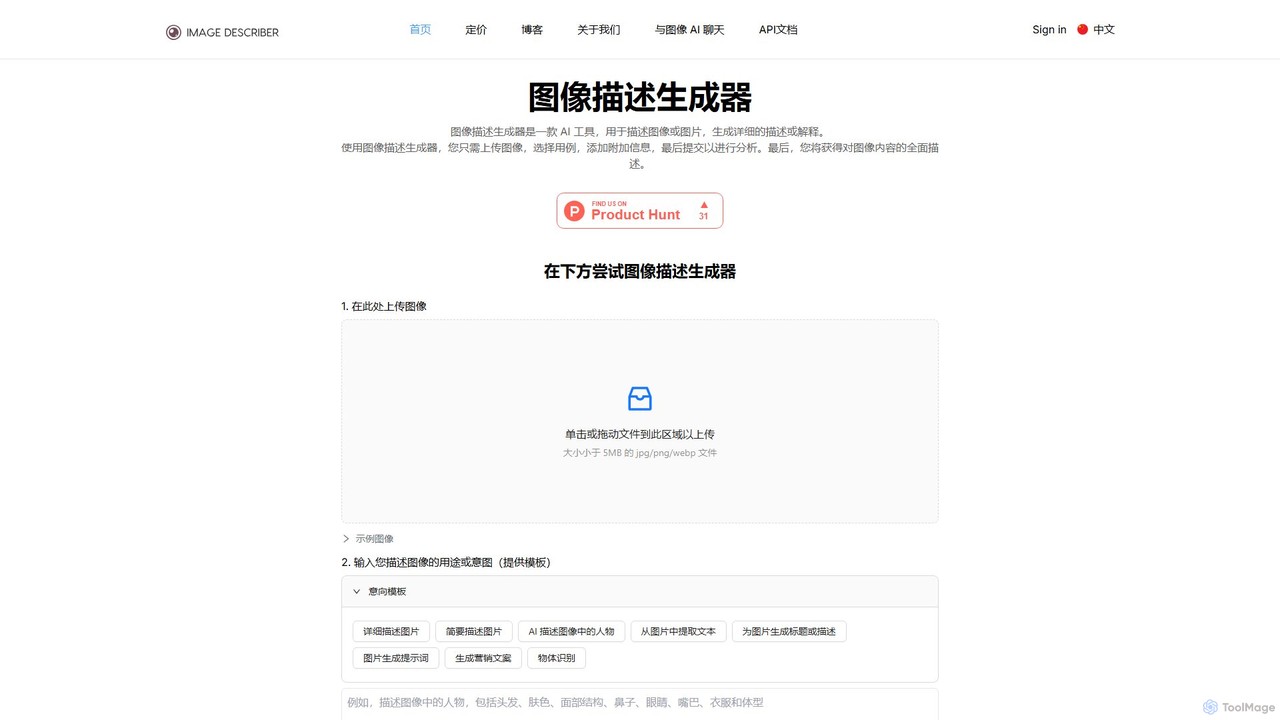
An AI-powered tool that analyzes images to generate detailed descriptions, alt text, social media captions, marketing copy, and AI art prompts. It supports custom instructions to tailor descriptions for various purposes, from accessibility to creative content generation.

Assistive Technology
Visits 159.4KFavorites 123Likes 129
VoiceGPT
Freemium

VoiceGPT

VoiceGPT is a voice-enabled AI assistant for Android, providing hands-free access to models like ChatGPT, GPT-4, and Bard. It enhances user interaction with features like multi-language voice input/output (67+ languages), OCR for text extraction from images, and hotword activation ("Hey, Chat"). Designed for accessibility and convenience, it also includes code execution, DALL-E 2 image generation, and seamless chat history sync, making it a powerful personal and professional tool.

Voice Control
Visits 6.8KFavorites 115Likes 97
live_captions
Freemium

live_captions

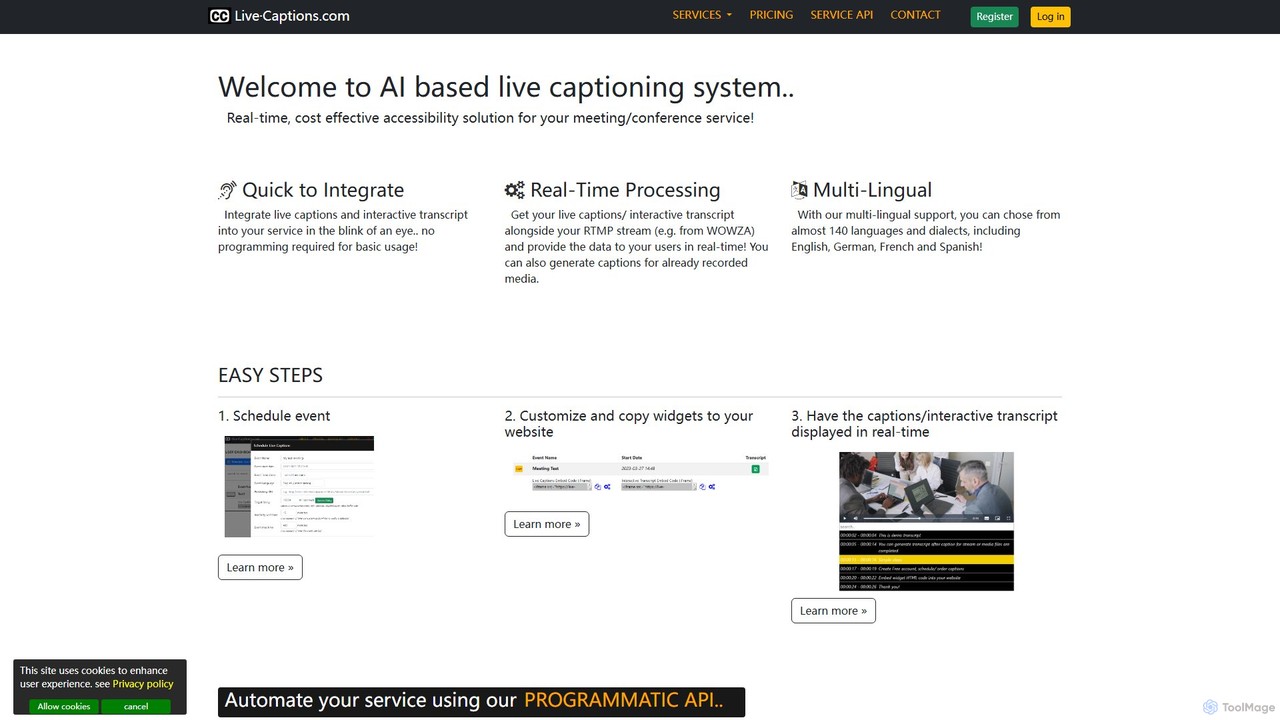
An AI-powered service providing real-time, cost-effective live captioning and transcription for meetings, conferences, and streams. It supports nearly 140 languages and offers easy integration for both live and pre-recorded media.

Inclusivity
Visits 5.8KFavorites 134Likes 125
Seymour Events
Freemium

Seymour Events

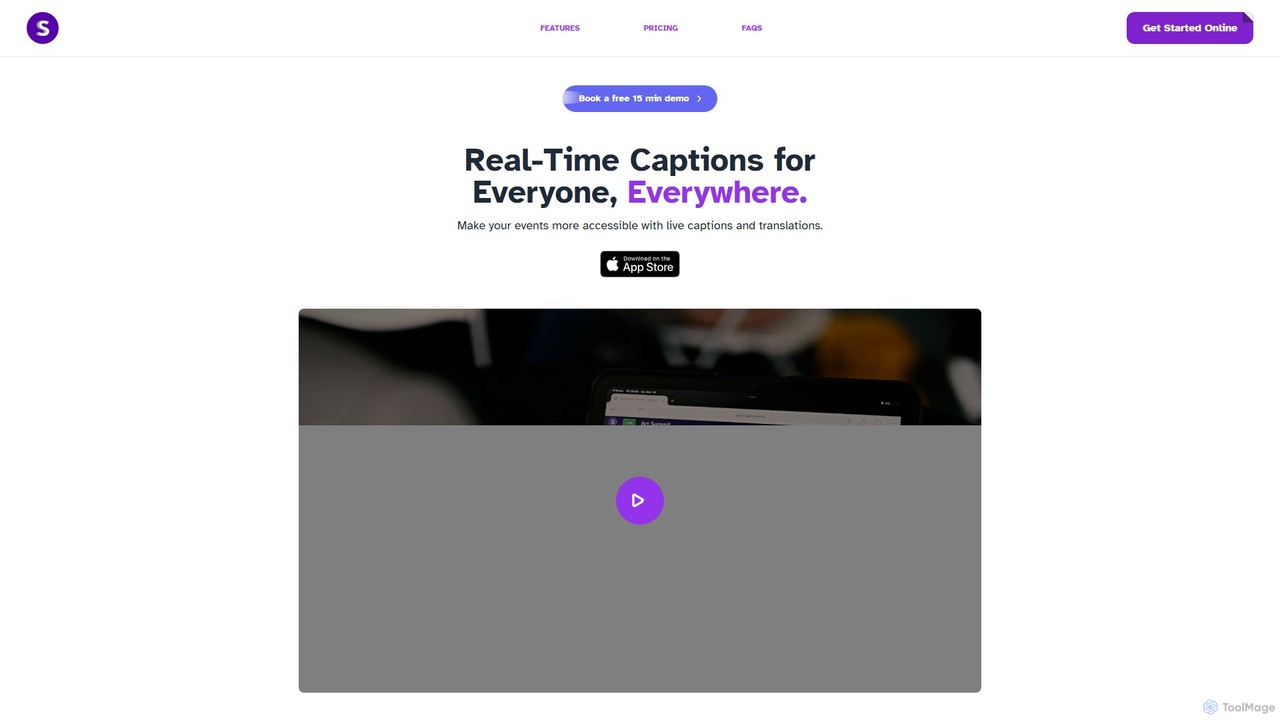
Seymour Events provides AI-powered real-time captions and multi-language translations for live events. Designed for inclusivity, it makes conferences, meetings, and performances accessible to Deaf, Hard of Hearing, and language-diverse audiences. The platform is easy to use for sound technicians, requires no special hardware, and offers a seamless viewing experience for attendees on any device via a simple link.

Hearingimpairment
Visits 5.4KFavorites 130Likes 143
Image to Prompt
Free

Image to Prompt

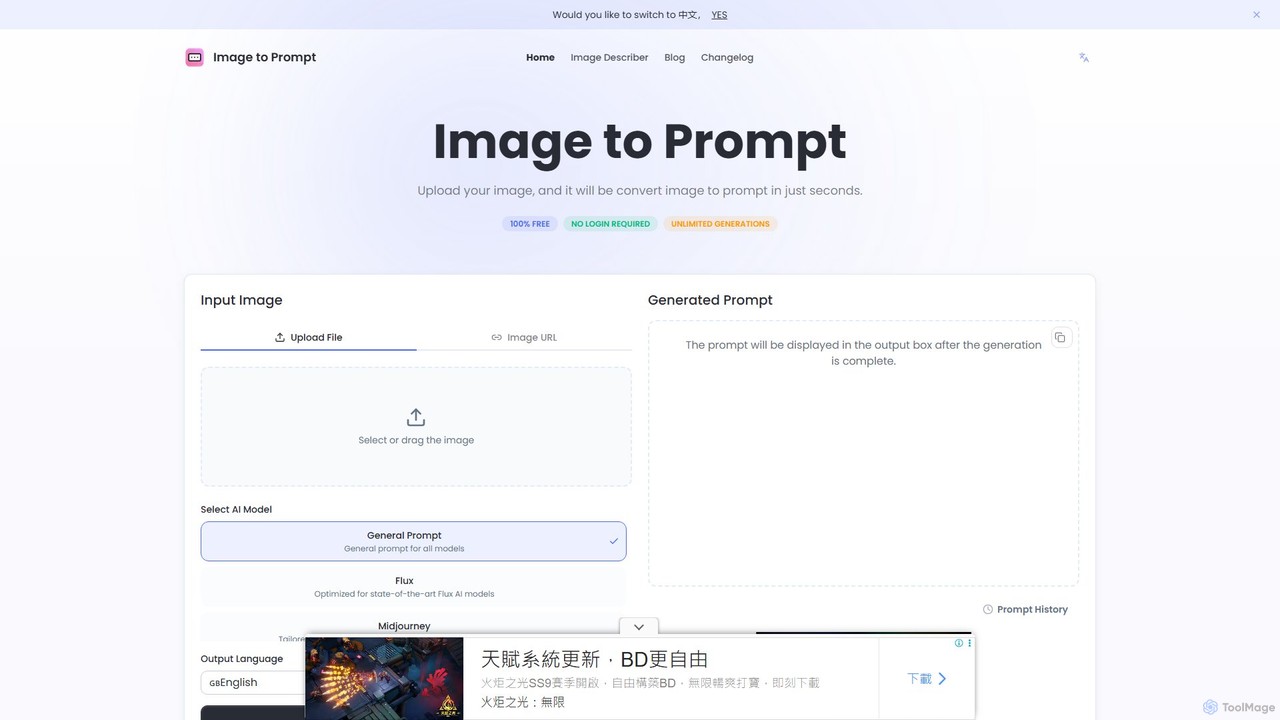
Image to Prompt is a free AI-powered tool that converts images into detailed text prompts. It's designed for artists, designers, and content creators using AI art generators like Midjourney, Stable Diffusion, and Flux. The tool also functions as an image describer, generating rich descriptions for accessibility, marketing, and creative purposes. It's completely free, requires no login, and offers unlimited generations.

Web Development
Visits 208.9KFavorites 160Likes 153
Voyp
Freemium

Voyp

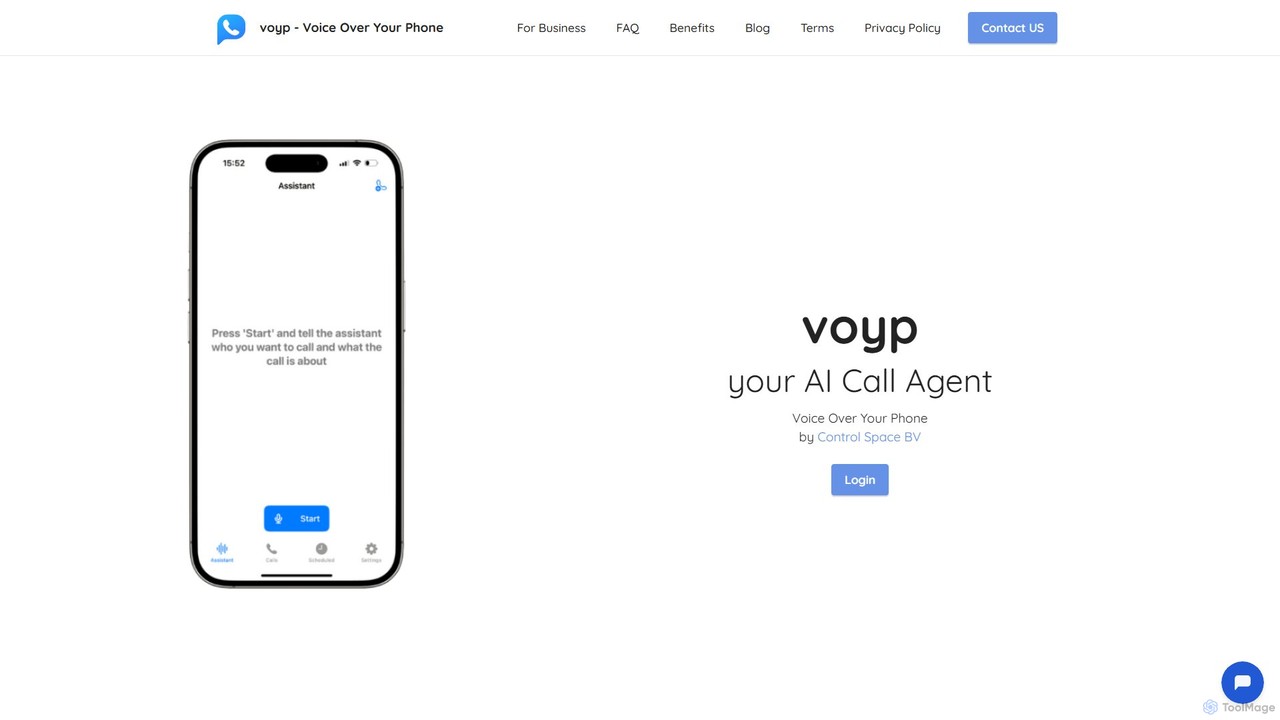
Voyp is an AI-powered call agent that makes phone calls on your behalf. Simply provide context via text or voice, and the intelligent assistant will handle tasks like booking appointments, making reservations, and conducting business calls, saving you time and effort.

Assistive Technology
Visits 7.3KFavorites 124Likes 125
Article Audio
Freemium

Article Audio

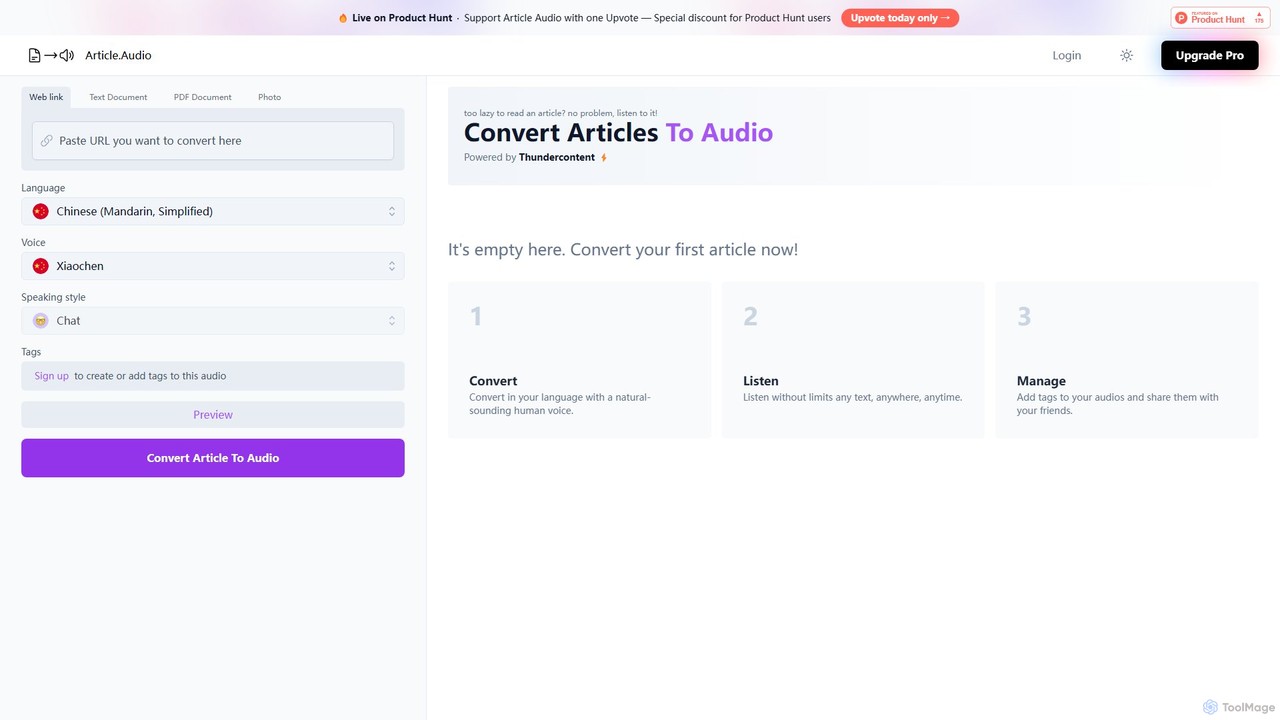
Article Audio is an AI-powered tool that instantly converts any web article into high-quality, natural-sounding audio. Choose from a wide range of languages and voices to listen to content on the go, making it perfect for multitasking, learning, and accessibility.

Reading Aid
Visits 5.5KFavorites 135Likes 133
iListen
Freemium

iListen

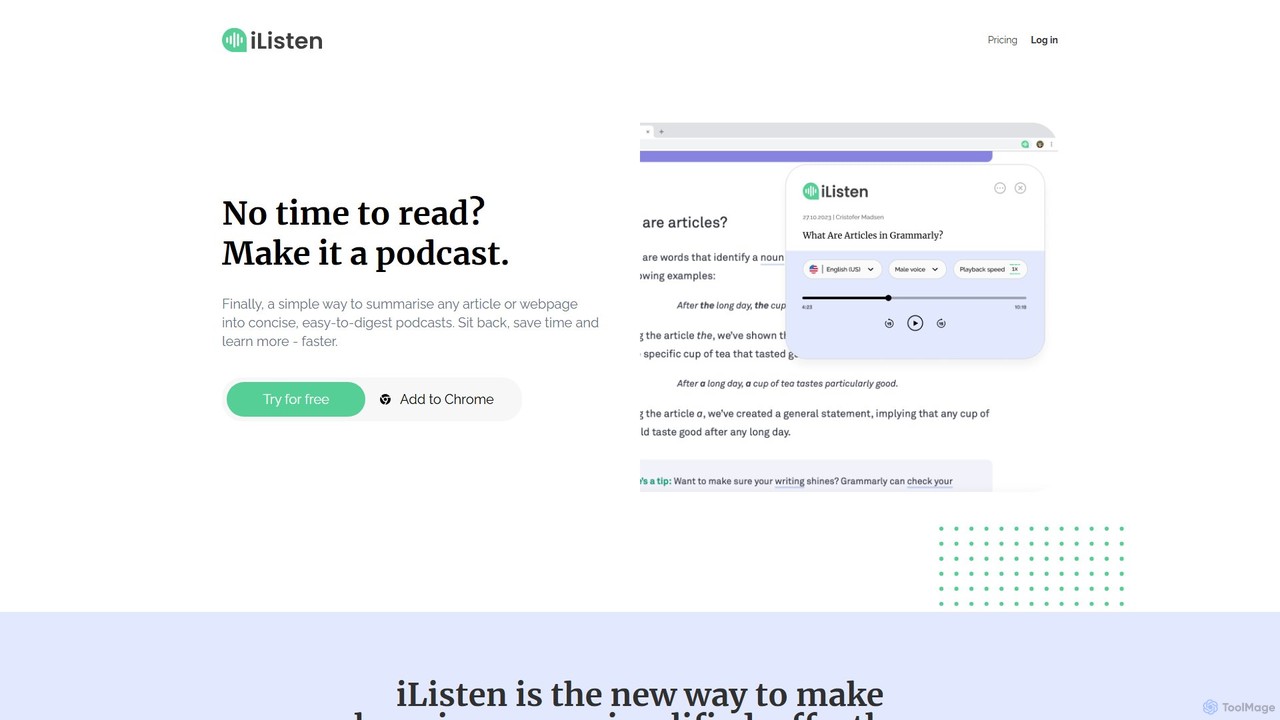
iListen is an AI-powered tool that transforms any online article or webpage into a concise, easy-to-digest audio podcast. It allows users to save time and learn on the go by listening to summarized content. With features like customizable summary lengths, various voice options, and a personal podcast library, iListen makes information consumption effortless, efficient, and memorable.

Reading Assistant
Visits 5.5KFavorites 91Likes 97
BlogAudio
Freemium

BlogAudio

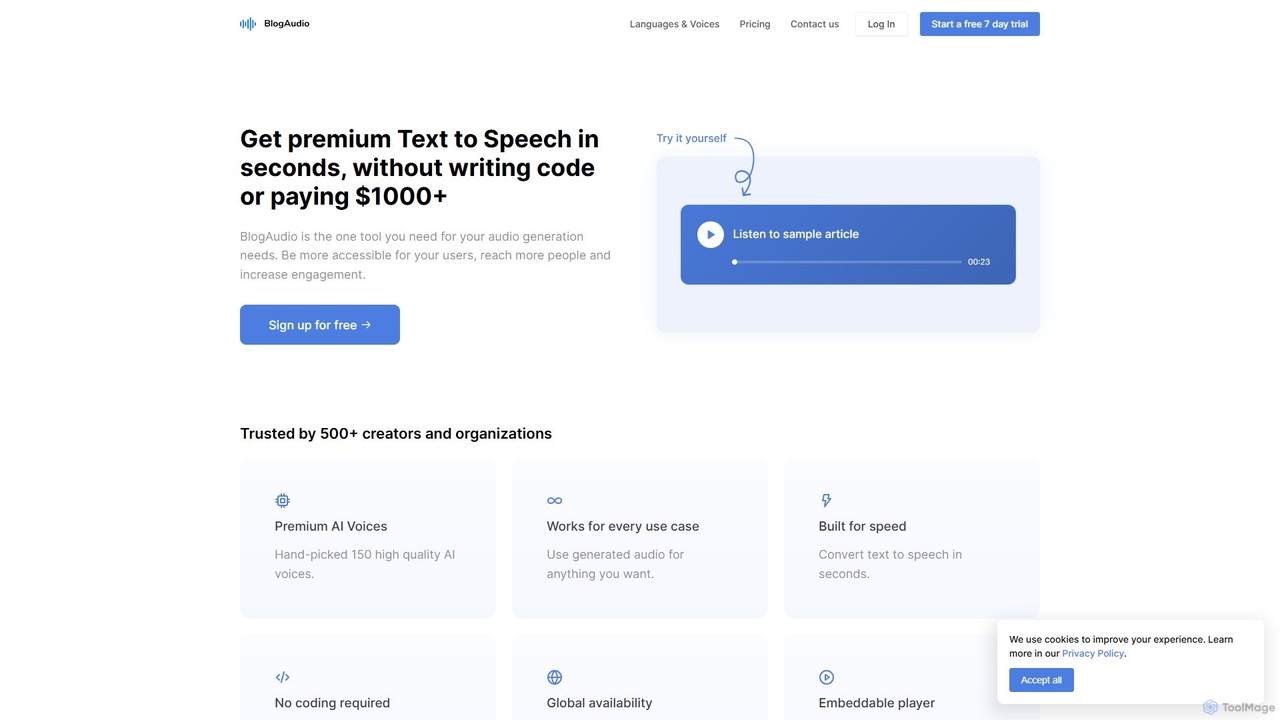
BlogAudio is a powerful AI-driven Text-to-Speech (TTS) platform that converts written content into high-quality, natural-sounding audio in seconds. It offers 158 premium AI voices across 43 languages, an embeddable player, and analytics. Ideal for creating audio articles, podcasts, voiceovers, and enhancing content accessibility for a global audience.

Assistive Technology
Visits 9.5KFavorites 115Likes 128
HeardThat
Freemium

HeardThat

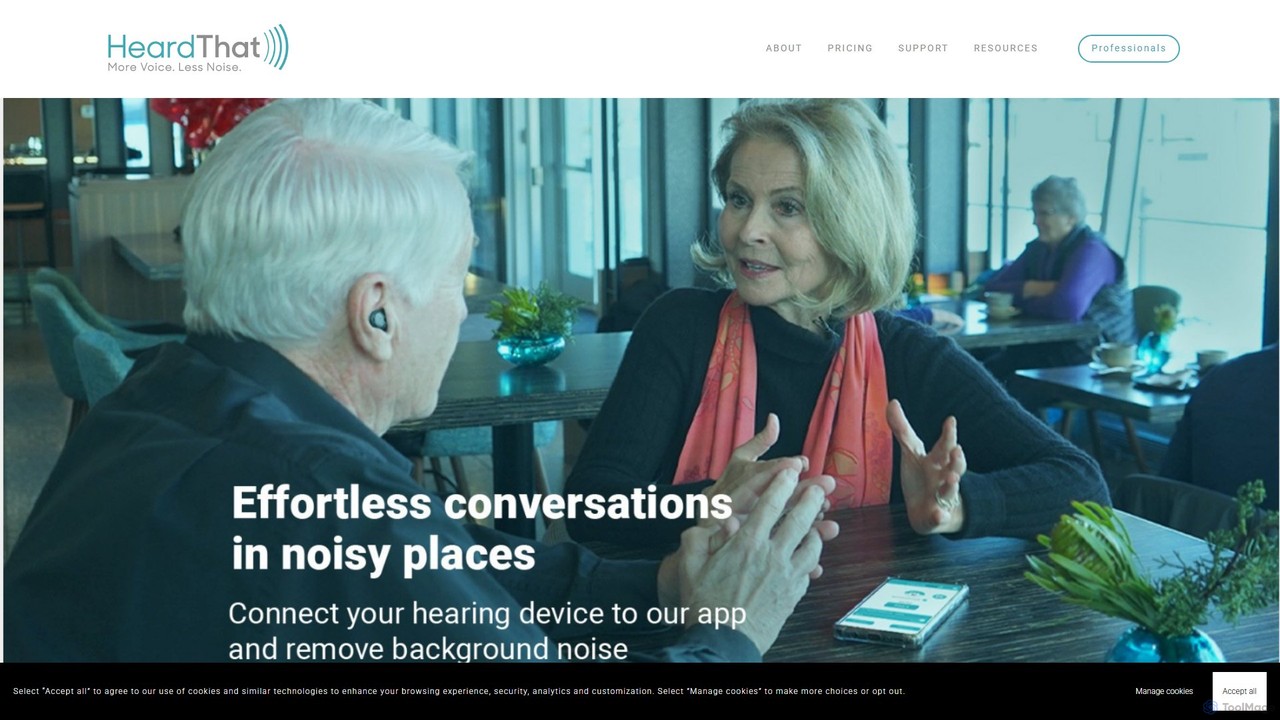
HeardThat is an AI-powered smartphone app that eliminates background noise, allowing you to hear conversations clearly in loud environments. Using your existing phone and Bluetooth listening devices, it leverages advanced machine learning to isolate speech, tackling the 'cocktail-party effect'. It's a software-based hearing-assistive tool designed for anyone who struggles to follow conversations in noisy social settings, enhancing communication and reducing listening fatigue.

Speech Enhancement
Visits 8.2KFavorites 146Likes 129
wisprflow
Freemium

wisprflow

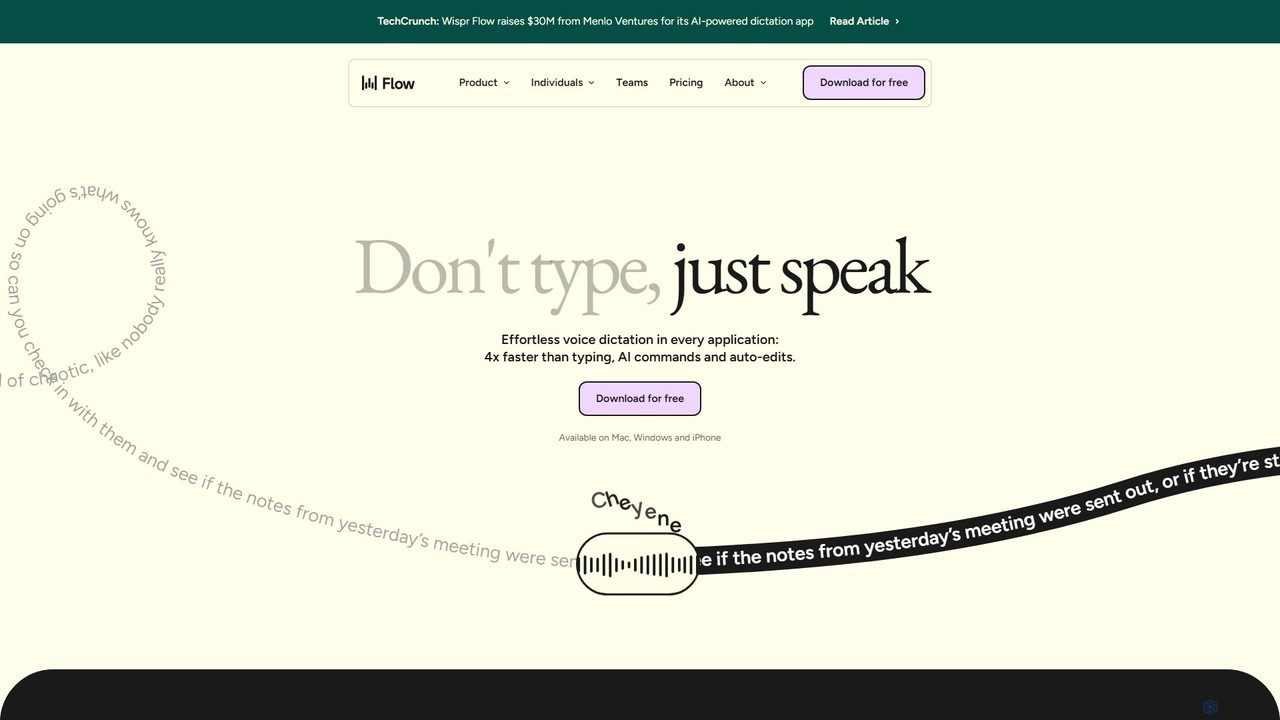
wisprflow is an AI-powered voice dictation application that transcribes speech into text 4x faster than typing. It works across Mac, Windows, and iPhone, featuring AI auto-edits, a personal dictionary, and support for over 100 languages. It's designed to boost productivity and provide accessibility for all users.

Assistive Technology
Visits 5.6MFavorites 142Likes 135
Outtloud
Freemium

Outtloud

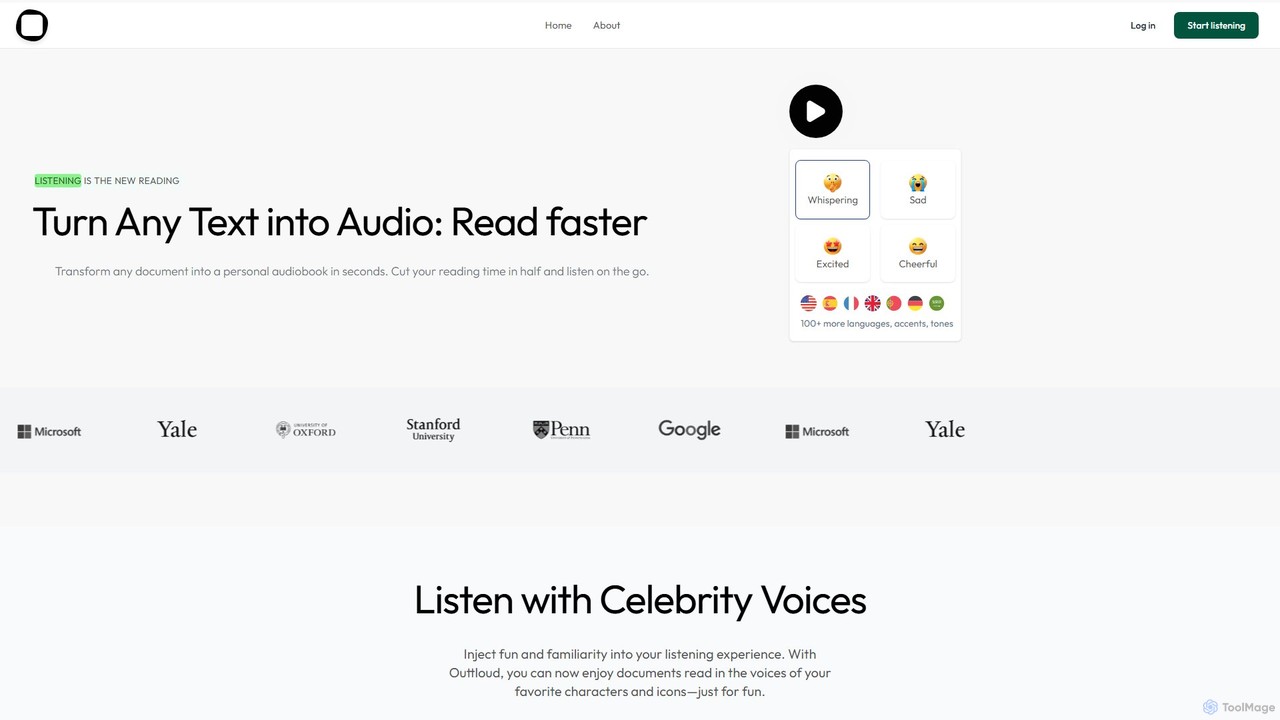
Outtloud is an AI-powered text-to-speech tool that converts any document (PDF, EPUB) or web content into high-quality, natural-sounding audio. It features over 100 voices in 50+ languages, emotional tones, and even celebrity voice clones. Designed for productivity and accessibility, it can create AI podcasts from web searches, generate summaries, and includes tools for bookmarking and annotation, making it ideal for students, researchers, and busy professionals.

Reading Aid
Visits 8KFavorites 114Likes 104
tts4free
Free

tts4free

A powerful and completely free online text-to-speech tool. tts4free utilizes advanced AI, including Microsoft's natural voices and the StyleTTS 2 model, to convert text into high-quality, human-like audio. It supports hundreds of languages and various voice styles, making it perfect for content creators, educators, and accessibility purposes, with a simple interface and no registration required.

Assistive Technology
Visits 5.9KFavorites 133Likes 137
Supersense
Freemium

Supersense

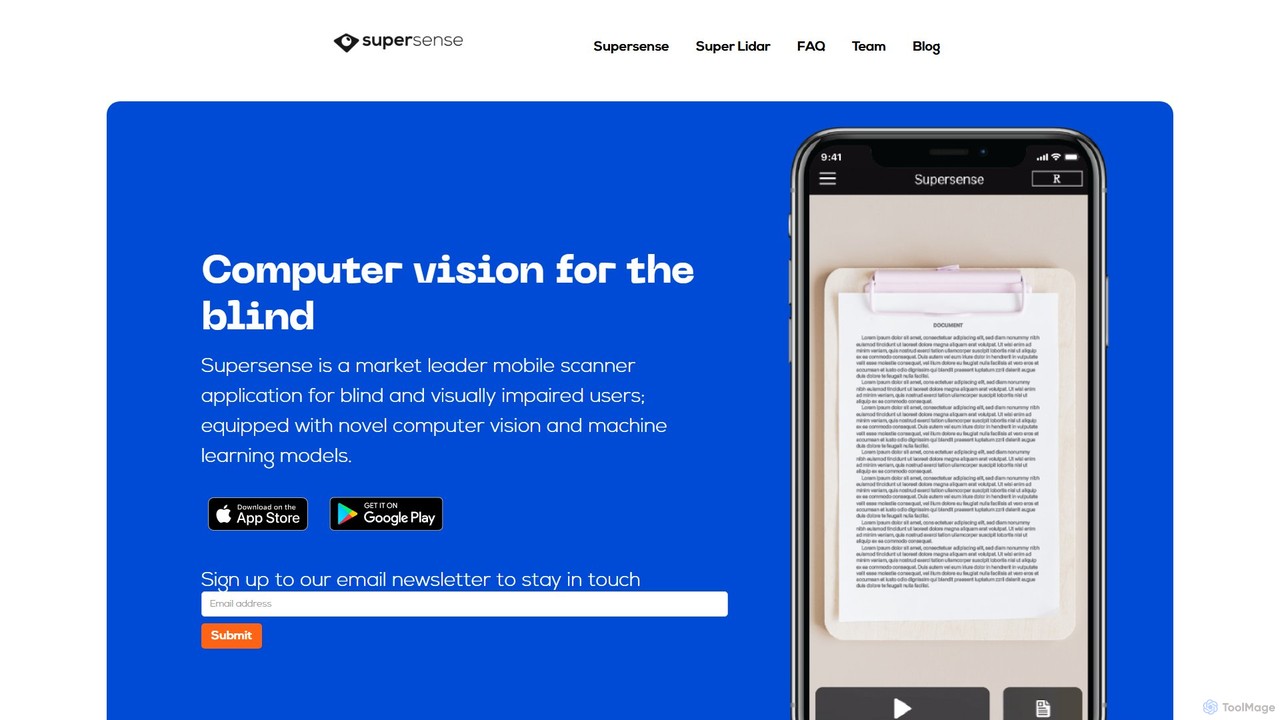
Supersense is an AI-powered mobile application designed for blind and visually impaired users. It acts as a smart scanner, using the phone's camera to read text, identify currency, scan barcodes, and recognize objects in the user's environment. With a highly accessible interface and verbal guidance, it makes the physical world more navigable and information more accessible.

Visual Impairment
Visits 7.4KFavorites 153Likes 130
Read Easy.ai
Freemium

Read Easy.ai

Read Easy.ai is an AI-powered tool designed to enhance text accessibility. It simplifies complex text for individuals with low literacy skills or dyslexia through Microsoft Office add-ins, a Chrome extension, and a developer API, supporting multiple languages and platforms.

Readability
Visits 7.1KFavorites 151Likes 155
InclusiveDocs
Paid

InclusiveDocs

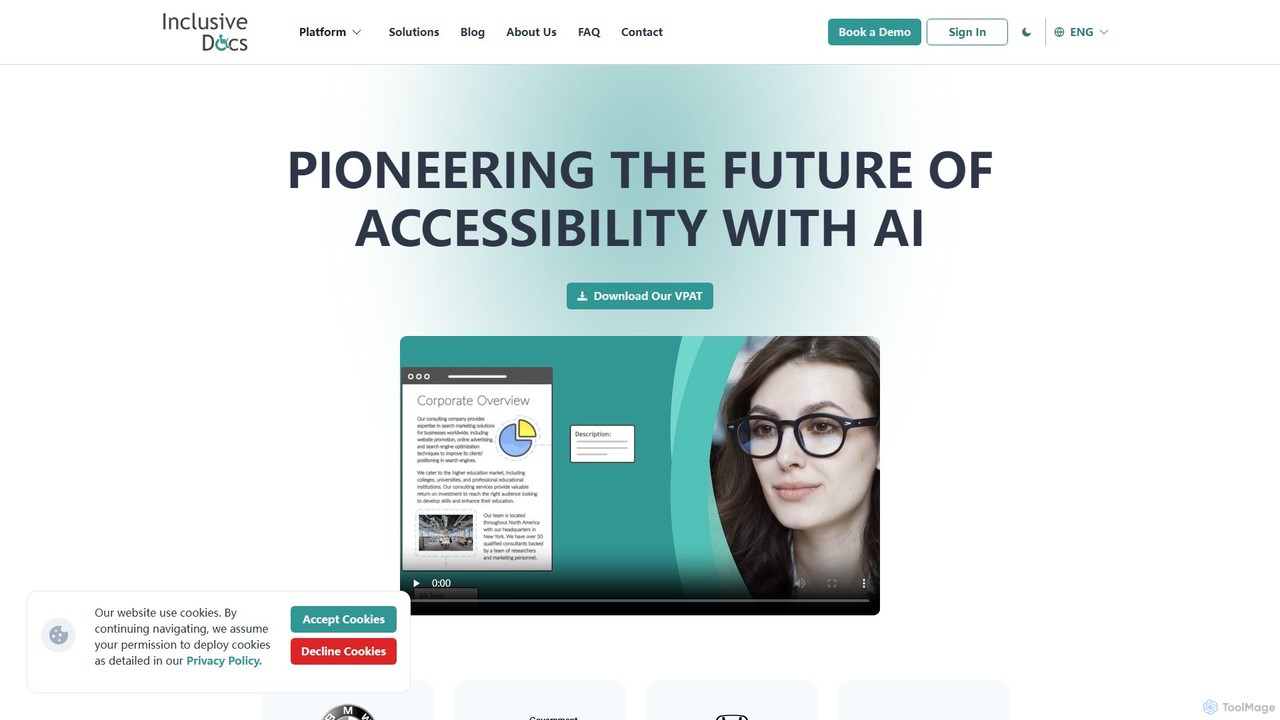
InclusiveDocs is an AI-powered platform that pioneers digital document accessibility. It specializes in automating PDF remediation to ensure compliance with WCAG 2.1 AA and Section 508 standards. By leveraging machine learning, it makes digital content like reports, books, and legal documents accessible to everyone, including individuals with disabilities, saving time and costs compared to manual processes.

Compliance
Visits 5.8KFavorites 90Likes 110
slait
Freemium

slait

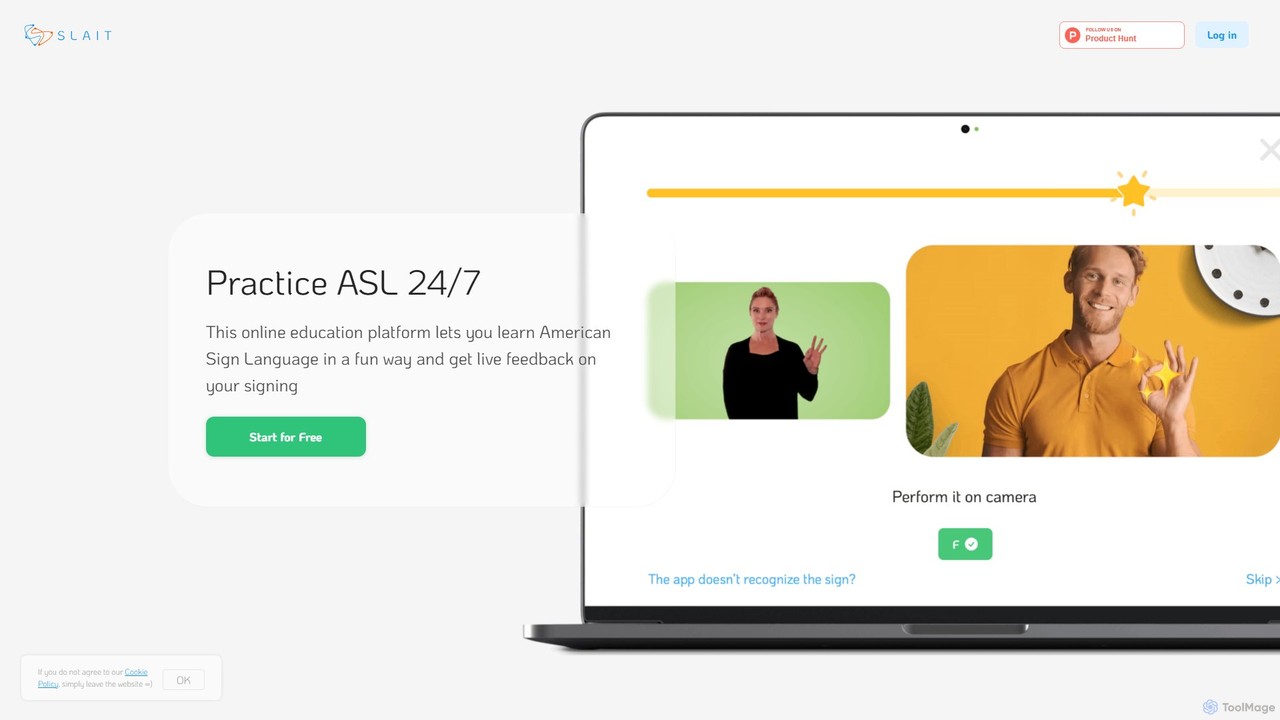
slait is an AI-powered online platform designed for learning American Sign Language (ASL). It offers a unique, interactive experience by providing real-time feedback on your signing using your device's camera. Through structured lessons, gamified quizzes, and interactive tests, users can practice ASL 24/7 at their own pace. It's an ideal tool for beginners, students, and anyone looking to communicate effectively with the Deaf and hard-of-hearing community in a fun, engaging, and pressure-free environment.

Communication Aid
Visits 5.5KFavorites 112Likes 113
Peech
Freemium

Peech

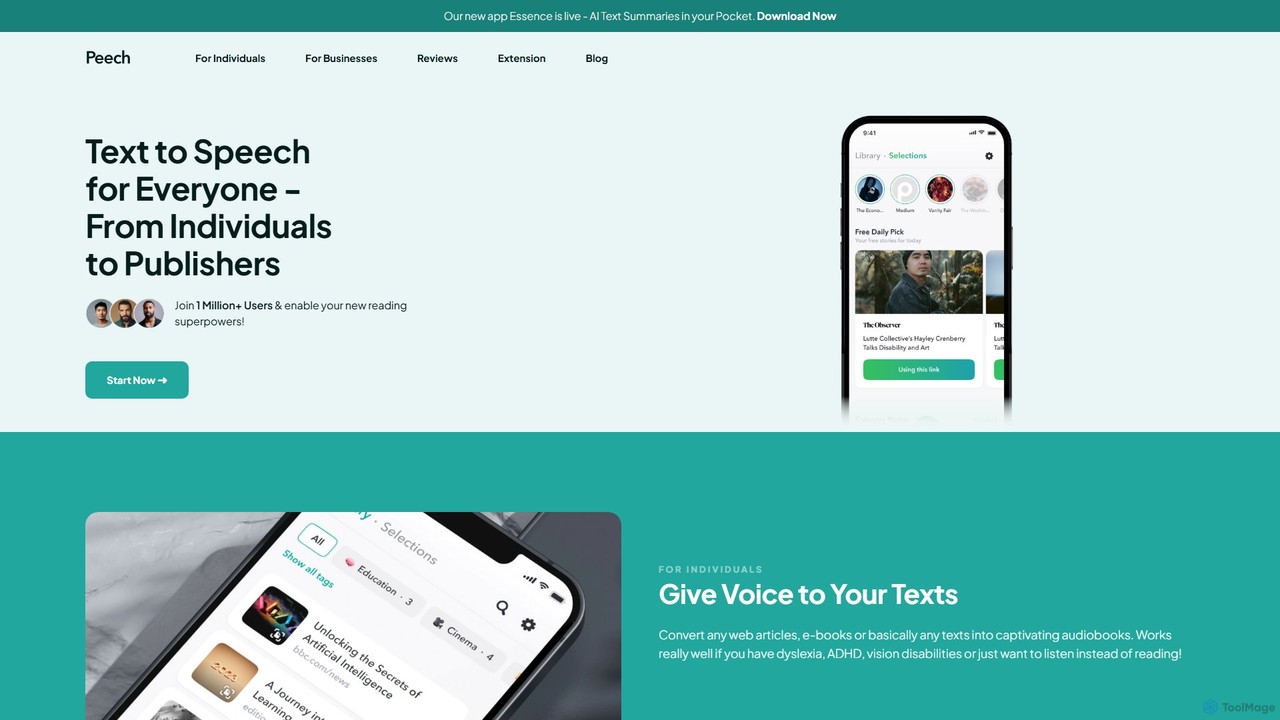
Peech is an AI-powered text-to-speech reader that converts any text, including web articles, PDFs, e-books, and even images, into high-quality, natural-sounding audio. Designed for individuals and publishers, it enhances productivity, accessibility for users with reading difficulties like dyslexia, and provides a cost-effective way to create audiobooks. Available on iOS, Android, and as a Chrome extension.

Reading Aid
Visits 450.8KFavorites 164Likes 155
ElevenReader
Freemium

ElevenReader

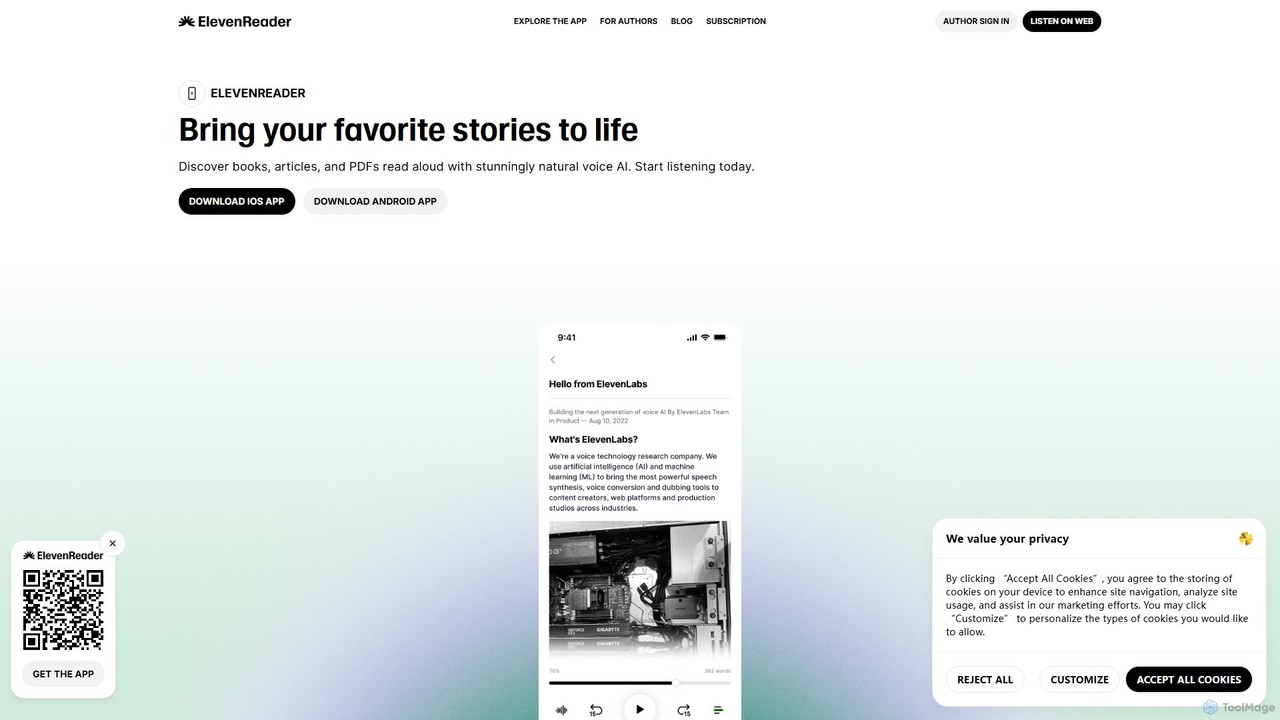
ElevenReader is an advanced AI-powered text-to-speech application that converts any written text into incredibly natural-sounding audio. Leveraging the state-of-the-art voice synthesis technology from ElevenLabs, it allows you to listen to articles, documents, PDFs, and emails on the go. Ideal for multitasking, learning, and accessibility, ElevenReader transforms your reading material into a personal audiobook library with a wide range of lifelike voices and languages.

Reading Assistant
Visits 839.3KFavorites 132Likes 127
Clipboard TTS
Freemium

Clipboard TTS

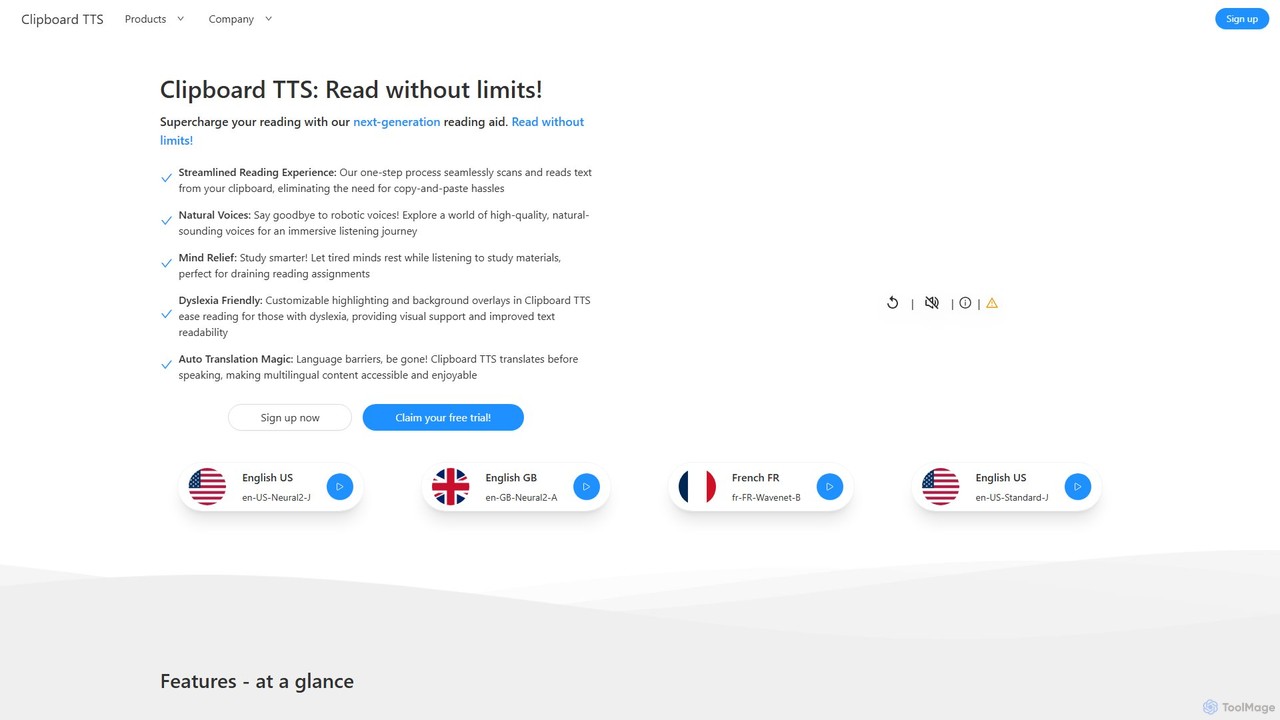
An advanced text-to-speech application for Windows and Linux that automatically reads text from your clipboard. It features natural voices, auto-translation, OCR, and extensive accessibility tools, including dyslexia-friendly options, to create a seamless and powerful reading experience.

Reading Aid
Visits 5.6KFavorites 159Likes 140
getwoord
Freemium

getwoord

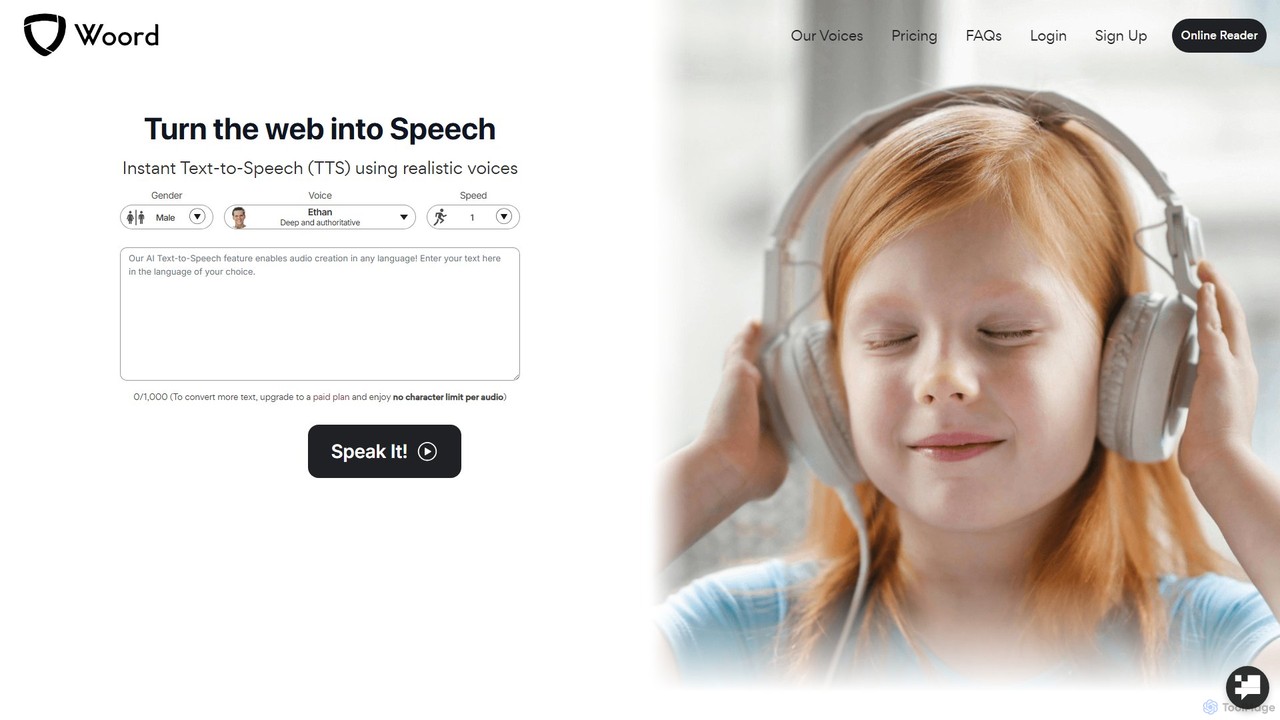
getwoord is an advanced AI text-to-speech (TTS) platform that converts any text into high-quality, natural-sounding audio. It offers over 100 realistic voices across more than 34 languages and various accents. Ideal for content creators, educators, and businesses, getwoord provides MP3 downloads, commercial usage rights, and API access, making it easy to create audio for videos, podcasts, e-learning, and more.

Screen Reader
Visits 53.5KFavorites 150Likes 169
Innosearch AI
Free

Innosearch AI

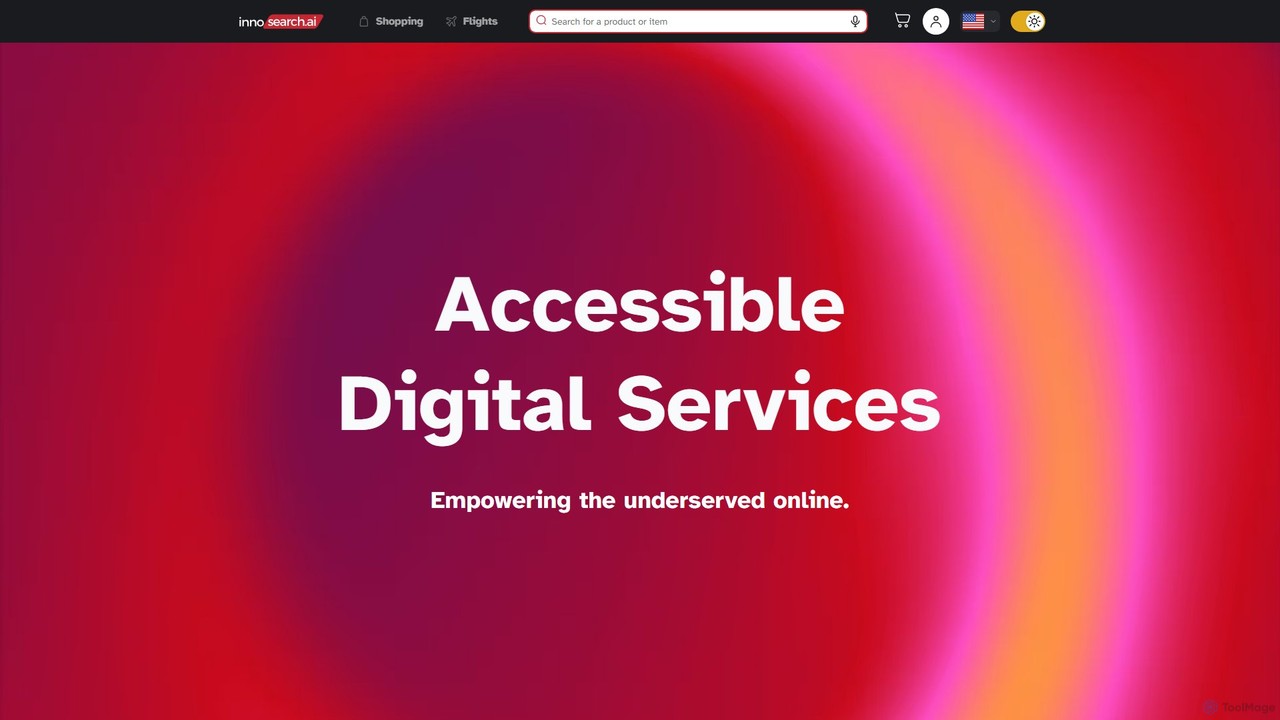
Innosearch AI is an AI-powered shopping assistant designed for accessibility, especially for blind and low-vision users. It simplifies online shopping by offering a unified platform to search billions of products, find the best deals, and book flights using a website, voice commands, or even a standard phone call, all in an ad-free environment.

Assistive Technology
Visits 7.9KFavorites 126Likes 137
newsletter2podcast
Freemium

newsletter2podcast

Effortlessly convert your favorite email newsletters into engaging podcasts. Using advanced AI-powered text-to-speech, newsletter2podcast transforms written content into high-quality, natural-sounding audio, allowing you to listen to your subscriptions on the go. Perfect for busy professionals, commuters, and auditory learners.

Text To Speech
Visits 5.4KFavorites 119Likes 140
Ava
Freemium

Ava

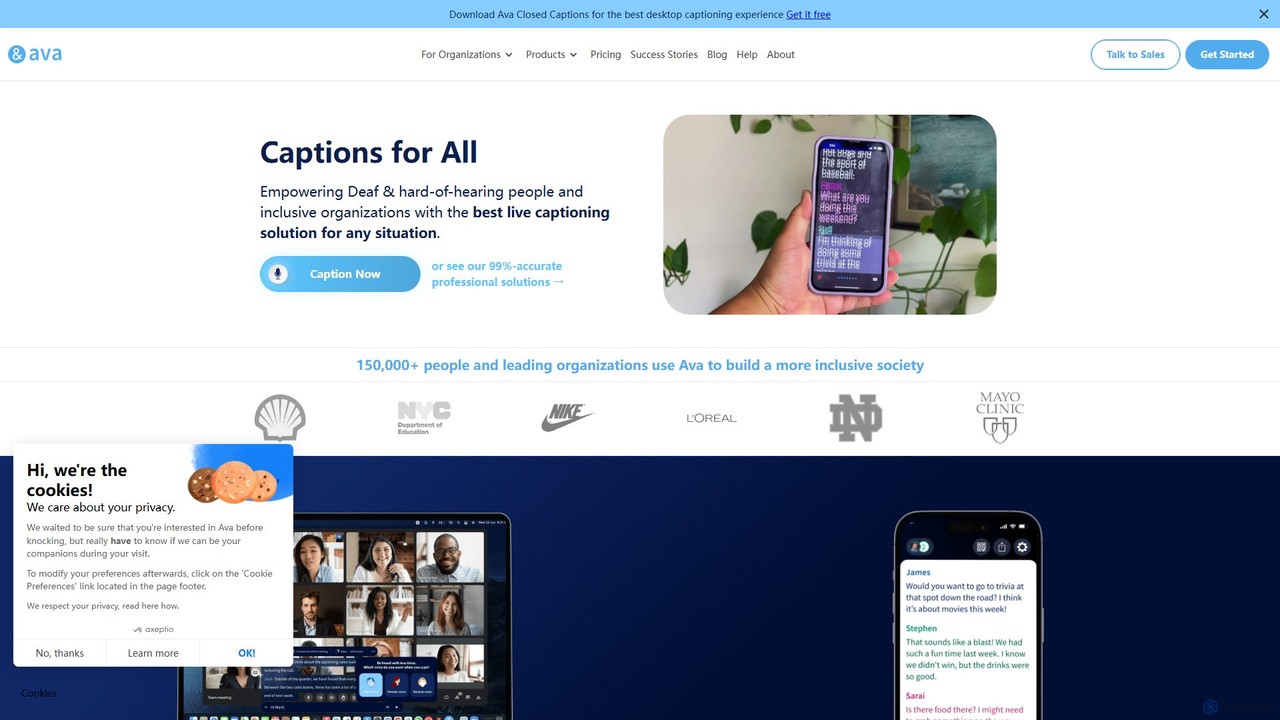
Ava is an AI-powered live captioning service designed to make conversations accessible for the Deaf and Hard-of-Hearing (HoH) community. It provides real-time, accurate captions for in-person and online meetings, classes, and daily conversations across desktop and mobile devices, ensuring inclusivity and ADA compliance.

Hearing Impairment
Visits 233.3KFavorites 109Likes 117

About Accessibility

Accessibility AI tools are a category of AI-powered solutions designed to make digital content, products, and services usable by people with diverse abilities. These tools leverage artificial intelligence, machine learning, and natural language processing to automate and enhance various aspects of digital accessibility. Their primary goal is to remove barriers, ensuring that websites, applications, and digital media are inclusive and navigable for everyone, regardless of their physical or cognitive capabilities.

Core Features

  • Automated Captioning & Transcription: AI automatically generates accurate captions and transcripts for audio and video content, benefiting individuals with hearing impairments.
  • Screen Reader Optimization: Tools analyze website structure and content to ensure compatibility and optimal navigation for screen reader users.
  • Content Simplification: AI algorithms can simplify complex text, making it more understandable for users with cognitive disabilities or learning differences.
  • Color Contrast & Readability Analysis: AI assesses visual elements for sufficient color contrast and text readability, crucial for users with visual impairments.
  • Voice Control & Navigation: Enables users to interact with digital interfaces using voice commands, assisting those with motor disabilities.

Applicable Scenarios

Accessibility AI tools are vital for organizations committed to inclusive design and compliance. Web developers use them to audit and fix accessibility issues in code. Content creators employ them to automatically generate accessible media. Businesses integrate these tools into their platforms to ensure their digital offerings are usable by all customers, enhancing user experience and expanding market reach.

How to Choose

When selecting an Accessibility AI tool, consider its compliance standards (e.g., WCAG, ADA), the range of disabilities it addresses, and its integration capabilities with existing platforms. Evaluate the accuracy of its AI-driven features, such as captioning or content simplification, and assess its ease of use for both developers and end-users. Scalability and pricing models should also align with your organizational needs and budget.

Featured tool rankings

Accessibility use cases

1

Automating Video Captioning for Online Courses

An e-learning platform uses AI accessibility tools to automatically generate accurate captions and transcripts for all its video lectures. This ensures that students with hearing impairments or those who prefer reading can fully engage with the course material, significantly reducing manual transcription time and costs.

2

Enhancing Website Navigation for Visually Impaired Users

A government agency employs AI-powered screen reader optimization tools to analyze its public website. The AI identifies and suggests improvements for image alt-text, heading structures, and link descriptions, making the site seamlessly navigable for users relying on screen readers to access critical information and services.

3

Simplifying Legal Documents for Broader Comprehension

A legal tech company utilizes AI content simplification tools to rephrase complex legal jargon into plain language. This allows individuals with cognitive disabilities, non-native speakers, or those with lower literacy levels to understand important contracts and terms of service, promoting greater transparency and access to justice.

4

Ensuring Color Contrast Compliance for E-commerce Sites

An online retailer integrates AI color contrast analysis into its design workflow. Before launching new product pages or marketing campaigns, the AI automatically checks all visual elements, including text, buttons, and graphics, against WCAG guidelines, guaranteeing optimal readability for customers with various visual impairments.

5

Enabling Voice-Controlled Interaction for Banking Apps

A mobile banking application incorporates AI-driven voice control features. Users with motor disabilities can perform transactions, check balances, and manage accounts using only voice commands, providing them with independent and secure access to essential financial services without needing to physically interact with the screen.

6

Real-time Sign Language Translation for Public Events

An event organizer deploys AI tools that can interpret spoken language in real-time and translate it into sign language avatars or text displays. This ensures that deaf and hard-of-hearing attendees at conferences or public gatherings can fully participate and understand presentations, fostering a more inclusive environment.

Accessibility FAQ

What are Accessibility AI tools?

Accessibility AI tools are software solutions that use artificial intelligence to improve the usability of digital content and services for people with disabilities. They automate tasks like captioning, optimize interfaces for screen readers, and simplify complex information, making digital experiences more inclusive and compliant with accessibility standards.

How do Accessibility AI tools benefit businesses?

Businesses benefit from Accessibility AI tools by expanding their customer base, improving brand reputation, and ensuring legal compliance (e.g., ADA, WCAG). These tools help create more inclusive digital products, reduce manual accessibility efforts, and enhance overall user experience for a wider audience, leading to increased engagement and loyalty.

What are the key features to look for in an Accessibility AI tool?

When choosing an Accessibility AI tool, look for features such as automated captioning and transcription, screen reader optimization, content simplification, and color contrast analysis. Also, consider its ability to integrate with your existing platforms, its compliance with international accessibility standards, and the accuracy and reliability of its AI algorithms.

Can Accessibility AI tools fully replace human accessibility experts?

While Accessibility AI tools significantly automate and enhance many aspects of digital accessibility, they generally cannot fully replace human accessibility experts. AI excels at identifying common issues and automating repetitive tasks, but human experts are crucial for nuanced interpretation, complex problem-solving, user testing with diverse individuals, and ensuring a truly empathetic and comprehensive inclusive design.

What types of disabilities do Accessibility AI tools address?

Accessibility AI tools are designed to address a wide range of disabilities. This includes visual impairments (e.g., through screen reader optimization, color contrast analysis), auditory impairments (e.g., automated captioning, transcription), cognitive disabilities (e.g., content simplification), and motor impairments (e.g., voice control, alternative navigation methods).