ToolMage
Sign in

Best 676 Development AI tools

Popular Development AI tools include Lobe, Lovable, Wix Studio, Vercel, Supabase, Perchance, Base44, Replit, Unity, and MDN Web Docs, helping you work more efficiently.

Hashnode
Freemium

Hashnode

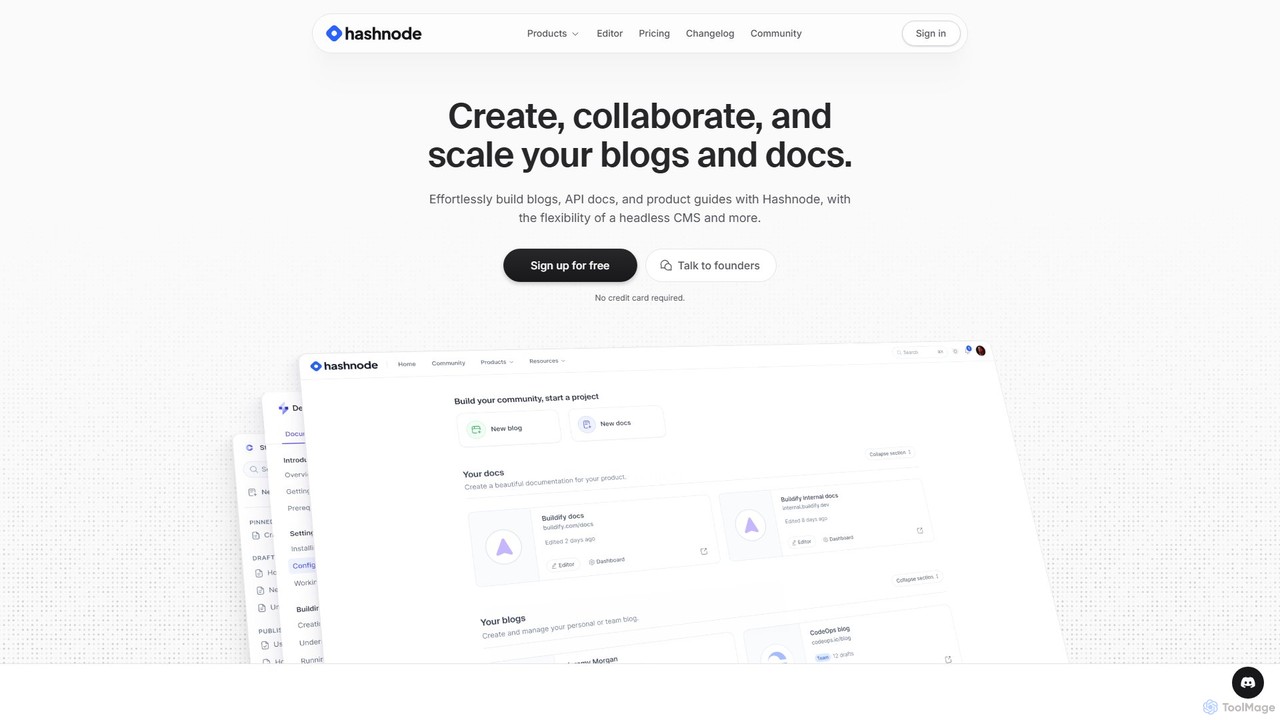
Hashnode is an AI-powered blogging and documentation platform designed for developers, tech teams, and enterprises. It offers a headless CMS, a collaborative MDX editor, and integrated AI tools to streamline the creation of blogs, API docs, and product guides. Users can customize everything, use custom domains, and leverage AI for writing, search, and productivity, all on a single, cost-effective platform.

Documentation
Visits 1.4MFavorites 200Likes 227
ContentHubAI
Freemium

ContentHubAI

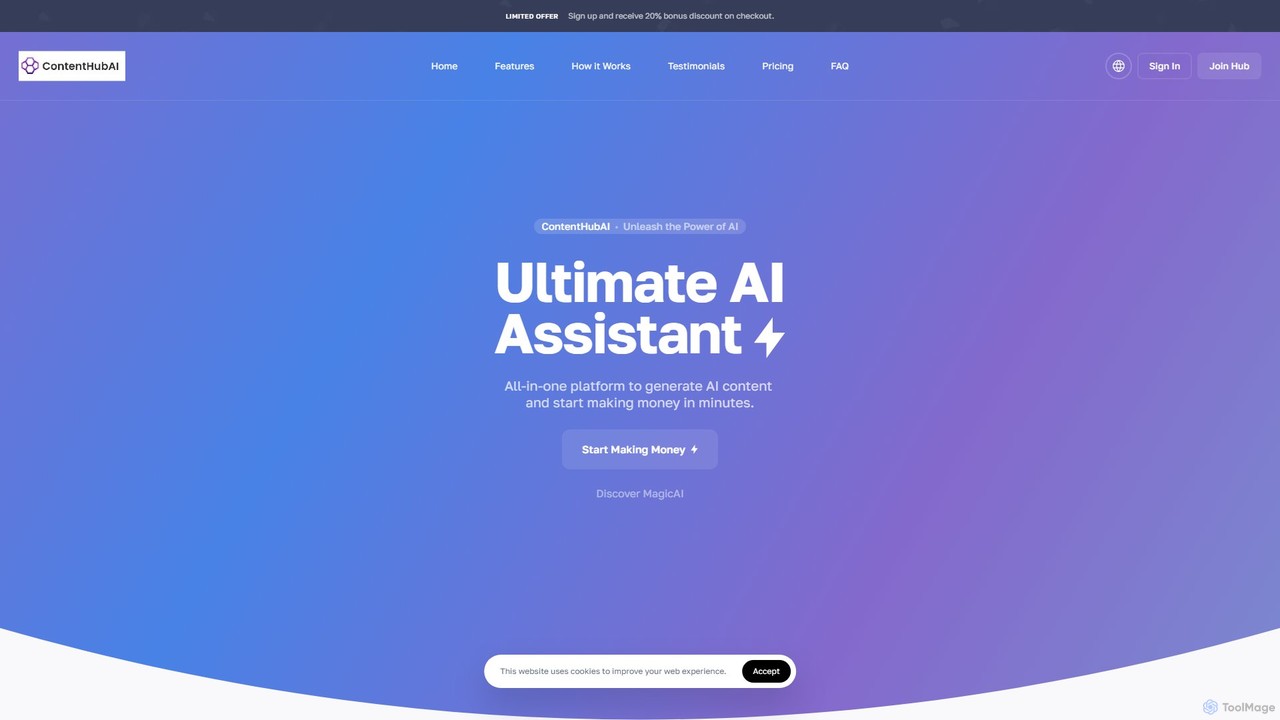
ContentHubAI is a comprehensive, all-in-one AI platform offering a vast suite of tools for content creation. It generates text, images, code, and audio, catering to marketers, writers, and businesses. Features include over 100 templates, an article wizard, AI vision, file analysis, and custom generator creation to streamline workflows and boost productivity.

Generative Ai
Visits 10.8KFavorites 157Likes 169
Firebase Studio
Freemium

Firebase Studio

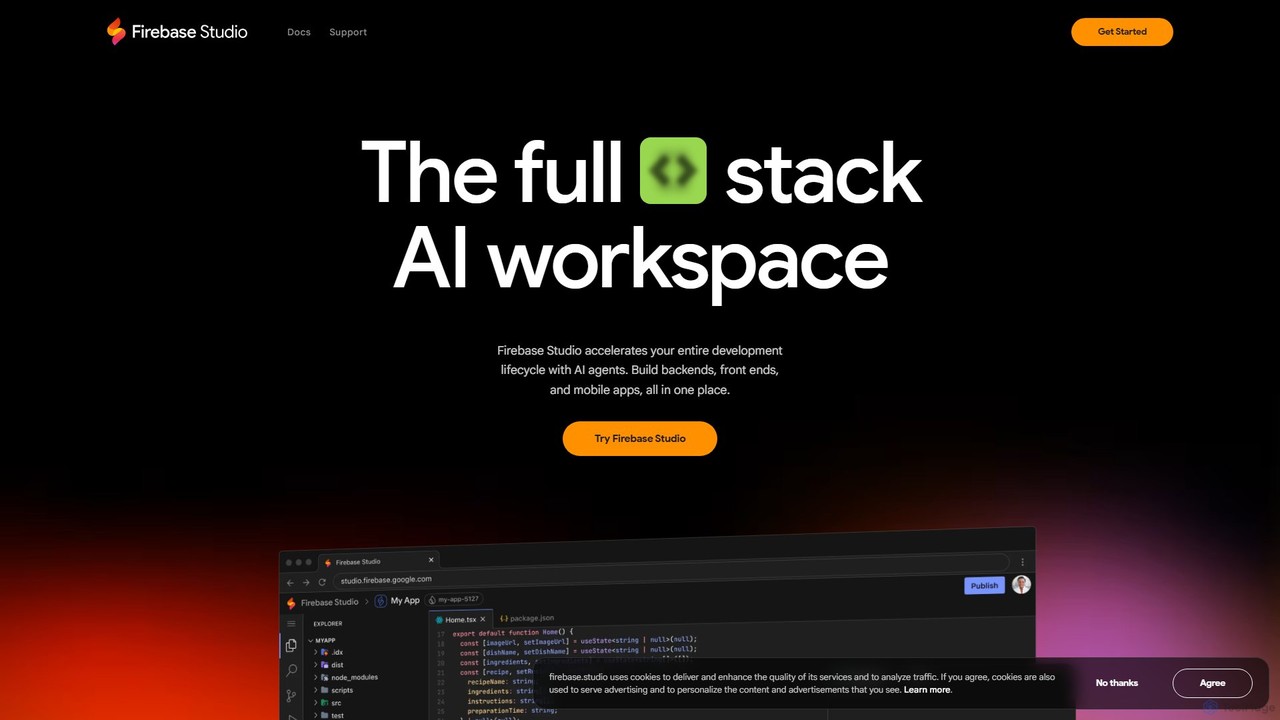
Firebase Studio is an AI-powered, browser-based IDE for full-stack development. Integrated with Gemini, it accelerates coding, debugging, and testing. It allows seamless repository import, real-time collaboration, and one-click deployment to the Firebase ecosystem, streamlining the entire application development lifecycle.

Paas
Visits 541.6KFavorites 178Likes 205
Flowscript

Flowscript

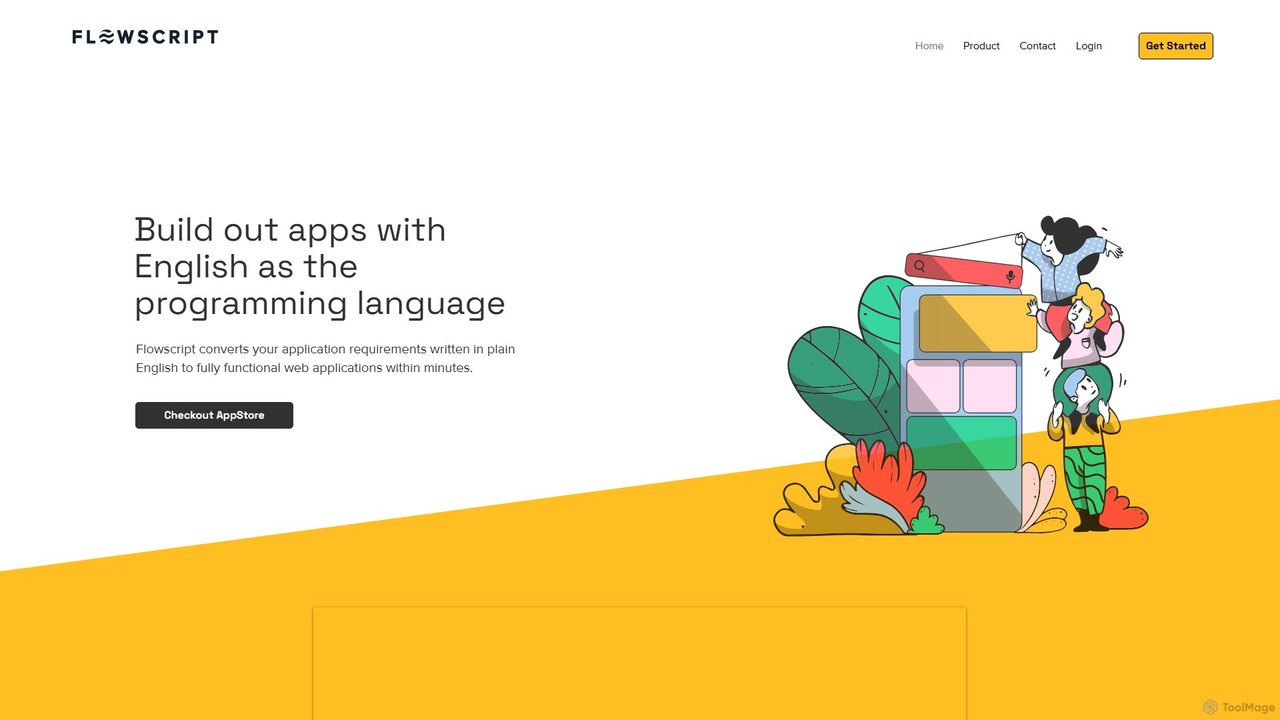
Flowscript is a revolutionary no-code platform that transforms plain English into fully functional web applications. Its AI-powered engine interprets your requirements to build apps with complex workflows, robust data management, and security rules in minutes. This empowers anyone, regardless of technical skill, to become a developer, streamlining processes and bringing ideas to life at the speed of thought.

Internal Tools
Visits 10.6KFavorites 157Likes 176
Mobirise
Freemium

Mobirise

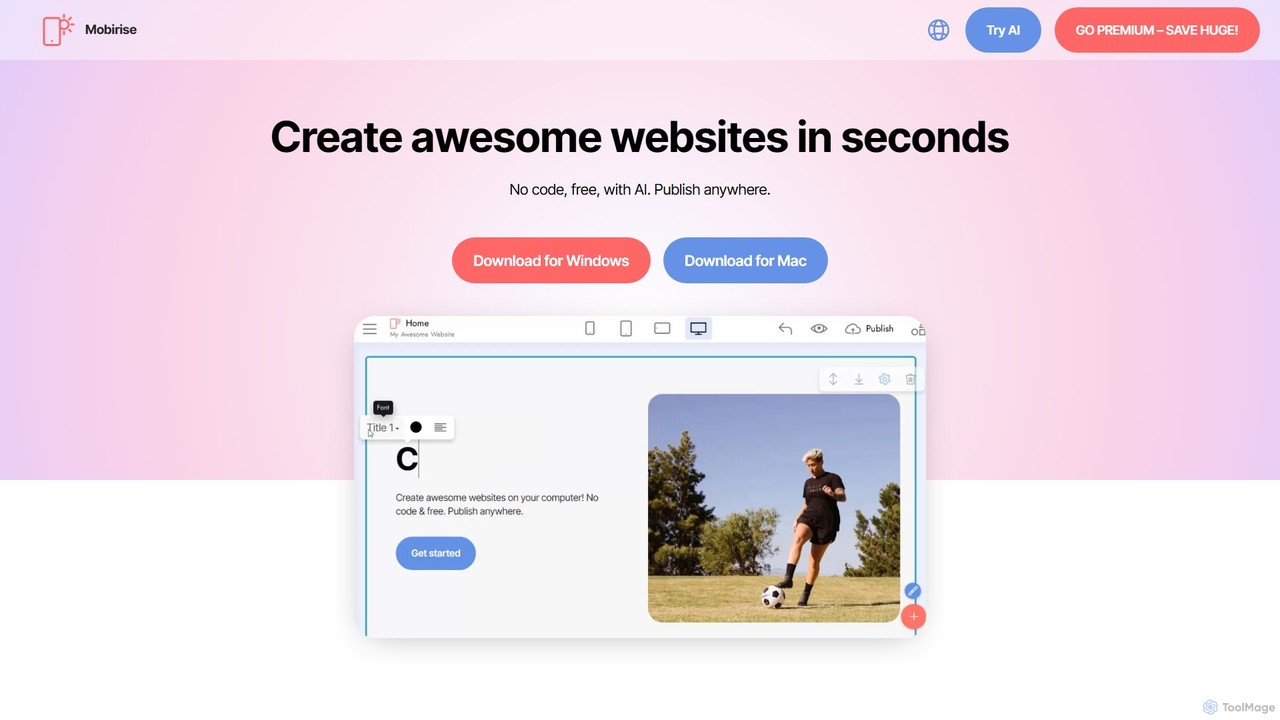
Mobirise is a free, offline and online AI-powered website builder designed for non-techies. It allows users to create stunning, mobile-friendly websites, landing pages, and portfolios using a simple drag-and-drop interface or by providing a text prompt to the AI. No coding skills are required, and you get full control over your site's files.

Web Design
Visits 483.6KFavorites 151Likes 173
Fliplet
Freemium

Fliplet

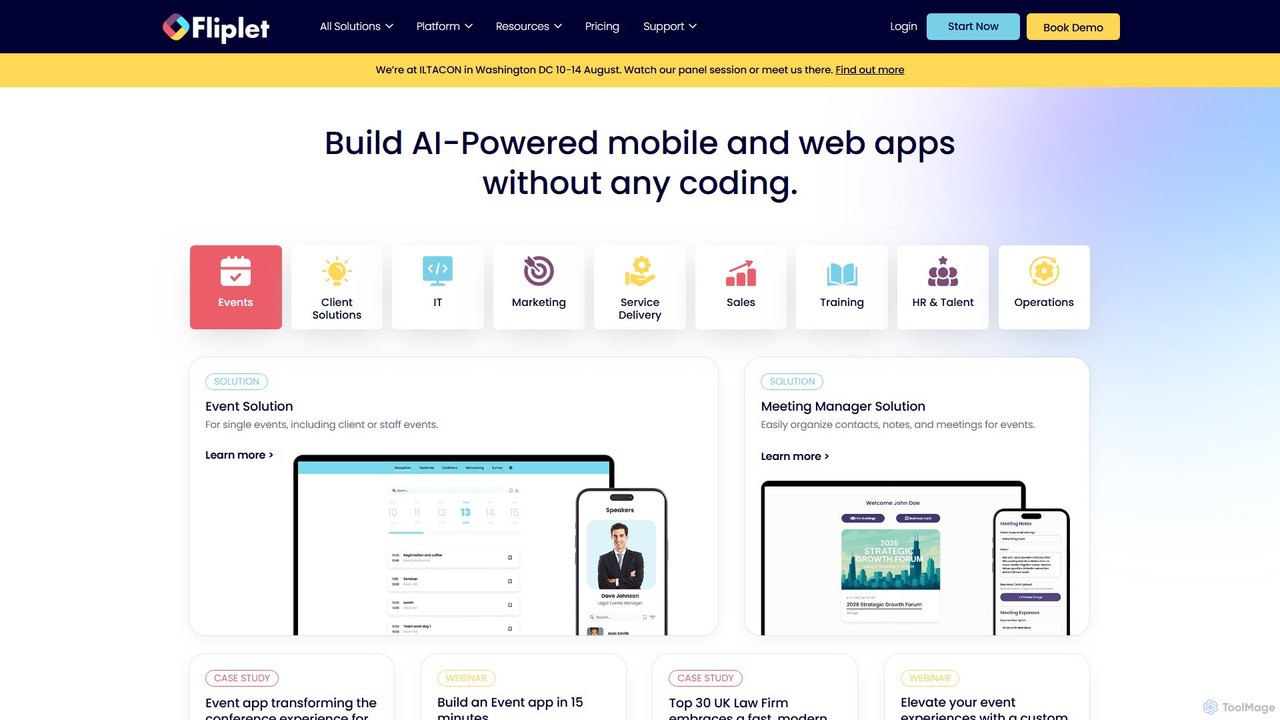
Fliplet is an AI-powered no-code and low-code platform that enables organizations to build custom mobile and web applications. It simplifies app creation with a drag-and-drop interface while offering full code control for advanced customization. Fliplet focuses on enterprise-grade security, seamless integrations, and powerful AI features to enhance user experience and productivity.

Chatbot Builder
Visits 64.9KFavorites 150Likes 187
Codesphere
Freemium

Codesphere

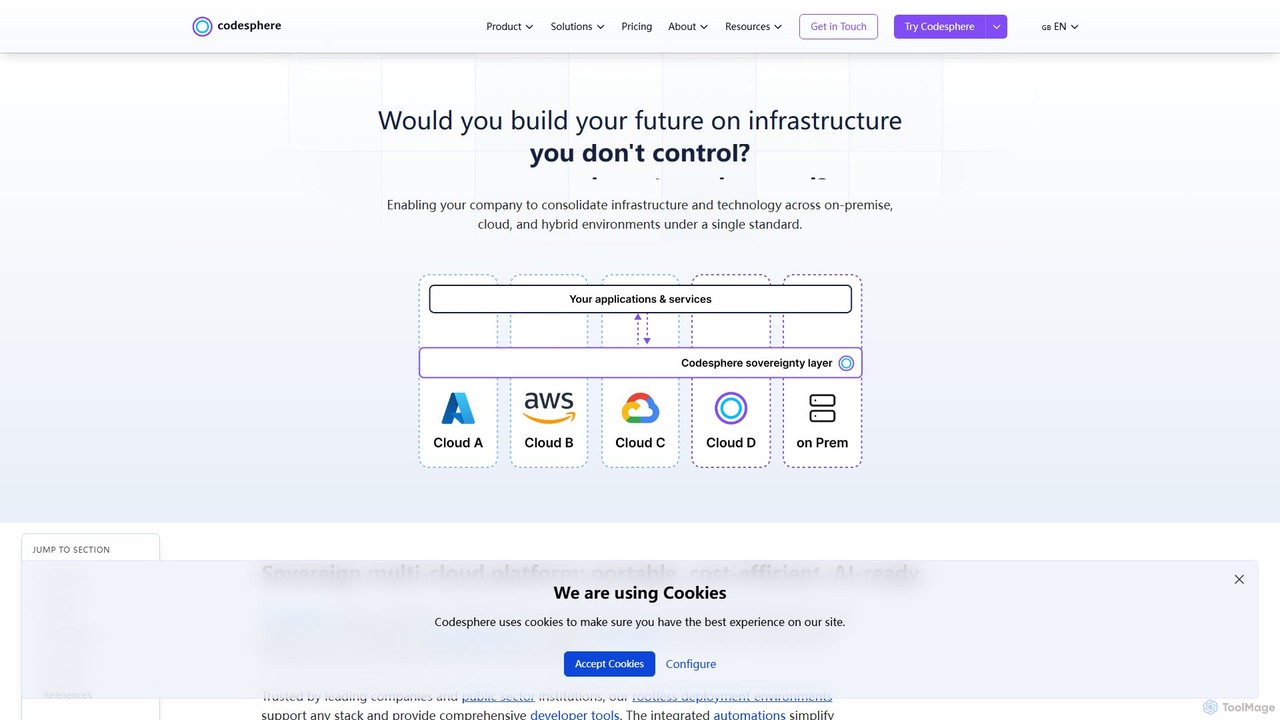
Codesphere is an all-in-one cloud IDE and DevOps platform that unifies development, deployment, and management. It offers a sovereign, multi-cloud solution designed to accelerate go-to-market, reduce costs, and simplify complex infrastructure without needing Kubernetes expertise. It's AI-ready and built for enterprise-grade security and scalability.

Cloud Ide
Visits 34.9KFavorites 165Likes 174
Craftable PRO
Paid

Craftable PRO

Craftable PRO is a powerful Laravel CRUD generator and admin panel toolkit designed for developers. It dramatically accelerates the development of admin panels, CRMs, and CMSs by automating the creation of CRUD interfaces, user management, roles, permissions, and more, all with a beautiful, modern UI.

Backend
Visits 11.1KFavorites 177Likes 178
Stacker
Freemium

Stacker

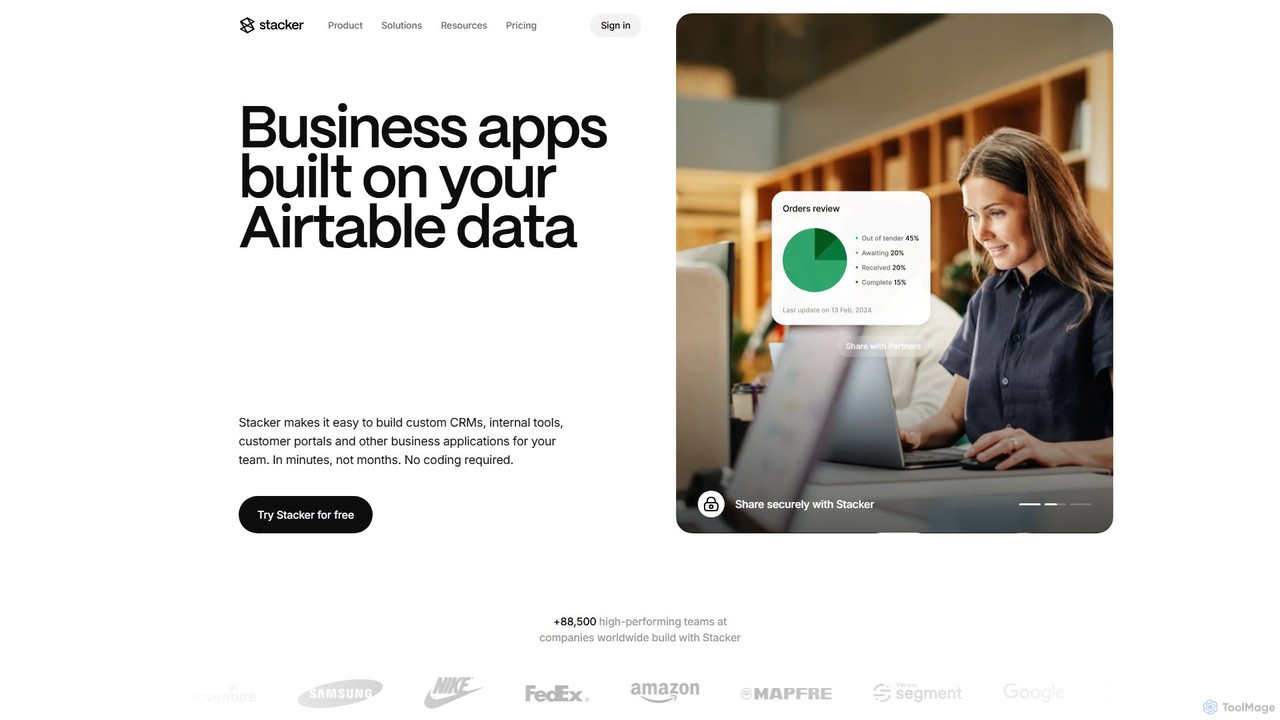
Stacker is a no-code platform that allows you to build custom business applications, such as CRMs, internal tools, and customer portals, directly from your data in Airtable or Google Sheets. Empower your team with software that perfectly fits your unique workflows, without writing a single line of code.

Crm
Visits 104.1KFavorites 189Likes 180
Amplication
Freemium

Amplication

Amplication is an AI-powered backend development platform that standardizes and automates the creation of backend services. It empowers platform engineering teams to define 'Golden Paths' with live templates, enabling developers to rapidly build, maintain, and scale secure, compliant, and consistent microservices and applications.

Backend
Visits 15.9KFavorites 187Likes 182
Botroast
Paid

Botroast

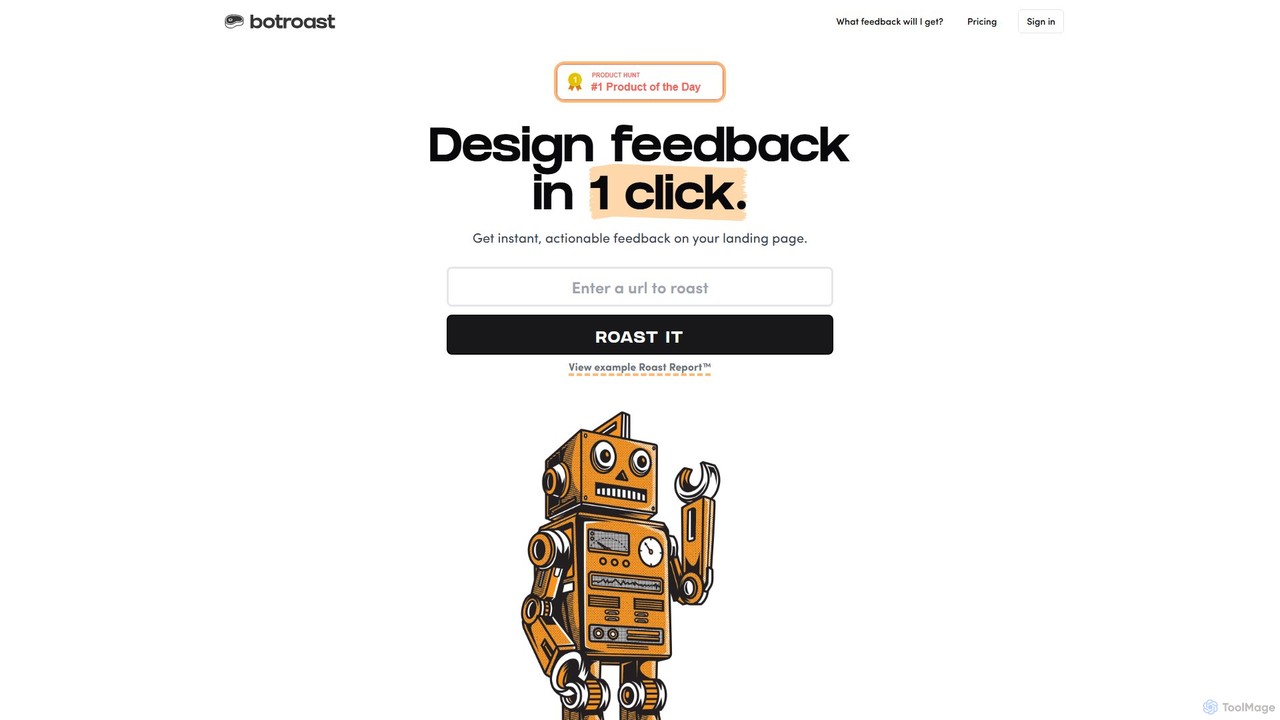
Botroast is an AI-powered tool that provides instant, actionable feedback on your landing page designs. With a single click, it generates a comprehensive 'Roast Report™' analyzing key design principles like visual hierarchy, typography, color theory, and layout to help you improve user experience and conversion rates.

Feedback
Visits 10.7KFavorites 191Likes 164
Kamara AI
Freemium

Kamara AI

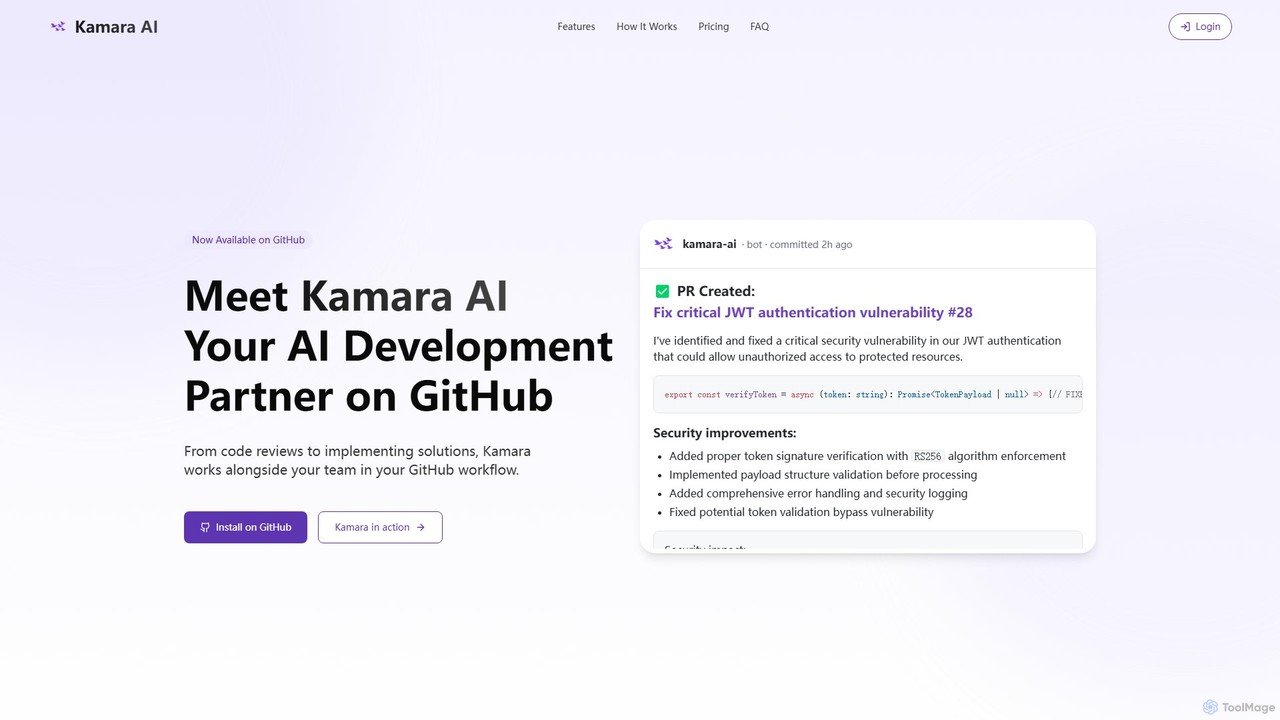
Kamara AI is an intelligent development partner that integrates directly into your GitHub workflow. It acts as an AI team member, providing full-context code analysis, automated code reviews, AI-implemented pull requests from issue descriptions, and self-updating documentation. Kamara helps teams accelerate development, improve code quality, and preserve institutional knowledge seamlessly.

Code Review
Visits 10.9KFavorites 181Likes 176
Flux AI
Freemium

Flux AI

Flux AI is an intelligent collaborative whiteboard that transforms text prompts into complex diagrams. It empowers teams to visualize ideas, design workflows, and create flowcharts or mind maps in seconds, streamlining the entire planning and brainstorming process.

Whiteboard
Visits 10.8KFavorites 180Likes 190
Shipped
Paid

Shipped

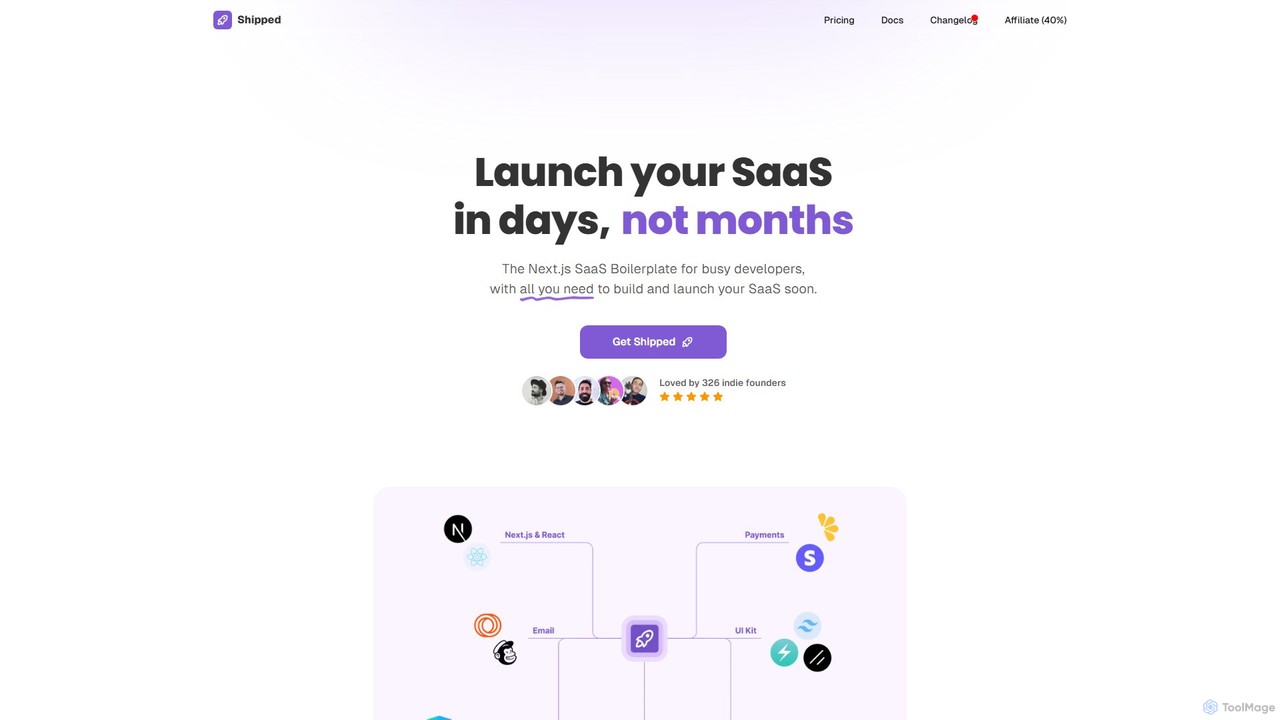
Shipped is a Next.js SaaS boilerplate designed for developers and indie founders to launch their software-as-a-service products in days, not months. It provides a comprehensive starter kit with pre-built components for landing pages, user authentication, payment processing (Stripe & Lemon Squeezy), and email marketing. It also includes pre-made integrations with leading AI services like OpenAI and Anthropic, significantly accelerating the development lifecycle.

Startup Tools
Visits 15.6KFavorites 153Likes 164
StartKit.AI
Paid

StartKit.AI

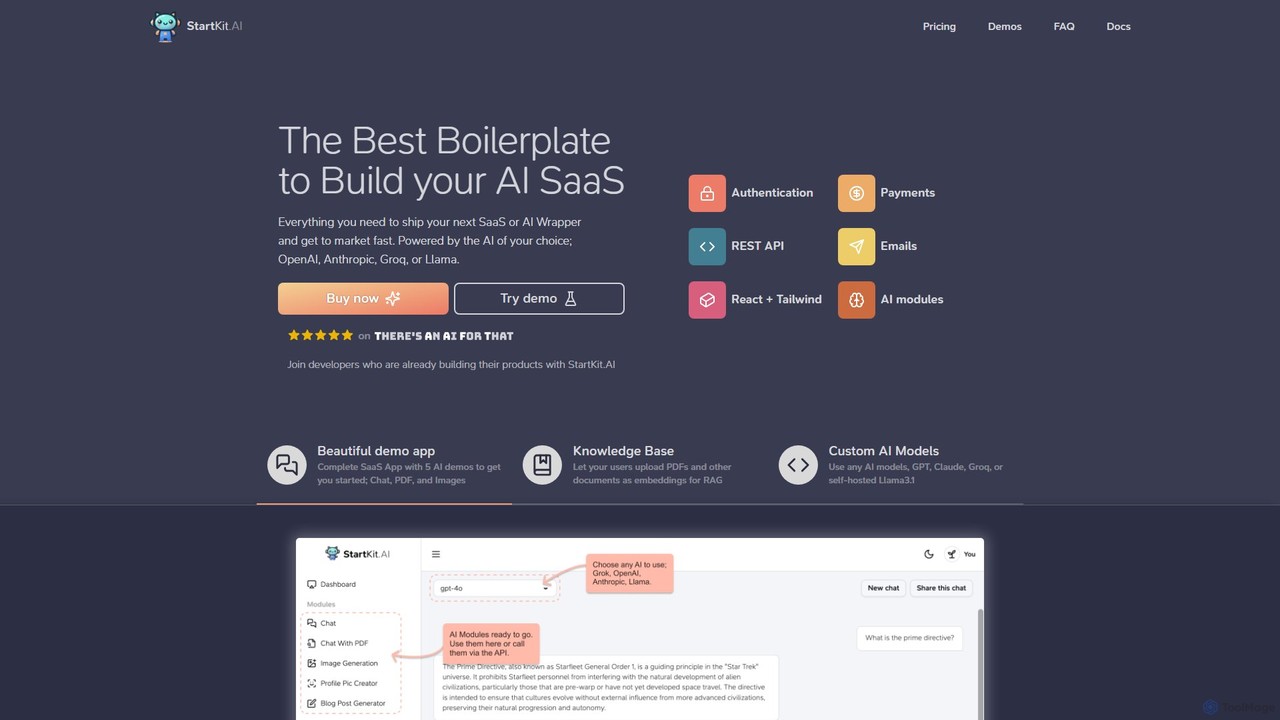
StartKit.AI is a comprehensive boilerplate for developers and entrepreneurs to rapidly build and launch AI-powered SaaS applications. It provides a complete codebase with pre-built modules for user authentication, payments, AI model integration (OpenAI, Anthropic, Groq, Llama), and more. With ready-to-use demo apps and detailed documentation, it significantly reduces development time, allowing you to get your AI product to market faster.

Boilerplate
Visits 10.9KFavorites 154Likes 159
AppSec Assistant
Freemium

AppSec Assistant

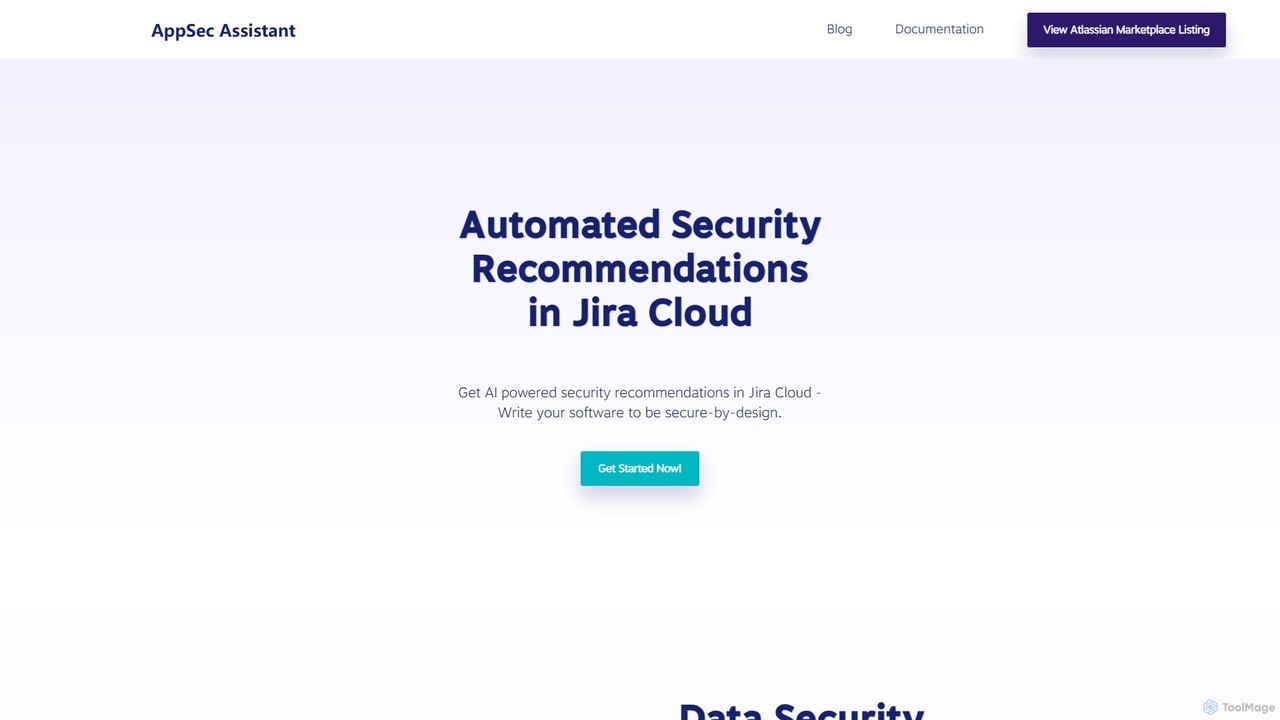
An AI-powered assistant integrated into Jira Cloud that provides automated security recommendations for software development. It helps developers write secure-by-design code, streamlines AppSec reviews, and embeds security directly into the SDLC.

Code Security
Visits 10.7KFavorites 197Likes 165
Xvibe
Freemium

Xvibe

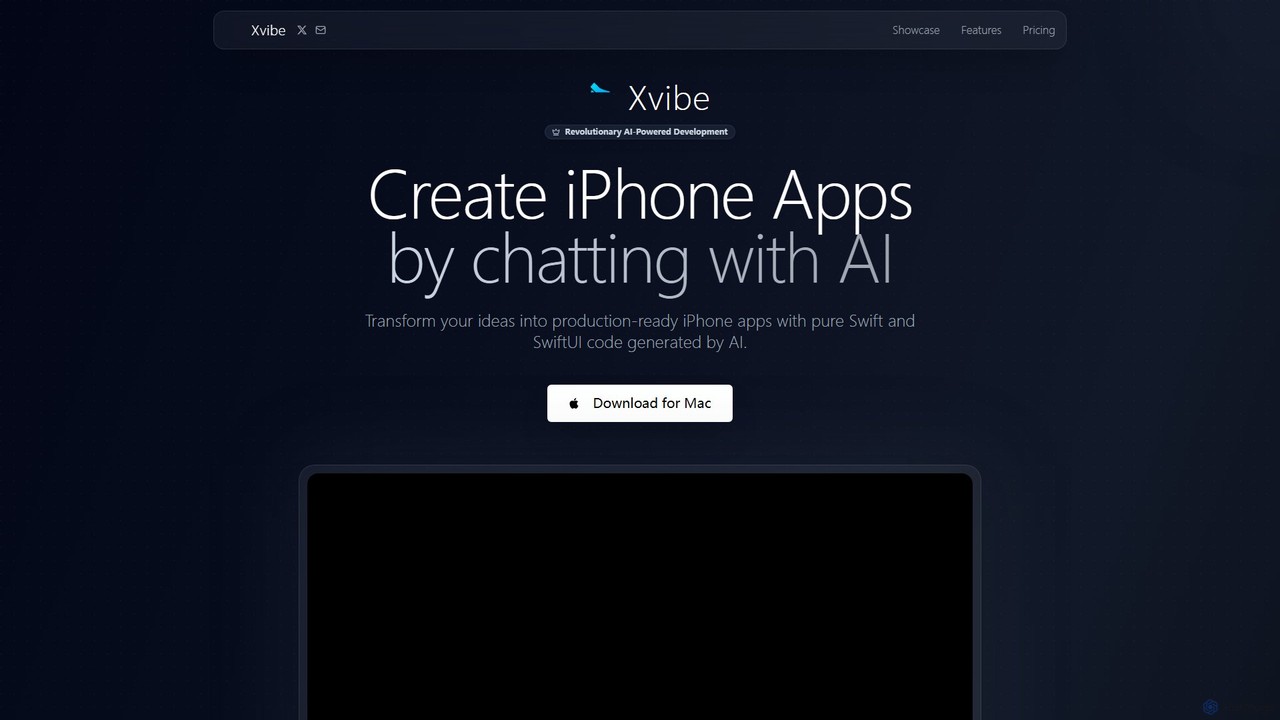
Xvibe is a revolutionary AI-powered development tool for macOS that transforms natural language prompts into production-ready native iOS applications. It generates pure Swift and SwiftUI code, enabling developers to build high-performance iPhone apps in minutes, complete with automated App Store metadata and global localization.

Code Generation
Visits 11.5KFavorites 197Likes 184
TeleportHQ
Freemium

TeleportHQ

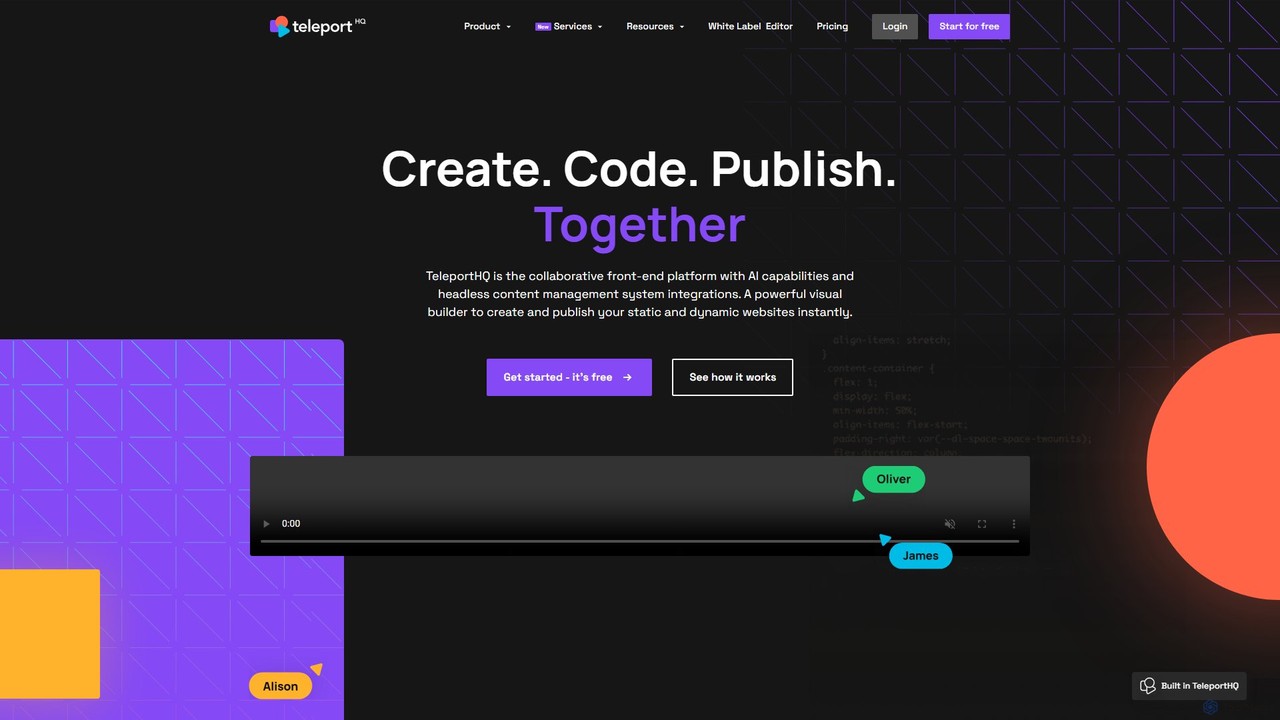
TeleportHQ is a collaborative low-code platform that streamlines front-end development. It features an AI website builder, Figma to code conversion, and real-time collaboration tools. Users can visually build responsive websites and UIs, generate clean code for multiple frameworks (React, Vue, etc.), and deploy seamlessly.

Ui Ux
Visits 171KFavorites 161Likes 135
Typeblock
Freemium

Typeblock

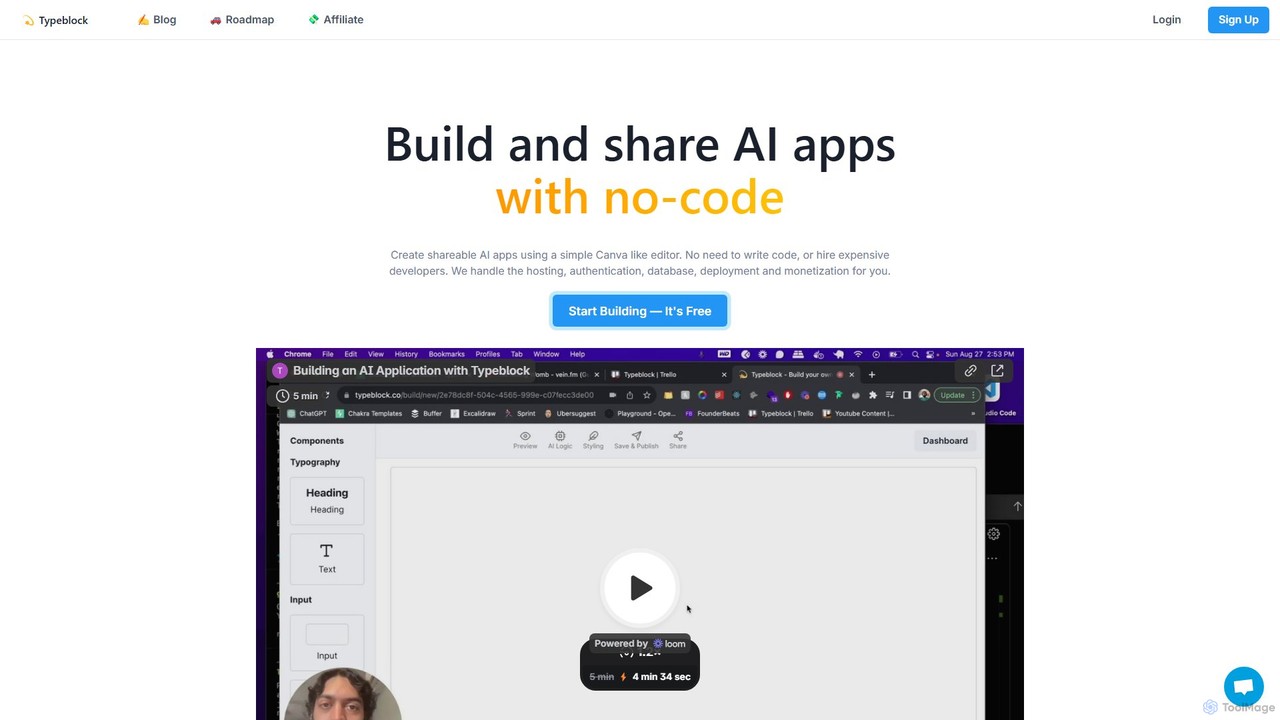
Typeblock is an intuitive no-code platform that allows users to build and share custom AI applications. Using a simple, Canva-like visual editor, anyone can create powerful AI tools for marketing, content creation, business automation, and more, without writing any code.

Internal Tools
Visits 10.9KFavorites 206Likes 189
Hackules
Paid

Hackules

Hackules is an AI research lab and development company specializing in creating world-class AI solutions. They offer AI-assisted software, web, and mobile development services, promising to reduce development time and costs by up to 25%. With a strong focus on social responsibility and democratizing AI in Bangladesh, Hackules provides end-to-end solutions from idea to deployment, including ERP integration and custom AI model development.

Consulting
Visits 10.7KFavorites 156Likes 169
MAGE
Free

MAGE

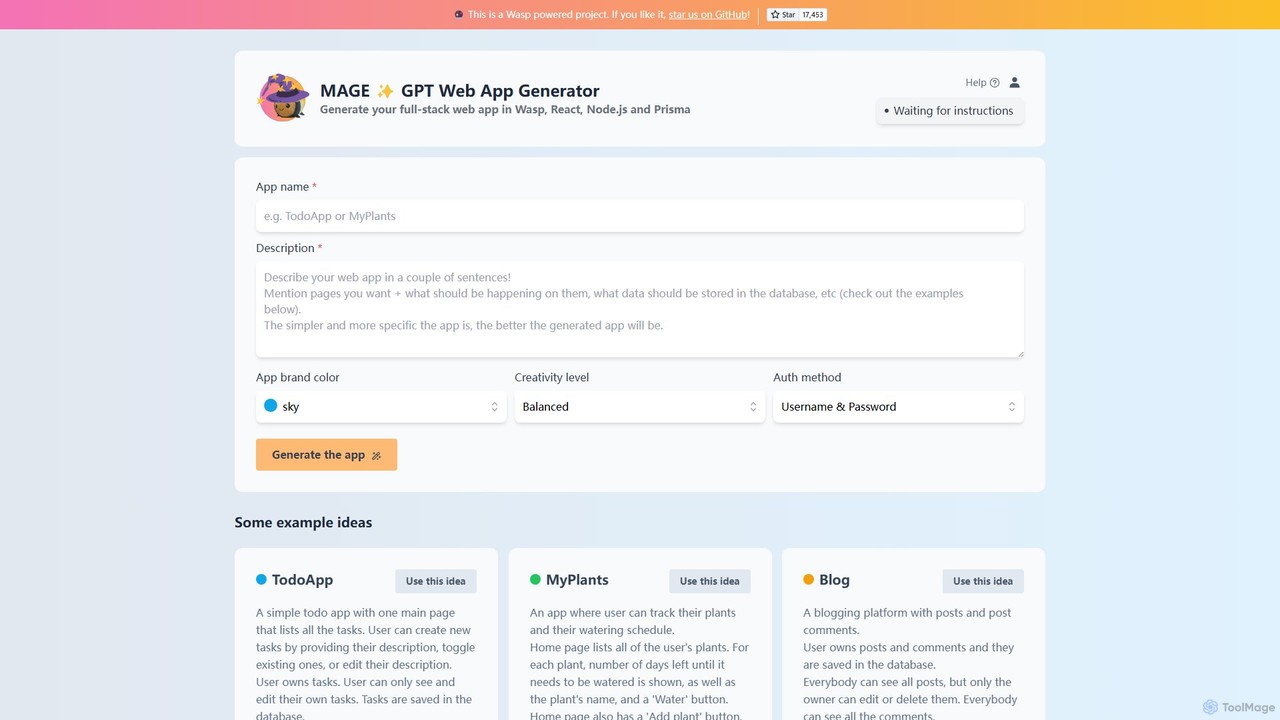
MAGE is a free AI-powered generator that creates full-stack web applications from simple text descriptions. Built on the Wasp framework, it uses GPT to generate code for React, Node.js, and Prisma, allowing you to build and deploy apps like to-do lists, blogs, or plant trackers in minutes.

Code Generation
Visits 14.3KFavorites 175Likes 180
WeWeb
Freemium

WeWeb

WeWeb is a no-code/low-code platform that leverages AI to build production-grade web applications 10x faster. It combines an AI generator with a powerful visual drag-and-drop editor, allowing users to create scalable SaaS, marketplaces, and internal tools with complete design freedom and backend flexibility.

Saas Builder
Visits 386.3KFavorites 166Likes 196
React
Free

React

React is a free and open-source JavaScript library for building user interfaces based on components. Developed by Meta, it enables developers to create large-scale web and native applications with complex, interactive UIs efficiently. It uses a declarative approach and a component-based architecture to build encapsulated components that manage their own state.

Frameworks & Libraries
Visits 2MFavorites 190Likes 185
Tempo
Freemium

Tempo

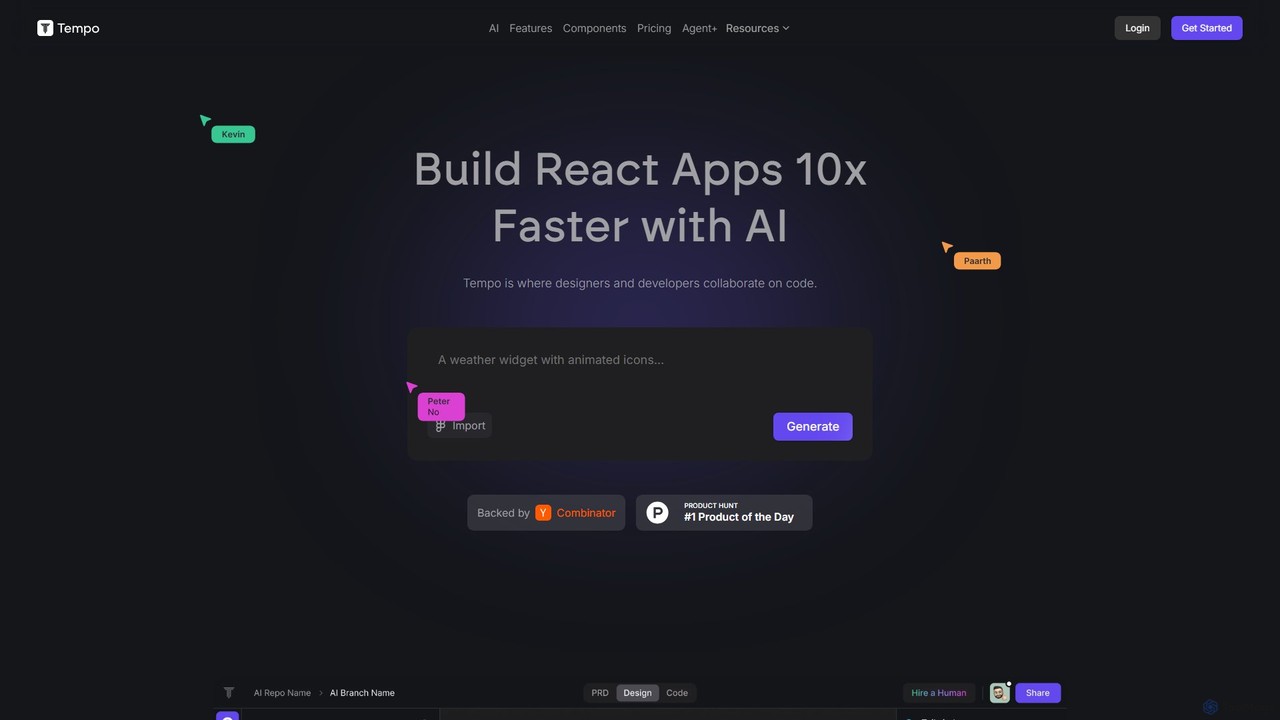
Tempo is an AI-powered platform that accelerates React application development by up to 10x. It enables seamless collaboration between designers and developers, allowing them to generate and edit React code through an intuitive, visual drag-and-drop interface. Import existing codebases, generate components from prompts, and maintain full control with VSCode and GitHub integration.

Low Code No Code
Visits 79.1KFavorites 197Likes 169

About Development

AI Development tools are a class of software that leverages artificial intelligence to automate, accelerate, and enhance the software development lifecycle. These tools utilize large language models (LLMs) and machine learning to assist with tasks like code generation, debugging, and automated testing. They empower developers to build applications faster, reduce human error, and focus on complex architectural challenges. By integrating directly into Integrated Development Environments (IDEs), they act as intelligent coding partners for programmers.

Core Features

  • AI Code Completion & Generation: Suggests or writes entire code blocks, functions, and classes based on natural language prompts or existing code context.
  • Automated Debugging & Error Analysis: Identifies bugs in real-time, suggests potential fixes, and explains complex errors to speed up troubleshooting.
  • Code Refactoring & Optimization: Analyzes existing code and recommends improvements for better performance, readability, and maintainability.
  • Natural Language to Code/SQL: Translates plain language descriptions into executable code, complex SQL queries, or shell commands.
  • Automated Test Case Generation: Creates relevant unit tests and integration tests based on the code's logic and functional requirements.

Use Cases

AI Development tools are widely used by individual developers, agile teams, and large enterprises. They are applied in web development, mobile app creation, data science, and embedded systems. Common scenarios include rapid prototyping of new features, maintaining large and complex legacy codebases, and accelerating the onboarding process for new developers by providing contextual code explanations.

How to Choose

When selecting an AI Development tool, evaluate its integration with your preferred IDE (e.g., VS Code, JetBrains). Consider the programming languages it supports and the accuracy of its code suggestions. For enterprise use, critically assess its security and privacy policies regarding your codebase, and check for options like on-premise deployment or policies that prevent training on private data.

Featured tool rankings

Development use cases

1

Accelerate API Endpoint Development

A backend developer is tasked with creating a new set of RESTful API endpoints for a user management module. Instead of writing all the boilerplate code manually, they use an AI development tool. By providing a natural language prompt like 'Create a POST endpoint for user registration with email, password, and name fields, including validation and database insertion', the tool generates the complete controller logic, data validation rules, and database model interaction code. This reduces initial development time by over 60%, allowing the developer to focus on business logic and security hardening.

2

Automate Code Review and Refactoring

A software team lead integrates an AI development tool into their CI/CD pipeline. When a developer submits a pull request, the AI tool automatically scans the new code. It identifies potential bugs, performance bottlenecks (like inefficient database queries), and deviations from coding standards. The tool leaves comments directly on the pull request with specific suggestions for refactoring, such as simplifying a complex function or using a more efficient algorithm. This automates the first pass of code review, saving senior developers' time and ensuring a consistent level of code quality across the team.

3

Debug Complex Legacy Code

A maintenance engineer needs to fix a critical bug in a large, poorly documented legacy system. The original developers are no longer with the company. The engineer uses an AI development tool to understand the codebase. By highlighting a complex function, the AI explains its purpose, inputs, outputs, and side effects in plain English. When an error occurs, the engineer feeds the stack trace to the AI, which analyzes it and pinpoints the likely root cause, suggesting specific lines of code to investigate. This transforms a multi-day investigation into a task that can be completed in a few hours.

4

Generate Comprehensive Unit Tests

A developer has just finished writing a new data processing function but needs to ensure its reliability by creating thorough unit tests. Using an AI development tool, they right-click the function and select 'Generate Tests'. The AI analyzes the function's logic, including its parameters, return types, and edge cases (e.g., null inputs, empty arrays). It then automatically generates a suite of unit tests covering successful paths, failure scenarios, and boundary conditions. The developer can review and refine these tests, achieving 90%+ code coverage in a fraction of the time it would take to write them manually.

5

Translate Natural Language to SQL Queries

A data analyst needs to pull a specific report from a complex database with dozens of interconnected tables. They are not an SQL expert and writing the query would be time-consuming and error-prone. Instead, they use an AI development tool and type a request in plain English: 'Show me the total sales revenue for each product category in the last quarter, sorted from highest to lowest, for customers in North America'. The tool instantly generates an optimized, multi-join SQL query that correctly retrieves the requested data, saving the analyst hours of work and potential errors.

6

Onboard New Developers Faster

A junior developer joins a team and is assigned to a project with a massive, complex codebase. To get up to speed, they use an AI development tool as a learning aid. When they encounter an unfamiliar section of code, they can ask the AI to 'explain this code'. The tool provides a step-by-step breakdown of the logic, defines variables, and clarifies the function's overall purpose within the application. This self-service learning process significantly reduces the amount of time they need to ask senior developers for help, allowing them to become productive contributors to the project much more quickly.

Development FAQ

What are AI Development tools?

AI Development tools are software applications that integrate artificial intelligence to assist programmers throughout the software development lifecycle. They act as intelligent assistants within a developer's coding environment. Key functions include automatically generating code from natural language, providing advanced code completion, identifying and suggesting fixes for bugs, and creating unit tests. Unlike traditional tools, they use machine learning models to understand context and intent, helping to increase productivity and improve code quality.

How to choose the right AI Development tool?

Choosing the right tool depends on your specific needs. Consider these factors:

  • IDE & Language Support: Ensure the tool integrates seamlessly with your primary Integrated Development Environment (e.g., VS Code, JetBrains) and supports your main programming languages.
  • Functionality: Determine if you need a tool primarily for code generation, debugging, testing, or a combination. Some tools excel in specific areas.
  • Security & Privacy: For corporate use, this is critical. Check if the tool offers on-premise deployment or has a strict policy against training its models on your private code.
  • Performance: The tool should provide suggestions quickly without slowing down your IDE. Look for user reviews regarding performance and resource consumption.
What's the difference between AI code completion and traditional IntelliSense?

The primary difference lies in their underlying technology and capability. Traditional IntelliSense relies on static analysis of your code and its libraries. It suggests completions based on defined classes, methods, and variables, which is helpful but limited to what already exists. In contrast, AI code completion uses large language models (LLMs) trained on vast amounts of code. This allows it to understand the context and intent of your code, enabling it to generate entirely new, multi-line blocks of code, complete complex logic, and even write code based on a natural language comment. It's predictive and generative, not just reflective of existing definitions.

Can AI Development tools replace human developers?

No, AI development tools are designed to augment, not replace, human developers. They excel at automating repetitive and time-consuming tasks, such as writing boilerplate code, finding simple bugs, or generating standard tests. This frees up developers to focus on higher-level tasks that require critical thinking, creativity, and architectural design. Developers are still essential for understanding business requirements, designing complex systems, making strategic decisions, and overseeing the entire development process. The tools act as powerful assistants, making developers more efficient and effective.

Are AI Development tools secure for proprietary code?

Security is a primary concern, and the answer varies by tool. Many cloud-based AI tools may use your code snippets to improve their models, which can be a risk for proprietary information. However, reputable providers for enterprise customers offer specific solutions to address this:

  • Private or On-Premise Deployment: Some tools can be hosted on your own servers, ensuring your code never leaves your network.
  • Zero Data Retention Policies: Many services have policies where your code is only processed ephemerally to generate a response and is never stored or used for training.
  • Data Anonymization: Some tools may use telemetry but anonymize or remove any sensitive or proprietary information from the data they collect.

It is crucial to thoroughly review the privacy policy and terms of service of any AI development tool before using it with sensitive codebases.