ToolMage
Sign in

Best 236 Note Taking AI tools for Productivity

Popular Note Taking AI tools in Productivity include TurboScribe, Knowt, Plaud, Fireflies.ai, Turbo, Goodnotes, Granola, Algor Education, StudyFetch, and FlowUs, helping you work more efficiently.

WizNote
Freemium

WizNote

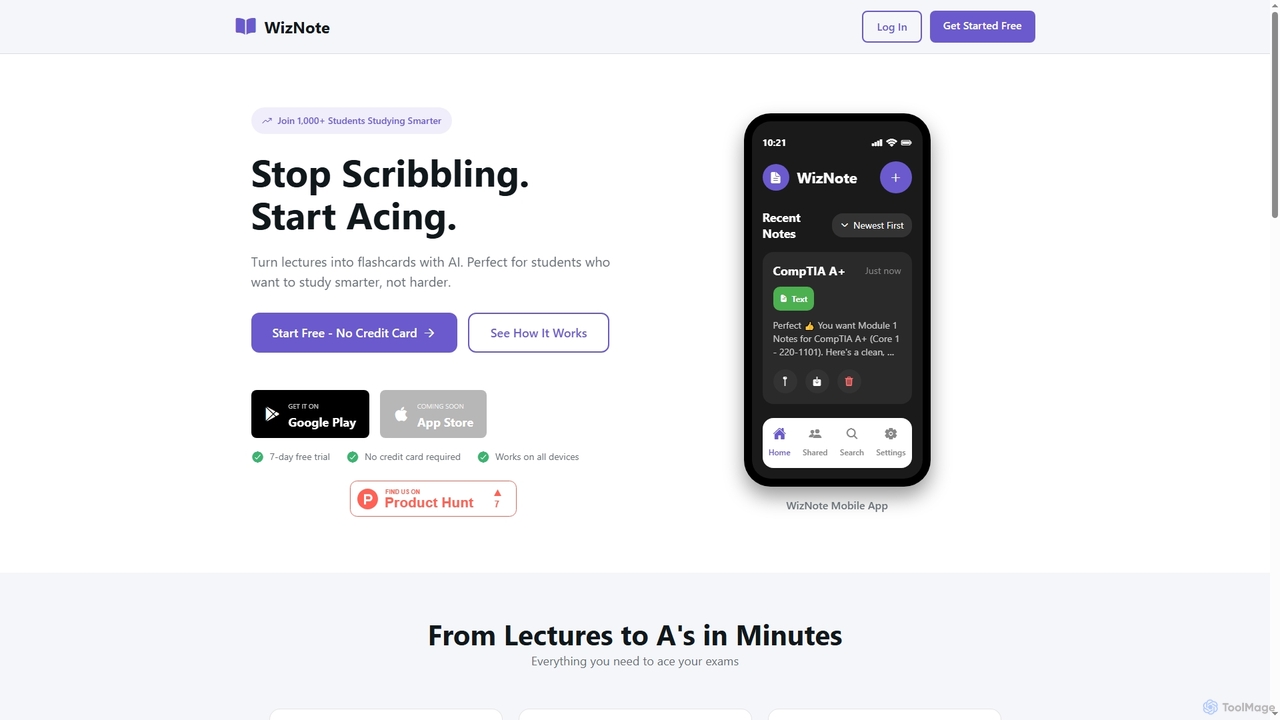
WizNote is an AI-powered study tool designed for students to transform lectures and notes into effective learning materials. It offers instant AI transcriptions of recordings, automatic flashcard generation, smart summaries, and practice quizzes. Students can also upload PDFs for text extraction and access their study materials across all devices with real-time sync, aiming to help them study smarter and achieve better academic results.

Learning Assistant
Visits 5.8KFavorites 133Likes 147
TicNote
Freemium

TicNote

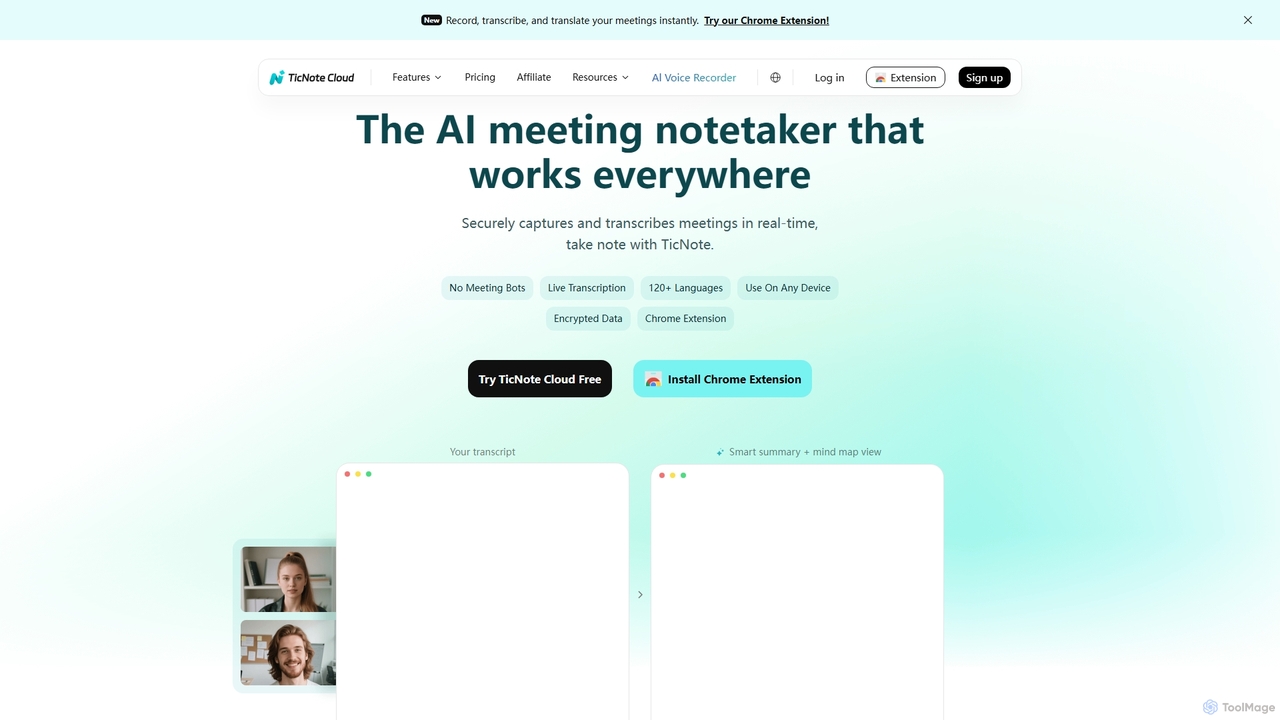
TicNote is an AI-powered meeting notetaker that transcribes, summarizes, and organizes conversations in real-time across 120+ languages. It uses on-device AI to generate smart summaries, mind maps, and action items without meeting bots, enhancing productivity and knowledge management for professionals.

Language Processing
Visits 141.9KFavorites 101Likes 122
Memomagic
Freemium

Memomagic

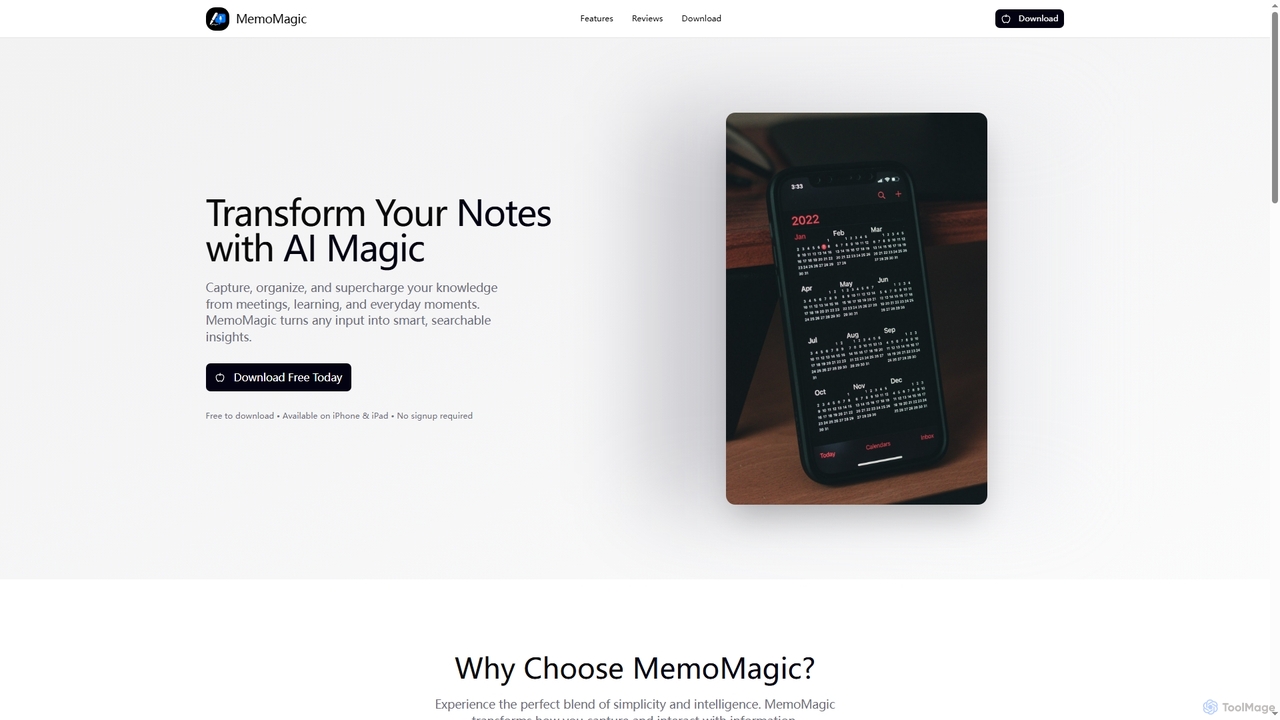
Memomagic is an AI-powered note-taking app for iPhone and iPad that captures information from multiple sources like voice, text, and images. It automatically summarizes, translates, and transforms notes into interactive learning tools such as quizzes, flashcards, and mind maps to boost productivity and knowledge retention.

Meeting Assistant
Visits 5.7KFavorites 143Likes 128
SIREN
Freemium

SIREN

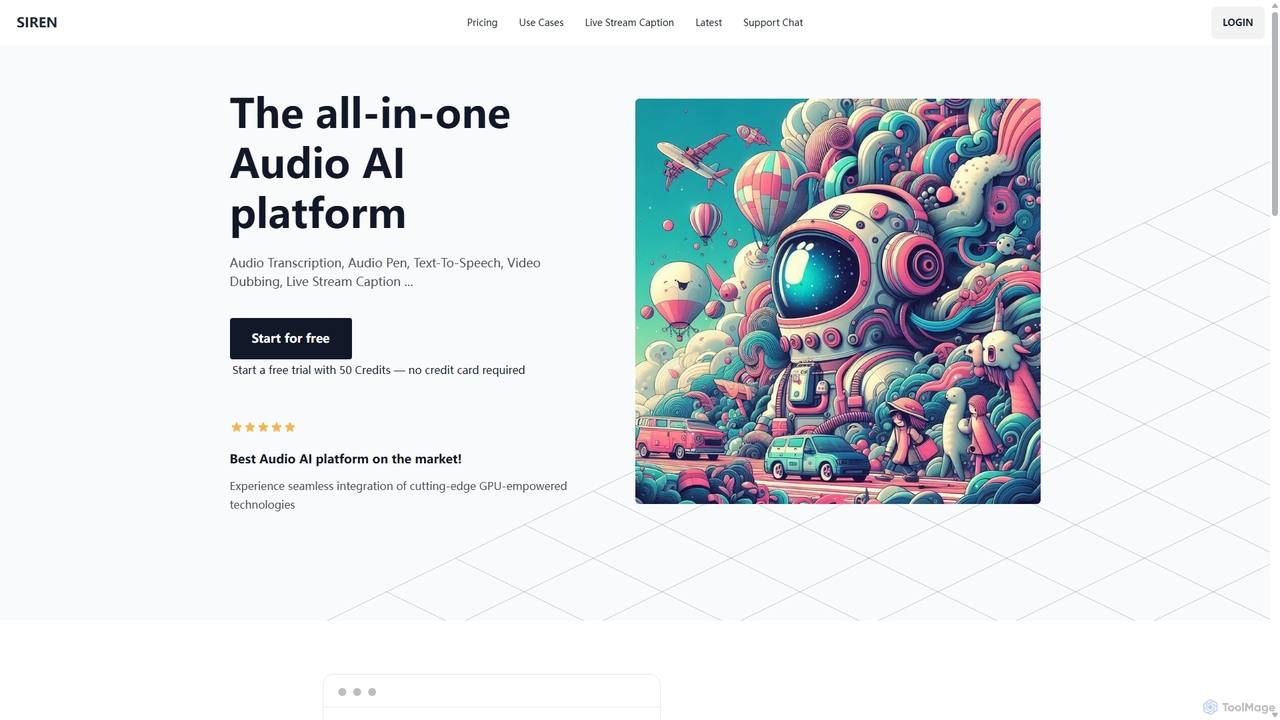
SIREN is an all-in-one, GPU-accelerated AI audio platform. It offers high-accuracy audio transcription, natural text-to-speech with 420+ voices, seamless video dubbing in over 100 languages, and real-time live stream captioning. Designed for creators, marketers, and businesses, SIREN simplifies complex audio tasks into a single, efficient workflow.

Text To Speech
Visits 5.5KFavorites 113Likes 94
Whisprlist
Freemium

Whisprlist

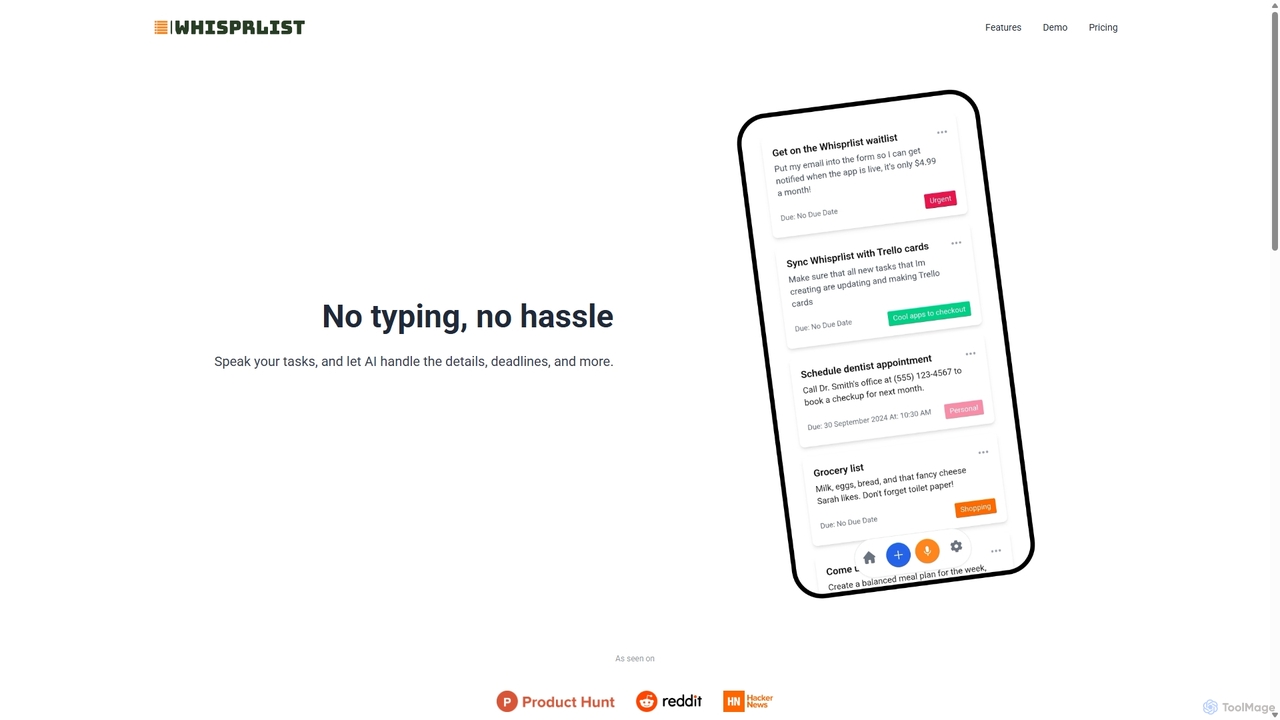
Whisprlist is an AI-powered task management tool that lets you create and organize your to-do list simply by speaking. It eliminates typing, using advanced voice recognition and AI to parse details, set deadlines, and structure your tasks. Receive a daily summary email to stay on track effortlessly.

Voice Recognition
Visits 5.6KFavorites 153Likes 128
Znote
Freemium

Znote

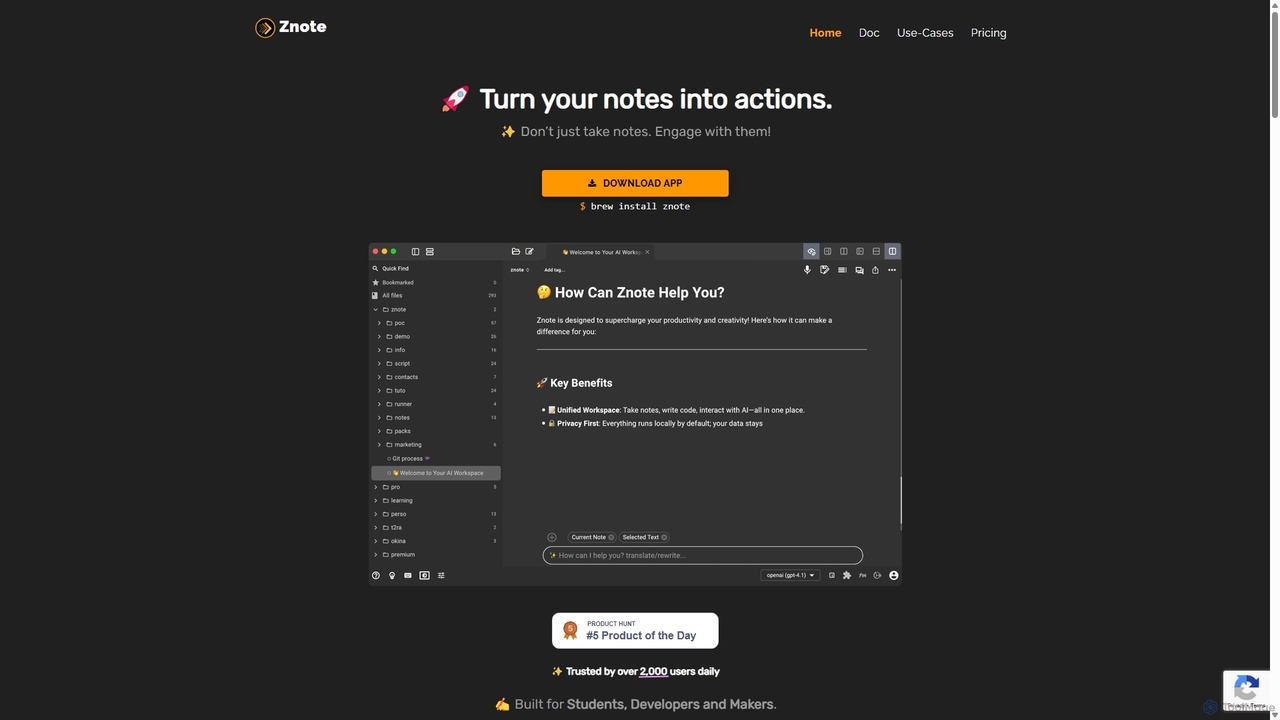
Znote is a powerful note-taking app that turns your notes into interactive, executable documents. It combines a rich Markdown editor with inline code execution (JS, Node.js, Bash), AI assistance, and data integrations, making it a versatile workspace for developers, analysts, and product teams to prototype, document, and automate workflows.

Notebooks
Visits 7.6KFavorites 129Likes 138
Revision.ai
Freemium

Revision.ai

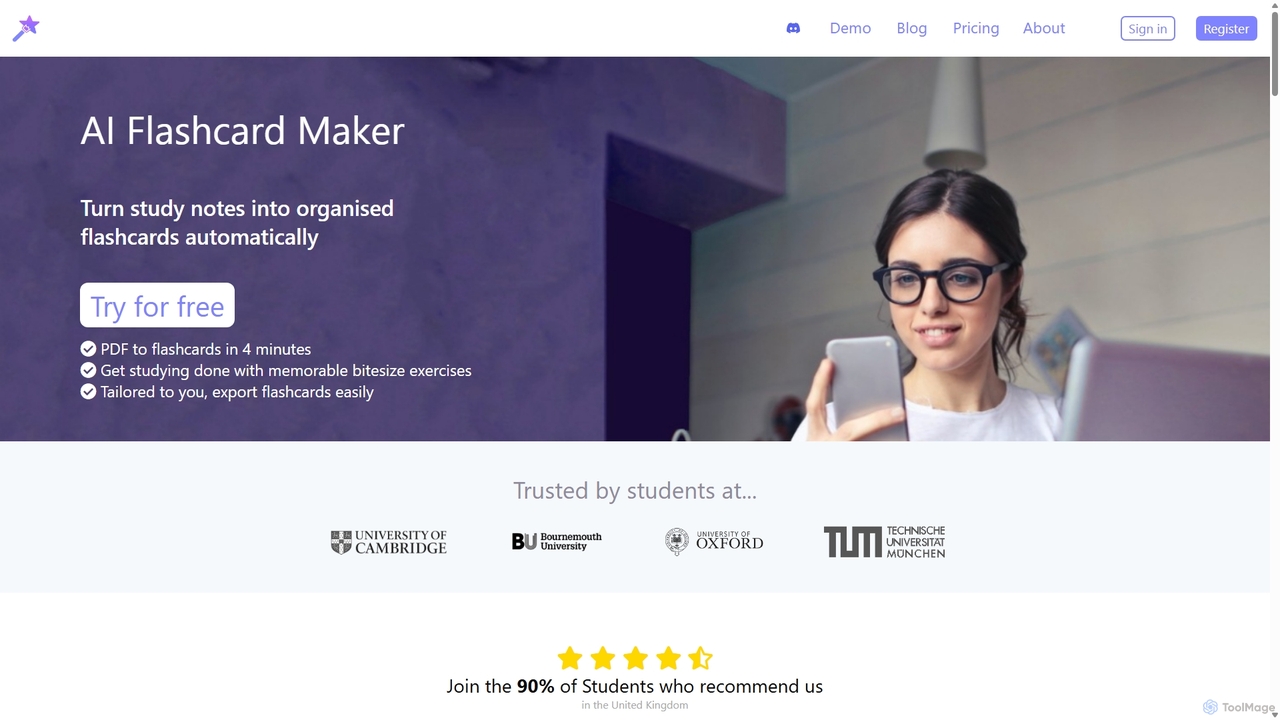
Revision.ai is an AI-powered study tool that transforms learning materials like PDFs, lecture slides, and videos into interactive flashcards and quizzes. It uses cognitive science principles, such as spaced repetition and active recall, to create personalized study plans. The platform's 'Third Brain' system adapts to your performance, identifies knowledge gaps and misconceptions, and helps you study more efficiently to achieve better grades.

Personalized Learning
Visits 7KFavorites 175Likes 175
YouLearn
Freemium

YouLearn

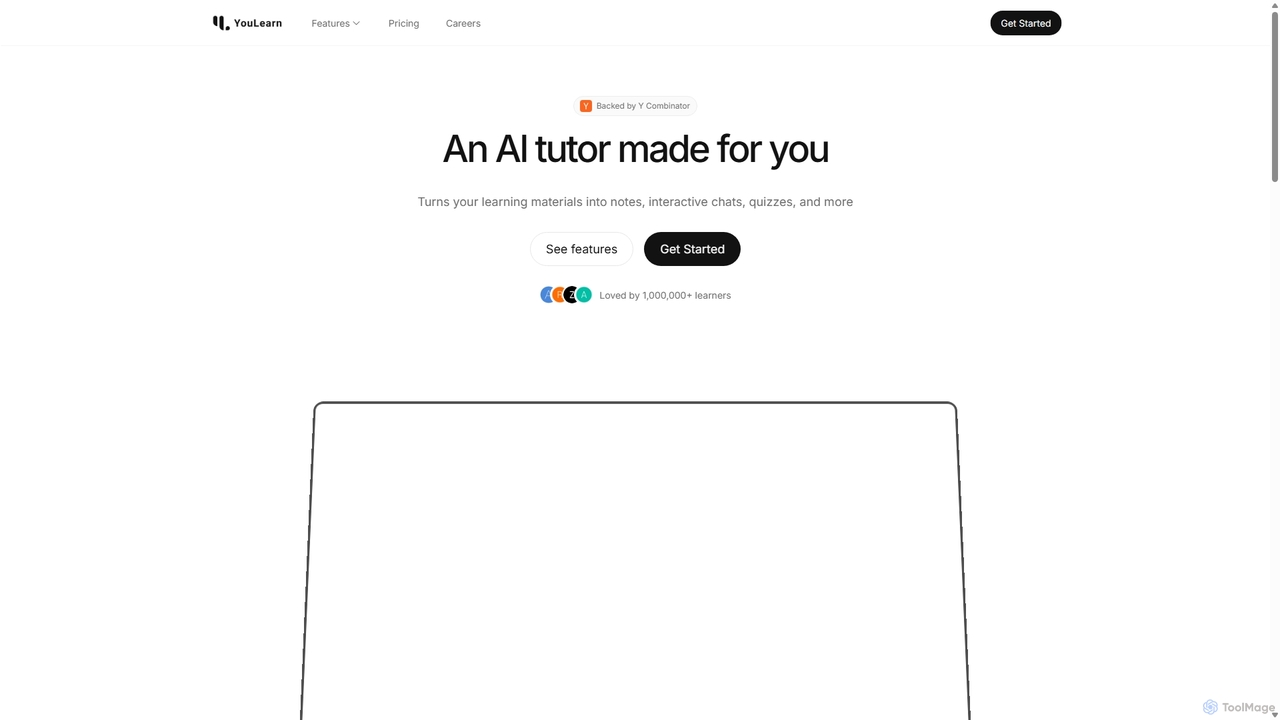
YouLearn is a Y Combinator-backed AI tutor that transforms any learning material—like PDFs, YouTube videos, and lectures—into interactive study tools. It creates summaries, flashcards, and quizzes, and offers an AI chat feature to simplify complex topics, helping over a million students and professionals learn smarter and faster.

Learning Assistant
Visits 748.7KFavorites 149Likes 114
Supanote
Freemium

Supanote

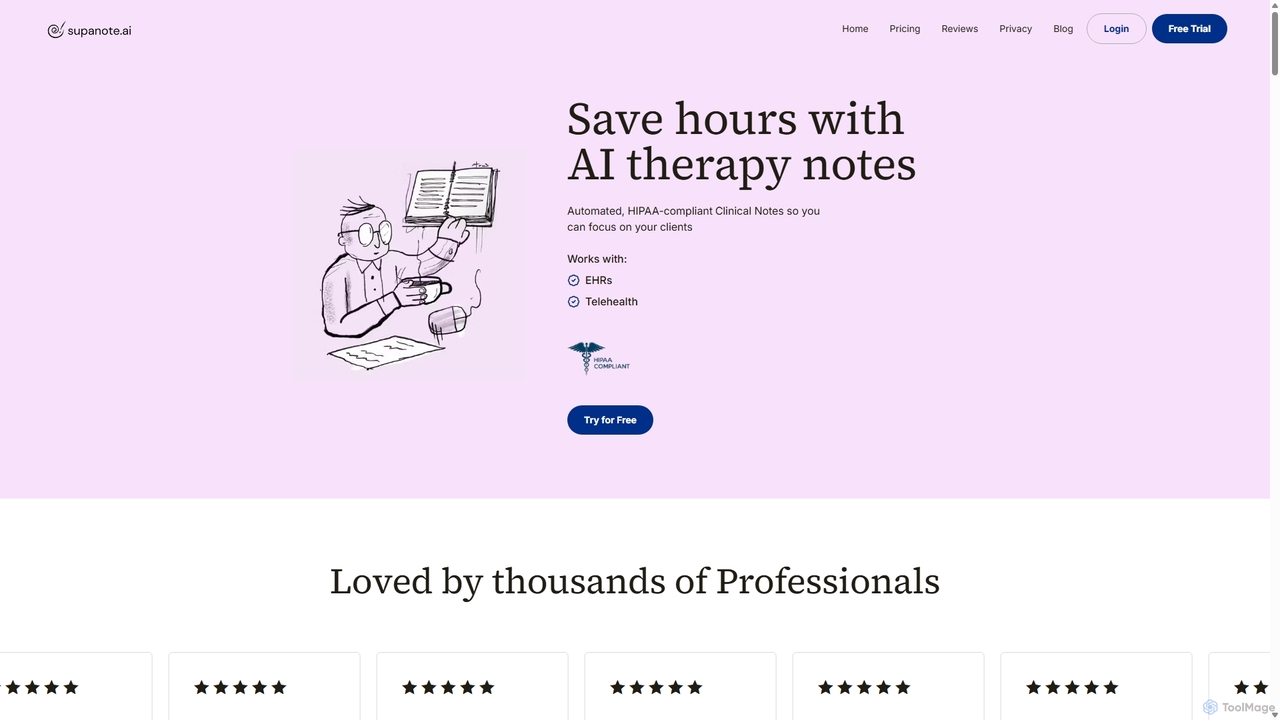
Supanote is a HIPAA-compliant AI scribe designed for mental health professionals. It automates the creation of clinical therapy notes from session recordings, dictation, or uploads, saving practitioners hours on documentation. It supports various note formats (SOAP, DAP, etc.) and integrates with EHRs, allowing therapists to focus more on their clients.

Medical Documentation
Visits 62.8KFavorites 93Likes 98
Papper
Freemium

Papper

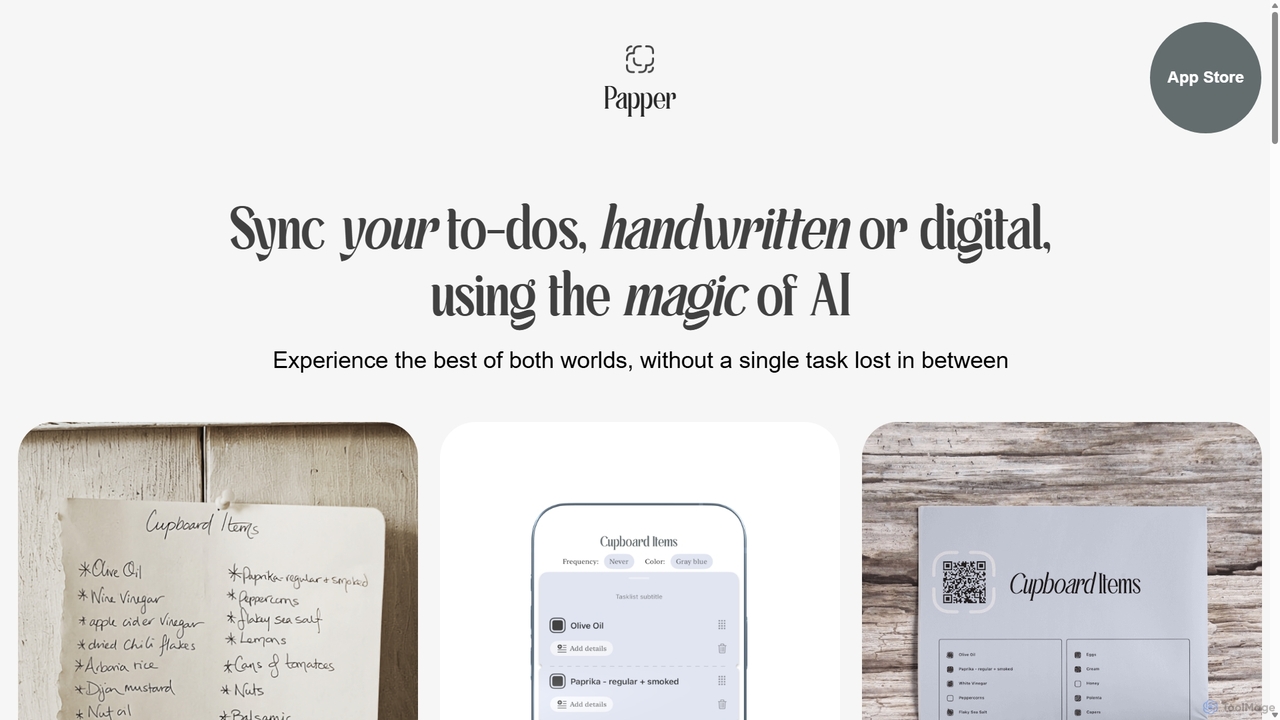
Papper is an innovative iOS app that uses AI to bridge the gap between handwritten notes and digital to-do lists. It digitizes your handwriting, syncs with Apple Reminders, and allows you to update tasks by scanning checkmarks on beautiful, custom printouts.

Organization
Visits 5.6KFavorites 119Likes 123
Raena AI
Freemium

Raena AI

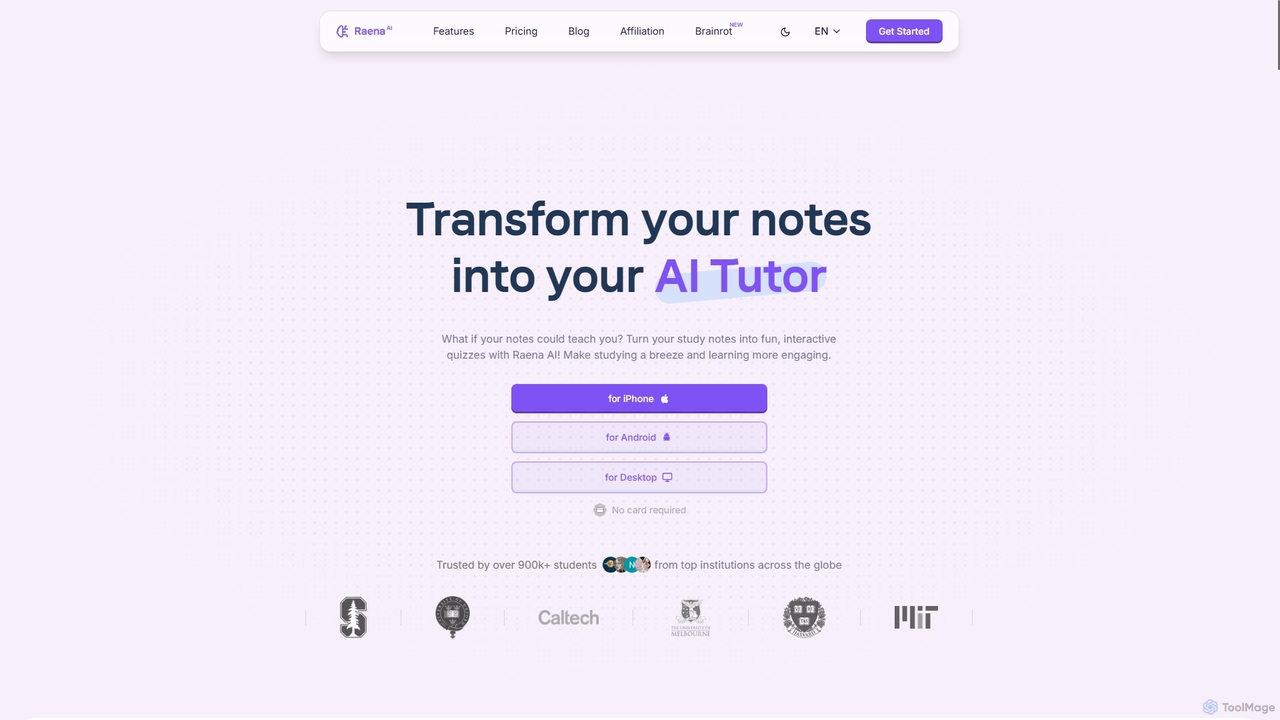
Raena AI is the ultimate AI-powered study application designed to transform your notes into interactive learning tools. It helps students improve retention and reduce study time by generating quizzes, summaries, flashcards, mind maps, and even audio podcasts from any study material. With a personal AI tutor and collaborative features, Raena makes learning more efficient, engaging, and stress-free.

Study Assistant
Visits 174.5KFavorites 121Likes 123
Scrintal
Freemium

Scrintal

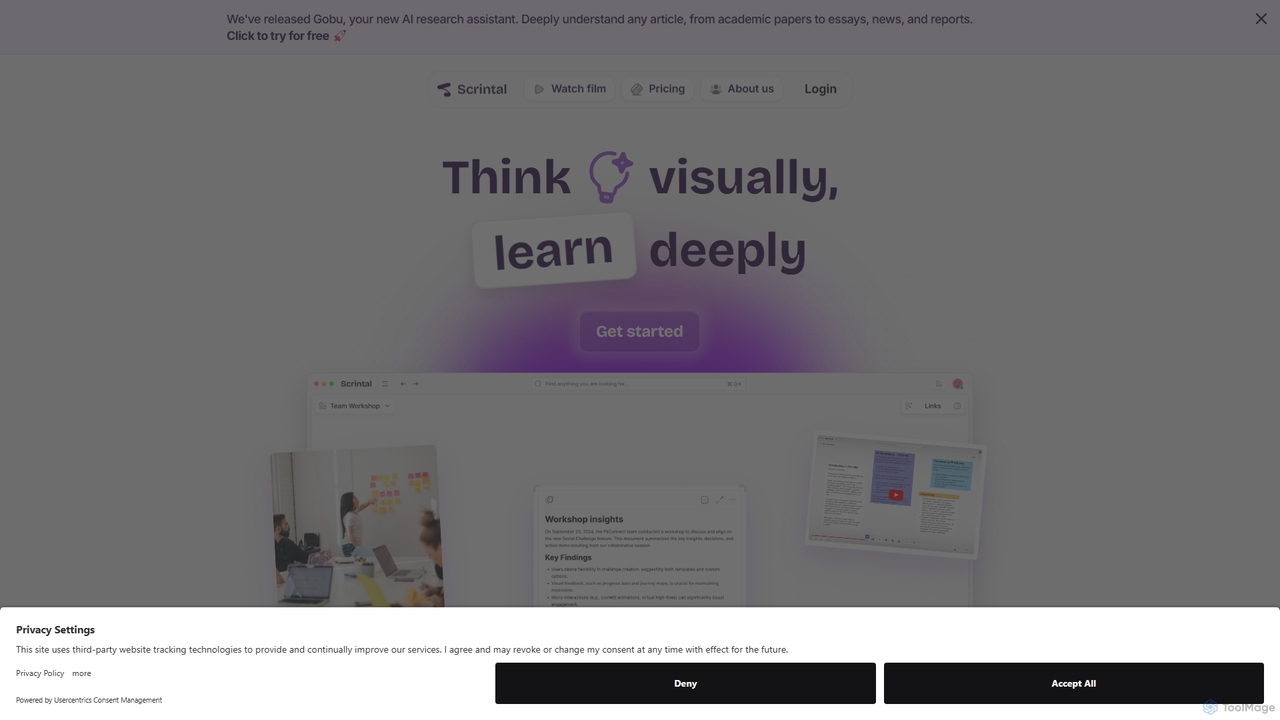
Scrintal is an AI-powered visual note-taking and research tool designed for thinkers, researchers, and students. It combines an infinite canvas for brainstorming with a powerful block-based editor and an AI assistant, Gobu. Organize ideas, connect concepts with bi-directional links, and seamlessly turn your visual thoughts into structured written documents.

Research
Visits 52.8KFavorites 139Likes 140
Monic.ai
Freemium

Monic.ai

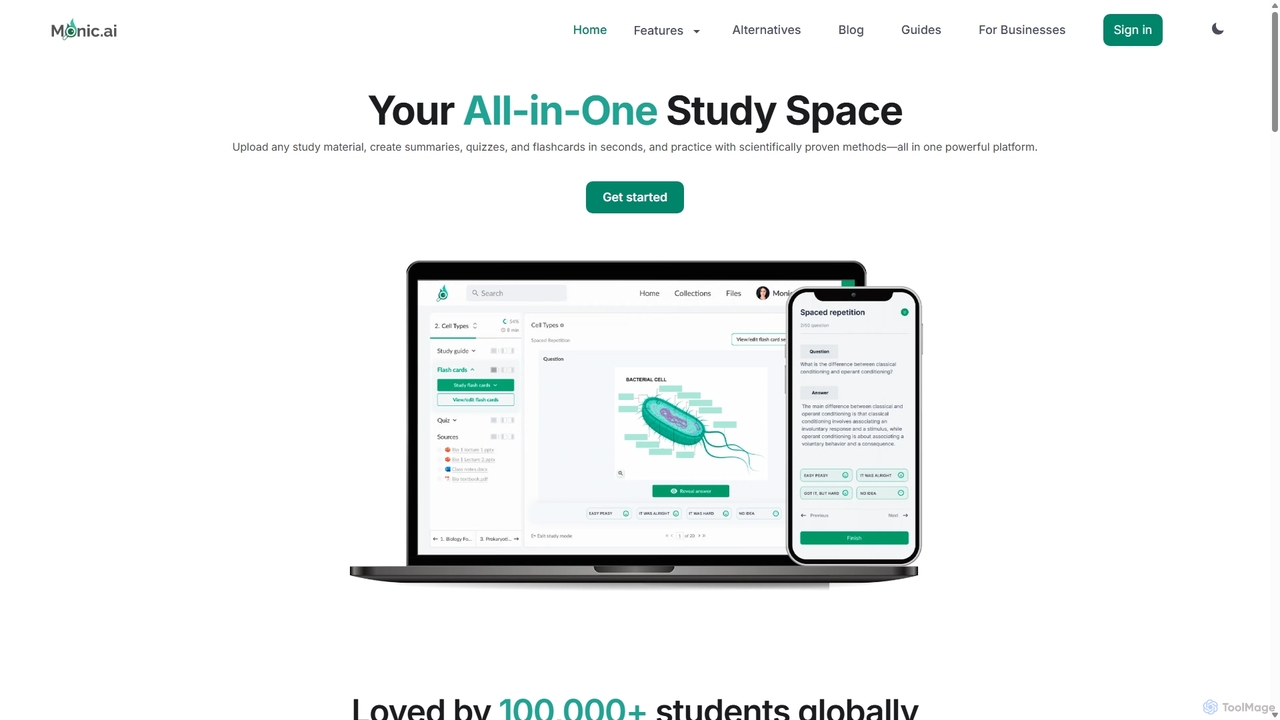
Monic.ai is an all-in-one AI-powered study platform designed to enhance learning efficiency for students, educators, and professionals. It transforms any study material—including documents, audio, and YouTube videos—into interactive summaries, quizzes, and flashcards. Features like an AI tutor, smart practice modes, and file-chat capabilities create a personalized and effective study environment.

Learning
Visits 6.2KFavorites 131Likes 131
Stempad
Freemium

Stempad

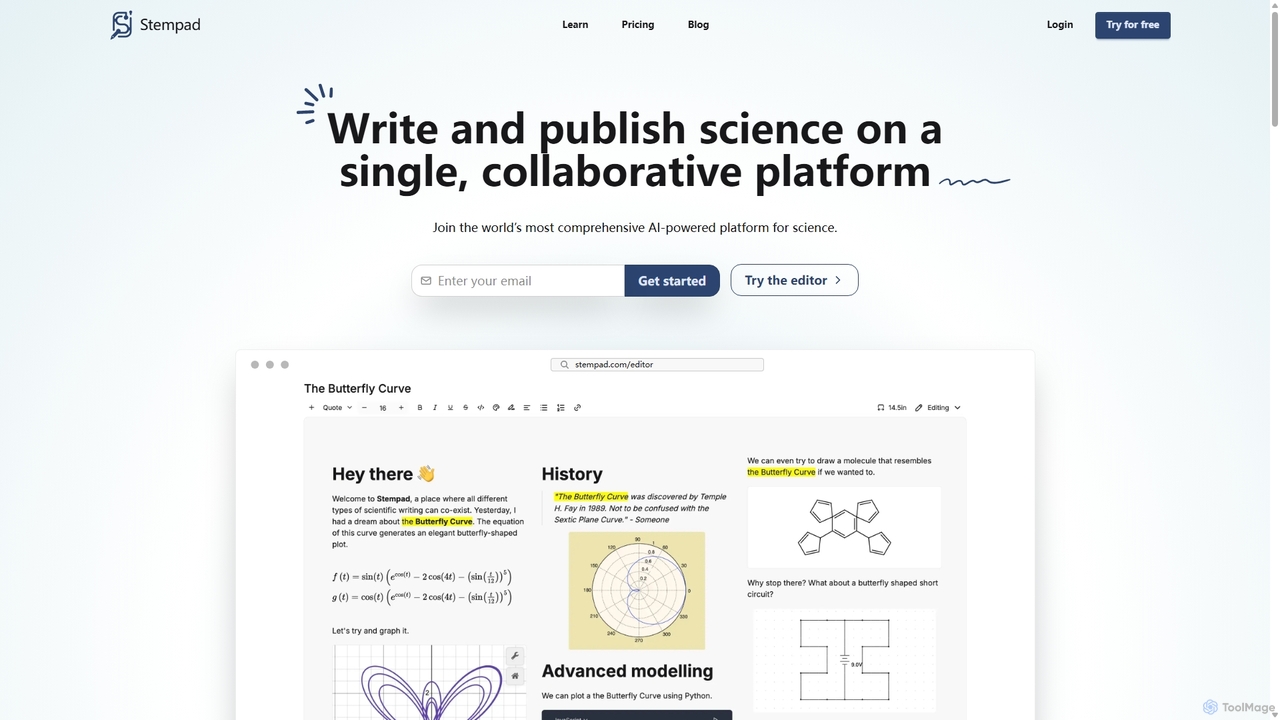
Stempad is an AI-powered, collaborative platform designed for scientific writing and note-taking. It streamlines the process of creating technical documents by integrating intuitive tools for math equations, chemical structures, graphs, and diagrams into a single, fast online editor, making it ideal for students, educators, and researchers in STEM fields.

Student Tools
Visits 11KFavorites 102Likes 117
Undercoverdevs
Freemium

Undercoverdevs

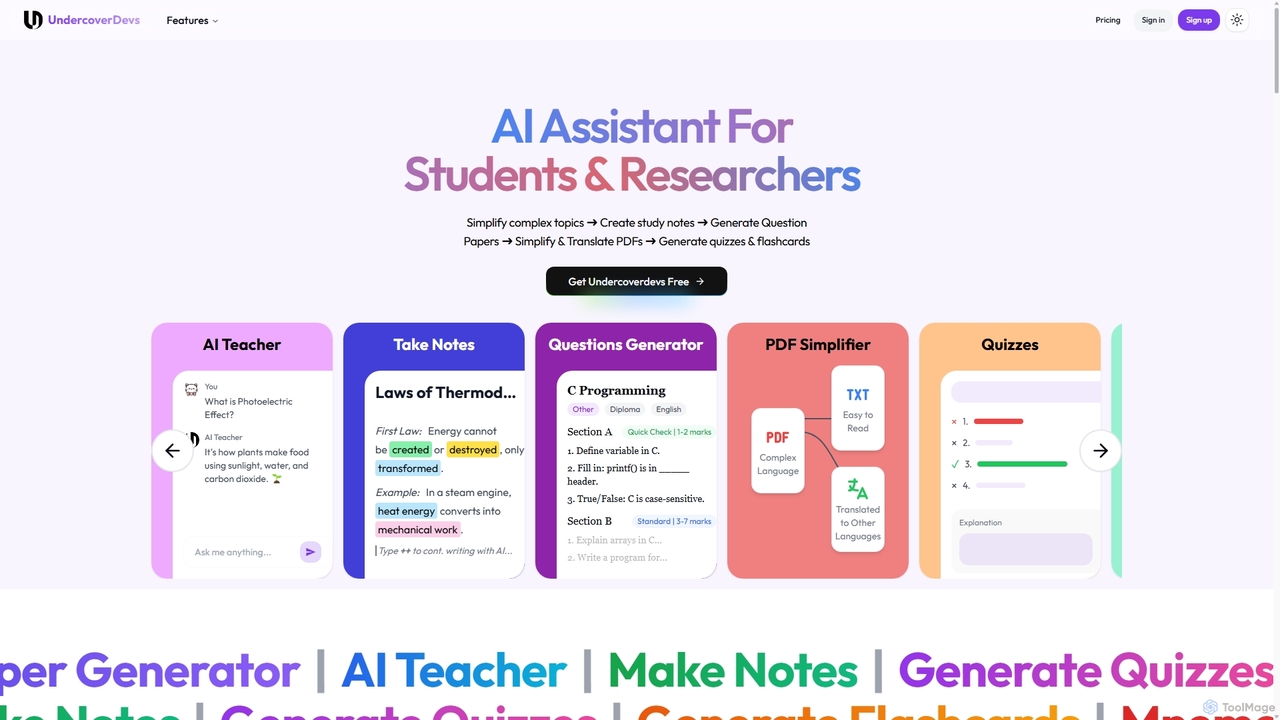
Undercoverdevs is an all-in-one AI-powered study tool for students and researchers. It simplifies complex topics, creates smart study notes, and generates custom question papers, quizzes, and flashcards. It also features a PDF simplifier and translator, acting as a comprehensive personal AI tutor to enhance learning, retention, and exam preparation.

Learning Assistant
Visits 6KFavorites 161Likes 163
SpeechtoNote
Freemium

SpeechtoNote

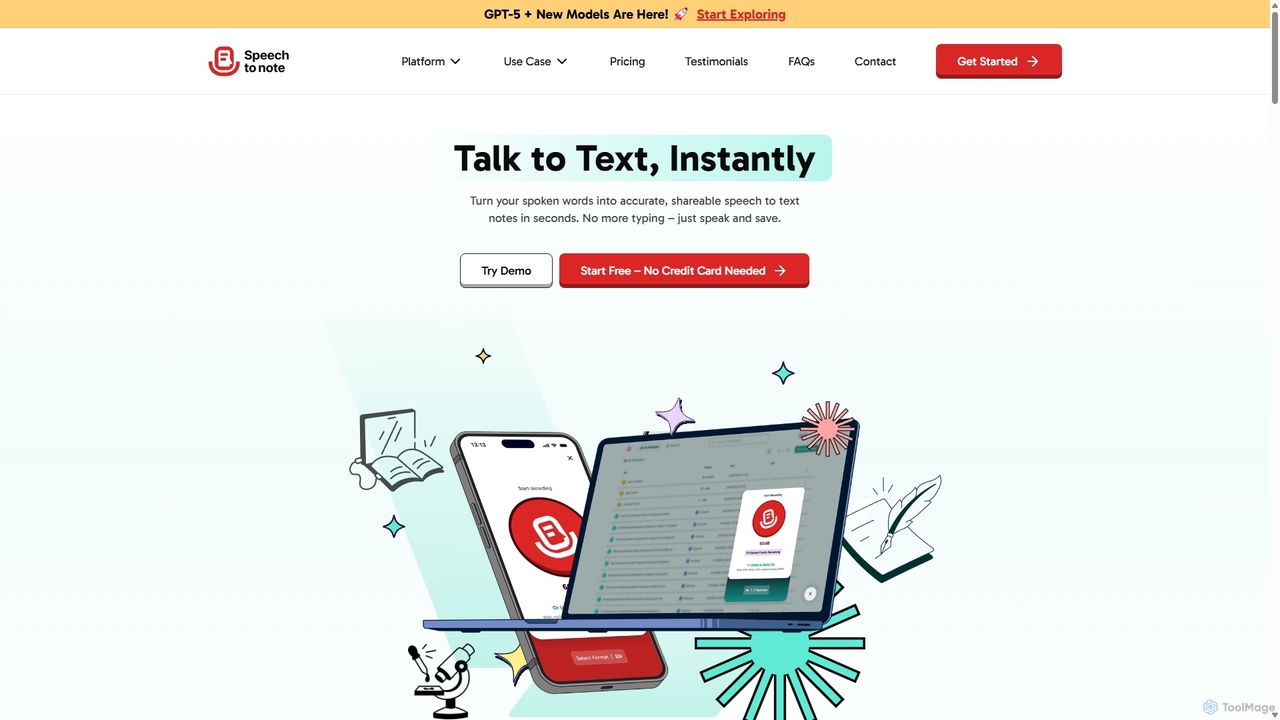
SpeechtoNote is an AI-powered tool that instantly converts spoken words into accurate text notes. It supports over 40 languages and offers 30+ smart note formats, including summaries, emails, and to-do lists. Powered by advanced models like GPT-4o, it's designed for professionals, students, and creators to capture ideas, transcribe meetings, and streamline their workflow effortlessly.

Speech To Text
Visits 13.1KFavorites 112Likes 112
Opennote
Freemium

Opennote

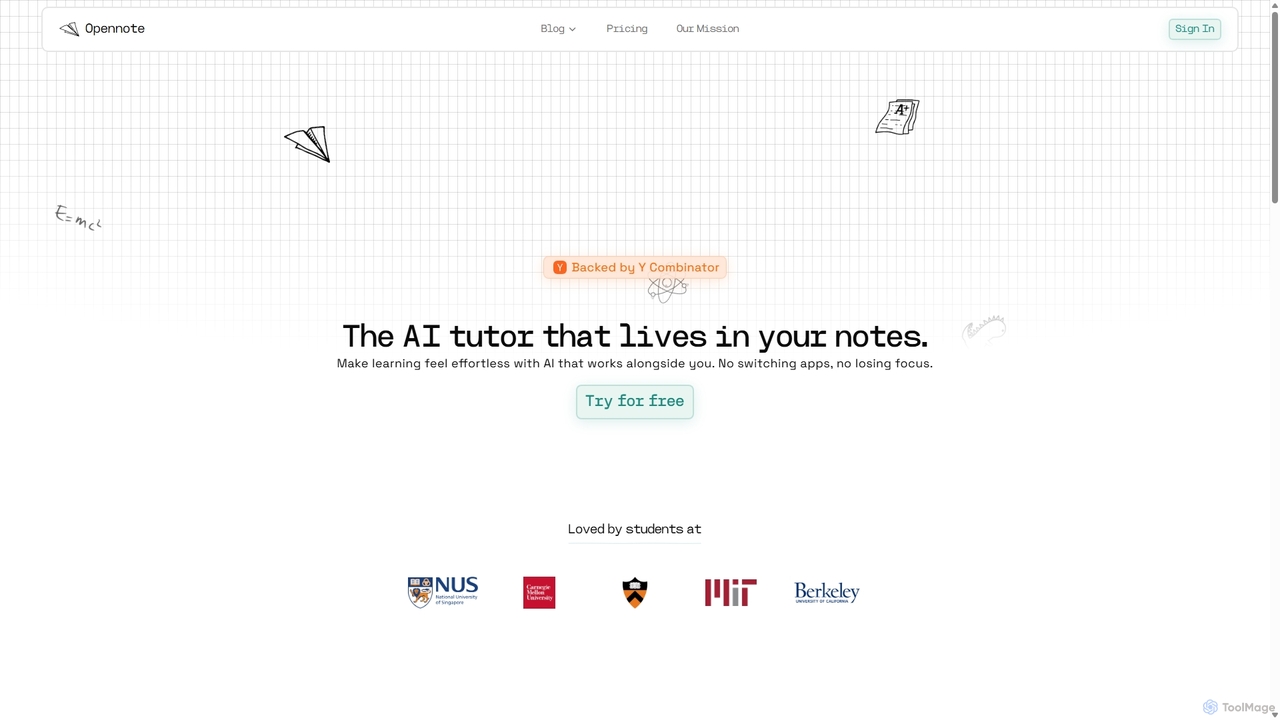
Opennote is a Y Combinator-backed AI tutor integrated directly into your note-taking workspace. It enhances learning by proactively providing feedback, generating visual aids like videos and graphs, and referencing your existing documents from Google Drive and Notion. Designed for students and lifelong learners, it transforms static notes into an interactive, collaborative learning environment, making studying more efficient and effortless without switching apps.

Learning Assistant
Visits 33.4KFavorites 149Likes 154
Mem
Freemium

Mem

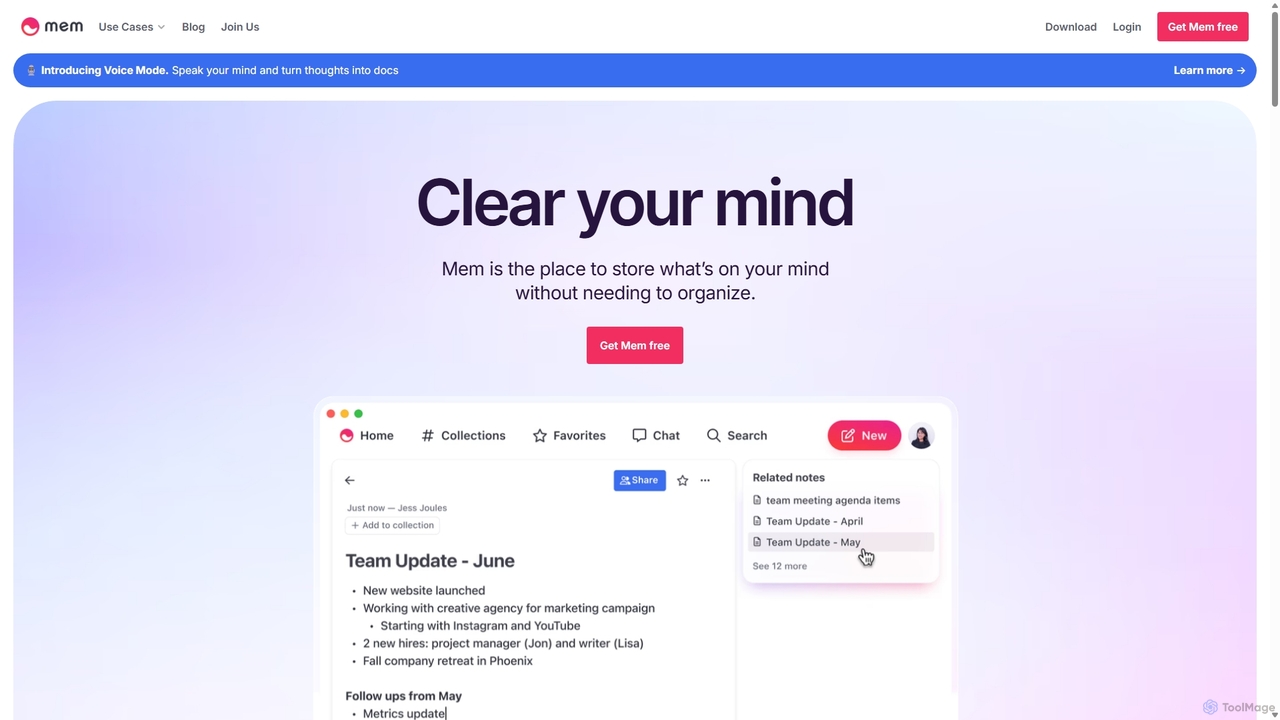
Mem is a self-organizing workspace powered by AI, designed to act as your personal second brain. It captures, connects, and resurfaces your notes automatically, eliminating the need for manual organization. With its integrated AI chat, you can search, summarize, and generate content from your own knowledge base.

Personal Assistant
Visits 368.4KFavorites 130Likes 146
TextGen
Free

TextGen

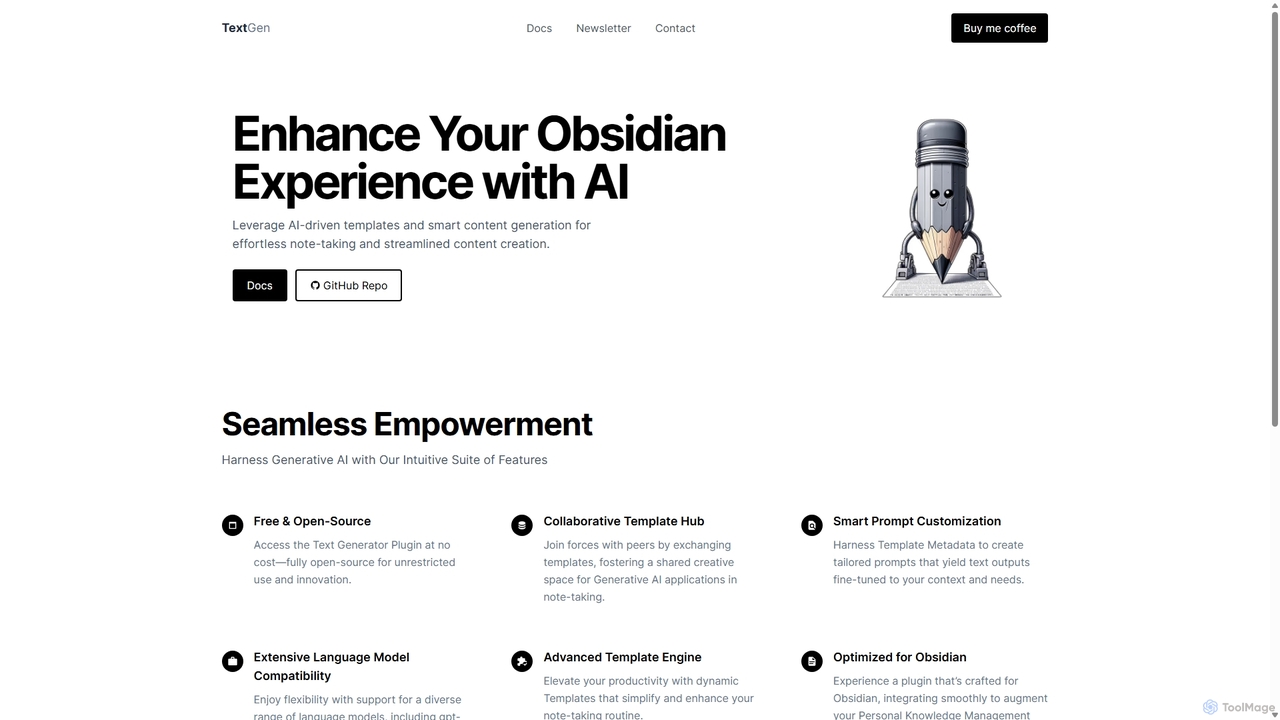
TextGen is a free, open-source AI plugin for Obsidian that supercharges your note-taking and content creation. It integrates seamlessly with various large language models like GPT-4, Claude, and Llama, allowing you to generate, summarize, and transform text using customizable templates directly within your knowledge base.

Code Assistant
Visits 12.3KFavorites 110Likes 109
TMDX
Freemium

TMDX

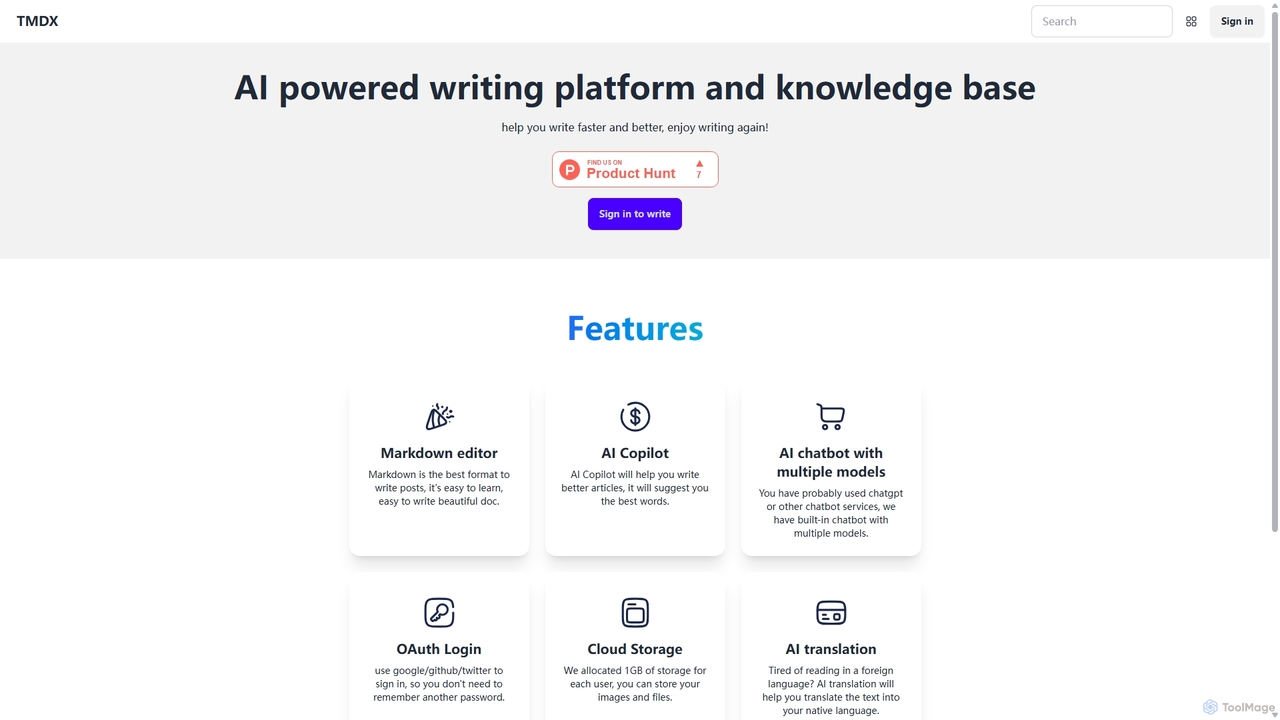
TMDX is an AI-powered writing platform and personal knowledge base designed to enhance your writing process. It combines a clean Markdown editor with an AI Copilot for content generation, a multi-model AI chatbot for research, and built-in AI translation. With a focus on privacy, data ownership, and an ad-free experience, TMDX helps you write faster, better, and more enjoyably.

Blogging
Visits 5.6KFavorites 120Likes 112
TheraPulse
Freemium

TheraPulse

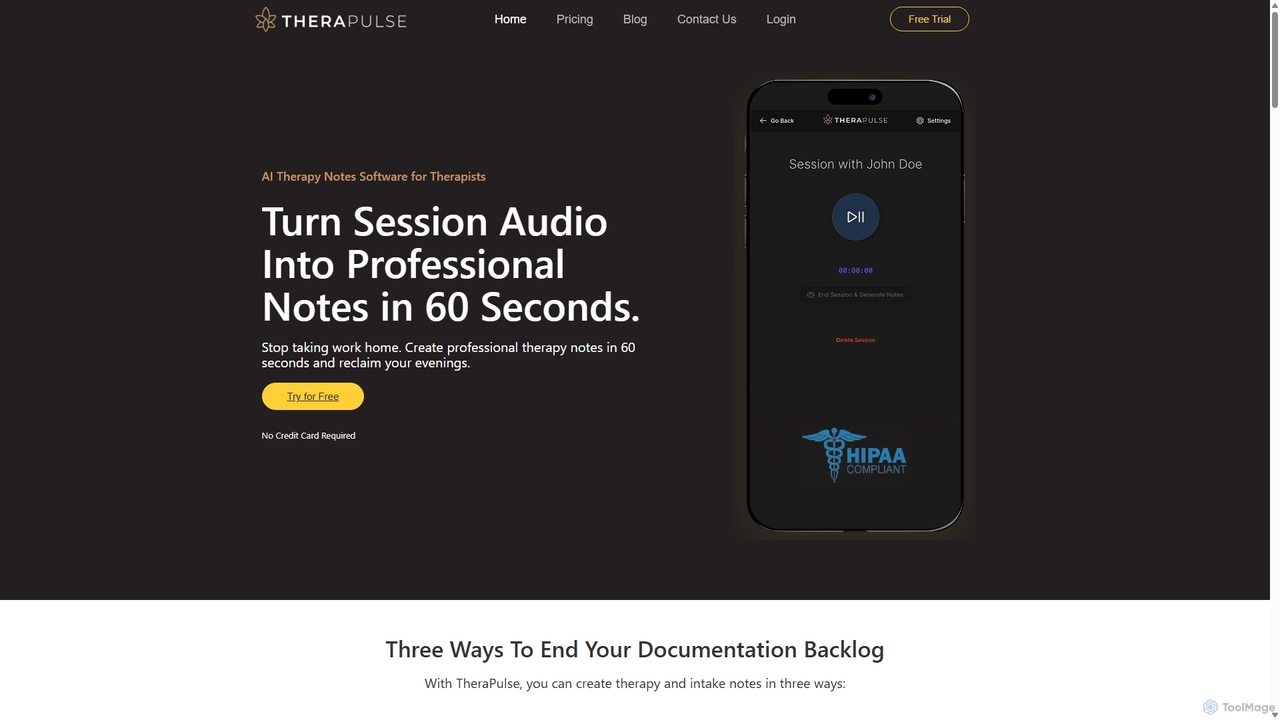
TheraPulse is an AI-powered software designed for mental health professionals to streamline clinical documentation. It automatically transcribes therapy session audio into professional, customizable notes in formats like SOAP, DAP, and BIRP within 60 seconds. This HIPAA-compliant tool saves therapists hours on paperwork, allowing them to focus more on client care.

Medical Documentation
Visits 6.8KFavorites 152Likes 124
Letterly
Freemium

Letterly

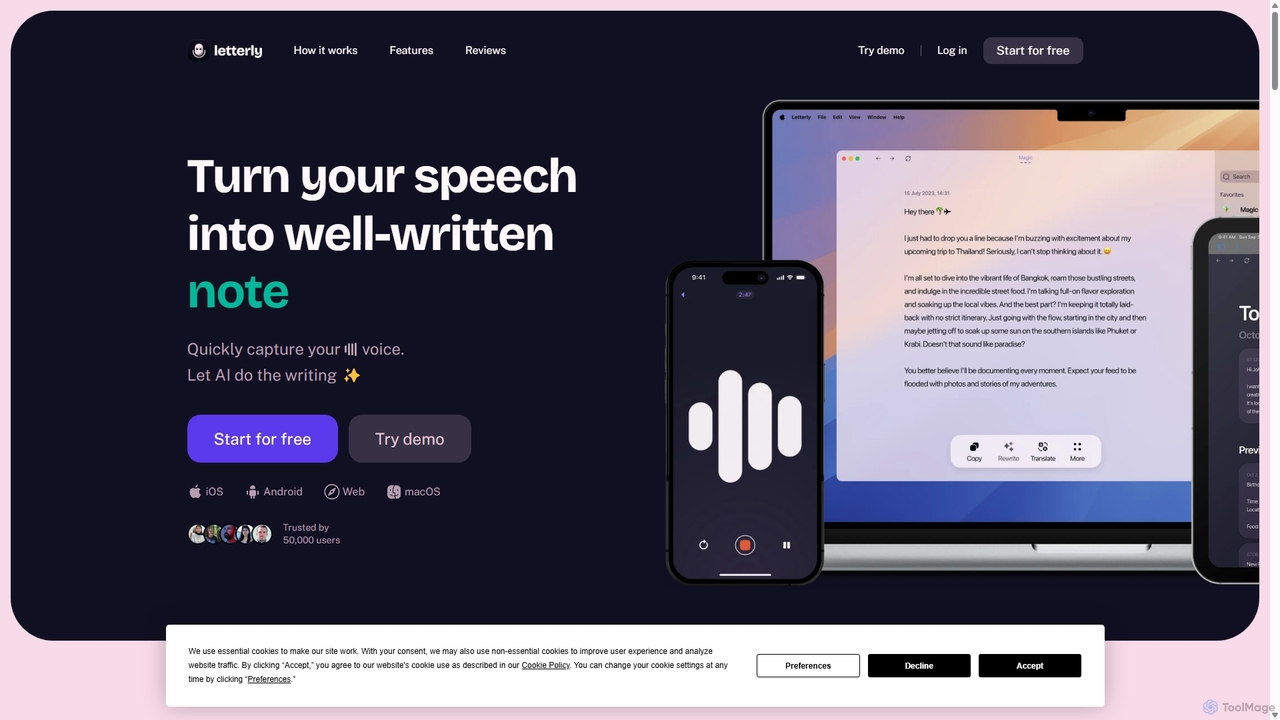
Letterly is an AI-powered mobile and desktop app that transforms your spoken words into clear, well-written text. It's more than just transcription; it uses AI to structure, rewrite, and format your voice notes into ready-to-use emails, social media posts, journal entries, to-do lists, and more, supporting over 90 languages.

Transcription
Visits 352.2KFavorites 104Likes 96
VoxNote
Freemium

VoxNote

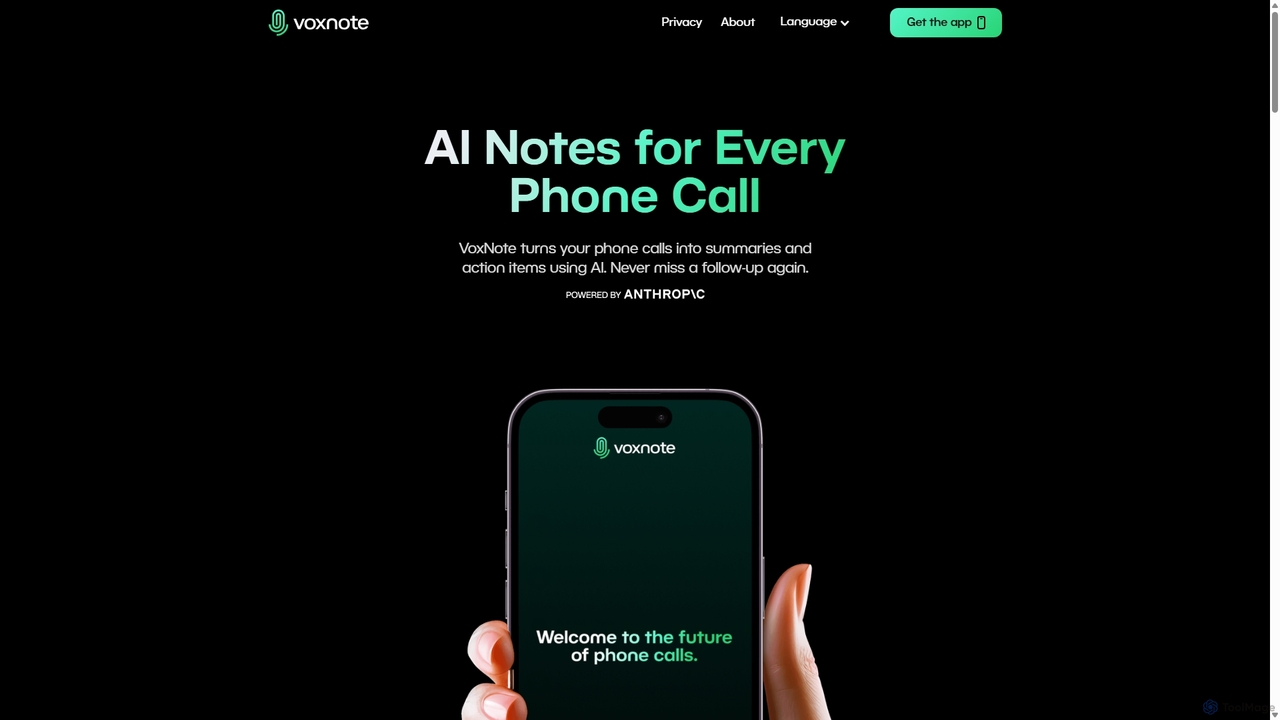
VoxNote is an AI-powered mobile app that transforms your phone calls into concise summaries and actionable to-do lists. It automatically records, transcribes, and analyzes your conversations, ensuring you never miss important details or follow-ups. Ideal for busy professionals who want to focus on the conversation, not on taking notes.

Communication
Visits 8.4KFavorites 103Likes 104
Plaud
Paid

Plaud

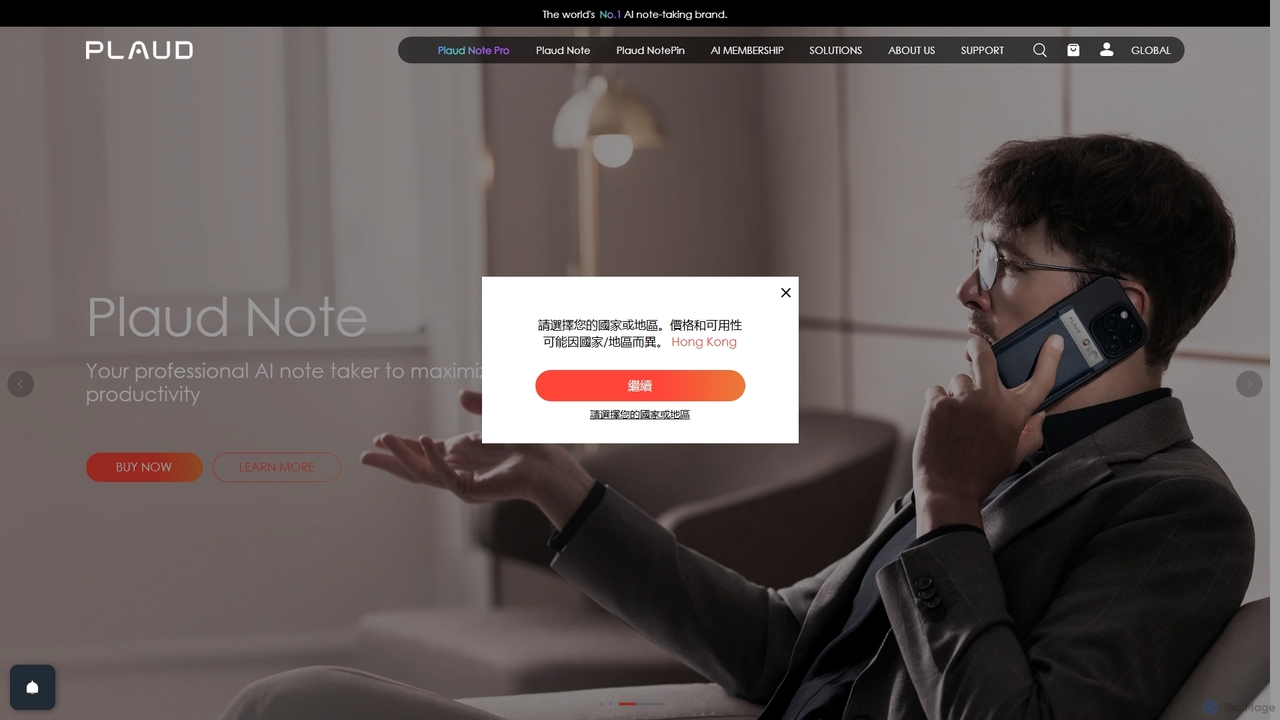
Plaud is an innovative AI note-taking solution combining a sleek hardware voice recorder with a powerful AI app. It captures conversations, transcribes them with high accuracy, and generates structured summaries, mind maps, and action items. Designed for professionals, students, and creators, Plaud streamlines the documentation of meetings, lectures, and interviews, saving hours of manual work and ensuring no critical detail is missed.

Transcription
Visits 4.8MFavorites 158Likes 176

About Note Taking

AI Note Taking tools are applications that use artificial intelligence to intelligently capture, organize, and process information. They leverage technologies like Natural Language Processing (NLP) to transcribe audio in real-time, automatically summarize long texts, and identify key insights. This transforms unstructured data from meetings, lectures, and brainstorms into structured, searchable knowledge. These tools go beyond simple text storage, acting as an intelligent assistant to help you understand and act on your notes more effectively.

Core Features

  • Real-Time Transcription: Automatically converts spoken words from meetings, interviews, or lectures into written text.
  • AI-Powered Summarization: Generates concise summaries of lengthy notes, articles, or transcripts to highlight key points.
  • Semantic Search: Allows you to search for concepts and ideas by meaning, not just exact keywords, across your entire note library.
  • Action Item Detection: Automatically identifies and extracts tasks, decisions, and follow-ups from your notes.
  • Intelligent Organization: Suggests tags, creates links between related notes, and helps structure information automatically.

Use Cases

These tools are invaluable for professionals in meeting-heavy roles like project managers and consultants, students recording lectures, and researchers analyzing interviews. Content creators, journalists, and writers also use them to streamline the process of turning raw conversations into polished content. Any individual looking to build a personal knowledge management system can benefit from the automated organization features.

How to Choose

When selecting an AI Note Taking tool, consider the accuracy of its transcription and summarization features. Evaluate its integration capabilities with your existing calendar, cloud storage, and project management apps. Assess the platform's security and data privacy policies, especially for sensitive information. Finally, compare pricing models and the user interface to find a tool that fits your workflow and budget.

Featured tool rankings

Note Taking use cases

1

Automate Meeting Minutes and Action Items

For project managers and team leads, manually transcribing meetings and distilling action items is time-consuming. An AI Note Taking tool can join a virtual meeting, record the audio, and provide a full transcript moments after it ends. The AI then automatically generates a concise summary highlighting key decisions and identifies all tasks assigned to team members, complete with deadlines. This process reduces post-meeting administrative work by over 80%, ensuring accountability and allowing teams to focus on execution rather than documentation.

2

Enhance Academic Research and Study

Students and researchers can use AI Note Taking tools to capture entire lectures or research interviews. Instead of frantically typing, they can focus on the content. The tool provides a searchable transcript, allowing them to instantly find specific topics discussed weeks or months later. Using semantic search, a student can ask, 'What were the main arguments about quantum mechanics?' and the AI will pull relevant sections from all related lecture notes. This transforms study from passive listening to active knowledge exploration.

3

Streamline Content Creation from Interviews

Journalists, podcasters, and content creators conduct numerous interviews that must be converted into articles or scripts. An AI Note Taking tool can transcribe an hour-long interview in minutes. The creator can then use the AI summarizer to get the gist of the conversation and identify key themes. By searching for specific quotes or topics within the transcript, they can quickly pull the necessary material to structure their content, drastically reducing the time from interview to final publication.

4

Build a Personal Knowledge Management (PKM) System

For lifelong learners and knowledge workers, building a 'second brain' is crucial. AI Note Taking tools accelerate this by automatically processing information. You can clip web articles, forward emails, or record voice memos, and the AI will transcribe, summarize, and tag them. More advanced tools can even identify connections between new notes and existing ones, creating a web of linked knowledge. This helps users surface unexpected insights and build a deeper, more interconnected understanding of their interests over time.

5

Capture and Organize Client Call Details

Sales professionals, consultants, and account managers rely on detailed client communication. An AI Note Taking tool can record and transcribe client calls (with consent), ensuring no detail is missed. After the call, the AI can summarize the client's needs, objections, and agreed-upon next steps. This summary can be automatically pushed to a CRM system, creating a reliable record and saving the professional from manual data entry. This ensures consistent follow-up and a better understanding of the client's history.

6

Structure Brainstorming and Creative Ideas

Creative teams often have dynamic brainstorming sessions where ideas flow freely. An AI Note Taking tool can capture this entire conversation. Afterwards, the AI can help structure the chaos by identifying key concepts and grouping related ideas into themes. Some tools can even generate a mind map or an outline from the transcript, providing an instant, organized starting point for the next phase of a project. This allows teams to maintain creative momentum without getting bogged down in organizing the output.

Note Taking FAQ

What are AI Note Taking tools?

AI Note Taking tools are advanced applications that go beyond simple text entry. They use artificial intelligence to actively process and structure your information. Key features often include real-time audio transcription, automatic summarization of long notes, and semantic search that understands the context of your query. Unlike traditional note apps where organization is manual, these tools act as an intelligent assistant to help you capture, find, and understand your knowledge more efficiently.

How to choose the right AI Note Taking tool?

To choose the right tool, evaluate these factors:

  • Accuracy: How well does it transcribe audio and summarize text? Look for tools with high accuracy rates for your specific language or accent.
  • Integrations: Does it connect with your existing workflow, such as calendars (for meeting invites), cloud storage (like Google Drive), and project management tools (like Notion or Asana)?
  • Platform Availability: Is it available on all the devices you use, including web, desktop, and mobile?
  • Security and Privacy: How is your data stored and protected? This is crucial if you're recording confidential conversations.
  • User Interface: Is the tool intuitive and easy to use, or does it have a steep learning curve?
What's the difference between AI Note Taking and traditional note apps?

The key difference is processing versus storage. Traditional note apps (like Apple Notes or early versions of Evernote) are digital notebooks for you to manually type, draw, and organize information. They are passive storage systems. AI Note Taking tools are active processing systems. They don't just store your notes; they analyze them. They automatically transcribe audio, summarize content, detect action items, and create links between related ideas, significantly reducing the manual effort required to make your notes useful.

Can AI Note Taking tools handle different languages and accents?

Yes, most modern AI Note Taking tools are designed to be multilingual. The quality and number of supported languages can vary significantly between platforms. Top-tier tools often support dozens of languages for transcription and can differentiate between various accents within a single language (e.g., American, British, and Australian English). When choosing a tool, it's important to check their list of supported languages and, if possible, test the transcription accuracy with your specific accent or dialect to ensure it meets your needs.

Who can benefit most from AI Note Taking tools?

While anyone can benefit, certain roles see a massive return on investment. This includes:

  • Students & Researchers: For capturing lectures and interviews without missing details and easily searching through study materials.
  • Project Managers & Team Leads: For automating meeting minutes, tracking action items, and ensuring clear communication.
  • Consultants & Sales Professionals: For documenting client calls, capturing requirements, and integrating notes with CRM systems.
  • Content Creators & Journalists: For quickly transcribing interviews and finding key quotes to streamline their writing process.
  • Knowledge Workers: Anyone looking to build a personal knowledge management (PKM) system or 'second brain' to organize their thoughts and learnings.